IAT 334 Interface Design Chris Shaw SCHOOL OF
![IAT 334 Interface Design Chris Shaw ___________________________________________ SCHOOL OF INTERACTIVE ARTS + TECHNOLOGY [SIAT]](https://slidetodoc.com/presentation_image_h/193eaddaf3bce578474eea3ed9f16ab3/image-1.jpg "IAT 334 Interface Design Chris Shaw ___________________________________________ SCHOOL OF INTERACTIVE ARTS + TECHNOLOGY [SIAT]")
![History of HCI ___________________________________________ SCHOOL OF INTERACTIVE ARTS + TECHNOLOGY [SIAT] | WWW. SIAT.](https://slidetodoc.com/presentation_image_h/193eaddaf3bce578474eea3ed9f16ab3/image-20.jpg "History of HCI ___________________________________________ SCHOOL OF INTERACTIVE ARTS + TECHNOLOGY [SIAT] | WWW. SIAT.")
![IAT 334 Interface Design Task Analysis ___________________________________________ SCHOOL OF INTERACTIVE ARTS + TECHNOLOGY [SIAT]](https://slidetodoc.com/presentation_image_h/193eaddaf3bce578474eea3ed9f16ab3/image-51.jpg "IAT 334 Interface Design Task Analysis ___________________________________________ SCHOOL OF INTERACTIVE ARTS + TECHNOLOGY [SIAT]")
- Slides: 168
IAT 334 Interface Design Chris Shaw ___________________________________________ SCHOOL OF INTERACTIVE ARTS + TECHNOLOGY [SIAT] | WWW. SIAT. SFU. CA May 18, 2010 IAT 334 1
Exam Materials g Slides g Shneiderman & Plaisant Chapters 1 -8 g Programming materials – Supplemantary: Glassner Book • Chapters 1 -5, • Chapters 10. 2, 13. 1 -13. 6 – On Sakai: Password: Glassner. IAT 334 May 18, 2010 IAT 334 2
Why We Are Here g Look at human factors that affect software design and development g Central May 18, 2010 Topic: User interface design IAT 334 3
HCI g What happens when a human and a computer get together to perform a task – Task • • Write a document Plan a budget Design a presentation Play a video game – Not a task. . • Goof off (obviously) May 18, 2010 IAT 334 4
Why is this important? g Computers (in one way or another) affect every person in society – Increasing % use computers in work, at home in the road… g Product May 18, 2010 success depends on ease of use IAT 334 5
Course Aims g Consciousness raising for you – Eg. Don Norman • “The Design of Everyday Things” – Doors • Handles afford various opening method g Design May 18, 2010 critic IAT 334 6
Goals of HCI (Shneiderman & Plaisant Chap 1) g Allow users to carry out tasks – Safely – Effectively – Efficiently – Enjoyably May 18, 2010 IAT 334 7
Goals of System Engineering Functionality • Tasks and sub-tasks to be carried out Reliability • Maintaining trust in the system Standardization, integration, consistency and portability Schedules and budgets • Adhering to timelines and expense • Human factors principles and testing reduces costs May 18, 2010 IAT 334
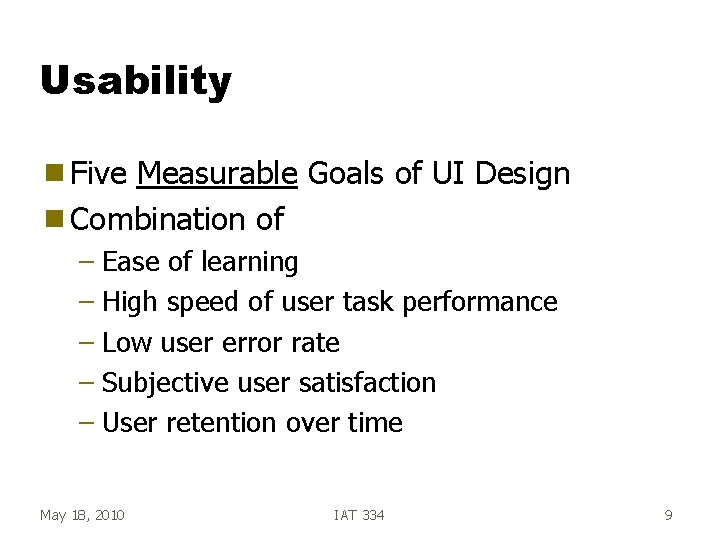
Usability g Five Measurable Goals of UI Design g Combination of – Ease of learning – High speed of user task performance – Low user error rate – Subjective user satisfaction – User retention over time May 18, 2010 IAT 334 9
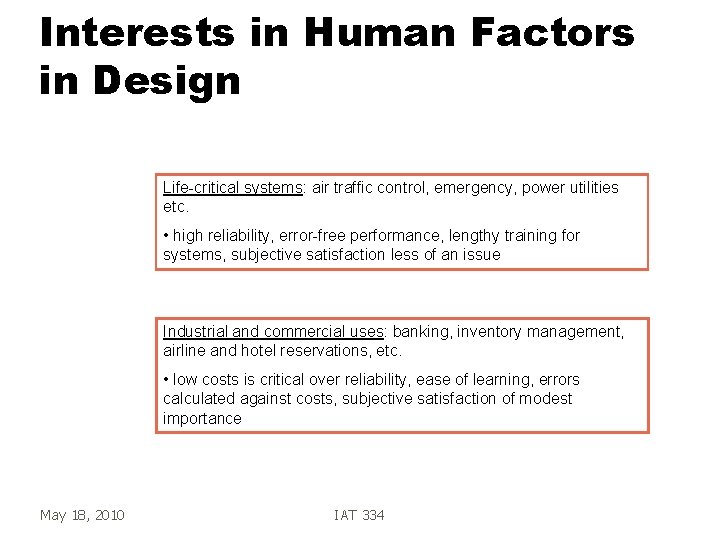
Interests in Human Factors in Design Life-critical systems: air traffic control, emergency, power utilities etc. • high reliability, error-free performance, lengthy training for systems, subjective satisfaction less of an issue Industrial and commercial uses: banking, inventory management, airline and hotel reservations, etc. • low costs is critical over reliability, ease of learning, errors calculated against costs, subjective satisfaction of modest importance May 18, 2010 IAT 334
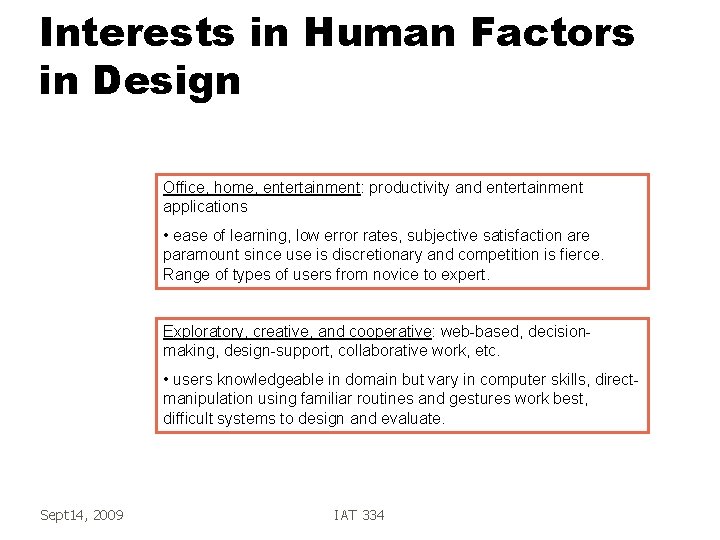
Interests in Human Factors in Design Office, home, entertainment: productivity and entertainment applications • ease of learning, low error rates, subjective satisfaction are paramount since use is discretionary and competition is fierce. Range of types of users from novice to expert. Exploratory, creative, and cooperative: web-based, decisionmaking, design-support, collaborative work, etc. • users knowledgeable in domain but vary in computer skills, directmanipulation using familiar routines and gestures work best, difficult systems to design and evaluate. Sept 14, 2009 IAT 334
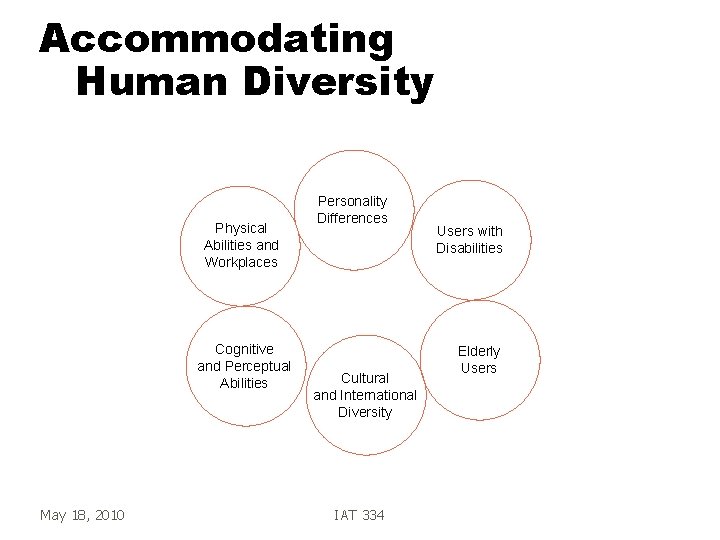
Accommodating Human Diversity Physical Abilities and Workplaces Cognitive and Perceptual Abilities May 18, 2010 Personality Differences Cultural and International Diversity IAT 334 Users with Disabilities Elderly Users
Key Historical Event g Design g “The May 18, 2010 of the first Mac 1983 -1984 computer for the rest of us” IAT 334 13
Improving Interfaces g Know the User! – Physical abilities – Cognitive abilities – Personality differences – Skill differences – Cultural diversity – Motivation – Special needs May 18, 2010 IAT 334 14
Two Crucial Errors g Assume all users are alike g Assume all users are like the designer May 18, 2010 IAT 334 15
Another Crucial Error g Have the user design it! g Users bring vital knowledge to design: – They know a lot about the problem – They know a lot about the current tools – They typically know very little about design May 18, 2010 IAT 334 16
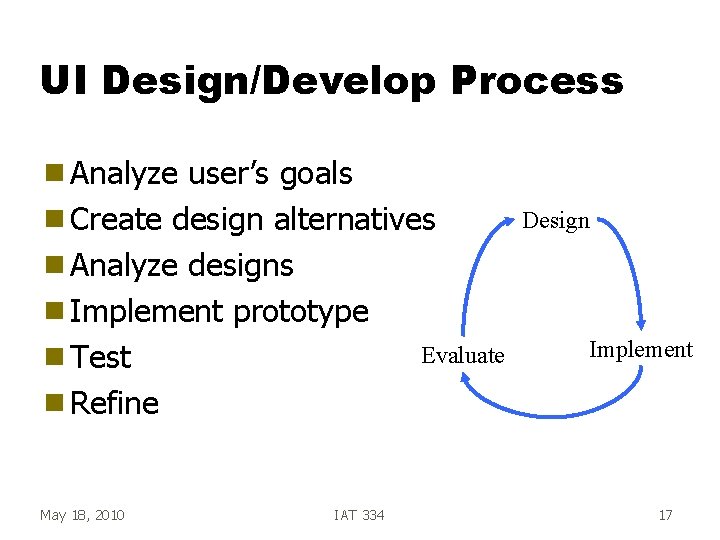
UI Design/Develop Process g Analyze user’s goals g Create design alternatives g Analyze designs g Implement prototype Evaluate g Test g Refine May 18, 2010 IAT 334 Design Implement 17
Evaluation g Things we can measure – Time to learn – Speed of performance – Rate of errors by user – Retention over time – Subjective satisfaction May 18, 2010 IAT 334 18
Interfaces in the World g VCR g Mouse g Phone g Copier g Car g Airline reservation g Air traffic control May 18, 2010 IAT 334 19
History of HCI ___________________________________________ SCHOOL OF INTERACTIVE ARTS + TECHNOLOGY [SIAT] | WWW. SIAT. SFU. CA May 18, 2010 IAT 334 20
Ivan Sutherland g Sketch. Pad - ‘ 63 Ph. D thesis at MIT – Hierarchy - pictures & subpictures – Master picture with instances – Constraints – Icons – Copying – Light pen as input device – Recursive operations May 18, 2010 IAT 334 21
Douglas Engelbart g Invented the mouse g Landmark system/demo: – hierarchical hypertext, multimedia, mouse, high-res display, windows, shared files, electronic messaging, CSCW, teleconferencing, … g http: //www. youtube. com/watch? v=Jf. Igz. So. TMOs May 18, 2010 IAT 334 22
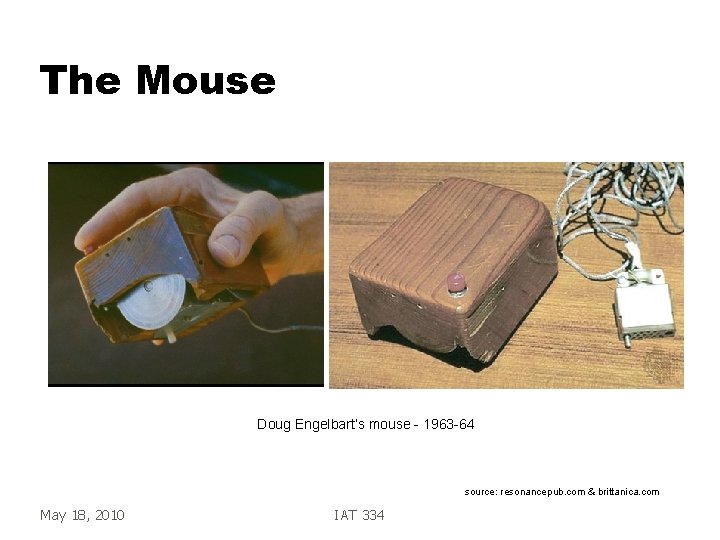
The Mouse Doug Engelbart’s mouse - 1963 -64 source: resonancepub. com & brittanica. com May 18, 2010 IAT 334
Alan Kay g Dynabook - Notebook sized computer loaded with multimedia and can store everything g Personal Computing g Desktop Interface May 18, 2010 IAT 334 24
PCs with GUIs g Xerox PARC - mid 1970’s – Alto – Local processor, Bitmap display, Mouse – Precursor to modern GUI – LAN - Ethernet May 18, 2010 IAT 334 25
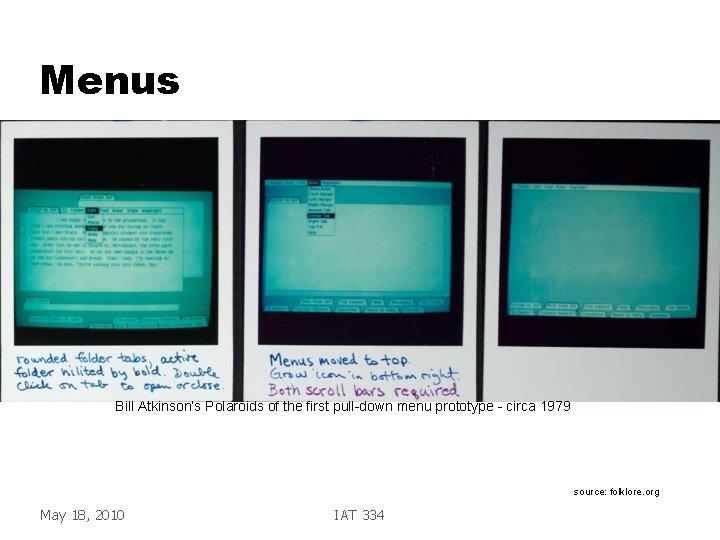
Menus Bill Atkinson’s Polaroids of the first pull-down menu prototype - circa 1979 source: folklore. org May 18, 2010 IAT 334
Xerox Star - ‘ 81 g First commercial PC designed for “business professionals” – Desktop metaphor, pointing, WYSIWYG g First system based on usability engineering May 18, 2010 IAT 334 27
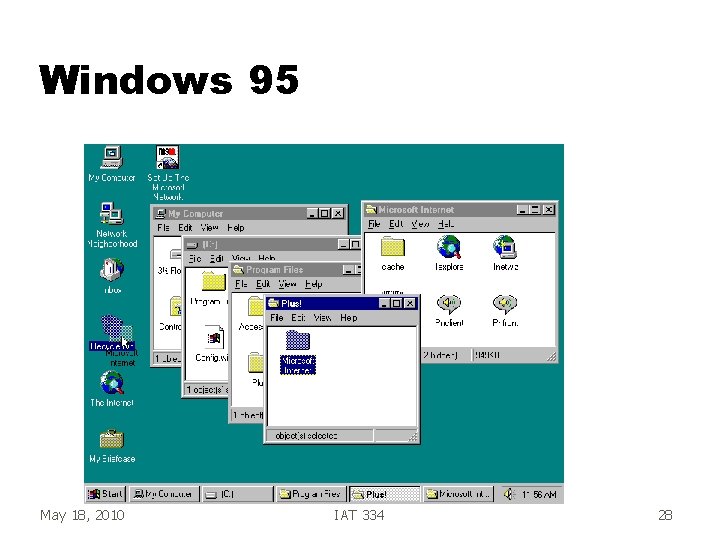
Windows 95 May 18, 2010 IAT 334 28
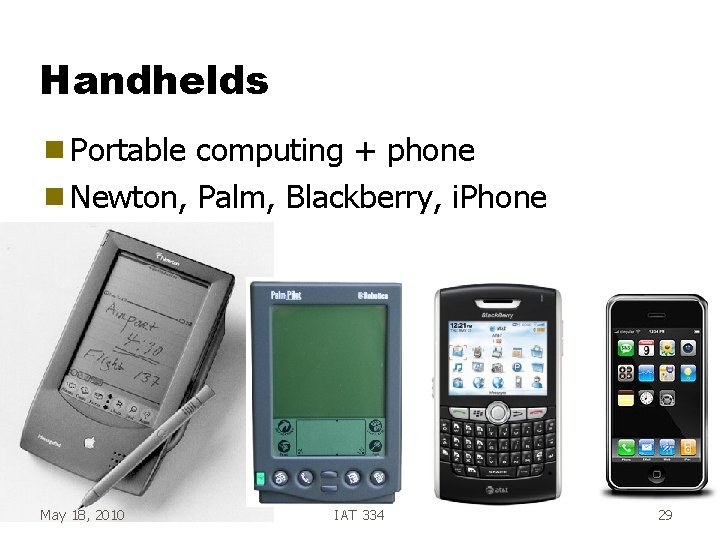
Handhelds g Portable computing + phone g Newton, Palm, Blackberry, i. Phone May 18, 2010 IAT 334 29
Human Capabilities g Want to improve user performance g Know the user! – Senses – Information processing systems May 18, 2010 IAT 334 30
Senses g Sight, hearing, touch important for current HCI – smell, taste ? ? ? May 18, 2010 IAT 334 31
Sight g Visual System workings g Color - color blindness: 8% males, 1% females g Much done by context & grouping (words, optical illusions, …) May 18, 2010 IAT 334 32
Hearing g Often taken for granted how good it is – Pitch - frequency – Loudness - amplitude – Timbre - type of sound (instrument) g Sensitive to range 20 Hz - 22000 Hz g Limited spatially, good temporal performance May 18, 2010 IAT 334 33
Touch g Three main sensations handled by different types of receptors: – Pressure (normal) – Intense pressure (heat/pain) – Temperature (hot/cold) g Where May 18, 2010 important? IAT 334 34
Models of Human Performance g Predictive g Quantitative – Time to perform – Time to learn – Number and type of errors – Time to recover from errors g Approximations May 18, 2010 IAT 334 35
Basic HCI g Model Human Processor – A simple model of human cognition – Card, Moran, Newell 1983 g Components: – – – Senses Sensory store Short-term memory Long-term memory Cognition May 18, 2010 IAT 334 36
Information Processing g Usually serial action – Respond to buzzer by pressing button g Usually parallel recognition • Driving, reading signs, listening to radio May 18, 2010 IAT 334 37
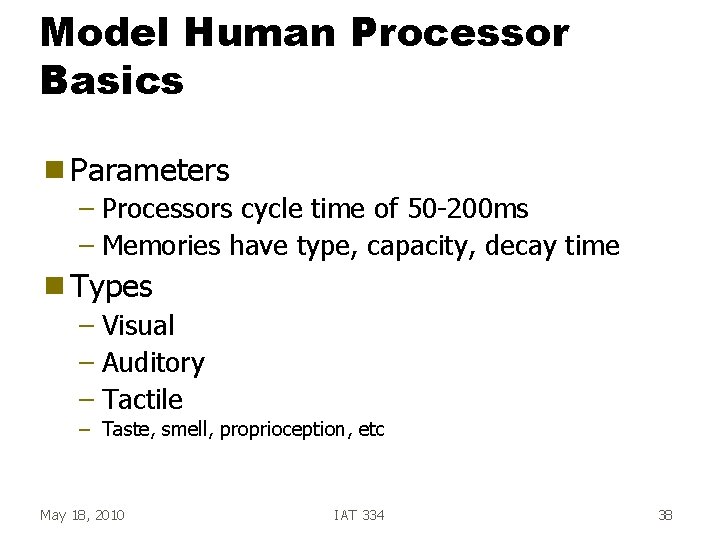
Model Human Processor Basics g Parameters – Processors cycle time of 50 -200 ms – Memories have type, capacity, decay time g Types – Visual – Auditory – Tactile – Taste, smell, proprioception, etc May 18, 2010 IAT 334 38
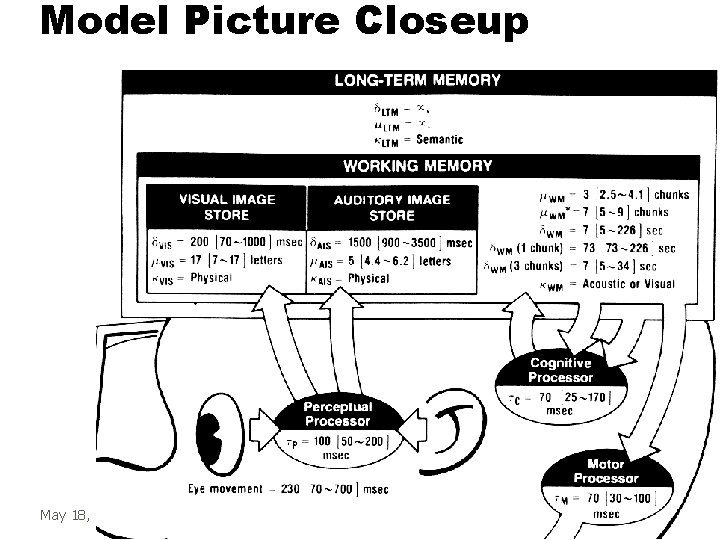
Model Picture Closeup May 18, 2010 IAT 334 39
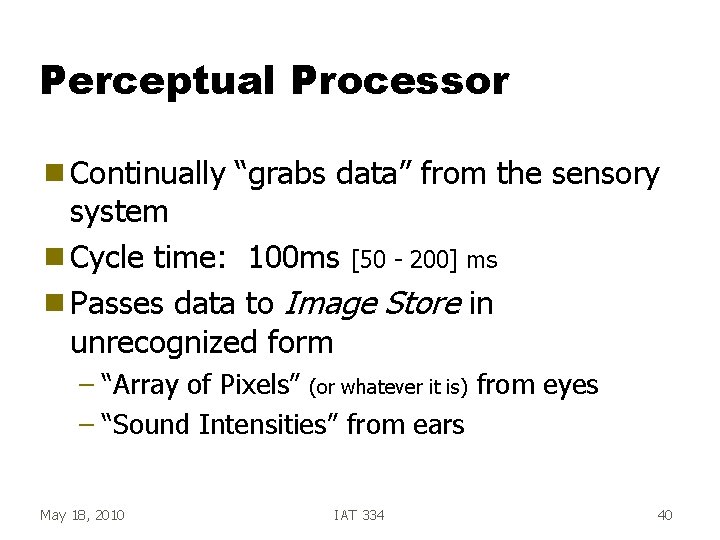
Perceptual Processor g Continually “grabs data” from the sensory system g Cycle time: 100 ms [50 - 200] ms g Passes data to Image Store in unrecognized form – “Array of Pixels” (or whatever it is) from eyes – “Sound Intensities” from ears May 18, 2010 IAT 334 40
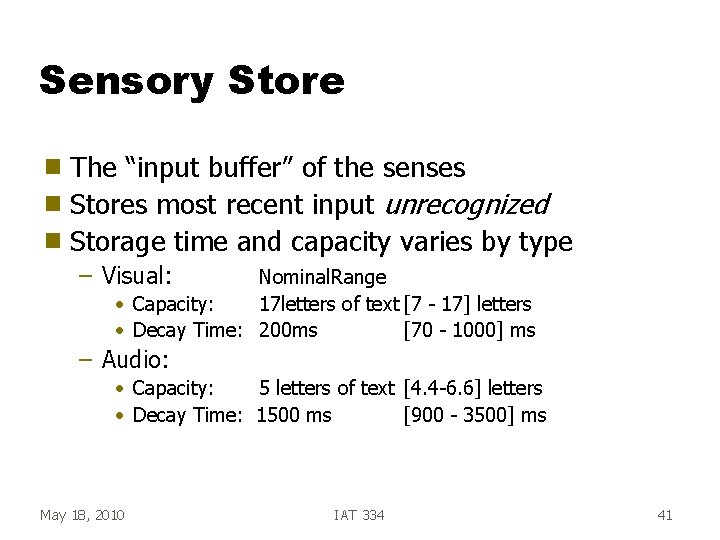
Sensory Store The “input buffer” of the senses g Stores most recent input unrecognized g Storage time and capacity varies by type g – Visual: Nominal. Range • Capacity: 17 letters of text [7 - 17] letters • Decay Time: 200 ms [70 - 1000] ms – Audio: • Capacity: 5 letters of text [4. 4 -6. 6] letters • Decay Time: 1500 ms [900 - 3500] ms May 18, 2010 IAT 334 41
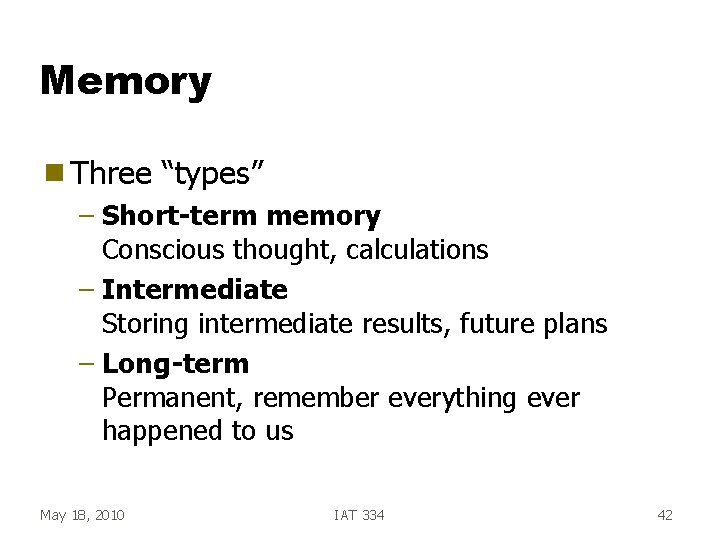
Memory g Three “types” – Short-term memory Conscious thought, calculations – Intermediate Storing intermediate results, future plans – Long-term Permanent, remember everything ever happened to us May 18, 2010 IAT 334 42
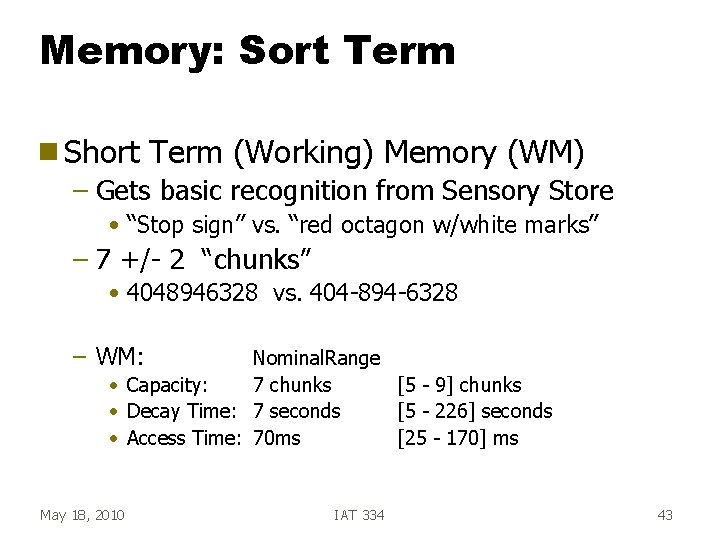
Memory: Sort Term g Short Term (Working) Memory (WM) – Gets basic recognition from Sensory Store • “Stop sign” vs. “red octagon w/white marks” – 7 +/- 2 “chunks” • 4048946328 vs. 404 -894 -6328 – WM: Nominal. Range • Capacity: 7 chunks [5 - 9] chunks • Decay Time: 7 seconds [5 - 226] seconds • Access Time: 70 ms [25 - 170] ms May 18, 2010 IAT 334 43
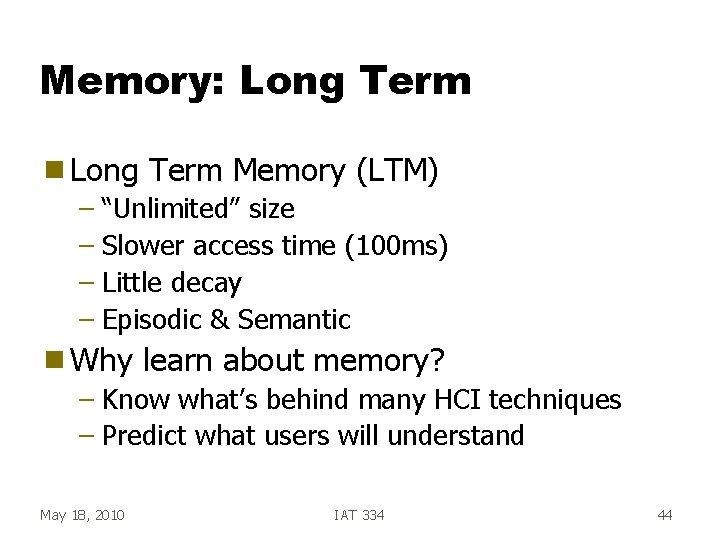
Memory: Long Term g Long Term Memory (LTM) – “Unlimited” size – Slower access time (100 ms) – Little decay – Episodic & Semantic g Why learn about memory? – Know what’s behind many HCI techniques – Predict what users will understand May 18, 2010 IAT 334 44
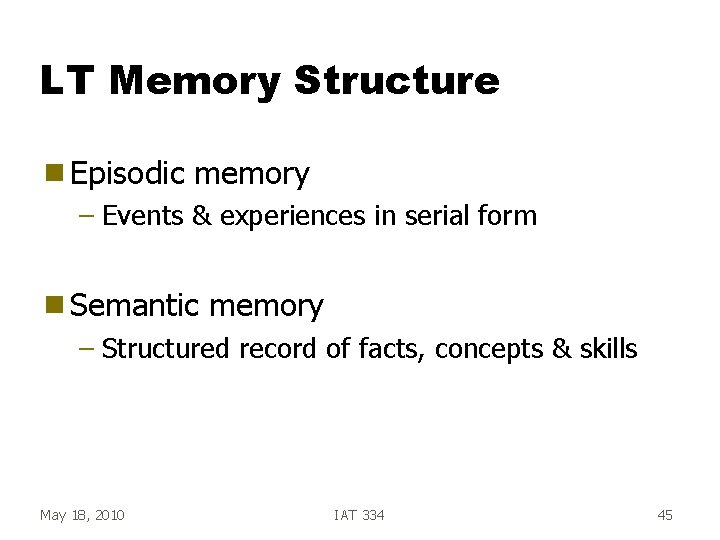
LT Memory Structure g Episodic memory – Events & experiences in serial form g Semantic memory – Structured record of facts, concepts & skills May 18, 2010 IAT 334 45
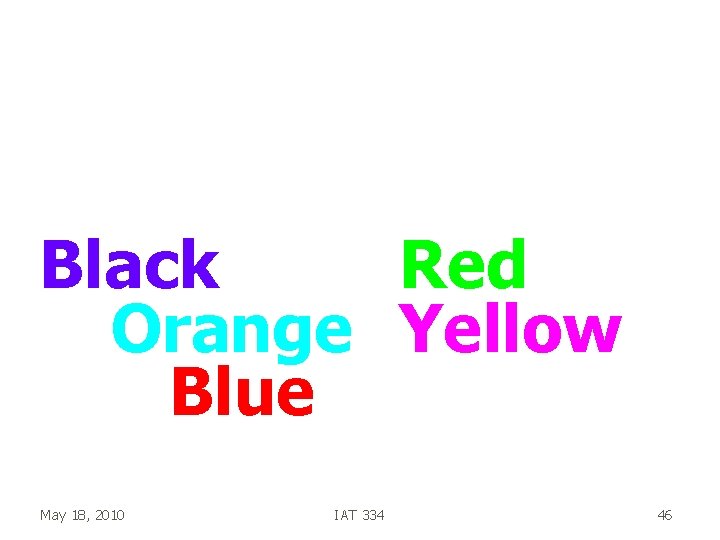
Read the colors of the words Black Red Orange Yellow Blue May 18, 2010 IAT 334 46
MHP Operation g Recognize-Act Cycle – On each cycle, contents in WM initiate actions associatively linked to them in LTM – Actions modify contents of WM g Discrimination Principle – Retrieval is determined by candidates that exist in memory relative to retrieval cues – Interference by strongly activated chunks May 18, 2010 IAT 334 47
Perception g Stimuli that occur within one PP cycle fuse into a single concept – movies (frame rate) • Frame rate > 1 / Tp = 1/(100 msec/frame) = 10 f/sec – morse code listening rate g Perceptual causality – two distinct stimuli can fuse if the first event appears to cause the other – events must occur in the same cycle May 18, 2010 IAT 334 48
Operation g Variable Cognitive Processor Rate – Cognitive Processor cycle time Tc is shorter with greater effort – Induced by increased task demands/information – Decreases with practice May 18, 2010 IAT 334 49
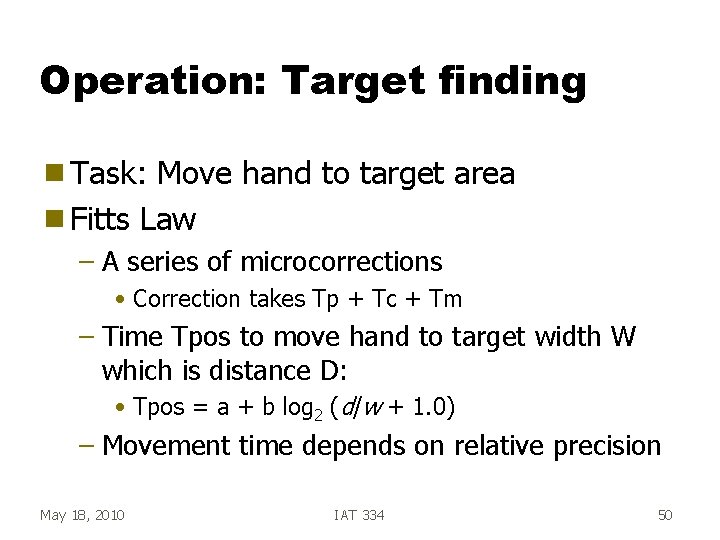
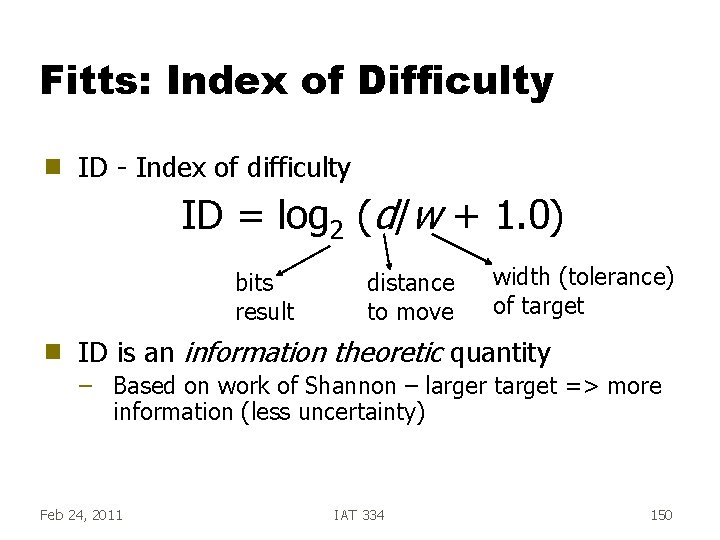
Operation: Target finding g Task: Move hand to target area g Fitts Law – A series of microcorrections • Correction takes Tp + Tc + Tm – Time Tpos to move hand to target width W which is distance D: • Tpos = a + b log 2 (d/w + 1. 0) – Movement time depends on relative precision May 18, 2010 IAT 334 50
IAT 334 Interface Design Task Analysis ___________________________________________ SCHOOL OF INTERACTIVE ARTS + TECHNOLOGY [SIAT] | WWW. SIAT. SFU. CA Jan 13, 2011 IAT 334 51
Task Conformance g Task coverage – Can system do all tasks of interest? g Task adequacy – Can user do tasks? – Does system match real-world tasks? Jan 13, 2011 IAT 334 52
Task Analysis g Analyzing how people do their jobs – Go to their environment – Learn about, analyze and describe their tasks g Examine users’ tasks to better understand what they need from interface and how they will use it Jan 13, 2011 IAT 334 53
Task Analysis g Gather data about what users need to do or accomplish …then… g Represent data for interpretation and use in design decisions Jan 13, 2011 IAT 334 54
Information to be Gathered g Information about users g Description of environment – where the tasks will be performed g Major goals of the job – what will result in a successful end state? g User preferences & needs – before they even start: coffee, pen, notebook, log sheets… Jan 13, 2011 IAT 334 55
Task Analysis g Broad Focus g Observe users of current system(s) g Generate requirements – Hierarchical task analysis – Knowledge-based task analysis – Entity-Relationship model Jan 13, 2011 IAT 334 56
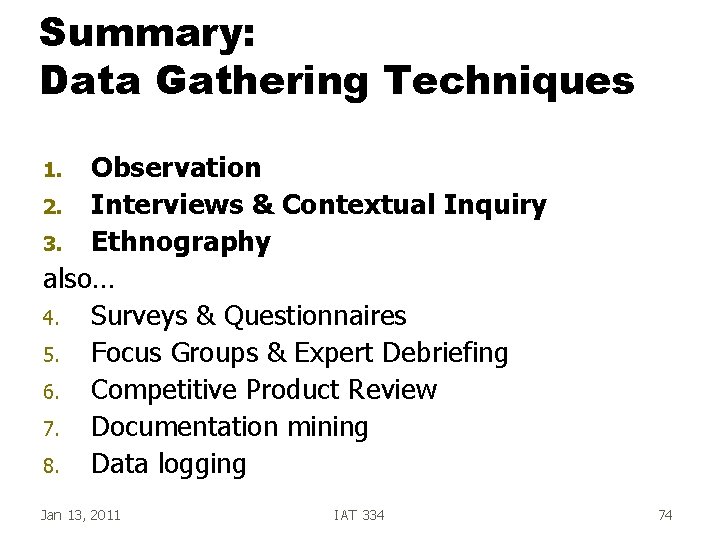
Data Gathering Techniques Observation 2. Interviews & Contextual Inquiry 3. Ethnography also… 4. Surveys & Questionnaires 5. Focus Groups & Expert Debriefing 6. Competitive Product Review 7. Documentation mining 8. Data logging 1. Jan 13, 2011 IAT 334 57
Information to be Gathered g Tasks & Subtasks: – Physical – Cognitive – Communication Conditions under which these tasks are done g Results/outcomes of tasks g Requirements to perform task: g – Information – Communication with others – Equipment Jan 13, 2011 IAT 334 58
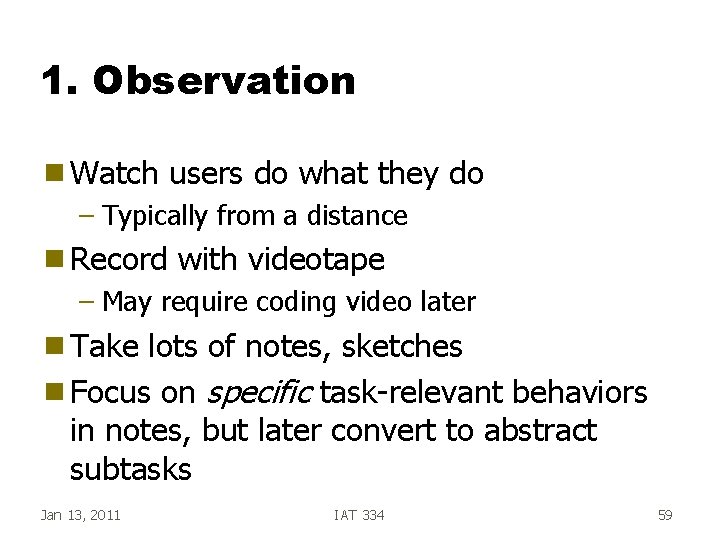
1. Observation g Watch users do what they do – Typically from a distance g Record with videotape – May require coding video later g Take lots of notes, sketches g Focus on specific task-relevant behaviors in notes, but later convert to abstract subtasks Jan 13, 2011 IAT 334 59
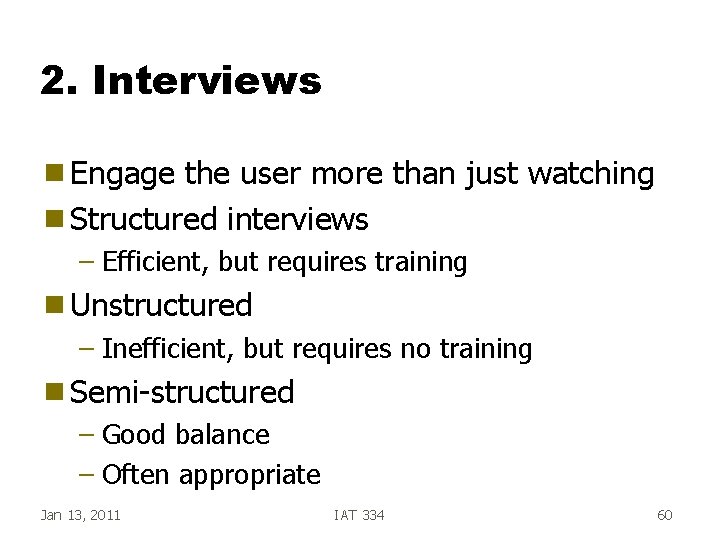
2. Interviews g Engage the user more than just watching g Structured interviews – Efficient, but requires training g Unstructured – Inefficient, but requires no training g Semi-structured – Good balance – Often appropriate Jan 13, 2011 IAT 334 60
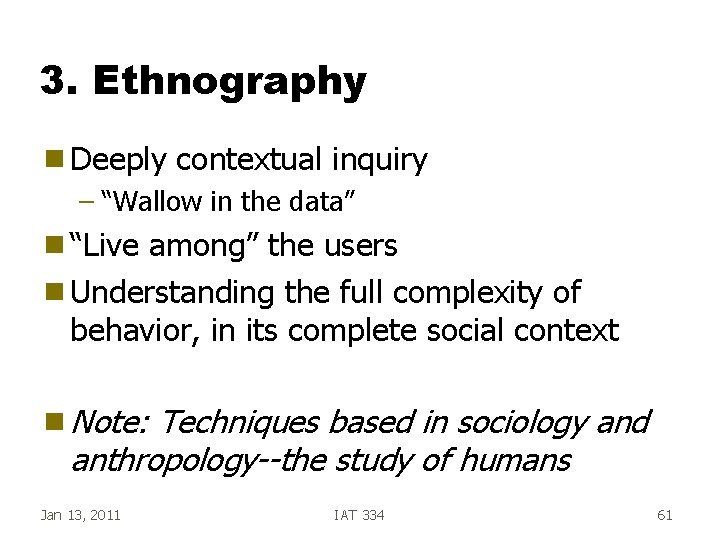
3. Ethnography g Deeply contextual inquiry – “Wallow in the data” g “Live among” the users g Understanding the full complexity of behavior, in its complete social context g Note: Techniques based in sociology and anthropology--the study of humans Jan 13, 2011 IAT 334 61
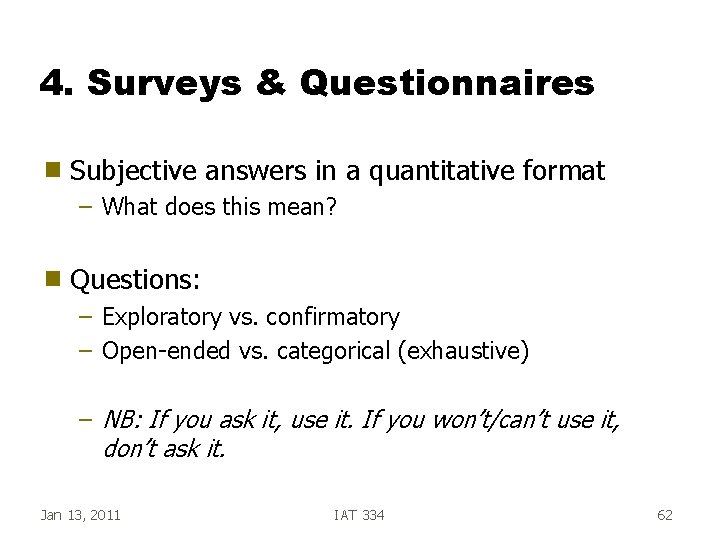
4. Surveys & Questionnaires g Subjective answers in a quantitative format – What does this mean? g Questions: – Exploratory vs. confirmatory – Open-ended vs. categorical (exhaustive) – NB: If you ask it, use it. If you won’t/can’t use it, don’t ask it. Jan 13, 2011 IAT 334 62
5. Focus Groups g Structured Interview with groups of individuals – 3 to 10 persons – Use several different groups with different roles or perspectives – Manage the interaction • Avoid few people dominating the discussion Focus on preferences and views, not performance g Relatively low cost, quick way to learn a lot g Audio or video record, with permission g Jan 13, 2011 IAT 334 63
6. Competitive Products g Looking for both good and bad ideas – Functionality – UI style g Why are they successful or unsuccessful? g What does successful really mean? – (Note: Successful does not equal usable) Jan 13, 2011 IAT 334 64
7. Document Mining g Documentation – Often contains description of how the tasks should be done – Standards docs – Manuals – Histories – Best Practices Jan 13, 2011 IAT 334 65
8. Data Logging g Automatically tracking: – Keystroke/mouse clicks – Timers – Logs of transactions – Physical location/movement trackers • Cell phones • GPS Jan 13, 2011 IAT 334 66
Now that you have observed… g You have piles of notes, hours of video, surveys up to here… g How can you digest and represent the data, to turn it into information? Jan 13, 2011 IAT 334 67
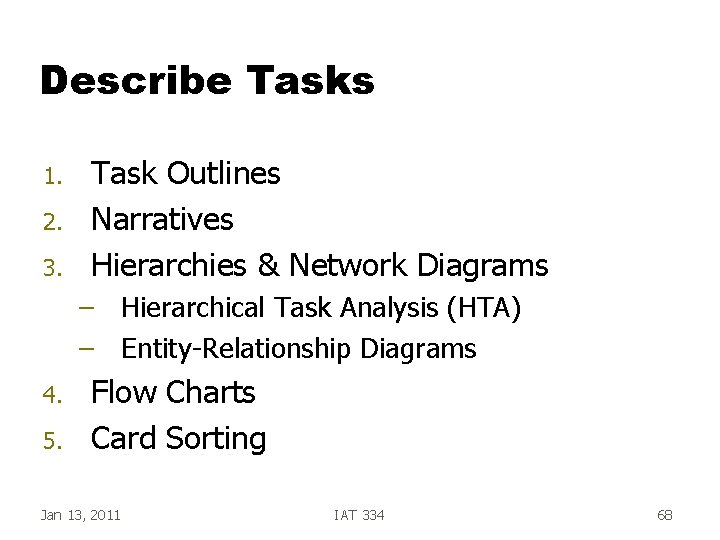
Describe Tasks 1. 2. 3. Task Outlines Narratives Hierarchies & Network Diagrams – Hierarchical Task Analysis (HTA) – Entity-Relationship Diagrams 4. 5. Flow Charts Card Sorting Jan 13, 2011 IAT 334 68
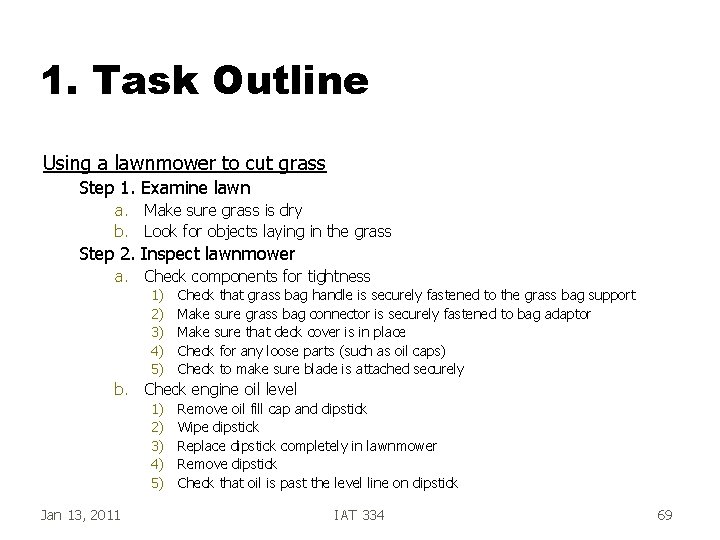
1. Task Outline Using a lawnmower to cut grass Step 1. Examine lawn a. Make sure grass is dry b. Look for objects laying in the grass Step 2. Inspect lawnmower a. Check components for tightness 1) 2) 3) 4) 5) Check that grass bag handle is securely fastened to the grass bag support Make sure grass bag connector is securely fastened to bag adaptor Make sure that deck cover is in place Check for any loose parts (such as oil caps) Check to make sure blade is attached securely b. Check engine oil level 1) 2) 3) 4) 5) Jan 13, 2011 Remove oil fill cap and dipstick Wipe dipstick Replace dipstick completely in lawnmower Remove dipstick Check that oil is past the level line on dipstick IAT 334 69
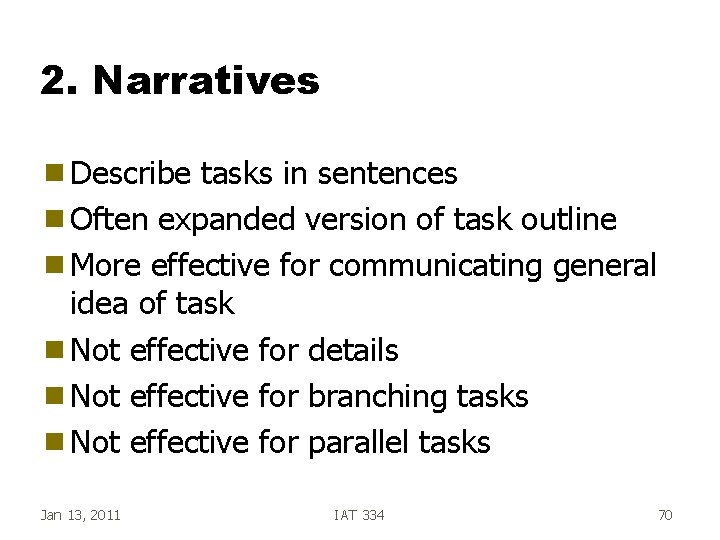
2. Narratives g Describe tasks in sentences g Often expanded version of task outline g More effective for communicating general idea of task g Not effective for details g Not effective for branching tasks g Not effective for parallel tasks Jan 13, 2011 IAT 334 70
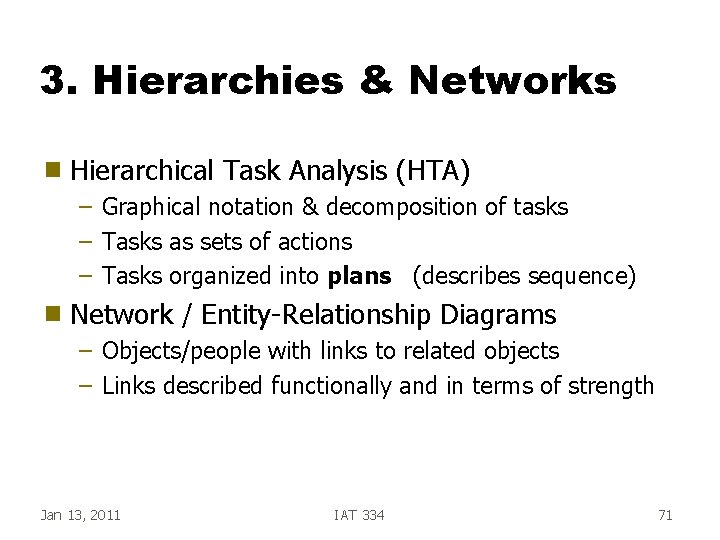
3. Hierarchies & Networks g Hierarchical Task Analysis (HTA) – Graphical notation & decomposition of tasks – Tasks as sets of actions – Tasks organized into plans (describes sequence) g Network / Entity-Relationship Diagrams – Objects/people with links to related objects – Links described functionally and in terms of strength Jan 13, 2011 IAT 334 71
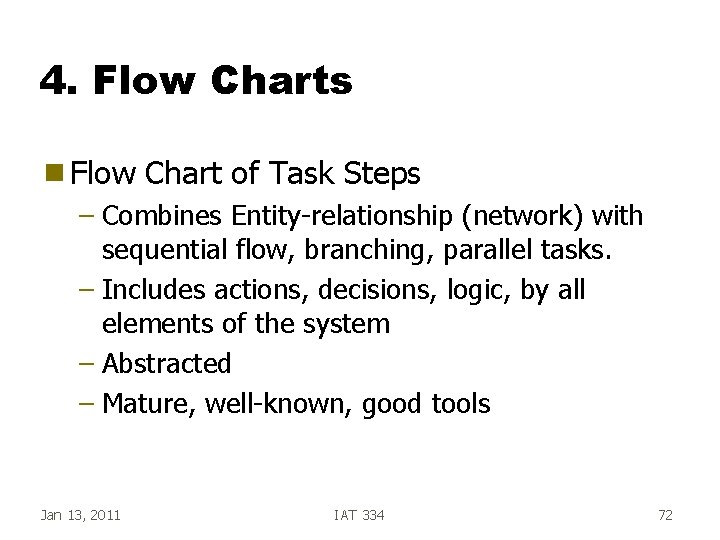
4. Flow Charts g Flow Chart of Task Steps – Combines Entity-relationship (network) with sequential flow, branching, parallel tasks. – Includes actions, decisions, logic, by all elements of the system – Abstracted – Mature, well-known, good tools Jan 13, 2011 IAT 334 72
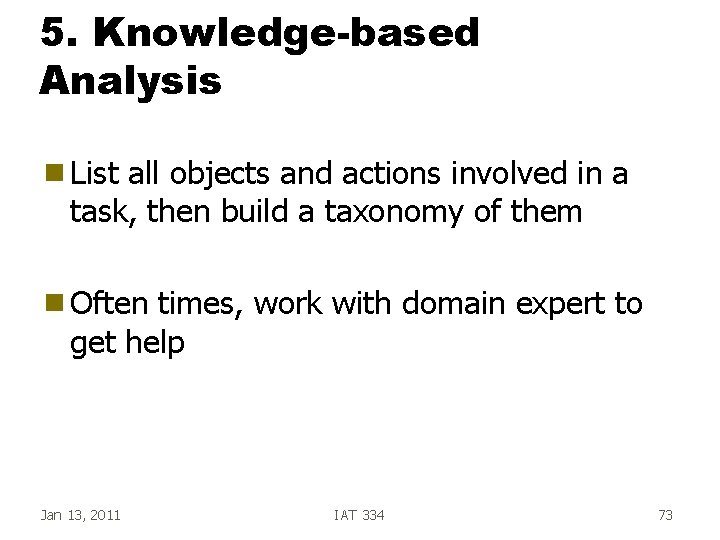
5. Knowledge-based Analysis g List all objects and actions involved in a task, then build a taxonomy of them g Often times, work with domain expert to get help Jan 13, 2011 IAT 334 73
Summary: Data Gathering Techniques Observation 2. Interviews & Contextual Inquiry 3. Ethnography also… 4. Surveys & Questionnaires 5. Focus Groups & Expert Debriefing 6. Competitive Product Review 7. Documentation mining 8. Data logging 1. Jan 13, 2011 IAT 334 74
Summary: Describe Tasks 1. 2. 3. Task Outlines Narratives Hierarchies & Network Diagrams – Hierarchical Task Analysis (HTA) – Entity-Relationship Diagrams 4. 5. Flow Charts Card Sorting Jan 13, 2011 IAT 334 75
UI Design Principles g Categories – Learnability • support for learning for users of all levels – Flexibility • support for multiple ways of doing tasks – Robustness • support for recovery g Always Jan 20, 2011 think about exceptions, suitability IAT 334 76
Learnability Principles g Predictability g Synthesizability g Familiarity g Generalizability g Consistency Jan 20, 2011 IAT 334 77
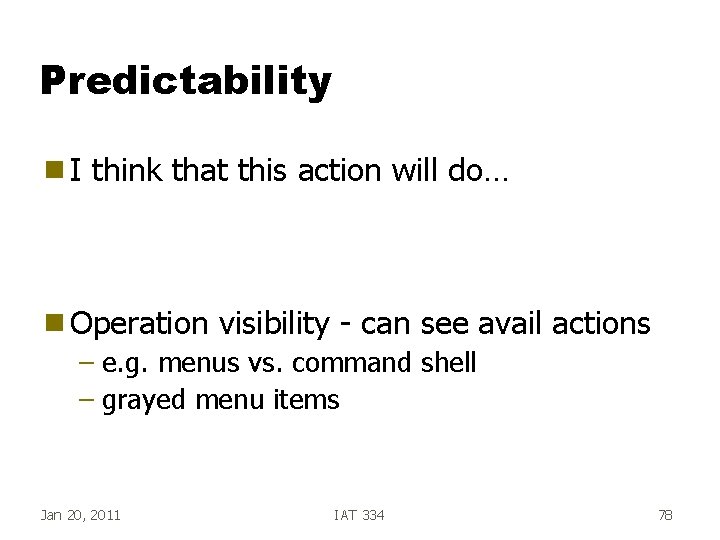
Predictability g. I think that this action will do… g Operation visibility - can see avail actions – e. g. menus vs. command shell – grayed menu items Jan 20, 2011 IAT 334 78
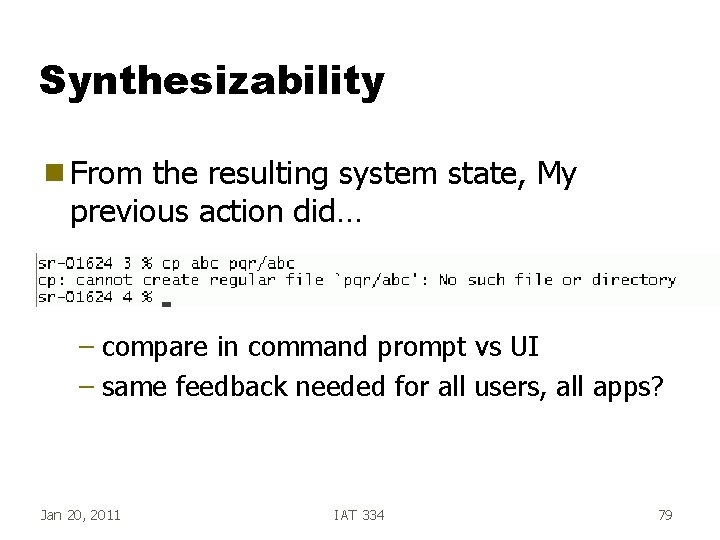
Synthesizability g From the resulting system state, My previous action did… – compare in command prompt vs UI – same feedback needed for all users, all apps? Jan 20, 2011 IAT 334 79
Familiarity g Does UI task relate real-world task or domain knowledge? – to anything user is familiar with? – Use of metaphors • pitfalls – Are there limitations on familiarity? Jan 20, 2011 IAT 334 80
Generalizability g Does knowledge of one UI apply to others? – Cut and paste in many apps g Does knowledge of one aspect of a UI apply to rest of the UI? – File browsers in Mac. OS/ Windows g Aid: Jan 20, 2011 UI Developers guidelines IAT 334 81
Consistency g Similar ways of doing tasks – interacting – output – screen layout g Is this always desirable for all systems, all users? Jan 20, 2011 IAT 334 82
Flexibility Principles g Dialog Initiative g Multithreading g Task migratibility g Substitutivity g Customizability Jan 20, 2011 IAT 334 83
Dialog Initiative g System pre-emptive – system does all prompts, user responds • sometimes necessary • Eg. Bank machine g User pre-emptive – user initiates actions • more flexible Jan 20, 2011 IAT 334 84
Multithreading g Two types – Concurrent • input to multiple tasks simultaneously – Interleaved • many tasks, but input to one task at a time Jan 20, 2011 IAT 334 85
Task migratability g Ability to move performance of task to entity (machine or person) that can do it better – Eg. Autopilot – Spellchecking – When is this good? Bad? Jan 20, 2011 IAT 334 86
Substitutivity g Flexibility in details of operations – Allow user to choose suitable interaction methods – Allow different ways to • perform actions • specify data • configure – Allow different ways of presenting output • to suit task, user Jan 20, 2011 IAT 334 87
Customizability g Ability to modify interface – By user - adaptability – By system - adaptivity Jan 20, 2011 IAT 334 88
Robustness Principles g Observability g Recoverability g Responsiveness g Task Jan 20, 2011 Conformance IAT 334 89
Observability g Can user determine internal state of system from observable state? – Browsability • explore current state (without changing it) – Reachability • navigate through observable states – Persistence • how long does observable state persist? Jan 20, 2011 IAT 334 90
Recoverability g Ability to continue to a goal after recognizing error • Difficulty of Recovery procedure should relate to difficulty of original task – Forward Recoverability • ability to fix when we can’t undo? – Backward Recoverability • undo previous error(s) Jan 20, 2011 IAT 334 91
Responsiveness g Rate of communication between user and system – Response time • time for system to respond in some way to user action(s) – Stability principle • response time, rate should be consistent – As computers have gotten better, required computer response has gotten shorter Jan 20, 2011 IAT 334 92
Task Conformance g Task coverage – can system do all tasks of interest? g Task adequacy – Can user do tasks? – Does system match real-world tasks? Jan 20, 2011 IAT 334 93
IAT 334 Interface Design User Centered Design Metaphor Models Practice ___________________________________________ SCHOOL OF INTERACTIVE ARTS + TECHNOLOGY [SIAT] | WWW. SIAT. SFU. CA Feb 3, 2011 IAT 334 94
Agenda g g User Centered Design -- Overall Process Design – Metaphors – Mental Models – Idea generation g g Design principles Displaying your designs – – Storyboards Lo-Fi Wizard of Oz Visual Basic, Flash, etc Feb 3, 2011 IAT 334 95
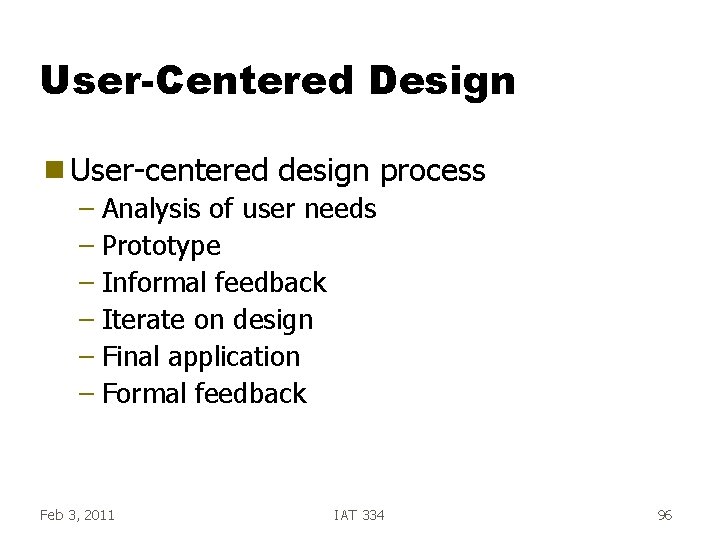
User-Centered Design g User-centered design process – Analysis of user needs – Prototype – Informal feedback – Iterate on design – Final application – Formal feedback Feb 3, 2011 IAT 334 96
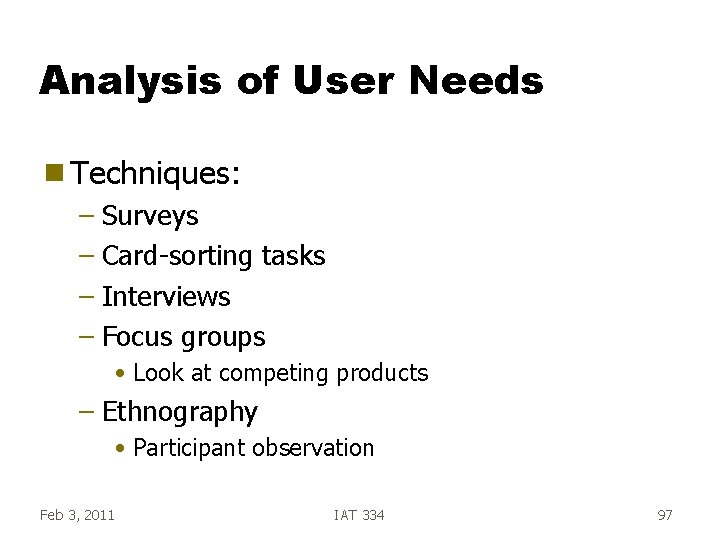
Analysis of User Needs g Techniques: – Surveys – Card-sorting tasks – Interviews – Focus groups • Look at competing products – Ethnography • Participant observation Feb 3, 2011 IAT 334 97
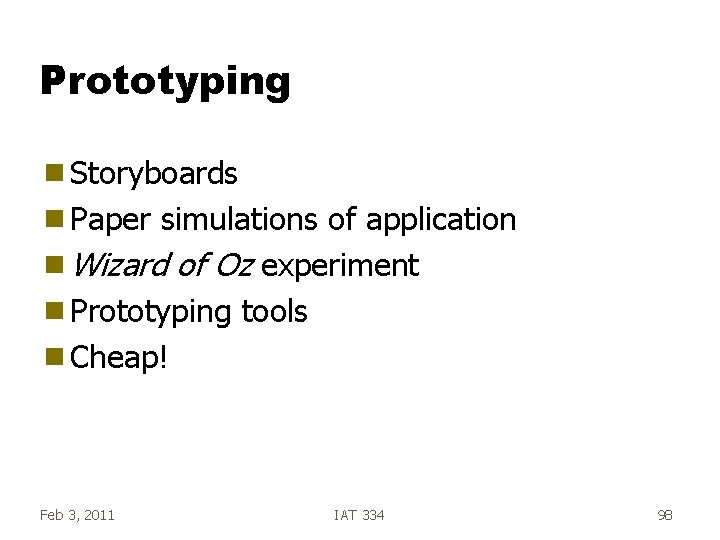
Prototyping g Storyboards g Paper simulations of application g Wizard of Oz experiment g Prototyping tools g Cheap! Feb 3, 2011 IAT 334 98
Informal Feedback g Present prototype to users g Do a quick questionnaire g Observe the user struggle with your lousy design Feb 3, 2011 IAT 334 99
Iterate on Design g Redesign system – in light of initial user impressions – pay attention to common complaints g Be prepared to abandon bad ideas!! g It’s just an idea, not a measure of your worth! Feb 3, 2011 IAT 334 100
Idea Creation How do we create and develop new interface ideas and designs? g g Ideas come from – Imagination – Analogy – Observation of current practice – Observation of current systems Feb 3, 2011 IAT 334 Borrow from other fields – – – Animation Theatre Information displays Architecture. . . 101
Interface Metaphors g Metaphor - Application of name or descriptive term to another object which is not literally applicable – Use: Natural transfer - apply existing knowledge to new, abstract tasks – Problem: May introduce incorrect mental model Feb 3, 2011 IAT 334 102
Mental Models g What models of the world are the users using? g Two Classes: g Functional model – “Press the accelerator once, then turn the key” g Structural model – OK, why do we do that? Feb 3, 2011 IAT 334 103
Another example. . . g Functional model – “Go north on King George, Cross the Pattullo, Turn left at 10 th Ave, Turn right at Kingsway, go 4. 5 km” g Structural model – What location? ? Feb 3, 2011 IAT 334 104
Idea Creation g Methods for creating and developing interface ideas – Turn off your natural critique mechanism! –? Feb 3, 2011 IAT 334 105
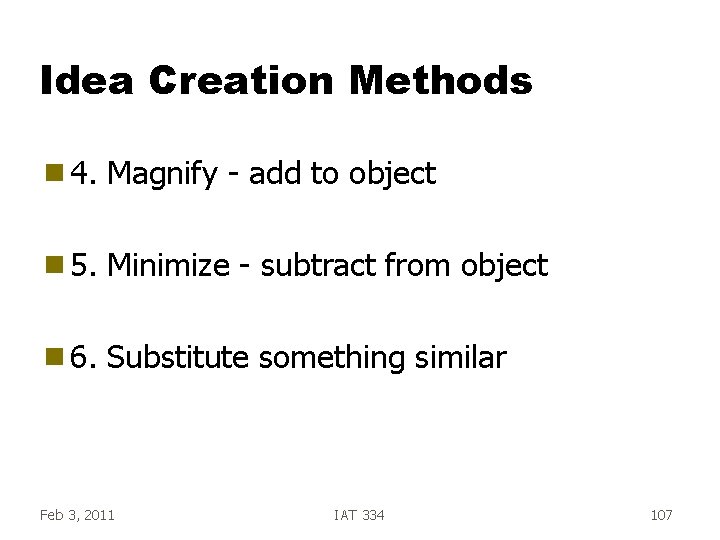
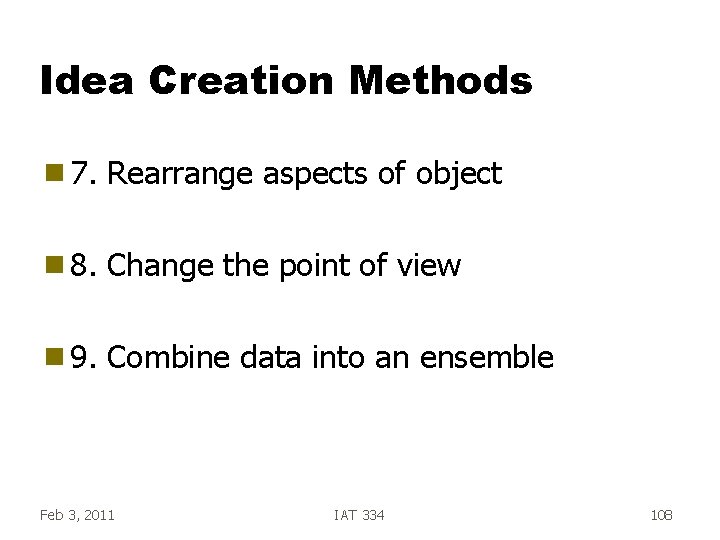
Idea Creation Methods g 1. Consider new use for object g 2. Adapt object to be like something else g 3. Modify object for a new purpose Feb 3, 2011 IAT 334 106
Idea Creation Methods g 4. Magnify - add to object g 5. Minimize - subtract from object g 6. Substitute something similar Feb 3, 2011 IAT 334 107
Idea Creation Methods g 7. Rearrange aspects of object g 8. Change the point of view g 9. Combine data into an ensemble Feb 3, 2011 IAT 334 108
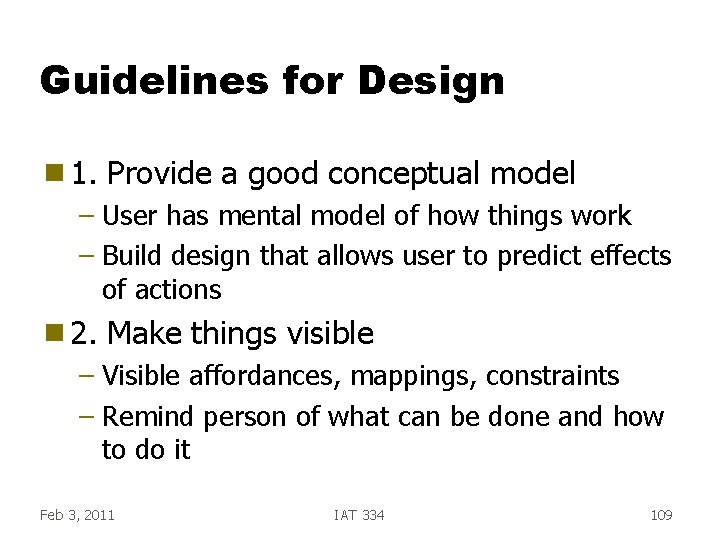
Guidelines for Design g 1. Provide a good conceptual model – User has mental model of how things work – Build design that allows user to predict effects of actions g 2. Make things visible – Visible affordances, mappings, constraints – Remind person of what can be done and how to do it Feb 3, 2011 IAT 334 109
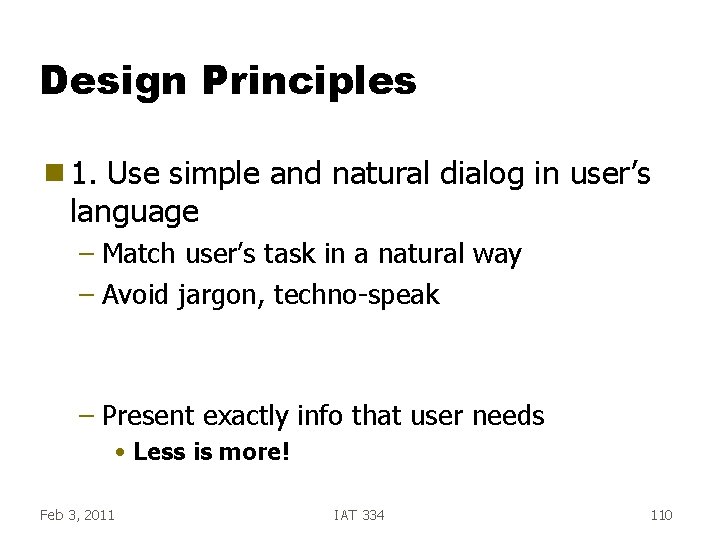
Design Principles g 1. Use simple and natural dialog in user’s language – Match user’s task in a natural way – Avoid jargon, techno-speak – Present exactly info that user needs • Less is more! Feb 3, 2011 IAT 334 110
Design Principles g Here are 10 more detailed principles to follow about what to design and why Feb 3, 2011 IAT 334 111
Design Principles g 2. Strive for consistency – Sequences, actions, commands, layout, terminology – Makes more predictable – Dialog boxes all having same “closure” options Feb 3, 2011 IAT 334 112
Design Principles g 3. Provide informative feedback – Continuously inform user about what is occurring – Most important on frequent, substantive actions • % in file – How to deal with delays? • Special cursors • % Done graphs Feb 3, 2011 IAT 334 113
Design Principles g 4. Minimize user’s memory load – Recognition is better than recall • Make visible! – Describe required input format, include example and default • Date: _ _ - _ _ (DD-MM-YY) – Use small # of generally applicable cmds Feb 3, 2011 IAT 334 114
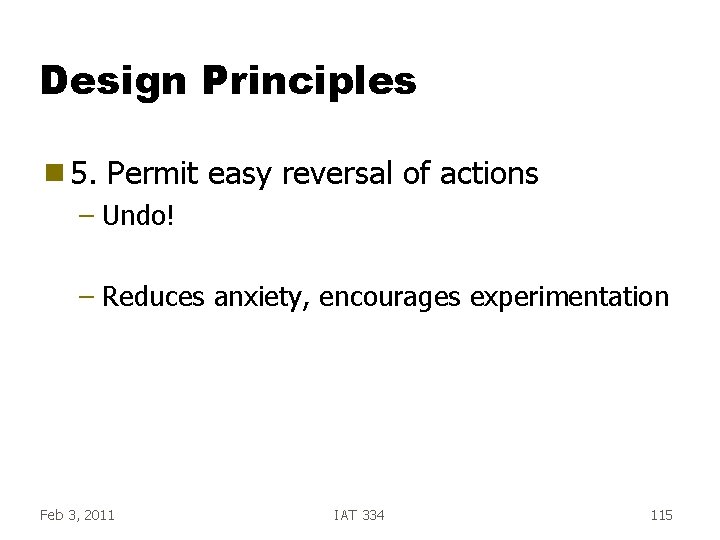
Design Principles g 5. Permit easy reversal of actions – Undo! – Reduces anxiety, encourages experimentation Feb 3, 2011 IAT 334 115
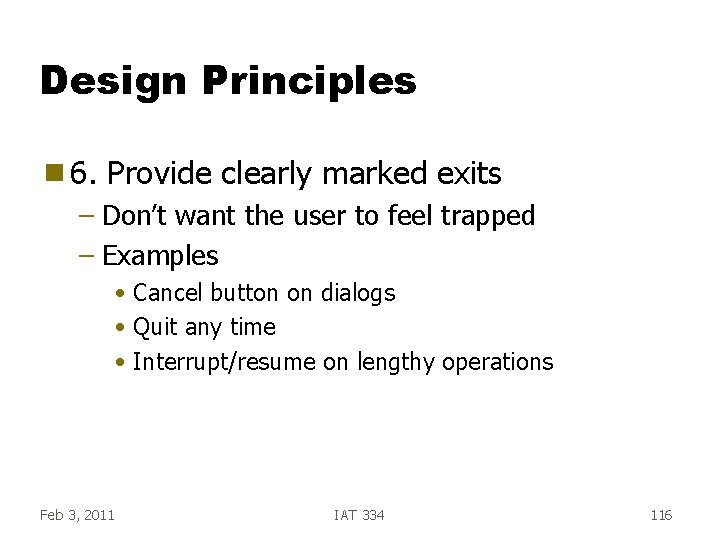
Design Principles g 6. Provide clearly marked exits – Don’t want the user to feel trapped – Examples • Cancel button on dialogs • Quit any time • Interrupt/resume on lengthy operations Feb 3, 2011 IAT 334 116
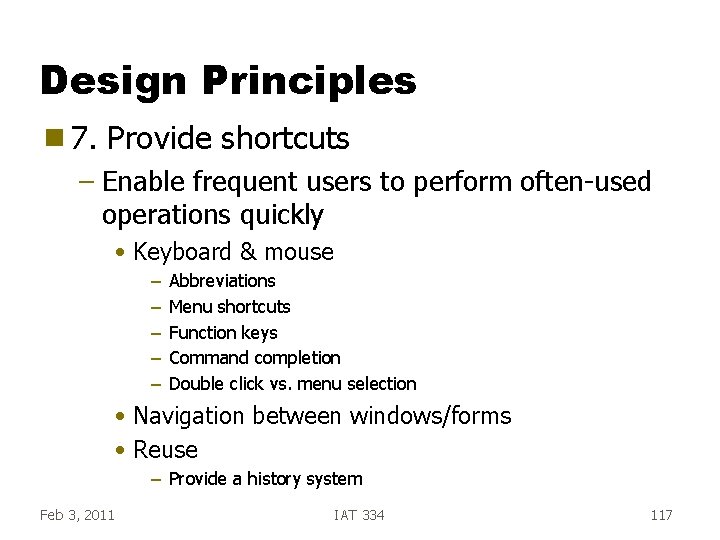
Design Principles g 7. Provide shortcuts – Enable frequent users to perform often-used operations quickly • Keyboard & mouse – – – Abbreviations Menu shortcuts Function keys Command completion Double click vs. menu selection • Navigation between windows/forms • Reuse – Provide a history system Feb 3, 2011 IAT 334 117
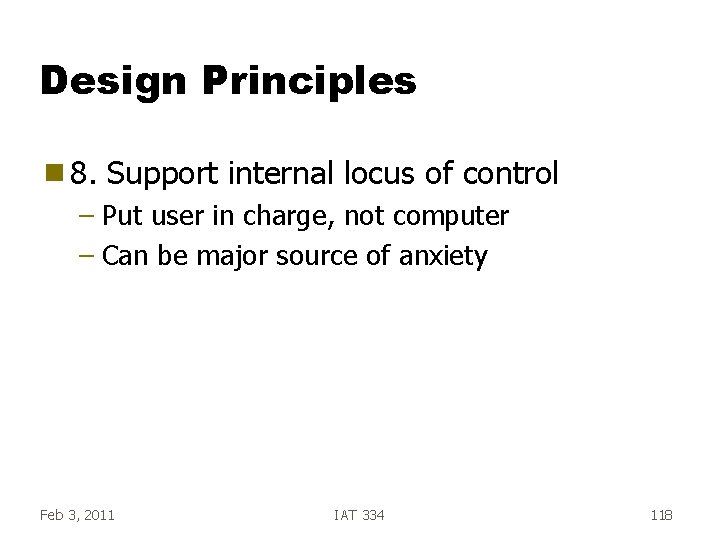
Design Principles g 8. Support internal locus of control – Put user in charge, not computer – Can be major source of anxiety Feb 3, 2011 IAT 334 118
Design Principles g 9. Handle errors smoothly and positively – “That Filename already exists” vs. – “Rename failed” g 10. Provide useful help and documentation Feb 3, 2011 IAT 334 119
Dialog Design Categories of Dialogs
Agenda g Dialog design – Command Language – WIMP - Window, Icon, Menu, Pointer – Direct manipulation – Speech/Natural language – Gesture, pen, multi-touch, VR… Feb 10, 2011 IAT 334 121
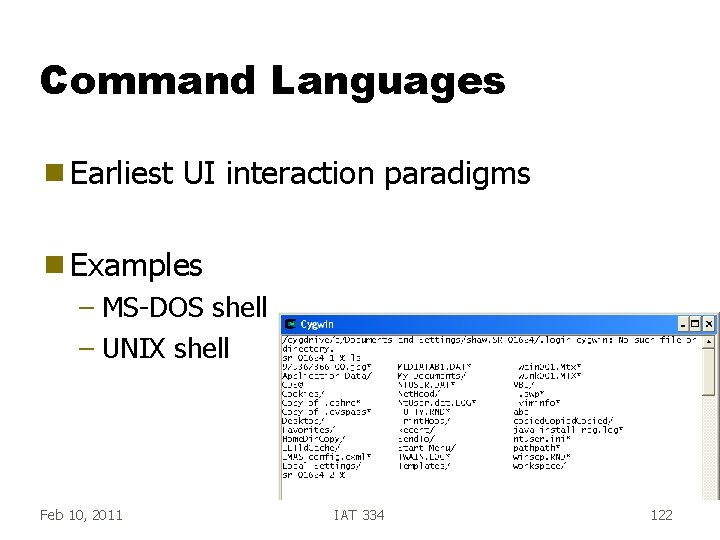
Command Languages g Earliest UI interaction paradigms g Examples – MS-DOS shell – UNIX shell Feb 10, 2011 IAT 334 122
CL Attributes g Work primarily by recall, not recognition g Heavy memory load g Little or nothing is visible so… g Poor choice for novices but. . . Feb 10, 2011 IAT 334 123
CL Attributes g Specify commands to operate on current data collection g User only controls initiation g Single thread of control g Some other display area needed Feb 10, 2011 IAT 334 124
CL Design Goals g Consistency – Syntax, order g Good naming and abbreviations g Doing your homework in design can help alleviate some of the negatives Feb 10, 2011 IAT 334 125
Consistency g Provide a consistent syntax – In general: Have options and arguments expressed the same way everywhere – UNIX fails here because commands were developed by lots of different people at different organizations • No guidelines provided Feb 10, 2011 IAT 334 126
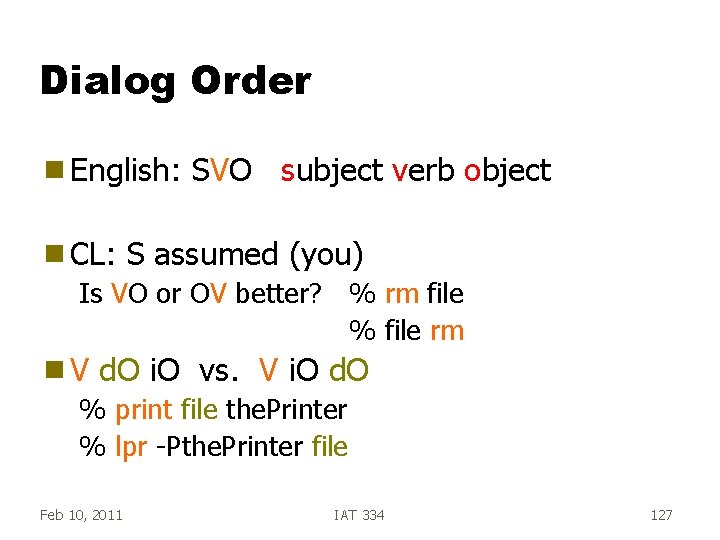
Dialog Order g English: g CL: SVO subject verb object S assumed (you) Is VO or OV better? % rm file % file rm g. V d. O i. O vs. V i. O d. O % print file the. Printer % lpr -Pthe. Printer file Feb 10, 2011 IAT 334 127
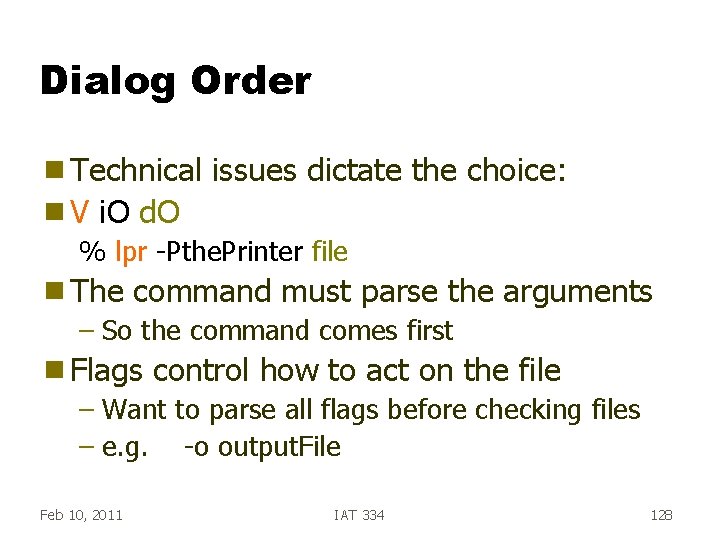
Dialog Order g Technical g. V issues dictate the choice: i. O d. O % lpr -Pthe. Printer file g The command must parse the arguments – So the command comes first g Flags control how to act on the file – Want to parse all flags before checking files – e. g. -o output. File Feb 10, 2011 IAT 334 128
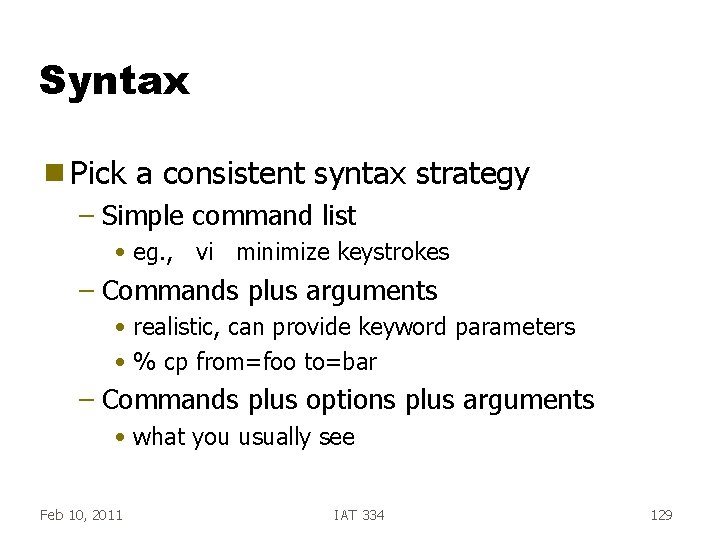
Syntax g Pick a consistent syntax strategy – Simple command list • eg. , vi minimize keystrokes – Commands plus arguments • realistic, can provide keyword parameters • % cp from=foo to=bar – Commands plus options plus arguments • what you usually see Feb 10, 2011 IAT 334 129
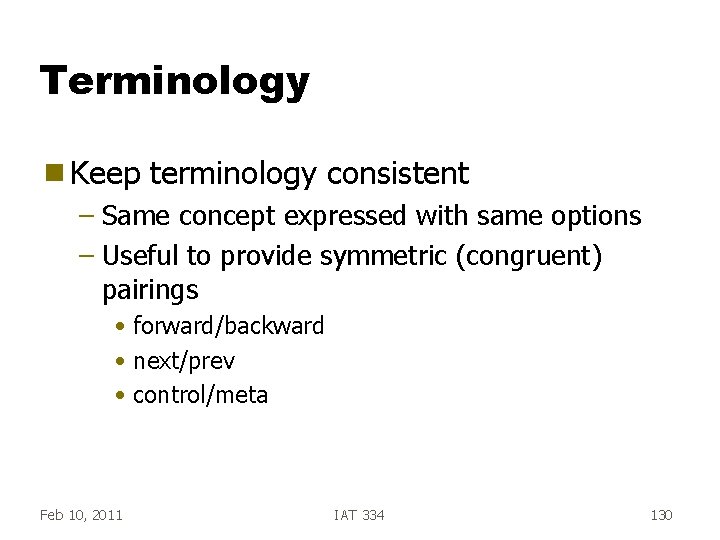
Terminology g Keep terminology consistent – Same concept expressed with same options – Useful to provide symmetric (congruent) pairings • forward/backward • next/prev • control/meta Feb 10, 2011 IAT 334 130
WIMP g Focus: Menus, Buttons, Forms g Predominant interface paradigm now (with some direct manipulation added) g Advantages: –? Feb 10, 2011 IAT 334 131
Recognition g Recognition is easier than recall! – Recall has one cue – Recognition has the recall cue + the presence of the prompting word/icon Feb 10, 2011 IAT 334 132
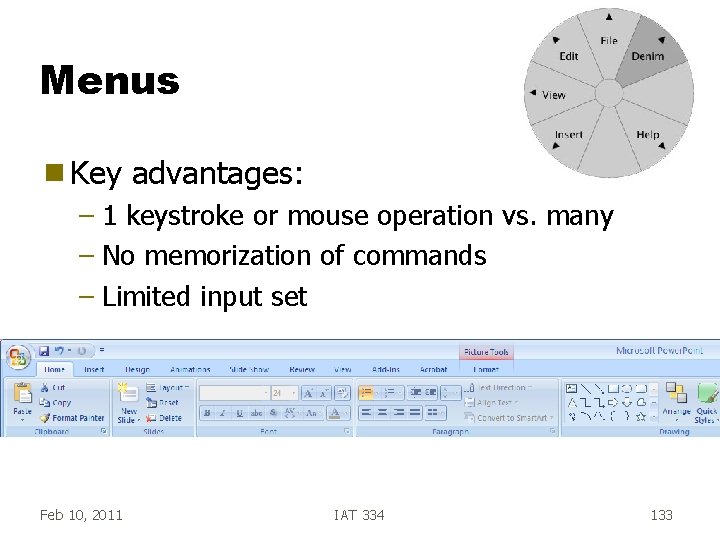
Menus g Key advantages: – 1 keystroke or mouse operation vs. many – No memorization of commands – Limited input set Feb 10, 2011 IAT 334 133
Menus g Many different types – pop-up – pull-down – radio buttons – pie buttons – hierarchies Feb 10, 2011 IAT 334 134
Menu Items g Organization strategies – Create groups of logically similar items – Cover all possibilities – Ensure that items are non-overlapping – Keep wording concise, understandable Feb 10, 2011 IAT 334 135
Presentation Sequence g Use natural if available – Time • e. g. Breakfast, Lunch, Dinner – Numeric ordering • e. g. Point sizes for font – Size • Canada-> BC -> Surrey Feb 10, 2011 IAT 334 136
Presentation Sequence g Choices – Alphabetical – Group related items – Frequently used first – Most important first – Conventional order (MTWRF) g Don’t Feb 10, 2011 change the order on the fly! IAT 334 137
Direct Manipulation Continuous visibility of the objects and actions of interest g Rapid, incremental actions g Reversibility of all actions to encourage experimentation g Syntactic correctness of all actions—every action is syntactically legal g Replacement of command language syntax by direct manipulation of object of interest g Feb 10, 2011 IAT 334 138
Direct Manipulation g Examples – WYSIWYG editors and word processors – VISICALC - 1 st electronic spreadsheet – CAD – Desktop metaphor – Video games Feb 10, 2011 IAT 334 139
DM Syntax DM syntax is postfix g Direct. Objects first, Verb second g Typical – In this case, the command completes the utterance g Enables separate selection syntax g Indirect objects typically specified before direct objects – e. g. brush size before painting in Photoshop Feb 10, 2011 IAT 334 140
DM Essence g Representation manipulated of reality that can be g The user is able to apply intellect directly to the task g Don’t have to name things, just touch them g The tool itself seems to disappear Feb 10, 2011 IAT 334 141
Direct Manipulation is Locality g DM Relies on a primary geometric organization g Items located nearby are frequently edited together – The words in a sentence – A column of numbers in a spreadsheet g Less Feb 10, 2011 related -> Less local -> Less DM! IAT 334 142
User Modeling Predicting thoughts and actions GOMS
Agenda g User modeling – Fitt’s Law – GOMS Feb 24, 2011 IAT 334 144
User Modeling g Idea: If we can build a model of how a user works, then we can predict how s/he will interact with the interface – Predictive modeling g Many Feb 24, 2011 different modeling techniques exist IAT 334 145
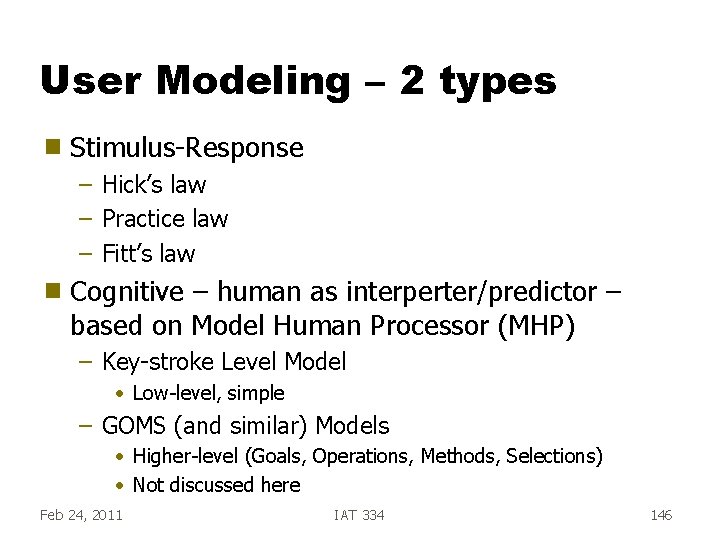
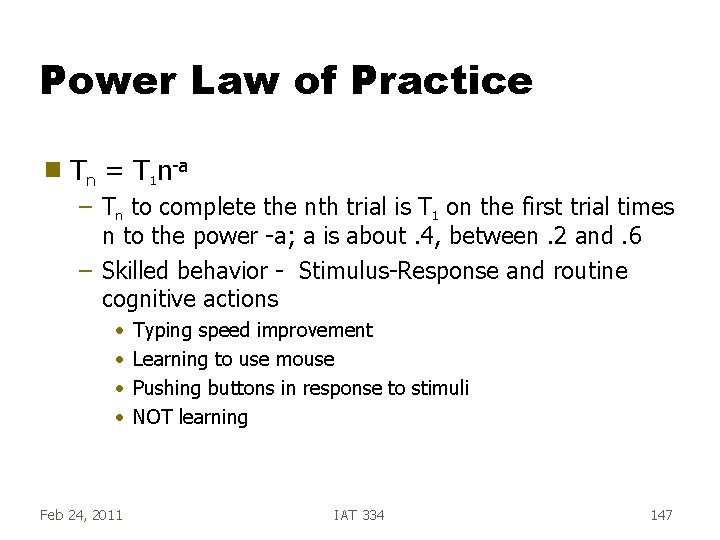
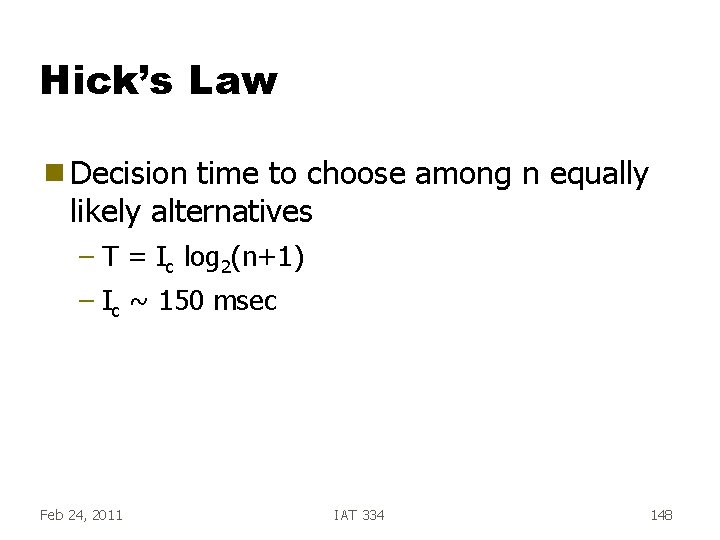
User Modeling – 2 types g Stimulus-Response – Hick’s law – Practice law – Fitt’s law g Cognitive – human as interperter/predictor – based on Model Human Processor (MHP) – Key-stroke Level Model • Low-level, simple – GOMS (and similar) Models • Higher-level (Goals, Operations, Methods, Selections) • Not discussed here Feb 24, 2011 IAT 334 146
Power Law of Practice g Tn = T 1 n-a – Tn to complete the nth trial is T 1 on the first trial times n to the power -a; a is about. 4, between. 2 and. 6 – Skilled behavior - Stimulus-Response and routine cognitive actions • • Feb 24, 2011 Typing speed improvement Learning to use mouse Pushing buttons in response to stimuli NOT learning IAT 334 147
Hick’s Law g Decision time to choose among n equally likely alternatives – T = Ic log 2(n+1) – Ic ~ 150 msec Feb 24, 2011 IAT 334 148
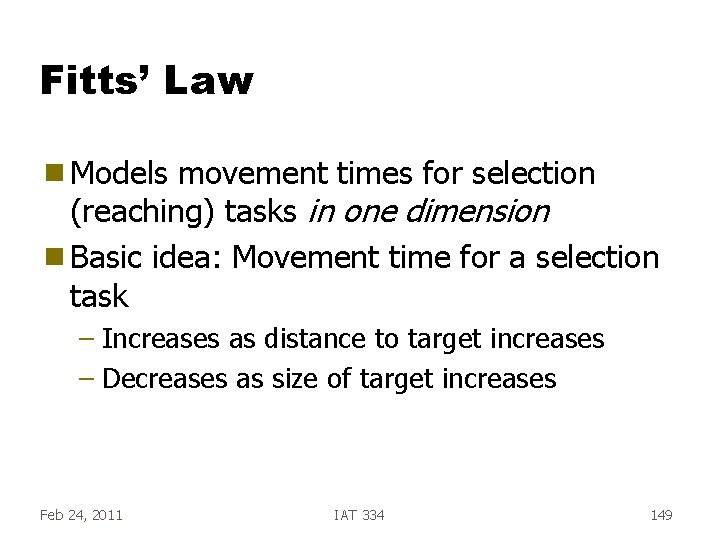
Fitts’ Law g Models movement times for selection (reaching) tasks in one dimension g Basic idea: Movement time for a selection task – Increases as distance to target increases – Decreases as size of target increases Feb 24, 2011 IAT 334 149
Fitts: Index of Difficulty g ID - Index of difficulty ID = log 2 (d/w + 1. 0) bits result g distance to move width (tolerance) of target ID is an information theoretic quantity – Based on work of Shannon – larger target => more information (less uncertainty) Feb 24, 2011 IAT 334 150
Design implications g Menu item size g Icon size g Put frequenlty used icons together g Scroll bar target size and placement – Up / down scroll arrows together or at top and bottom of scroll bar Feb 24, 2011 IAT 334 151
GOMS g One of the most widely known g Assumptions – Know sequence of operations for a task – Expert will be carrying them out g Goals, Feb 24, 2011 Operators, Methods, Selection Rules IAT 334 152
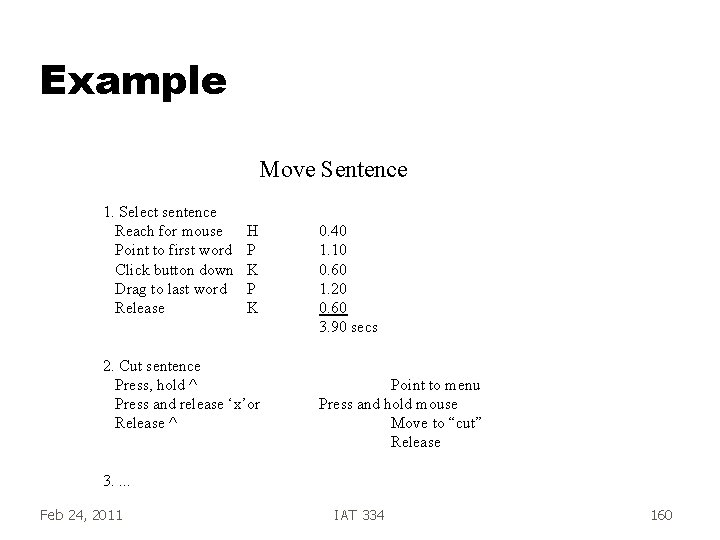
GOMS Procedure g Walk through sequence of steps g Assign each an approximate time duration -> Know overall performance time g (Can Feb 24, 2011 be tedious) IAT 334 153
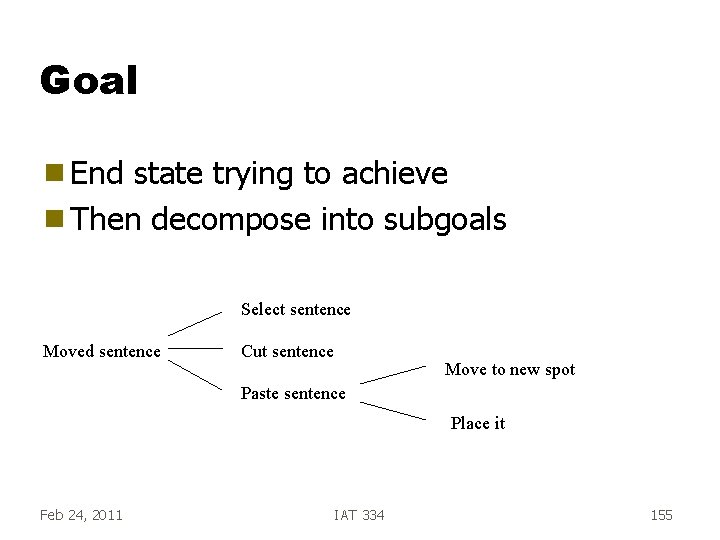
Limitations g GOMS is not for – Tasks where steps are not well understood – Inexperienced users g Why? g Good example: Move a sentence in a document to previous paragraph Feb 24, 2011 IAT 334 154
Goal g End state trying to achieve g Then decompose into subgoals Select sentence Moved sentence Cut sentence Move to new spot Paste sentence Place it Feb 24, 2011 IAT 334 155
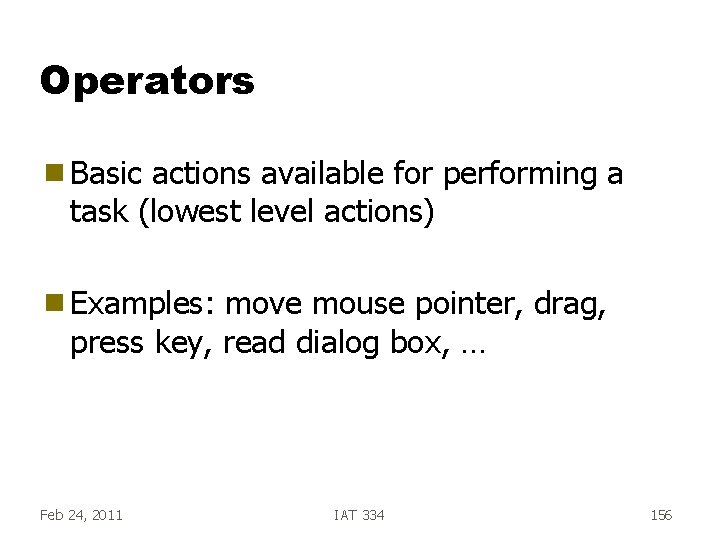
Operators g Basic actions available for performing a task (lowest level actions) g Examples: move mouse pointer, drag, press key, read dialog box, … Feb 24, 2011 IAT 334 156
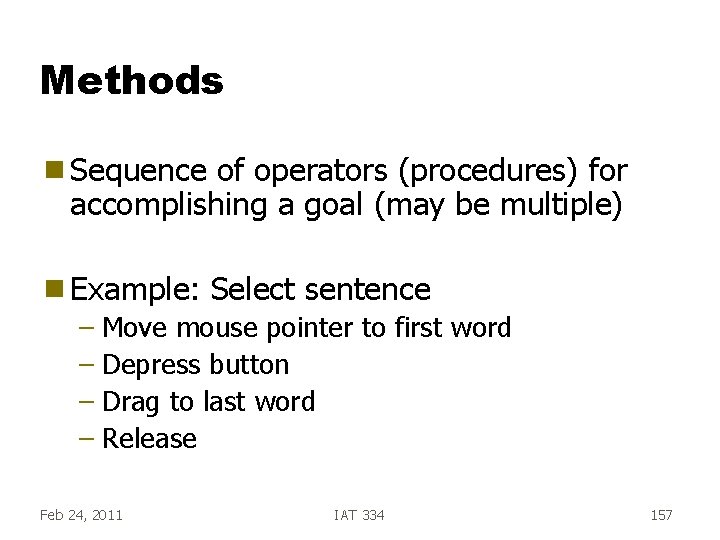
Methods g Sequence of operators (procedures) for accomplishing a goal (may be multiple) g Example: Select sentence – Move mouse pointer to first word – Depress button – Drag to last word – Release Feb 24, 2011 IAT 334 157
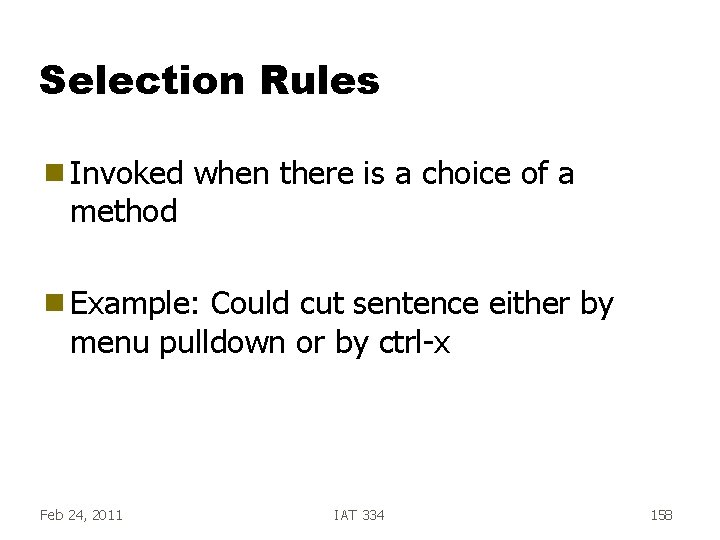
Selection Rules g Invoked method when there is a choice of a g Example: Could cut sentence either by menu pulldown or by ctrl-x Feb 24, 2011 IAT 334 158
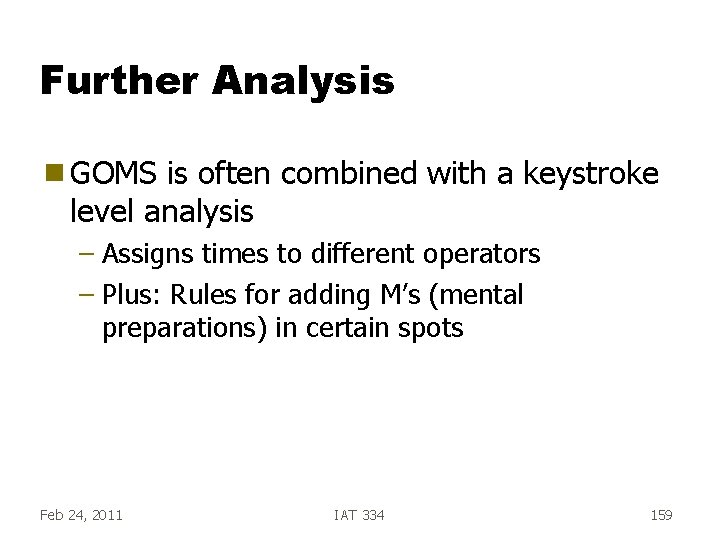
Further Analysis g GOMS is often combined with a keystroke level analysis – Assigns times to different operators – Plus: Rules for adding M’s (mental preparations) in certain spots Feb 24, 2011 IAT 334 159
Example Move Sentence 1. Select sentence Reach for mouse Point to first word Click button down Drag to last word Release H P K 2. Cut sentence Press, hold ^ Press and release ‘x’or Release ^ 0. 40 1. 10 0. 60 1. 20 0. 60 3. 90 secs Point to menu Press and hold mouse Move to “cut” Release 3. . Feb 24, 2011 IAT 334 160
Keystroke-Level Model Simplified GOMS g KSLM - developed by Card, Moran & Newell, see their book g – The Psychology of Human-Computer Interaction, Card, Moran and Newell, Erlbaum, 1983 Skilled users performing routine tasks g Assigns times to basic human operations experimentally verified g Based on MHP - Model Human Processor g Feb 24, 2011 IAT 334 161
User Profiles g Attributes: – attitude, motivation, reading level, typing skill, education, system experience, task experience, computer literacy, frequency of use, training, color-blindness, handedness, gender, … g Novice, Feb 24, 2011 intermediate, expert IAT 334 162
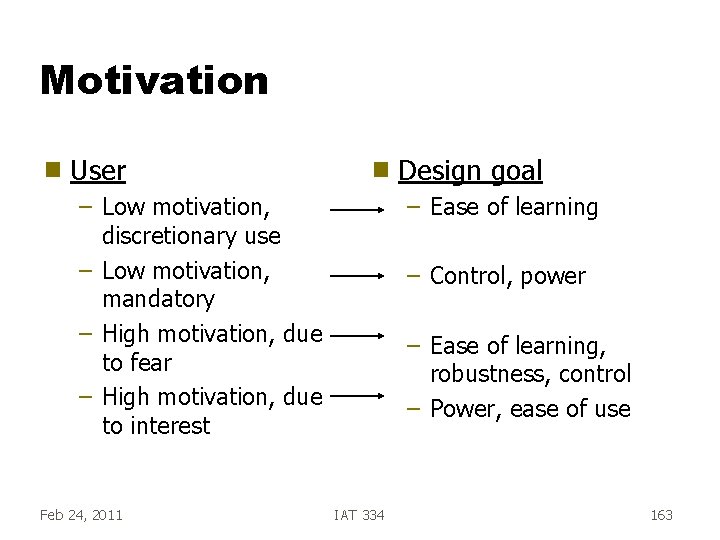
Motivation g User g – Low motivation, discretionary use – Low motivation, mandatory – High motivation, due to fear – High motivation, due to interest Feb 24, 2011 Design goal – Ease of learning – Control, power – Ease of learning, robustness, control – Power, ease of use IAT 334 163
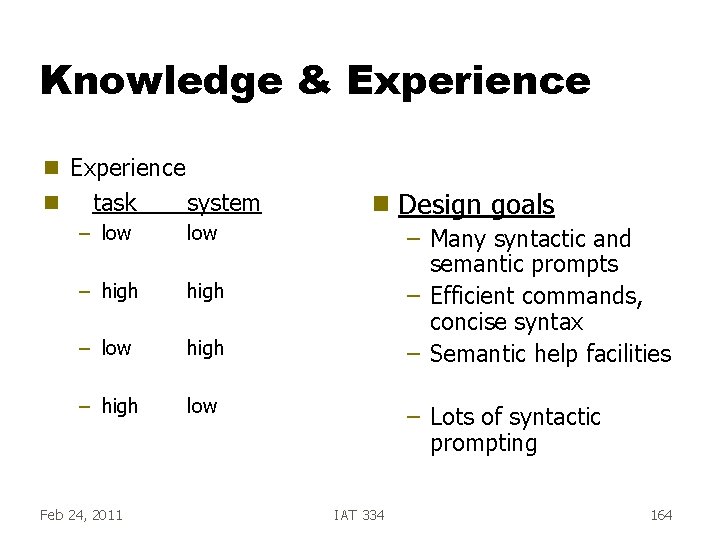
Knowledge & Experience g g Experience task system – low – high – low high – high low Feb 24, 2011 g Design goals – Many syntactic and semantic prompts – Efficient commands, concise syntax – Semantic help facilities – Lots of syntactic prompting IAT 334 164
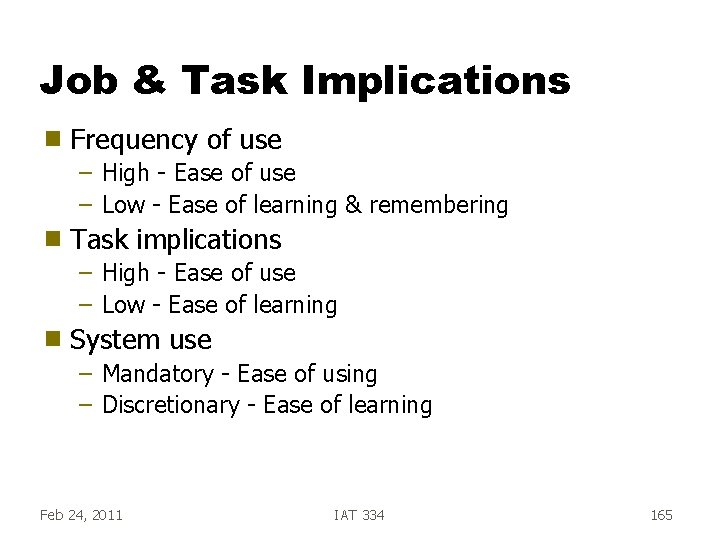
Job & Task Implications g Frequency of use – High - Ease of use – Low - Ease of learning & remembering g Task implications – High - Ease of use – Low - Ease of learning g System use – Mandatory - Ease of using – Discretionary - Ease of learning Feb 24, 2011 IAT 334 165
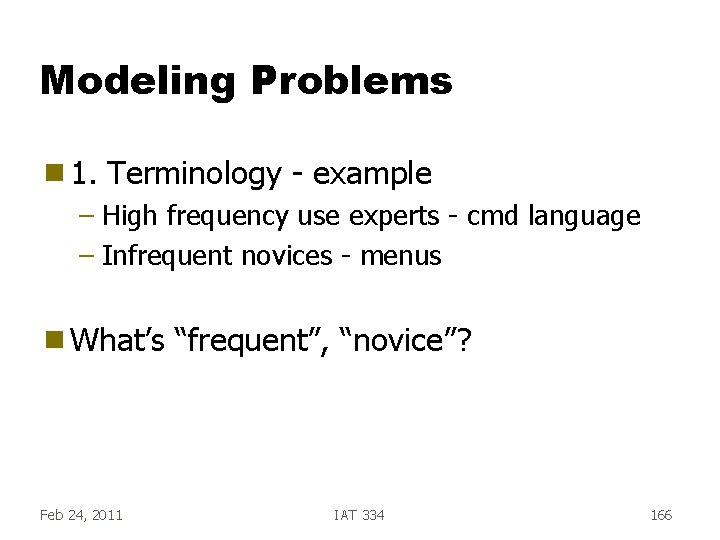
Modeling Problems g 1. Terminology - example – High frequency use experts - cmd language – Infrequent novices - menus g What’s Feb 24, 2011 “frequent”, “novice”? IAT 334 166
Modeling Problems (contd. ) g 2. Dependent on “grain of analysis” employed – Can break down getting a cup of coffee into 7, 20, or 50 tasks – That affects number of rules and their types Feb 24, 2011 IAT 334 167
Modeling Problems (contd. ) g 3. Does not involve user per se – Don’t inform designer of what user wants g 4. Time-consuming and lengthy Feb 24, 2011 IAT 334 168