
IAT 265 Computer Graphics Rocket Java Class Outline
- Slides: 22
IAT 265 Computer Graphics: Rocket, Java: Class
Outline g Programming concepts – – Programming Computer Graphics Transformations Methods Classes May 17, 2016 IAT 265 2
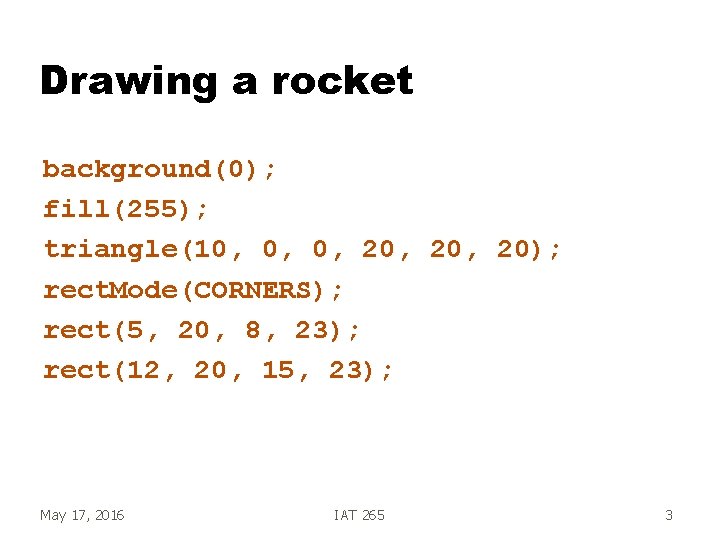
Drawing a rocket background(0); fill(255); triangle(10, 0, 0, 20, 20); rect. Mode(CORNERS); rect(5, 20, 8, 23); rect(12, 20, 15, 23); May 17, 2016 IAT 265 3
Now I want to draw several rockets g Want several rockets in different locations on the screen g. I could copy and paste the code – Need to adjust all the numbers for the new location g Or… May 17, 2016 define a method IAT 265 4
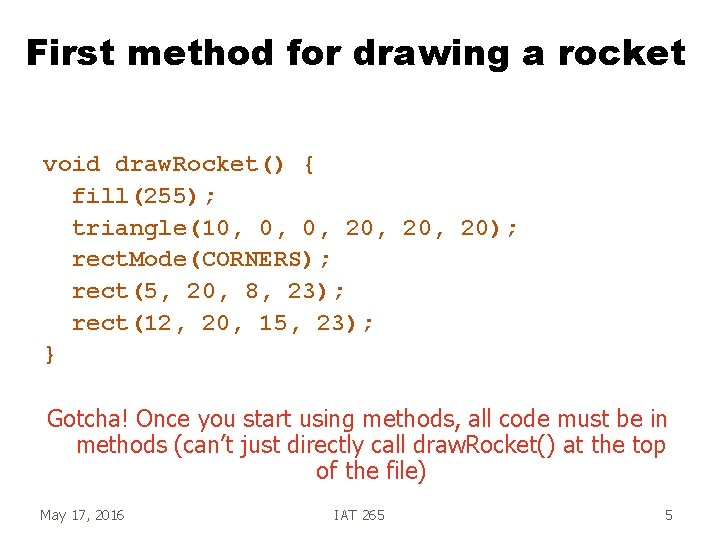
First method for drawing a rocket void draw. Rocket() { fill(255); triangle(10, 0, 0, 20, 20); rect. Mode(CORNERS); rect(5, 20, 8, 23); rect(12, 20, 15, 23); } Gotcha! Once you start using methods, all code must be in methods (can’t just directly call draw. Rocket() at the top of the file) May 17, 2016 IAT 265 5
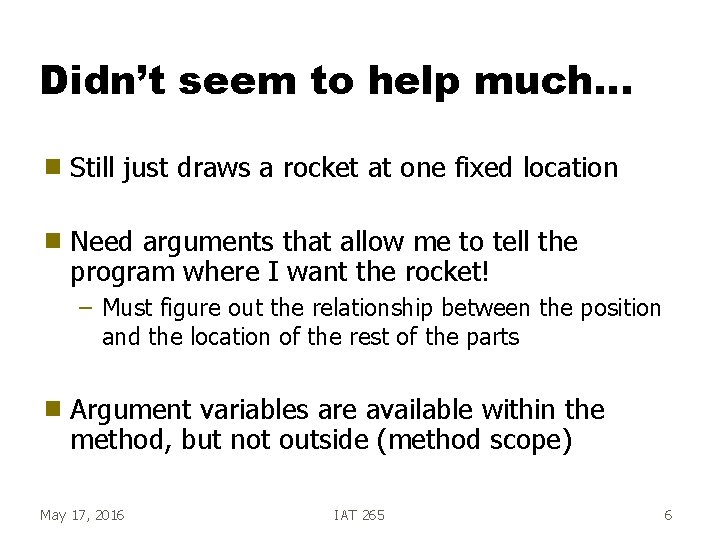
Didn’t seem to help much… g Still just draws a rocket at one fixed location g Need arguments that allow me to tell the program where I want the rocket! – Must figure out the relationship between the position and the location of the rest of the parts g Argument variables are available within the method, but not outside (method scope) May 17, 2016 IAT 265 6
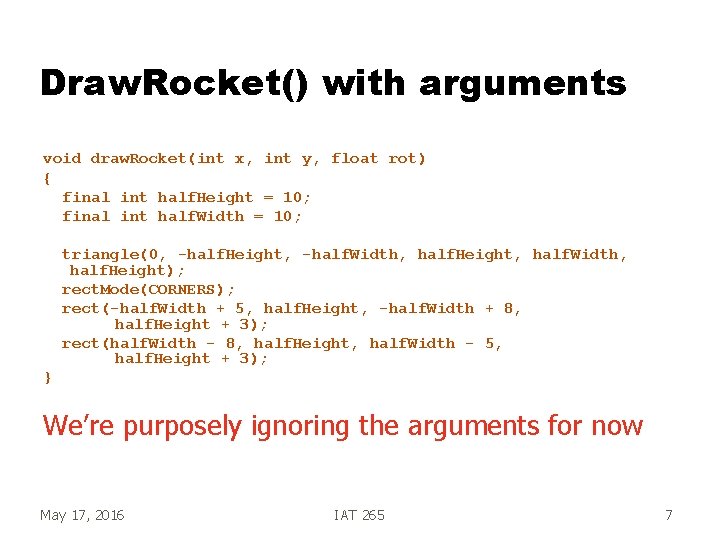
Draw. Rocket() with arguments void draw. Rocket(int x, int y, float rot) { final int half. Height = 10; final int half. Width = 10; triangle(0, -half. Height, -half. Width, half. Height, half. Width, half. Height); rect. Mode(CORNERS); rect(-half. Width + 5, half. Height, -half. Width + 8, half. Height + 3); rect(half. Width - 8, half. Height, half. Width - 5, half. Height + 3); } We’re purposely ignoring the arguments for now May 17, 2016 IAT 265 7
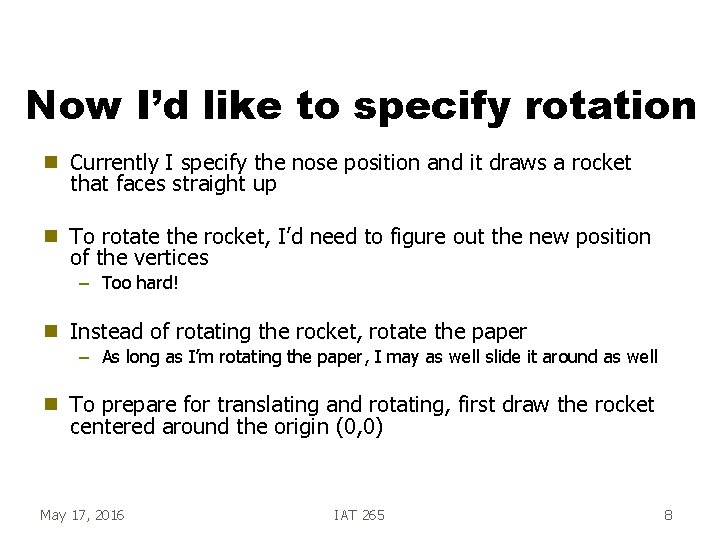
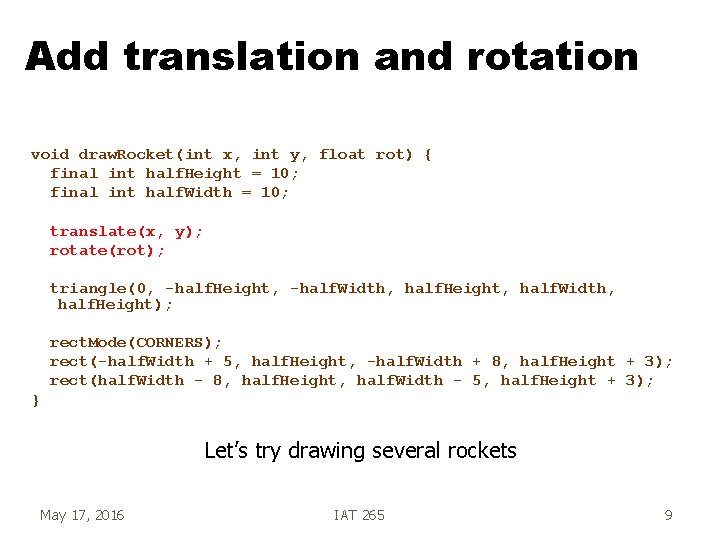
Now I’d like to specify rotation g Currently I specify the nose position and it draws a rocket that faces straight up g To rotate the rocket, I’d need to figure out the new position of the vertices – Too hard! g Instead of rotating the rocket, rotate the paper g To prepare for translating and rotating, first draw the rocket centered around the origin (0, 0) – As long as I’m rotating the paper, I may as well slide it around as well May 17, 2016 IAT 265 8
Add translation and rotation void draw. Rocket(int x, int y, float rot) { final int half. Height = 10; final int half. Width = 10; translate(x, y); rotate(rot); triangle(0, -half. Height, -half. Width, half. Height, half. Width, half. Height); rect. Mode(CORNERS); rect(-half. Width + 5, half. Height, -half. Width + 8, half. Height + 3); rect(half. Width - 8, half. Height, half. Width - 5, half. Height + 3); } Let’s try drawing several rockets May 17, 2016 IAT 265 9
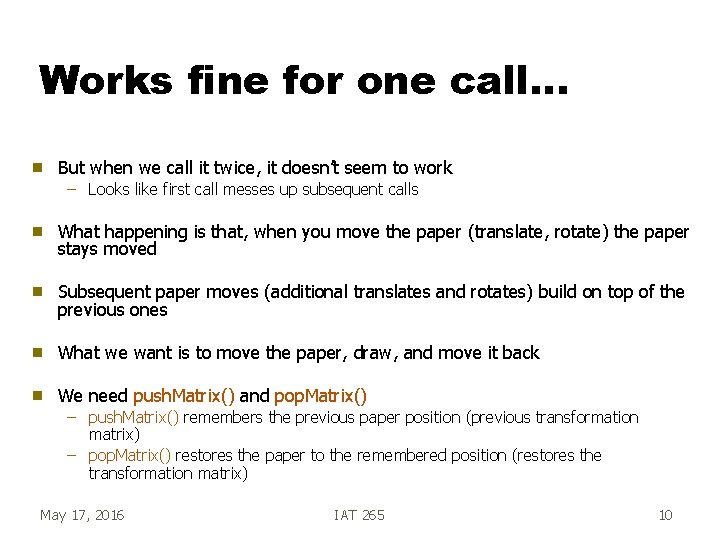
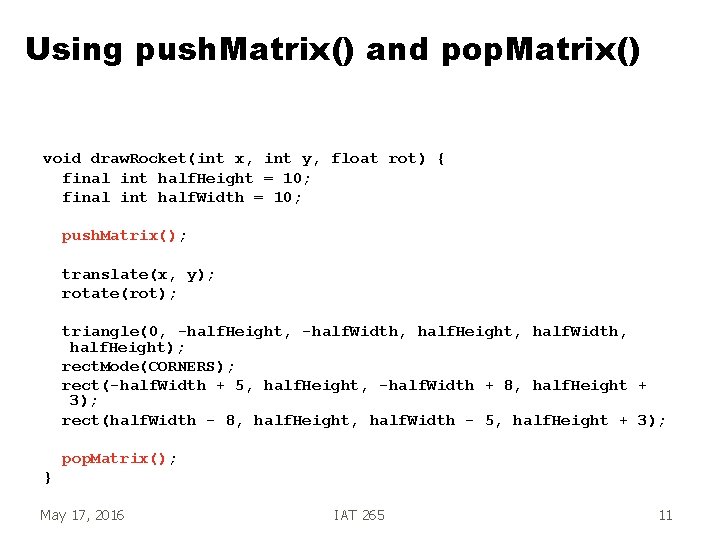
Works fine for one call… g But when we call it twice, it doesn’t seem to work – Looks like first call messes up subsequent calls g What happening is that, when you move the paper (translate, rotate) the paper stays moved g Subsequent paper moves (additional translates and rotates) build on top of the previous ones g What we want is to move the paper, draw, and move it back g We need push. Matrix() and pop. Matrix() – push. Matrix() remembers the previous paper position (previous transformation matrix) – pop. Matrix() restores the paper to the remembered position (restores the transformation matrix) May 17, 2016 IAT 265 10
Using push. Matrix() and pop. Matrix() void draw. Rocket(int x, int y, float rot) { final int half. Height = 10; final int half. Width = 10; push. Matrix(); translate(x, y); rotate(rot); triangle(0, -half. Height, -half. Width, half. Height, half. Width, half. Height); rect. Mode(CORNERS); rect(-half. Width + 5, half. Height, -half. Width + 8, half. Height + 3); rect(half. Width - 8, half. Height, half. Width - 5, half. Height + 3); pop. Matrix(); } May 17, 2016 IAT 265 11
Classes May 17, 2016 IAT 265 12
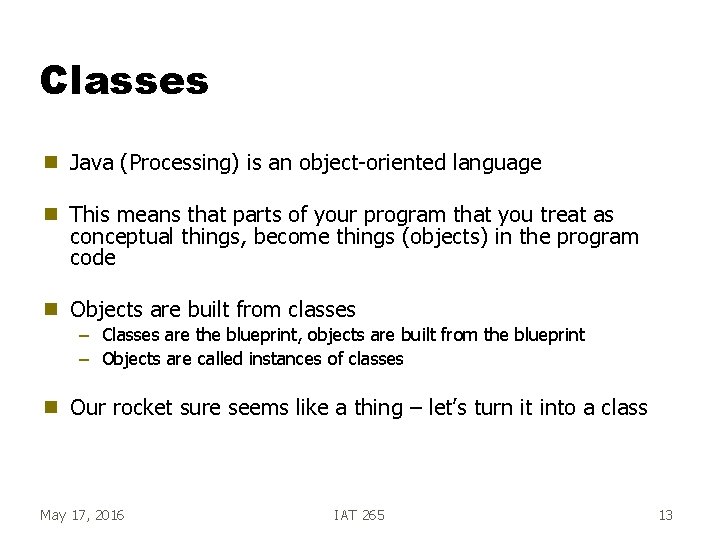
Classes g Java (Processing) is an object-oriented language g This means that parts of your program that you treat as conceptual things, become things (objects) in the program code g Objects are built from classes g Our rocket sure seems like a thing – let’s turn it into a class – Classes are the blueprint, objects are built from the blueprint – Objects are called instances of classes May 17, 2016 IAT 265 13
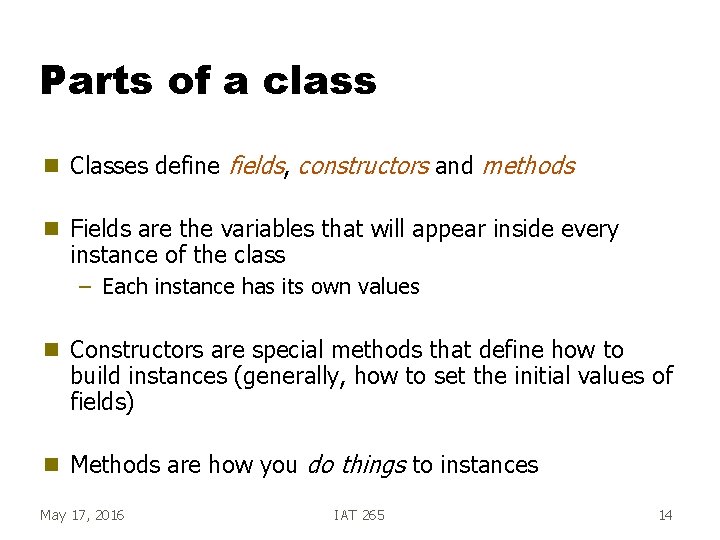
Parts of a class g Classes define fields, constructors and methods g Fields are the variables that will appear inside every instance of the class – Each instance has its own values g Constructors are special methods that define how to build instances (generally, how to set the initial values of fields) g Methods are how you do things to instances May 17, 2016 IAT 265 14
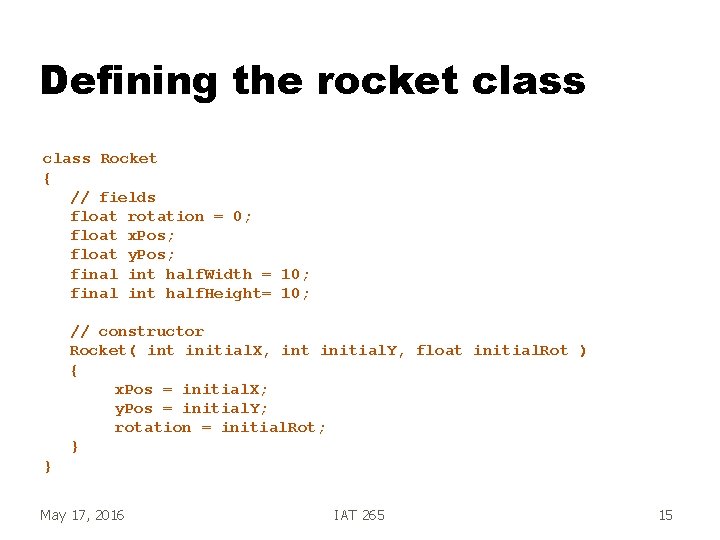
Defining the rocket class Rocket { // fields float rotation = 0; float x. Pos; float y. Pos; final int half. Width = 10; final int half. Height= 10; // constructor Rocket( int initial. X, int initial. Y, float initial. Rot ) { x. Pos = initial. X; y. Pos = initial. Y; rotation = initial. Rot; } } May 17, 2016 IAT 265 15
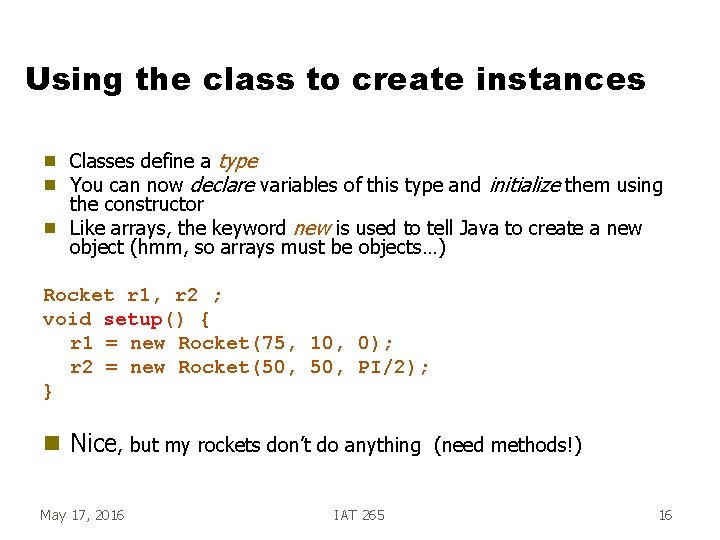
Using the class to create instances g g g Classes define a type You can now declare variables of this type and initialize them using the constructor Like arrays, the keyword new is used to tell Java to create a new object (hmm, so arrays must be objects…) Rocket r 1, r 2 ; void setup() { r 1 = new Rocket(75, 10, 0); r 2 = new Rocket(50, PI/2); } g Nice, but my rockets don’t do anything May 17, 2016 IAT 265 (need methods!) 16
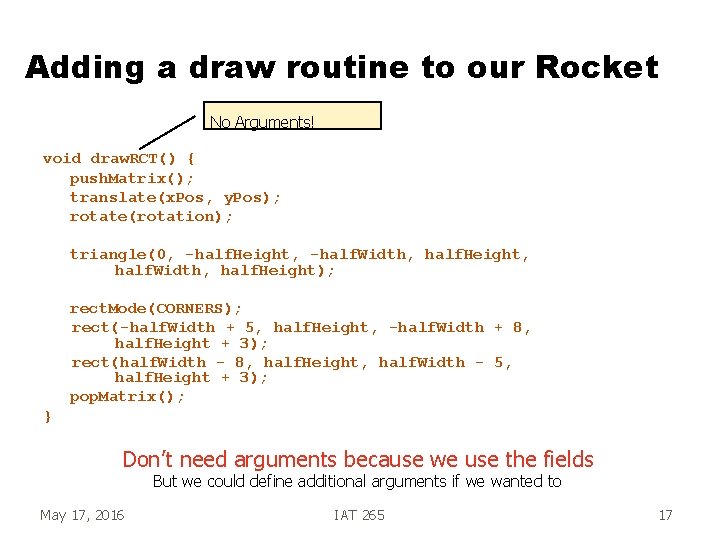
Adding a draw routine to our Rocket No Arguments! void draw. RCT() { push. Matrix(); translate(x. Pos, y. Pos); rotate(rotation); triangle(0, -half. Height, -half. Width, half. Height, half. Width, half. Height); rect. Mode(CORNERS); rect(-half. Width + 5, half. Height, -half. Width + 8, half. Height + 3); rect(half. Width - 8, half. Height, half. Width - 5, half. Height + 3); pop. Matrix(); } Don’t need arguments because we use the fields But we could define additional arguments if we wanted to May 17, 2016 IAT 265 17
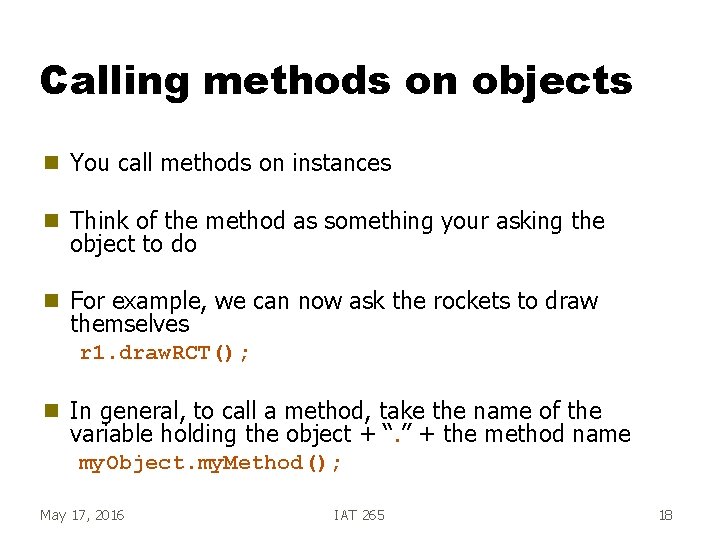
Calling methods on objects g You call methods on instances g Think of the method as something your asking the object to do g For example, we can now ask the rockets to draw themselves r 1. draw. RCT(); g In general, to call a method, take the name of the variable holding the object + “. ” + the method name my. Object. my. Method(); May 17, 2016 IAT 265 18
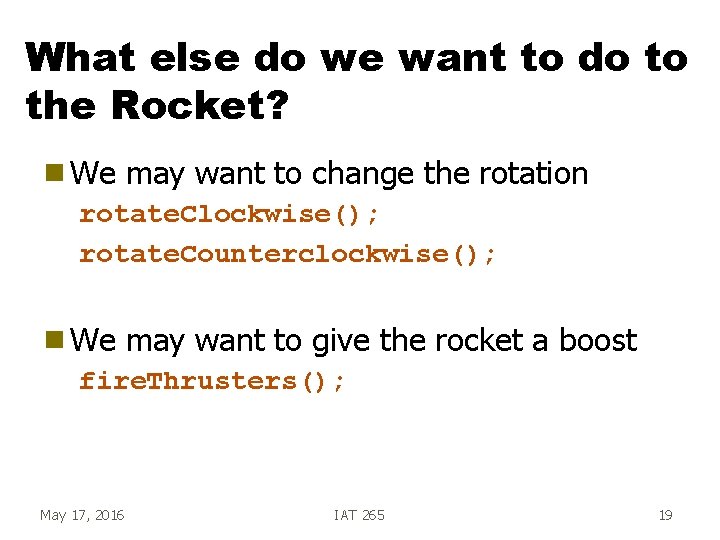
What else do we want to do to the Rocket? g We may want to change the rotation rotate. Clockwise(); rotate. Counterclockwise(); g We may want to give the rocket a boost fire. Thrusters(); May 17, 2016 IAT 265 19
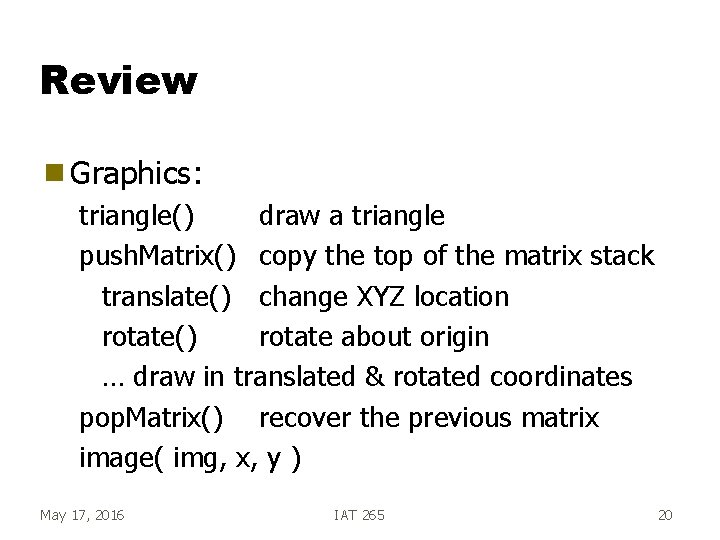
Review g Graphics: triangle() draw a triangle push. Matrix() copy the top of the matrix stack translate() change XYZ location rotate() rotate about origin … draw in translated & rotated coordinates pop. Matrix() recover the previous matrix image( img, x, y ) May 17, 2016 IAT 265 20
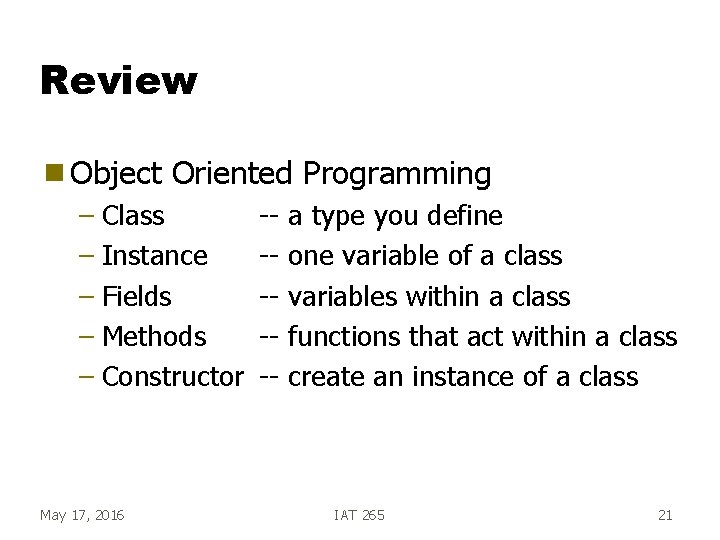
Review g Object Oriented Programming – Class – Instance – Fields – Methods – Constructor May 17, 2016 ------ a type you define one variable of a class variables within a class functions that act within a class create an instance of a class IAT 265 21
Review g Graphics/ OO Example – Rocket • Translated & rotated to its new location • Data of location stored within its class • Each rocket has its own location – And its own data! May 17, 2016 IAT 265 22