
Visi Rule An overview of the Visi Rule
- Slides: 56
Visi. Rule An overview of the Visi. Rule decision logic charting tool
What is Visi. Rule? n n n Decision Support tool Knowledge Management tool Artificial Intelligence Expert Systems Knowledge Transfer tool
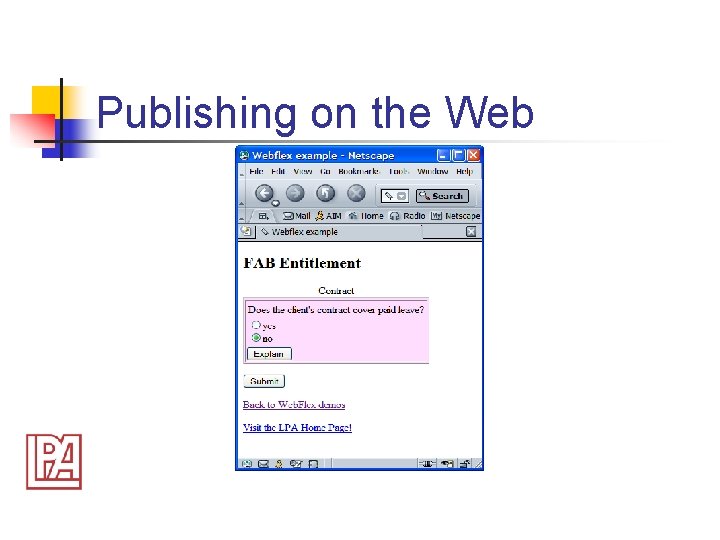
How does Visi. Rule work? n n n Draw some nodes and links Add some text [labels, expressions] Attach some code [optional] Generate and test the code Publish on the Internet or PC
Example usages n n n Decision tree delivery and execution Dynamic questionnaire production Diagnostics and fault finding Classification Business Rule Automation
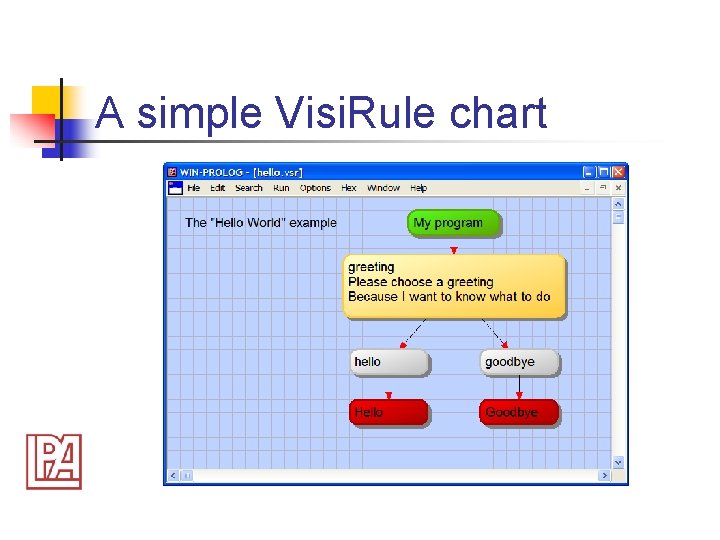
A simple Visi. Rule chart
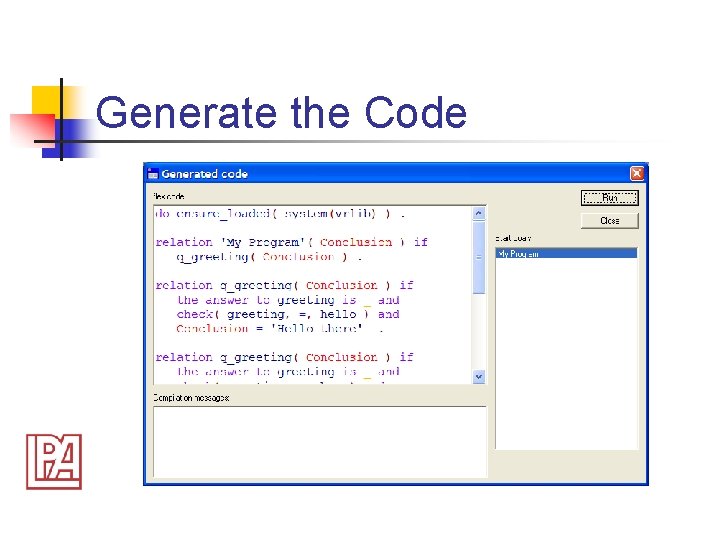
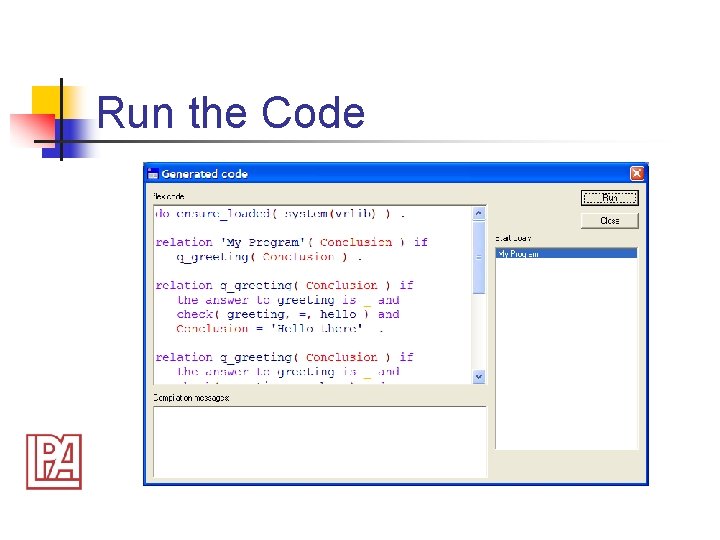
Generate the Code
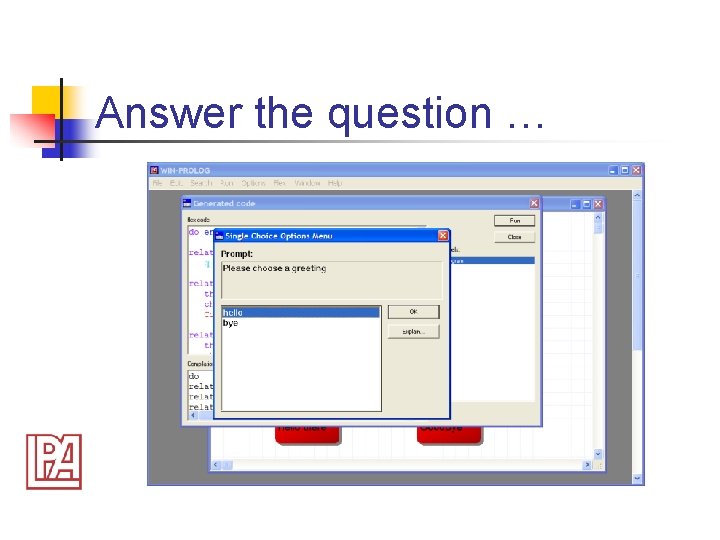
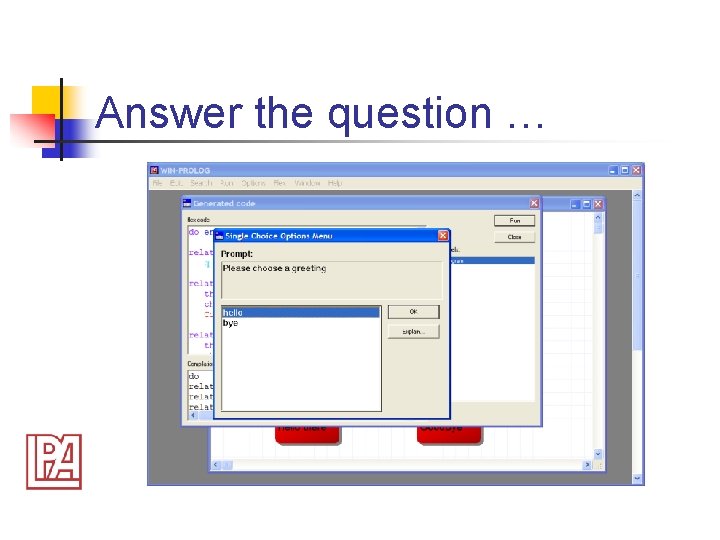
Answer the question …
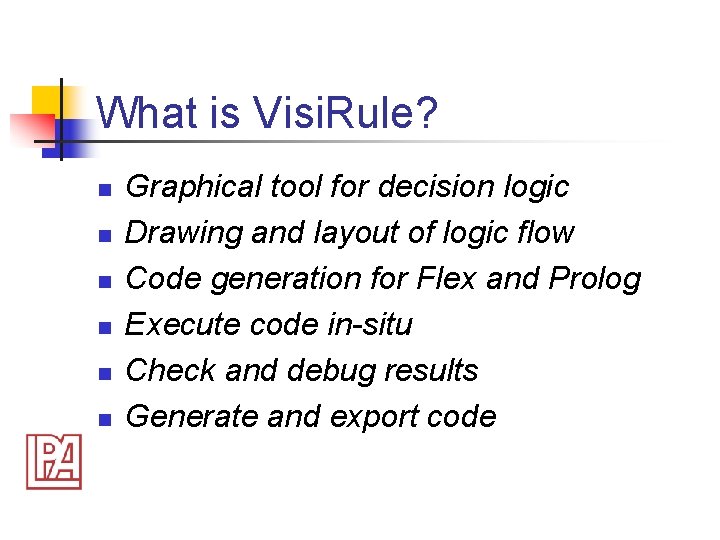
What is Visi. Rule? n n n Graphical tool for decision logic Drawing and layout of logic flow Code generation for Flex and Prolog Execute code in-situ Check and debug results Generate and export code
Who is Visi. Rule for? n n n People involved with specifying and modeling decision and knowledge processes People involved with automating decision making All sectors – legal, banking, finance, diagnostics
Goals of Visi. Rule n n n Makes technology available to nonprogrammers and programmers Question and answer-based processes can be rapidly tested and deployed Run-time architecture integrates into existing web and desktop standards
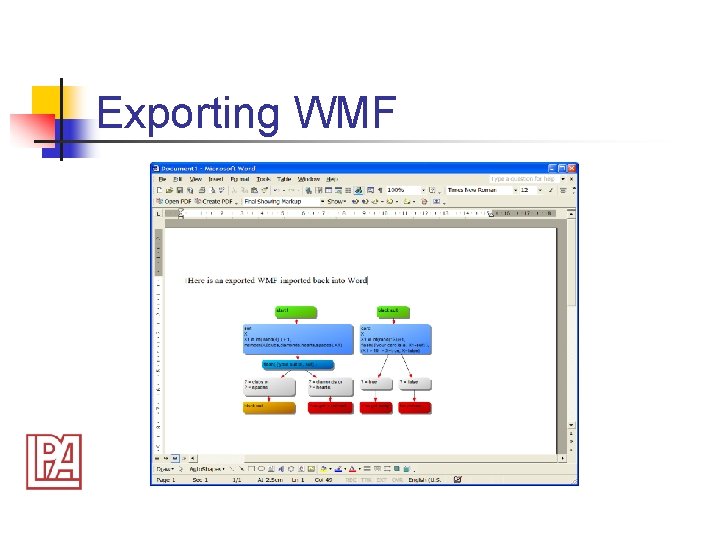
What does Visi. Rule do? n n n Lets you draw charts Lets you explore logic Lets you generate code Lets you export XML Lets you produce WMF [charts]
What does Visi. Rule produce? n n n Charts as shareable diagrams Code for exporting and embedding Text for exporting and exploring Possible test suite Possible audit trail
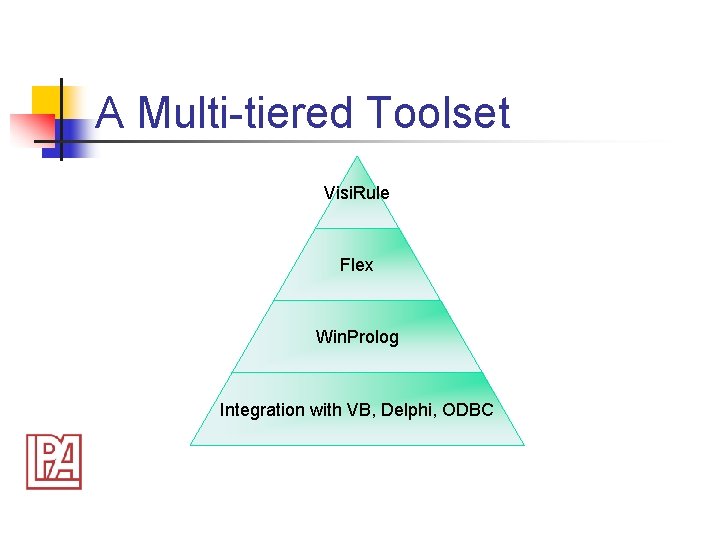
A Multi-tiered Toolset Visi. Rule Flex Win. Prolog Integration with VB, Delphi, ODBC
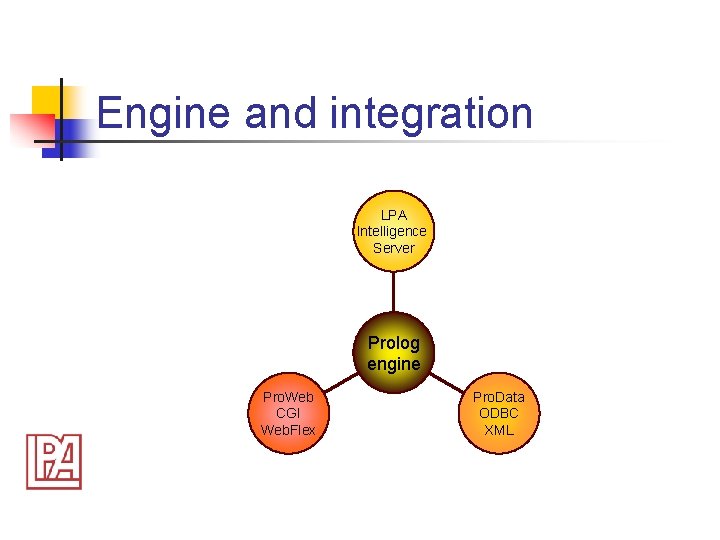
Engine and integration LPA Intelligence Server Prolog engine Pro. Web CGI Web. Flex Pro. Data ODBC XML
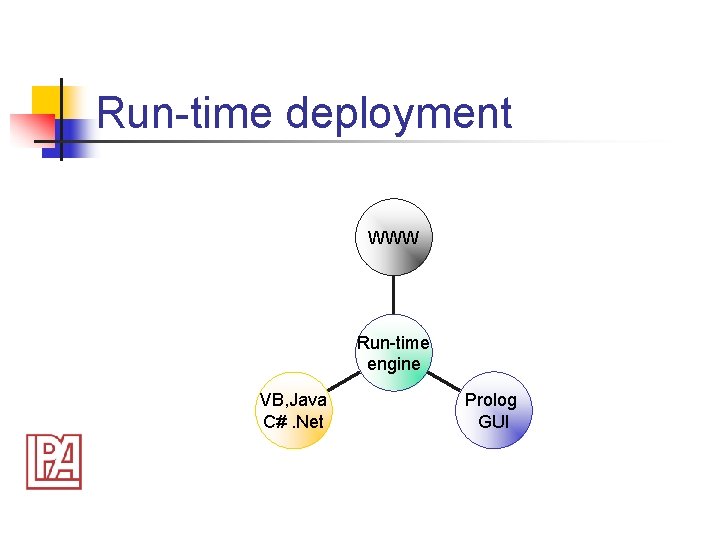
Run-time deployment WWW Run-time engine VB, Java C#. Net Prolog GUI
Visi. Rule n n n Point ‘n Click to add new objects Delete link and associated objects Edit expressions in-line Automatic aggregation for menus Analysis of logic flow
Intelligent Design Tool n n n Automatic linking/de-linking of objects Horizontal/vertical alignment Horizontal/vertical spacing Syntax checker for expressions & code Show/don’t show information fields
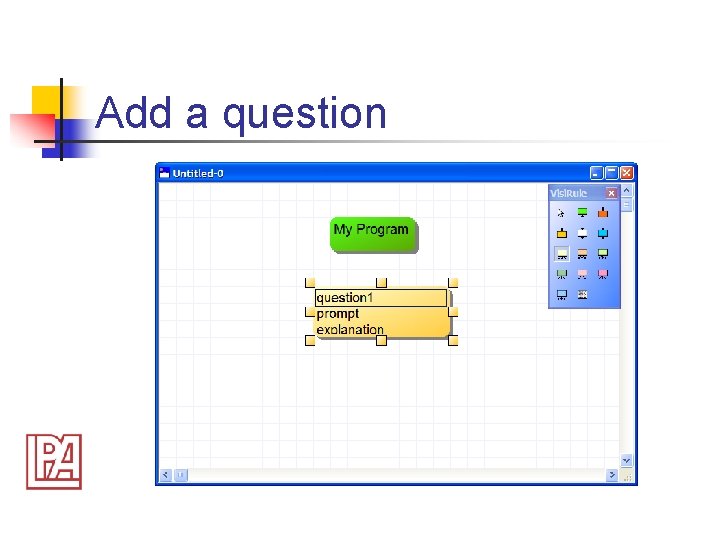
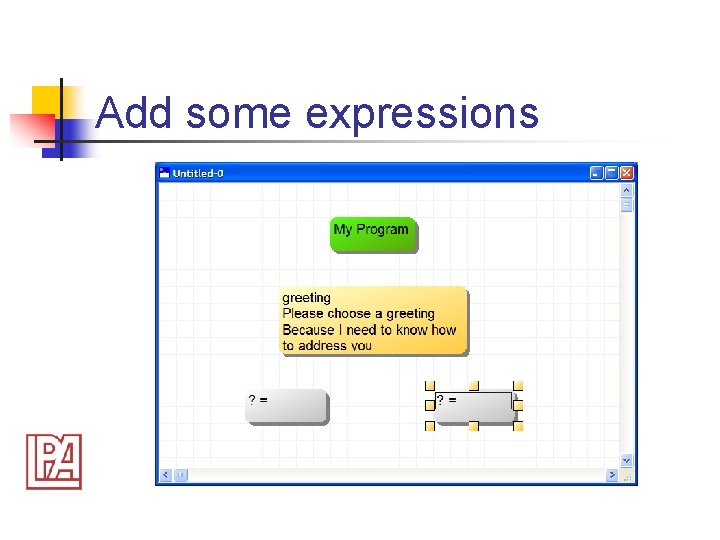
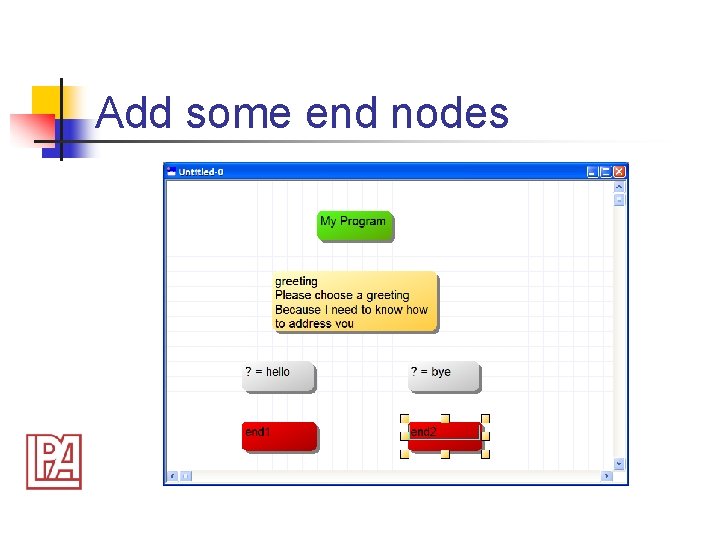
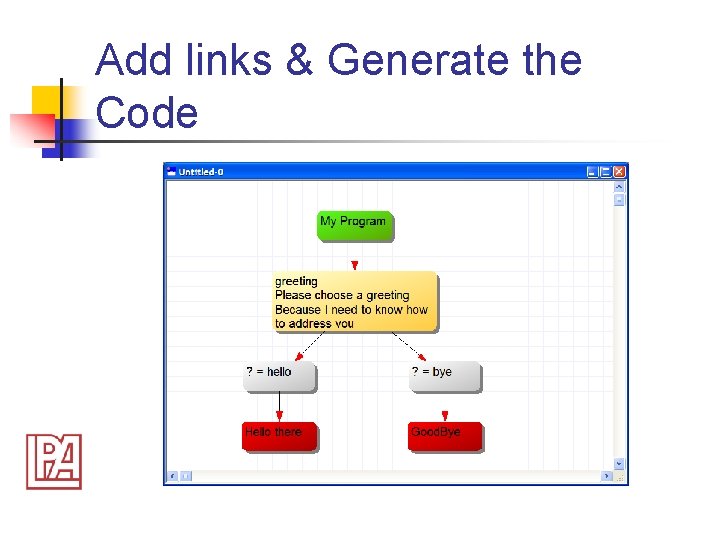
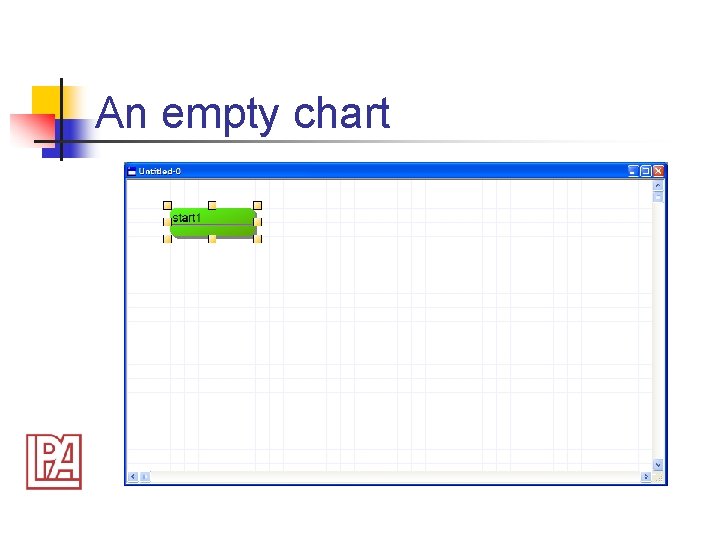
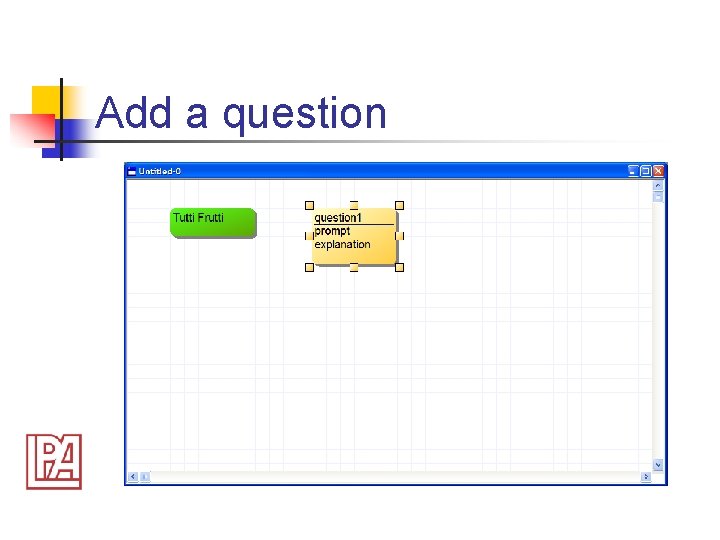
A Simple Worked Example n n New empty chart Create the Nodes Link the Nodes Generate and Test the Code
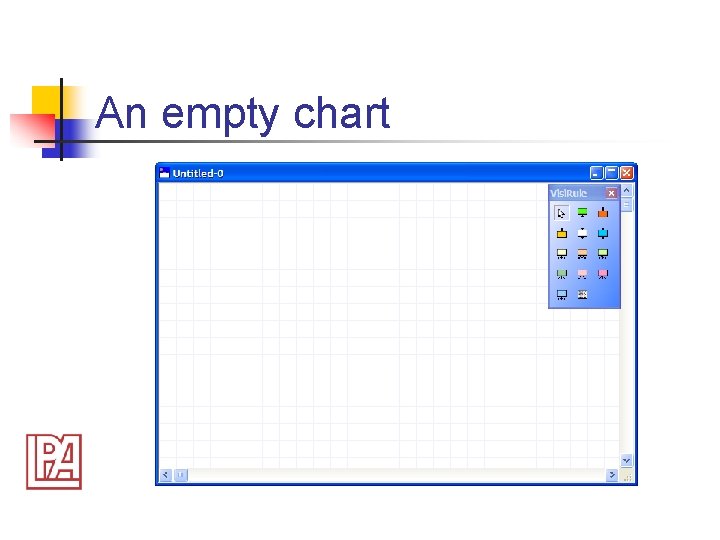
An empty chart
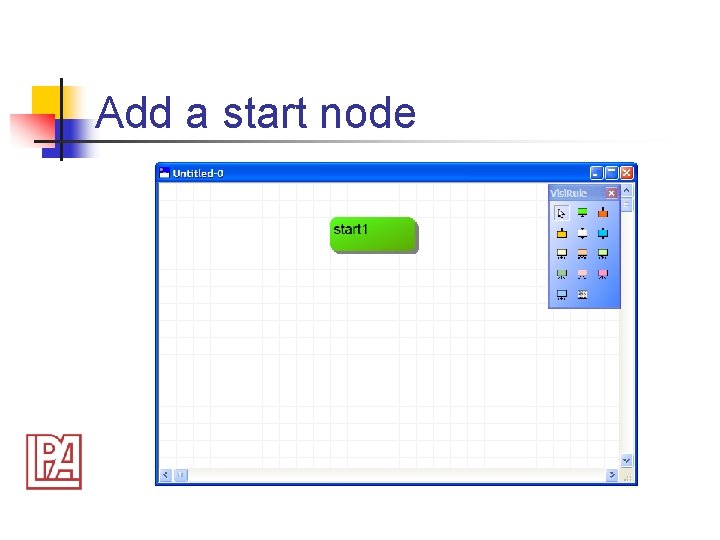
Add a start node
Add a question
Add some expressions
Add some end nodes
Add links & Generate the Code
Run the Code
Answer the question …
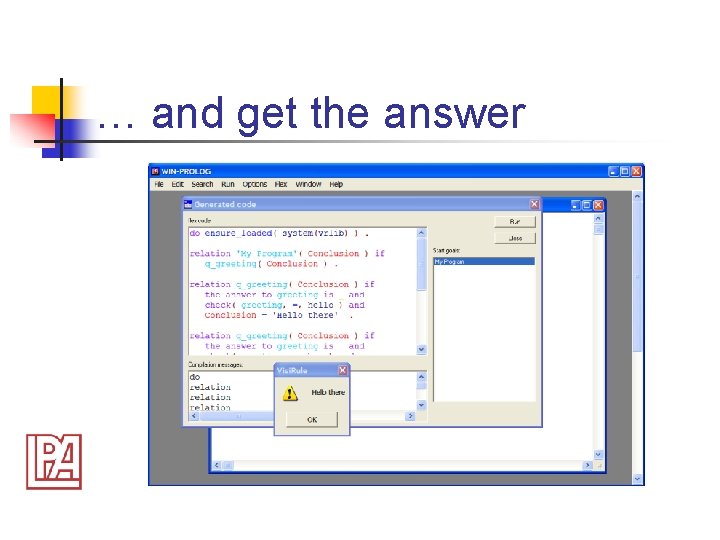
… and get the answer
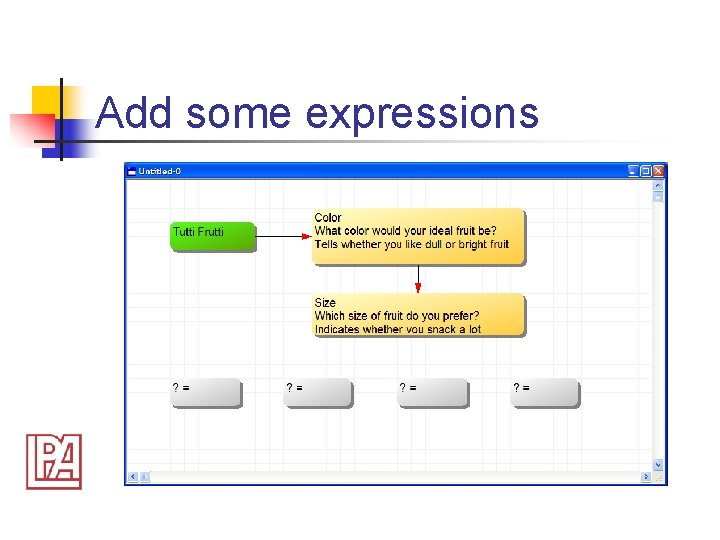
Another Worked Example n n n 2 binary questions 4 outcome nodes Compound logic in expressions
An empty chart
Add a question
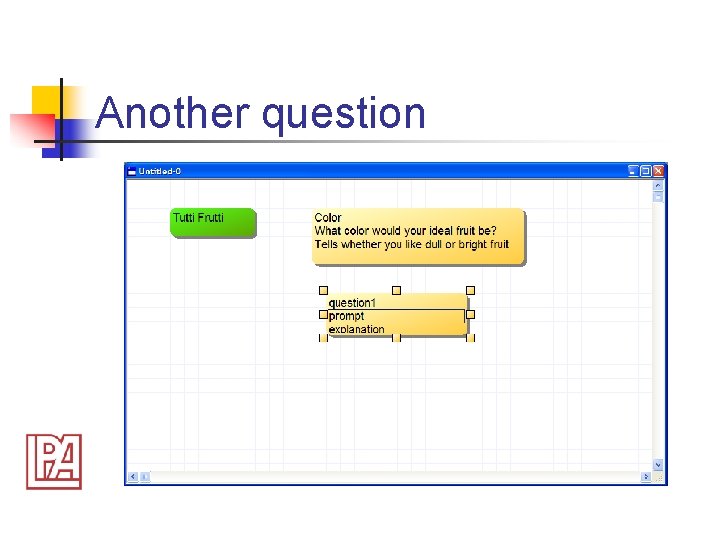
Another question
Add some expressions
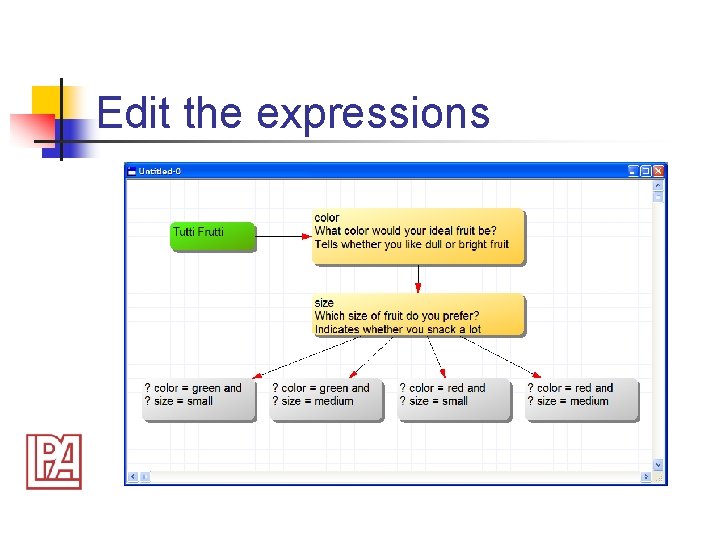
Edit the expressions
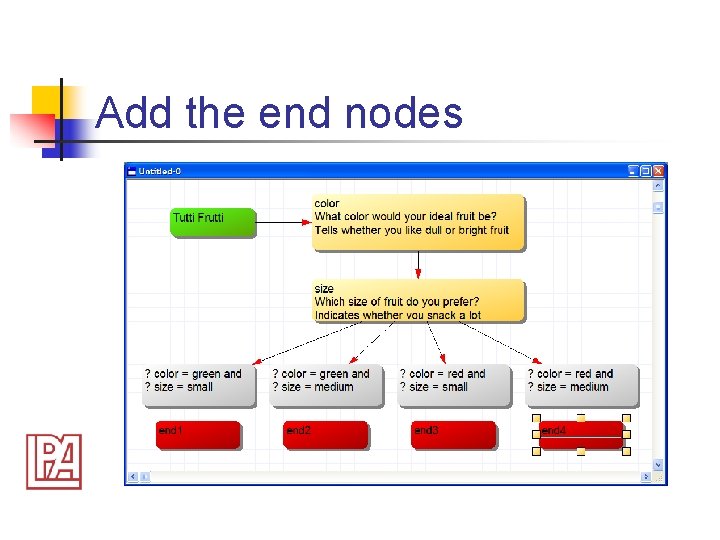
Add the end nodes
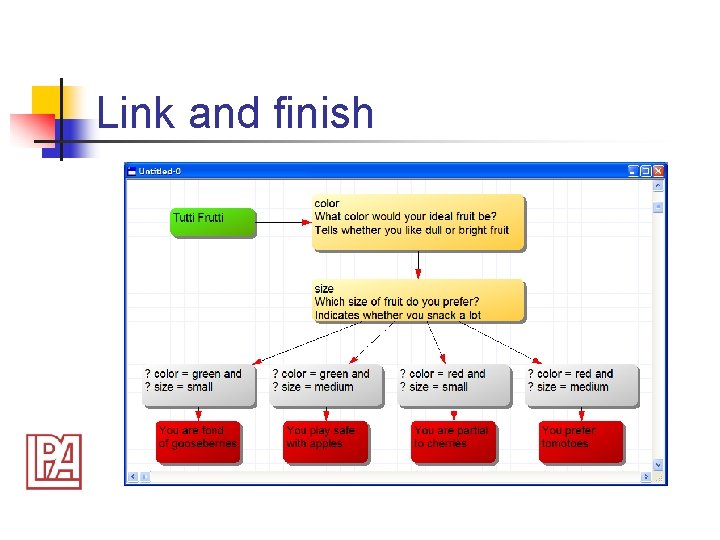
Link and finish
Another Worked Example n n n 2 binary questions 4 outcome nodes Compound logic in expressions
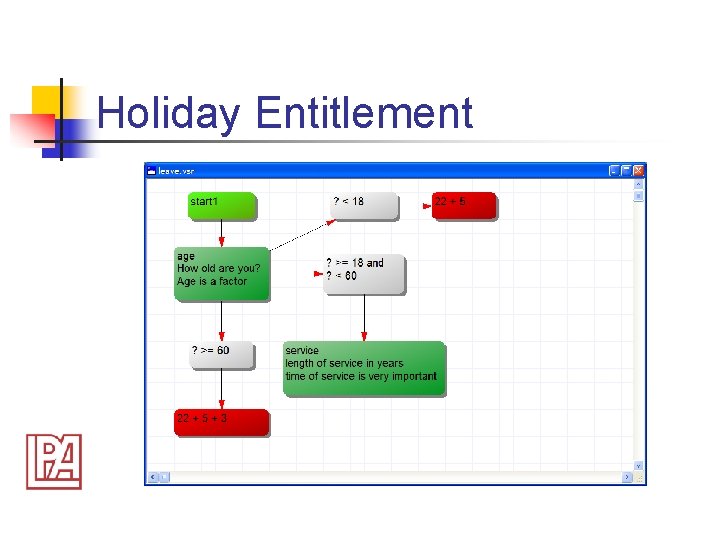
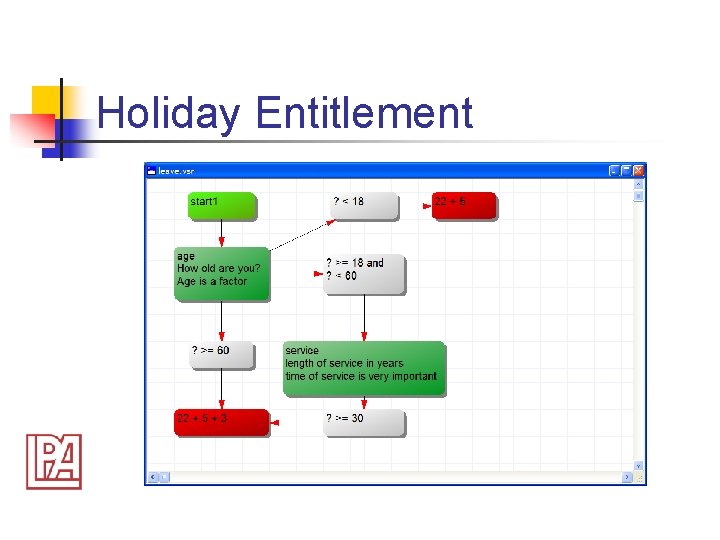
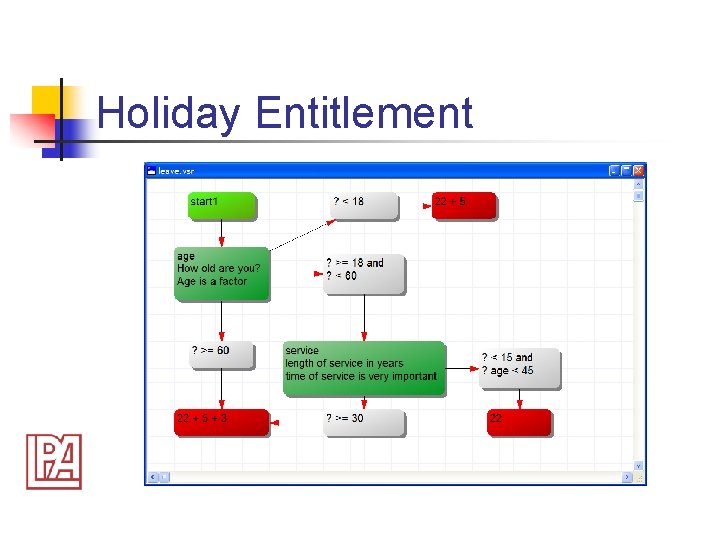
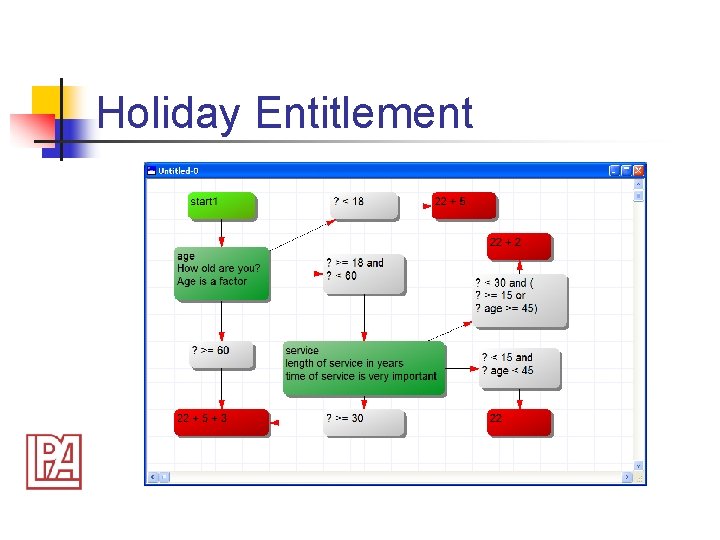
Holiday Entitlement
Holiday Entitlement
Holiday Entitlement
Holiday Entitlement
Holiday Entitlement
Holiday Entitlement
Holiday Entitlement
Holiday Entitlement
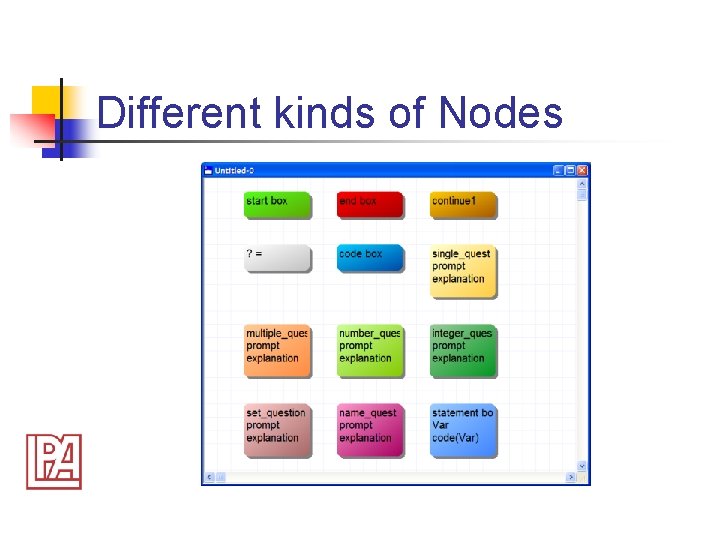
Various Nodes Types n n n Question nodes Expression nodes Statement Boxes Code Boxes Start and End nodes
Different kinds of Nodes
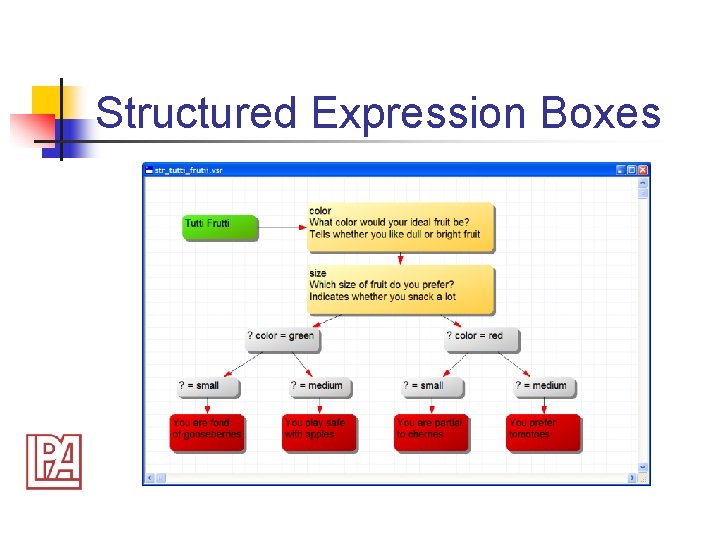
Structured Expression Boxes
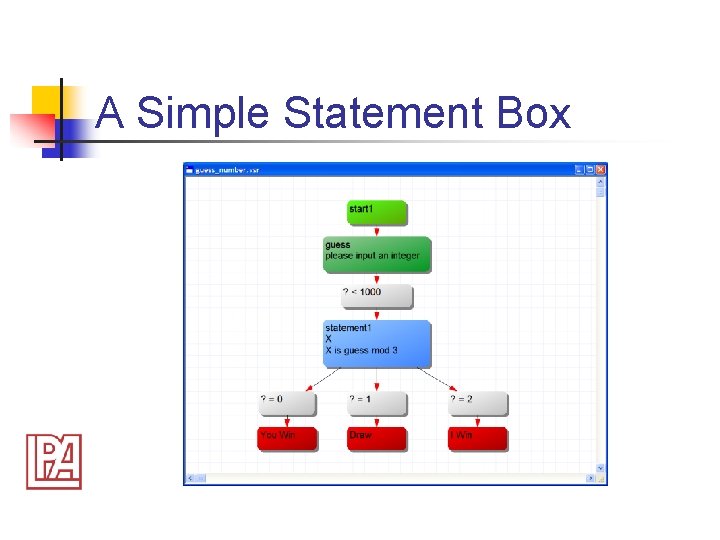
A Simple Statement Box
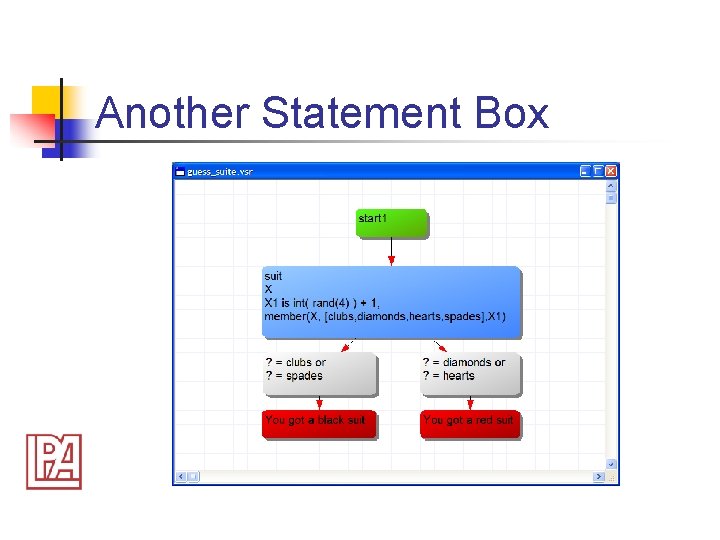
Another Statement Box
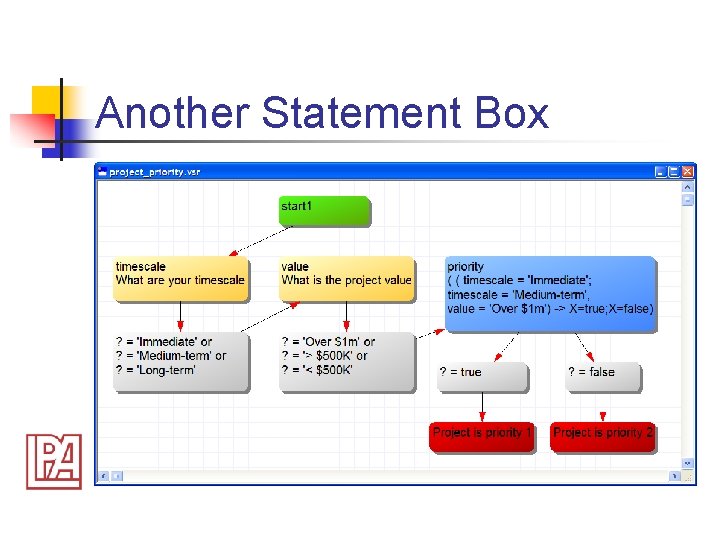
Another Statement Box
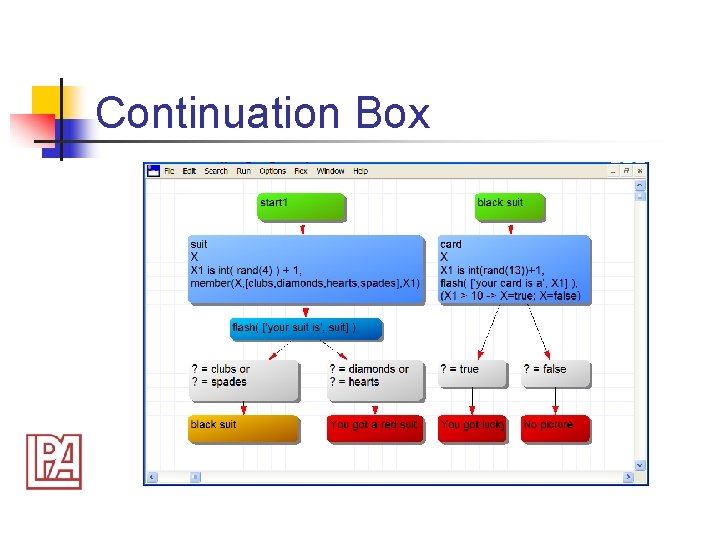
Continuation Box
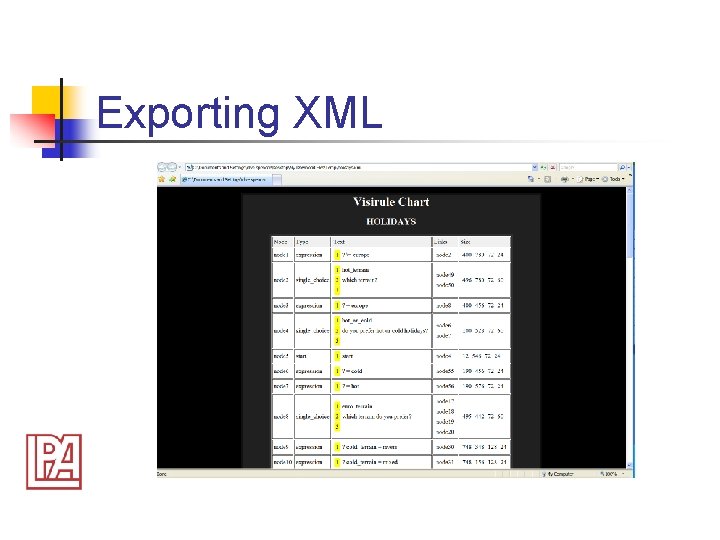
Exporting XML
Exporting WMF
Publishing on the Web
Future plans for Visi. Rule n n n extend to Bayesian Networks extend to Fuzzy Rules modular logic (re-useable components) importing XML integration with Visio?
The End n n n Got to the LPA web-site and download a 28 -day Free Trial Try out some of the Web. Flex demos Contact LPA if you want a full evaluation CD or long term loan