Lecture 10 Configuration Management Project Management 1 1
![Risk Management & Monitoring risk analysis data [r 1, l 1, x 1] risk](https://slidetodoc.com/presentation_image_h/1c8221103142e8534b859fb661cdc33a/image-123.jpg "Risk Management & Monitoring risk analysis data [r 1, l 1, x 1] risk")
- Slides: 138
Lecture 10: Configuration Management Project Management 1
1. Software Quality Assurance 2
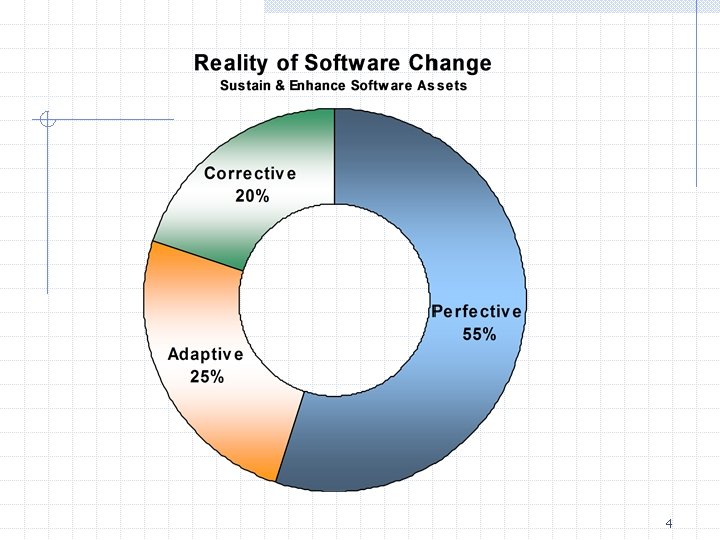
SW Maintenance Perfective: demanded by user Adaptive: due to changing environment, e. g. , OS, HW Corrective: due to discovered errors Preventive (re-engineering): for future benefits (maintainability, reliability, enhancements) Maintenance characteristics: n n n activities cost problems Unstructured maintenance - if no configuration Structured: review design, re-design, … 3
4
Maintenance Problems Tracing software evolution (versions, lack of documentation) Tracing the software process Understanding partially documented software Reaching software developers (mobility) Documentation quality Designs are not “for-change” Maintenance is not glamorous 5
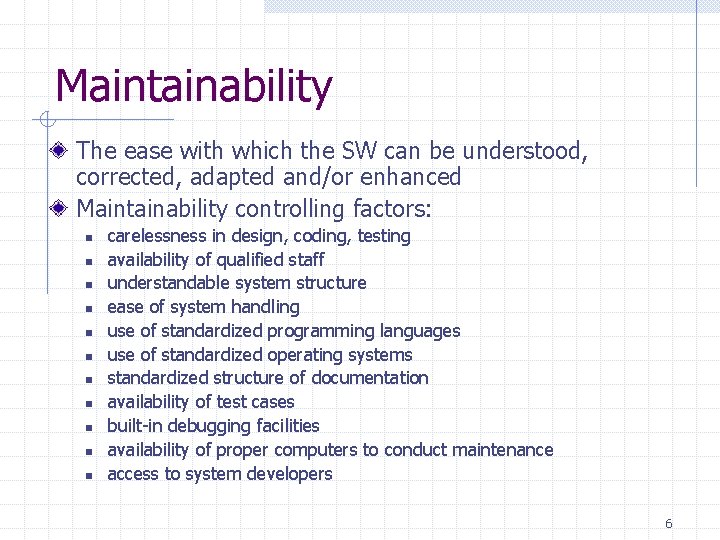
Maintainability The ease with which the SW can be understood, corrected, adapted and/or enhanced Maintainability controlling factors: n n n carelessness in design, coding, testing availability of qualified staff understandable system structure ease of system handling use of standardized programming languages use of standardized operating systems standardized structure of documentation availability of test cases built-in debugging facilities availability of proper computers to conduct maintenance access to system developers 6
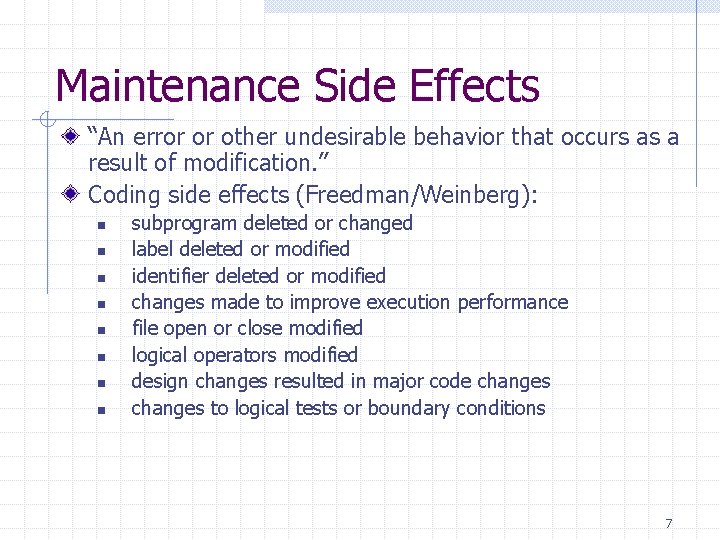
Maintenance Side Effects “An error or other undesirable behavior that occurs as a result of modification. ” Coding side effects (Freedman/Weinberg): n n n n subprogram deleted or changed label deleted or modified identifier deleted or modified changes made to improve execution performance file open or close modified logical operators modified design changes resulted in major code changes to logical tests or boundary conditions 7
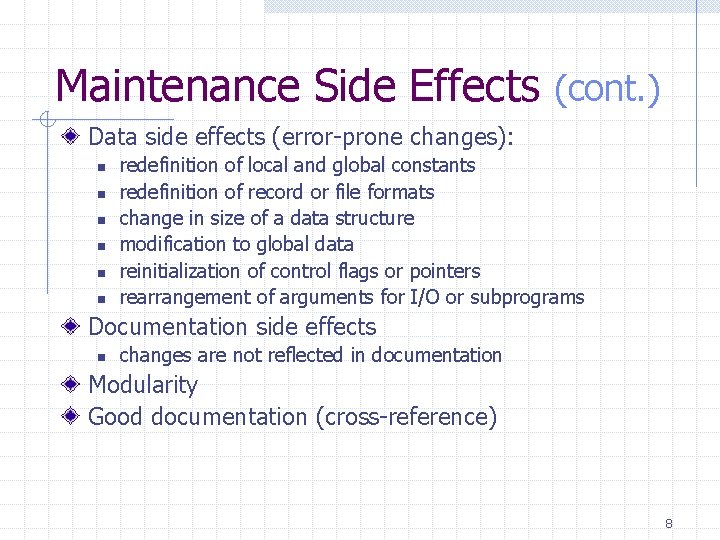
Maintenance Side Effects (cont. ) Data side effects (error-prone changes): n n n redefinition of local and global constants redefinition of record or file formats change in size of a data structure modification to global data reinitialization of control flags or pointers rearrangement of arguments for I/O or subprograms Documentation side effects n changes are not reflected in documentation Modularity Good documentation (cross-reference) 8
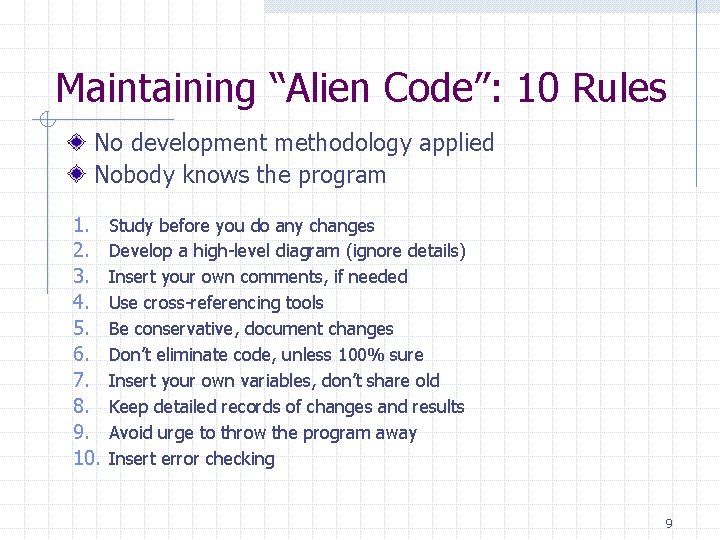
Maintaining “Alien Code”: 10 Rules No development methodology applied Nobody knows the program 1. 2. 3. 4. 5. 6. 7. 8. 9. 10. Study before you do any changes Develop a high-level diagram (ignore details) Insert your own comments, if needed Use cross-referencing tools Be conservative, document changes Don’t eliminate code, unless 100% sure Insert your own variables, don’t share old Keep detailed records of changes and results Avoid urge to throw the program away Insert error checking 9
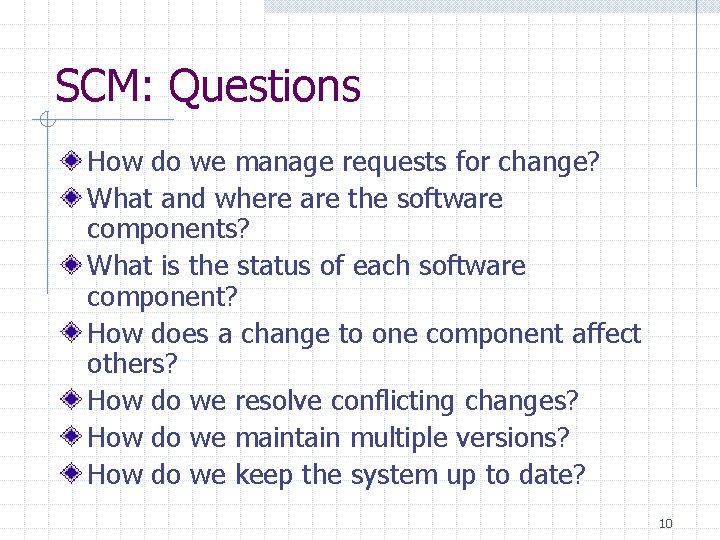
SCM: Questions How do we manage requests for change? What and where are the software components? What is the status of each software component? How does a change to one component affect others? How do we resolve conflicting changes? How do we maintain multiple versions? How do we keep the system up to date? 10
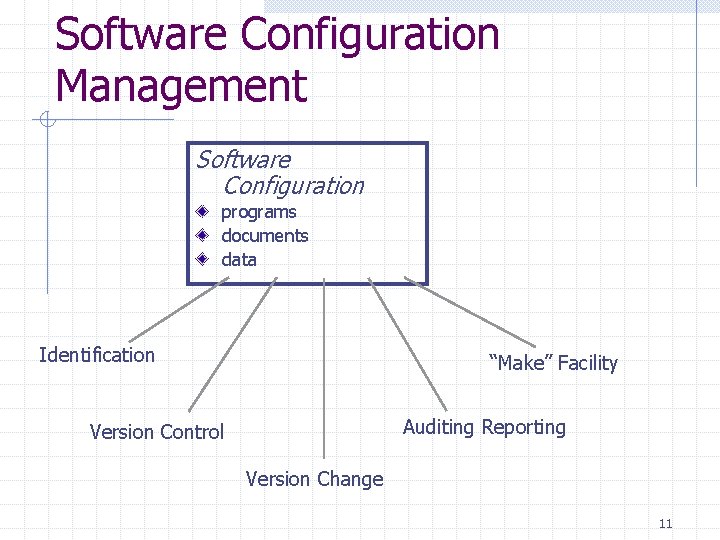
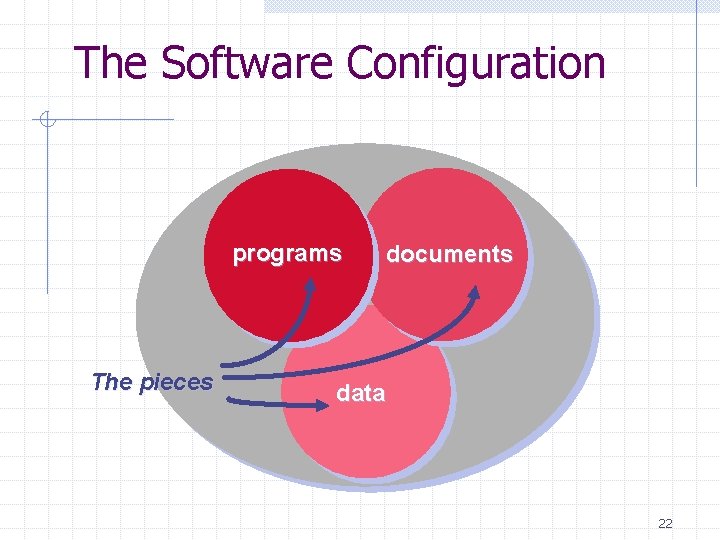
Software Configuration Management Software Configuration programs documents data Identification “Make” Facility Auditing Reporting Version Control Version Change 11
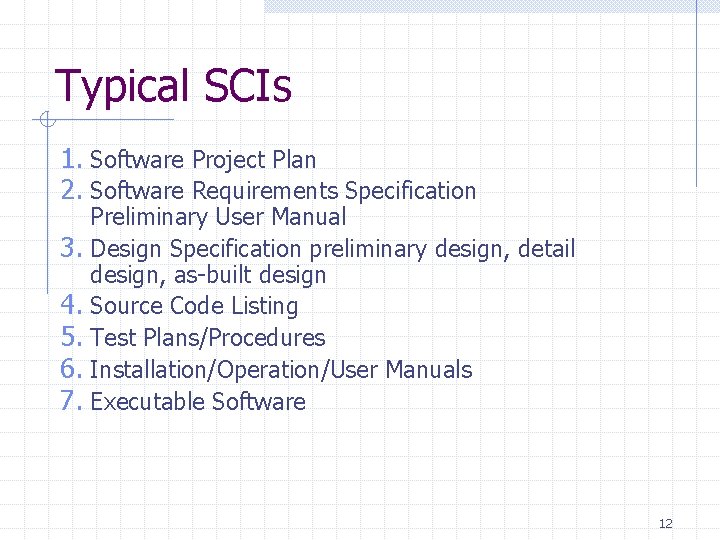
Typical SCIs 1. Software Project Plan 2. Software Requirements Specification 3. 4. 5. 6. 7. Preliminary User Manual Design Specification preliminary design, detail design, as-built design Source Code Listing Test Plans/Procedures Installation/Operation/User Manuals Executable Software 12
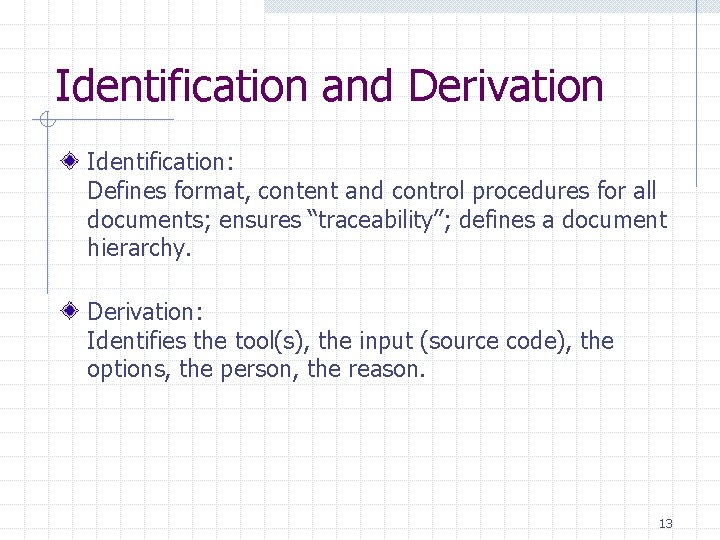
Identification and Derivation Identification: Defines format, content and control procedures for all documents; ensures “traceability”; defines a document hierarchy. Derivation: Identifies the tool(s), the input (source code), the options, the person, the reason. 13
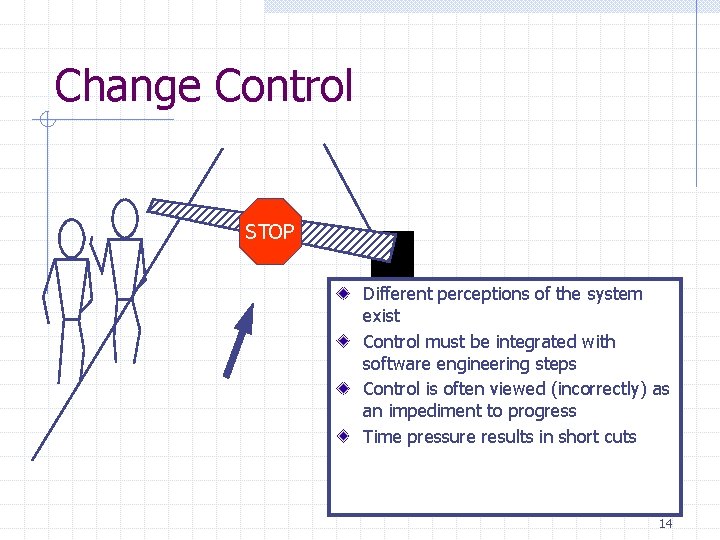
Change Control STOP Different perceptions of the system exist Control must be integrated with software engineering steps Control is often viewed (incorrectly) as an impediment to progress Time pressure results in short cuts 14
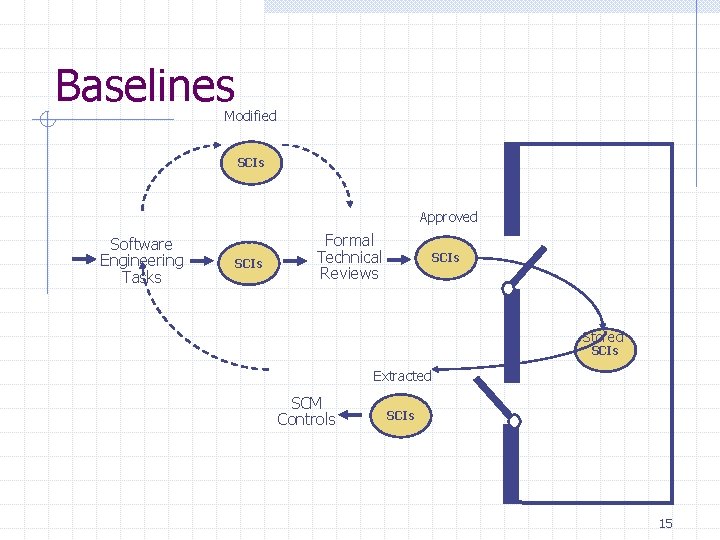
Baselines Modified SCIs Approved Software Engineering Tasks SCIs Formal Technical Reviews SCIs Stored SCIs Extracted SCM Controls SCIs 15
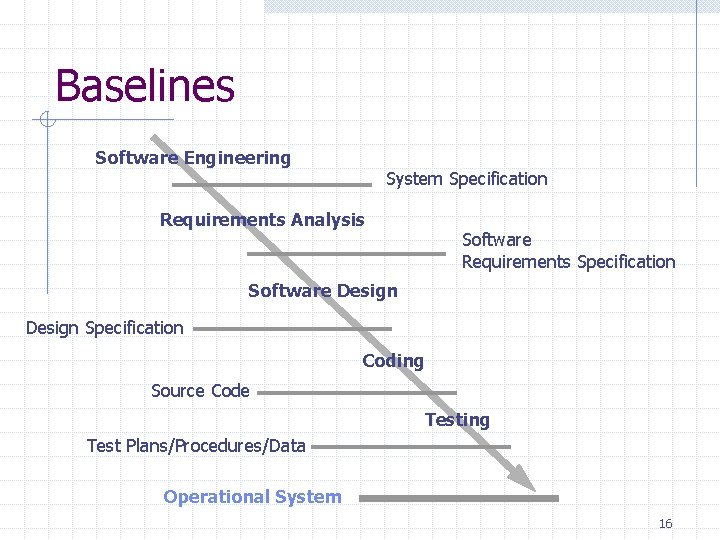
Baselines Software Engineering System Specification Requirements Analysis Software Requirements Specification Software Design Specification Coding Source Code Testing Test Plans/Procedures/Data Operational System 16
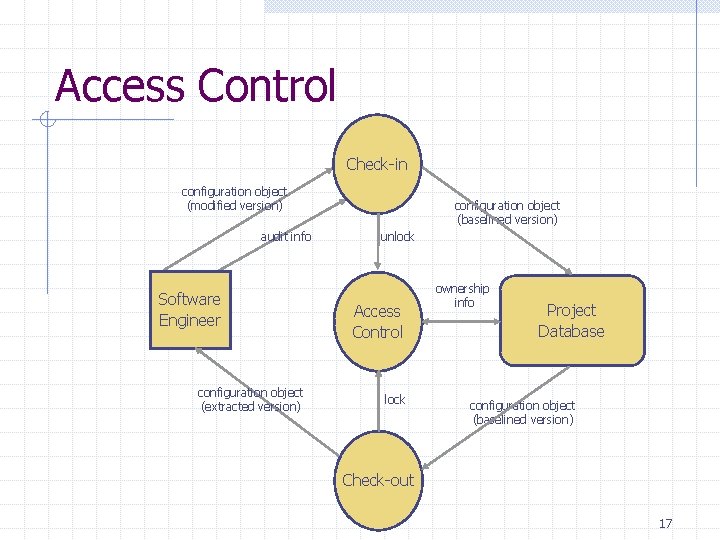
Access Control Check-in configuration object (modified version) audit info Software Engineer configuration object (extracted version) configuration object (baselined version) unlock Access Control lock ownership info Project Database configuration object (baselined version) Check-out 17
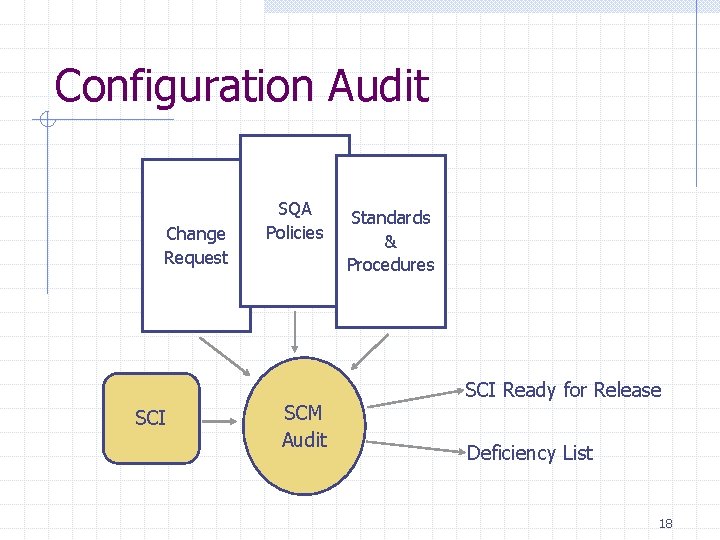
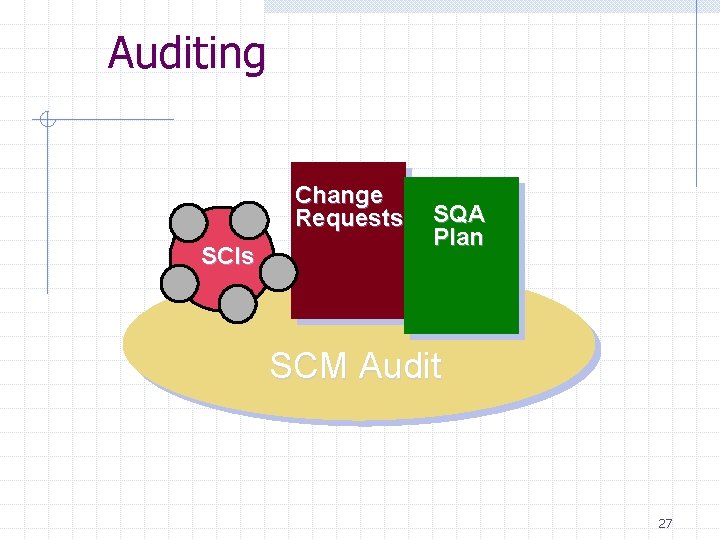
Configuration Audit Change Request SCI SQA Policies SCM Audit Standards & Procedures SCI Ready for Release Deficiency List 18
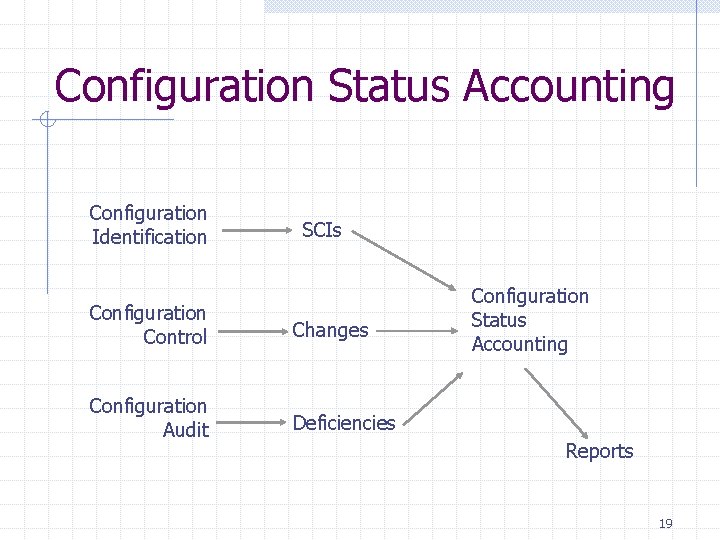
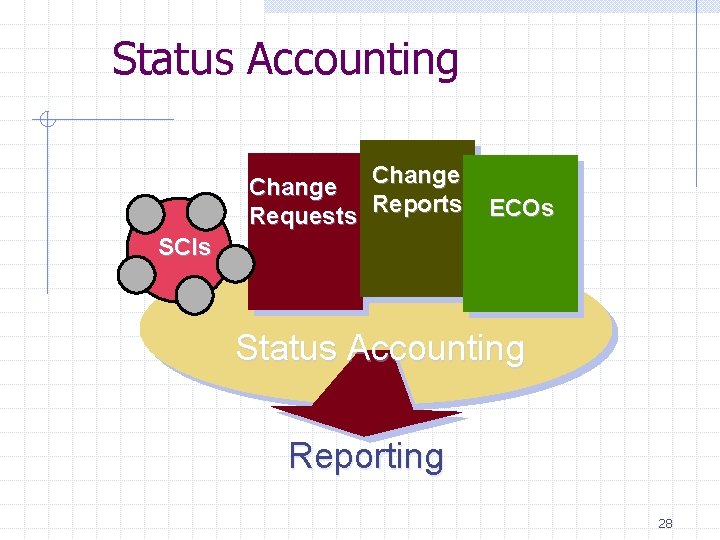
Configuration Status Accounting Configuration Identification SCIs Configuration Control Changes Configuration Audit Deficiencies Configuration Status Accounting Reports 19
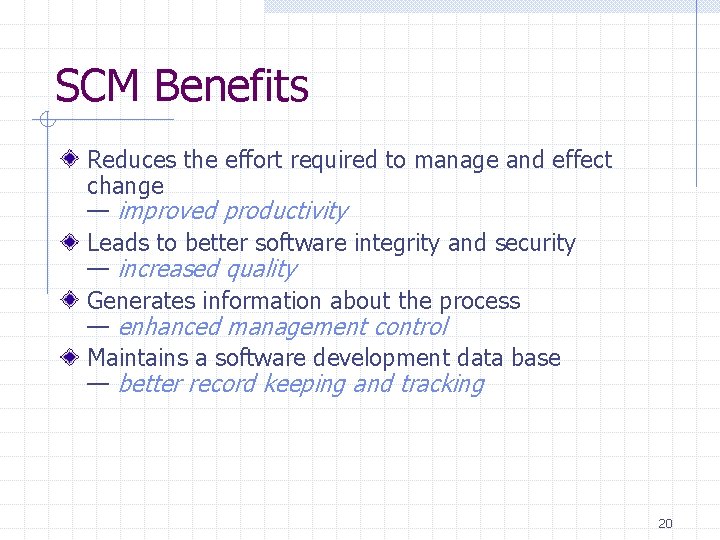
SCM Benefits Reduces the effort required to manage and effect change — improved productivity Leads to better software integrity and security — increased quality Generates information about the process — enhanced management control Maintains a software development data base — better record keeping and tracking 20
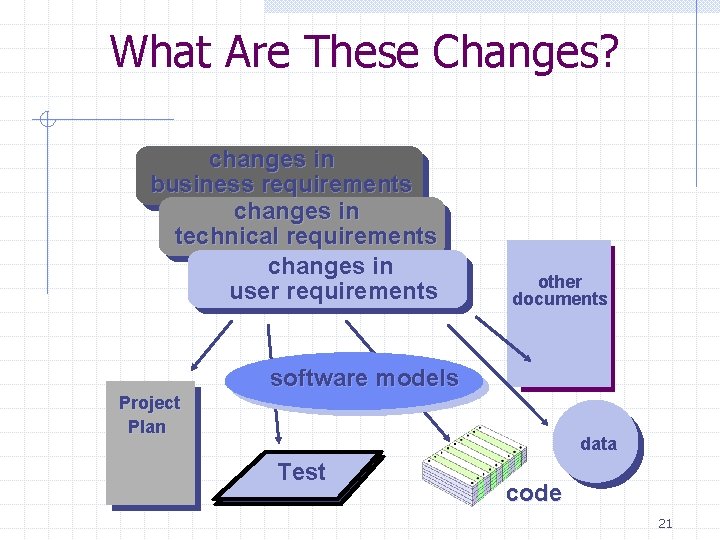
What Are These Changes? changes in business requirements changes in technical requirements changes in user requirements other documents software models Project Plan data Test code 21
The Software Configuration programs The pieces documents data 22
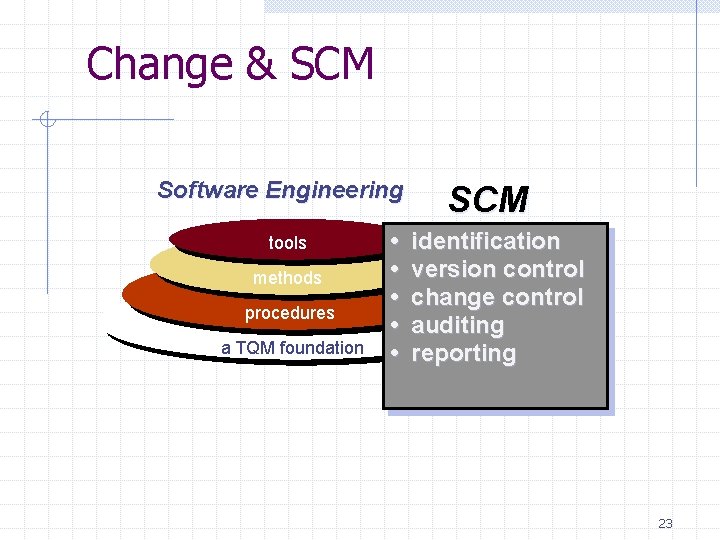
Change & SCM Software Engineering tools methods procedures a TQM foundation • • • SCM identification version control change control auditing reporting 23
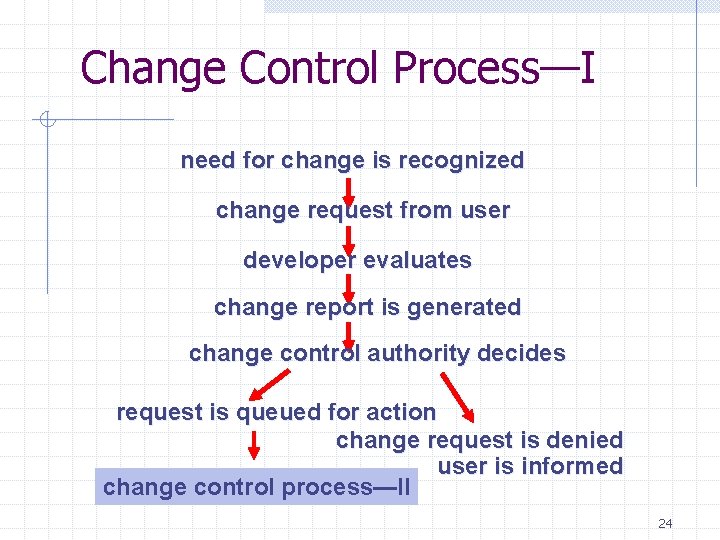
Change Control Process—I need for change is recognized change request from user developer evaluates change report is generated change control authority decides request is queued for action change request is denied user is informed change control process—II 24
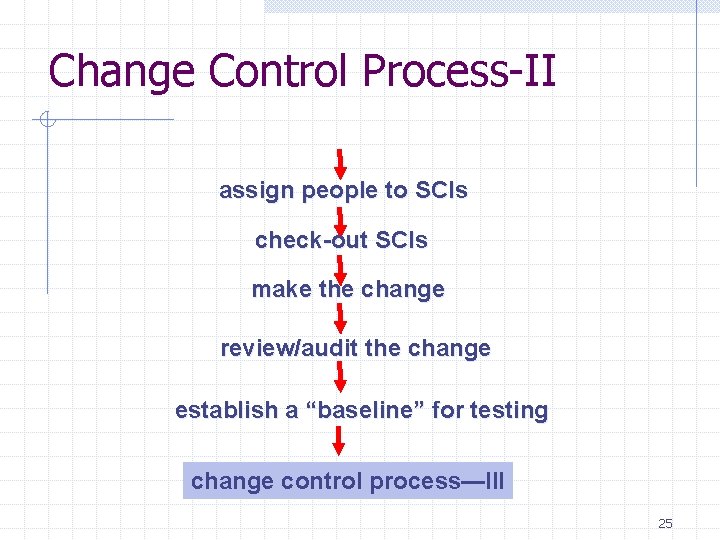
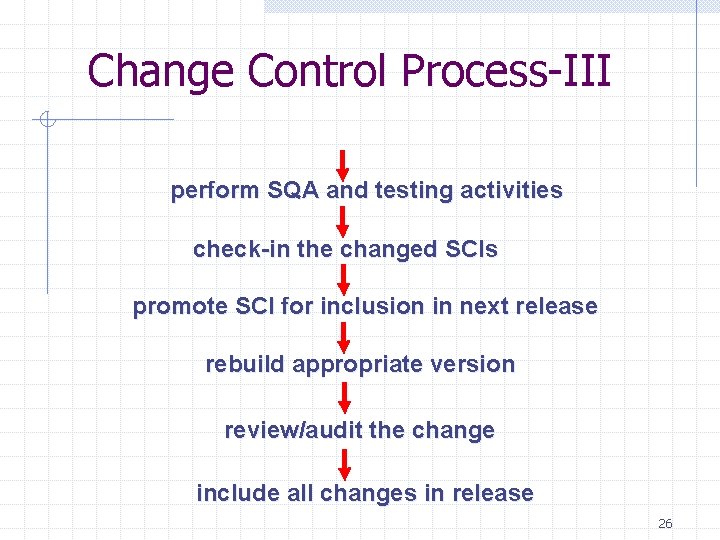
Change Control Process-II assign people to SCIs check-out SCIs make the change review/audit the change establish a “baseline” for testing change control process—III 25
Change Control Process-III perform SQA and testing activities check-in the changed SCIs promote SCI for inclusion in next release rebuild appropriate version review/audit the change include all changes in release 26
Auditing Change Requests SCIs SQA Plan SCM Audit 27
Status Accounting Change Reports Requests ECOs SCIs Status Accounting Reporting 28
2. Project Management 29
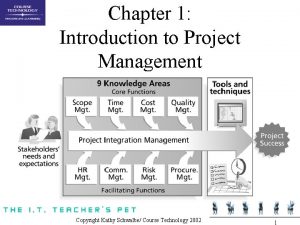
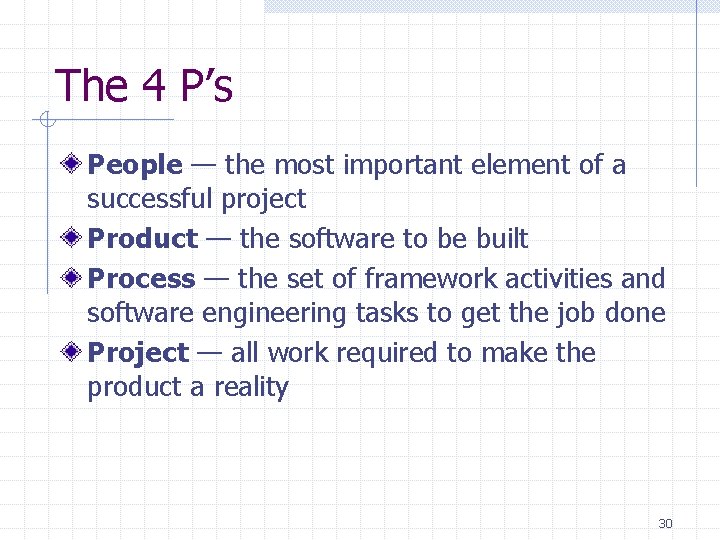
The 4 P’s People — the most important element of a successful project Product — the software to be built Process — the set of framework activities and software engineering tasks to get the job done Project — all work required to make the product a reality 30
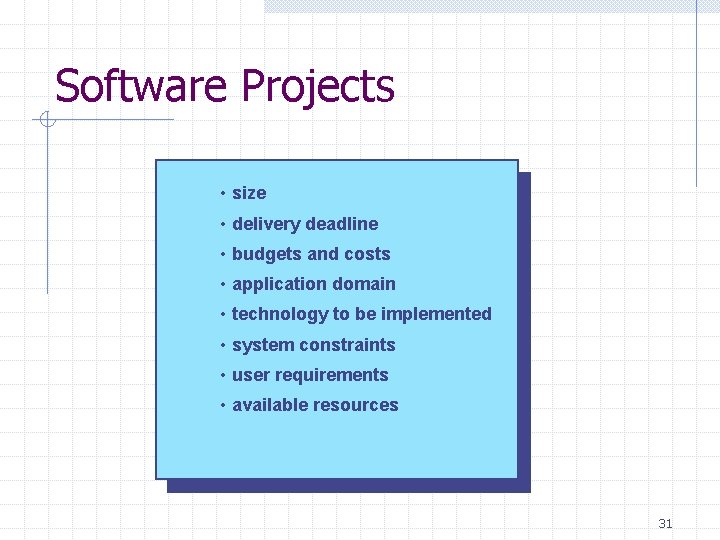
Software Projects • size • delivery deadline • budgets and costs • application domain • technology to be implemented • system constraints • user requirements • available resources 31
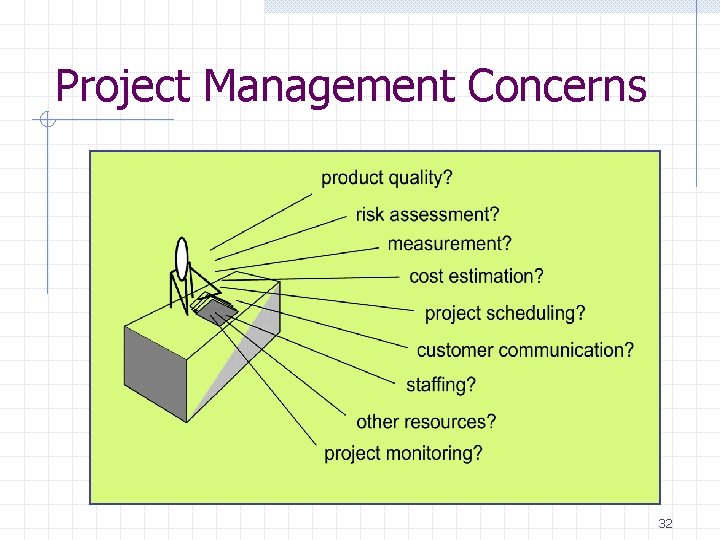
Project Management Concerns 32
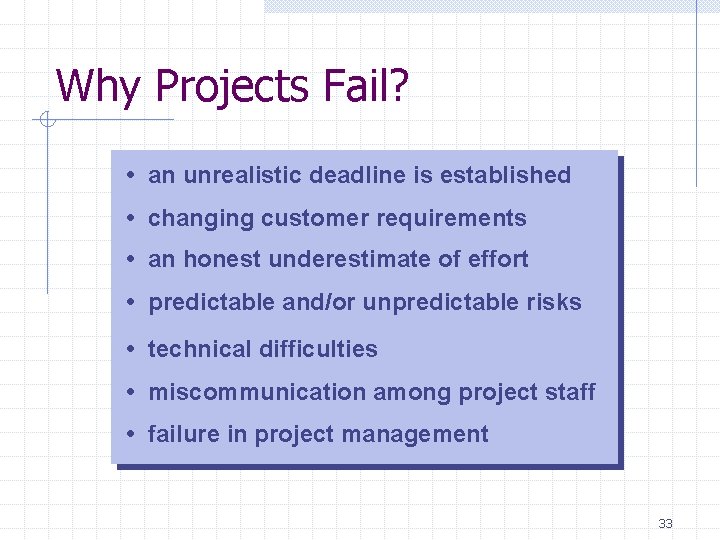
Why Projects Fail? • an unrealistic deadline is established • changing customer requirements • an honest underestimate of effort • predictable and/or unpredictable risks • technical difficulties • miscommunication among project staff • failure in project management 33
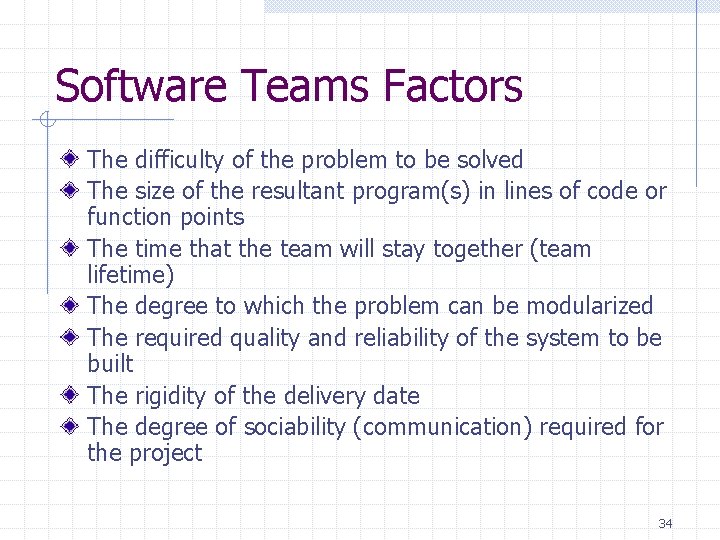
Software Teams Factors The difficulty of the problem to be solved The size of the resultant program(s) in lines of code or function points The time that the team will stay together (team lifetime) The degree to which the problem can be modularized The required quality and reliability of the system to be built The rigidity of the delivery date The degree of sociability (communication) required for the project 34
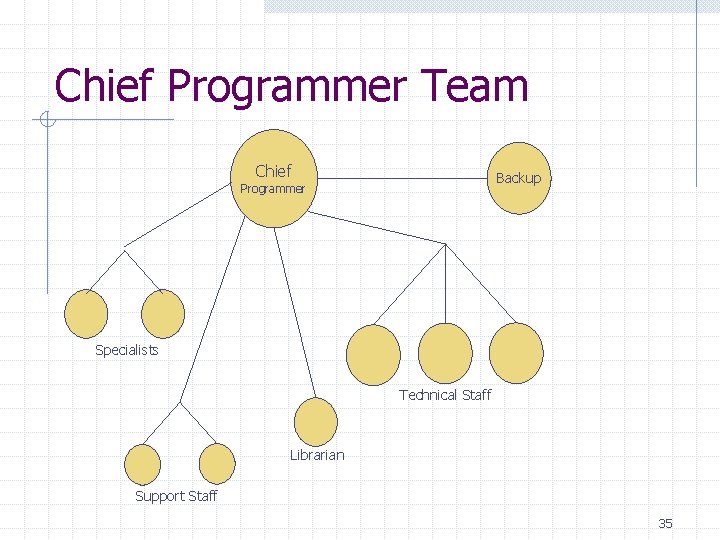
Chief Programmer Team Chief Backup Programmer Specialists Technical Staff Librarian Support Staff 35
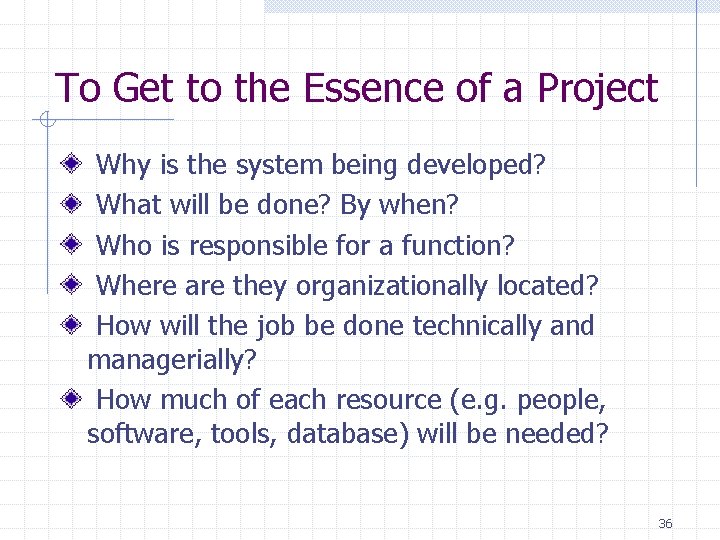
To Get to the Essence of a Project Why is the system being developed? What will be done? By when? Who is responsible for a function? Where are they organizationally located? How will the job be done technically and managerially? How much of each resource (e. g. people, software, tools, database) will be needed? 36
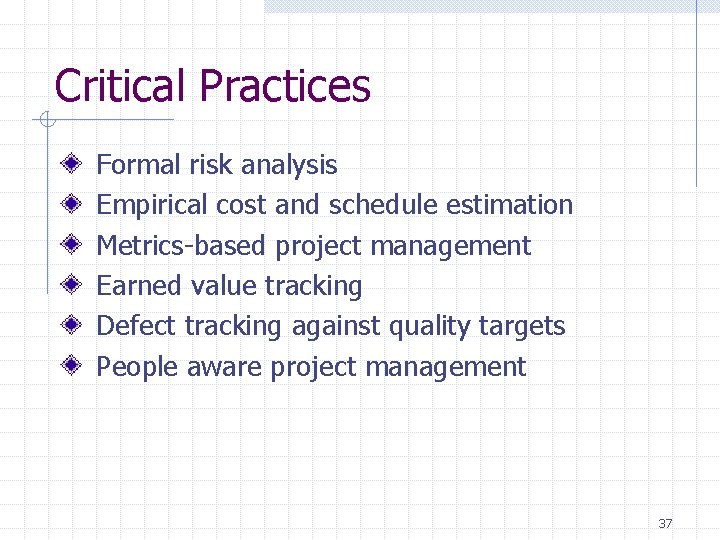
Critical Practices Formal risk analysis Empirical cost and schedule estimation Metrics-based project management Earned value tracking Defect tracking against quality targets People aware project management 37
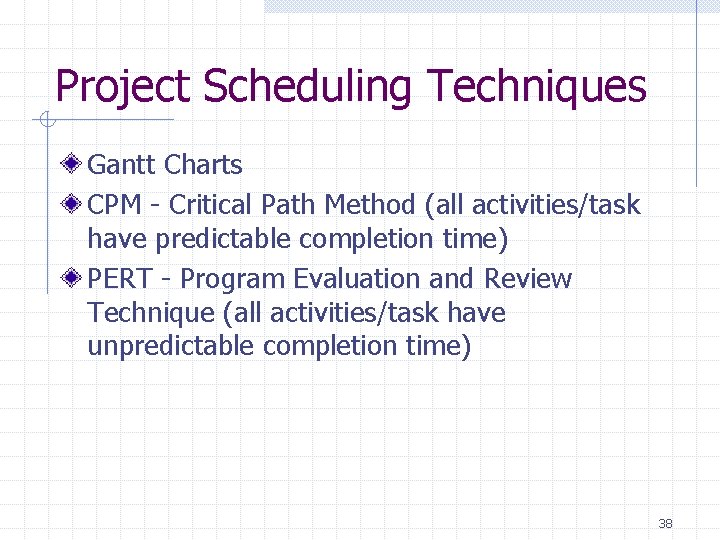
Project Scheduling Techniques Gantt Charts CPM - Critical Path Method (all activities/task have predictable completion time) PERT - Program Evaluation and Review Technique (all activities/task have unpredictable completion time) 38
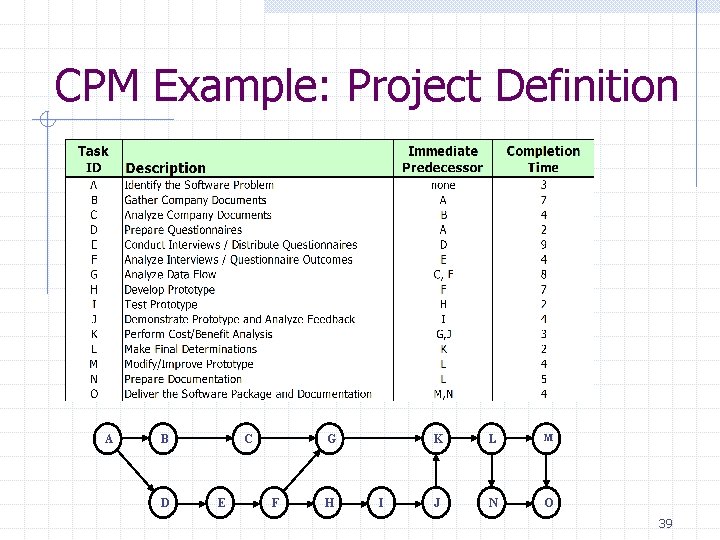
CPM Example: Project Definition A B D C E G F H I K L M J N O 39
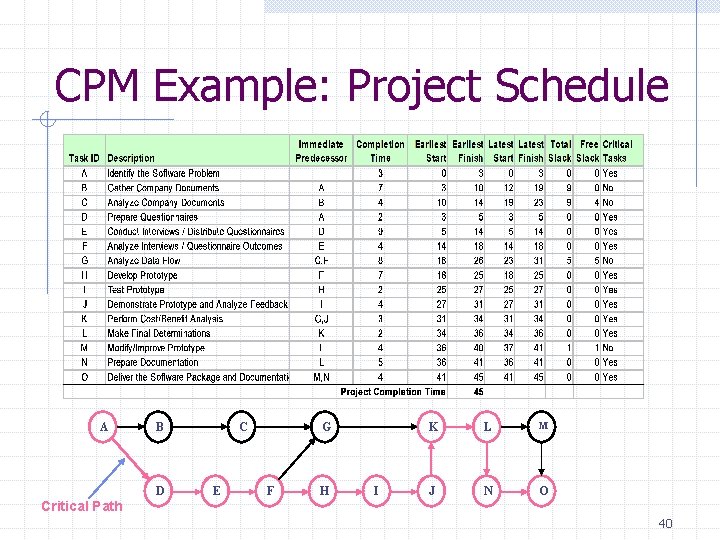
CPM Example: Project Schedule A B D C E G F H I K L M J N O Critical Path 40
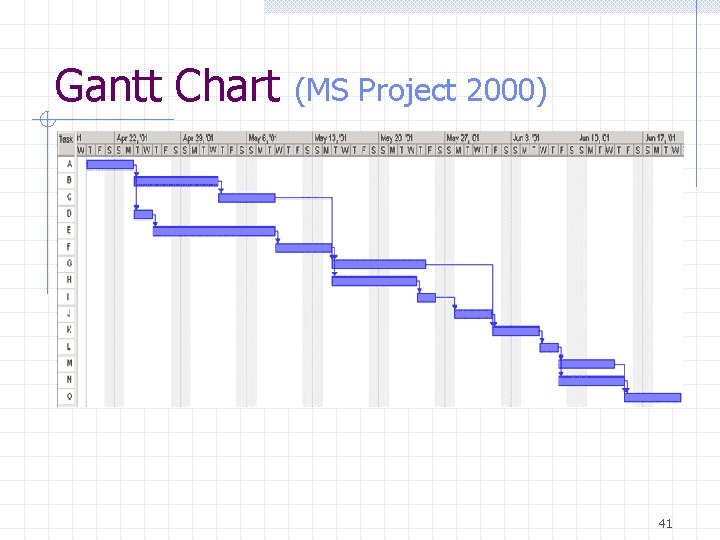
Gantt Chart (MS Project 2000) 41
Project Management Software Microsoft Project 2000 http: //www. microsoft. com/office/project/default. htm Computer Associates Super Project http: //ca. com/products/superproject. htm PS 7 42
3. Project and Process Metrics 43
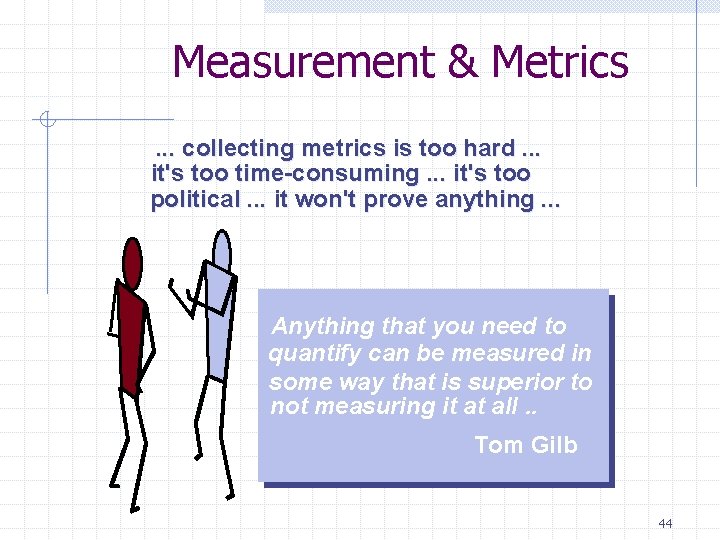
Measurement & Metrics. . . collecting metrics is too hard. . . it's too time-consuming. . . it's too political. . . it won't prove anything. . . Anything that you need to quantify can be measured in some way that is superior to not measuring it at all. . Tom Gilb 44
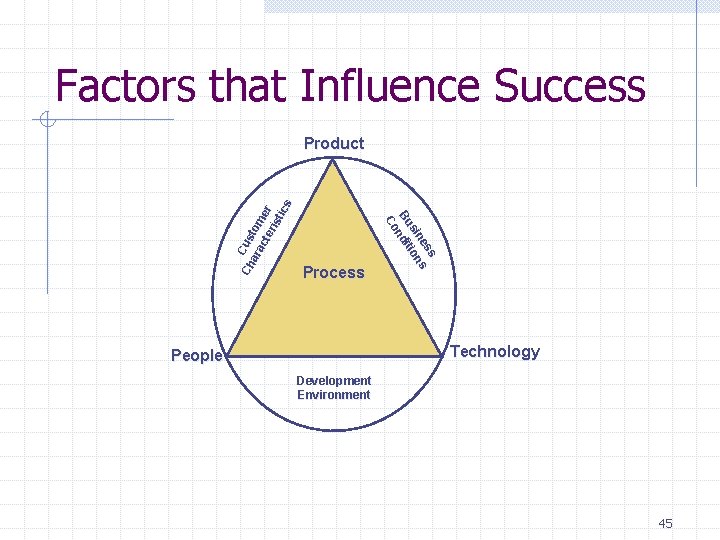
Factors that Influence Success Process s es s sin ion Bu ndit Co Ch Cus ara tom cte er ris tic s Product Technology People Development Environment 45
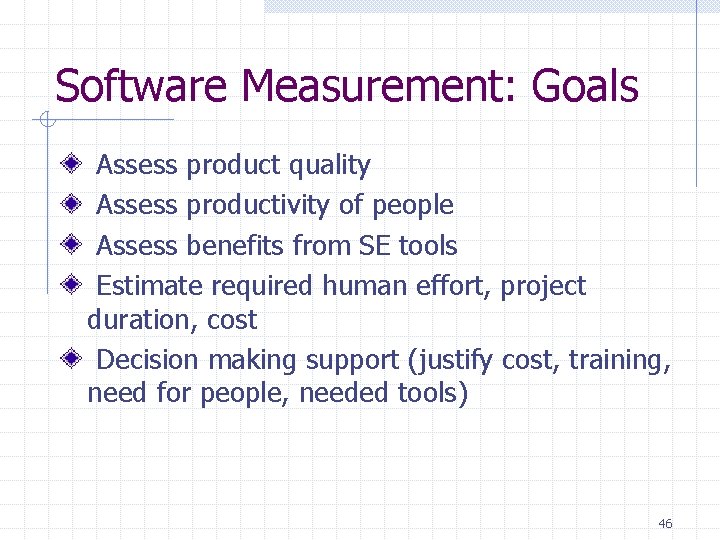
Software Measurement: Goals Assess product quality Assess productivity of people Assess benefits from SE tools Estimate required human effort, project duration, cost Decision making support (justify cost, training, need for people, needed tools) 46
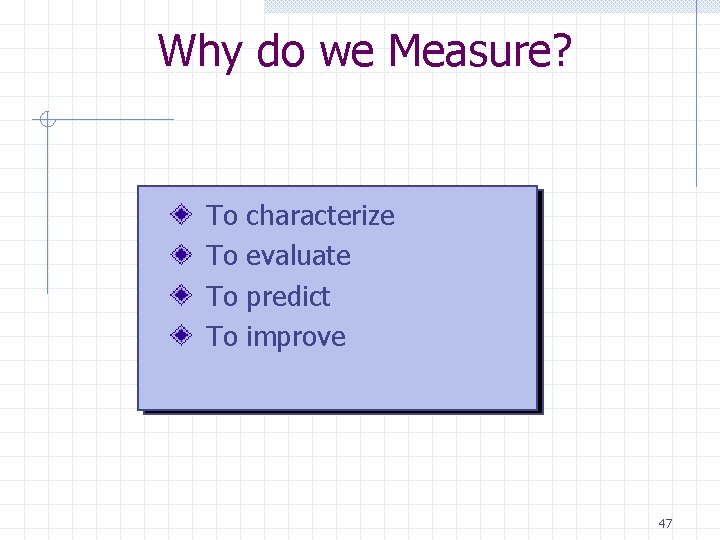
Why do we Measure? To To characterize evaluate predict improve 47
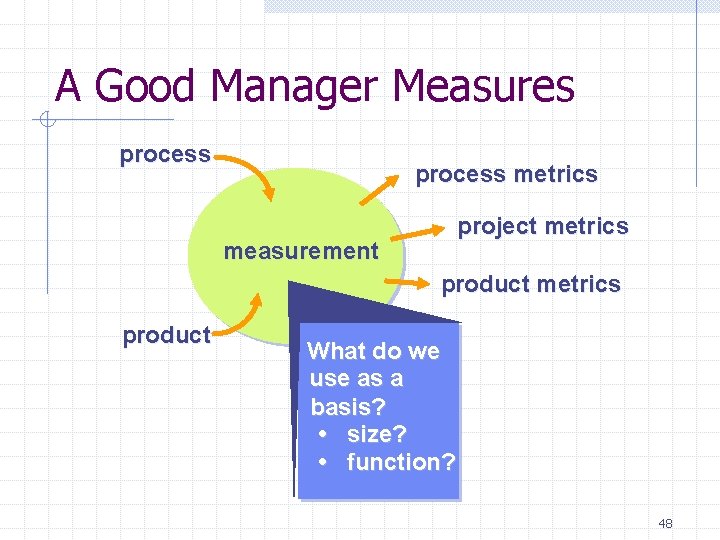
A Good Manager Measures process metrics project metrics measurement product metrics product What do we use as a basis? • size? • function? 48
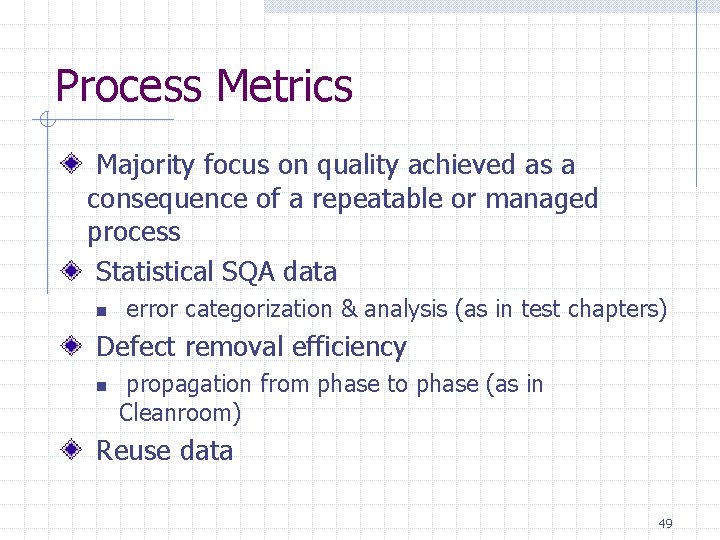
Process Metrics Majority focus on quality achieved as a consequence of a repeatable or managed process Statistical SQA data n error categorization & analysis (as in test chapters) Defect removal efficiency n propagation from phase to phase (as in Cleanroom) Reuse data 49
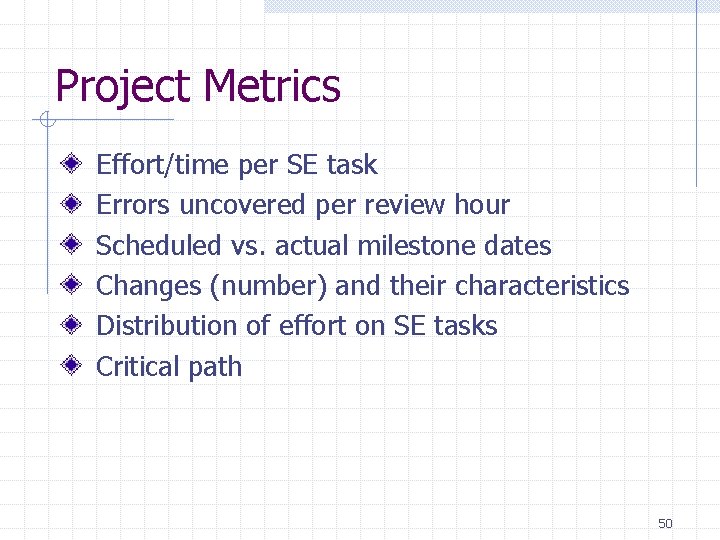
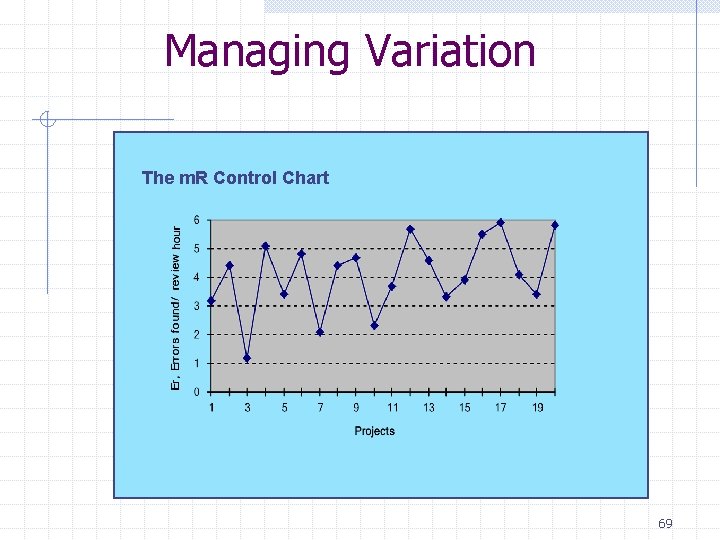
Project Metrics Effort/time per SE task Errors uncovered per review hour Scheduled vs. actual milestone dates Changes (number) and their characteristics Distribution of effort on SE tasks Critical path 50
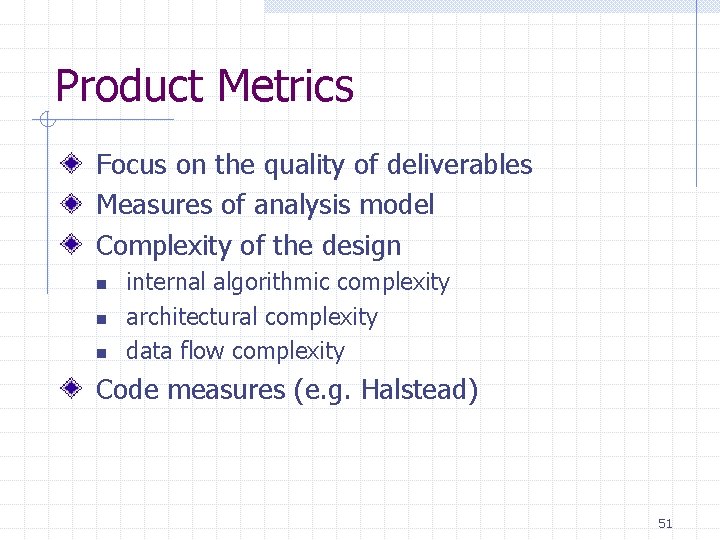
Product Metrics Focus on the quality of deliverables Measures of analysis model Complexity of the design n internal algorithmic complexity architectural complexity data flow complexity Code measures (e. g. Halstead) 51
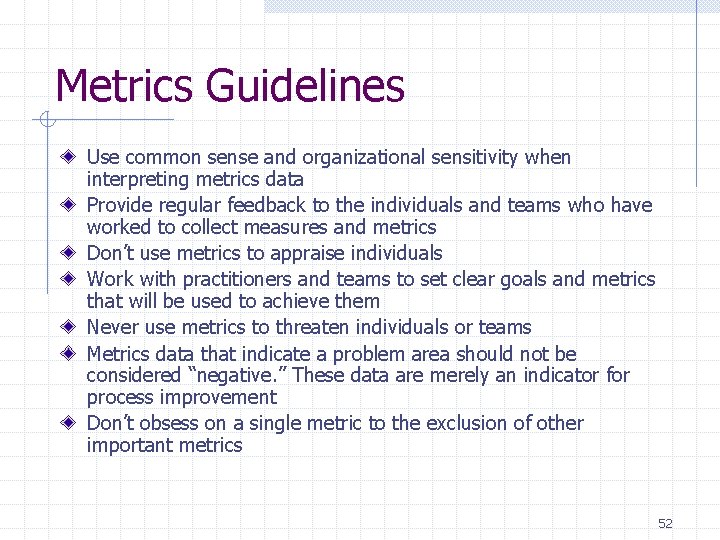
Metrics Guidelines Use common sense and organizational sensitivity when interpreting metrics data Provide regular feedback to the individuals and teams who have worked to collect measures and metrics Don’t use metrics to appraise individuals Work with practitioners and teams to set clear goals and metrics that will be used to achieve them Never use metrics to threaten individuals or teams Metrics data that indicate a problem area should not be considered “negative. ” These data are merely an indicator for process improvement Don’t obsess on a single metric to the exclusion of other important metrics 52
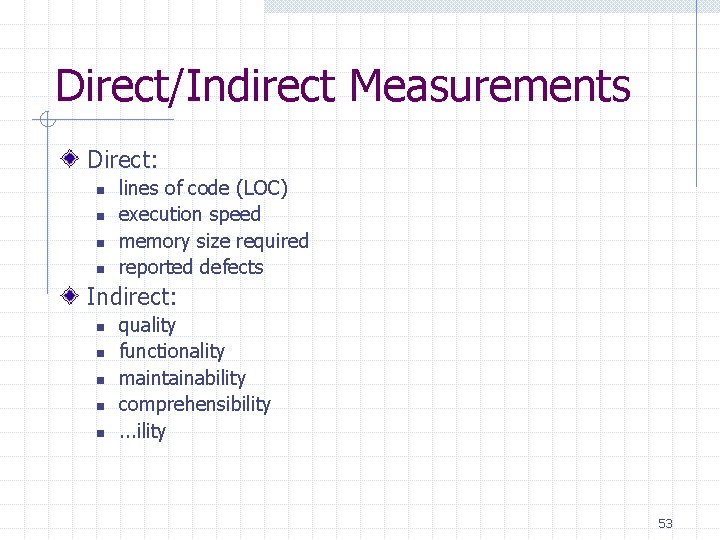
Direct/Indirect Measurements Direct: n n lines of code (LOC) execution speed memory size required reported defects Indirect: n n n quality functionality maintainability comprehensibility. . . ility 53
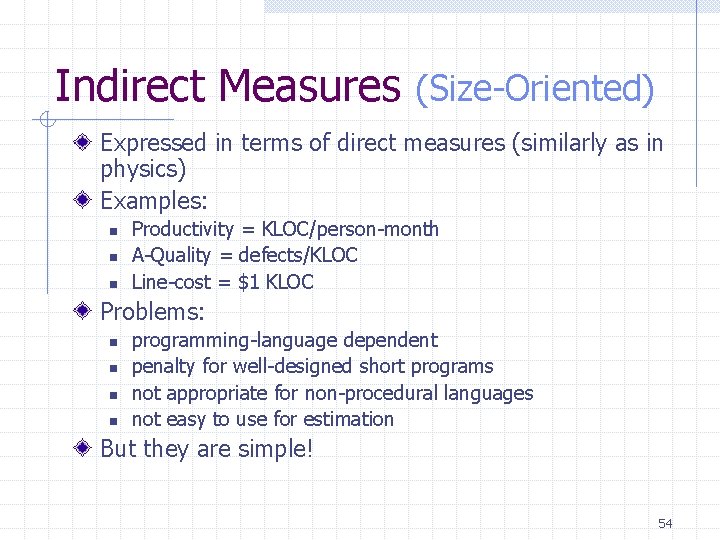
Indirect Measures (Size-Oriented) Expressed in terms of direct measures (similarly as in physics) Examples: n n n Productivity = KLOC/person-month A-Quality = defects/KLOC Line-cost = $1 KLOC Problems: n n programming-language dependent penalty for well-designed short programs not appropriate for non-procedural languages not easy to use for estimation But they are simple! 54
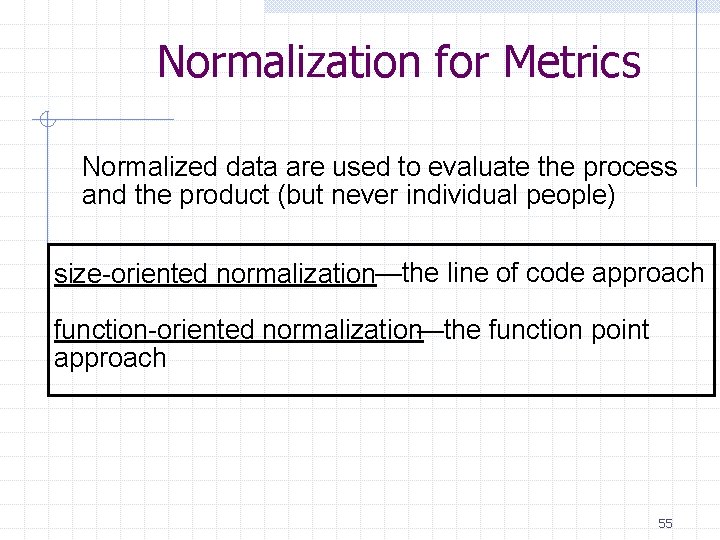
Normalization for Metrics Normalized data are used to evaluate the process and the product (but never individual people) size-oriented normalization—the line of code approach function-oriented normalization—the function point approach 55
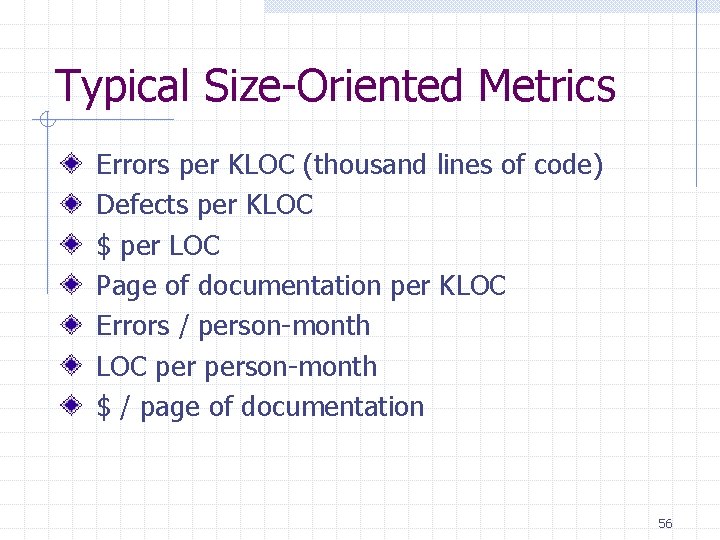
Typical Size-Oriented Metrics Errors per KLOC (thousand lines of code) Defects per KLOC $ per LOC Page of documentation per KLOC Errors / person-month LOC person-month $ / page of documentation 56
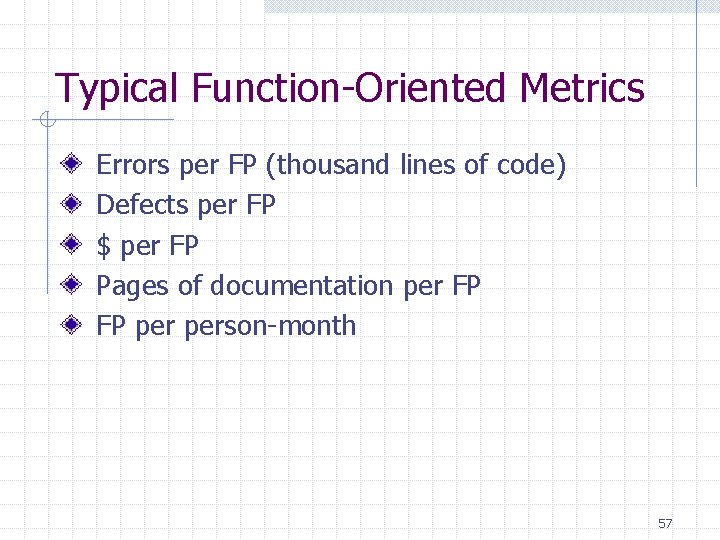
Typical Function-Oriented Metrics Errors per FP (thousand lines of code) Defects per FP $ per FP Pages of documentation per FP FP person-month 57
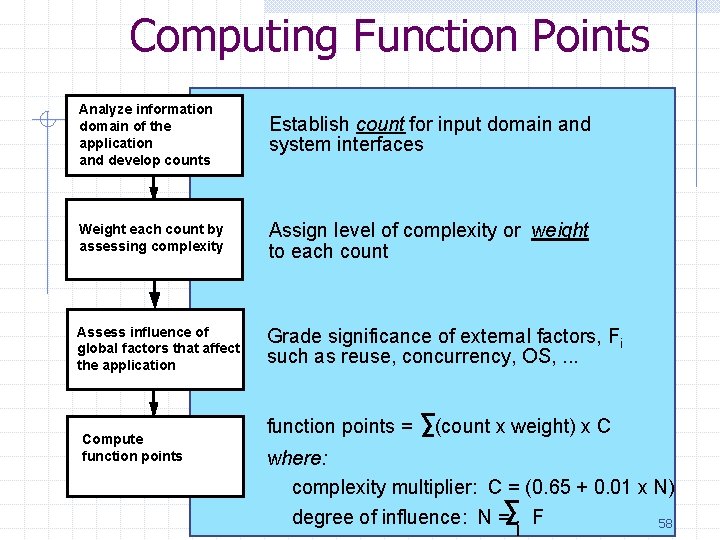
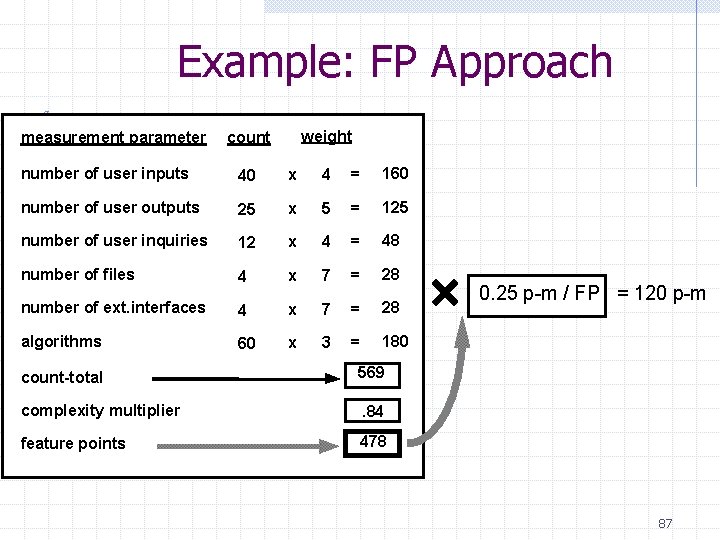
Computing Function Points Analyze information domain of the application and develop counts Establish count for input domain and system interfaces Weight each count by assessing complexity Assign level of complexity or weight to each count Assess influence of global factors that affect the application Grade significance of external factors, Fi such as reuse, concurrency, OS, . . . Compute function points = (count x weight) x C where: complexity multiplier: C = (0. 65 + 0. 01 x N) degree of influence: N = F 58 i
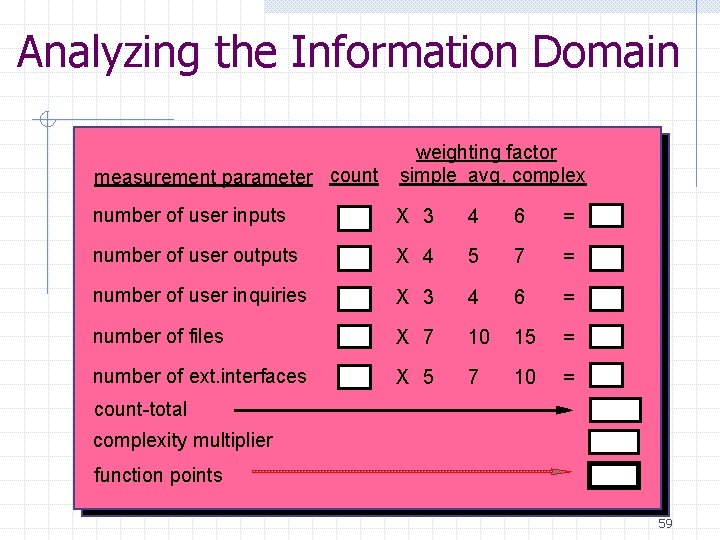
Analyzing the Information Domain measurement parameter count weighting factor simple avg. complex number of user inputs X 3 4 6 = number of user outputs X 4 5 7 = number of user inquiries X 3 4 6 = number of files X 7 10 15 = number of ext. interfaces X 5 7 10 = count-total complexity multiplier function points 59
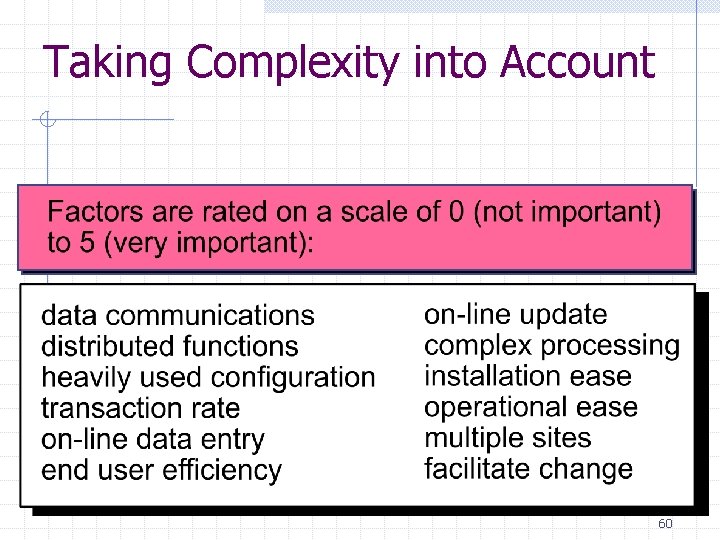
Taking Complexity into Account 60
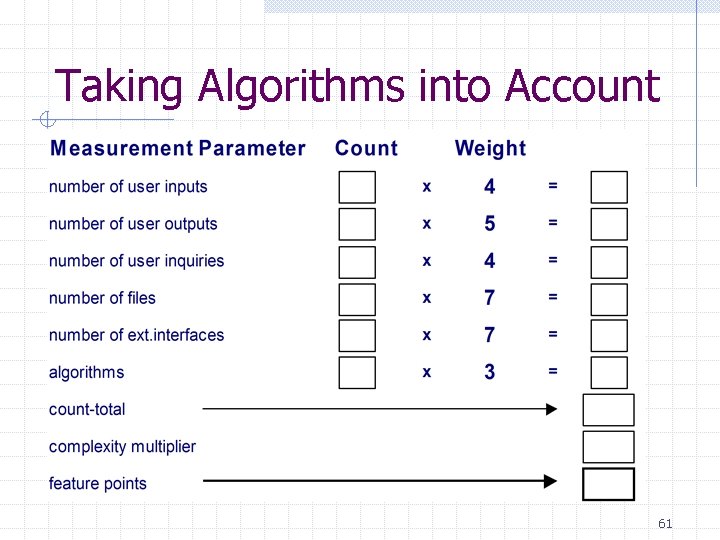
Taking Algorithms into Account 61
Defining an Algorithm For the purposes of feature point computation, an algorithm: is a set of logical and computational steps that solves a specific, bounded problem or subproblem has input (or a start value) and produces output often corresponds to a cohesive computational or control module in a well designed program 62
Why Function-Oriented Normalization Independent of programming language Uses readily countable characteristics of the “information domain” of the problem Does not “penalize” inventive implementations that require fewer LOG than others Makes it easier to accommodate reuse and the trend toward object-oriented approaches 63
Measuring Quality Correctness — the degree to which a program operates according to specification Maintainability—the degree to which a program is amenable to change Integrity—the degree to which a program is impervious to outside attack Usability—the degree to which a program is easy to use 64
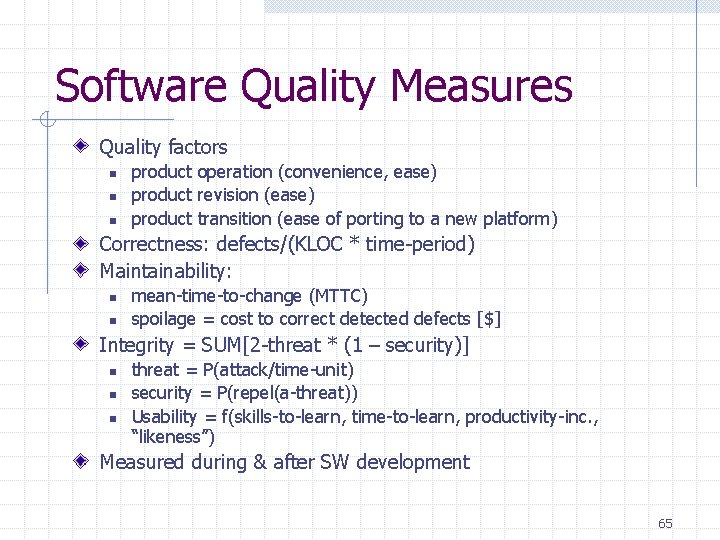
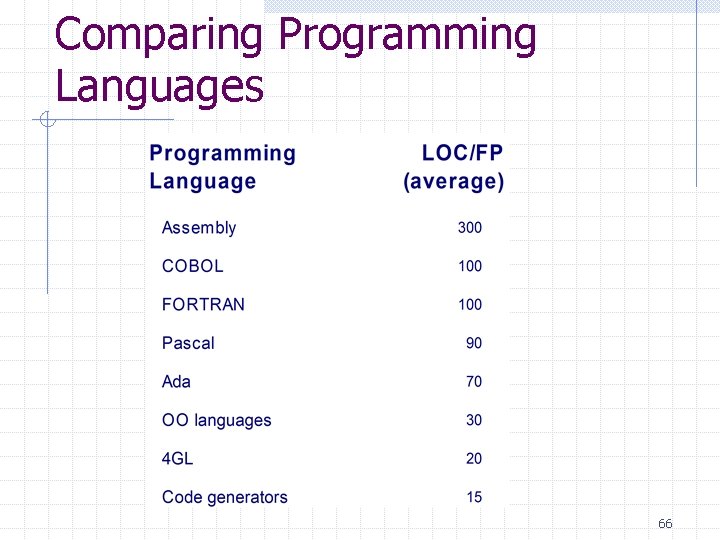
Software Quality Measures Quality factors n n n product operation (convenience, ease) product revision (ease) product transition (ease of porting to a new platform) Correctness: defects/(KLOC * time-period) Maintainability: n n mean-time-to-change (MTTC) spoilage = cost to correct detected defects [$] Integrity = SUM[2 -threat * (1 – security)] n n n threat = P(attack/time-unit) security = P(repel(a-threat)) Usability = f(skills-to-learn, time-to-learn, productivity-inc. , “likeness”) Measured during & after SW development 65
Comparing Programming Languages 66
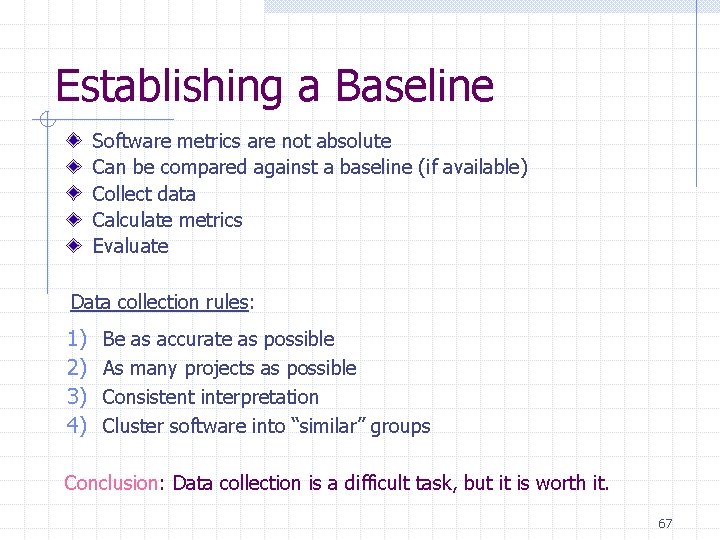
Establishing a Baseline Software metrics are not absolute Can be compared against a baseline (if available) Collect data Calculate metrics Evaluate Data collection rules: 1) 2) 3) 4) Be as accurate as possible As many projects as possible Consistent interpretation Cluster software into “similar” groups Conclusion: Data collection is a difficult task, but it is worth it. 67
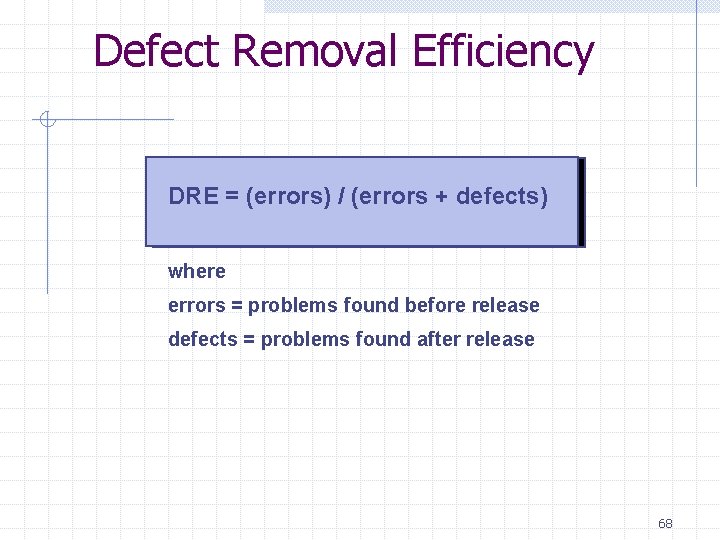
Defect Removal Efficiency DRE = (errors) / (errors + defects) where errors = problems found before release defects = problems found after release 68
Managing Variation The m. R Control Chart 69
4. Project Planning 70
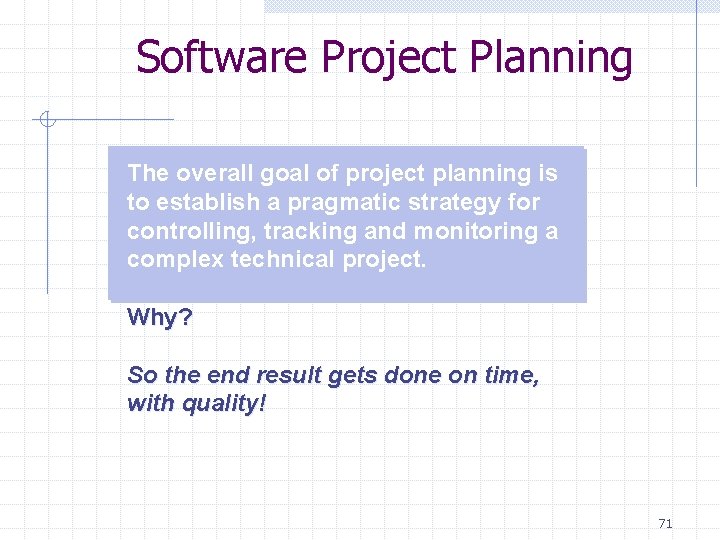
Software Project Planning The overall goal of project planning is to establish a pragmatic strategy for controlling, tracking and monitoring a complex technical project. Why? So the end result gets done on time, with quality! 71
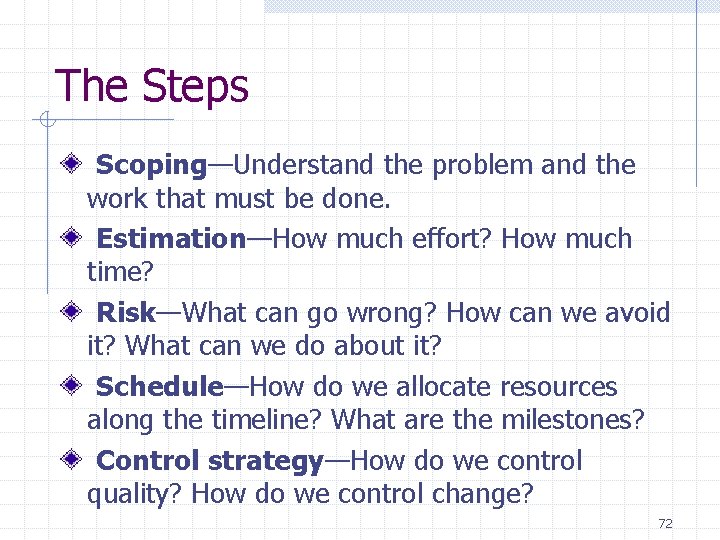
The Steps Scoping—Understand the problem and the work that must be done. Estimation—How much effort? How much time? Risk—What can go wrong? How can we avoid it? What can we do about it? Schedule—How do we allocate resources along the timeline? What are the milestones? Control strategy—How do we control quality? How do we control change? 72
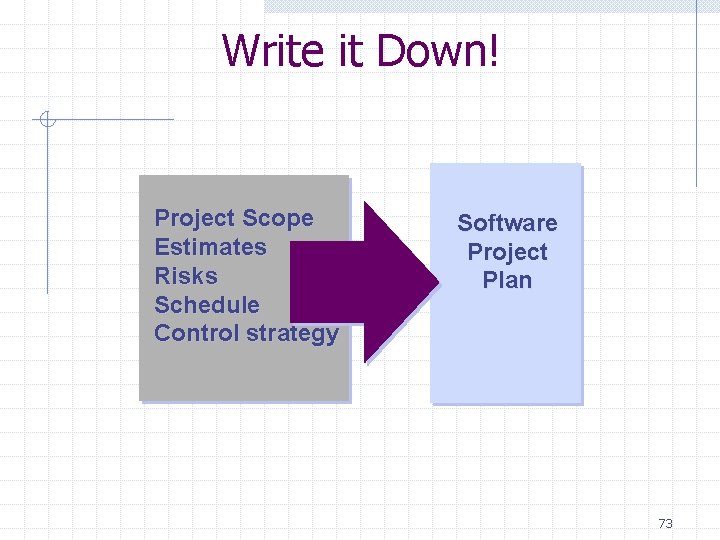
Write it Down! Project Scope Estimates Risks Schedule Control strategy Software Project Plan 73
To Understand Scope. . . Understand Understand the customers needs the business context the project boundaries the customer’s motivation the likely paths for change that. . . Even when you understand, nothing is guaranteed! 74
Cost Estimation Project scope must be explicitly defined Task and/or functional decomposition is necessary Historical measures (metrics) are very helpful At least two different techniques should be used Remember that uncertainty is inherent 75
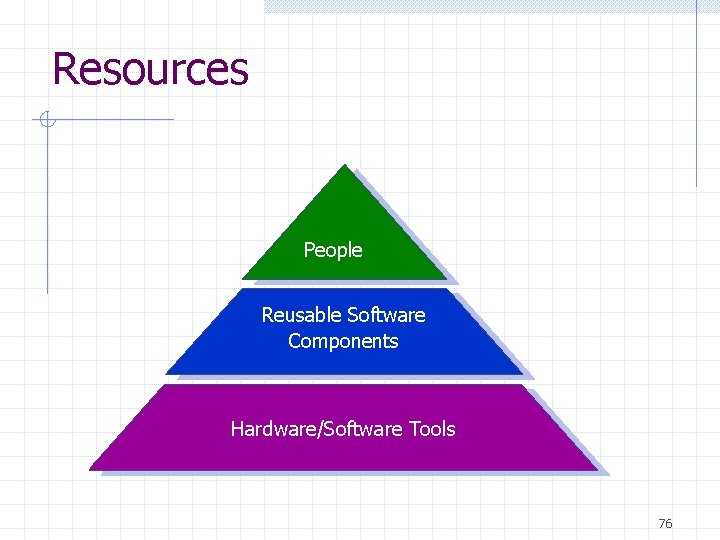
Resources People Reusable Software Components Hardware/Software Tools 76
Project Resources Computer equipment — mainframe development system and related hardware, PCs, workstations Software support — including OS tools and utilities, CASE environment and language oriented tools Communication environment — networked E-mail and bulletin boards, FAX, personnel proximity, project management software Facilities — general office environment Training facilities — including courseware, media and related training tools Desktop publishing environment — wordprocessing, graphics creation, printing 77
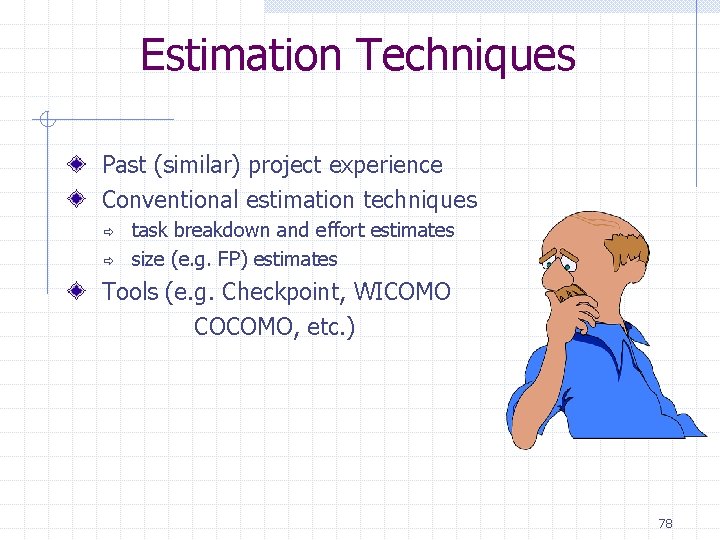
Estimation Techniques Past (similar) project experience Conventional estimation techniques ð ð task breakdown and effort estimates size (e. g. FP) estimates Tools (e. g. Checkpoint, WICOMO COCOMO, etc. ) 78
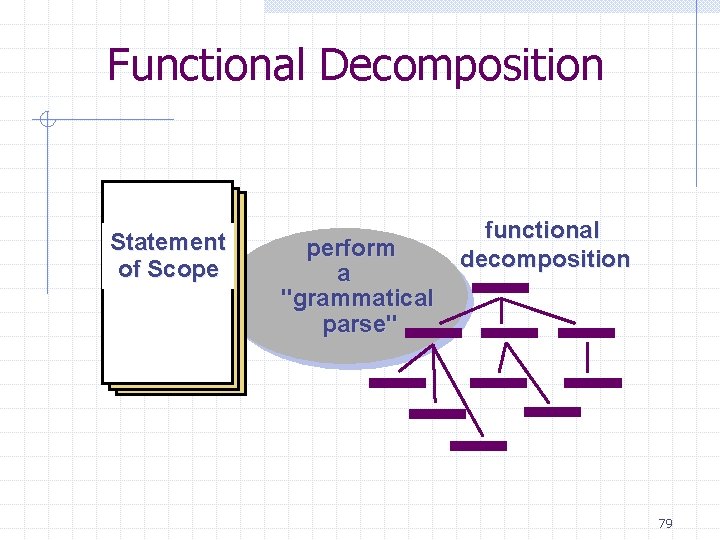
Functional Decomposition Statement of Scope perform a "grammatical parse" functional decomposition 79
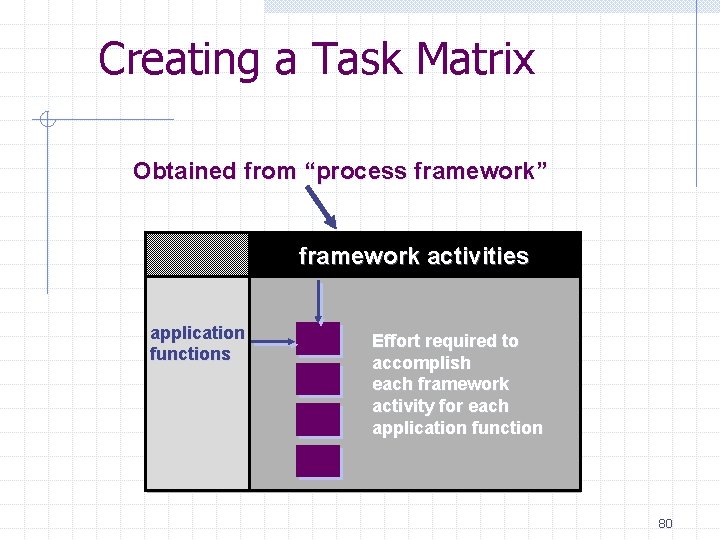
Creating a Task Matrix Obtained from “process framework” framework activities application functions Effort required to accomplish each framework activity for each application function 80
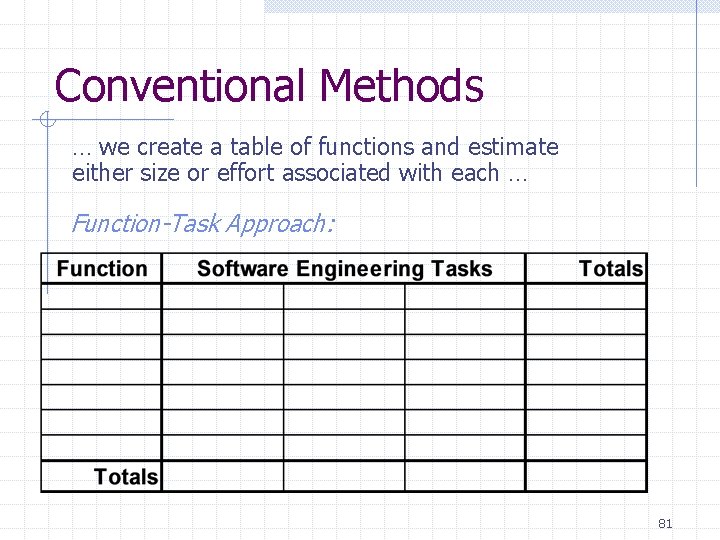
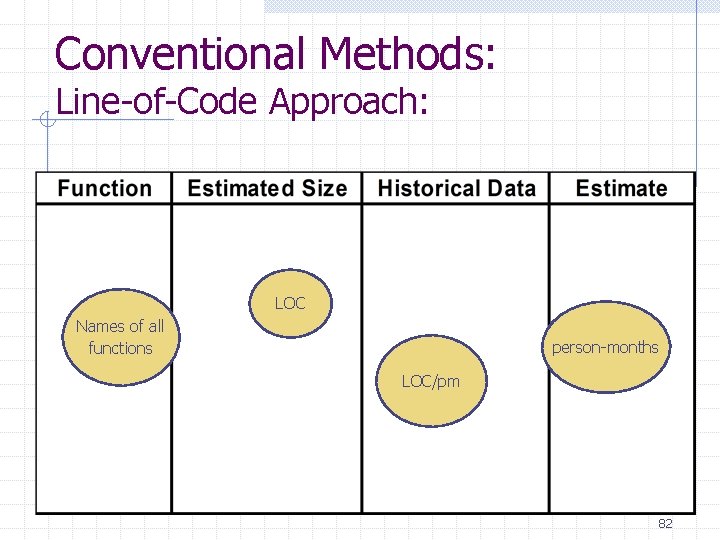
Conventional Methods … we create a table of functions and estimate either size or effort associated with each … Function-Task Approach: 81
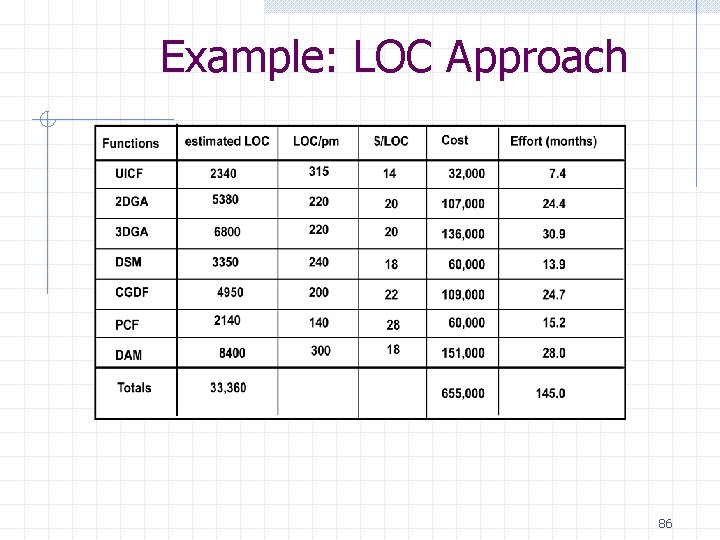
Conventional Methods: Line-of-Code Approach: LOC Names of all functions person-months LOC/pm 82
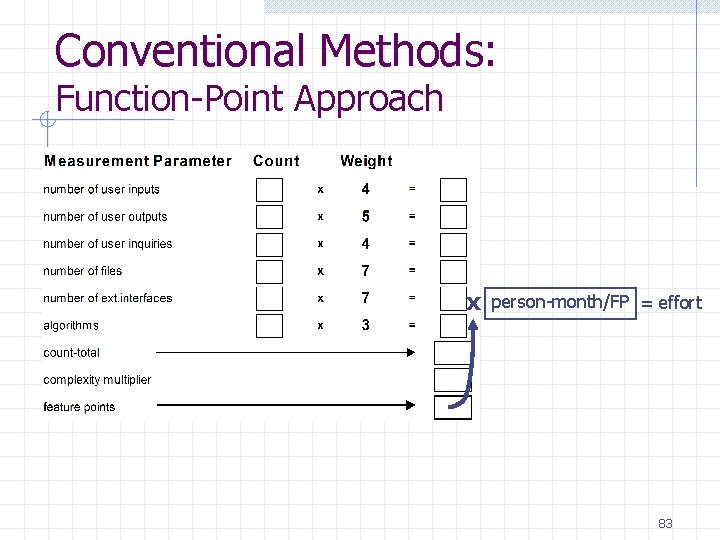
Conventional Methods: Function-Point Approach x person-month/FP = effort 83
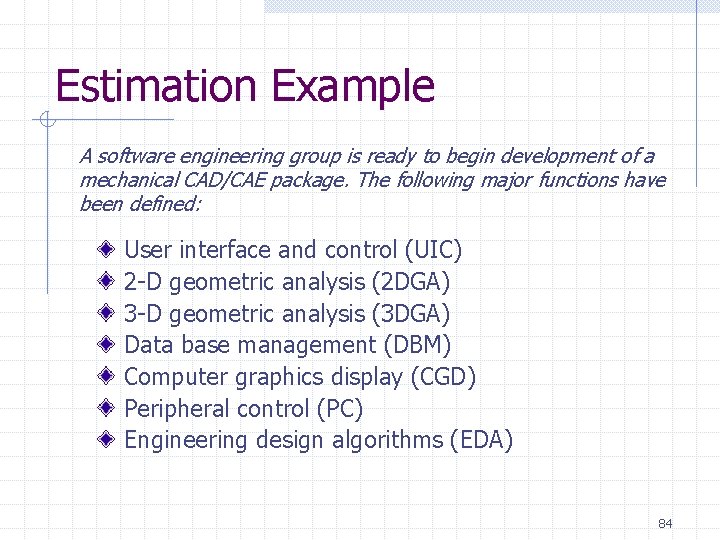
Estimation Example A software engineering group is ready to begin development of a mechanical CAD/CAE package. The following major functions have been defined: User interface and control (UIC) 2 -D geometric analysis (2 DGA) 3 -D geometric analysis (3 DGA) Data base management (DBM) Computer graphics display (CGD) Peripheral control (PC) Engineering design algorithms (EDA) 84
Conventional Methods: LOC/FP Approach Compute LOC/FP using estimates of information domain values Use historical effort for the project 85
Example: LOC Approach 86
Example: FP Approach measurement parameter weight count number of user inputs 40 x 4 = 160 number of user outputs 25 x 5 = 125 number of user inquiries 12 x 4 = 48 number of files 4 x 7 = 28 number of ext. interfaces 4 x 7 = 28 algorithms 60 x 3 = 180 count-total 569 complexity multiplier . 84 feature points 478 0. 25 p-m / FP = 120 p-m 87
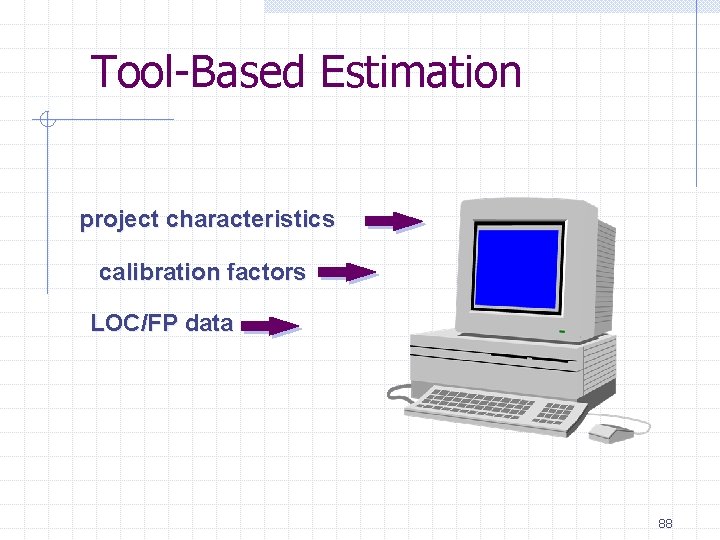
Tool-Based Estimation project characteristics calibration factors LOC/FP data 88
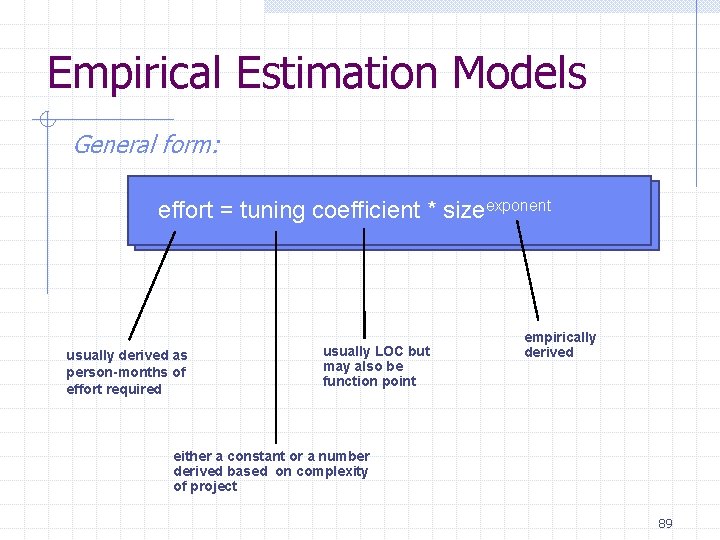
Empirical Estimation Models General form: effort = tuning coefficient * sizeexponent usually derived as person-months of effort required usually LOC but may also be function point empirically derived either a constant or a number derived based on complexity of project 89
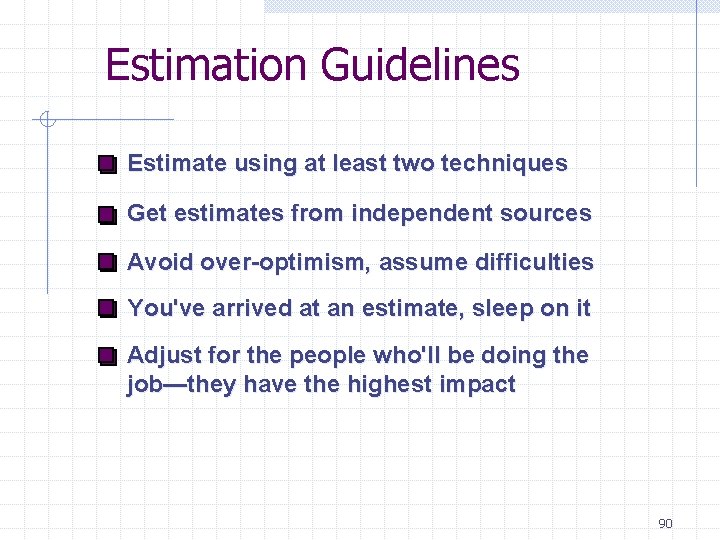
Estimation Guidelines Estimate using at least two techniques Get estimates from independent sources Avoid over-optimism, assume difficulties You've arrived at an estimate, sleep on it Adjust for the people who'll be doing the job—they have the highest impact 90
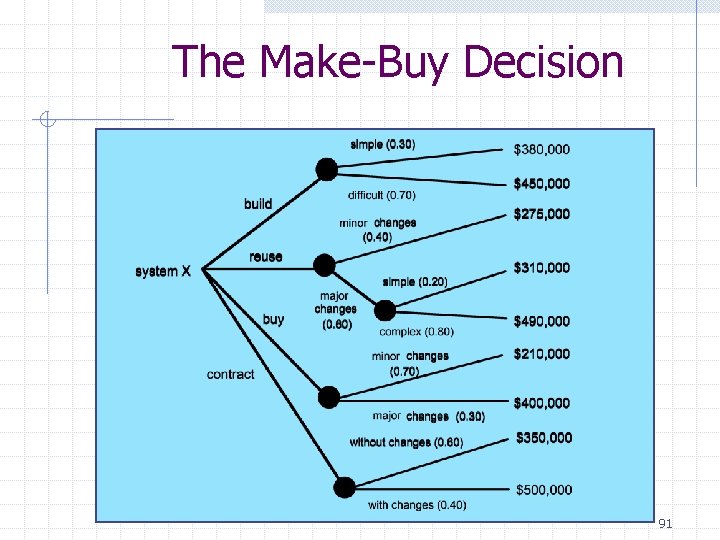
The Make-Buy Decision 91
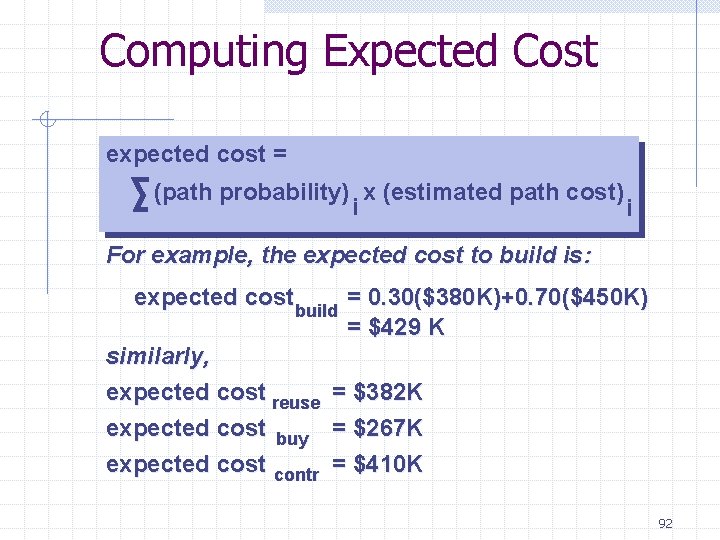
Computing Expected Cost expected cost = (path probability) x (estimated path cost) i i For example, the expected cost to build is: expected cost build = 0. 30($380 K)+0. 70($450 K) = $429 K similarly, expected cost reuse = $382 K expected cost buy = $267 K expected cost contr = $410 K 92
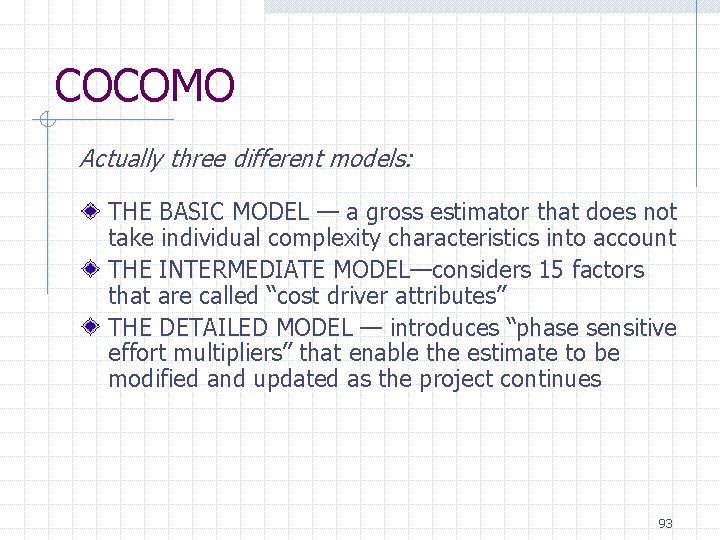
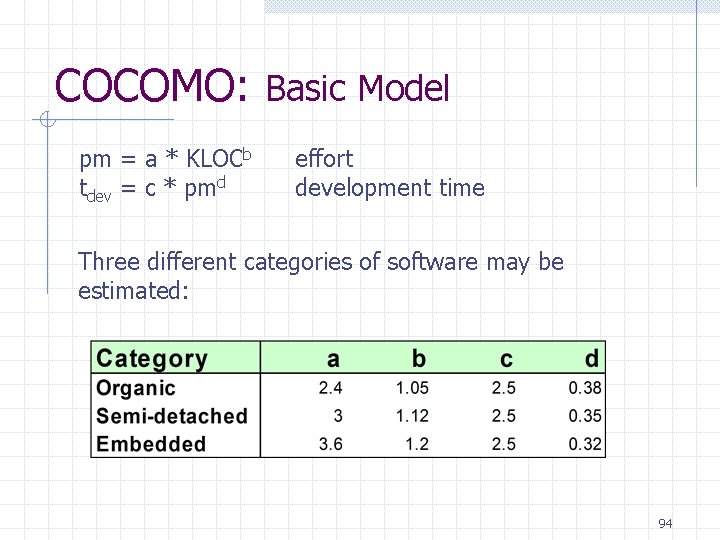
COCOMO Actually three different models: THE BASIC MODEL — a gross estimator that does not take individual complexity characteristics into account THE INTERMEDIATE MODEL—considers 15 factors that are called “cost driver attributes” THE DETAILED MODEL — introduces “phase sensitive effort multipliers” that enable the estimate to be modified and updated as the project continues 93
COCOMO: Basic Model pm = a * KLOCb tdev = c * pmd effort development time Three different categories of software may be estimated: 94
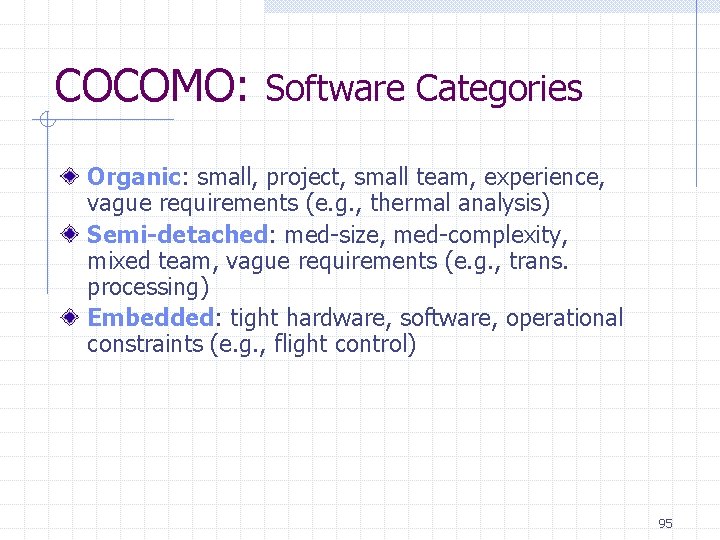
COCOMO: Software Categories Organic: small, project, small team, experience, vague requirements (e. g. , thermal analysis) Semi-detached: med-size, med-complexity, mixed team, vague requirements (e. g. , trans. processing) Embedded: tight hardware, software, operational constraints (e. g. , flight control) 95
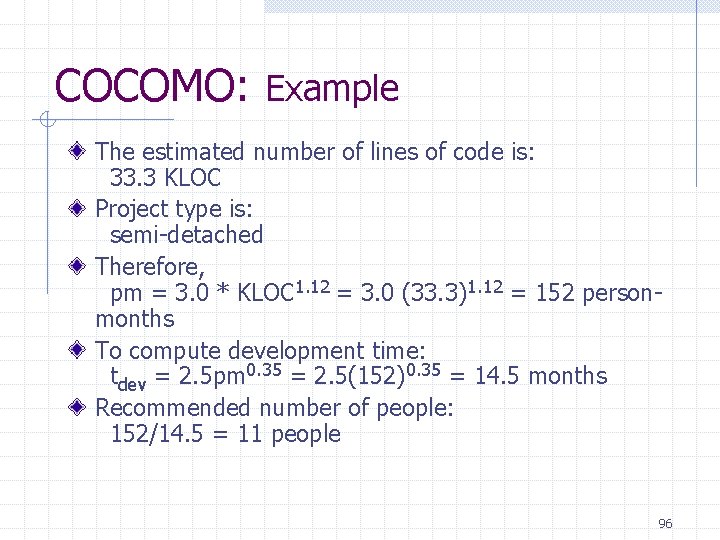
COCOMO: Example The estimated number of lines of code is: 33. 3 KLOC Project type is: semi-detached Therefore, pm = 3. 0 * KLOC 1. 12 = 3. 0 (33. 3)1. 12 = 152 personmonths To compute development time: tdev = 2. 5 pm 0. 35 = 2. 5(152)0. 35 = 14. 5 months Recommended number of people: 152/14. 5 = 11 people 96
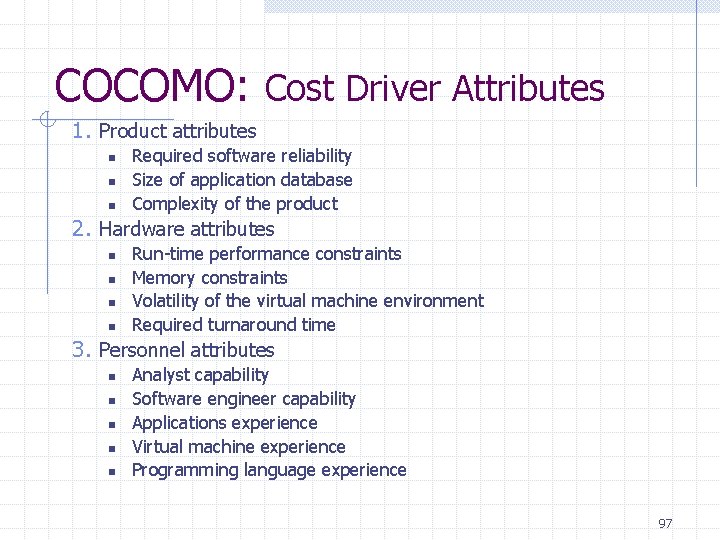
COCOMO: Cost Driver Attributes 1. Product attributes n n n Required software reliability Size of application database Complexity of the product 2. Hardware attributes n n Run-time performance constraints Memory constraints Volatility of the virtual machine environment Required turnaround time 3. Personnel attributes n n n Analyst capability Software engineer capability Applications experience Virtual machine experience Programming language experience 97
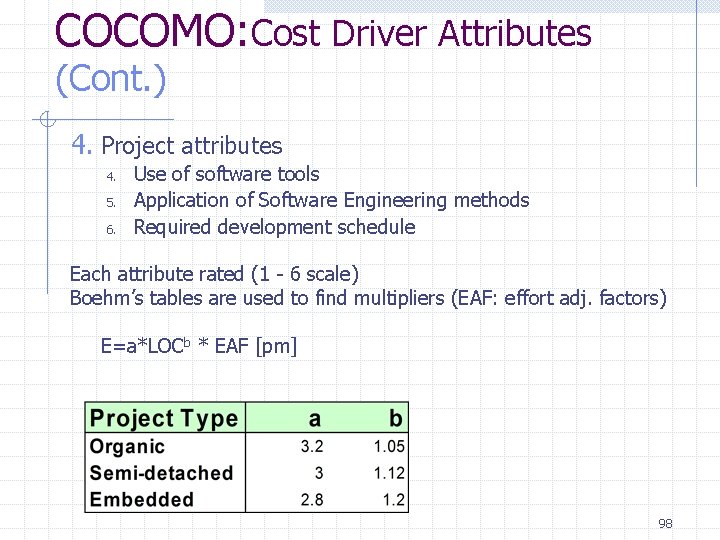
COCOMO: Cost Driver Attributes (Cont. ) 4. Project attributes 4. 5. 6. Use of software tools Application of Software Engineering methods Required development schedule Each attribute rated (1 - 6 scale) Boehm’s tables are used to find multipliers (EAF: effort adj. factors) E=a*LOCb * EAF [pm] 98
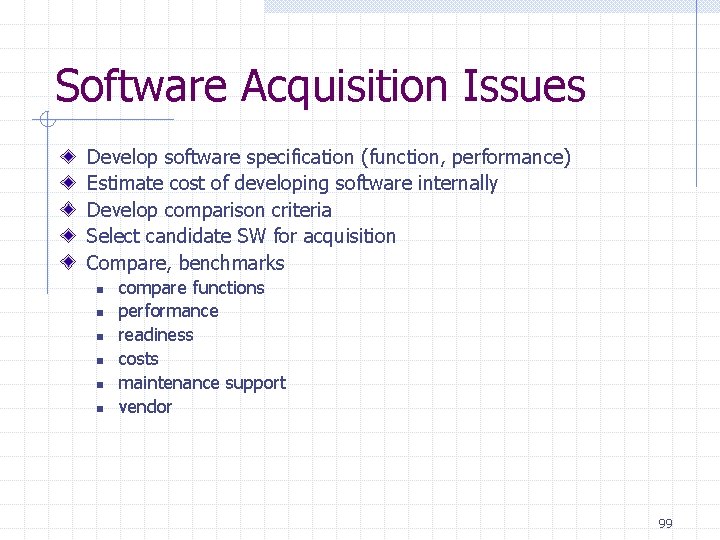
Software Acquisition Issues Develop software specification (function, performance) Estimate cost of developing software internally Develop comparison criteria Select candidate SW for acquisition Compare, benchmarks n n n compare functions performance readiness costs maintenance support vendor 99
5. Risk Management 100
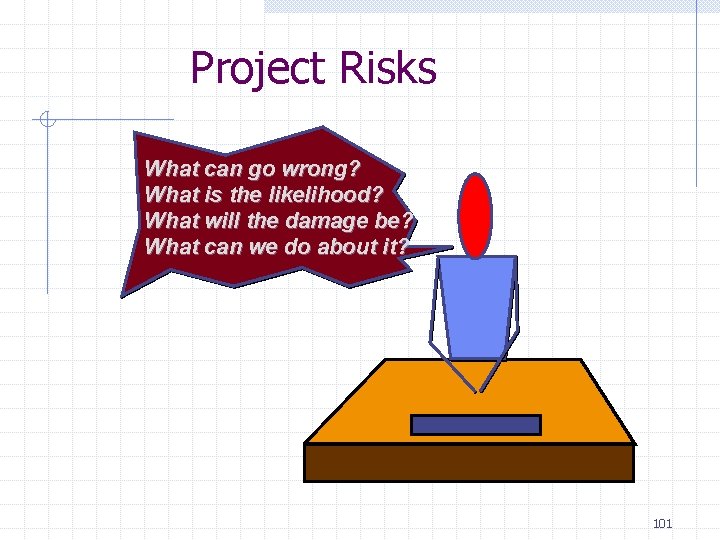
Project Risks What can go wrong? What is the likelihood? What will the damage be? What can we do about it? 101
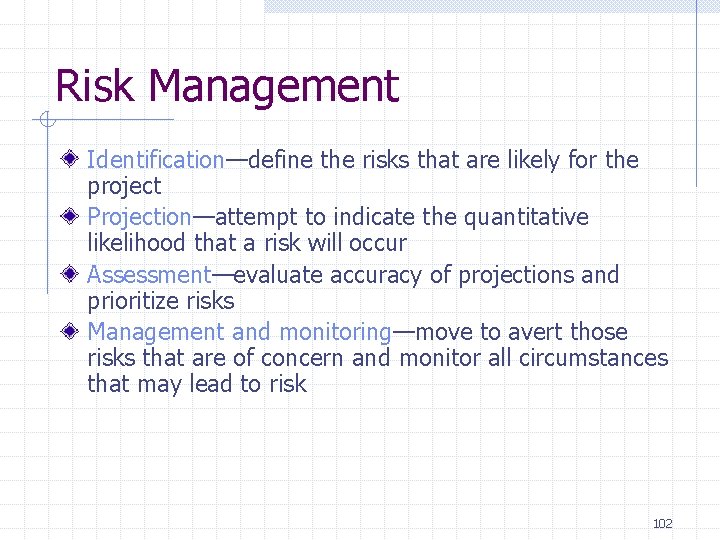
Risk Management Identification—define the risks that are likely for the project Projection—attempt to indicate the quantitative likelihood that a risk will occur Assessment—evaluate accuracy of projections and prioritize risks Management and monitoring—move to avert those risks that are of concern and monitor all circumstances that may lead to risk 102
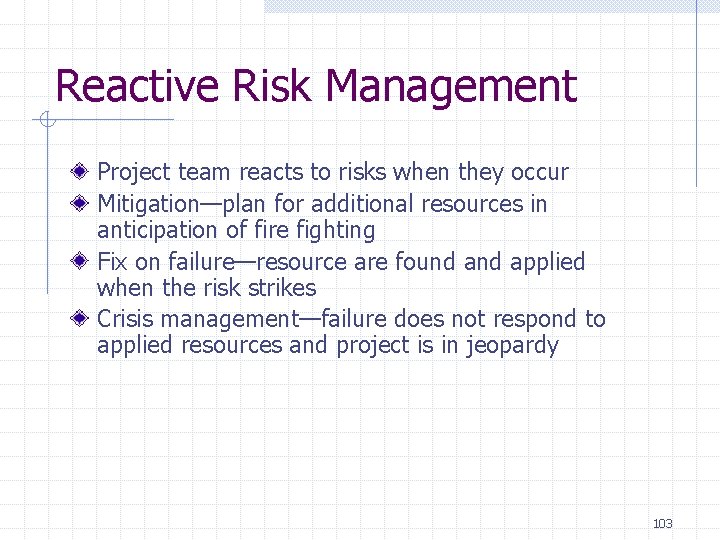
Reactive Risk Management Project team reacts to risks when they occur Mitigation—plan for additional resources in anticipation of fire fighting Fix on failure—resource are found applied when the risk strikes Crisis management—failure does not respond to applied resources and project is in jeopardy 103
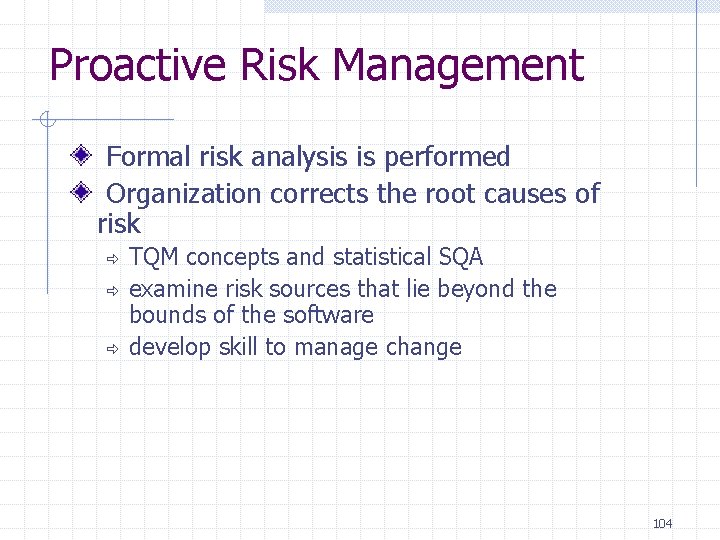
Proactive Risk Management Formal risk analysis is performed Organization corrects the root causes of risk ð ð ð TQM concepts and statistical SQA examine risk sources that lie beyond the bounds of the software develop skill to manage change 104
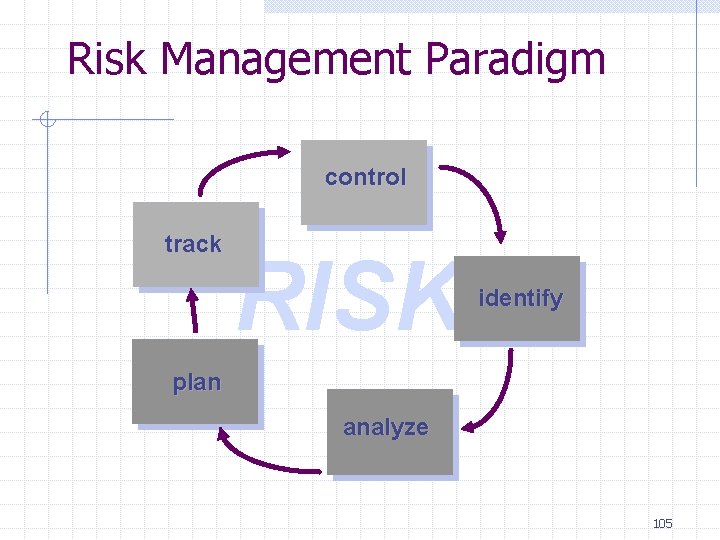
Risk Management Paradigm control track RISK identify plan analyze 105
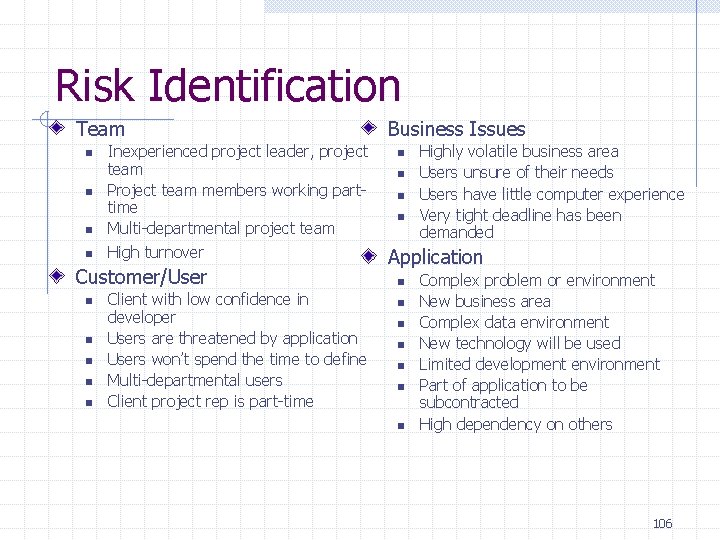
Risk Identification Team n n Inexperienced project leader, project team Project team members working parttime Multi-departmental project team High turnover Customer/User n n n Client with low confidence in developer Users are threatened by application Users won’t spend the time to define Multi-departmental users Client project rep is part-time Business Issues n n Highly volatile business area Users unsure of their needs Users have little computer experience Very tight deadline has been demanded Application n n n Complex problem or environment New business area Complex data environment New technology will be used Limited development environment Part of application to be subcontracted High dependency on others 106
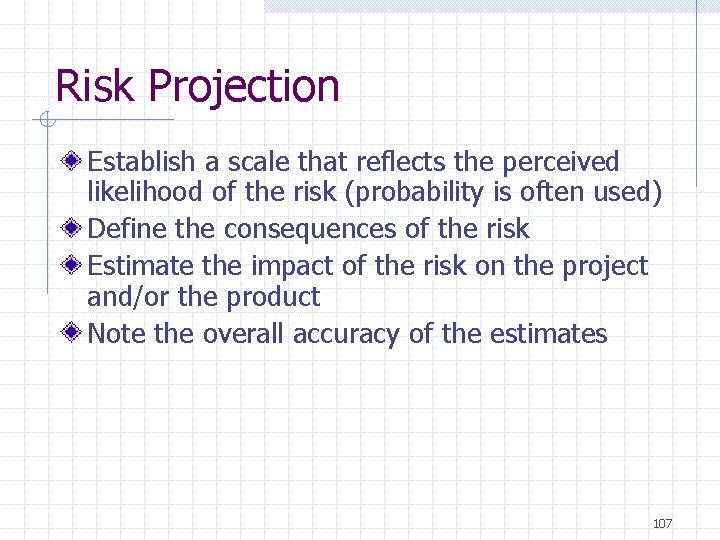
Risk Projection Establish a scale that reflects the perceived likelihood of the risk (probability is often used) Define the consequences of the risk Estimate the impact of the risk on the project and/or the product Note the overall accuracy of the estimates 107
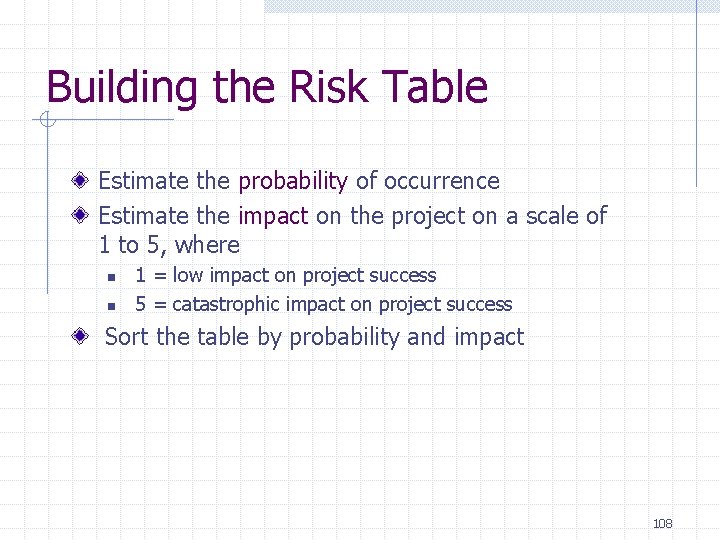
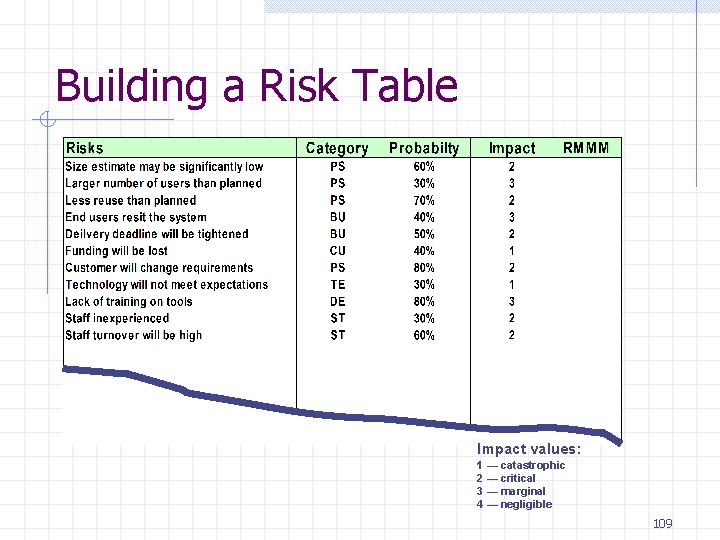
Building the Risk Table Estimate the probability of occurrence Estimate the impact on the project on a scale of 1 to 5, where n n 1 = low impact on project success 5 = catastrophic impact on project success Sort the table by probability and impact 108
Building a Risk Table Impact values: 1 — catastrophic 2 — critical 3 — marginal 4 — negligible 109
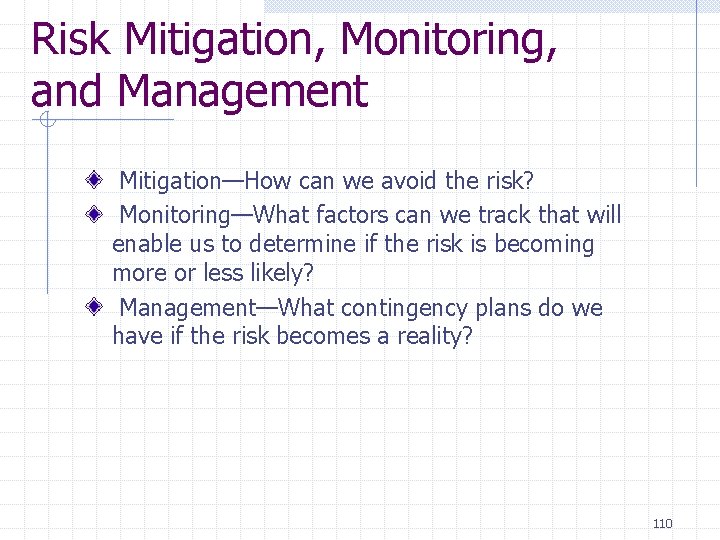
Risk Mitigation, Monitoring, and Management Mitigation—How can we avoid the risk? Monitoring—What factors can we track that will enable us to determine if the risk is becoming more or less likely? Management—What contingency plans do we have if the risk becomes a reality? 110
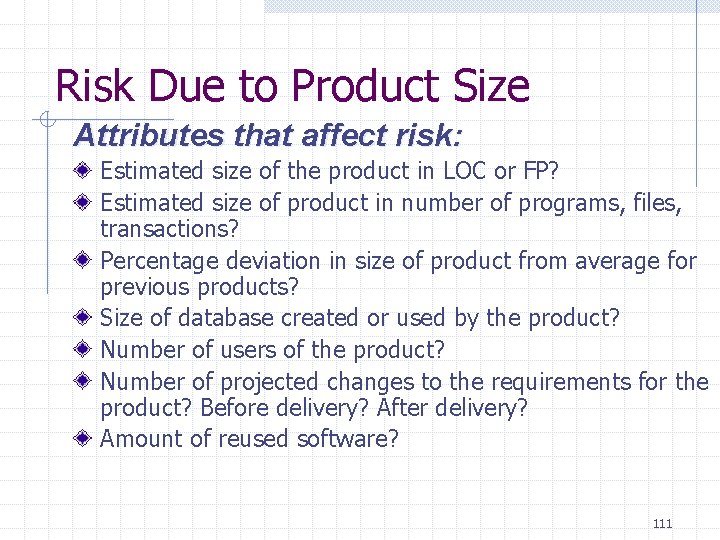
Risk Due to Product Size Attributes that affect risk: Estimated size of the product in LOC or FP? Estimated size of product in number of programs, files, transactions? Percentage deviation in size of product from average for previous products? Size of database created or used by the product? Number of users of the product? Number of projected changes to the requirements for the product? Before delivery? After delivery? Amount of reused software? 111
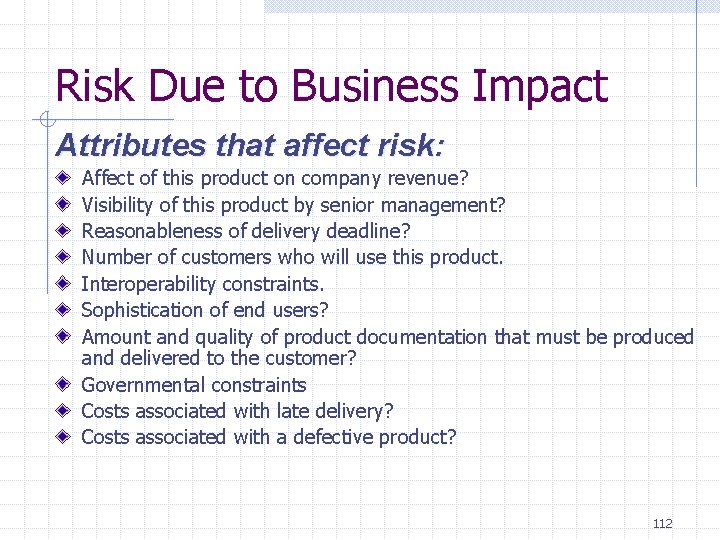
Risk Due to Business Impact Attributes that affect risk: Affect of this product on company revenue? Visibility of this product by senior management? Reasonableness of delivery deadline? Number of customers who will use this product. Interoperability constraints. Sophistication of end users? Amount and quality of product documentation that must be produced and delivered to the customer? Governmental constraints Costs associated with late delivery? Costs associated with a defective product? 112
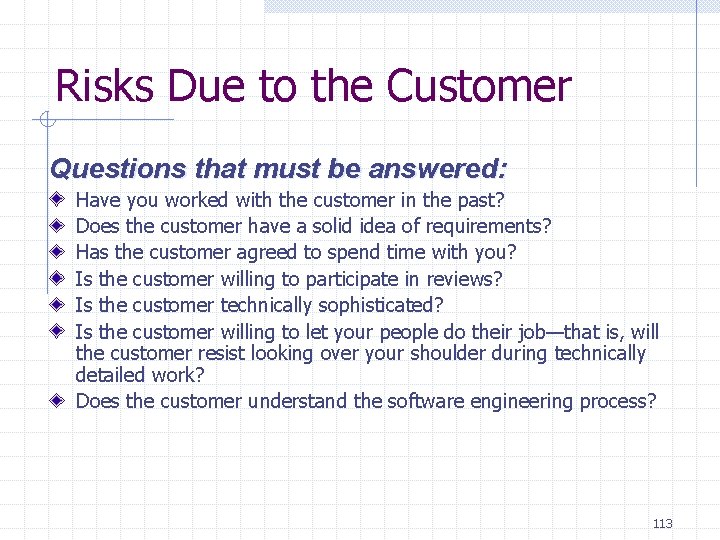
Risks Due to the Customer Questions that must be answered: Have you worked with the customer in the past? Does the customer have a solid idea of requirements? Has the customer agreed to spend time with you? Is the customer willing to participate in reviews? Is the customer technically sophisticated? Is the customer willing to let your people do their job—that is, will the customer resist looking over your shoulder during technically detailed work? Does the customer understand the software engineering process? 113
Risks Due to Process Maturity Questions that must be answered: Have you established a common process framework? Is it followed by project teams? Do you have management support for software engineering? Do you have a proactive approach to SQA? Do you conduct formal technical reviews? Are CASE tools used for analysis, design and testing? Are the tools integrated with one another? Have document formats been established? 114
Technology Risks Questions that must be answered: Is the technology new to your organization? Are new algorithms, I/O technology required? Is new or unproven hardware involved? Does the application interface with new software? Is a specialized user interface required? Is the application radically different? Are you using new software engineering methods? Are you using unconventional software development methods, such as formal methods, AI-based approaches, artificial neural networks? Are there significant performance constraints? Is there doubt the functionality requested is "do-able? " 115
Staff/People Risks Questions that must be answered: Are the best people available? Does staff have the right skills? Are enough people available? Are staff committed for entire duration? Will some people work part time? Do staff have the right expectations? Have staff received necessary training? Will turnover among staff be low? 116
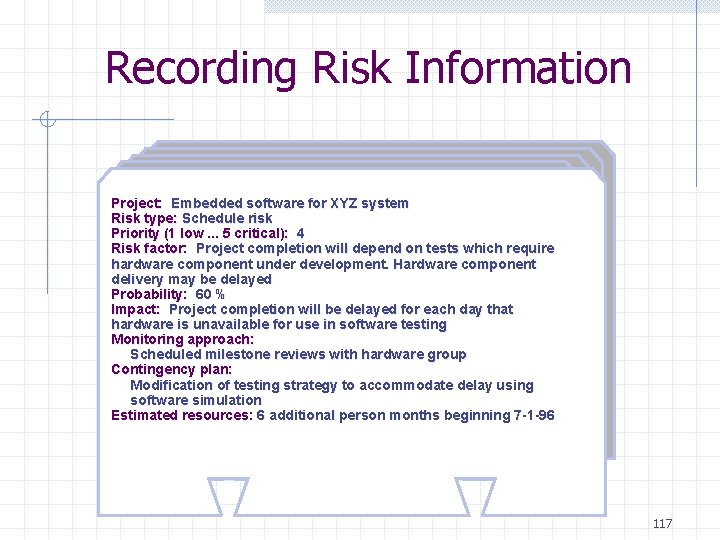
Recording Risk Information Project: Embedded software for XYZ system Risk type: Schedule risk Priority (1 low. . . 5 critical): 4 Risk factor: Project completion will depend on tests which require hardware component under development. Hardware component delivery may be delayed Probability: 60 % Impact: Project completion will be delayed for each day that hardware is unavailable for use in software testing Monitoring approach: Scheduled milestone reviews with hardware group Contingency plan: Modification of testing strategy to accommodate delay using software simulation Estimated resources: 6 additional person months beginning 7 -1 -96 117
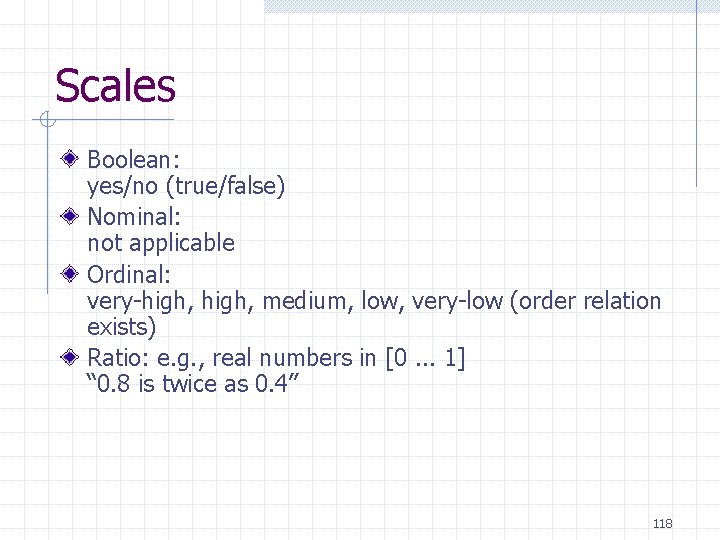
Scales Boolean: yes/no (true/false) Nominal: not applicable Ordinal: very-high, medium, low, very-low (order relation exists) Ratio: e. g. , real numbers in [0. . . 1] “ 0. 8 is twice as 0. 4” 118
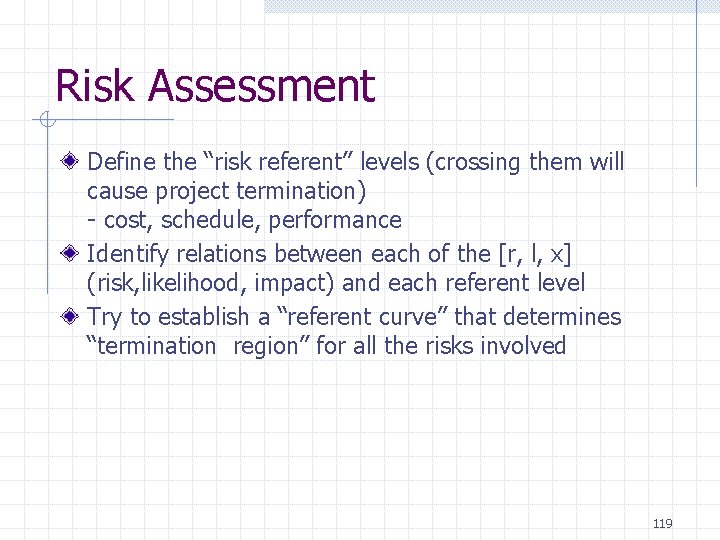
Risk Assessment Define the “risk referent” levels (crossing them will cause project termination) - cost, schedule, performance Identify relations between each of the [r, l, x] (risk, likelihood, impact) and each referent level Try to establish a “referent curve” that determines “termination region” for all the risks involved 119
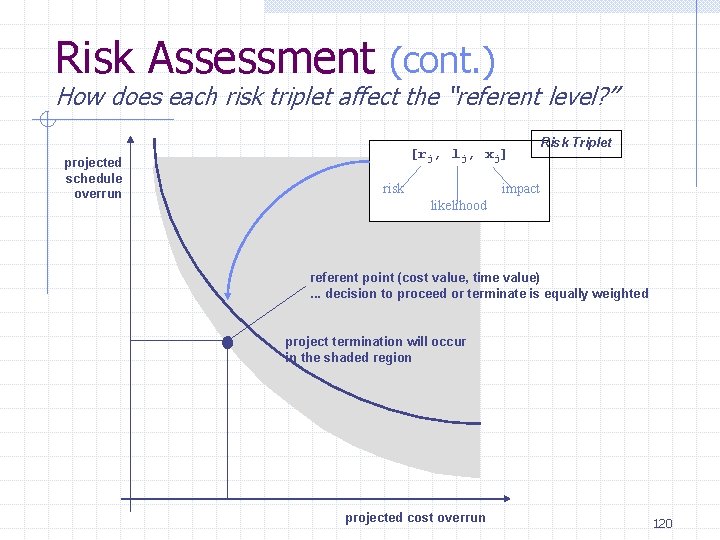
Risk Assessment (cont. ) How does each risk triplet affect the “referent level? ” projected schedule overrun [rj, lj, xj] risk Risk Triplet impact likelihood referent point (cost value, time value). . . decision to proceed or terminate is equally weighted project termination will occur in the shaded region projected cost overrun 120
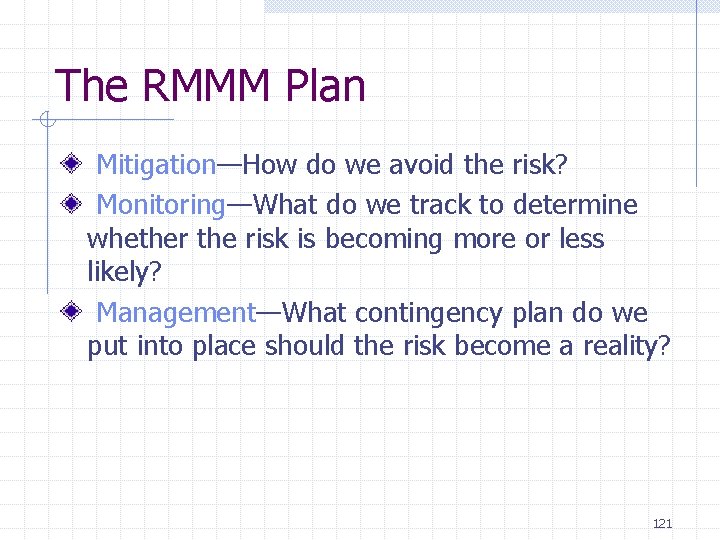
The RMMM Plan Mitigation—How do we avoid the risk? Monitoring—What do we track to determine whether the risk is becoming more or less likely? Management—What contingency plan do we put into place should the risk become a reality? 121
Example: Risk Management Assume that high staff turnover is noted as a project risk, r 1. Based on past history and management intuition, the likelihood, I 1, of high turnover is estimated to be 0. 70 (70 percent, rather high), and the impact, x 1, is projected to increase project duration by 15 percent and overall cost by 12 percent. Given these data the following risk management steps are proposed: Meet with current staff to determine causes for turnover (e. g. , poor working conditions, low pay, competitive job market); Act to mitigate those causes that are under our control before the project starts; Once project commences, assume turnover will occur and develop techniques to ensure continuity when people leave; Organize project teams so that information about each development activity is widely dispersed; Define documentation standards and establish mechanisms to be sure that documents are developed in a timely manner; Conduct peer reviews of all work (so that more than one person is “up to speed”); Define a back-up staff member for every critical technologist. 122
Risk Management & Monitoring risk analysis data [r 1, l 1, x 1] risk 1 risk management steps 1 risk analysis data [r 2, l 2, x 2] risk 2 risk management steps 2 … risk analysis data [rn, ln, xn] riskn risk management stepsn Risk Management & Monitoring Plan 123
Risk Management Summary Note: Risk Management costs money (perform cost-benefit analysis) Pareto 80/20 Rule: 80% of of overall impact caused by 20% of risk (focus on these 20%) Develop Risk Management & Monitoring Plan (RMMP) Risk monitoring (the monitor/control action) - also collect information for future projects 124
6. Project Scheduling and Tracking 125
Why Are Projects Late? An unrealistic deadline established by someone outside the software development group Changing customer requirements that are not reflected in schedule changes An honest underestimate of the amount of effort and/or the number of resources that will be required to do the job Predictable and/or unpredictable risks that were not considered when the project commenced Technical difficulties that could not have been foreseen in advance Human difficulties that could not have been foreseen in advance Miscommunication among project staff that results in delays A failure by project management to recognize that the project is falling behind schedule and a lack of action to correct the problem 126
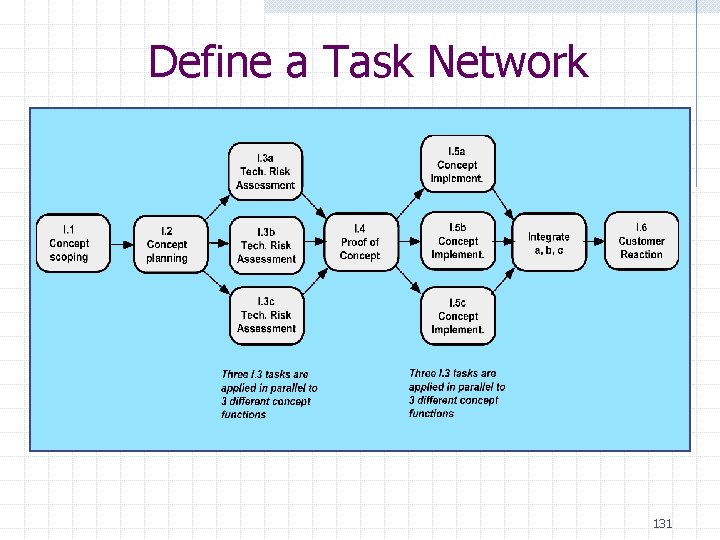
Scheduling Principles Compartmentalization—define distinct tasks Interdependency—task interrelationship determination—be sure resources are available Defined responsibilities—people must be assigned Defined outcomes—each task must have an output Defined milestones—review for quality 127
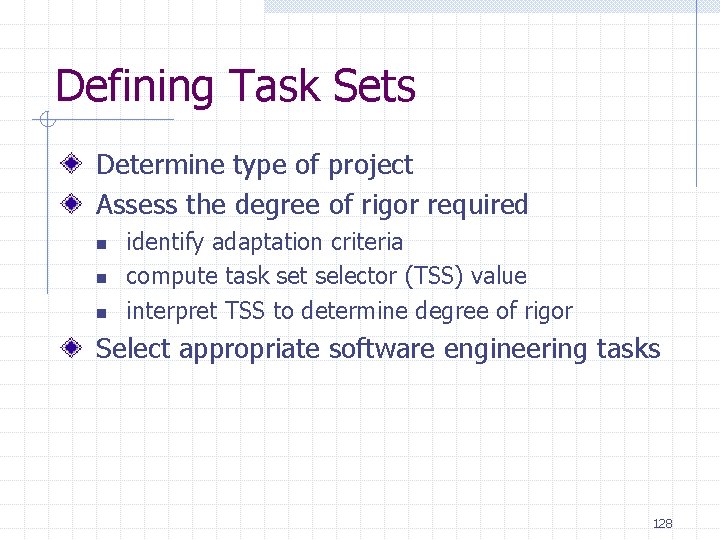
Defining Task Sets Determine type of project Assess the degree of rigor required n n n identify adaptation criteria compute task set selector (TSS) value interpret TSS to determine degree of rigor Select appropriate software engineering tasks 128
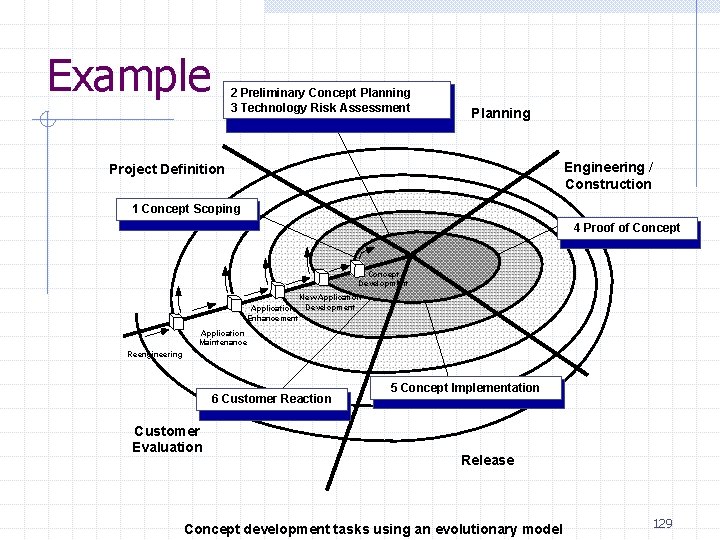
Example 2 Preliminary Concept Planning 3 Technology Risk Assessment Planning Engineering / Construction Project Definition 1 Concept Scoping 4 Proof of Concept lo Development New Application Development Enhancement Application Maintenance Reengineering 6 Customer Reaction Customer Evaluation 5 Concept Implementation Release Concept development tasks using an evolutionary model 129
Software Project Scheduling Formulation 1: n n n End date given Allocate resources needed Tough Formulation 2: n n Only rough time bounds given Allocate and optimize resources 130
Define a Task Network 131
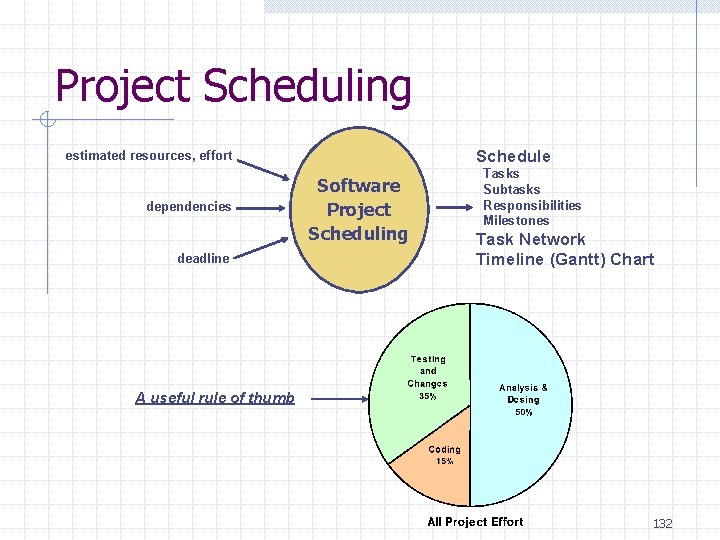
Project Scheduling Schedule estimated resources, effort dependencies deadline Software Project Scheduling Tasks Subtasks Responsibilities Milestones Task Network Timeline (Gantt) Chart A useful rule of thumb 132
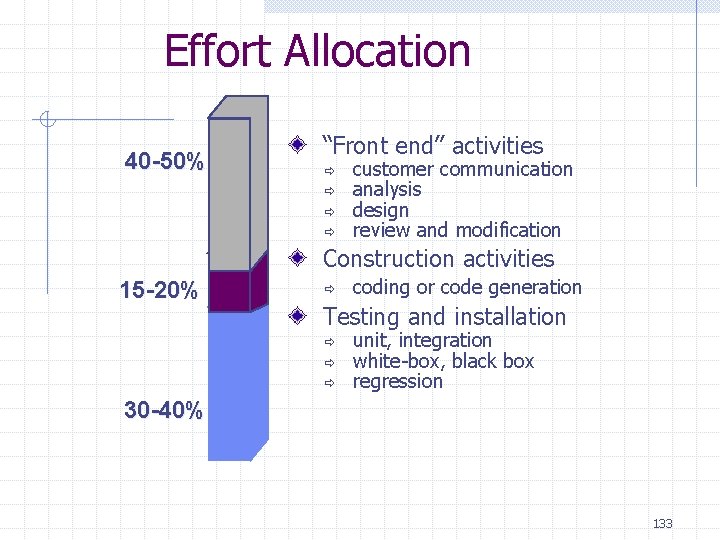
Effort Allocation 40 -50% “Front end” activities ð ð customer communication analysis design review and modification Construction activities 15 -20% ð coding or code generation Testing and installation ð ð ð unit, integration white-box, black box regression 30 -40% 133
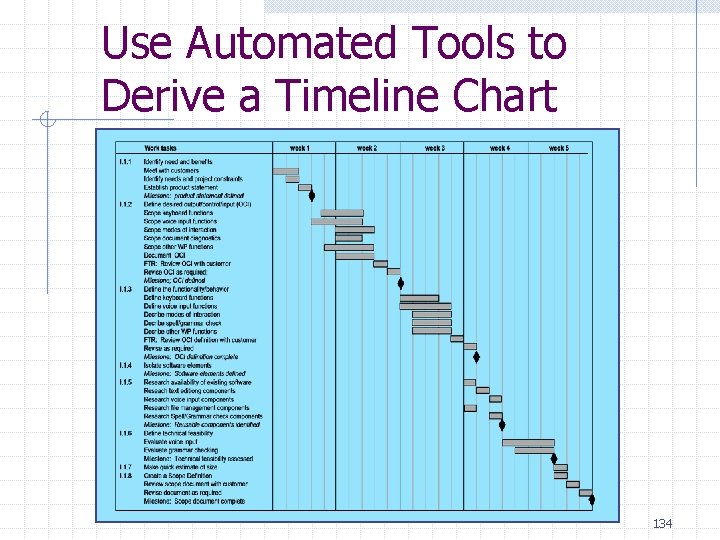
Use Automated Tools to Derive a Timeline Chart 134
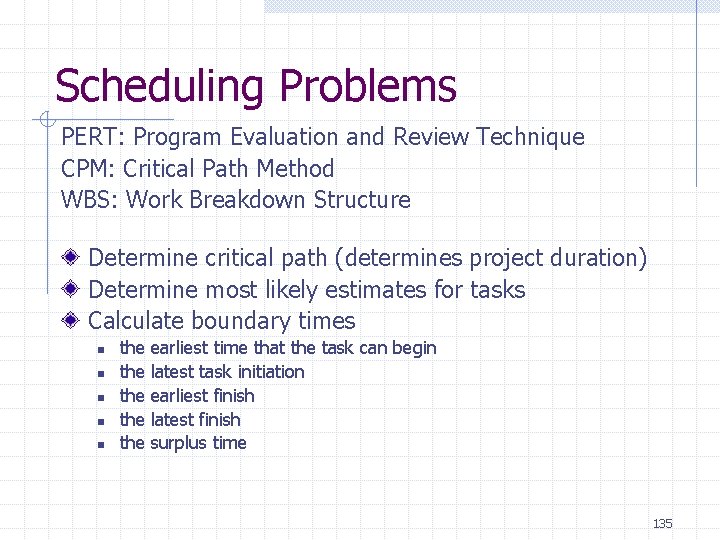
Scheduling Problems PERT: Program Evaluation and Review Technique CPM: Critical Path Method WBS: Work Breakdown Structure Determine critical path (determines project duration) Determine most likely estimates for tasks Calculate boundary times n n n the the the earliest time that the task can begin latest task initiation earliest finish latest finish surplus time 135
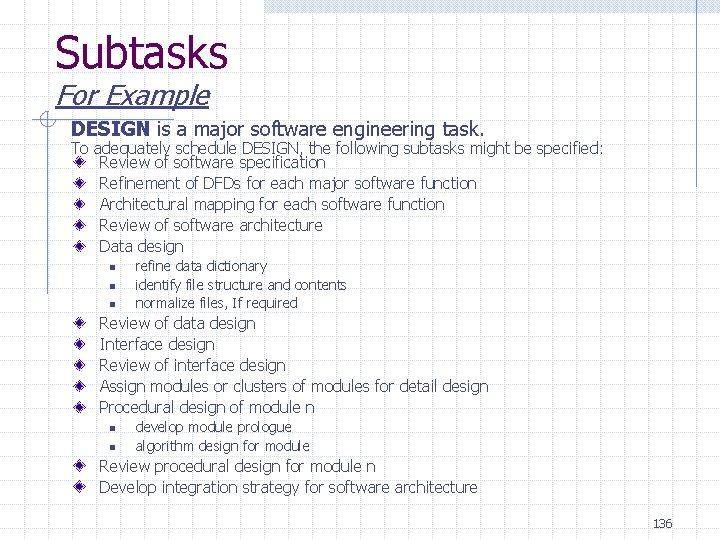
Subtasks For Example DESIGN is a major software engineering task. To adequately schedule DESIGN, the following subtasks might be specified: Review of software specification Refinement of DFDs for each major software function Architectural mapping for each software function Review of software architecture Data design n refine data dictionary identify file structure and contents normalize files, If required Review of data design Interface design Review of interface design Assign modules or clusters of modules for detail design Procedural design of module n n n develop module prologue algorithm design for module Review procedural design for module n Develop integration strategy for software architecture 136
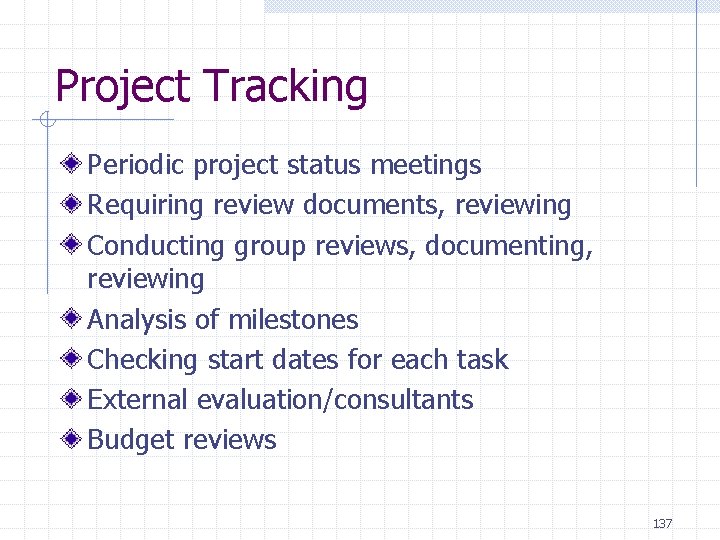
Project Tracking Periodic project status meetings Requiring review documents, reviewing Conducting group reviews, documenting, reviewing Analysis of milestones Checking start dates for each task External evaluation/consultants Budget reviews 137
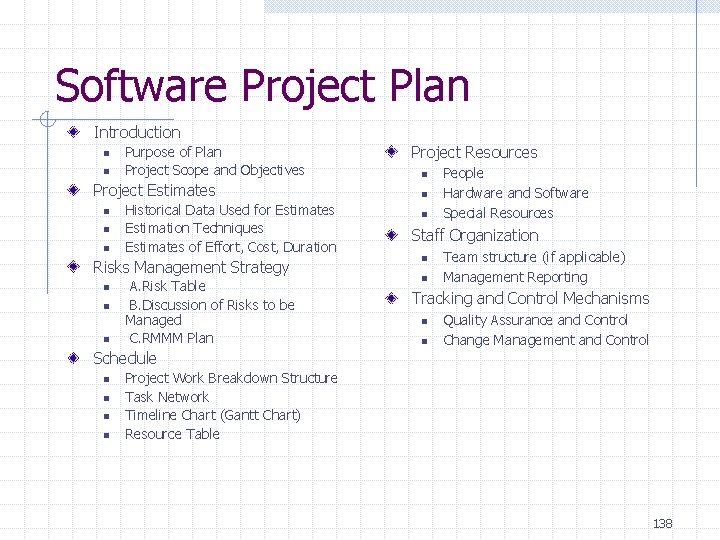
Software Project Plan Introduction n n Purpose of Plan Project Scope and Objectives Project Estimates n n n Historical Data Used for Estimates Estimation Techniques Estimates of Effort, Cost, Duration Risks Management Strategy n n n A. Risk Table B. Discussion of Risks to be Managed C. RMMM Plan Project Resources n n n People Hardware and Software Special Resources Staff Organization n n Team structure (if applicable) Management Reporting Tracking and Control Mechanisms n n Quality Assurance and Control Change Management and Control Schedule n n Project Work Breakdown Structure Task Network Timeline Chart (Gantt Chart) Resource Table 138