Writing Strategies for the Reluctant Writer including Dysgraphia
- Slides: 71
Writing Strategies for the Reluctant Writer, including Dysgraphia Regina G. Richards, MA, BCET Educational Therapist Riverside California Regina. Richards@dyslexia-ca. org www. CTDInstitute. org
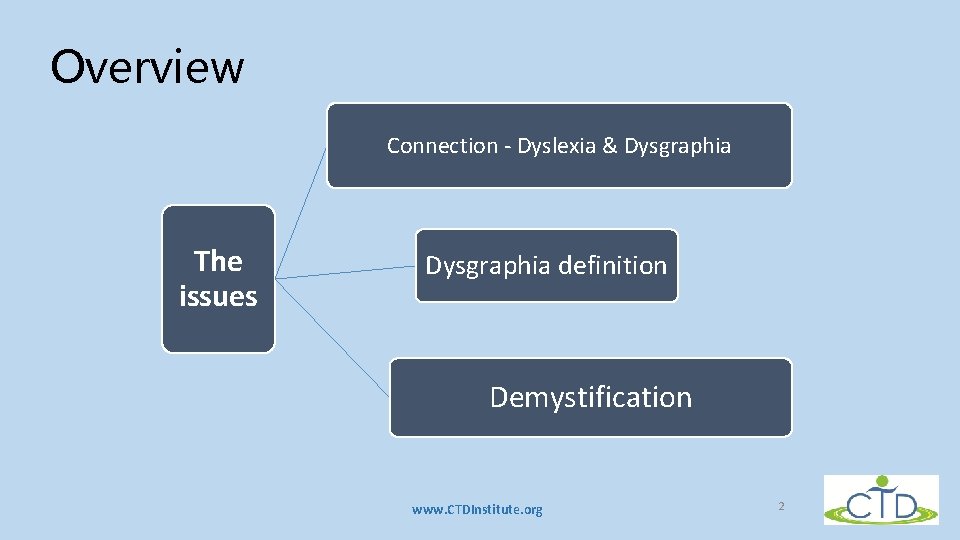
Overview Connection - Dyslexia & Dysgraphia The issues Dysgraphia definition Reluctae o Wrie Demystification www. CTDInstitute. org 2
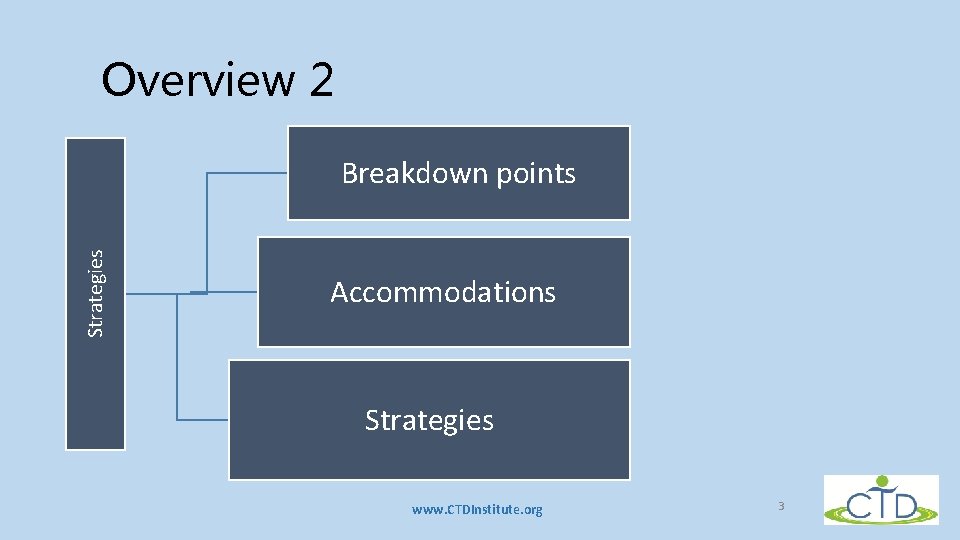
Overview 2 Strategies Breakdown points Accommodations Strategies www. CTDInstitute. org 3
Biological roots & disruptions • Prenatal cascade of events • Disruption in areas of brain when carrying out phonological tasks • Energy usage – at least 4 times as much www. CTDInstitute. org 4
The connection between dyslexia & dysgraphia Dyslexia and dysgraphia are cousins Both are language-based Both have root in sequencing Primarily: • Dyslexia affects reading and spelling • Dysgraphia affects spelling and writing www. CTDInstitute. org 5
Similarities • Automaticity • Visual recognition • Similar strategies • Similar compensations www. CTDInstitute. org 6
Fluency • Dyslexia – Fluency = a critical aspect related to reading comprehension • Also critical for dysgraphic students • Affected by the fluency of motor movements www. CTDInstitute. org 7
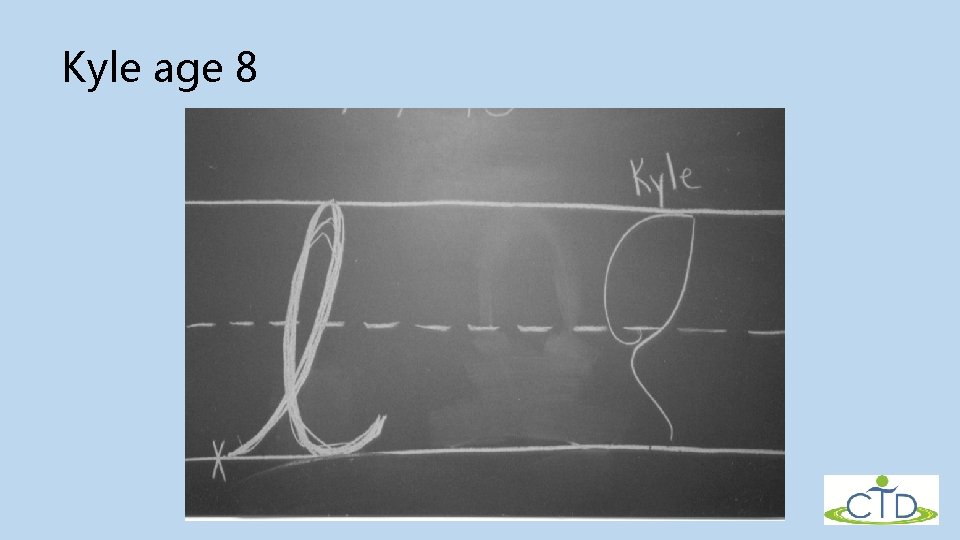
Kyle age 8 www. CTDInstitute. org 8
Definition of Dysgraphia • Greek Origin • Condition of having impaired graph (i. e. , letter) production • Is a SLD • Developmental motor coordination can be rule out • Have unusual difficulty with subword letter formation Berninger & Wolf, Dyslexia, Dysgraphia, OWL LD, & Dyscalculia, page 21 www. CTDInstitute. org 9
Definition 2 • A written language disorder • In serial production of strokes • To form a handwritten letter • Involves not only motor skills but also language skills • Finding, retrieving, and producing letters • This is a subword level language skills • The impaired handwriting may interfere with spelling and/or composing www. CTDInstitute. org 10
One size fits all? ? ? Once upon a time the animals decided they must do something heroic to meet the problems of a "new world, " so they organized a school. They adopted an activity curriculum consisting of running, climbing, swimming, and flying, and to make it easier to administer, all the animals took all the subjects. www. CTDInstitute. org 11
One size fits all? ? ? The duck was excellent in swimming, better in fact than his instructor, and made passing grades in flying, but he was very poor in running. Since he was so slow in running, he had to stay after school and also drop swimming to practice running. This was kept up until his web feet were badly worn and he was only average in swimming. But average was acceptable in school, so nobody worried about that except the duck. www. CTDInstitute. org 12
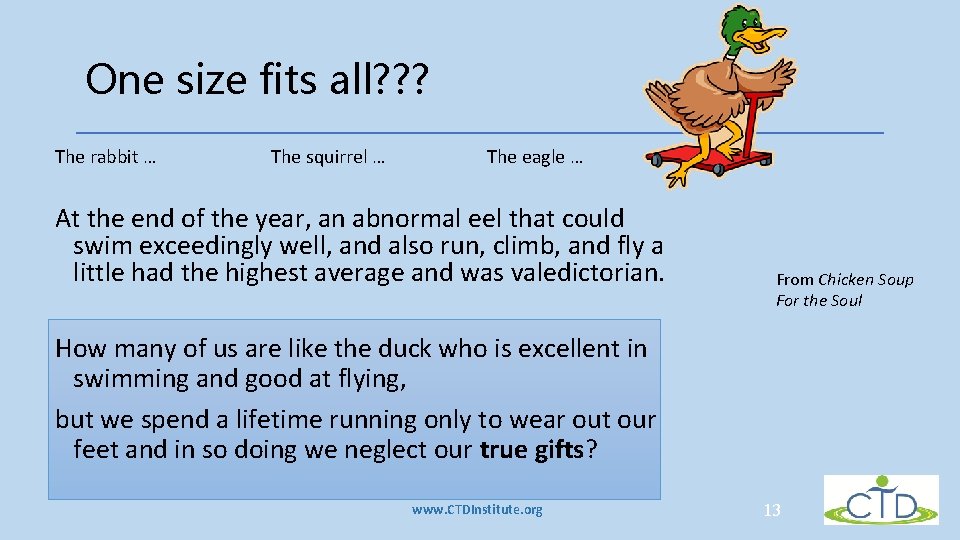
One size fits all? ? ? The rabbit … The squirrel … The eagle … At the end of the year, an abnormal eel that could swim exceedingly well, and also run, climb, and fly a little had the highest average and was valedictorian. From Chicken Soup For the Soul How many of us are like the duck who is excellent in swimming and good at flying, but we spend a lifetime running only to wear out our feet and in so doing we neglect our true gifts? www. CTDInstitute. org 13
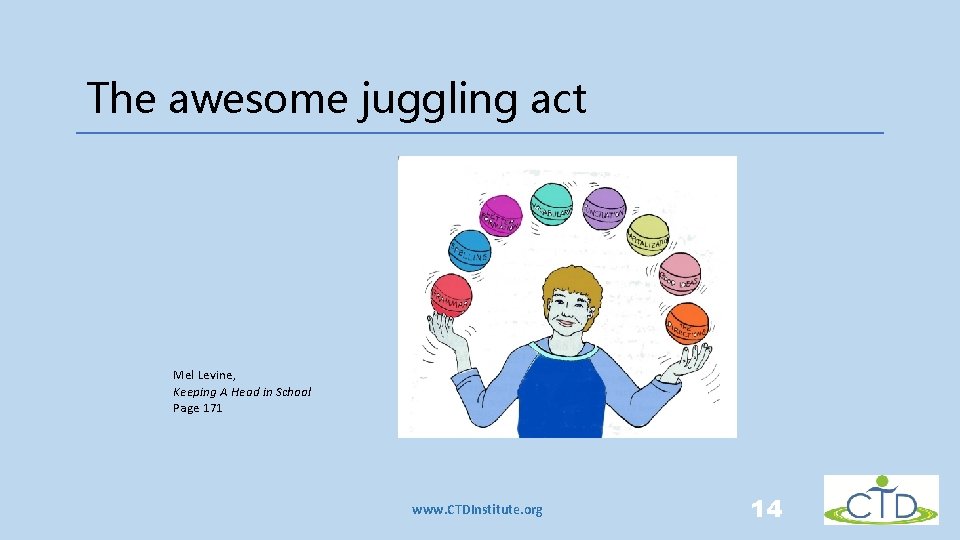
The awesome juggling act Mel Levine, Keeping A Head in School Page 171 www. CTDInstitute. org 14
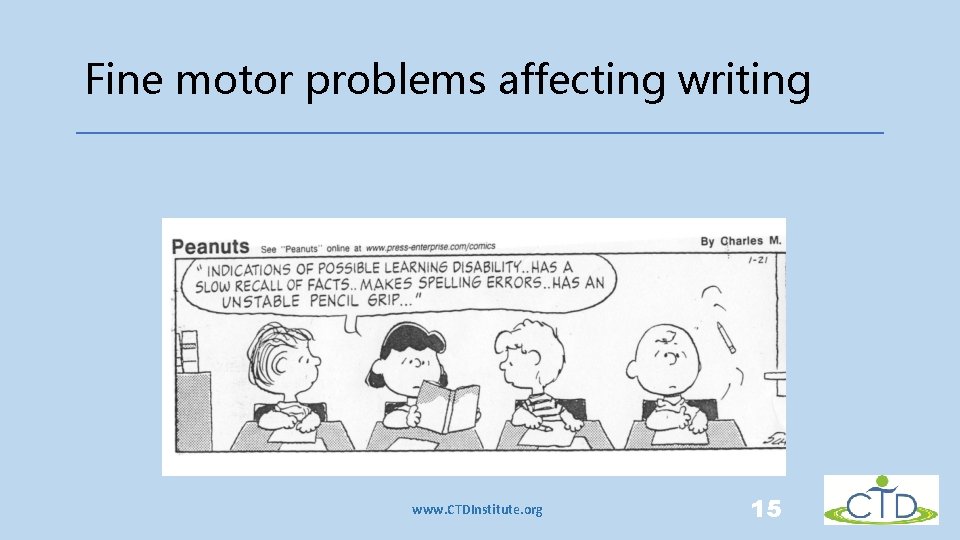
Fine motor problems affecting writing www. CTDInstitute. org 15
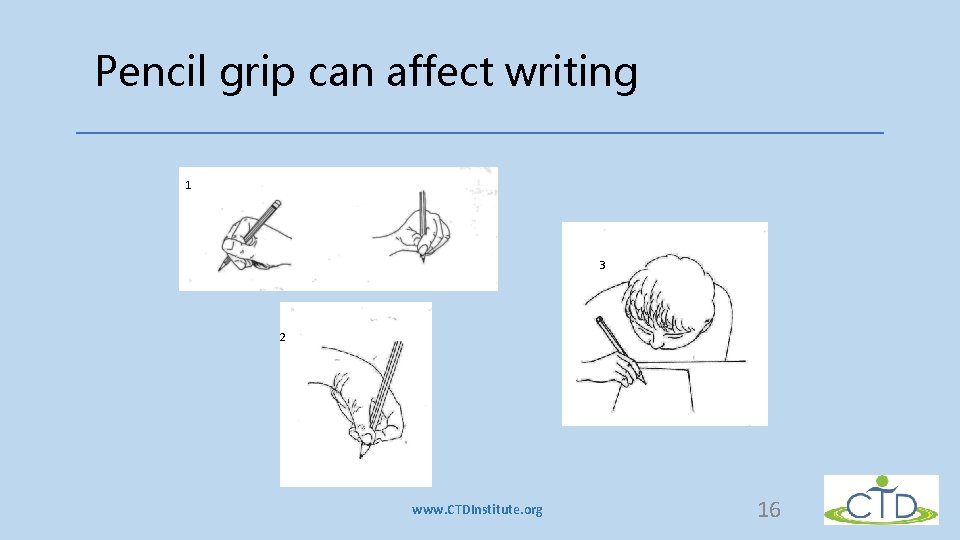
Pencil grip can affect writing 1 3 2 www. CTDInstitute. org 16
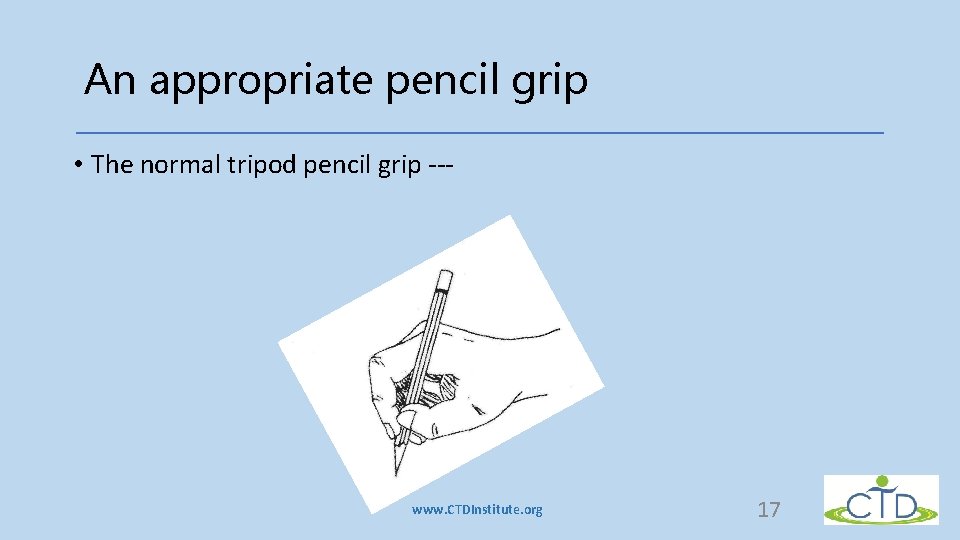
An appropriate pencil grip • The normal tripod pencil grip --- www. CTDInstitute. org 17
Demystification • Take out the mystery for the child • “Writing is hard because you struggle to hold a pencil correctly. That’s why you also need to learn to type” • Writing is hard because you have trouble remembering the words you want while you also working on the sentences. That’s why…. . ” • You explain what is hard and that give a cue as to how you’ll work on it – in a positive way www. CTDInstitute. org 18
Some characteristics of dysgraphia • Substantial effort • Interferes with ability to convert ideas • Inefficient prerequisite skills • For letter form • And use of space • Causes great energy drain • Interferes with higher level performances of expression www. CTDInstitute. org 19
The overall issue • Difficulty automatically remembering and mastering • The sequence of muscle motor movements for writing letters or numbers • It is out of harmony • With the person’s intelligence • With regular teaching • With use of the pencil in non-learning tasks www. CTDInstitute. org 20
Specific symptoms • Processing • Fatigue • Communication • Organization • Inattentiveness www. CTDInstitute. org 21
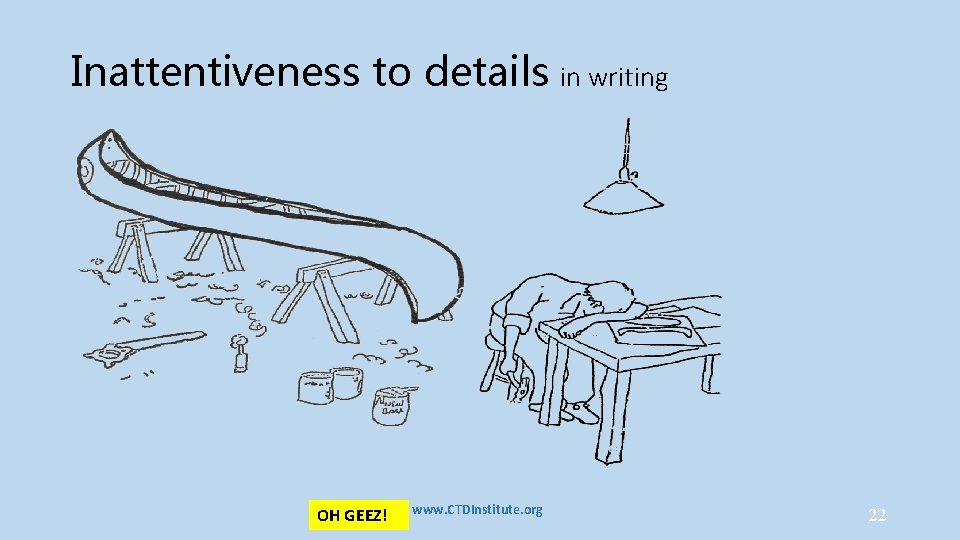
Inattentiveness to details in writing OH GEEZ! www. CTDInstitute. org 22
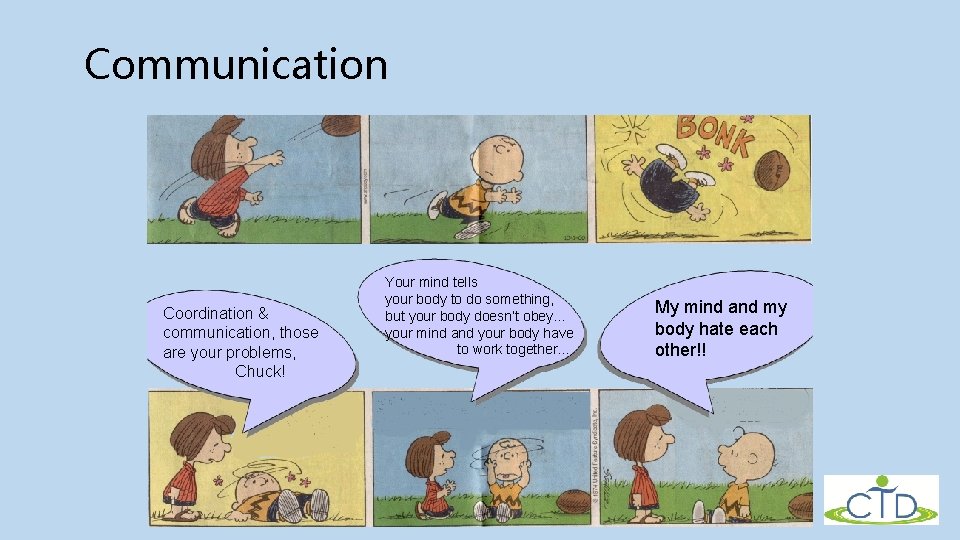
Communication Coordination & communication, those are your problems, Chuck! Your mind tells your body to do something, but your body doesn’t obey… your mind and your body have to work together… www. CTDInstitute. org My mind and my body hate each other!! 23
Myths about dysgraphia & other writing issues • Laziness • Not trying • Not caring • Sloppy writing • General sloppiness • Careless writing • Visual-motor delay www. CTDInstitute. org 24
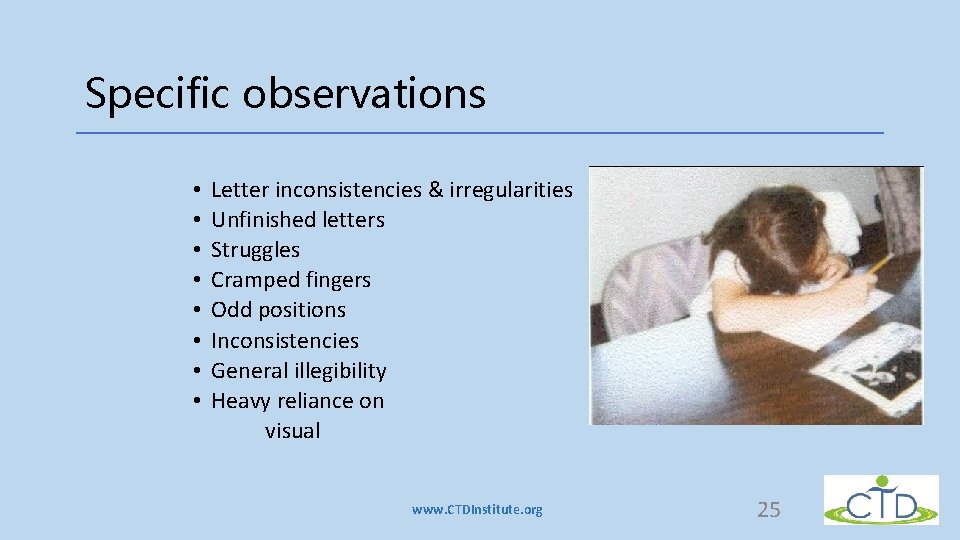
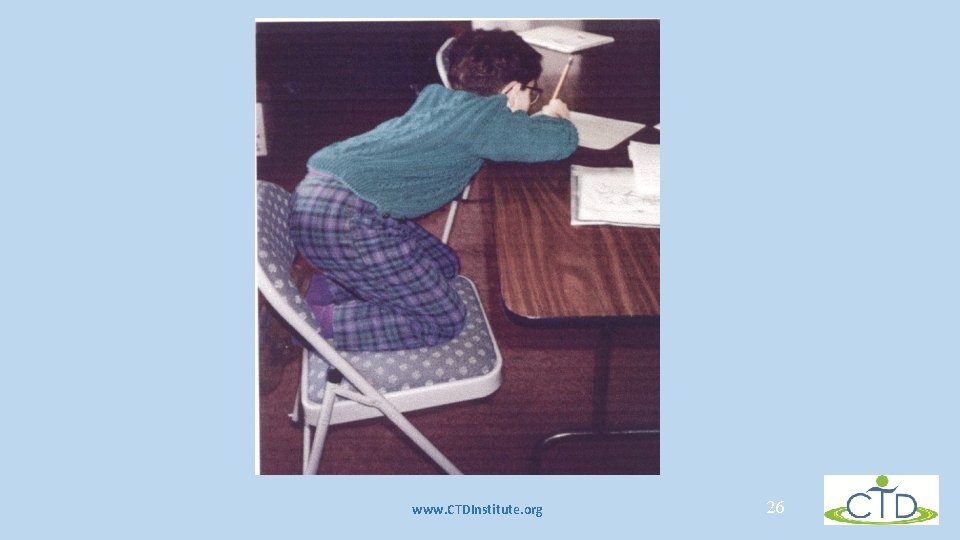
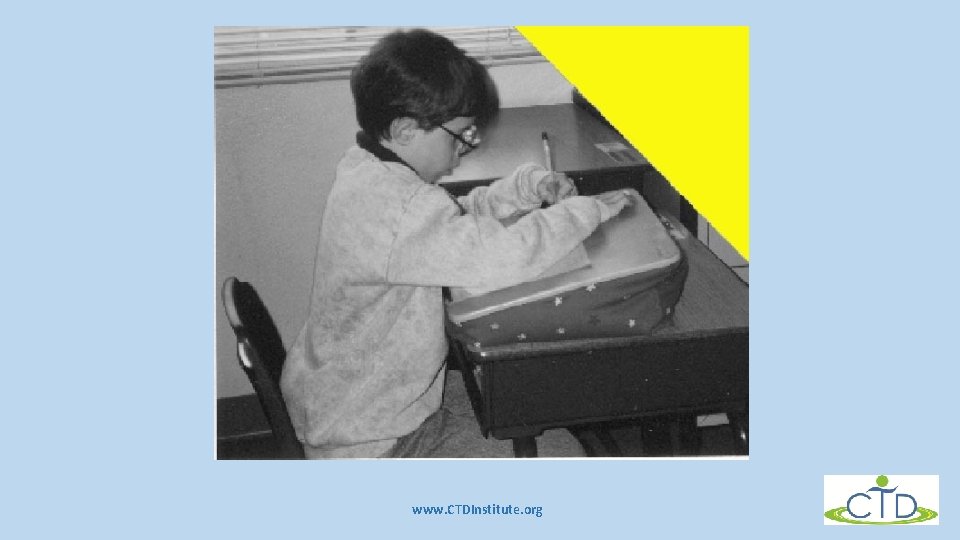
Specific observations • • Letter inconsistencies & irregularities Unfinished letters Struggles Cramped fingers Odd positions Inconsistencies General illegibility Heavy reliance on visual www. CTDInstitute. org 25
www. CTDInstitute. org 26
www. CTDInstitute. org
More specific observations • Inefficient speed in copying • Decreased speed of writing • Excessive speed when writing • Inattentiveness about details • when writing • Slow implementation of verbal directions • sequencing and planning • Concurrent sequencing issues www. CTDInstitute. org
General strategies for remediation • • • Focus on automatization Scaffolding Modeling Separation of breakdown points Staging Multiple formats Deploying strengths Use strategies Directed retraining www. CTDInstitute. org 29
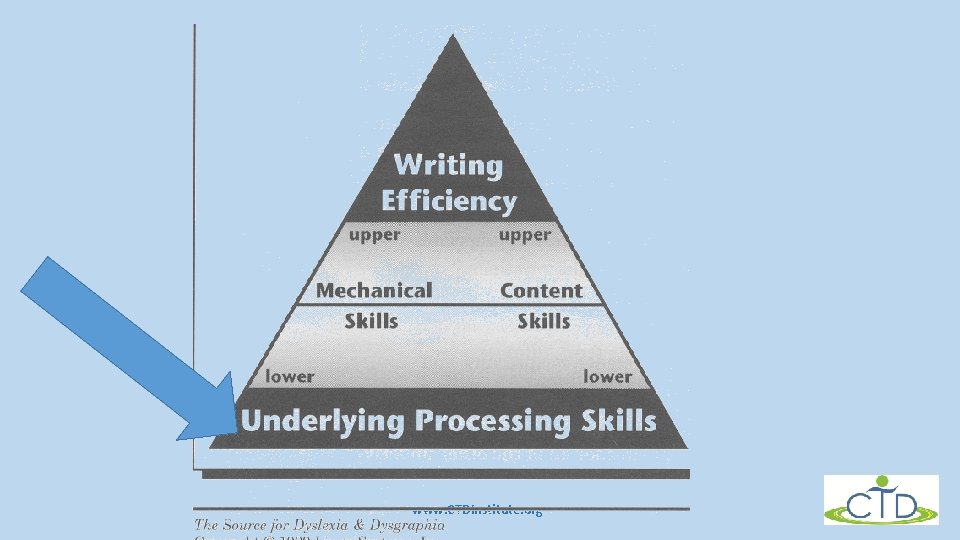
www. CTDInstitute. org
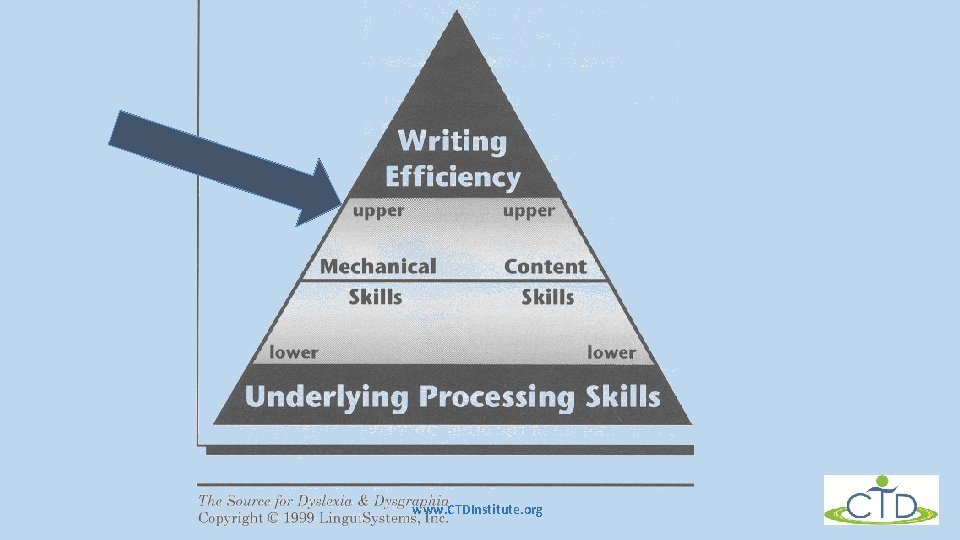
Underlying processing skills • Physical components of writing • Motor performance • Speed • Efficiency • Automaticity • Active working memory • Language formulation and ideation • Awareness of metacognitive strategies www. CTDInstitute. org 31
www. CTDInstitute. org
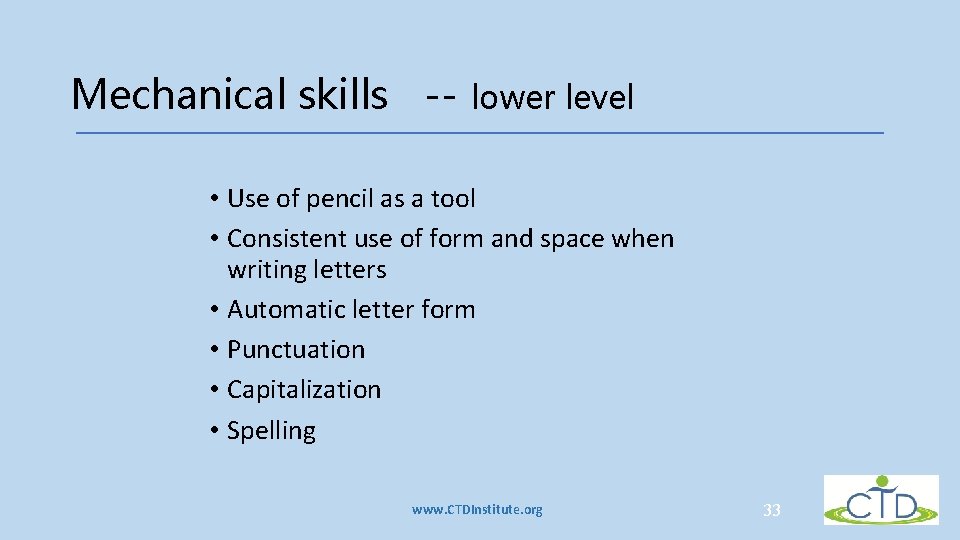
Mechanical skills -- lower level • Use of pencil as a tool • Consistent use of form and space when writing letters • Automatic letter form • Punctuation • Capitalization • Spelling www. CTDInstitute. org 33
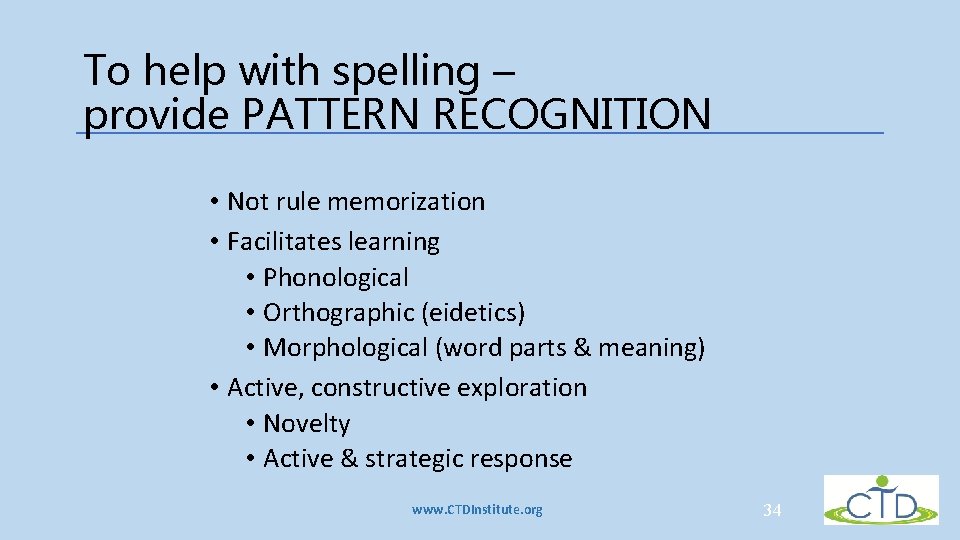
To help with spelling – provide PATTERN RECOGNITION • Not rule memorization • Facilitates learning • Phonological • Orthographic (eidetics) • Morphological (word parts & meaning) • Active, constructive exploration • Novelty • Active & strategic response www. CTDInstitute. org 34
Electronic spell checker Eye halve a spelling chequer It came with my pea sea It plainly marques four my revue Miss steaks eye kin knot sea. www. CTDInstitute. org 35
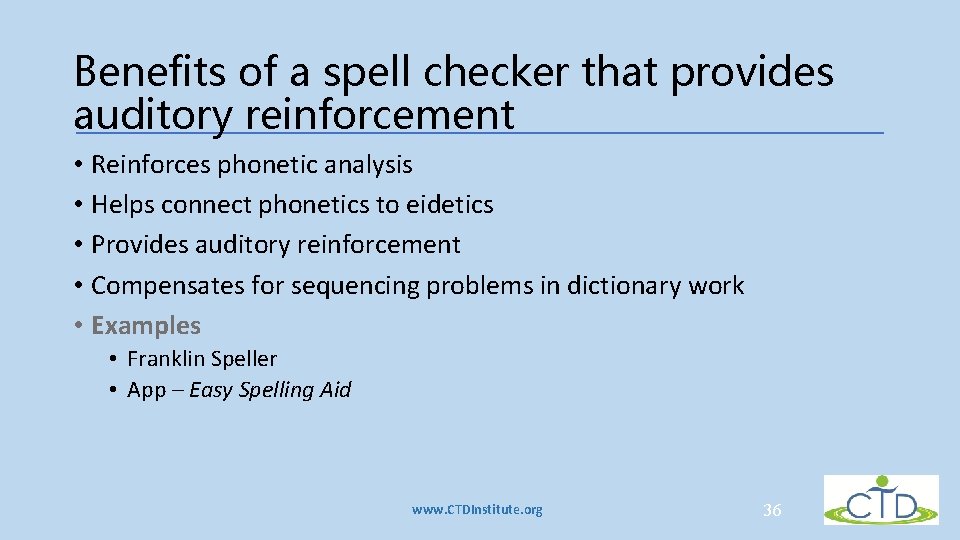
Benefits of a spell checker that provides auditory reinforcement • Reinforces phonetic analysis • Helps connect phonetics to eidetics • Provides auditory reinforcement • Compensates for sequencing problems in dictionary work • Examples • Franklin Speller • App – Easy Spelling Aid www. CTDInstitute. org 36
Mechanical skills -- upper level • Automaticity of lower level skills • Integration of lower level skills with content • Grammar • Semantics • Speed • motor, general processing of information • Clarity, precision, confidence www. CTDInstitute. org 37
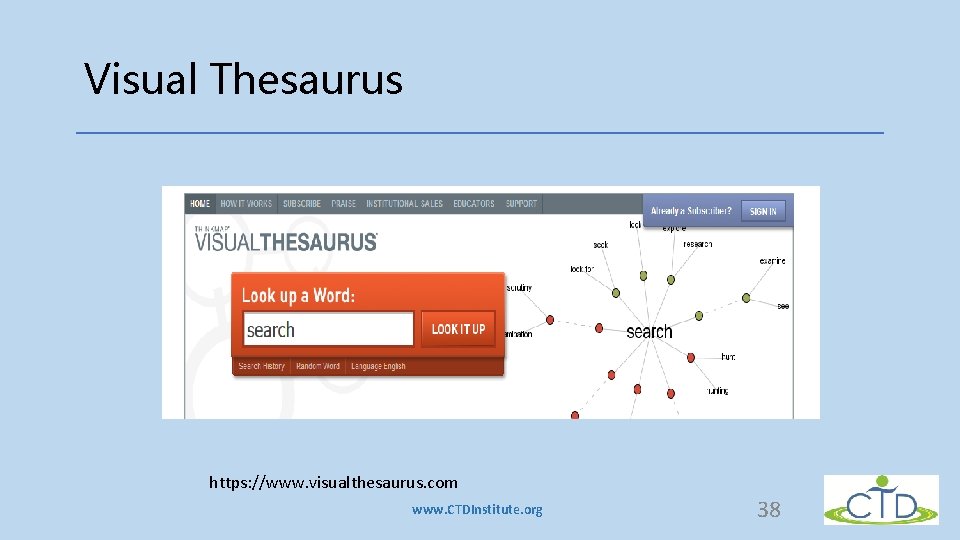
Visual Thesaurus https: //www. visualthesaurus. com www. CTDInstitute. org 38
Content skills - lower level • Formulating ideas • Organizing ideas • Representing ideas with clarity and in sequence www. CTDInstitute. org 39
Organizational strategies • Visual organizers • Using an organizer such as Inspiration is extremely useful because it allow you to add an auditory component • Definition of visual organizer • A visual display that demonstrates relationships between facts, concepts or ideas. It can guide the learner’s thinking as they fill in and build upon a visual map or diagram • It helps student organize complex information into concise visual maps • Why do they work? www. CTDInstitute. org 40
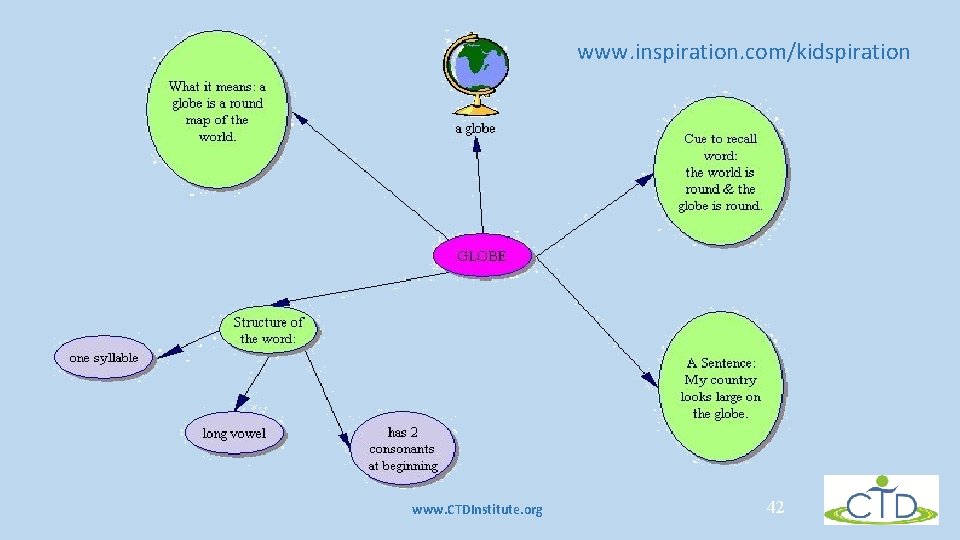
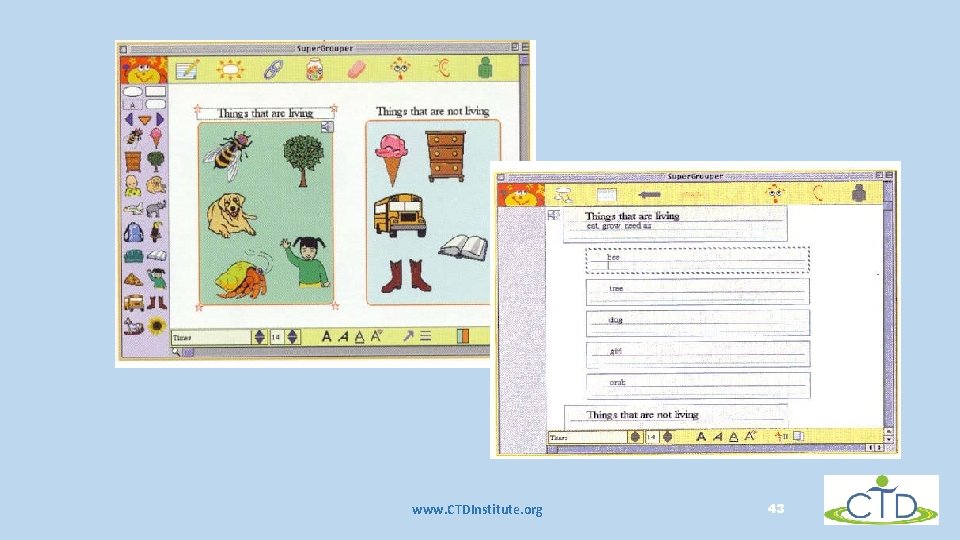
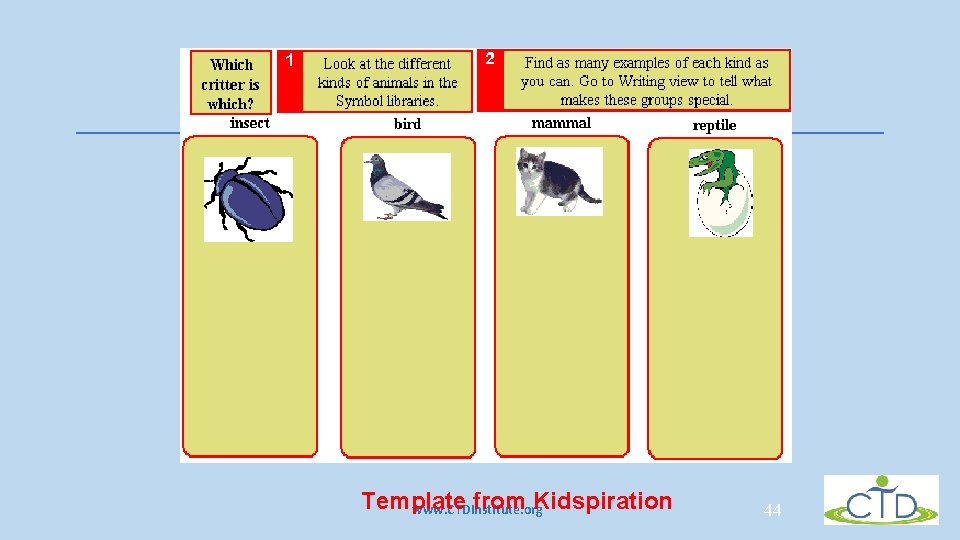
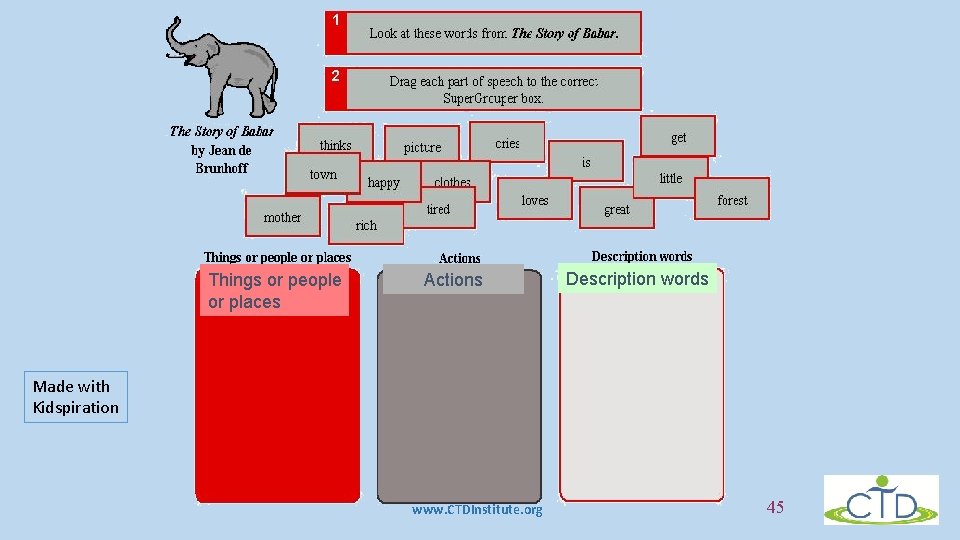
Inspiration (or Kidspiration) • Students have a symbol library where they can select a variety of pictures to represent words to use • Or, they can type in the words • They build an organizer – a mind map www. inspiration. com www. CTDInstitute. org 41
www. inspiration. com/kidspiration www. CTDInstitute. org 42
Things that are living Things that are not living www. CTDInstitute. org 43
Template from Kidspiration www. CTDInstitute. org 44
Things or people or places Actions Description words Made with Kidspiration www. CTDInstitute. org 45
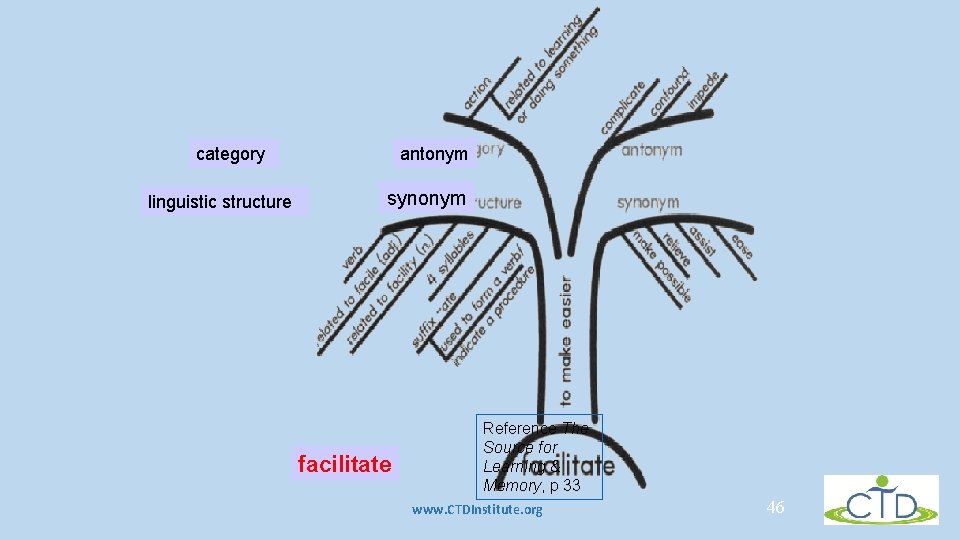
category linguistic structure antonym synonym facilitate Reference The Source for Learning & Memory, p 33 www. CTDInstitute. org 46
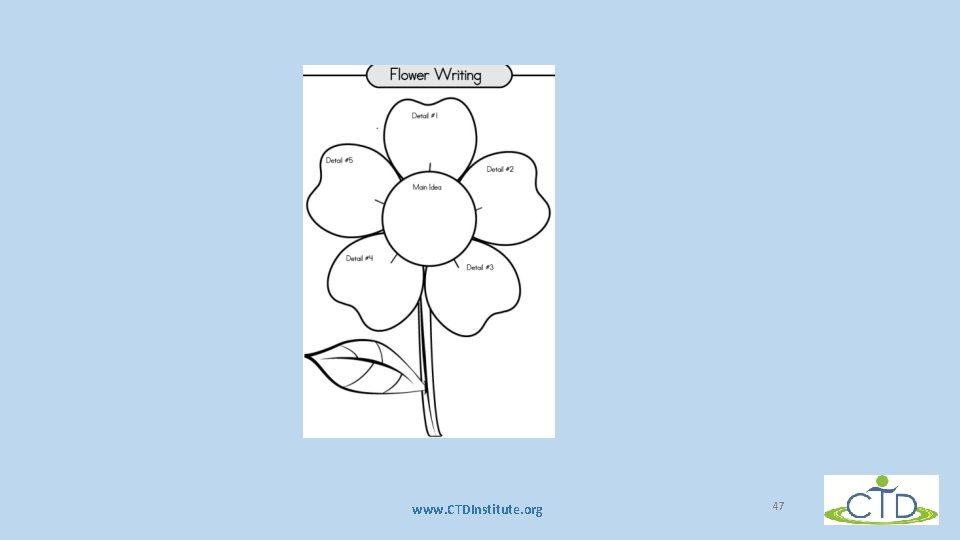
www. CTDInstitute. org 47
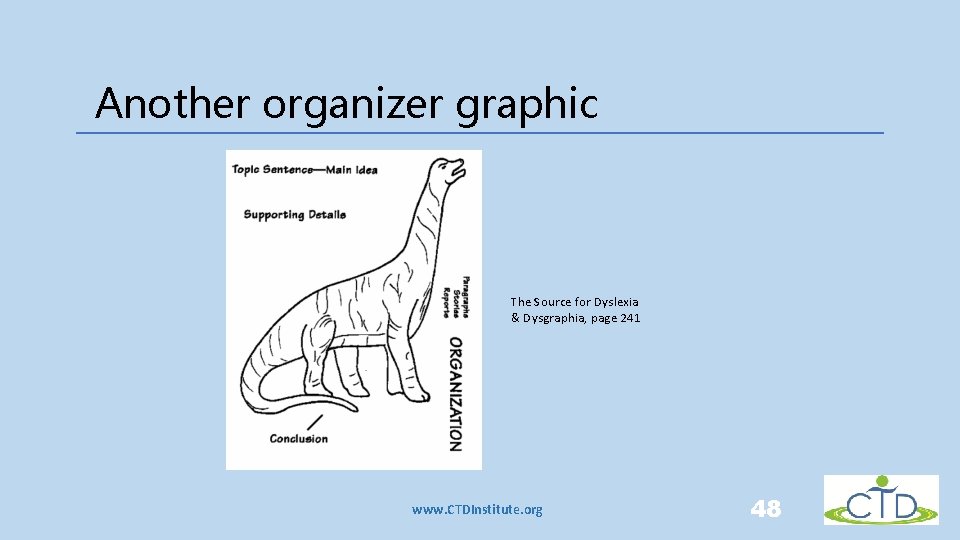
Another organizer graphic The Source for Dyslexia & Dysgraphia, page 241 www. CTDInstitute. org 48
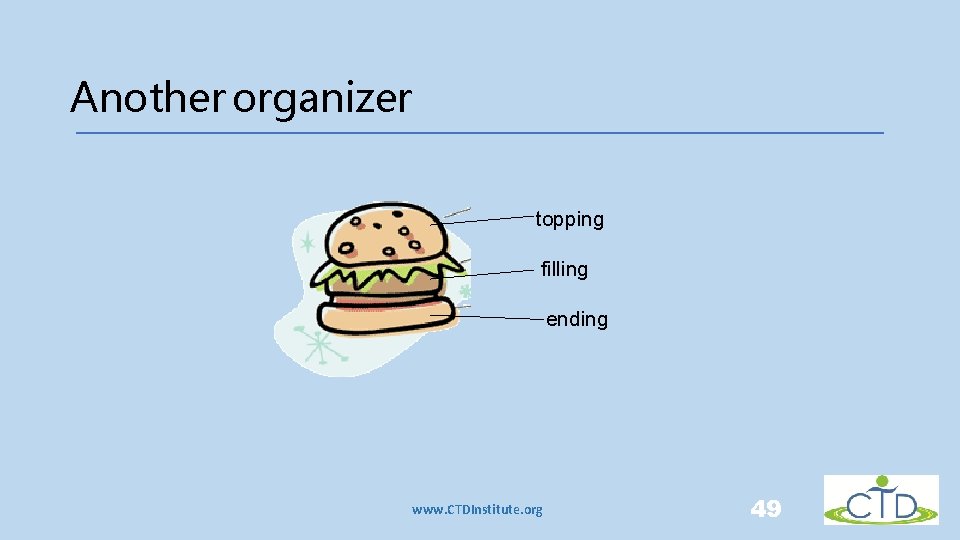
Another organizer topping filling ending www. CTDInstitute. org 49
Self-feedback • Another – and perhaps one of the most valuable strategies of all • Give child the goal criteria and have the child check his/her own writing to look for these • KISS www. CTDInstitute. org 50
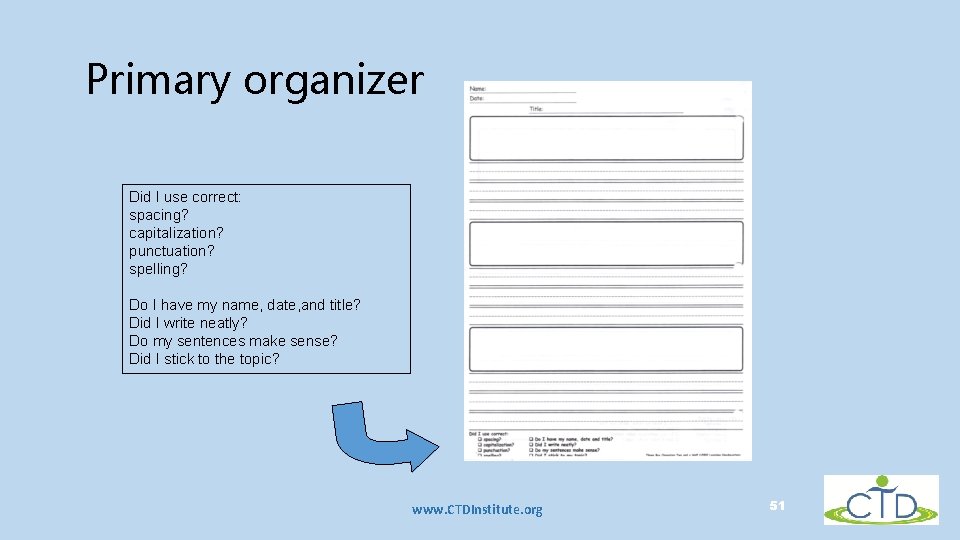
Primary organizer Did I use correct: spacing? capitalization? punctuation? spelling? Do I have my name, date, and title? Did I write neatly? Do my sentences make sense? Did I stick to the topic? www. CTDInstitute. org 51
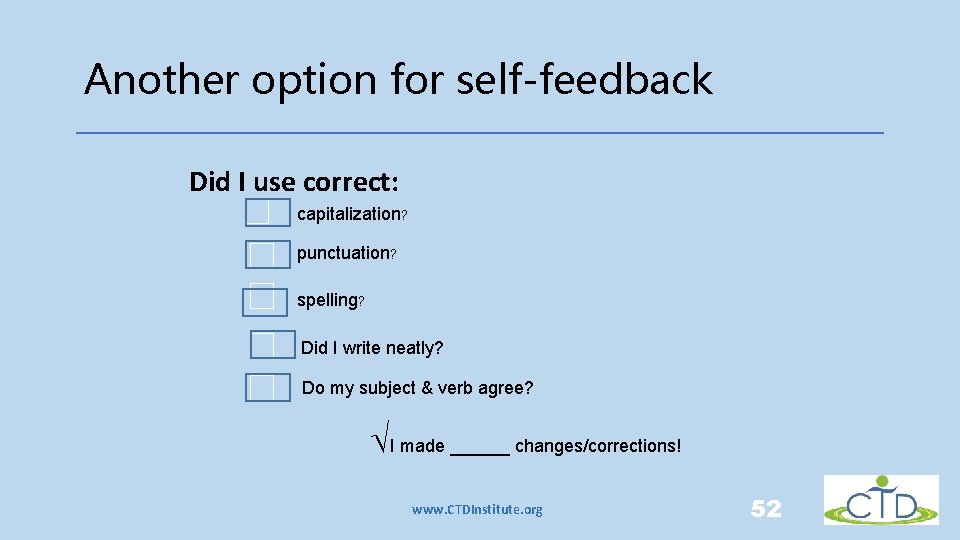
Another option for self-feedback Did I use correct: capitalization? punctuation? spelling? Did I write neatly? Do my subject & verb agree? ÖI made ______ changes/corrections! www. CTDInstitute. org 52
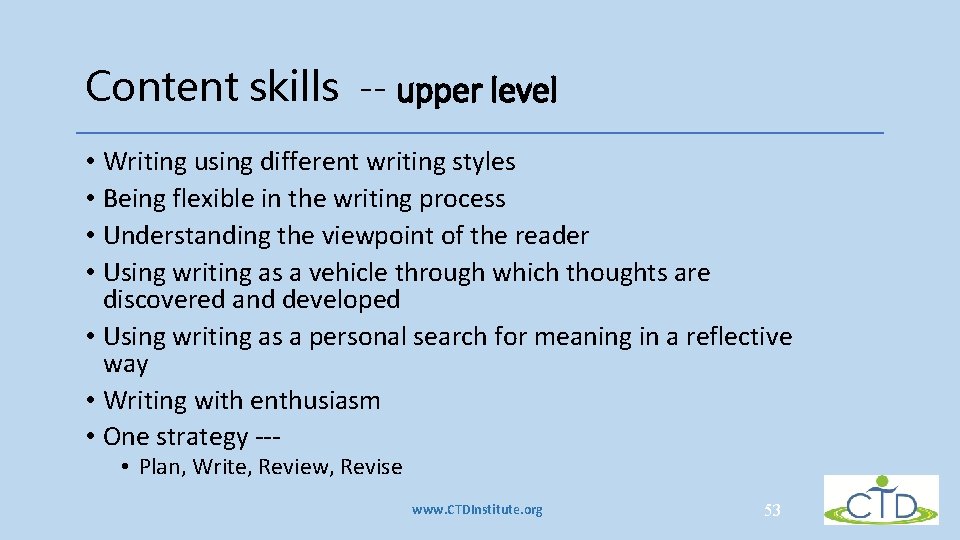
Content skills -- upper level • Writing using different writing styles • Being flexible in the writing process • Understanding the viewpoint of the reader • Using writing as a vehicle through which thoughts are discovered and developed • Using writing as a personal search for meaning in a reflective way • Writing with enthusiasm • One strategy -- • Plan, Write, Review, Revise www. CTDInstitute. org 53
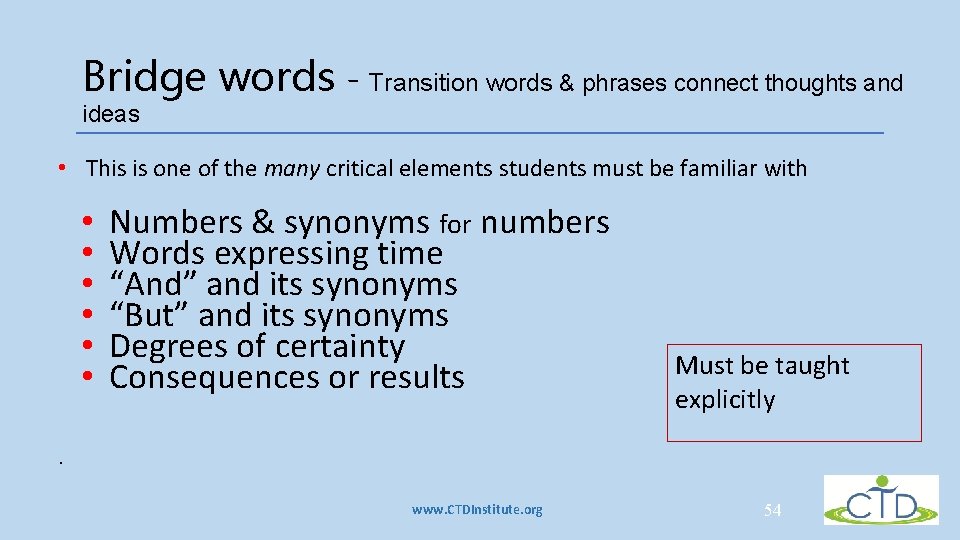
Bridge words - Transition words & phrases connect thoughts and ideas • This is one of the many critical elements students must be familiar with • • • Numbers & synonyms for numbers Words expressing time “And” and its synonyms “But” and its synonyms Degrees of certainty Consequences or results Must be taught explicitly . www. CTDInstitute. org 54
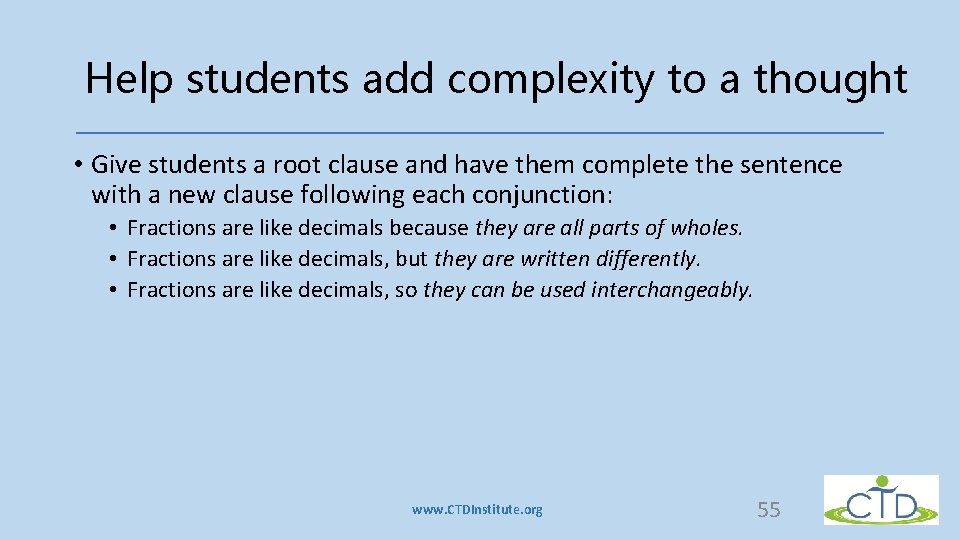
Help students add complexity to a thought • Give students a root clause and have them complete the sentence with a new clause following each conjunction: • Fractions are like decimals because they are all parts of wholes. • Fractions are like decimals, but they are written differently. • Fractions are like decimals, so they can be used interchangeably. www. CTDInstitute. org 55
What about persistent problems? • COMPENSATE and • BYPASS • When to use? www. CTDInstitute. org 56
Bypass -- go around the problem • Understanding • Allow either print or cursive • Spell checker, computer, voice activated • Extra time • Alternative forms of testing • Adjust assignments www. CTDInstitute. org 57
Compensation strategies • Keyboarding • Spelling on 1 st draft • Proof after a delay • Staging • Provide for breaks www. CTDInstitute. org 58
Perhaps the biggest problem with writing issues Self-esteem www. CTDInstitute. org 59
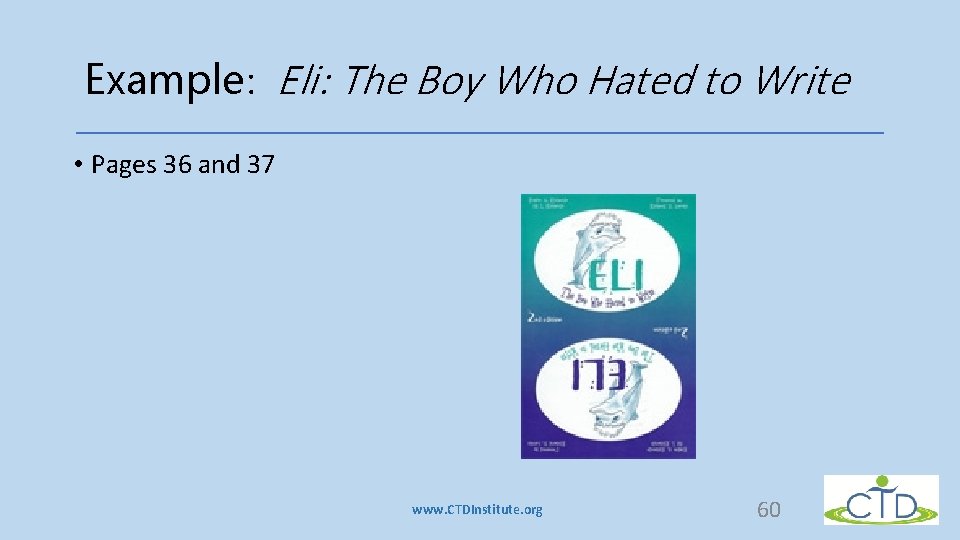
Example: Eli: The Boy Who Hated to Write • Pages 36 and 37 www. CTDInstitute. org 60
Critical aspects …. . Ask, Where does the performance break down? • Remember the 3 Ps Prioritization Positives Patience • www. CTDInstitute. org 61
Take-away thoughts • Anyone can be reluctant to write – but especially if they have a dysgraphic pattern • Many reasons • Generally has nothing to do with being lazy, intelligence or motivation • Strategies HELP! These must be taught explicitly. • Remember to ask yourself, “where does the performance break down? • Be aware of where the child is! • Encourage self-monitoring/feedback • Remember the 3 Ps www. CTDInstitute. org 62
Resources • Visual thesaurus demo • http: //www. visualthesaurus. com/ Other options • To obtain an interactive concept map that you can customize and share • http: //www. instagrok. com/ • To create visual supports for children • http: //connectability. ca/visuals-engine/ • For a free technology toolkit for UDL in all classrooms • http: //udltechtoolkit. wikispaces. com/ www. CTDInstitute. org 63
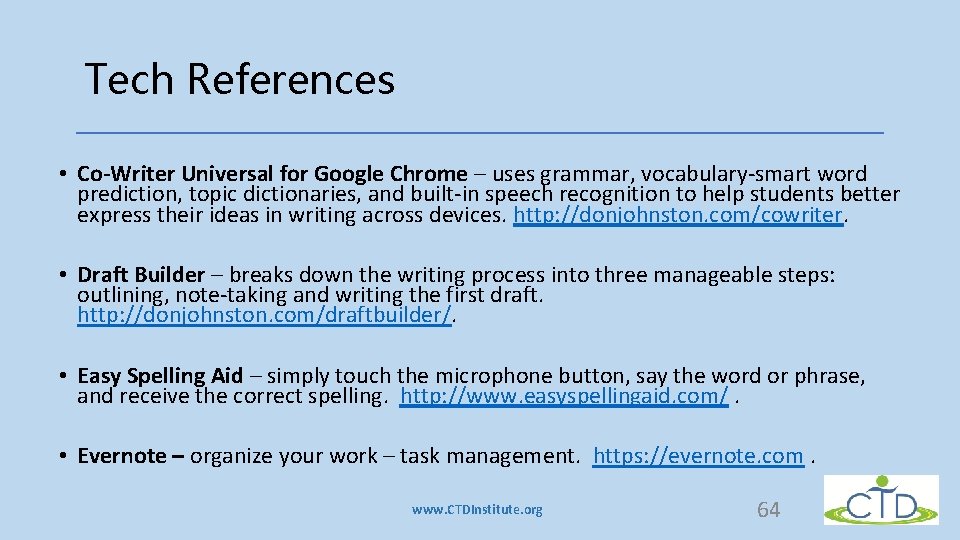
Tech References • Co-Writer Universal for Google Chrome – uses grammar, vocabulary-smart word prediction, topic dictionaries, and built-in speech recognition to help students better express their ideas in writing across devices. http: //donjohnston. com/cowriter. • Draft Builder – breaks down the writing process into three manageable steps: outlining, note-taking and writing the first draft. http: //donjohnston. com/draftbuilder/. • Easy Spelling Aid – simply touch the microphone button, say the word or phrase, and receive the correct spelling. http: //www. easyspellingaid. com/. • Evernote – organize your work – task management. https: //evernote. com. www. CTDInstitute. org 64
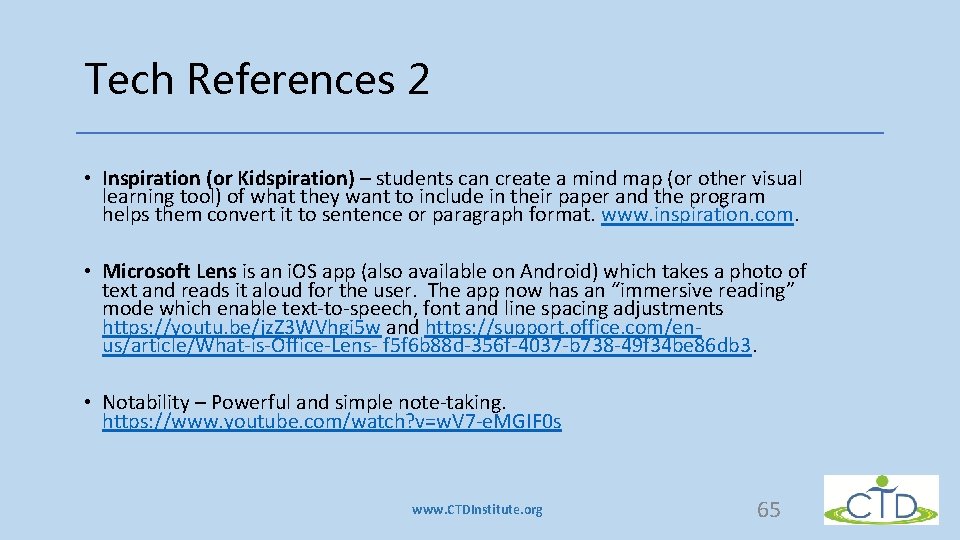
Tech References 2 • Inspiration (or Kidspiration) – students can create a mind map (or other visual learning tool) of what they want to include in their paper and the program helps them convert it to sentence or paragraph format. www. inspiration. com. • Microsoft Lens is an i. OS app (also available on Android) which takes a photo of text and reads it aloud for the user. The app now has an “immersive reading” mode which enable text-to-speech, font and line spacing adjustments https: //youtu. be/jz. Z 3 WVhgi 5 w and https: //support. office. com/enus/article/What-is-Office-Lens- f 5 f 6 b 88 d-356 f-4037 -b 738 -49 f 34 be 86 db 3. • Notability – Powerful and simple note-taking. https: //www. youtube. com/watch? v=w. V 7 -e. MGIF 0 s www. CTDInstitute. org 65
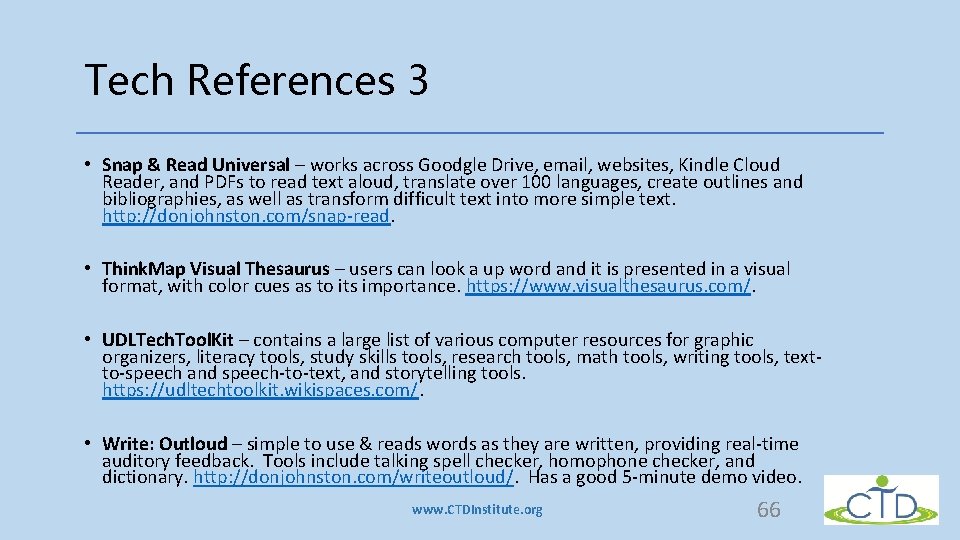
Tech References 3 • Snap & Read Universal – works across Goodgle Drive, email, websites, Kindle Cloud Reader, and PDFs to read text aloud, translate over 100 languages, create outlines and bibliographies, as well as transform difficult text into more simple text. http: //donjohnston. com/snap-read. • Think. Map Visual Thesaurus – users can look a up word and it is presented in a visual format, with color cues as to its importance. https: //www. visualthesaurus. com/. • UDLTech. Tool. Kit – contains a large list of various computer resources for graphic organizers, literacy tools, study skills tools, research tools, math tools, writing tools, textto-speech and speech-to-text, and storytelling tools. https: //udltechtoolkit. wikispaces. com/. • Write: Outloud – simple to use & reads words as they are written, providing real-time auditory feedback. Tools include talking spell checker, homophone checker, and dictionary. http: //donjohnston. com/writeoutloud/. Has a good 5 -minute demo video. www. CTDInstitute. org 66
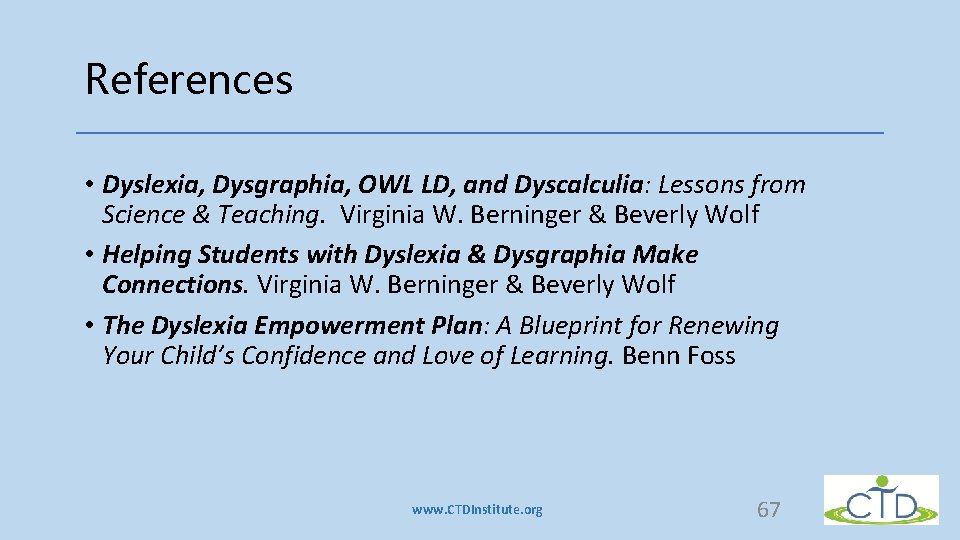
References • Dyslexia, Dysgraphia, OWL LD, and Dyscalculia: Lessons from Science & Teaching. Virginia W. Berninger & Beverly Wolf • Helping Students with Dyslexia & Dysgraphia Make Connections. Virginia W. Berninger & Beverly Wolf • The Dyslexia Empowerment Plan: A Blueprint for Renewing Your Child’s Confidence and Love of Learning. Benn Foss www. CTDInstitute. org 67
References continued • Eli: The Boy Who Hated to Write. Regina G. Richards & Eli I. Richards • The Writing Road: Reinvigorate Your Students’ Enthusiasm for Writing. Regina G. Richards, www. LDonliine. org • The Source for Dyslexia & Dysgraphia. Regina G. Richards • The Source for Learning & Memory Strategies. Regina G. Richards • When Writing’s a Problem: Understanding Dysgraphia & Helpful Hints for Reluctant Writers. Regina G. Richards (Kindle edition) www. CTDInstitute. org 68
Thank you for being here today. Hope you’ve enjoyed the learning ! www. CTDInstitute. org 69
Bio -- Regina G. Richards, MA A Director and President of Richards Educational Therapy Center, Inc. and RET Center Press, Regina founded and was Director of Big Springs School (Riverside) for 27 years. Her professional emphasis has been in developing and providing multidisciplinary programs for language learning disabilities, especially dyslexia and dysgraphia. A practicing educational therapist in Riverside since 1975, Regina has authored many journal articles and books. She is an active member of her local So CA Tri-Counties Branch of the International Dyslexia Association, and served as its president for 8 years. She teaches at the Univ. of California Extension at the Riverside and presents at numerous conferences nationally. www. CTDInstitute. org 70
“Assistive and Instructional Technology Supporting Learners with Disabilities” The Center on Technology and Disability is funded by the U. S. Department of Education, Office of Special Education Programs (OSEP) under award #H 327 F 130003 – 13 A. www. CTDInstitute. org