CISSP For Dummies Chapter 9 Security Architecture and
- Slides: 70
CISSP For Dummies Chapter 9 Security Architecture and Design Rev. 10 -15 -14 Last updated 11 -26 -12
Computer Architecture Hardware, Firmware, and Software
Computer Architecture • • • CPU (maybe more than one) Memory Peripherals Buses to connect them together Input devices Output devices Network communications Operating system Applications
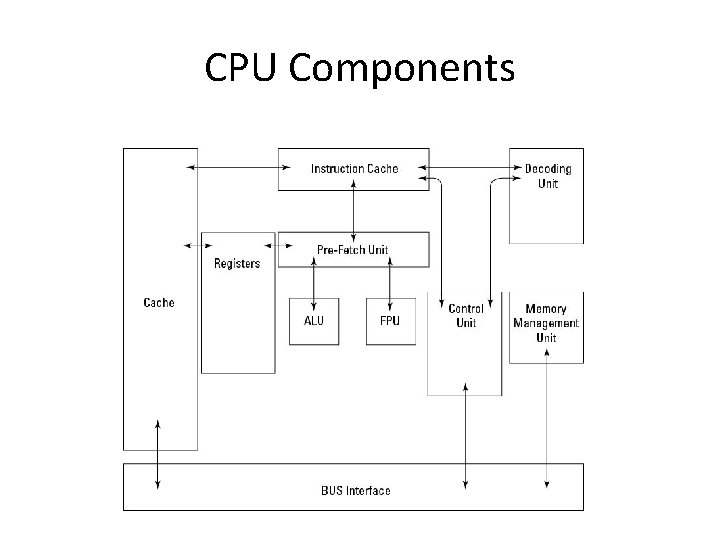
Hardware: CPU (Central Processing Unit) • Performs arithmetic, logic, and computing • Main components – Arithmetic Logic Unit (ALU) • Numerical calculations and comparisons – Bus Interface Unit (BIU) • Supervises data transfer over bus between CPU and I/O devices – Control Unit • Coordinates other CPU components
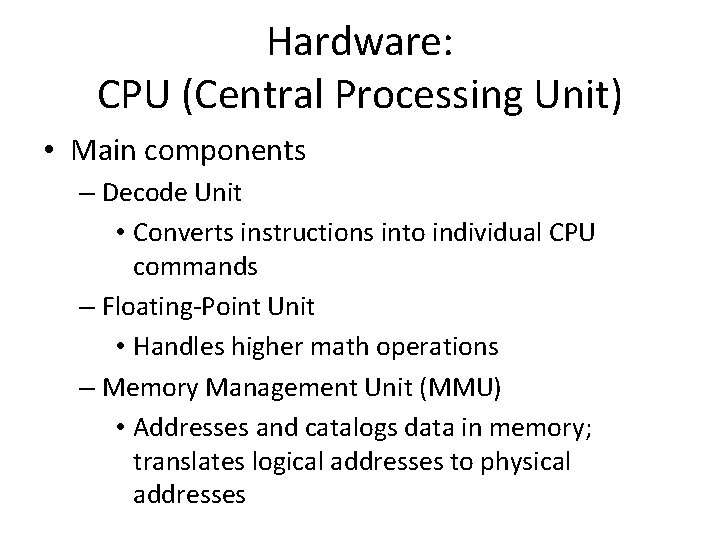
Hardware: CPU (Central Processing Unit) • Main components – Decode Unit • Converts instructions into individual CPU commands – Floating-Point Unit • Handles higher math operations – Memory Management Unit (MMU) • Addresses and catalogs data in memory; translates logical addresses to physical addresses
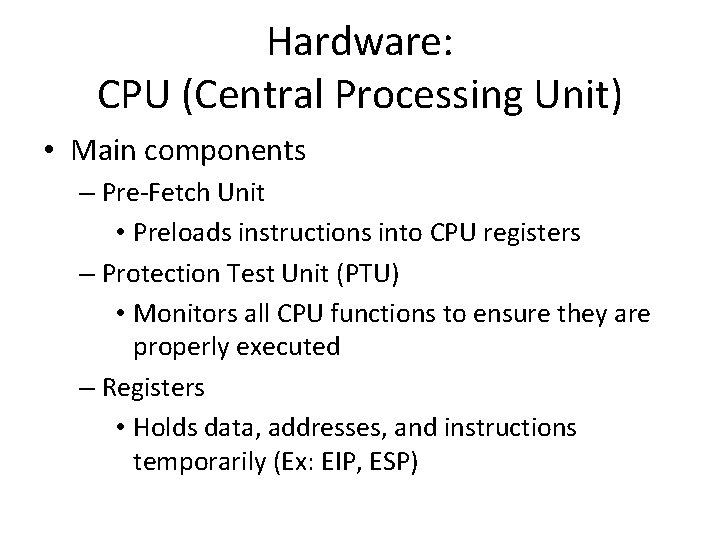
Hardware: CPU (Central Processing Unit) • Main components – Pre-Fetch Unit • Preloads instructions into CPU registers – Protection Test Unit (PTU) • Monitors all CPU functions to ensure they are properly executed – Registers • Holds data, addresses, and instructions temporarily (Ex: EIP, ESP)
CPU Components
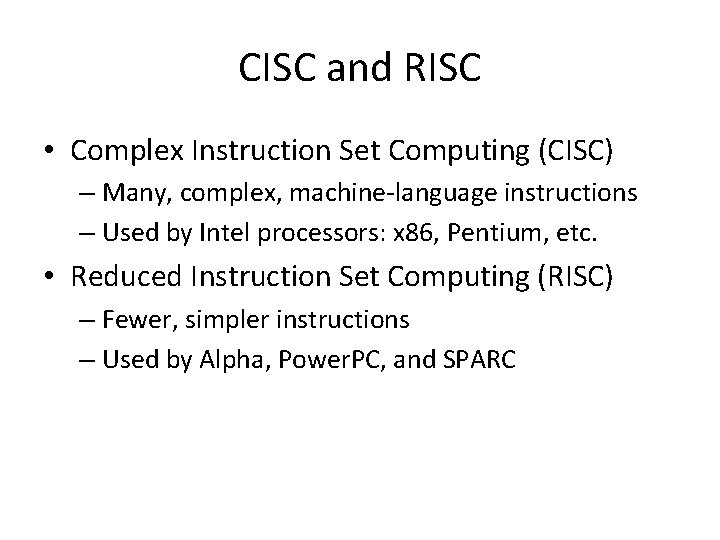
CISC and RISC • Complex Instruction Set Computing (CISC) – Many, complex, machine-language instructions – Used by Intel processors: x 86, Pentium, etc. • Reduced Instruction Set Computing (RISC) – Fewer, simpler instructions – Used by Alpha, Power. PC, and SPARC
Processor Types • Multitasking – Allows multiple programs to run at once – Each program takes a turn using the processor • Multiprocessing – Multiple processors all working at once
Multiuser OS • Modern operating systems are multiuser • They differentiate between users • Users may have different – Shell environments – Profiles – Privilege levels – Process isolation
Bus • A set of electric connections that carry signals, addresses, and data from one component to another • Data bus moves data between CPU, memory, and peripherals • Address bus moves data and instructions between CPU and memory • Control bus transmits control information between CPU and other devices
Main Memory • Stores programs, instructions, and data • Physical memory – RAM or ROM • Secondary memory also called secondary storage – Hard disk, SSD, tape
Physical Memory • RAM (Random Access Memory) – Volatile—data fades when power is off – Dynamic RAM (DRAM) must be refreshed every 3 milliseconds – Static RAM (SRAM) doesn’t need to be refreshed, faster
Physical Memory • ROM (Read-Only Memory ) – Nonvolatile—retains data without power – Programmable Read-Only Memory (PROM) • Can only be written once, and never erased, like a CDROM – Erasable PROM (EPROM) • Erased with ultraviolet light – Electrically Erasable PROM (EEPROM) • Can be erased without ultraviolet light – Flash memory • Used in USB and solid-state drives (SSDs)
Secondary Memory • • • Nonvolatile storage Hard disk SSD Tape (sequential) Virtual Memory is not RAM but a disk file or partition aka “Page file” or “Swap”
Protection Domain • Protection domain (or protected memory) – Memory assigned to one process, protected so other processes can’t read or alter it
Addressing • Absolute address specifies a memory location exactly • Indexed address is relative to an index register • Direct address is specified in a command • Indirect address is the location in RAM that contains another address (a pointer)
Firmware • • Instructions in ROM Rarely or never changed BIOS in a computer Also used in digital cameras, routers, MP 3 players, etc.
Operating System – Controls the computer – Three main components – Kernel – core, must be in RAM – Device drivers – controls hardware – Tools – programs for maintenance, like filesystem repair or network testing
Functions of Operating System • • • Process management Resource management I/O device management Memory management File management Communications management
Virtualization • Host machine runs a hypervisor that allocates resources for the guest operating systems • Cloud computing uses virtual machines hosted elsewhere, such as Amazon E 2 C • Cloud security is a hot topic now
Security Architecture
Trusted Computing Base (TCB) • Hardware, firmware, and software working together to enforce a security policy • Security perimeter separates the TCB from the rest of the system • Access control permits or denies the use of an object (e. g. system or file) by a subject (user or process)
Trusted Computing Base (TCB) • Reference monitor – A component that enforces access controls • Security kernel – Combination of elements in a TCB that implements the reference monitor concept – It must: • Mediate all access • Be protected from modification • Be verified as correct
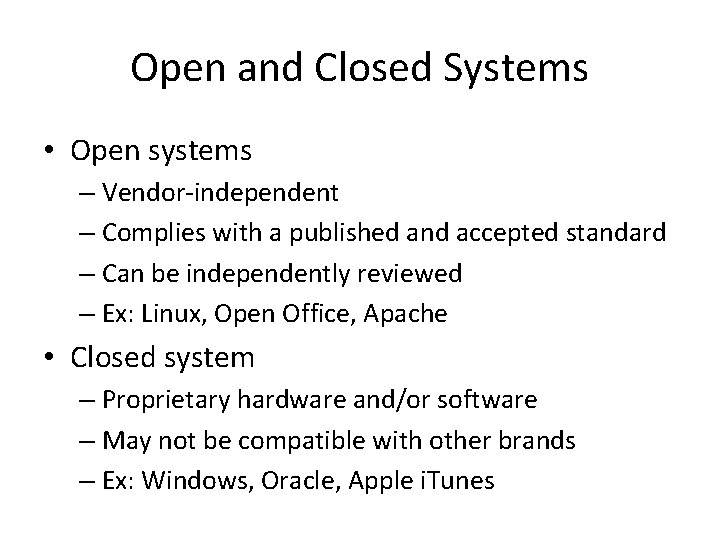
Open and Closed Systems • Open systems – Vendor-independent – Complies with a published and accepted standard – Can be independently reviewed – Ex: Linux, Open Office, Apache • Closed system – Proprietary hardware and/or software – May not be compatible with other brands – Ex: Windows, Oracle, Apple i. Tunes
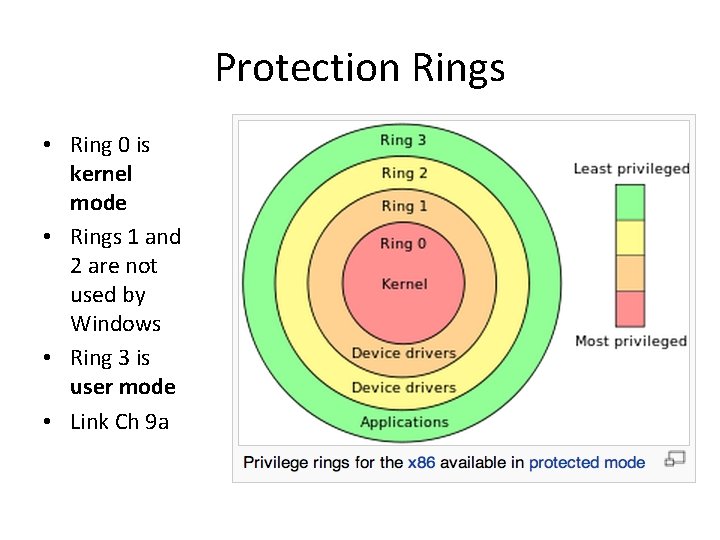
Protection Rings • Ring 0 is kernel mode • Rings 1 and 2 are not used by Windows • Ring 3 is user mode • Link Ch 9 a
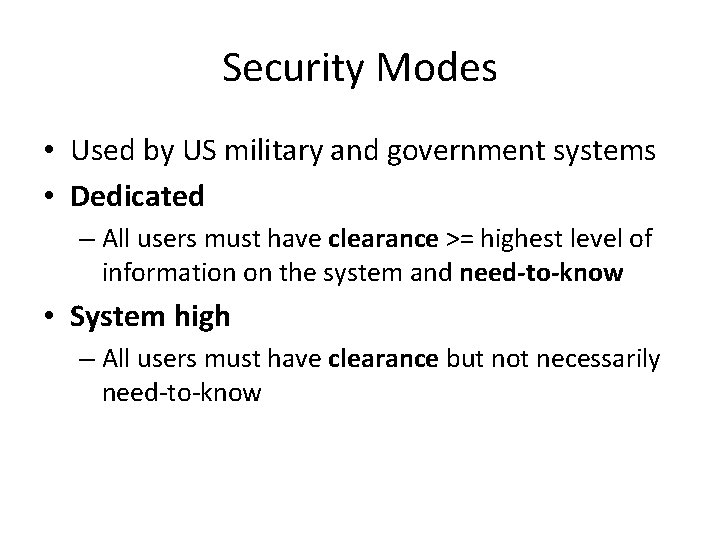
Security Modes • Used by US military and government systems • Dedicated – All users must have clearance >= highest level of information on the system and need-to-know • System high – All users must have clearance but not necessarily need-to-know
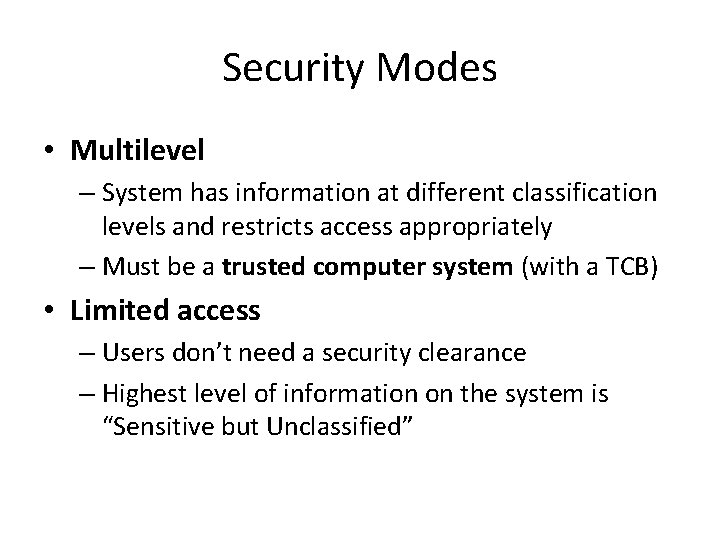
Security Modes • Multilevel – System has information at different classification levels and restricts access appropriately – Must be a trusted computer system (with a TCB) • Limited access – Users don’t need a security clearance – Highest level of information on the system is “Sensitive but Unclassified”
Recovery Procedures • Protect systems from hardware or software failure • Fault-tolerant – Redundancy enables the system to continue to operate after failure of a component • Fail-safe – When a failure is detected, the program stops – System is protected from compromise
Recovery Procedures • Fail-soft (resilient) – When a failure is detected, certain noncritical processing stops – System continues to function in a degraded mode • Failover – When a failure is detected, system automatically transfers processing to another component – Example: failover cluster
Vulnerabilities in Security Architectures • Covert channels – Hidden communications • Rootkits – Subvert system architecture – Difficult or impossible to detect • Race conditions – Brief periods of vulnerability from the timing of events – Exploitation requires “winning the race”
Vulnerabilities in Security Architectures • State attacks – Web-based applications often have weaknesses in session management – Attacker steals or forges a session identifier and hijacks a session • Emanations – Electronic or acoustic waves leak out, exposing confidential data – TEMPEST project
Security Countermeasures
Defense in Depth • Two or more layers of protection – Screening router – Firewall – IDS – Hardened OS – OS-based network access filtering
System Hardening • Improving the security of a system beyond the default installation – Remove unnecessary components – Remove unnecessary accounts – Close unused ports – Change default passwords – Run programs at lowest privilege – Install patches
Heterogeneous Environment • Mix different systems – Such as Windows & Linux • Prevents compromise of all systems at once if a vulnerability is revealed
System Resilience • Ability to keep running in less-than-ideal conditions • Filter malicious input – Injections, buffer overflows, Denial of Service attacks • Redundant components – RAID, server cluster • Maintenance hooks – Hidden “backdoor” features in software that exposes it to compromise
Security Countermeasures • Reveal as little information about the system as possible – Change default banners and error messages • Limit access to persons who must use the system • Disable unneeded services • Use strong authentication
CIA
Confidentiality • • Access and authorization Vulnerability management Sound system design Sound data management practices
Integrity • Data should have: – Completeness – Timeliness – Accuracy – Validity • Measures to ensure integrity – Authorization – Input control – Access control – Output control
Availability • Systems must provide service to authorized users • Resilient hardware design • Resilient software • Resilient architecture – Avoiding single points of failure • Sound configuration management and change management procedures
Access Control Models
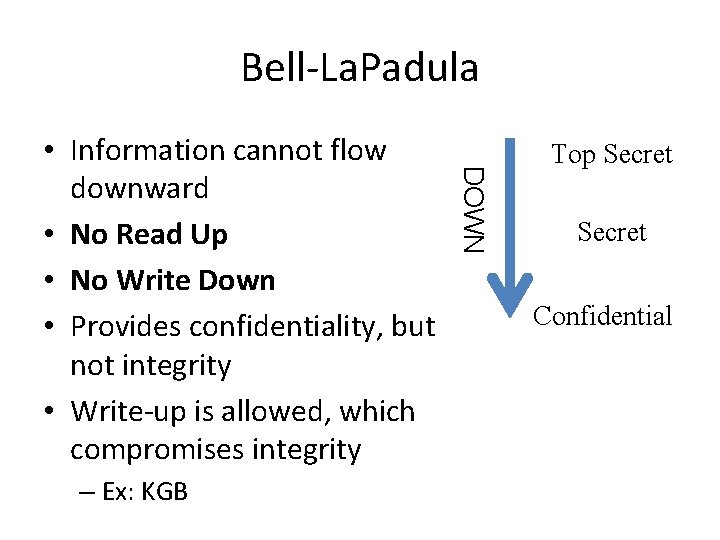
Bell-La. Padula • First formal confidentiality model of a mandatory access control system • Developed for the Department of Defense (Do. D) • Do. D uses three security classifications – Confidential, Secret, Top Secret
Bell-La. Padula – Ex: KGB DOWN • Information cannot flow downward • No Read Up • No Write Down • Provides confidentiality, but not integrity • Write-up is allowed, which compromises integrity Top Secret Confidential
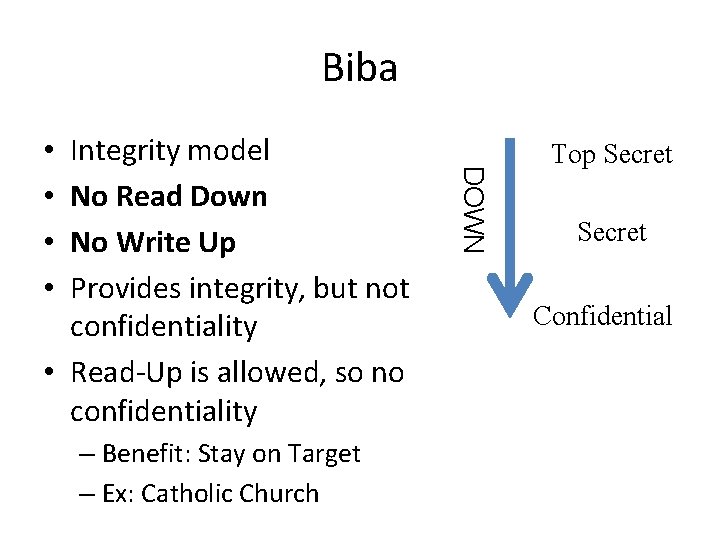
Biba – Benefit: Stay on Target – Ex: Catholic Church DOWN Integrity model No Read Down No Write Up Provides integrity, but not confidentiality • Read-Up is allowed, so no confidentiality • • Top Secret Confidential
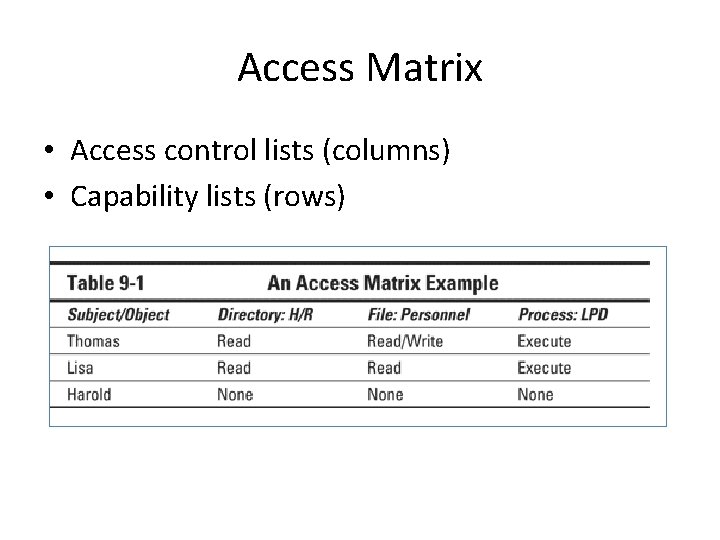
Access Matrix • Access control lists (columns) • Capability lists (rows)
Take-Grant • Specify rights a subject can transfer to or from another subject • Four basic operations – Create, Revoke, Take, Grant
Clark-Wilson • Security framework for commercial business like banking • Addresses all three CIA goals
Clark-Wilson • Unconstrained Data Items (UDI) – Data outside controlled area, such as user input • Constrained Data Items (CDI) – Data inside control area—must have integrity • Integrity Verfication Procedures (IVP) – Checks validity of CDIs • Transformation Procedures (TP) – Changes a UDI to a CDI (Link Ch 9 b)
Information Flow • Controls access based on flow of information • Security policy controls direction of flow from one application or system to another • Useful for analyzing covert channels
Non-Interference • Ensures that actions done by one user don’t affect actions of another • If high-privilege actions affect low-privilege actions, that is a side-channel leaking highprivilege data
Evaluation Criteria
Trusted Computer System Evaluation Criteria (TCSEC) • Orange Book • Part of the Rainbow Series developed for US Do. D in 1983 • Implements Bell-La. Padula model • Objectives – Measurement of trust levels – Guidance for vendors – Acquisition requirements for customers
Four Control Requirements in the Orange Book • • Security policy Assurance Accountability Documentation
Security policy • • Discretionary Access Control (DAC) Mandatory Access Control (MAC) Object reuse (data remanance) Labels – Required in MAC systems
Assurance – Guarantees that a security policy is correctly implemented • Security architecture • System integrity • Covert channel analysis – Covert storage channel alters stored data – Covert timing channel alters performance or timing
Assurance • Trusted facility management – Assigns a specific person to administer security • • • Trusted recovery Security testing Design specification and verification Configuration management Trusted distribution
Accountability – Ability to associate users with actions • Identification and authentication • Trusted path – For communications between user and TCB • Audit
Documentation • • Security Features User’s Guide Trusted Facility Manual Test documentation Design documentation
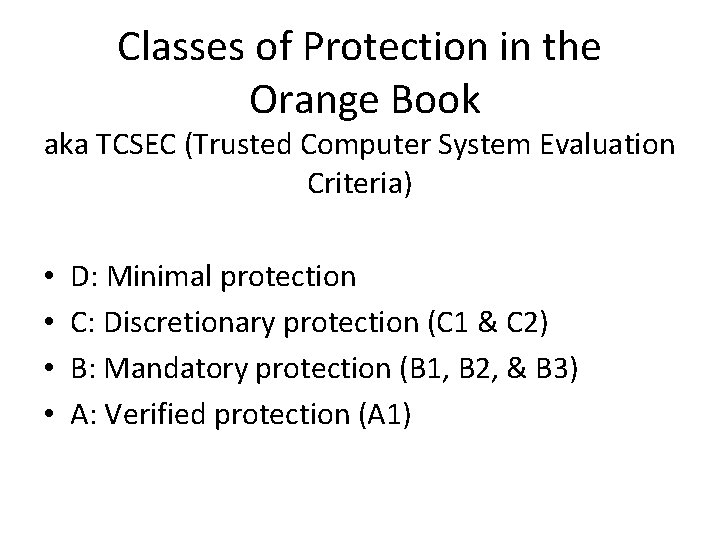
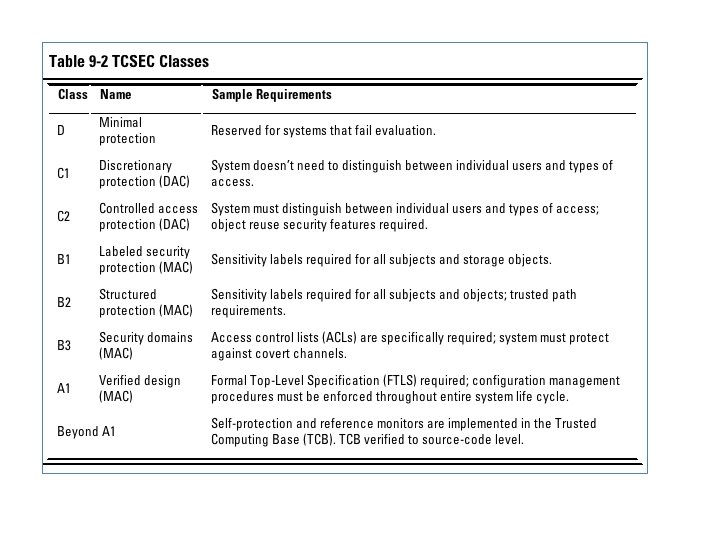
Classes of Protection in the Orange Book aka TCSEC (Trusted Computer System Evaluation Criteria) • • D: Minimal protection C: Discretionary protection (C 1 & C 2) B: Mandatory protection (B 1, B 2, & B 3) A: Verified protection (A 1)
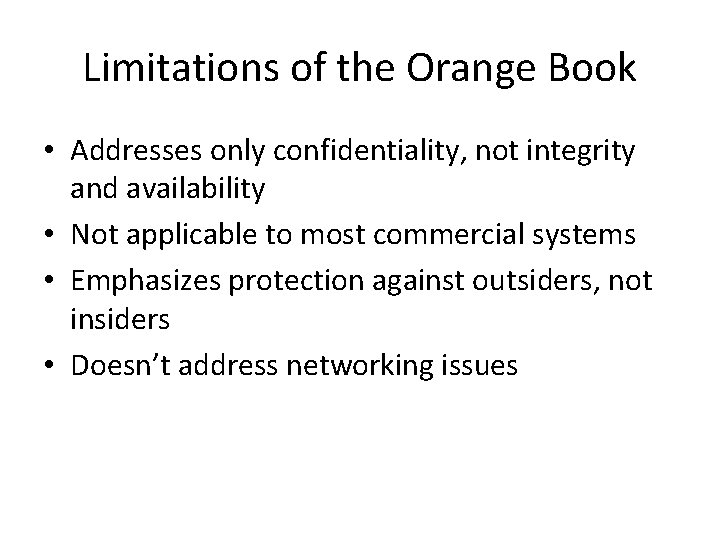
Limitations of the Orange Book • Addresses only confidentiality, not integrity and availability • Not applicable to most commercial systems • Emphasizes protection against outsiders, not insiders • Doesn’t address networking issues
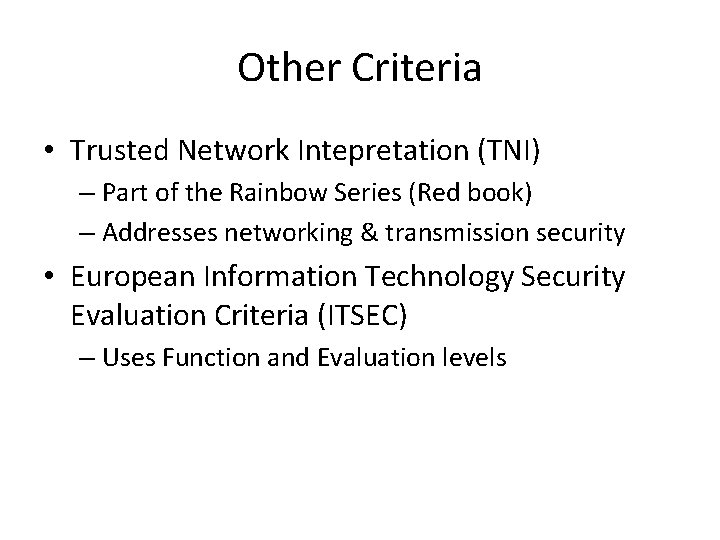
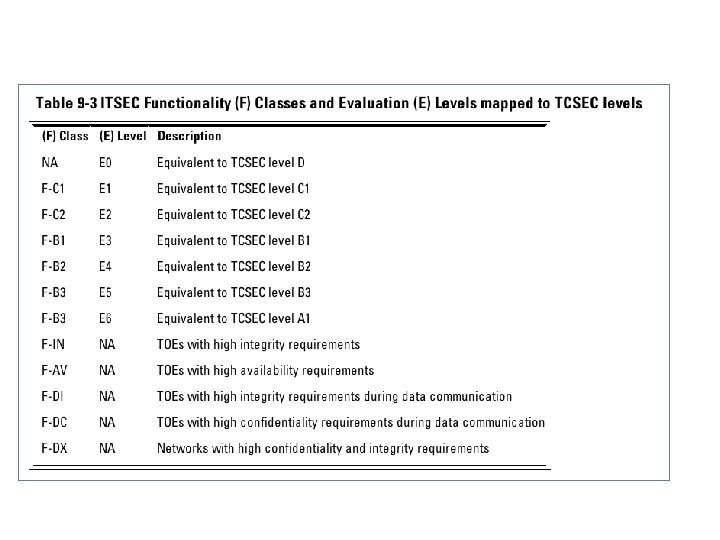
Other Criteria • Trusted Network Intepretation (TNI) – Part of the Rainbow Series (Red book) – Addresses networking & transmission security • European Information Technology Security Evaluation Criteria (ITSEC) – Uses Function and Evaluation levels
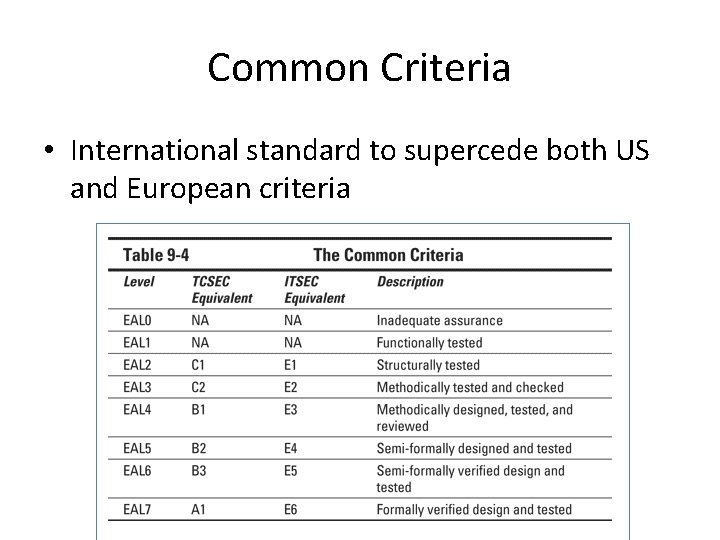
Common Criteria • International standard to supercede both US and European criteria
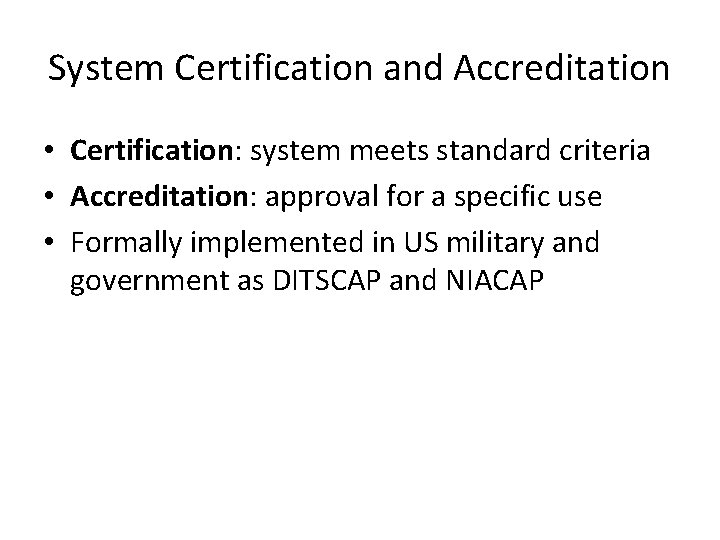
System Certification and Accreditation • Certification: system meets standard criteria • Accreditation: approval for a specific use • Formally implemented in US military and government as DITSCAP and NIACAP
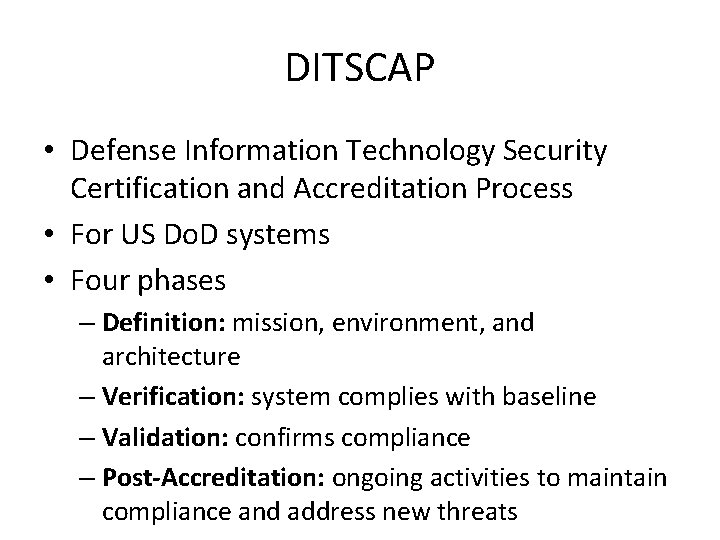
DITSCAP • Defense Information Technology Security Certification and Accreditation Process • For US Do. D systems • Four phases – Definition: mission, environment, and architecture – Verification: system complies with baseline – Validation: confirms compliance – Post-Accreditation: ongoing activities to maintain compliance and address new threats
NIACAP • National Information Assurance Certification and Accreditation Process • For US government national security systems • Four phases same as DITSCAP and: – Site accreditation: Systems at a location – Type accreditation: Specific system at multiple locations – System accreditation: Specific application at a specific location
DCID 6/3 • Director of Central Intelligence Directive 6/3 • Protects information used by the US Central Intelligence Agency