Presentation Skills Corporate Training Materials Module One Getting
- Slides: 148
Presentation Skills Corporate Training Materials
Module One: Getting Started This program can benefit anyone who presents; a trainer, a meeting facilitator, speaker, or seminar discussion leader. No matter which role you are assuming, this workshop will help you become more efficient and proficient with the skills of providing information to others. Coming together is a beginning; keeping together is progress; working together is success. John D. Rockefeller
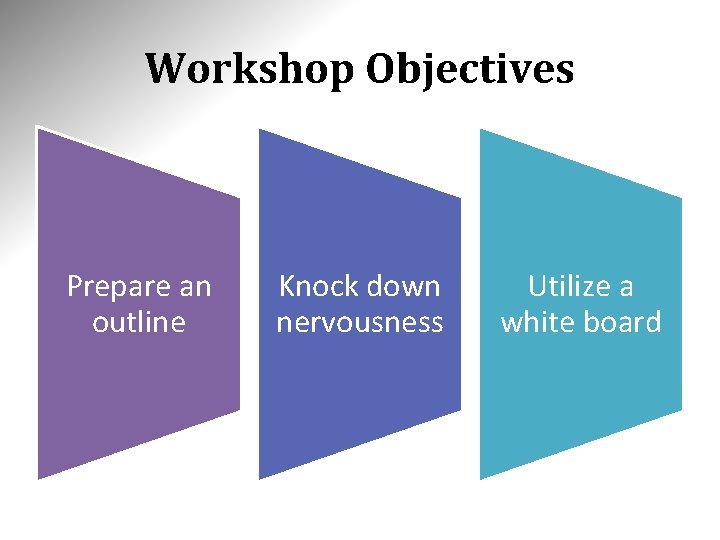
Workshop Objectives Prepare an outline Knock down nervousness Utilize a white board
Module Two: Creating the Program The first thing to look at is to perform a Needs Analysis. This will help you to understand your audience and provide you with the answers to a few basic questions. A basic outline and some minor research would then be utilized to help create the basic program that will assist you in developing greater Presentation Skills. It takes three weeks to prepare a good impromptu speech. Mark Twain
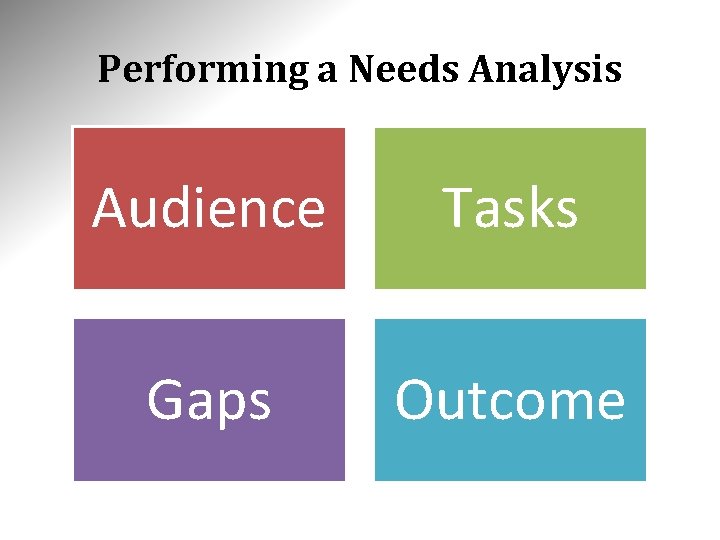
Performing a Needs Analysis Audience Tasks Gaps Outcome
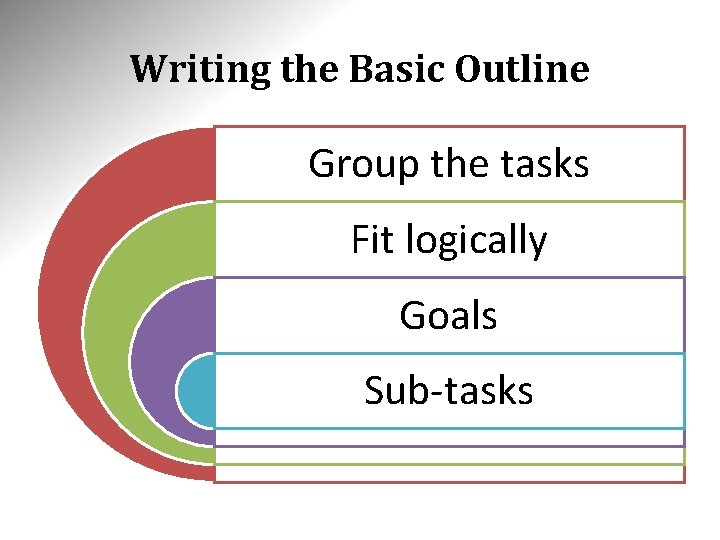
Writing the Basic Outline Group the tasks Fit logically Goals Sub-tasks
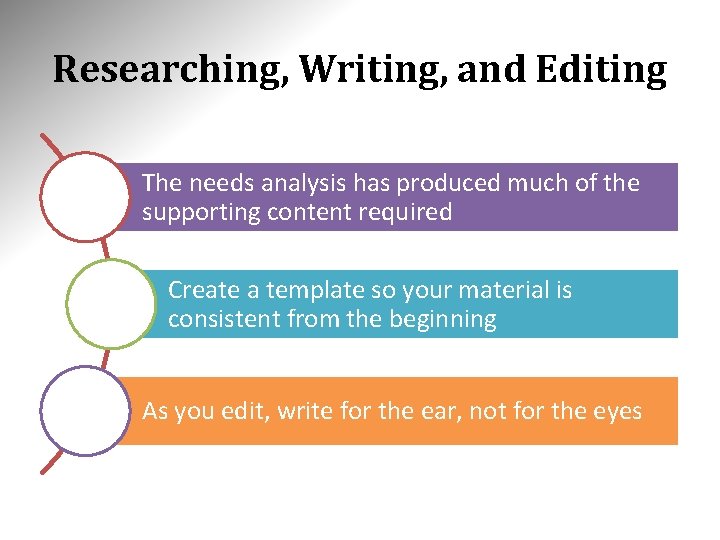
Researching, Writing, and Editing The needs analysis has produced much of the supporting content required Create a template so your material is consistent from the beginning As you edit, write for the ear, not for the eyes
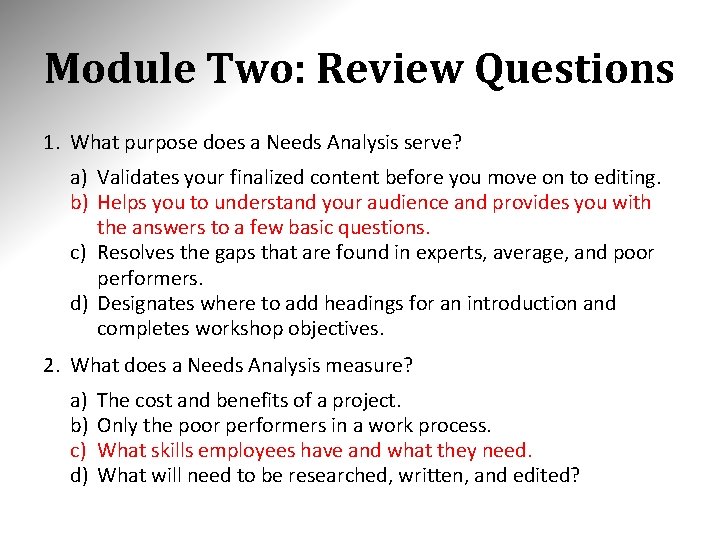
Module Two: Review Questions 1. What purpose does a Needs Analysis serve? a) Validates your finalized content before you move on to editing. b) Helps you to understand your audience and provides you with the answers to a few basic questions. c) Resolves the gaps that are found in experts, average, and poor performers. d) Designates where to add headings for an introduction and completes workshop objectives. 2. What does a Needs Analysis measure? a) b) c) d) The cost and benefits of a project. Only the poor performers in a work process. What skills employees have and what they need. What will need to be researched, written, and edited?
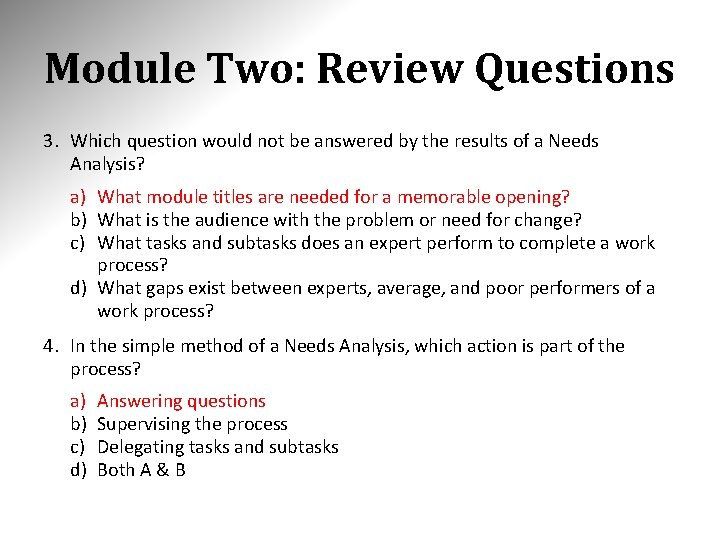
Module Two: Review Questions 3. Which question would not be answered by the results of a Needs Analysis? a) What module titles are needed for a memorable opening? b) What is the audience with the problem or need for change? c) What tasks and subtasks does an expert perform to complete a work process? d) What gaps exist between experts, average, and poor performers of a work process? 4. In the simple method of a Needs Analysis, which action is part of the process? a) b) c) d) Answering questions Supervising the process Delegating tasks and subtasks Both A & B
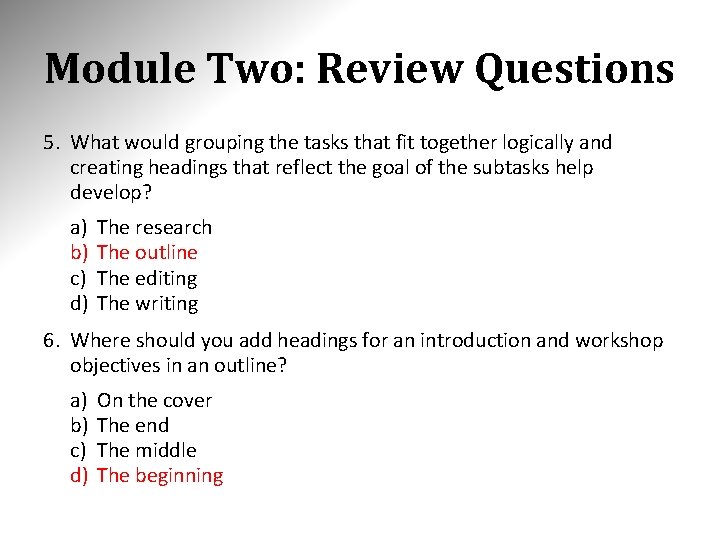
Module Two: Review Questions 5. What would grouping the tasks that fit together logically and creating headings that reflect the goal of the subtasks help develop? a) b) c) d) The research The outline The editing The writing 6. Where should you add headings for an introduction and workshop objectives in an outline? a) b) c) d) On the cover The end The middle The beginning
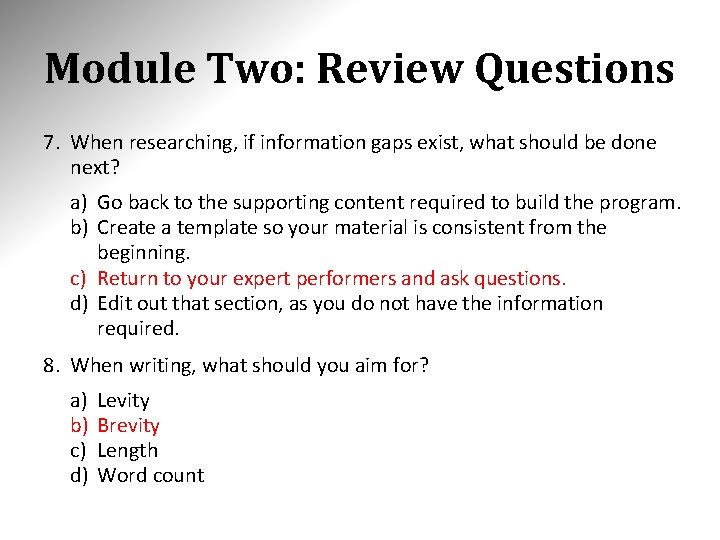
Module Two: Review Questions 7. When researching, if information gaps exist, what should be done next? a) Go back to the supporting content required to build the program. b) Create a template so your material is consistent from the beginning. c) Return to your expert performers and ask questions. d) Edit out that section, as you do not have the information required. 8. When writing, what should you aim for? a) b) c) d) Levity Brevity Length Word count
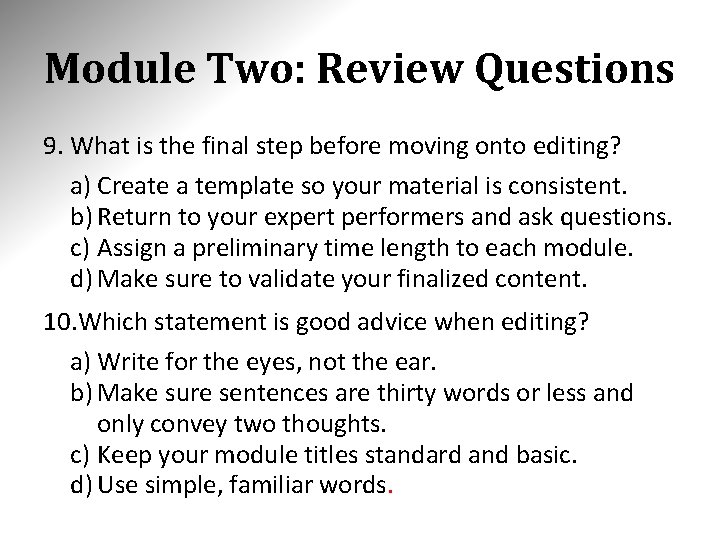
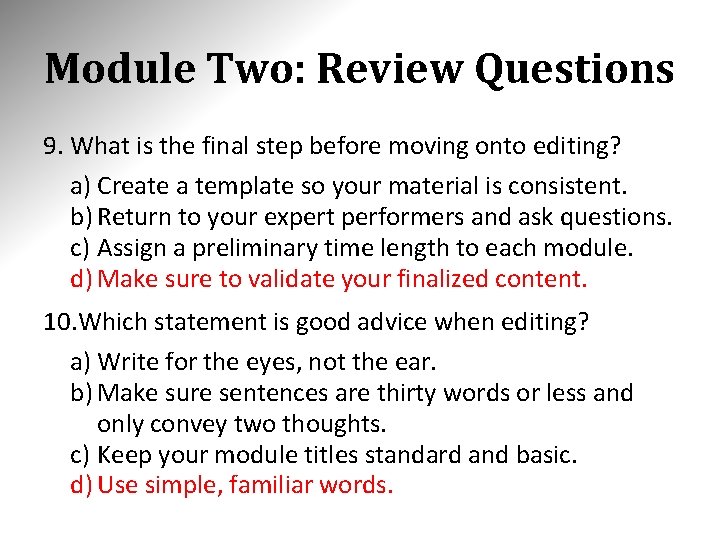
Module Two: Review Questions 9. What is the final step before moving onto editing? a) Create a template so your material is consistent. b) Return to your expert performers and ask questions. c) Assign a preliminary time length to each module. d) Make sure to validate your finalized content. 10. Which statement is good advice when editing? a) Write for the eyes, not the ear. b) Make sure sentences are thirty words or less and only convey two thoughts. c) Keep your module titles standard and basic. d) Use simple, familiar words.
Module Two: Review Questions 1. What purpose does a Needs Analysis serve? a) Validates your finalized content before you move on to editing. b) Helps you to understand your audience and provides you with the answers to a few basic questions. c) Resolves the gaps that are found in experts, average, and poor performers. d) Designates where to add headings for an introduction and completes workshop objectives. 2. What does a Needs Analysis measure? a) b) c) d) The cost and benefits of a project. Only the poor performers in a work process. What skills employees have and what they need. What will need to be researched, written, and edited?
Module Two: Review Questions 3. Which question would not be answered by the results of a Needs Analysis? a) What module titles are needed for a memorable opening? b) What is the audience with the problem or need for change? c) What tasks and subtasks does an expert perform to complete a work process? d) What gaps exist between experts, average, and poor performers of a work process? 4. In the simple method of a Needs Analysis, which action is part of the process? a) b) c) d) Answering questions Supervising the process Delegating tasks and subtasks Both A & B
Module Two: Review Questions 5. What would grouping the tasks that fit together logically and creating headings that reflect the goal of the subtasks help develop? a) b) c) d) The research The outline The editing The writing 6. Where should you add headings for an introduction and workshop objectives in an outline? a) b) c) d) On the cover The end The middle The beginning
Module Two: Review Questions 7. When researching, if information gaps exist, what should be done next? a) Go back to the supporting content required to build the program. b) Create a template so your material is consistent from the beginning. c) Return to your expert performers and ask questions. d) Edit out that section, as you do not have the information required. 8. When writing, what should you aim for? a) b) c) d) Levity Brevity Length Word count
Module Two: Review Questions 9. What is the final step before moving onto editing? a) Create a template so your material is consistent. b) Return to your expert performers and ask questions. c) Assign a preliminary time length to each module. d) Make sure to validate your finalized content. 10. Which statement is good advice when editing? a) Write for the eyes, not the ear. b) Make sure sentences are thirty words or less and only convey two thoughts. c) Keep your module titles standard and basic. d) Use simple, familiar words.
Module Three: Choosing Your Delivery Methods Now it's time to determine what methods you will use to deliver your presentation. We will be beginning by covering basic delivery methods. Once we have a good foundation and grasp on the basic methods we will delve into more advanced methods. I never teach my pupils; I only attempt to provide the conditions in which they can learn. Albert Einstein
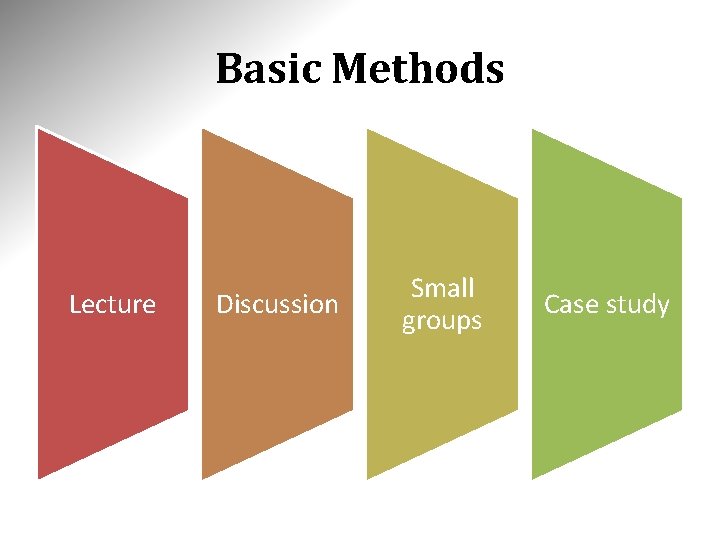
Basic Methods Lecture Discussion Small groups Case study
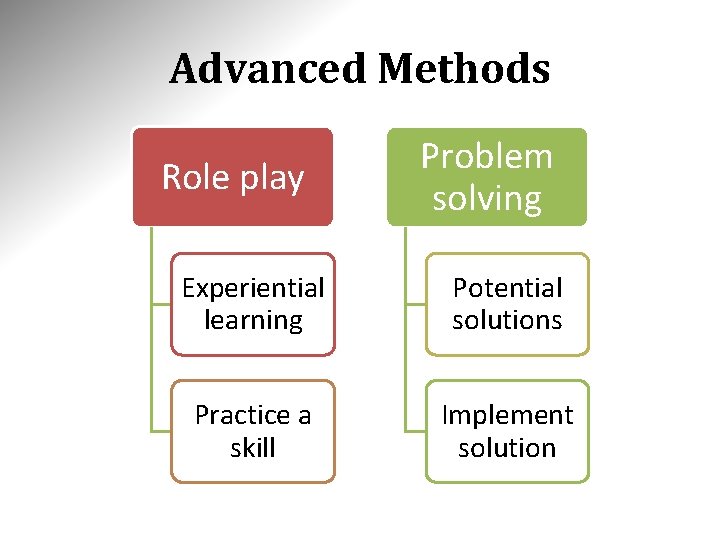
Advanced Methods Role play Problem solving Experiential learning Potential solutions Practice a skill Implement solution
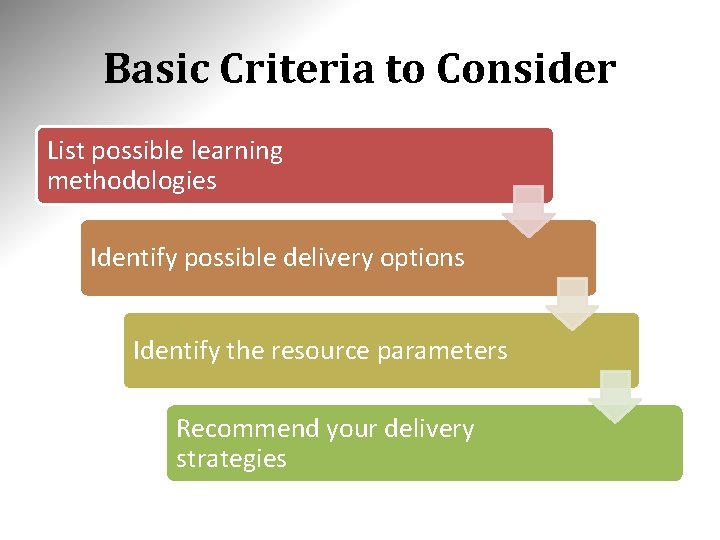
Basic Criteria to Consider List possible learning methodologies Identify possible delivery options Identify the resource parameters Recommend your delivery strategies
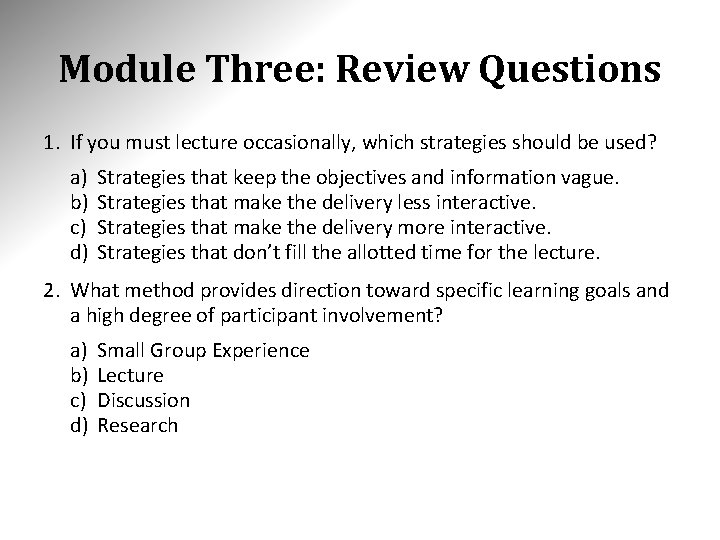
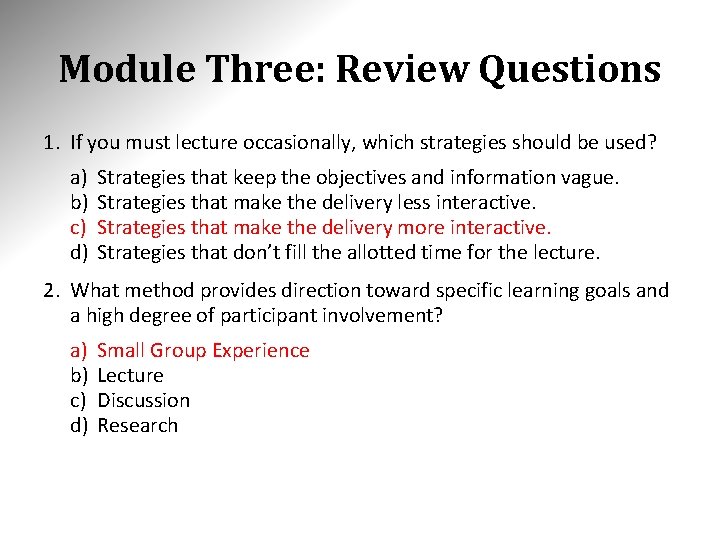
Module Three: Review Questions 1. If you must lecture occasionally, which strategies should be used? a) b) c) d) Strategies that keep the objectives and information vague. Strategies that make the delivery less interactive. Strategies that make the delivery more interactive. Strategies that don’t fill the allotted time for the lecture. 2. What method provides direction toward specific learning goals and a high degree of participant involvement? a) b) c) d) Small Group Experience Lecture Discussion Research
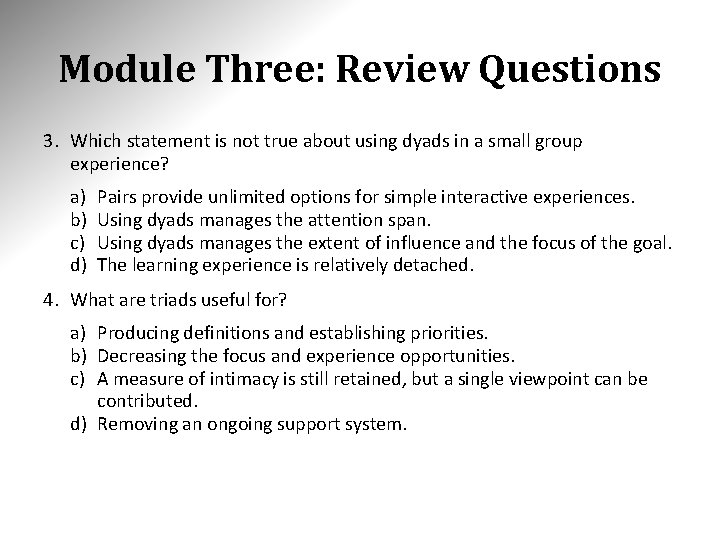
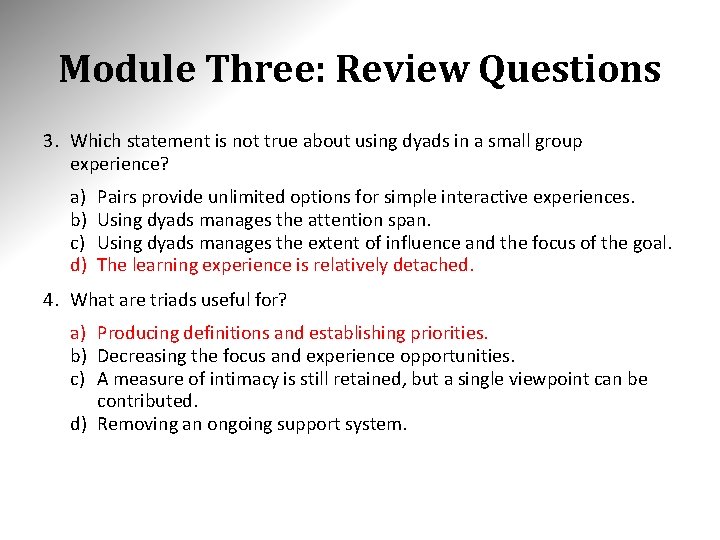
Module Three: Review Questions 3. Which statement is not true about using dyads in a small group experience? a) b) c) d) Pairs provide unlimited options for simple interactive experiences. Using dyads manages the attention span. Using dyads manages the extent of influence and the focus of the goal. The learning experience is relatively detached. 4. What are triads useful for? a) Producing definitions and establishing priorities. b) Decreasing the focus and experience opportunities. c) A measure of intimacy is still retained, but a single viewpoint can be contributed. d) Removing an ongoing support system.
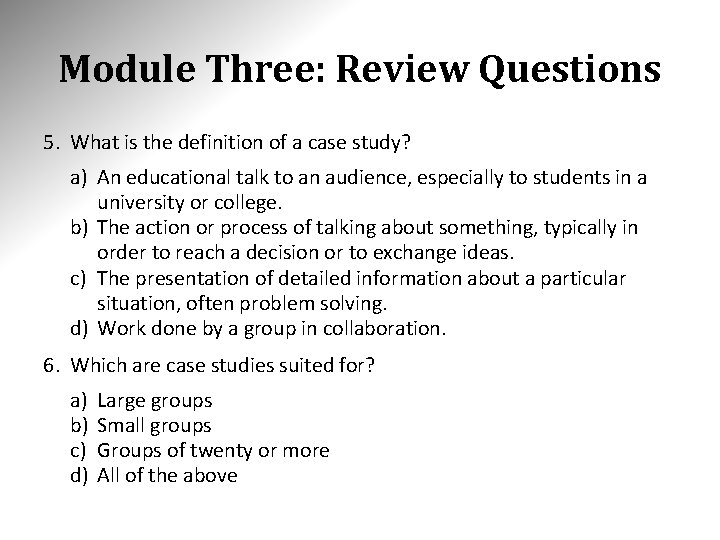
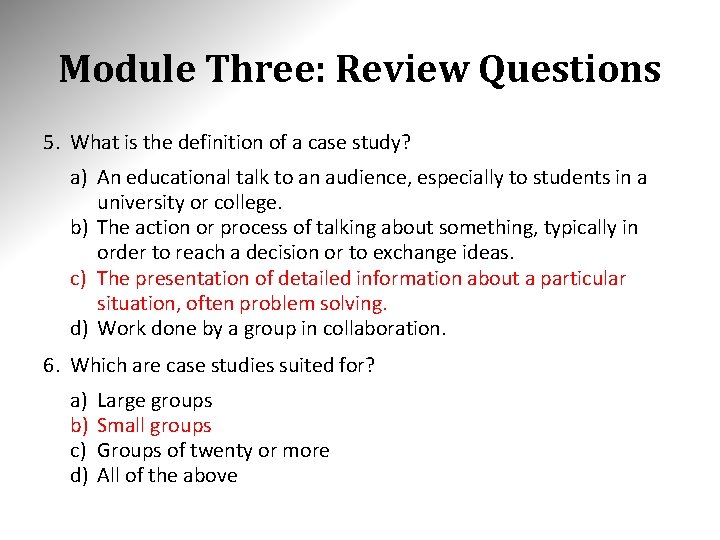
Module Three: Review Questions 5. What is the definition of a case study? a) An educational talk to an audience, especially to students in a university or college. b) The action or process of talking about something, typically in order to reach a decision or to exchange ideas. c) The presentation of detailed information about a particular situation, often problem solving. d) Work done by a group in collaboration. 6. Which are case studies suited for? a) b) c) d) Large groups Small groups Groups of twenty or more All of the above
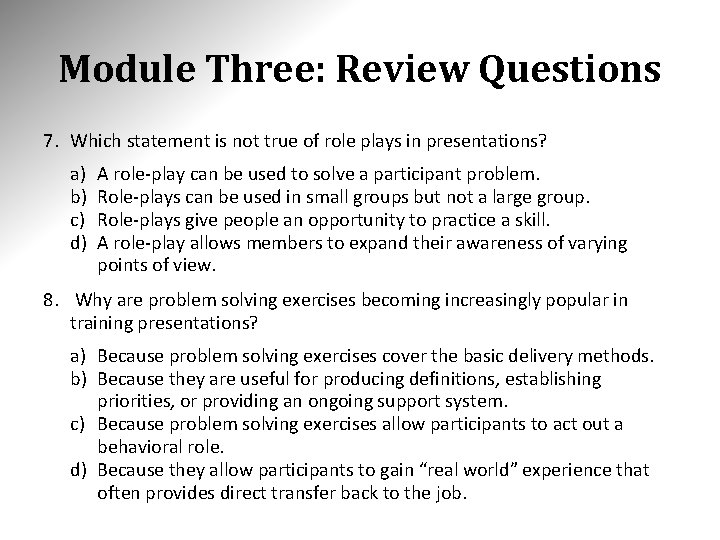
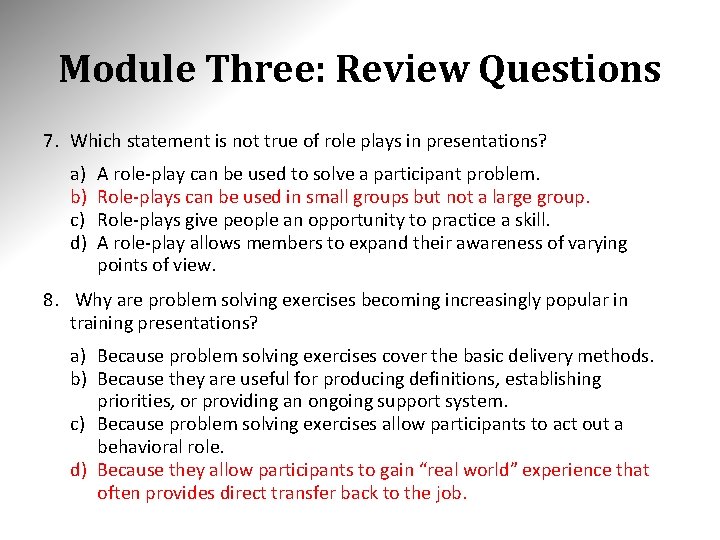
Module Three: Review Questions 7. Which statement is not true of role plays in presentations? a) b) c) d) A role-play can be used to solve a participant problem. Role-plays can be used in small groups but not a large group. Role-plays give people an opportunity to practice a skill. A role-play allows members to expand their awareness of varying points of view. 8. Why are problem solving exercises becoming increasingly popular in training presentations? a) Because problem solving exercises cover the basic delivery methods. b) Because they are useful for producing definitions, establishing priorities, or providing an ongoing support system. c) Because problem solving exercises allow participants to act out a behavioral role. d) Because they allow participants to gain “real world” experience that often provides direct transfer back to the job.
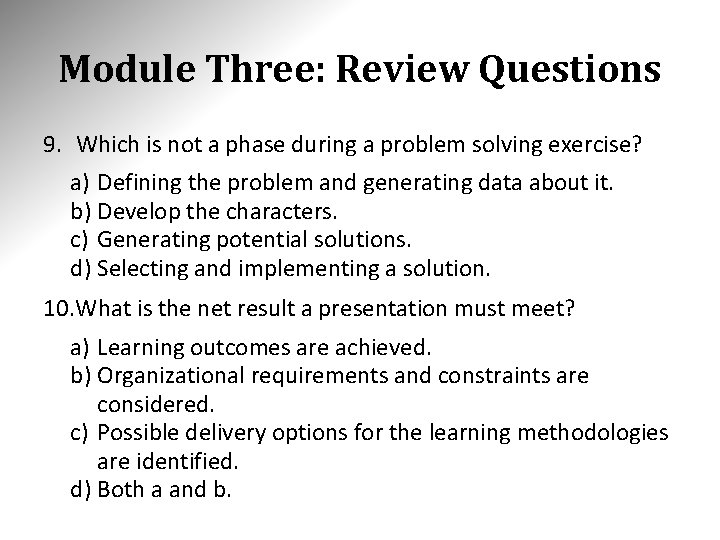
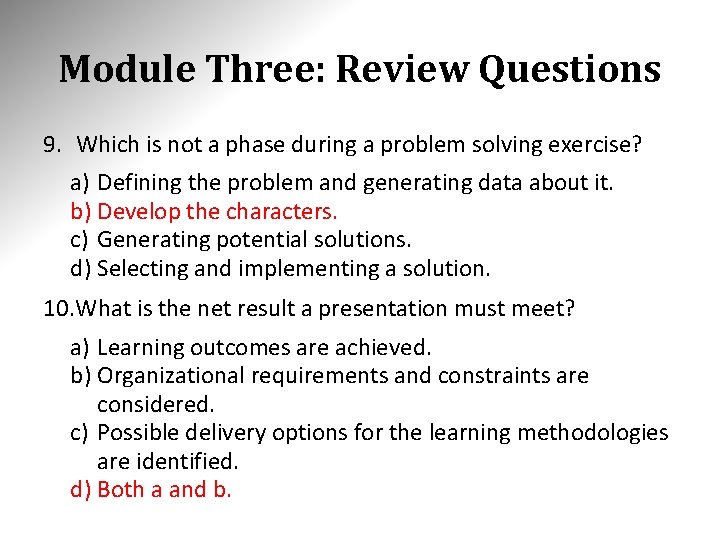
Module Three: Review Questions 9. Which is not a phase during a problem solving exercise? a) Defining the problem and generating data about it. b) Develop the characters. c) Generating potential solutions. d) Selecting and implementing a solution. 10. What is the net result a presentation must meet? a) Learning outcomes are achieved. b) Organizational requirements and constraints are considered. c) Possible delivery options for the learning methodologies are identified. d) Both a and b.
Module Three: Review Questions 1. If you must lecture occasionally, which strategies should be used? a) b) c) d) Strategies that keep the objectives and information vague. Strategies that make the delivery less interactive. Strategies that make the delivery more interactive. Strategies that don’t fill the allotted time for the lecture. 2. What method provides direction toward specific learning goals and a high degree of participant involvement? a) b) c) d) Small Group Experience Lecture Discussion Research
Module Three: Review Questions 3. Which statement is not true about using dyads in a small group experience? a) b) c) d) Pairs provide unlimited options for simple interactive experiences. Using dyads manages the attention span. Using dyads manages the extent of influence and the focus of the goal. The learning experience is relatively detached. 4. What are triads useful for? a) Producing definitions and establishing priorities. b) Decreasing the focus and experience opportunities. c) A measure of intimacy is still retained, but a single viewpoint can be contributed. d) Removing an ongoing support system.
Module Three: Review Questions 5. What is the definition of a case study? a) An educational talk to an audience, especially to students in a university or college. b) The action or process of talking about something, typically in order to reach a decision or to exchange ideas. c) The presentation of detailed information about a particular situation, often problem solving. d) Work done by a group in collaboration. 6. Which are case studies suited for? a) b) c) d) Large groups Small groups Groups of twenty or more All of the above
Module Three: Review Questions 7. Which statement is not true of role plays in presentations? a) b) c) d) A role-play can be used to solve a participant problem. Role-plays can be used in small groups but not a large group. Role-plays give people an opportunity to practice a skill. A role-play allows members to expand their awareness of varying points of view. 8. Why are problem solving exercises becoming increasingly popular in training presentations? a) Because problem solving exercises cover the basic delivery methods. b) Because they are useful for producing definitions, establishing priorities, or providing an ongoing support system. c) Because problem solving exercises allow participants to act out a behavioral role. d) Because they allow participants to gain “real world” experience that often provides direct transfer back to the job.
Module Three: Review Questions 9. Which is not a phase during a problem solving exercise? a) Defining the problem and generating data about it. b) Develop the characters. c) Generating potential solutions. d) Selecting and implementing a solution. 10. What is the net result a presentation must meet? a) Learning outcomes are achieved. b) Organizational requirements and constraints are considered. c) Possible delivery options for the learning methodologies are identified. d) Both a and b.
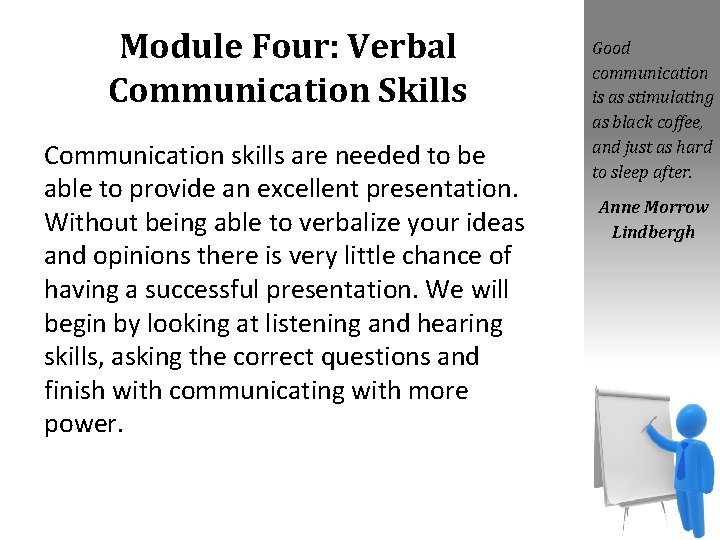
Module Four: Verbal Communication Skills Communication skills are needed to be able to provide an excellent presentation. Without being able to verbalize your ideas and opinions there is very little chance of having a successful presentation. We will begin by looking at listening and hearing skills, asking the correct questions and finish with communicating with more power. Good communication is as stimulating as black coffee, and just as hard to sleep after. Anne Morrow Lindbergh
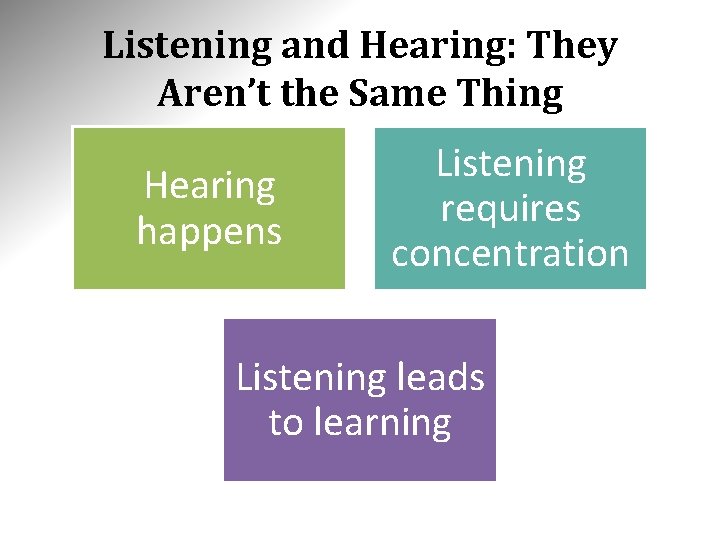
Listening and Hearing: They Aren’t the Same Thing Hearing happens Listening requires concentration Listening leads to learning
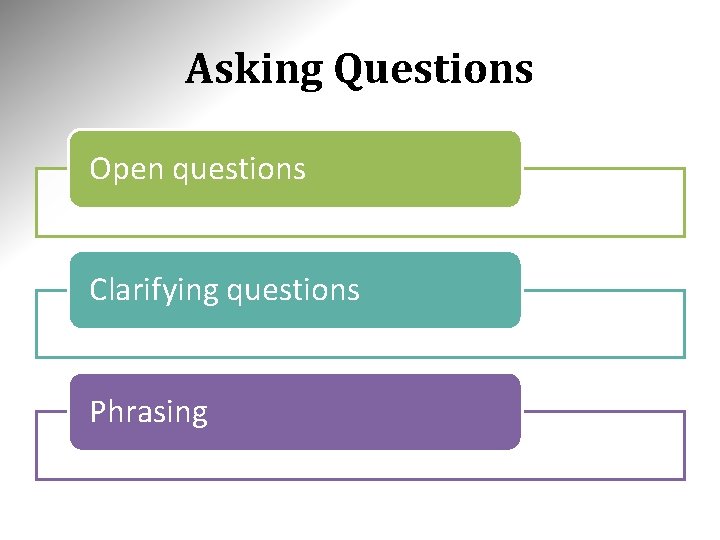
Asking Questions Open questions Clarifying questions Phrasing
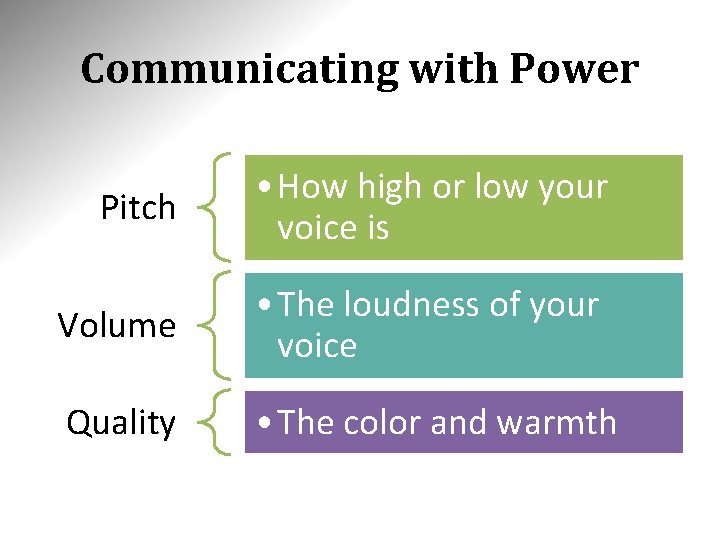
Communicating with Power Pitch • How high or low your voice is Volume • The loudness of your voice Quality • The color and warmth
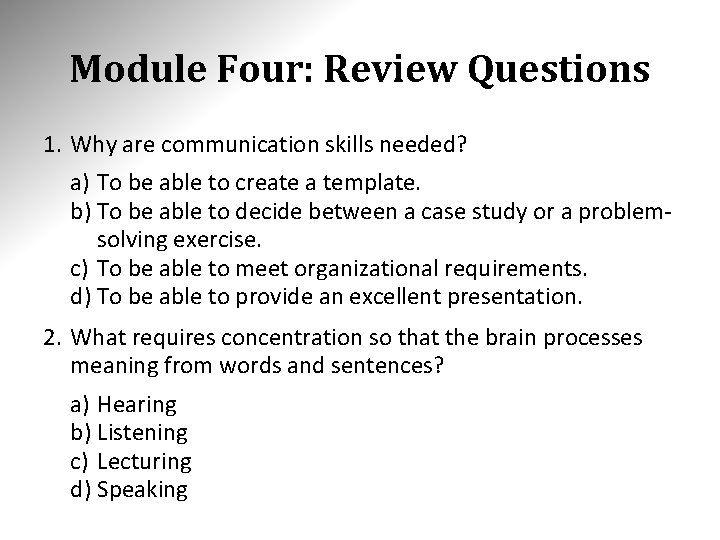
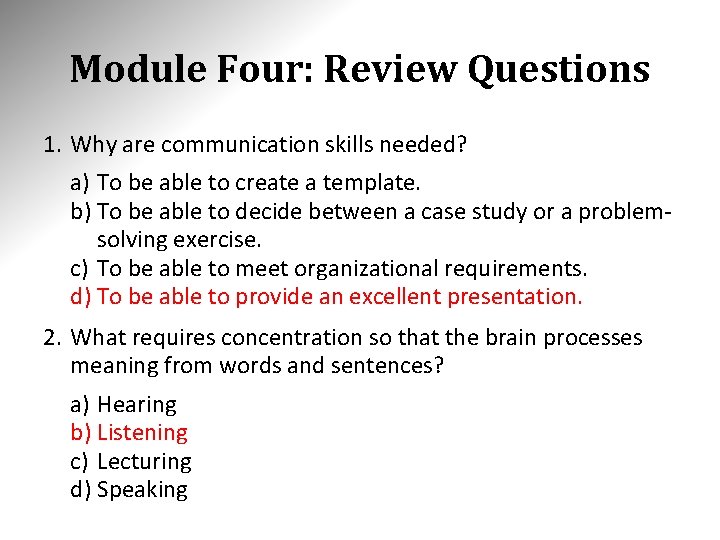
Module Four: Review Questions 1. Why are communication skills needed? a) To be able to create a template. b) To be able to decide between a case study or a problemsolving exercise. c) To be able to meet organizational requirements. d) To be able to provide an excellent presentation. 2. What requires concentration so that the brain processes meaning from words and sentences? a) Hearing b) Listening c) Lecturing d) Speaking
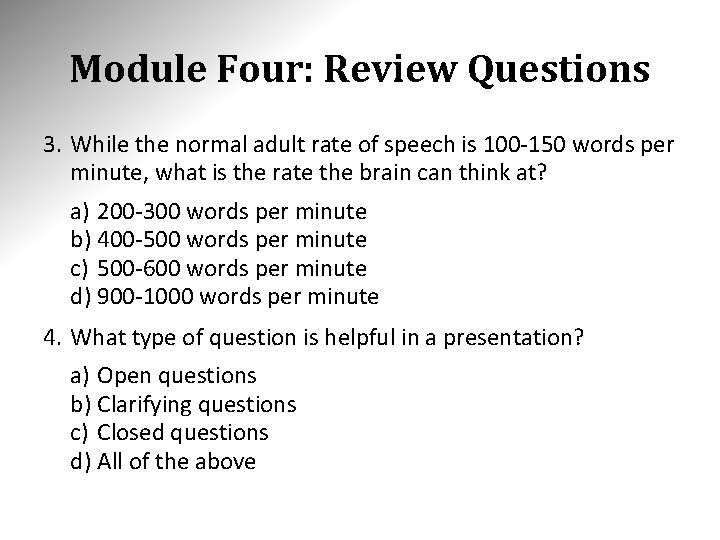
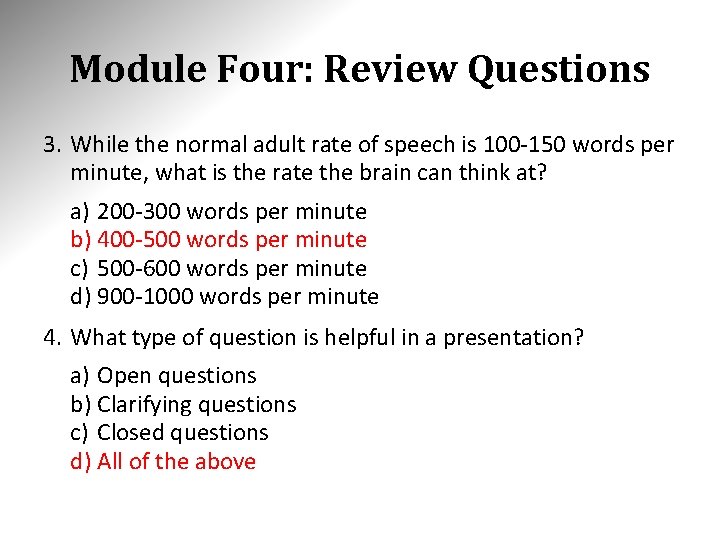
Module Four: Review Questions 3. While the normal adult rate of speech is 100 -150 words per minute, what is the rate the brain can think at? a) 200 -300 words per minute b) 400 -500 words per minute c) 500 -600 words per minute d) 900 -1000 words per minute 4. What type of question is helpful in a presentation? a) Open questions b) Clarifying questions c) Closed questions d) All of the above
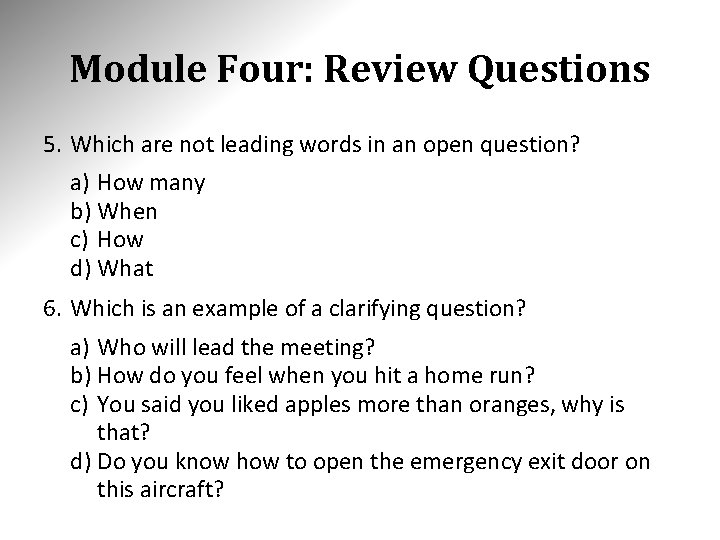
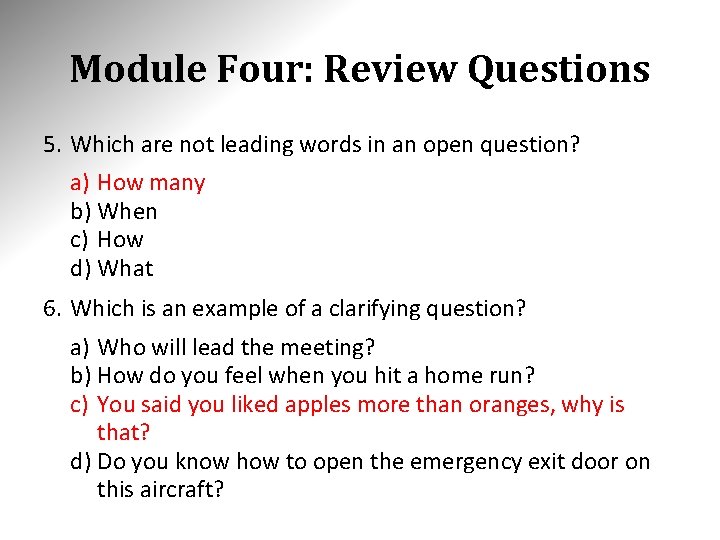
Module Four: Review Questions 5. Which are not leading words in an open question? a) How many b) When c) How d) What 6. Which is an example of a clarifying question? a) Who will lead the meeting? b) How do you feel when you hit a home run? c) You said you liked apples more than oranges, why is that? d) Do you know how to open the emergency exit door on this aircraft?
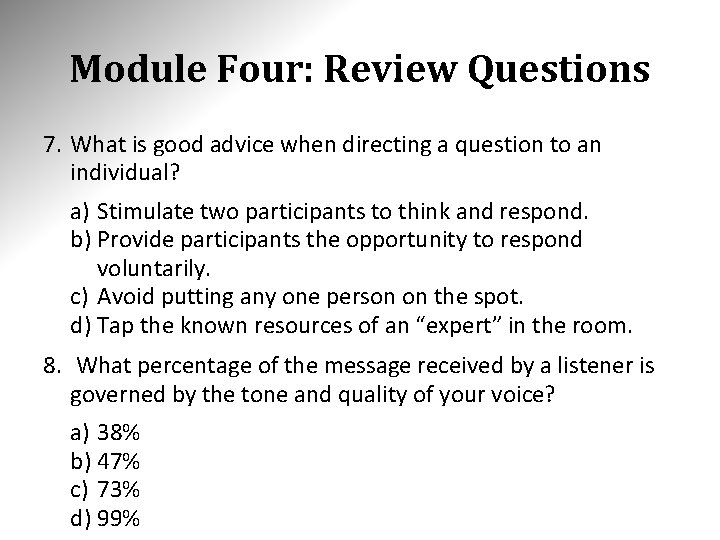
Module Four: Review Questions 7. What is good advice when directing a question to an individual? a) Stimulate two participants to think and respond. b) Provide participants the opportunity to respond voluntarily. c) Avoid putting any one person on the spot. d) Tap the known resources of an “expert” in the room. 8. What percentage of the message received by a listener is governed by the tone and quality of your voice? a) 38% b) 47% c) 73% d) 99%
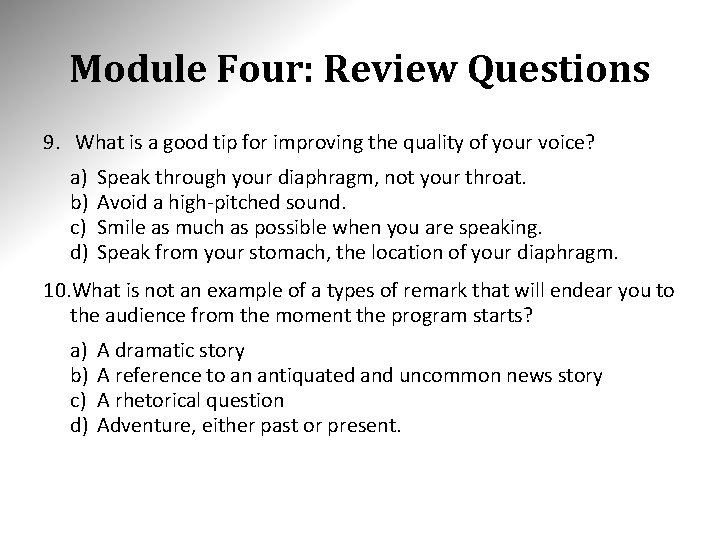
Module Four: Review Questions 9. What is a good tip for improving the quality of your voice? a) b) c) d) Speak through your diaphragm, not your throat. Avoid a high-pitched sound. Smile as much as possible when you are speaking. Speak from your stomach, the location of your diaphragm. 10. What is not an example of a types of remark that will endear you to the audience from the moment the program starts? a) b) c) d) A dramatic story A reference to an antiquated and uncommon news story A rhetorical question Adventure, either past or present.
Module Four: Review Questions 1. Why are communication skills needed? a) To be able to create a template. b) To be able to decide between a case study or a problemsolving exercise. c) To be able to meet organizational requirements. d) To be able to provide an excellent presentation. 2. What requires concentration so that the brain processes meaning from words and sentences? a) Hearing b) Listening c) Lecturing d) Speaking
Module Four: Review Questions 3. While the normal adult rate of speech is 100 -150 words per minute, what is the rate the brain can think at? a) 200 -300 words per minute b) 400 -500 words per minute c) 500 -600 words per minute d) 900 -1000 words per minute 4. What type of question is helpful in a presentation? a) Open questions b) Clarifying questions c) Closed questions d) All of the above
Module Four: Review Questions 5. Which are not leading words in an open question? a) How many b) When c) How d) What 6. Which is an example of a clarifying question? a) Who will lead the meeting? b) How do you feel when you hit a home run? c) You said you liked apples more than oranges, why is that? d) Do you know how to open the emergency exit door on this aircraft?
Module Four: Review Questions 7. What is good advice when directing a question to an individual? a) Stimulate two participants to think and respond. b) Provide participants the opportunity to respond voluntarily. c) Avoid putting any one person on the spot. d) Tap the known resources of an “expert” in the room. 8. What percentage of the message received by a listener is governed by the tone and quality of your voice? a) 38% b) 47% c) 73% d) 99%
Module Four: Review Questions 9. What is a good tip for improving the quality of your voice? a) b) c) d) Speak through your diaphragm, not your throat. Avoid a high-pitched sound. Smile as much as possible when you are speaking. Speak from your stomach, the location of your diaphragm. 10. What is not an example of a types of remark that will endear you to the audience from the moment the program starts? a) b) c) d) A dramatic story A reference to an antiquated and uncommon news story A rhetorical question Adventure, either past or present.
Module Five: Non-Verbal Communication Skills Understanding your body language and other physical cues is very important when you are presenting material in front of an audience. Your non-verbal communication skills are just as important as your verbal skills. The most important thing in communication is hearing what isn't said. Peter F. Drucker
Body Language Non-verbal communication Powerful Unconscious signals
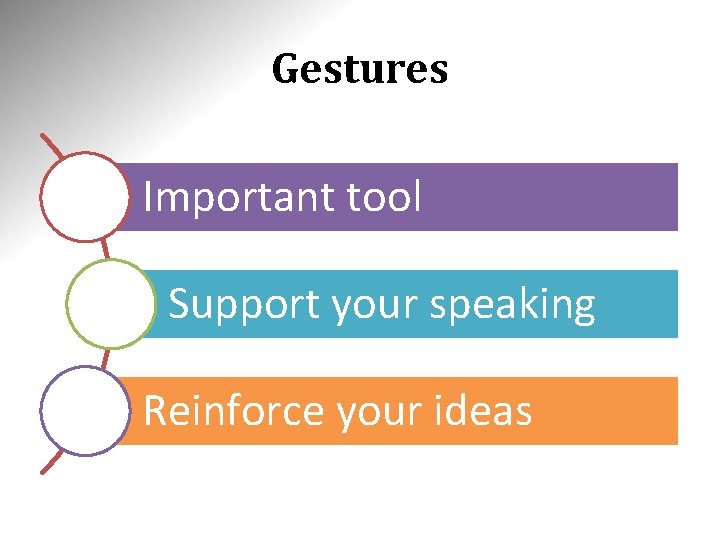
Gestures Important tool Support your speaking Reinforce your ideas
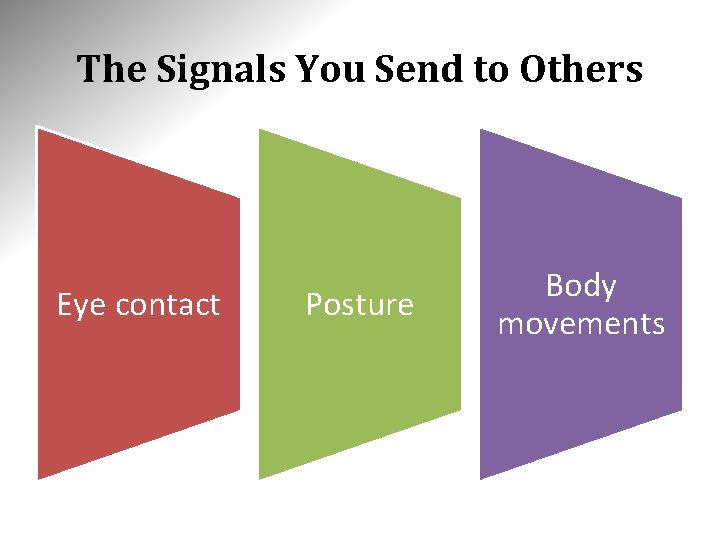
The Signals You Send to Others Eye contact Posture Body movements
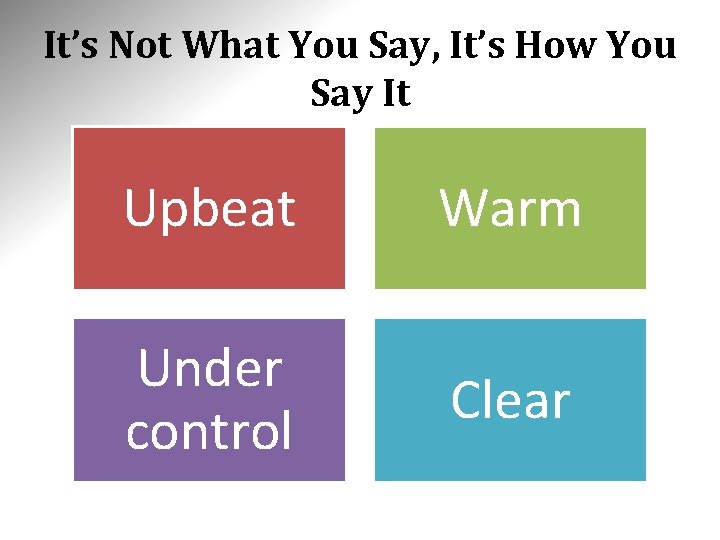
It’s Not What You Say, It’s How You Say It Upbeat Warm Under control Clear
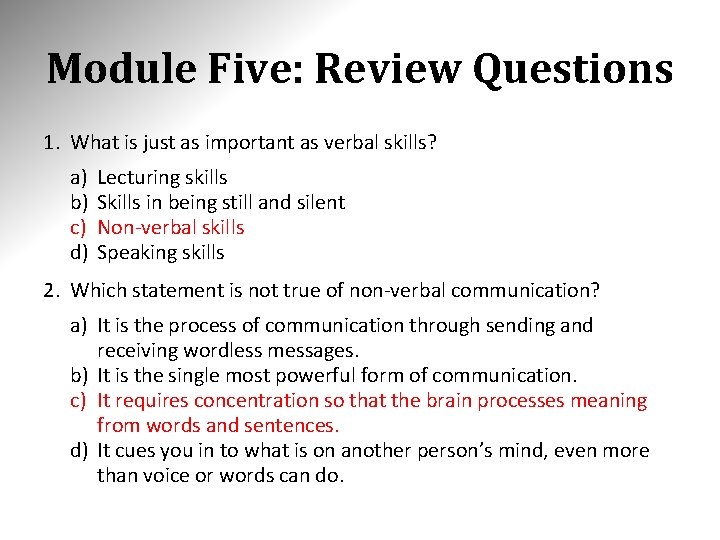
Module Five: Review Questions 1. What is just as important as verbal skills? a) b) c) d) Lecturing skills Skills in being still and silent Non-verbal skills Speaking skills 2. Which statement is not true of non-verbal communication? a) It is the process of communication through sending and receiving wordless messages. b) It is the single most powerful form of communication. c) It requires concentration so that the brain processes meaning from words and sentences. d) It cues you in to what is on another person’s mind, even more than voice or words can do.
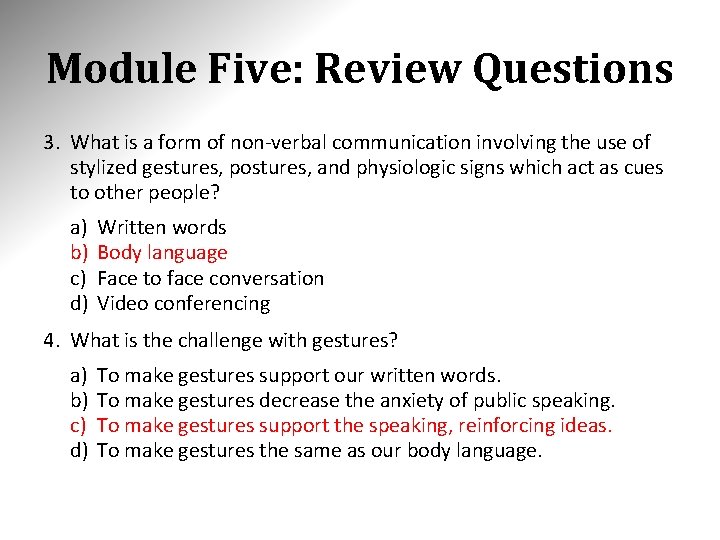
Module Five: Review Questions 3. What is a form of non-verbal communication involving the use of stylized gestures, postures, and physiologic signs which act as cues to other people? a) b) c) d) Written words Body language Face to face conversation Video conferencing 4. What is the challenge with gestures? a) b) c) d) To make gestures support our written words. To make gestures decrease the anxiety of public speaking. To make gestures support the speaking, reinforcing ideas. To make gestures the same as our body language.
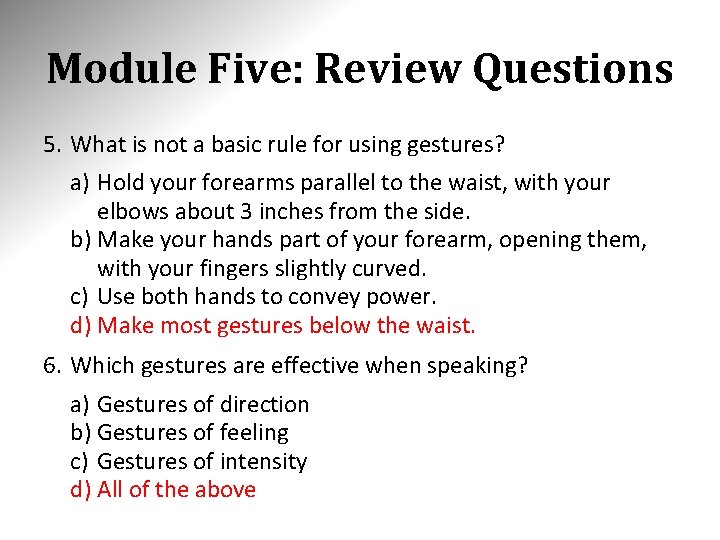
Module Five: Review Questions 5. What is not a basic rule for using gestures? a) Hold your forearms parallel to the waist, with your elbows about 3 inches from the side. b) Make your hands part of your forearm, opening them, with your fingers slightly curved. c) Use both hands to convey power. d) Make most gestures below the waist. 6. Which gestures are effective when speaking? a) Gestures of direction b) Gestures of feeling c) Gestures of intensity d) All of the above
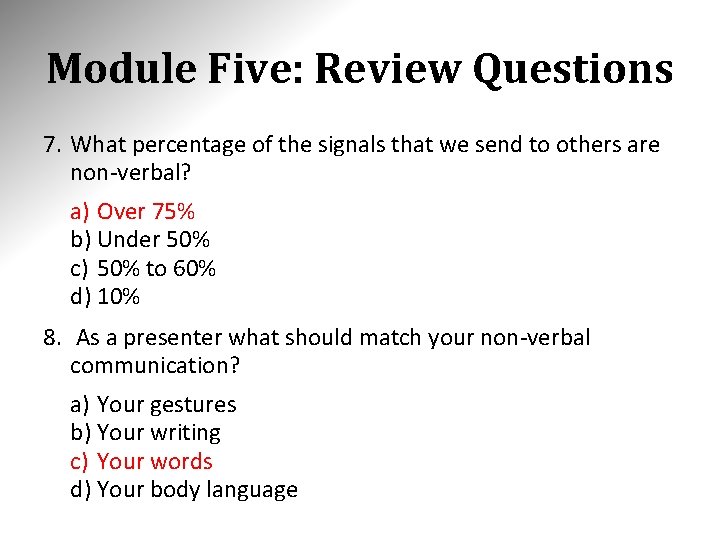
Module Five: Review Questions 7. What percentage of the signals that we send to others are non-verbal? a) Over 75% b) Under 50% c) 50% to 60% d) 10% 8. As a presenter what should match your non-verbal communication? a) Your gestures b) Your writing c) Your words d) Your body language
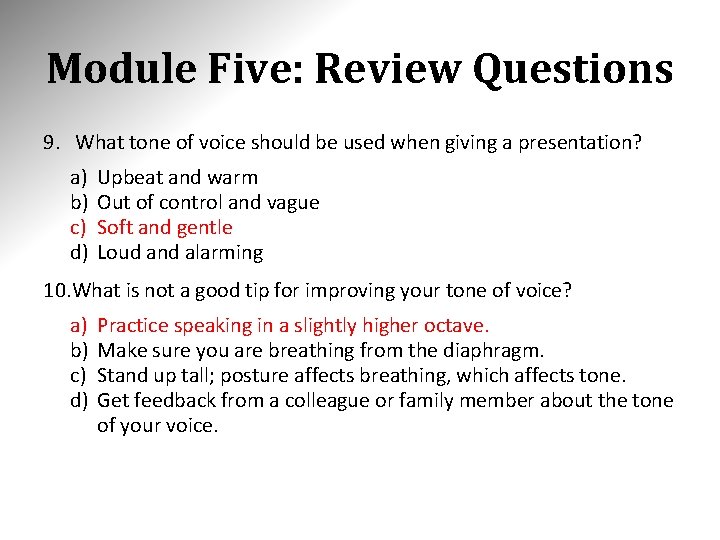
Module Five: Review Questions 9. What tone of voice should be used when giving a presentation? a) b) c) d) Upbeat and warm Out of control and vague Soft and gentle Loud and alarming 10. What is not a good tip for improving your tone of voice? a) b) c) d) Practice speaking in a slightly higher octave. Make sure you are breathing from the diaphragm. Stand up tall; posture affects breathing, which affects tone. Get feedback from a colleague or family member about the tone of your voice.
Module Five: Review Questions 1. What is just as important as verbal skills? a) b) c) d) Lecturing skills Skills in being still and silent Non-verbal skills Speaking skills 2. Which statement is not true of non-verbal communication? a) It is the process of communication through sending and receiving wordless messages. b) It is the single most powerful form of communication. c) It requires concentration so that the brain processes meaning from words and sentences. d) It cues you in to what is on another person’s mind, even more than voice or words can do.
Module Five: Review Questions 3. What is a form of non-verbal communication involving the use of stylized gestures, postures, and physiologic signs which act as cues to other people? a) b) c) d) Written words Body language Face to face conversation Video conferencing 4. What is the challenge with gestures? a) b) c) d) To make gestures support our written words. To make gestures decrease the anxiety of public speaking. To make gestures support the speaking, reinforcing ideas. To make gestures the same as our body language.
Module Five: Review Questions 5. What is not a basic rule for using gestures? a) Hold your forearms parallel to the waist, with your elbows about 3 inches from the side. b) Make your hands part of your forearm, opening them, with your fingers slightly curved. c) Use both hands to convey power. d) Make most gestures below the waist. 6. Which gestures are effective when speaking? a) Gestures of direction b) Gestures of feeling c) Gestures of intensity d) All of the above
Module Five: Review Questions 7. What percentage of the signals that we send to others are non-verbal? a) Over 75% b) Under 50% c) 50% to 60% d) 10% 8. As a presenter what should match your non-verbal communication? a) Your gestures b) Your writing c) Your words d) Your body language
Module Five: Review Questions 9. What tone of voice should be used when giving a presentation? a) b) c) d) Upbeat and warm Out of control and vague Soft and gentle Loud and alarming 10. What is not a good tip for improving your tone of voice? a) b) c) d) Practice speaking in a slightly higher octave. Make sure you are breathing from the diaphragm. Stand up tall; posture affects breathing, which affects tone. Get feedback from a colleague or family member about the tone of your voice.
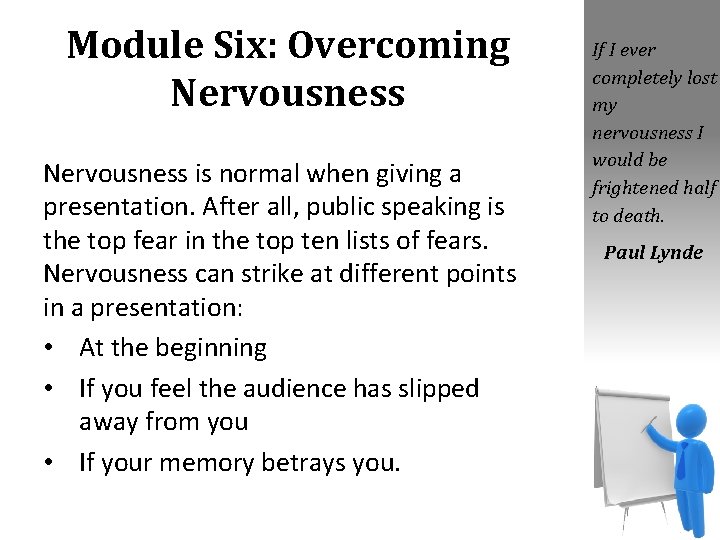
Module Six: Overcoming Nervousness is normal when giving a presentation. After all, public speaking is the top fear in the top ten lists of fears. Nervousness can strike at different points in a presentation: • At the beginning • If you feel the audience has slipped away from you • If your memory betrays you. If I ever completely lost my nervousness I would be frightened half to death. Paul Lynde
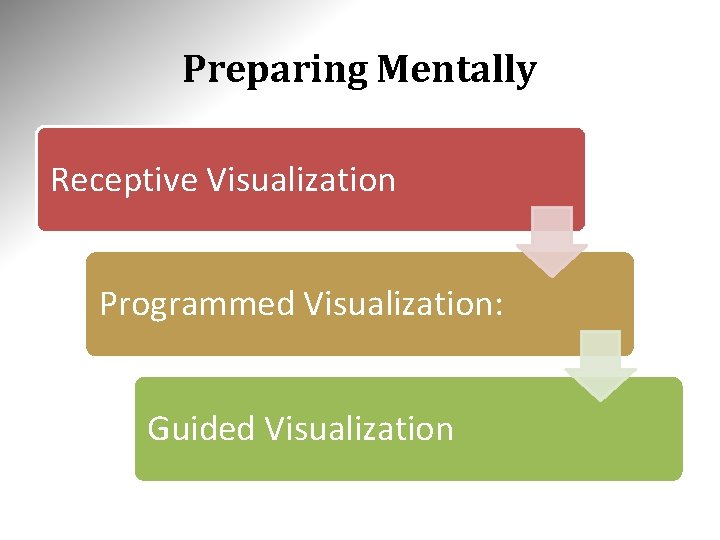
Preparing Mentally Receptive Visualization Programmed Visualization: Guided Visualization
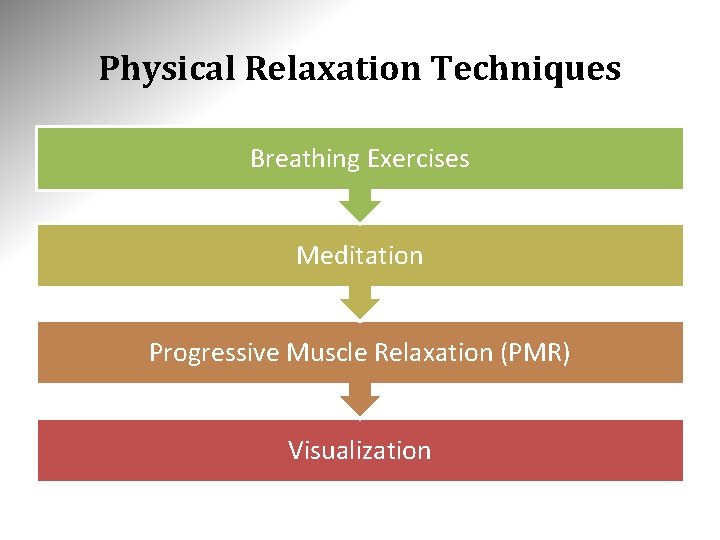
Physical Relaxation Techniques Breathing Exercises Meditation Progressive Muscle Relaxation (PMR) Visualization
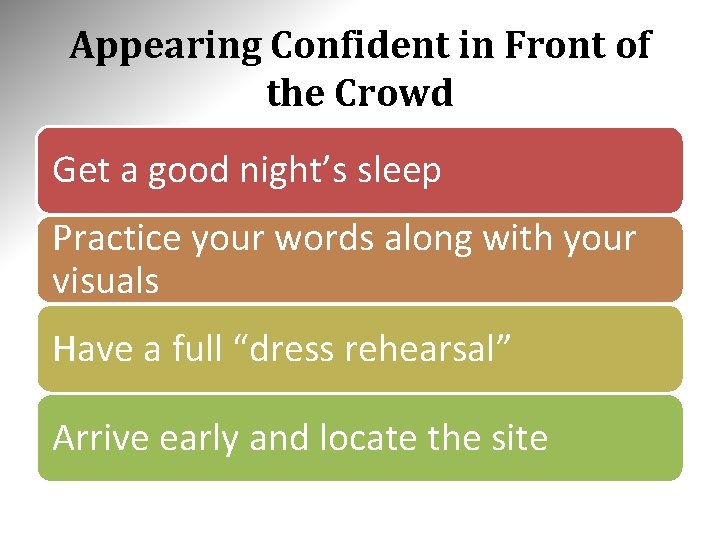
Appearing Confident in Front of the Crowd Get a good night’s sleep Practice your words along with your visuals Have a full “dress rehearsal” Arrive early and locate the site
Module Six: Review Questions 1. What is normal when giving a presentation? a) Over-confidence. b) Feeling completely calm and relaxed. c) Missing the presentation because of severe anxiety. d) Nervousness. 2. What is an example of when nervousness can strike in a presentation? a) After the presentation has finished. b) If you have captured the audience’s undivided attention. c) At the beginning of the presentation. d) When your memory serves you well.
Module Six: Review Questions 3. What is the definition of visualization? a) b) c) d) The quality or state of being nervous. The process and act of speaking or giving a lecture. The action or practice of meditating. The formation of mental visual images. 4. Which of these is a step of receptive visualization? a) You might ask, “Why can’t I relax? ”, and the answer may flow into your consciousness. b) Visualize again a scene in detail, but this time leave out important elements. c) Imagine a goal you want to reach, or a healing you wish to accelerate. d) Scan your body, seeking tension in specific muscles. Relax those muscles as much as you can.
Module Six: Review Questions 5. Which of these is a step of guided visualization? a) Wait for your subconscious to supply missing pieces to your puzzle. Your scene could be something pleasant from the past. b) Use affirmations. Repeat short, positive statements that affirm your ability to relax now. c) Relax, clear your mind, sketch a vague scene, ask a question, and wait for a response. d) Imagine a goal you want to reach, or a healing you wish to accelerate. 6. How many times a day should you use visualization to decrease your nervousness? a) b) c) d) One Two Three Four
Module Six: Review Questions 7. What is a benefit of breathing exercises? a) They increase nervousness at first, and then decrease nervousness later. b) They can be done almost anywhere. c) They cause short, shallow breaths in their upper chest. d) They are proven to improve memory and intelligence. 8. Which statement is not true about meditation? a) Meditation techniques include prayer, the repetition of a mantra, and relaxing movement or postures. b) Most meditation techniques involve increasing self-awareness, monitoring thoughts, and focusing. c) Meditation is a way of exercising mental discipline. d) Meditation usually focuses on areas of the body where tension is commonly felt, such as the head, shoulders, and chest area.
Module Six: Review Questions 9. What is defined as a technique of stress management that involves mentally inducing your muscles to tense and relax? a) Breathing Exercises b) Progressive Muscle Relaxation c) Meditation d) Visualization 10. What is a tip for maintaining confidence when you’re “on”? a) Stay up late the night before a presentation to practice. b) Practice your visuals, but not your words. c) Have a partial “dress rehearsal”. d) If you’re traveling to a site outside of town, try to arrive early in the evening and locate the site.
Module Six: Review Questions 1. What is normal when giving a presentation? a) Over-confidence. b) Feeling completely calm and relaxed. c) Missing the presentation because of severe anxiety. d) Nervousness. 2. What is an example of when nervousness can strike in a presentation? a) After the presentation has finished. b) If you have captured the audience’s undivided attention. c) At the beginning of the presentation. d) When your memory serves you well.
Module Six: Review Questions 3. What is the definition of visualization? a) b) c) d) The quality or state of being nervous. The process and act of speaking or giving a lecture. The action or practice of meditating. The formation of mental visual images. 4. Which of these is a step of receptive visualization? a) You might ask, “Why can’t I relax? ”, and the answer may flow into your consciousness. b) Visualize again a scene in detail, but this time leave out important elements. c) Imagine a goal you want to reach, or a healing you wish to accelerate. d) Scan your body, seeking tension in specific muscles. Relax those muscles as much as you can.
Module Six: Review Questions 5. Which of these is a step of guided visualization? a) Wait for your subconscious to supply missing pieces to your puzzle. Your scene could be something pleasant from the past. b) Use affirmations. Repeat short, positive statements that affirm your ability to relax now. c) Relax, clear your mind, sketch a vague scene, ask a question, and wait for a response. d) Imagine a goal you want to reach, or a healing you wish to accelerate. 6. How many times a day should you use visualization to decrease your nervousness? a) b) c) d) One Two Three Four
Module Six: Review Questions 7. What is a benefit of breathing exercises? a) They increase nervousness at first, and then decrease nervousness later. b) They can be done almost anywhere. c) They cause short, shallow breaths in their upper chest. d) They are proven to improve memory and intelligence. 8. Which statement is not true about meditation? a) Meditation techniques include prayer, the repetition of a mantra, and relaxing movement or postures. b) Most meditation techniques involve increasing self-awareness, monitoring thoughts, and focusing. c) Meditation is a way of exercising mental discipline. d) Meditation usually focuses on areas of the body where tension is commonly felt, such as the head, shoulders, and chest area.
Module Six: Review Questions 9. What is defined as a technique of stress management that involves mentally inducing your muscles to tense and relax? a) Breathing Exercises b) Progressive Muscle Relaxation c) Meditation d) Visualization 10. What is a tip for maintaining confidence when you’re “on”? a) Stay up late the night before a presentation to practice. b) Practice your visuals, but not your words. c) Have a partial “dress rehearsal”. d) If you’re traveling to a site outside of town, try to arrive early in the evening and locate the site.
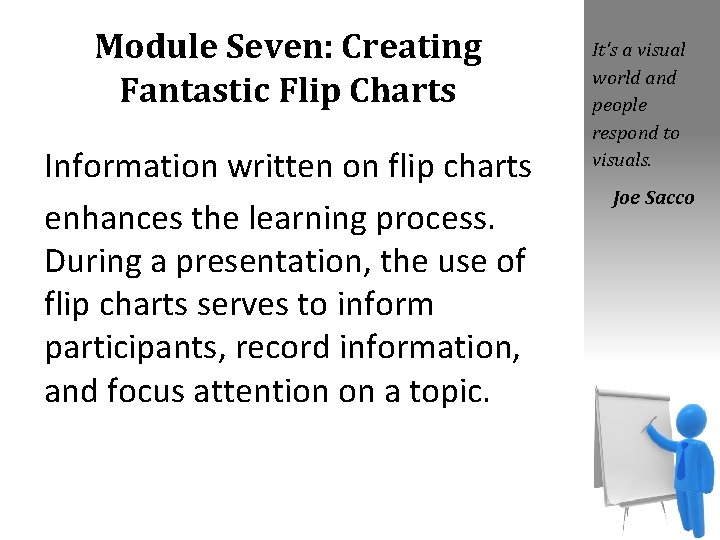
Module Seven: Creating Fantastic Flip Charts Information written on flip charts enhances the learning process. During a presentation, the use of flip charts serves to inform participants, record information, and focus attention on a topic. It's a visual world and people respond to visuals. Joe Sacco
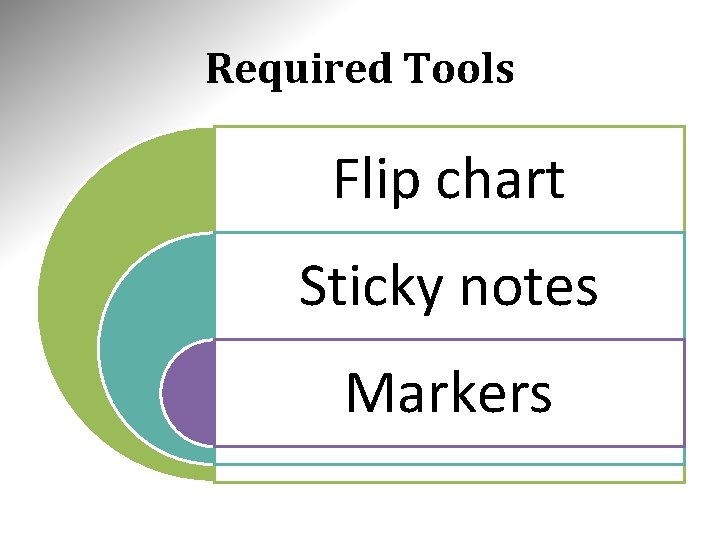
Required Tools Flip chart Sticky notes Markers
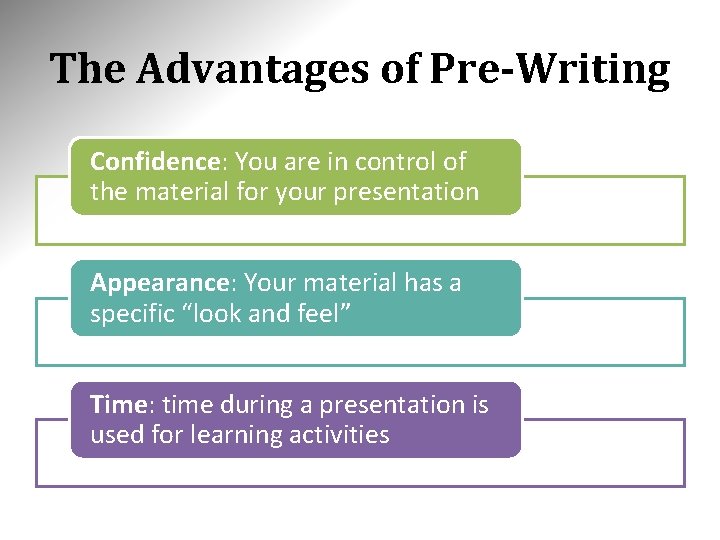
The Advantages of Pre-Writing Confidence: You are in control of the material for your presentation Appearance: Your material has a specific “look and feel” Time: time during a presentation is used for learning activities
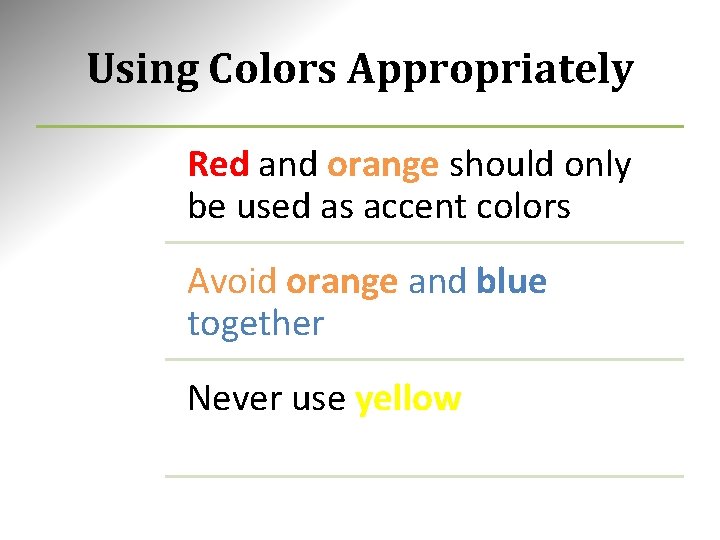
Using Colors Appropriately Red and orange should only be used as accent colors Avoid orange and blue together Never use yellow
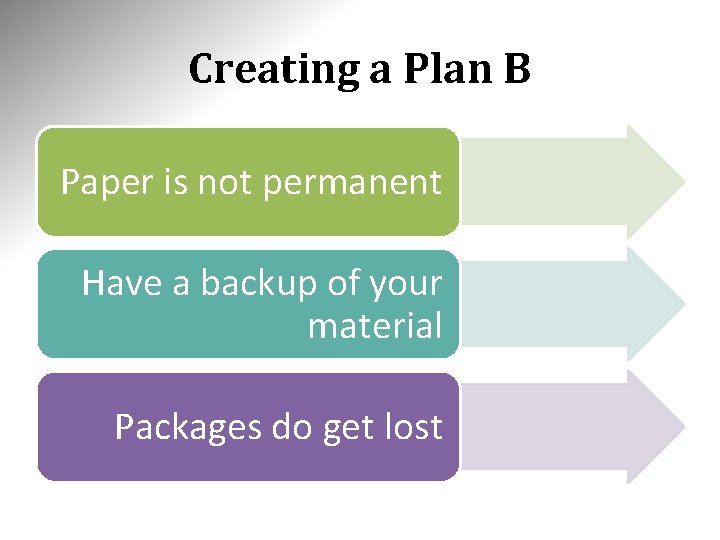
Creating a Plan B Paper is not permanent Have a backup of your material Packages do get lost
Module Seven: Review Questions 1. What is a benefit of using flip charts in a presentation? a) Focusing attention on a topic. b) Helps you relax and clear your mind. c) Encourages participation and interaction. d) All of the above. 2. Which statement about the use of flip charts is not true? a) The use of flip charts serves to inform participants. b) They represent a complex, high-cost learning aid. c) They add versatility to a presentation. d) Flip charts allow the presenter to use creativity to enhance the learning process.
Module Seven: Review Questions 3. If you are bringing pre-written charts to an off-site presentation, specifically what will you need to bring to protect the pages? a) Sticky notes and a straight edge. b) Some type of container. c) A flip chart easel. d) A few sets of colored markers. 4. What is a good reason to pre-write your flip chart content? a) Confidence b) Appearance c) Time d) All of the above
Module Seven: Review Questions 5. What is not a tip for pre-writing flip chart content? a) Always print. Never use handwriting. b) Consider using a straight edge to stem tendency to write “downhill”. c) Use effects, transitions animation, and sound very sparingly. d) If you are using charts in a sequence, number them. 6. What can make the difference in the dynamics of a presentation and participants’ acceptance of the content? a) b) c) d) Good use of handwriting on flip charts. Good use of writing on flip charts while speaking. Good use of color. Good use of visualization.
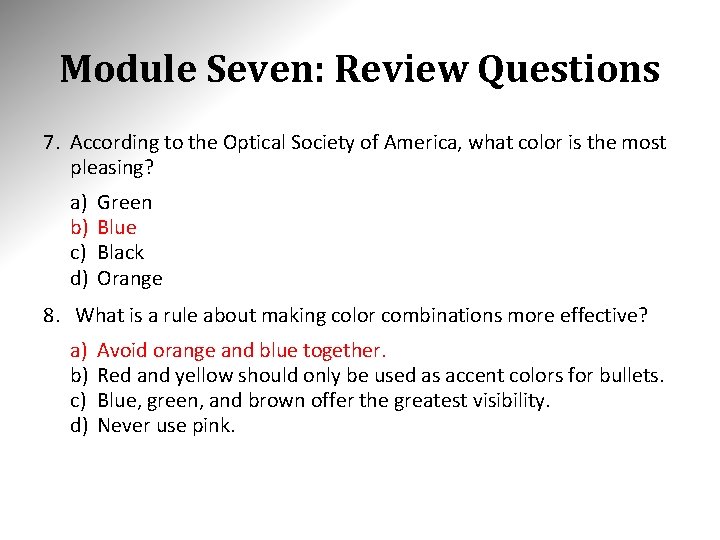
Module Seven: Review Questions 7. According to the Optical Society of America, what color is the most pleasing? a) b) c) d) Green Blue Black Orange 8. What is a rule about making color combinations more effective? a) b) c) d) Avoid orange and blue together. Red and yellow should only be used as accent colors for bullets. Blue, green, and brown offer the greatest visibility. Never use pink.
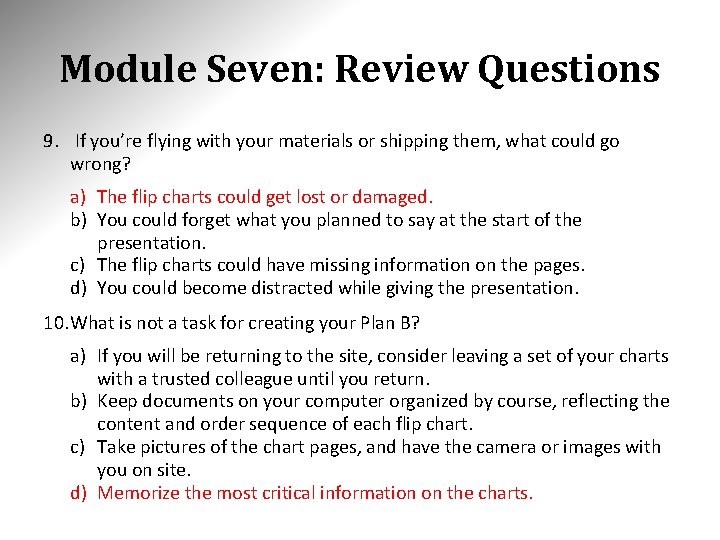
Module Seven: Review Questions 9. If you’re flying with your materials or shipping them, what could go wrong? a) The flip charts could get lost or damaged. b) You could forget what you planned to say at the start of the presentation. c) The flip charts could have missing information on the pages. d) You could become distracted while giving the presentation. 10. What is not a task for creating your Plan B? a) If you will be returning to the site, consider leaving a set of your charts with a trusted colleague until you return. b) Keep documents on your computer organized by course, reflecting the content and order sequence of each flip chart. c) Take pictures of the chart pages, and have the camera or images with you on site. d) Memorize the most critical information on the charts.
Module Seven: Review Questions 1. What is a benefit of using flip charts in a presentation? a) Focusing attention on a topic. b) Helps you relax and clear your mind. c) Encourages participation and interaction. d) All of the above. 2. Which statement about the use of flip charts is not true? a) The use of flip charts serves to inform participants. b) They represent a complex, high-cost learning aid. c) They add versatility to a presentation. d) Flip charts allow the presenter to use creativity to enhance the learning process.
Module Seven: Review Questions 3. If you are bringing pre-written charts to an off-site presentation, specifically what will you need to bring to protect the pages? a) Sticky notes and a straight edge. b) Some type of container. c) A flip chart easel. d) A few sets of colored markers. 4. What is a good reason to pre-write your flip chart content? a) Confidence b) Appearance c) Time d) All of the above
Module Seven: Review Questions 5. What is not a tip for pre-writing flip chart content? a) Always print. Never use handwriting. b) Consider using a straight edge to stem tendency to write “downhill”. c) Use effects, transitions animation, and sound very sparingly. d) If you are using charts in a sequence, number them. 6. What can make the difference in the dynamics of a presentation and participants’ acceptance of the content? a) b) c) d) Good use of handwriting on flip charts. Good use of writing on flip charts while speaking. Good use of color. Good use of visualization.
Module Seven: Review Questions 7. According to the Optical Society of America, what color is the most pleasing? a) b) c) d) Green Blue Black Orange 8. What is a rule about making color combinations more effective? a) b) c) d) Avoid orange and blue together. Red and yellow should only be used as accent colors for bullets. Blue, green, and brown offer the greatest visibility. Never use pink.
Module Seven: Review Questions 9. If you’re flying with your materials or shipping them, what could go wrong? a) The flip charts could get lost or damaged. b) You could forget what you planned to say at the start of the presentation. c) The flip charts could have missing information on the pages. d) You could become distracted while giving the presentation. 10. What is not a task for creating your Plan B? a) If you will be returning to the site, consider leaving a set of your charts with a trusted colleague until you return. b) Keep documents on your computer organized by course, reflecting the content and order sequence of each flip chart. c) Take pictures of the chart pages, and have the camera or images with you on site. d) Memorize the most critical information on the charts.
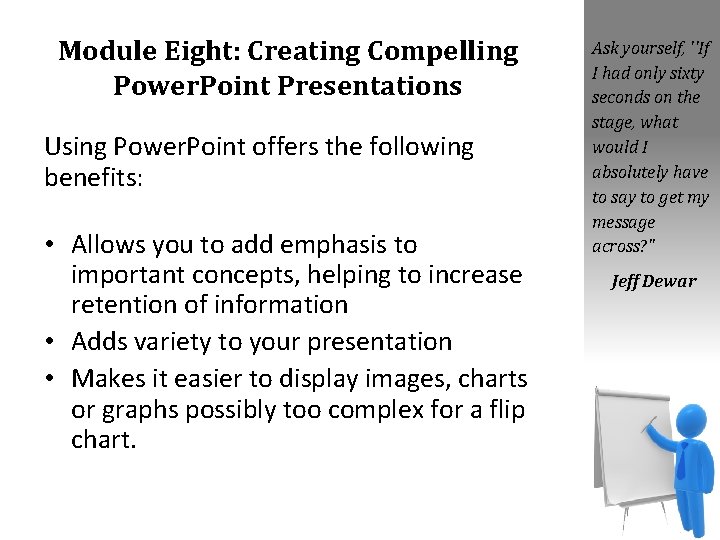
Module Eight: Creating Compelling Power. Point Presentations Using Power. Point offers the following benefits: • Allows you to add emphasis to important concepts, helping to increase retention of information • Adds variety to your presentation • Makes it easier to display images, charts or graphs possibly too complex for a flip chart. Ask yourself, ''If I had only sixty seconds on the stage, what would I absolutely have to say to get my message across? " Jeff Dewar
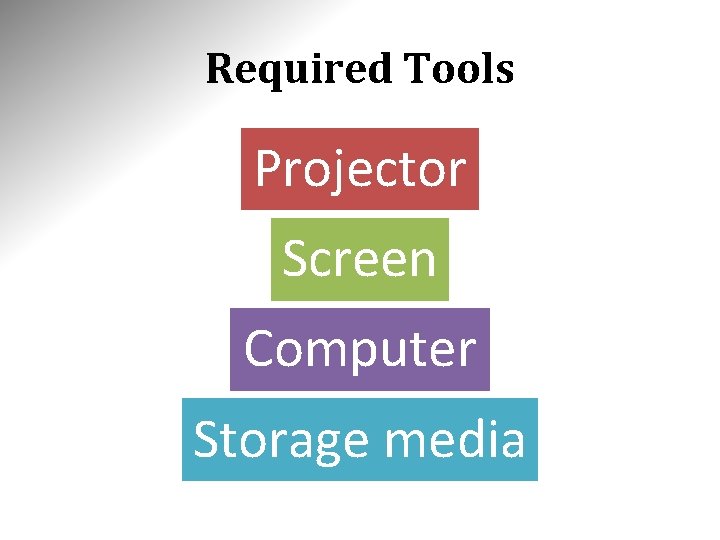
Required Tools Projector Screen Computer Storage media
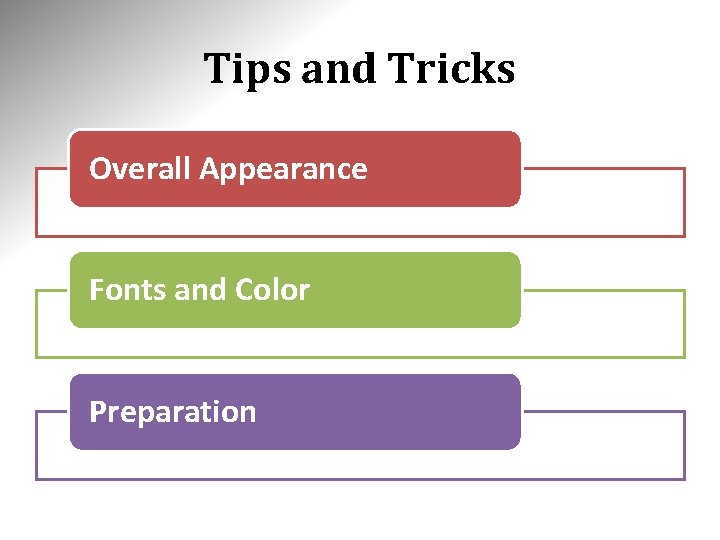
Tips and Tricks Overall Appearance Fonts and Color Preparation
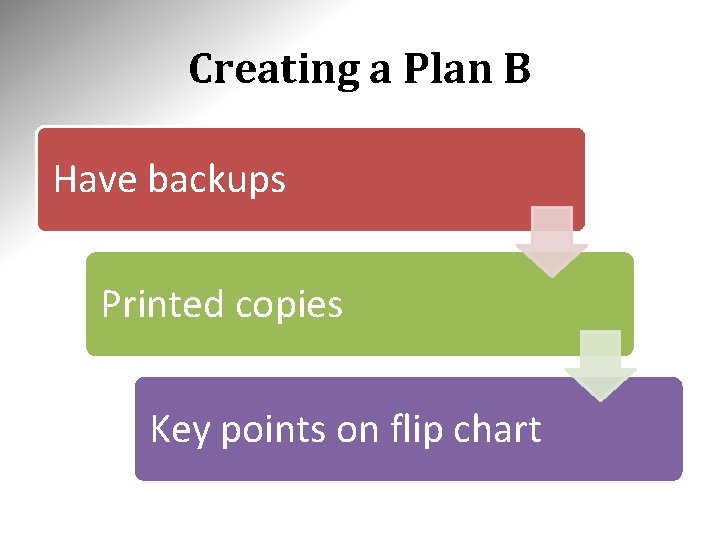
Creating a Plan B Have backups Printed copies Key points on flip chart
Module Eight: Review Questions 1. What is the definition of Microsoft Power. Point? a) A word processor developed by Microsoft. b) A spreadsheet application that features calculation, graphing tools, and pivot tables. c) A commanding tool for creating visual screens for a presentation. d) A database system from Microsoft. 2. What is a benefit of using Microsoft Power. Point? a) Makes it easier to display images, charts, or graphs possibly too complex for a flip chart. b) Publishes and maintains blogs from Office Word. c) Connects your documents to business information. d) Tables, queries, forms, and reports build upon each other and make up the heart of a database application.
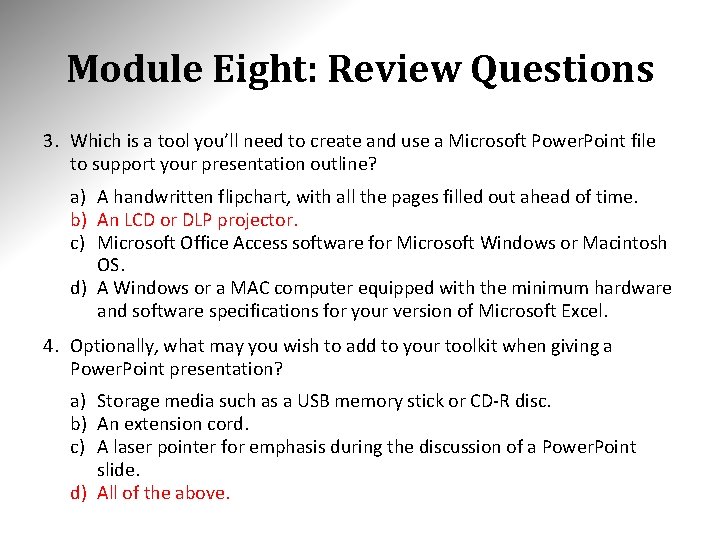
Module Eight: Review Questions 3. Which is a tool you’ll need to create and use a Microsoft Power. Point file to support your presentation outline? a) A handwritten flipchart, with all the pages filled out ahead of time. b) An LCD or DLP projector. c) Microsoft Office Access software for Microsoft Windows or Macintosh OS. d) A Windows or a MAC computer equipped with the minimum hardware and software specifications for your version of Microsoft Excel. 4. Optionally, what may you wish to add to your toolkit when giving a Power. Point presentation? a) Storage media such as a USB memory stick or CD-R disc. b) An extension cord. c) A laser pointer for emphasis during the discussion of a Power. Point slide. d) All of the above.
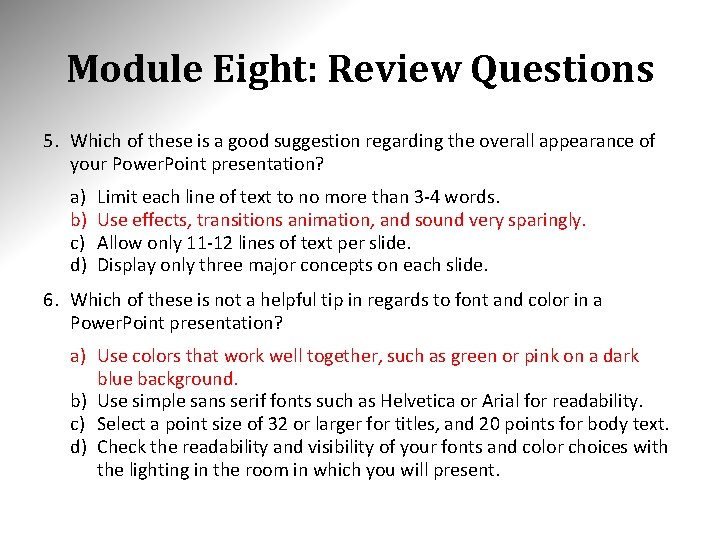
Module Eight: Review Questions 5. Which of these is a good suggestion regarding the overall appearance of your Power. Point presentation? a) b) c) d) Limit each line of text to no more than 3 -4 words. Use effects, transitions animation, and sound very sparingly. Allow only 11 -12 lines of text per slide. Display only three major concepts on each slide. 6. Which of these is not a helpful tip in regards to font and color in a Power. Point presentation? a) Use colors that work well together, such as green or pink on a dark blue background. b) Use simple sans serif fonts such as Helvetica or Arial for readability. c) Select a point size of 32 or larger for titles, and 20 points for body text. d) Check the readability and visibility of your fonts and color choices with the lighting in the room in which you will present.
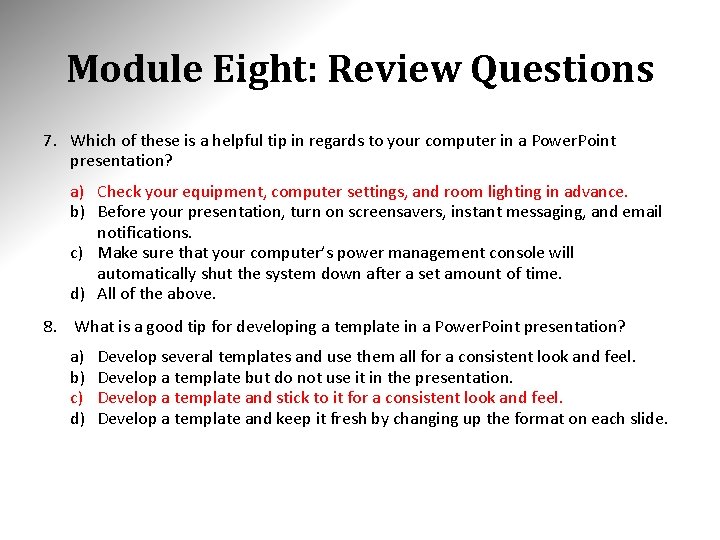
Module Eight: Review Questions 7. Which of these is a helpful tip in regards to your computer in a Power. Point presentation? a) Check your equipment, computer settings, and room lighting in advance. b) Before your presentation, turn on screensavers, instant messaging, and email notifications. c) Make sure that your computer’s power management console will automatically shut the system down after a set amount of time. d) All of the above. 8. What is a good tip for developing a template in a Power. Point presentation? a) b) c) d) Develop several templates and use them all for a consistent look and feel. Develop a template but do not use it in the presentation. Develop a template and stick to it for a consistent look and feel. Develop a template and keep it fresh by changing up the format on each slide.
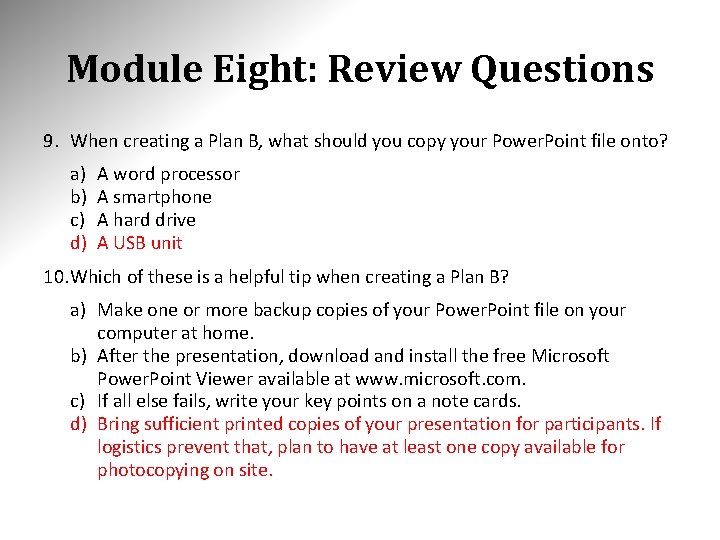
Module Eight: Review Questions 9. When creating a Plan B, what should you copy your Power. Point file onto? a) b) c) d) A word processor A smartphone A hard drive A USB unit 10. Which of these is a helpful tip when creating a Plan B? a) Make one or more backup copies of your Power. Point file on your computer at home. b) After the presentation, download and install the free Microsoft Power. Point Viewer available at www. microsoft. com. c) If all else fails, write your key points on a note cards. d) Bring sufficient printed copies of your presentation for participants. If logistics prevent that, plan to have at least one copy available for photocopying on site.
Module Eight: Review Questions 1. What is the definition of Microsoft Power. Point? a) A word processor developed by Microsoft. b) A spreadsheet application that features calculation, graphing tools, and pivot tables. c) A commanding tool for creating visual screens for a presentation. d) A database system from Microsoft. 2. What is a benefit of using Microsoft Power. Point? a) Makes it easier to display images, charts, or graphs possibly too complex for a flip chart. b) Publishes and maintains blogs from Office Word. c) Connects your documents to business information. d) Tables, queries, forms, and reports build upon each other and make up the heart of a database application.
Module Eight: Review Questions 3. Which is a tool you’ll need to create and use a Microsoft Power. Point file to support your presentation outline? a) A handwritten flipchart, with all the pages filled out ahead of time. b) An LCD or DLP projector. c) Microsoft Office Access software for Microsoft Windows or Macintosh OS. d) A Windows or a MAC computer equipped with the minimum hardware and software specifications for your version of Microsoft Excel. 4. Optionally, what may you wish to add to your toolkit when giving a Power. Point presentation? a) Storage media such as a USB memory stick or CD-R disc. b) An extension cord. c) A laser pointer for emphasis during the discussion of a Power. Point slide. d) All of the above.
Module Eight: Review Questions 5. Which of these is a good suggestion regarding the overall appearance of your Power. Point presentation? a) b) c) d) Limit each line of text to no more than 3 -4 words. Use effects, transitions animation, and sound very sparingly. Allow only 11 -12 lines of text per slide. Display only three major concepts on each slide. 6. Which of these is not a helpful tip in regards to font and color in a Power. Point presentation? a) Use colors that work well together, such as green or pink on a dark blue background. b) Use simple sans serif fonts such as Helvetica or Arial for readability. c) Select a point size of 32 or larger for titles, and 20 points for body text. d) Check the readability and visibility of your fonts and color choices with the lighting in the room in which you will present.
Module Eight: Review Questions 7. Which of these is a helpful tip in regards to your computer in a Power. Point presentation? a) Check your equipment, computer settings, and room lighting in advance. b) Before your presentation, turn on screensavers, instant messaging, and email notifications. c) Make sure that your computer’s power management console will automatically shut the system down after a set amount of time. d) All of the above. 8. What is a good tip for developing a template in a Power. Point presentation? a) b) c) d) Develop several templates and use them all for a consistent look and feel. Develop a template but do not use it in the presentation. Develop a template and stick to it for a consistent look and feel. Develop a template and keep it fresh by changing up the format on each slide.
Module Eight: Review Questions 9. When creating a Plan B, what should you copy your Power. Point file onto? a) b) c) d) A word processor A smartphone A hard drive A USB unit 10. Which of these is a helpful tip when creating a Plan B? a) Make one or more backup copies of your Power. Point file on your computer at home. b) After the presentation, download and install the free Microsoft Power. Point Viewer available at www. microsoft. com. c) If all else fails, write your key points on a note cards. d) Bring sufficient printed copies of your presentation for participants. If logistics prevent that, plan to have at least one copy available for photocopying on site.
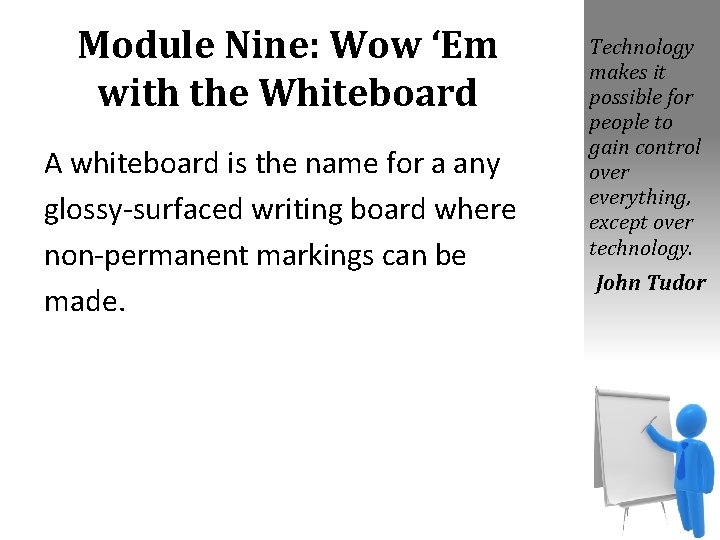
Module Nine: Wow ‘Em with the Whiteboard A whiteboard is the name for a any glossy-surfaced writing board where non-permanent markings can be made. Technology makes it possible for people to gain control over everything, except over technology. John Tudor
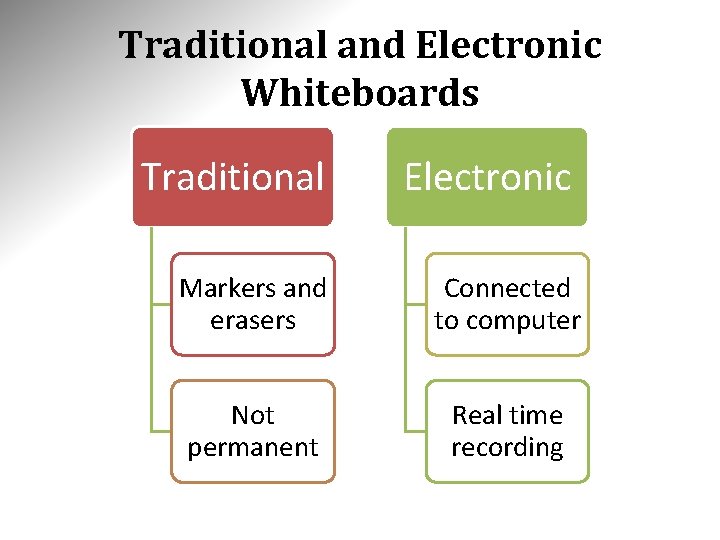
Traditional and Electronic Whiteboards Traditional Electronic Markers and erasers Connected to computer Not permanent Real time recording
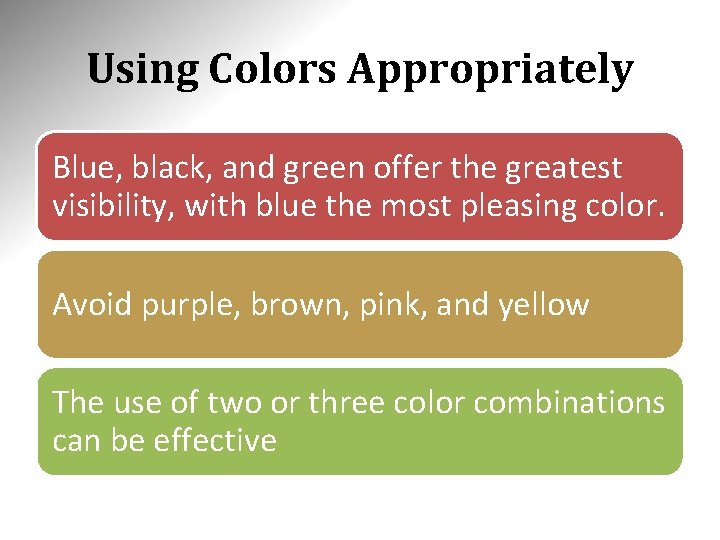
Using Colors Appropriately Blue, black, and green offer the greatest visibility, with blue the most pleasing color. Avoid purple, brown, pink, and yellow The use of two or three color combinations can be effective
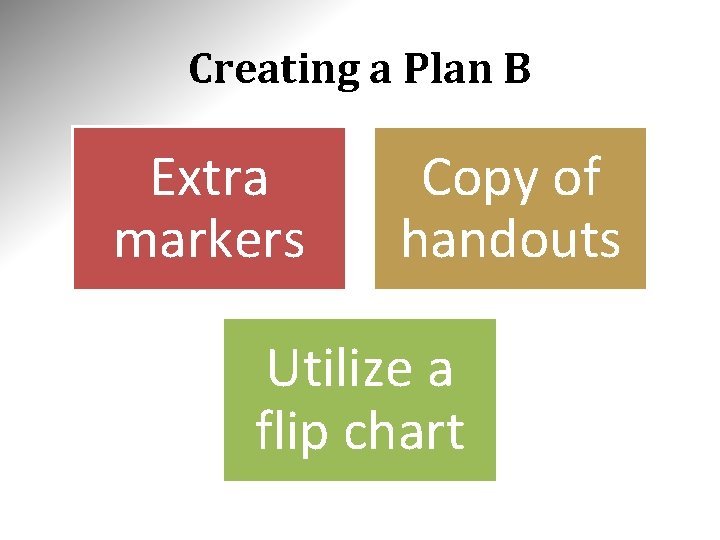
Creating a Plan B Extra markers Copy of handouts Utilize a flip chart
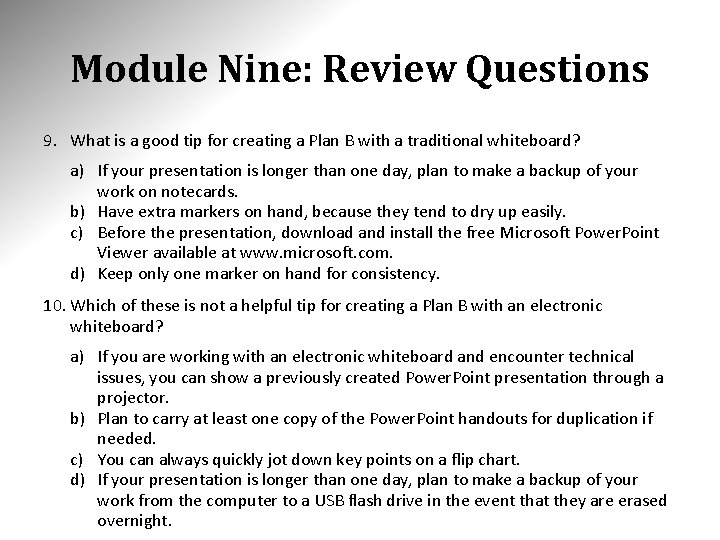
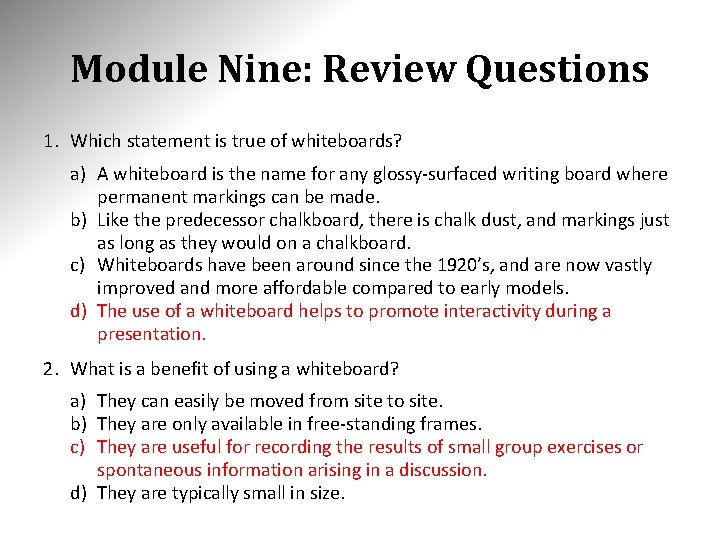
Module Nine: Review Questions 1. Which statement is true of whiteboards? a) A whiteboard is the name for any glossy-surfaced writing board where permanent markings can be made. b) Like the predecessor chalkboard, there is chalk dust, and markings just as long as they would on a chalkboard. c) Whiteboards have been around since the 1920’s, and are now vastly improved and more affordable compared to early models. d) The use of a whiteboard helps to promote interactivity during a presentation. 2. What is a benefit of using a whiteboard? a) They can easily be moved from site to site. b) They are only available in free-standing frames. c) They are useful for recording the results of small group exercises or spontaneous information arising in a discussion. d) They are typically small in size.
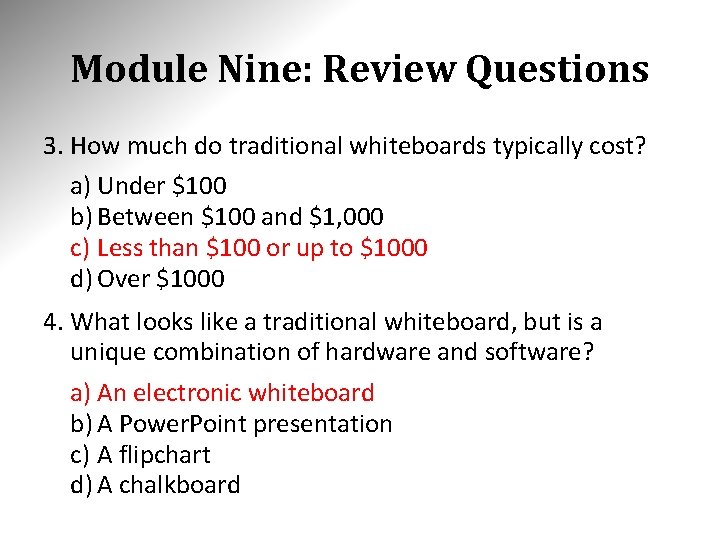
Module Nine: Review Questions 3. How much do traditional whiteboards typically cost? a) Under $100 b) Between $100 and $1, 000 c) Less than $100 or up to $1000 d) Over $1000 4. What looks like a traditional whiteboard, but is a unique combination of hardware and software? a) An electronic whiteboard b) A Power. Point presentation c) A flipchart d) A chalkboard
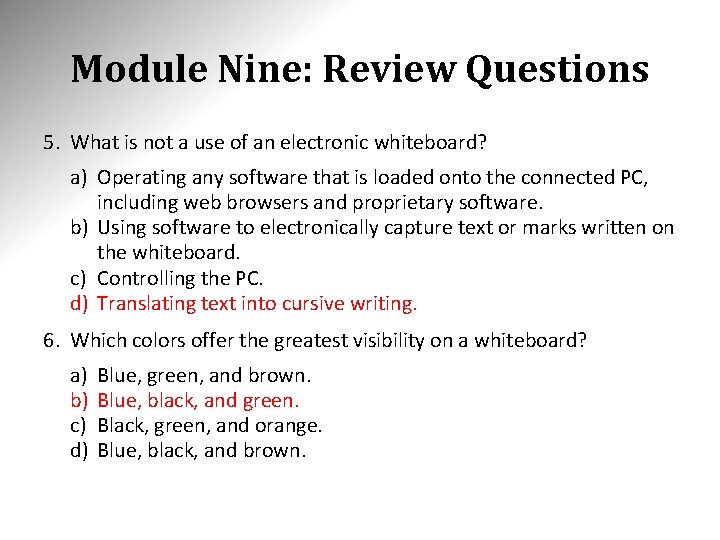
Module Nine: Review Questions 5. What is not a use of an electronic whiteboard? a) Operating any software that is loaded onto the connected PC, including web browsers and proprietary software. b) Using software to electronically capture text or marks written on the whiteboard. c) Controlling the PC. d) Translating text into cursive writing. 6. Which colors offer the greatest visibility on a whiteboard? a) b) c) d) Blue, green, and brown. Blue, black, and green. Black, green, and orange. Blue, black, and brown.
Module Nine: Review Questions 7. What is the most pleasing color on a whiteboard? a) Blue b) Black c) White d) Green 8. Which is a color to avoid with any general printing? a) Green b) Brown c) Yellow d) Blue
Module Nine: Review Questions 9. What is a good tip for creating a Plan B with a traditional whiteboard? a) If your presentation is longer than one day, plan to make a backup of your work on notecards. b) Have extra markers on hand, because they tend to dry up easily. c) Before the presentation, download and install the free Microsoft Power. Point Viewer available at www. microsoft. com. d) Keep only one marker on hand for consistency. 10. Which of these is not a helpful tip for creating a Plan B with an electronic whiteboard? a) If you are working with an electronic whiteboard and encounter technical issues, you can show a previously created Power. Point presentation through a projector. b) Plan to carry at least one copy of the Power. Point handouts for duplication if needed. c) You can always quickly jot down key points on a flip chart. d) If your presentation is longer than one day, plan to make a backup of your work from the computer to a USB flash drive in the event that they are erased overnight.
Module Nine: Review Questions 1. Which statement is true of whiteboards? a) A whiteboard is the name for any glossy-surfaced writing board where permanent markings can be made. b) Like the predecessor chalkboard, there is chalk dust, and markings just as long as they would on a chalkboard. c) Whiteboards have been around since the 1920’s, and are now vastly improved and more affordable compared to early models. d) The use of a whiteboard helps to promote interactivity during a presentation. 2. What is a benefit of using a whiteboard? a) They can easily be moved from site to site. b) They are only available in free-standing frames. c) They are useful for recording the results of small group exercises or spontaneous information arising in a discussion. d) They are typically small in size.
Module Nine: Review Questions 3. How much do traditional whiteboards typically cost? a) Under $100 b) Between $100 and $1, 000 c) Less than $100 or up to $1000 d) Over $1000 4. What looks like a traditional whiteboard, but is a unique combination of hardware and software? a) An electronic whiteboard b) A Power. Point presentation c) A flipchart d) A chalkboard
Module Nine: Review Questions 5. What is not a use of an electronic whiteboard? a) Operating any software that is loaded onto the connected PC, including web browsers and proprietary software. b) Using software to electronically capture text or marks written on the whiteboard. c) Controlling the PC. d) Translating text into cursive writing. 6. Which colors offer the greatest visibility on a whiteboard? a) b) c) d) Blue, green, and brown. Blue, black, and green. Black, green, and orange. Blue, black, and brown.
Module Nine: Review Questions 7. What is the most pleasing color on a whiteboard? a) Blue b) Black c) White d) Green 8. Which is a color to avoid with any general printing? a) Green b) Brown c) Yellow d) Blue
Module Nine: Review Questions 9. What is a good tip for creating a Plan B with a traditional whiteboard? a) If your presentation is longer than one day, plan to make a backup of your work on notecards. b) Have extra markers on hand, because they tend to dry up easily. c) Before the presentation, download and install the free Microsoft Power. Point Viewer available at www. microsoft. com. d) Keep only one marker on hand for consistency. 10. Which of these is not a helpful tip for creating a Plan B with an electronic whiteboard? a) If you are working with an electronic whiteboard and encounter technical issues, you can show a previously created Power. Point presentation through a projector. b) Plan to carry at least one copy of the Power. Point handouts for duplication if needed. c) You can always quickly jot down key points on a flip chart. d) If your presentation is longer than one day, plan to make a backup of your work from the computer to a USB flash drive in the event that they are erased overnight.
Module Ten: Vibrant Videos and Amazing Audio and video are very much a part of our everyday lives, so they are accepted --and even expected media in a presentation. There are three main ways to obtain video material: 1. Creating your own media using a small personal video camera 2. Purchasing off-the-shelf video designed for training presentations 3. Hiring a professional video production company. A good video can make all the difference. Brian May
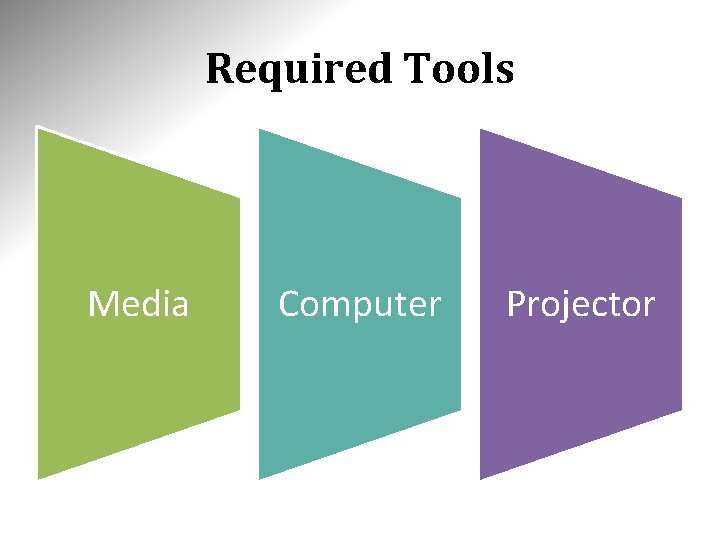
Required Tools Media Computer Projector
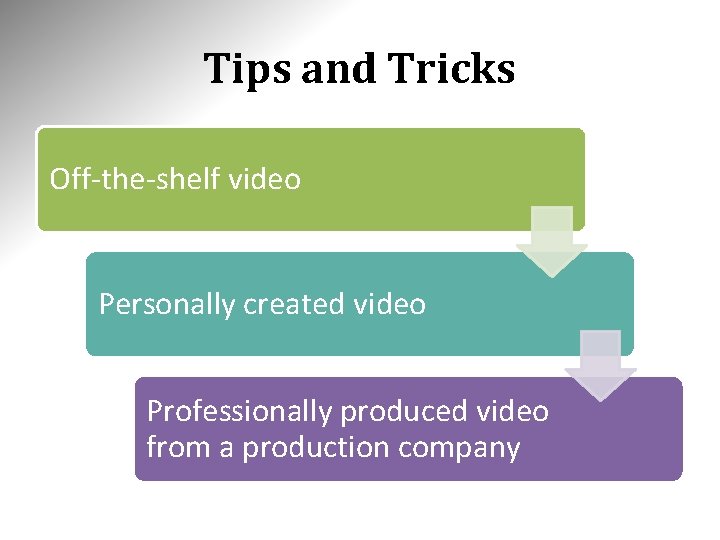
Tips and Tricks Off-the-shelf video Personally created video Professionally produced video from a production company
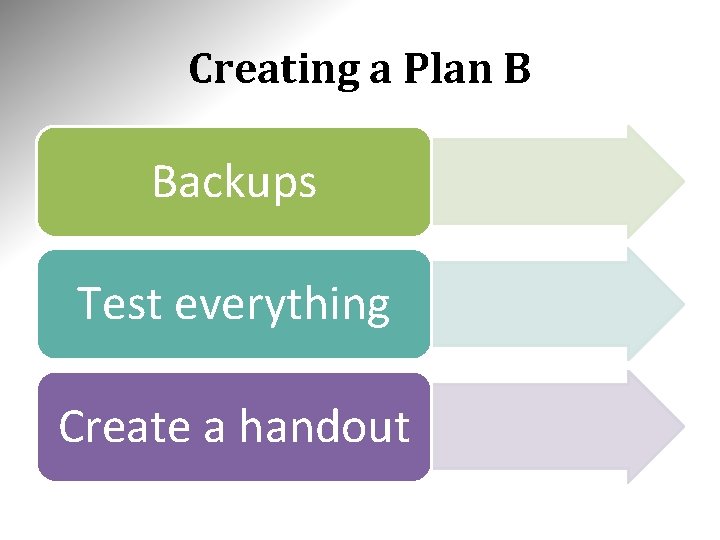
Creating a Plan B Backups Test everything Create a handout
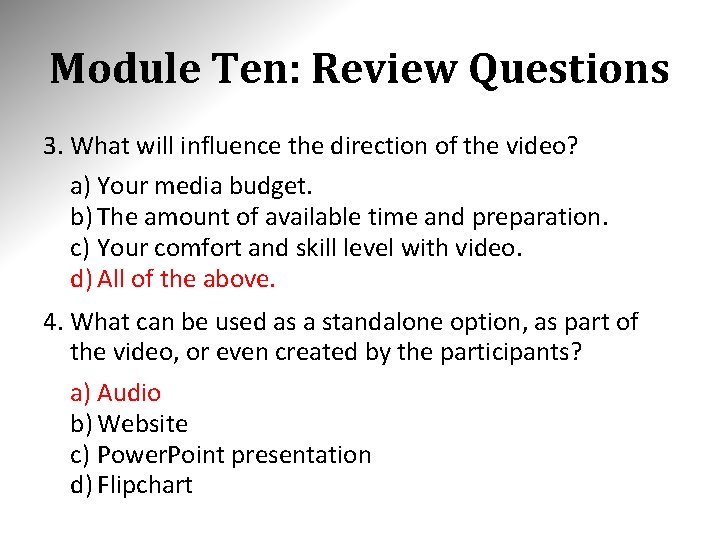
Module Ten: Review Questions 1. Which statement is not true of audio and video in a presentation? a) Video and audio both represent a two-way communication to participants. b) Audio and video are very much a part of our everyday lives, so they are accepted --and even expected media in a presentation. c) They are attractive options for a presentation because they provide learners with more dimensions by which to receive information. d) The opportunity to use them as part of learning exercises or in the ensuing discussions adds value to the presentation. 2. What is a way to obtain video material? a) b) c) d) Borrowing off-the-shelf video designed for training presentations. Creating your own media splicing together video from websites online. Hiring a professional video production company. Becoming a professional video production company.
Module Ten: Review Questions 3. What will influence the direction of the video? a) Your media budget. b) The amount of available time and preparation. c) Your comfort and skill level with video. d) All of the above. 4. What can be used as a standalone option, as part of the video, or even created by the participants? a) Audio b) Website c) Power. Point presentation d) Flipchart
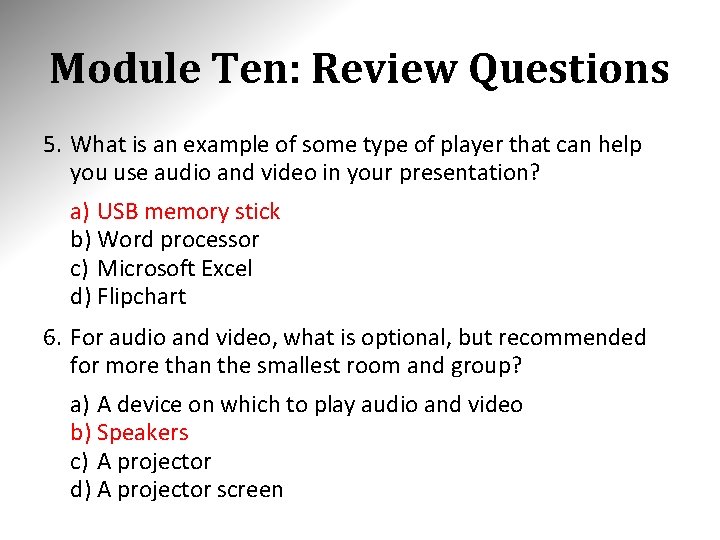
Module Ten: Review Questions 5. What is an example of some type of player that can help you use audio and video in your presentation? a) USB memory stick b) Word processor c) Microsoft Excel d) Flipchart 6. For audio and video, what is optional, but recommended for more than the smallest room and group? a) A device on which to play audio and video b) Speakers c) A projector d) A projector screen
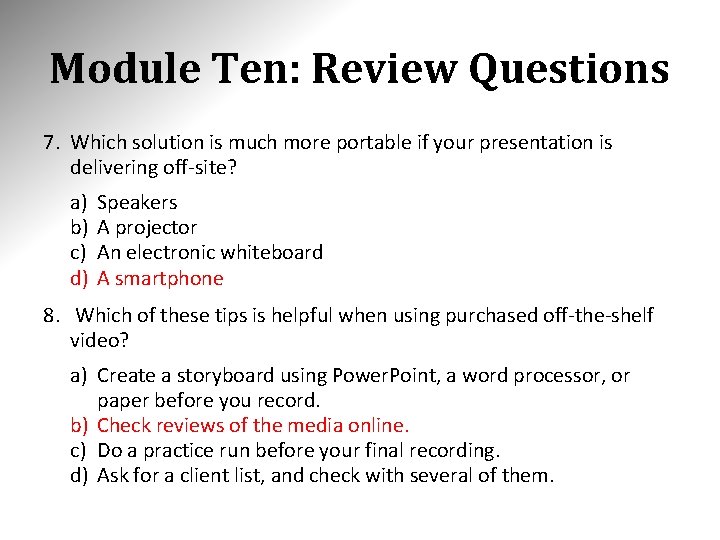
Module Ten: Review Questions 7. Which solution is much more portable if your presentation is delivering off-site? a) b) c) d) Speakers A projector An electronic whiteboard A smartphone 8. Which of these tips is helpful when using purchased off-the-shelf video? a) Create a storyboard using Power. Point, a word processor, or paper before you record. b) Check reviews of the media online. c) Do a practice run before your final recording. d) Ask for a client list, and check with several of them.
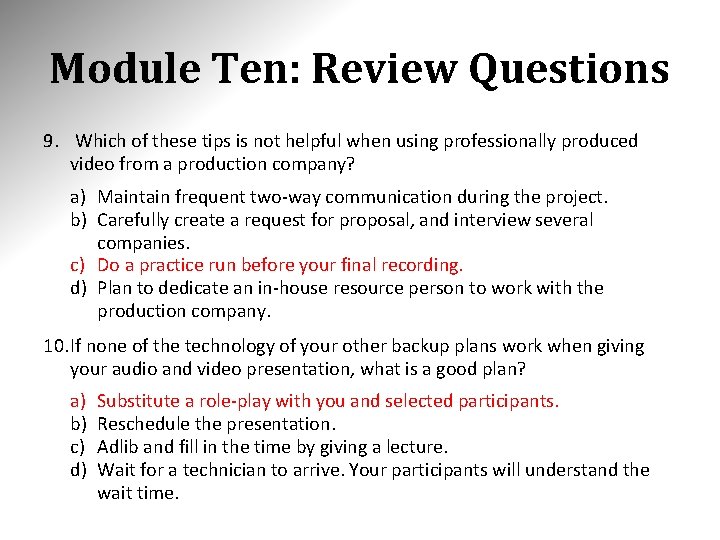
Module Ten: Review Questions 9. Which of these tips is not helpful when using professionally produced video from a production company? a) Maintain frequent two-way communication during the project. b) Carefully create a request for proposal, and interview several companies. c) Do a practice run before your final recording. d) Plan to dedicate an in-house resource person to work with the production company. 10. If none of the technology of your other backup plans work when giving your audio and video presentation, what is a good plan? a) b) c) d) Substitute a role-play with you and selected participants. Reschedule the presentation. Adlib and fill in the time by giving a lecture. Wait for a technician to arrive. Your participants will understand the wait time.
Module Ten: Review Questions 1. Which statement is not true of audio and video in a presentation? a) Video and audio both represent a two-way communication to participants. b) Audio and video are very much a part of our everyday lives, so they are accepted --and even expected media in a presentation. c) They are attractive options for a presentation because they provide learners with more dimensions by which to receive information. d) The opportunity to use them as part of learning exercises or in the ensuing discussions adds value to the presentation. 2. What is a way to obtain video material? a) b) c) d) Borrowing off-the-shelf video designed for training presentations. Creating your own media splicing together video from websites online. Hiring a professional video production company. Becoming a professional video production company.
Module Ten: Review Questions 3. What will influence the direction of the video? a) Your media budget. b) The amount of available time and preparation. c) Your comfort and skill level with video. d) All of the above. 4. What can be used as a standalone option, as part of the video, or even created by the participants? a) Audio b) Website c) Power. Point presentation d) Flipchart
Module Ten: Review Questions 5. What is an example of some type of player that can help you use audio and video in your presentation? a) USB memory stick b) Word processor c) Microsoft Excel d) Flipchart 6. For audio and video, what is optional, but recommended for more than the smallest room and group? a) A device on which to play audio and video b) Speakers c) A projector d) A projector screen
Module Ten: Review Questions 7. Which solution is much more portable if your presentation is delivering off-site? a) b) c) d) Speakers A projector An electronic whiteboard A smartphone 8. Which of these tips is helpful when using purchased off-the-shelf video? a) Create a storyboard using Power. Point, a word processor, or paper before you record. b) Check reviews of the media online. c) Do a practice run before your final recording. d) Ask for a client list, and check with several of them.
Module Ten: Review Questions 9. Which of these tips is not helpful when using professionally produced video from a production company? a) Maintain frequent two-way communication during the project. b) Carefully create a request for proposal, and interview several companies. c) Do a practice run before your final recording. d) Plan to dedicate an in-house resource person to work with the production company. 10. If none of the technology of your other backup plans work when giving your audio and video presentation, what is a good plan? a) b) c) d) Substitute a role-play with you and selected participants. Reschedule the presentation. Adlib and fill in the time by giving a lecture. Wait for a technician to arrive. Your participants will understand the wait time.
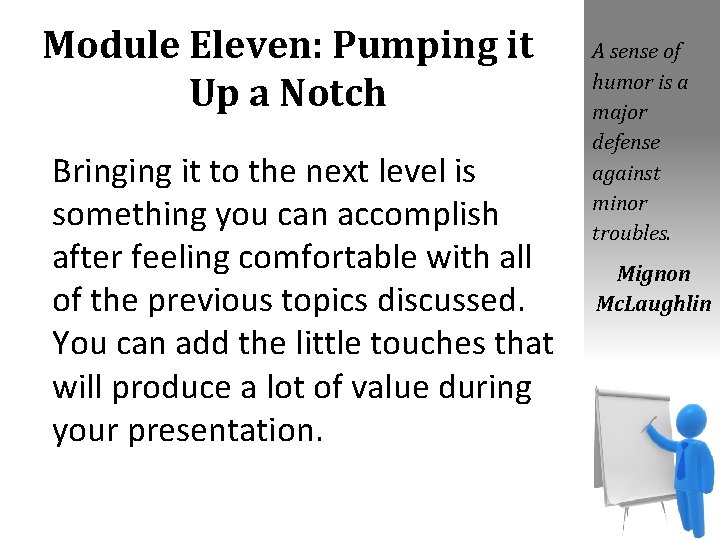
Module Eleven: Pumping it Up a Notch Bringing it to the next level is something you can accomplish after feeling comfortable with all of the previous topics discussed. You can add the little touches that will produce a lot of value during your presentation. A sense of humor is a major defense against minor troubles. Mignon Mc. Laughlin
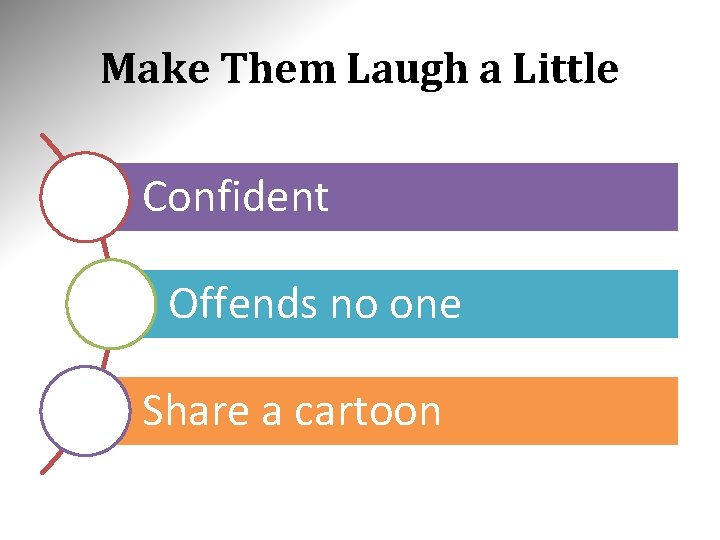
Make Them Laugh a Little Confident Offends no one Share a cartoon
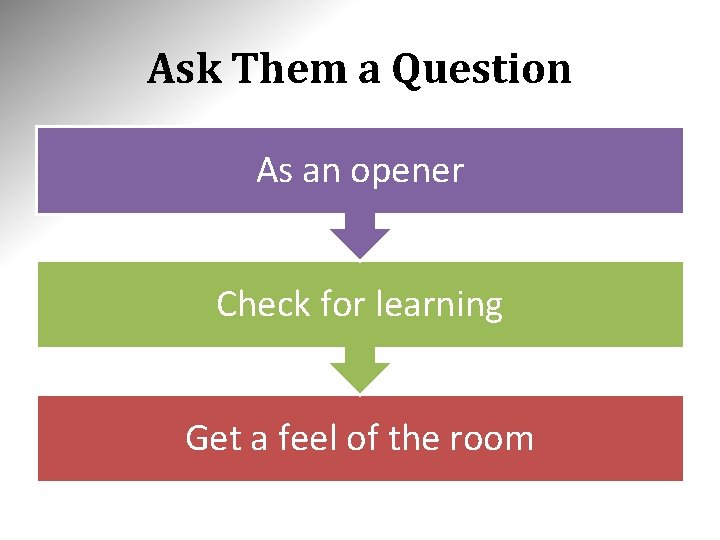
Ask Them a Question As an opener Check for learning Get a feel of the room
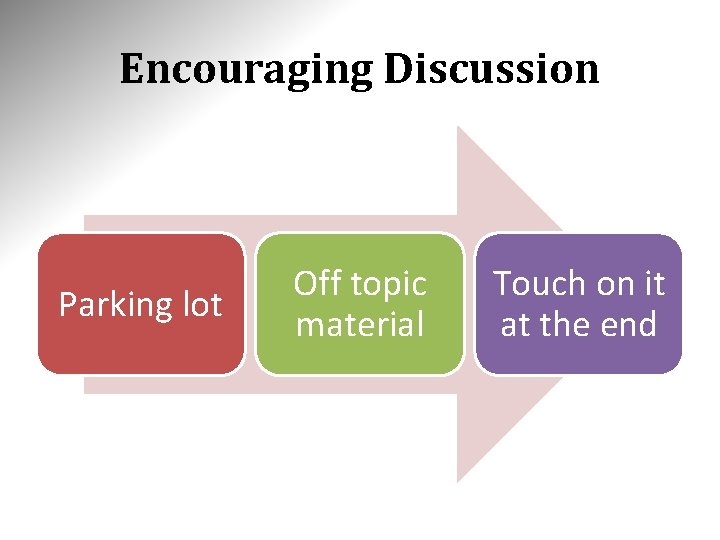
Encouraging Discussion Parking lot Off topic material Touch on it at the end
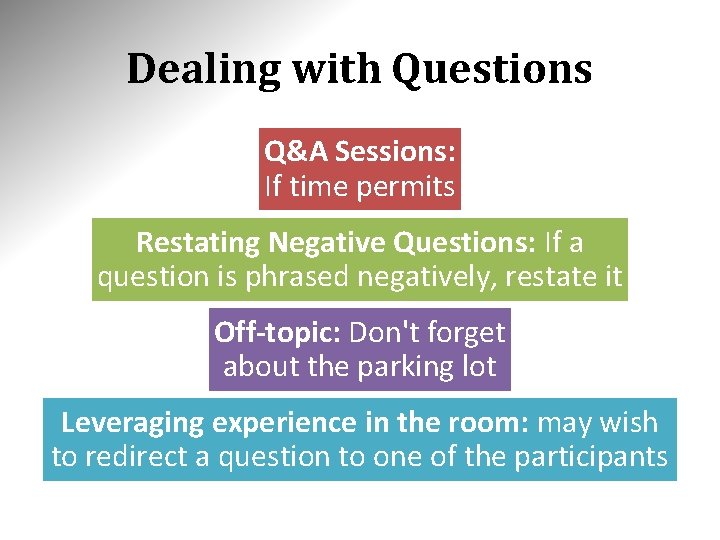
Dealing with Questions Q&A Sessions: If time permits Restating Negative Questions: If a question is phrased negatively, restate it Off-topic: Don't forget about the parking lot Leveraging experience in the room: may wish to redirect a question to one of the participants
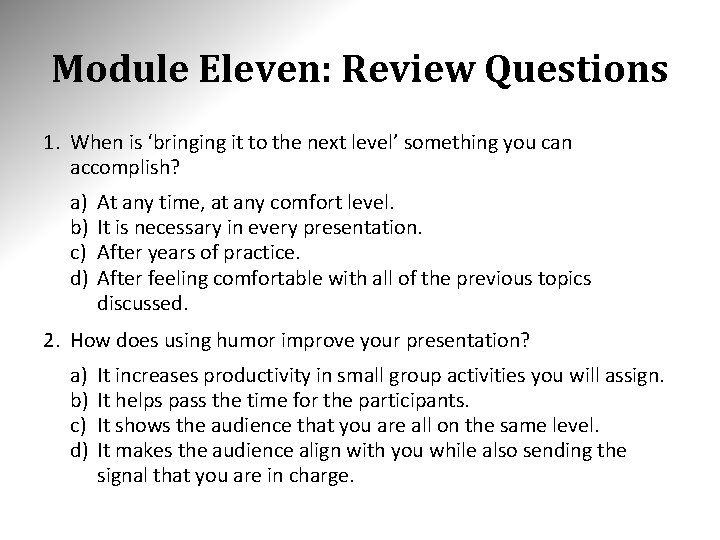
Module Eleven: Review Questions 1. When is ‘bringing it to the next level’ something you can accomplish? a) b) c) d) At any time, at any comfort level. It is necessary in every presentation. After years of practice. After feeling comfortable with all of the previous topics discussed. 2. How does using humor improve your presentation? a) b) c) d) It increases productivity in small group activities you will assign. It helps pass the time for the participants. It shows the audience that you are all on the same level. It makes the audience align with you while also sending the signal that you are in charge.
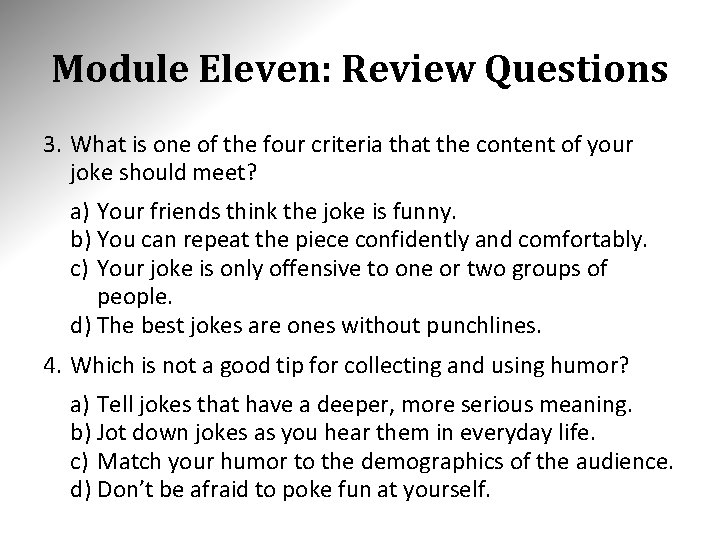
Module Eleven: Review Questions 3. What is one of the four criteria that the content of your joke should meet? a) Your friends think the joke is funny. b) You can repeat the piece confidently and comfortably. c) Your joke is only offensive to one or two groups of people. d) The best jokes are ones without punchlines. 4. Which is not a good tip for collecting and using humor? a) Tell jokes that have a deeper, more serious meaning. b) Jot down jokes as you hear them in everyday life. c) Match your humor to the demographics of the audience. d) Don’t be afraid to poke fun at yourself.
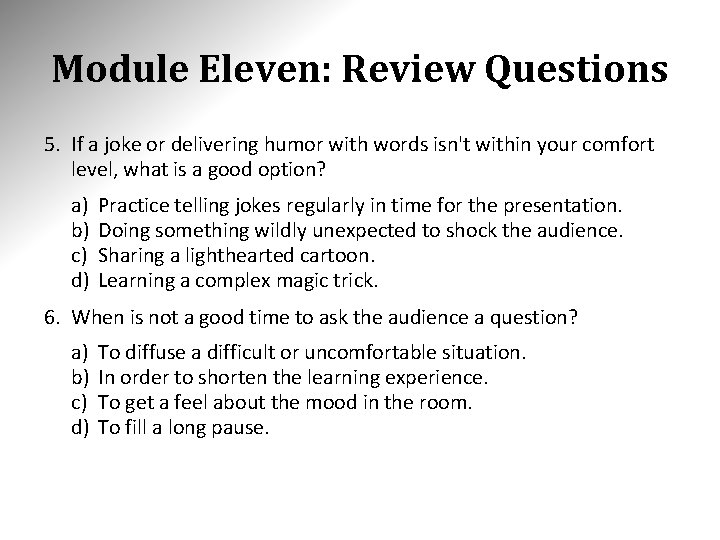
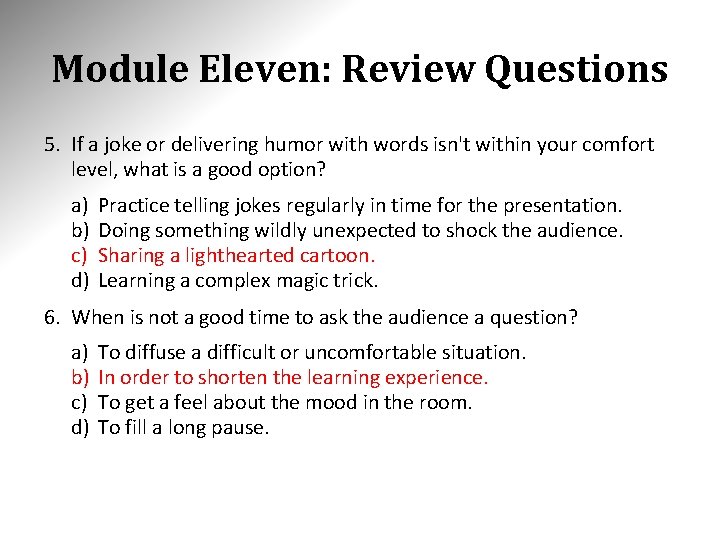
Module Eleven: Review Questions 5. If a joke or delivering humor with words isn't within your comfort level, what is a good option? a) b) c) d) Practice telling jokes regularly in time for the presentation. Doing something wildly unexpected to shock the audience. Sharing a lighthearted cartoon. Learning a complex magic trick. 6. When is not a good time to ask the audience a question? a) b) c) d) To diffuse a difficult or uncomfortable situation. In order to shorten the learning experience. To get a feel about the mood in the room. To fill a long pause.
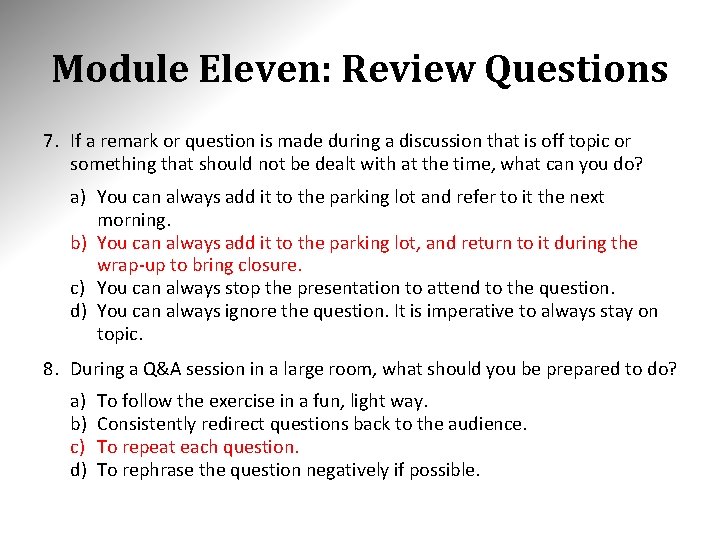
Module Eleven: Review Questions 7. If a remark or question is made during a discussion that is off topic or something that should not be dealt with at the time, what can you do? a) You can always add it to the parking lot and refer to it the next morning. b) You can always add it to the parking lot, and return to it during the wrap-up to bring closure. c) You can always stop the presentation to attend to the question. d) You can always ignore the question. It is imperative to always stay on topic. 8. During a Q&A session in a large room, what should you be prepared to do? a) b) c) d) To follow the exercise in a fun, light way. Consistently redirect questions back to the audience. To repeat each question. To rephrase the question negatively if possible.
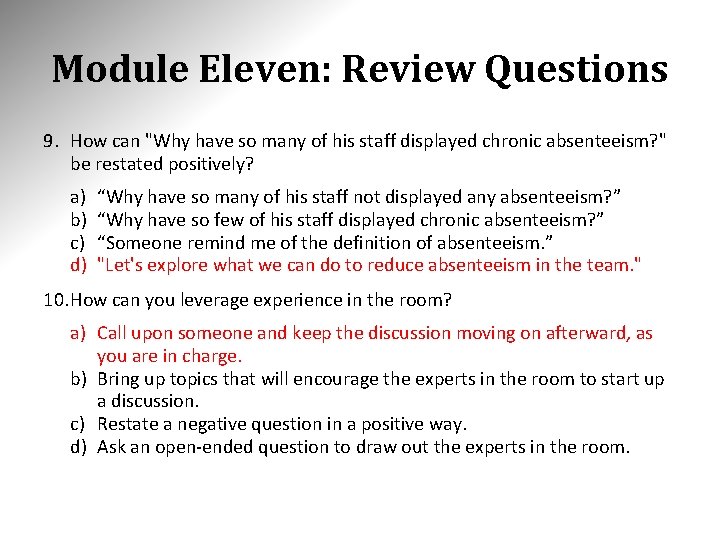
Module Eleven: Review Questions 9. How can "Why have so many of his staff displayed chronic absenteeism? " be restated positively? a) b) c) d) “Why have so many of his staff not displayed any absenteeism? ” “Why have so few of his staff displayed chronic absenteeism? ” “Someone remind me of the definition of absenteeism. ” "Let's explore what we can do to reduce absenteeism in the team. " 10. How can you leverage experience in the room? a) Call upon someone and keep the discussion moving on afterward, as you are in charge. b) Bring up topics that will encourage the experts in the room to start up a discussion. c) Restate a negative question in a positive way. d) Ask an open-ended question to draw out the experts in the room.
Module Eleven: Review Questions 1. When is ‘bringing it to the next level’ something you can accomplish? a) b) c) d) At any time, at any comfort level. It is necessary in every presentation. After years of practice. After feeling comfortable with all of the previous topics discussed. 2. How does using humor improve your presentation? a) b) c) d) It increases productivity in small group activities you will assign. It helps pass the time for the participants. It shows the audience that you are all on the same level. It makes the audience align with you while also sending the signal that you are in charge.
Module Eleven: Review Questions 3. What is one of the four criteria that the content of your joke should meet? a) Your friends think the joke is funny. b) You can repeat the piece confidently and comfortably. c) Your joke is only offensive to one or two groups of people. d) The best jokes are ones without punchlines. 4. Which is not a good tip for collecting and using humor? a) Tell jokes that have a deeper, more serious meaning. b) Jot down jokes as you hear them in everyday life. c) Match your humor to the demographics of the audience. d) Don’t be afraid to poke fun at yourself.
Module Eleven: Review Questions 5. If a joke or delivering humor with words isn't within your comfort level, what is a good option? a) b) c) d) Practice telling jokes regularly in time for the presentation. Doing something wildly unexpected to shock the audience. Sharing a lighthearted cartoon. Learning a complex magic trick. 6. When is not a good time to ask the audience a question? a) b) c) d) To diffuse a difficult or uncomfortable situation. In order to shorten the learning experience. To get a feel about the mood in the room. To fill a long pause.
Module Eleven: Review Questions 7. If a remark or question is made during a discussion that is off topic or something that should not be dealt with at the time, what can you do? a) You can always add it to the parking lot and refer to it the next morning. b) You can always add it to the parking lot, and return to it during the wrap-up to bring closure. c) You can always stop the presentation to attend to the question. d) You can always ignore the question. It is imperative to always stay on topic. 8. During a Q&A session in a large room, what should you be prepared to do? a) b) c) d) To follow the exercise in a fun, light way. Consistently redirect questions back to the audience. To repeat each question. To rephrase the question negatively if possible.
Module Eleven: Review Questions 9. How can "Why have so many of his staff displayed chronic absenteeism? " be restated positively? a) b) c) d) “Why have so many of his staff not displayed any absenteeism? ” “Why have so few of his staff displayed chronic absenteeism? ” “Someone remind me of the definition of absenteeism. ” "Let's explore what we can do to reduce absenteeism in the team. " 10. How can you leverage experience in the room? a) Call upon someone and keep the discussion moving on afterward, as you are in charge. b) Bring up topics that will encourage the experts in the room to start up a discussion. c) Restate a negative question in a positive way. d) Ask an open-ended question to draw out the experts in the room.
Module Twelve: Wrapping Up Although this workshop is coming to a close, we hope that your journey to improve your Presentation Skills is just beginning. Please take a moment to review and update your action plan. This will be a key tool to guide your progress in the days, weeks, months, and years to come. We wish you the best of luck on the rest of your travels! In my end is my beginning. T. S. Eliot
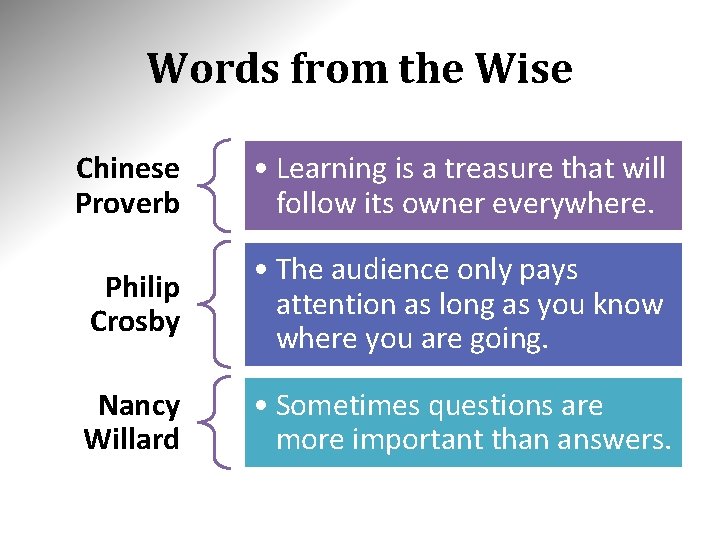
Words from the Wise Chinese Proverb • Learning is a treasure that will follow its owner everywhere. Philip Crosby • The audience only pays attention as long as you know where you are going. Nancy Willard • Sometimes questions are more important than answers.