Lemur Toolkit Tutorial Introductions Paul Ogilvie Trevor Strohman
![Other Techniques ¡(Pseudo-) Relevance Feedback ¤Relevance Models [Lavrenko 2001] ¤Markov Chains [Lafferty and Zhai](https://slidetodoc.com/presentation_image_h/f5a4b00d663a3b5f12b15a2e638dae7f/image-12.jpg "Other Techniques ¡(Pseudo-) Relevance Feedback ¤Relevance Models [Lavrenko 2001] ¤Markov Chains [Lafferty and Zhai")
 return only title fields](https://slidetodoc.com/presentation_image_h/f5a4b00d663a3b5f12b15a2e638dae7f/image-51.jpg "Field/Passage Retrieval name field retrieval example behavior #combine[title]( query ) return only title fields")

- Slides: 110
Lemur Toolkit Tutorial
Introductions ¡Paul Ogilvie ¡Trevor Strohman
Installation ¡Linux, OS/X: ¤Extract software/lemur-4. 3. 2. tar. gz ¤. /configure --prefix=/install/path ¤. /make install ¡Windows ¤Run software/lemur-4. 3. 2 -install. exe ¤Documentation in windoc/index. html
Overview ¡Background in Language Modeling in Information Retrieval ¡Basic application usage ¤Building an index ¤Running queries ¤Evaluating results ¡Indri query language ¡ Coffee break
Overview (part 2) ¡Indexing your own data ¡Using Parsed. Document ¡Indexing document fields ¡Using dumpindex ¡Using the Indri and classic Lemur APIs ¡Getting help
Overview ¡Background ¤The Toolkit ¤Language Modeling in Information Retrieval ¡Basic application usage ¤Building an index ¤Running queries ¤Evaluating results ¡Indri query language ¡ Coffee break
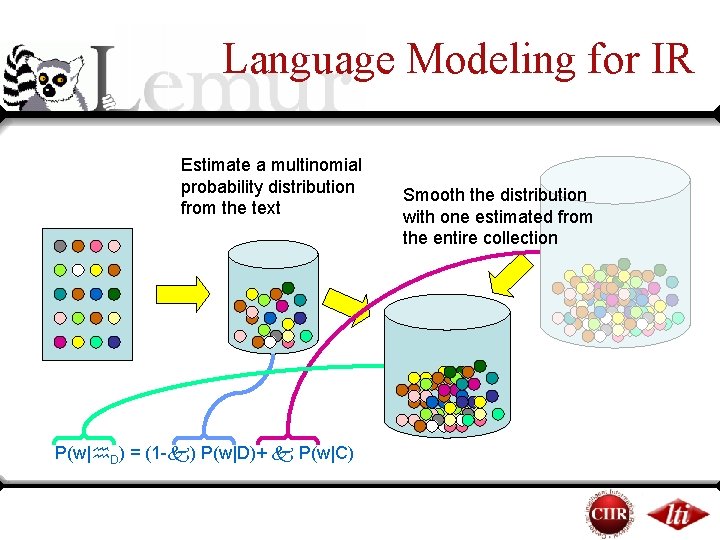
Language Modeling for IR Estimate a multinomial probability distribution from the text P(w| D) = (1 - ) P(w|D)+ P(w|C) Smooth the distribution with one estimated from the entire collection
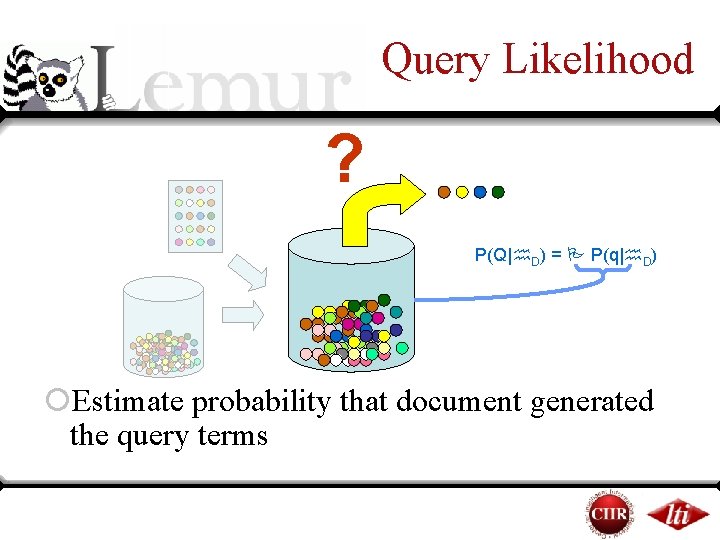
Query Likelihood ? P(Q| D) = P(q| D) ¡Estimate probability that document generated the query terms
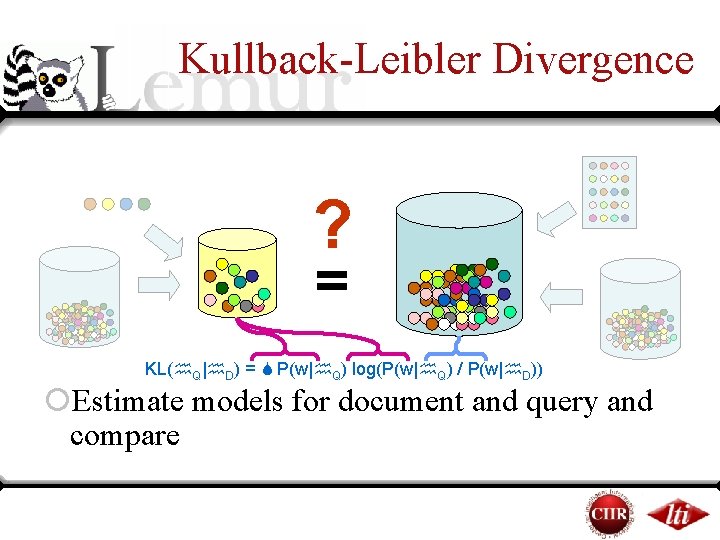
Kullback-Leibler Divergence ? = KL( Q| D) = P(w| Q) log(P(w| Q) / P(w| D)) ¡Estimate models for document and query and compare
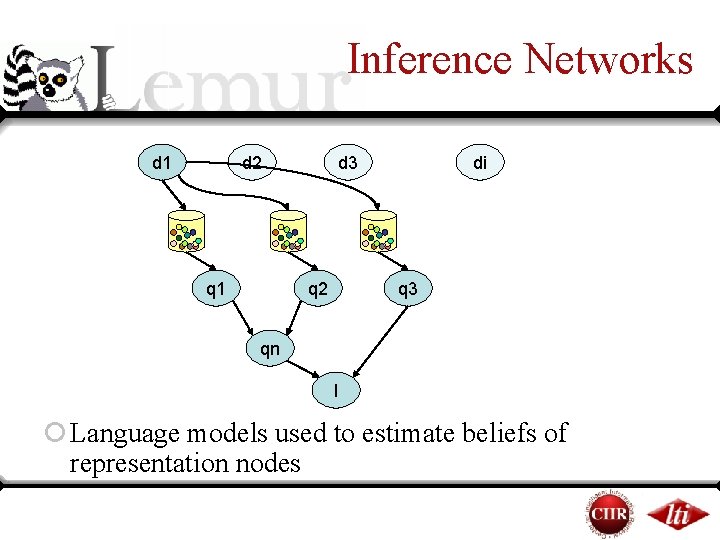
Inference Networks d 1 d 2 q 1 d 3 q 2 di q 3 qn I ¡ Language models used to estimate beliefs of representation nodes
Summary of Ranking ¡ Techniques use simple multinomial probability distributions to model vocabulary usage ¡ The distributions are smoothed with a collection model to prevent zero probabilities ¤This has an idf-like effect on ranking ¡ Documents are ranked through generative or distribution similarity measures ¡ Inference networks allow structured queries – beliefs estimated are related to generative probabilities
Other Techniques ¡(Pseudo-) Relevance Feedback ¤Relevance Models [Lavrenko 2001] ¤Markov Chains [Lafferty and Zhai 2001] ¡n-Grams [Song and Croft 1999] ¡Term Dependencies [Gao et al 2004, Metzler and Croft 2005]
Overview ¡Background ¤The Toolkit ¤Language Modeling in Information Retrieval ¡Basic application usage ¤Building an index ¤Running queries ¤Evaluating results ¡Indri query language ¡ Coffee break
Indexing ¡Document Preparation ¡Indexing Parameters ¡Time and Space Requirements
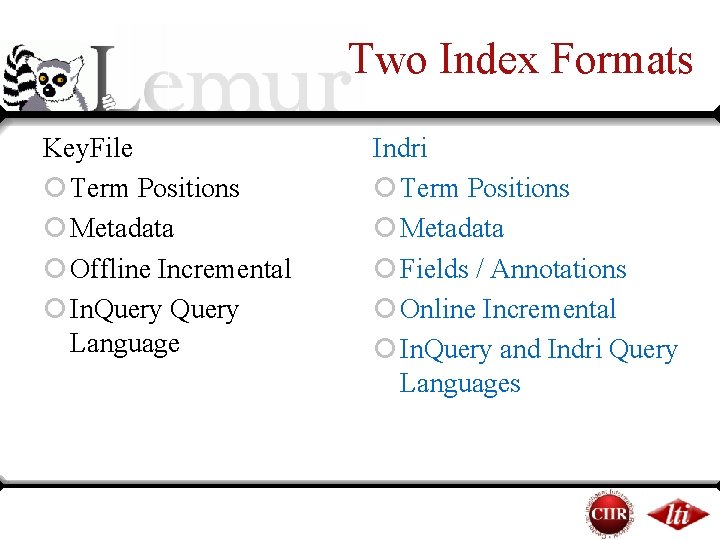
Two Index Formats Key. File ¡ Term Positions ¡ Metadata ¡ Offline Incremental ¡ In. Query Language Indri ¡ Term Positions ¡ Metadata ¡ Fields / Annotations ¡ Online Incremental ¡ In. Query and Indri Query Languages
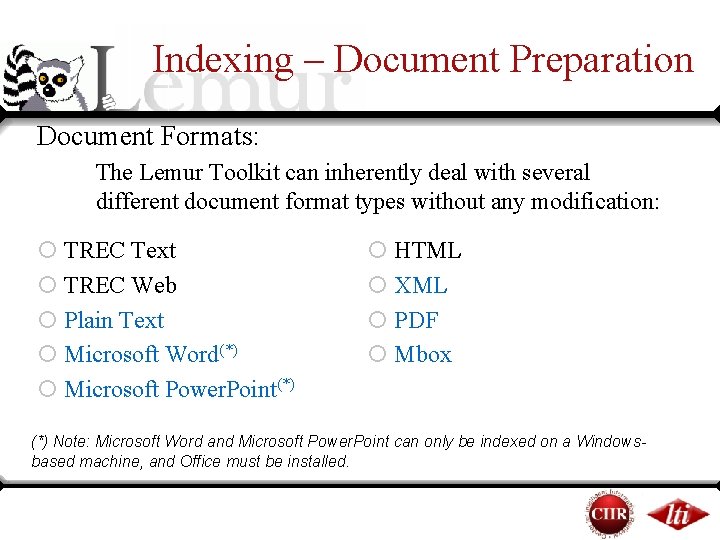
Indexing – Document Preparation Document Formats: The Lemur Toolkit can inherently deal with several different document format types without any modification: ¡ TREC Text ¡ TREC Web ¡ Plain Text ¡ Microsoft Word(*) ¡ Microsoft Power. Point(*) ¡ HTML ¡ XML ¡ PDF ¡ Mbox (*) Note: Microsoft Word and Microsoft Power. Point can only be indexed on a Windowsbased machine, and Office must be installed.
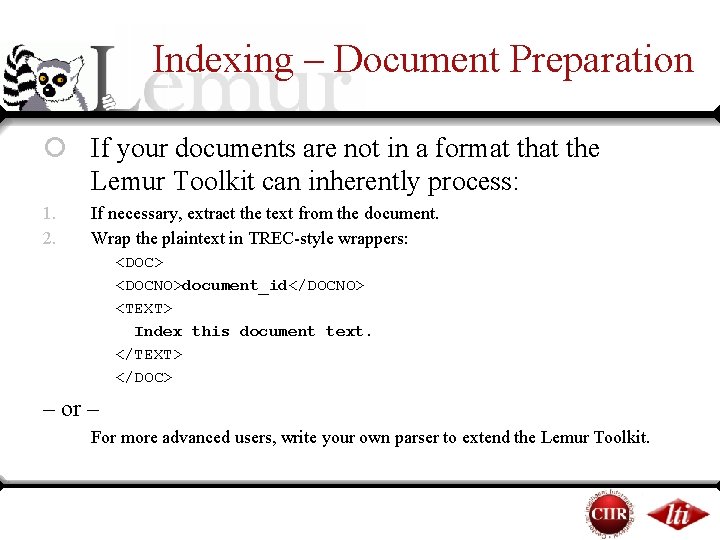
Indexing – Document Preparation ¡ If your documents are not in a format the Lemur Toolkit can inherently process: 1. 2. If necessary, extract the text from the document. Wrap the plaintext in TREC-style wrappers: <DOC> <DOCNO>document_id</DOCNO> <TEXT> Index this document text. </TEXT> </DOC> – or – For more advanced users, write your own parser to extend the Lemur Toolkit.
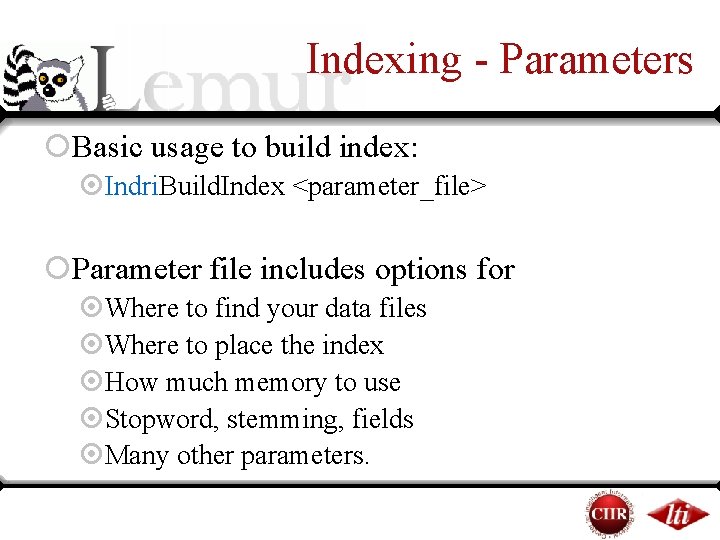
Indexing - Parameters ¡Basic usage to build index: ¤Indri. Build. Index <parameter_file> ¡Parameter file includes options for ¤Where to find your data files ¤Where to place the index ¤How much memory to use ¤Stopword, stemming, fields ¤Many other parameters.
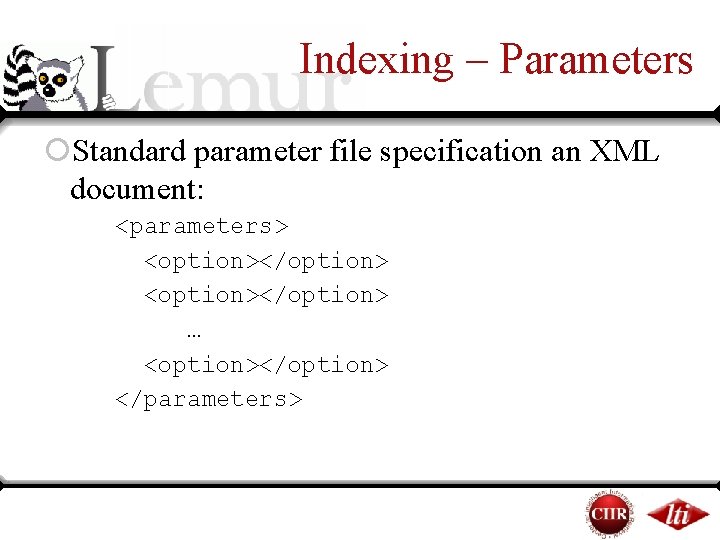
Indexing – Parameters ¡Standard parameter file specification an XML document: <parameters> <option></option> … <option></option> </parameters>
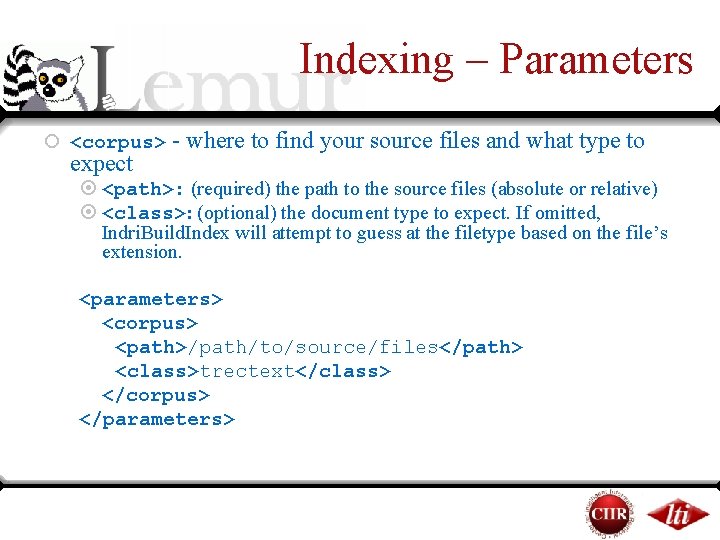
Indexing – Parameters ¡ <corpus> - where to find your source files and what type to expect ¤ <path>: (required) the path to the source files (absolute or relative) ¤ <class>: (optional) the document type to expect. If omitted, Indri. Build. Index will attempt to guess at the filetype based on the file’s extension. <parameters> <corpus> <path>/path/to/source/files</path> <class>trectext</class> </corpus> </parameters>
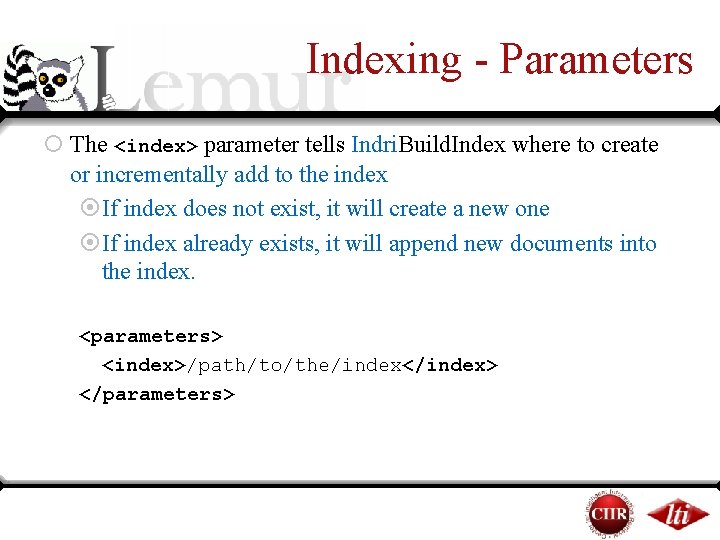
Indexing - Parameters ¡ The <index> parameter tells Indri. Build. Index where to create or incrementally add to the index ¤If index does not exist, it will create a new one ¤If index already exists, it will append new documents into the index. <parameters> <index>/path/to/the/index</index> </parameters>
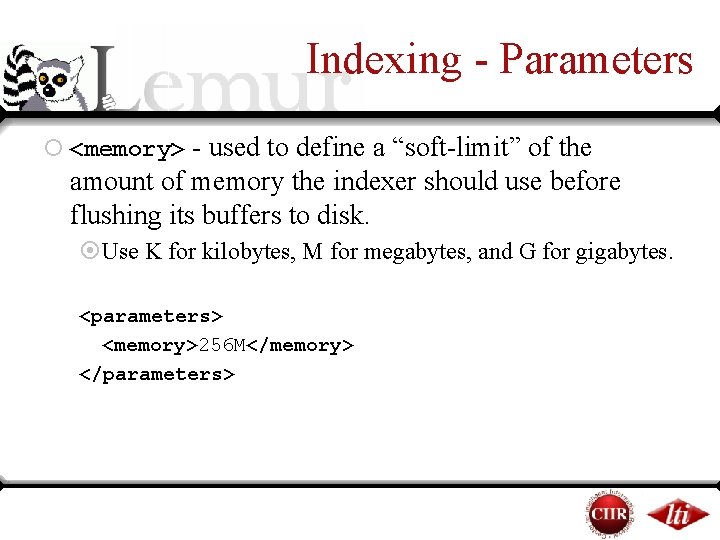
Indexing - Parameters ¡ <memory> - used to define a “soft-limit” of the amount of memory the indexer should use before flushing its buffers to disk. ¤Use K for kilobytes, M for megabytes, and G for gigabytes. <parameters> <memory>256 M</memory> </parameters>
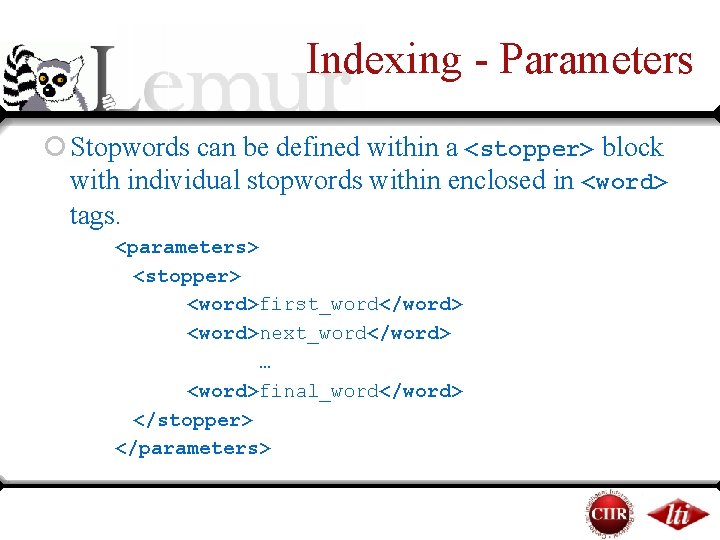
Indexing - Parameters ¡ Stopwords can be defined within a <stopper> block with individual stopwords within enclosed in <word> tags. <parameters> <stopper> <word>first_word</word> <word>next_word</word> … <word>final_word</word> </stopper> </parameters>
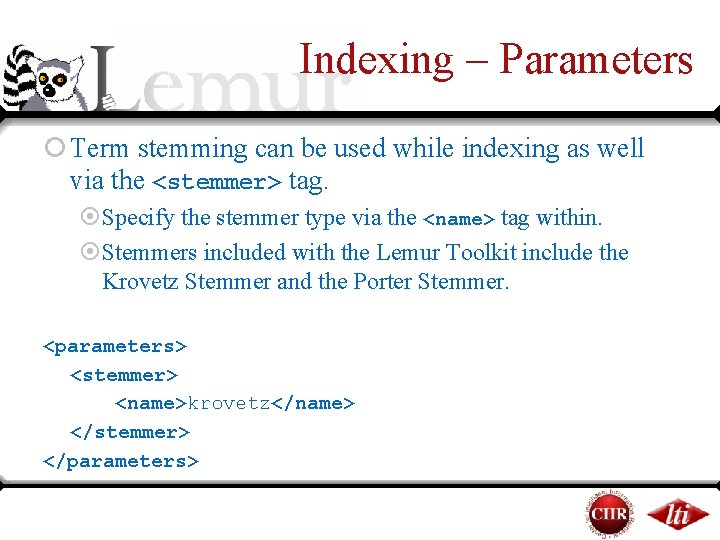
Indexing – Parameters ¡ Term stemming can be used while indexing as well via the <stemmer> tag. ¤Specify the stemmer type via the <name> tag within. ¤Stemmers included with the Lemur Toolkit include the Krovetz Stemmer and the Porter Stemmer. <parameters> <stemmer> <name>krovetz</name> </stemmer> </parameters>
Indexing anchor text ¡ Run harvestlinks application on your data before indexing ¡ <inlink>path-to-links</inlink> as a parameter to Indri. Build. Index to index
Retrieval ¡Parameters ¡Query Formatting ¡Interpreting Results
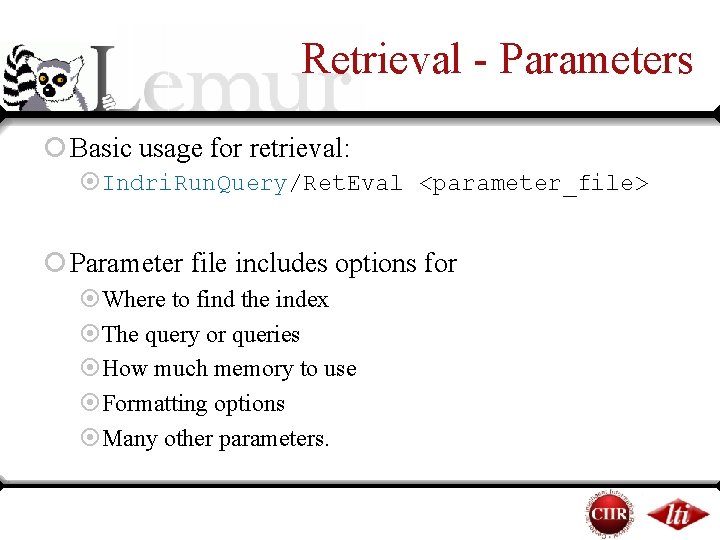
Retrieval - Parameters ¡ Basic usage for retrieval: ¤Indri. Run. Query/Ret. Eval <parameter_file> ¡ Parameter file includes options for ¤Where to find the index ¤The query or queries ¤How much memory to use ¤Formatting options ¤Many other parameters.
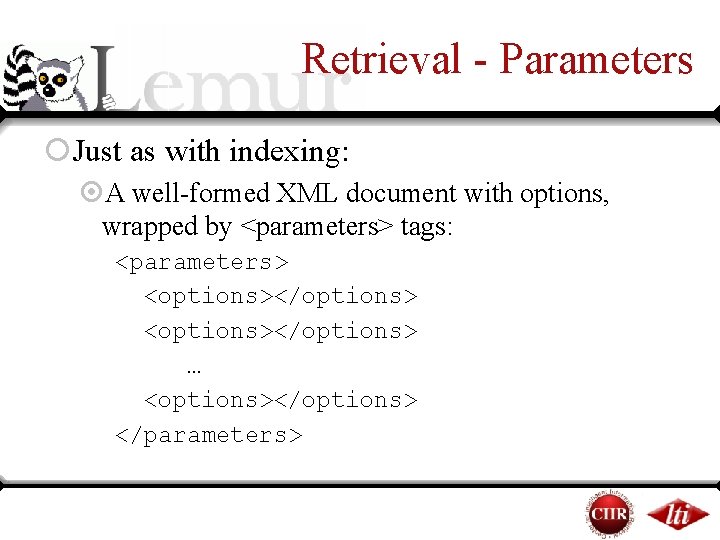
Retrieval - Parameters ¡Just as with indexing: ¤A well-formed XML document with options, wrapped by <parameters> tags: <parameters> <options></options> … <options></options> </parameters>
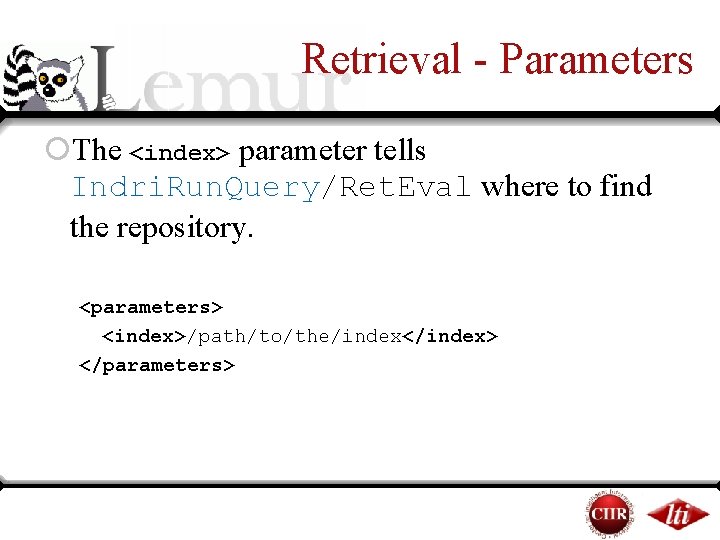
Retrieval - Parameters ¡The <index> parameter tells Indri. Run. Query/Ret. Eval where to find the repository. <parameters> <index>/path/to/the/index</index> </parameters>
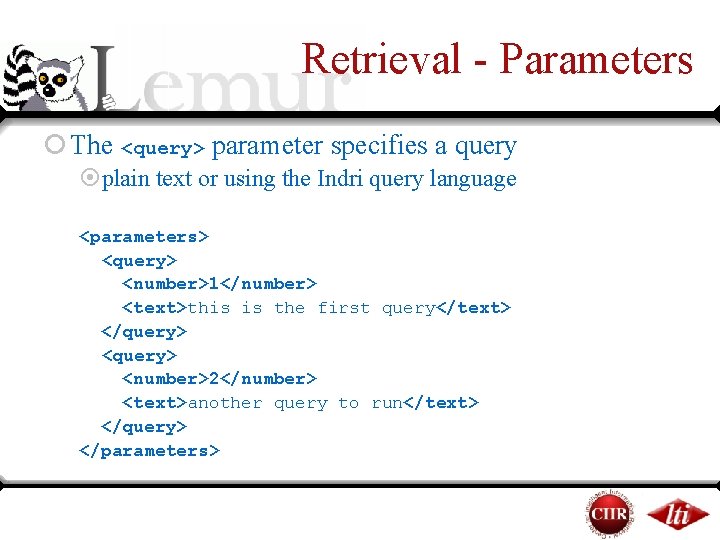
Retrieval - Parameters ¡ The <query> parameter specifies a query ¤plain text or using the Indri query language <parameters> <query> <number>1</number> <text>this is the first query</text> </query> <number>2</number> <text>another query to run</text> </query> </parameters>
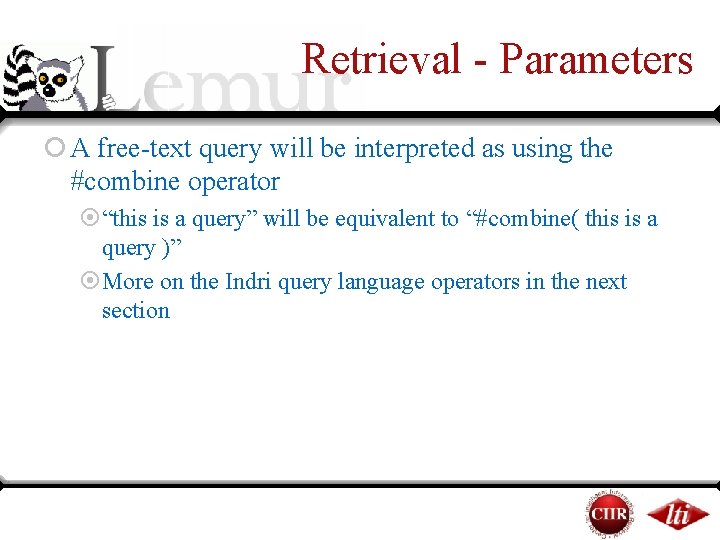
Retrieval - Parameters ¡ A free-text query will be interpreted as using the #combine operator ¤“this is a query” will be equivalent to “#combine( this is a query )” ¤More on the Indri query language operators in the next section
Retrieval – Query Formatting ¡TREC-style topics are not directly able to be processed via Indri. Run. Query/Ret. Eval. ¤Format the queries accordingly: ¥Format by hand ¥Write a script to extract the fields
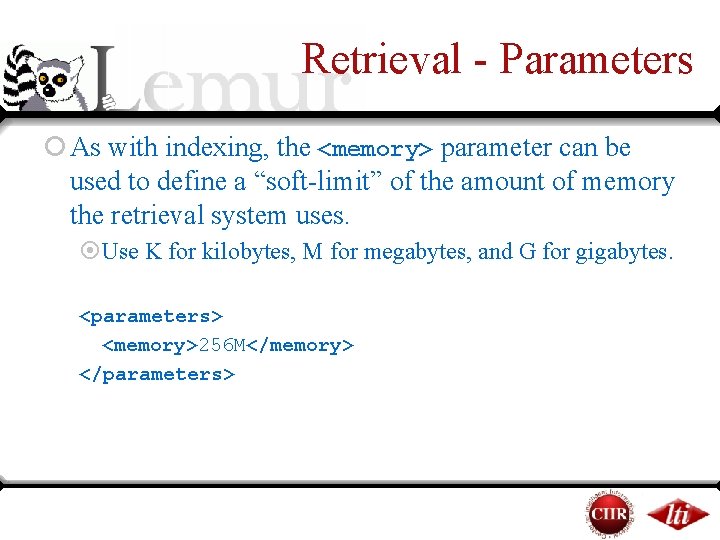
Retrieval - Parameters ¡ As with indexing, the <memory> parameter can be used to define a “soft-limit” of the amount of memory the retrieval system uses. ¤Use K for kilobytes, M for megabytes, and G for gigabytes. <parameters> <memory>256 M</memory> </parameters>
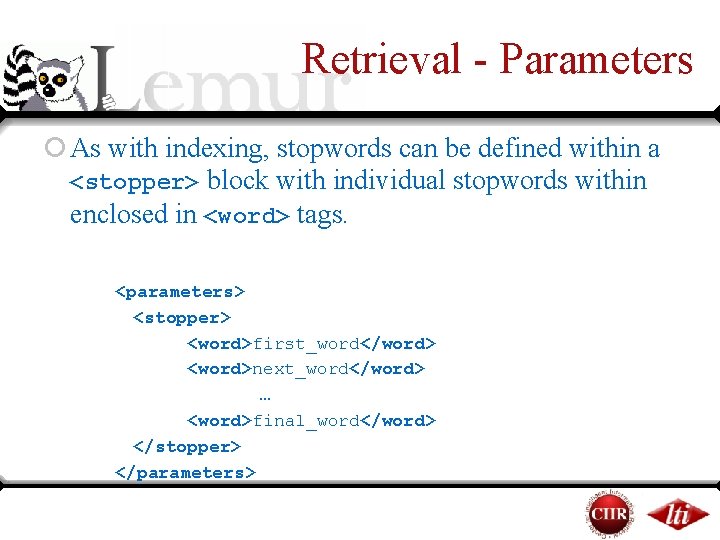
Retrieval - Parameters ¡ As with indexing, stopwords can be defined within a <stopper> block with individual stopwords within enclosed in <word> tags. <parameters> <stopper> <word>first_word</word> <word>next_word</word> … <word>final_word</word> </stopper> </parameters>
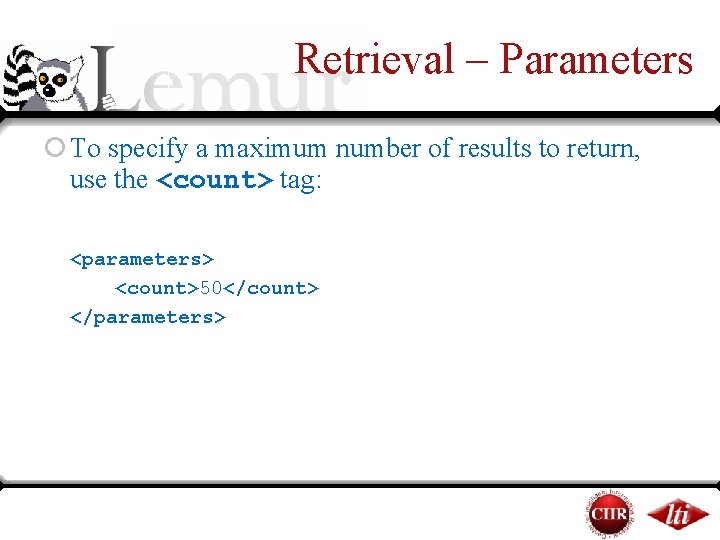
Retrieval – Parameters ¡ To specify a maximum number of results to return, use the <count> tag: <parameters> <count>50</count> </parameters>
Retrieval - Parameters ¡Result formatting options: ¤Indri. Run. Query/Ret. Eval has built in formatting specifications for TREC and INEX retrieval tasks
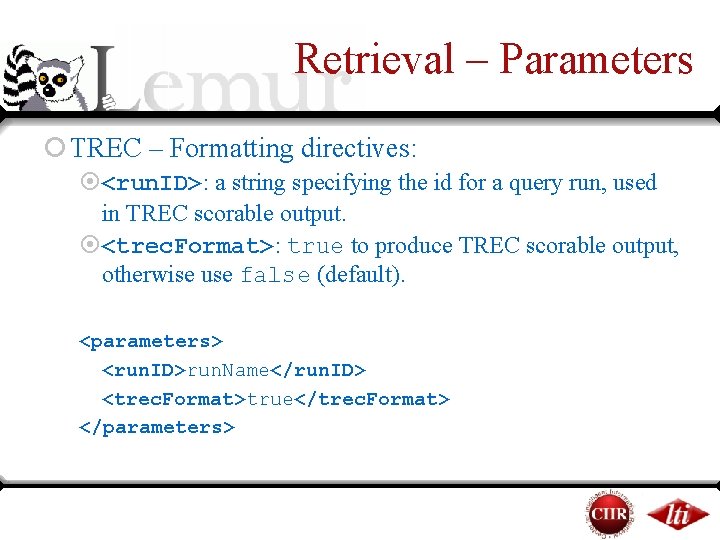
Retrieval – Parameters ¡ TREC – Formatting directives: ¤<run. ID>: a string specifying the id for a query run, used in TREC scorable output. ¤<trec. Format>: true to produce TREC scorable output, otherwise use false (default). <parameters> <run. ID>run. Name</run. ID> <trec. Format>true</trec. Format> </parameters>
Outputting INEX Result Format ¡ Must be wrapped in <inex> tags ¤ <participant-id>: specifies the participant-id attribute used in submissions. ¤ <task>: specifies the task attribute (default CO. Thorough). ¤ <query>: specifies the query attribute (default automatic). ¤ <topic-part>: specifies the topic-part attribute (default T). ¤ <description>: specifies the contents of the description tag. <parameters> <inex> <participant-id>LEMUR 001</participant-id> </inex> </parameters>
Retrieval – Interpreting Results ¡ The default output from Indri. Run. Query will return a list of results, 1 result per line, with 4 columns: ¤ <score>: the score of the returned document. An Indri query will always return a negative value for a result. ¤ <doc. ID>: the document ID ¤ <extent_begin>: the starting token number of the extent that was retrieved ¤ <extent_end>: the ending token number of the extent that was retrieved
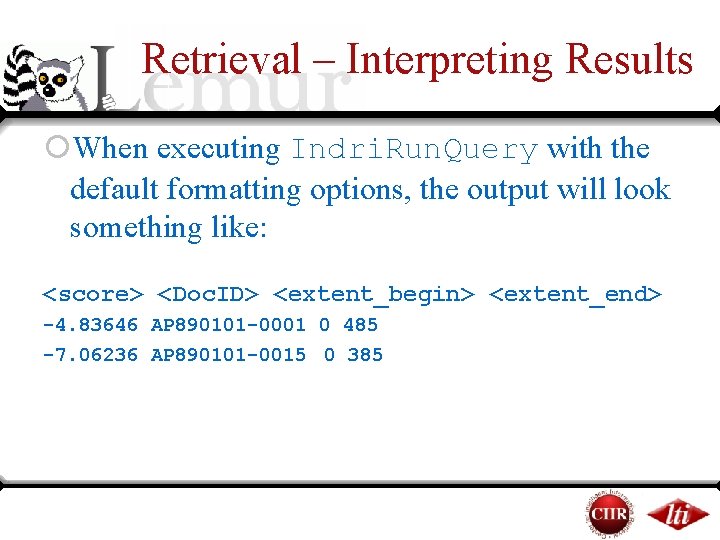
Retrieval – Interpreting Results ¡When executing Indri. Run. Query with the default formatting options, the output will look something like: <score> <Doc. ID> <extent_begin> <extent_end> -4. 83646 AP 890101 -0001 0 485 -7. 06236 AP 890101 -0015 0 385
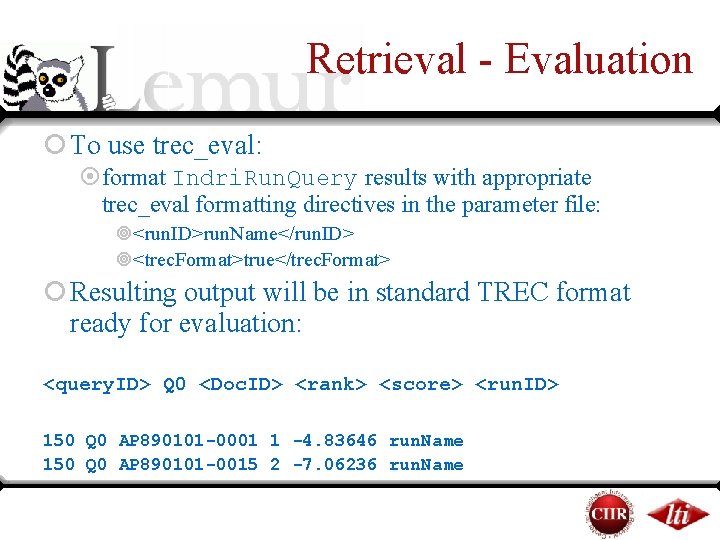
Retrieval - Evaluation ¡ To use trec_eval: ¤format Indri. Run. Query results with appropriate trec_eval formatting directives in the parameter file: ¥<run. ID>run. Name</run. ID> ¥<trec. Format>true</trec. Format> ¡ Resulting output will be in standard TREC format ready for evaluation: <query. ID> Q 0 <Doc. ID> <rank> <score> <run. ID> 150 Q 0 AP 890101 -0001 1 -4. 83646 run. Name 150 Q 0 AP 890101 -0015 2 -7. 06236 run. Name
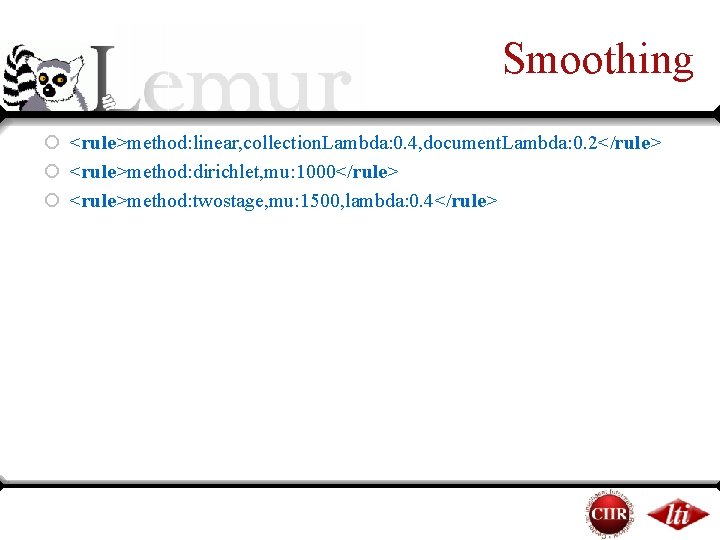
Smoothing ¡ <rule>method: linear, collection. Lambda: 0. 4, document. Lambda: 0. 2</rule> ¡ <rule>method: dirichlet, mu: 1000</rule> ¡ <rule>method: twostage, mu: 1500, lambda: 0. 4</rule>
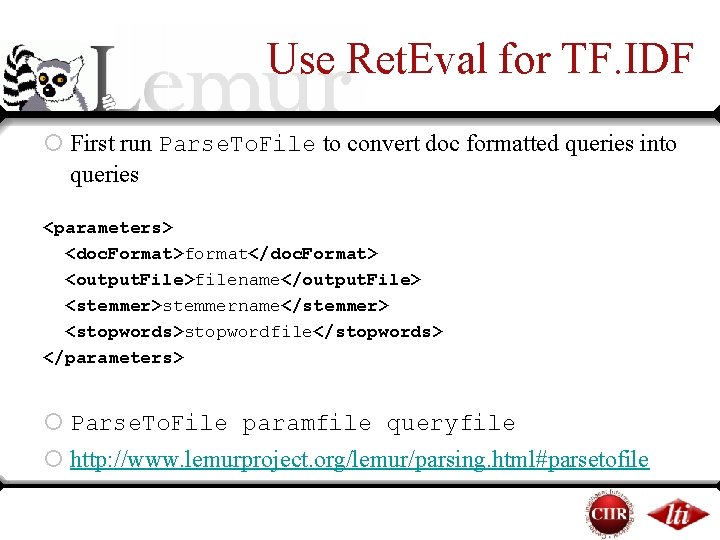
Use Ret. Eval for TF. IDF ¡ First run Parse. To. File to convert doc formatted queries into queries <parameters> <doc. Format>format</doc. Format> <output. File>filename</output. File> <stemmer>stemmername</stemmer> <stopwords>stopwordfile</stopwords> </parameters> ¡ Parse. To. File paramfile queryfile ¡ http: //www. lemurproject. org/lemur/parsing. html#parsetofile
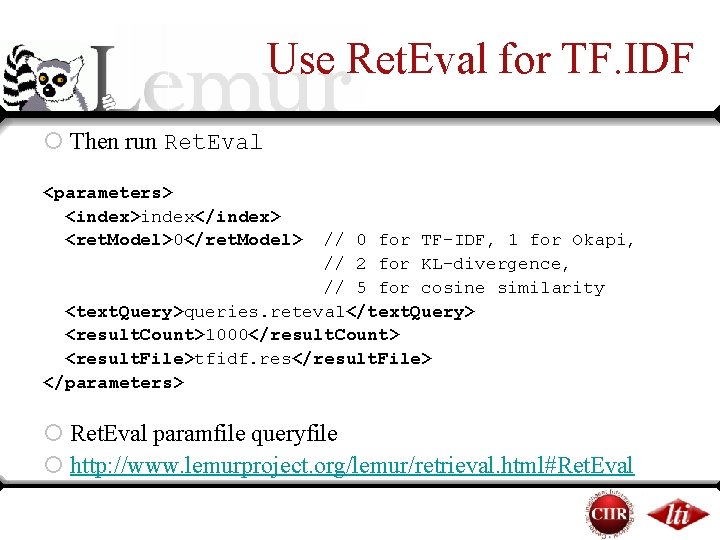
Use Ret. Eval for TF. IDF ¡ Then run Ret. Eval <parameters> <index>index</index> <ret. Model>0</ret. Model> // 0 for TF-IDF, 1 for Okapi, // 2 for KL-divergence, // 5 for cosine similarity <text. Query>queries. reteval</text. Query> <result. Count>1000</result. Count> <result. File>tfidf. res</result. File> </parameters> ¡ Ret. Eval paramfile queryfile ¡ http: //www. lemurproject. org/lemur/retrieval. html#Ret. Eval
Overview ¡Background ¤The Toolkit ¤Language Modeling in Information Retrieval ¡Basic application usage ¤Building an index ¤Running queries ¤Evaluating results ¡Indri query language ¡ Coffee break
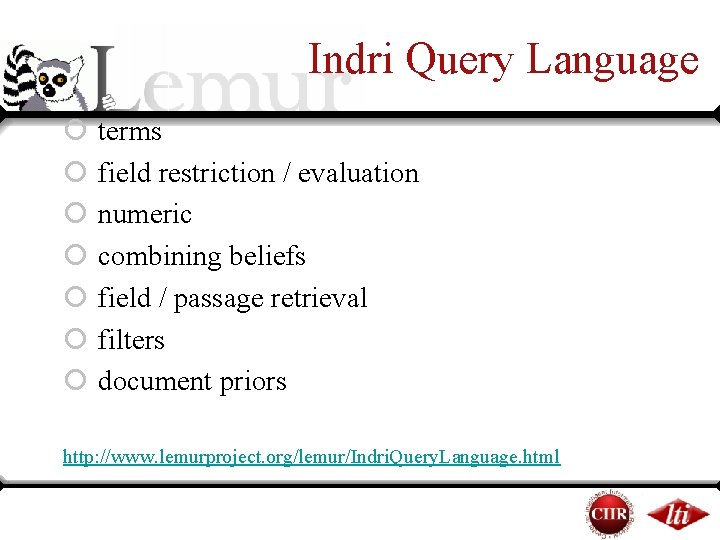
Indri Query Language ¡ terms ¡ field restriction / evaluation ¡ numeric ¡ combining beliefs ¡ field / passage retrieval ¡ filters ¡ document priors http: //www. lemurproject. org/lemur/Indri. Query. Language. html
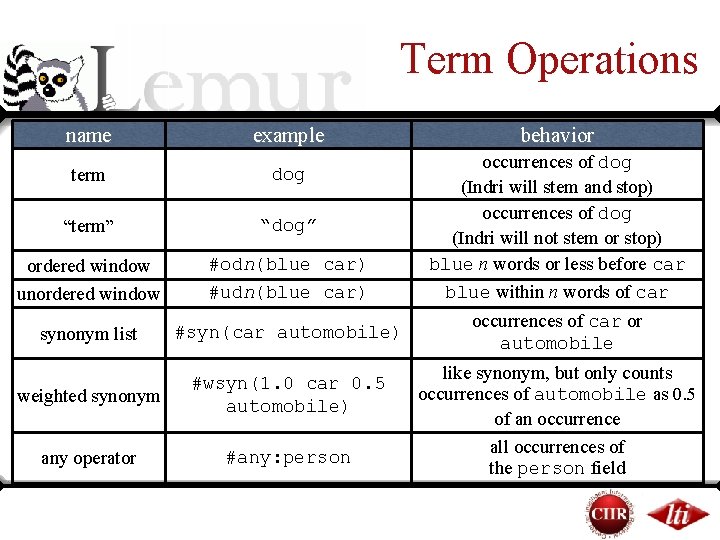
Term Operations name example term dog “term” “dog” ordered window unordered window #odn(blue car) #udn(blue car) synonym list #syn(car automobile) weighted synonym #wsyn(1. 0 car 0. 5 automobile) any operator #any: person behavior occurrences of dog (Indri will stem and stop) occurrences of dog (Indri will not stem or stop) blue n words or less before car blue within n words of car occurrences of car or automobile like synonym, but only counts occurrences of automobile as 0. 5 of an occurrence all occurrences of the person field
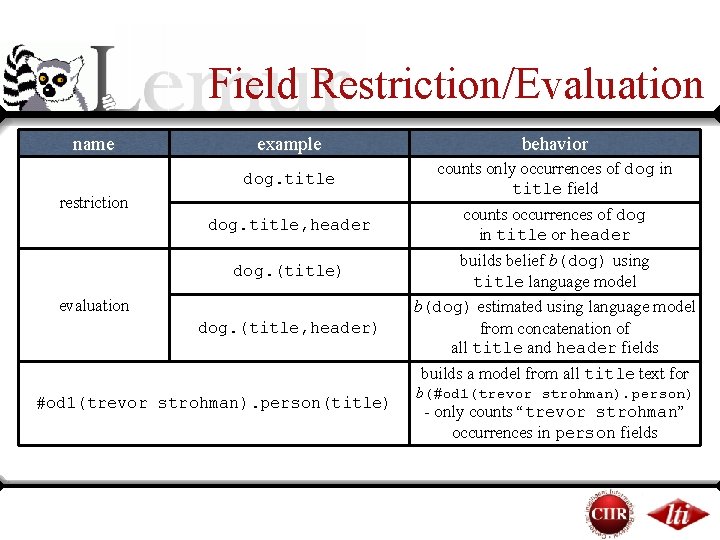
Field Restriction/Evaluation name example behavior dog. title counts only occurrences of dog in title field dog. title, header counts occurrences of dog in title or header dog. (title) builds belief b(dog) using title language model dog. (title, header) b(dog) estimated using language model from concatenation of all title and header fields restriction evaluation builds a model from all title text for #od 1(trevor strohman). person(title) b(#od 1(trevor strohman). person) - only counts “trevor strohman” occurrences in person fields
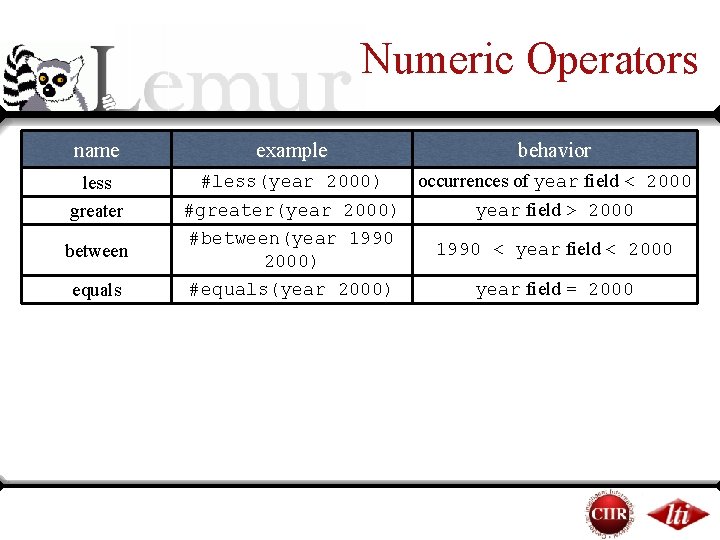
Numeric Operators name less greater between equals example behavior #less(year 2000) occurrences of year field < 2000 #greater(year 2000) year field > 2000 #between(year 1990 < year field < 2000) #equals(year 2000) year field = 2000
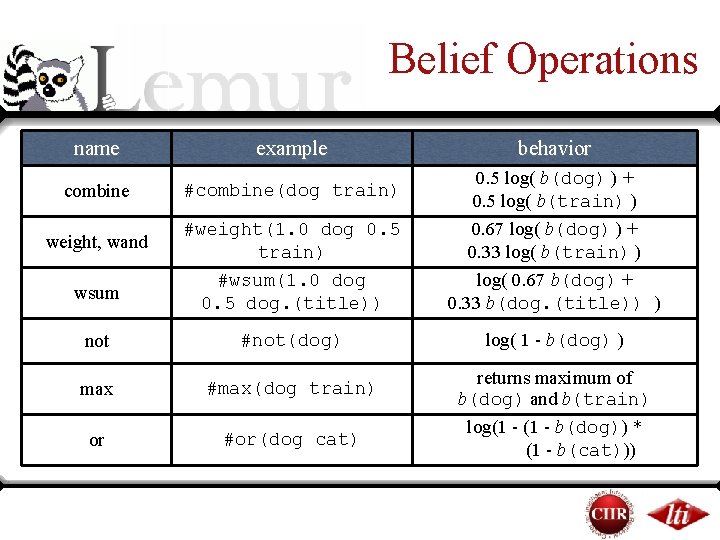
Belief Operations name example combine #combine(dog train) behavior #weight(1. 0 dog 0. 5 train) #wsum(1. 0 dog 0. 5 dog. (title)) 0. 5 log( b(dog) ) + 0. 5 log( b(train) ) 0. 67 log( b(dog) ) + 0. 33 log( b(train) ) log( 0. 67 b(dog) + 0. 33 b(dog. (title)) ) not #not(dog) log( 1 - b(dog) ) max #max(dog train) or #or(dog cat) weight, wand wsum returns maximum of b(dog) and b(train) log(1 - b(dog)) * (1 - b(cat)))
Field/Passage Retrieval name field retrieval example behavior #combine[title]( query ) return only title fields ranked according to #combine(query) - beliefs are estimated on each title’s language model -may use any belief node #combine[passage 200: passage retrieval 100]( query ) dynamically created passages of length 200 created every 100 words are ranked by #combine(query)
More Field/Passage Retrieval example behavior Rank sections matching #combine[section]( bootstrap where the section’s title also matches #combine[. /title]( methodology )) methodology . //field for ancestor. field for parent
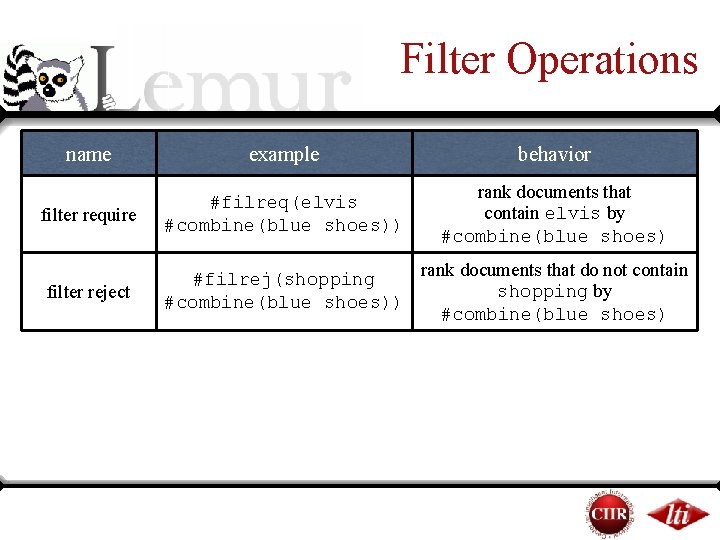
Filter Operations name example behavior filter require #filreq(elvis #combine(blue shoes)) rank documents that contain elvis by #combine(blue shoes) filter reject #filrej(shopping #combine(blue shoes)) rank documents that do not contain shopping by #combine(blue shoes)
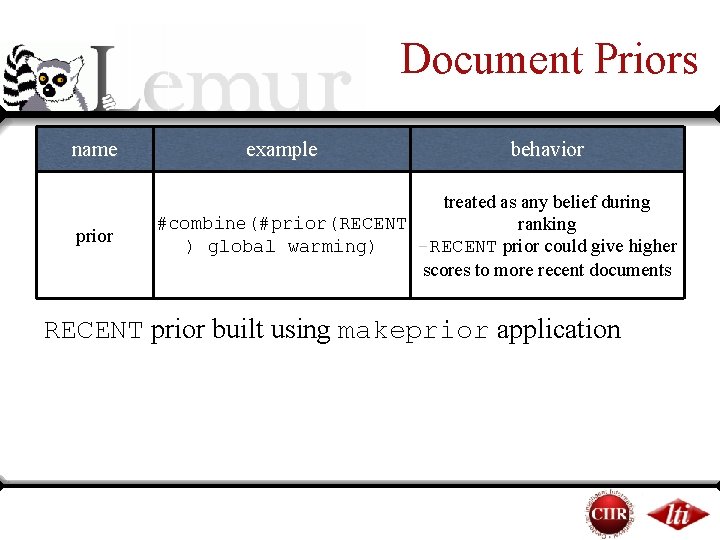
Document Priors name prior example behavior treated as any belief during #combine(#prior(RECENT ranking -RECENT prior could give higher ) global warming) scores to more recent documents RECENT prior built using makeprior application
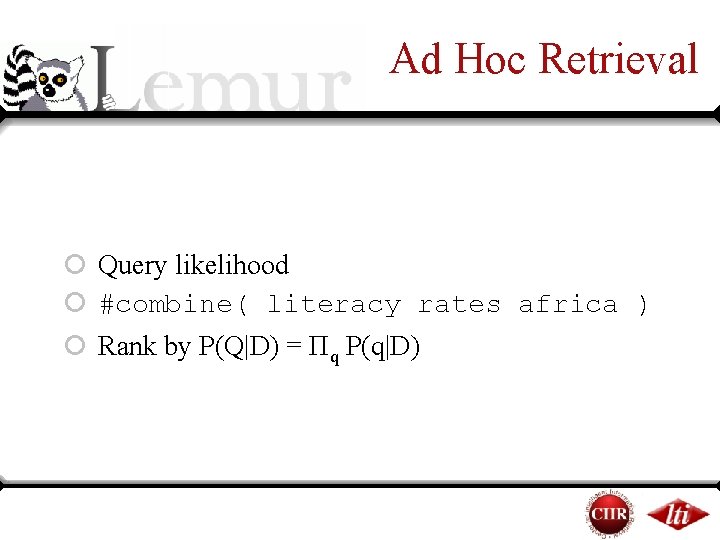
Ad Hoc Retrieval ¡ Query likelihood ¡ #combine( literacy rates africa ) ¡ Rank by P(Q|D) = Πq P(q|D)
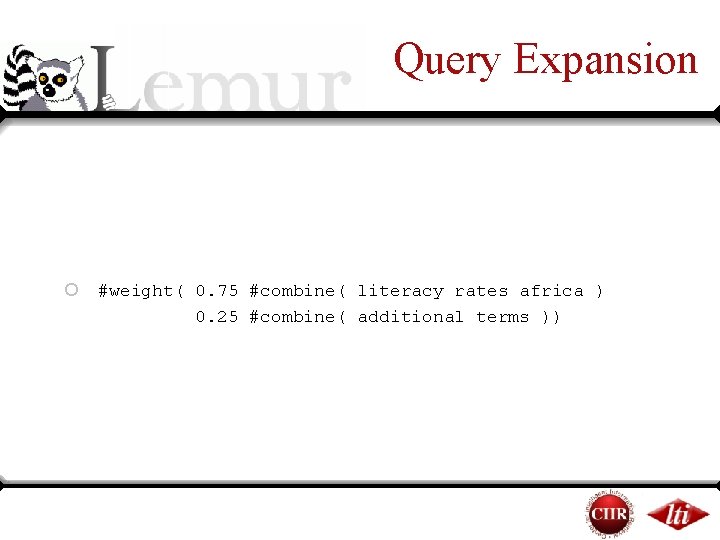
Query Expansion ¡ #weight( 0. 75 #combine( literacy rates africa ) 0. 25 #combine( additional terms ))
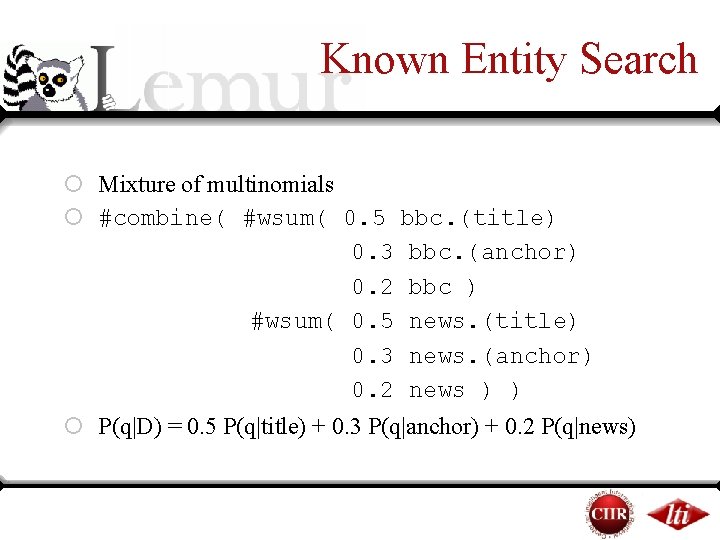
Known Entity Search ¡ Mixture of multinomials ¡ #combine( #wsum( 0. 5 bbc. (title) 0. 3 bbc. (anchor) 0. 2 bbc ) #wsum( 0. 5 news. (title) 0. 3 news. (anchor) 0. 2 news ) ) ¡ P(q|D) = 0. 5 P(q|title) + 0. 3 P(q|anchor) + 0. 2 P(q|news)
Overview ¡Background ¤The Toolkit ¤Language Modeling in Information Retrieval ¡Basic application usage ¤Building an index ¤Running queries ¤Evaluating results ¡Indri query language ¡ Coffee break
Overview (part 2) ¡Indexing your own data ¡Using Parsed. Document ¡Indexing document fields ¡Using dumpindex ¡Using the Indri and classic Lemur APIs ¡Getting help
Indexing Your Data ¡PDF, Word documents, Power. Point, HTML ¤Use Indri. Build. Index to index your data directly ¡TREC collection ¤Use Indri. Build. Index or Build. Index ¡Large text corpus ¤Many different options
Indexing Text Corpora ¡Split data into one XML file per document ¤Pro: Easiest option ¤Pro: Use any language you like (Perl, Python) ¤Con: Not very efficient ¡For efficiency, large files are preferred ¤Small files cause internal filesystem fragmentation ¤Small files are harder to open and read efficiently
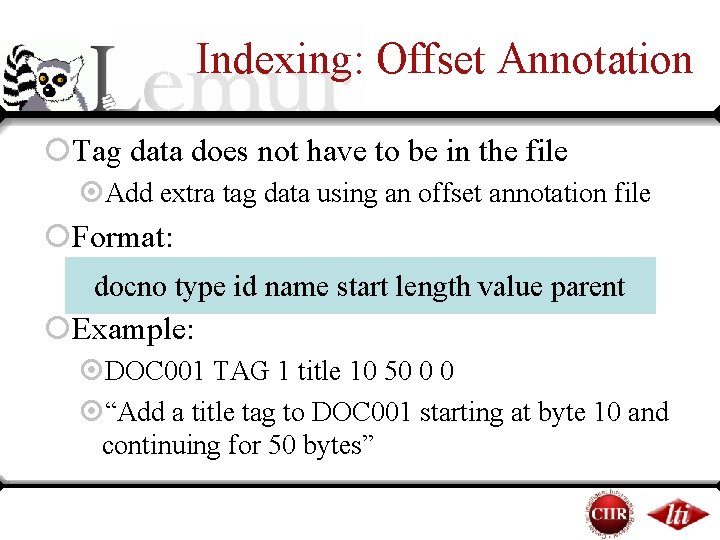
Indexing: Offset Annotation ¡Tag data does not have to be in the file ¤Add extra tag data using an offset annotation file ¡Format: docno type id name start length value parent ¡Example: ¤DOC 001 TAG 1 title 10 50 0 0 ¤“Add a title tag to DOC 001 starting at byte 10 and continuing for 50 bytes”
Indexing Text Corpora ¡Format data in TREC format ¤Pro: Almost as easy as individual XML docs ¤Pro: Use any language you like ¤Con: Not great for online applications ¥Direct news feeds ¥Data comes from a database
Indexing Text Corpora ¡Write your own parser ¤Pro: Fast ¤Pro: Best flexibility, both in integration and in data interpretation ¤Con: Hardest option ¤Con: Smallest language choice (C++ or Java)
Overview (part 2) ¡Indexing your own data ¡Using Parsed. Document ¡Indexing document fields ¡Using dumpindex ¡Using the Indri and classic Lemur APIs ¡Getting help
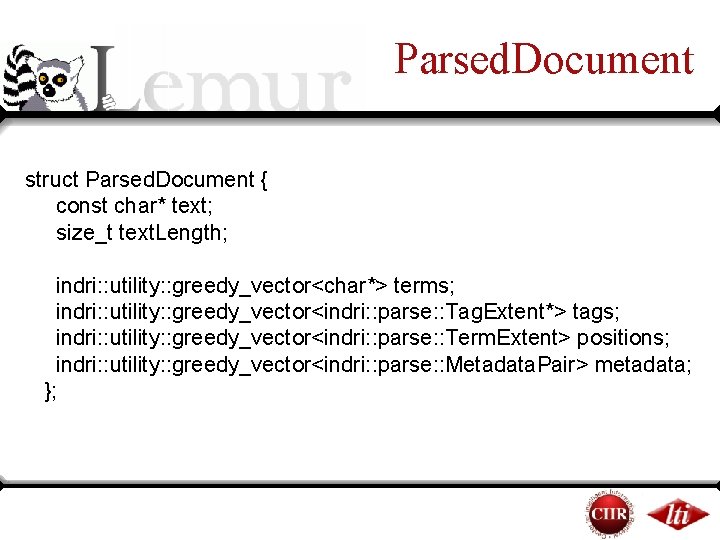
Parsed. Document struct Parsed. Document { const char* text; size_t text. Length; indri: : utility: : greedy_vector<char*> terms; indri: : utility: : greedy_vector<indri: : parse: : Tag. Extent*> tags; indri: : utility: : greedy_vector<indri: : parse: : Term. Extent> positions; indri: : utility: : greedy_vector<indri: : parse: : Metadata. Pair> metadata; };
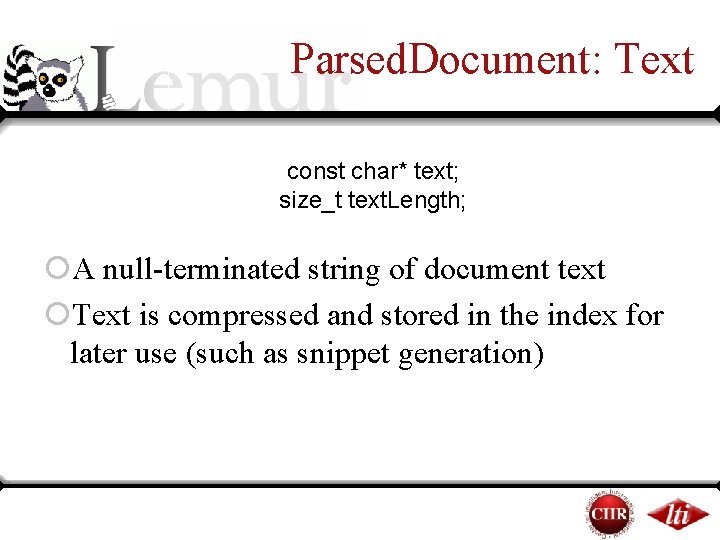
Parsed. Document: Text const char* text; size_t text. Length; ¡A null-terminated string of document text ¡Text is compressed and stored in the index for later use (such as snippet generation)
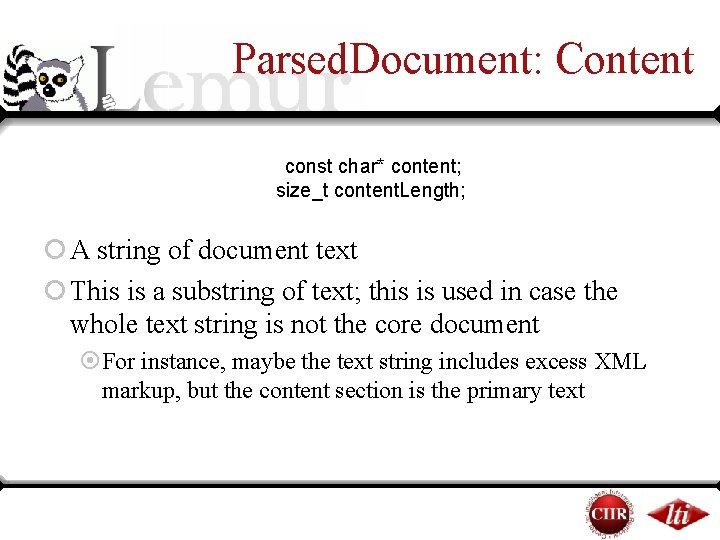
Parsed. Document: Content const char* content; size_t content. Length; ¡ A string of document text ¡ This is a substring of text; this is used in case the whole text string is not the core document ¤For instance, maybe the text string includes excess XML markup, but the content section is the primary text
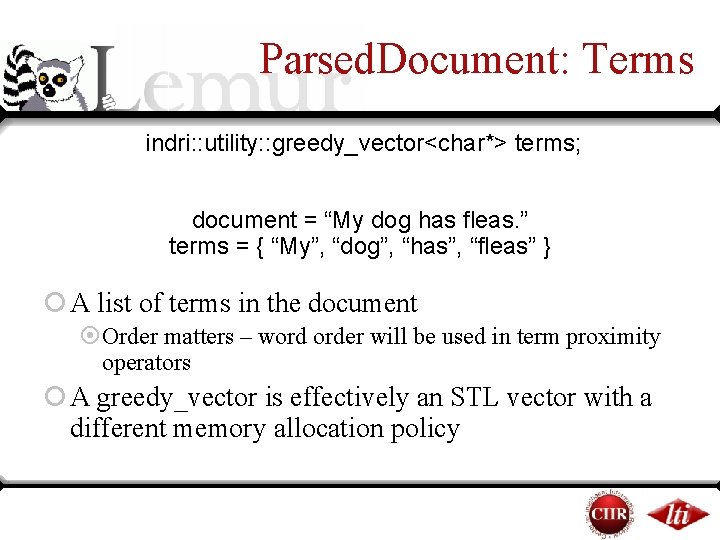
Parsed. Document: Terms indri: : utility: : greedy_vector<char*> terms; document = “My dog has fleas. ” terms = { “My”, “dog”, “has”, “fleas” } ¡ A list of terms in the document ¤Order matters – word order will be used in term proximity operators ¡ A greedy_vector is effectively an STL vector with a different memory allocation policy
Parsed. Document: Terms indri: : utility: : greedy_vector<char*> terms; ¡Term data will be normalized (downcased, some punctuation removed) later ¡Stopping and stemming can be handled within the indexer ¡Parser’s job is just tokenization
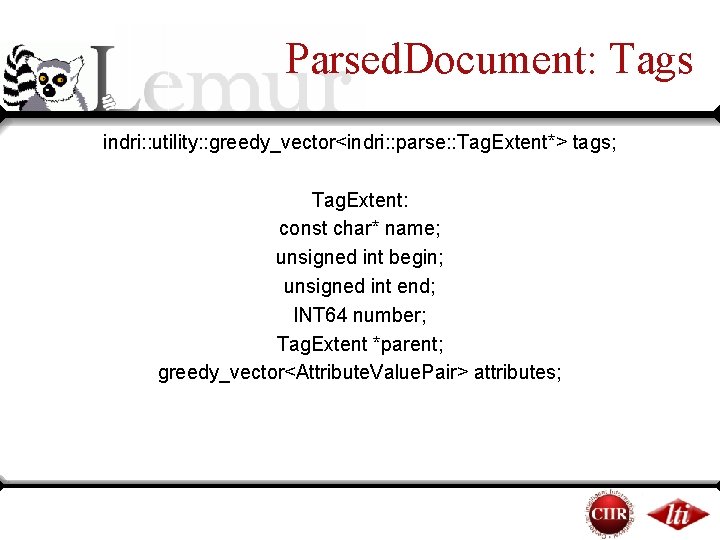
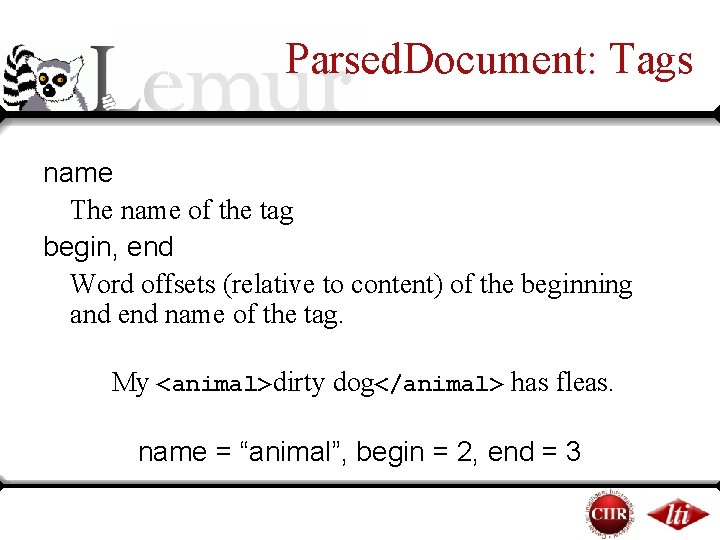
Parsed. Document: Tags indri: : utility: : greedy_vector<indri: : parse: : Tag. Extent*> tags; Tag. Extent: const char* name; unsigned int begin; unsigned int end; INT 64 number; Tag. Extent *parent; greedy_vector<Attribute. Value. Pair> attributes;
Parsed. Document: Tags name The name of the tag begin, end Word offsets (relative to content) of the beginning and end name of the tag. My <animal>dirty dog</animal> has fleas. name = “animal”, begin = 2, end = 3
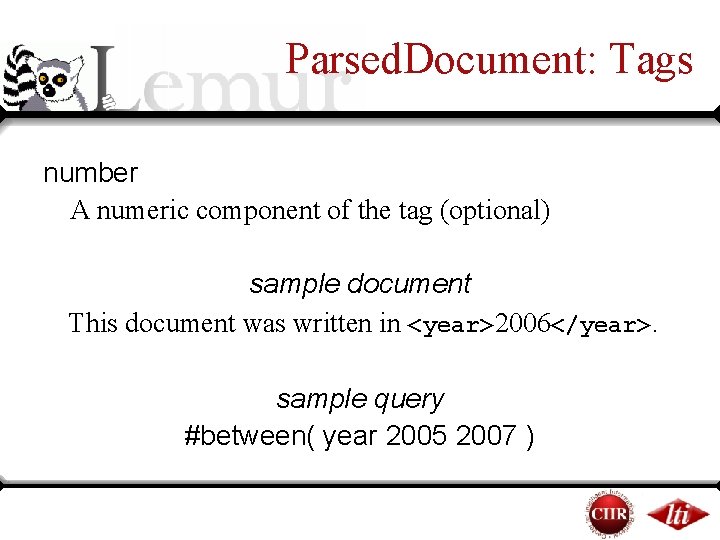
Parsed. Document: Tags number A numeric component of the tag (optional) sample document This document was written in <year>2006</year>. sample query #between( year 2005 2007 )
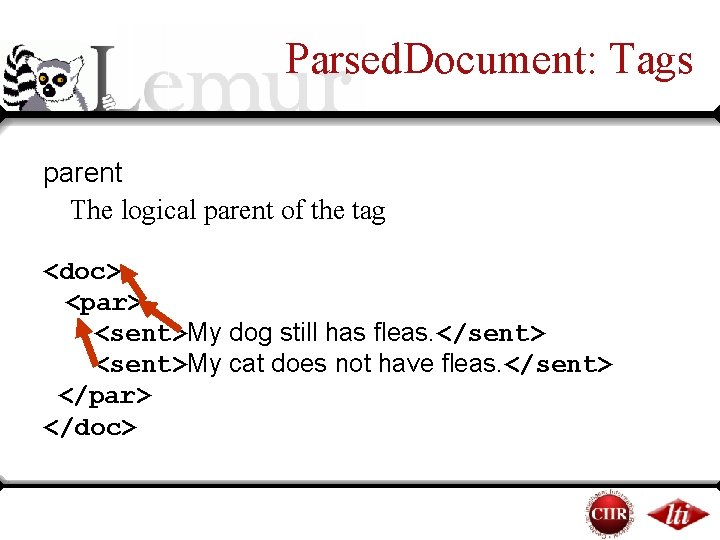
Parsed. Document: Tags parent The logical parent of the tag <doc> <par> <sent>My dog still has fleas. </sent> <sent>My cat does not have fleas. </sent> </par> </doc>
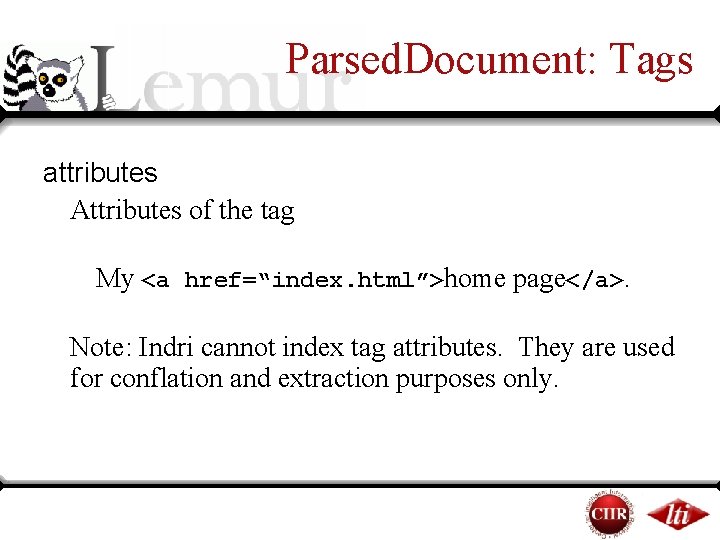
Parsed. Document: Tags attributes Attributes of the tag My <a href=“index. html”>home page</a>. Note: Indri cannot index tag attributes. They are used for conflation and extraction purposes only.
Parsed. Document: Tags attributes Attributes of the tag My <a href=“index. html”>home page</a>. Note: Indri cannot index tag attributes. They are used for conflation and extraction purposes only.
Parsed. Document: Metadata greedy_vector<indri: : parse: : Metadata. Pair> metadata ¡Metadata is text about a document that should be kept, but not indexed: ¤TREC Document ID (WTX 001 -B 01 -00) ¤Document URL ¤Crawl date
Overview (part 2) ¡Indexing your own data ¡Using Parsed. Document ¡Indexing document fields ¡Using dumpindex ¡Using the Indri and classic Lemur APIs ¡Getting help
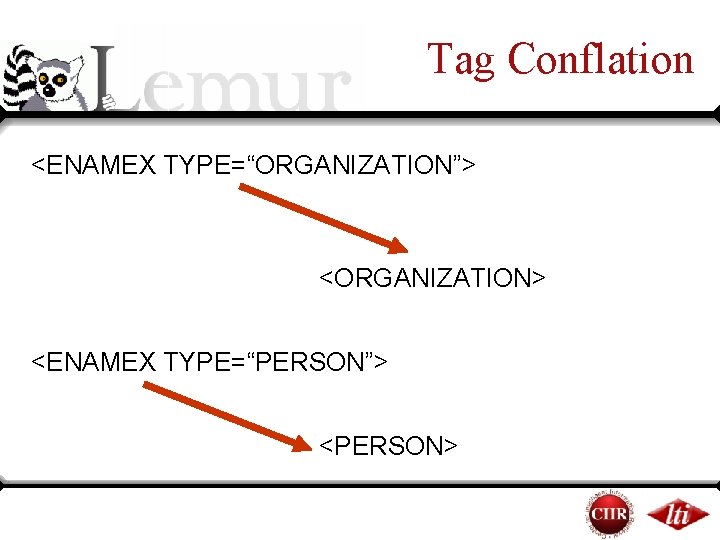
Tag Conflation <ENAMEX TYPE=“ORGANIZATION”> <ORGANIZATION> <ENAMEX TYPE=“PERSON”> <PERSON>
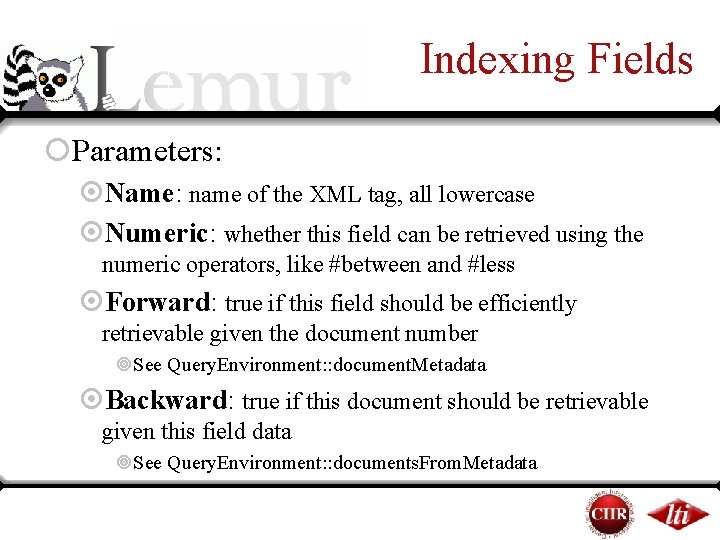
Indexing Fields ¡Parameters: ¤Name: name of the XML tag, all lowercase ¤Numeric: whether this field can be retrieved using the numeric operators, like #between and #less ¤Forward: true if this field should be efficiently retrievable given the document number ¥See Query. Environment: : document. Metadata ¤Backward: true if this document should be retrievable given this field data ¥See Query. Environment: : documents. From. Metadata
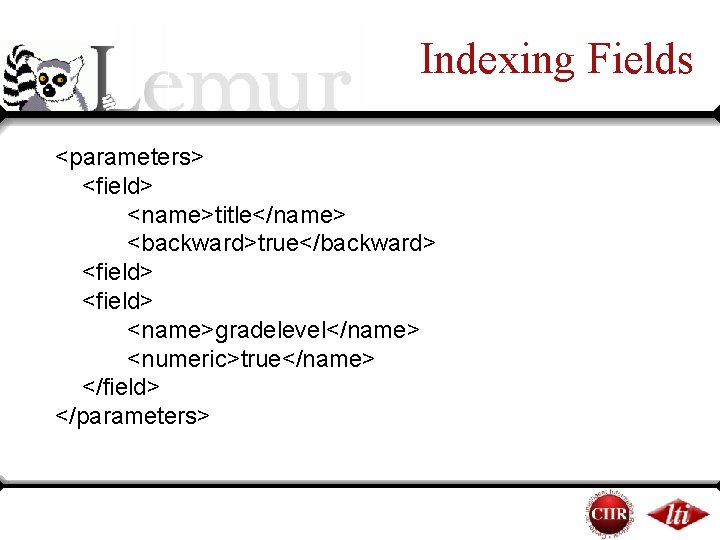
Indexing Fields <parameters> <field> <name>title</name> <backward>true</backward> <field> <name>gradelevel</name> <numeric>true</name> </field> </parameters>
Overview (part 2) ¡Indexing your own data ¡Using Parsed. Document ¡Indexing document fields ¡Using dumpindex ¡Using the Indri and classic Lemur APIs ¡Getting help
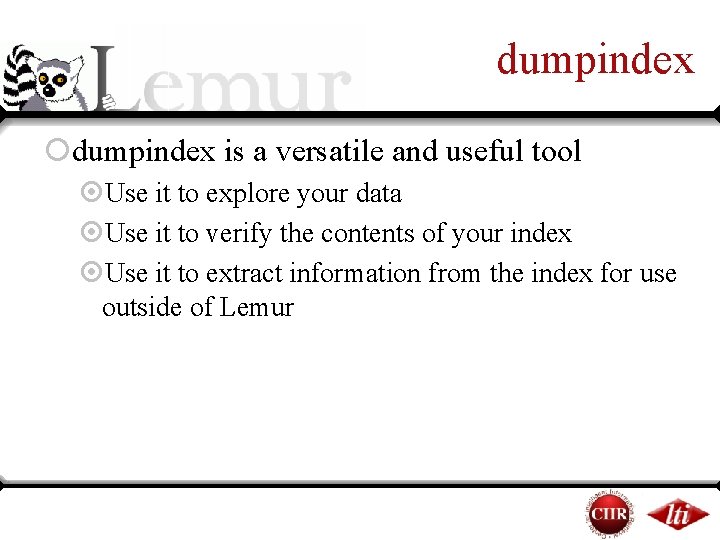
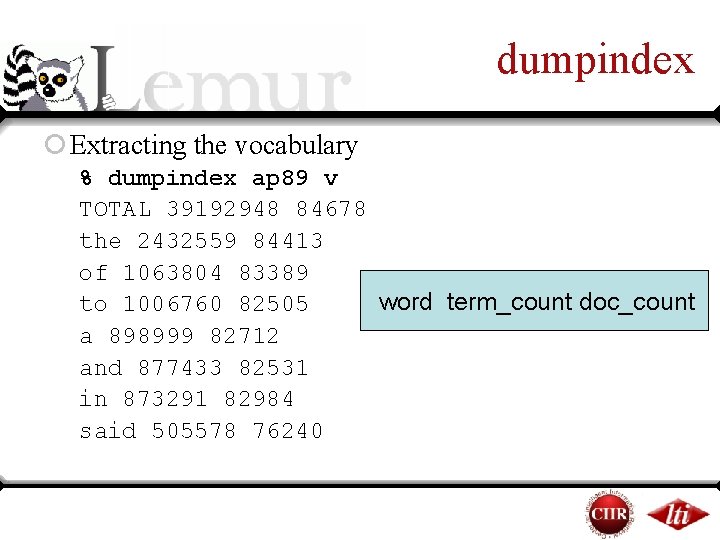
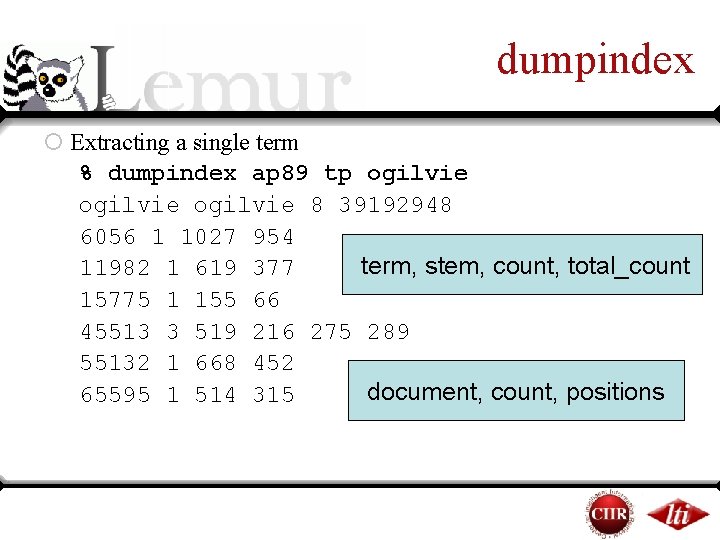
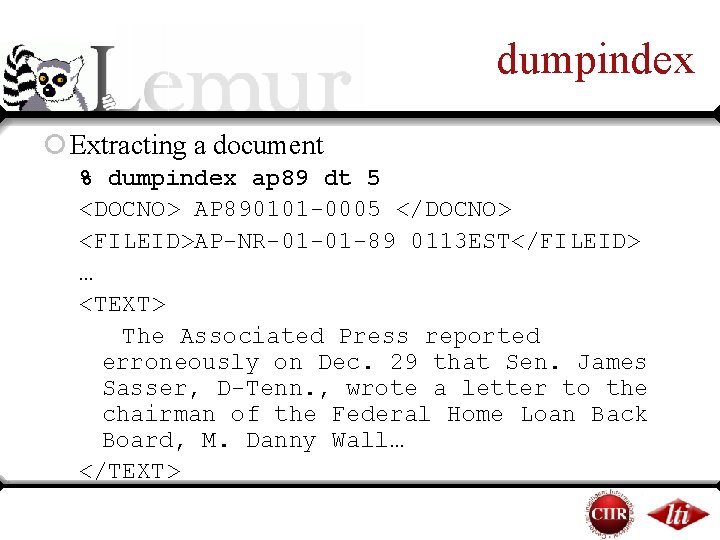
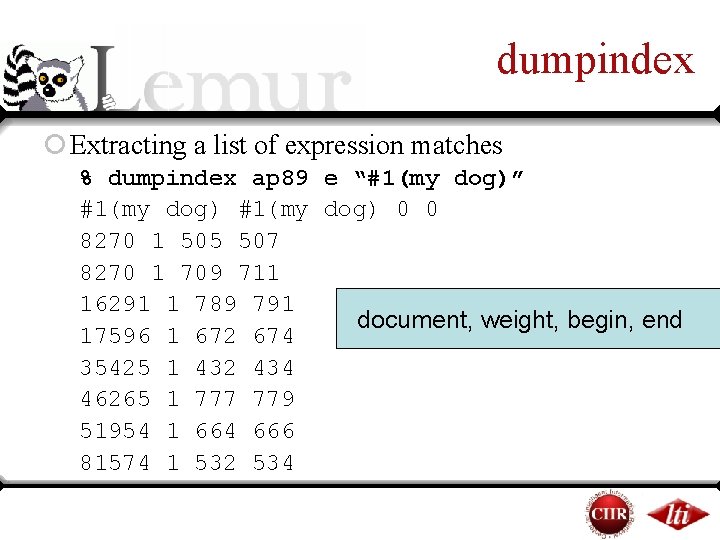
dumpindex ¡dumpindex is a versatile and useful tool ¤Use it to explore your data ¤Use it to verify the contents of your index ¤Use it to extract information from the index for use outside of Lemur
dumpindex ¡ Extracting the vocabulary % dumpindex ap 89 v TOTAL 39192948 84678 the 2432559 84413 of 1063804 83389 word term_count doc_count to 1006760 82505 a 898999 82712 and 877433 82531 in 873291 82984 said 505578 76240
dumpindex ¡ Extracting a single term % dumpindex ap 89 tp ogilvie 8 39192948 6056 1 1027 954 term, stem, count, total_count 11982 1 619 377 15775 1 155 66 45513 3 519 216 275 289 55132 1 668 452 document, count, positions 65595 1 514 315
dumpindex ¡ Extracting a document % dumpindex ap 89 dt 5 <DOCNO> AP 890101 -0005 </DOCNO> <FILEID>AP-NR-01 -01 -89 0113 EST</FILEID> … <TEXT> The Associated Press reported erroneously on Dec. 29 that Sen. James Sasser, D-Tenn. , wrote a letter to the chairman of the Federal Home Loan Back Board, M. Danny Wall… </TEXT>
dumpindex ¡ Extracting a list of expression matches % dumpindex ap 89 e “#1(my dog)” #1(my dog) 0 0 8270 1 505 507 8270 1 709 711 16291 1 789 791 document, weight, begin, end 17596 1 672 674 35425 1 432 434 46265 1 777 779 51954 1 664 666 81574 1 532 534
Overview (part 2) ¡Indexing your own data ¡Using Parsed. Document ¡Indexing document fields ¡Using dumpindex ¡Using the Indri and classic Lemur APIs ¡Getting help
Introducing the API ¡Lemur “Classic” API ¤Many objects, highly customizable ¤May want to use this when you want to change how the system works ¤Support for clustering, distributed IR, summarization ¡Indri API ¤Two main objects ¤Best for integrating search into larger applications ¤Supports Indri query language, XML retrieval, “live” incremental indexing, and parallel retrieval
Indri: Index. Environment ¡Most of the time, you will index documents with Indri. Build. Index ¡Using this class is necessary if: ¤ you build your own parser, or ¤you want to add documents to an index while queries are running ¡Can be used from C++ or Java
Indri: Index. Environment ¡Most important methods: ¤add. File: adds a file of text to the index ¤add. String: adds a document (in a text string) to the index ¤add. Parsed. Document: adds a Parsed. Document structure to the index ¤set. Indexed. Fields: tells the indexer which fields to store in the index
Indri: Query. Environment ¡The core of the Indri API ¡Includes methods for: ¤Opening indexes and connecting to query servers ¤Running queries ¤Collecting collection statistics ¤Retrieving document text ¡Can be used from C++, Java, PHP or C#
Query. Envrionment: Opening ¡Opening methods: ¤add. Index: opens an index from the local disk ¤add. Server: opens a connection to an Indri daemon (Indri. Daemon or indrid) ¡Indri treats all open indexes as a single collection ¡Query results will be identical to those you’d get by storing all documents in a single index
Query. Environment: Running ¡Running queries: ¤run. Query: runs an Indri query, returns a ranked list of results (can add a document set in order to restrict evaluation to a few documents) ¤run. Annotated. Query: returns a ranked list of results and a list of all document locations where the query matched something
Query. Environment: Retrieving ¡Retrieving document text: ¤documents: returns the full text of a set of documents ¤document. Metadata: returns portions of the document (e. g. just document titles) ¤documents. From. Metadata: returns documents that contain a certain bit of metadata (e. g. a URL) ¤expression. List: an inverted list for a particular Indri query language expression
Lemur “Classic” API ¡Primarily useful for retrieval operations ¡Most indexing work in the toolkit has moved to the Indri API ¡Indri indexes can be used with Lemur “Classic” retrieval applications ¡Extensive documentation and tutorials on the website (more are coming)
Lemur Index Browsing ¡ The Lemur API gives access to the index data (e. g. inverted lists, collection statistics) ¡ Index. Manager: : open. Index ¤Returns a pointer to an index object ¤Detects what kind of index you wish to open, and returns the appropriate kind of index class ¡ doc. Info. List (inverted list), term. Info. List (document vector), term. Count, document. Count
Lemur Index Browsing Index: : term( char* s ) : convert term string to a number term( int id ) : convert term number to a string Index: : document( char* s ) : convert doc string to a number document( int id ) : convert doc number to a string
Lemur Index Browsing Index: : term. Count() : Total number of terms indexed term. Count( int id ) : Total number of occurrences of term number id. Index: : document. Count doc. Count() : Number of documents indexed doc. Count( int id ) : Number of documents that contain term number id.
Lemur Index Browsing Index: : doc. Length( int doc. ID ) The length, in number of terms, of document number doc. ID. Index: : doc. Length. Avg Average indexed document length Index: : term. Count. Unique Size of the index vocabulary
Lemur Index Browsing Index: : doc. Length( int doc. ID ) The length, in number of terms, of document number doc. ID. Index: : doc. Length. Avg Average indexed document length Index: : term. Count. Unique Size of the index vocabulary
Lemur: Doc. Info. List Index: : doc. Info. List( int term. ID ) Returns an iterator to the inverted list for term. ID. The list contains all documents that contain term. ID, including the positions where term. ID occurs.
Lemur: Term. Info. List Index: : term. Info. List( int doc. ID ) Returns an iterator to the direct list for doc. ID. The list contains term numbers for every term contained in document doc. ID, and the number of times each word occurs. (use term. Info. List. Seq to get word positions)
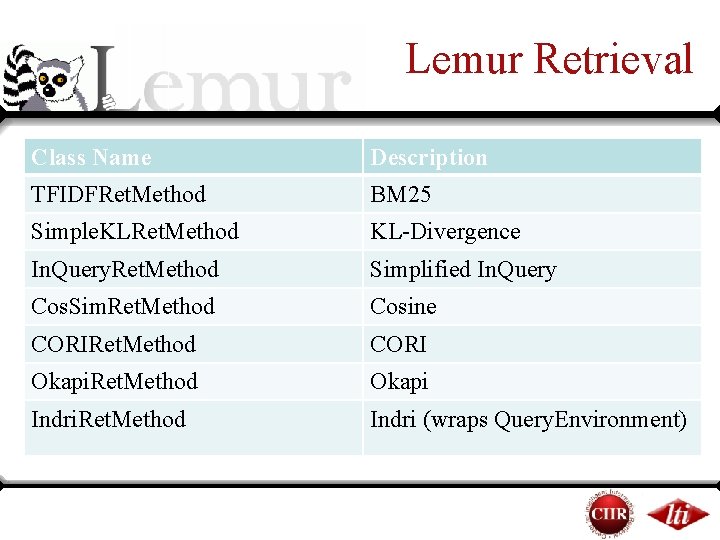
Lemur Retrieval Class Name Description TFIDFRet. Method BM 25 Simple. KLRet. Method KL-Divergence In. Query. Ret. Method Simplified In. Query Cos. Sim. Ret. Method Cosine CORIRet. Method CORI Okapi. Ret. Method Okapi Indri. Ret. Method Indri (wraps Query. Environment)
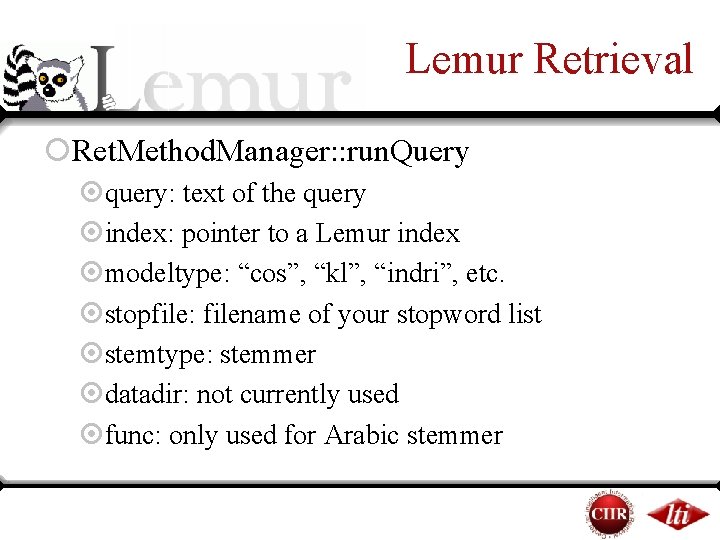
Lemur Retrieval ¡Ret. Method. Manager: : run. Query ¤query: text of the query ¤index: pointer to a Lemur index ¤modeltype: “cos”, “kl”, “indri”, etc. ¤stopfile: filename of your stopword list ¤stemtype: stemmer ¤datadir: not currently used ¤func: only used for Arabic stemmer
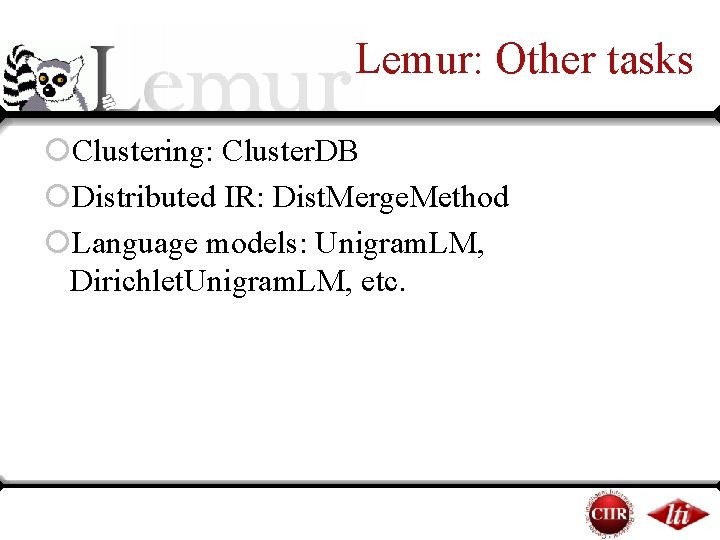
Lemur: Other tasks ¡Clustering: Cluster. DB ¡Distributed IR: Dist. Merge. Method ¡Language models: Unigram. LM, Dirichlet. Unigram. LM, etc.
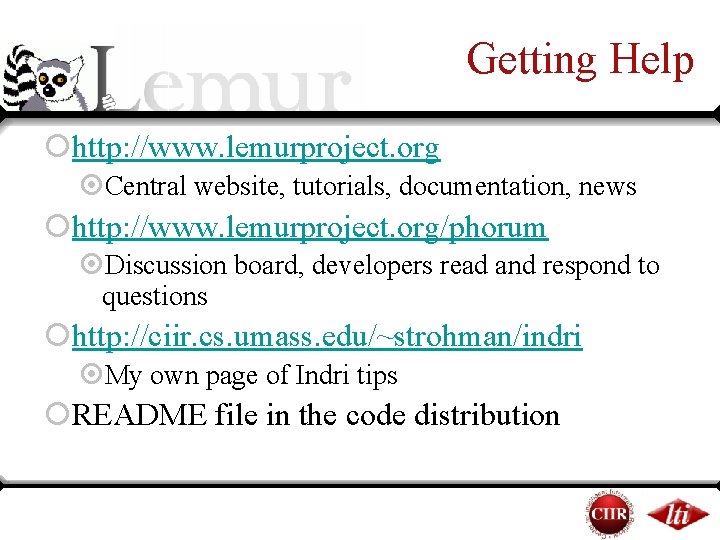
Getting Help ¡http: //www. lemurproject. org ¤Central website, tutorials, documentation, news ¡http: //www. lemurproject. org/phorum ¤Discussion board, developers read and respond to questions ¡http: //ciir. cs. umass. edu/~strohman/indri ¤My own page of Indri tips ¡README file in the code distribution
Concluding: In Review ¡Paul ¤About the toolkit ¤About Language Modeling, IR methods ¤Indexing a TREC collection ¤Running TREC queries ¤Interpreting query results
Concluding: In Review ¡Trevor ¤Indexing your own data ¤Using Parsed. Document ¤Indexing document fields ¤Using dumpindex ¤Using the Indri and classic Lemur APIs ¤Getting help
Questions Ask us questions! What is the best way to do x? When do we get coffee? How do I get started with my particular task? Does the toolkit have the x feature? How can I modify the toolkit to do x?