Vendmaster Software Power to Vending Companies The following

- Slides: 63
Vendmaster Software Power to Vending Companies
The following screenshots are taken from the beta version of Vendmaster. Therefore, the final screens may be different than the ones shwon in the following presentation.
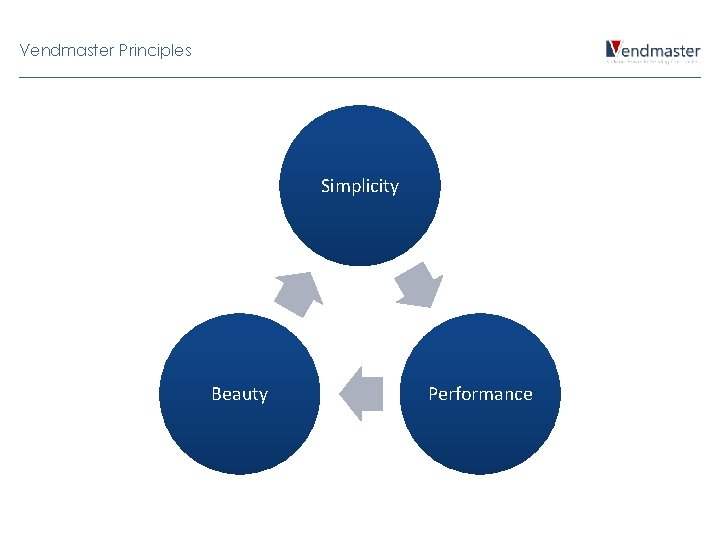
Vendmaster Principles Simplicity Beauty Performance
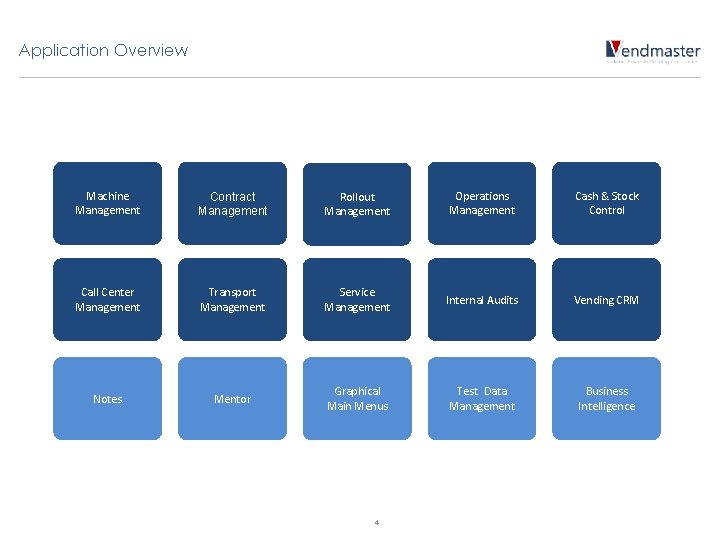
Application Overview Machine Management Contract Management Rollout Management Operations Management Cash & Stock Control Call Center Management Transport Management Service Management Internal Audits Vending CRM Notes Mentor Graphical Main Menus Test Data Management Business Intelligence 4
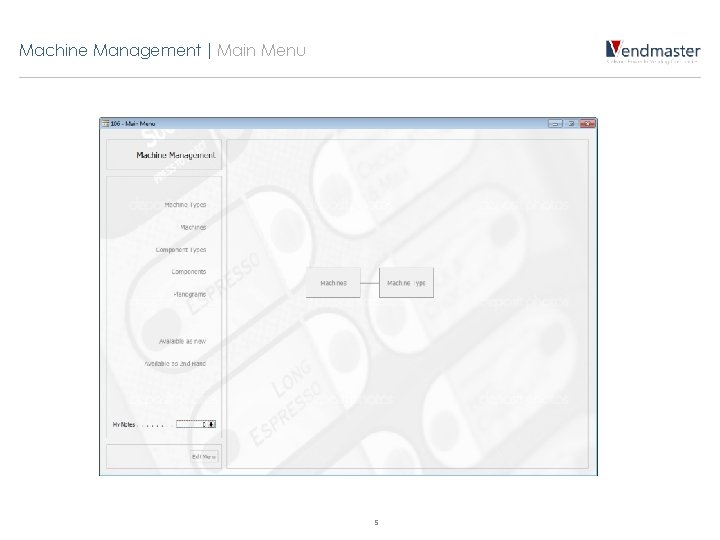
Machine Management | Main Menu 5
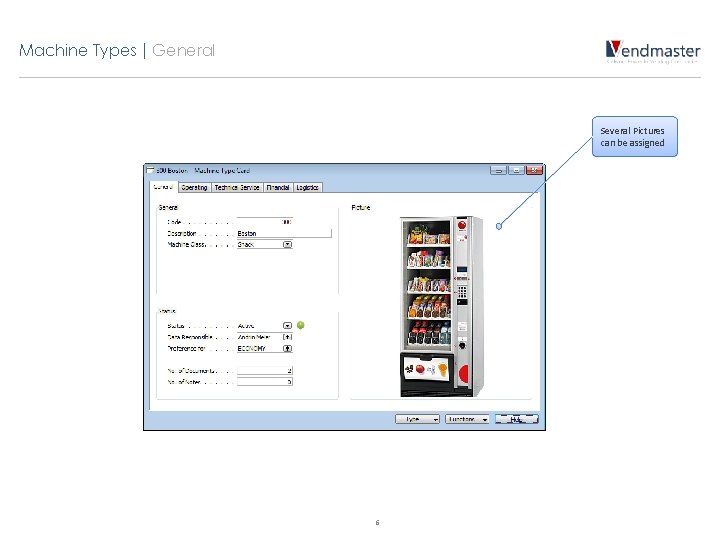
Machine Types | General Several Pictures can be assigned 6
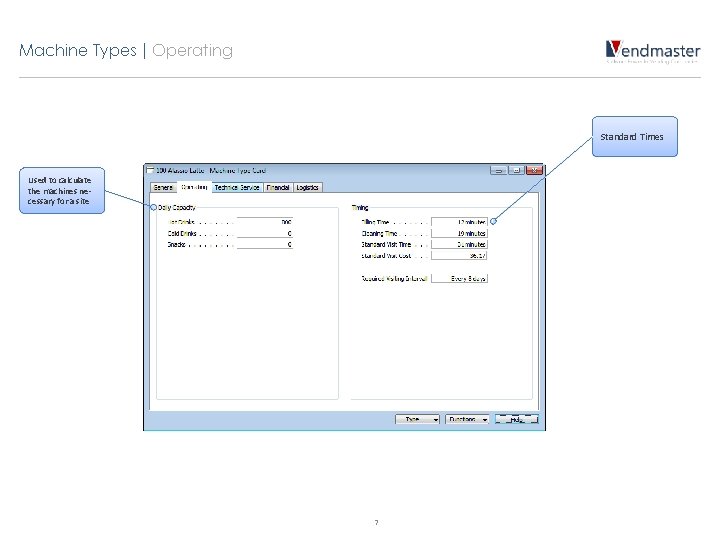
Machine Types | Operating Standard Times Used to calculate the machines necessary for a site 7
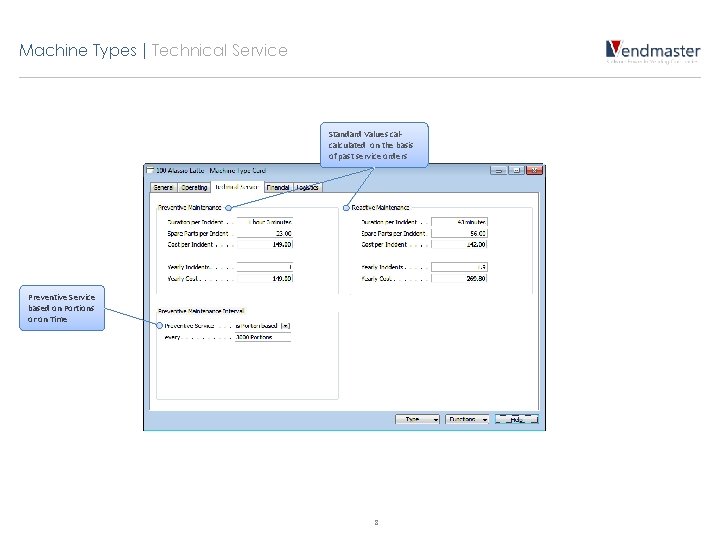
Machine Types | Technical Service Standard Values calcalculated on the basis of past service orders Preventive Service based on Portions or on Time 8
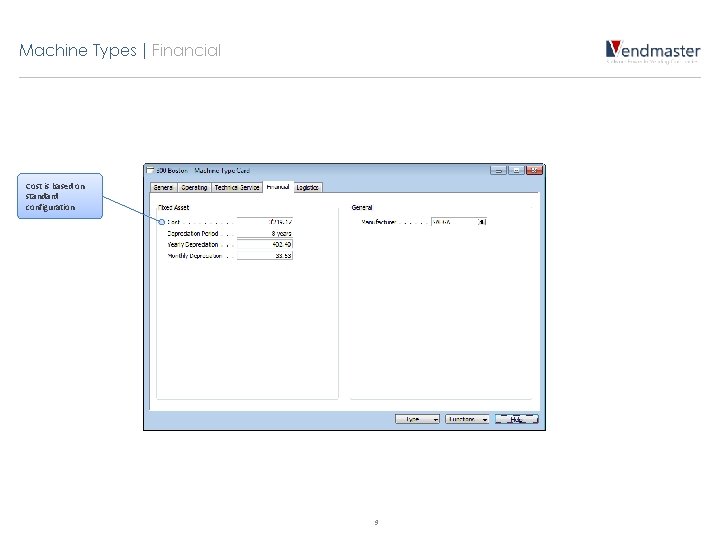
Machine Types | Financial Cost is based on standard configuration 9
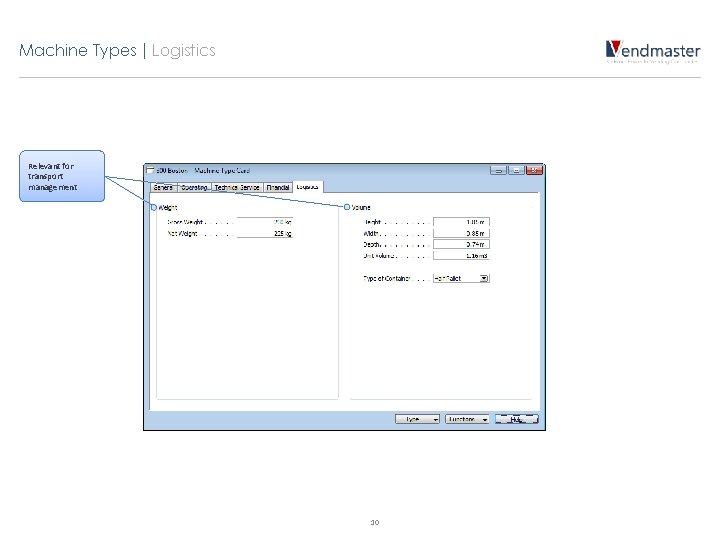
Machine Types | Logistics Relevant for transport management 10
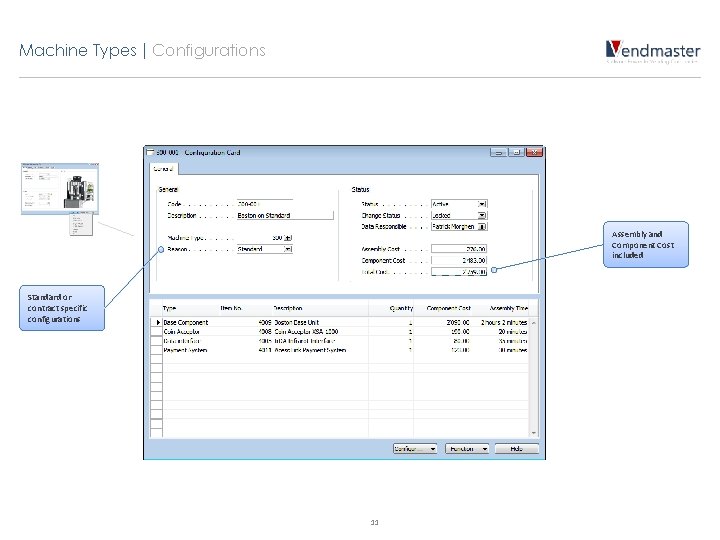
Machine Types | Configurations Assembly and Component Cost included Standard or contract specific configurations 11
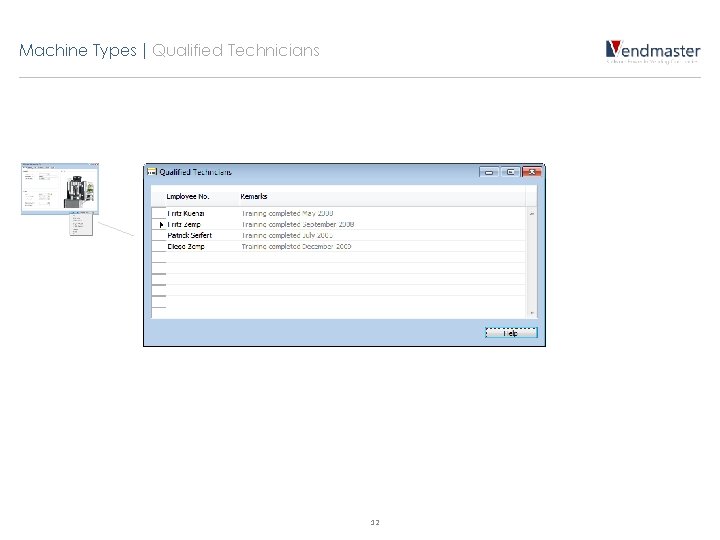
Machine Types | Qualified Technicians 12
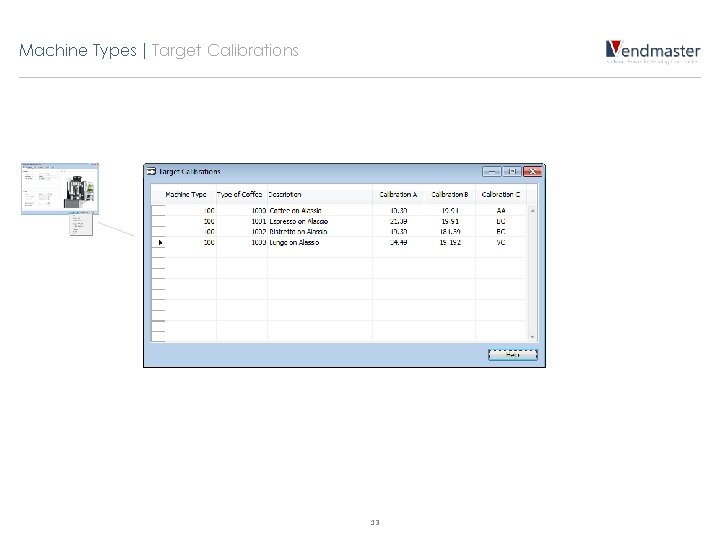
Machine Types | Target Calibrations 13
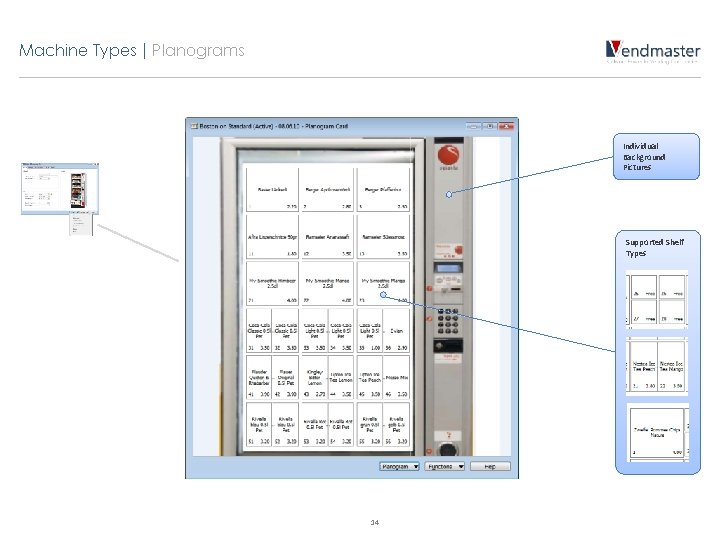
Machine Types | Planograms Individual Background Pictures Supported Shelf Types 14
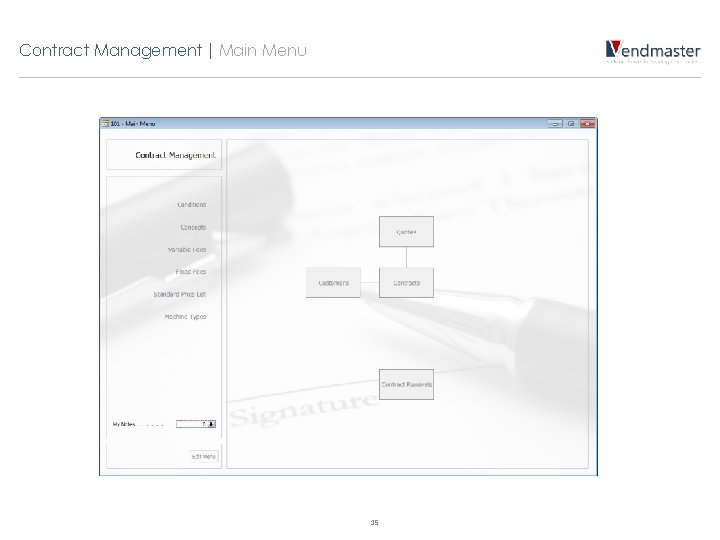
Contract Management | Main Menu 15
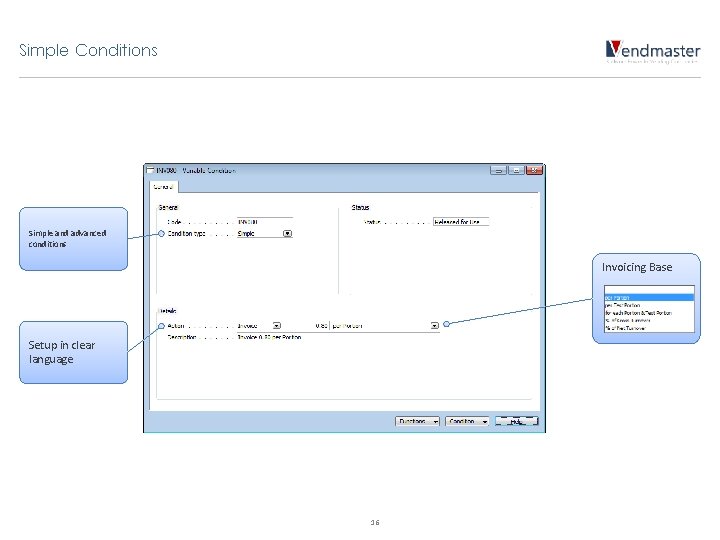
Simple Conditions Simple and advanced conditions Invoicing Base Setup in clear language 16
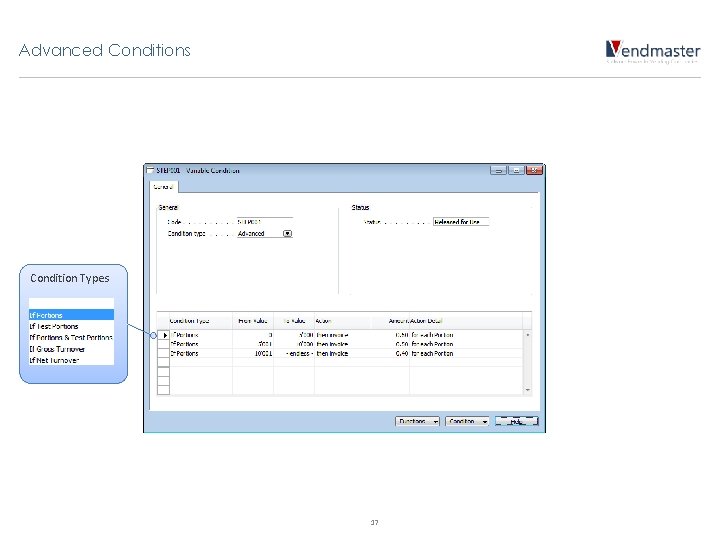
Advanced Conditions Condition Types 17
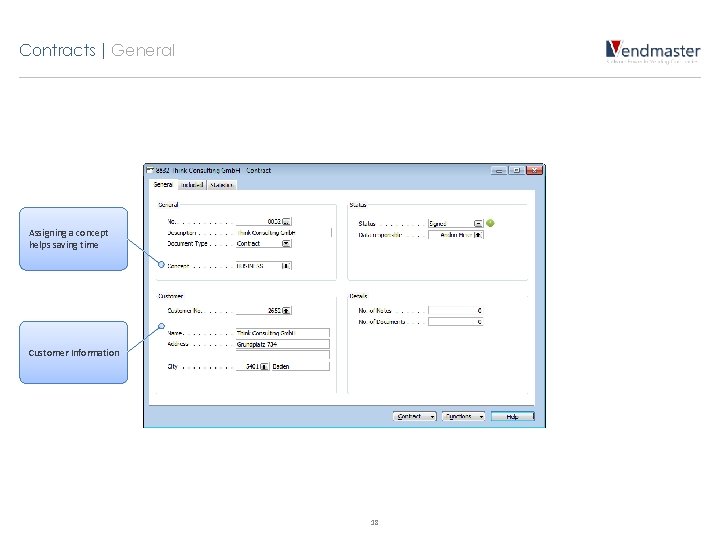
Contracts | General Assigning a concept helps saving time Customer Information 18
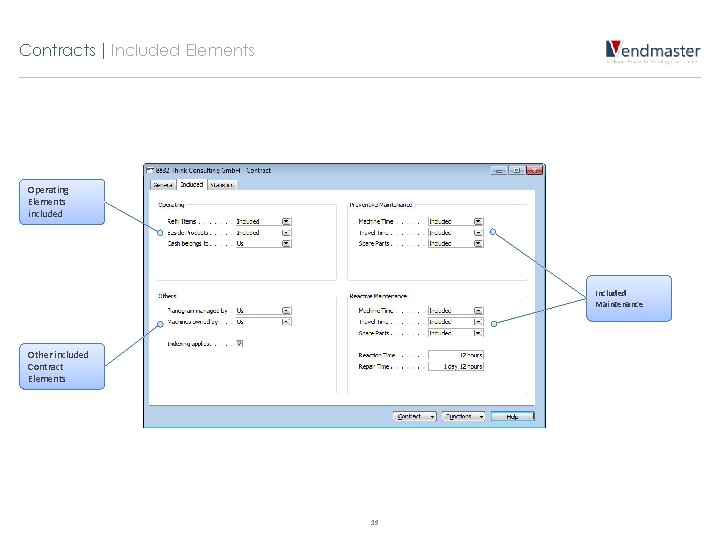
Contracts | Included Elements Operating Elements included Included Maintenance Other included Contract Elements 19
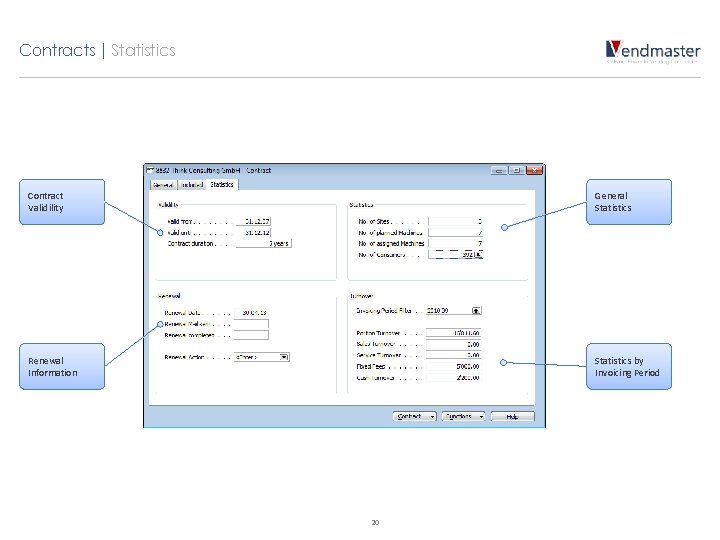
Contracts | Statistics Contract Validility General Statistics Renewal Information Statistics by Invoicing Period 20
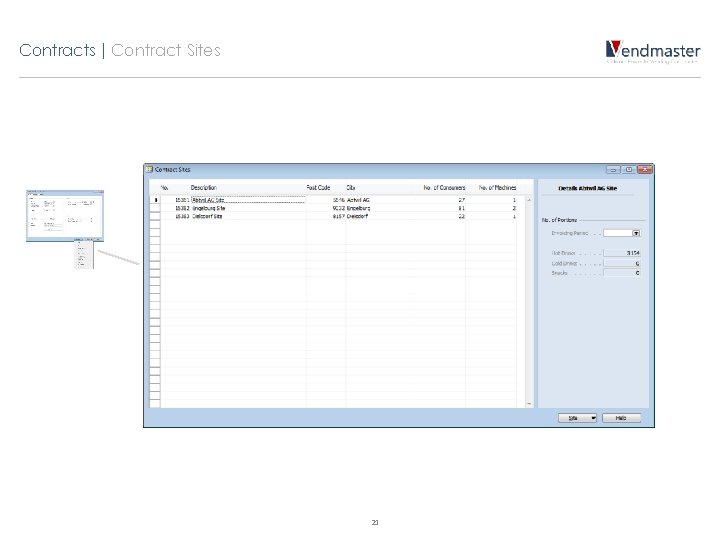
Contracts | Contract Sites 21
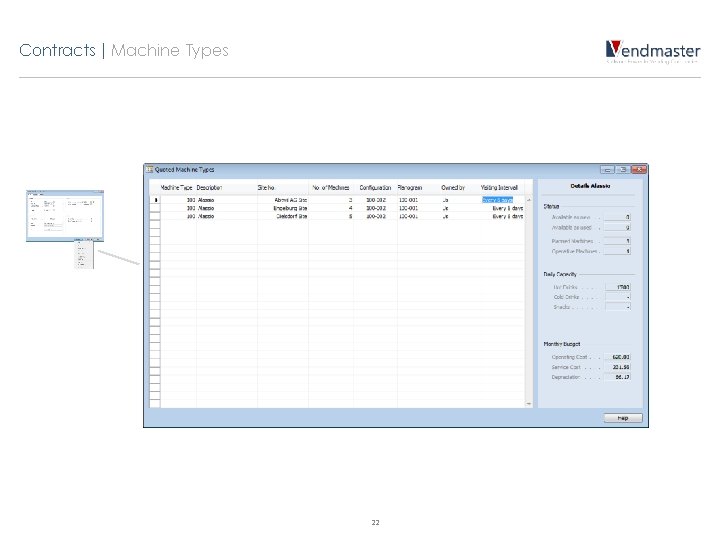
Contracts | Machine Types 22
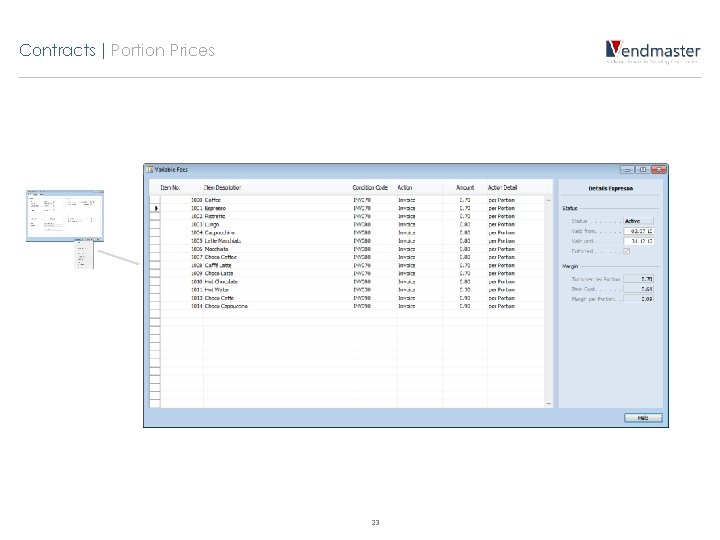
Contracts | Portion Prices 23
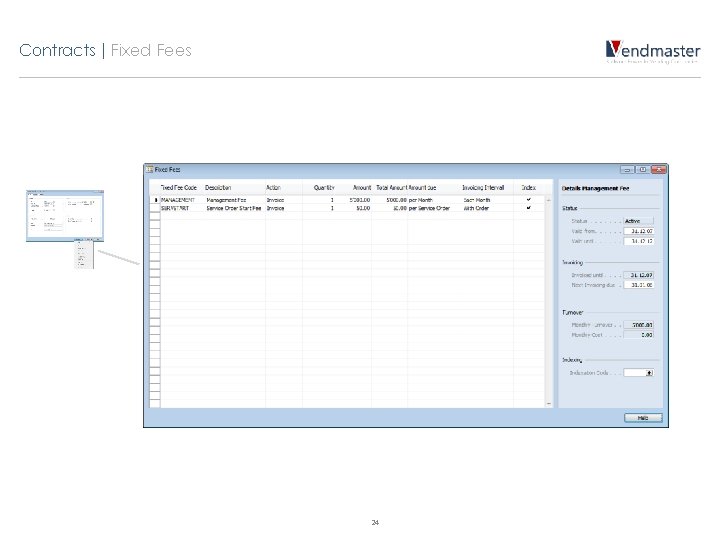
Contracts | Fixed Fees 24
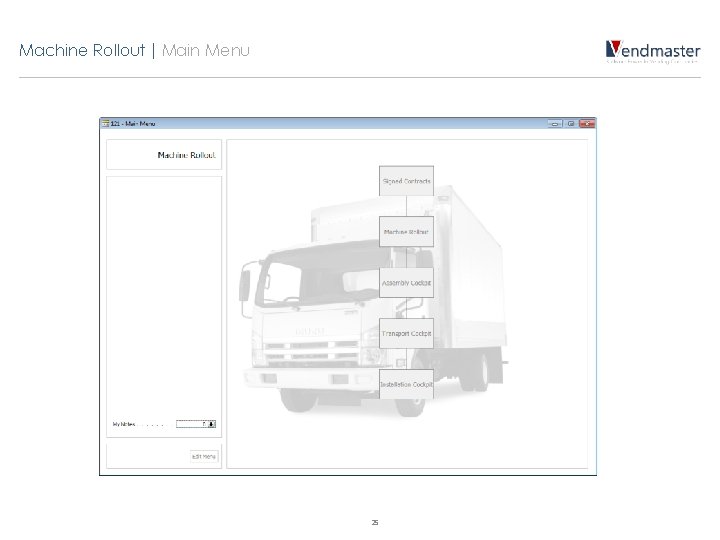
Machine Rollout | Main Menu 25
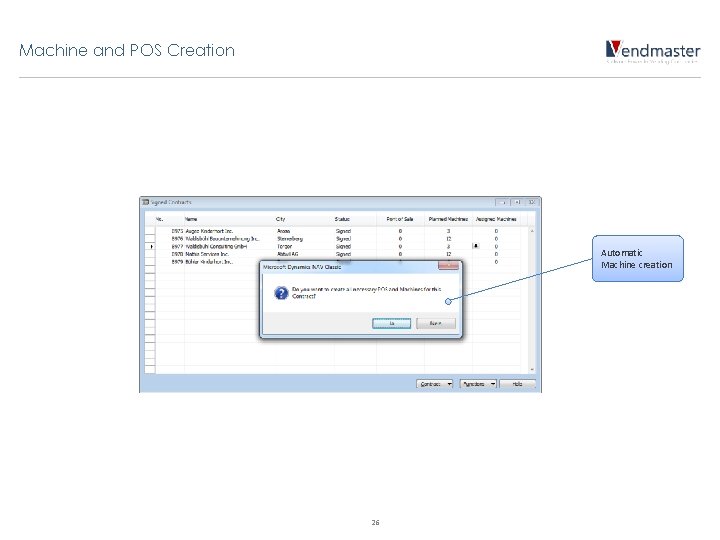
Machine and POS Creation Automatic Machine creation 26
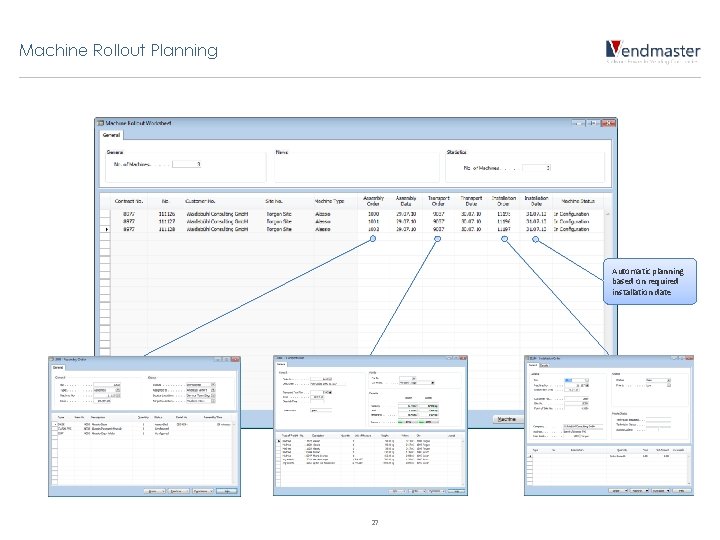
Machine Rollout Planning Automatic planning based on required installation date 27
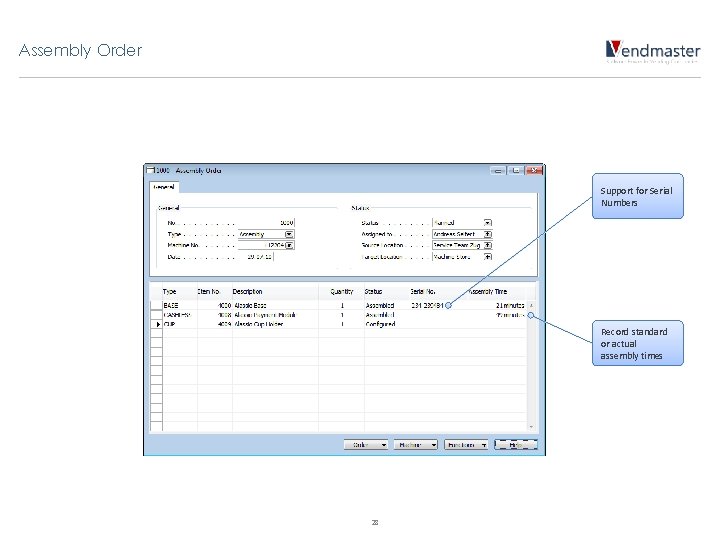
Assembly Order Support for Serial Numbers Record standard or actual assembly times 28
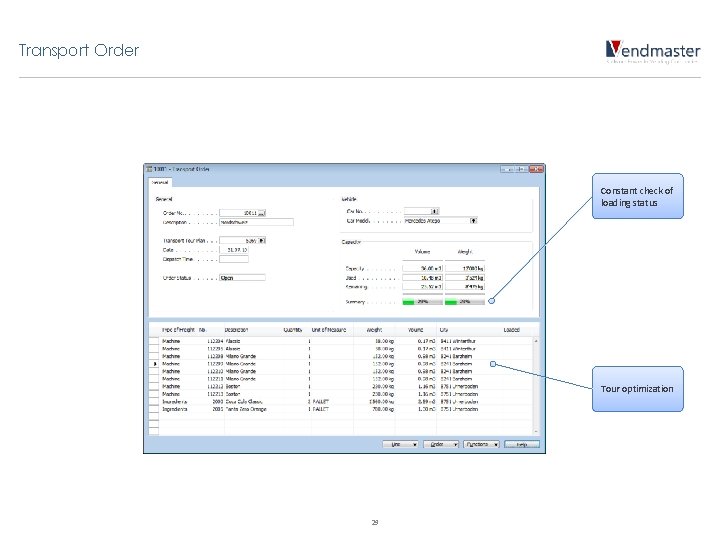
Transport Order Constant check of loading status Tour optimization 29
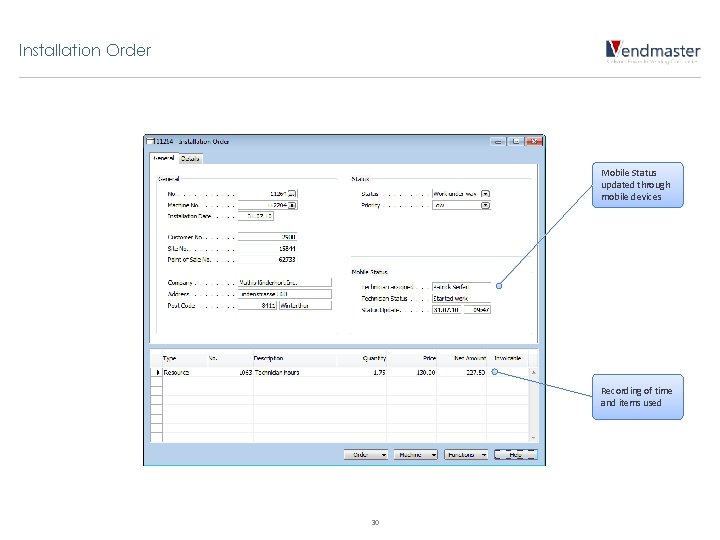
Installation Order Mobile Status updated through mobile devices Recording of time and items used 30
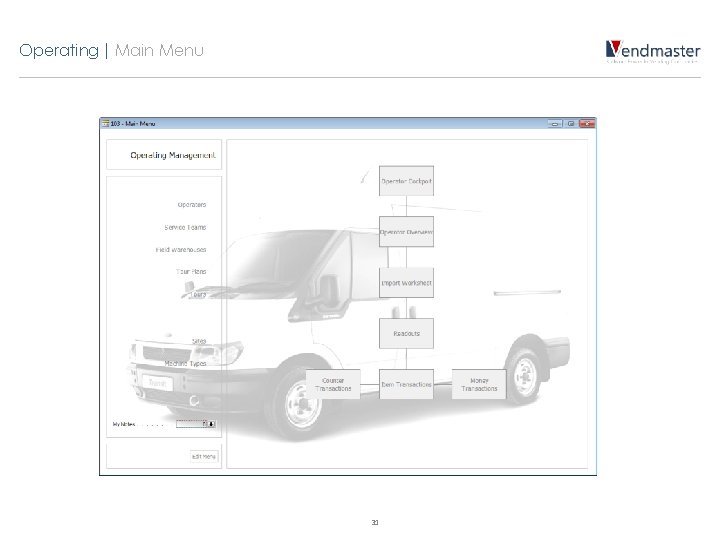
Operating | Main Menu 31
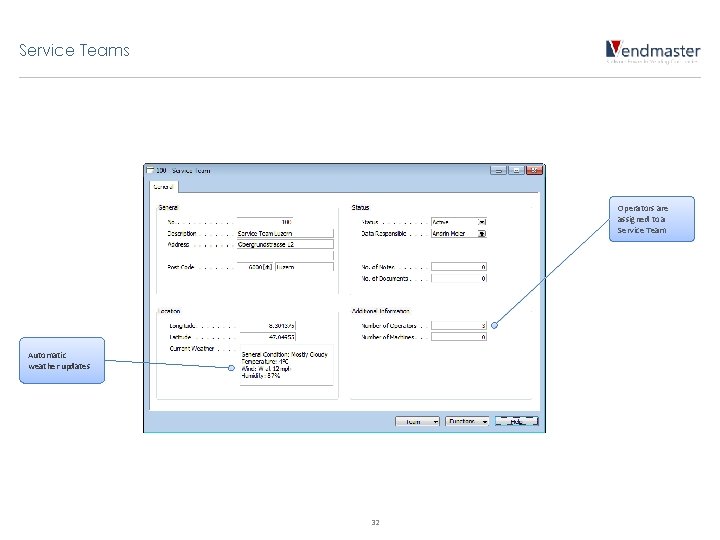
Service Teams Operators are assigned to a Service Team Automatic weather updates 32
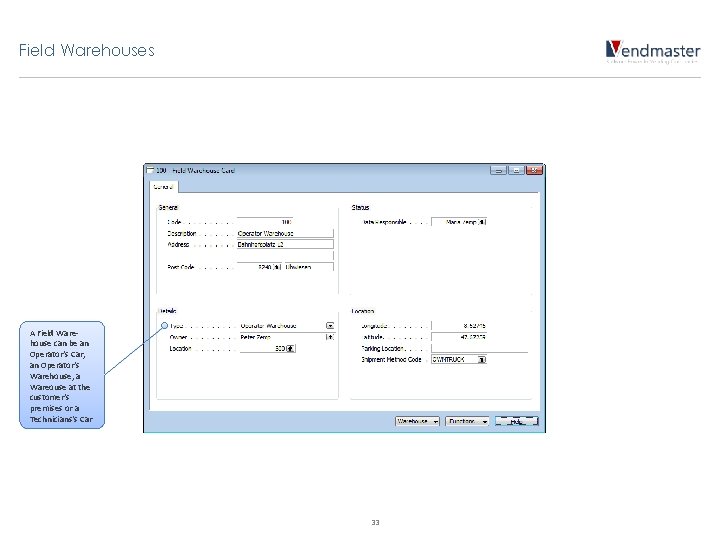
Field Warehouses A Field Warehouse can be an Operator‘s Car, an Operator‘s Warehouse, a Wareouse at the customer‘s premises or a Technicians‘s Car 33
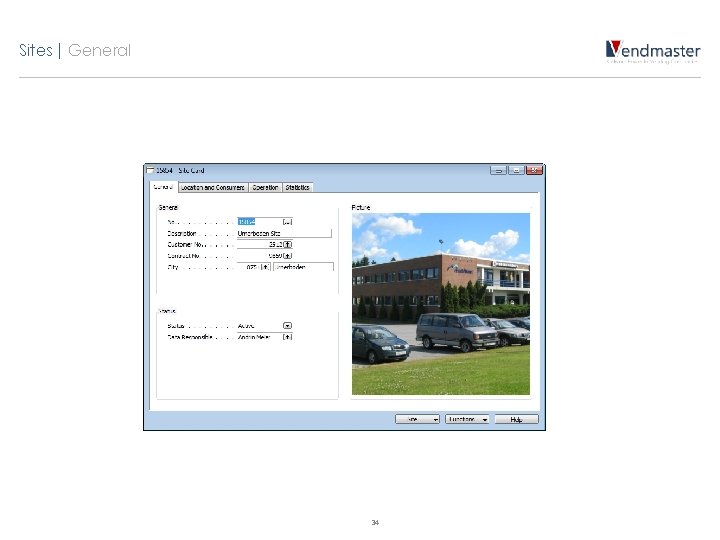
Sites | General 34
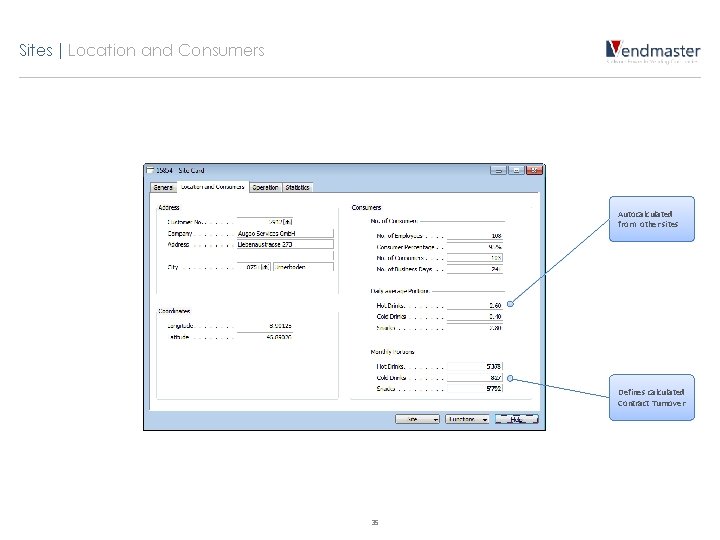
Sites | Location and Consumers Autocalculated from other sites Defines calculated Contract Turnover 35
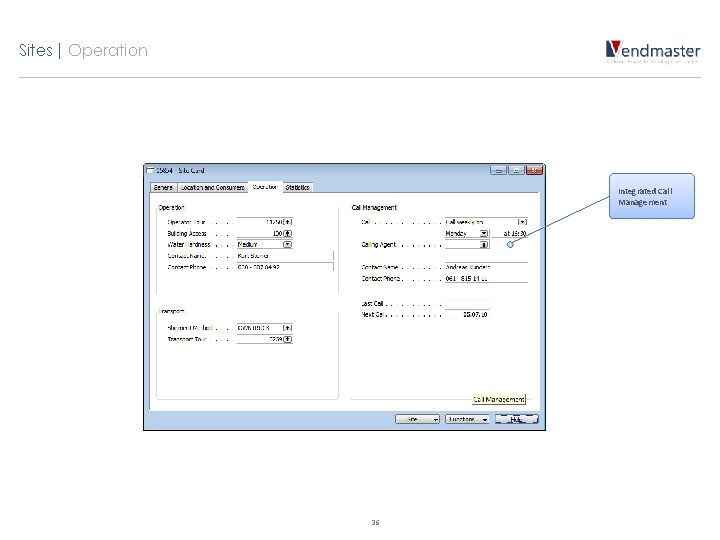
Sites | Operation Integrated Call Management 36
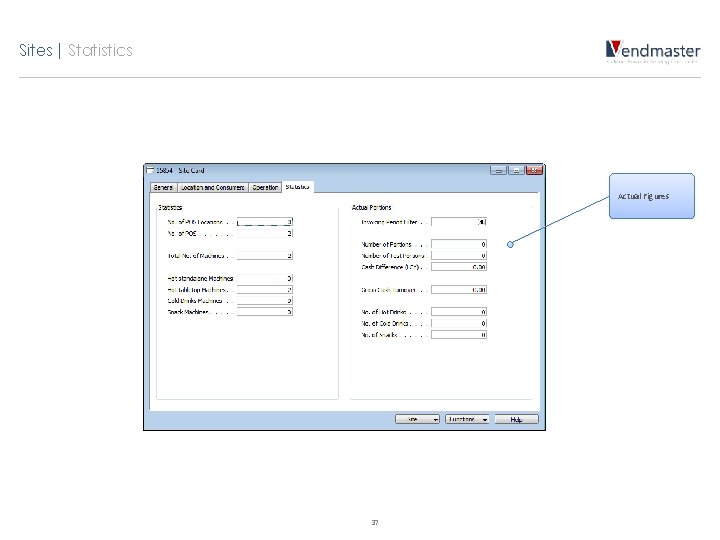
Sites | Statistics Actual Figures 37
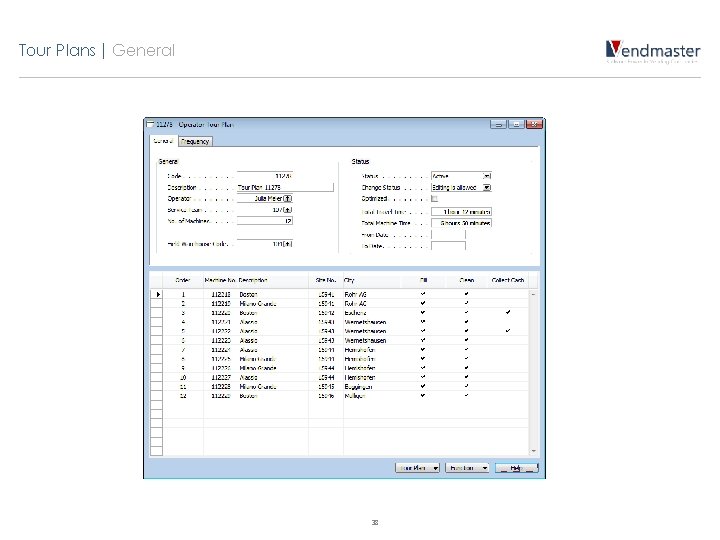
Tour Plans | General 38
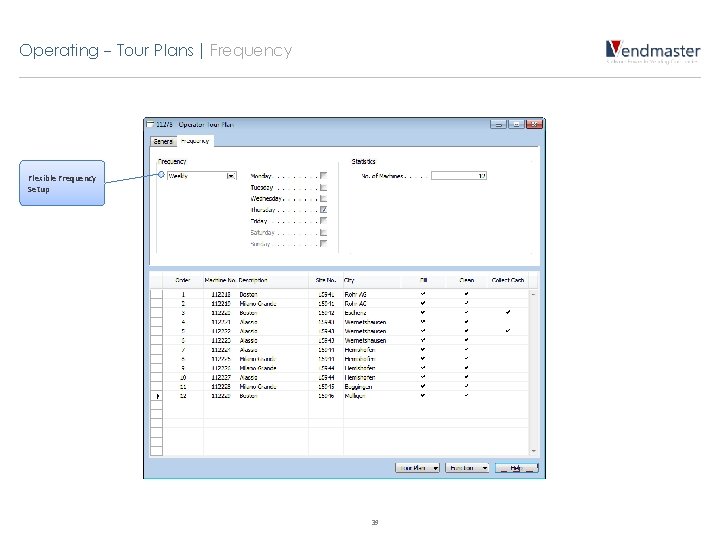
Operating - Tour Plans | Frequency Flexible Frequency Setup 39
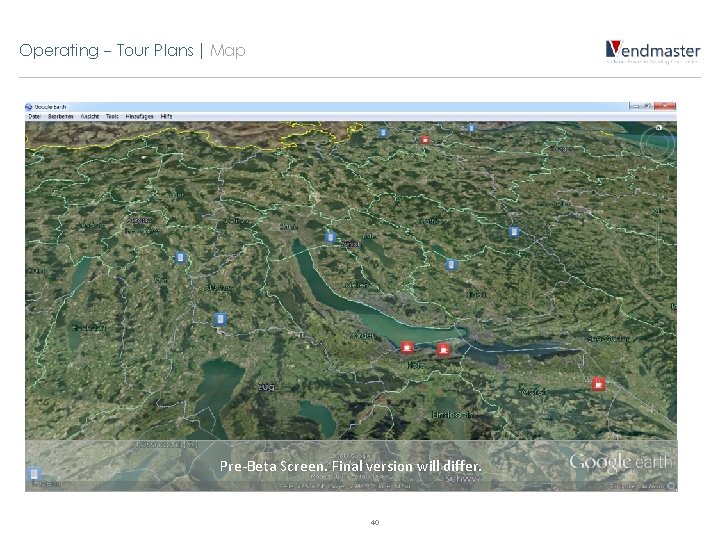
Operating - Tour Plans | Map Pre-Beta Screen. Final version will differ. 40
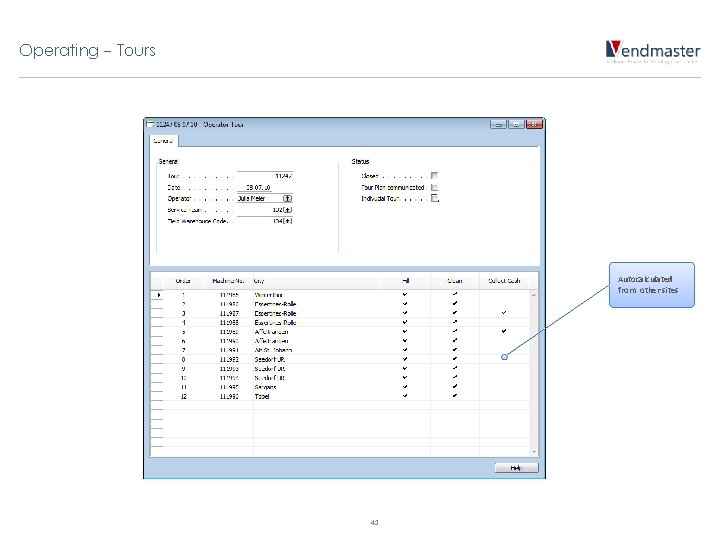
Operating - Tours Autocalculated from other sites 41
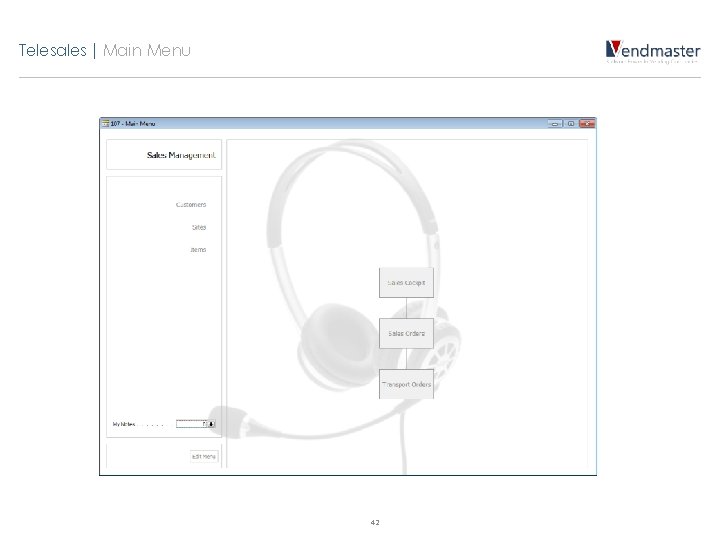
Telesales | Main Menu 42
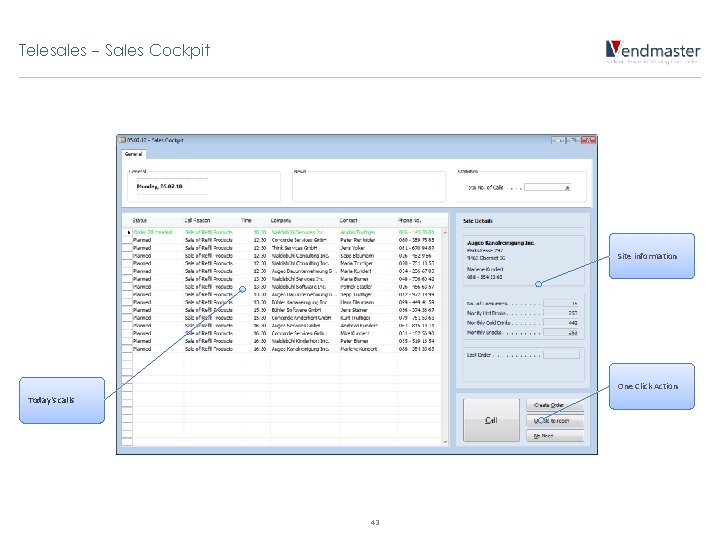
Telesales - Sales Cockpit Site information One Click Action Today‘s calls 43
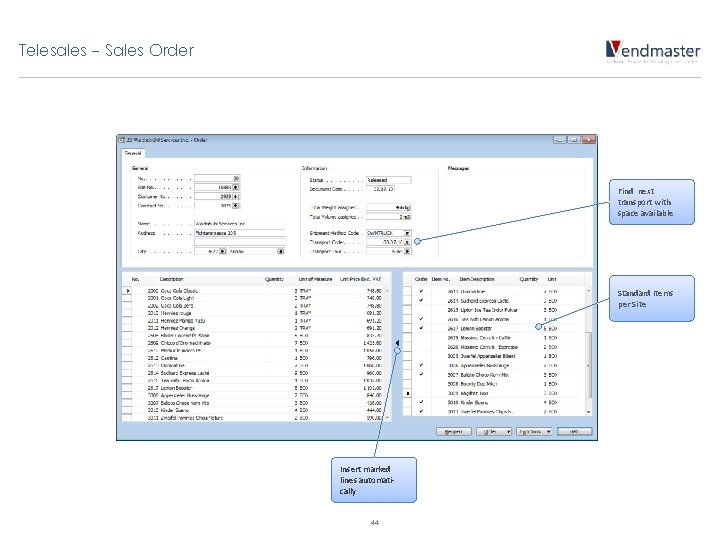
Telesales - Sales Order Find next transport with space available Standard Items per Site Insert marked lines automatically 44
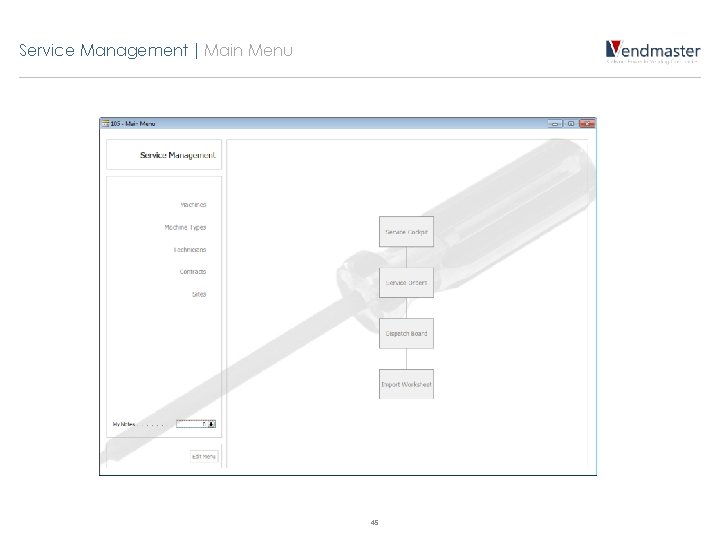
Service Management | Main Menu 45
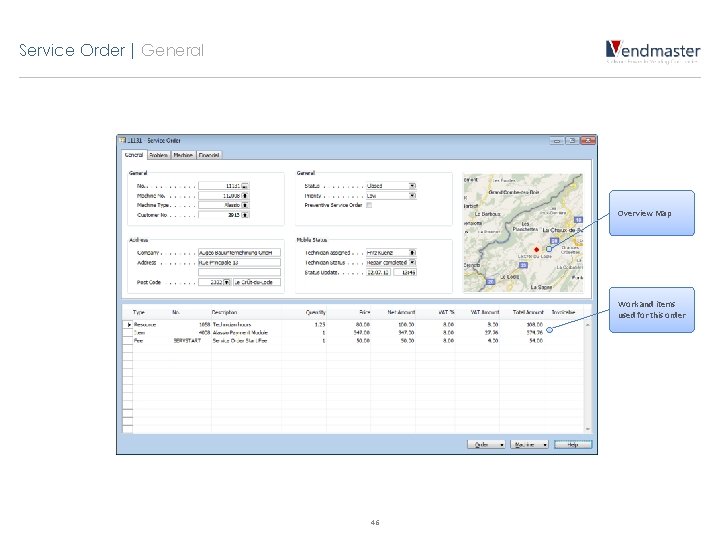
Service Order | General Overview Map Work and items used for this order 46
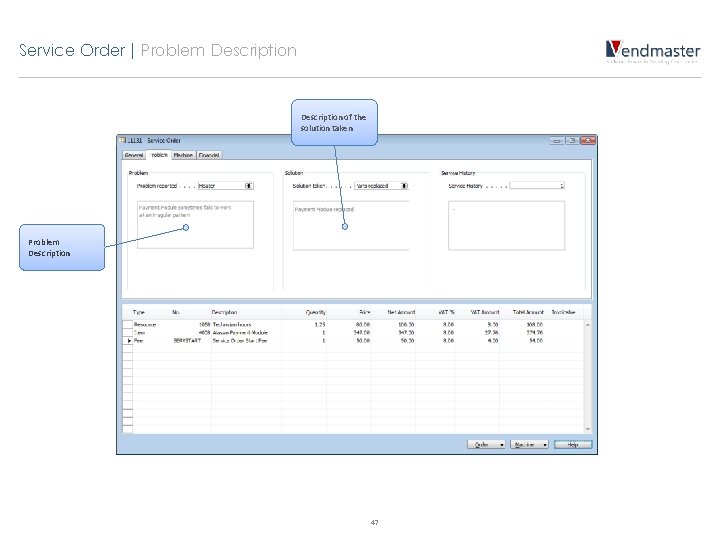
Service Order | Problem Description of the solution taken Problem Description 47
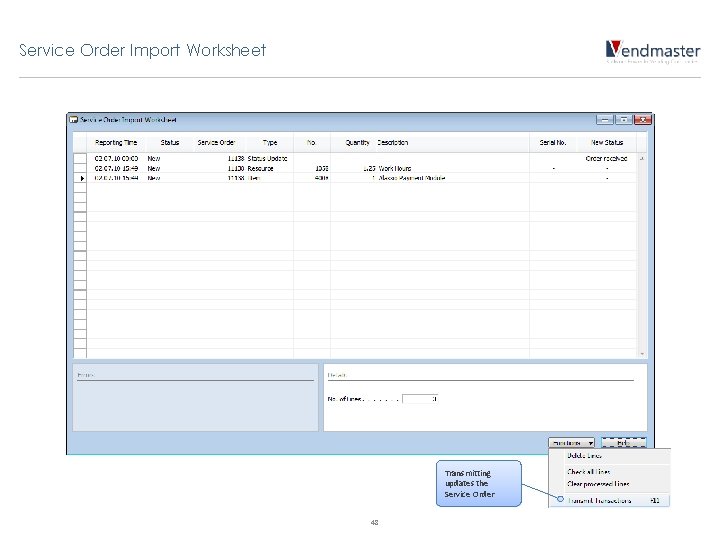
Service Order Import Worksheet Transmitting updates the Service Order 48
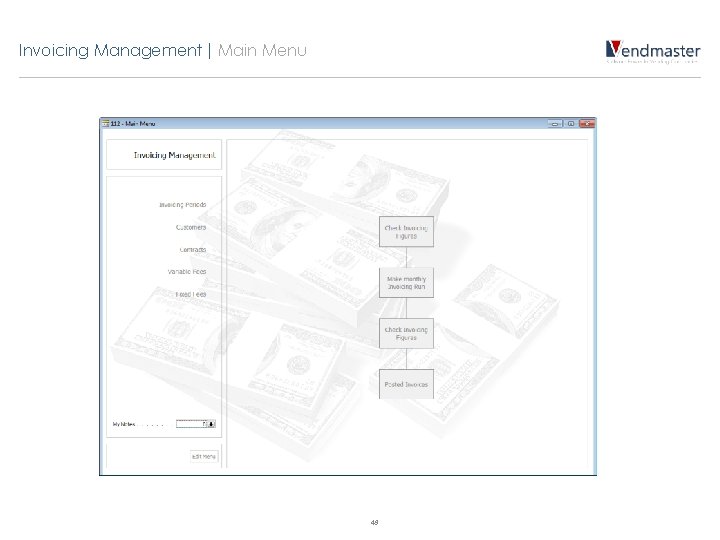
Invoicing Management | Main Menu 49
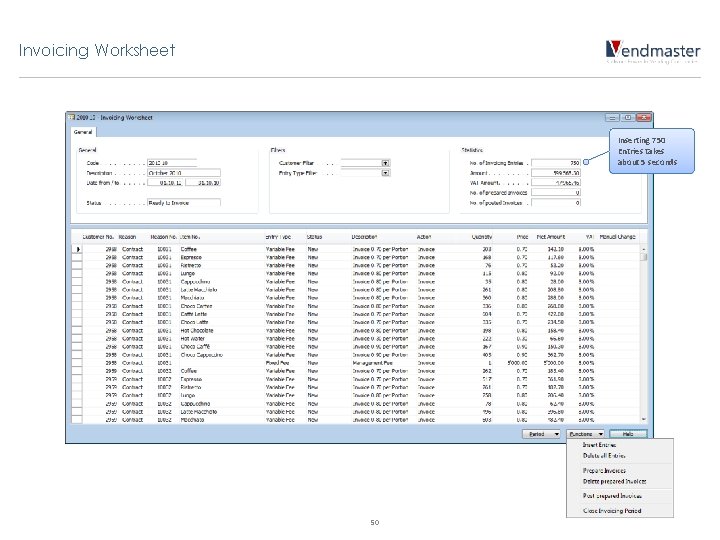
Invoicing Worksheet Inserting 750 Entries takes about 5 seconds 50
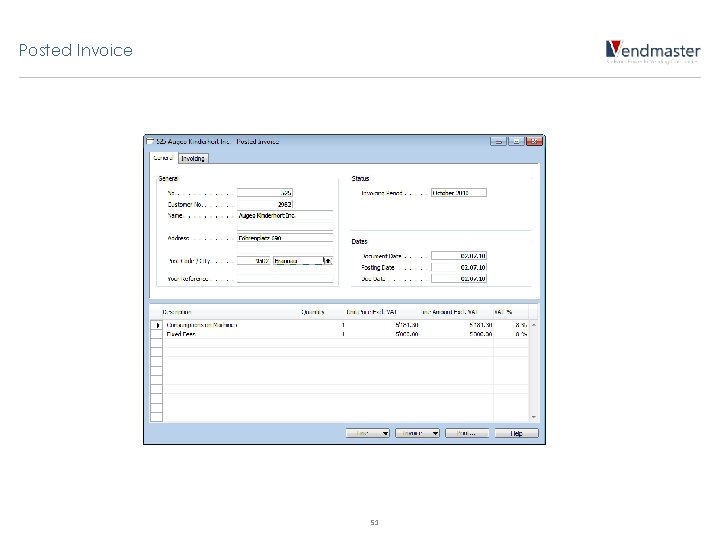
Posted Invoice 51
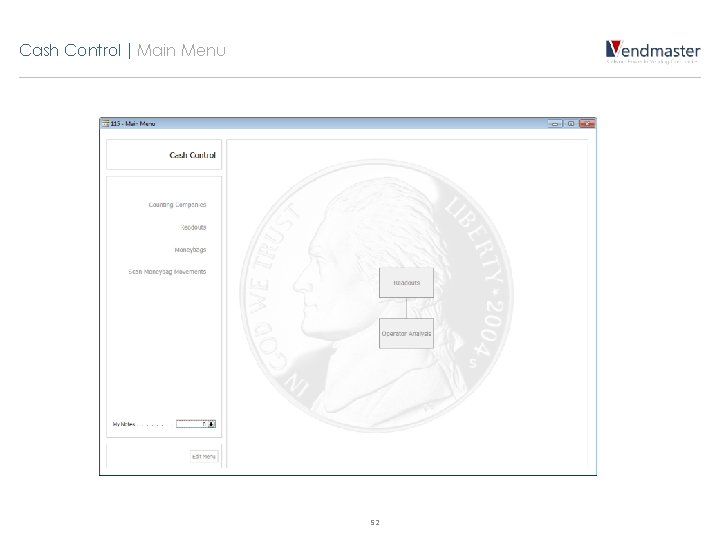
Cash Control | Main Menu 52
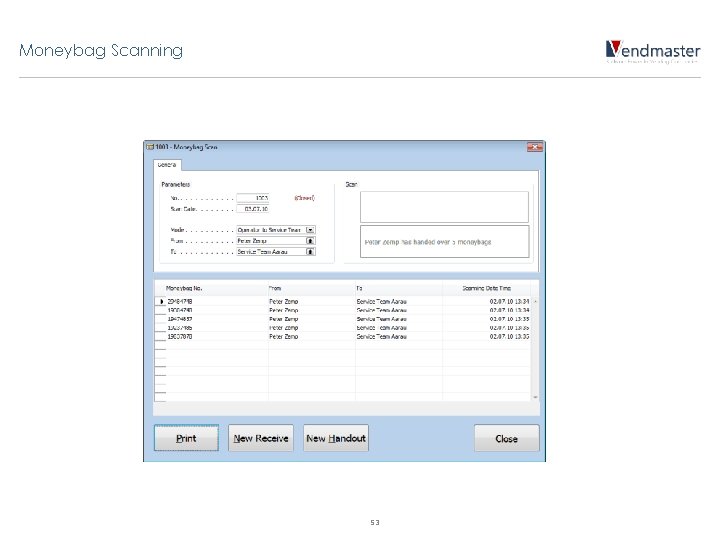
Moneybag Scanning 53
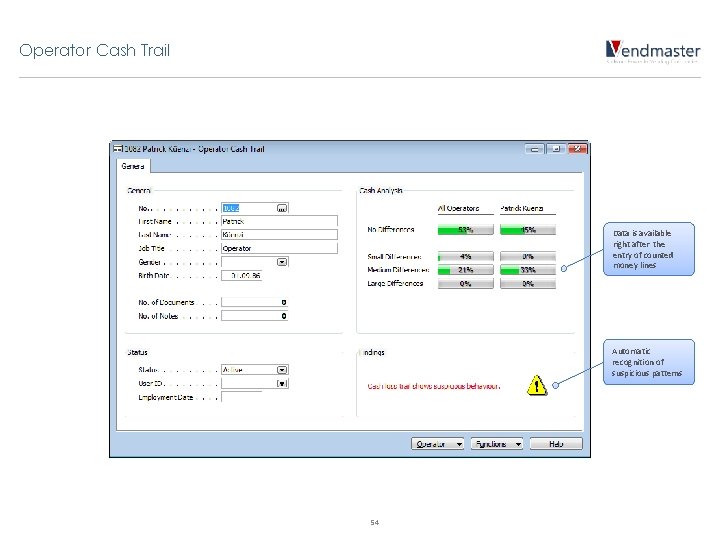
Operator Cash Trail Data is available right after the entry of counted money lines Automatic recognition of suspicious patterns 54
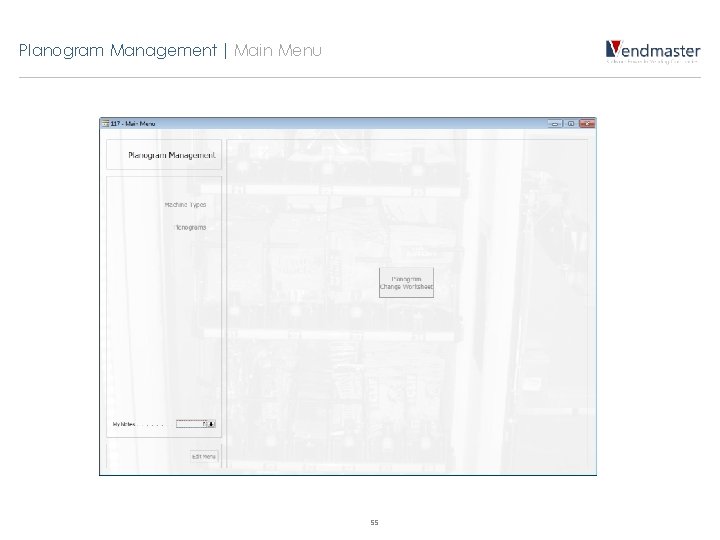
Planogram Management | Main Menu 55
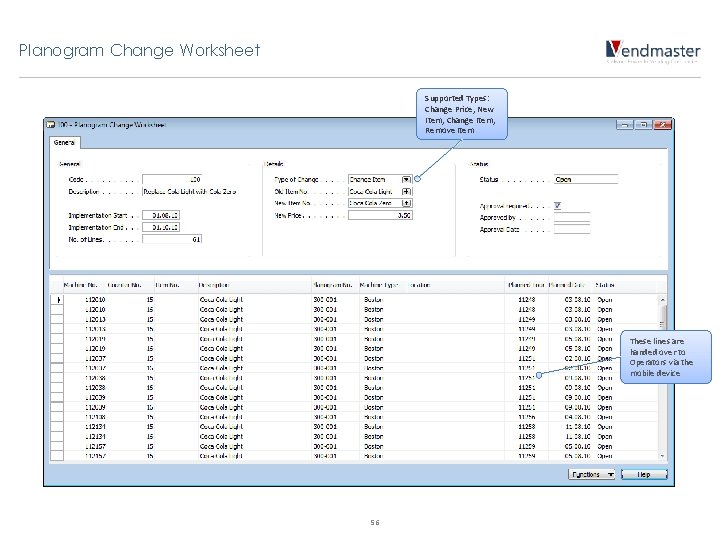
Planogram Change Worksheet Supported Types: Change Price, New Item, Change Item, Remove Item These lines are handed over to Operators via the mobile device 56
Diverse Points • Notes • Graphical Main Menus • Mentor • Test Data Management 57
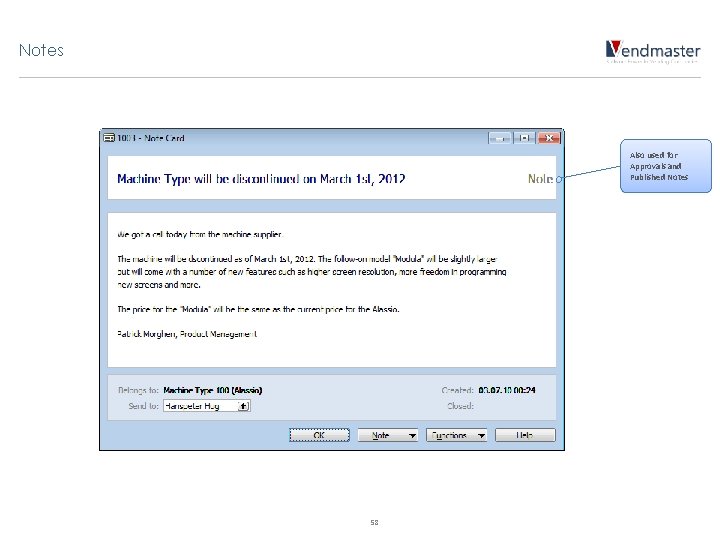
Notes Also used for Approvals and Published Notes 58
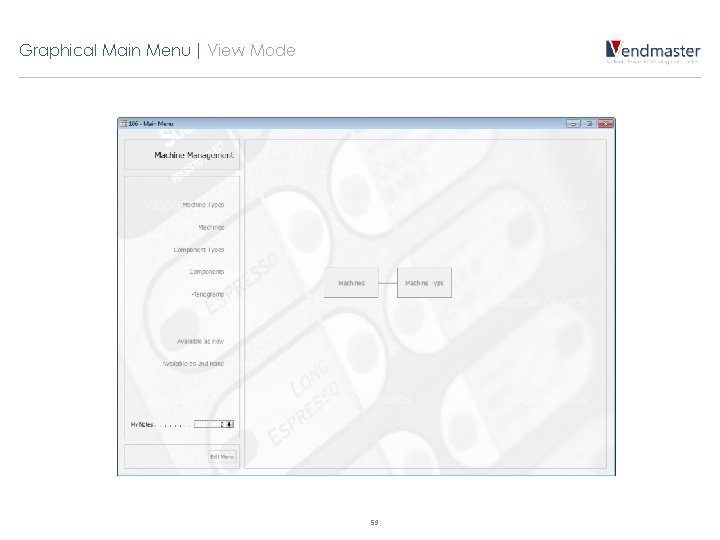
Graphical Main Menu | View Mode 59
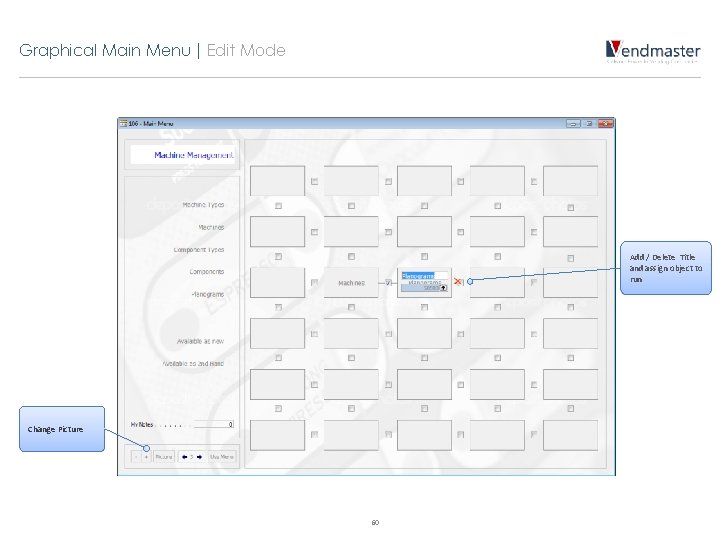
Graphical Main Menu | Edit Mode Add / Delete Title and assign object to run Change Picture 60
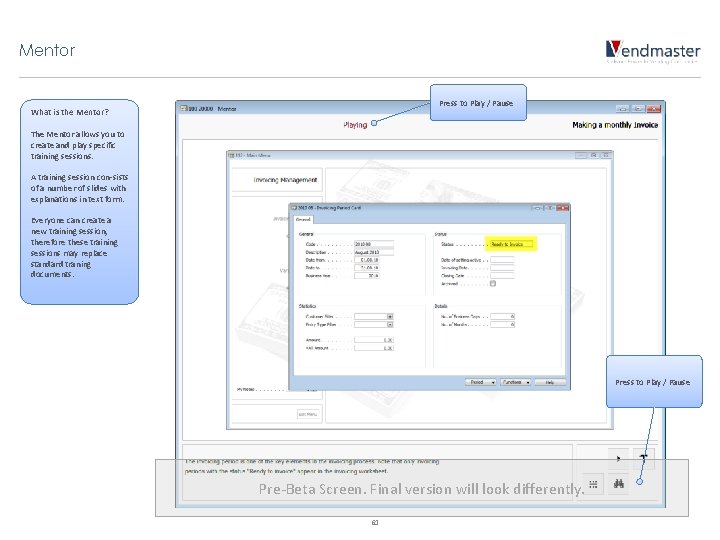
Mentor Press to Play / Pause What is the Mentor? The Mentor allows you to create and play specific training sessions. A training session con-sists of a number of slides with explanations in text form. Everyone can create a new training session, therefore these training sessions may replace standard traning documents. Press to Play / Pause Pre-Beta Screen. Final version will look differently. 61
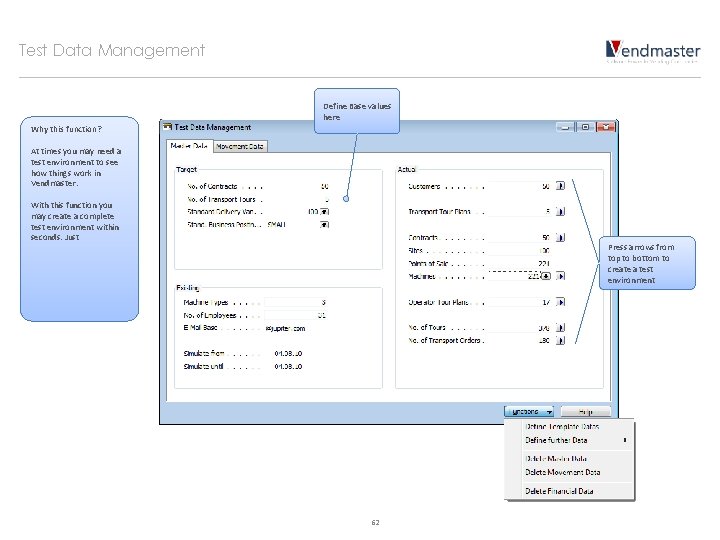
Test Data Management Define Base values here Why this function? At times you may need a test environment to see how things work in Vendmaster. With this function you may create a complete test environment within seconds. Just Press arrows from top to bottom to create a test environment 62
Contact us Patrick Morghen CEO Morghen Software Solutions In den Chlepfen 19 a, CH-6042 Dietwil Phone +41 79 549 88 61 patrick. morghen@vendmaster. ch www. vendmaster. ch 63