
Visual C Express 2010 http www microsoft comexpress


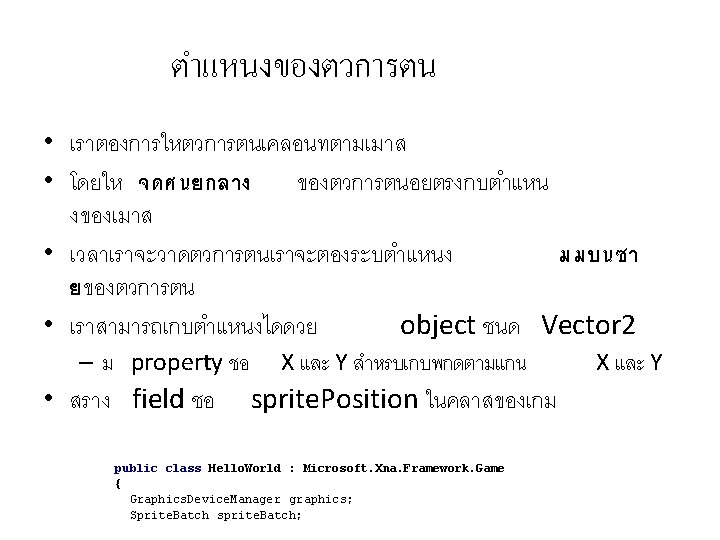
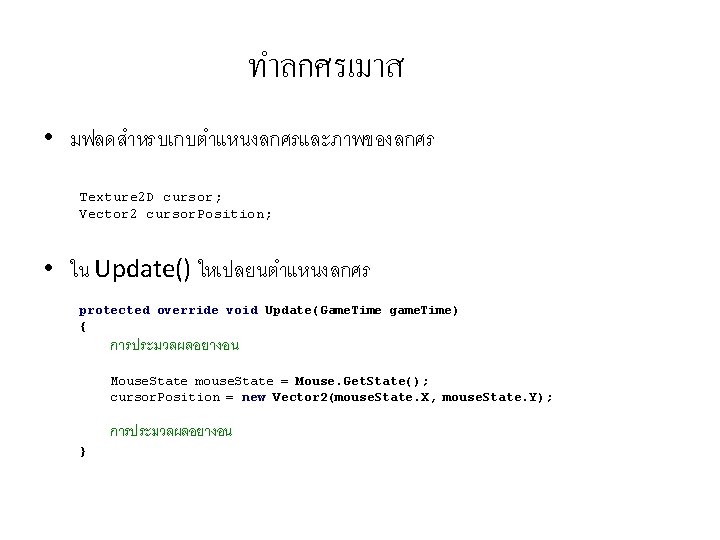
- Slides: 102
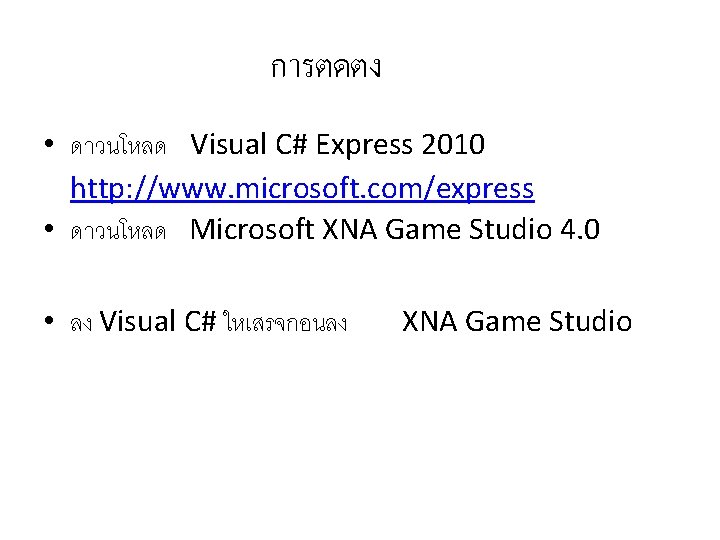
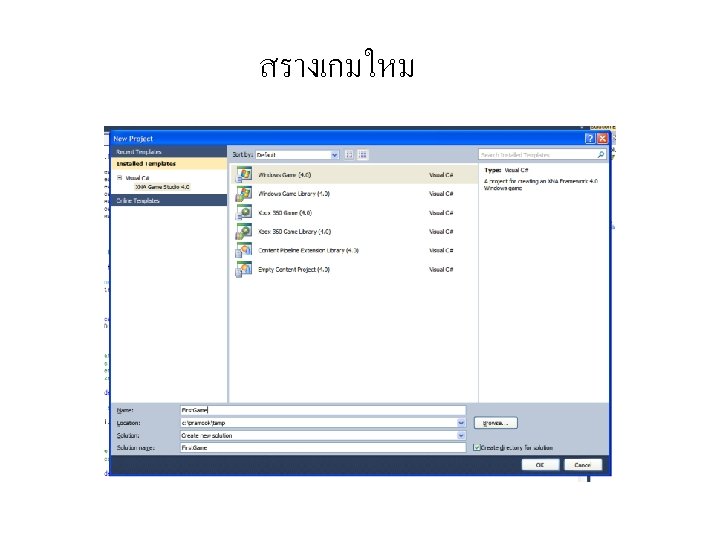
การตดตง • ดาวนโหลด Visual C# Express 2010 http: //www. microsoft. com/express • ดาวนโหลด Microsoft XNA Game Studio 4. 0 • ลง Visual C# ใหเสรจกอนลง XNA Game Studio
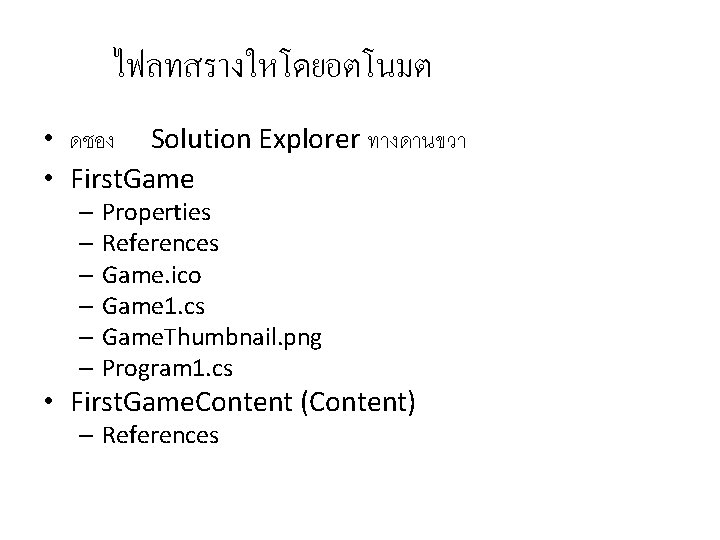
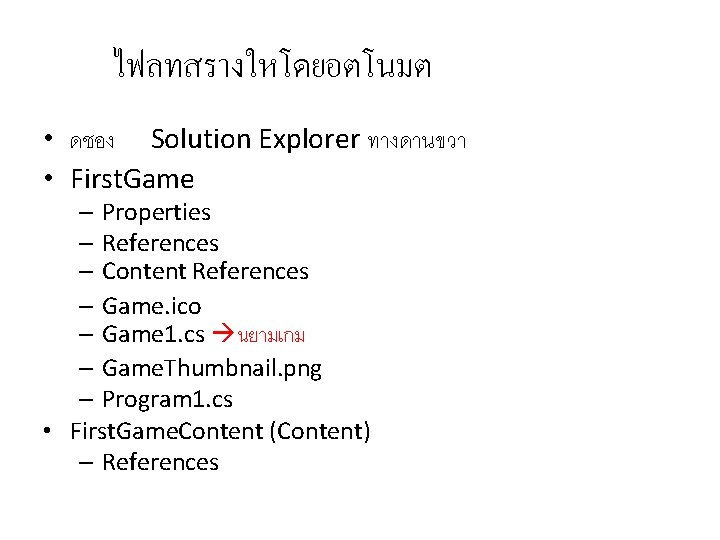
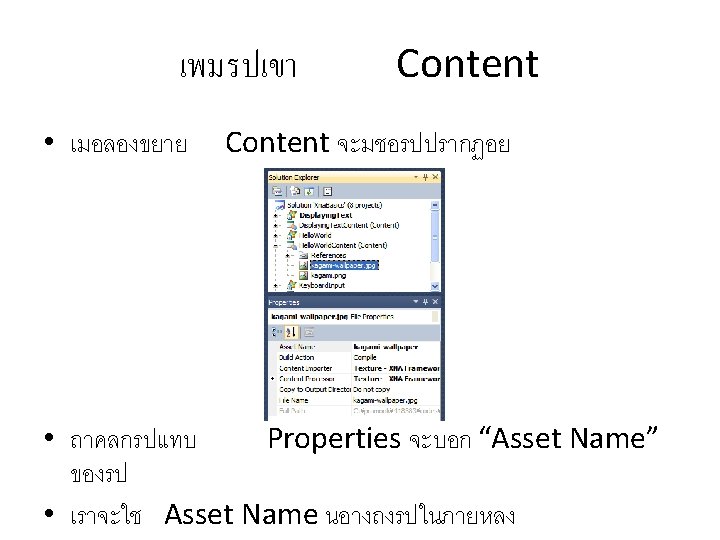
ไฟลทสรางใหโดยอตโนมต • ดชอง Solution Explorer ทางดานขวา • First. Game – Properties – References – Game. ico – Game 1. cs – Game. Thumbnail. png – Program 1. cs • First. Game. Content (Content) – References
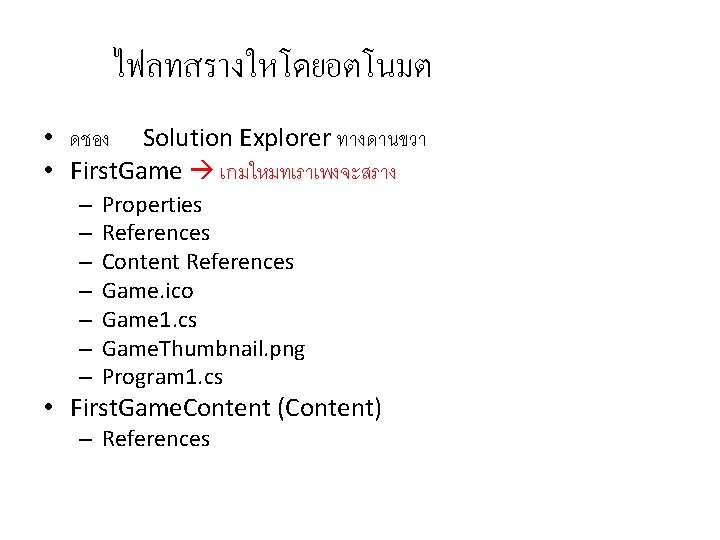
ไฟลทสรางใหโดยอตโนมต • ดชอง Solution Explorer ทางดานขวา • First. Game เกมใหมทเราเพงจะสราง – – – – Properties References Content References Game. ico Game 1. cs Game. Thumbnail. png Program 1. cs • First. Game. Content (Content) – References
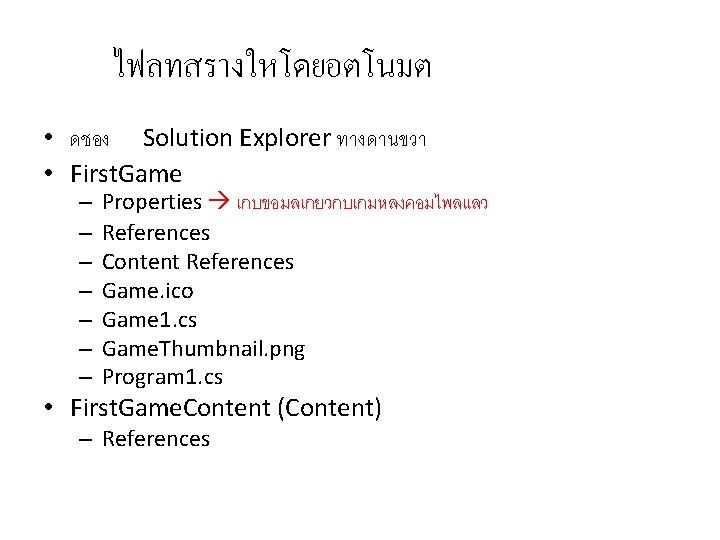
ไฟลทสรางใหโดยอตโนมต • ดชอง Solution Explorer ทางดานขวา • First. Game – – – – Properties เกบขอมลเกยวกบเกมหลงคอมไพลแลว References Content References Game. ico Game 1. cs Game. Thumbnail. png Program 1. cs • First. Game. Content (Content) – References
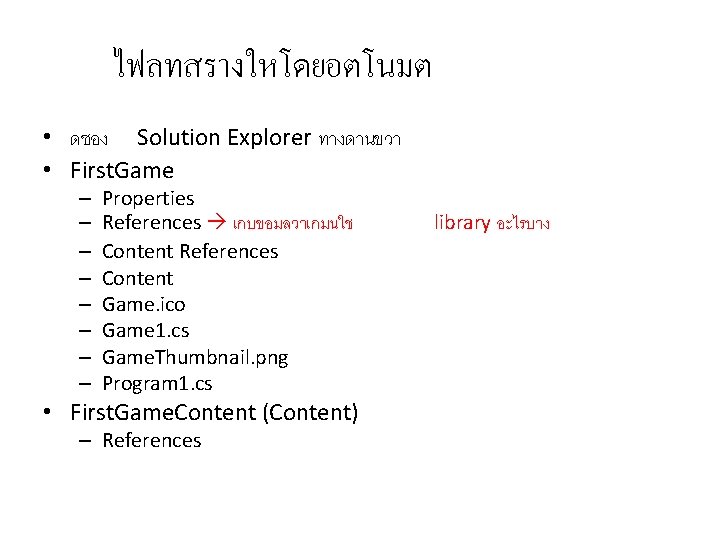
ไฟลทสรางใหโดยอตโนมต • ดชอง Solution Explorer ทางดานขวา • First. Game – – – – Properties References เกบขอมลวาเกมนใช Content References Content Game. ico Game 1. cs Game. Thumbnail. png Program 1. cs • First. Game. Content (Content) – References library อะไรบาง
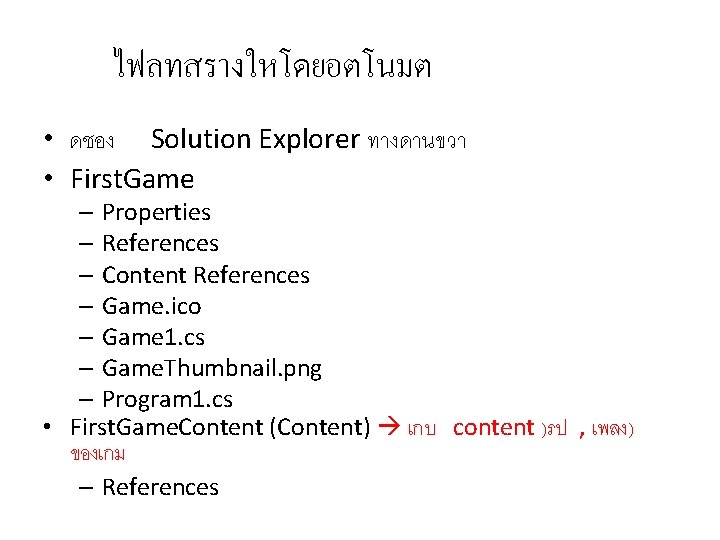
ไฟลทสรางใหโดยอตโนมต • ดชอง Solution Explorer ทางดานขวา • First. Game – Properties – References – Content References – Game. ico – Game 1. cs – Game. Thumbnail. png – Program 1. cs • First. Game. Content (Content) เกบ content )รป , เพลง) ของเกม – References
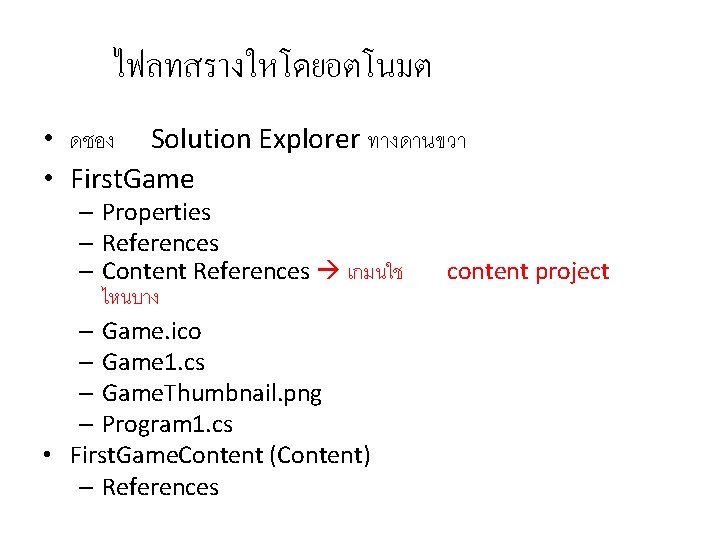
ไฟลทสรางใหโดยอตโนมต • ดชอง Solution Explorer ทางดานขวา • First. Game – Properties – References – Content References เกมนใช ไหนบาง – Game. ico – Game 1. cs – Game. Thumbnail. png – Program 1. cs • First. Game. Content (Content) – References content project
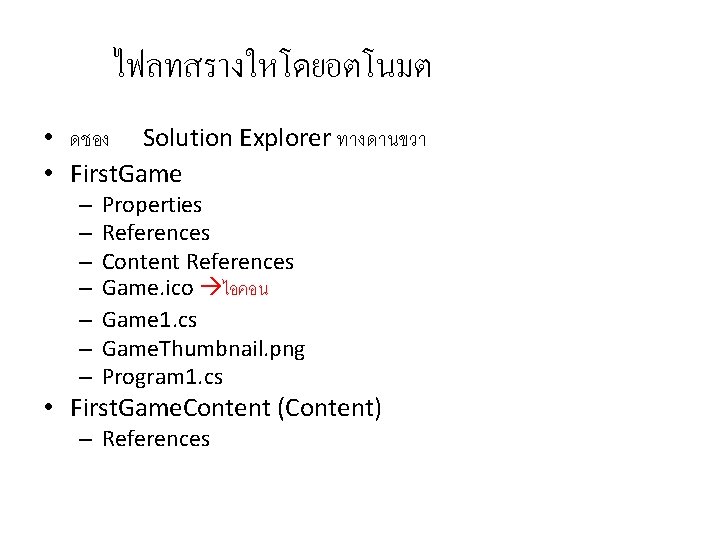
ไฟลทสรางใหโดยอตโนมต • ดชอง Solution Explorer ทางดานขวา • First. Game – – – – Properties References Content References Game. ico ไอคอน Game 1. cs Game. Thumbnail. png Program 1. cs • First. Game. Content (Content) – References
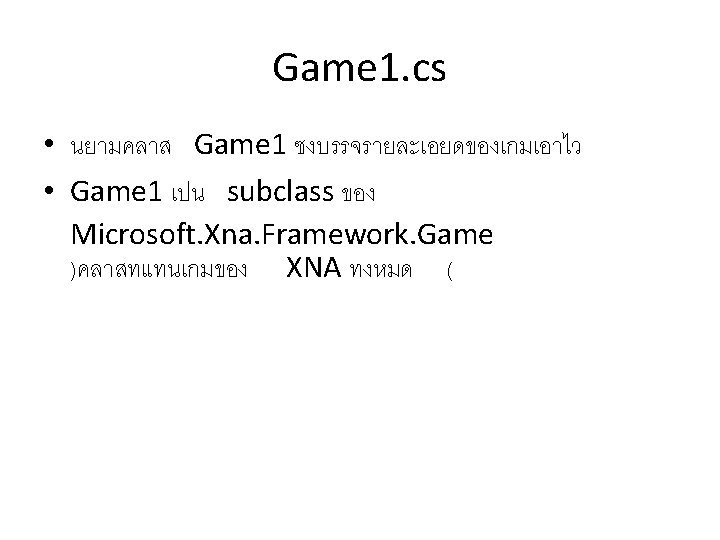
ไฟลทสรางใหโดยอตโนมต • ดชอง Solution Explorer ทางดานขวา • First. Game – Properties – References – Content References – Game. ico – Game 1. cs นยามเกม – Game. Thumbnail. png – Program 1. cs • First. Game. Content (Content) – References
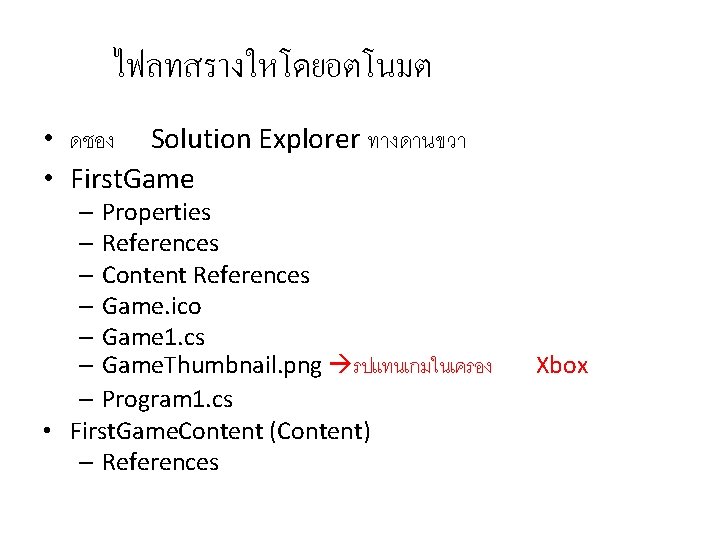
ไฟลทสรางใหโดยอตโนมต • ดชอง Solution Explorer ทางดานขวา • First. Game – Properties – References – Content References – Game. ico – Game 1. cs – Game. Thumbnail. png รปแทนเกมในเครอง – Program 1. cs • First. Game. Content (Content) – References Xbox
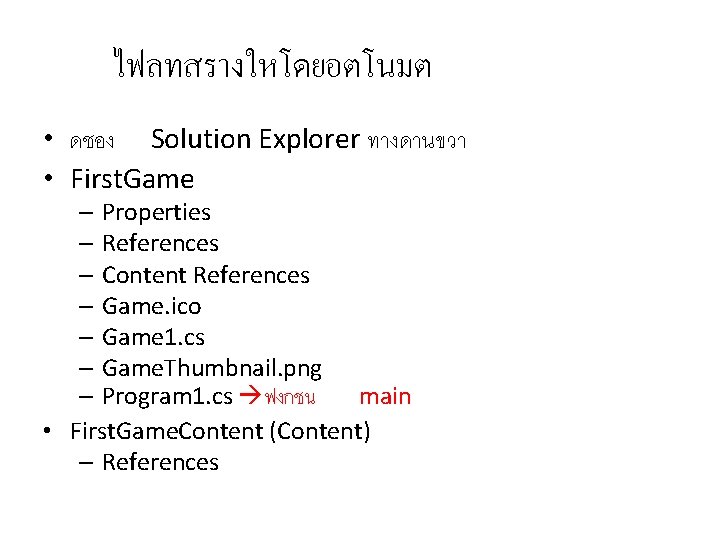
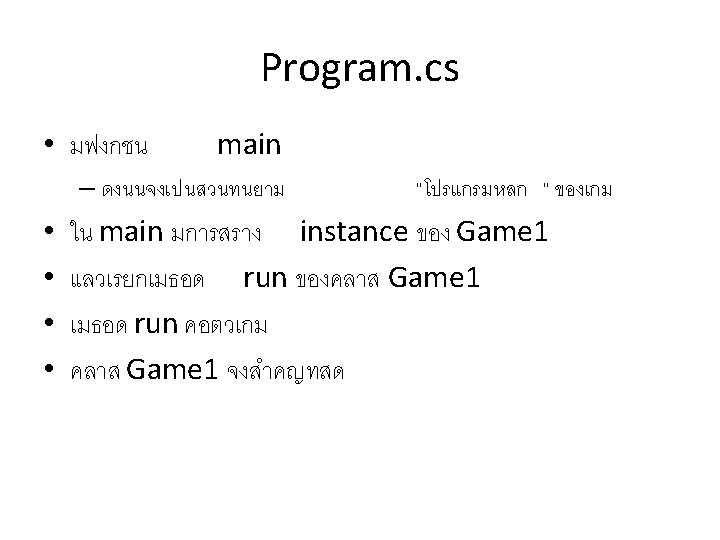
ไฟลทสรางใหโดยอตโนมต • ดชอง Solution Explorer ทางดานขวา • First. Game – Properties – References – Content References – Game. ico – Game 1. cs – Game. Thumbnail. png – Program 1. cs ฟงกชน main • First. Game. Content (Content) – References
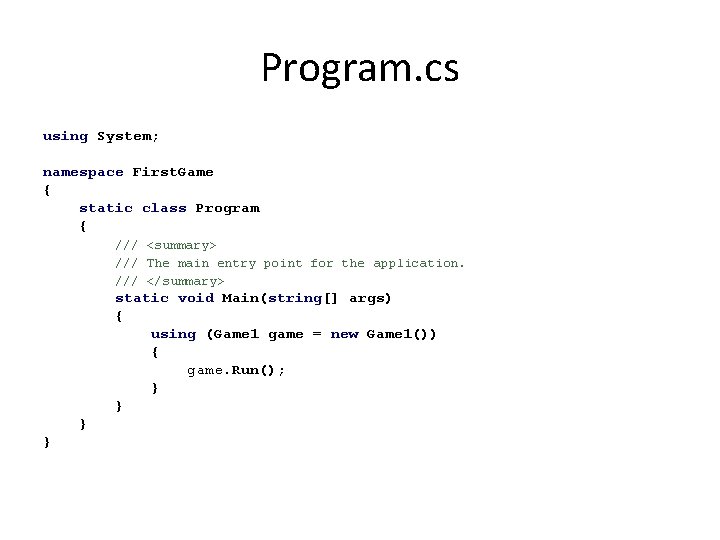
Program. cs using System; namespace First. Game { static class Program { /// <summary> /// The main entry point for the application. /// </summary> static void Main(string[] args) { using (Game 1 game = new Game 1()) { game. Run(); } }
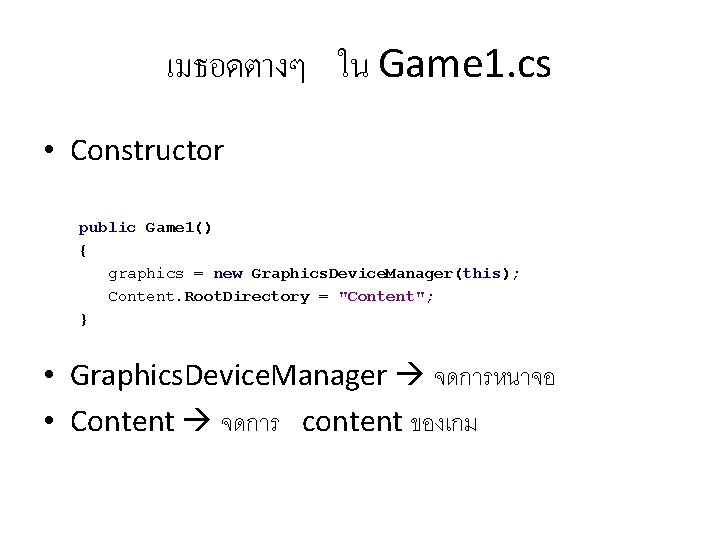
เมธอดตางๆ ใน Game 1. cs • Constructor public Game 1() { graphics = new Graphics. Device. Manager(this); Content. Root. Directory = "Content"; } • Graphics. Device. Manager จดการหนาจอ • Content จดการ content ของเกม
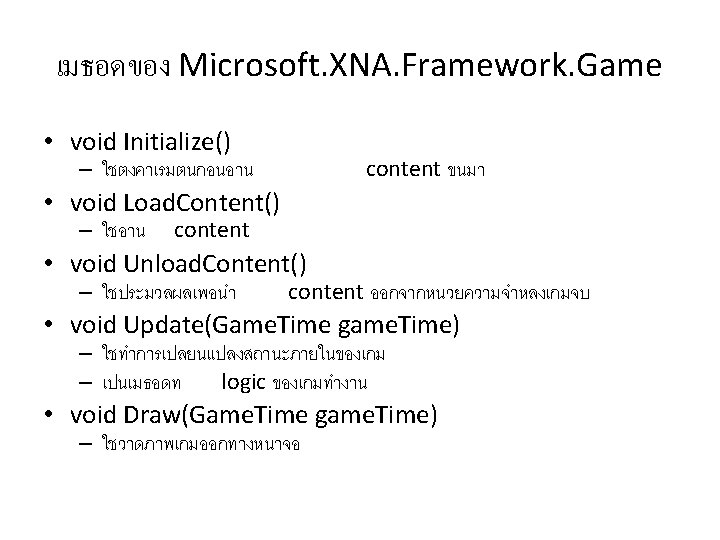
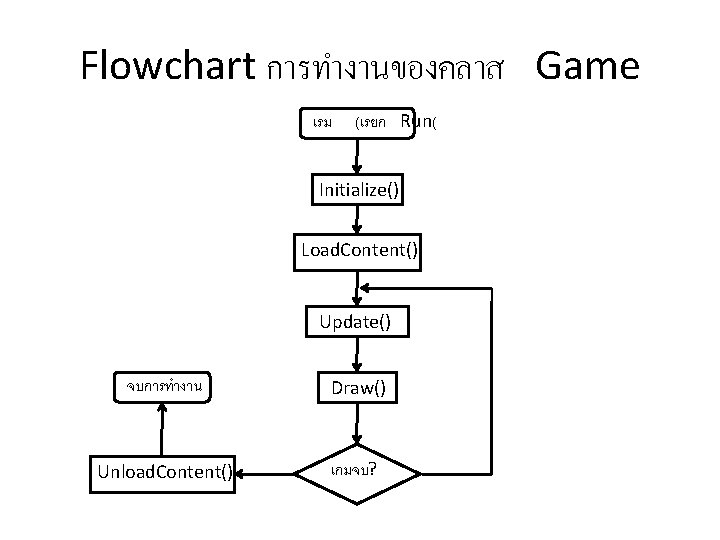
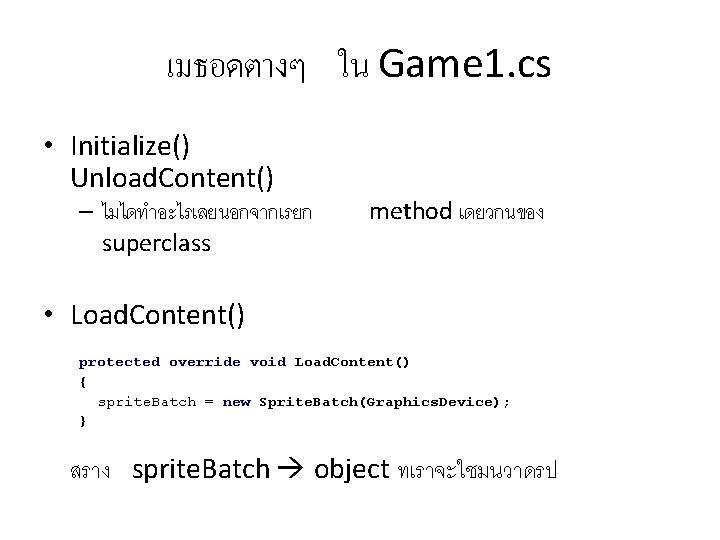
เมธอดตางๆ ใน Game 1. cs • Initialize() Unload. Content() – ไมไดทำอะไรเลยนอกจากเรยก superclass method เดยวกนของ • Load. Content() protected override void Load. Content() { sprite. Batch = new Sprite. Batch(Graphics. Device); } สราง sprite. Batch object ทเราจะใชมนวาดรป
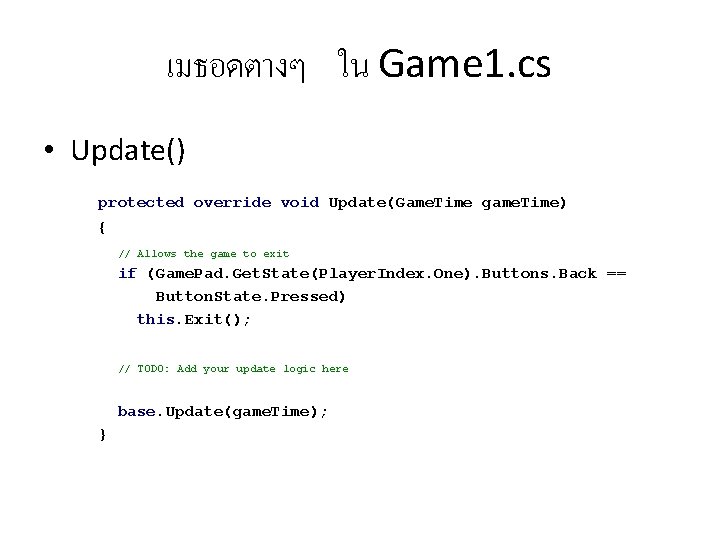
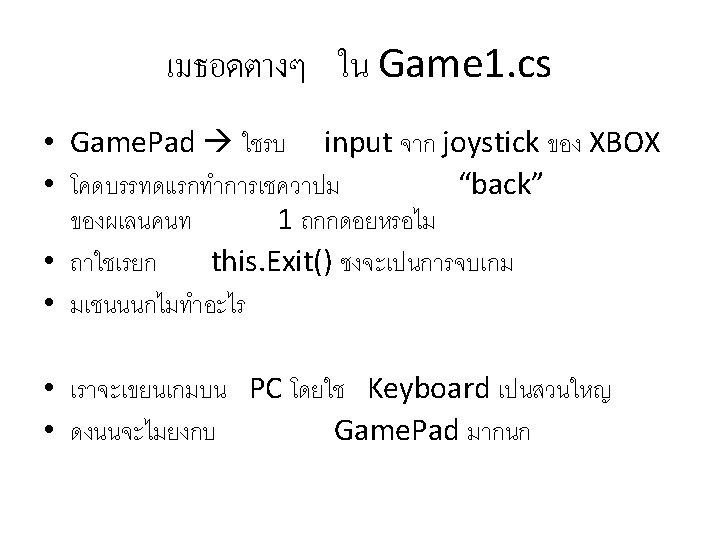
เมธอดตางๆ ใน Game 1. cs • Update() protected override void Update(Game. Time game. Time) { // Allows the game to exit if (Game. Pad. Get. State(Player. Index. One). Buttons. Back == Button. State. Pressed) this. Exit(); // TODO: Add your update logic here base. Update(game. Time); }
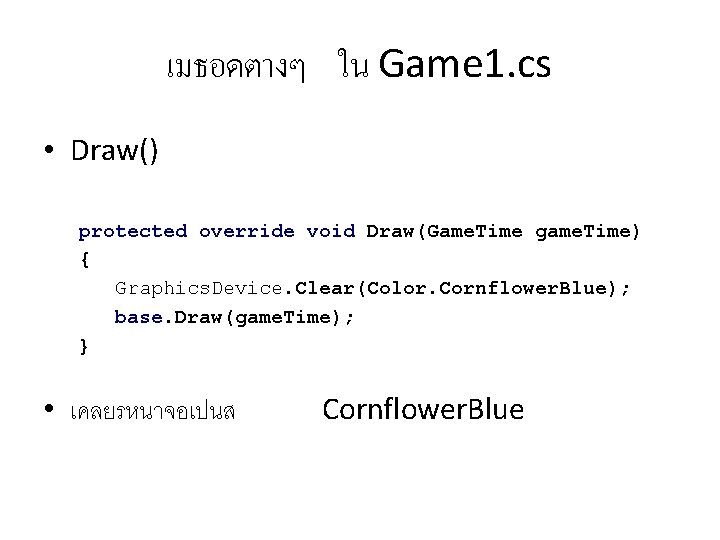
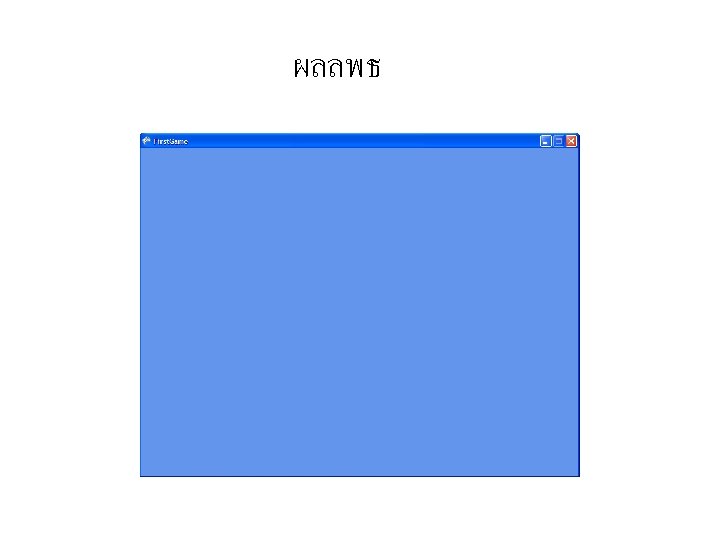
เมธอดตางๆ ใน Game 1. cs • Draw() protected override void Draw(Game. Time game. Time) { Graphics. Device. Clear(Color. Cornflower. Blue); base. Draw(game. Time); } • เคลยรหนาจอเปนส Cornflower. Blue
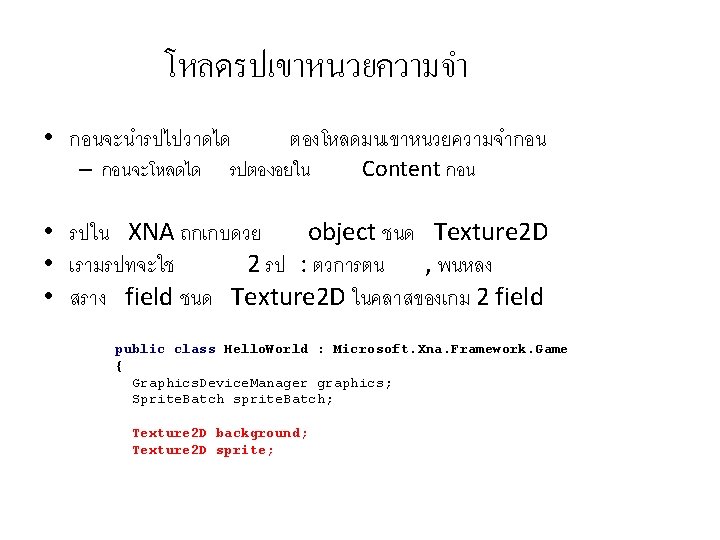
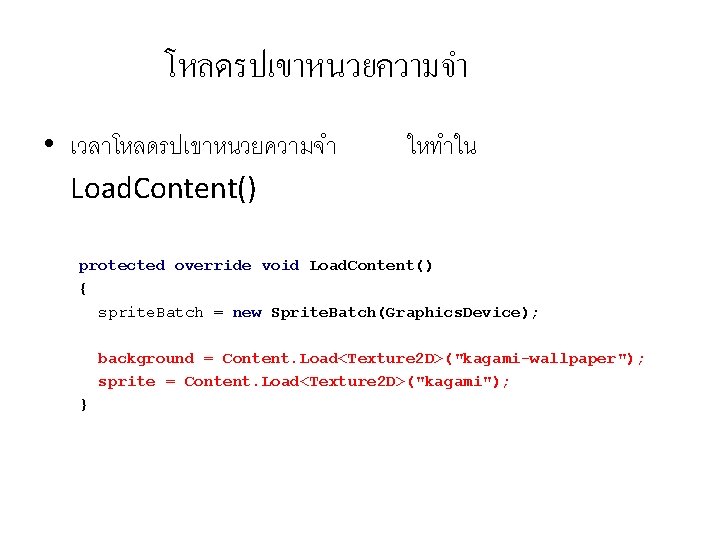
โหลดรปเขาหนวยความจำ • เวลาโหลดรปเขาหนวยความจำ Load. Content() ใหทำใน protected override void Load. Content() { sprite. Batch = new Sprite. Batch(Graphics. Device); background = Content. Load<Texture 2 D>("kagami-wallpaper"); sprite = Content. Load<Texture 2 D>("kagami"); }
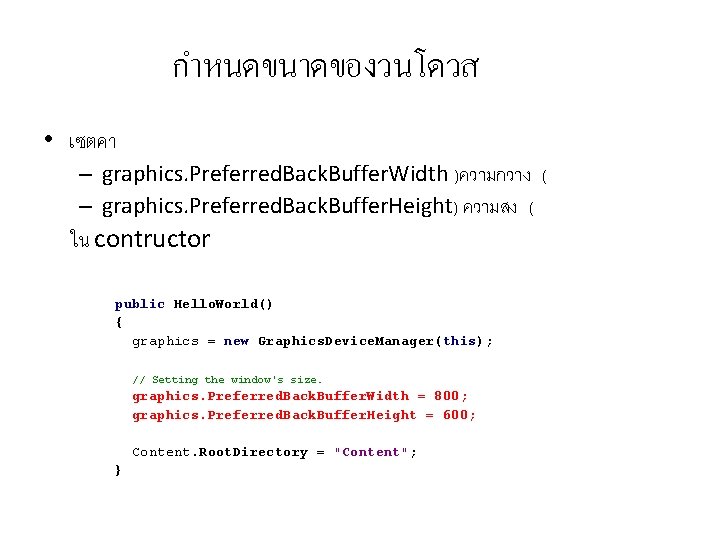
กำหนดขนาดของวนโดวส • เซตคา – graphics. Preferred. Back. Buffer. Width )ความกวาง ( – graphics. Preferred. Back. Buffer. Height) ความสง ( ใน contructor public Hello. World() { graphics = new Graphics. Device. Manager(this); // Setting the window's size. graphics. Preferred. Back. Buffer. Width = 800; graphics. Preferred. Back. Buffer. Height = 600; Content. Root. Directory = "Content"; }
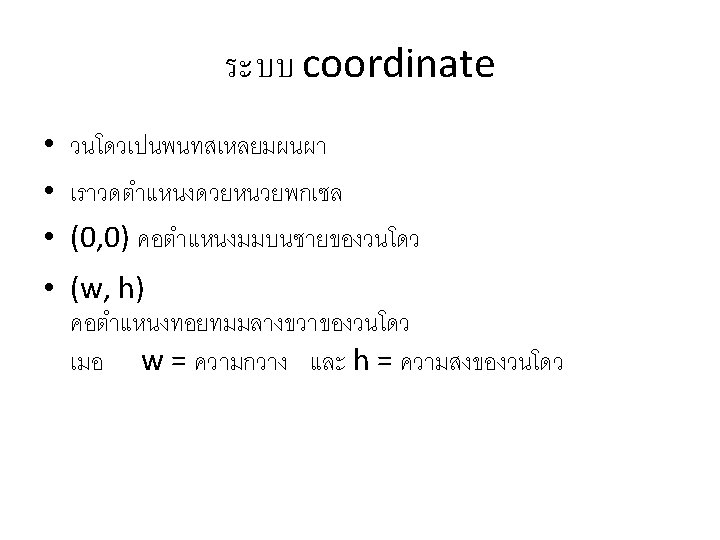
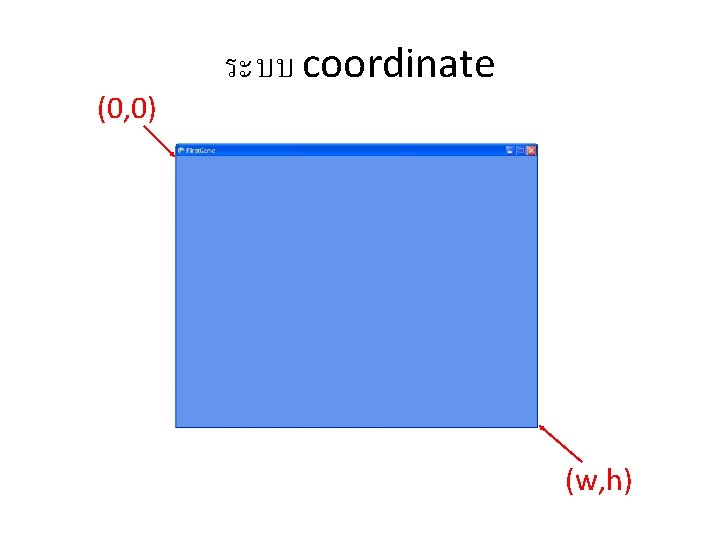
(0, 0) ระบบ coordinate (w, h)
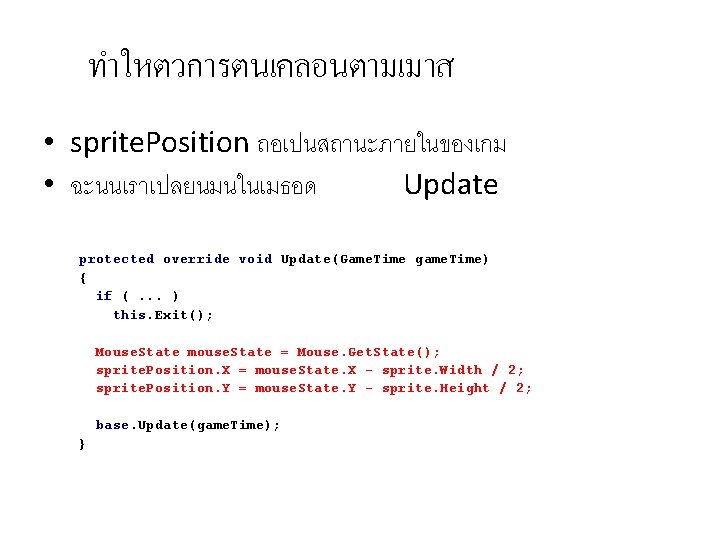
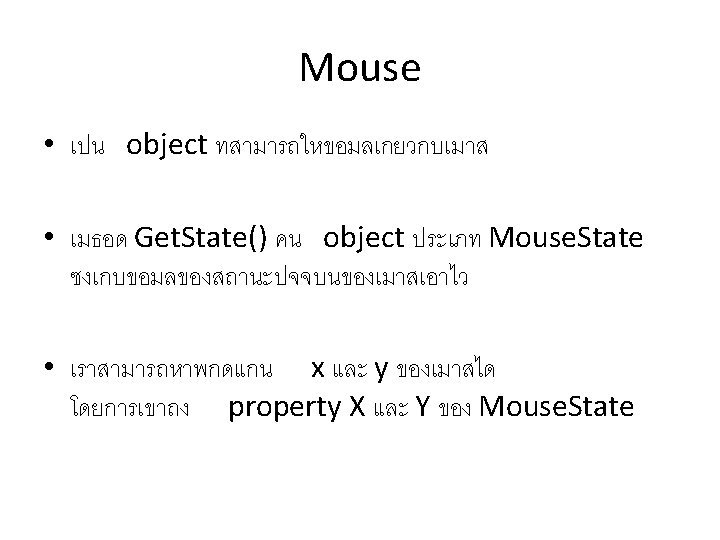
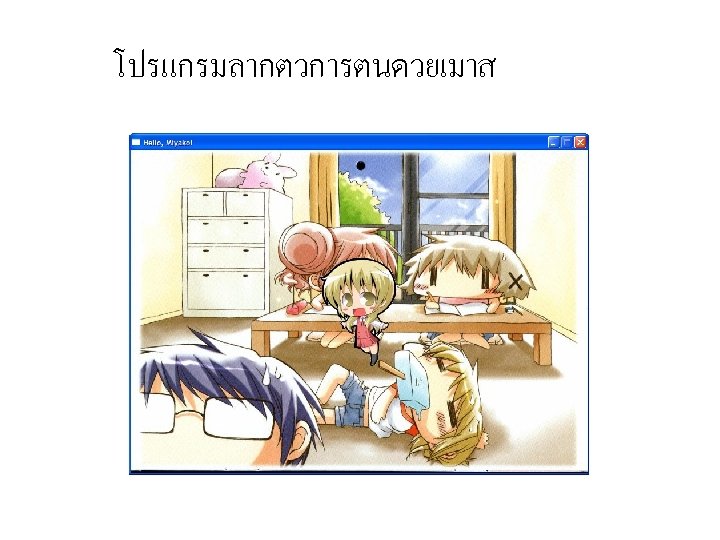
ทำใหตวการตนเคลอนตามเมาส • sprite. Position ถอเปนสถานะภายในของเกม • ฉะนนเราเปลยนมนในเมธอด Update protected override void Update(Game. Time game. Time) { if (. . . ) this. Exit(); Mouse. State mouse. State = Mouse. Get. State(); sprite. Position. X = mouse. State. X - sprite. Width / 2; sprite. Position. Y = mouse. State. Y - sprite. Height / 2; base. Update(game. Time); }
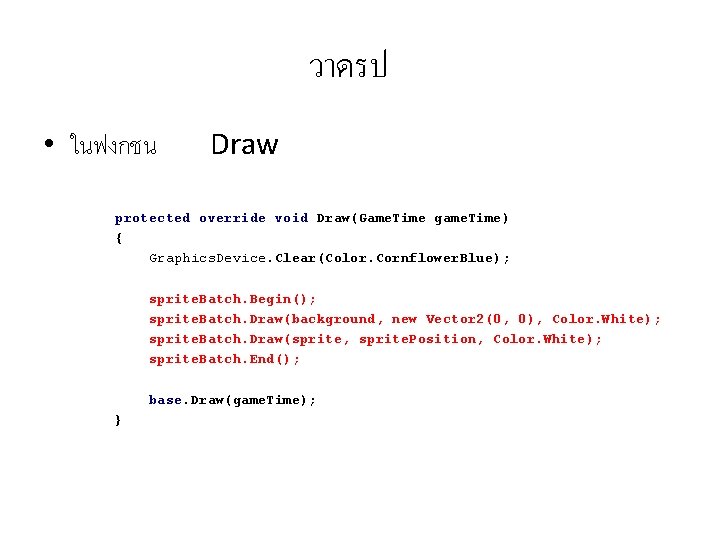
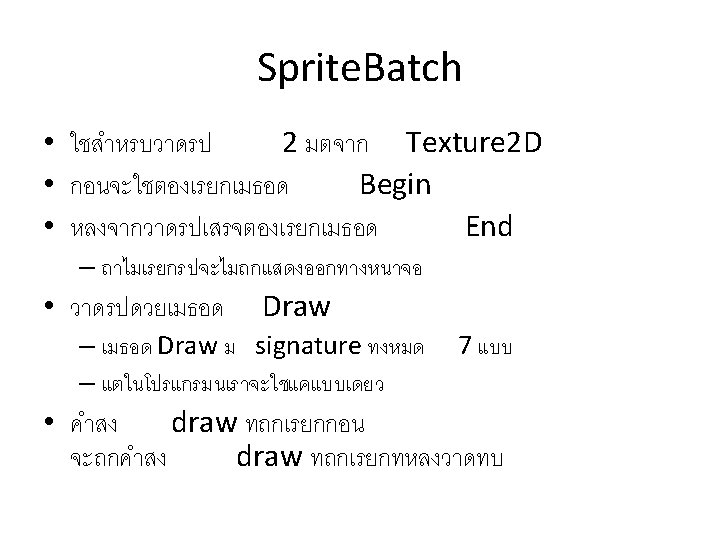
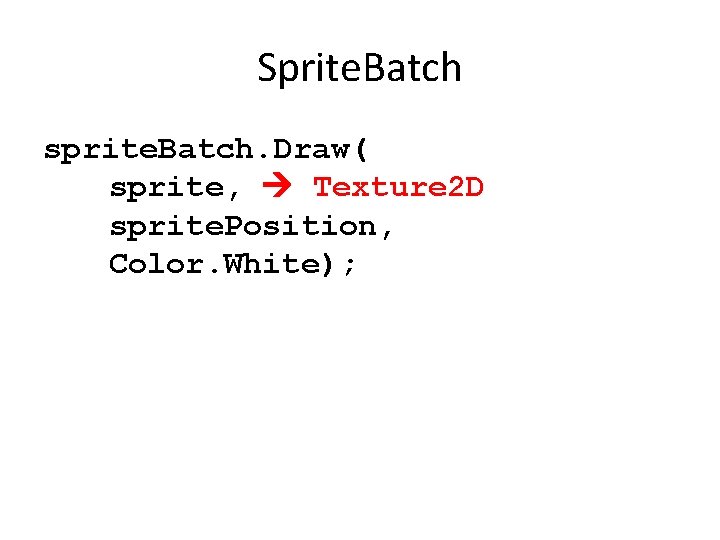
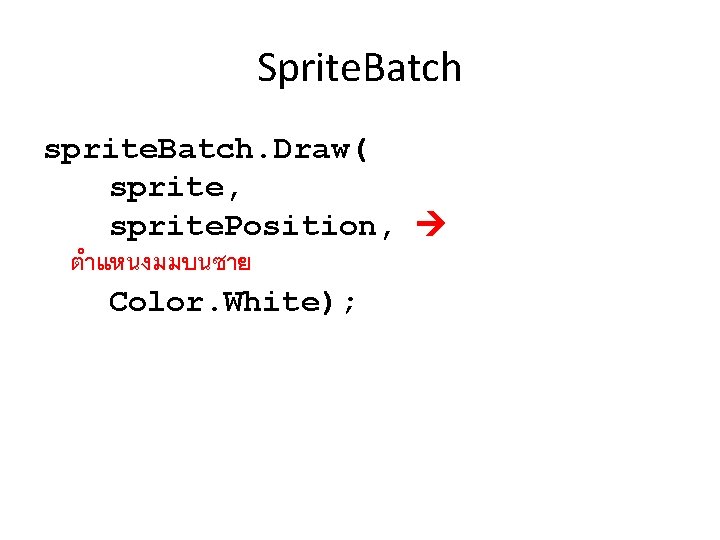
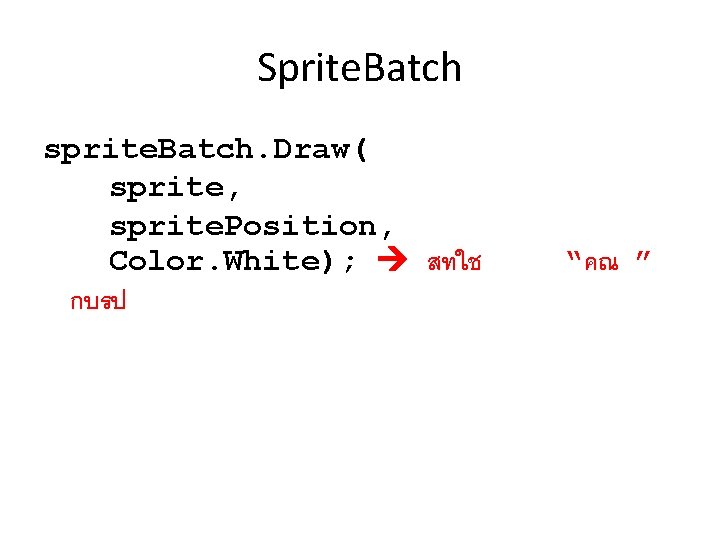
วาดรป • ในฟงกชน Draw protected override void Draw(Game. Time game. Time) { Graphics. Device. Clear(Color. Cornflower. Blue); sprite. Batch. Begin(); sprite. Batch. Draw(background, new Vector 2(0, 0), Color. White); sprite. Batch. Draw(sprite, sprite. Position, Color. White); sprite. Batch. End(); base. Draw(game. Time); }
Sprite. Batch sprite. Batch. Draw( sprite, Texture 2 D sprite. Position, Color. White);
Sprite. Batch sprite. Batch. Draw( sprite, sprite. Position, ตำแหนงมมบนซาย Color. White);
Sprite. Batch sprite. Batch. Draw( sprite, sprite. Position, Color. White); สทใช กบรป “คณ ”
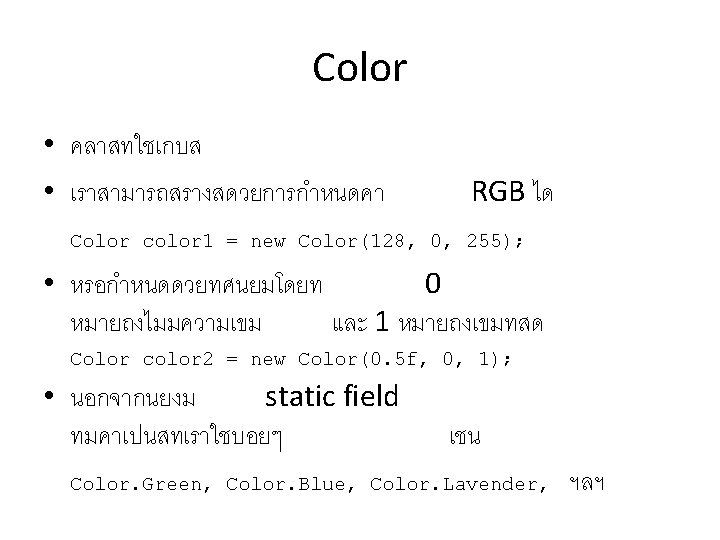
Sprite. Batch sprite. Batch. Draw( sprite, sprite. Position, Color. Red); • ถาสงอยางขางบนจะไดรปทมโทนสแดง
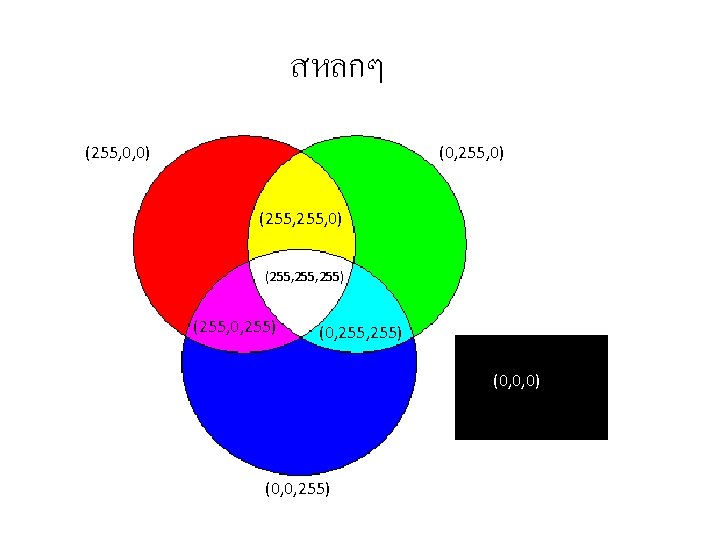
สหลกๆ (255, 0, 0) (0, 255, 0) (255, 255) (255, 0, 255) (0, 0, 0) (0, 0, 255)
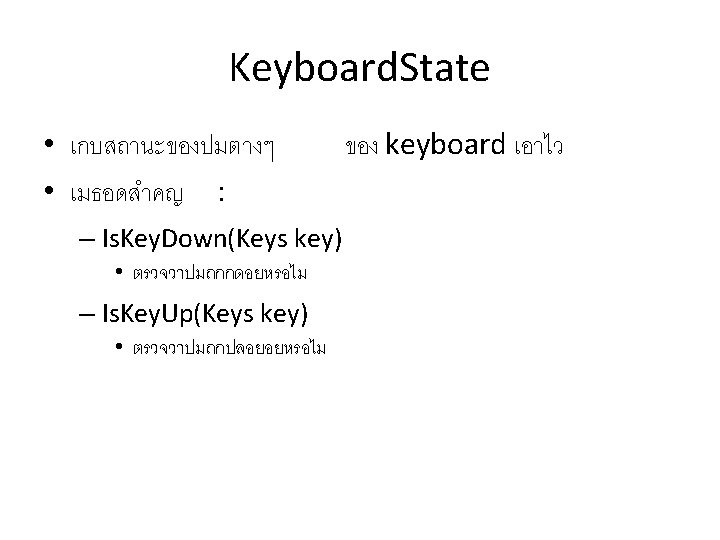
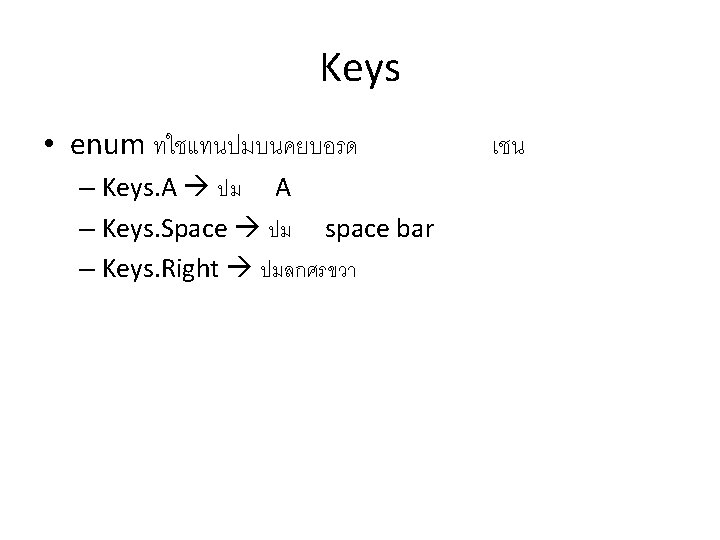
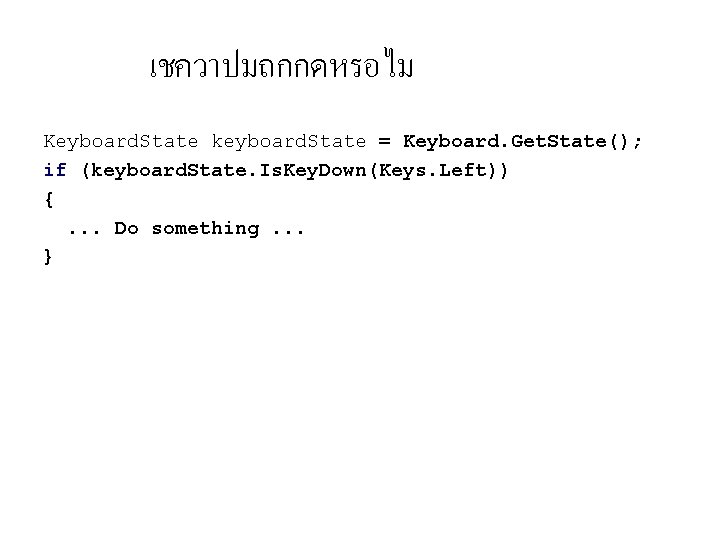
เชควาปมถกกดหรอไม Keyboard. State keyboard. State = Keyboard. Get. State(); if (keyboard. State. Is. Key. Down(Keys. Left)) {. . . Do something. . . }
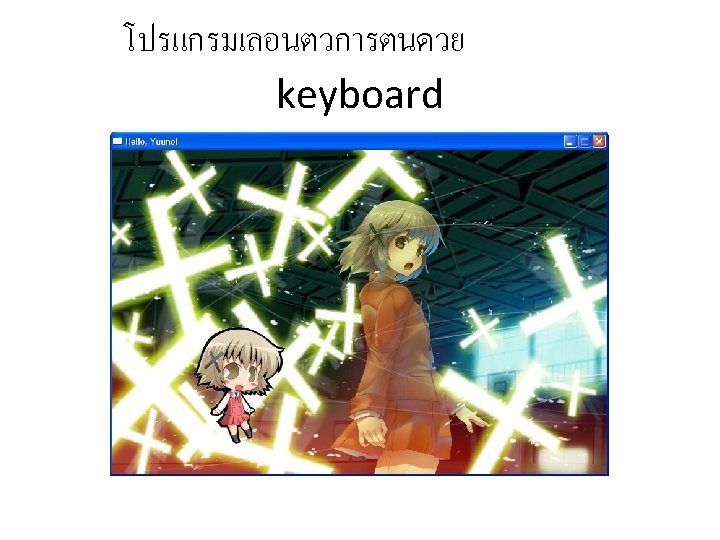
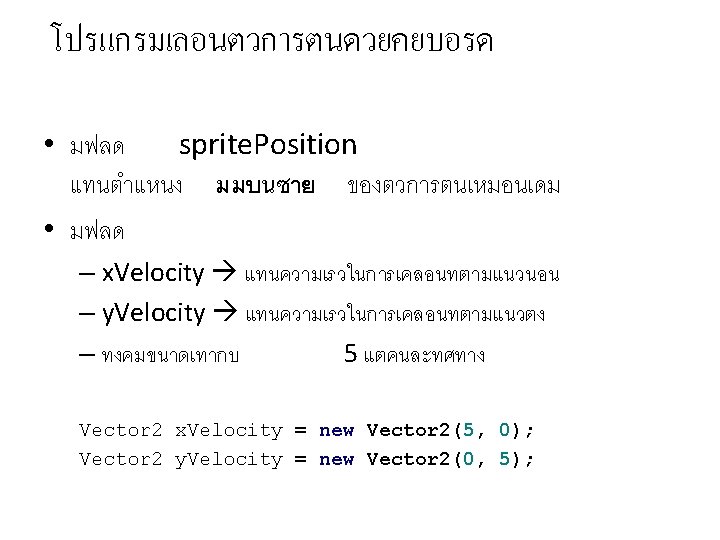
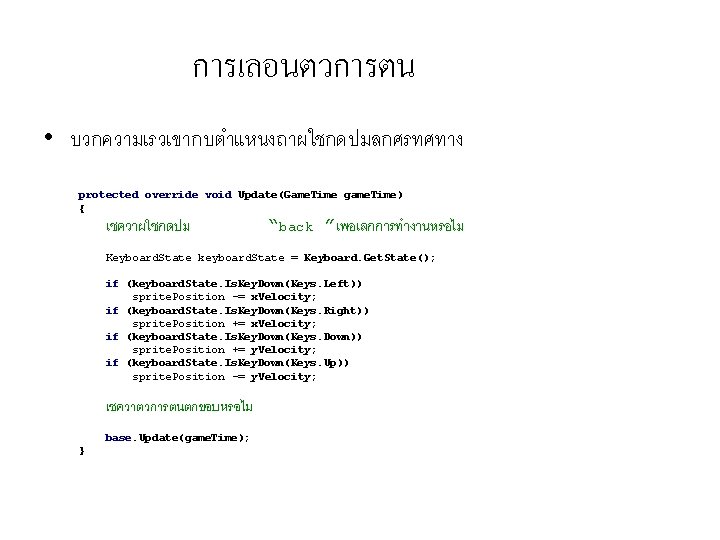
การเลอนตวการตน • บวกความเรวเขากบตำแหนงถาผใชกดปมลกศรทศทาง protected override void Update(Game. Time game. Time) { เชควาผใชกดปม “back ”เพอเลกการทำงานหรอไม Keyboard. State keyboard. State = Keyboard. Get. State(); if (keyboard. State. Is. Key. Down(Keys. Left)) sprite. Position -= x. Velocity; if (keyboard. State. Is. Key. Down(Keys. Right)) sprite. Position += x. Velocity; if (keyboard. State. Is. Key. Down(Keys. Down)) sprite. Position += y. Velocity; if (keyboard. State. Is. Key. Down(Keys. Up)) sprite. Position -= y. Velocity; เชควาตวการตนตกขอบหรอไม base. Update(game. Time); }
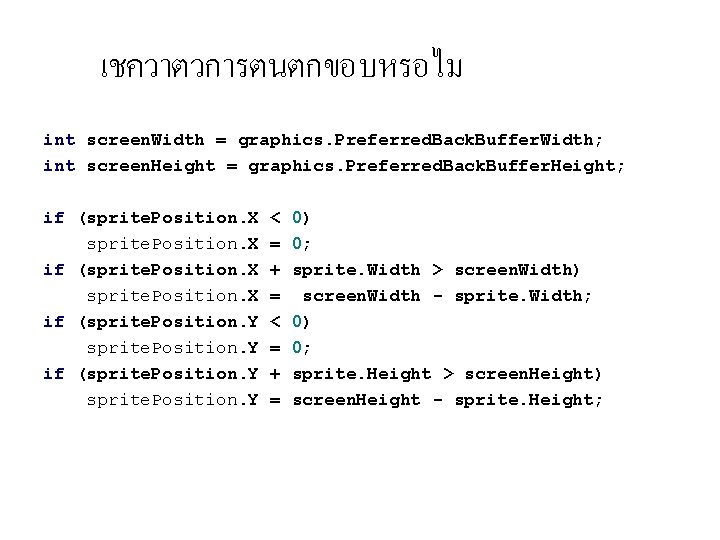
เชควาตวการตนตกขอบหรอไม int screen. Width = graphics. Preferred. Back. Buffer. Width; int screen. Height = graphics. Preferred. Back. Buffer. Height; if (sprite. Position. X if (sprite. Position. Y < = + = 0) 0; sprite. Width > screen. Width) screen. Width - sprite. Width; 0) 0; sprite. Height > screen. Height) screen. Height - sprite. Height;
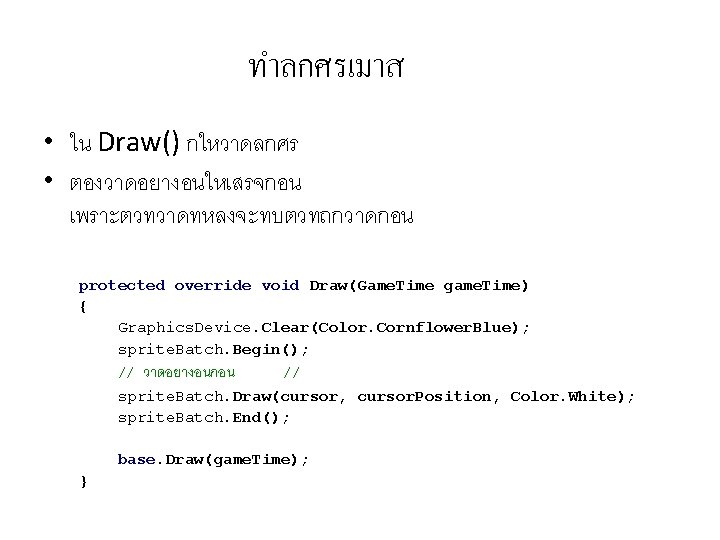
ทำลกศรเมาส • ใน Draw() กใหวาดลกศร • ตองวาดอยางอนใหเสรจกอน เพราะตวทวาดทหลงจะทบตวทถกวาดกอน protected override void Draw(Game. Time game. Time) { Graphics. Device. Clear(Color. Cornflower. Blue); sprite. Batch. Begin(); // วาดอยางอนกอน // sprite. Batch. Draw(cursor, cursor. Position, Color. White); sprite. Batch. End(); base. Draw(game. Time); }
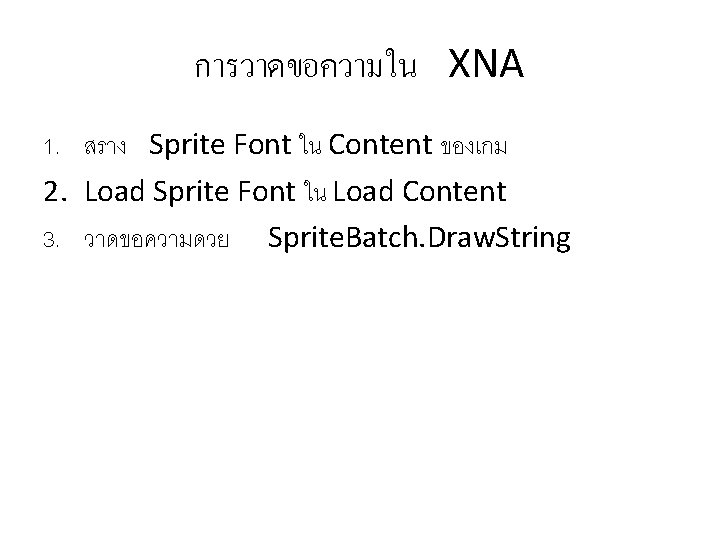
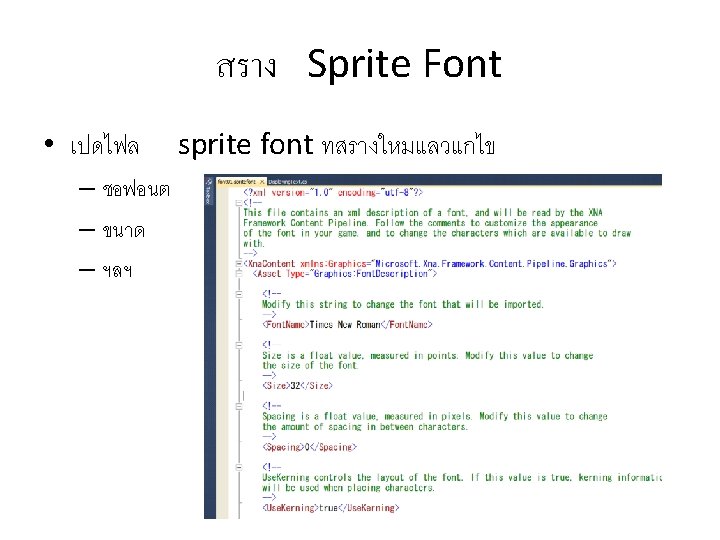
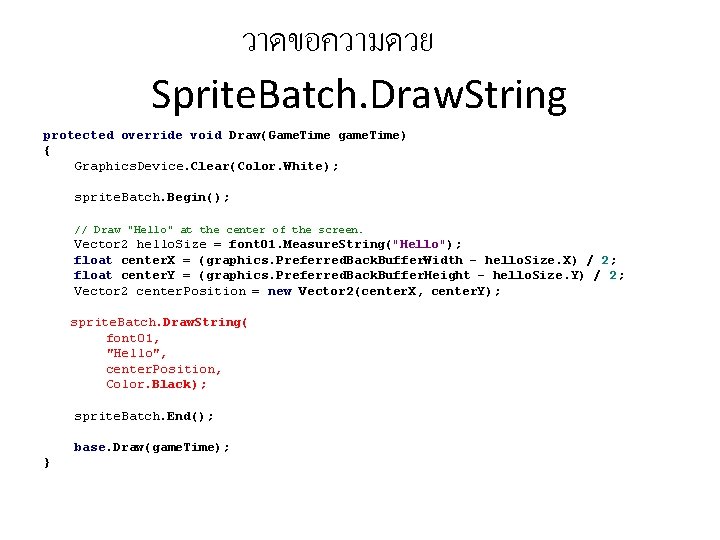
การวาดขอความใน XNA 1. สราง Sprite Font ใน Content ของเกม 2. Load Sprite Font ใน Load Content 3. วาดขอความดวย Sprite. Batch. Draw. String
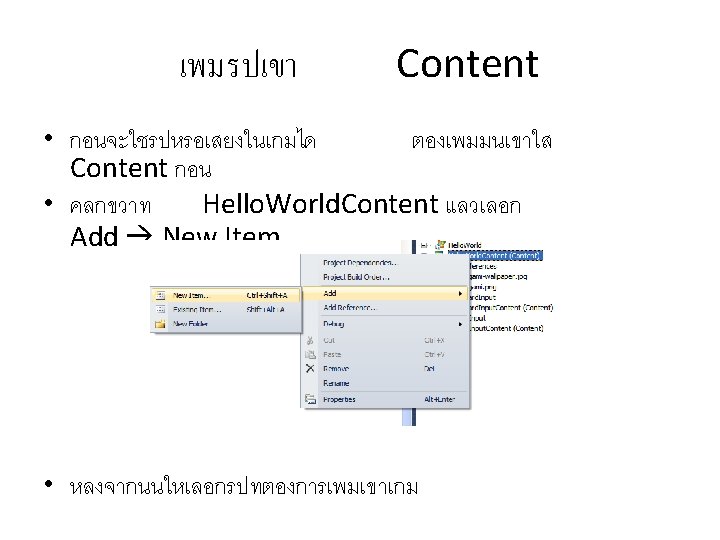
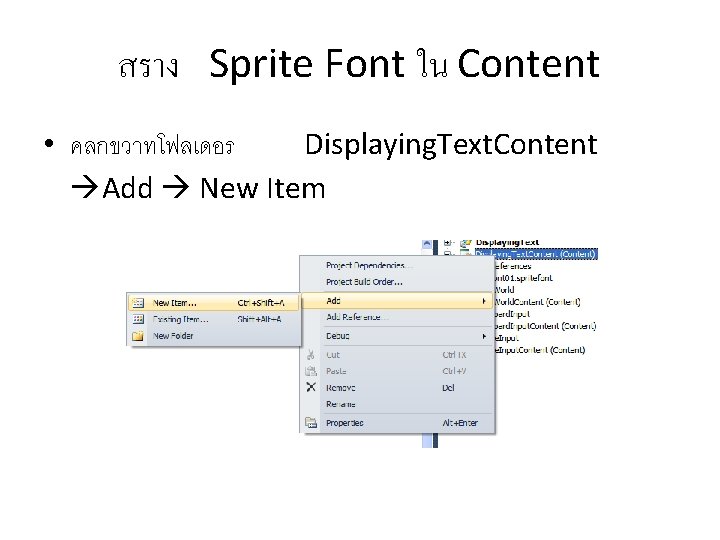
สราง Sprite Font ใน Content • คลกขวาทโฟลเดอร Displaying. Text. Content Add New Item
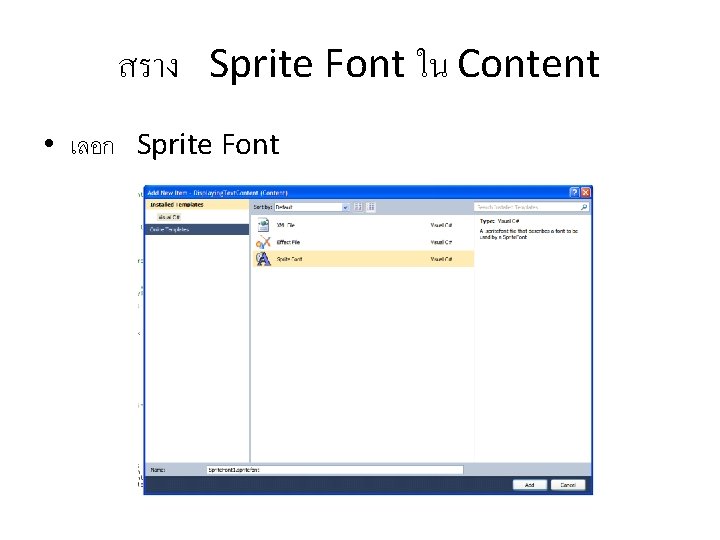
สราง Sprite Font ใน Content • เลอก Sprite Font
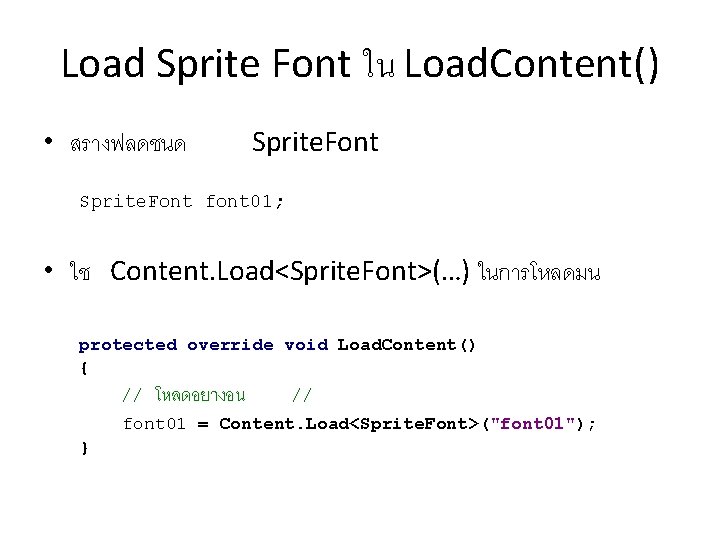
Load Sprite Font ใน Load. Content() • สรางฟลดชนด Sprite. Font font 01; • ใช Content. Load<Sprite. Font>(…) ในการโหลดมน protected override void Load. Content() { // โหลดอยางอน // font 01 = Content. Load<Sprite. Font>("font 01"); }
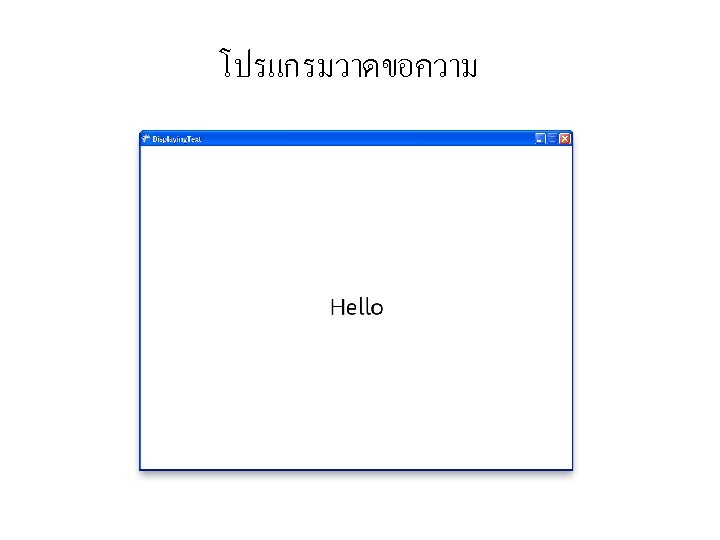
วาดขอความดวย Sprite. Batch. Draw. String protected override void Draw(Game. Time game. Time) { Graphics. Device. Clear(Color. White); sprite. Batch. Begin(); // Draw "Hello" at the center of the screen. Vector 2 hello. Size = font 01. Measure. String("Hello"); float center. X = (graphics. Preferred. Back. Buffer. Width - hello. Size. X) / 2; float center. Y = (graphics. Preferred. Back. Buffer. Height - hello. Size. Y) / 2; Vector 2 center. Position = new Vector 2(center. X, center. Y); sprite. Batch. Draw. String( font 01, "Hello", center. Position, Color. Black); sprite. Batch. End(); base. Draw(game. Time); }
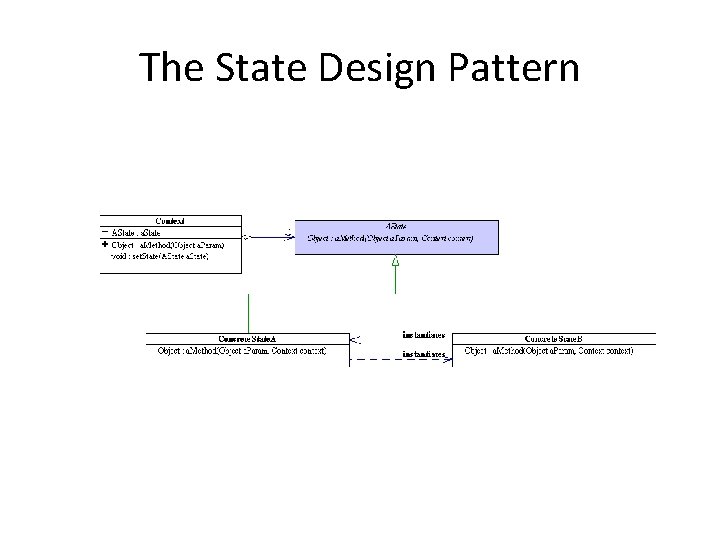
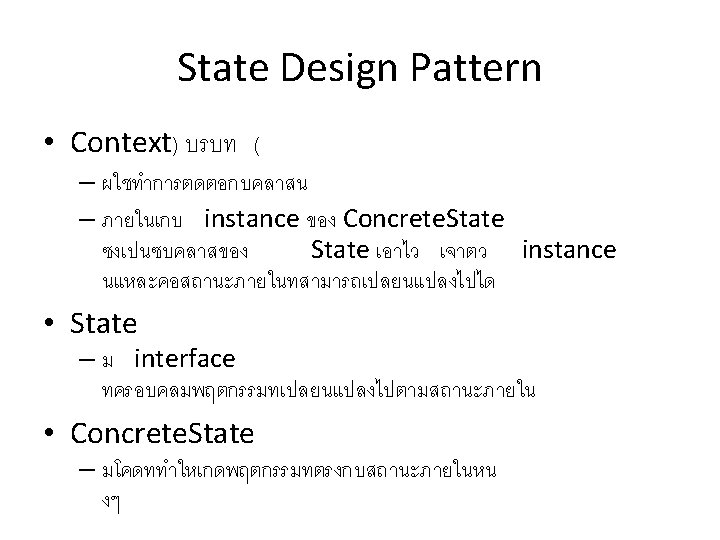
The State Design Pattern
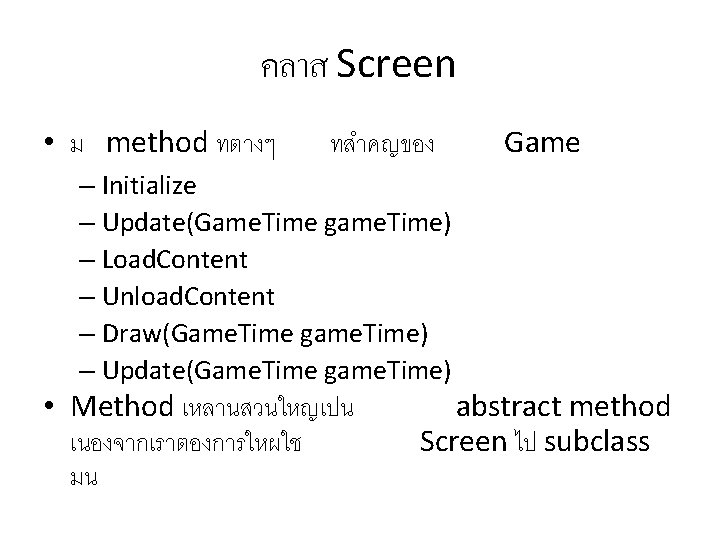
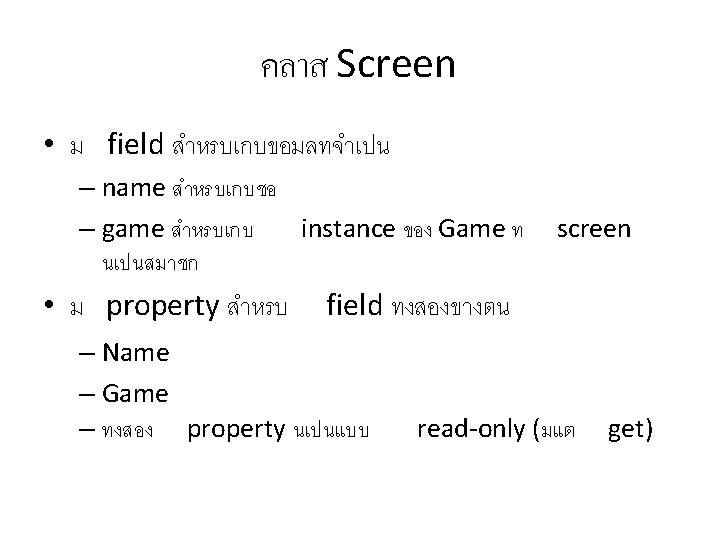
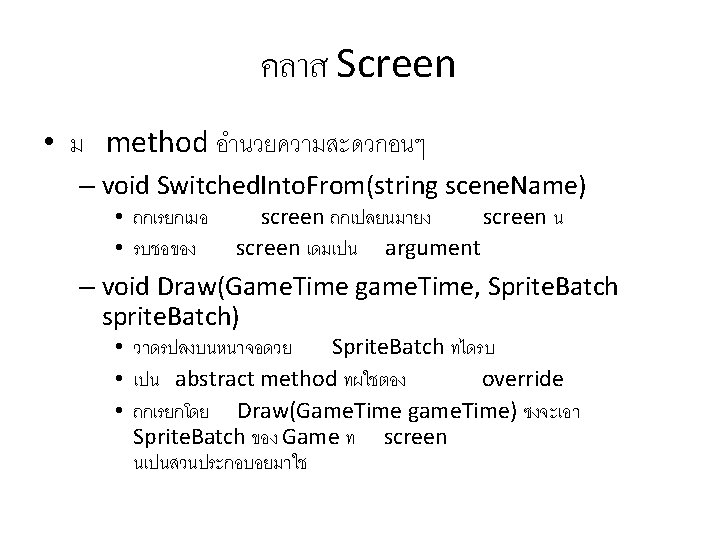
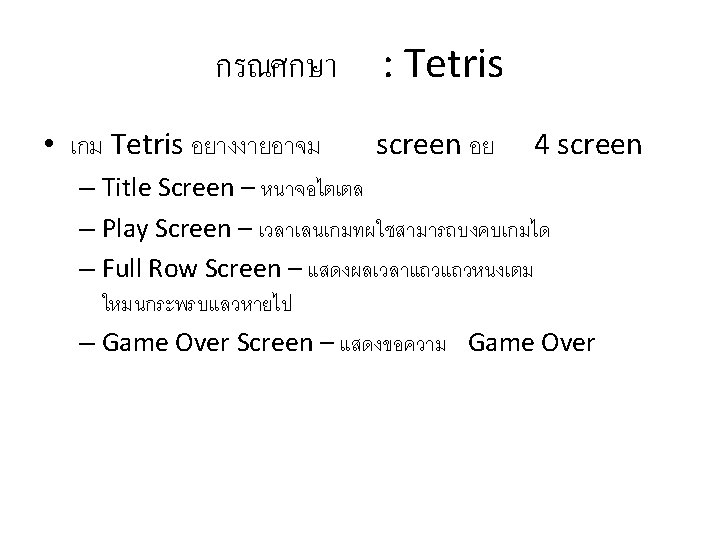
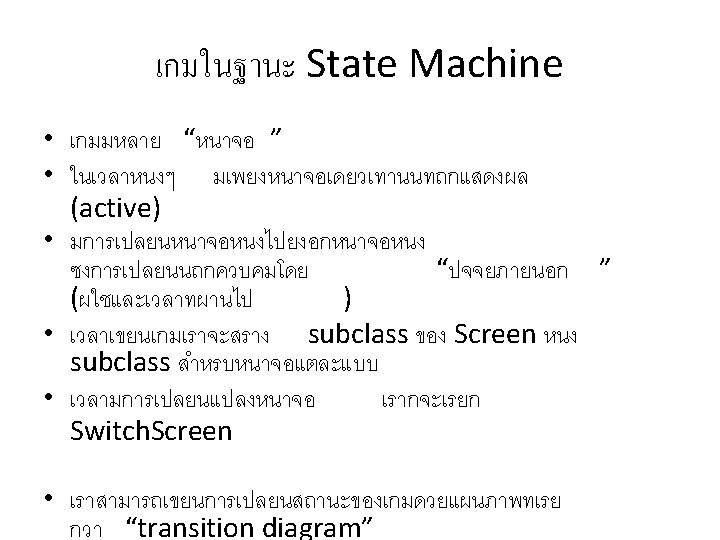
คลาส Screen • ม method ทตางๆ ทสำคญของ – Initialize – Update(Game. Time game. Time) – Load. Content – Unload. Content – Draw(Game. Time game. Time) – Update(Game. Time game. Time) • Method เหลานสวนใหญเปน เนองจากเราตองการใหผใช มน Game abstract method Screen ไป subclass
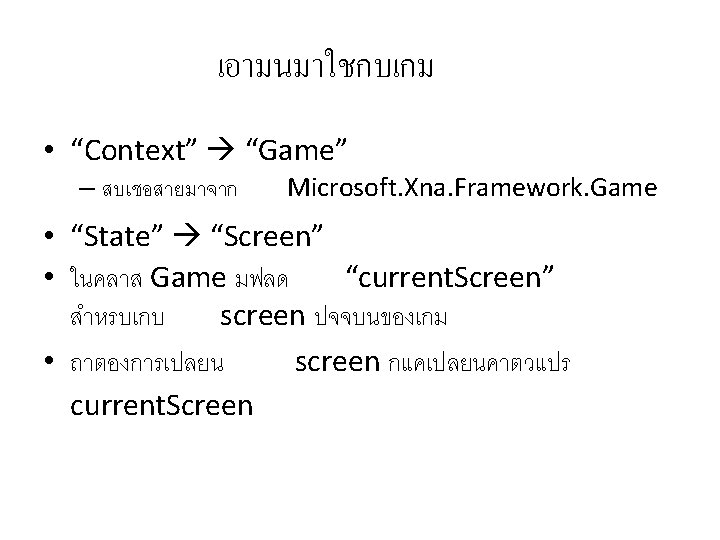
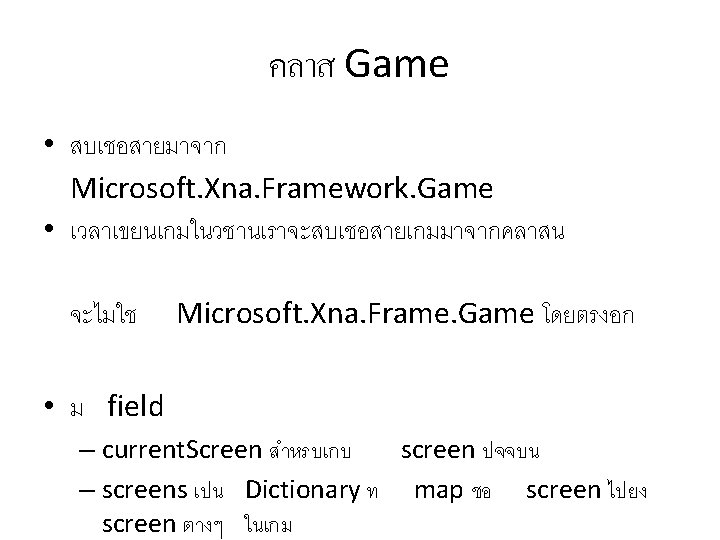
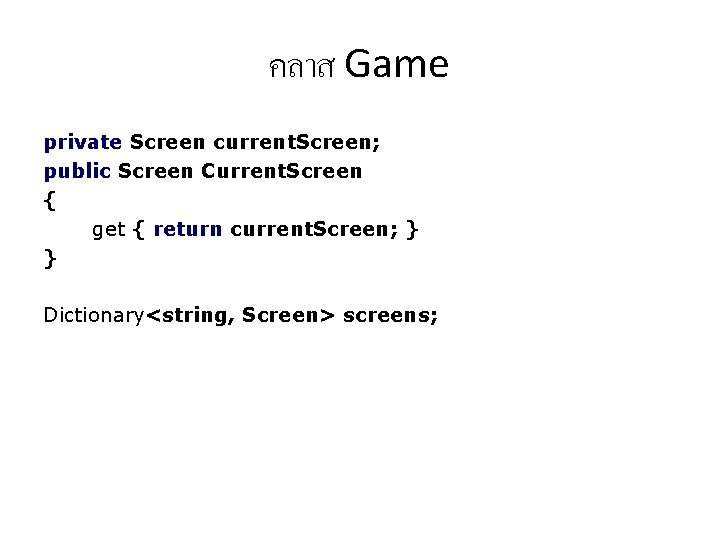
คลาส Game private Screen current. Screen; public Screen Current. Screen { get { return current. Screen; } } Dictionary<string, Screen> screens;
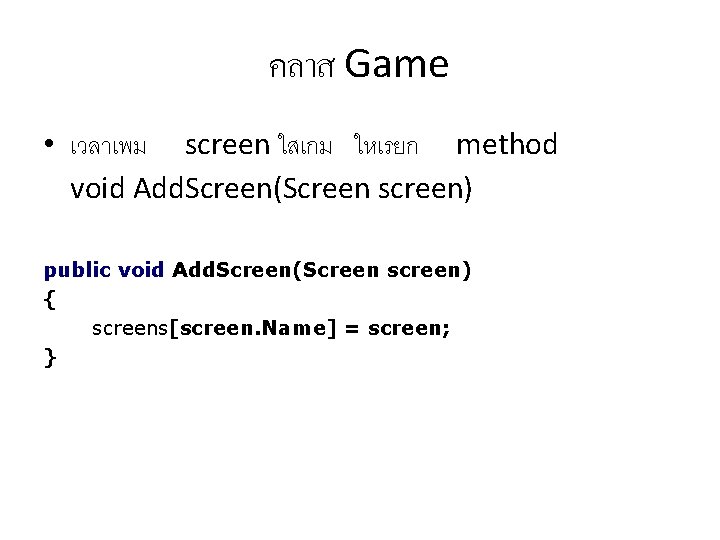
คลาส Game • เวลาเพม screen ใสเกม ใหเรยก method void Add. Screen(Screen screen) public void Add. Screen(Screen screen) { screens[screen. Name] = screen; }
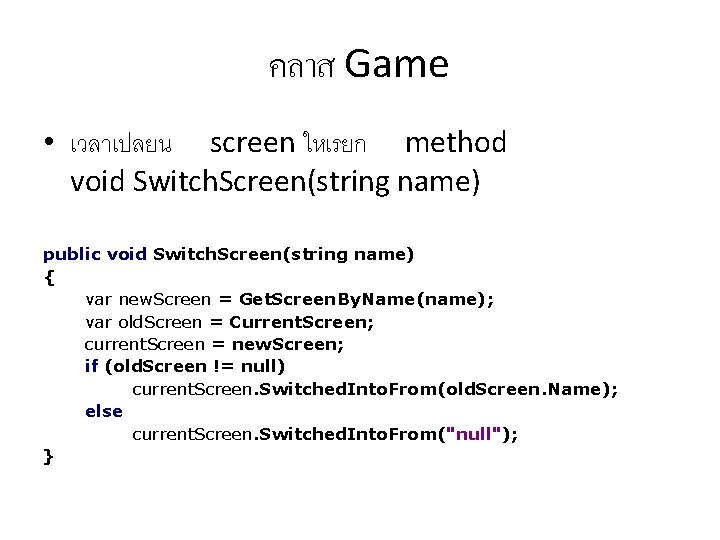
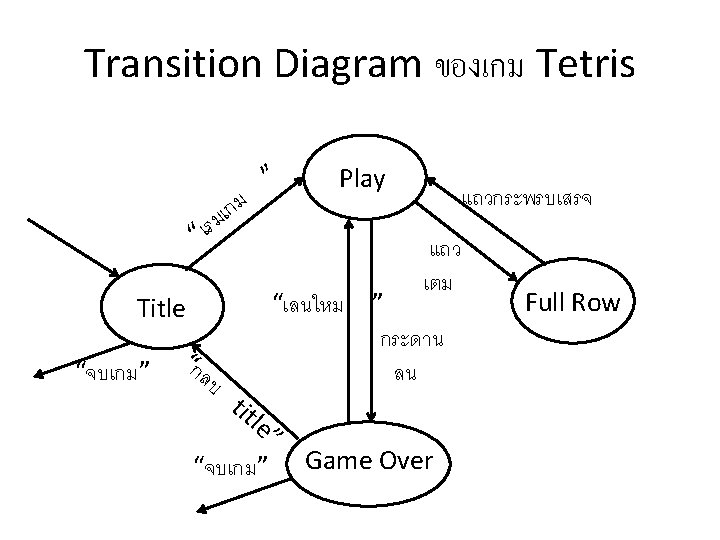
คลาส Game • เวลาเปลยน screen ใหเรยก method void Switch. Screen(string name) public void Switch. Screen(string name) { var new. Screen = Get. Screen. By. Name(name); var old. Screen = Current. Screen; current. Screen = new. Screen; if (old. Screen != null) current. Screen. Switched. Into. From(old. Screen. Name); else current. Screen. Switched. Into. From("null"); }
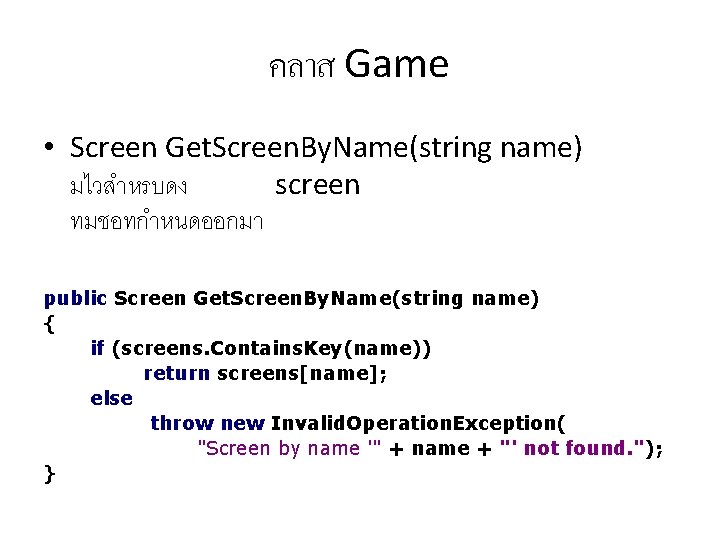
คลาส Game • Screen Get. Screen. By. Name(string name) มไวสำหรบดง screen ทมชอทกำหนดออกมา public Screen Get. Screen. By. Name(string name) { if (screens. Contains. Key(name)) return screens[name]; else throw new Invalid. Operation. Exception( "Screen by name '" + name + "' not found. "); }
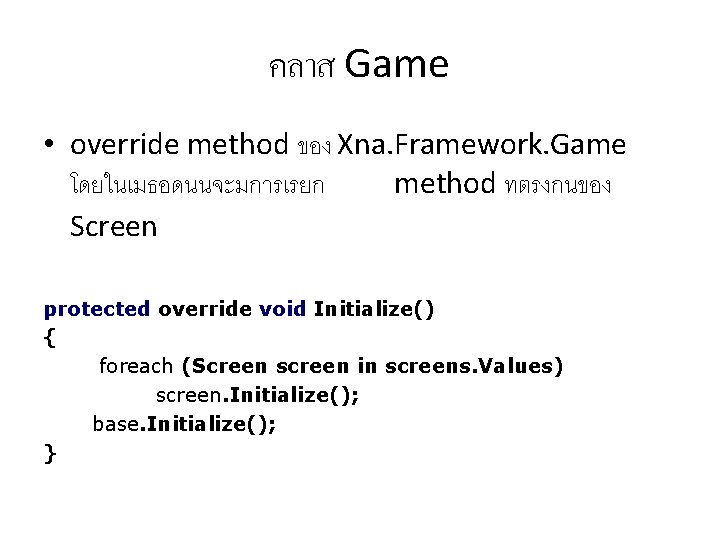
คลาส Game • override method ของ Xna. Framework. Game โดยในเมธอดนนจะมการเรยก method ทตรงกนของ Screen protected override void Initialize() { foreach (Screen screen in screens. Values) screen. Initialize(); base. Initialize(); }
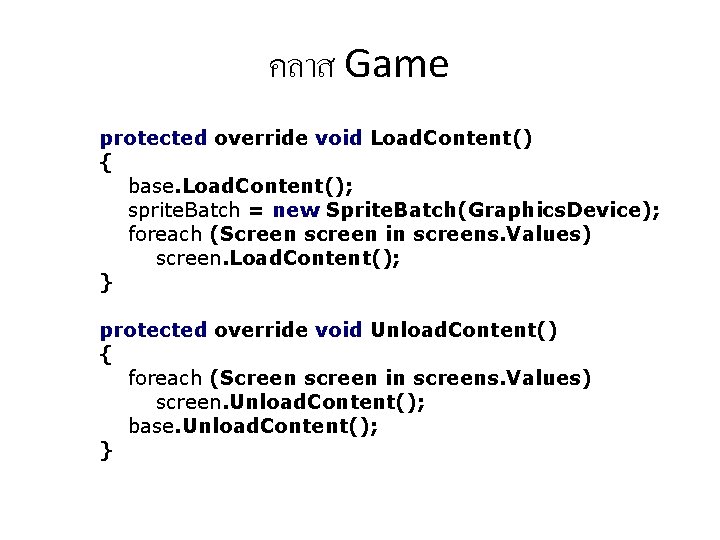
คลาส Game protected override void Load. Content() { base. Load. Content(); sprite. Batch = new Sprite. Batch(Graphics. Device); foreach (Screen screen in screens. Values) screen. Load. Content(); } protected override void Unload. Content() { foreach (Screen screen in screens. Values) screen. Unload. Content(); base. Unload. Content(); }
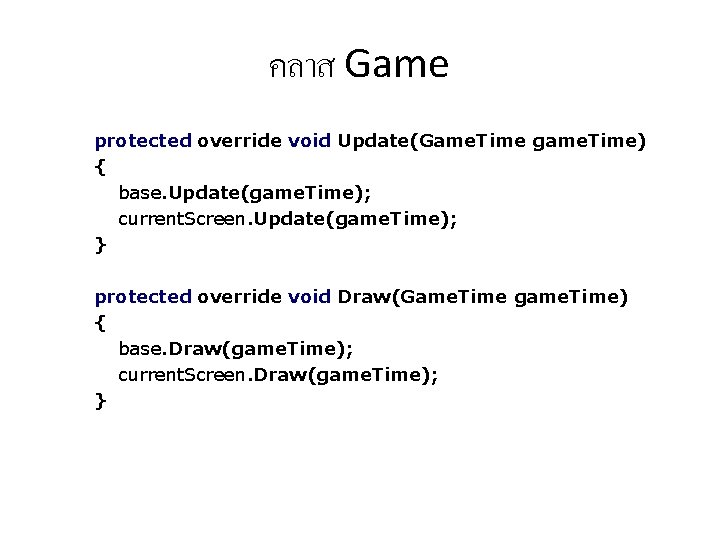
คลาส Game protected override void Update(Game. Time game. Time) { base. Update(game. Time); current. Screen. Update(game. Time); } protected override void Draw(Game. Time game. Time) { base. Draw(game. Time); current. Screen. Draw(game. Time); }