1 24 Networking 2005 Pearson Education Inc All
- Slides: 138
1 24 Networking 2005 Pearson Education, Inc. All rights reserved.
2 If the presence of electricity can be made visible in any part of a circuit, I see no reason why intelligence may not be transmitted instantaneously by electricity. — Samuel F. B. Morse Protocol is everything. — Francois Giuliani What networks of railroads, highways and canals were in another age, the networks of telecommunications, information and computerization … are today. — Bruno Kreisky The port is near, the bells I hear, the people all exulting. — Walt Whitman 2005 Pearson Education Inc. All rights reserved.
3 OBJECTIVES In this chapter you will learn: § To understand Java networking with URLs, sockets and datagrams. § To implement Java networking applications by using sockets and datagrams. § To understand how to implement Java clients and servers that communicate with one another. § To understand how to implement network-based collaborative applications. § To construct a multithreaded server. 2005 Pearson Education, Inc. All rights reserved.
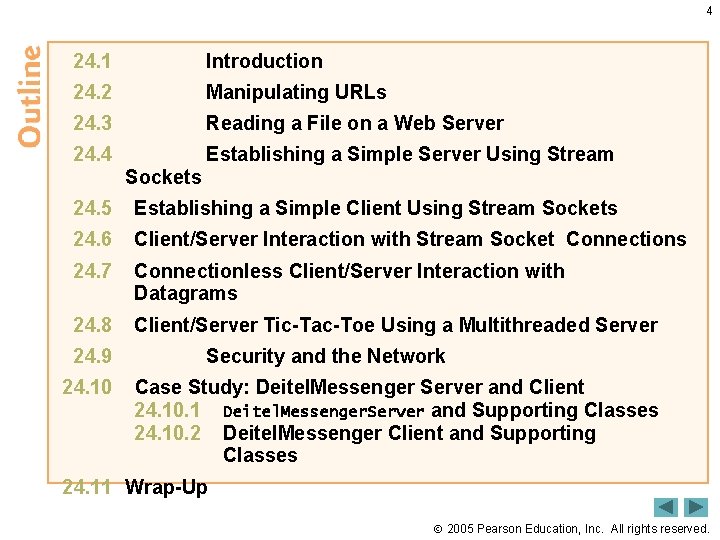
4 24. 1 Introduction 24. 2 Manipulating URLs 24. 3 Reading a File on a Web Server 24. 4 Establishing a Simple Server Using Stream Sockets 24. 5 Establishing a Simple Client Using Stream Sockets 24. 6 Client/Server Interaction with Stream Socket Connections 24. 7 Connectionless Client/Server Interaction with Datagrams 24. 8 Client/Server Tic-Tac-Toe Using a Multithreaded Server 24. 9 Security and the Network 24. 10 Case Study: Deitel. Messenger Server and Client 24. 10. 1 Deitel. Messenger. Server and Supporting Classes 24. 10. 2 Deitel. Messenger Client and Supporting Classes 24. 11 Wrap-Up 2005 Pearson Education, Inc. All rights reserved.
5 24. 1 Introduction • Networking package is java. net – Stream-based communications • Applications view networking as streams of data • Connection-based protocol • Uses TCP (Transmission Control Protocol – Packet-based communications • Individual packets transmitted • Connectionless service • Uses UDP (User Datagram Protocol) 2005 Pearson Education, Inc. All rights reserved.
6 24. 1 Introduction (Cont. ) • Client-server relationship – Client requests some action be performed – Server performs the action and responds to client – Request-response model • Common implementation: Web browsers and Web servers 2005 Pearson Education, Inc. All rights reserved.
7 Performance Tip 24. 1 Connectionless services generally offer greater performance but less reliability than connectionoriented services. 2005 Pearson Education, Inc. All rights reserved.
8 Portability Tip 24. 1 TCP, UDP and related protocols enable a great variety of heterogeneous computer systems (i. e. , computer systems with different processors and different operating systems) to intercommunicate. 2005 Pearson Education, Inc. All rights reserved.
9 24. 2 Manipulating URLs • Hyper. Text Transfer Protocol (HTTP) – Uses URIs (Uniform Resource Identifiers) to identify data • URLs (Uniform Resource Locators) – URIs that specify the locations of documents – Refer to files, directories and complex objects • HTML document Site. Selector. html (Fig. 24. 1) – applet element – param tag • name attribute • value attribute 2005 Pearson Education, Inc. All rights reserved.
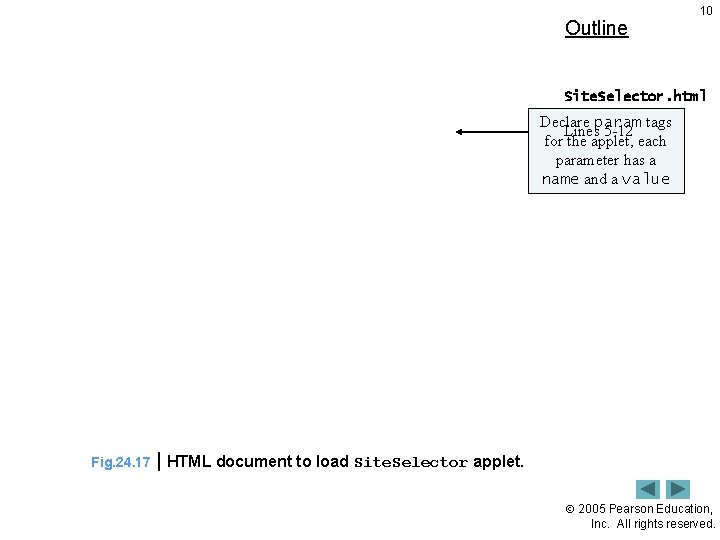
Outline 10 Site. Selector. html Declare param tags Lines 5 -12 for the applet, each parameter has a name and a value Fig. 24. 17 | HTML document to load Site. Selector applet. 2005 Pearson Education, Inc. All rights reserved.
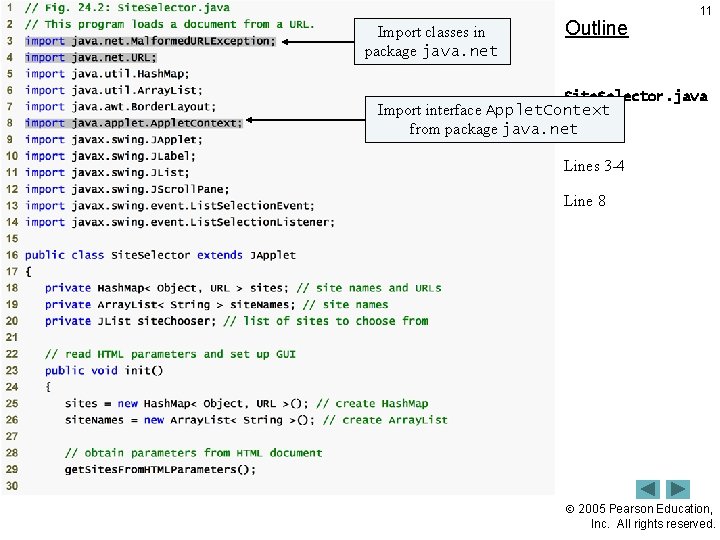
Import classes in package java. net Outline 11 Site. Selector. java Import interface Applet. Context from package java. net (1 of 5) Lines 3 -4 Line 8 2005 Pearson Education, Inc. All rights reserved.
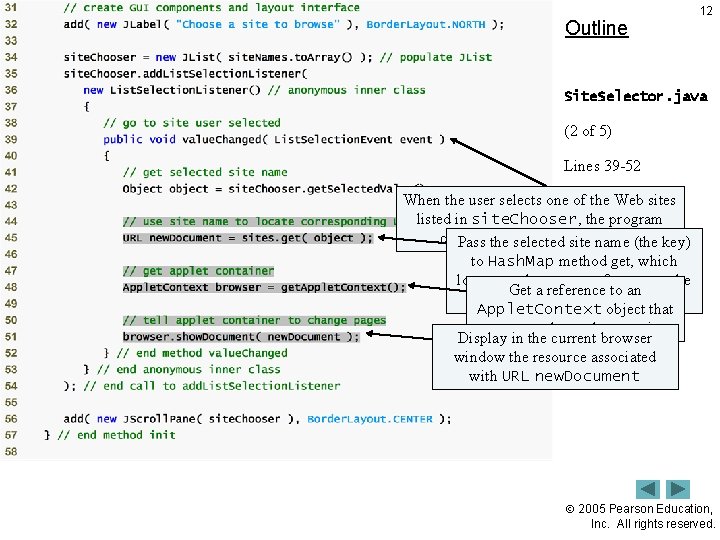
Outline 12 Site. Selector. java (2 of 5) Lines 39 -52 When the user selects one. Line of the 45 Web sites listed in site. Chooser, the program Line 48 (the key) calls method value. Changed Pass the selected site name to Hash. Map method get, which Line 51 locates and returns a reference to the Get a reference to an corresponding URL (the value) Applet. Context object that represents the applet container Display in the current browser window the resource associated with URL new. Document 2005 Pearson Education, Inc. All rights reserved.
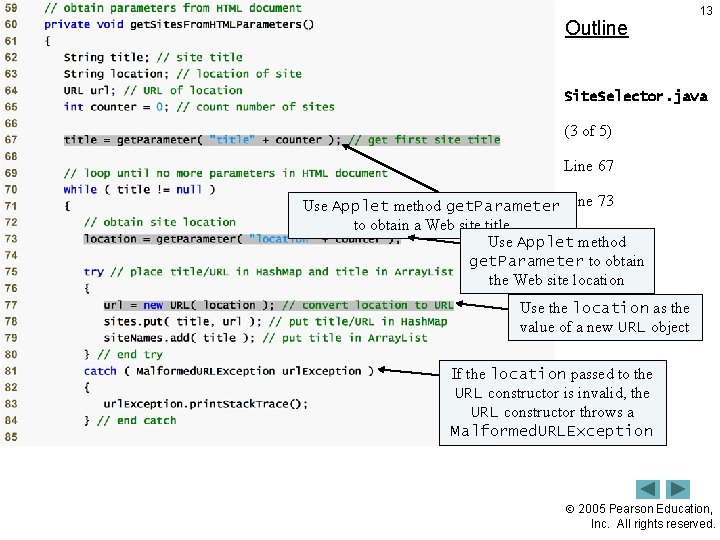
Outline 13 Site. Selector. java (3 of 5) Line 67 Use Applet method get. Parameter Line 73 to obtain a Web site title Line 77 Use Applet method get. Parameter to obtain Lines 81 -84 the Web site location Use the location as the value of a new URL object If the location passed to the URL constructor is invalid, the URL constructor throws a Malformed. URLException 2005 Pearson Education, Inc. All rights reserved.
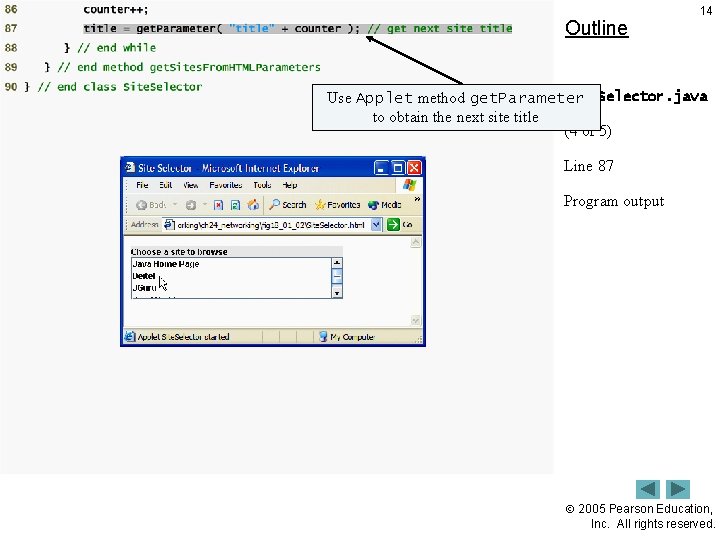
Outline 14 Site. Selector. java Use Applet method get. Parameter to obtain the next site title (4 of 5) Line 87 Program output 2005 Pearson Education, Inc. All rights reserved.
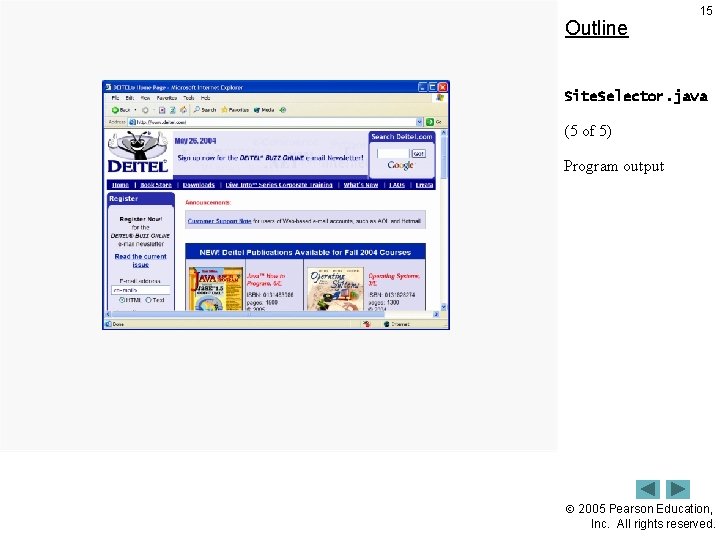
Outline 15 Site. Selector. java (5 of 5) Program output 2005 Pearson Education, Inc. All rights reserved.
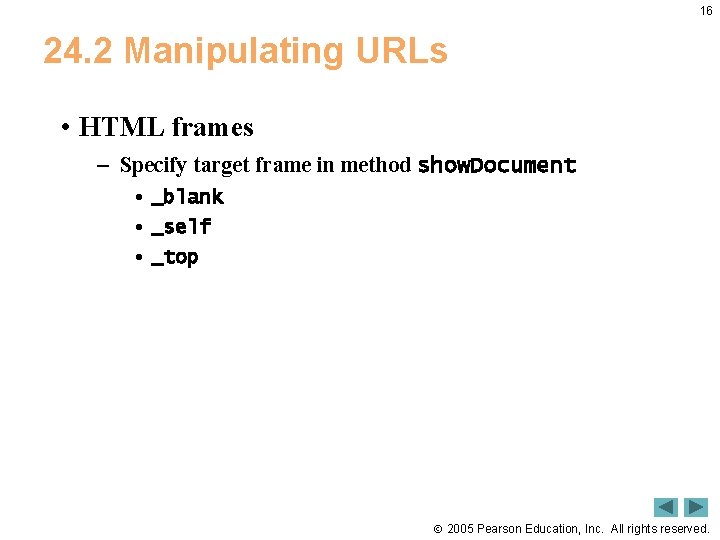
16 24. 2 Manipulating URLs • HTML frames – Specify target frame in method show. Document • _blank • _self • _top 2005 Pearson Education, Inc. All rights reserved.
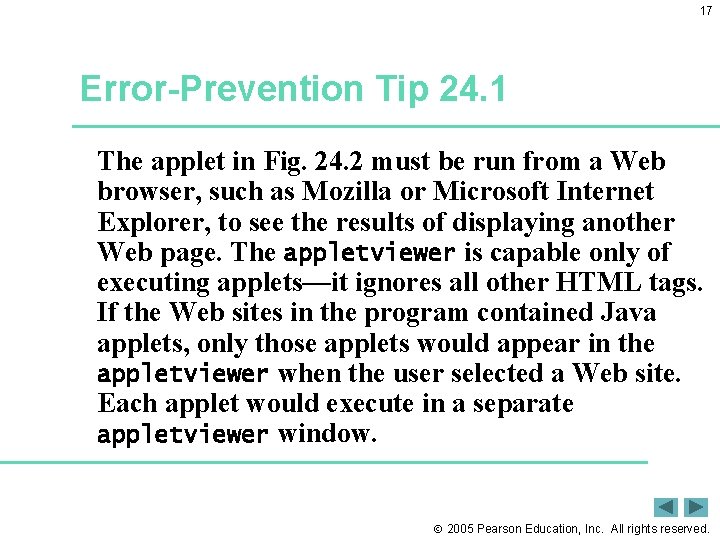
17 Error-Prevention Tip 24. 1 The applet in Fig. 24. 2 must be run from a Web browser, such as Mozilla or Microsoft Internet Explorer, to see the results of displaying another Web page. The appletviewer is capable only of executing applets—it ignores all other HTML tags. If the Web sites in the program contained Java applets, only those applets would appear in the appletviewer when the user selected a Web site. Each applet would execute in a separate appletviewer window. 2005 Pearson Education, Inc. All rights reserved.
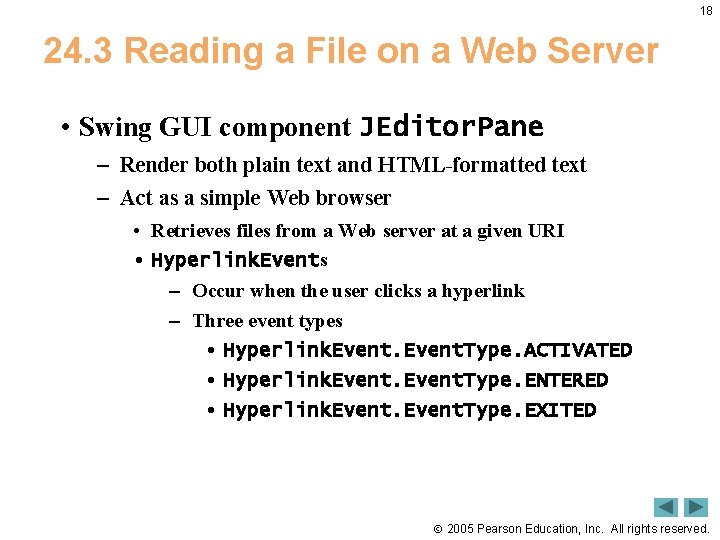
18 24. 3 Reading a File on a Web Server • Swing GUI component JEditor. Pane – Render both plain text and HTML-formatted text – Act as a simple Web browser • Retrieves files from a Web server at a given URI • Hyperlink. Events – Occur when the user clicks a hyperlink – Three event types • Hyperlink. Event. Type. ACTIVATED • Hyperlink. Event. Type. ENTERED • Hyperlink. Event. Type. EXITED 2005 Pearson Education, Inc. All rights reserved.
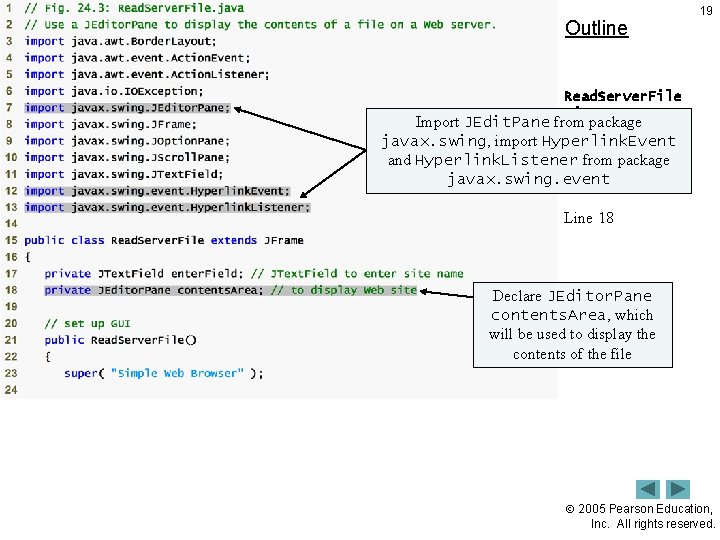
Outline 19 Read. Server. File. java Import JEdit. Pane from package javax. swing, import Hyperlink. Event (1 of 3) and Hyperlink. Listener from package javax. swing. event Lines 7, 12 and 13 Line 18 Declare JEditor. Pane contents. Area, which will be used to display the contents of the file 2005 Pearson Education, Inc. All rights reserved.
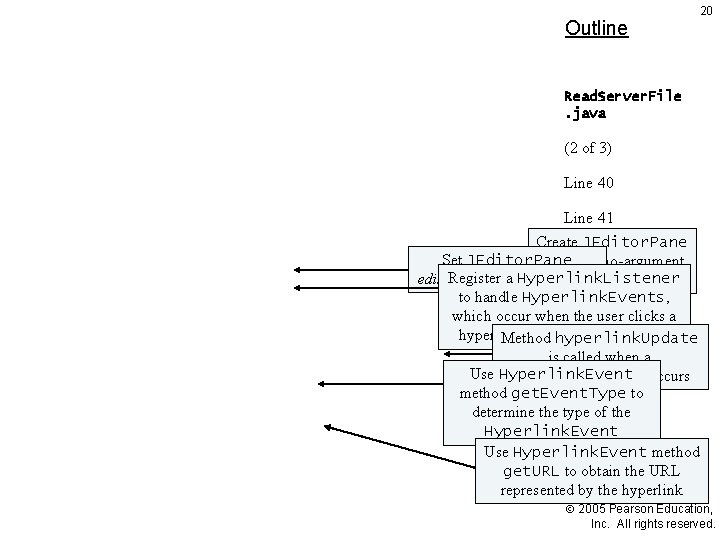
Outline 20 Read. Server. File. java (2 of 3) Line 40 Line 41 Create JEditor. Pane Lines 42 -53 Set JEditor. Pane using the no-argument Register a Hyperlink. Listener editable property to false constructor Lines 46 -51 to handle Hyperlink. Events, which occur when. Lines the user clicks a 48 -49 hyperlink in thehyperlink. Update JEditor. Pane Method is called when a Line 50 Use Hyperlink. Event occurs method get. Event. Type to determine the type of the Hyperlink. Event Use Hyperlink. Event method get. URL to obtain the URL represented by the hyperlink 2005 Pearson Education, Inc. All rights reserved.
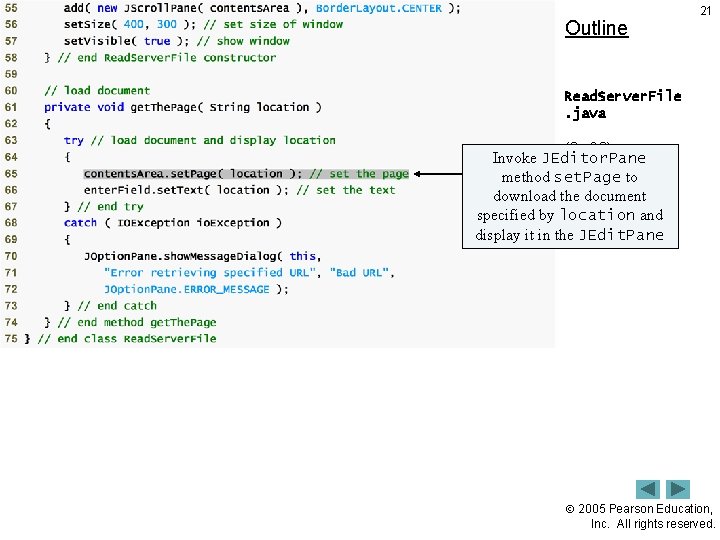
Outline 21 Read. Server. File. java (3 of 3) Invoke JEditor. Pane method set. Page Line 65 to download the document specified by location and display it in the JEdit. Pane 2005 Pearson Education, Inc. All rights reserved.
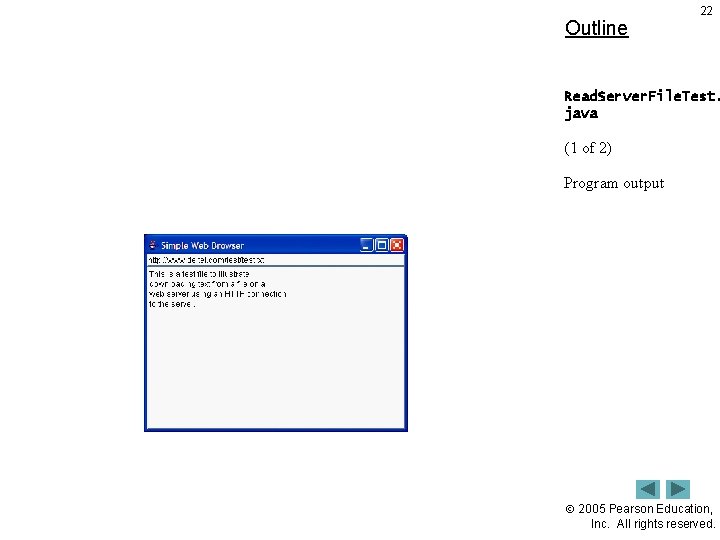
Outline 22 Read. Server. File. Test. java (1 of 2) Program output 2005 Pearson Education, Inc. All rights reserved.
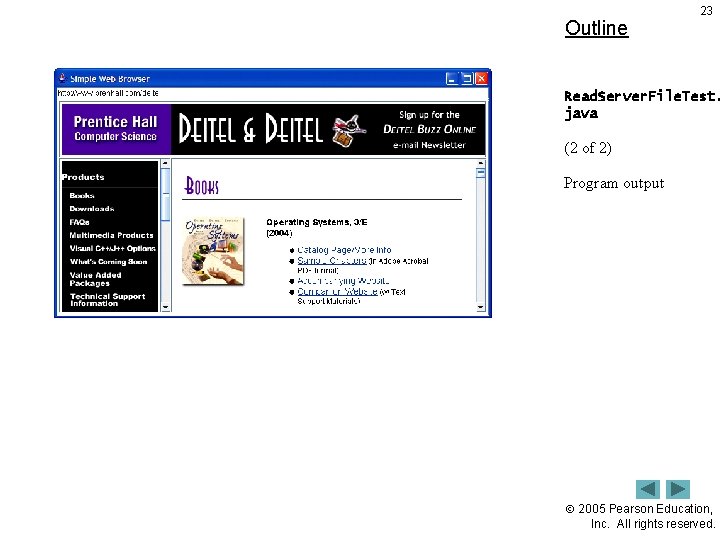
Outline 23 Read. Server. File. Test. java (2 of 2) Program output 2005 Pearson Education, Inc. All rights reserved.
24 Look-and-Feel Observation 24. 1 A JEditor. Pane generates Hyperlink. Events only if it is uneditable. 2005 Pearson Education, Inc. All rights reserved.
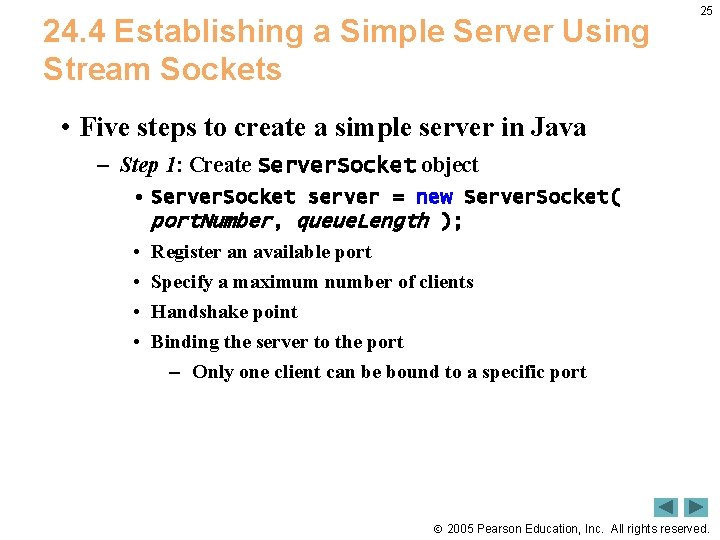
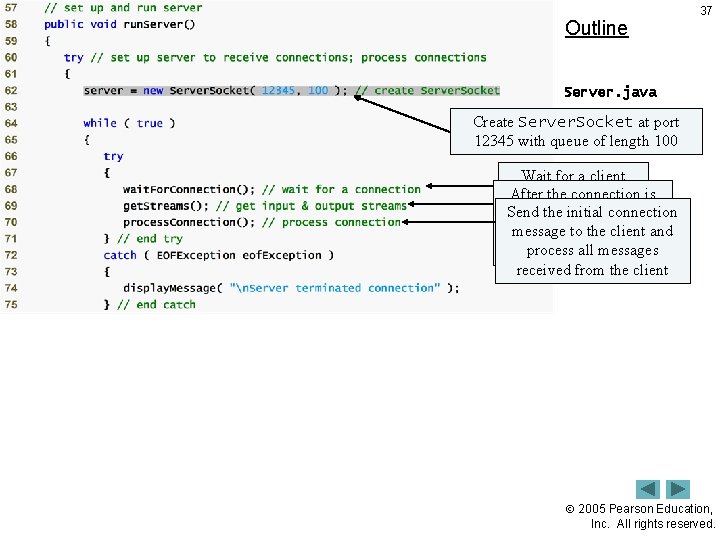
24. 4 Establishing a Simple Server Using Stream Sockets 25 • Five steps to create a simple server in Java – Step 1: Create Server. Socket object • Server. Socket server = new Server. Socket( port. Number, queue. Length ); • Register an available port • Specify a maximum number of clients • Handshake point • Binding the server to the port – Only one client can be bound to a specific port 2005 Pearson Education, Inc. All rights reserved.
26 Software Engineering Observation 24. 1 Port numbers can be between 0 and 65, 535. Most operating systems reserve port numbers below 1024 for system services (e. g. , e-mail and World Wide Web servers). Generally, these ports should not be specified as connection ports in user programs. In fact, some operating systems require special access privileges to bind to port numbers below 1024. 2005 Pearson Education, Inc. All rights reserved.
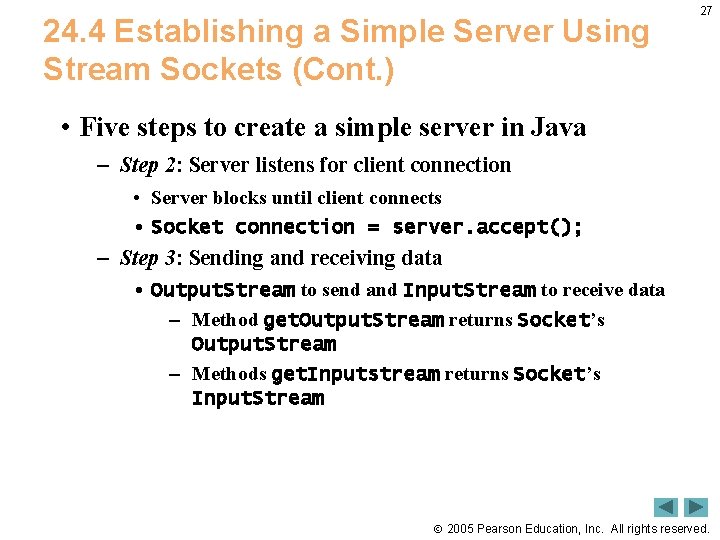
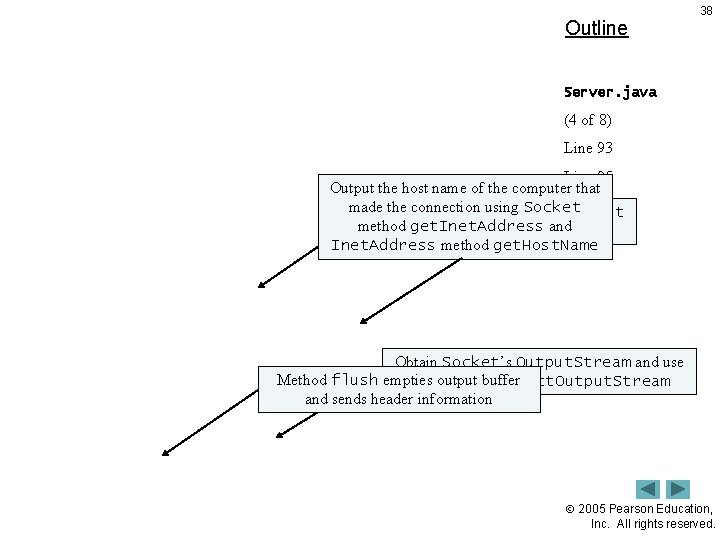
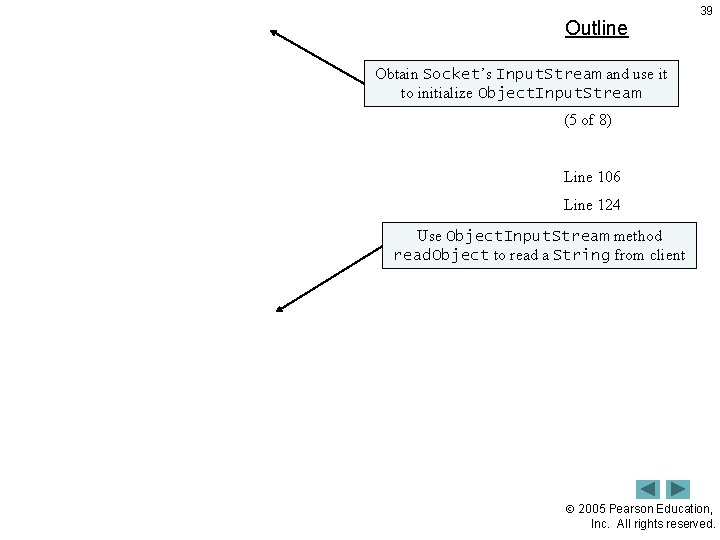
24. 4 Establishing a Simple Server Using Stream Sockets (Cont. ) 27 • Five steps to create a simple server in Java – Step 2: Server listens for client connection • Server blocks until client connects • Socket connection = server. accept(); – Step 3: Sending and receiving data • Output. Stream to send and Input. Stream to receive data – Method get. Output. Stream returns Socket’s Output. Stream – Methods get. Inputstream returns Socket’s Input. Stream 2005 Pearson Education, Inc. All rights reserved.
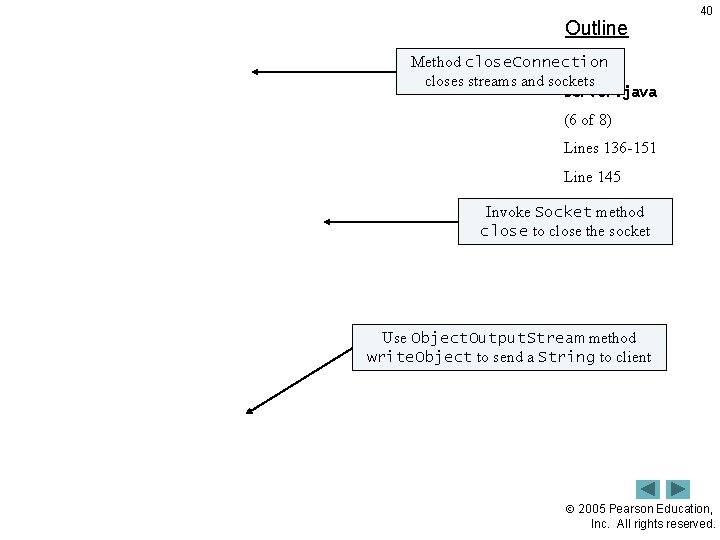
24. 4 Establishing a Simple Server Using Stream Sockets (Cont. ) 28 • Five steps to create a simple server in Java – Step 4: Process phase • Server and Client communicate via streams – Step 5: Close streams and connections • Method close 2005 Pearson Education, Inc. All rights reserved.
29 Software Engineering Observation 24. 2 With sockets, network I/O appears to Java programs to be similar to sequential file I/O. Sockets hide much of the complexity of network programming from the programmer. 2005 Pearson Education, Inc. All rights reserved.
30 Software Engineering Observation 24. 3 With Java’s multithreading, we can create multithreaded servers that can manage many simultaneous connections with many clients. This multithreaded-server architecture is precisely what popular network servers use. 2005 Pearson Education, Inc. All rights reserved.
31 Software Engineering Observation 24. 4 A multithreaded server can take the Socket returned by each call to accept and create a new thread that manages network I/O across that Socket. Alternatively, a multithreaded server can maintain a pool of threads (a set of already existing threads) ready to manage network I/O across the new Sockets as they are created. See Chapter 23 for more information on multithreading. 2005 Pearson Education, Inc. All rights reserved.
32 Performance Tip 24. 2 In high-performance systems in which memory is abundant, a multithreaded server can be implemented to create a pool of threads that can be assigned quickly to handle network I/O across each new Socket as it is created. Thus, when the server receives a connection, it need not incur the overhead of thread creation. When the connection is closed, the thread is returned to the pool for reuse. 2005 Pearson Education, Inc. All rights reserved.
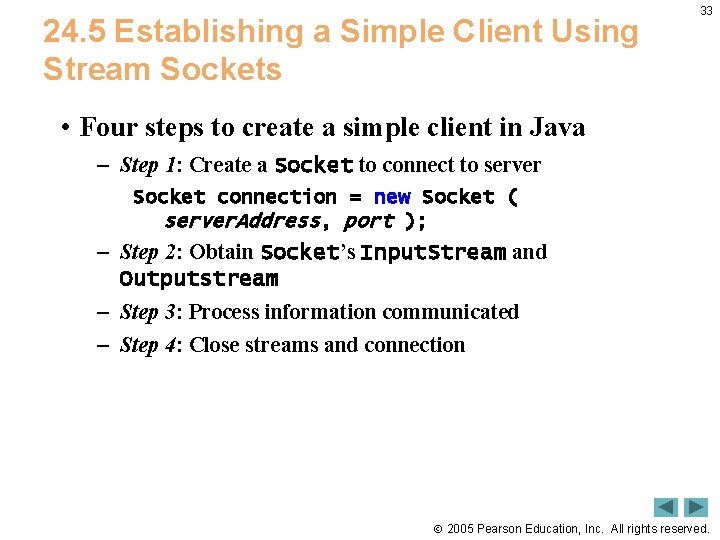
24. 5 Establishing a Simple Client Using Stream Sockets 33 • Four steps to create a simple client in Java – Step 1: Create a Socket to connect to server Socket connection = new Socket ( server. Address, port ); – Step 2: Obtain Socket’s Input. Stream and Outputstream – Step 3: Process information communicated – Step 4: Close streams and connection 2005 Pearson Education, Inc. All rights reserved.
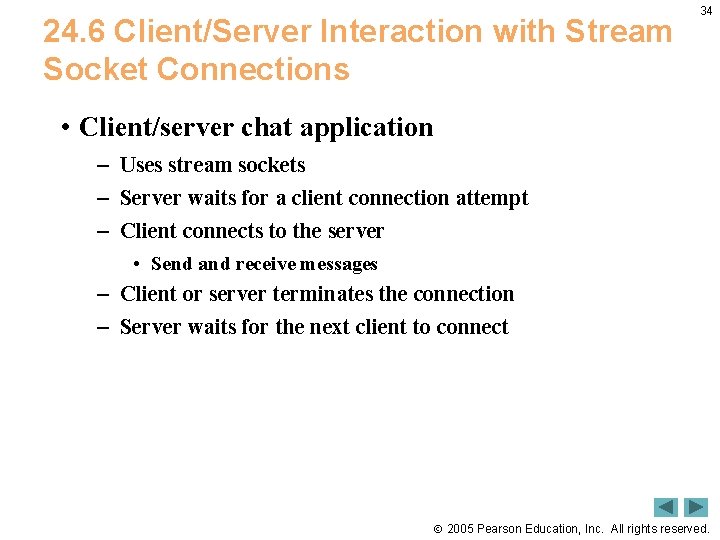
24. 6 Client/Server Interaction with Stream Socket Connections 34 • Client/server chat application – Uses stream sockets – Server waits for a client connection attempt – Client connects to the server • Send and receive messages – Client or server terminates the connection – Server waits for the next client to connect 2005 Pearson Education, Inc. All rights reserved.
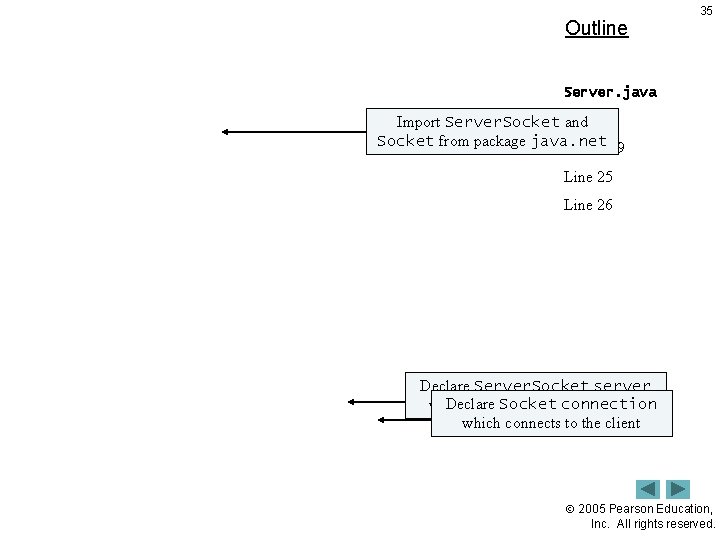
Outline 35 Server. java Import Server. Socket (1 andof 8) Socket from package java. net Lines 8 -9 Line 25 Line 26 Declare Server. Socket server Declare which waits. Socket for clientconnection which connects to the client 2005 Pearson Education, Inc. All rights reserved.
Outline 36 Server. java (2 of 8) 2005 Pearson Education, Inc. All rights reserved.
Outline 37 Server. java (3 of 8) Create Server. Socket at port 12345 with queue Lineof 62 length 100 Wait for a client Line 68 Afterconnection the connection is Send the Line initial 69 connection established, obtain message. Line to and references to the streams 70 client process all messages for the connection received from the client 2005 Pearson Education, Inc. All rights reserved.
Outline 38 Server. java (4 of 8) Line 93 Line 95 Output the host name of the computer that Line 102 made connection usingmethod Socket Usethe Server. Socket accept method get. Inet. Address and to wait for a connection from a client Line 103 Inet. Address method get. Host. Name Obtain Socket’s Output. Stream and use Method flush empties buffer it to output initialize Object. Output. Stream and sends header information 2005 Pearson Education, Inc. All rights reserved.
Outline 39 Obtain Socket’s Input. Stream and use it Server. java to initialize Object. Input. Stream (5 of 8) Line 106 Line 124 Use Object. Input. Stream method read. Object to read a String from client 2005 Pearson Education, Inc. All rights reserved.
Outline 40 Method close. Connection closes streams and sockets Server. java (6 of 8) Lines 136 -151 Line 145 Line method 158 Invoke Socket close to close the socket Use Object. Output. Stream method write. Object to send a String to client 2005 Pearson Education, Inc. All rights reserved.
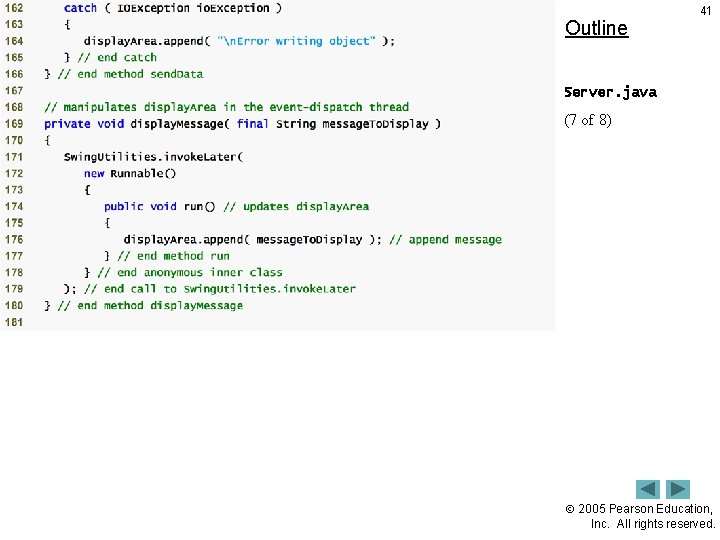
Outline 41 Server. java (7 of 8) 2005 Pearson Education, Inc. All rights reserved.
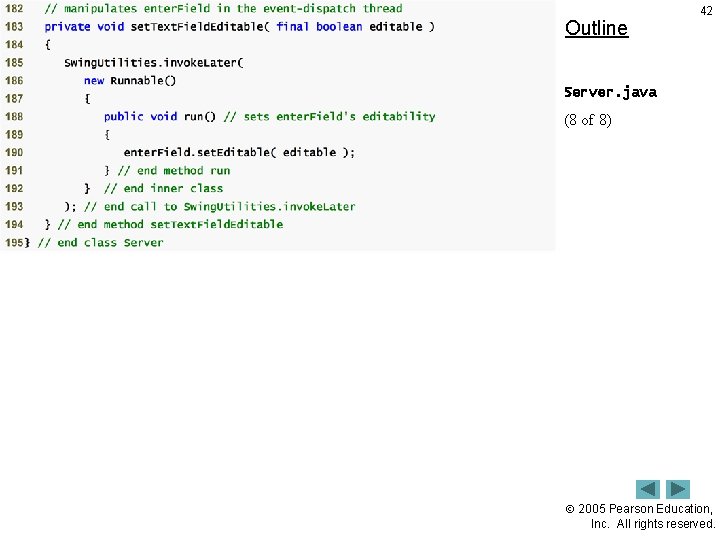
Outline 42 Server. java (8 of 8) 2005 Pearson Education, Inc. All rights reserved.
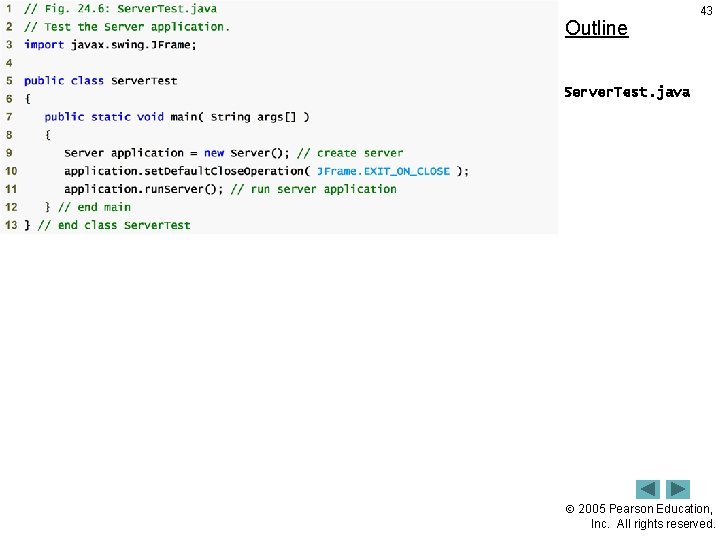
Outline 43 Server. Test. java 2005 Pearson Education, Inc. All rights reserved.
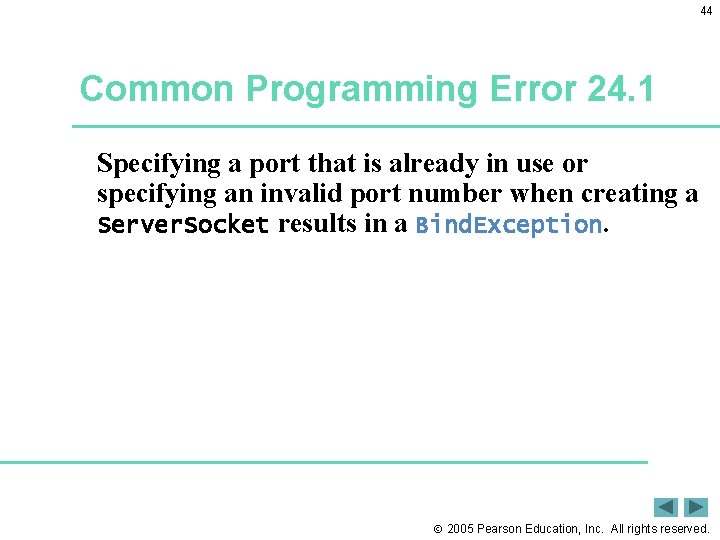
44 Common Programming Error 24. 1 Specifying a port that is already in use or specifying an invalid port number when creating a Server. Socket results in a Bind. Exception. 2005 Pearson Education, Inc. All rights reserved.
45 Software Engineering Observation 24. 5 When using an Object. Output. Stream and Object. Input. Stream to send and receive data over a network connection, always create the Object. Output. Stream first and flush the stream so that the client’s Object. Input. Stream can prepare to receive the data. This is required only for networking applications that communicate using Object. Output. Stream and Object. Input. Stream. 2005 Pearson Education, Inc. All rights reserved.
46 Performance Tip 24. 3 A computer’s input and output components are typically much slower than its memory. Output buffers typically are used to increase the efficiency of an application by sending larger amounts of data fewer times, thus reducing the number of times an application accesses the computer’s input and output components. 2005 Pearson Education, Inc. All rights reserved.
Outline 47 Client. java (1 of 7) 2005 Pearson Education, Inc. All rights reserved.
Outline 48 Client. java (2 of 7) 2005 Pearson Education, Inc. All rights reserved.
Outline 49 Client. java (3 of 7) 2005 Pearson Education, Inc. All rights reserved.
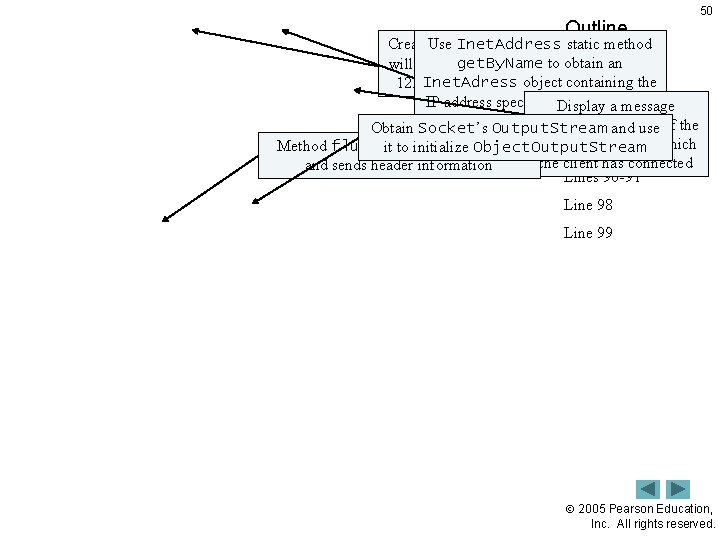
Outline 50 Create. Use a Socket Inet. Address that static method get. By. Name will connect with port to obtain an Inet. Adress 12345 on the server object containing the Client. java IP address specified Display as a commanda message of 7) line argument to the(4 application indicating the name Obtain Socket’s Output. Stream and use of the computer to which Method flush empties output. Object. Output. Stream buffer server it to initialize Line 87 the client has connected and sends header information Lines 90 -91 Line 98 Line 99 2005 Pearson Education, Inc. All rights reserved.
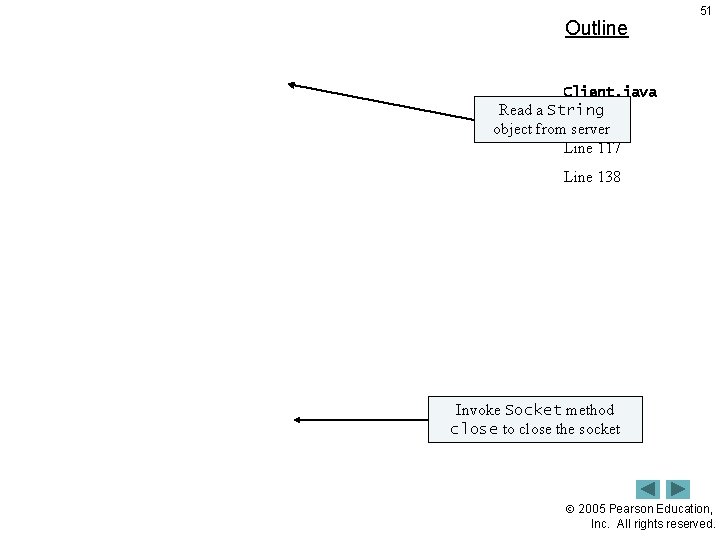
Outline 51 Client. java Read a String (5 of 7) object from server Line 117 Line 138 Invoke Socket method close to close the socket 2005 Pearson Education, Inc. All rights reserved.
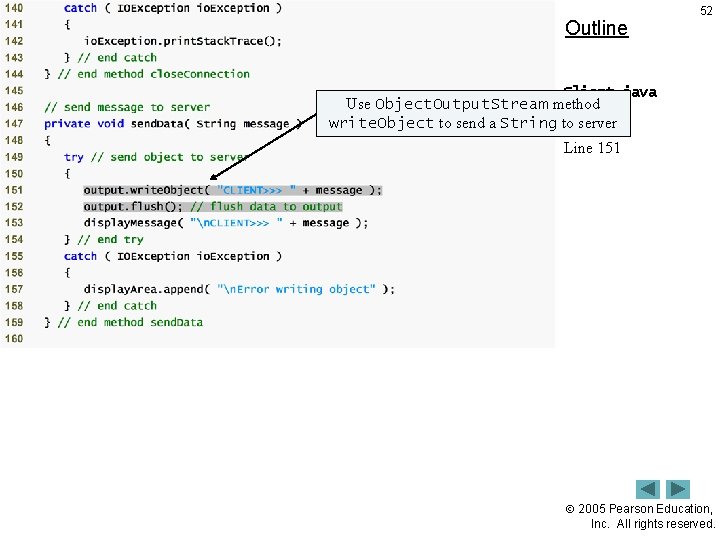
Outline 52 Client. java Use Object. Output. Stream method (6 server of 7) write. Object to send a String to Line 151 2005 Pearson Education, Inc. All rights reserved.
Outline 53 Client. java (7 of 7) 2005 Pearson Education, Inc. All rights reserved.
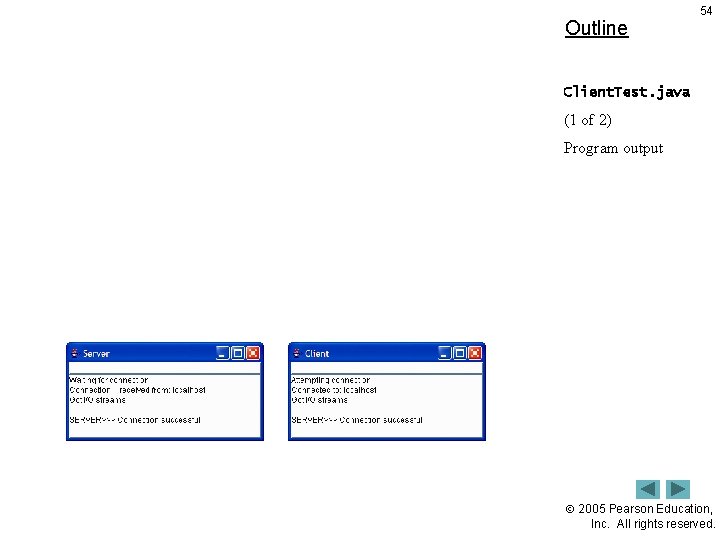
Outline 54 Client. Test. java (1 of 2) Program output 2005 Pearson Education, Inc. All rights reserved.
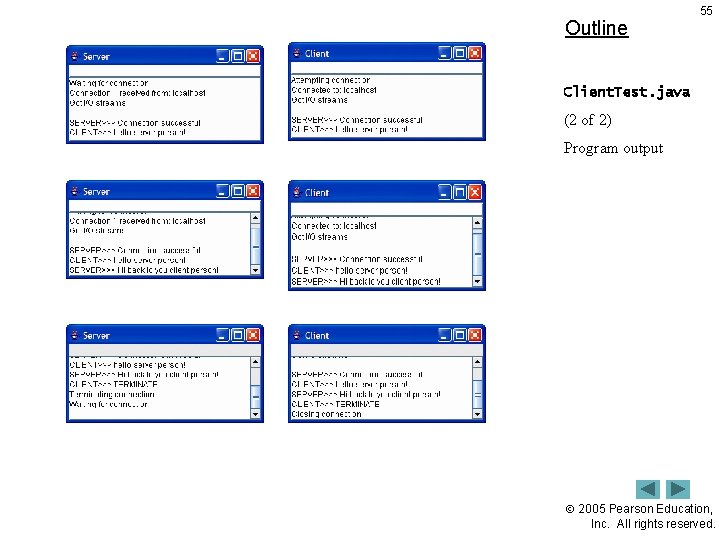
Outline 55 Client. Test. java (2 of 2) Program output 2005 Pearson Education, Inc. All rights reserved.
24. 7 Connectionless Client/Server Interaction with Datagrams 56 • Connectionless transmission with datagrams – – No connection maintained with other computer Break message into separate pieces and send as packets Message arrive in order, out of order or not at all Receiver puts messages in order and reads them 2005 Pearson Education, Inc. All rights reserved.
Outline 57 Server. java (1 of 4) Line 16 Use a Datagram. Socket as our server 2005 Pearson Education, Inc. All rights reserved.
Outline Use the Datagram. Socket constructor that takes an integer port number argument to bind the server to a port where it can receive Server. java packets from clients (2 of 4) 58 Line 30 Lines 47 -48 Line 50 Create a Datagram. Packet in which a received packet of information can be stored Use Datagram. Socket method receive to wait for a packet to arrive at the server 2005 Pearson Education, Inc. All rights reserved.
59 Outline Use Datagram. Packet method get. Address to obtain Use Datagram. Packet method get. Port to the obtain the host name of computer method get. Length to obtain portfrom number through which thesent which the packet was Server. java thehost number of bytes data sent computer sentofthe packet (3 of 4) Line 54 Use Datagram. Packet method get. Data to Line 55 the data obtain an byte array containing Line 56 Line 57 Lines 77 -79 Create a Datagram. Packet, which specifies the data to send, the number of bytes to send, the client computer’s Internet address and the port where the client is waiting to receive packets 2005 Pearson Education, Inc. All rights reserved.
Outline 60 Use method send of Datagram. Socket to send the packet over the network Server. java (4 of 4) 2005 Pearson Education, Inc. All rights reserved.
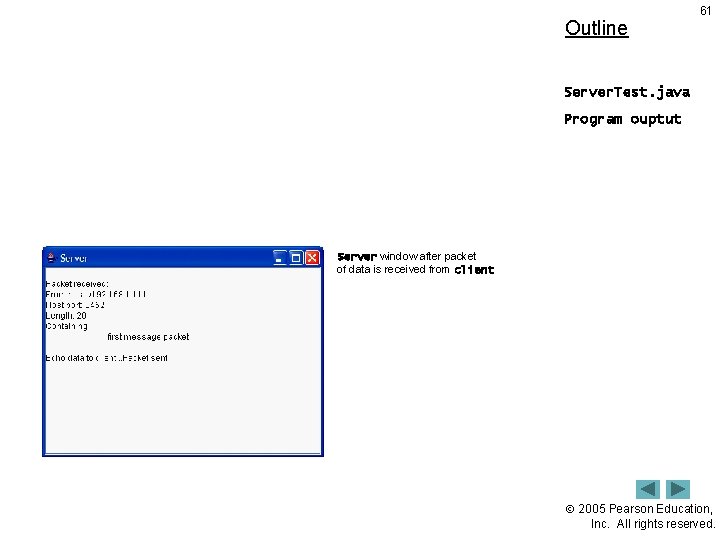
Outline 61 Server. Test. java Program ouptut Server window after packet of data is received from client 2005 Pearson Education, Inc. All rights reserved.
Outline 62 Client. java (1 of 5) 2005 Pearson Education, Inc. All rights reserved.
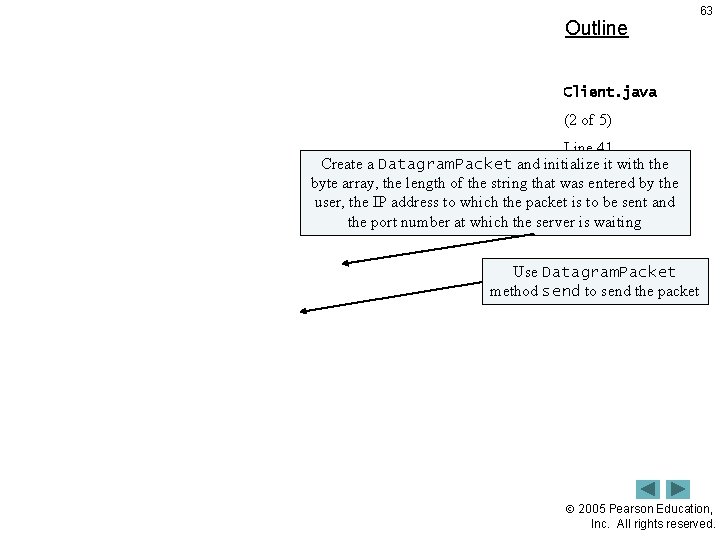
Outline 63 Client. java (2 of 5) Line 41 Create a Datagram. Packet andthe initialize it with the Convert String Lines 44 -45 byte array, the length of the string that was entered by the to a byte array user, the IP address to which the packet. Line is to 47 be sent and the port number at which the server is waiting Use Datagram. Packet method send to send the packet 2005 Pearson Education, Inc. All rights reserved.
Outline 64 Client. java (3 of 5) Line 71 Create a Datagram. Socket for sending and receiving packets 2005 Pearson Education, Inc. All rights reserved.
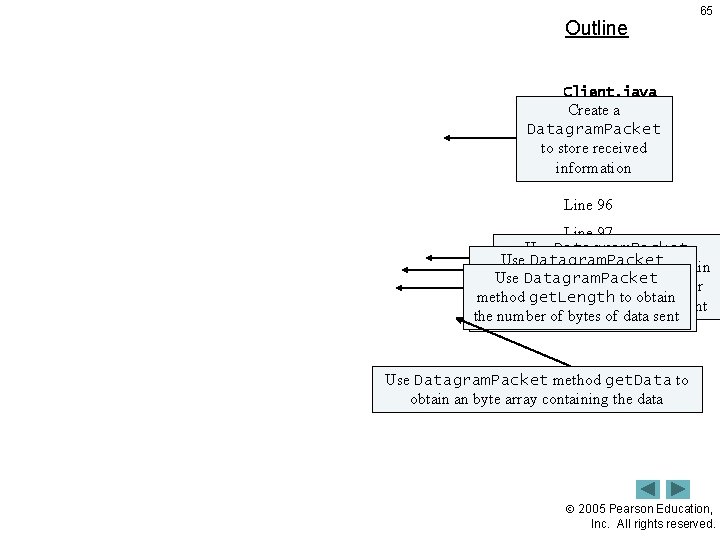
Outline 65 Client. java Create a (4 of 5) Datagram. Packet Linesreceived 88 -89 to store information Line 95 Line 96 Line 97 Use Datagram. Packet Line 98 method get. Address to obtain Use Datagram. Packet method get. Port to obtain the host name of the computer method get. Length to obtain portfrom number through which thesent which the packet was thehost number of bytes data sent computer sentofthe packet Use Datagram. Packet method get. Data to obtain an byte array containing the data 2005 Pearson Education, Inc. All rights reserved.
Outline 66 Client. java (5 of 5) 2005 Pearson Education, Inc. All rights reserved.
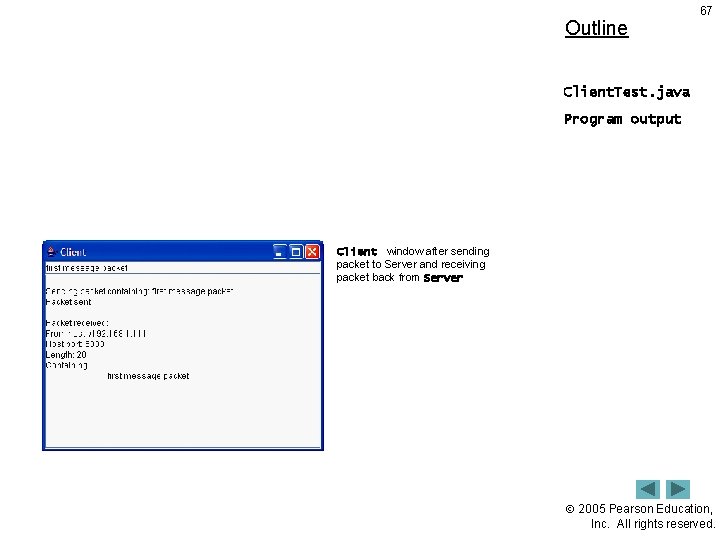
Outline 67 Client. Test. java Program output Client window after sending packet to Server and receiving packet back from Server 2005 Pearson Education, Inc. All rights reserved.
68 Common Programming Error 24. 2 Specifying a port that is already in use or specifying an invalid port number when creating a Datagram. Socket results in a Socket. Exception. 2005 Pearson Education, Inc. All rights reserved.
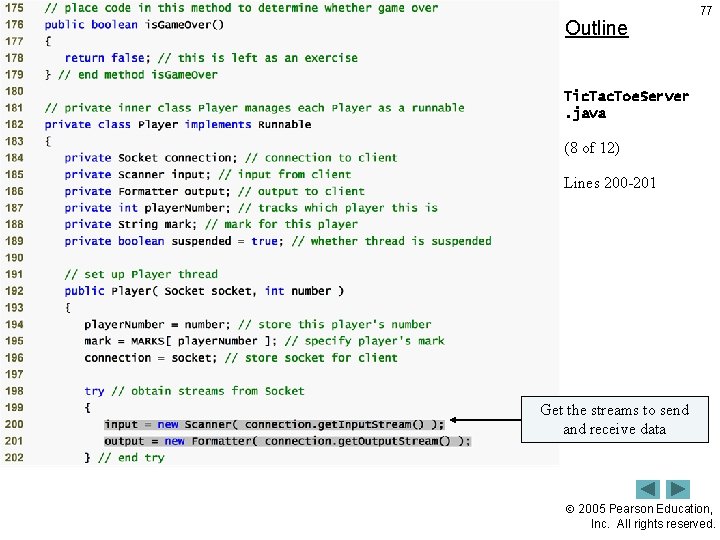
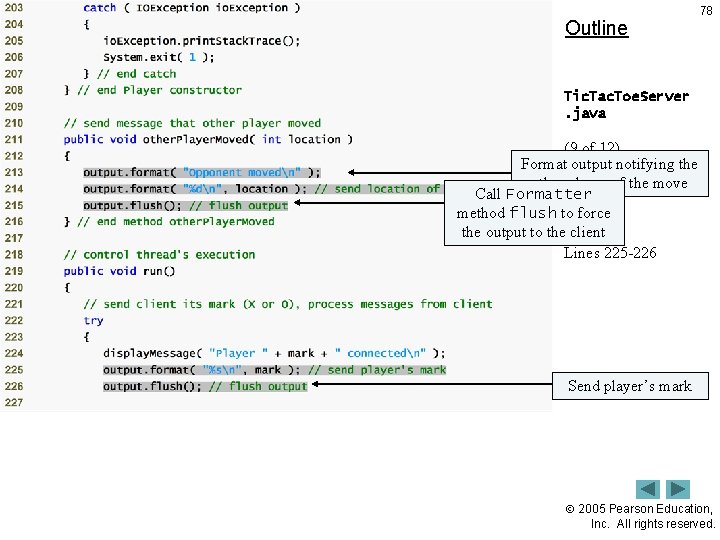
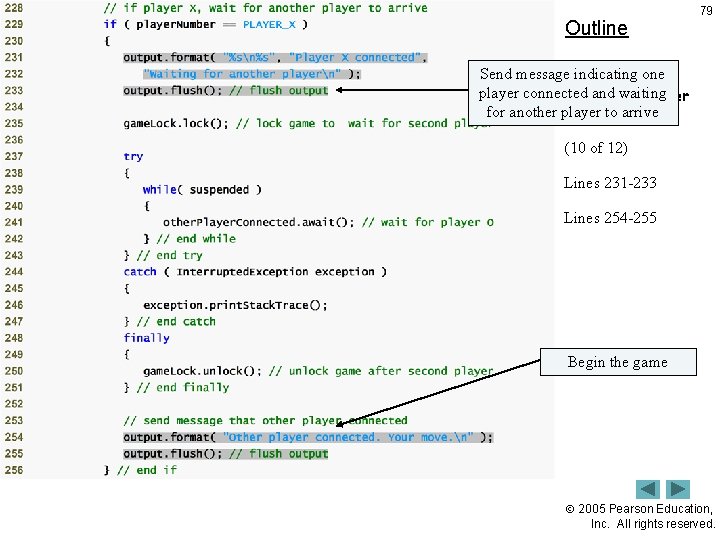
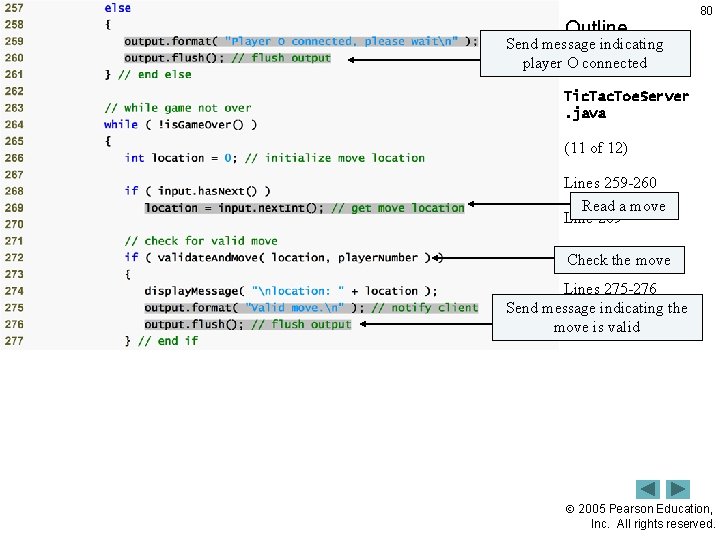
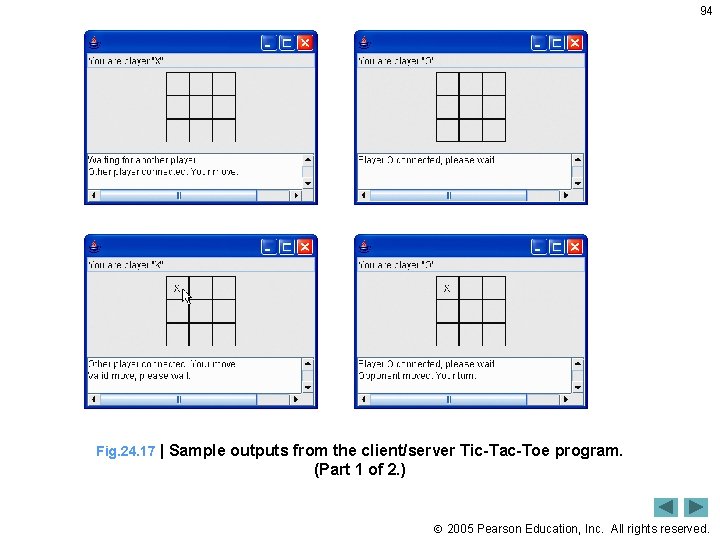
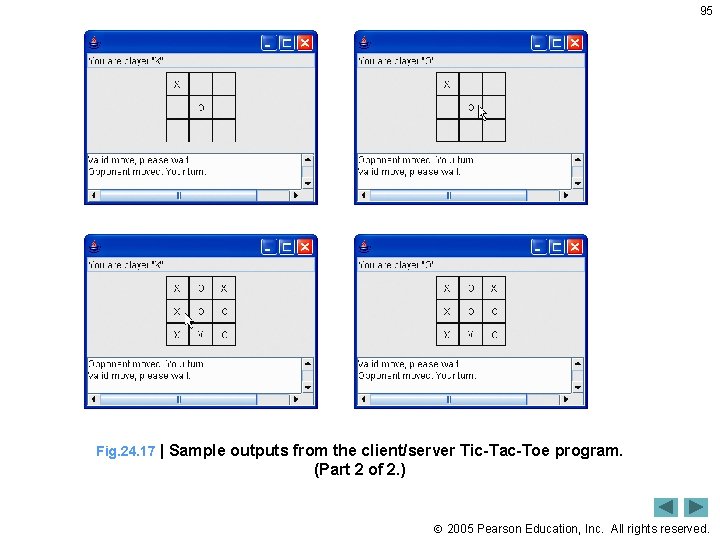
24. 8 Client/Server Tic-Tac-Toe Using a Multithreaded Server 69 • Multiple threads – Server uses one thread per player • Allow each player to play game independently 2005 Pearson Education, Inc. All rights reserved.
Outline 70 Tic. Tac. Toe. Server. java (1 of 12) 2005 Pearson Education, Inc. All rights reserved.
Outline 71 Tic. Tac. Toe. Server. java (2 of 12) 2005 Pearson Education, Inc. All rights reserved.
Create. Outline array players with 2 elements 72 Tic. Tac. Toe. Server. java (3 of 12) Create Server. Socket to listen on port 12345 Line 50 Line 55 2005 Pearson Education, Inc. All rights reserved.
Outline 73 Loop twice, blocking at line 79 each time while waiting for a client. Tic. Tac. Toe. Server connection. java Create a new Player object to manage the 12) connection as (4 of a separate thread Execute the Player in the Lines 75 -87 run. Game thread pool Line 79 Line 80 2005 Pearson Education, Inc. All rights reserved.
Outline 74 Tic. Tac. Toe. Server. java (5 of 12) 2005 Pearson Education, Inc. All rights reserved.
Outline 75 Tic. Tac. Toe. Server. java (6 of 12) 2005 Pearson Education, Inc. All rights reserved.
Outline 76 Tic. Tac. Toe. Server. java (7 of 12) 2005 Pearson Education, Inc. All rights reserved.
Outline 77 Tic. Tac. Toe. Server. java (8 of 12) Lines 200 -201 Get the streams to send and receive data 2005 Pearson Education, Inc. All rights reserved.
Outline 78 Tic. Tac. Toe. Server. java (9 of 12) Format output notifying the other. Lines player 213 -214 of the move Call Formatter method flush to force Line 215 the output to the client Lines 225 -226 Send player’s mark 2005 Pearson Education, Inc. All rights reserved.
Outline 79 Send message indicating one player connected and waiting Tic. Tac. Toe. Server for another player. javato arrive (10 of 12) Lines 231 -233 Lines 254 -255 Begin the game 2005 Pearson Education, Inc. All rights reserved.
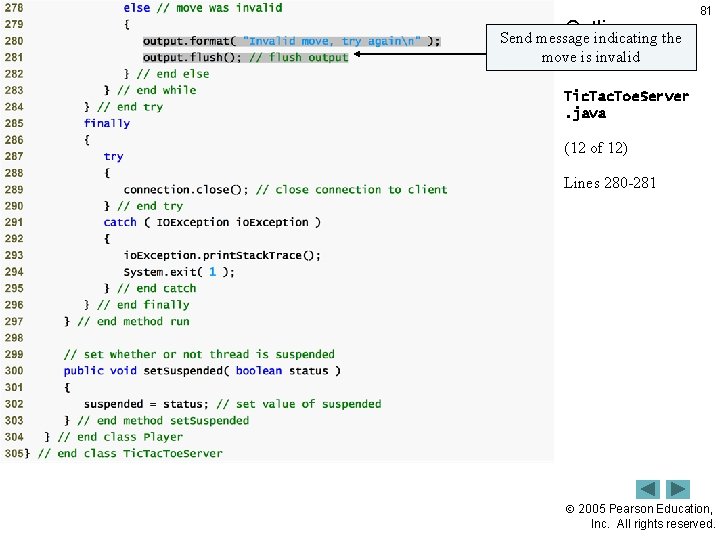
Outline 80 Send message indicating player O connected Tic. Tac. Toe. Server. java (11 of 12) Lines 259 -260 Read a move Line 269 Lines Check 272 the move Lines 275 -276 Send message indicating the move is valid 2005 Pearson Education, Inc. All rights reserved.
Outline 81 Send message indicating the move is invalid Tic. Tac. Toe. Server. java (12 of 12) Lines 280 -281 2005 Pearson Education, Inc. All rights reserved.
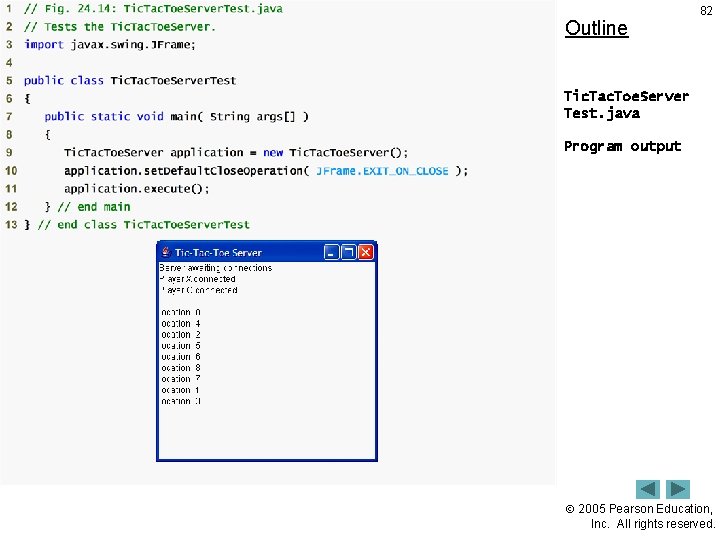
Outline 82 Tic. Tac. Toe. Server Test. java Program output 2005 Pearson Education, Inc. All rights reserved.
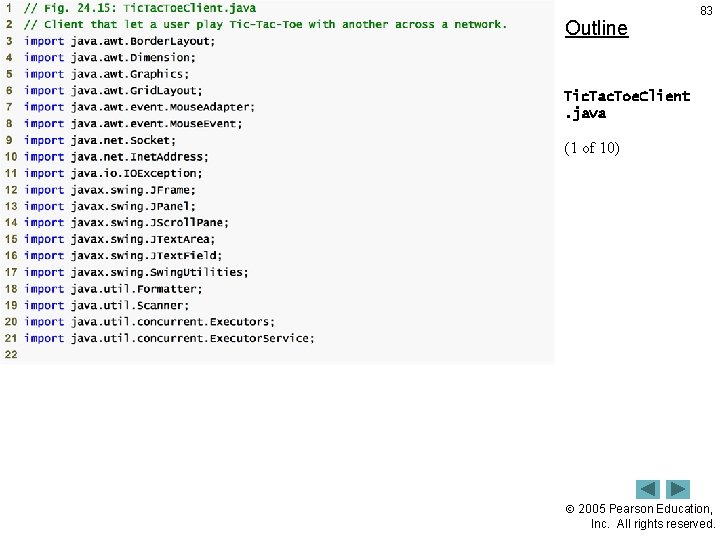
Outline 83 Tic. Tac. Toe. Client. java (1 of 10) 2005 Pearson Education, Inc. All rights reserved.
Outline 84 Tic. Tac. Toe. Client. java (2 of 10) 2005 Pearson Education, Inc. All rights reserved.
Outline 85 Tic. Tac. Toe. Client. java (3 of 10) 2005 Pearson Education, Inc. All rights reserved.
Outline 86 Connect to the server Tic. Tac. Toe. Client. java (4 of 10) Get the streams to 85 -86 send and. Lines receive data Lines 89 -90 Line 105 Read mark character from server 2005 Pearson Education, Inc. All rights reserved.
Outline 87 Tic. Tac. Toe. Client. java (5 of 10) Lines 121 -125 Loop continually Lines 123 -124 Lines 132 -136 Read and process messages from server If valid move, write message and set mark in square 2005 Pearson Education, Inc. All rights reserved.
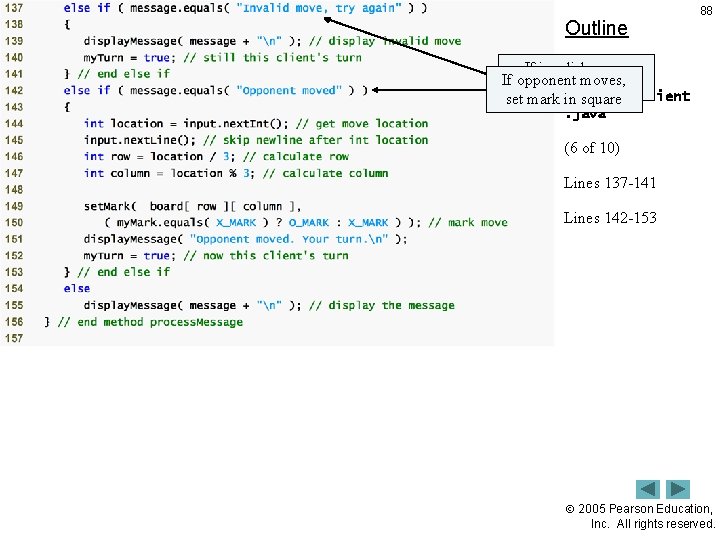
Outline 88 If invalid move, If opponent moves, display message Tic. Tac. Toe. Client set mark in square. java (6 of 10) Lines 137 -141 Lines 142 -153 2005 Pearson Education, Inc. All rights reserved.
Outline 89 Tic. Tac. Toe. Client. java (7 of 10) 2005 Pearson Education, Inc. All rights reserved.
Outline 90 Tic. Tac. Toe. Client. java (8 move of 10)to the Send the server Lines 192 -193 2005 Pearson Education, Inc. All rights reserved.
Outline 91 Tic. Tac. Toe. Client. java (9 of 10) 2005 Pearson Education, Inc. All rights reserved.
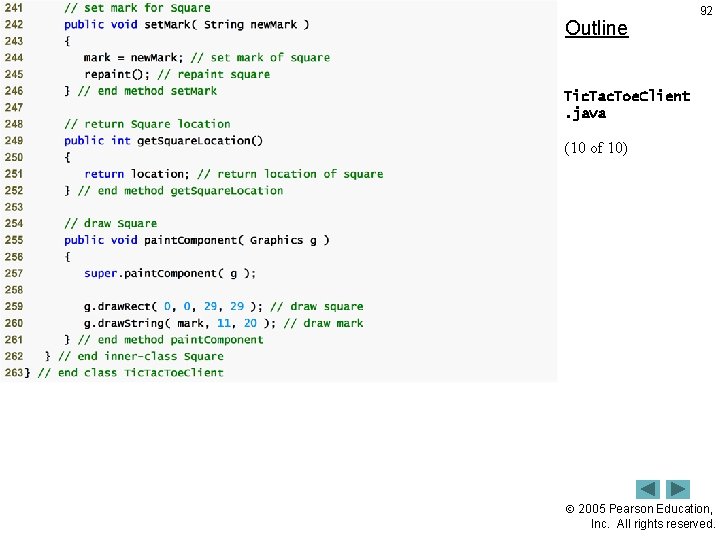
Outline 92 Tic. Tac. Toe. Client. java (10 of 10) 2005 Pearson Education, Inc. All rights reserved.
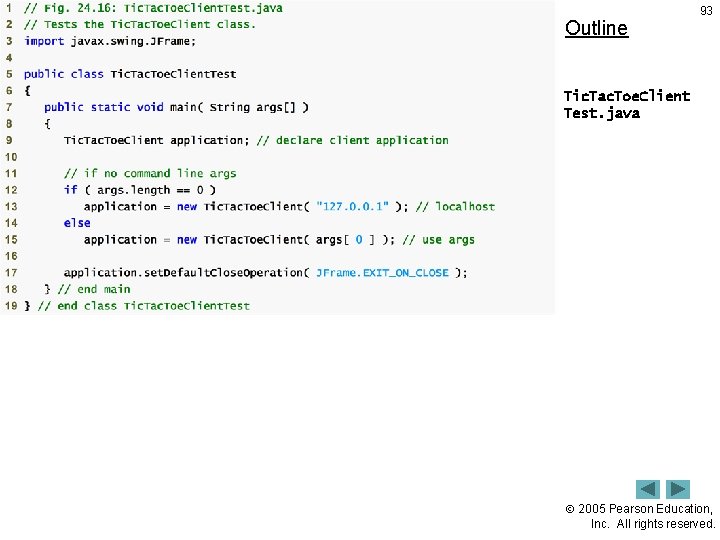
Outline 93 Tic. Tac. Toe. Client Test. java 2005 Pearson Education, Inc. All rights reserved.
94 Fig. 24. 17 | Sample outputs from the client/server Tic-Tac-Toe program. (Part 1 of 2. ) 2005 Pearson Education, Inc. All rights reserved.
95 Fig. 24. 17 | Sample outputs from the client/server Tic-Tac-Toe program. (Part 2 of 2. ) 2005 Pearson Education, Inc. All rights reserved.
96 24. 9 Security and the Network • By default, applets cannot perform file processing • Applets often limited in machine access – Applets can communicate only with the machine from which it was originally downloaded • Java Security API – Digitally signed applets – Applets given more privileges if from trusted source 2005 Pearson Education, Inc. All rights reserved.
24. 10 Case Study: Deitel. Messenger Server and Client 97 • Chat rooms – Each user can post a message and read all other messages – Multicast • Send packets to groups of clients 2005 Pearson Education, Inc. All rights reserved.
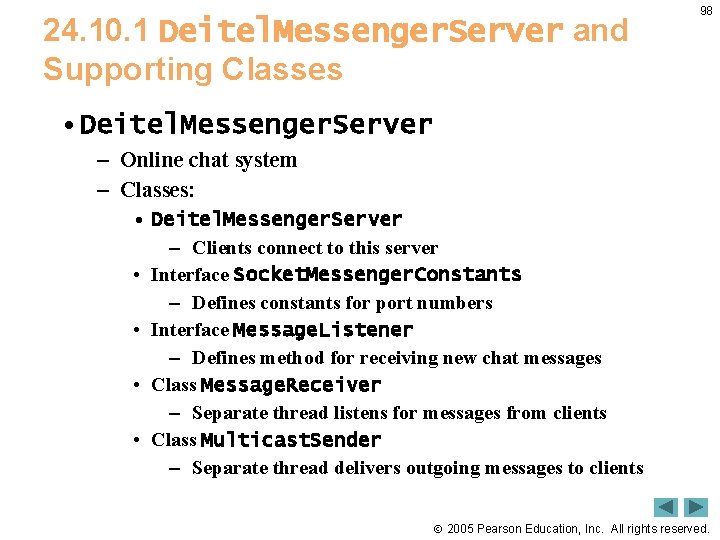
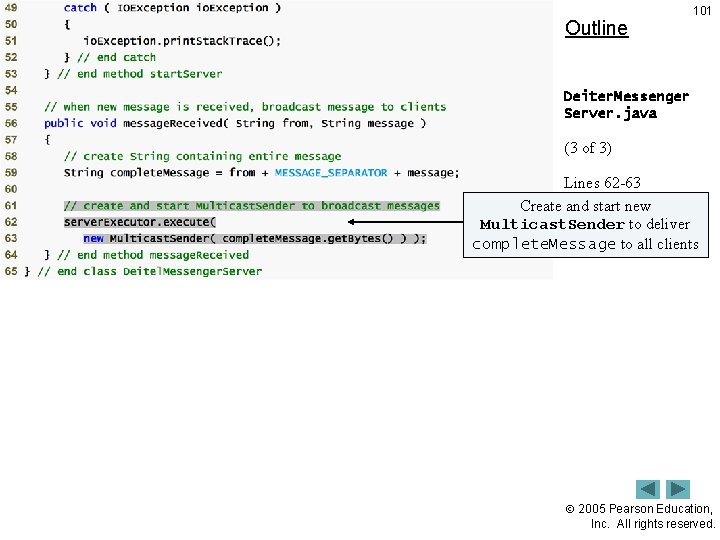
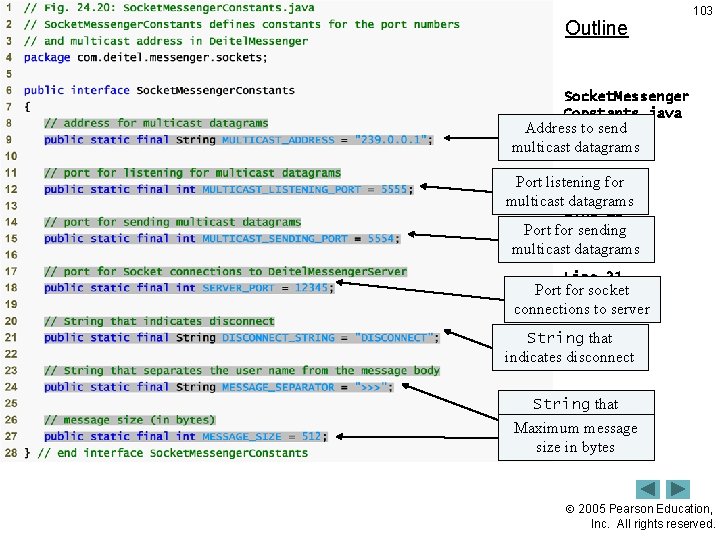
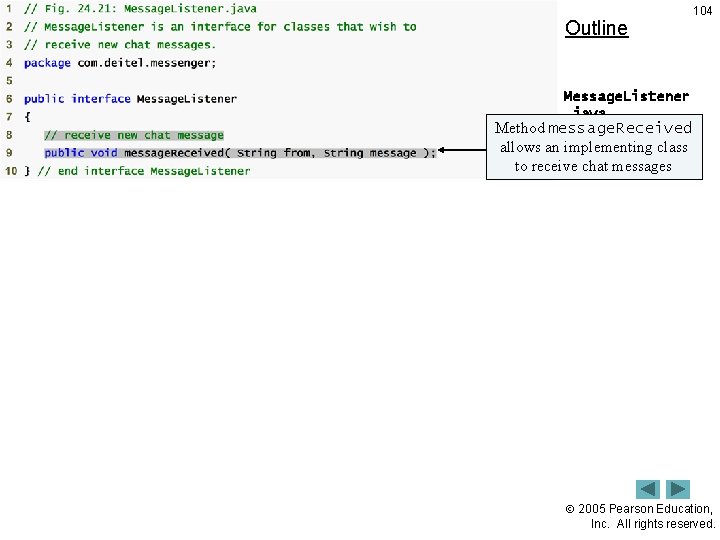
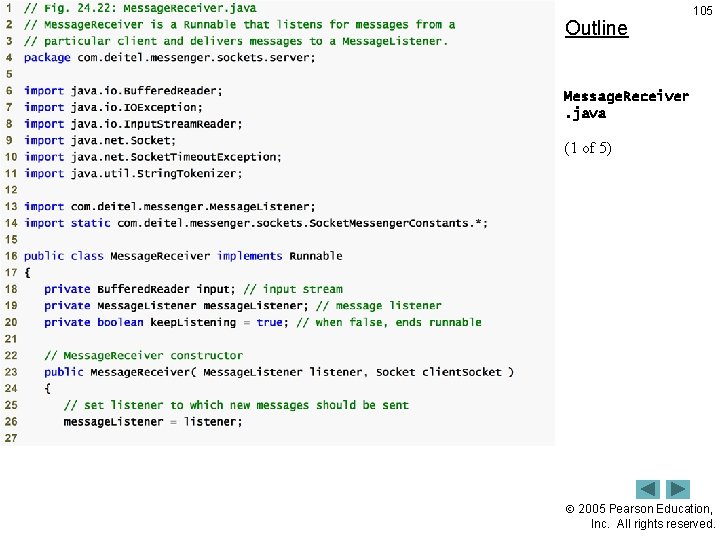
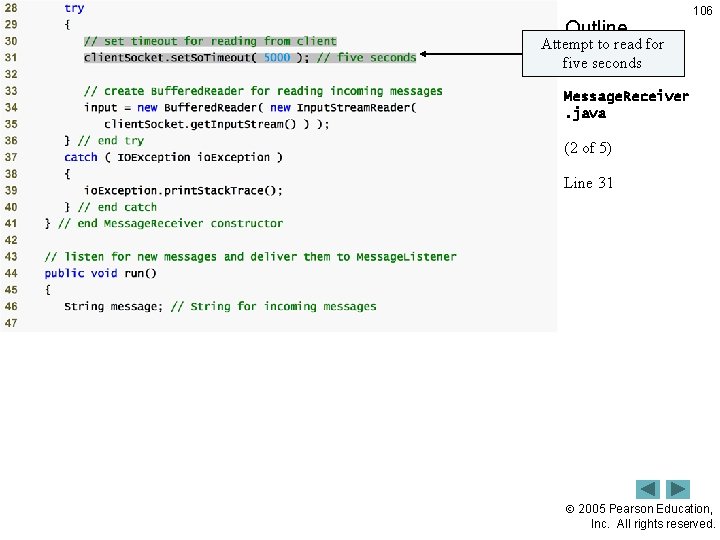
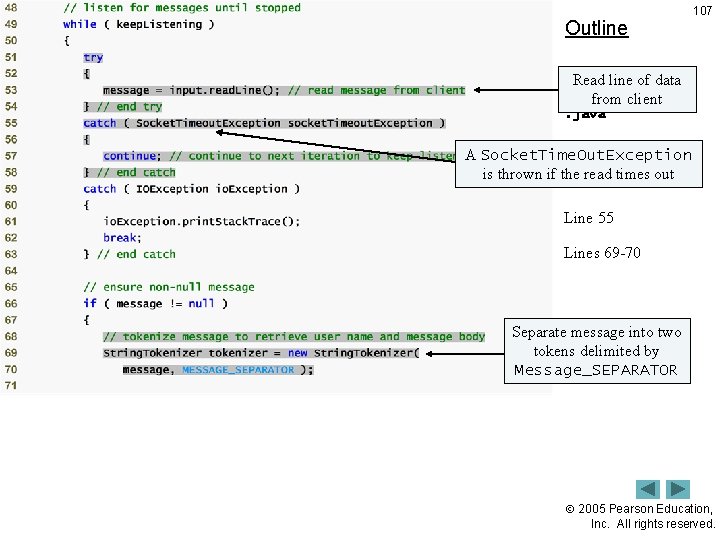
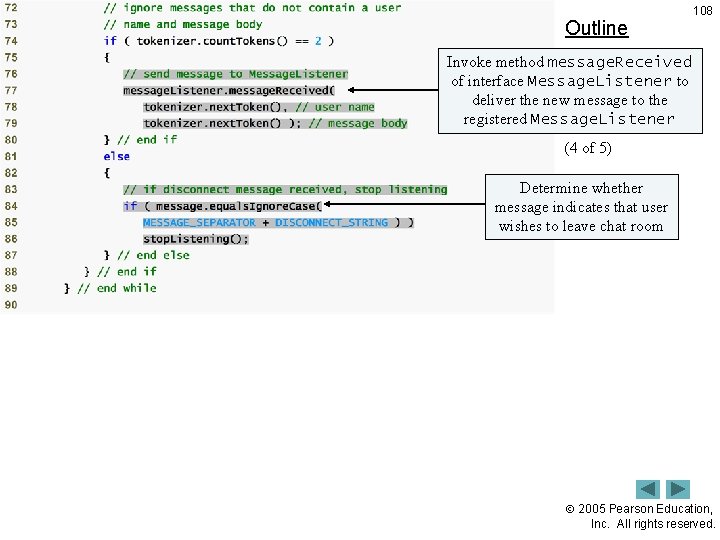
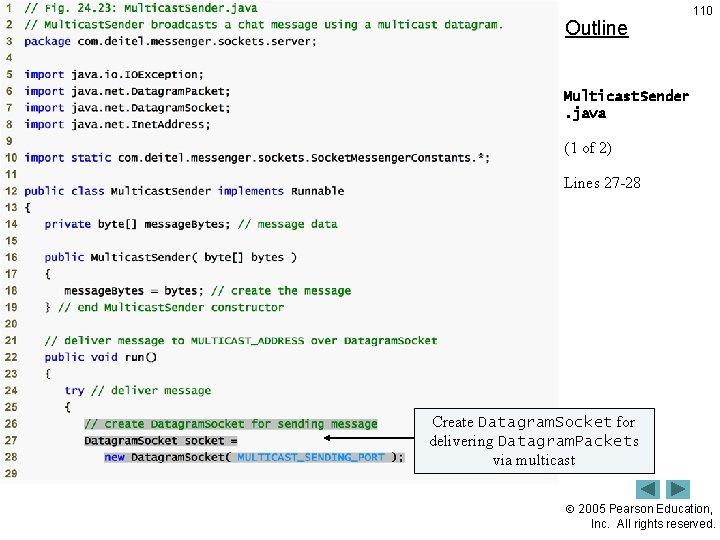
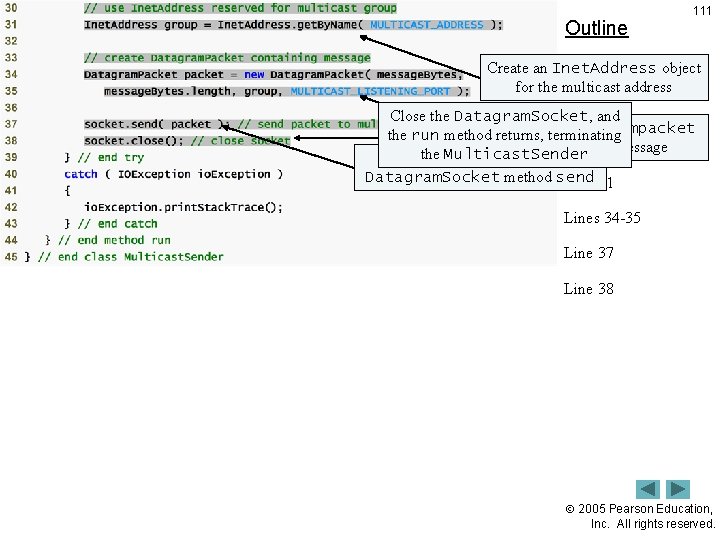
24. 10. 1 Deitel. Messenger. Server and Supporting Classes 98 • Deitel. Messenger. Server – Online chat system – Classes: • Deitel. Messenger. Server – Clients connect to this server • Interface Socket. Messenger. Constants – Defines constants for port numbers • Interface Message. Listener – Defines method for receiving new chat messages • Class Message. Receiver – Separate thread listens for messages from clients • Class Multicast. Sender – Separate thread delivers outgoing messages to clients 2005 Pearson Education, Inc. All rights reserved.
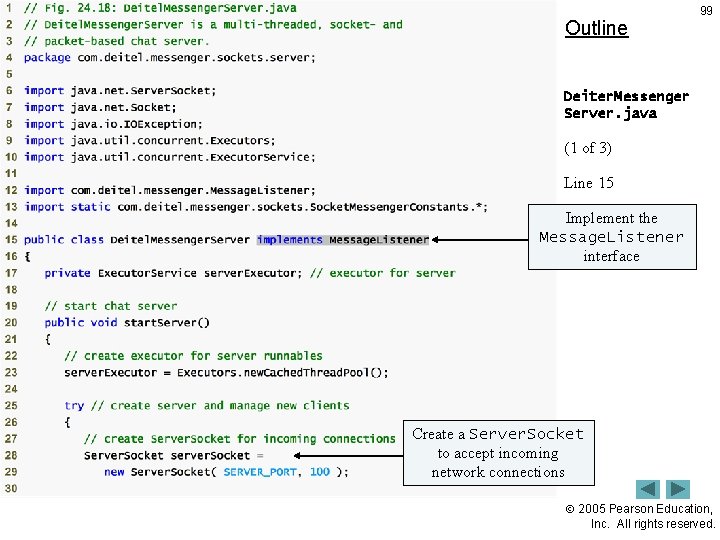
Outline 99 Deiter. Messenger Server. java (1 of 3) Line 15 Implement Lines 28 -29 the Message. Listener interface Create a Server. Socket to accept incoming network connections 2005 Pearson Education, Inc. All rights reserved.
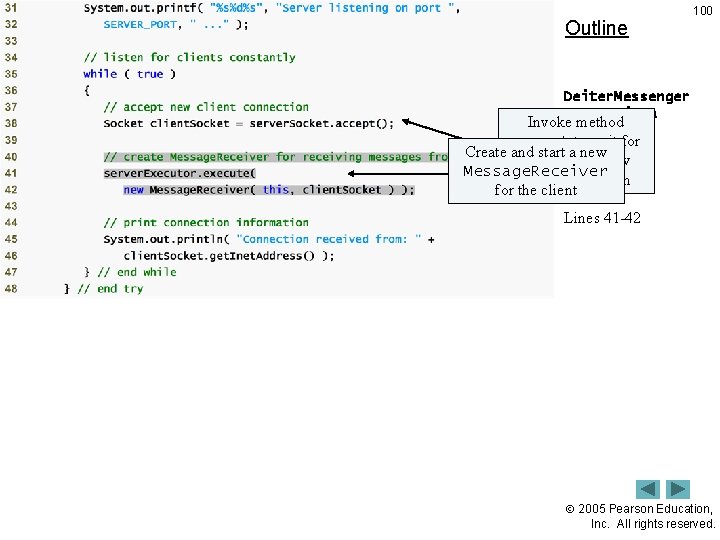
Outline 100 Deiter. Messenger Server. java Invoke method accept toofwait 3) for Create and start(2 a new and accept a new Message. Receiver client connection Line 38 for the client Lines 41 -42 2005 Pearson Education, Inc. All rights reserved.
Outline 101 Deiter. Messenger Server. java (3 of 3) Lines 62 -63 Create and start new Multicast. Sender to deliver complete. Message to all clients 2005 Pearson Education, Inc. All rights reserved.
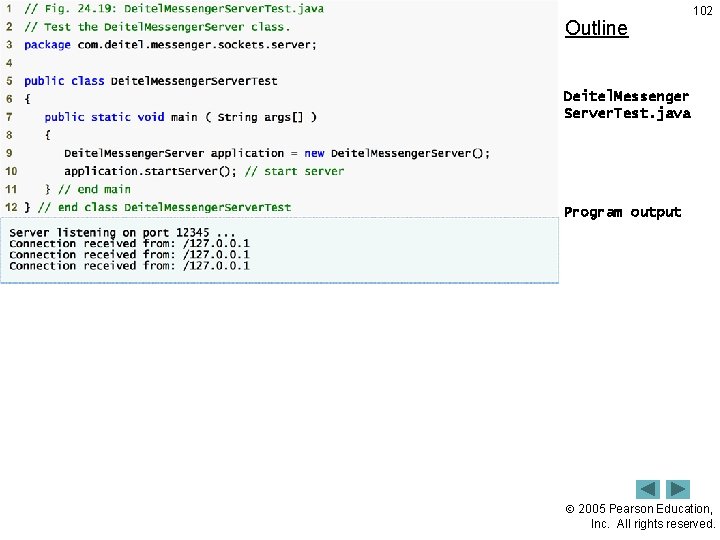
Outline 102 Deitel. Messenger Server. Test. java Program output 2005 Pearson Education, Inc. All rights reserved.
Outline 103 Socket. Messenger Constants. java Address to send 9 multicast. Line datagrams Line for 12 Port listening multicast datagrams Line 15 Port for sending 18 multicast. Line datagrams Line 21 Port for socket connections server Lineto 24 String that 27 Line indicates disconnect String that separates name Maximumuser message and size message in bytes 2005 Pearson Education, Inc. All rights reserved.
Outline 104 Message. Listener. java Method message. Received 9 allows an Line implementing class to receive chat messages 2005 Pearson Education, Inc. All rights reserved.
Outline 105 Message. Receiver. java (1 of 5) 2005 Pearson Education, Inc. All rights reserved.
Outline 106 Attempt to read for five seconds Message. Receiver. java (2 of 5) Line 31 2005 Pearson Education, Inc. All rights reserved.
Outline 107 Read line of data Message. Receiver from client. java (3 of 5) A Socket. Time. Out. Exception is thrown if the read times out Line 53 Line 55 Lines 69 -70 Separate message into two tokens delimited by Message_SEPARATOR 2005 Pearson Education, Inc. All rights reserved.
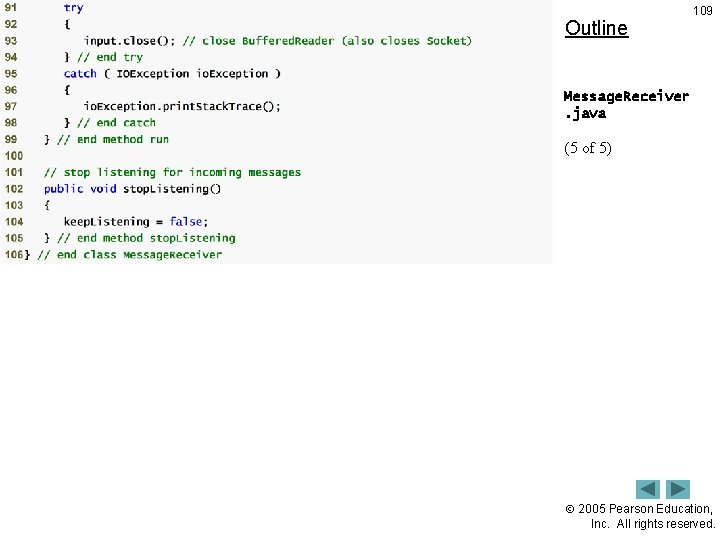
Outline 108 Invoke method message. Received of interface Message. Listener to deliver the new. Message. Receiver message to the. java registered Message. Listener (4 of 5) Lines 77 -79 Determine whether message indicates that user Lines 84 -85 wishes to leave chat room 2005 Pearson Education, Inc. All rights reserved.
Outline 109 Message. Receiver. java (5 of 5) 2005 Pearson Education, Inc. All rights reserved.
Outline 110 Multicast. Sender. java (1 of 2) Lines 27 -28 Create Datagram. Socket for delivering Datagram. Packets via multicast 2005 Pearson Education, Inc. All rights reserved.
Outline 111 Create an Inet. Address object for the multicast address Multicast. Sender. java Close the Datagram. Socket, and Datagrampacket the run method. Create returns, the terminating containing (2 ofthe 2) message the Multicast. Sender Send the packet with Datagram. Socket method send Line 31 Lines 34 -35 Line 37 Line 38 2005 Pearson Education, Inc. All rights reserved.
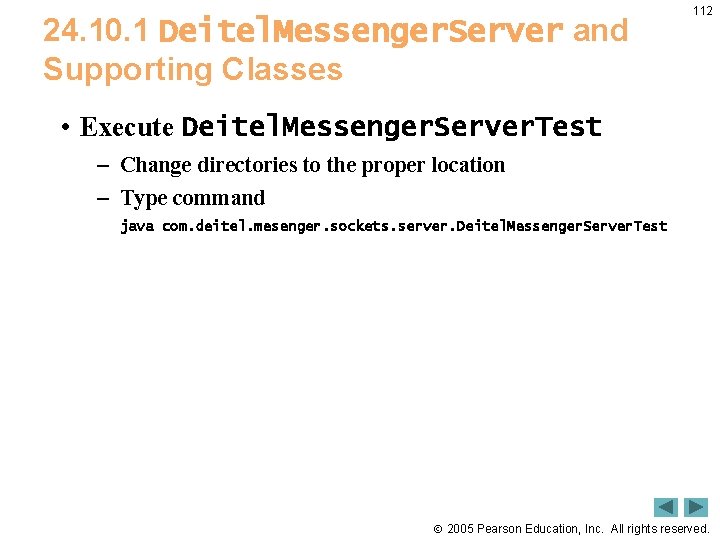
24. 10. 1 Deitel. Messenger. Server and Supporting Classes 112 • Execute Deitel. Messenger. Server. Test – Change directories to the proper location – Type command java com. deitel. mesenger. sockets. server. Deitel. Messenger. Server. Test 2005 Pearson Education, Inc. All rights reserved.
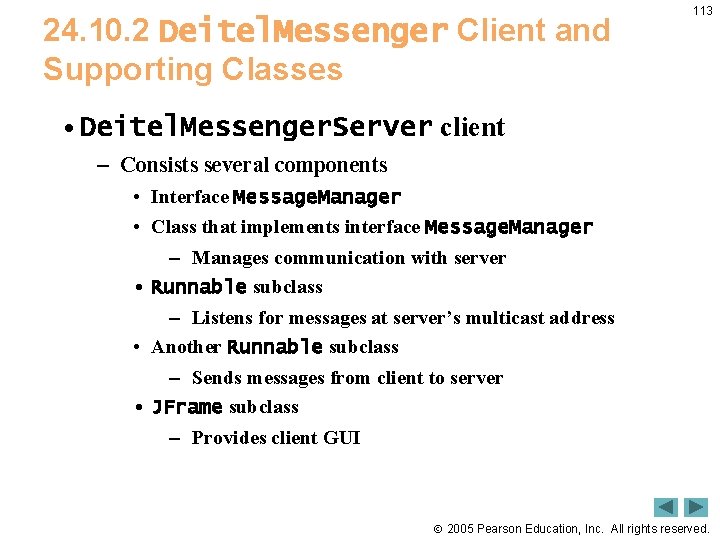
24. 10. 2 Deitel. Messenger Client and Supporting Classes 113 • Deitel. Messenger. Server client – Consists several components • Interface Message. Manager • Class that implements interface Message. Manager – Manages communication with server • Runnable subclass – Listens for messages at server’s multicast address • Another Runnable subclass – Sends messages from client to server • JFrame subclass – Provides client GUI 2005 Pearson Education, Inc. All rights reserved.
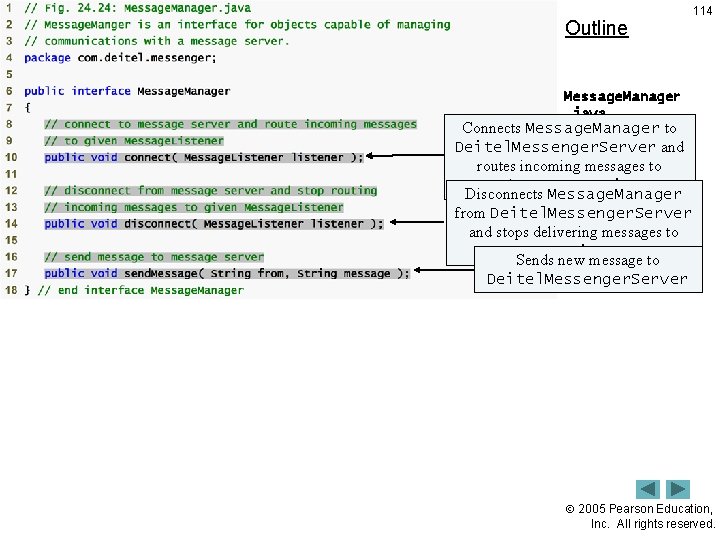
Outline 114 Message. Manager. java Connects Message. Manager to Line 10 Deitel. Messenger. Server and routes incoming messages to Line 14 appropriate Message. Listener Disconnects Message. Manager Line 17 from Deitel. Messenger. Server and stops delivering messages to Message. Listener Sends new message to Deitel. Messenger. Server 2005 Pearson Education, Inc. All rights reserved.
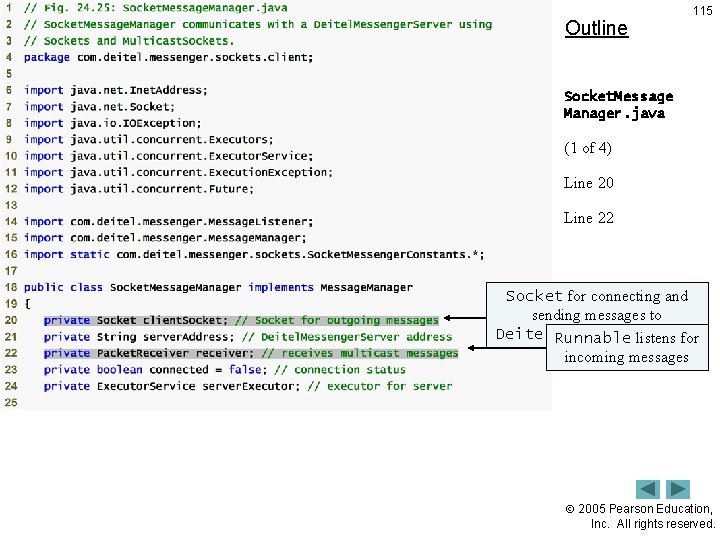
Outline 115 Socket. Message Manager. java (1 of 4) Line 20 Line 22 Socket for connecting and sending messages to Deitel. Messenger. Server Runnable listens for incoming messages 2005 Pearson Education, Inc. All rights reserved.
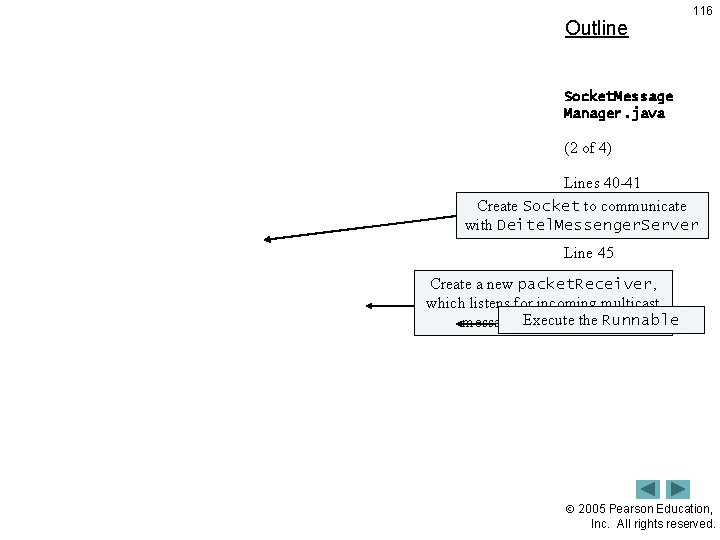
Outline 116 Socket. Message Manager. java (2 of 4) Lines 40 -41 Create Socket to communicate Line 44 with Deitel. Messenger. Server Line 45 Create a new packet. Receiver, which listens for incoming multicast Runnable messages Execute from thethe server 2005 Pearson Education, Inc. All rights reserved.
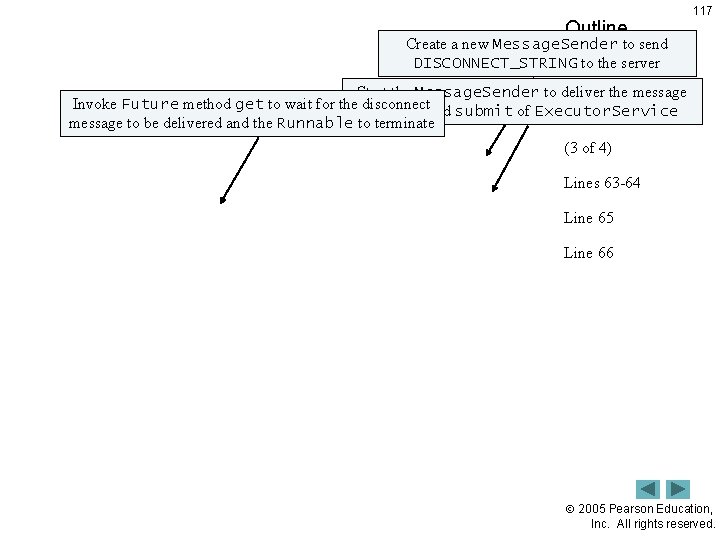
Outline 117 Create a new Message. Sender to send DISCONNECT_STRING to the server Start the Message. Sender to deliver the message Socket. Message Invoke Future method get to wait for the disconnect using method submit of Executor. Service Manager. java message to be delivered and the Runnable to terminate (3 of 4) Lines 63 -64 Line 65 Line 66 2005 Pearson Education, Inc. All rights reserved.
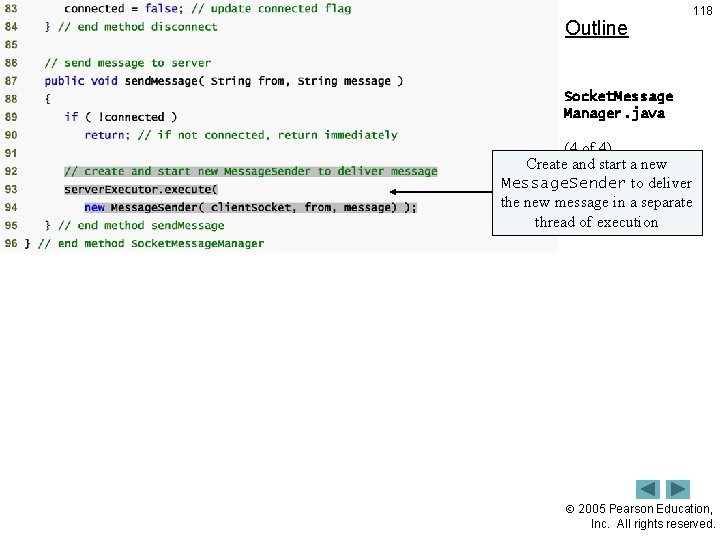
Outline 118 Socket. Message Manager. java (4 of 4) Create and start a new Message. Sender to deliver Lines 93 -94 the new message in a separate thread of execution 2005 Pearson Education, Inc. All rights reserved.
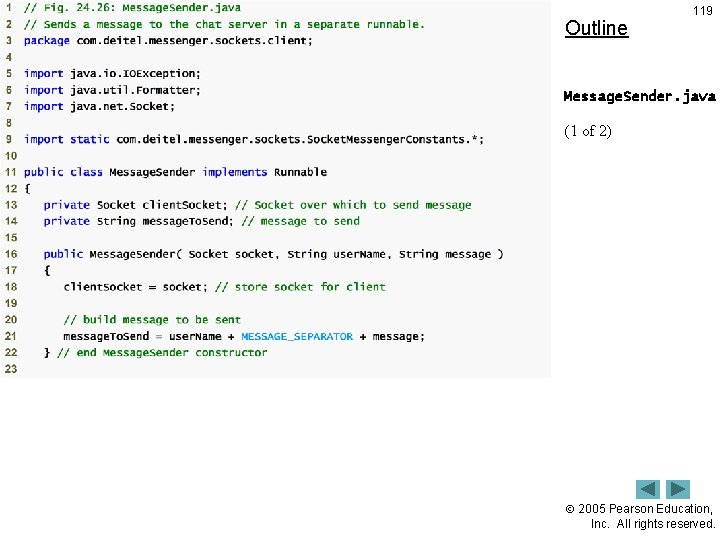
Outline 119 Message. Sender. java (1 of 2) 2005 Pearson Education, Inc. All rights reserved.
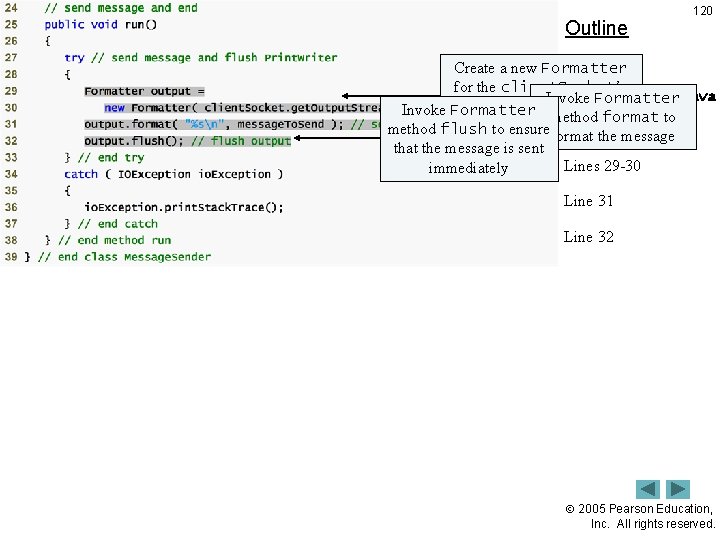
Outline 120 Create a new Formatter for the client. Socket’s Message. Sender. java Invoke Formatter Output. Stream Invoke Formatter method format to method flush to ensure format (2 of the 2) message that the message is sent Lines 29 -30 immediately Line 31 Line 32 2005 Pearson Education, Inc. All rights reserved.
Outline 121 Packet. Receiver. java (1 of 4) 2005 Pearson Education, Inc. All rights reserved.
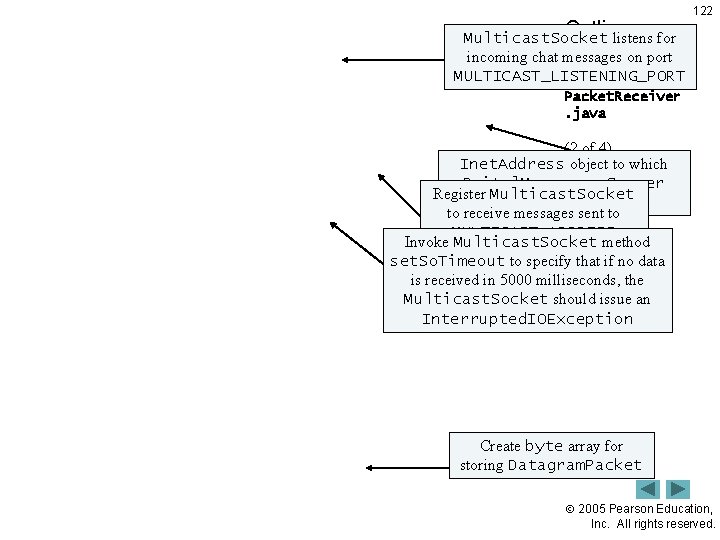
Outline Multicast. Socket listens for incoming chat messages on port MULTICAST_LISTENING_PORT 122 Packet. Receiver. java (2 of 4) Inet. Address object to which Deitel. Messenger. Server Lines 30 -31 Register Multicast. Socket multicasts chat messages to receive messages sent 34 to Line MULTICAST_ADDRESS Invoke Multicast. Socket method Line set. So. Timeout to specify that 37 if no data is received in 5000 milliseconds, the Line 40 Multicast. Socket should issue an Interrupted. IOException Line 55 Create byte array for storing Datagram. Packet 2005 Pearson Education, Inc. All rights reserved.
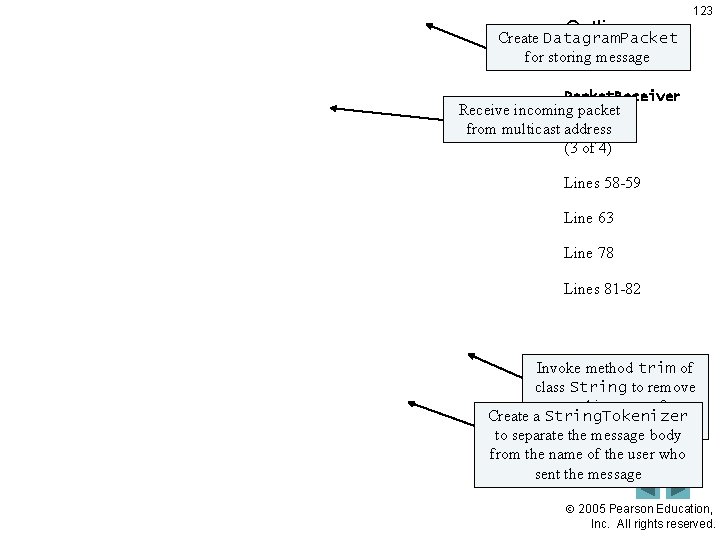
Outline Create Datagram. Packet for storing message 123 Packet. Receiver Receive incoming packet. java from multicast address (3 of 4) Lines 58 -59 Line 63 Line 78 Lines 81 -82 Invoke method trim of class String to remove extra white spaces from Create a String. Tokenizer the end of the message to separate the message body from the name of the user who sent the message 2005 Pearson Education, Inc. All rights reserved.
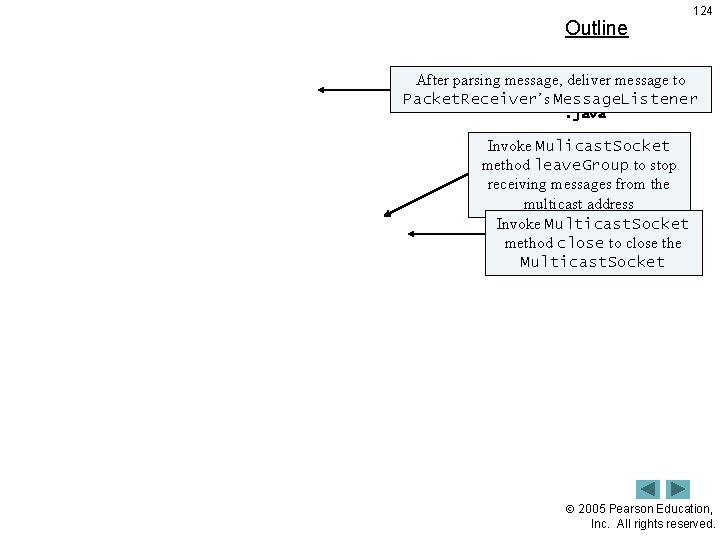
Outline 124 After parsing message, deliver message to Packet. Receiver’s Message. Listener. java Invoke Mulicast. Socket (4 of 4) method leave. Group to stop Lines 89 -91 receiving messages from the multicast address Line 97 Invoke Multicast. Socket method close to close the Line 98 Multicast. Socket 2005 Pearson Education, Inc. All rights reserved.
Outline 125 Client. GUI. java (1 of 10) 2005 Pearson Education, Inc. All rights reserved.
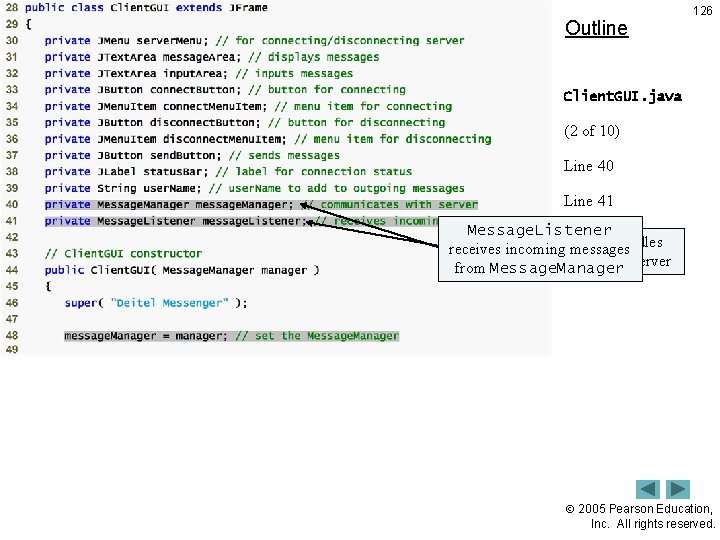
Outline 126 Client. GUI. java (2 of 10) Line 40 Line 41 Message. Listener Message. Manager handles receives incoming messages communication with chat server from Message. Manager 2005 Pearson Education, Inc. All rights reserved.
Outline Create an instance of My. Message. Listener, which implements interface Message. Listener Client. GUI. java 127 (3 of 10) Line 51 2005 Pearson Education, Inc. All rights reserved.
Outline 128 Client. GUI. java (4 of 10) 2005 Pearson Education, Inc. All rights reserved.
Outline 129 Client. GUI. java (5 of 10) Lines 128 -129 Send user’s name and input. Area’s text to Deitel. Messenger. Server as a chat message 2005 Pearson Education, Inc. All rights reserved.
Outline 130 Client. GUI. java (6 of 10) Line 155 Disconnect from chat server when user exits client application 2005 Pearson Education, Inc. All rights reserved.
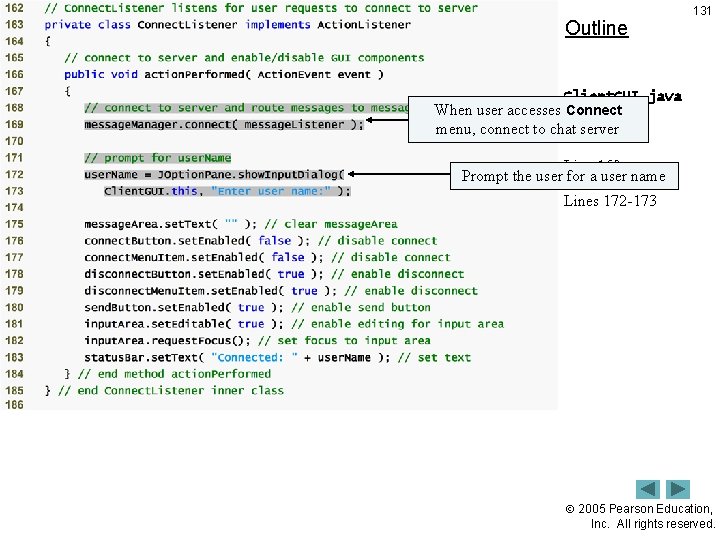
Outline 131 Client. GUI. java When user accesses Connect menu, connect to chat (7 server of 10) Line 169 Prompt the user for a user name Lines 172 -173 2005 Pearson Education, Inc. All rights reserved.
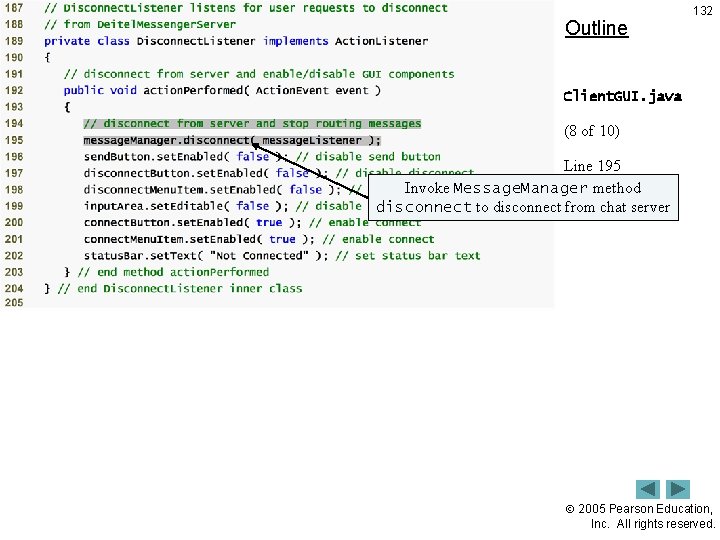
Outline 132 Client. GUI. java (8 of 10) Line 195 Invoke Message. Manager method disconnect to disconnect from chat server 2005 Pearson Education, Inc. All rights reserved.
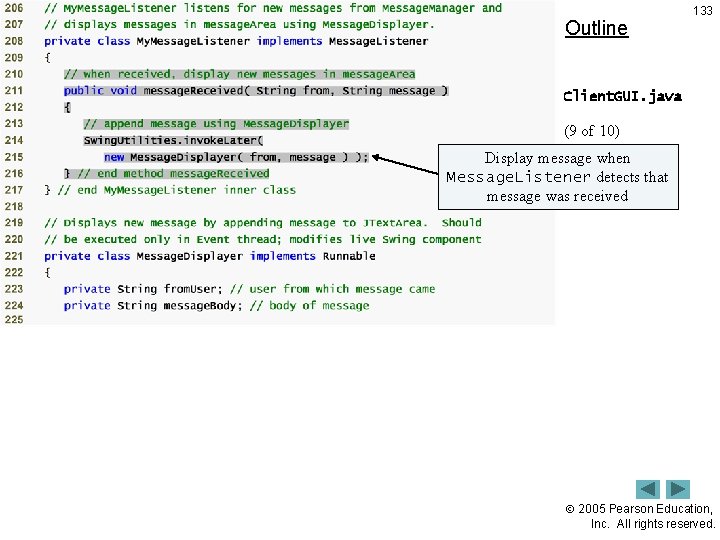
Outline 133 Client. GUI. java (9 of 10) Display message when Lines 211 -216 Message. Listener detects that message was received 2005 Pearson Education, Inc. All rights reserved.
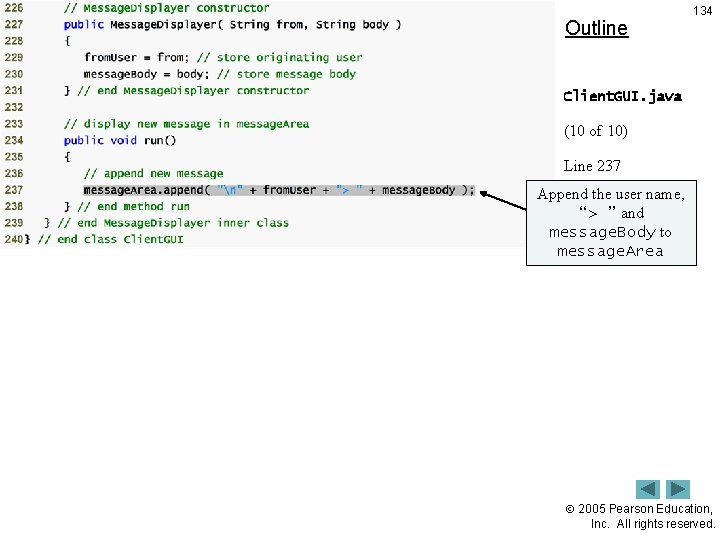
Outline 134 Client. GUI. java (10 of 10) Line 237 Append the user name, “> ” and message. Body to message. Area 2005 Pearson Education, Inc. All rights reserved.
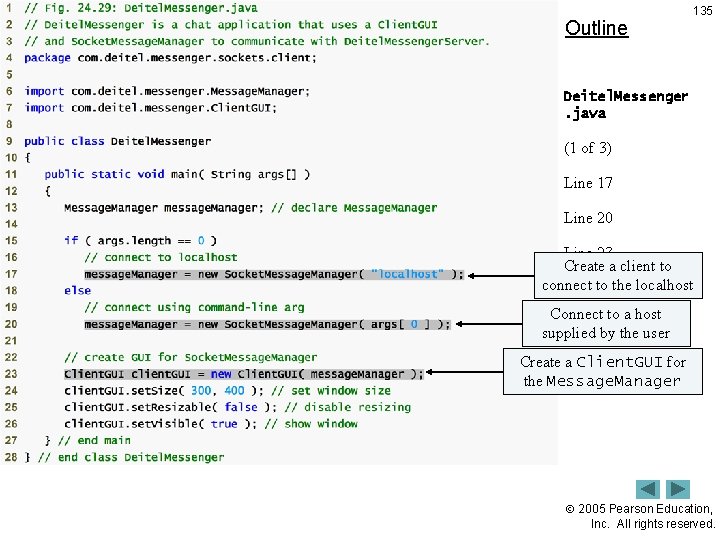
Outline 135 Deitel. Messenger. java (1 of 3) Line 17 Line 20 Line 23 Create a client to connect to the localhost Connect to a host supplied by the user Create a Client. GUI for the Message. Manager 2005 Pearson Education, Inc. All rights reserved.
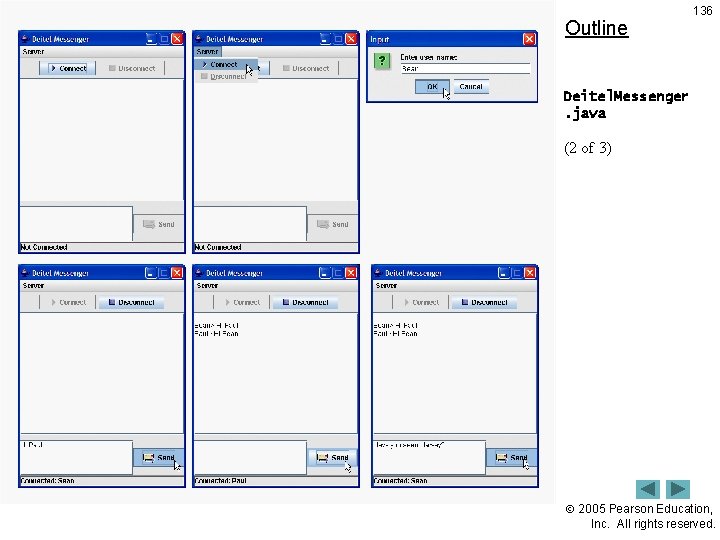
Outline 136 Deitel. Messenger. java (2 of 3) 2005 Pearson Education, Inc. All rights reserved.
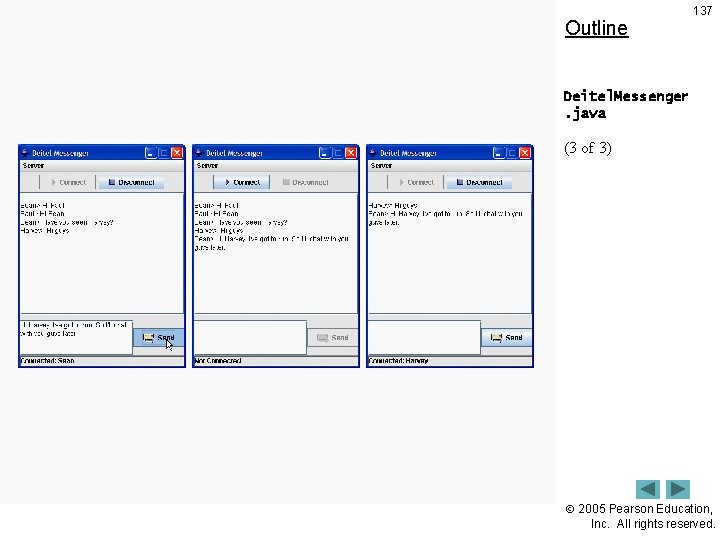
Outline 137 Deitel. Messenger. java (3 of 3) 2005 Pearson Education, Inc. All rights reserved.
24. 10. 2 Deitel. Messenger Client and Supporting Classes 138 • Execute Deitel. Messenger client application – Change directories to the proper location – Type command java com. deitel. messenger. sockets. client. Deitel. Messenger localhost java com. deitel. messenger. sockets. client. Deitel. Messenger 127. 0. 0. 1 2005 Pearson Education, Inc. All rights reserved.