UNIX FILES FILE TYPES Regular file n Directory




















![/* set access permission */ if (st_mode&S_ISUID) amode[2] = (amode[2]=='x') ? 'S' : 's';](https://slidetodoc.com/presentation_image_h2/418a07c980ff07bfa630f4f7494ebf25/image-66.jpg "/* set access permission */ if (st_mode&S_ISUID) amode[2] = (amode[2]=='x') ? 'S' : 's';")















![n n Uses of the fds argument are: fds[0] is a file descriptor to](https://slidetodoc.com/presentation_image_h2/418a07c980ff07bfa630f4f7494ebf25/image-111.jpg "n n Uses of the fds argument are: fds[0] is a file descriptor to")




- Slides: 118
UNIX FILES
FILE TYPES Regular file n Directory file n FIFO file n Character device file n Block device file n
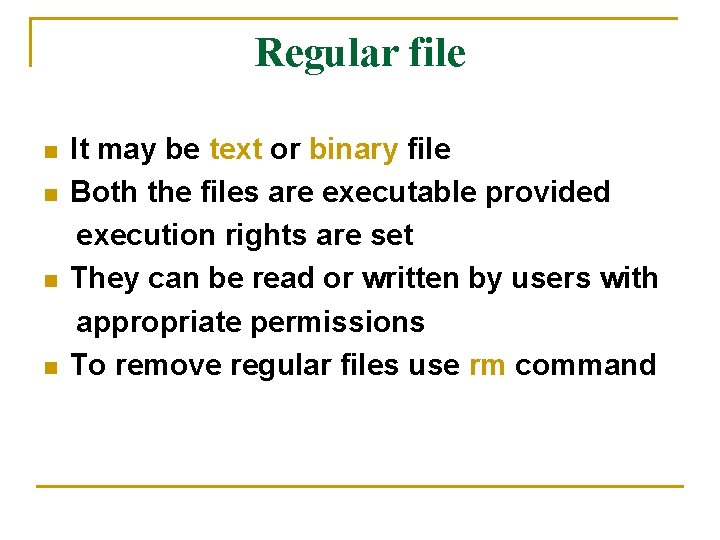
Regular file n n It may be text or binary file Both the files are executable provided execution rights are set They can be read or written by users with appropriate permissions To remove regular files use rm command
Directory file n n Folder that contains other files and subdirectories Provides a means to organize files in hierarchical structure To create : mkdir command To remove : rmdir command
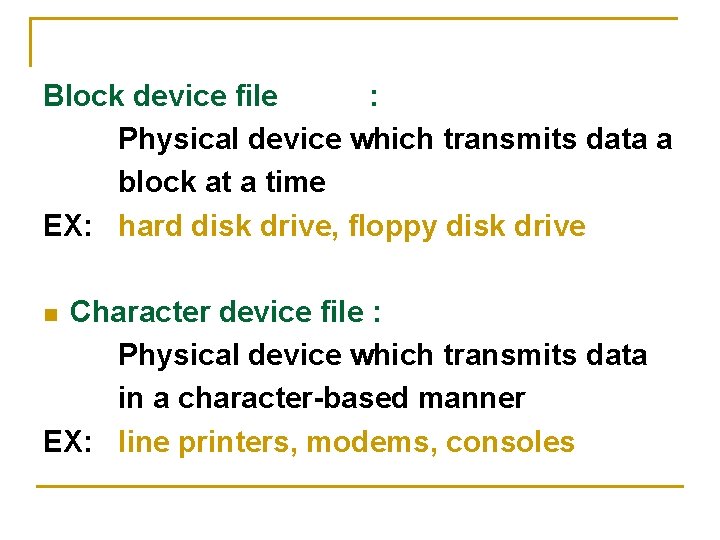
Block device file : Physical device which transmits data a block at a time EX: hard disk drive, floppy disk drive Character device file : Physical device which transmits data in a character-based manner EX: line printers, modems, consoles n
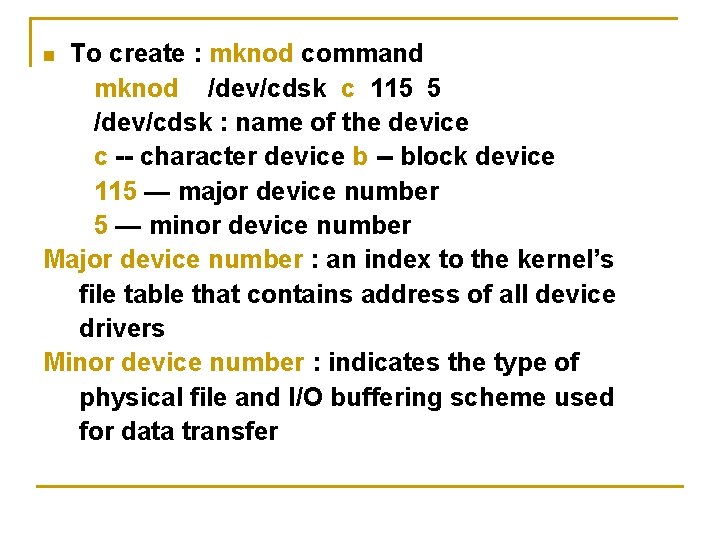
To create : mknod command mknod /dev/cdsk c 115 5 /dev/cdsk : name of the device c -- character device b -- block device 115 — major device number 5 — minor device number Major device number : an index to the kernel’s file table that contains address of all device drivers Minor device number : indicates the type of physical file and I/O buffering scheme used for data transfer n
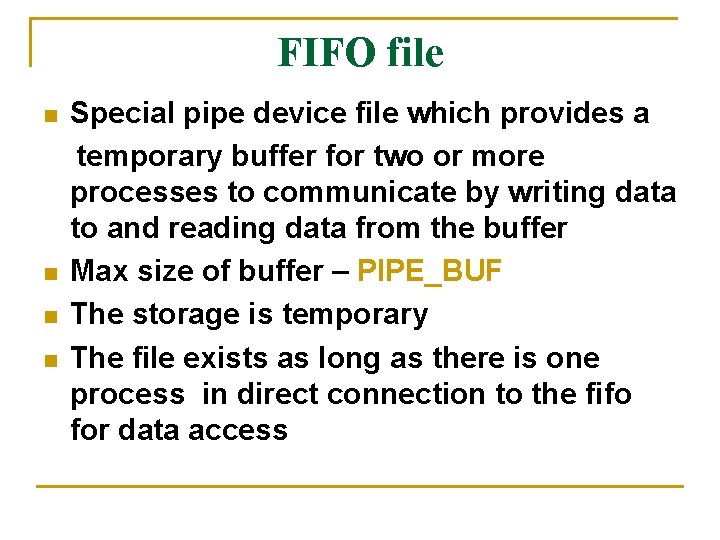
FIFO file n n Special pipe device file which provides a temporary buffer for two or more processes to communicate by writing data to and reading data from the buffer Max size of buffer – PIPE_BUF The storage is temporary The file exists as long as there is one process in direct connection to the fifo for data access
n To create : mkfifo OR mkfifo /usr/prog/fifo_pipe mknod /usr/prog/fifo_pipe p n A fifo file can be removed like any other regular file
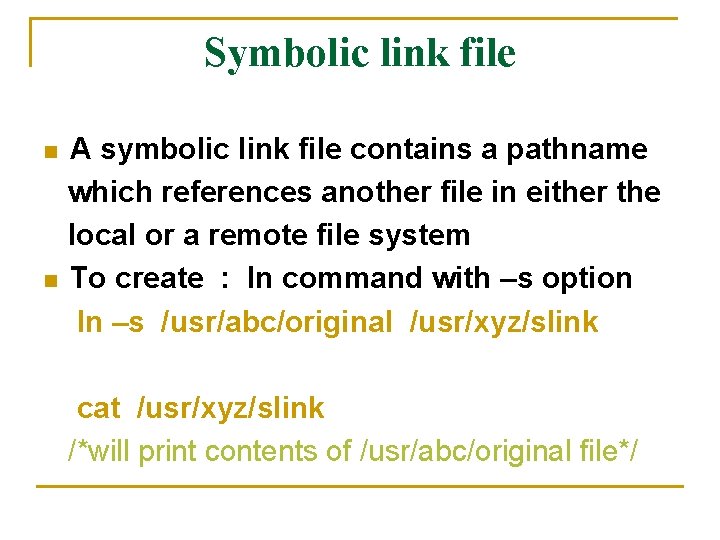
Symbolic link file n n A symbolic link file contains a pathname which references another file in either the local or a remote file system To create : ln command with –s option ln –s /usr/abc/original /usr/xyz/slink cat /usr/xyz/slink /*will print contents of /usr/abc/original file*/
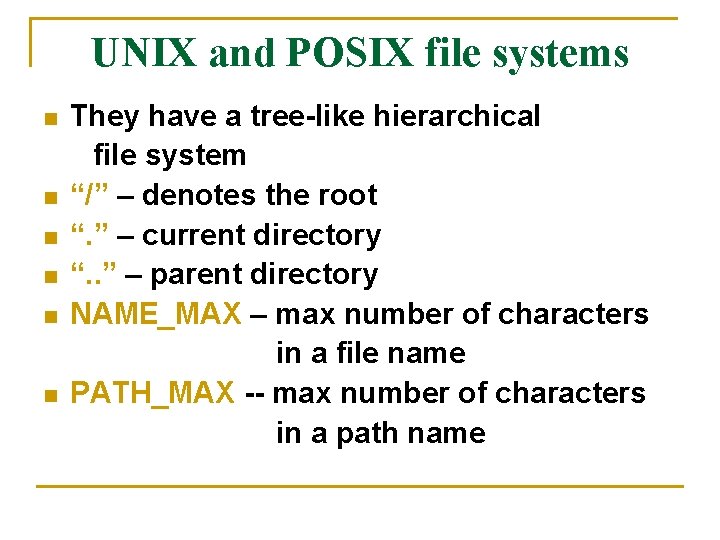
UNIX and POSIX file systems n n n They have a tree-like hierarchical file system “/” – denotes the root “. ” – current directory “. . ” – parent directory NAME_MAX – max number of characters in a file name PATH_MAX -- max number of characters in a path name
Common UNIX files n n /etc : Stores system administrative files & programs /etc/passwd : Stores all user information /etc/shadow : Stores user passwords /etc/group : Stores all group information
n n n /bin /dev : Stores all system programs : Stores all character and block device files /usr/include : Stores standard header files /usr/lib : Stores standard libraries tmp : Stores all temporary files created by programs
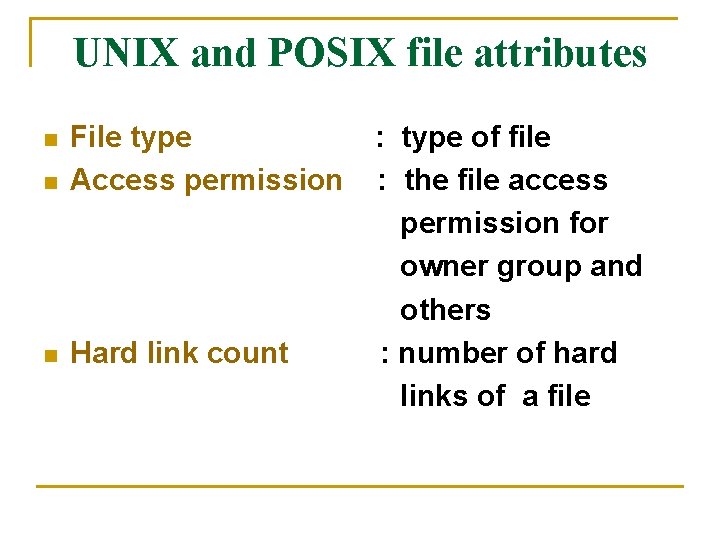
UNIX and POSIX file attributes n File type Access permission n Hard link count n : type of file : the file access permission for owner group and others : number of hard links of a file
n UID n GID n File size n Last access time n Last modify time : the file owner user ID : the file group ID : the file size in bytes : the time the file was last accessed : the time the file was last modified
n Last change time : the time the file access permission UID , GID or hard link count was last changed
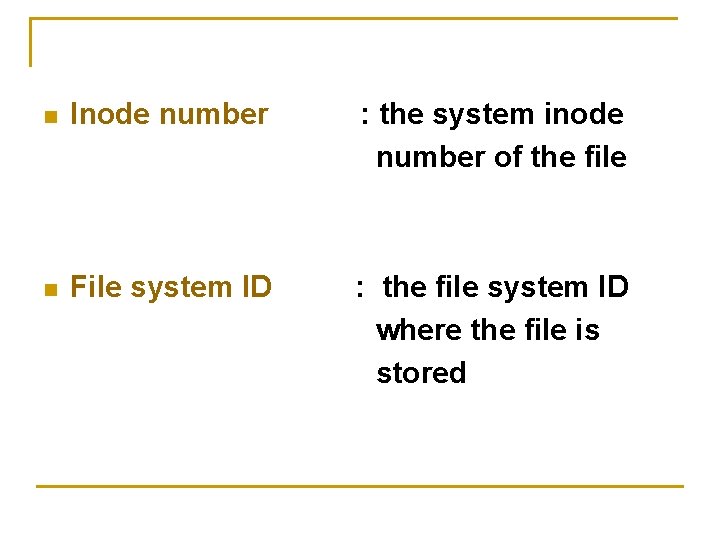
n Inode number : the system inode number of the file n File system ID : the file system ID where the file is stored
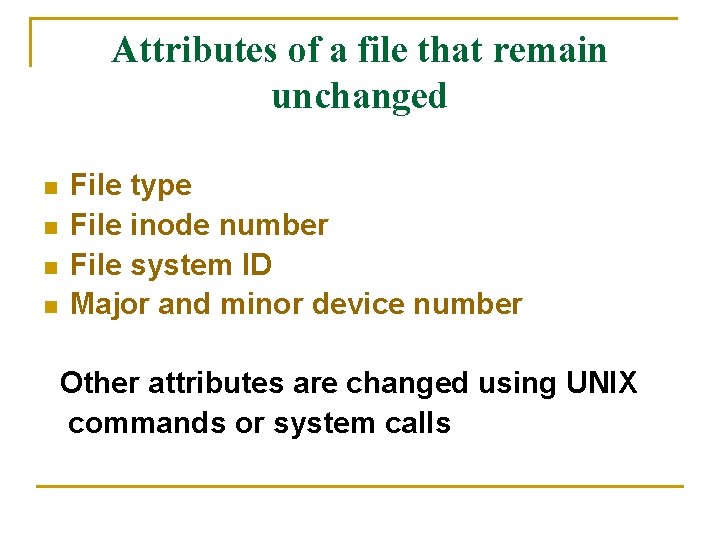
Attributes of a file that remain unchanged n n File type File inode number File system ID Major and minor device number Other attributes are changed using UNIX commands or system calls
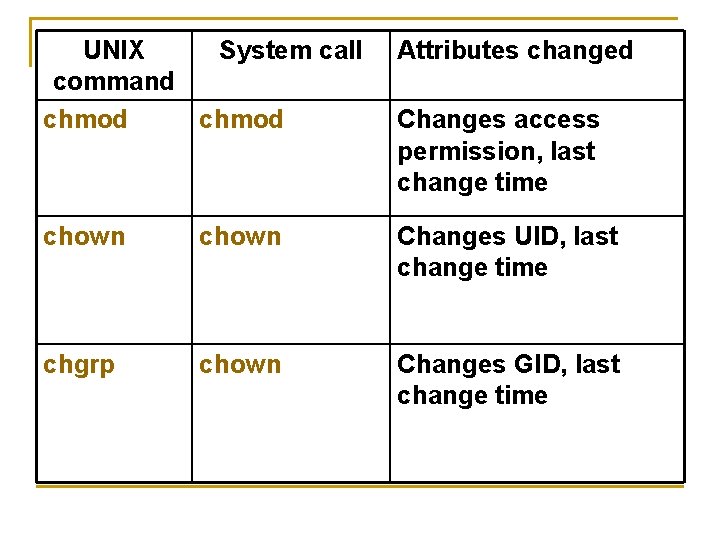
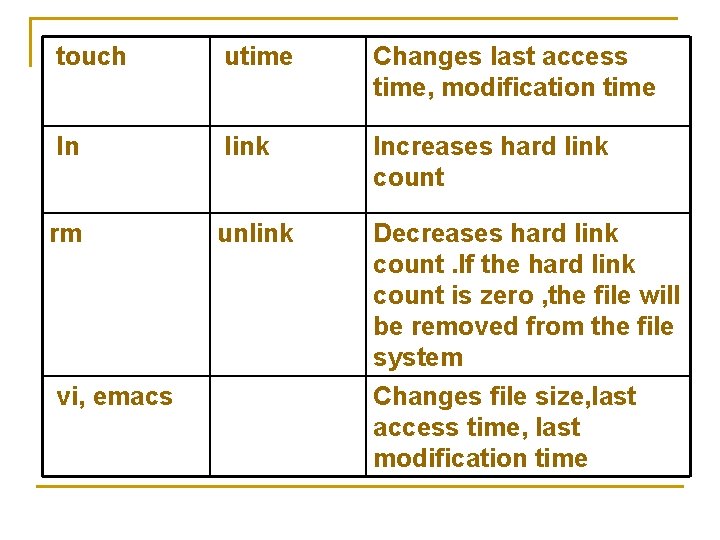
UNIX System call command chmod Attributes changed chown Changes UID, last change time chgrp chown Changes GID, last change time Changes access permission, last change time
touch utime Changes last access time, modification time ln link Increases hard link count rm unlink Decreases hard link count. If the hard link count is zero , the file will be removed from the file system Changes file size, last access time, last modification time vi, emacs
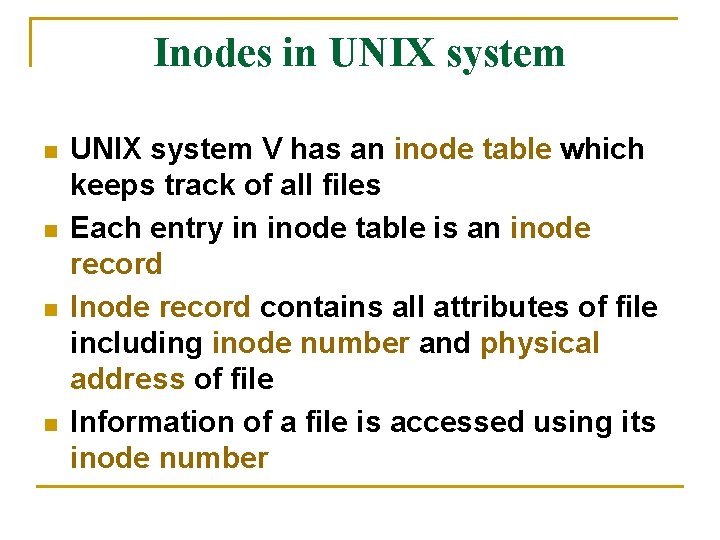
Inodes in UNIX system n n UNIX system V has an inode table which keeps track of all files Each entry in inode table is an inode record Inode record contains all attributes of file including inode number and physical address of file Information of a file is accessed using its inode number
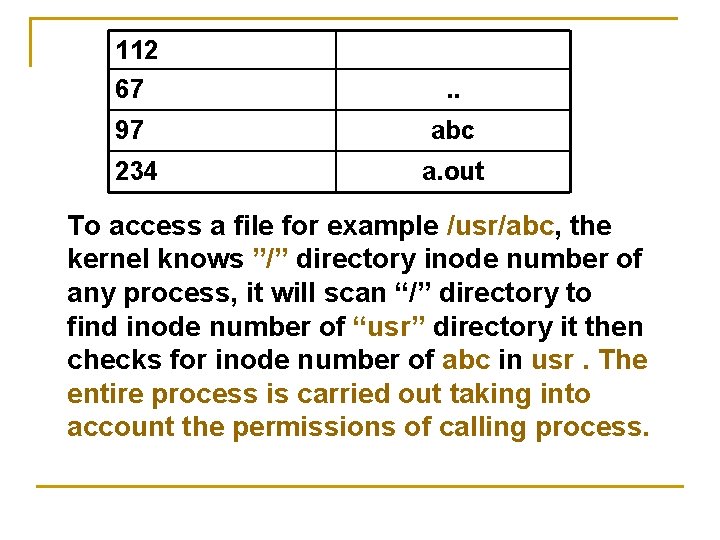
n n Inode number is unique within a file system A file is identified by a file system ID and inode number Inode record does not contain the name of the file The mapping of filenames to inode number is done via directory files
112 67 . . 97 abc 234 a. out To access a file for example /usr/abc, the kernel knows ”/” directory inode number of any process, it will scan “/” directory to find inode number of “usr” directory it then checks for inode number of abc in usr. The entire process is carried out taking into account the permissions of calling process.
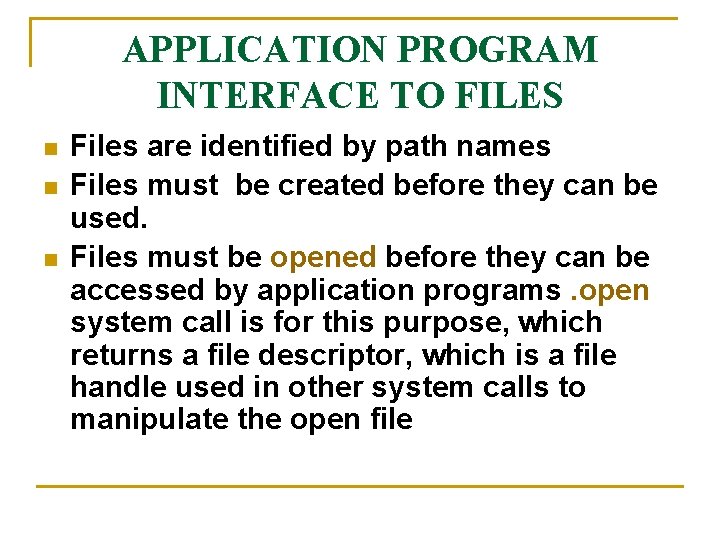
APPLICATION PROGRAM INTERFACE TO FILES n n n Files are identified by path names Files must be created before they can be used. Files must be opened before they can be accessed by application programs. open system call is for this purpose, which returns a file descriptor, which is a file handle used in other system calls to manipulate the open file
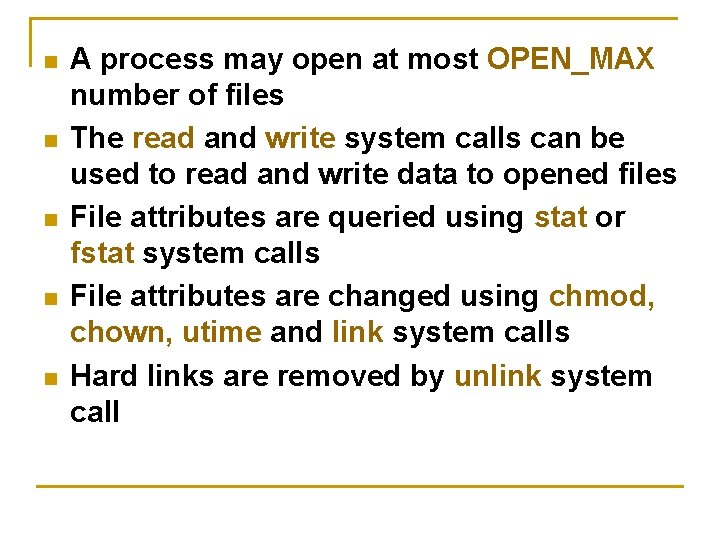
n n n A process may open at most OPEN_MAX number of files The read and write system calls can be used to read and write data to opened files File attributes are queried using stat or fstat system calls File attributes are changed using chmod, chown, utime and link system calls Hard links are removed by unlink system call
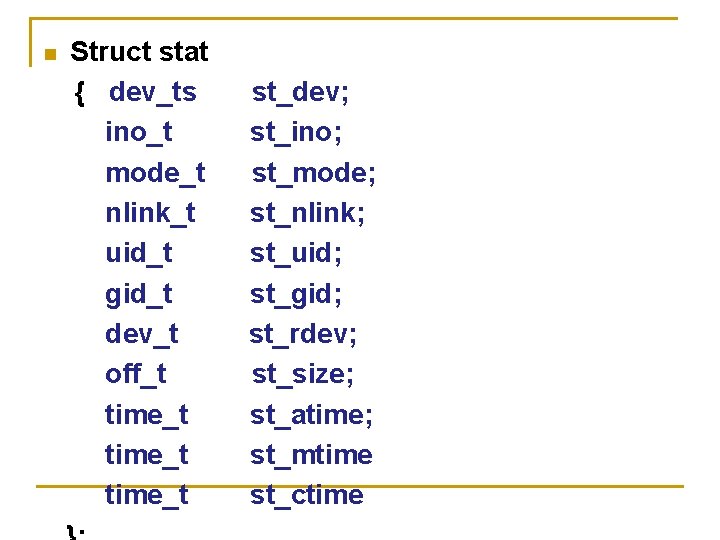
n Struct stat { dev_ts ino_t mode_t nlink_t uid_t gid_t dev_t off_t time_t st_dev; st_ino; st_mode; st_nlink; st_uid; st_gid; st_rdev; st_size; st_atime; st_mtime st_ctime
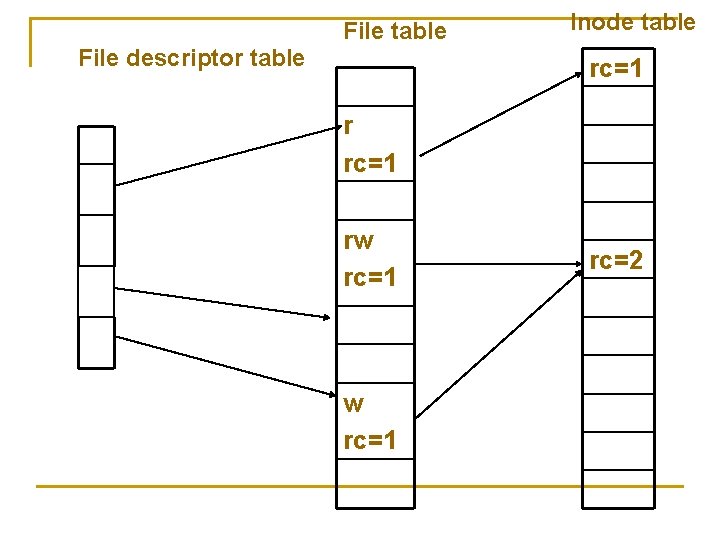
UNIX KERNEL SUPPORT FOR FILES n n n Whenever a user executes a command, a process is created by the kernel to carry out the command execution. Each process has its own data structures: file descriptor table is one among them. File descriptor table has OPEN_MAX entries, and it records all files opened by the process.
Kernel support to open system call n n n Whenever an open function is called the kernel will resolve the pathname to file inode. Open call fails and returns -1 if the file inode does not exist or the process lacks appropriate permissions. Else a series of steps follow:
n n n The kernel will search the file descriptor table and look for first unused entry, which is returned file descriptor of the opened file. The kernel will scan the file table, which is used to reference the file If an unused entry is found then the following events will occur:
1. 2. 3. 4. 5. 6. The process’s file descriptor table entry will be set to point to file table entry. The file table entry will be set to point to inode table entry where the inode record of file is present. The file table entry will contain the current file pointer of the open file. The file table entry will contain an open mode which specifies the file is opened for read- only , write-only etc, . Reference count of file table is set to 1. The reference count of the in-memory inode of file is increased by 1.
File table File descriptor table Inode table rc=1 rw rc=1 rc=2
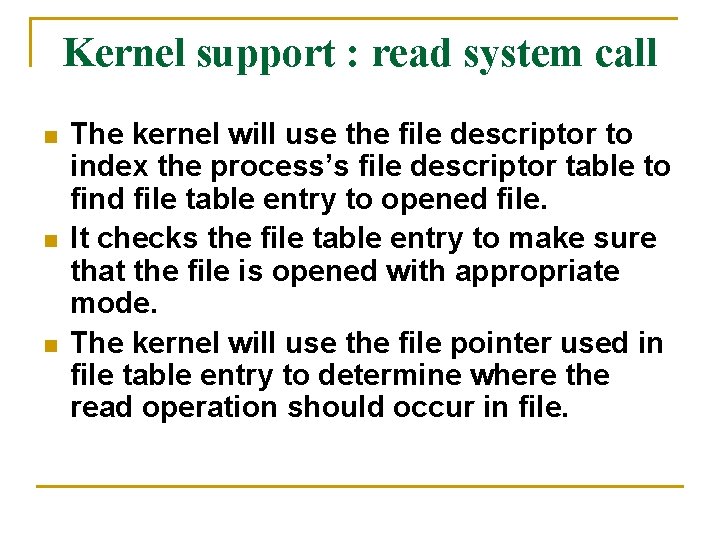
Kernel support : read system call n n n The kernel will use the file descriptor to index the process’s file descriptor table to find file table entry to opened file. It checks the file table entry to make sure that the file is opened with appropriate mode. The kernel will use the file pointer used in file table entry to determine where the read operation should occur in file.
n n The kernel will check the type of file in the inode record and invokes an appropriate driver function to initiate the actual data transfer with a physical file. If the process calls lseek function the changes are made provided the file is not a character device file, a FIFO file, or a symbolic link file as they follow only sequential read and write operations.
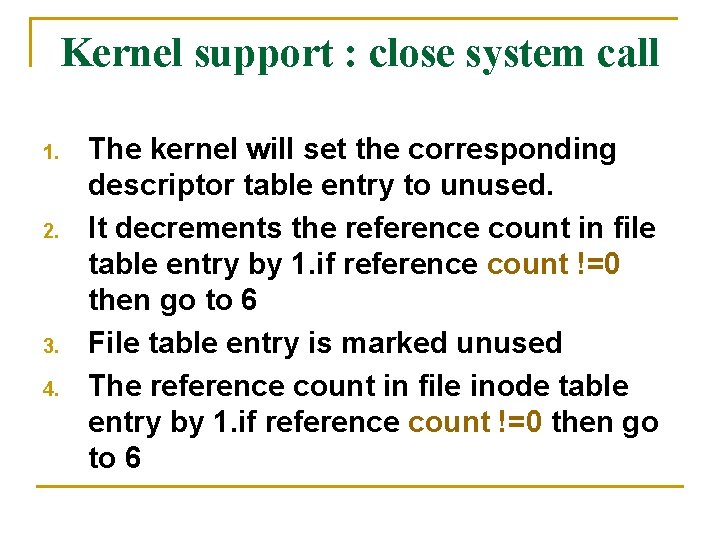
Kernel support : close system call 1. 2. 3. 4. The kernel will set the corresponding descriptor table entry to unused. It decrements the reference count in file table entry by 1. if reference count !=0 then go to 6 File table entry is marked unused The reference count in file inode table entry by 1. if reference count !=0 then go to 6
5. If hard link count is non zero, it returns a success status, otherwise marks the inode table entry as unused and allocates all the physical disk storage. 6. It returns the process with a 0 (success ) status.
Directory files n n Directory is a record oriented file. Record data type is struct dirent in UNIX V and POSIX. 1, and struct direct in BSD UNIX Directoryfunction opendir readdir closedir rewinddir n Purpose Opens a directory file Reads next record from file closes a directory file Sets file pointer to beginning of file Unix system also provides telldir and seekdir function
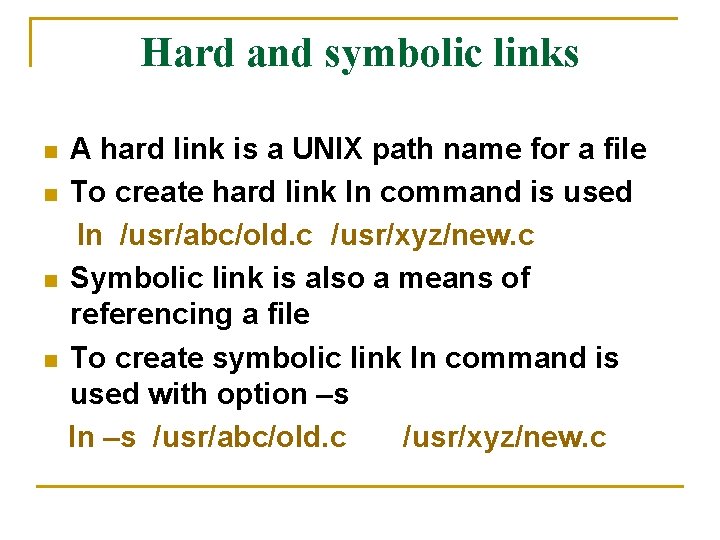
Hard and symbolic links n n A hard link is a UNIX path name for a file To create hard link ln command is used ln /usr/abc/old. c /usr/xyz/new. c Symbolic link is also a means of referencing a file To create symbolic link ln command is used with option –s ln –s /usr/abc/old. c /usr/xyz/new. c
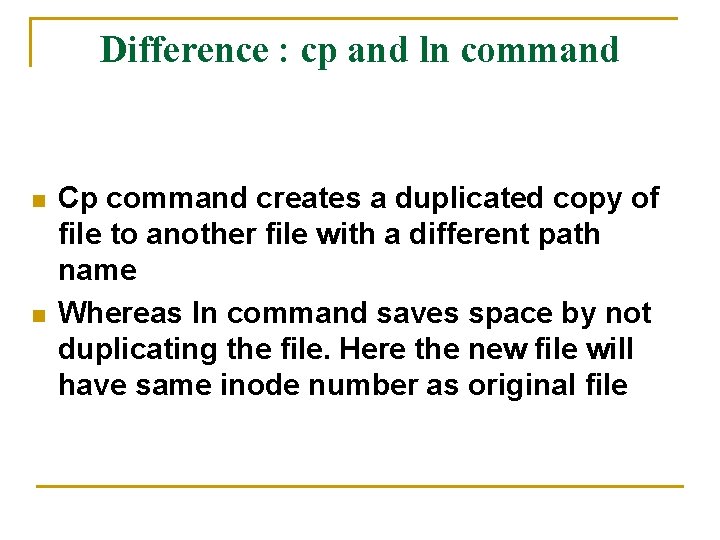
Difference : cp and ln command n n Cp command creates a duplicated copy of file to another file with a different path name Whereas ln command saves space by not duplicating the file. Here the new file will have same inode number as original file
Difference : hard link and symbolic link Hard link Symbolic link Does not create a new inode Cannot link directories unless it is done by root Can link directories Cannot link files across file systems Can link files across file system Increase hard link count of the linked inode Does not change hard link count of the linked inode
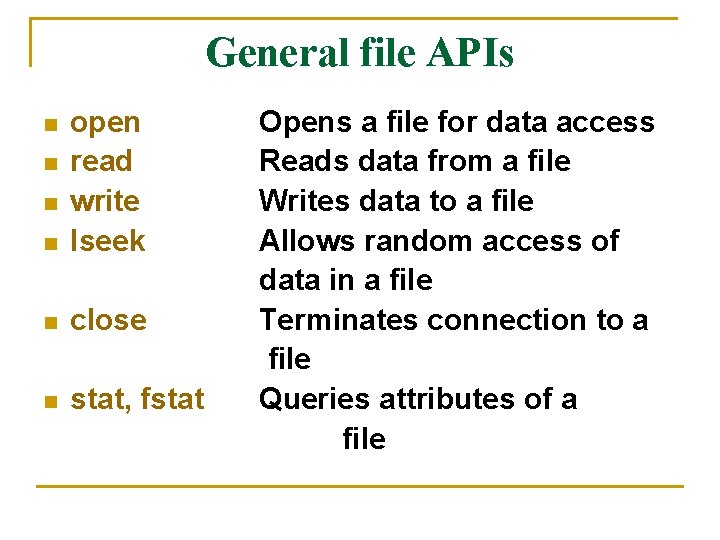
General file APIs n open read write lseek n close n stat, fstat n n n Opens a file for data access Reads data from a file Writes data to a file Allows random access of data in a file Terminates connection to a file Queries attributes of a file
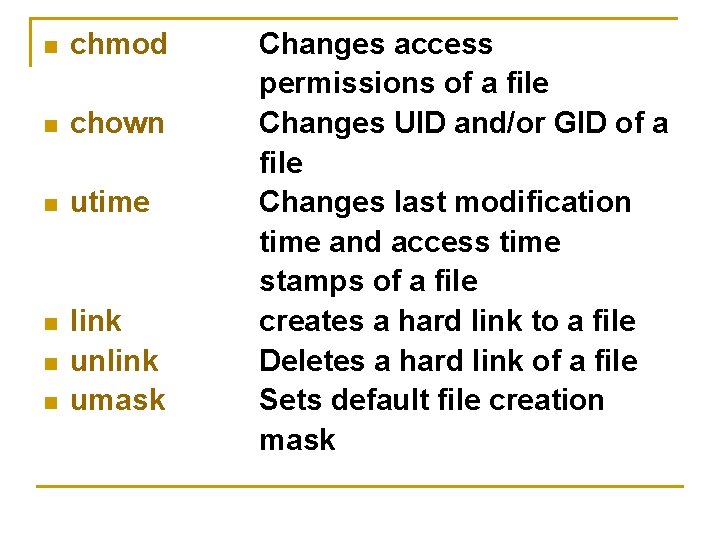
n chmod n chown n utime n link unlink umask n n Changes access permissions of a file Changes UID and/or GID of a file Changes last modification time and access time stamps of a file creates a hard link to a file Deletes a hard link of a file Sets default file creation mask
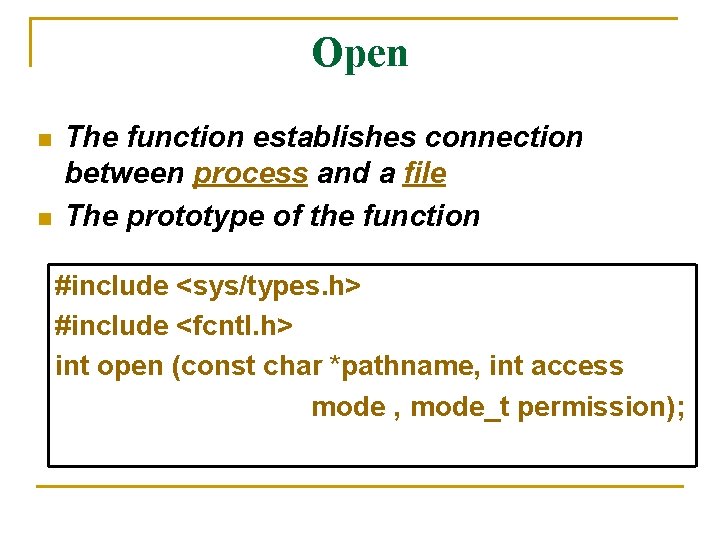
Open n n The function establishes connection between process and a file The prototype of the function #include <sys/types. h> #include <fcntl. h> int open (const char *pathname, int access mode , mode_t permission);
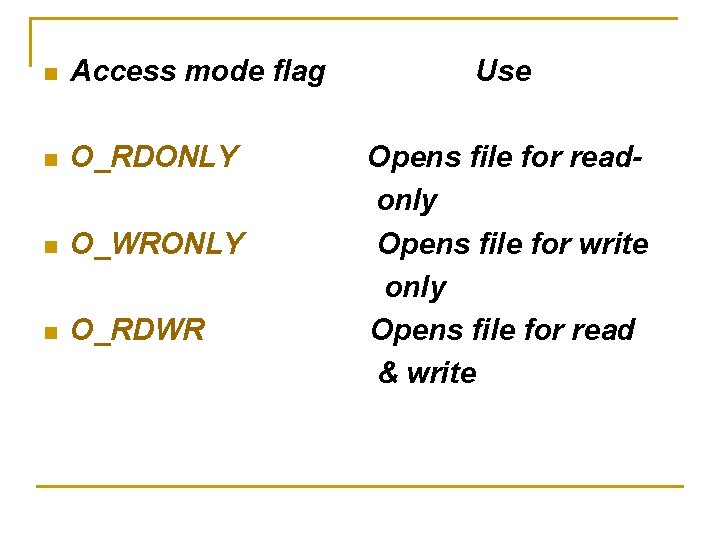
n n Pathname : It can be absolute path name or a relative path name Access_mode : An integer which specifies how file is to be accessed by calling process
n Access mode flag n O_RDONLY n O_WRONLY n O_RDWR Use Opens file for readonly Opens file for write only Opens file for read & write
n n n n Access modifier flag O_APPEND O_CREAT O_EXCL O_TRUNC O_NONBLOCK O_NOCTTY
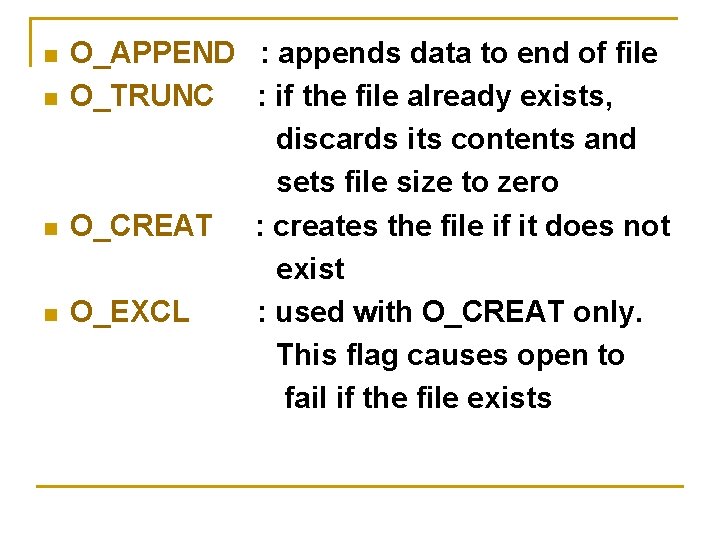
n n O_APPEND : appends data to end of file O_TRUNC : if the file already exists, discards its contents and sets file size to zero O_CREAT : creates the file if it does not exist O_EXCL : used with O_CREAT only. This flag causes open to fail if the file exists
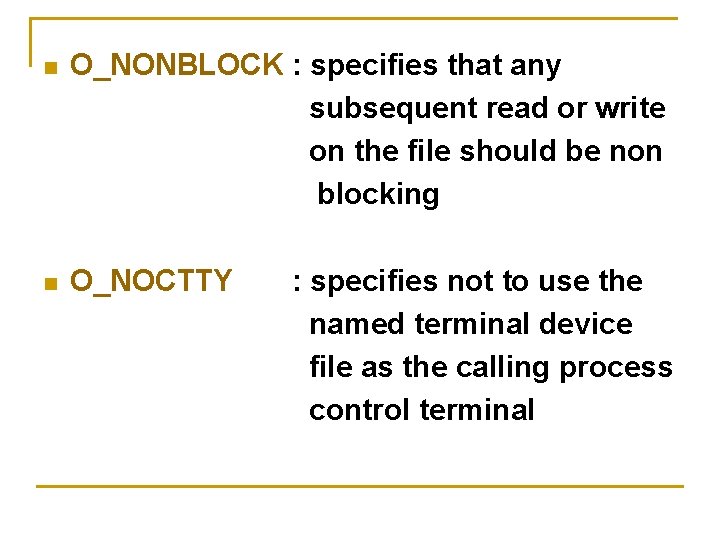
n O_NONBLOCK : specifies that any subsequent read or write on the file should be non blocking n O_NOCTTY : specifies not to use the named terminal device file as the calling process control terminal
Umask It specifies some access rights to be masked off n Prototype: mode_t umask ( mode_t new_umask); mode_t old_mask = umask (S_IXGRP|S_IWOTH); /*removes execute permission from group and write permission from others*/ n Actual_permission = permission & ~umask_value n
Creat n It is used to create new regular files #include <sys/types. h> #include <unistd. h> Int creat (const char* pathname, mode_t mode)
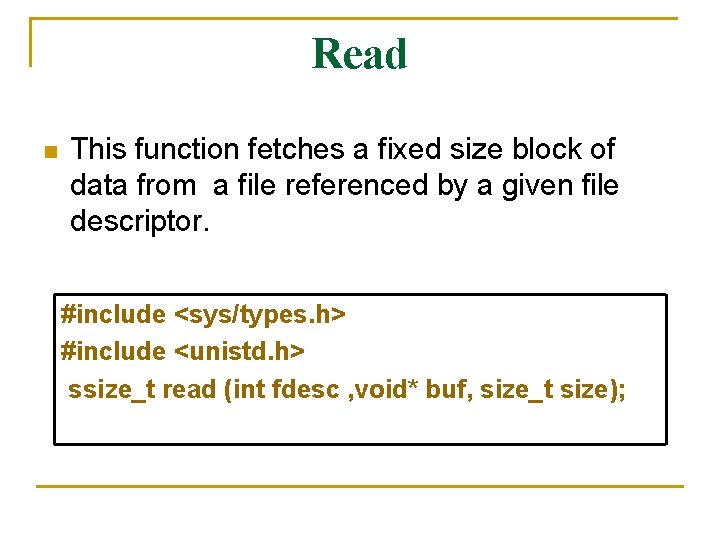
Read n This function fetches a fixed size block of data from a file referenced by a given file descriptor. #include <sys/types. h> #include <unistd. h> ssize_t read (int fdesc , void* buf, size_t size);
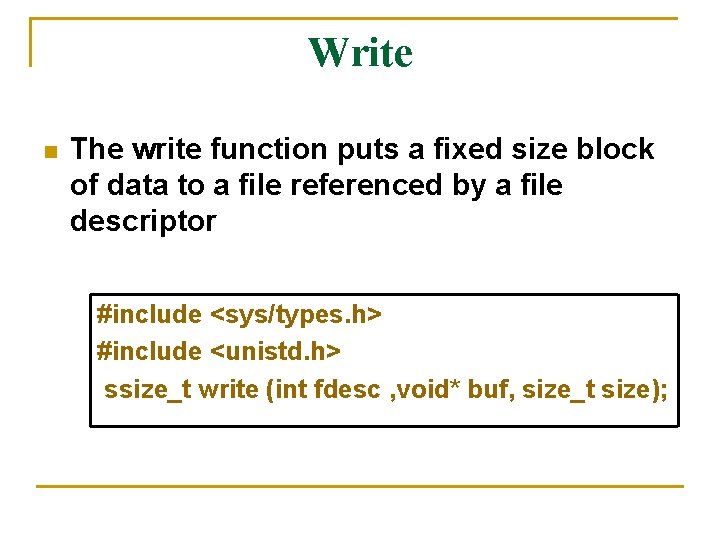
Write n The write function puts a fixed size block of data to a file referenced by a file descriptor #include <sys/types. h> #include <unistd. h> ssize_t write (int fdesc , void* buf, size_t size);
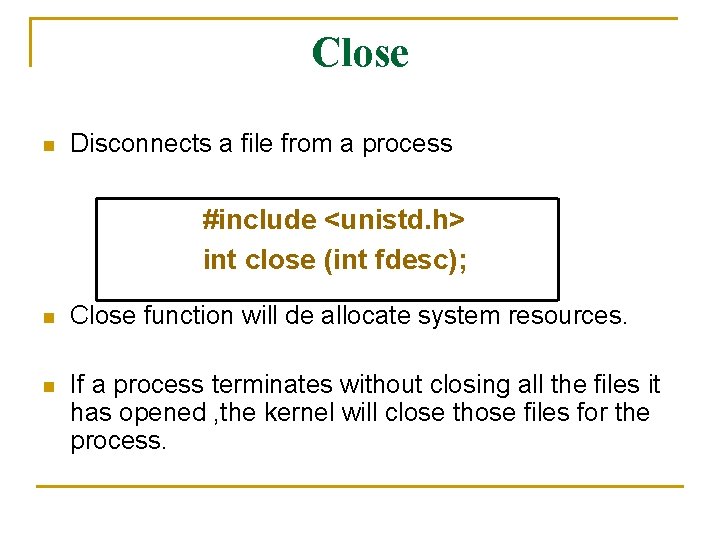
Close n Disconnects a file from a process #include <unistd. h> int close (int fdesc); n Close function will de allocate system resources. n If a process terminates without closing all the files it has opened , the kernel will close those files for the process.
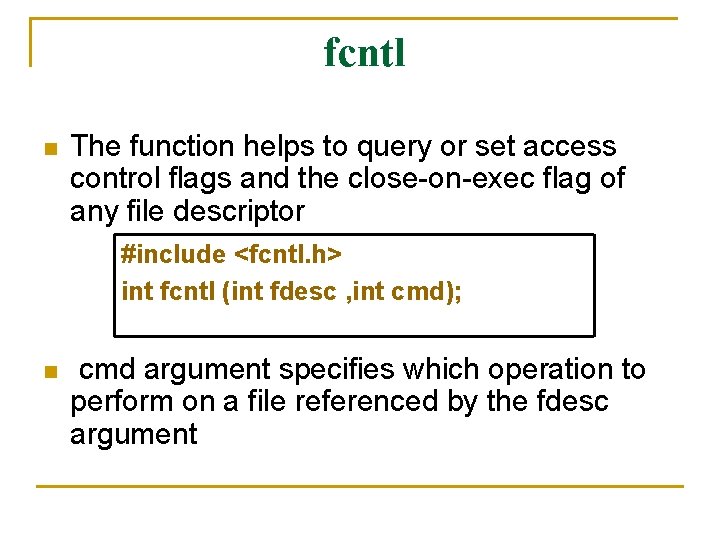
fcntl n The function helps to query or set access control flags and the close-on-exec flag of any file descriptor #include <fcntl. h> int fcntl (int fdesc , int cmd); n cmd argument specifies which operation to perform on a file referenced by the fdesc argument
n n n cmd value F_GETFL : returns the access control flags of a file descriptor fdesc F_SETFL : sets or clears control flags that are specified F_GETFD : returns the close-on-exec flag of a file referenced by fdesc F_SETFD : sets or clears close-on-exec flag of a file descriptor fdesc F_DUPFD : duplicates the file descriptor fdesc with another file descriptor
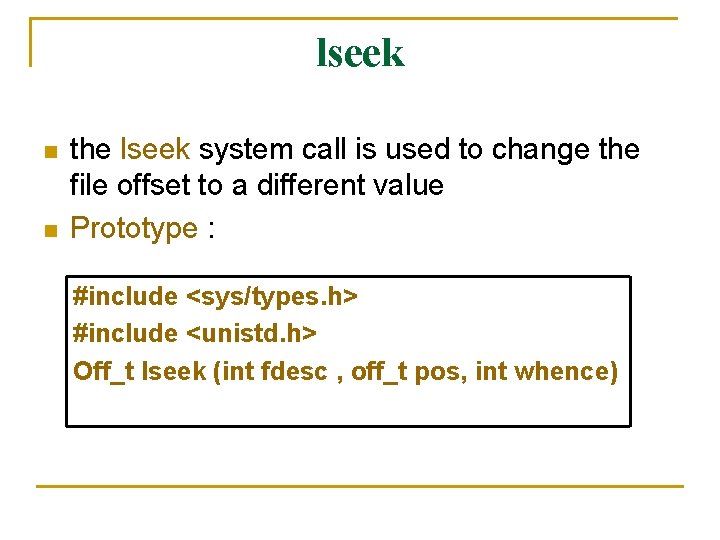
lseek n n the lseek system call is used to change the file offset to a different value Prototype : #include <sys/types. h> #include <unistd. h> Off_t lseek (int fdesc , off_t pos, int whence)
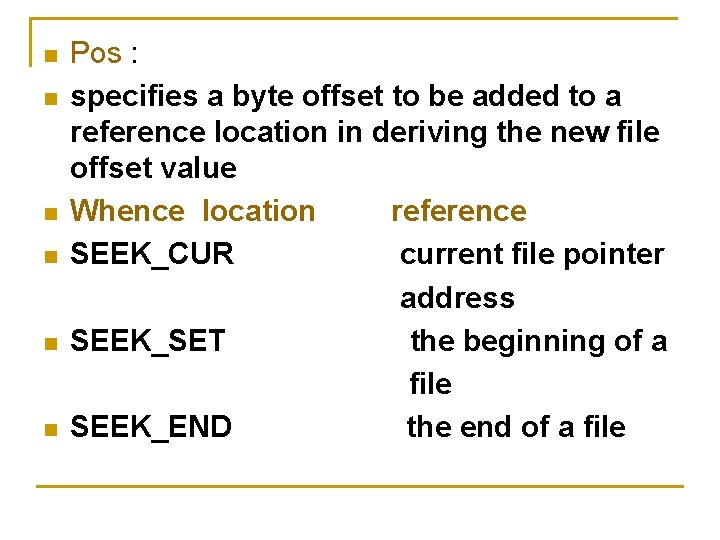
n n n Pos : specifies a byte offset to be added to a reference location in deriving the new file offset value Whence location reference SEEK_CUR current file pointer address SEEK_SET the beginning of a file SEEK_END the end of a file
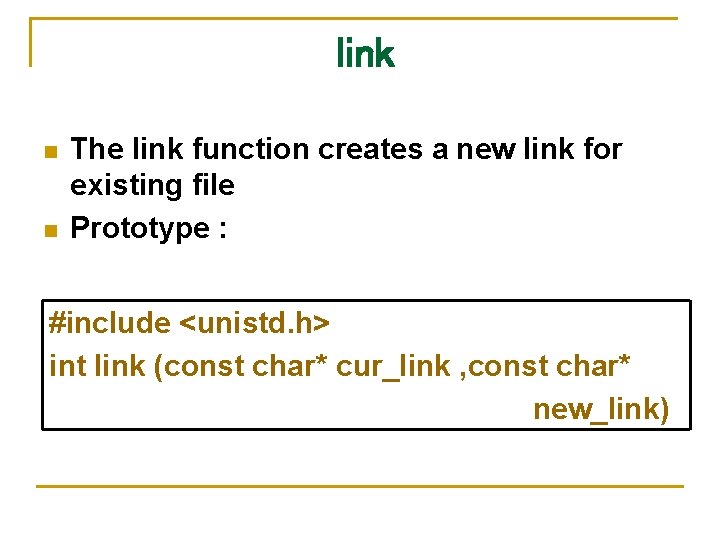
link n n The link function creates a new link for existing file Prototype : #include <unistd. h> int link (const char* cur_link , const char* new_link)
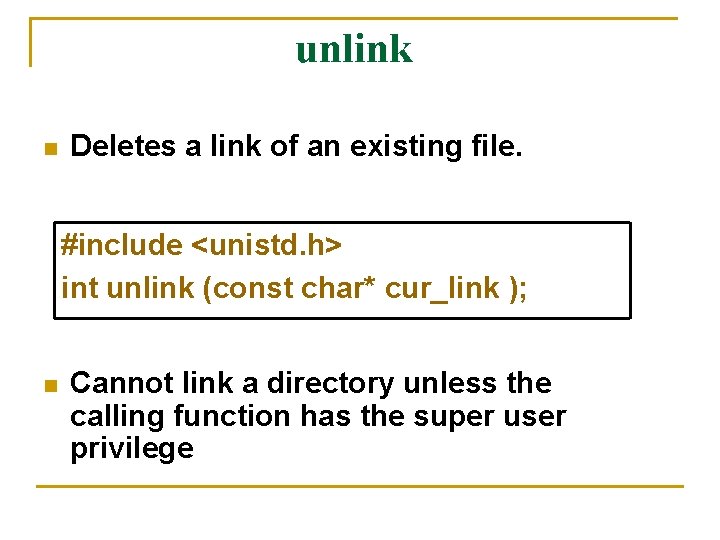
unlink n Deletes a link of an existing file. #include <unistd. h> int unlink (const char* cur_link ); n Cannot link a directory unless the calling function has the super user privilege
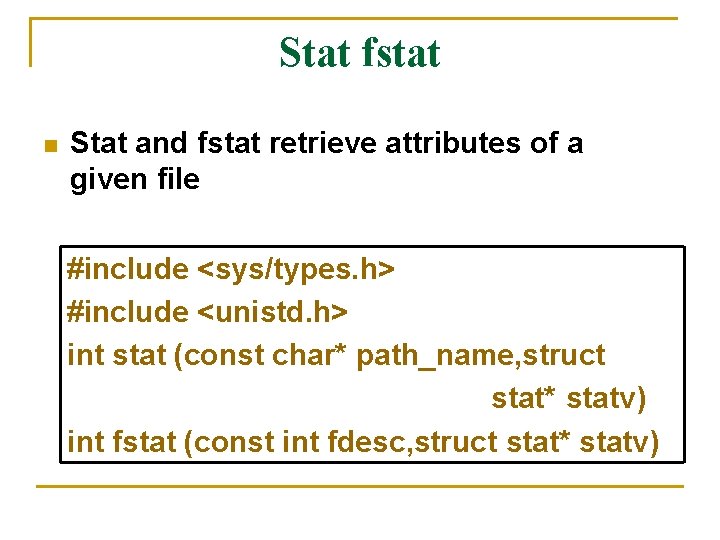
Stat fstat n Stat and fstat retrieve attributes of a given file #include <sys/types. h> #include <unistd. h> int stat (const char* path_name, struct stat* statv) int fstat (const int fdesc, struct stat* statv)
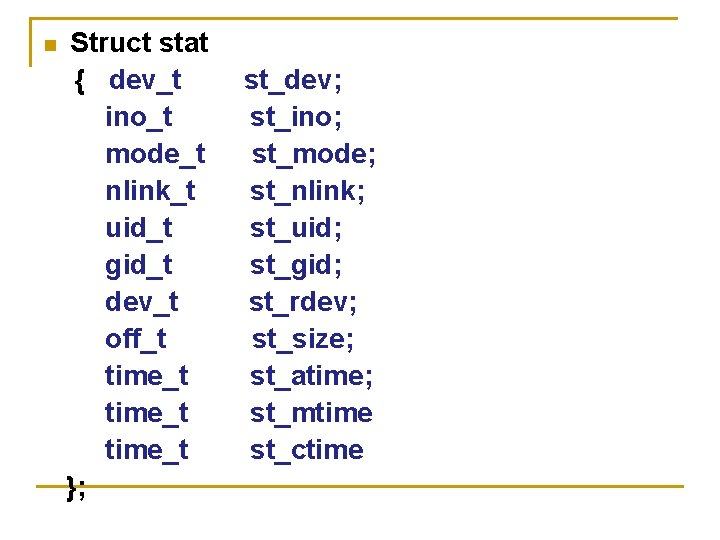
n Struct stat { dev_t ino_t mode_t nlink_t uid_t gid_t dev_t off_t time_t }; st_dev; st_ino; st_mode; st_nlink; st_uid; st_gid; st_rdev; st_size; st_atime; st_mtime st_ctime
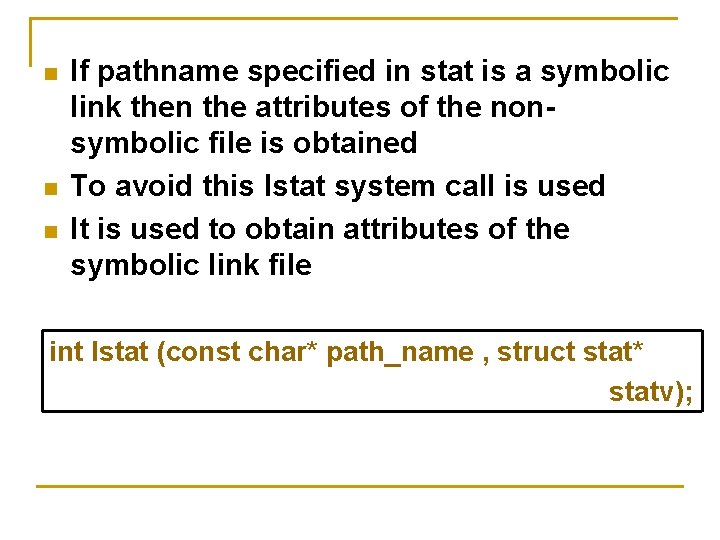
n n n If pathname specified in stat is a symbolic link then the attributes of the nonsymbolic file is obtained To avoid this lstat system call is used It is used to obtain attributes of the symbolic link file int lstat (const char* path_name , struct stat* statv);
/* Program to emulate the UNIX ls -l command */ #include <iostream. h> #include <sys/types. h> #include <sys/stat. h> #include <unistd. h> #include <pwd. h> #include <grp. h> static char xtbl[10] = "rwxrwxrwx";
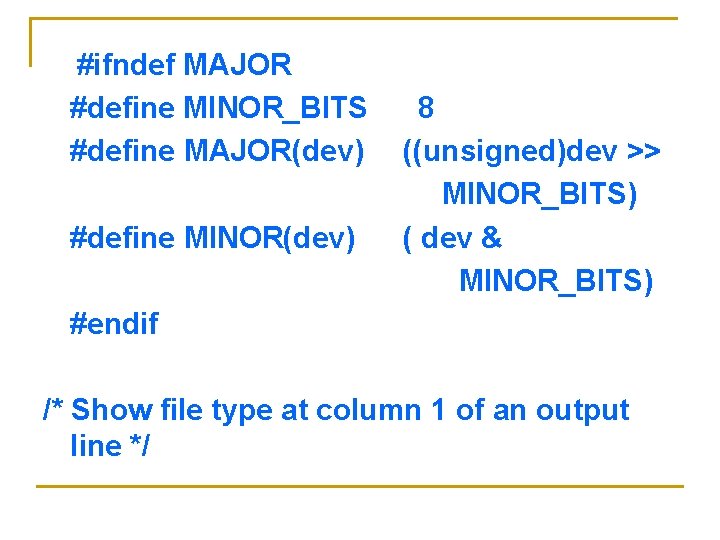
#ifndef MAJOR #define MINOR_BITS #define MAJOR(dev) #define MINOR(dev) 8 ((unsigned)dev >> MINOR_BITS) ( dev & MINOR_BITS) #endif /* Show file type at column 1 of an output line */
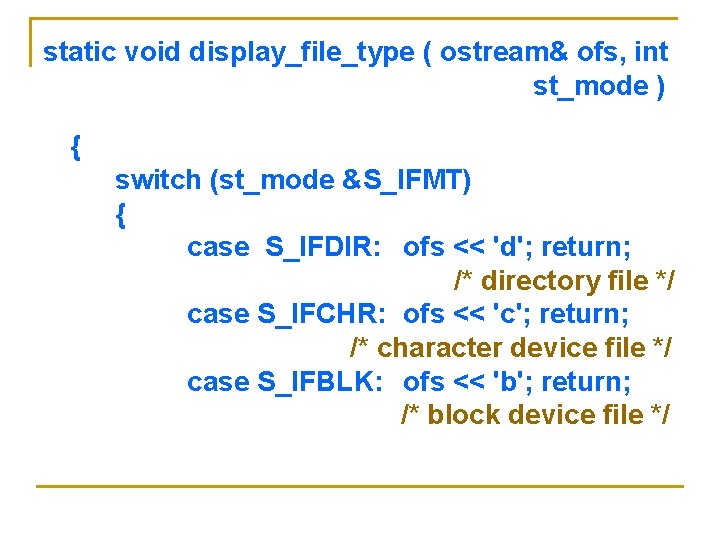
static void display_file_type ( ostream& ofs, int st_mode ) { switch (st_mode &S_IFMT) { case S_IFDIR: ofs << 'd'; return; /* directory file */ case S_IFCHR: ofs << 'c'; return; /* character device file */ case S_IFBLK: ofs << 'b'; return; /* block device file */
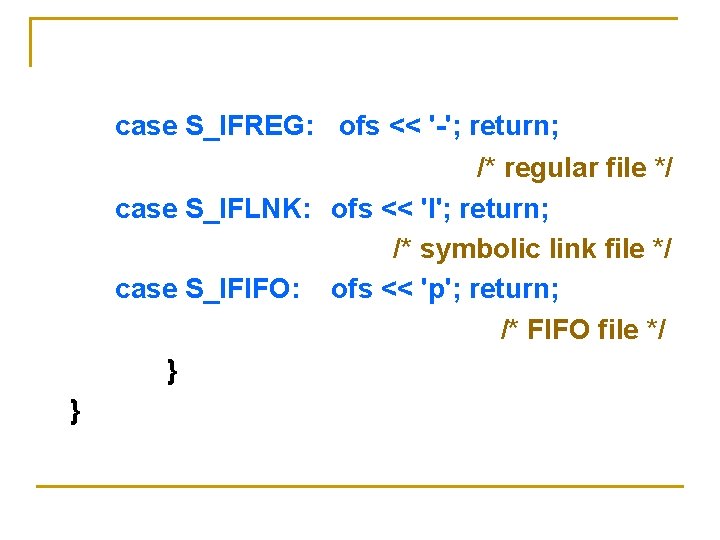
case S_IFREG: ofs << '-'; return; /* regular file */ case S_IFLNK: ofs << 'l'; return; /* symbolic link file */ case S_IFIFO: ofs << 'p'; return; /* FIFO file */ } }
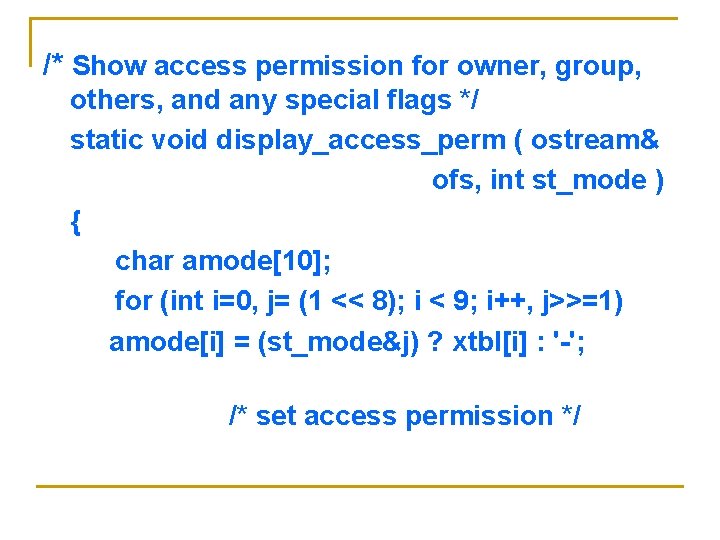
/* Show access permission for owner, group, others, and any special flags */ static void display_access_perm ( ostream& ofs, int st_mode ) { char amode[10]; for (int i=0, j= (1 << 8); i < 9; i++, j>>=1) amode[i] = (st_mode&j) ? xtbl[i] : '-'; /* set access permission */
/* set access permission */ if (st_mode&S_ISUID) amode[2] = (amode[2]=='x') ? 'S' : 's'; if (st_mode&S_ISGID) amode[5] = (amode[5]=='x') ? 'G' : 'g'; if (st_mode&S_ISVTX) amode[8] = (amode[8]=='x') ? 'T' : 't'; ofs << amode << ' '; }
/* List attributes of one file */ static void long_list (ostream& ofs, char* path_name) { struct statv; struct group *gr_p; struct passwd *pw_p; if (stat (path_name, &statv)) { perror( path_name ); return; }
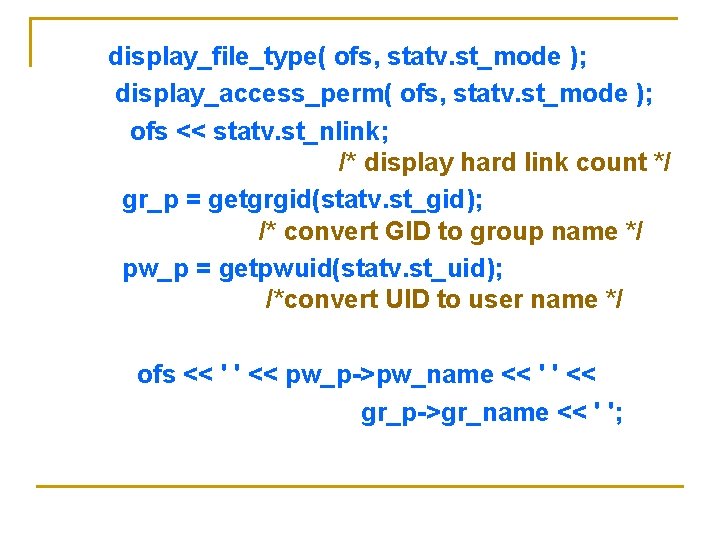
display_file_type( ofs, statv. st_mode ); display_access_perm( ofs, statv. st_mode ); ofs << statv. st_nlink; /* display hard link count */ gr_p = getgrgid(statv. st_gid); /* convert GID to group name */ pw_p = getpwuid(statv. st_uid); /*convert UID to user name */ ofs << ' ' << pw_p->pw_name << ' ' << gr_p->gr_name << ' ';
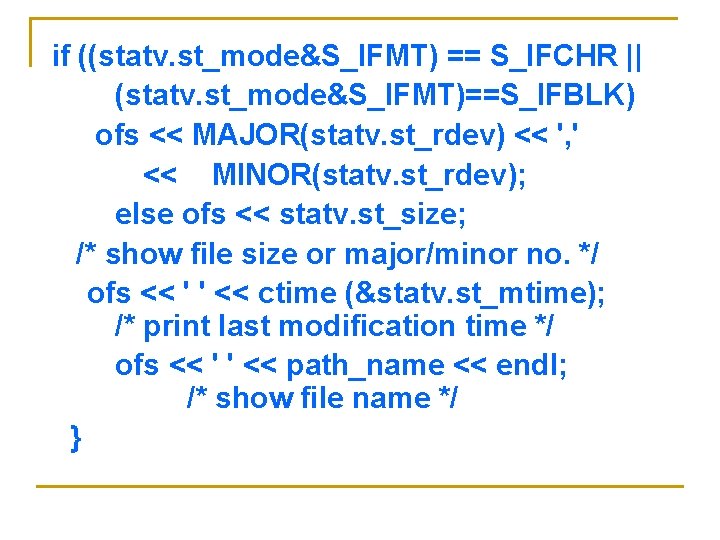
if ((statv. st_mode&S_IFMT) == S_IFCHR || (statv. st_mode&S_IFMT)==S_IFBLK) ofs << MAJOR(statv. st_rdev) << ', ' << MINOR(statv. st_rdev); else ofs << statv. st_size; /* show file size or major/minor no. */ ofs << ' ' << ctime (&statv. st_mtime); /* print last modification time */ ofs << ' ' << path_name << endl; /* show file name */ }
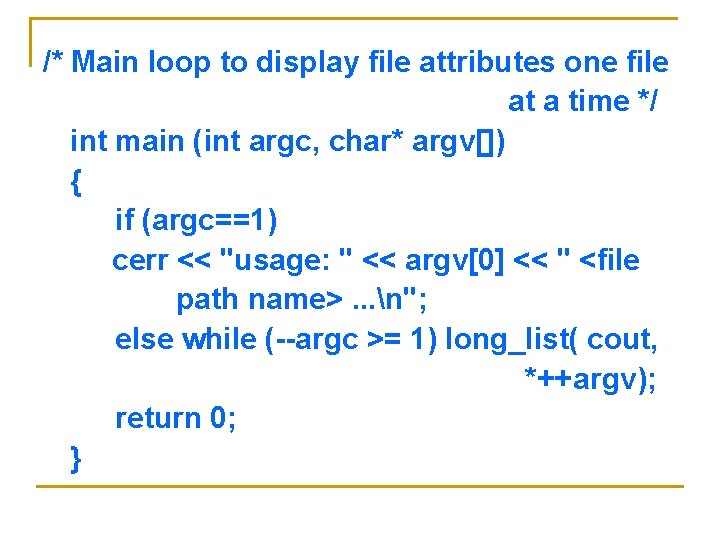
/* Main loop to display file attributes one file at a time */ int main (int argc, char* argv[]) { if (argc==1) cerr << "usage: " << argv[0] << " <file path name>. . . n"; else while (--argc >= 1) long_list( cout, *++argv); return 0; }
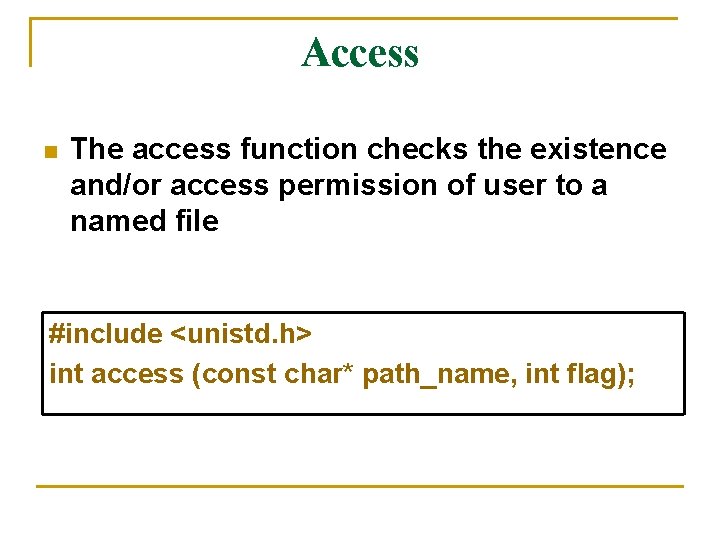
Access n The access function checks the existence and/or access permission of user to a named file #include <unistd. h> int access (const char* path_name, int flag);
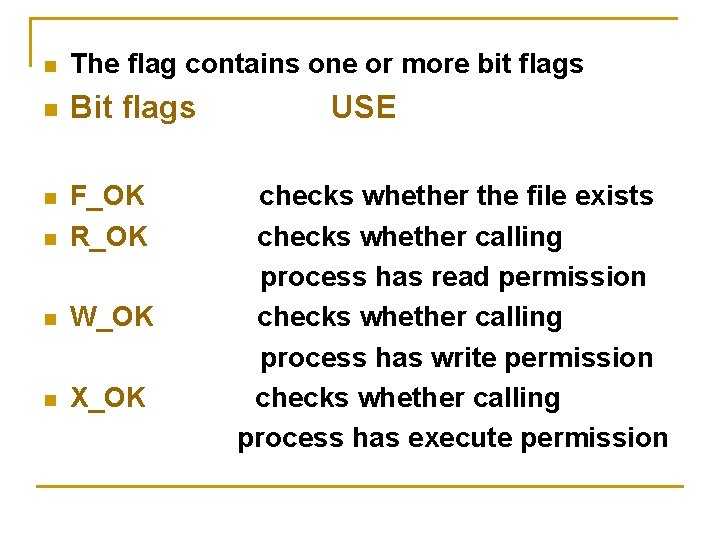
n The flag contains one or more bit flags n Bit flags n F_OK R_OK n W_OK n X_OK n USE checks whether the file exists checks whether calling process has read permission checks whether calling process has write permission checks whether calling process has execute permission
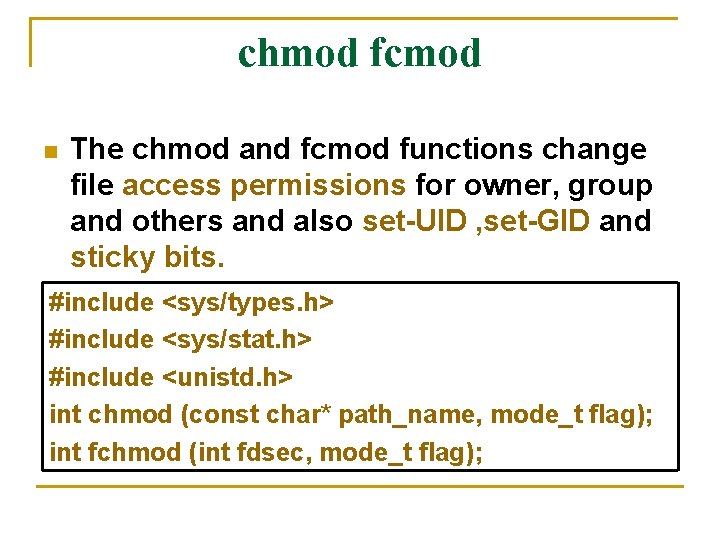
chmod fcmod n The chmod and fcmod functions change file access permissions for owner, group and others and also set-UID , set-GID and sticky bits. #include <sys/types. h> #include <sys/stat. h> #include <unistd. h> int chmod (const char* path_name, mode_t flag); int fchmod (int fdsec, mode_t flag);
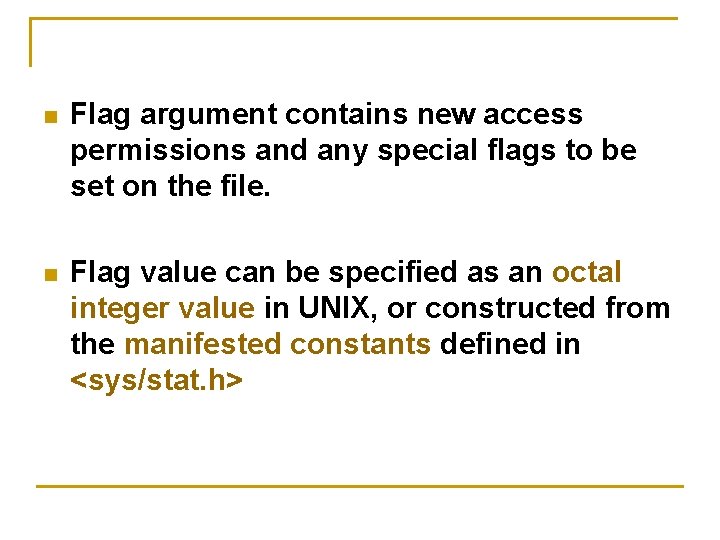
n Flag argument contains new access permissions and any special flags to be set on the file. n Flag value can be specified as an octal integer value in UNIX, or constructed from the manifested constants defined in <sys/stat. h>
chown, fchown and lchown n n The chown and fchown functions change the user ID and group ID of files. lchown changes the ownership of symbolic link file. #include <unistd. h> #include <sys/types. h> int chown (const char* path_name, uid_t uid, gid_t gid); int fchown (int fdesc, uid_t uid, gid_t gid); int lchown (const char* path_name, uid_t uid, gid_t gid);
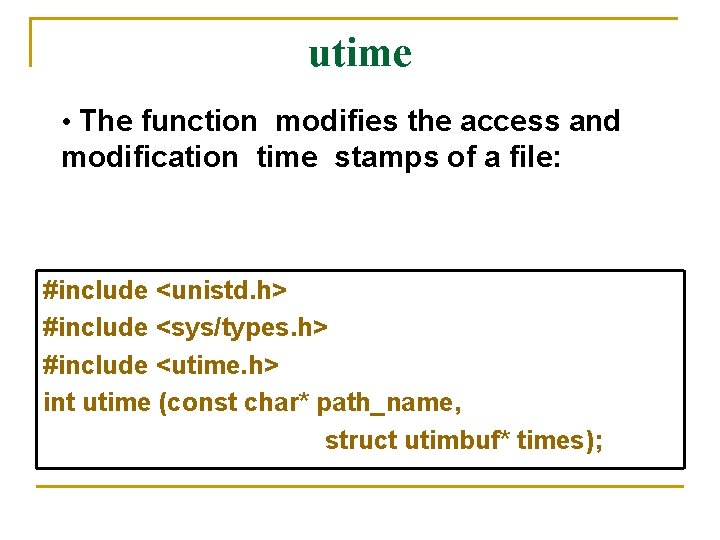
utime • The function modifies the access and modification time stamps of a file: #include <unistd. h> #include <sys/types. h> #include <utime. h> int utime (const char* path_name, struct utimbuf* times);
n Struct utimbuf { time_t actime; time_t modtime; };
FILE AND RECORD LOCKING n n n UNIX systems allow multiple processes to read and write the same file concurrently. It is a means of data sharing among processes. Why we need to lock files? It is needed in some applications like database access where no other process can write or read a file while a process is accessing a data base. Unix and POSIX systems support a filelocking mechanism. File locking is applicable only to regular
Shared and exclusive locks n n A read lock is also called a shared lock and a write lock is called an exclusive lock. These locks can be imposed on the whole file or a portion of it. A write lock prevents other processes from setting any overlapping read or write locks on the locked regions of a file. The intention is to prevent other processes from both reading and writing the locked region while a process is modifying the region.
n n A read lock allows processes to set overlapping read locks but not write locks. Other processes are allowed to lock and read data from the locked regions. A mandatory locks can cause problems: If a runaway process sets a mandatory exclusive lock on a file and never unlocks it, no other processes can access the locked region of the file until either a runaway process is killed or the system is rebooted.
n n § § § If a file lock is not mandatory, it is an advisory. An advisory lock is not enforced by a kernel at the system call level The following procedure is to be followed Try to set a lock at the region to be accessed. if this fails, a process can either wait for the lock request to become successful or go do something else and try to lock the file again. After a lock is acquired successfully, read or write the locked region. Release the lock after read or write operation to the file.
Advisory locks n n n A process should always release any lock that it imposes on a file as soon as it is done. An advisory lock is considered safe, as no runaway processes can lock up any file forcefully. It can read or write after a fixed number of failed attempts to lock the file Drawback: the programs which create processes to share files must follow the above locking procedure to be cooperative.
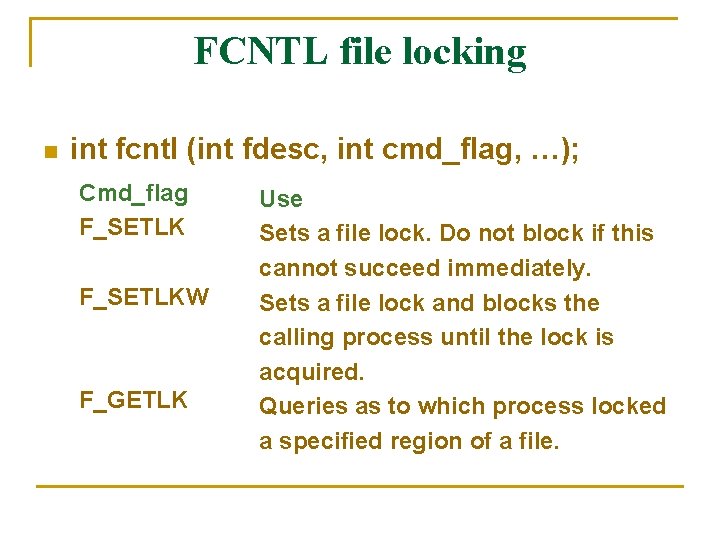
FCNTL file locking n int fcntl (int fdesc, int cmd_flag, …); Cmd_flag F_SETLKW F_GETLK Use Sets a file lock. Do not block if this cannot succeed immediately. Sets a file lock and blocks the calling process until the lock is acquired. Queries as to which process locked a specified region of a file.
For file locking, the third argument is an address of a struct flock-typed variable. This lock specifies a region of a file where the lock is to be set, unset or queried. struct flock { short off_t pid_t }; l_type; l_whence; l_start; l_len; l_pid;
l_type and l_whence fields of flock l_type value F_RDLCK F_WRLCK F_UNLCK Use Sets as a read (shared) lock on a specified region Sets a write (exclusive) lock on a specified region Unlocks a specified region
l_whence value SEEK_CUR SEEK_SET SEEK_END Use The l_start value is added to the current file pointer address The l_start value is added to byte 0 of file The l_start value is added to the end (current size) of the file
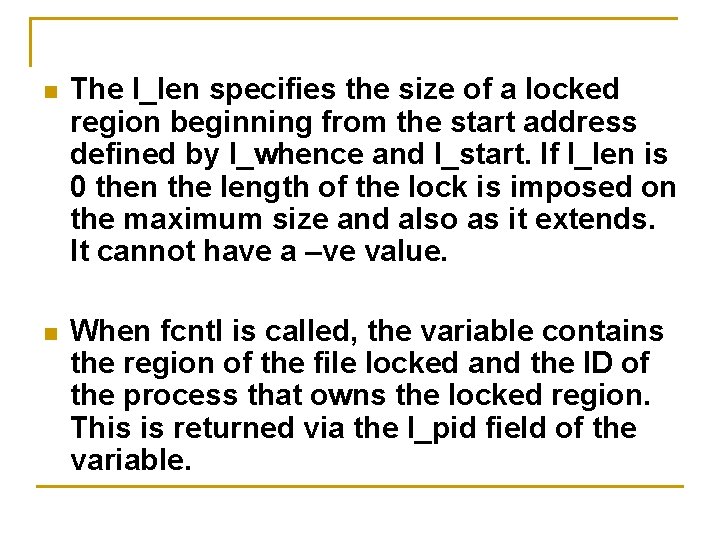
n The l_len specifies the size of a locked region beginning from the start address defined by l_whence and l_start. If l_len is 0 then the length of the lock is imposed on the maximum size and also as it extends. It cannot have a –ve value. n When fcntl is called, the variable contains the region of the file locked and the ID of the process that owns the locked region. This is returned via the l_pid field of the variable.
LOCK PROMOTION AND SPLITTING n If a process sets a read lock and then sets a write lock on the file, the process will own only the write lock. This process is called lock promotion. n If a process unlocks any region in between the region where the lock existed then that lock is split into two locks over the two remaining regions.
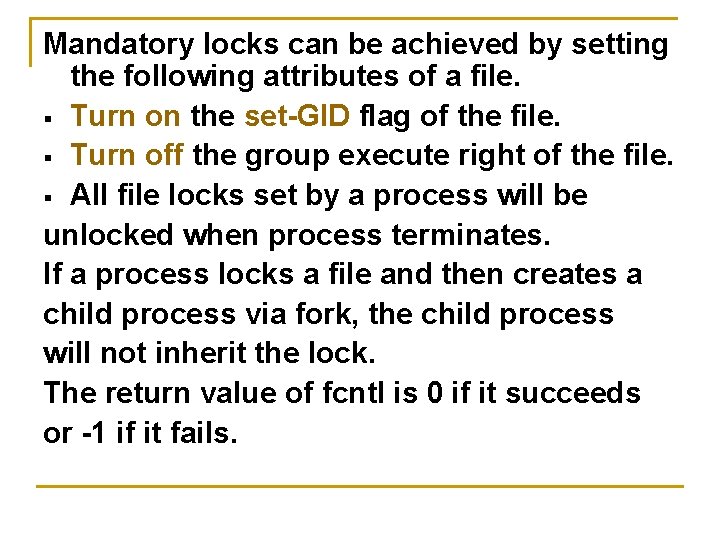
Mandatory locks can be achieved by setting the following attributes of a file. § Turn on the set-GID flag of the file. § Turn off the group execute right of the file. § All file locks set by a process will be unlocked when process terminates. If a process locks a file and then creates a child process via fork, the child process will not inherit the lock. The return value of fcntl is 0 if it succeeds or -1 if it fails.
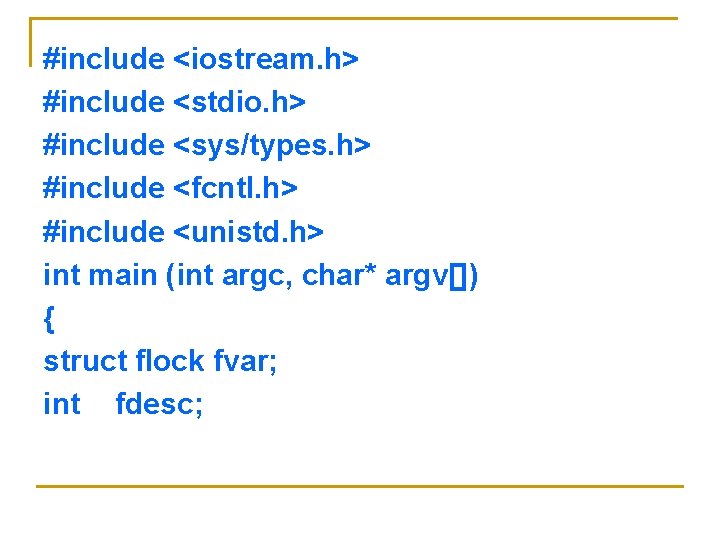
#include <iostream. h> #include <stdio. h> #include <sys/types. h> #include <fcntl. h> #include <unistd. h> int main (int argc, char* argv[]) { struct flock fvar; int fdesc;
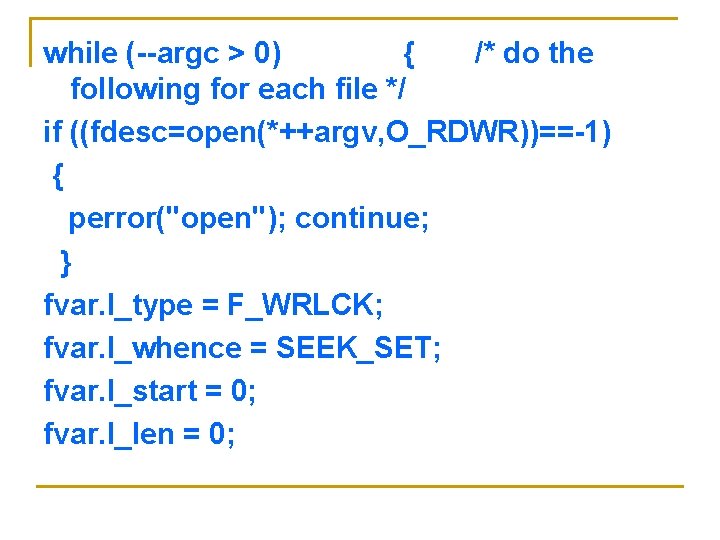
while (--argc > 0) { /* do the following for each file */ if ((fdesc=open(*++argv, O_RDWR))==-1) { perror("open"); continue; } fvar. l_type = F_WRLCK; fvar. l_whence = SEEK_SET; fvar. l_start = 0; fvar. l_len = 0;
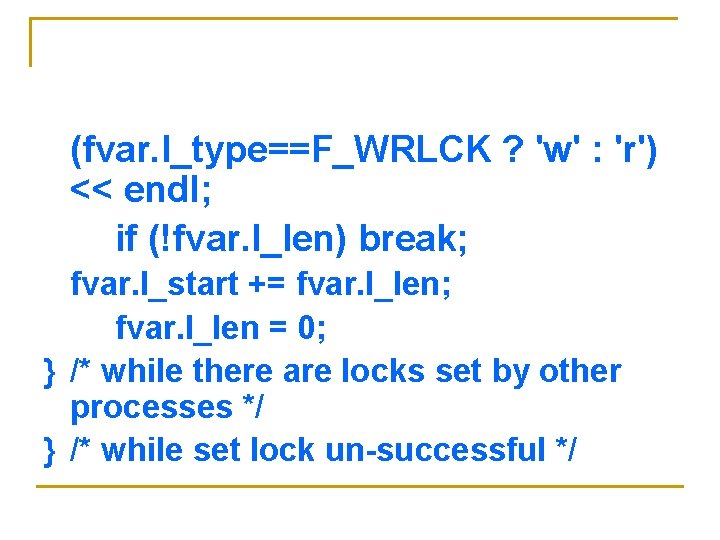
/* Attempt to set an exclusive (write) lock on the entire file */ while (fcntl(fdesc, F_SETLK, &fvar)==-1) { /* Set lock fails, find out who has locked the file */ while (fcntl(fdesc, F_GETLK, &fvar)!=-1 && fvar. l_type!=F_UNLCK) { cout << *argv << " locked by " << fvar. l_pid<< " from " << fvar. l_start << " for "<< fvar. l_len << " byte for " <<
(fvar. l_type==F_WRLCK ? 'w' : 'r') << endl; if (!fvar. l_len) break; fvar. l_start += fvar. l_len; fvar. l_len = 0; } /* while there are locks set by other processes */ } /* while set lock un-successful */
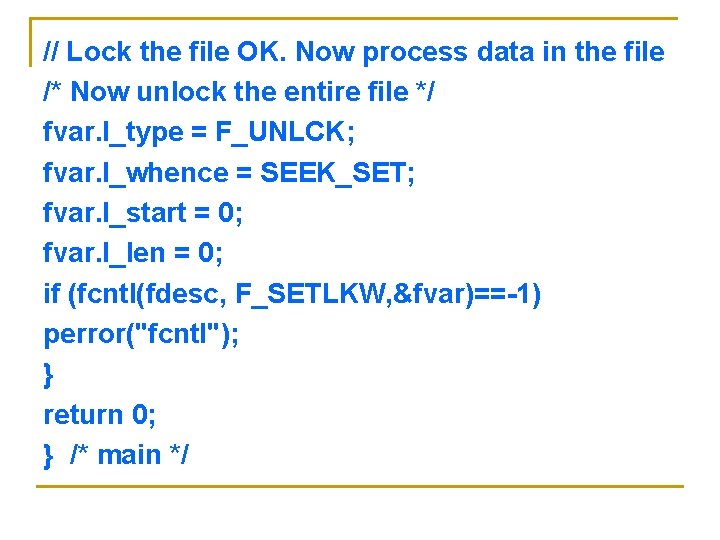
// Lock the file OK. Now process data in the file /* Now unlock the entire file */ fvar. l_type = F_UNLCK; fvar. l_whence = SEEK_SET; fvar. l_start = 0; fvar. l_len = 0; if (fcntl(fdesc, F_SETLKW, &fvar)==-1) perror("fcntl"); } return 0; } /* main */
Directory File APIs Why do we need directory files? n To aid users in organizing their files into some structure based on the specific use of files n They are also used by the operating system to convert file path names to their inode numbers n
To create int mkdir (const char* path_name , mode_t mode); n n The mode argument specifies the access permission for the owner, group, and others to be assigned to the file.
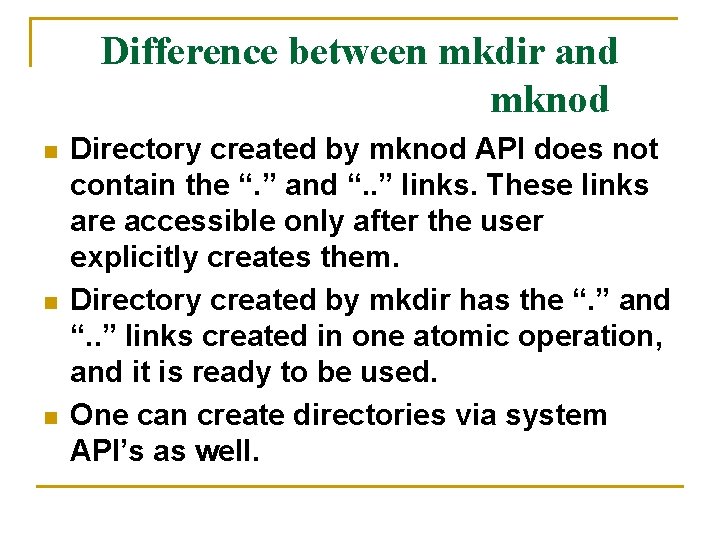
Difference between mkdir and mknod n n n Directory created by mknod API does not contain the “. ” and “. . ” links. These links are accessible only after the user explicitly creates them. Directory created by mkdir has the “. ” and “. . ” links created in one atomic operation, and it is ready to be used. One can create directories via system API’s as well.
n A newly created directory has its user ID set to the effective user ID of the process that creates it. n Directory group ID will be set to either the effective group ID of the calling process or the group ID of the parent directory that hosts the new directory.
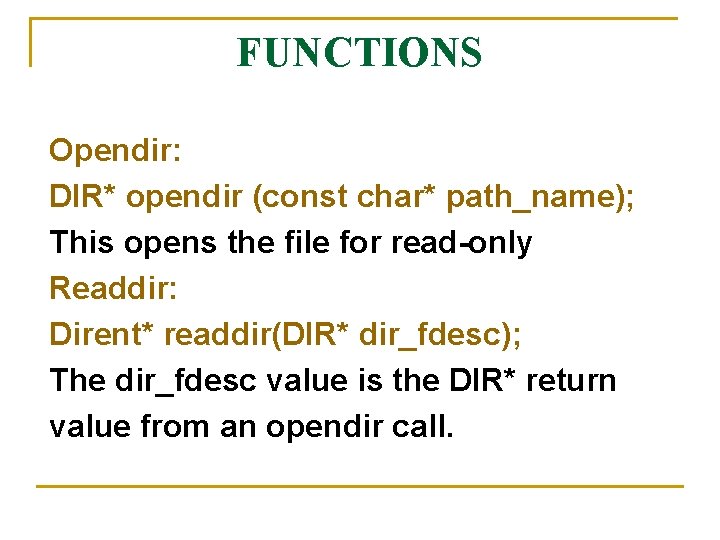
FUNCTIONS Opendir: DIR* opendir (const char* path_name); This opens the file for read-only Readdir: Dirent* readdir(DIR* dir_fdesc); The dir_fdesc value is the DIR* return value from an opendir call.
Closedir : int closedir (DIR* dir_fdesc); It terminates the connection between the dir_fdesc handler and a directory file. Rewinddir : void rewinddir (DIR* dir_fdesc); Used to reset the file pointer associated with a dir_fdesc.
Rmdir API: int rmdir (const char* path_name); Used to remove the directory files. Users may also use the unlink API to remove directories provided they have super user privileges. These API’s require that the directories to be removed must be empty, in that they contain no files other than “. ” and “. . ” links. n
Device file APIs n n n Device files are used to interface physical devices (ex: console, modem) with application programs. Device files may be character-based or block-based The only differences between device files and regular files are the ways in which device files are created and the fact that lseek is not applicable for character device files.
To create: int mknod(const char* path_name, mode_t mode, int device_id); n The mode argument specifies the access permission of the file n The device_id contains the major and minor device numbers. The lowest byte of a device_id is set to minor device number and the next byte is set to the major device number.
MAJOR AND MINOR NUMBERS n n When a process reads from or writes to a device file, the file’s major device number is used to locate and invoke a device driver function that does the actual data transmission. The minor device number is an argument being passed to a device driver function when it is invoked. The minor device number specifies the parameters to be used for a particular device type.
n n n A device file may be removed via the unlink API. If O_NOCTTY flag is set in the open call, the kernel will not set the character device file opened as the controlling terminal in the absence of one. The O_NONBLOCK flag specifies that the open call and any subsequent read or write calls to a device file should be non blocking to the process.
FIFO File APIs These are special device files used for inter process communication. n These are also known as named pipes. n Data written to a FIFO file are stored in a fixed-size buffer and retrieved in a first-in-first-out order. n To create: int mkfifo( const char* path_name, mode_t mode); n
How is synchronization provided? When a process opens a FIFO file for read -only, the kernel will block the process until there is another process that opens the same file for write. n If a process opens a FIFO for write, it will be blocked until another process opens the FIFO for read. This provides a method for process synchronization n
n n n If a process writes to a FIFO that is full, the process will be blocked until another process has read data from the FIFO to make room for new data in the FIFO. If a process attempts to read data from a FIFO that is empty, the process will be blocked until another process writes data to the FIFO. If a process does not desire to be blocked by a FIFO file, it can specify the O_NONBLOCK flag in the open call to the FIFO file.
n n UNIX System V defines the O_NDELAY flag which is similar to the O_NONBLOCK flag. In case of O_NDELAY flag the read and write functions will return a zero value when they are supposed to block a process. If a process writes to a FIFO file that has no other process attached to it for read, the kernel will send a SIGPIPE signal to the process to notify it of the illegal operation.
n n If Two processes are to communicate via a FIFO file, it is important that the writer process closes its file descriptor when it is done, so that the reader process can see the end-of-file condition. Pipe API Another method to create FIFO files for inter process communications int pipe (int fds[2]);
n n Uses of the fds argument are: fds[0] is a file descriptor to read data from the FIFO file. fds[1] is a file descriptor to write data to a FIFO file. The child processes inherit the FIFO file descriptors from the parent, and they can communicate among themselves and the parent via the FIFO file.
Symbolic Link File APIs n § § These were developed to overcome several shortcomings of hard links: Symbolic links can link from across file systems Symbolic links can link directory files Symbolic links always reference the latest version of the file to which they link Hard links can be broken by removal of one or more links. But symbolic link will not be broken.
To create : int symlink (const char* org_link, const char* sym_link); int readlink (const char* sym_link, char* buf, int size); int lstat (const char* sym_link, struct stat* statv);
n n To QUERY the path name to which a symbolic link refers, users must use the readlink API. The arguments are: sym_link is the path name of the symbolic link buf is a character array buffer that holds the return path name referenced by the link size specifies the maximum capacity of the buf argument
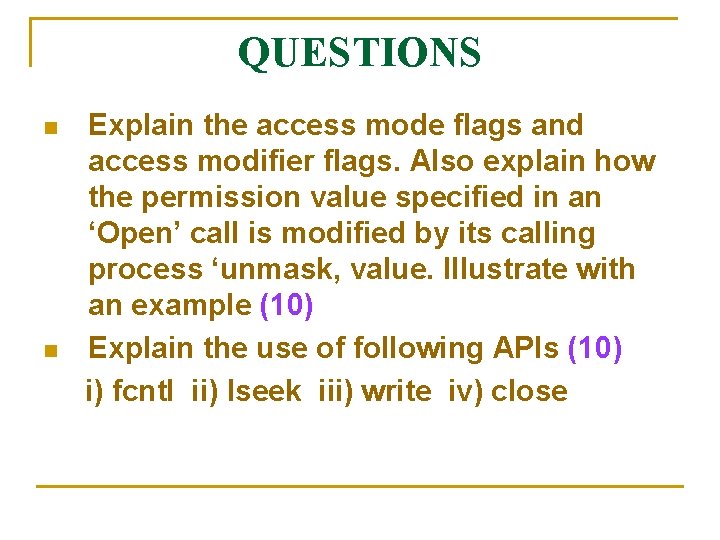
QUESTIONS n n Explain the access mode flags and access modifier flags. Also explain how the permission value specified in an ‘Open’ call is modified by its calling process ‘unmask, value. Illustrate with an example (10) Explain the use of following APIs (10) i) fcntl ii) lseek iii) write iv) close
n n n With suitable examples explain various directory file APIs (10) Write a C program to illustrate the use of mkfifo , open , read & close APIs for a FIFO file (10) Differentiate between hard link and symbolic link files with an example (5) Describe FIFO and device file classes (5) Explain process of changing user and group ID of files (5)
n n n What are named pipes? Explain with an example the use of lseek, link, access with their prototypes and argument values (12) Explain how fcntl API can be used for file record locking (8) Describe the UNIX kernel support for a process. Show the related data structures (10)
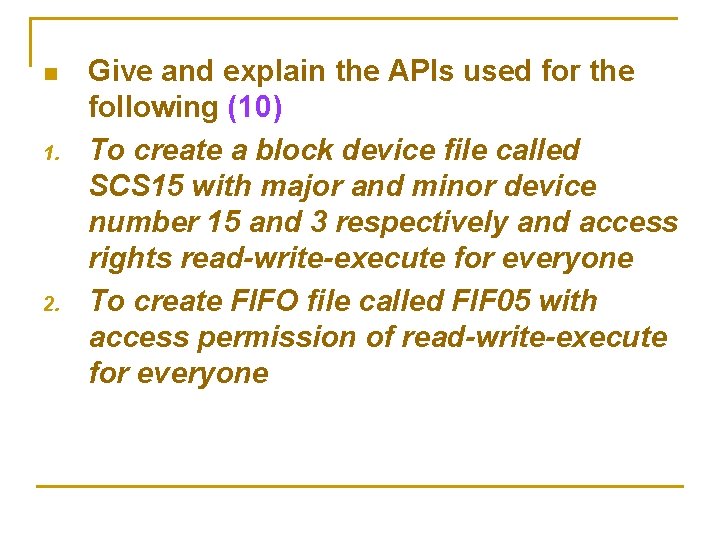
n 1. 2. Give and explain the APIs used for the following (10) To create a block device file called SCS 15 with major and minor device number 15 and 3 respectively and access rights read-write-execute for everyone To create FIFO file called FIF 05 with access permission of read-write-execute for everyone