
Storing Data Disks and Files Yea from the
- Slides: 36
Storing Data: Disks and Files “Yea, from the table of my memory I’ll wipe away all trivial fond records. ” -- Shakespeare, Hamlet
Outline 1. 2. Definitions - Disks and File in DBMS Disk properties and its components • Accessing disk pages • Arranging pages in disk 3. RAID Levels 4. Disk space management 5. Buffer management in DBMS 6. DBMS Vs. File System 7. Record and page formats 8. Files of records • Unordered (heap files) • Heap file implementation 9. System Catalogues 10. Summary 11. Review questions
Goal To learn physical representation and index structures for storing files in DBMS
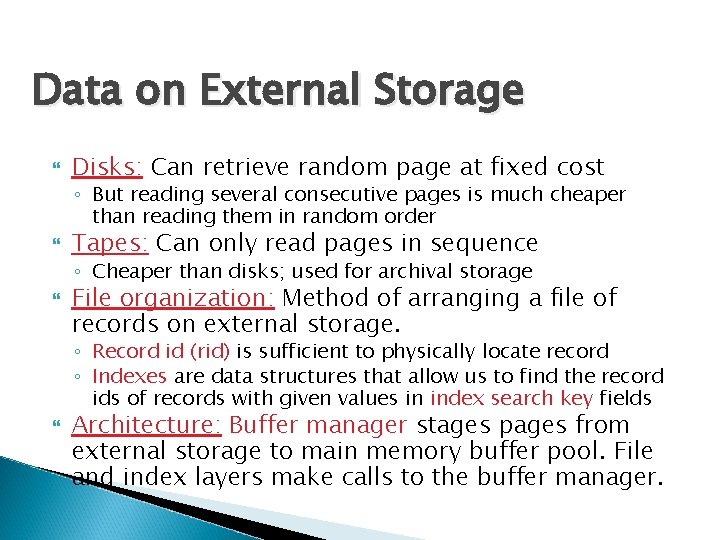
Data on External Storage Disks: Can retrieve random page at fixed cost ◦ But reading several consecutive pages is much cheaper than reading them in random order Tapes: Can only read pages in sequence ◦ Cheaper than disks; used for archival storage File organization: Method of arranging a file of records on external storage. ◦ Record id (rid) is sufficient to physically locate record ◦ Indexes are data structures that allow us to find the record ids of records with given values in index search key fields Architecture: Buffer manager stages pages from external storage to main memory buffer pool. File and index layers make calls to the buffer manager.
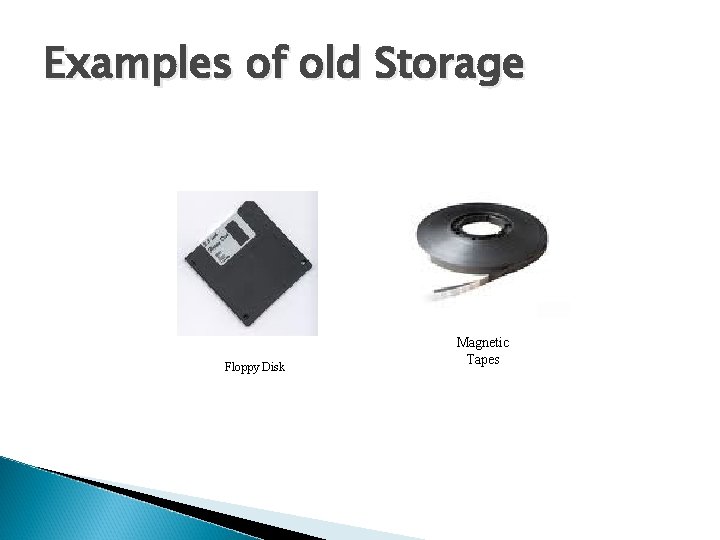
Examples of old Storage Floppy Disk Magnetic Tapes
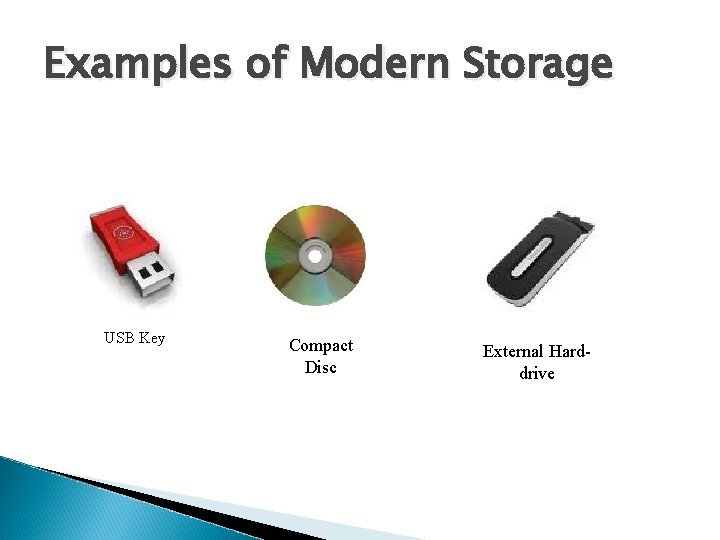
Examples of Modern Storage USB Key Compact Disc External Harddrive
Disks and Files DBMS stores information on (“hard”) disks. This has major implications for DBMS design! ◦ ◦ ◦ READ: transfer data from disk to main memory (RAM). WRITE: transfer data from RAM to disk. Both are high-cost operations, relative to in-memory operations, so must be planned carefully!
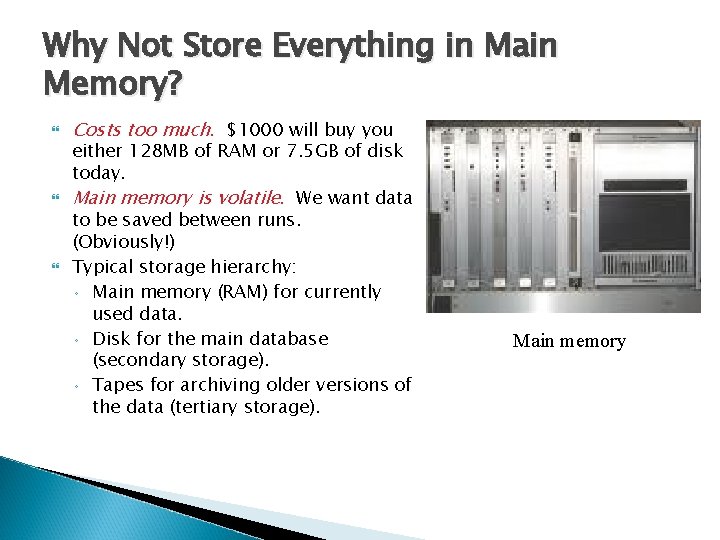
Why Not Store Everything in Main Memory? Costs too much. $1000 will buy you either 128 MB of RAM or 7. 5 GB of disk today. Main memory is volatile. We want data to be saved between runs. (Obviously!) Typical storage hierarchy: ◦ Main memory (RAM) for currently used data. ◦ Disk for the main database (secondary storage). ◦ Tapes for archiving older versions of the data (tertiary storage). Main memory
Disks Secondary storage device of choice. Main advantage over tapes: random access vs. sequential. Data is stored and retrieved in units called disk blocks or pages. Unlike RAM, time to retrieve a disk page varies depending upon location on disk. ◦ Therefore, relative placement of pages on disk has major impact on DBMS performance!
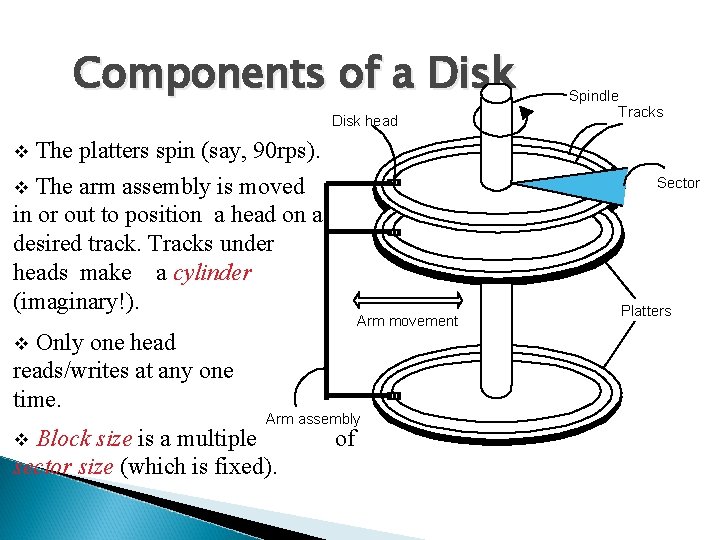
Components of a Disk head v The platters spin (say, 90 rps). The arm assembly is moved in or out to position a head on a desired track. Tracks under heads make a cylinder (imaginary!). Sector v Only one head reads/writes at any one time. Arm movement v Arm assembly Block size is a multiple sector size (which is fixed). v Spindle Tracks of Platters
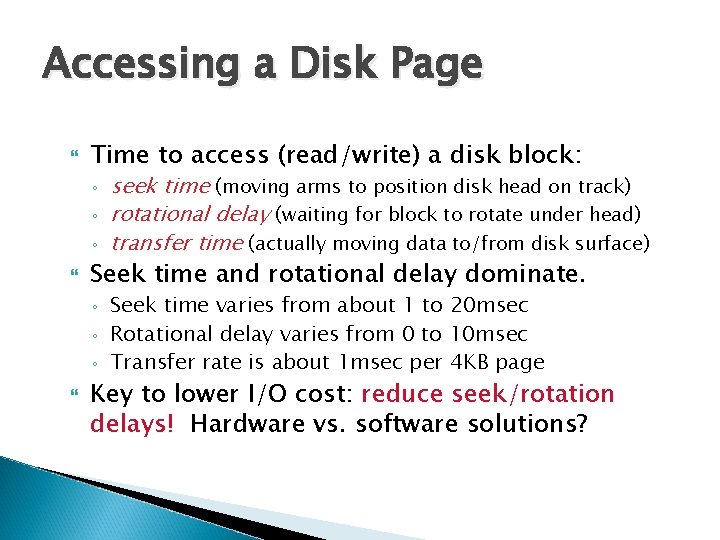
Accessing a Disk Page Time to access (read/write) a disk block: ◦ ◦ ◦ Seek time and rotational delay dominate. ◦ ◦ ◦ seek time (moving arms to position disk head on track) rotational delay (waiting for block to rotate under head) transfer time (actually moving data to/from disk surface) Seek time varies from about 1 to 20 msec Rotational delay varies from 0 to 10 msec Transfer rate is about 1 msec per 4 KB page Key to lower I/O cost: reduce seek/rotation delays! Hardware vs. software solutions?
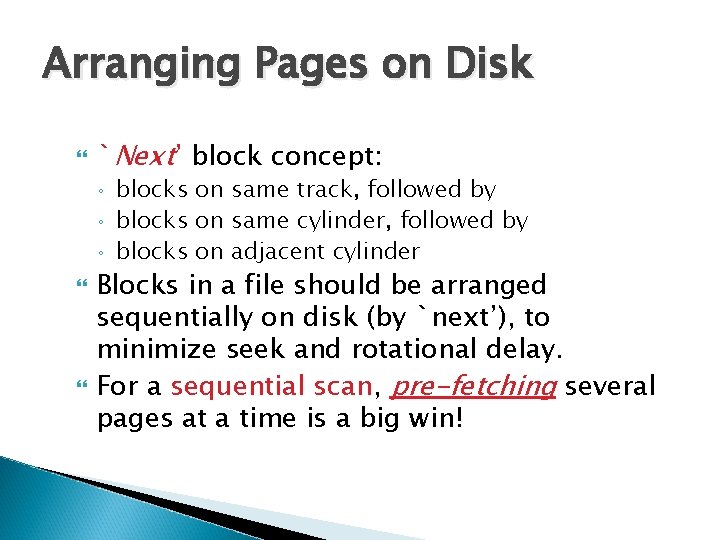
Arranging Pages on Disk `Next’ block concept: ◦ ◦ ◦ blocks on same track, followed by blocks on same cylinder, followed by blocks on adjacent cylinder Blocks in a file should be arranged sequentially on disk (by `next’), to minimize seek and rotational delay. For a sequential scan, pre-fetching several pages at a time is a big win!
RAID Disk Array: Arrangement of several disks that gives abstraction of a single, large disk. Goals: Increase performance and reliability. Two main techniques: ◦ ◦ Data striping: Data is partitioned; size of a partition is called the striping unit. Partitions are distributed over several disks. Redundancy: More disks => more failures. Redundant information allows reconstruction of data if a disk fails.
RAID Levels Level 0 Level 1 Level 2 Level 3 Level 4 Level 5
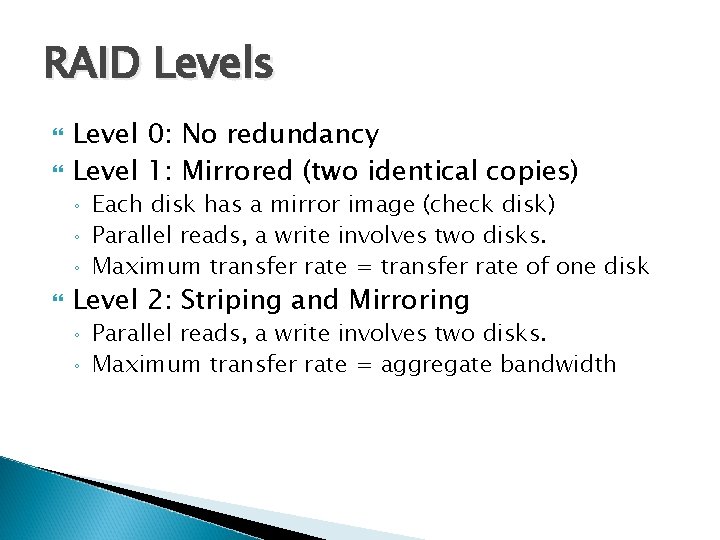
RAID Levels Level 0: No redundancy Level 1: Mirrored (two identical copies) ◦ ◦ ◦ Each disk has a mirror image (check disk) Parallel reads, a write involves two disks. Maximum transfer rate = transfer rate of one disk Level 2: Striping and Mirroring ◦ ◦ Parallel reads, a write involves two disks. Maximum transfer rate = aggregate bandwidth
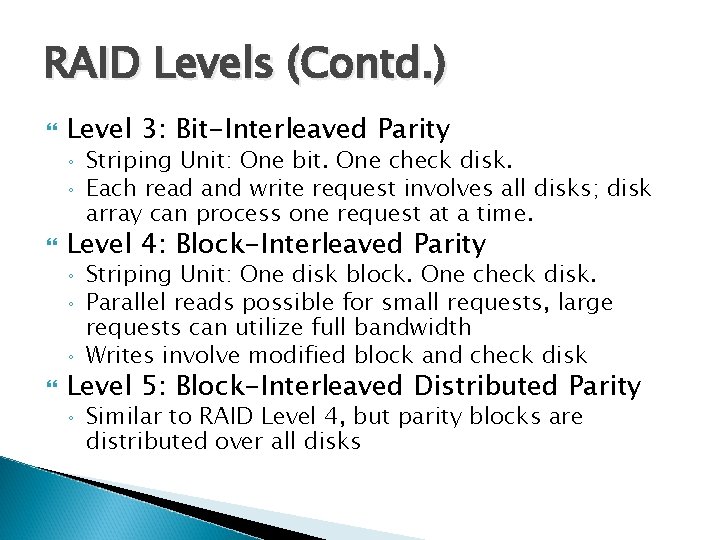
RAID Levels (Contd. ) Level 3: Bit-Interleaved Parity ◦ ◦ Level 4: Block-Interleaved Parity ◦ ◦ ◦ Striping Unit: One bit. One check disk. Each read and write request involves all disks; disk array can process one request at a time. Striping Unit: One disk block. One check disk. Parallel reads possible for small requests, large requests can utilize full bandwidth Writes involve modified block and check disk Level 5: Block-Interleaved Distributed Parity ◦ Similar to RAID Level 4, but parity blocks are distributed over all disks
Disk Space Management Lowest layer of DBMS software manages space on disk. Higher levels call upon this layer to: ◦ ◦ allocate/de-allocate a page read/write a page Request for a sequence of pages must be satisfied by allocating the pages sequentially on disk! Higher levels don’t need to know how this is done, or how free space is managed.
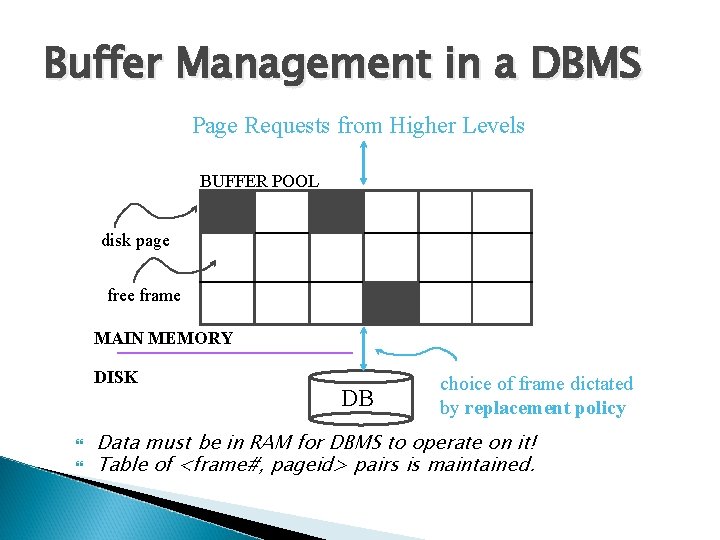
Buffer Management in a DBMS Page Requests from Higher Levels BUFFER POOL disk page free frame MAIN MEMORY DISK DB choice of frame dictated by replacement policy Data must be in RAM for DBMS to operate on it! Table of <frame#, pageid> pairs is maintained.
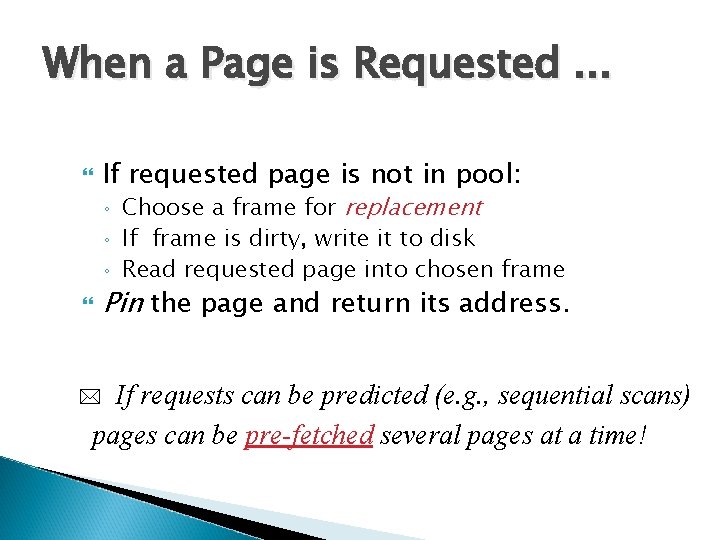
When a Page is Requested. . . If requested page is not in pool: ◦ ◦ ◦ Choose a frame for replacement If frame is dirty, write it to disk Read requested page into chosen frame Pin the page and return its address. If requests can be predicted (e. g. , sequential scans) pages can be pre-fetched several pages at a time! *
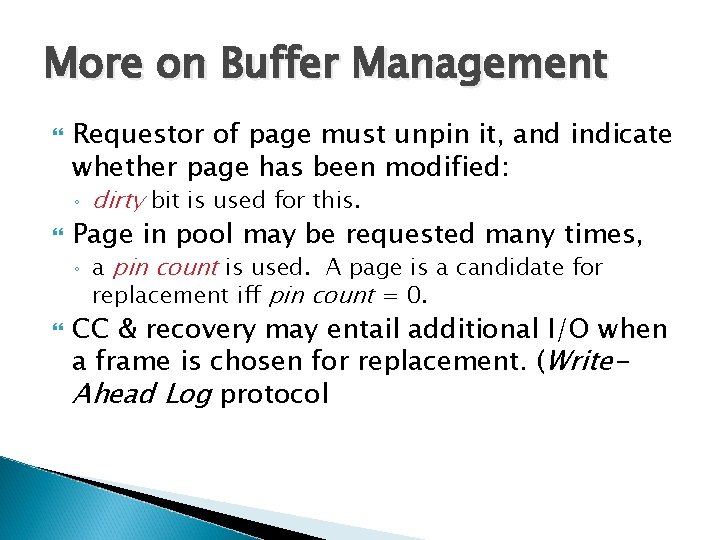
More on Buffer Management Requestor of page must unpin it, and indicate whether page has been modified: ◦ Page in pool may be requested many times, ◦ dirty bit is used for this. a pin count is used. A page is a candidate for replacement iff pin count = 0. CC & recovery may entail additional I/O when a frame is chosen for replacement. (Write. Ahead Log protocol
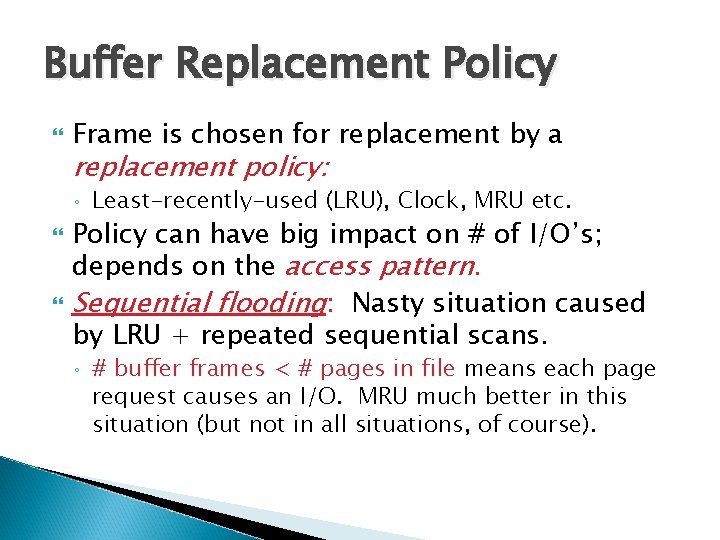
Buffer Replacement Policy Frame is chosen for replacement by a replacement policy: ◦ Least-recently-used (LRU), Clock, MRU etc. Policy can have big impact on # of I/O’s; depends on the access pattern. Sequential flooding: Nasty situation caused by LRU + repeated sequential scans. ◦ # buffer frames < # pages in file means each page request causes an I/O. MRU much better in this situation (but not in all situations, of course).
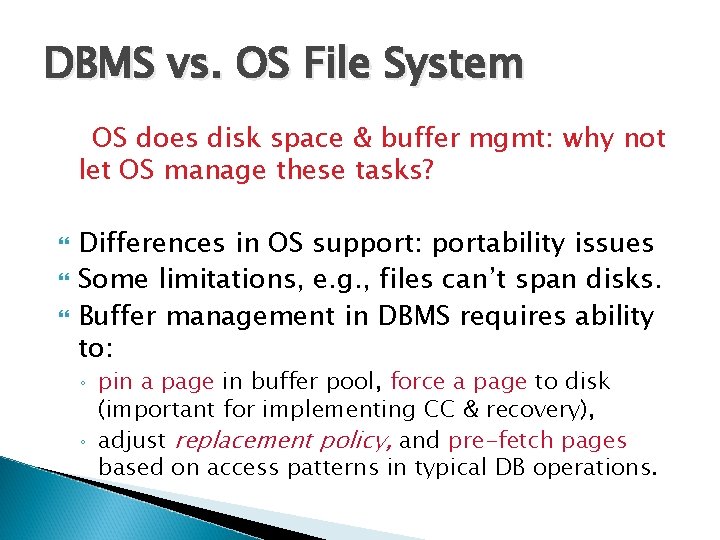
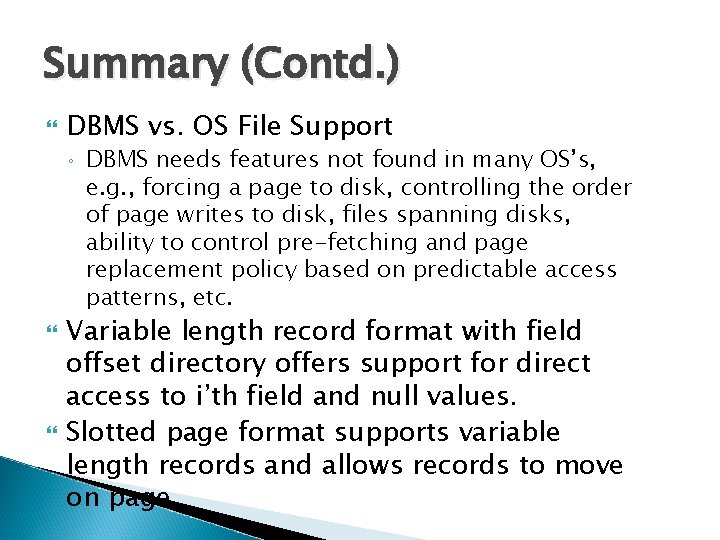
DBMS vs. OS File System OS does disk space & buffer mgmt: why not let OS manage these tasks? Differences in OS support: portability issues Some limitations, e. g. , files can’t span disks. Buffer management in DBMS requires ability to: ◦ ◦ pin a page in buffer pool, force a page to disk (important for implementing CC & recovery), adjust replacement policy, and pre-fetch pages based on access patterns in typical DB operations.
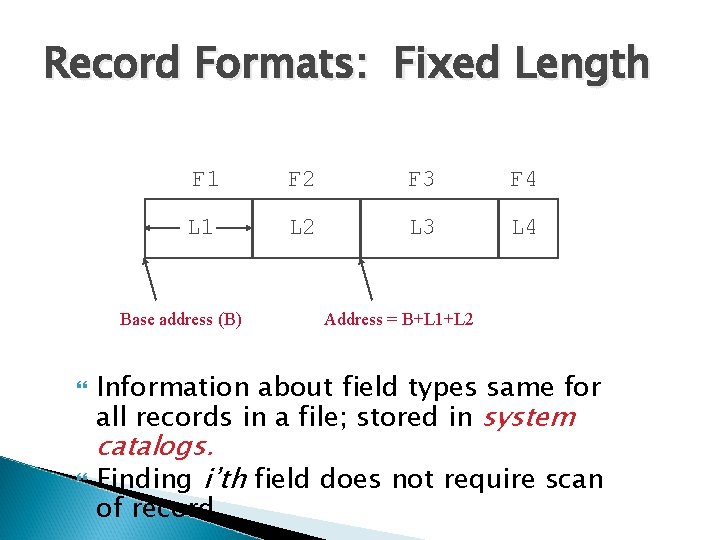
Record Formats: Fixed Length F 1 F 2 F 3 F 4 L 1 L 2 L 3 L 4 Base address (B) Address = B+L 1+L 2 Information about field types same for all records in a file; stored in system catalogs. Finding i’th field does not require scan of record.
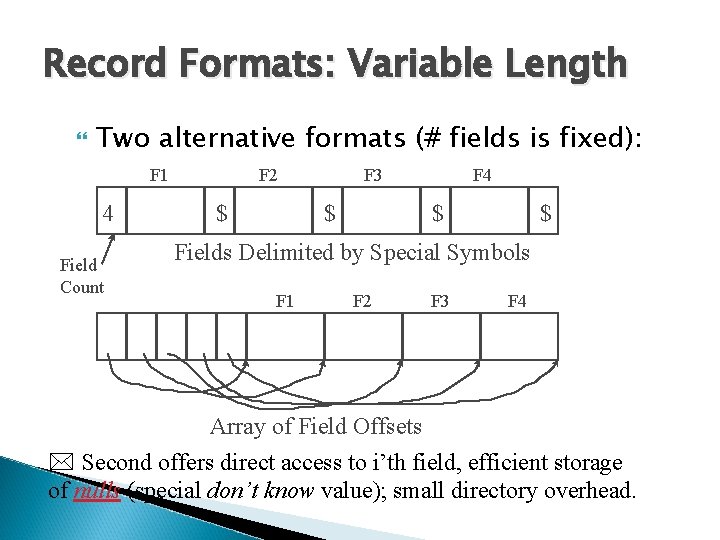
Record Formats: Variable Length Two alternative formats (# fields is fixed): F 1 4 Field Count F 2 $ F 3 $ F 4 $ $ Fields Delimited by Special Symbols F 1 F 2 F 3 F 4 Array of Field Offsets * Second offers direct access to i’th field, efficient storage of nulls (special don’t know value); small directory overhead.
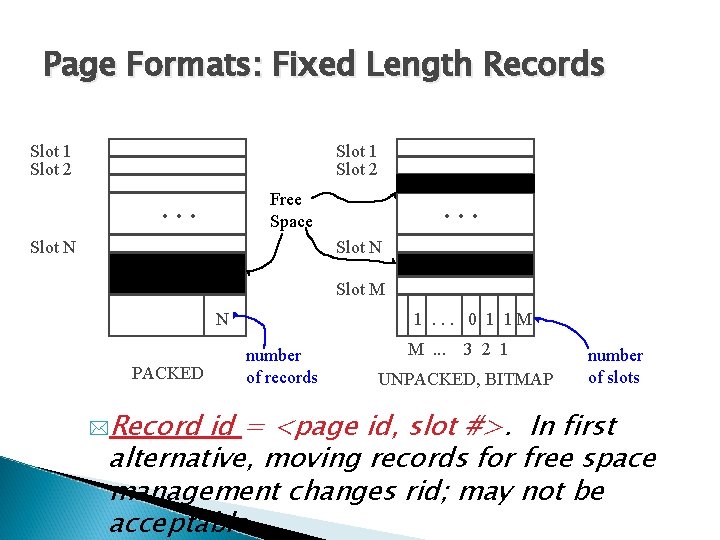
Page Formats: Fixed Length Records Slot 1 Slot 2 Free Space . . . Slot N Slot M N PACKED *Record 1. . . 0 1 1 M number of records M. . . 3 2 1 UNPACKED, BITMAP number of slots id = <page id, slot #>. In first alternative, moving records for free space management changes rid; may not be acceptable.
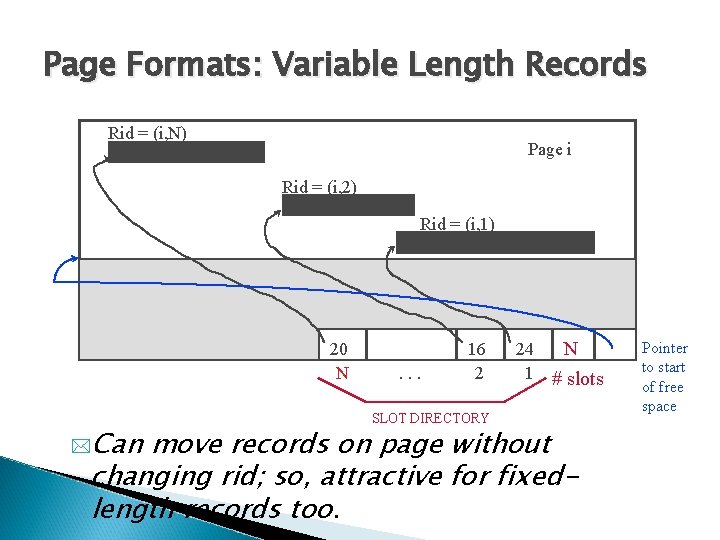
Page Formats: Variable Length Records Rid = (i, N) Page i Rid = (i, 2) Rid = (i, 1) 20 N *Can . . . 16 2 SLOT DIRECTORY 24 1 N # slots move records on page without changing rid; so, attractive for fixedlength records too. Pointer to start of free space
Files of Records Page or block is OK when doing I/O, but higher levels of DBMS operate on records, and files of records. FILE: A collection of pages, each containing a collection of records. Must support: ◦ ◦ ◦ insert/delete/modify record read a particular record (specified using record id) scan all records (possibly with some conditions on the records to be retrieved)
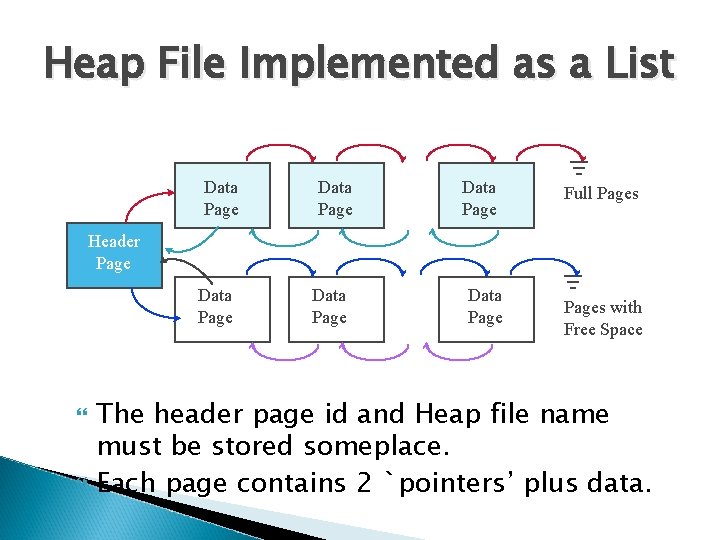
Unordered (Heap) Files Simplest file structure contains records in no particular order. As file grows and shrinks, disk pages are allocated and de-allocated. To support record level operations, we must: ◦ ◦ ◦ keep track of the pages in a file keep track of free space on pages keep track of the records on a page There are many alternatives for keeping track of this.
Heap File Implemented as a List Data Page Full Pages Header Page Data Pages with Free Space The header page id and Heap file name must be stored someplace. Each page contains 2 `pointers’ plus data.
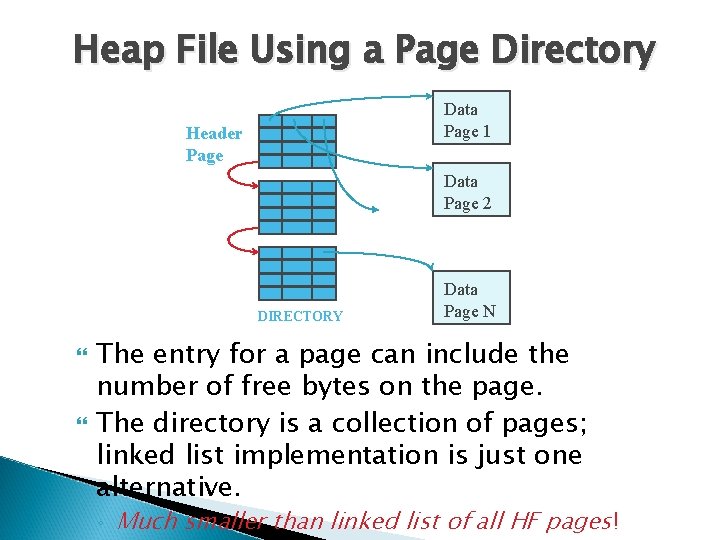
Heap File Using a Page Directory Data Page 1 Header Page Data Page 2 DIRECTORY Data Page N The entry for a page can include the number of free bytes on the page. The directory is a collection of pages; linked list implementation is just one alternative. ◦ Much smaller than linked list of all HF pages!
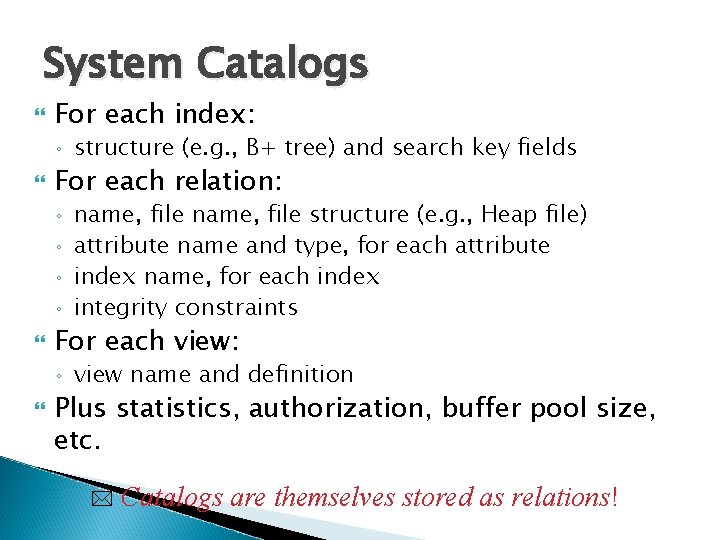
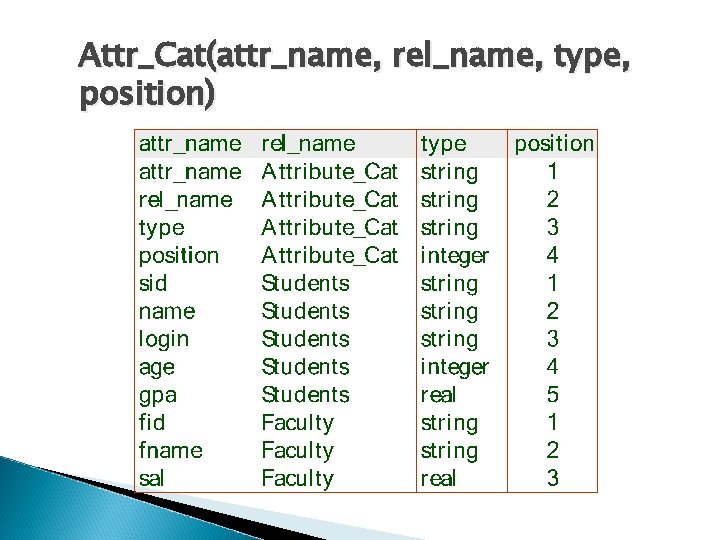
System Catalogs For each index: ◦ For each relation: ◦ ◦ name, file structure (e. g. , Heap file) attribute name and type, for each attribute index name, for each index integrity constraints For each view: ◦ structure (e. g. , B+ tree) and search key fields view name and definition Plus statistics, authorization, buffer pool size, etc. * Catalogs are themselves stored as relations!
Attr_Cat(attr_name, rel_name, type, position)
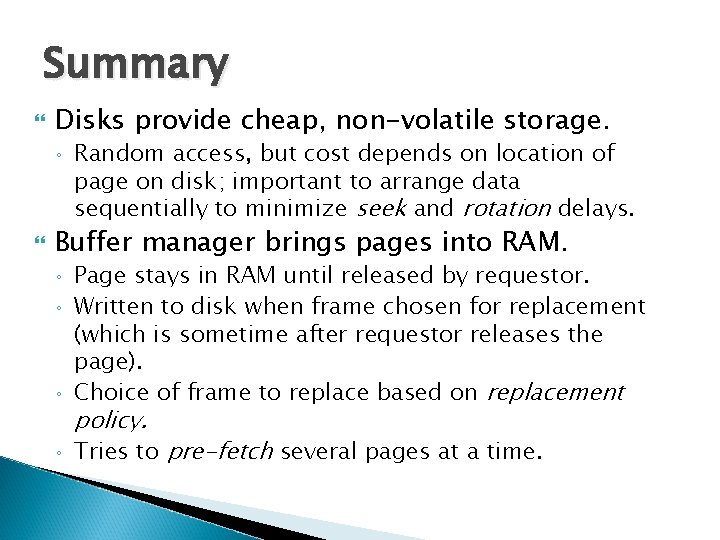
Summary Disks provide cheap, non-volatile storage. ◦ Random access, but cost depends on location of page on disk; important to arrange data sequentially to minimize seek and rotation delays. Buffer manager brings pages into RAM. ◦ Page stays in RAM until released by requestor. Written to disk when frame chosen for replacement (which is sometime after requestor releases the page). Choice of frame to replace based on replacement ◦ Tries to pre-fetch several pages at a time. ◦ ◦ policy.
Summary (Contd. ) DBMS vs. OS File Support ◦ DBMS needs features not found in many OS’s, e. g. , forcing a page to disk, controlling the order of page writes to disk, files spanning disks, ability to control pre-fetching and page replacement policy based on predictable access patterns, etc. Variable length record format with field offset directory offers support for direct access to i’th field and null values. Slotted page format supports variable length records and allows records to move on page.
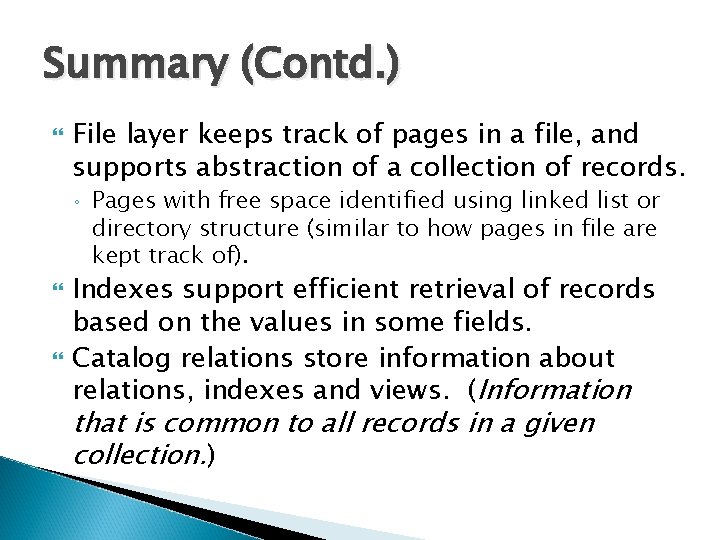
Summary (Contd. ) File layer keeps track of pages in a file, and supports abstraction of a collection of records. ◦ Pages with free space identified using linked list or directory structure (similar to how pages in file are kept track of). Indexes support efficient retrieval of records based on the values in some fields. Catalog relations store information about relations, indexes and views. (Information that is common to all records in a given collection. )
Review questions 1. 2. 3. 4. 5. 6. 7. 8. Explain the working of component of disks. Why not everything can be stored in main memory. How are pages accessed in a disk space. List differences between different RAID levels. What is Disk space management and Buffer management in DBMS. Differentiate between DBMS Vs. File System What is a record and page formats What type of information is stored in system catalogues.