Implement Salesforce and Microsoft Integrations with Ease Damien





- Slides: 49
Implement Salesforce and Microsoft Integrations with Ease Damien Joly Senior Product Manager, Salesforce Matthew Barnhart Senior Product Manager, Salesforce Laurent Kubaski Director, Product Management, Salesforce
Safe Harbor Safe harbor statement under the Private Securities Litigation Reform Act of 1995: This presentation may contain forward-looking statements that involve risks, uncertainties, and assumptions. If any such uncertainties materialize or if any of the assumptions proves incorrect, the results of salesforce. com, inc. could differ materially from the results expressed or implied by the forward-looking statements we make. All statements other than statements of historical fact could be deemed forwardlooking, including any projections of product or service availability, subscriber growth, earnings, revenues, or other financial items and any statements regarding strategies or plans of management for future operations, statements of belief, any statements concerning new, planned, or upgraded services or technology developments and customer contracts or use of our services. The risks and uncertainties referred to above include – but are not limited to – risks associated with developing and delivering new functionality for our service, new products and services, our new business model, our past operating losses, possible fluctuations in our operating results and rate of growth, interruptions or delays in our Web hosting, breach of our security measures, the outcome of any litigation, risks associated with completed any possible mergers and acquisitions, the immature market in which we operate, our relatively limited operating history, our ability to expand, retain, and motivate our employees and manage our growth, new releases of our service and successful customer deployment, our limited history reselling non-salesforce. com products, and utilization and selling to larger enterprise customers. Further information on potential factors that could affect the financial results of salesforce. com, inc. is included in our annual report on Form 10 -K for the most recent fiscal year and in our quarterly report on Form 10 -Q for the most recent fiscal quarter. These documents and others containing important disclosures are available on the SEC Filings section of the Investor Information section of our Web site. Any unreleased services or features referenced in this or other presentations, press releases or public statements are not currently available and may not be delivered on time or at all. Customers who purchase our services should make the purchase decisions based upon features that are currently available. Salesforce. com, inc. assumes no obligation and does not intend to update these forward-looking statements.
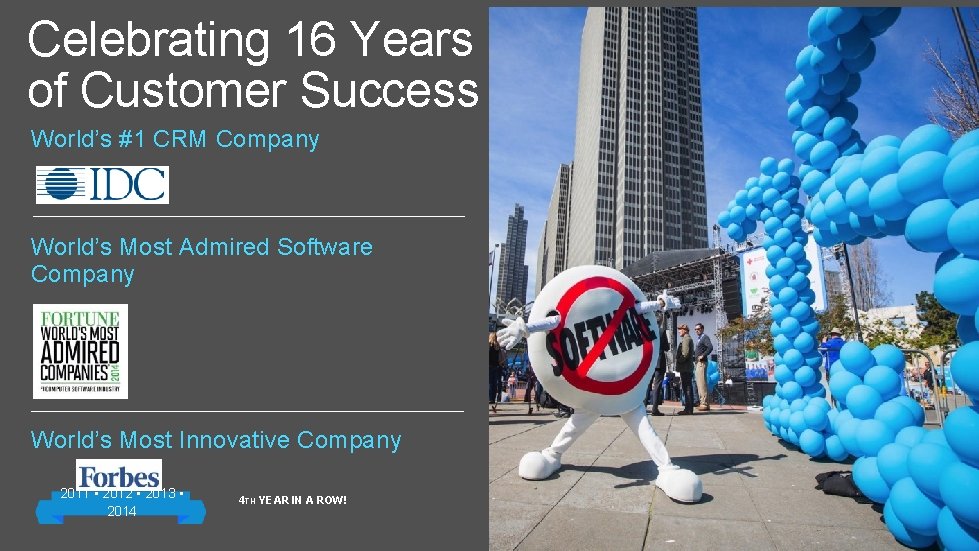
Celebrating 16 Years of Customer Success World’s #1 CRM Company World’s Most Admired Software Company World’s Most Innovative Company 2011 • 2012 • 2013 • 2014 4 TH YEAR IN A ROW! Office Productivity Tools
The Leader in Office Productivity Applications Over 1. 2 B Office Users Worldwide!
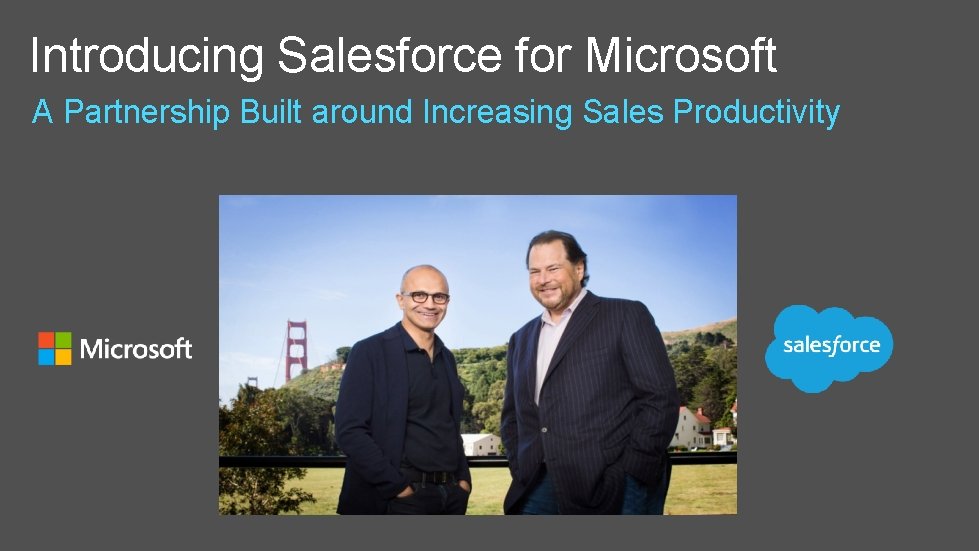
Introducing Salesforce for Microsoft A Partnership Built around Increasing Sales Productivity
“We are excited to partner with Salesforce. Working together, we’ll deliver new solutions that connect the customer insights of Salesforce to the cloud productivity of Office 365” - Satya Nadella, CEO of Microsoft
“Together with Microsoft, we are building bridges that allow customers to be more productive” - Marc Benioff, Chairman and CEO, Salesforce
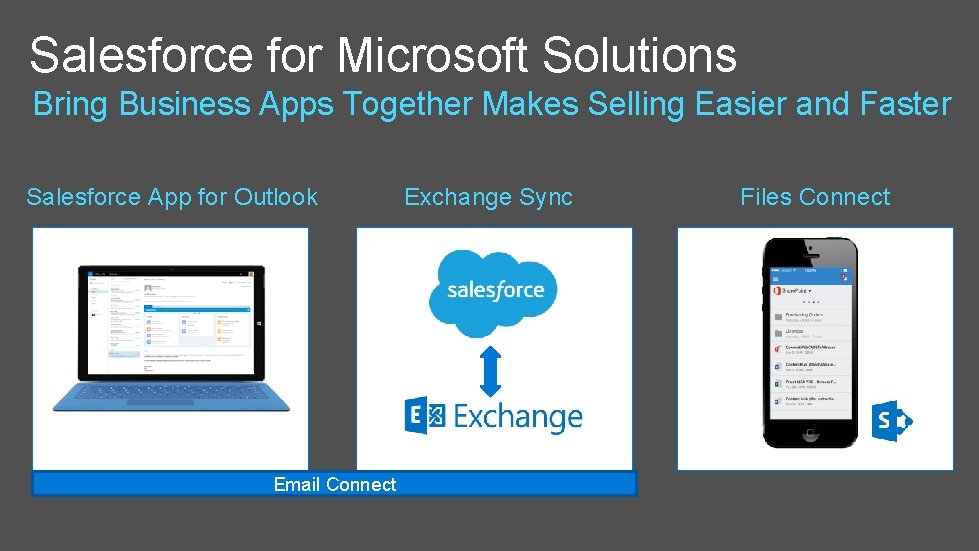
Salesforce for Microsoft Solutions Bring Business Apps Together Makes Selling Easier and Faster Salesforce App for Outlook Email Connect Exchange Sync Files Connect
Salesforce App for Outlook Damien Joly Senior Product Manager
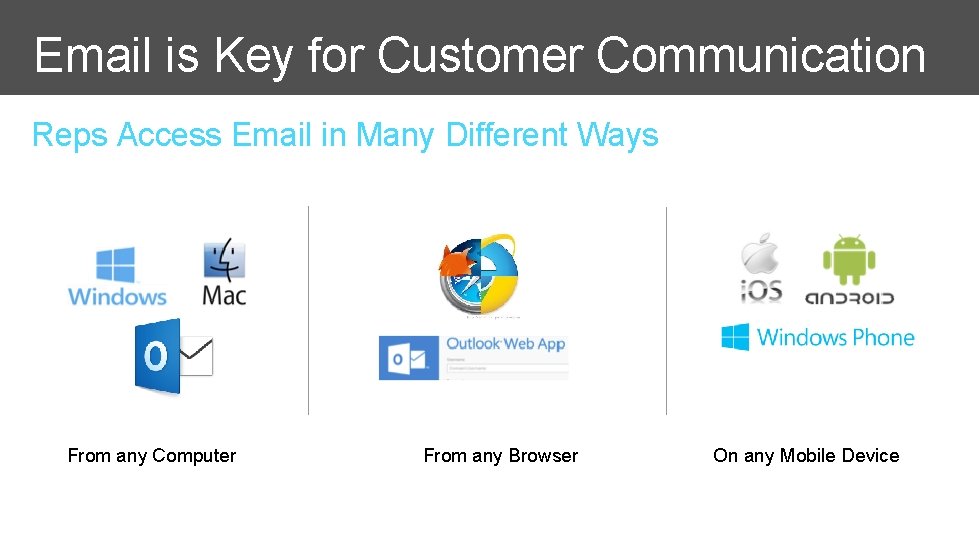
Email is Key for Customer Communication Reps Access Email in Many Different Ways From any Computer From any Browser On any Mobile Device
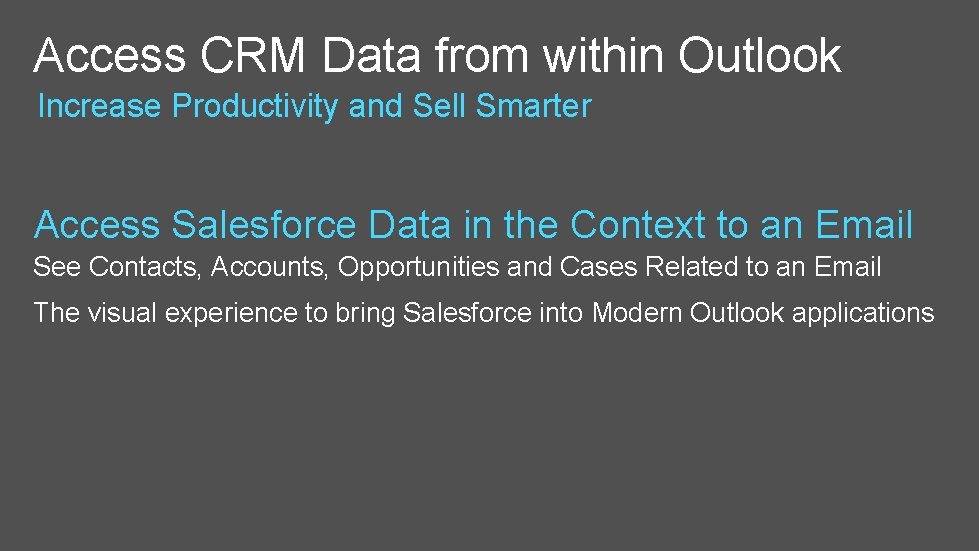
Access CRM Data from within Outlook Increase Productivity and Sell Smarter Access Salesforce Data in the Context to an Email See Contacts, Accounts, Opportunities and Cases Related to an Email The visual experience to bring Salesforce into Modern Outlook applications
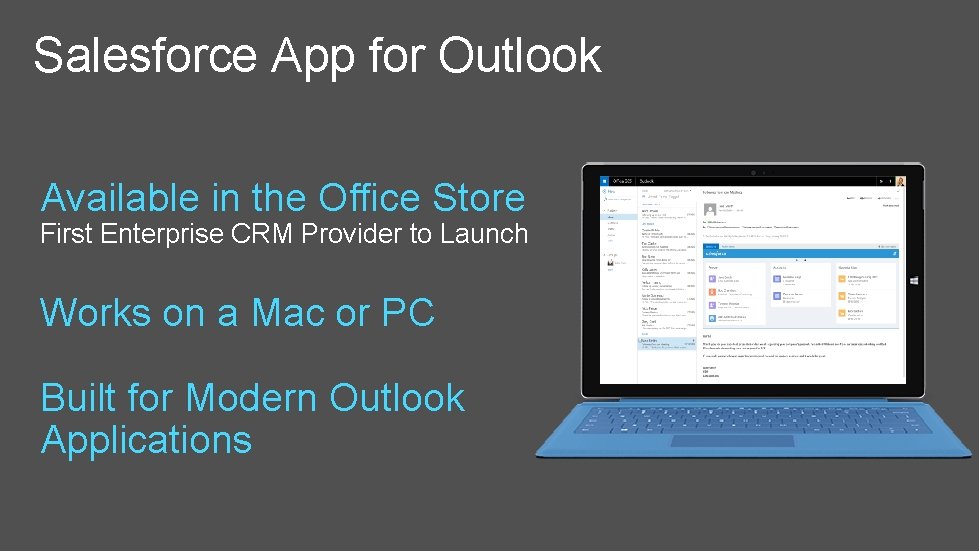
Salesforce App for Outlook Available in the Office Store First Enterprise CRM Provider to Launch Works on a Mac or PC Built for Modern Outlook Applications
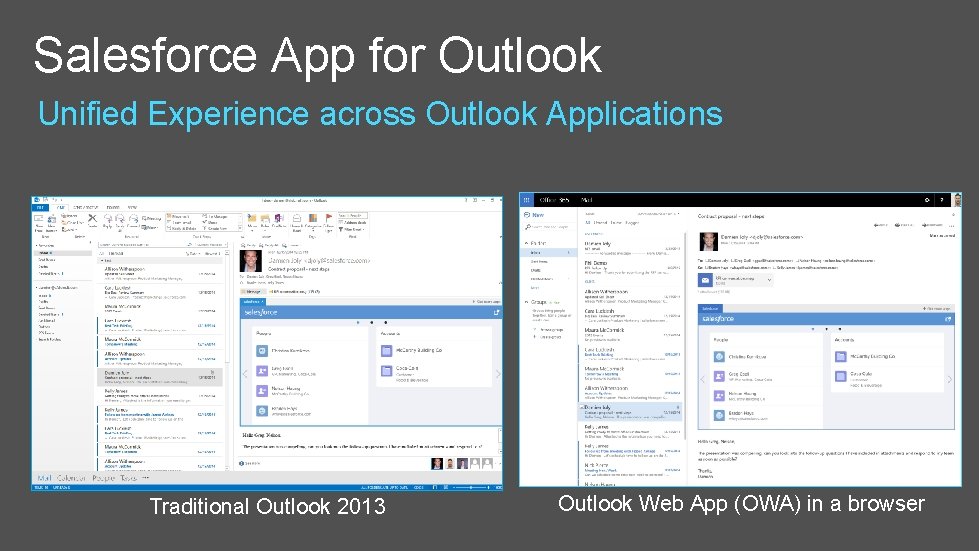
Salesforce App for Outlook Unified Experience across Outlook Applications Traditional Outlook 2013 Outlook Web App (OWA) in a browser
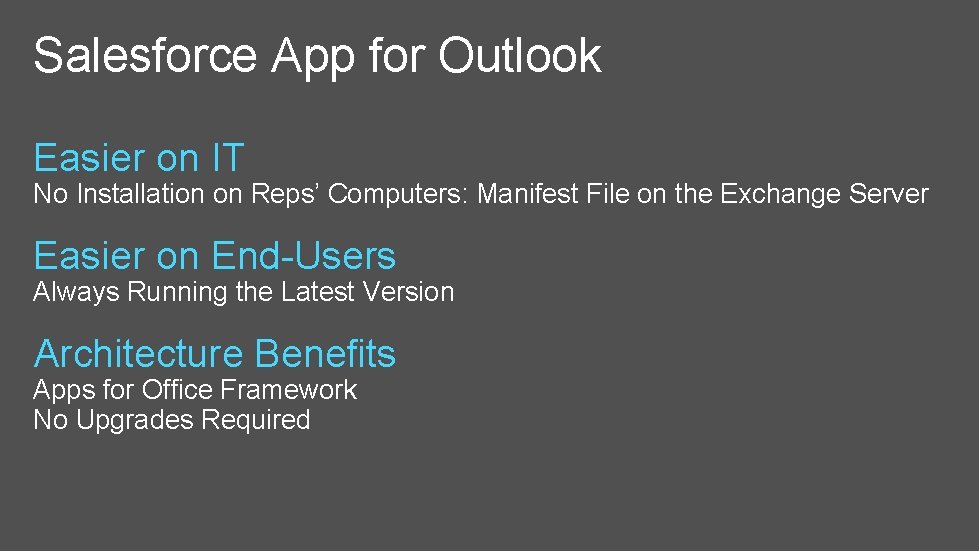
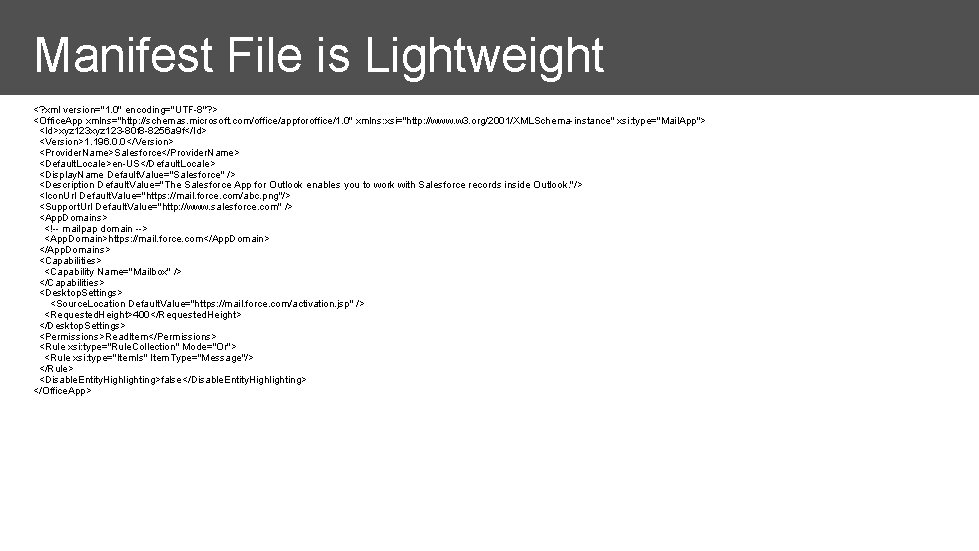
Salesforce App for Outlook Easier on IT No Installation on Reps’ Computers: Manifest File on the Exchange Server Easier on End-Users Always Running the Latest Version Architecture Benefits Apps for Office Framework No Upgrades Required
Manifest File is Lightweight <? xml version="1. 0" encoding="UTF-8"? > <Office. App xmlns="http: //schemas. microsoft. com/office/appforoffice/1. 0" xmlns: xsi="http: //www. w 3. org/2001/XMLSchema-instance" xsi: type="Mail. App"> <Id>xyz 123 -80 f 8 -8256 a 9 f</Id> <Version>1. 196. 0. 0</Version> <Provider. Name>Salesforce</Provider. Name> <Default. Locale>en-US</Default. Locale> <Display. Name Default. Value="Salesforce" /> <Description Default. Value="The Salesforce App for Outlook enables you to work with Salesforce records inside Outlook. "/> <Icon. Url Default. Value="https: //mail. force. com/abc. png"/> <Support. Url Default. Value="http: //www. salesforce. com" /> <App. Domains> <!-- mailpap domain --> <App. Domain>https: //mail. force. com</App. Domain> </App. Domains> <Capabilities> <Capability Name="Mailbox" /> </Capabilities> <Desktop. Settings> <Source. Location Default. Value="https: //mail. force. com/activation. jsp" /> <Requested. Height>400</Requested. Height> </Desktop. Settings> <Permissions>Read. Item</Permissions> <Rule xsi: type="Rule. Collection" Mode="Or"> <Rule xsi: type="Item. Is" Item. Type="Message"/> </Rule> <Disable. Entity. Highlighting>false</Disable. Entity. Highlighting> </Office. App>
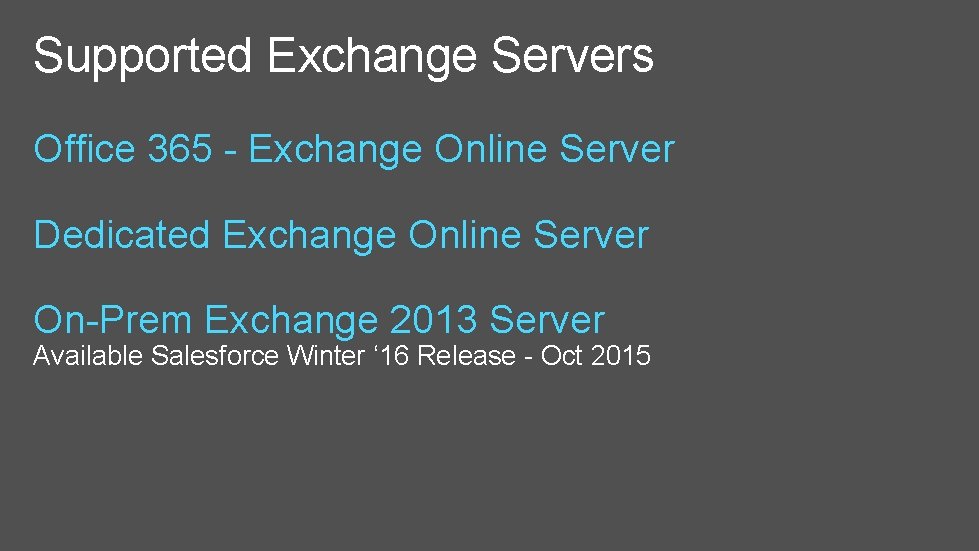
Supported Exchange Servers Office 365 - Exchange Online Server Dedicated Exchange Online Server On-Prem Exchange 2013 Server Available Salesforce Winter ‘ 16 Release - Oct 2015
Demo Getting the App and First Time Use
More Information Release Notes, Help & Training http: //sforce. co/1 EUwr. Hp Success Community Salesforce for Outlook & Email Connect
Exchange Sync Matthew Barnhart Senior Product Manager
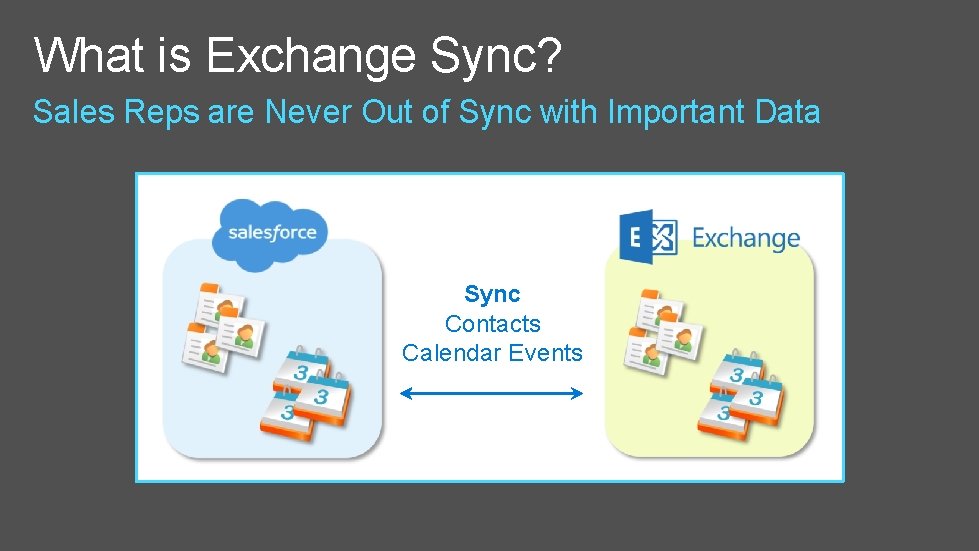
What is Exchange Sync? Sales Reps are Never Out of Sync with Important Data Sync Contacts Calendar Events
Demo Calendar Sync
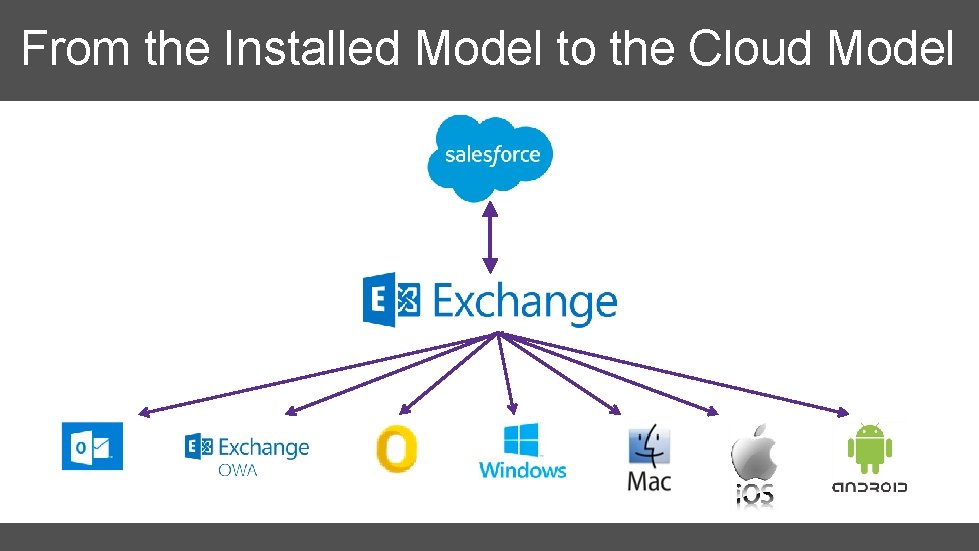
Exchange Sync Extends Salesforce’s Reach Always Working Server-to-Server Sync Runs in the Background Compatible with Any Exchange-Connected Device Windows, Mac, i. OS, Android Easier on IT Nothing to Install; Central Maintenance
From the Installed Model to the Cloud Model
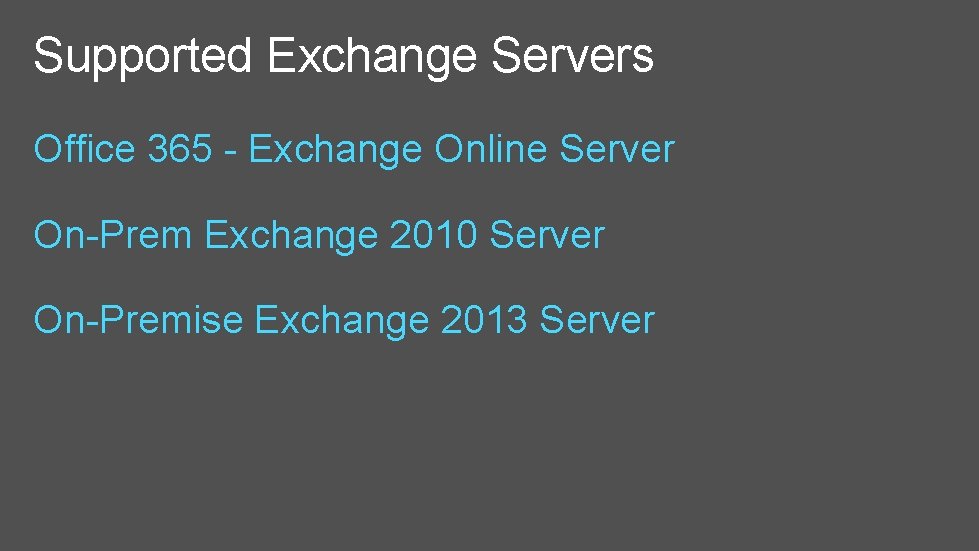
Supported Exchange Servers Office 365 - Exchange Online Server On-Prem Exchange 2010 Server On-Premise Exchange 2013 Server
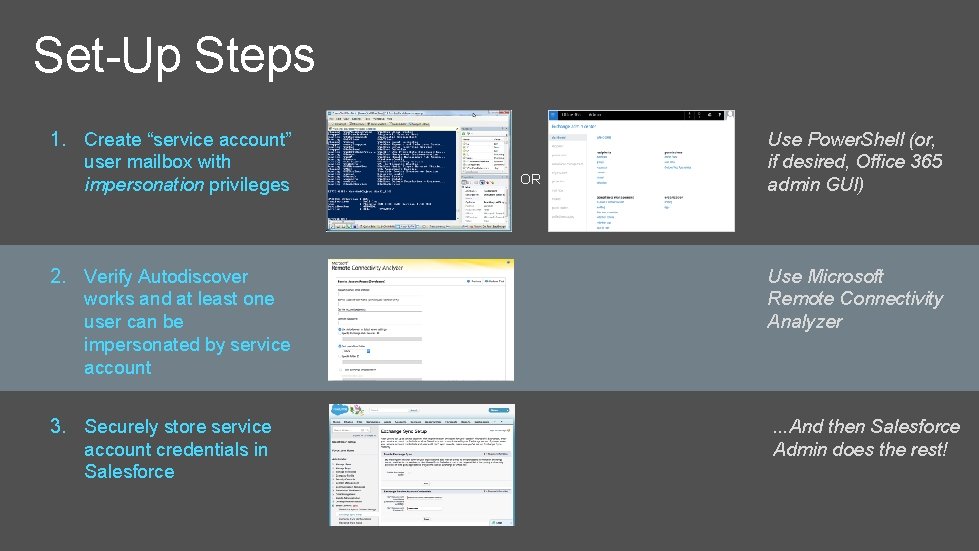
Set-Up Steps 1. Create “service account” user mailbox with impersonation privileges OR Use Power. Shell (or, if desired, Office 365 admin GUI) 2. Verify Autodiscover works and at least one user can be impersonated by service account Use Microsoft Remote Connectivity Analyzer 3. Securely store service account credentials in Salesforce . . . And then Salesforce Admin does the rest!
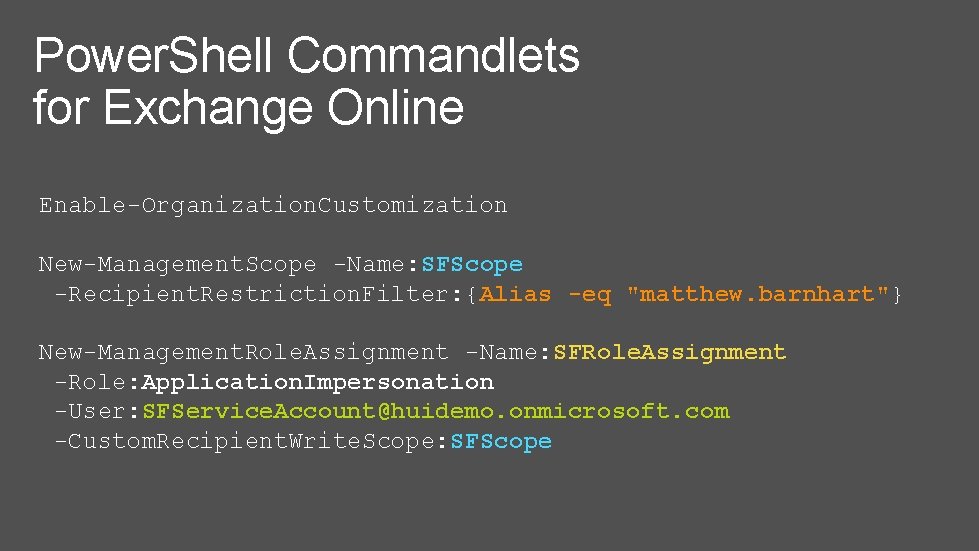
Power. Shell Commandlets for Exchange Online Enable-Organization. Customization New-Management. Scope -Name: SFScope -Recipient. Restriction. Filter: {Alias -eq "matthew. barnhart"} New-Management. Role. Assignment -Name: SFRole. Assignment -Role: Application. Impersonation -User: SFService. Account@huidemo. onmicrosoft. com -Custom. Recipient. Write. Scope: SFScope
Exchange Sync Demo Configuration and test
More Information Exchange Sync admin/implementation guide (PDF): http: //sfdc. co/bx. P 81 V Exchange Sync admin/implementation guide (HTML): http: //sfdc. co/b. LKWu 5 Exchange setup video (Power. Shell): http: //sfdc. co/b 2 Pa. ZN Exchange setup video (Office 365 admin GUI): http: //sfdc. co/YK 7 pr Salesforce Success Community: http: //sfdc. co/bu 84 t 7
Files Connect Laurent Kubaski Director, Product Management
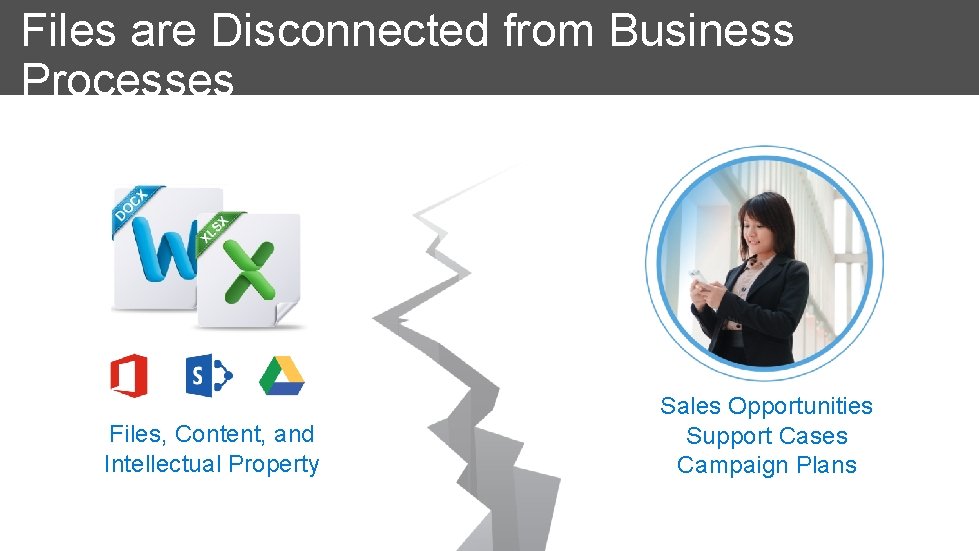
Files are Disconnected from Business Processes Files, Content, and Intellectual Property Sales Opportunities Support Cases Campaign Plans
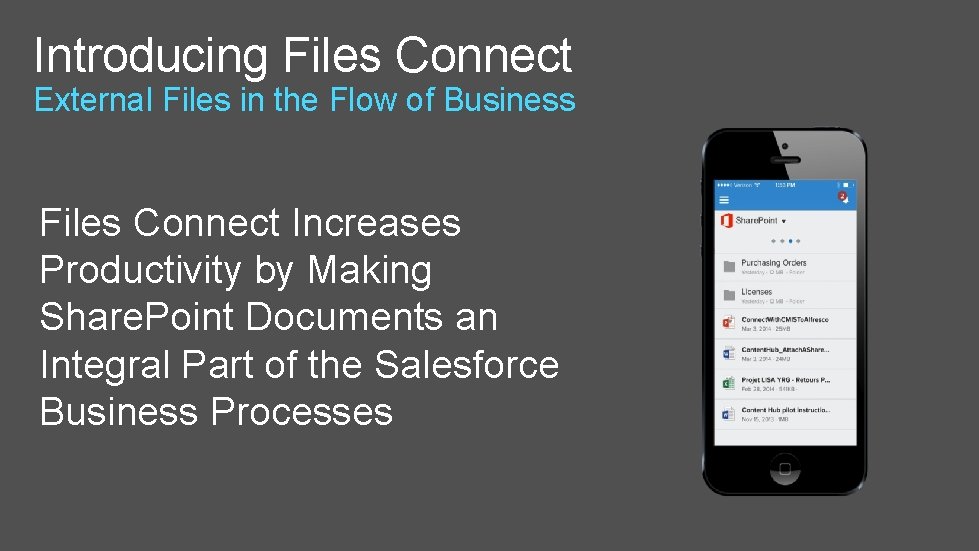
Introducing Files Connect External Files in the Flow of Business Files Connect Increases Productivity by Making Share. Point Documents an Integral Part of the Salesforce Business Processes
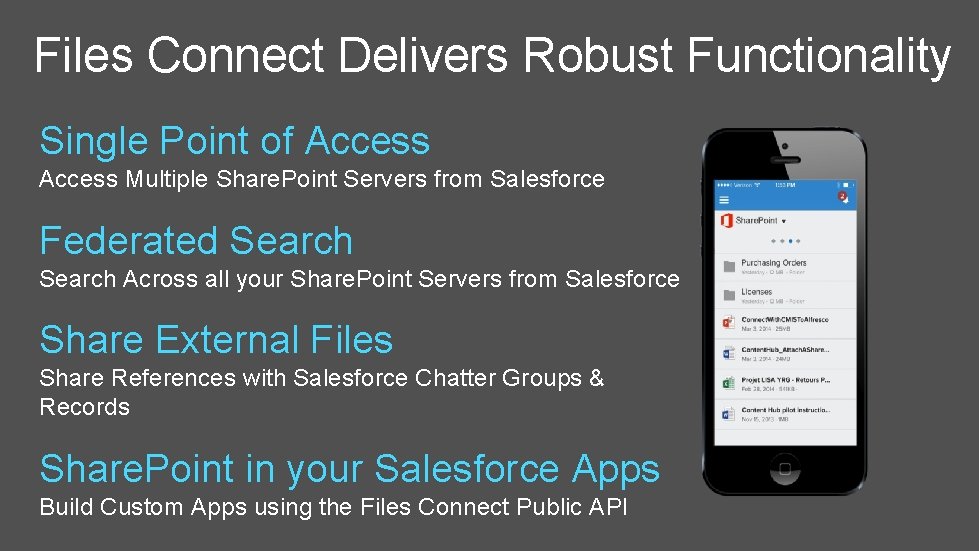
Files Connect Delivers Robust Functionality Single Point of Access Multiple Share. Point Servers from Salesforce Federated Search Across all your Share. Point Servers from Salesforce Share External Files Share References with Salesforce Chatter Groups & Records Share. Point in your Salesforce Apps Build Custom Apps using the Files Connect Public API
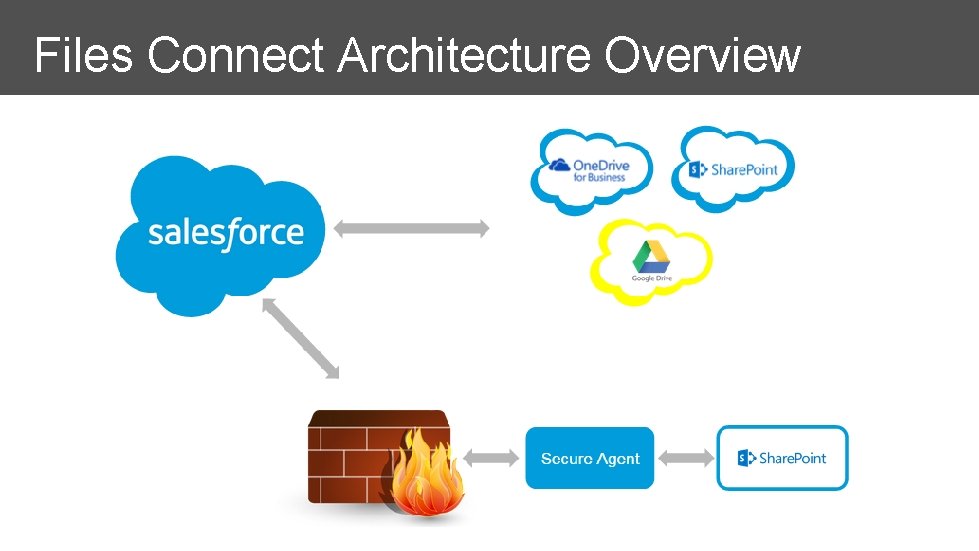
Files Connect Architecture Overview
Files Connect Demo
Hands-on: Connecting to Share. Point Online
More Information Success Community: http: //sforce. co/13 u. I 6 v. C Online Help: http: //sforce. co/1 EAp. A 02
+ Worlds #1 CRM + World’s #1 Productivity Suite = Customer Success!
Learn More! + Come See How Salesforce and Microsoft are partnering to drive customer Success Visit Us at Booth #124 Hear more about the Salesforce and Microsoft Partnership at our Theater Session Wednesday @12: 35 pm Location: Expo Hall - Lounge A Implement Salesforce & Microsoft Integrations with Ease Wednesday @1: 30 pm Location: Same Room
Questions?
Thank You!
http: //myignite. microsoft. com
© 2015 Microsoft Corporation. All rights reserved.
Appendix
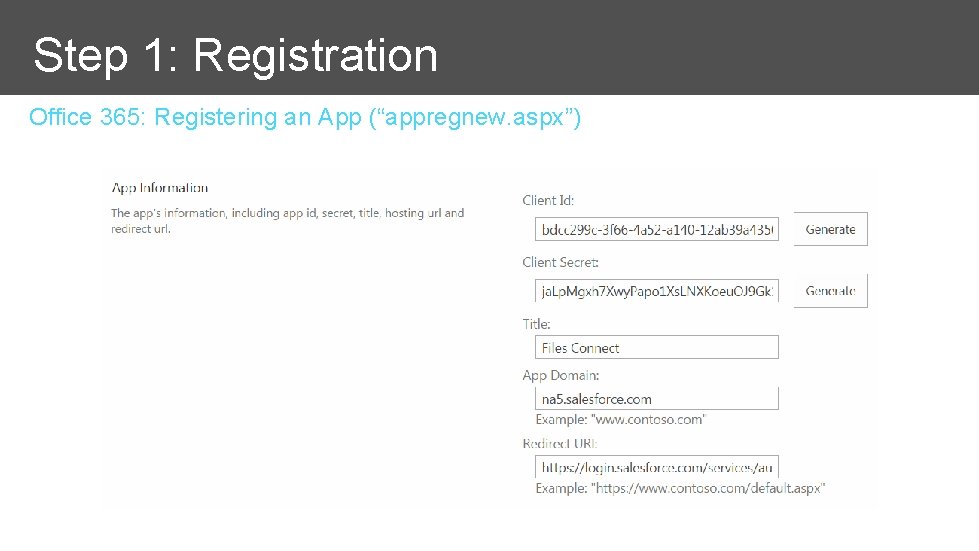
Step 1: Registration Office 365: Registering an App (“appregnew. aspx”)
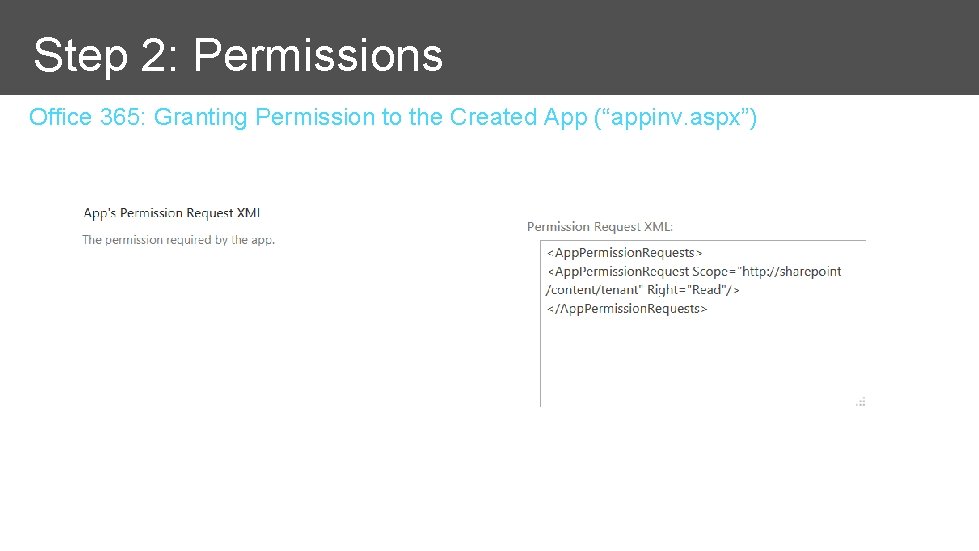
Step 2: Permissions Office 365: Granting Permission to the Created App (“appinv. aspx”)
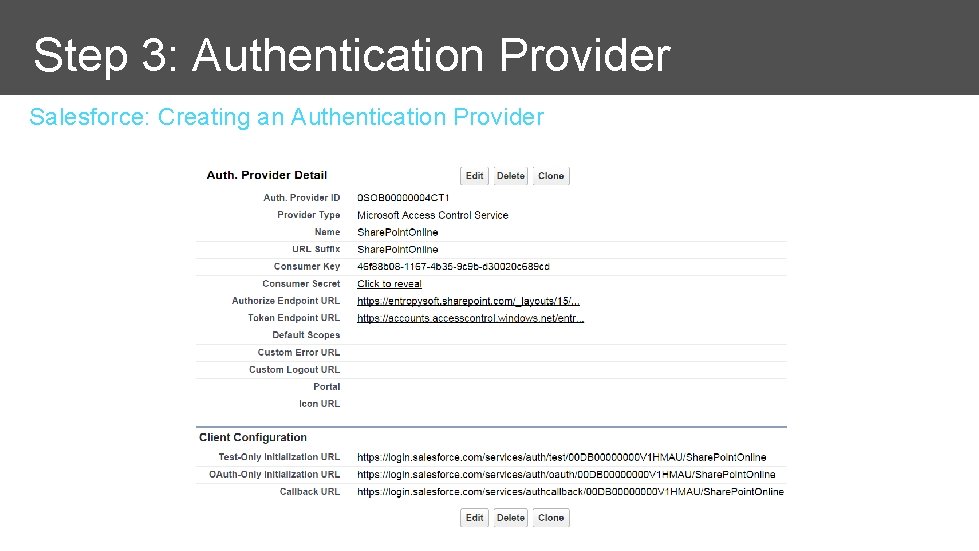
Step 3: Authentication Provider Salesforce: Creating an Authentication Provider
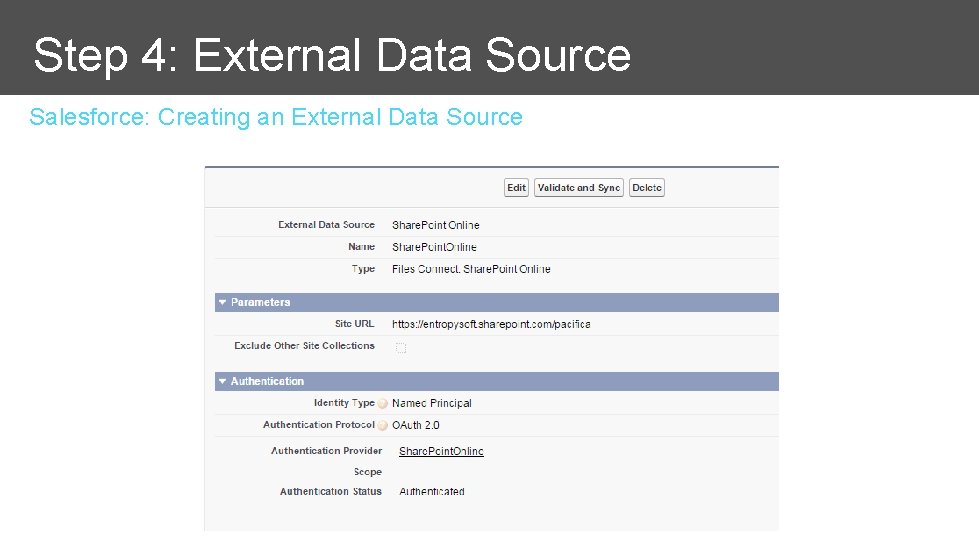
Step 4: External Data Source Salesforce: Creating an External Data Source
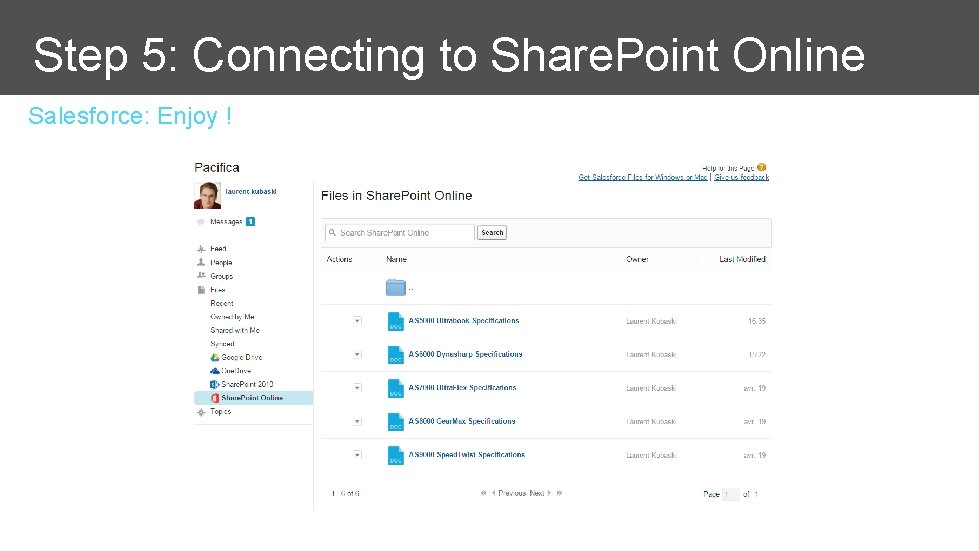
Step 5: Connecting to Share. Point Online Salesforce: Enjoy !