Services for Sensitive Research Data Iozzi Maria Francesca
- Slides: 31
Services for Sensitive Research Data Iozzi Maria Francesca, Group Leader & Nihal D. Perera , Senior Engineer Research Support Services Group ”Services for Sensitive Data” University Center for Information Technology (USIT) University of Oslo
Outline Part I : Introduction Part II : Getting started Part III : More and more difficult… Gard Thomassen, TSD 2. 0
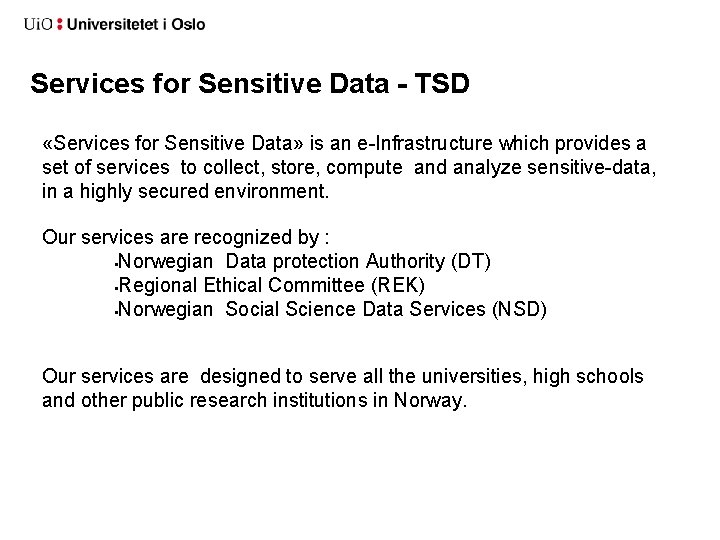
Services for Sensitive Data - TSD «Services for Sensitive Data» is an e-Infrastructure which provides a set of services to collect, store, compute and analyze sensitive-data, in a highly secured environment. Our services are recognized by : Norwegian Data protection Authority (DT) Regional Ethical Committee (REK) Norwegian Social Science Data Services (NSD) Our services are designed to serve all the universities, high schools and other public research institutions in Norway.
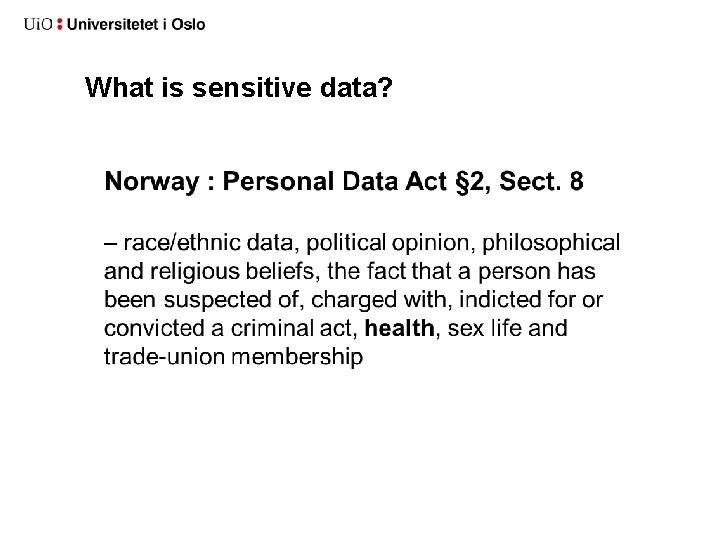
What is sensitive data?
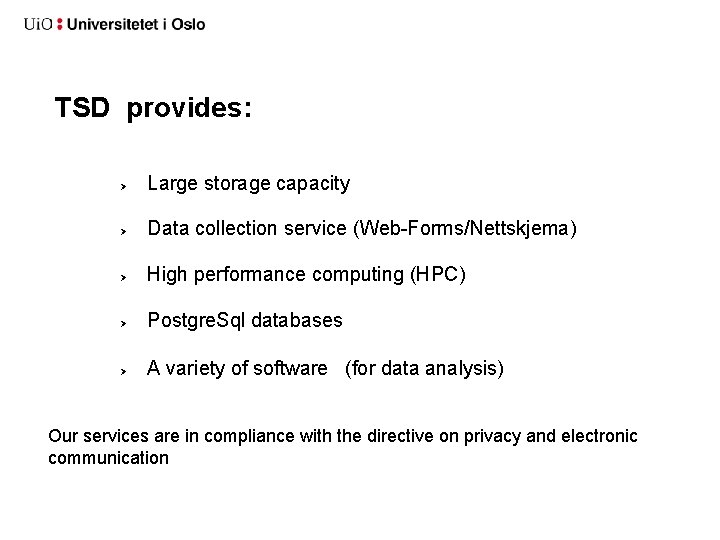
TSD provides: Large storage capacity Data collection service (Web-Forms/Nettskjema) High performance computing (HPC) Postgre. Sql databases A variety of software (for data analysis) Our services are in compliance with the directive on privacy and electronic communication
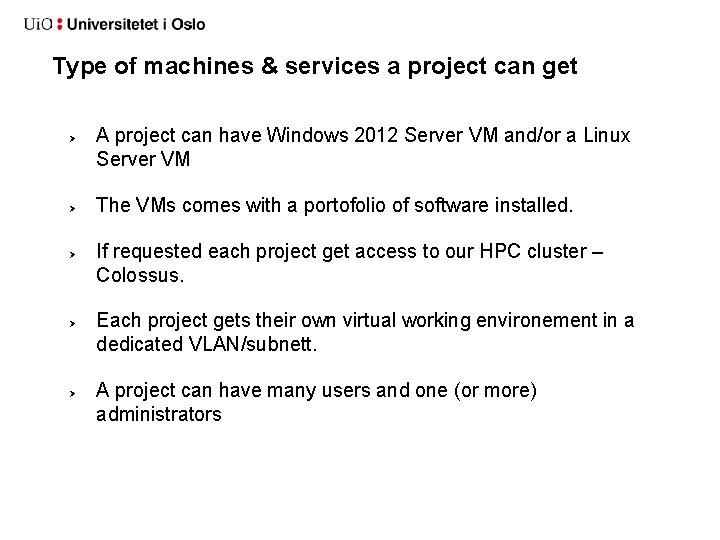
Type of machines & services a project can get A project can have Windows 2012 Server VM and/or a Linux Server VM The VMs comes with a portofolio of software installed. If requested each project get access to our HPC cluster – Colossus. Each project gets their own virtual working environement in a dedicated VLAN/subnett. A project can have many users and one (or more) administrators
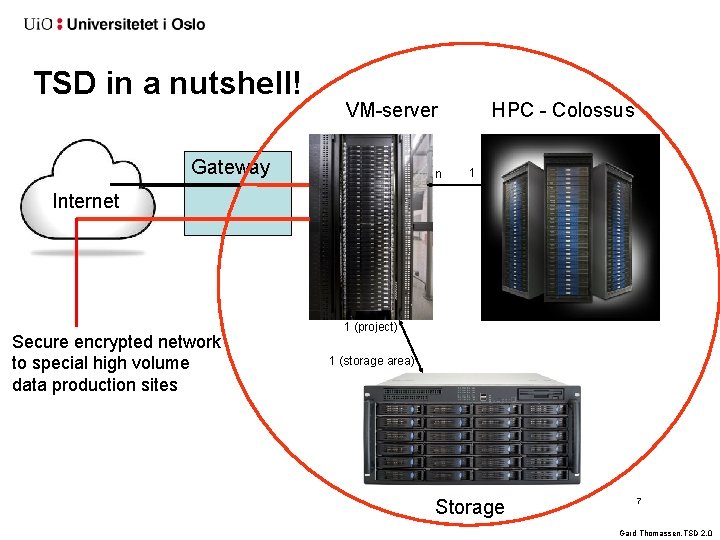
TSD in a nutshell! VM-server Gateway n HPC - Colossus 1 Internet Secure encrypted network to special high volume data production sites 1 (project) 1 (storage area) Storage 7 Gard Thomassen, TSD 2. 0
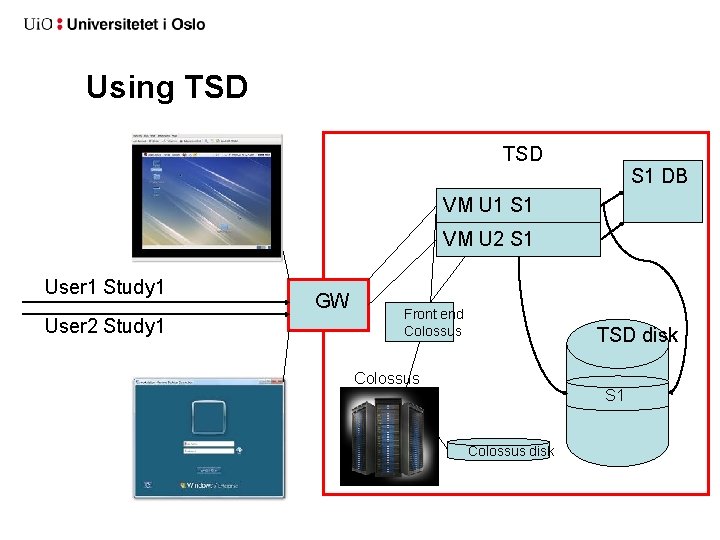
Using TSD S 1 DB VM U 1 S 1 VM U 2 S 1 User 1 Study 1 User 2 Study 1 GW Front end Colossus TSD disk Colossus S 1 Colossus disk
Demo I am a researcher and I would like to start using TSD…. Order storage and computing power on TSD.
Part II How to log in How to change the password Filesystem and directories structure How to import/export file How to set up nettskjema in TSD How to submit jobs on Colossus Cluster I have done a mess! What shall I do?
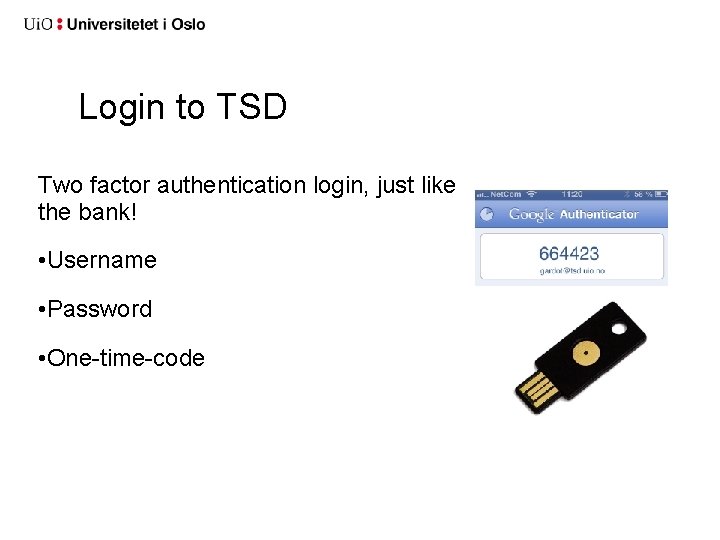
Login to TSD Two factor authentication login, just like the bank! • Username • Password • One-time-code
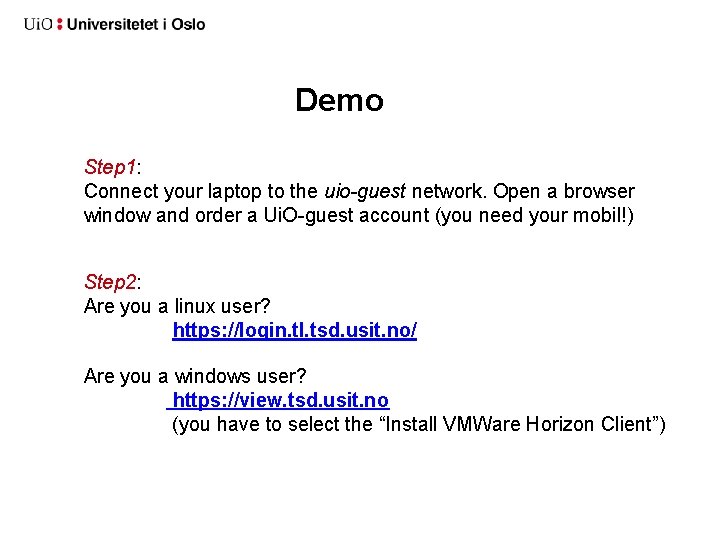
Demo Step 1: Connect your laptop to the uio-guest network. Open a browser window and order a Ui. O-guest account (you need your mobil!) Step 2: Are you a linux user? https: //login. tl. tsd. usit. no/ Are you a windows user? https: //view. tsd. usit. no (you have to select the “Install VMWare Horizon Client”)
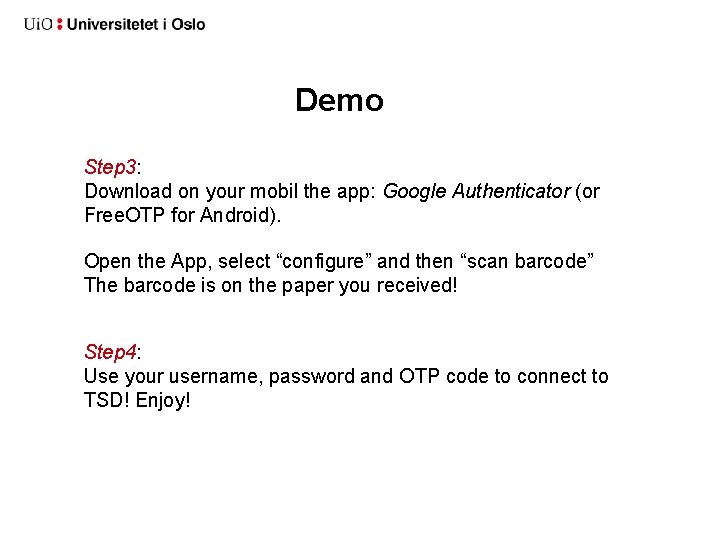
Demo Step 3: Download on your mobil the app: Google Authenticator (or Free. OTP for Android). Open the App, select “configure” and then “scan barcode” The barcode is on the paper you received! Step 4: Use your username, password and OTP code to connect to TSD! Enjoy!
Demo: How to change password? Open a browser in TSD and type: https: //brukerinfo. tsd. usit. no
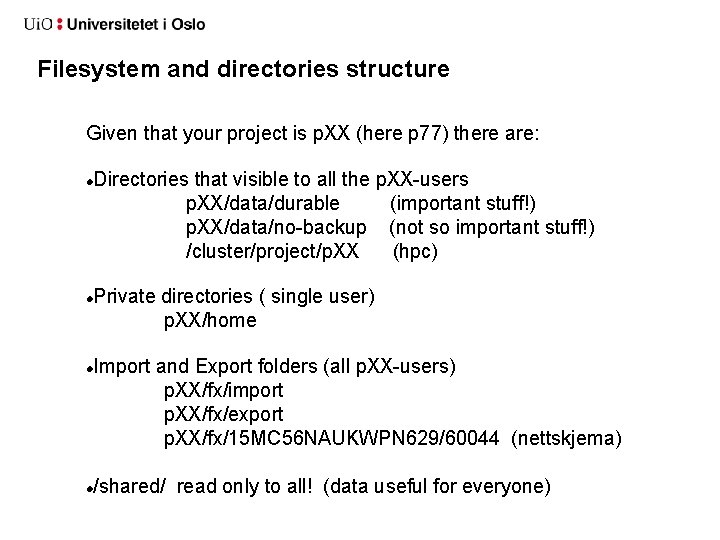
Filesystem and directories structure Given that your project is p. XX (here p 77) there are: Directories that visible to all the p. XX-users p. XX/data/durable (important stuff!) p. XX/data/no-backup (not so important stuff!) /cluster/project/p. XX (hpc) Private directories ( single user) p. XX/home Import and Export folders (all p. XX-users) p. XX/fx/import p. XX/fx/export p. XX/fx/15 MC 56 NAUKWPN 629/60044 (nettskjema) /shared/ read only to all! (data useful for everyone)
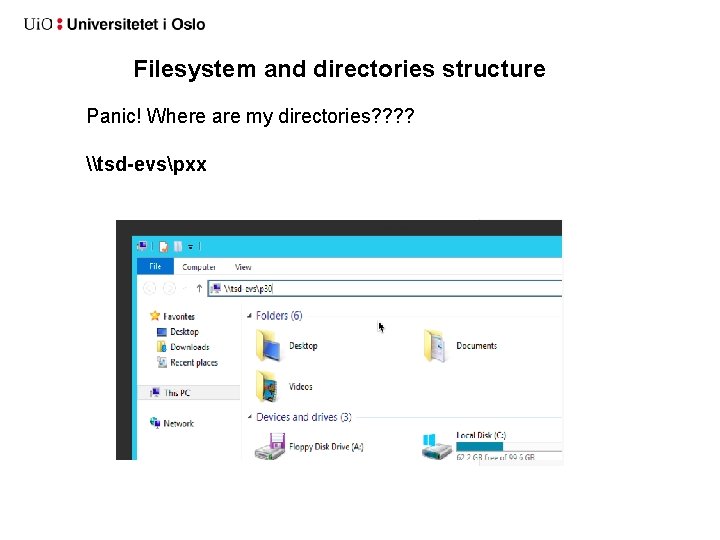
Filesystem and directories structure Panic! Where are my directories? ? \tsd-evspxx
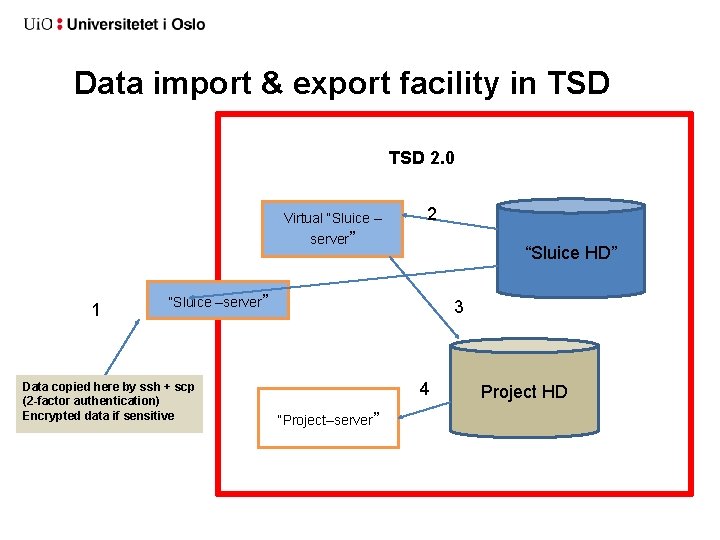
Data import & export facility in TSD
Data import & export facility in TSD 2. 0 Virtual “Sluice – server” 1 2 “Sluice HD” “Sluice –server” Data copied here by ssh + scp (2 -factor authentication) Encrypted data if sensitive 3 4 “Project–server” Project HD
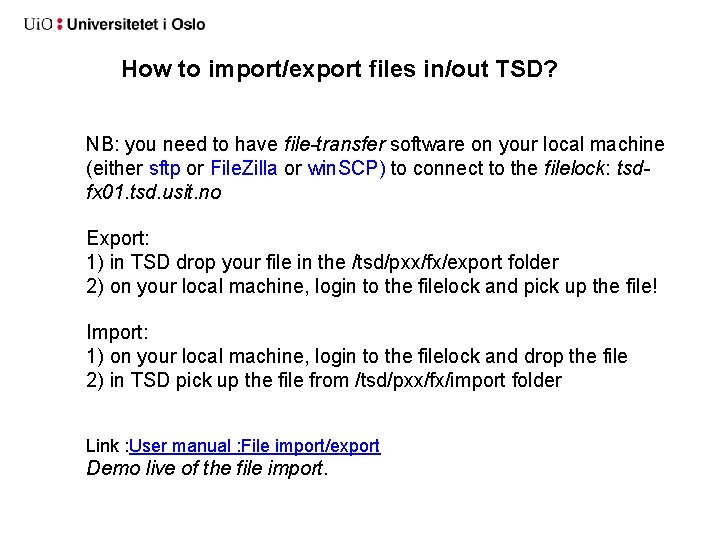
How to import/export files in/out TSD? NB: you need to have file-transfer software on your local machine (either sftp or File. Zilla or win. SCP) to connect to the filelock: tsdfx 01. tsd. usit. no Export: 1) in TSD drop your file in the /tsd/pxx/fx/export folder 2) on your local machine, login to the filelock and pick up the file! Import: 1) on your local machine, login to the filelock and drop the file 2) in TSD pick up the file from /tsd/pxx/fx/import folder Link : User manual : File import/export Demo live of the file import.
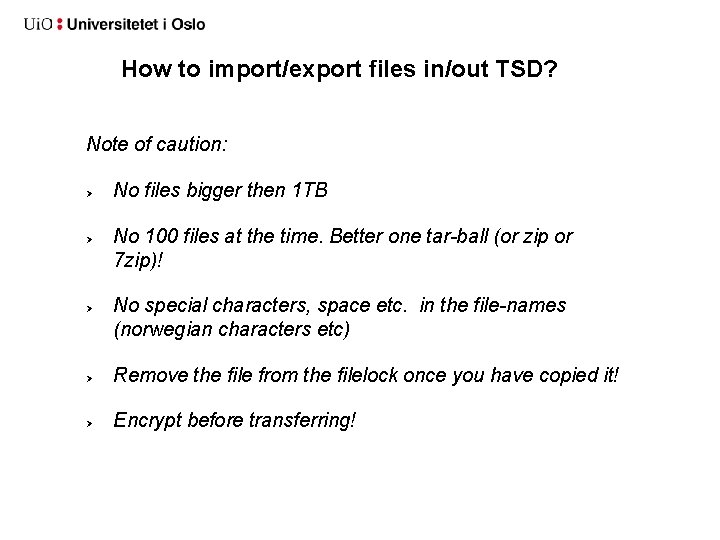
How to import/export files in/out TSD? Note of caution: No files bigger then 1 TB No 100 files at the time. Better one tar-ball (or zip or 7 zip)! No special characters, space etc. in the file-names (norwegian characters etc) Remove the file from the filelock once you have copied it! Encrypt before transferring!
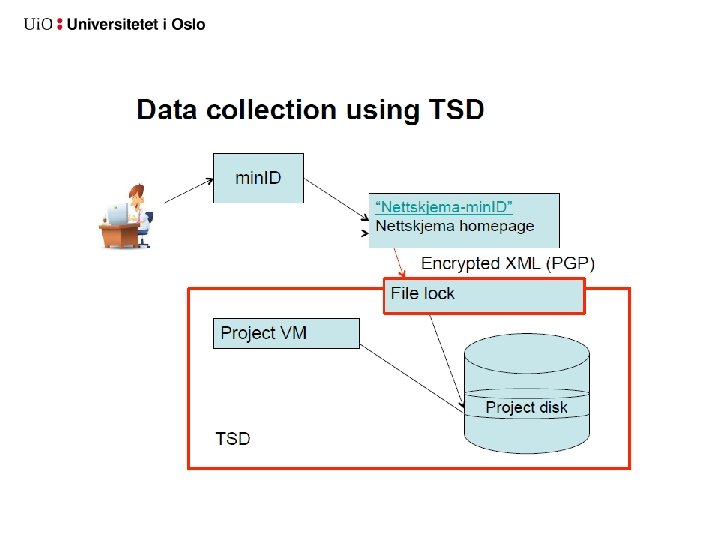
SECURE DATA COLLECTION FACILITY IN TSD
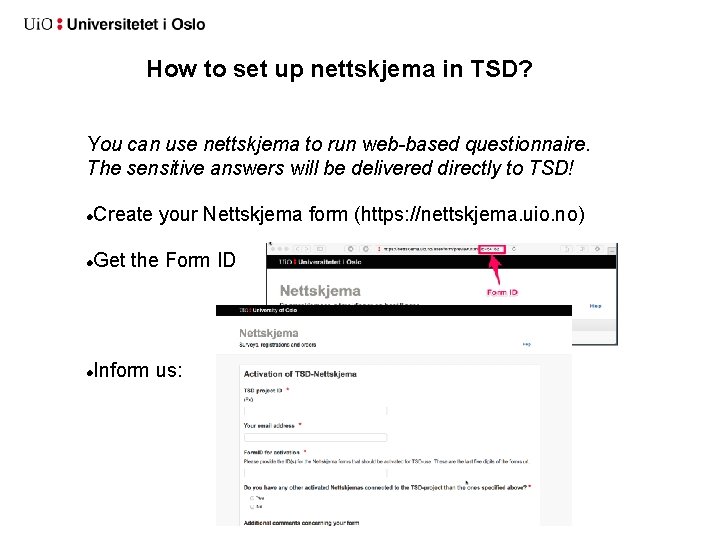
How to set up nettskjema in TSD? You can use nettskjema to run web-based questionnaire. The sensitive answers will be delivered directly to TSD! Create your Nettskjema form (https: //nettskjema. uio. no) Get the Form ID Inform us:
How to set up nettskjema in TSD? . . . we need to create an encryption key for you. (secret and public key pairs). Once we are ready: Your nettskjema answers will appear in here: /tsd/pxx/fx/import/sns/SBHA 5 SJDKS 8 KW 8/<FORM ID>/ The answers are encrypted. Use either Kleopatra or GPA (windows) or gpg (linux) to decrypt them. The keys are stored in: /tsd/pxx/data/durable/pxx. GPG/ With Kleopatra or GPA, you need to import the secret key at the first use:
High performance computing in TSD (HPC)
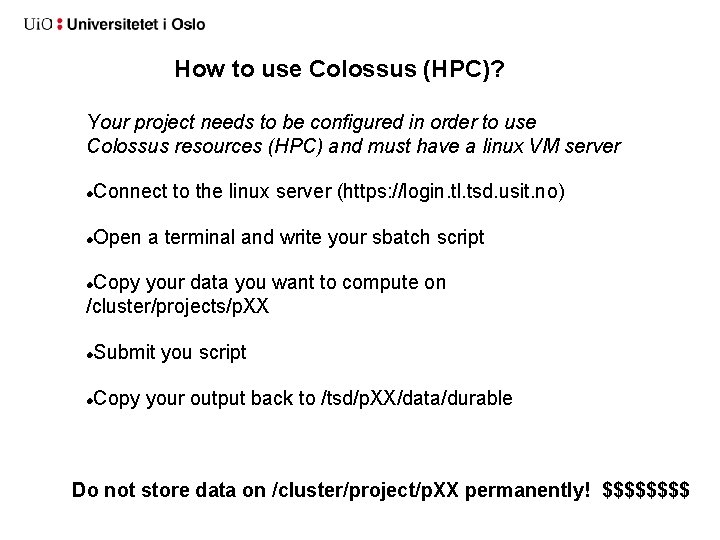
How to use Colossus (HPC)? Your project needs to be configured in order to use Colossus resources (HPC) and must have a linux VM server Connect to the linux server (https: //login. tl. tsd. usit. no) Open a terminal and write your sbatch script Copy your data you want to compute on /cluster/projects/p. XX Submit you script Copy your output back to /tsd/p. XX/data/durable Do not store data on /cluster/project/p. XX permanently! $$$$
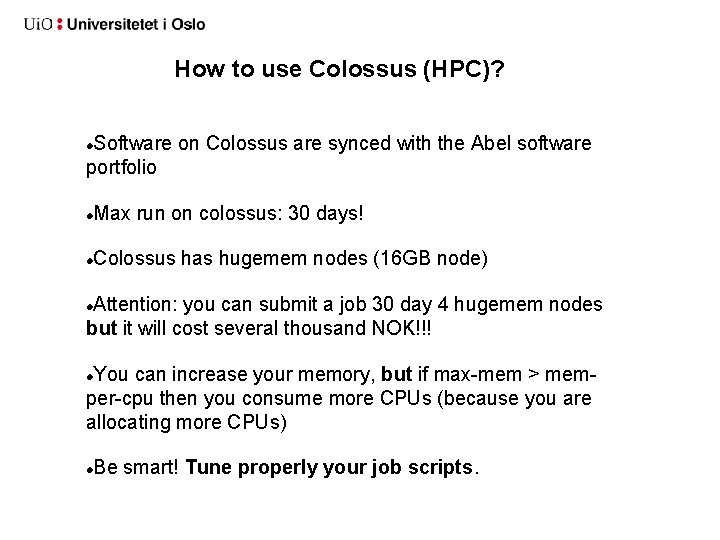
How to use Colossus (HPC)? Software on Colossus are synced with the Abel software portfolio Max run on colossus: 30 days! Colossus has hugemem nodes (16 GB node) Attention: you can submit a job 30 day 4 hugemem nodes but it will cost several thousand NOK!!! You can increase your memory, but if max-mem > memper-cpu then you consume more CPUs (because you are allocating more CPUs) Be smart! Tune properly your job scripts.
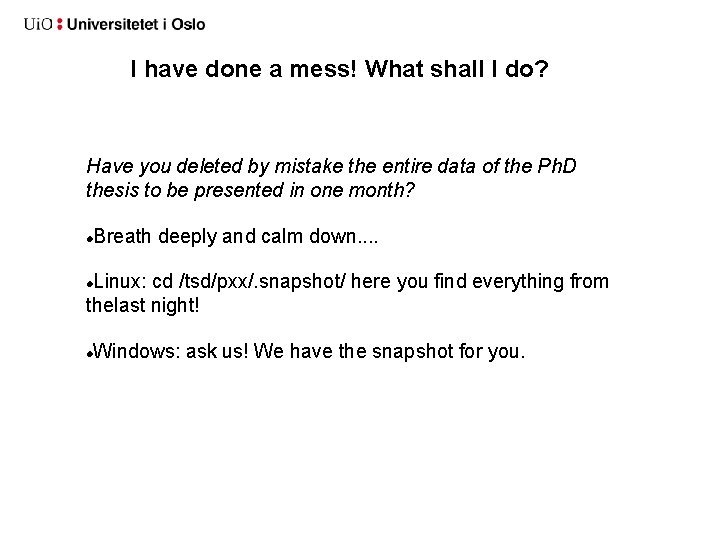
I have done a mess! What shall I do? Have you deleted by mistake the entire data of the Ph. D thesis to be presented in one month? Breath deeply and calm down. . Linux: cd /tsd/pxx/. snapshot/ here you find everything from thelast night! Windows: ask us! We have the snapshot for you.
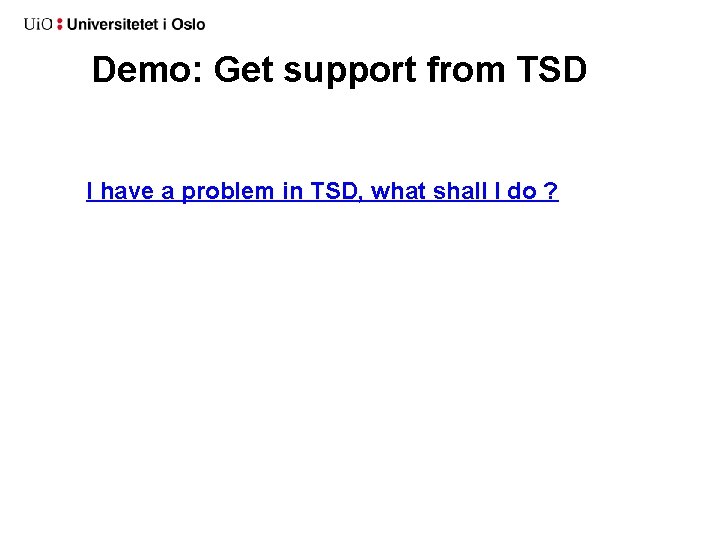
Demo: Get support from TSD I have a problem in TSD, what shall I do ?
Part III • How to Install a software without internet on your linux VM • How to check the integrity of a file after import • How to decrypt a file in TSD