Introduction To Files In Pascal In this section
- Slides: 29
Introduction To Files In Pascal In this section of notes you will learn how to read from and write to files in Pascal. James Tam
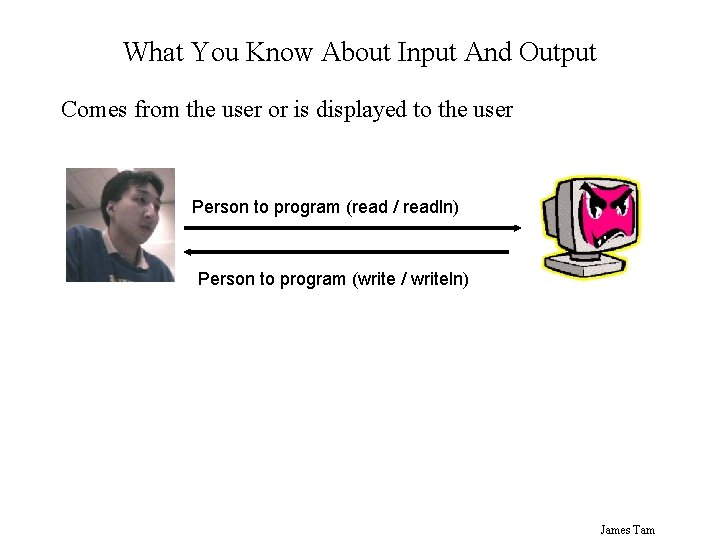
What You Know About Input And Output Comes from the user or is displayed to the user Person to program (read / readln) Person to program (write / writeln) James Tam
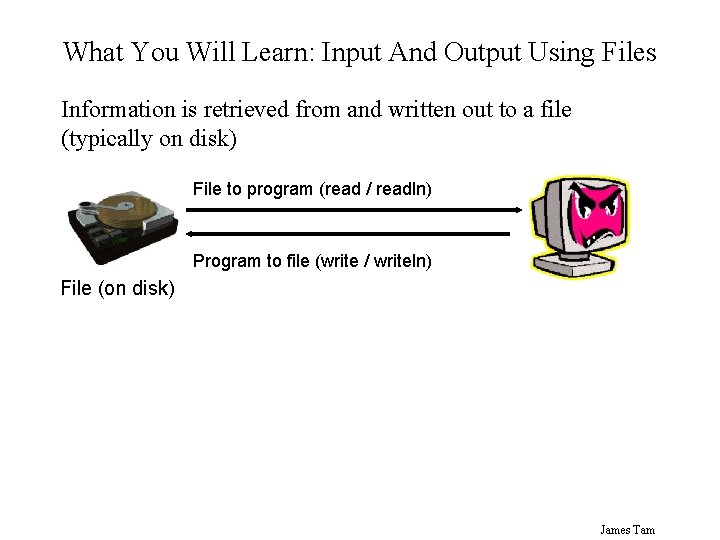
What You Will Learn: Input And Output Using Files Information is retrieved from and written out to a file (typically on disk) File to program (read / readln) Program to file (write / writeln) File (on disk) James Tam
Why Bother With Files? • Too much information to input all at once • The information must be persistent • Etc. James Tam
What You Need In Order To Read Information From A File 1. Declare a file variable 2. Open the file 3. A command to read the information James Tam
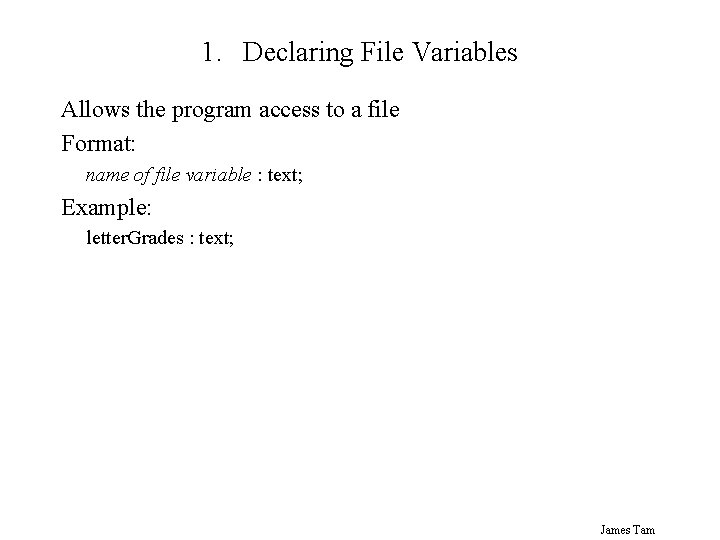
1. Declaring File Variables Allows the program access to a file Format: name of file variable : text; Example: letter. Grades : text; James Tam
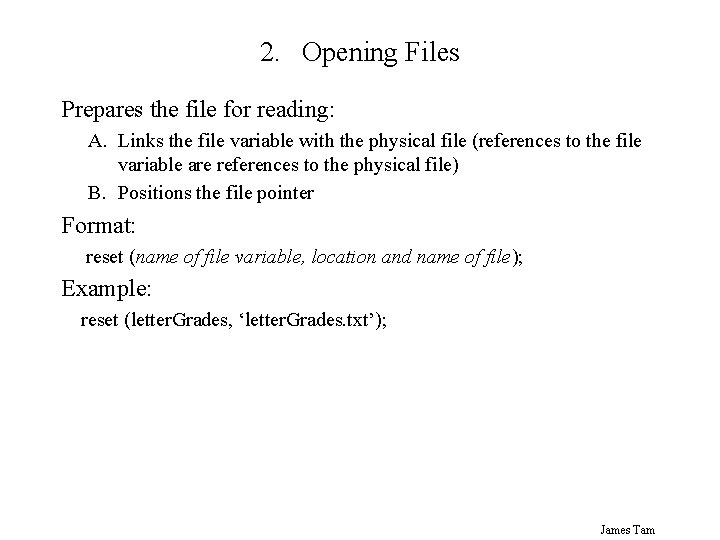
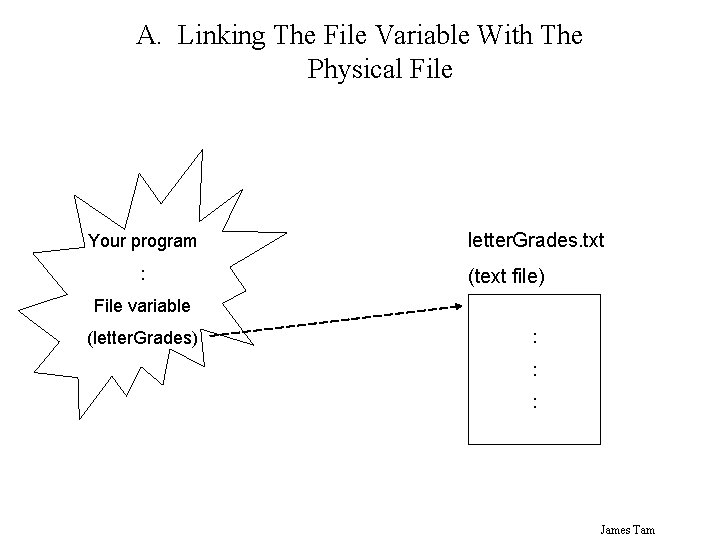
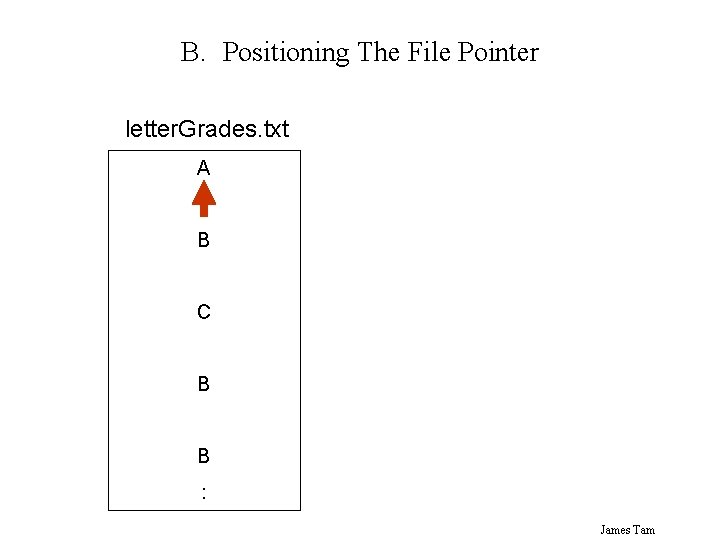
2. Opening Files Prepares the file for reading: A. Links the file variable with the physical file (references to the file variable are references to the physical file) B. Positions the file pointer Format: reset (name of file variable, location and name of file); Example: reset (letter. Grades, ‘letter. Grades. txt’); James Tam
A. Linking The File Variable With The Physical File Your program : letter. Grades. txt (text file) File variable (letter. Grades) : : : James Tam
B. Positioning The File Pointer letter. Grades. txt A B C B B : James Tam
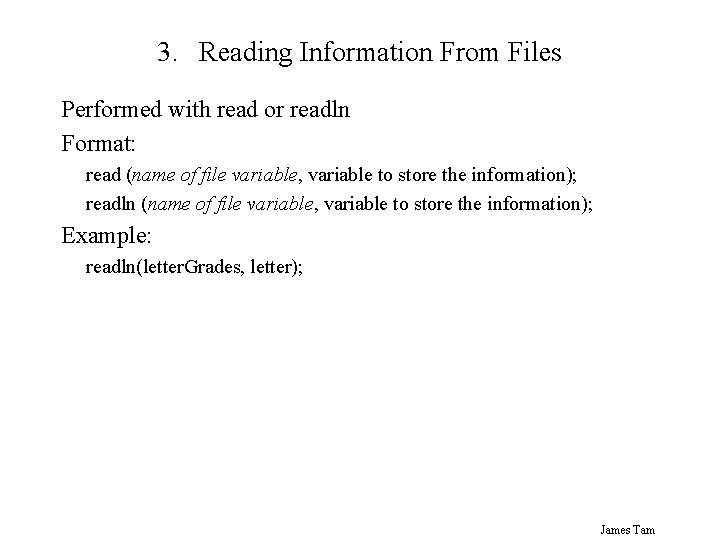
3. Reading Information From Files Performed with read or readln Format: read (name of file variable, variable to store the information); readln (name of file variable, variable to store the information); Example: readln(letter. Grades, letter); James Tam
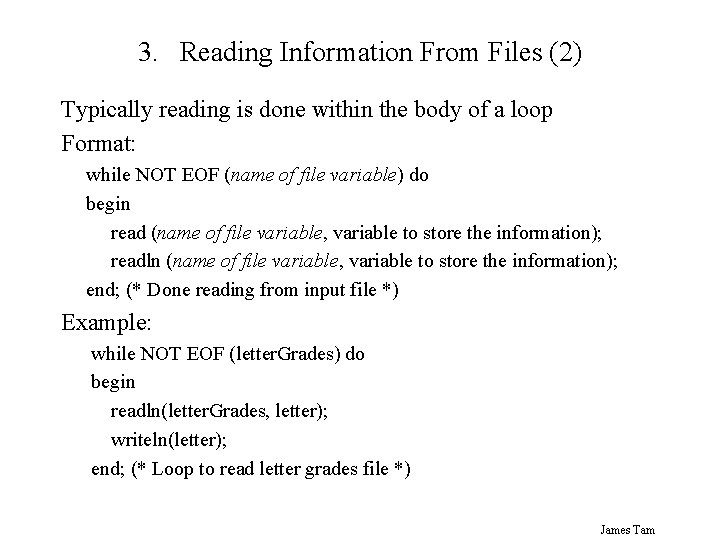
3. Reading Information From Files (2) Typically reading is done within the body of a loop Format: while NOT EOF (name of file variable) do begin read (name of file variable, variable to store the information); readln (name of file variable, variable to store the information); end; (* Done reading from input file *) Example: while NOT EOF (letter. Grades) do begin readln(letter. Grades, letter); writeln(letter); end; (* Loop to read letter grades file *) James Tam
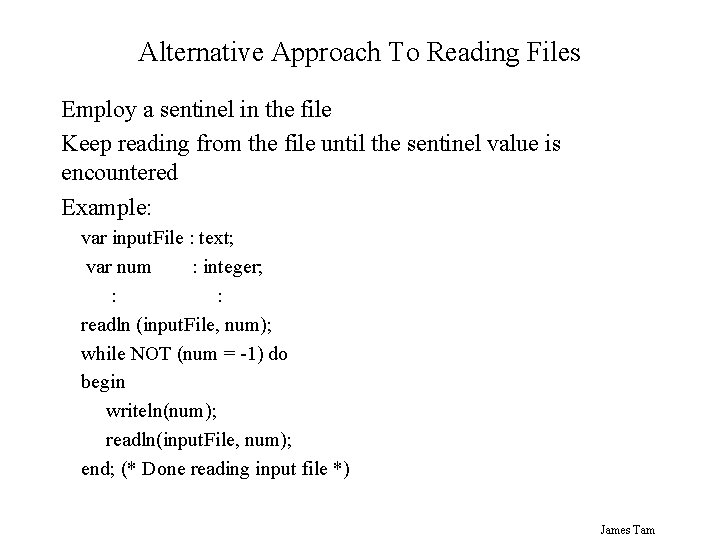
Alternative Approach To Reading Files Employ a sentinel in the file Keep reading from the file until the sentinel value is encountered Example: var input. File : text; var num : integer; : : readln (input. File, num); while NOT (num = -1) do begin writeln(num); readln(input. File, num); end; (* Done reading input file *) James Tam
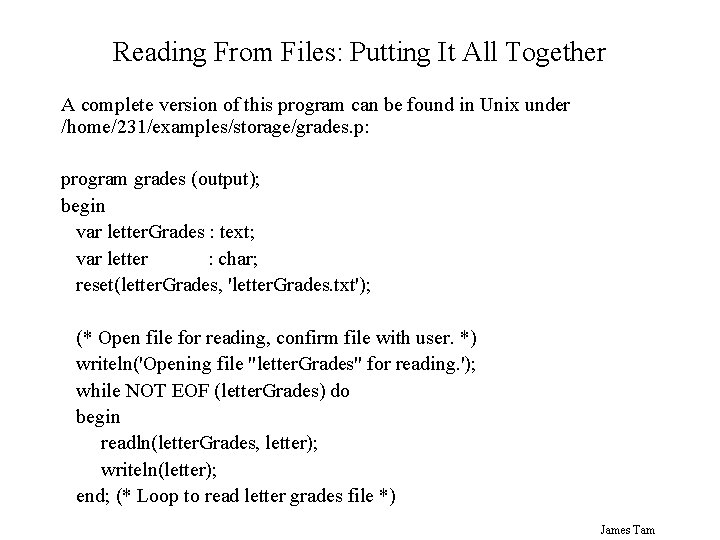
Reading From Files: Putting It All Together A complete version of this program can be found in Unix under /home/231/examples/storage/grades. p: program grades (output); begin var letter. Grades : text; var letter : char; reset(letter. Grades, 'letter. Grades. txt'); (* Open file for reading, confirm file with user. *) writeln('Opening file "letter. Grades" for reading. '); while NOT EOF (letter. Grades) do begin readln(letter. Grades, letter); writeln(letter); end; (* Loop to read letter grades file *) James Tam
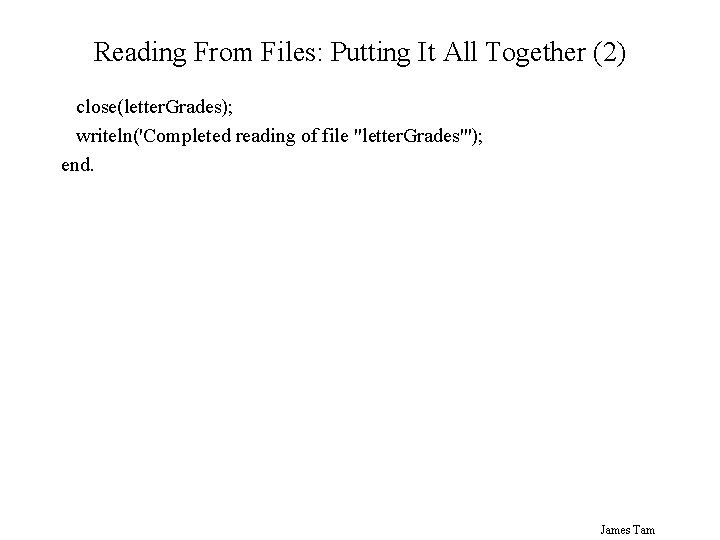
Reading From Files: Putting It All Together (2) close(letter. Grades); writeln('Completed reading of file "letter. Grades"'); end. James Tam
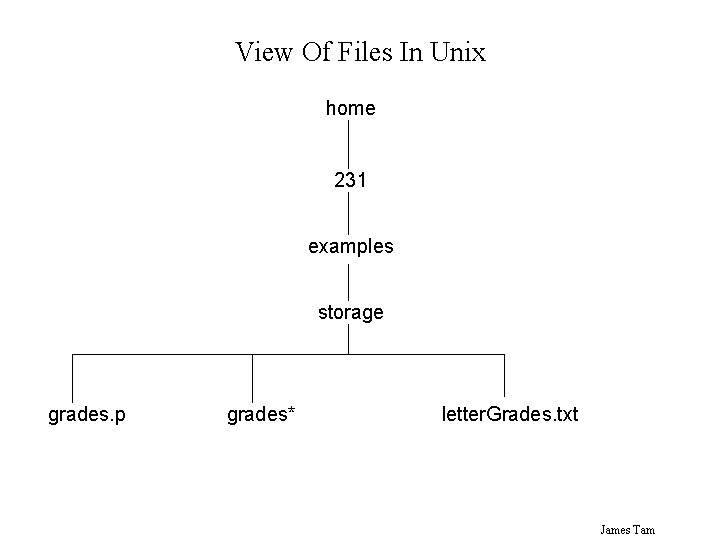
View Of Files In Unix home 231 examples storage grades. p grades* letter. Grades. txt James Tam
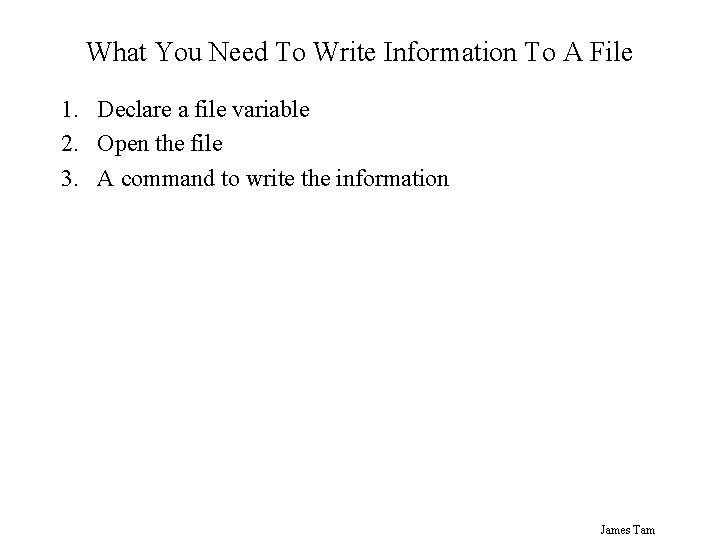
What You Need To Write Information To A File 1. Declare a file variable 2. Open the file 3. A command to write the information James Tam
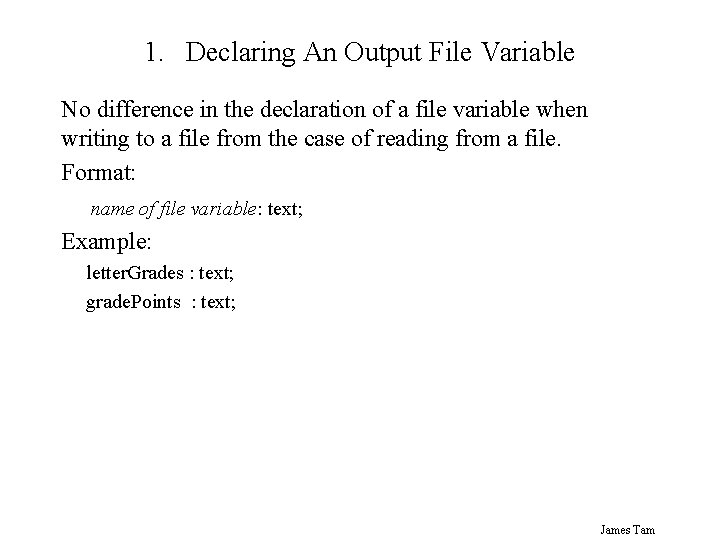
1. Declaring An Output File Variable No difference in the declaration of a file variable when writing to a file from the case of reading from a file. Format: name of file variable: text; Example: letter. Grades : text; grade. Points : text; James Tam
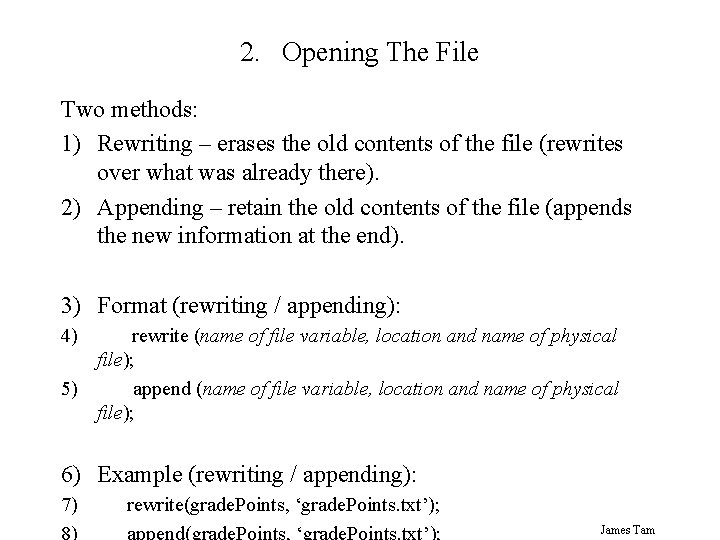
2. Opening The File Two methods: 1) Rewriting – erases the old contents of the file (rewrites over what was already there). 2) Appending – retain the old contents of the file (appends the new information at the end). 3) Format (rewriting / appending): 4) rewrite (name of file variable, location and name of physical file); 5) append (name of file variable, location and name of physical file); 6) Example (rewriting / appending): 7) rewrite(grade. Points, ‘grade. Points. txt’); James Tam
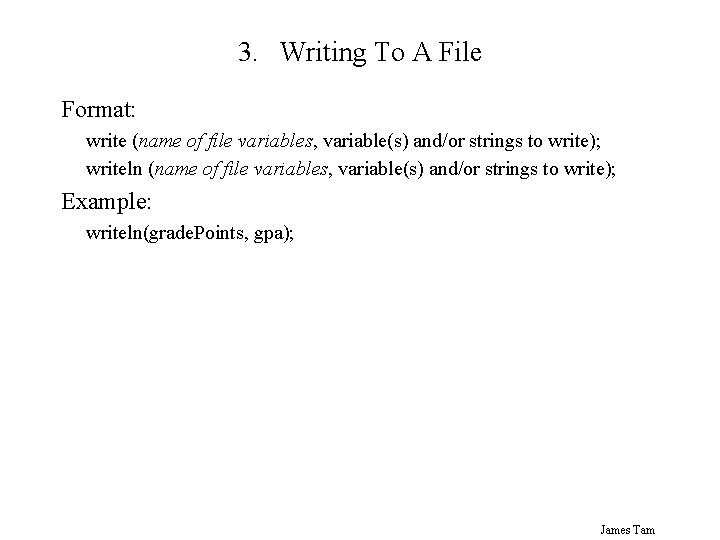
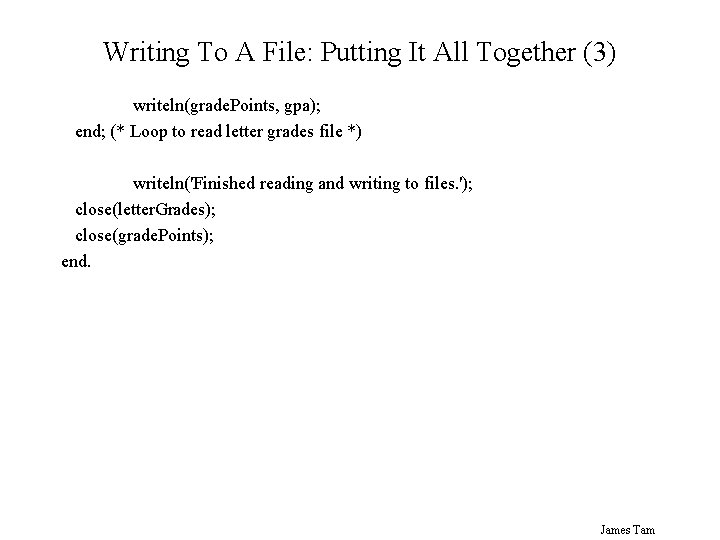
3. Writing To A File Format: write (name of file variables, variable(s) and/or strings to write); writeln (name of file variables, variable(s) and/or strings to write); Example: writeln(grade. Points, gpa); James Tam
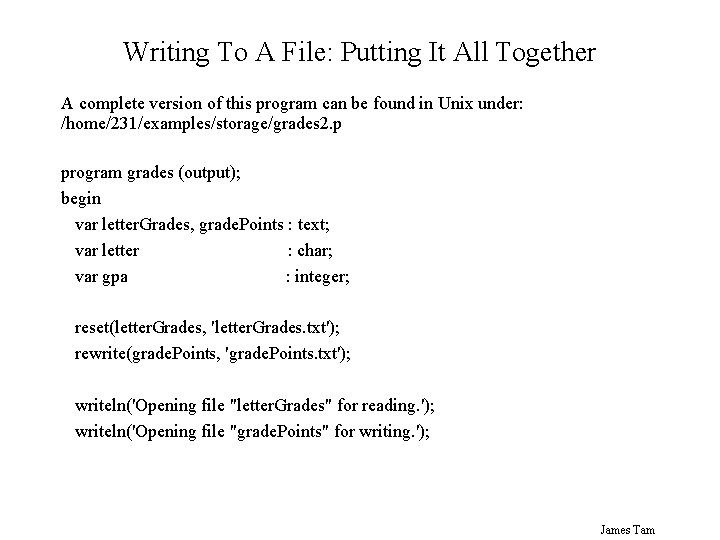
Writing To A File: Putting It All Together A complete version of this program can be found in Unix under: /home/231/examples/storage/grades 2. p program grades (output); begin var letter. Grades, grade. Points : text; var letter : char; var gpa : integer; reset(letter. Grades, 'letter. Grades. txt'); rewrite(grade. Points, 'grade. Points. txt'); writeln('Opening file "letter. Grades" for reading. '); writeln('Opening file "grade. Points" for writing. '); James Tam
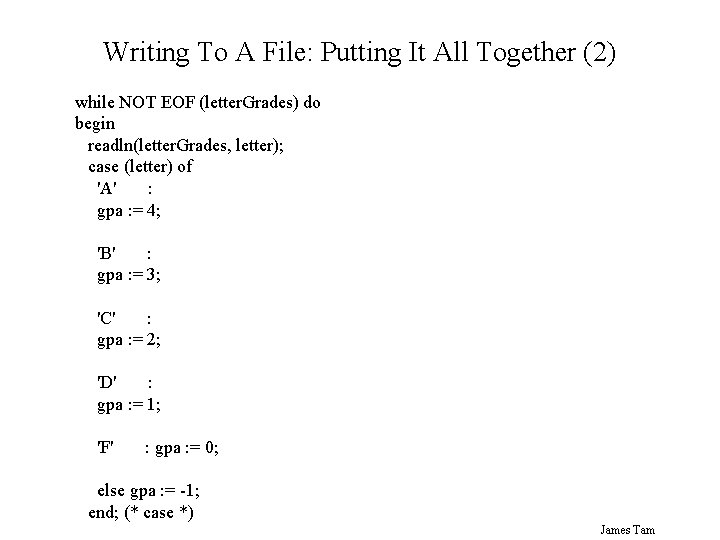
Writing To A File: Putting It All Together (2) while NOT EOF (letter. Grades) do begin readln(letter. Grades, letter); case (letter) of 'A' : gpa : = 4; 'B' : gpa : = 3; 'C' : gpa : = 2; 'D' : gpa : = 1; 'F' : gpa : = 0; else gpa : = -1; end; (* case *) James Tam
Writing To A File: Putting It All Together (3) writeln(grade. Points, gpa); end; (* Loop to read letter grades file *) writeln('Finished reading and writing to files. '); close(letter. Grades); close(grade. Points); end. James Tam
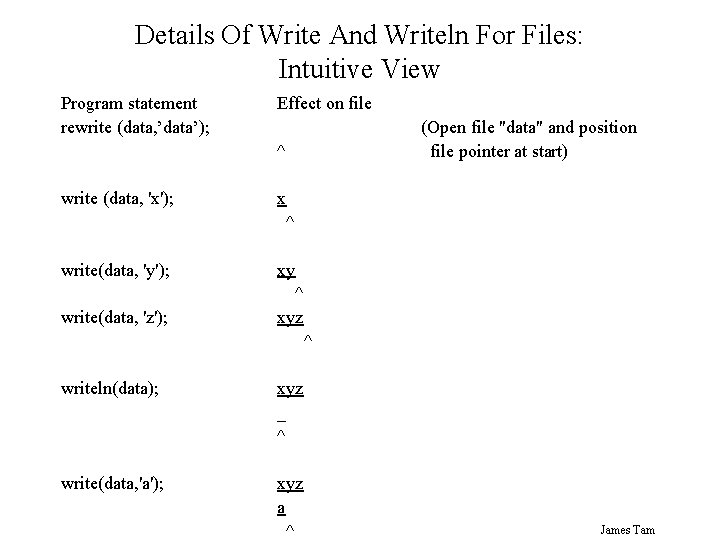
Details Of Write And Writeln For Files: Intuitive View Program statement rewrite (data, ’data’); Effect on file (Open file "data" and position file pointer at start) ^ write (data, 'x'); x ^ write(data, 'y'); xy write(data, 'z'); ^ xyz ^ writeln(data); xyz _ ^ write(data, 'a'); xyz a ^ James Tam
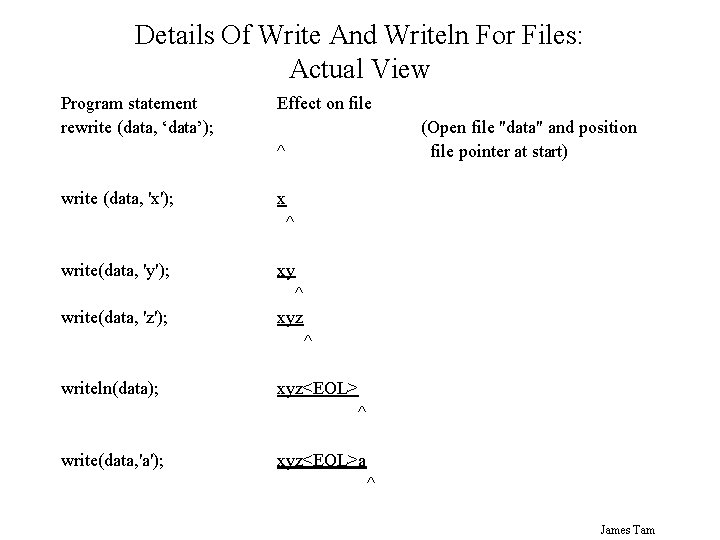
Details Of Write And Writeln For Files: Actual View Program statement rewrite (data, ‘data’); Effect on file (Open file "data" and position file pointer at start) ^ write (data, 'x'); x ^ write(data, 'y'); xy write(data, 'z'); ^ xyz ^ writeln(data); xyz<EOL> ^ write(data, 'a'); xyz<EOL>a ^ James Tam
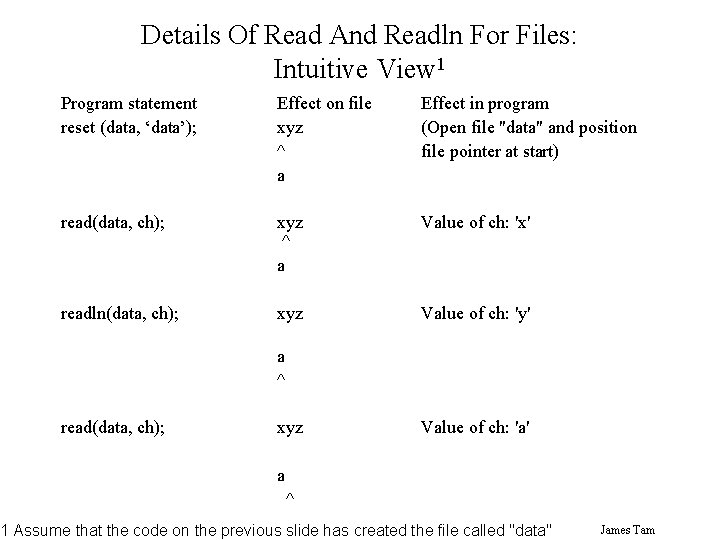
Details Of Read And Readln For Files: Intuitive View 1 Program statement reset (data, ‘data’); Effect on file xyz ^ a Effect in program (Open file "data" and position file pointer at start) read(data, ch); xyz ^ a Value of ch: 'x' readln(data, ch); xyz Value of ch: 'y' a ^ read(data, ch); xyz Value of ch: 'a' a ^ 1 Assume that the code on the previous slide has created the file called "data" James Tam
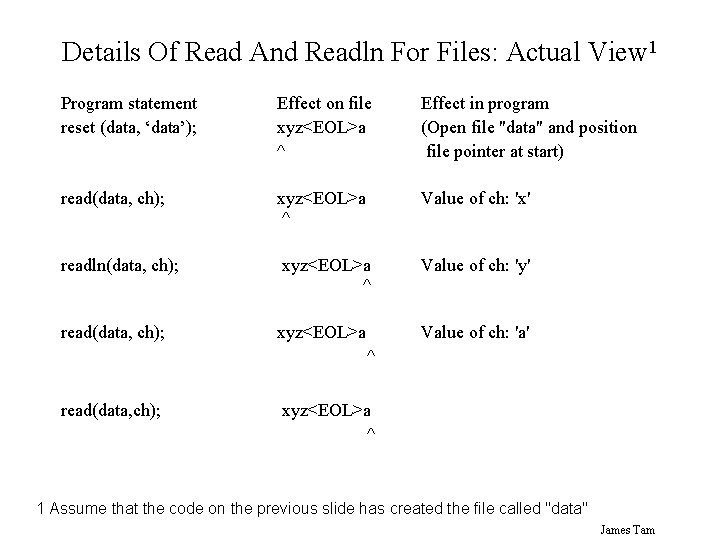
Details Of Read And Readln For Files: Actual View 1 Program statement reset (data, ‘data’); Effect on file xyz<EOL>a ^ Effect in program (Open file "data" and position file pointer at start) read(data, ch); xyz<EOL>a ^ Value of ch: 'x' readln(data, ch); xyz<EOL>a ^ Value of ch: 'y' read(data, ch); xyz<EOL>a Value of ch: 'a' ^ read(data, ch); xyz<EOL>a ^ 1 Assume that the code on the previous slide has created the file called "data" James Tam
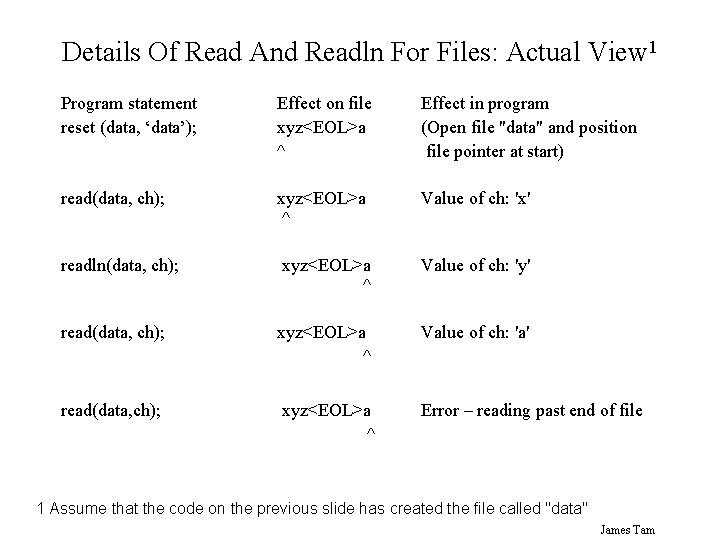
Details Of Read And Readln For Files: Actual View 1 Program statement reset (data, ‘data’); Effect on file xyz<EOL>a ^ Effect in program (Open file "data" and position file pointer at start) read(data, ch); xyz<EOL>a ^ Value of ch: 'x' readln(data, ch); xyz<EOL>a ^ Value of ch: 'y' read(data, ch); xyz<EOL>a ^ Value of ch: 'a' read(data, ch); xyz<EOL>a ^ Error – reading past end of file 1 Assume that the code on the previous slide has created the file called "data" James Tam
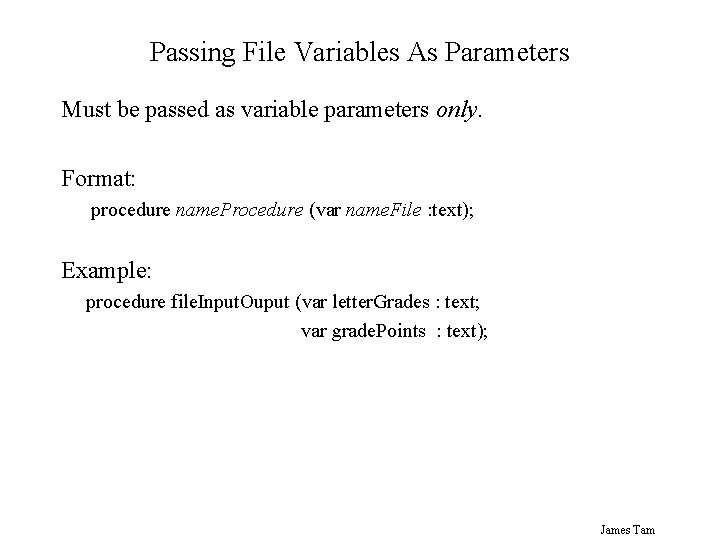
Passing File Variables As Parameters Must be passed as variable parameters only. Format: procedure name. Procedure (var name. File : text); Example: procedure file. Input. Ouput (var letter. Grades : text; var grade. Points : text); James Tam
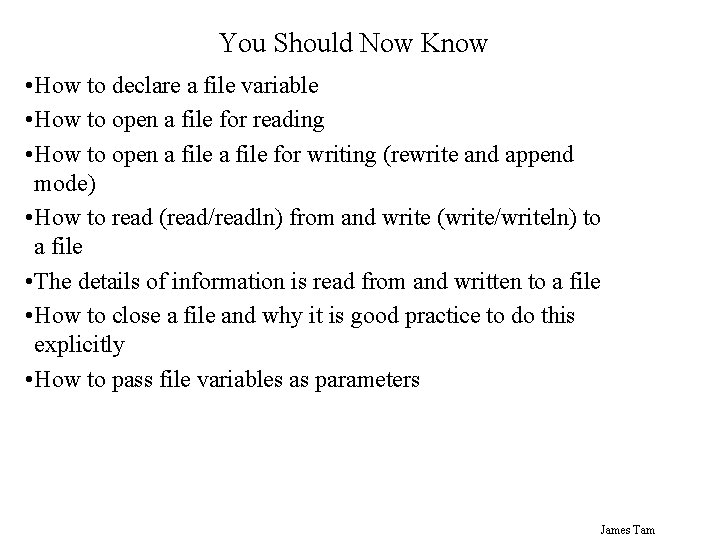
You Should Now Know • How to declare a file variable • How to open a file for reading • How to open a file for writing (rewrite and append mode) • How to read (read/readln) from and write (write/writeln) to a file • The details of information is read from and written to a file • How to close a file and why it is good practice to do this explicitly • How to pass file variables as parameters James Tam