
Why use Files Your Python Program Write to
- Slides: 8
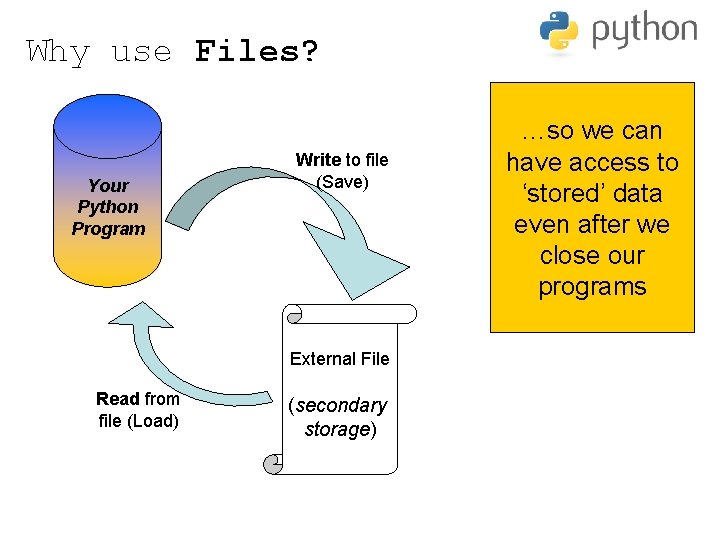
Why use Files? Your Python Program Write to file (Save) External File Read from file (Load) (secondary storage) …so we can have access to ‘stored’ data even after we close our programs
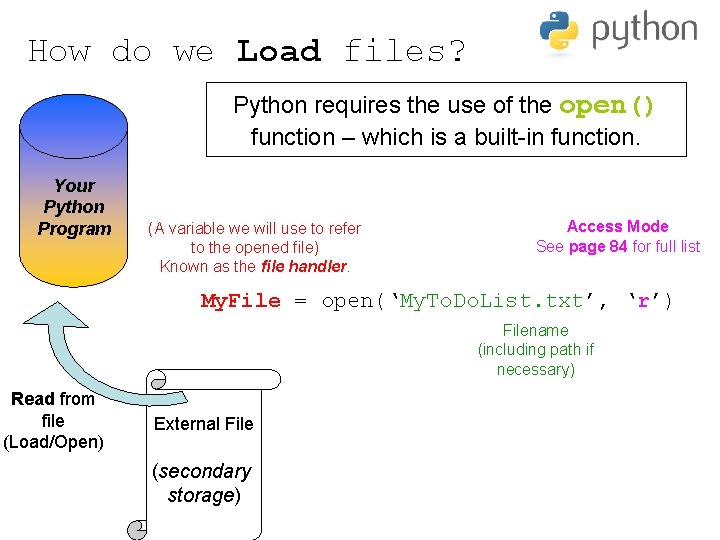
How do we Load files? Python requires the use of the open() function – which is a built-in function. Your Python Program (A variable we will use to refer to the opened file) Known as the file handler. Access Mode See page 84 for full list My. File = open(‘My. To. Do. List. txt’, ‘r’) Filename (including path if necessary) Read from file (Load/Open) External File (secondary storage)
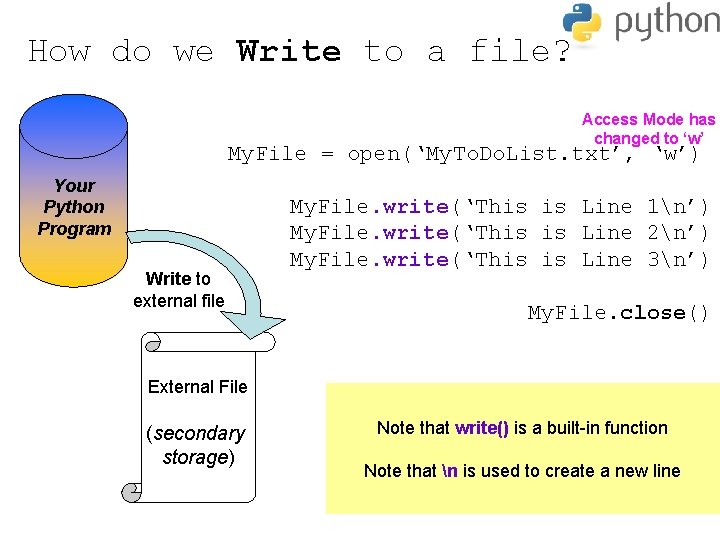
How do we Write to a file? Access Mode has changed to ‘w’ My. File = open(‘My. To. Do. List. txt’, ‘w’) Your Python Program Write to external file My. File. write(‘This is Line 1n’) My. File. write(‘This is Line 2n’) My. File. write(‘This is Line 3n’) My. File. close() External File (secondary storage) Note that write() is a built-in function Note that n is used to create a new line
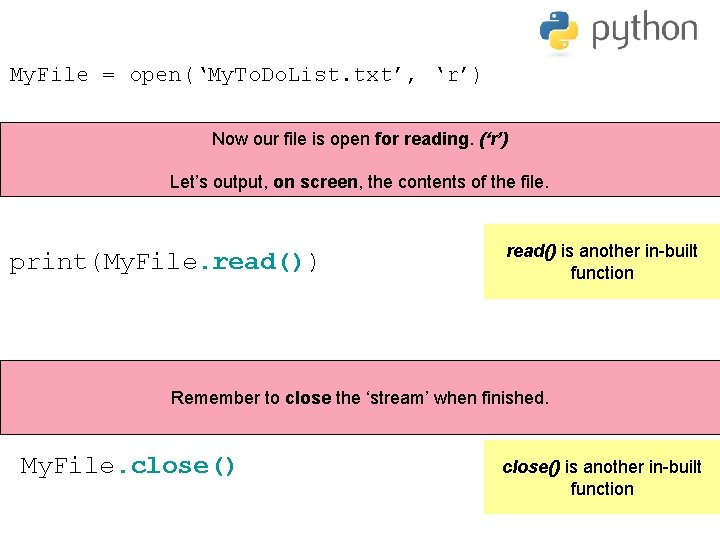
My. File = open(‘My. To. Do. List. txt’, ‘r’) Now our file is open for reading. (‘r’) Let’s output, on screen, the contents of the file. print(My. File. read()) read() is another in-built function Remember to close the ‘stream’ when finished. My. File. close() is another in-built function
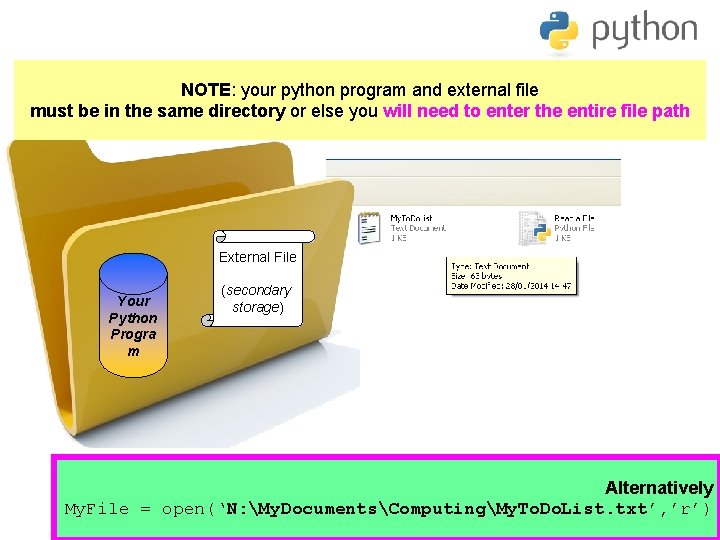
NOTE: your python program and external file must be in the same directory or else you will need to enter the entire file path External File Your Python Progra m (secondary storage) Alternatively My. File = open(‘N: My. DocumentsComputingMy. To. Do. List. txt’, ’r’)
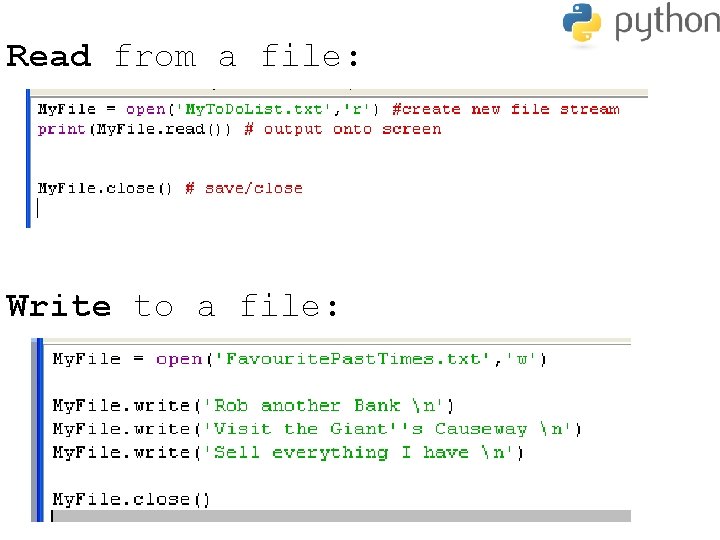
Read from a file: Write to a file:
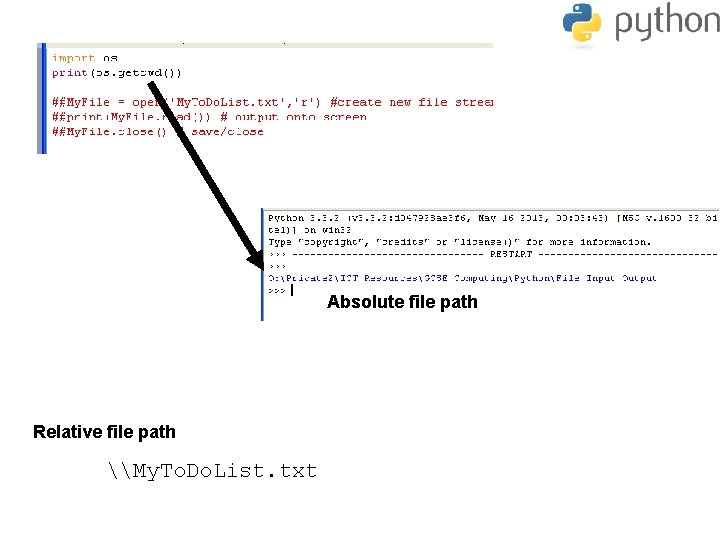
Appending to a file: Append means ‘to add to’, so if we want to add more data to a file which already has some data in it, we will be appending data. In such a case, use the access mode ‘a’ which means: ‘Open for writing, and if it exists, then append data to the end of the file’. (There are many more built-in functions which are available to use when reading / writing with external files. We have just briefly looked at the fundamentals) Task: Relative File Paths & Absolute Paths (p 88) • What is the Relative file path of your ‘Reading a File’ program? • What is the Absolute file path of your ‘Reading a File’ program? Use the getcwd() function to output the [get. Current. Working. Directory]
Absolute file path Relative file path \My. To. Do. List. txt