
Course code 10 CS 62 Unix File APIs
![Engineered for Tomorrow • • Ex: char buf[250]; int fd=(“dbase”, O_RDONLY); while(read(fd, buf, sizeof(buf)>0)](https://slidetodoc.com/presentation_image/5da2878ebd6fc4282057a84bcc942401/image-29.jpg "Engineered for Tomorrow • • Ex: char buf[250]; int fd=(“dbase”, O_RDONLY); while(read(fd, buf, sizeof(buf)>0)")
![Engineered for Tomorrow • char buf[250]; • int fd=(“dbase”, O_WRONLY); • write(fd, buf, sizeof(buf));](https://slidetodoc.com/presentation_image/5da2878ebd6fc4282057a84bcc942401/image-35.jpg "Engineered for Tomorrow • char buf[250]; • int fd=(“dbase”, O_WRONLY); • write(fd, buf, sizeof(buf));")
![Engineered for Tomorrow Int main(int argc, char * argv[]) { Char buf[256]; Int fdesc,](https://slidetodoc.com/presentation_image/5da2878ebd6fc4282057a84bcc942401/image-69.jpg "Engineered for Tomorrow Int main(int argc, char * argv[]) { Char buf[256]; Int fdesc,")
![Engineered for Tomorrow Int main(int argc, char *argv[]) { If(argc<3) Printf(“error”); Struct passwd *pwd=getpwuid(argv[1]);](https://slidetodoc.com/presentation_image/5da2878ebd6fc4282057a84bcc942401/image-80.jpg "Engineered for Tomorrow Int main(int argc, char *argv[]) { If(argc<3) Printf(“error”); Struct passwd *pwd=getpwuid(argv[1]);")
![Engineered for Tomorrow Else for(int i=2; i<argc; i++) If(stat(argv[i], &statv)==0) If(chown(argv[i], UID, statv. st_gid))](https://slidetodoc.com/presentation_image/5da2878ebd6fc4282057a84bcc942401/image-81.jpg "Engineered for Tomorrow Else for(int i=2; i<argc; i++) If(stat(argv[i], &statv)==0) If(chown(argv[i], UID, statv. st_gid))")
![Engineered for Tomorrow Int main(int argc, char * argv[]) { Struct utimbuf times; Int](https://slidetodoc.com/presentation_image/5da2878ebd6fc4282057a84bcc942401/image-87.jpg "Engineered for Tomorrow Int main(int argc, char * argv[]) { Struct utimbuf times; Int")

![Engineered for Tomorrow int main(int agc, char* argv[]) { Dirent* dp; DIR* dir_fdesc; while(--argc>0)](https://slidetodoc.com/presentation_image/5da2878ebd6fc4282057a84bcc942401/image-114.jpg "Engineered for Tomorrow int main(int agc, char* argv[]) { Dirent* dp; DIR* dir_fdesc; while(--argc>0)")
![Engineered for Tomorrow int main(int argc, char* argv[]) { if(argc!=4) { cout<<"usage: "<<argv[0]<<"<file><major_no>< minor_no>";](https://slidetodoc.com/presentation_image/5da2878ebd6fc4282057a84bcc942401/image-121.jpg "Engineered for Tomorrow int main(int argc, char* argv[]) { if(argc!=4) { cout<<\"usage: \"<<argv[0]<<\"<file><major_no>< minor_no>\";")
![Engineered for Tomorrow char buf[256]; while(rc && fd!=-1) if((rc=read(fd, buf, sizeof(buf)))<0) perror("read"); else if(rc)](https://slidetodoc.com/presentation_image/5da2878ebd6fc4282057a84bcc942401/image-122.jpg "Engineered for Tomorrow char buf[256]; while(rc && fd!=-1) if((rc=read(fd, buf, sizeof(buf)))<0) perror(\"read\"); else if(rc)")
![Engineered for Tomorrow int main(int argc, char* argv[]) { if(argc!=2 && argc!=3) { cout<<"usage:](https://slidetodoc.com/presentation_image/5da2878ebd6fc4282057a84bcc942401/image-128.jpg "Engineered for Tomorrow int main(int argc, char* argv[]) { if(argc!=2 && argc!=3) { cout<<\"usage:")
![Engineered for Tomorrow #include<unistd. h> #include<sys/types. h> #include<string. h> int main(int argc, char *argv[])](https://slidetodoc.com/presentation_image/5da2878ebd6fc4282057a84bcc942401/image-133.jpg "Engineered for Tomorrow #include<unistd. h> #include<sys/types. h> #include<string. h> int main(int argc, char *argv[])")
![Engineered for Tomorrow int main(int argc, char *argv[]) { while (- -argc >0) show_list(cout,](https://slidetodoc.com/presentation_image/5da2878ebd6fc4282057a84bcc942401/image-170.jpg "Engineered for Tomorrow int main(int argc, char *argv[]) { while (- -argc >0) show_list(cout,")
- Slides: 170
Course code: 10 CS 62 Unix File APIs Engineered for Tomorrow Prepared by Department of CSE
Engineered for Tomorrow Contents • • General File APIs File and Record Locking Directory File APIs Device File APIs FIFO File APIs Symbolic Link File APIs General File Class regfile Class for Regular Files
Engineered for Tomorrow Continued… • • • dirfile Class for Directory Files FIFO File Class Device File Class Symbolic Link File Class File Listing Program
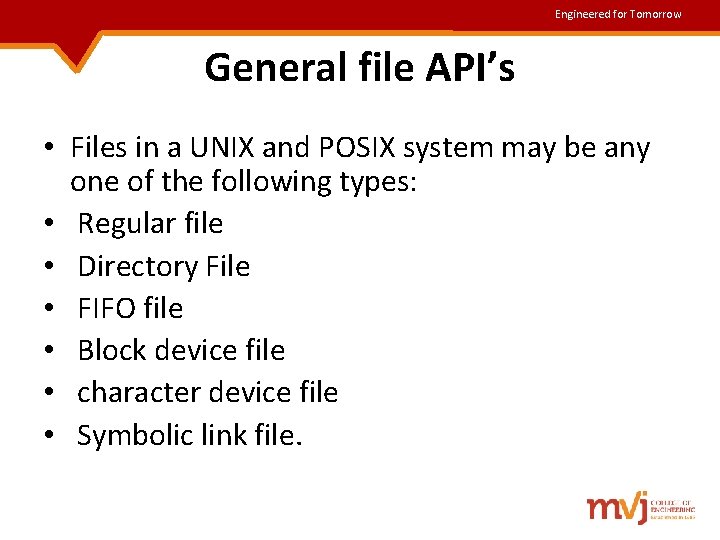
Engineered for Tomorrow General file API’s • Files in a UNIX and POSIX system may be any one of the following types: • Regular file • Directory File • FIFO file • Block device file • character device file • Symbolic link file.
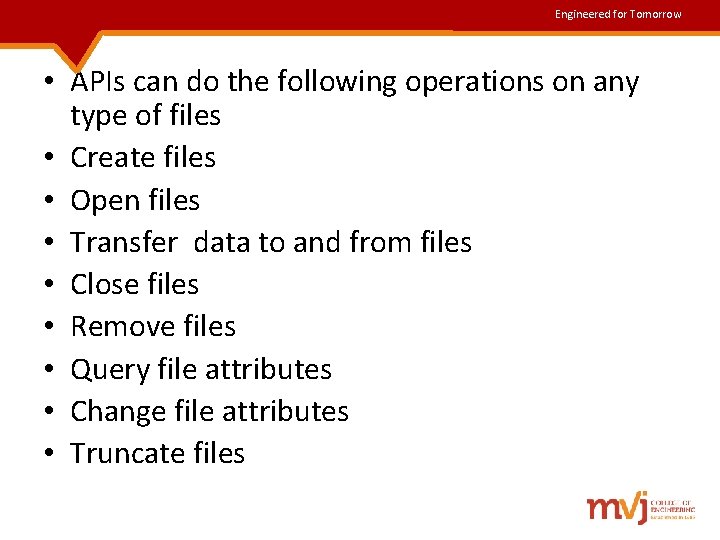
Engineered for Tomorrow • APIs can do the following operations on any type of files • Create files • Open files • Transfer data to and from files • Close files • Remove files • Query file attributes • Change file attributes • Truncate files
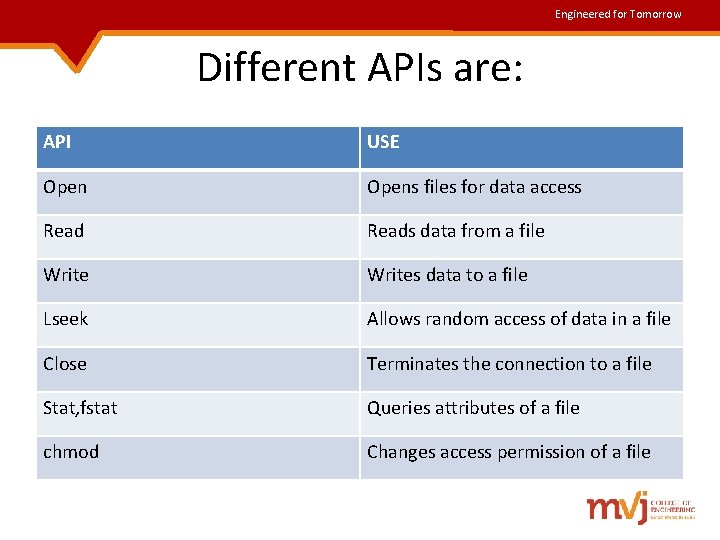
Engineered for Tomorrow Different APIs are: API USE Opens files for data access Reads data from a file Writes data to a file Lseek Allows random access of data in a file Close Terminates the connection to a file Stat, fstat Queries attributes of a file chmod Changes access permission of a file
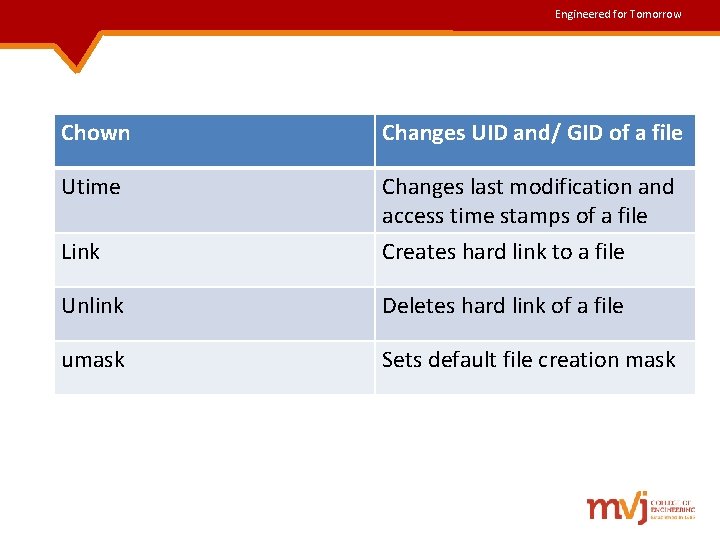
Engineered for Tomorrow Chown Changes UID and/ GID of a file Utime Changes last modification and access time stamps of a file Link Creates hard link to a file Unlink Deletes hard link of a file umask Sets default file creation mask
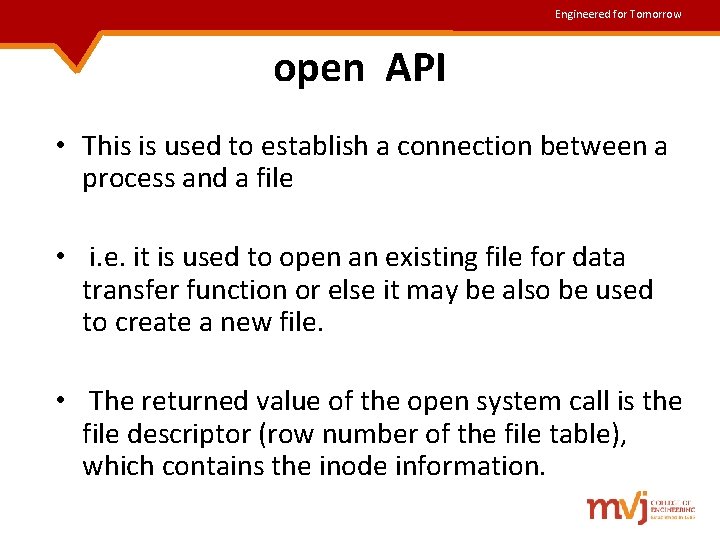
Engineered for Tomorrow open API • This is used to establish a connection between a process and a file • i. e. it is used to open an existing file for data transfer function or else it may be also be used to create a new file. • The returned value of the open system call is the file descriptor (row number of the file table), which contains the inode information.
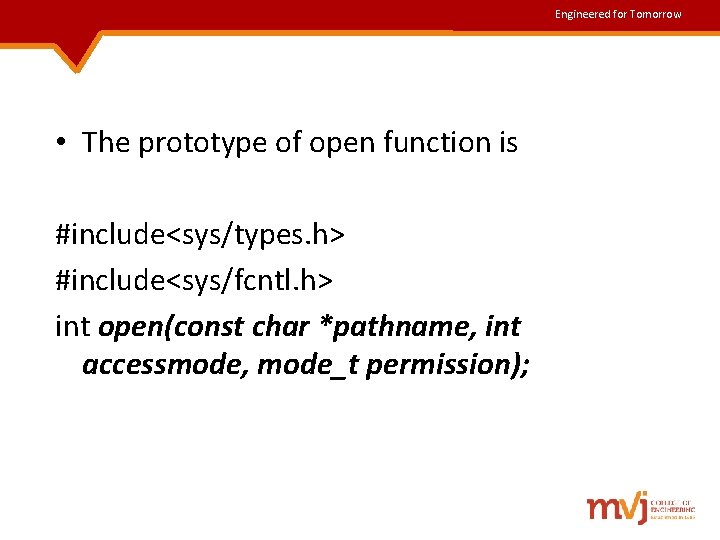
Engineered for Tomorrow • The prototype of open function is #include<sys/types. h> #include<sys/fcntl. h> int open(const char *pathname, int accessmode, mode_t permission);
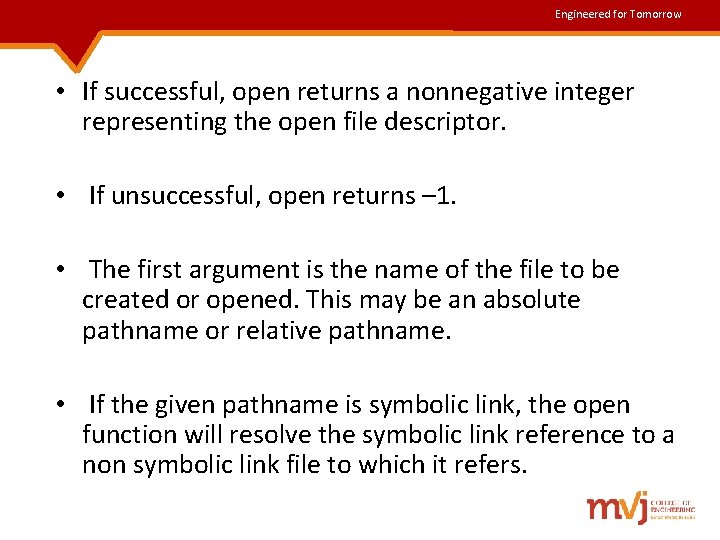
Engineered for Tomorrow • If successful, open returns a nonnegative integer representing the open file descriptor. • If unsuccessful, open returns – 1. • The first argument is the name of the file to be created or opened. This may be an absolute pathname or relative pathname. • If the given pathname is symbolic link, the open function will resolve the symbolic link reference to a non symbolic link file to which it refers.
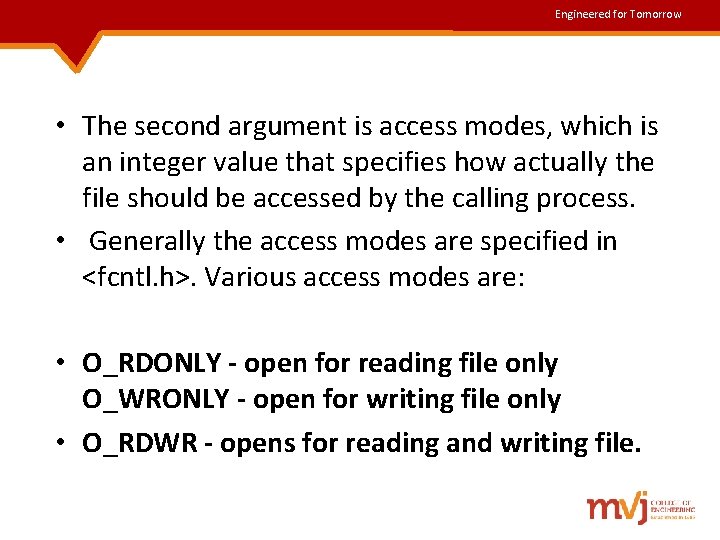
Engineered for Tomorrow • The second argument is access modes, which is an integer value that specifies how actually the file should be accessed by the calling process. • Generally the access modes are specified in <fcntl. h>. Various access modes are: • O_RDONLY - open for reading file only O_WRONLY - open for writing file only • O_RDWR - opens for reading and writing file.
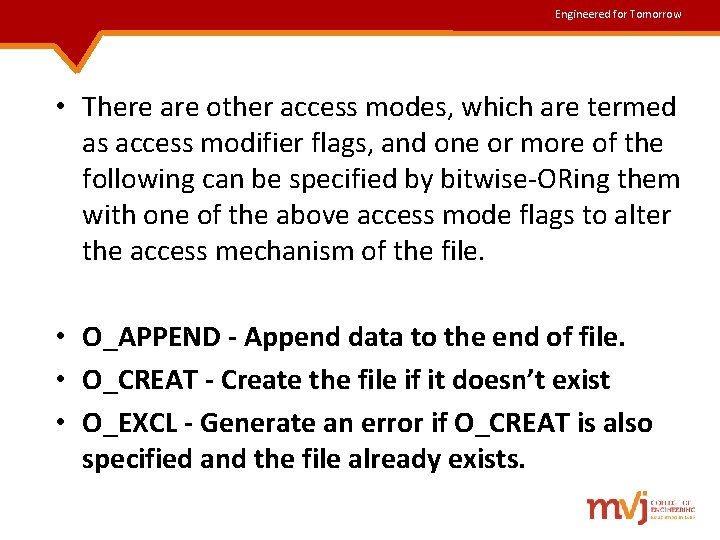
Engineered for Tomorrow • There are other access modes, which are termed as access modifier flags, and one or more of the following can be specified by bitwise-ORing them with one of the above access mode flags to alter the access mechanism of the file. • O_APPEND - Append data to the end of file. • O_CREAT - Create the file if it doesn’t exist • O_EXCL - Generate an error if O_CREAT is also specified and the file already exists.
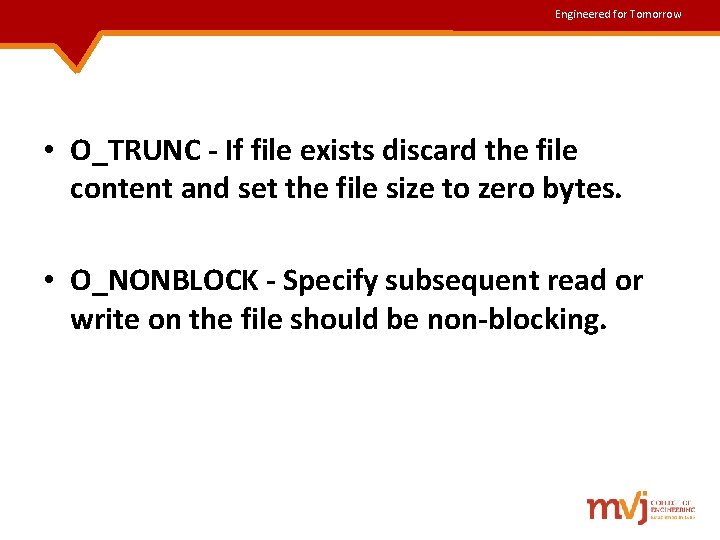
Engineered for Tomorrow • O_TRUNC - If file exists discard the file content and set the file size to zero bytes. • O_NONBLOCK - Specify subsequent read or write on the file should be non-blocking.
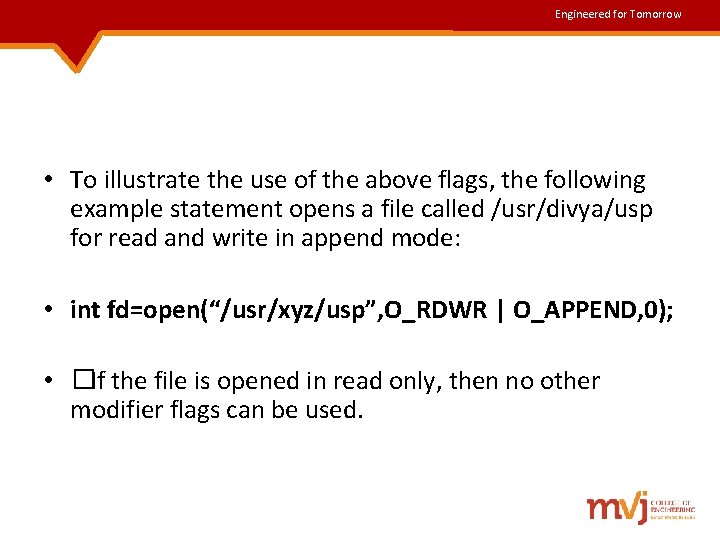
Engineered for Tomorrow • To illustrate the use of the above flags, the following example statement opens a file called /usr/divya/usp for read and write in append mode: • int fd=open(“/usr/xyz/usp”, O_RDWR | O_APPEND, 0); • � If the file is opened in read only, then no other modifier flags can be used.
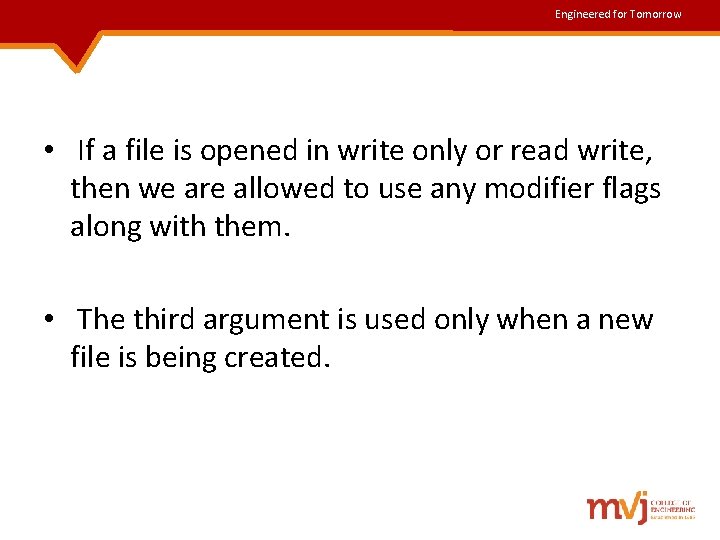
Engineered for Tomorrow • If a file is opened in write only or read write, then we are allowed to use any modifier flags along with them. • The third argument is used only when a new file is being created.
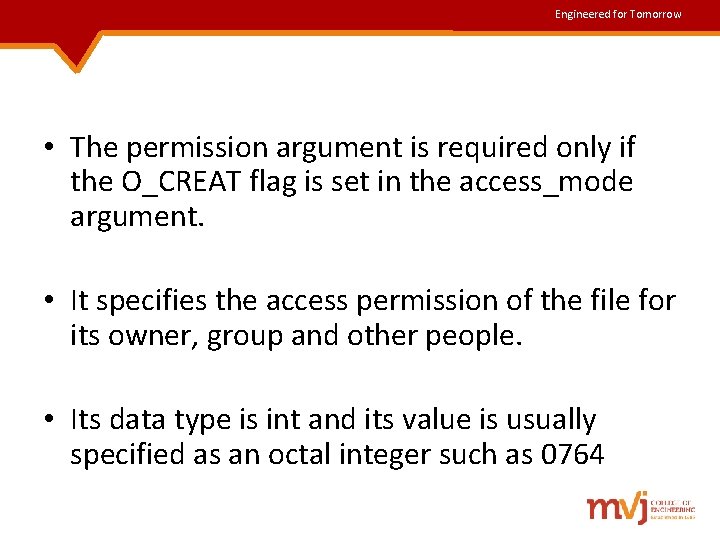
Engineered for Tomorrow • The permission argument is required only if the O_CREAT flag is set in the access_mode argument. • It specifies the access permission of the file for its owner, group and other people. • Its data type is int and its value is usually specified as an octal integer such as 0764
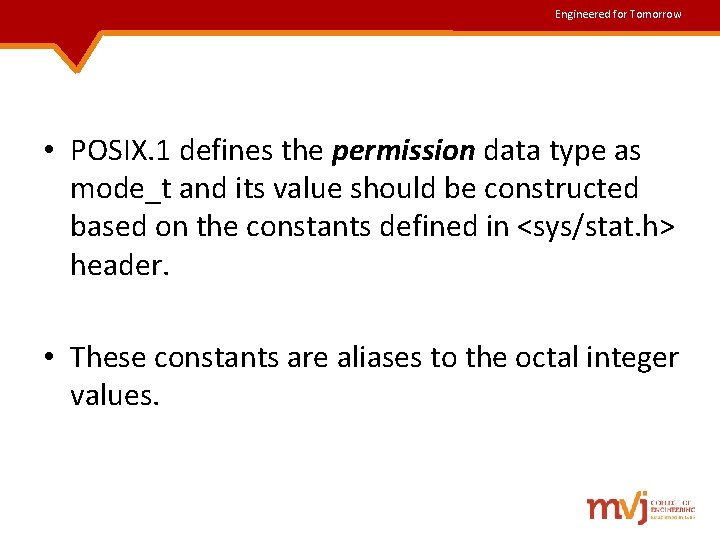
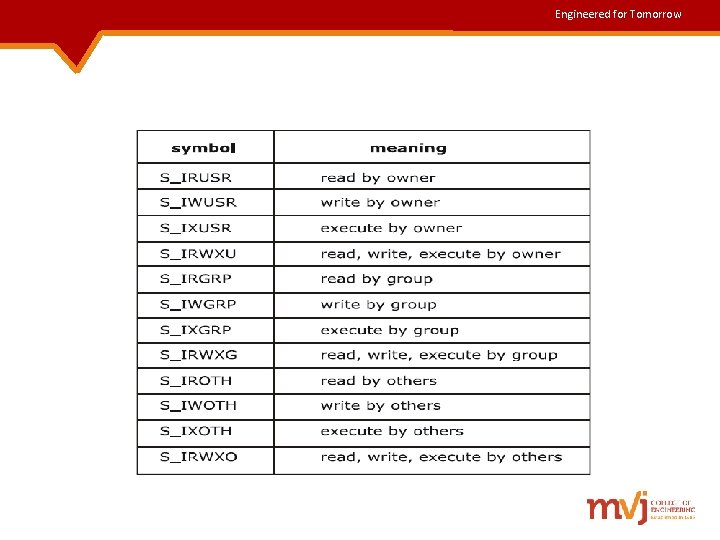
Engineered for Tomorrow • POSIX. 1 defines the permission data type as mode_t and its value should be constructed based on the constants defined in <sys/stat. h> header. • These constants are aliases to the octal integer values.
Engineered for Tomorrow
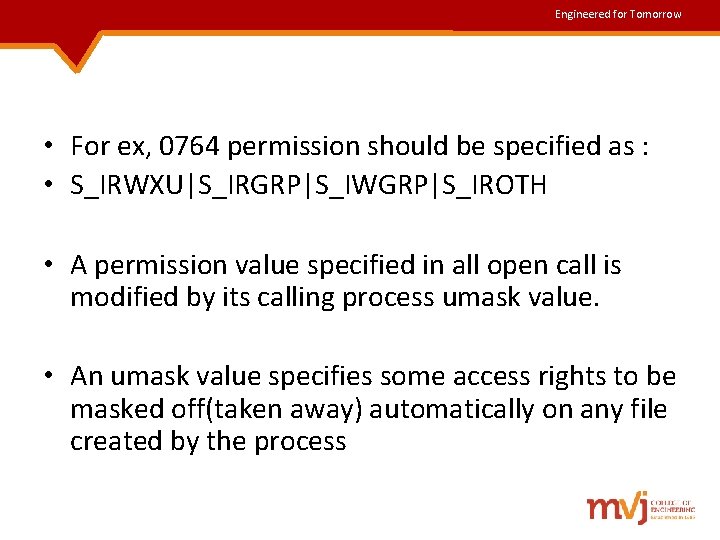
Engineered for Tomorrow • For ex, 0764 permission should be specified as : • S_IRWXU|S_IRGRP|S_IWGRP|S_IROTH • A permission value specified in all open call is modified by its calling process umask value. • An umask value specifies some access rights to be masked off(taken away) automatically on any file created by the process
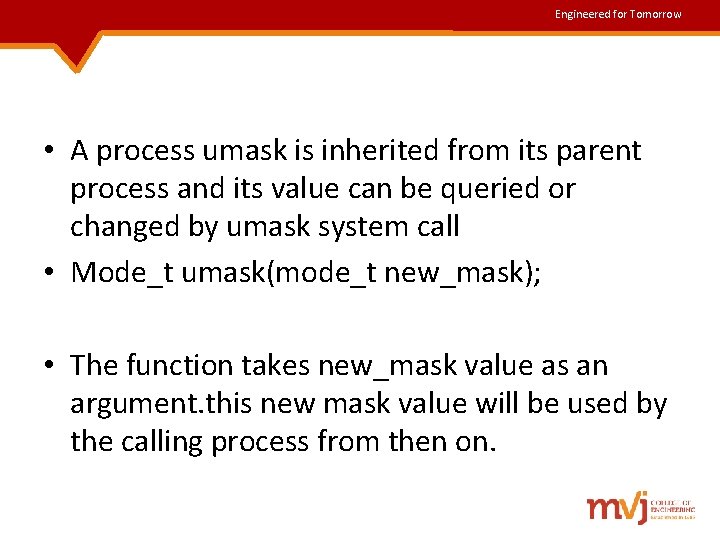
Engineered for Tomorrow • A process umask is inherited from its parent process and its value can be queried or changed by umask system call • Mode_t umask(mode_t new_mask); • The function takes new_mask value as an argument. this new mask value will be used by the calling process from then on.
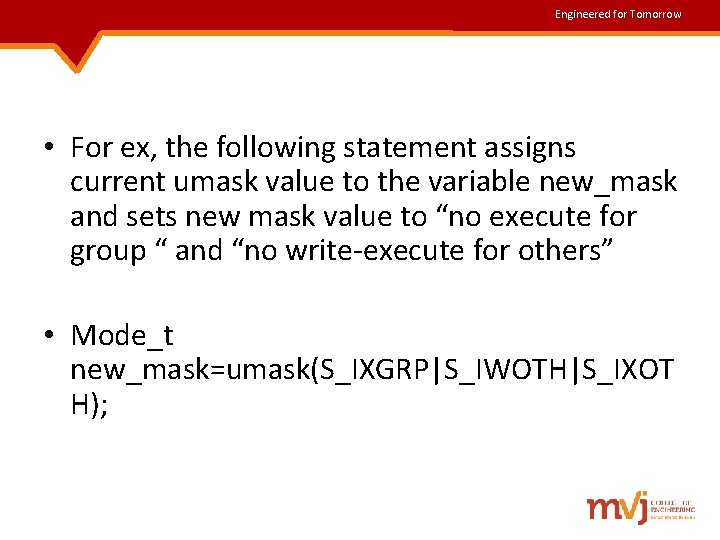
Engineered for Tomorrow • For ex, the following statement assigns current umask value to the variable new_mask and sets new mask value to “no execute for group “ and “no write-execute for others” • Mode_t new_mask=umask(S_IXGRP|S_IWOTH|S_IXOT H);
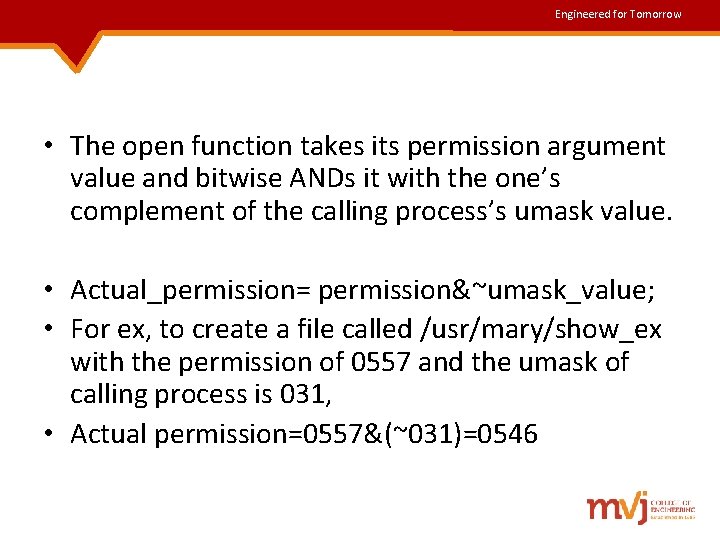
Engineered for Tomorrow • The open function takes its permission argument value and bitwise ANDs it with the one’s complement of the calling process’s umask value. • Actual_permission= permission&~umask_value; • For ex, to create a file called /usr/mary/show_ex with the permission of 0557 and the umask of calling process is 031, • Actual permission=0557&(~031)=0546
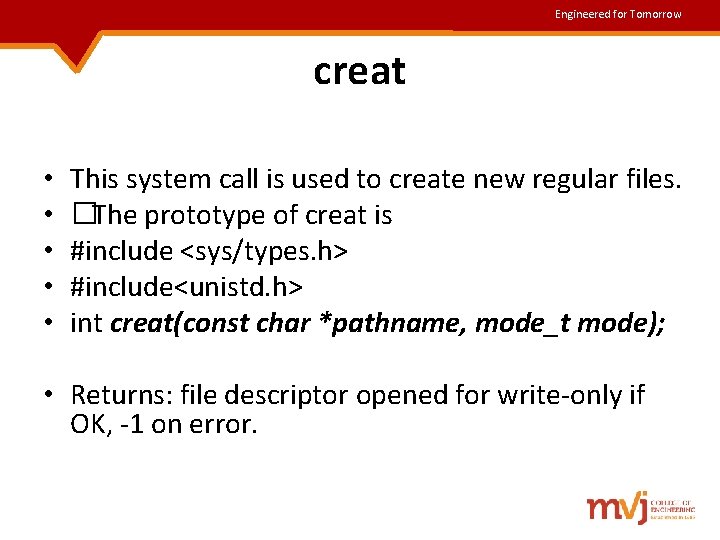
Engineered for Tomorrow creat • • • This system call is used to create new regular files. � The prototype of creat is #include <sys/types. h> #include<unistd. h> int creat(const char *pathname, mode_t mode); • Returns: file descriptor opened for write-only if OK, -1 on error.
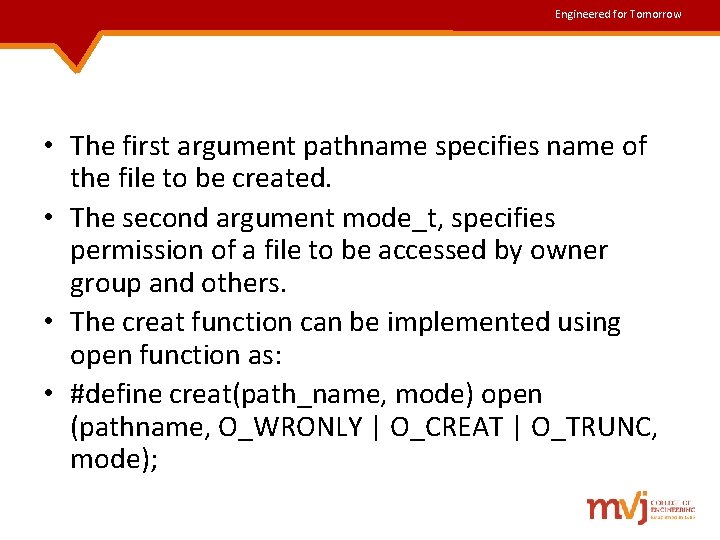
Engineered for Tomorrow • The first argument pathname specifies name of the file to be created. • The second argument mode_t, specifies permission of a file to be accessed by owner group and others. • The creat function can be implemented using open function as: • #define creat(path_name, mode) open (pathname, O_WRONLY | O_CREAT | O_TRUNC, mode);
Engineered for Tomorrow read • The read function fetches a fixed size of block of data from a file referenced by a given file descriptor. • � The prototype of read function is: • #include<sys/types. h> • #include<unistd. h> • ssize_t read(int fdesc, void *buf, size_t nbyte); • Ssize_t data type is used to represent the sizes of blocks that can be read or written in a single operation.
Engineered for Tomorrow • If successful, read returns the number of bytes actually read. • If unsuccessful, read returns – 1. • The first argument is an integer, fdesc that refers to an opened file. • The second argument, buf is the address of a buffer holding any data read. • The third argument specifies how many bytes of data are to be read from the file. • The ssize_t data type is defined in the <sys/types. h> header and should be the same as unsigned int.
Engineered for Tomorrow • There are several cases in which the number of bytes actually read is less than the amount requested: v When reading from a regular file, if the end of file is reached before the requested number of bytes has been read. For example, if 30 bytes remain until the end of file and we try to read 100 bytes, read returns 30. The next time we call read, it will return 0 (end of file). v When reading from a terminal device. Normally, up to one line is read at a time.
Engineered for Tomorrow v. When reading from a network. Buffering within the network may cause less than the requested amount to be returned. v When reading from a pipe or FIFO. If the pipe contains fewer bytes than requested, read will return only what is available.
Engineered for Tomorrow • • Ex: char buf[250]; int fd=(“dbase”, O_RDONLY); while(read(fd, buf, sizeof(buf)>0) /* process data */ Return value of read is the no of bytes of data successfully read and stored in buf argument.
Engineered for Tomorrow • If read function call is interrupted by a caught signal and the OS does not restart the system call automatically, POSIX. 1 allows 2 possible behaviour of read call. • 1)read function will return -1 , errno will be set to EINTR and all the data read in the will be discarded. ( UNIX System V. 3) • 2)read function will return no of bytes of data read prior to the signal interruption. (POSIX. 1 FIPS)
Engineered for Tomorrow • The read function may block a calling process execution if it is reading a FIFO or a device file and data is not available. • User may specify O_NONBLOCK or O_NDELAY flag on a file descriptor to request non blocking read operations.
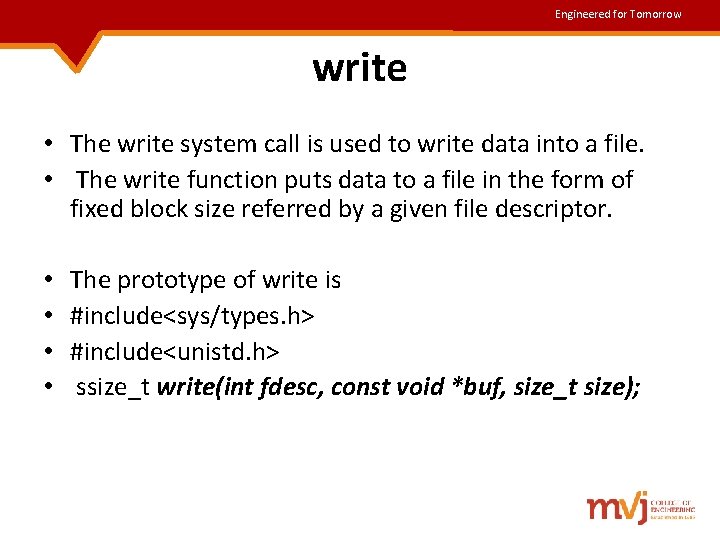
Engineered for Tomorrow write • The write system call is used to write data into a file. • The write function puts data to a file in the form of fixed block size referred by a given file descriptor. • • The prototype of write is #include<sys/types. h> #include<unistd. h> ssize_t write(int fdesc, const void *buf, size_t size);
Engineered for Tomorrow • If successful, write returns the number of bytes actually written. • If unsuccessful, write returns – 1. • The first argument, fdesc is an integer that refers to an opened file. • The second argument, buf is the address of a buffer that contains data to be written.
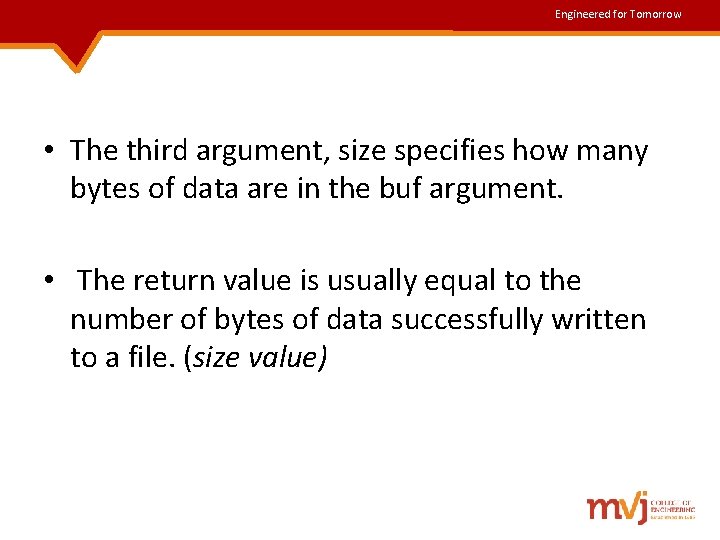
Engineered for Tomorrow • The third argument, size specifies how many bytes of data are in the buf argument. • The return value is usually equal to the number of bytes of data successfully written to a file. (size value)
Engineered for Tomorrow • char buf[250]; • int fd=(“dbase”, O_WRONLY); • write(fd, buf, sizeof(buf)); • Print(“%sn”, buf); The return value of write is the no of bytes data successfully written to a file. If the write call will cause the size to exceed the system imposed limit or if the file system is full the return value of write will be the actual number of bytes written before the function was aborted.
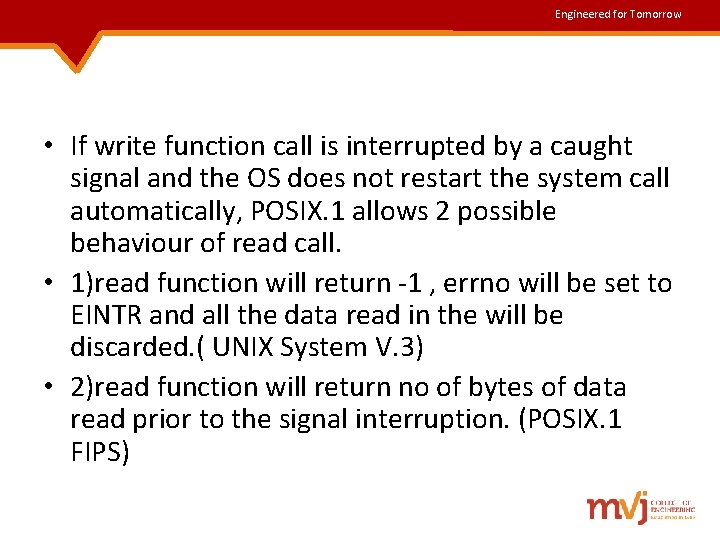
Engineered for Tomorrow • If write function call is interrupted by a caught signal and the OS does not restart the system call automatically, POSIX. 1 allows 2 possible behaviour of read call. • 1)read function will return -1 , errno will be set to EINTR and all the data read in the will be discarded. ( UNIX System V. 3) • 2)read function will return no of bytes of data read prior to the signal interruption. (POSIX. 1 FIPS)
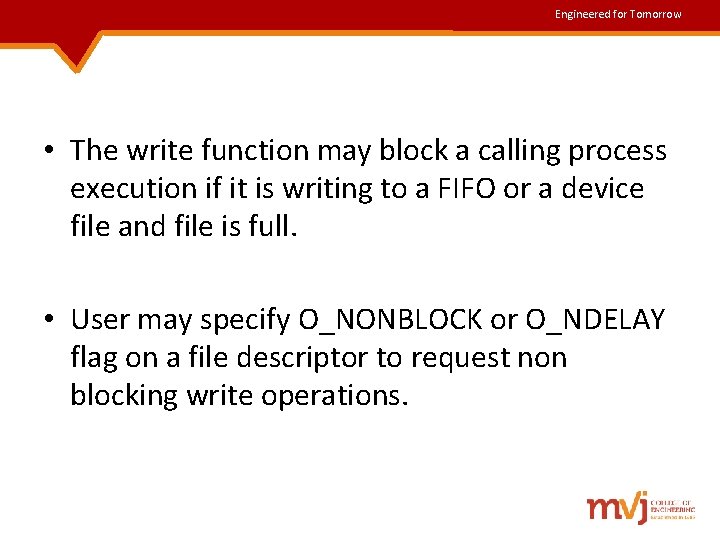
Engineered for Tomorrow • The write function may block a calling process execution if it is writing to a FIFO or a device file and file is full. • User may specify O_NONBLOCK or O_NDELAY flag on a file descriptor to request non blocking write operations.
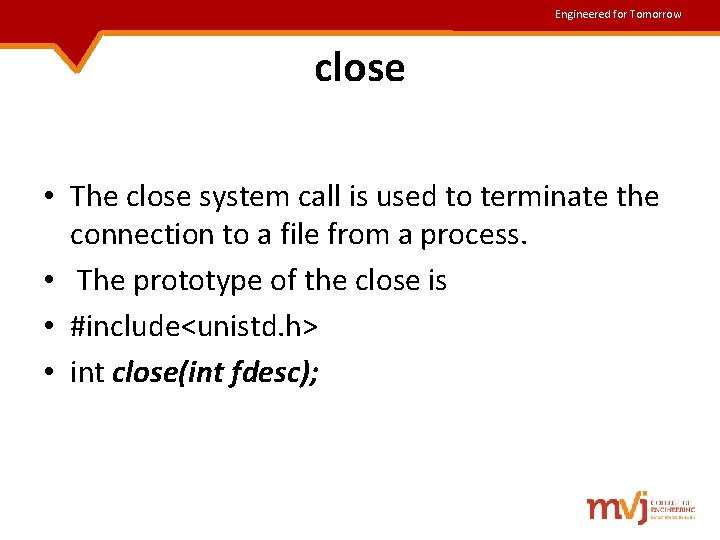
Engineered for Tomorrow close • The close system call is used to terminate the connection to a file from a process. • The prototype of the close is • #include<unistd. h> • int close(int fdesc);
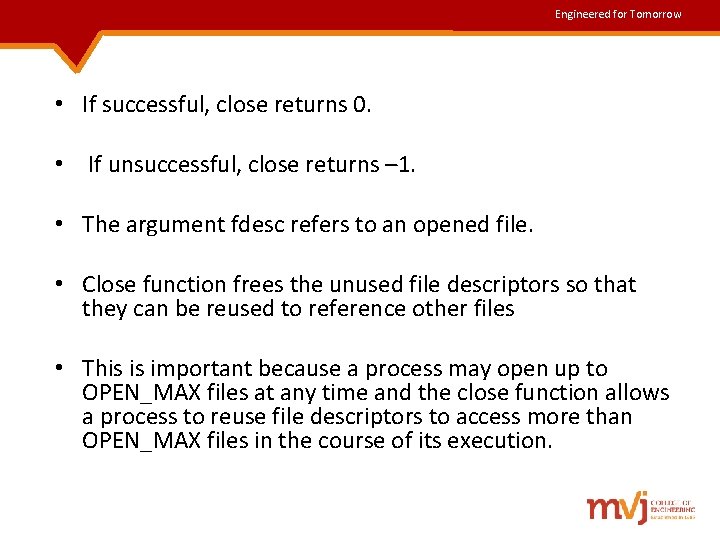
Engineered for Tomorrow • If successful, close returns 0. • If unsuccessful, close returns – 1. • The argument fdesc refers to an opened file. • Close function frees the unused file descriptors so that they can be reused to reference other files • This is important because a process may open up to OPEN_MAX files at any time and the close function allows a process to reuse file descriptors to access more than OPEN_MAX files in the course of its execution.
Engineered for Tomorrow • The close function de-allocates system resources like file table entry and memory buffer allocated to hold the read/write. • If a process terminates without closing all the files it has opened, the kernel will close files for the process.
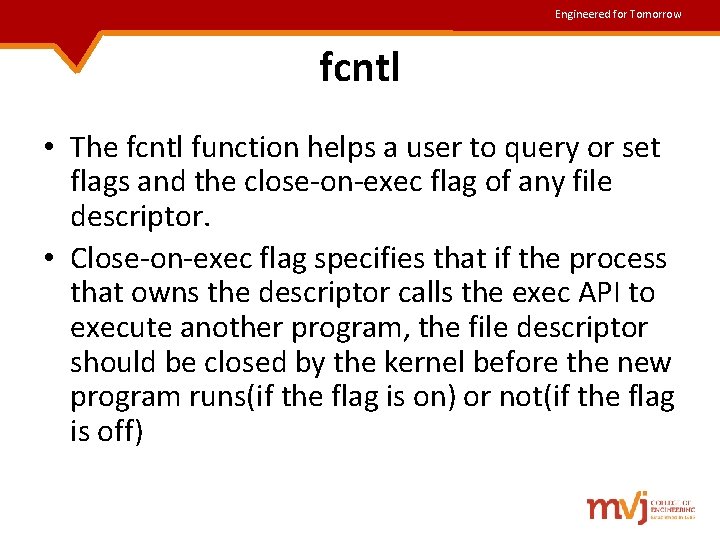
Engineered for Tomorrow fcntl • The fcntl function helps a user to query or set flags and the close-on-exec flag of any file descriptor. • Close-on-exec flag specifies that if the process that owns the descriptor calls the exec API to execute another program, the file descriptor should be closed by the kernel before the new program runs(if the flag is on) or not(if the flag is off)
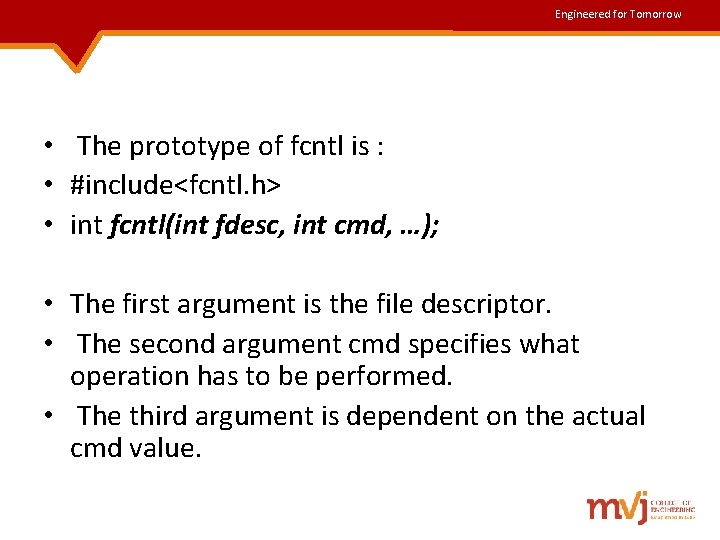
Engineered for Tomorrow • The prototype of fcntl is : • #include<fcntl. h> • int fcntl(int fdesc, int cmd, …); • The first argument is the file descriptor. • The second argument cmd specifies what operation has to be performed. • The third argument is dependent on the actual cmd value.
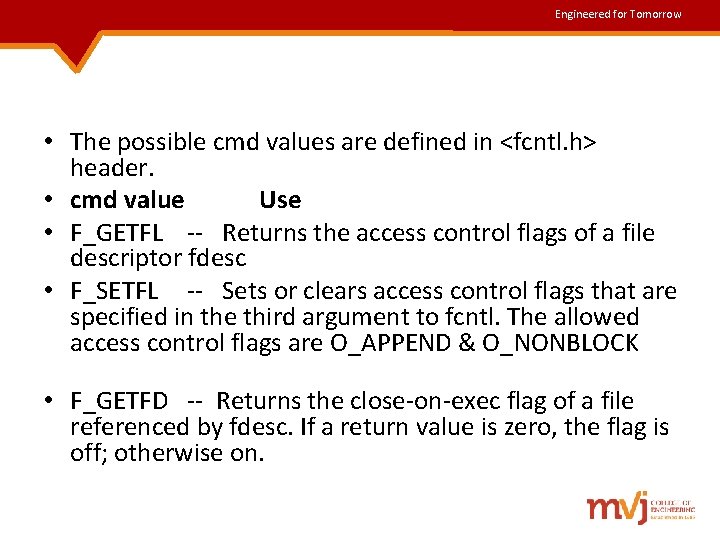
Engineered for Tomorrow • The possible cmd values are defined in <fcntl. h> header. • cmd value Use • F_GETFL -- Returns the access control flags of a file descriptor fdesc • F_SETFL -- Sets or clears access control flags that are specified in the third argument to fcntl. The allowed access control flags are O_APPEND & O_NONBLOCK • F_GETFD -- Returns the close-on-exec flag of a file referenced by fdesc. If a return value is zero, the flag is off; otherwise on.
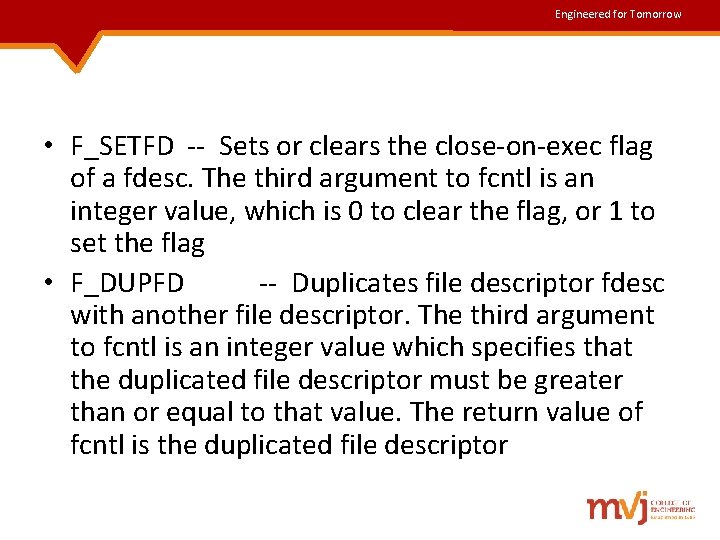
Engineered for Tomorrow • F_SETFD -- Sets or clears the close-on-exec flag of a fdesc. The third argument to fcntl is an integer value, which is 0 to clear the flag, or 1 to set the flag • F_DUPFD -- Duplicates file descriptor fdesc with another file descriptor. The third argument to fcntl is an integer value which specifies that the duplicated file descriptor must be greater than or equal to that value. The return value of fcntl is the duplicated file descriptor
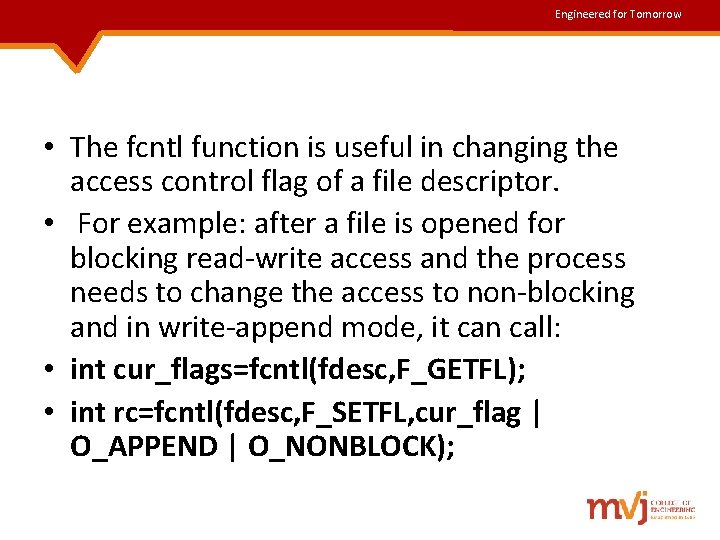
Engineered for Tomorrow • The fcntl function is useful in changing the access control flag of a file descriptor. • For example: after a file is opened for blocking read-write access and the process needs to change the access to non-blocking and in write-append mode, it can call: • int cur_flags=fcntl(fdesc, F_GETFL); • int rc=fcntl(fdesc, F_SETFL, cur_flag | O_APPEND | O_NONBLOCK);
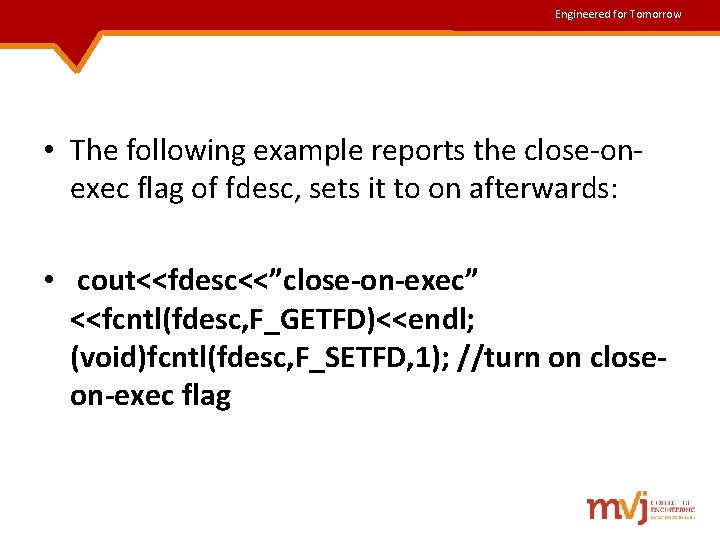
Engineered for Tomorrow • The following example reports the close-onexec flag of fdesc, sets it to on afterwards: • cout<<fdesc<<”close-on-exec” <<fcntl(fdesc, F_GETFD)<<endl; (void)fcntl(fdesc, F_SETFD, 1); //turn on closeon-exec flag
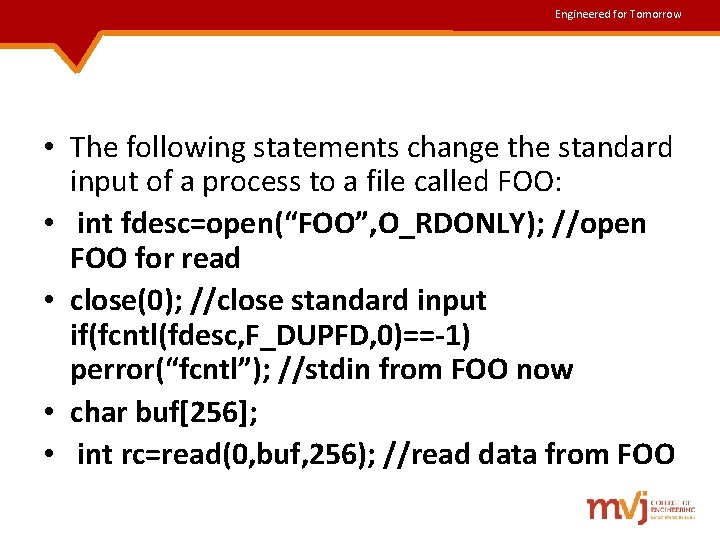
Engineered for Tomorrow • The following statements change the standard input of a process to a file called FOO: • int fdesc=open(“FOO”, O_RDONLY); //open FOO for read • close(0); //close standard input if(fcntl(fdesc, F_DUPFD, 0)==-1) perror(“fcntl”); //stdin from FOO now • char buf[256]; • int rc=read(0, buf, 256); //read data from FOO
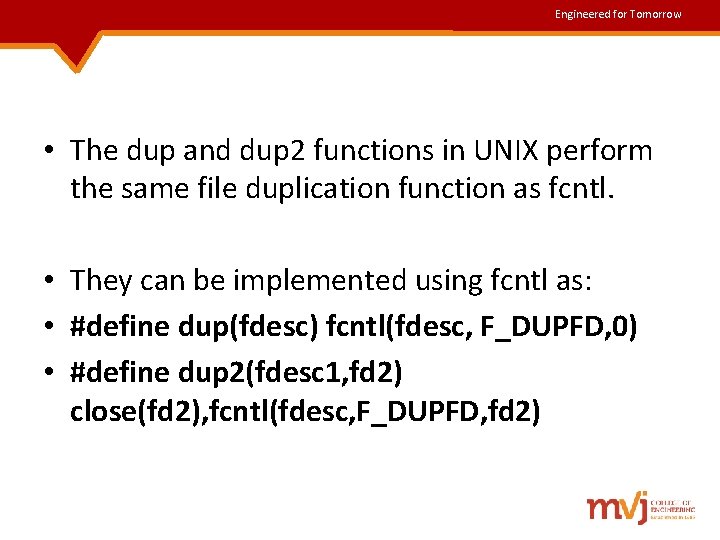
Engineered for Tomorrow • The dup and dup 2 functions in UNIX perform the same file duplication function as fcntl. • They can be implemented using fcntl as: • #define dup(fdesc) fcntl(fdesc, F_DUPFD, 0) • #define dup 2(fdesc 1, fd 2) close(fd 2), fcntl(fdesc, F_DUPFD, fd 2)
Engineered for Tomorrow lseek • The read and write system calls are always relative to the current offset within a file. • The lseek function is also used to change the file offset to a different value. • Thus lseek allows a process to perform random access of data on any opened file.
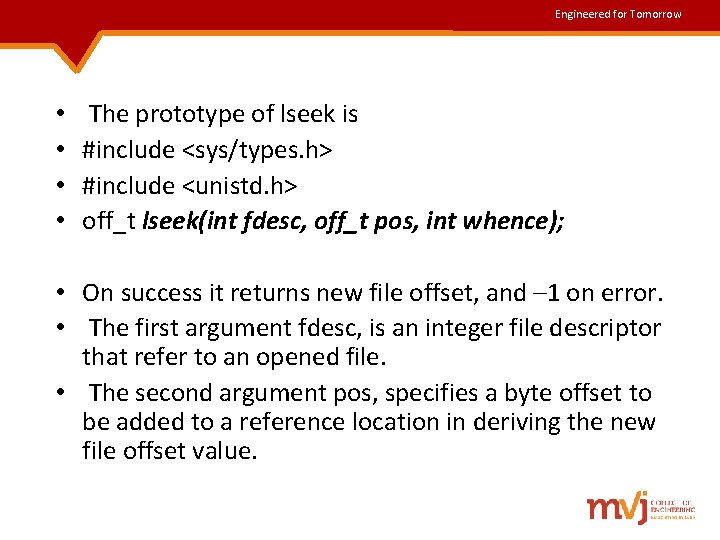
Engineered for Tomorrow • • The prototype of lseek is #include <sys/types. h> #include <unistd. h> off_t lseek(int fdesc, off_t pos, int whence); • On success it returns new file offset, and – 1 on error. • The first argument fdesc, is an integer file descriptor that refer to an opened file. • The second argument pos, specifies a byte offset to be added to a reference location in deriving the new file offset value.
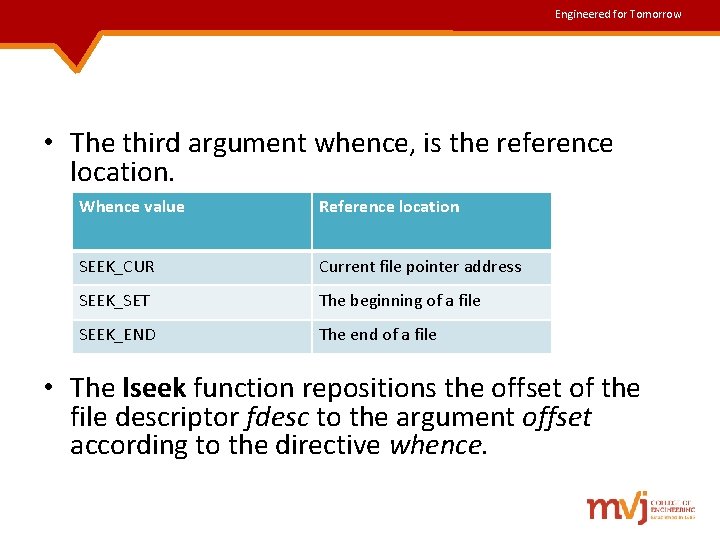
Engineered for Tomorrow • The third argument whence, is the reference location. Whence value Reference location SEEK_CUR Current file pointer address SEEK_SET The beginning of a file SEEK_END The end of a file • The lseek function repositions the offset of the file descriptor fdesc to the argument offset according to the directive whence.
Engineered for Tomorrow • If an lseek call will result in a new file offset that is beyond the current end-of-file, two outcomes possible are: v If a file is opened for read-only, lseek will fail. v If a file is opened for write access, lseek will succeed. v The data between the end-of-file and the new file offset address will be initialized with NULL characters.
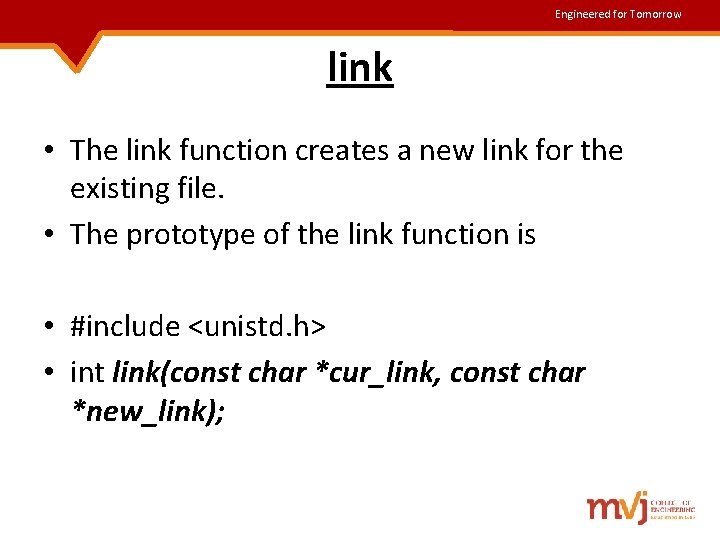
Engineered for Tomorrow link • The link function creates a new link for the existing file. • The prototype of the link function is • #include <unistd. h> • int link(const char *cur_link, const char *new_link);
Engineered for Tomorrow • If successful, the link function returns 0. • If unsuccessful, link returns – 1. • The first argument cur_link, is the pathname of existing file. • The second argument new_link is a new pathname to be assigned to the same file.
Engineered for Tomorrow • If this call succeeds, the hard link count will be increased by 1. • The UNIX ln command is implemented using the link API.
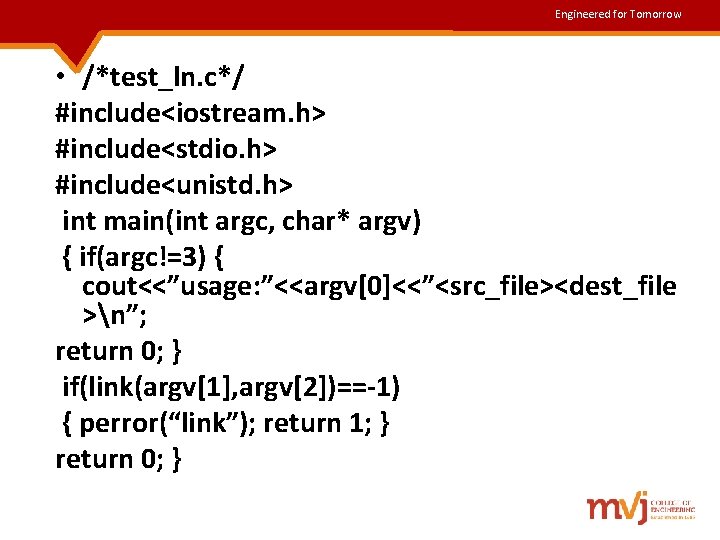
Engineered for Tomorrow • /*test_ln. c*/ #include<iostream. h> #include<stdio. h> #include<unistd. h> int main(int argc, char* argv) { if(argc!=3) { cout<<”usage: ”<<argv[0]<<”<src_file><dest_file >n”; return 0; } if(link(argv[1], argv[2])==-1) { perror(“link”); return 1; } return 0; }
Engineered for Tomorrow unlink • The unlink function deletes a link of an existing file. • This function decreases the hard link count attributes of the named file, and removes the file name entry of the link from directory file. • A file is removed from the file system when its hard link count is zero and no process has any file descriptor referencing that file.
Engineered for Tomorrow • #include <unistd. h> • int unlink(const char * cur_link); • If successful, the unlink function returns 0. • If unsuccessful, unlink returns – 1. • The argument cur_link is a path name that references an existing file.
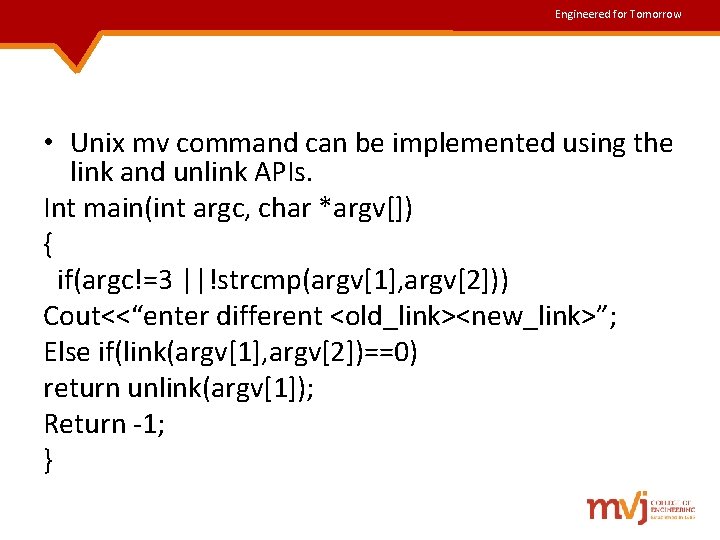
Engineered for Tomorrow • Unix mv command can be implemented using the link and unlink APIs. Int main(int argc, char *argv[]) { if(argc!=3 ||!strcmp(argv[1], argv[2])) Cout<<“enter different <old_link><new_link>”; Else if(link(argv[1], argv[2])==0) return unlink(argv[1]); Return -1; }
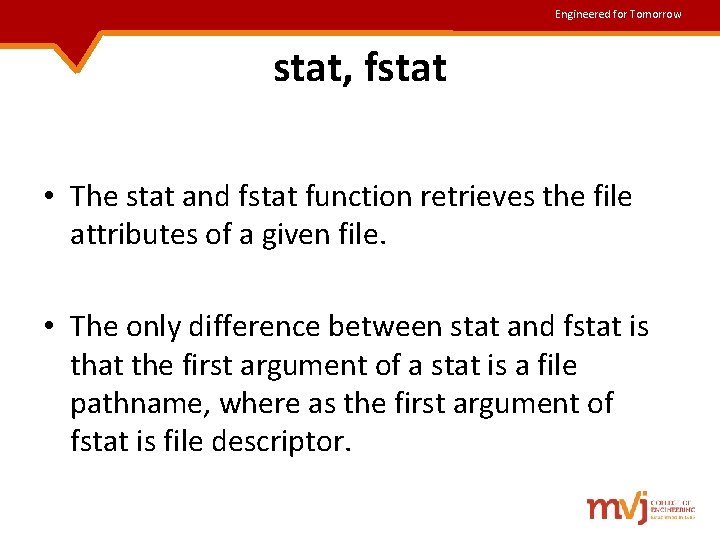
Engineered for Tomorrow stat, fstat • The stat and fstat function retrieves the file attributes of a given file. • The only difference between stat and fstat is that the first argument of a stat is a file pathname, where as the first argument of fstat is file descriptor.
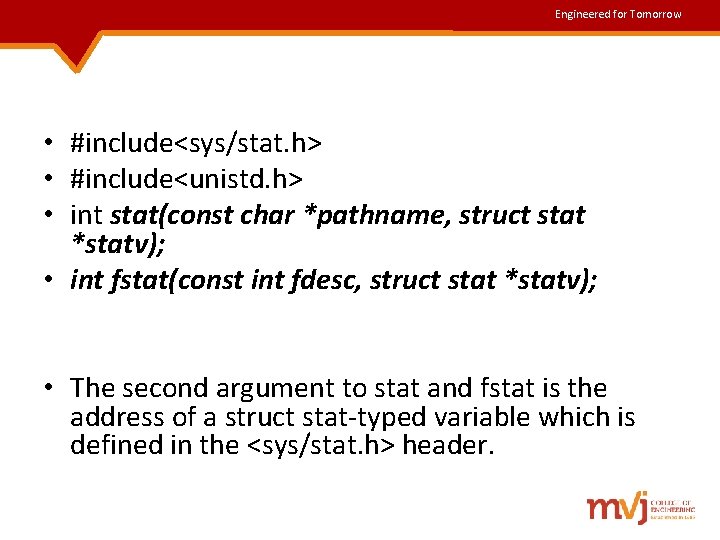
Engineered for Tomorrow • #include<sys/stat. h> • #include<unistd. h> • int stat(const char *pathname, struct stat *statv); • int fstat(const int fdesc, struct stat *statv); • The second argument to stat and fstat is the address of a struct stat-typed variable which is defined in the <sys/stat. h> header.
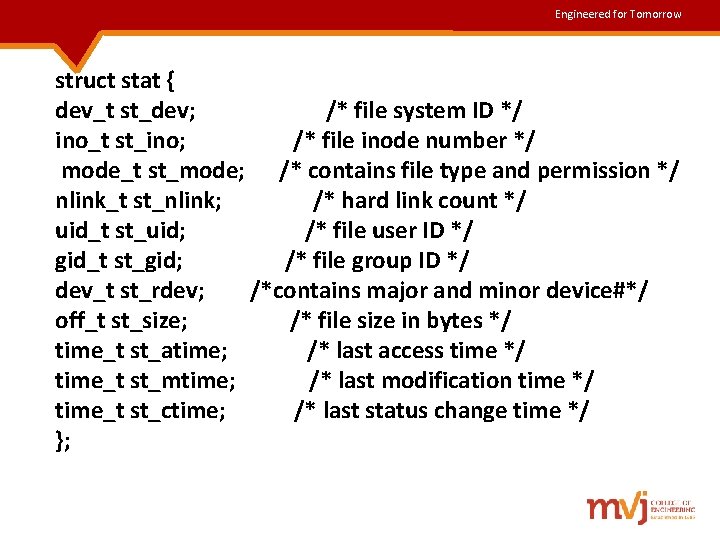
Engineered for Tomorrow struct stat { dev_t st_dev; /* file system ID */ ino_t st_ino; /* file inode number */ mode_t st_mode; /* contains file type and permission */ nlink_t st_nlink; /* hard link count */ uid_t st_uid; /* file user ID */ gid_t st_gid; /* file group ID */ dev_t st_rdev; /*contains major and minor device#*/ off_t st_size; /* file size in bytes */ time_t st_atime; /* last access time */ time_t st_mtime; /* last modification time */ time_t st_ctime; /* last status change time */ };
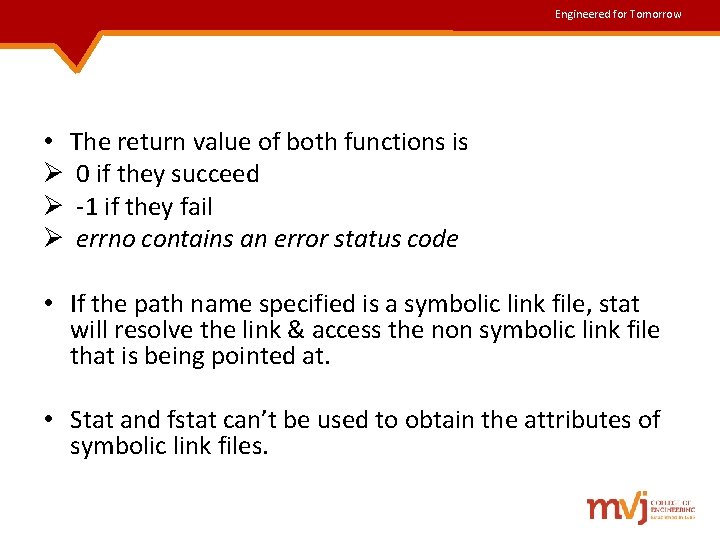
Engineered for Tomorrow • The return value of both functions is Ø 0 if they succeed Ø -1 if they fail Ø errno contains an error status code • If the path name specified is a symbolic link file, stat will resolve the link & access the non symbolic link file that is being pointed at. • Stat and fstat can’t be used to obtain the attributes of symbolic link files.
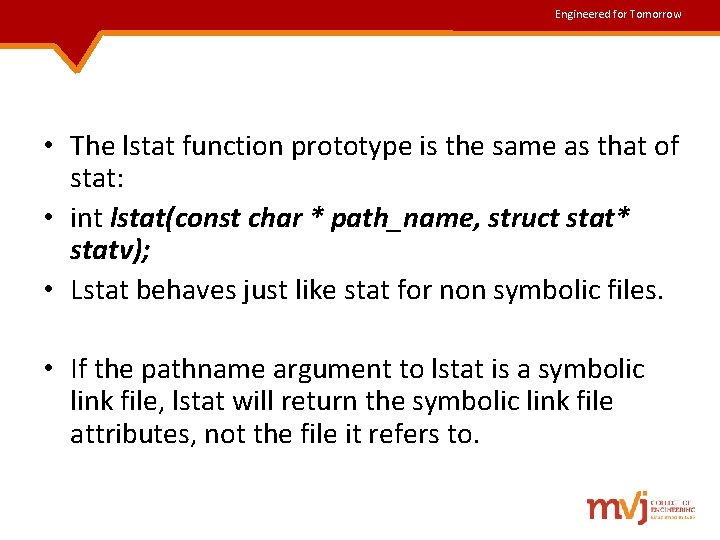
Engineered for Tomorrow • The lstat function prototype is the same as that of stat: • int lstat(const char * path_name, struct stat* statv); • Lstat behaves just like stat for non symbolic files. • If the pathname argument to lstat is a symbolic link file, lstat will return the symbolic link file attributes, not the file it refers to.
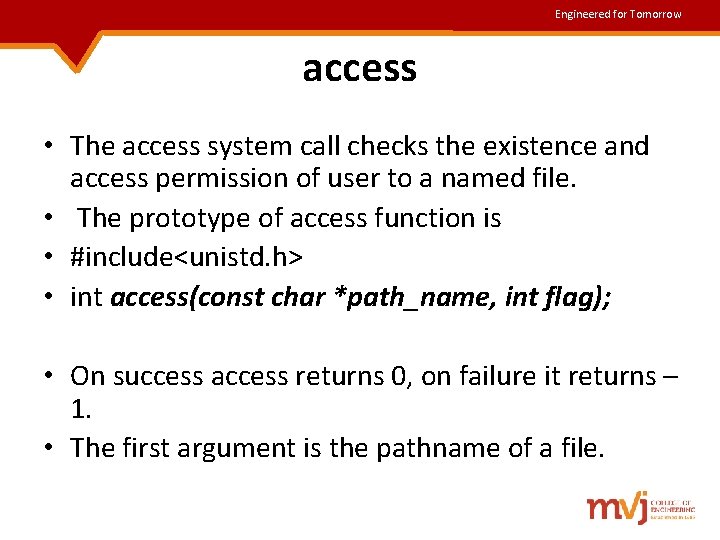
Engineered for Tomorrow access • The access system call checks the existence and access permission of user to a named file. • The prototype of access function is • #include<unistd. h> • int access(const char *path_name, int flag); • On success access returns 0, on failure it returns – 1. • The first argument is the pathname of a file.
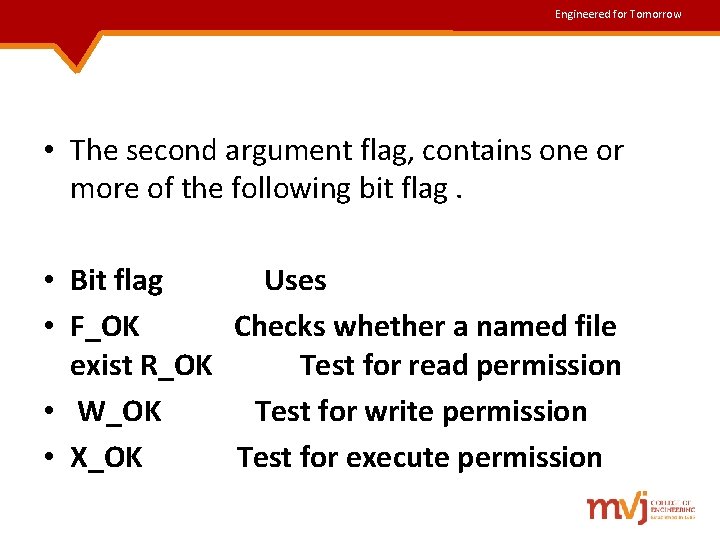
Engineered for Tomorrow • The second argument flag, contains one or more of the following bit flag. • Bit flag Uses • F_OK Checks whether a named file exist R_OK Test for read permission • W_OK Test for write permission • X_OK Test for execute permission
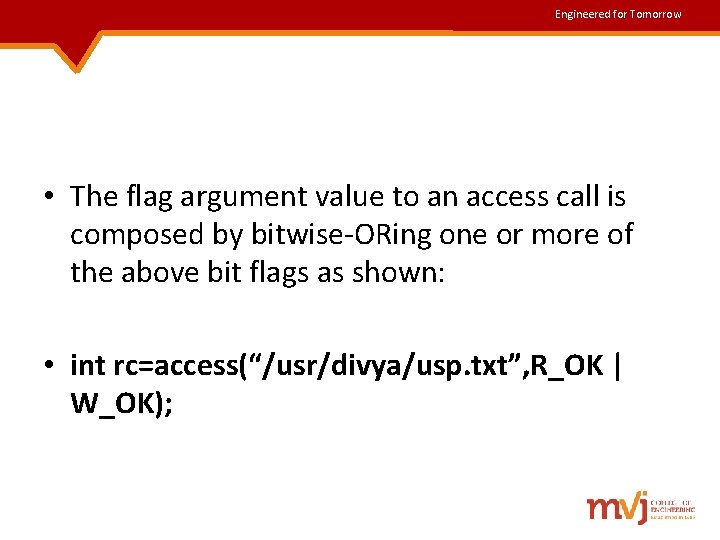
Engineered for Tomorrow • The flag argument value to an access call is composed by bitwise-ORing one or more of the above bit flags as shown: • int rc=access(“/usr/divya/usp. txt”, R_OK | W_OK);
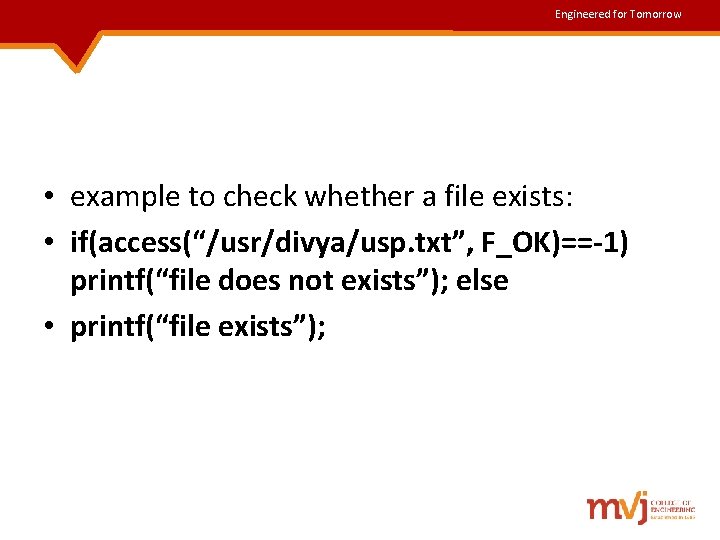
Engineered for Tomorrow • example to check whether a file exists: • if(access(“/usr/divya/usp. txt”, F_OK)==-1) printf(“file does not exists”); else • printf(“file exists”);
Engineered for Tomorrow Int main(int argc, char * argv[]) { Char buf[256]; Int fdesc, len; While(--argc>0){ If(access(*++argv, F_OK)){ Fdesc=open(*argv, O_WRONLY|O_CREAT, 0744); Write(fdesc, ”Hello worldn”, 12); }else { Fdesc=open(*argv, O_RDONLY); While(len=read(fdesc, buf, 256)) Write(1, buf, len); } Close(fdesc); } }
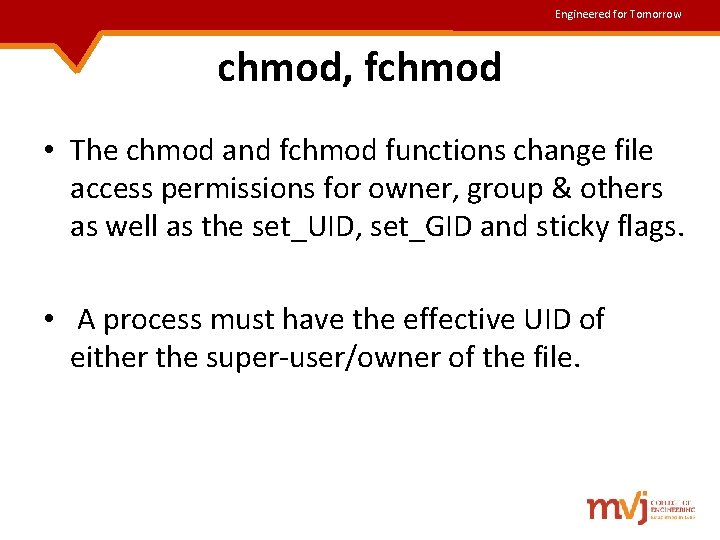
Engineered for Tomorrow chmod, fchmod • The chmod and fchmod functions change file access permissions for owner, group & others as well as the set_UID, set_GID and sticky flags. • A process must have the effective UID of either the super-user/owner of the file.
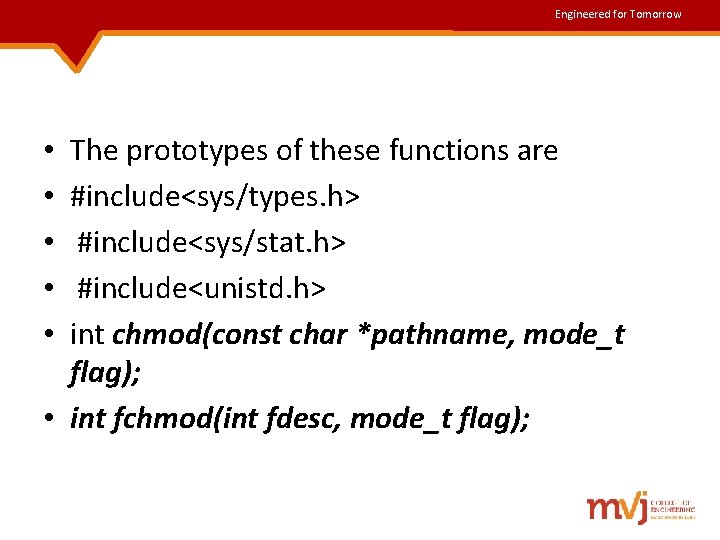
Engineered for Tomorrow The prototypes of these functions are #include<sys/types. h> #include<sys/stat. h> #include<unistd. h> int chmod(const char *pathname, mode_t flag); • int fchmod(int fdesc, mode_t flag); • • •
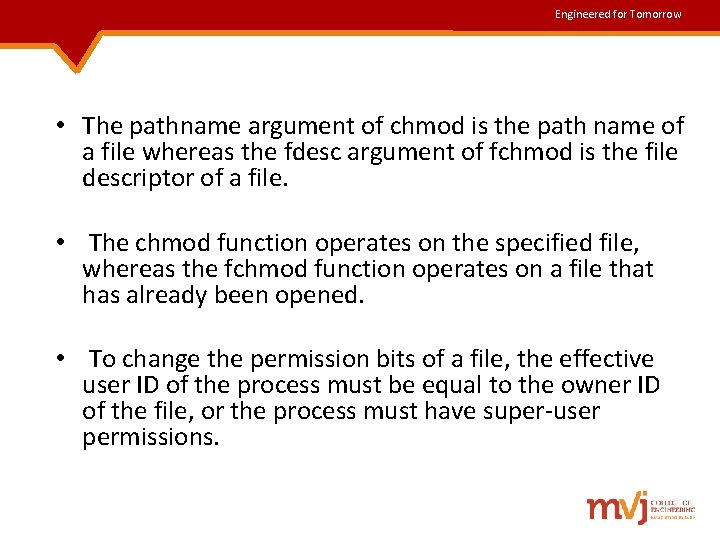
Engineered for Tomorrow • The pathname argument of chmod is the path name of a file whereas the fdesc argument of fchmod is the file descriptor of a file. • The chmod function operates on the specified file, whereas the fchmod function operates on a file that has already been opened. • To change the permission bits of a file, the effective user ID of the process must be equal to the owner ID of the file, or the process must have super-user permissions.
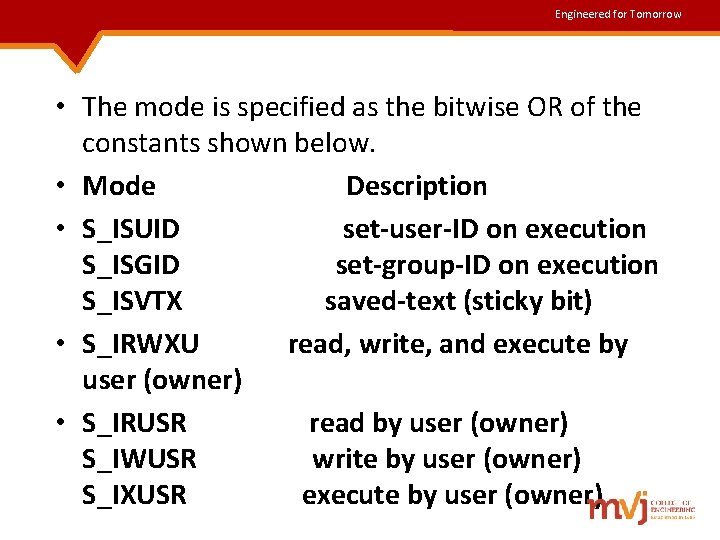
Engineered for Tomorrow • The mode is specified as the bitwise OR of the constants shown below. • Mode Description • S_ISUID set-user-ID on execution S_ISGID set-group-ID on execution S_ISVTX saved-text (sticky bit) • S_IRWXU read, write, and execute by user (owner) • S_IRUSR read by user (owner) S_IWUSR write by user (owner) S_IXUSR execute by user (owner)
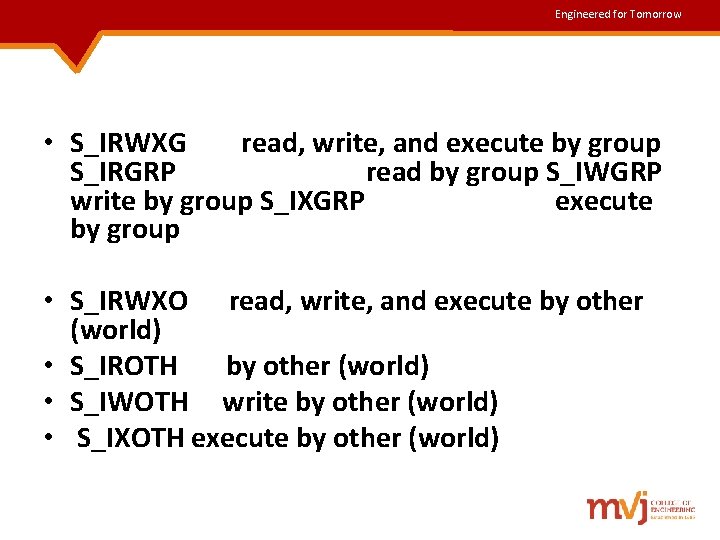
Engineered for Tomorrow • S_IRWXG read, write, and execute by group S_IRGRP read by group S_IWGRP write by group S_IXGRP execute by group • S_IRWXO read, write, and execute by other (world) • S_IROTH by other (world) • S_IWOTH write by other (world) • S_IXOTH execute by other (world)
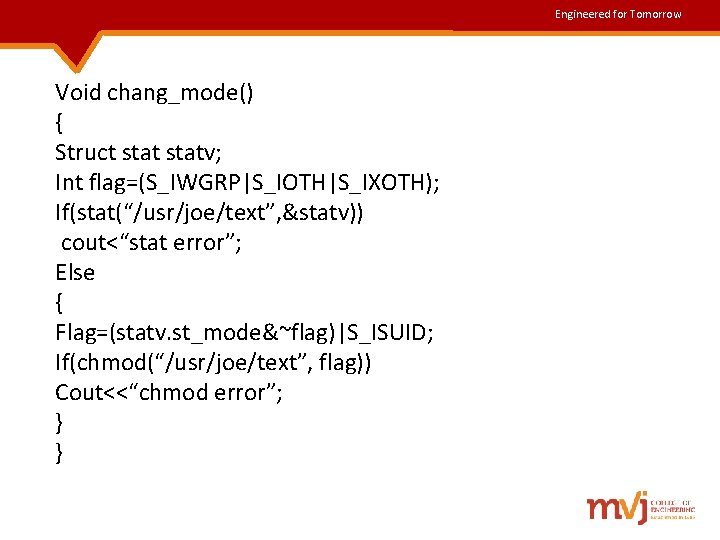
Engineered for Tomorrow Void chang_mode() { Struct statv; Int flag=(S_IWGRP|S_IOTH|S_IXOTH); If(stat(“/usr/joe/text”, &statv)) cout<“stat error”; Else { Flag=(statv. st_mode&~flag)|S_ISUID; If(chmod(“/usr/joe/text”, flag)) Cout<<“chmod error”; } }
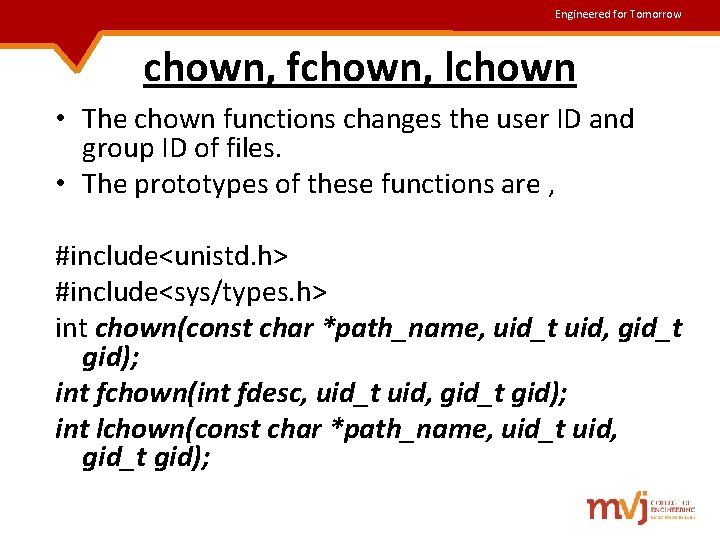
Engineered for Tomorrow chown, fchown, lchown • The chown functions changes the user ID and group ID of files. • The prototypes of these functions are , #include<unistd. h> #include<sys/types. h> int chown(const char *path_name, uid_t uid, gid_t gid); int fchown(int fdesc, uid_t uid, gid_t gid); int lchown(const char *path_name, uid_t uid, gid_t gid);
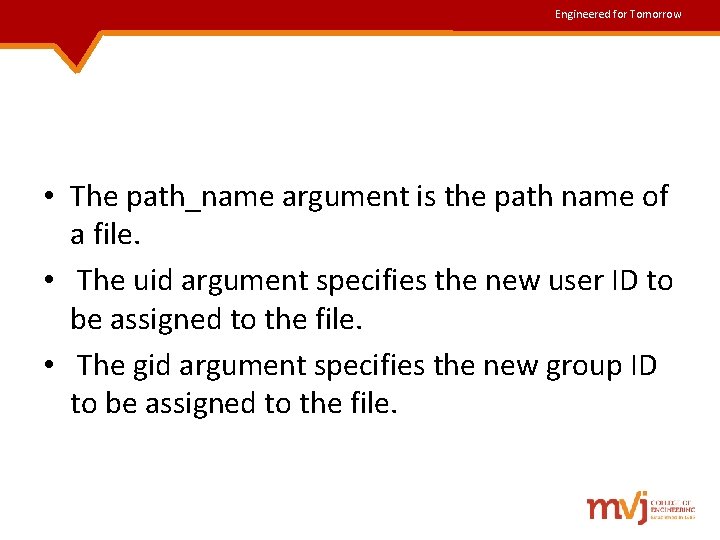
Engineered for Tomorrow • The path_name argument is the path name of a file. • The uid argument specifies the new user ID to be assigned to the file. • The gid argument specifies the new group ID to be assigned to the file.
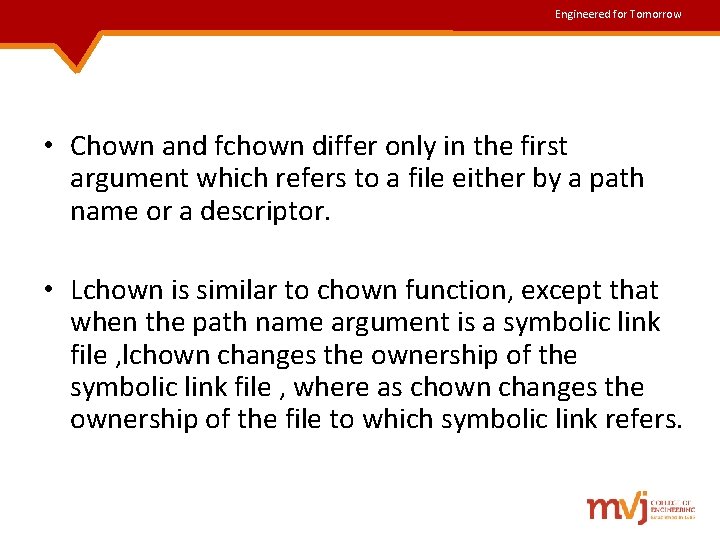
Engineered for Tomorrow • Chown and fchown differ only in the first argument which refers to a file either by a path name or a descriptor. • Lchown is similar to chown function, except that when the path name argument is a symbolic link file , lchown changes the ownership of the symbolic link file , where as chown changes the ownership of the file to which symbolic link refers.
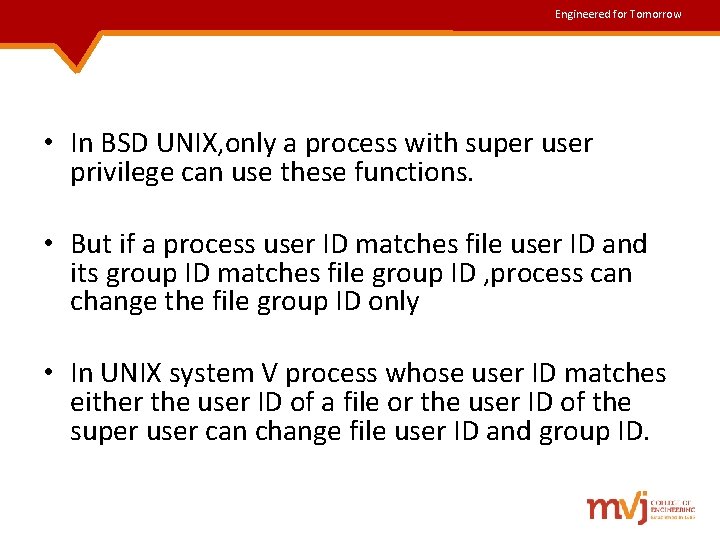
Engineered for Tomorrow • In BSD UNIX, only a process with super user privilege can use these functions. • But if a process user ID matches file user ID and its group ID matches file group ID , process can change the file group ID only • In UNIX system V process whose user ID matches either the user ID of a file or the user ID of the super user can change file user ID and group ID.
Engineered for Tomorrow Int main(int argc, char *argv[]) { If(argc<3) Printf(“error”); Struct passwd *pwd=getpwuid(argv[1]); Uid_t UID=pwd? pwd->pw_uid: -1; Struct statv; If(UID==(uid_t)-1) Printf(“OWNER UNCHANGED”);
Engineered for Tomorrow Else for(int i=2; i<argc; i++) If(stat(argv[i], &statv)==0) If(chown(argv[i], UID, statv. st_gid)) Printf(“chown error”); } Else Prinft(“stat error”); Return 0; }
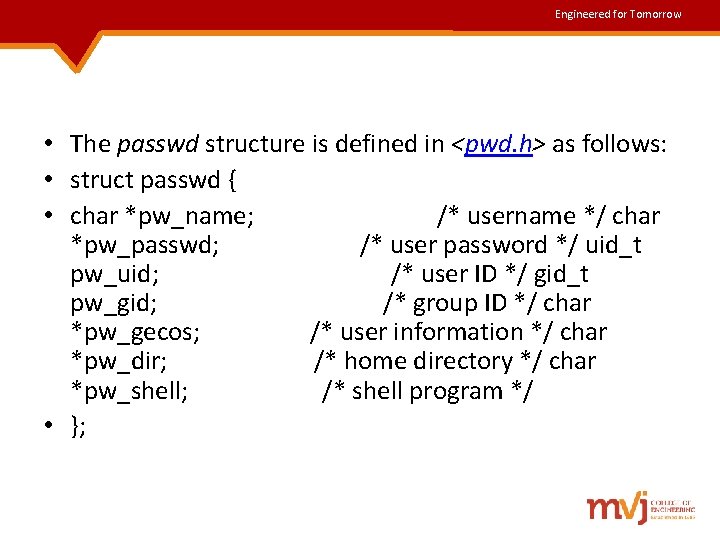
Engineered for Tomorrow • The passwd structure is defined in <pwd. h> as follows: • struct passwd { • char *pw_name; /* username */ char *pw_passwd; /* user password */ uid_t pw_uid; /* user ID */ gid_t pw_gid; /* group ID */ char *pw_gecos; /* user information */ char *pw_dir; /* home directory */ char *pw_shell; /* shell program */ • };
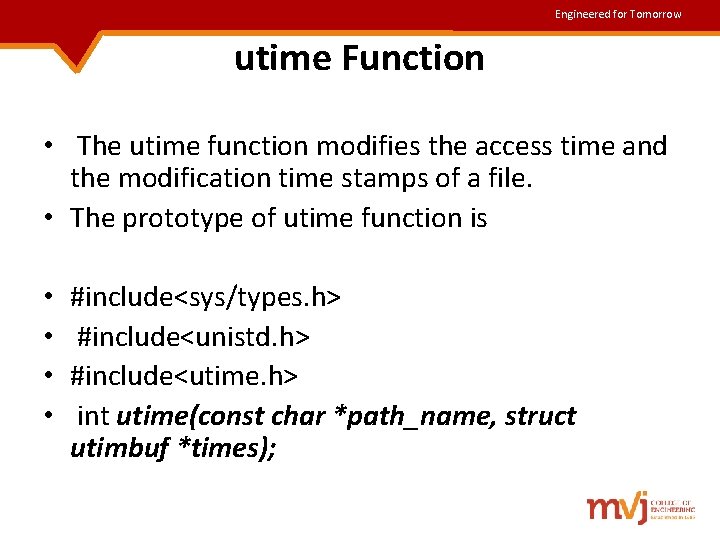
Engineered for Tomorrow utime Function • The utime function modifies the access time and the modification time stamps of a file. • The prototype of utime function is • • #include<sys/types. h> #include<unistd. h> #include<utime. h> int utime(const char *path_name, struct utimbuf *times);
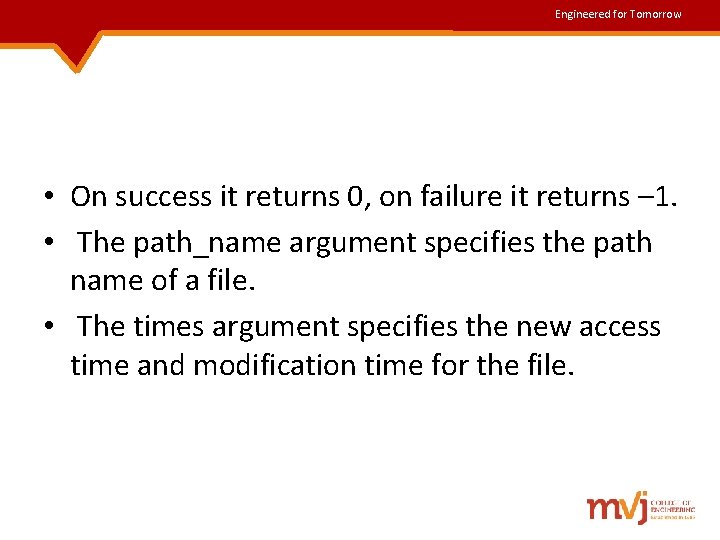
Engineered for Tomorrow • On success it returns 0, on failure it returns – 1. • The path_name argument specifies the path name of a file. • The times argument specifies the new access time and modification time for the file.
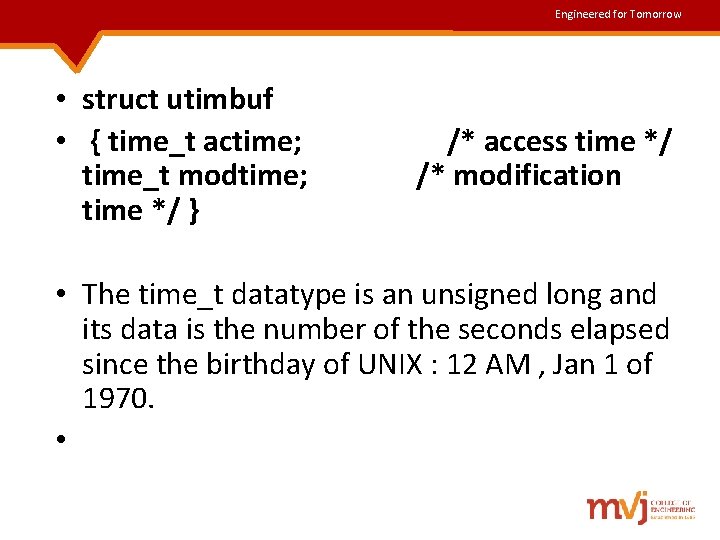
Engineered for Tomorrow • struct utimbuf • { time_t actime; time_t modtime; time */ } /* access time */ /* modification • The time_t datatype is an unsigned long and its data is the number of the seconds elapsed since the birthday of UNIX : 12 AM , Jan 1 of 1970. •
Engineered for Tomorrow • If the times (variable) is specified as NULL, the function will set the named file access and modification time to the current time. • If the times (variable) is an address of the variable of the type struct utimbuf, the function will set the file access time and modification time to the value specified by the variable.
Engineered for Tomorrow Int main(int argc, char * argv[]) { Struct utimbuf times; Int offset; If(argc<3||sscanf(argv[1], ”%d”, &offset)!=1) Printf(“error”); times. actime= times. modtime=time(0)+offset; For(int i=2; i<argc; i++) If(utime(argv[i], ×)==-1) printf(“utime error”); return 0; }
Engineered for Tomorrow File and Record Locking • Multiple processes performs read and write operation on the same file concurrently. • This provides a means for data sharing among processes, but it also renders difficulty for any process in determining when the other process can override data in a file. • So, in order to overcome this drawback UNIX and POSIX standard support file locking mechanism.
Engineered for Tomorrow • File locking is applicable for regular files. • Only a process can impose a write lock or read lock on either a portion of a file or on the entire file. • The differences between the read lock and the write lock is that when write lock is set, it prevents the other process from setting any over -lapping read or write lock on the locked file.
Engineered for Tomorrow • Similarly when a read lock is set, it prevents other processes from setting any overlapping write locks on the locked region. • The intension of the write lock is to prevent other processes from both reading and writing the locked region while the process that sets the lock is modifying the region, so write lock is termed as “Exclusive lock”.
Engineered for Tomorrow • The use of read lock is to prevent other processes from writing to the locked region while the process that sets the lock is reading data from the region. • Other processes are allowed to lock and read data from the locked regions. Hence a read lock is also called as “shared lock “.
Engineered for Tomorrow • File lock may be mandatory if they are enforced by an operating system kernel. • If a mandatory exclusive lock is set on a file, no process can use the read or write system calls to access the data on the locked region. • These mechanisms can be used to synchronize reading and writing of shared files by multiple processes.
Engineered for Tomorrow • If a process locks up a file, other processes that attempt to write to the locked regions are blocked until the former process releases its lock. • Problem with mandatory lock is – if a runaway process sets a mandatory exclusive lock on a file and never unlocks it, then, no other process can access the locked region of the file until the runway process is killed or the system has to be rebooted.
Engineered for Tomorrow • If locks are not mandatory, then it has to be advisory lock. • A kernel at the system call level does not enforce advisory locks. • This means that even though a lock may be set on a file, other processes can still use the read and write functions to access the file.
Engineered for Tomorrow • To make use of advisory locks, process that manipulate the same file must co-operate such that they follow the given below procedure for every read or write operation to the file. • 1. Try to set a lock at the region to be accesses. If this fails, a process can either wait for the lock request to become successful or go do something else and try to lock the file again later. • 2. After a lock is acquired successfully, read or write the locked region. • 3. Release the lock.
Engineered for Tomorrow Lock Promotion • If a process sets a read lock on a file, for example from address 0 to 256, then sets a write lock on the file from address 0 to 512, the process will own only one write lock on the file from 0 to 512, the previous read lock from 0 to 256 is now covered by the write lock and the process does not own two locks on the region from 0 to 256. This process is called “Lock Promotion”.
Engineered for Tomorrow Lock Splitting • if a process now unblocks the file from 128 to 480, it will own two write locks on the file: one from 0 to 127 and the other from 481 to 512. This process is called “Lock Splitting”. • UNIX systems provide fcntl function to support file locking. By using fcntl it is possible to impose read or write locks on either a region or an entire file.
Engineered for Tomorrow • The prototype of fcntl is ; #include<fcntl. h> int fcntl(int fdesc, int cmd_flag, . . ); • The first argument specifies the file descriptor. • The second argument cmd_flag specifies what operation has to be performed.
Engineered for Tomorrow • F_SETLK sets a file lock, do not block if this cannot succeed immediately. • F_SETLKW sets a file lock and blocks the process until the lock is acquired. • F_GETLK queries as to which process locked a specified region of file.
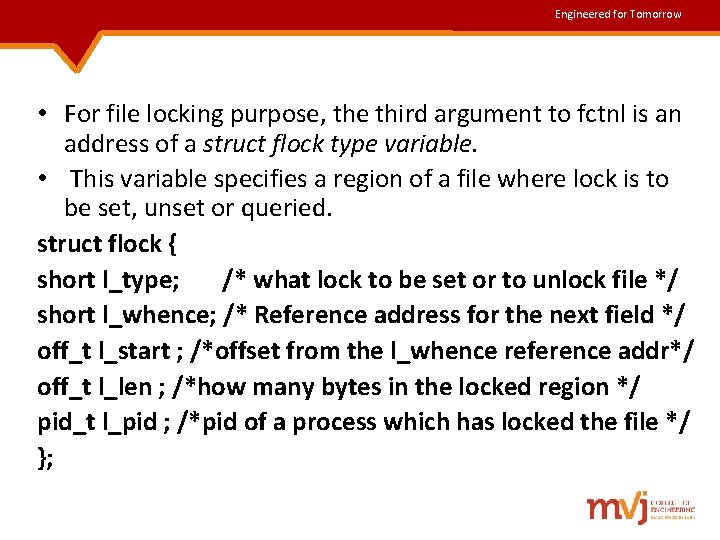
Engineered for Tomorrow • For file locking purpose, the third argument to fctnl is an address of a struct flock type variable. • This variable specifies a region of a file where lock is to be set, unset or queried. struct flock { short l_type; /* what lock to be set or to unlock file */ short l_whence; /* Reference address for the next field */ off_t l_start ; /*offset from the l_whence reference addr*/ off_t l_len ; /*how many bytes in the locked region */ pid_t l_pid ; /*pid of a process which has locked the file */ };
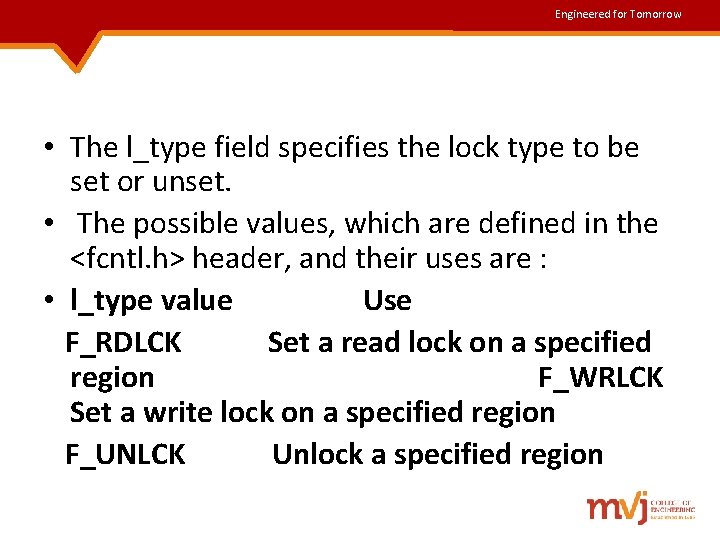
Engineered for Tomorrow • The l_type field specifies the lock type to be set or unset. • The possible values, which are defined in the <fcntl. h> header, and their uses are : • l_type value Use F_RDLCK Set a read lock on a specified region F_WRLCK Set a write lock on a specified region F_UNLCK Unlock a specified region
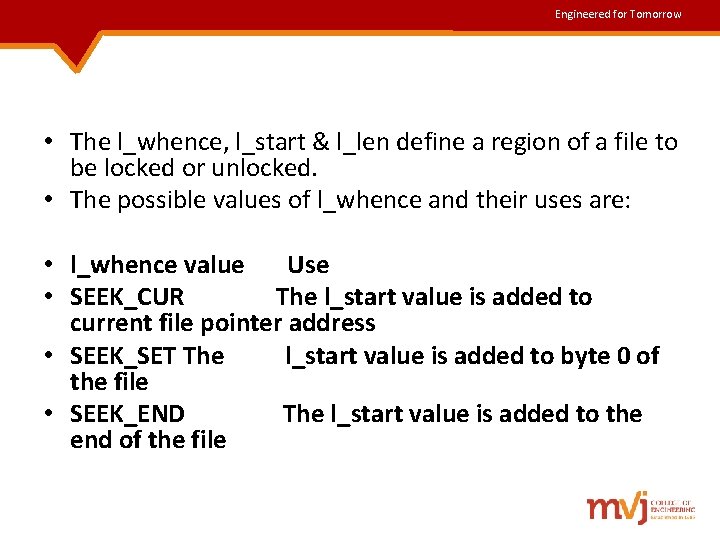
Engineered for Tomorrow • The l_whence, l_start & l_len define a region of a file to be locked or unlocked. • The possible values of l_whence and their uses are: • l_whence value Use • SEEK_CUR The l_start value is added to current file pointer address • SEEK_SET The l_start value is added to byte 0 of the file • SEEK_END The l_start value is added to the end of the file
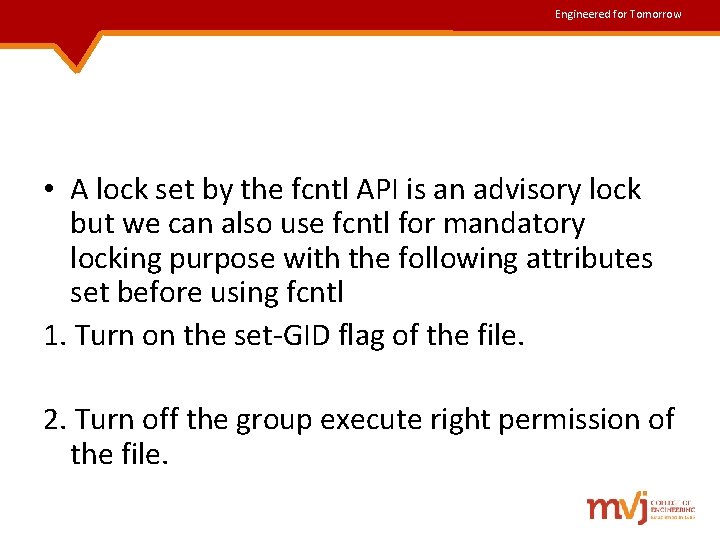
Engineered for Tomorrow • A lock set by the fcntl API is an advisory lock but we can also use fcntl for mandatory locking purpose with the following attributes set before using fcntl 1. Turn on the set-GID flag of the file. 2. Turn off the group execute right permission of the file.
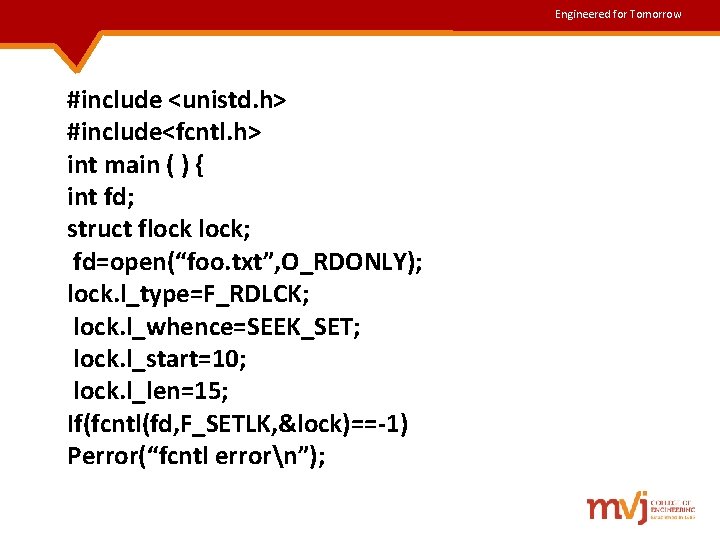
Engineered for Tomorrow #include <unistd. h> #include<fcntl. h> int main ( ) { int fd; struct flock; fd=open(“foo. txt”, O_RDONLY); lock. l_type=F_RDLCK; lock. l_whence=SEEK_SET; lock. l_start=10; lock. l_len=15; If(fcntl(fd, F_SETLK, &lock)==-1) Perror(“fcntl errorn”);
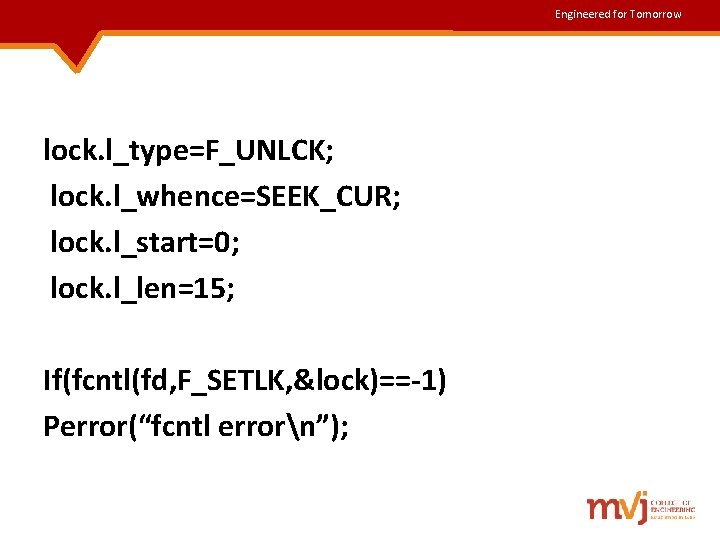
Engineered for Tomorrow lock. l_type=F_UNLCK; lock. l_whence=SEEK_CUR; lock. l_start=0; lock. l_len=15; If(fcntl(fd, F_SETLK, &lock)==-1) Perror(“fcntl errorn”);
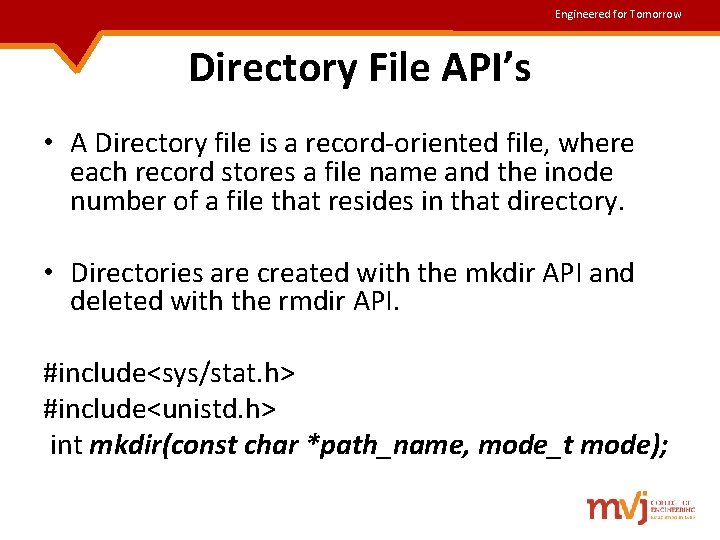
Engineered for Tomorrow Directory File API’s • A Directory file is a record-oriented file, where each record stores a file name and the inode number of a file that resides in that directory. • Directories are created with the mkdir API and deleted with the rmdir API. #include<sys/stat. h> #include<unistd. h> int mkdir(const char *path_name, mode_t mode);
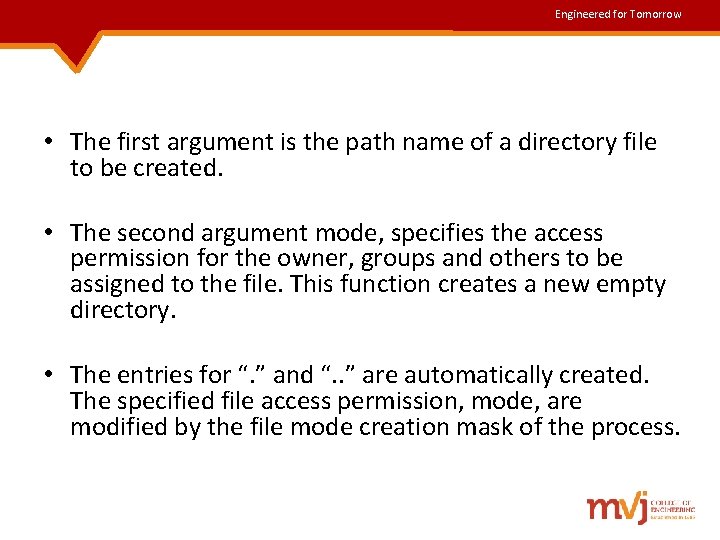
Engineered for Tomorrow • The first argument is the path name of a directory file to be created. • The second argument mode, specifies the access permission for the owner, groups and others to be assigned to the file. This function creates a new empty directory. • The entries for “. ” and “. . ” are automatically created. The specified file access permission, mode, are modified by the file mode creation mask of the process.
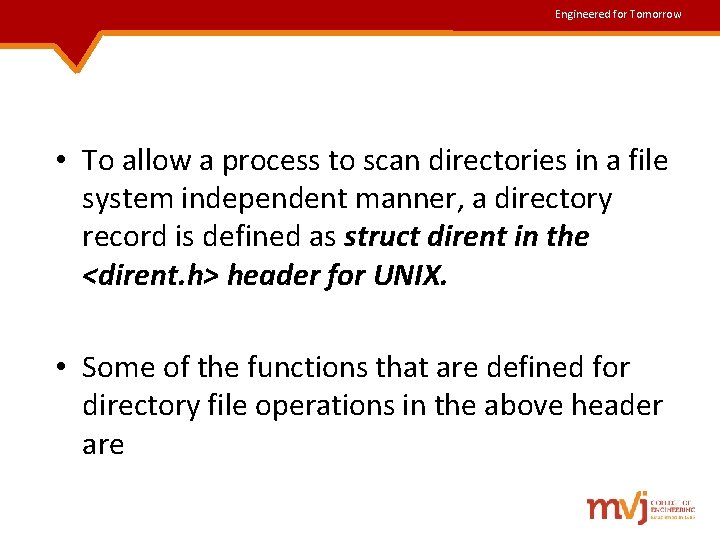
Engineered for Tomorrow • To allow a process to scan directories in a file system independent manner, a directory record is defined as struct dirent in the <dirent. h> header for UNIX. • Some of the functions that are defined for directory file operations in the above header are
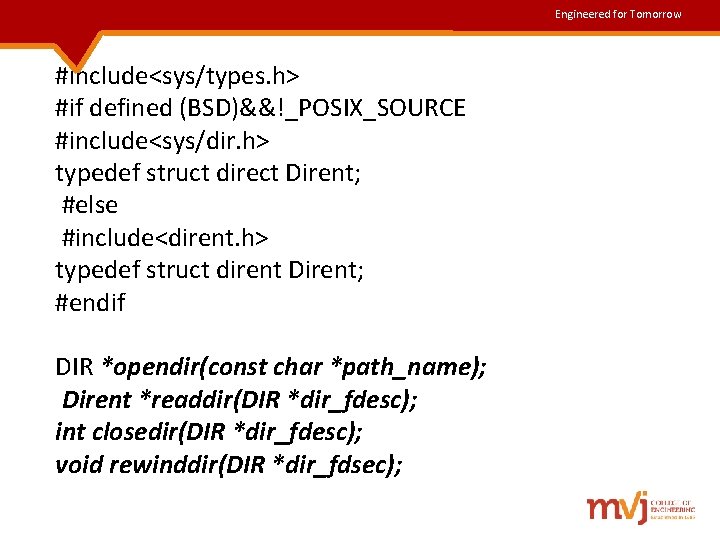
Engineered for Tomorrow #include<sys/types. h> #if defined (BSD)&&!_POSIX_SOURCE #include<sys/dir. h> typedef struct direct Dirent; #else #include<dirent. h> typedef struct dirent Dirent; #endif DIR *opendir(const char *path_name); Dirent *readdir(DIR *dir_fdesc); int closedir(DIR *dir_fdesc); void rewinddir(DIR *dir_fdsec);
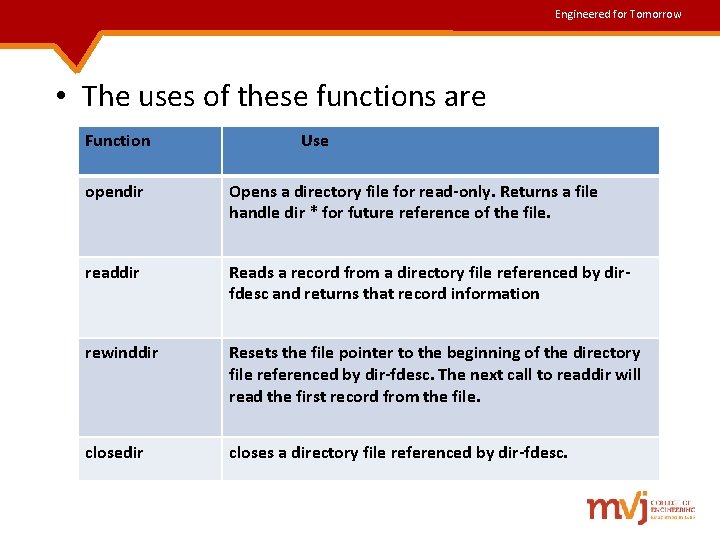
Engineered for Tomorrow • The uses of these functions are Function Use opendir Opens a directory file for read-only. Returns a file handle dir * for future reference of the file. readdir Reads a record from a directory file referenced by dirfdesc and returns that record information rewinddir Resets the file pointer to the beginning of the directory file referenced by dir-fdesc. The next call to readdir will read the first record from the file. closedir closes a directory file referenced by dir-fdesc.
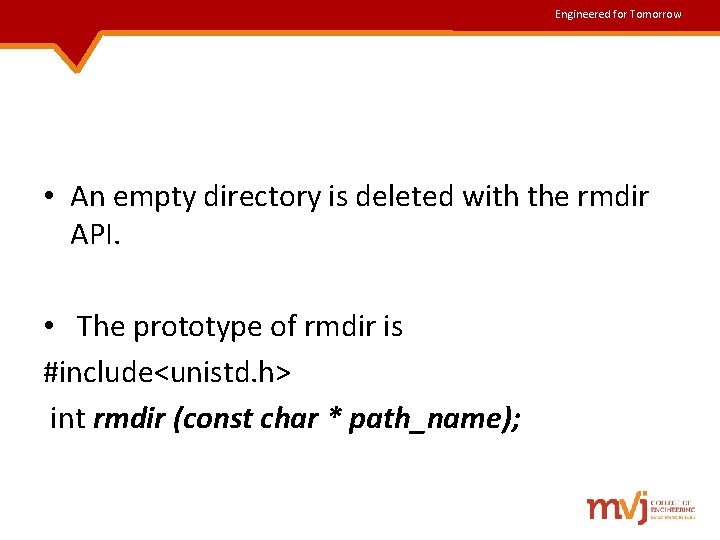
Engineered for Tomorrow • An empty directory is deleted with the rmdir API. • The prototype of rmdir is #include<unistd. h> int rmdir (const char * path_name);
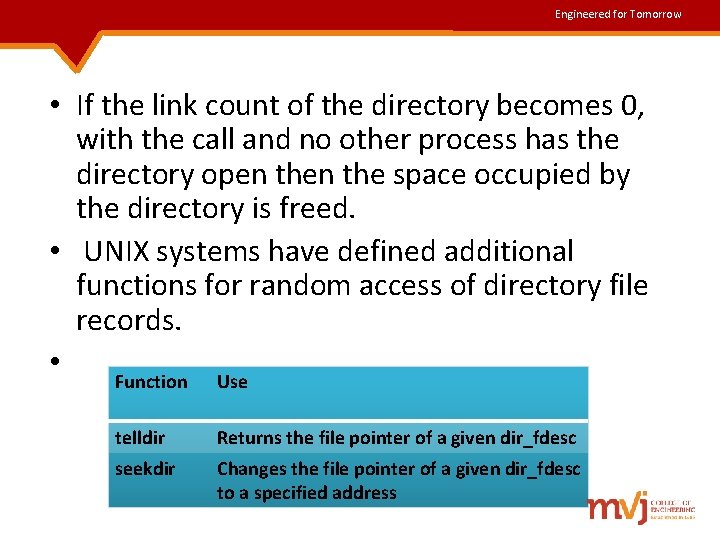
Engineered for Tomorrow • If the link count of the directory becomes 0, with the call and no other process has the directory open the space occupied by the directory is freed. • UNIX systems have defined additional functions for random access of directory file records. • Function Use telldir Returns the file pointer of a given dir_fdesc seekdir Changes the file pointer of a given dir_fdesc to a specified address
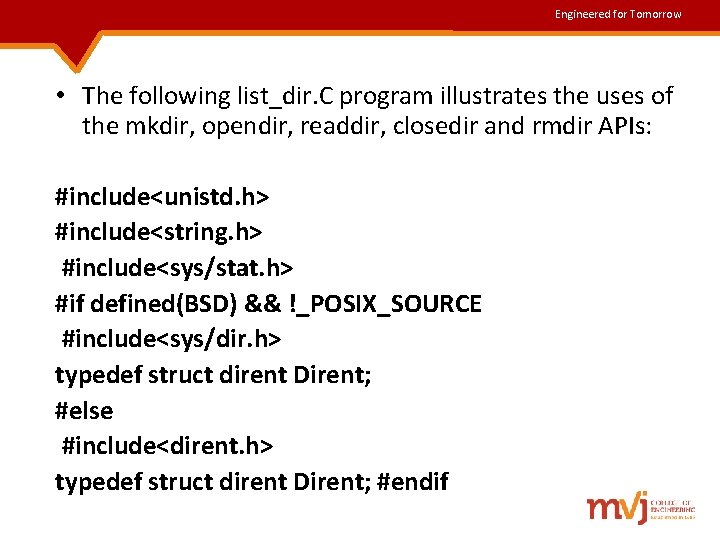
Engineered for Tomorrow • The following list_dir. C program illustrates the uses of the mkdir, opendir, readdir, closedir and rmdir APIs: #include<unistd. h> #include<string. h> #include<sys/stat. h> #if defined(BSD) && !_POSIX_SOURCE #include<sys/dir. h> typedef struct dirent Dirent; #else #include<dirent. h> typedef struct dirent Dirent; #endif
Engineered for Tomorrow int main(int agc, char* argv[]) { Dirent* dp; DIR* dir_fdesc; while(--argc>0) { if(!(dir_fdesc=opendir(*++argv))) { if(mkdir(*argv, S_IRWXU | S_IRWXG | S_IRWXO)==-1) perror("opendir"); continue; }
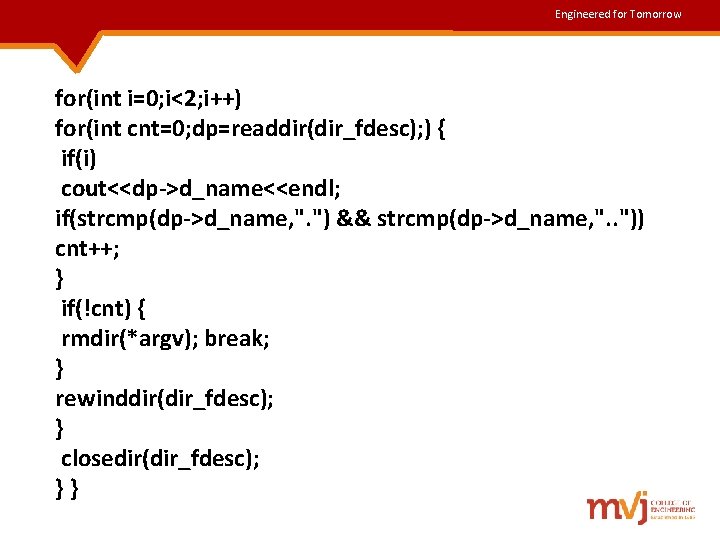
Engineered for Tomorrow for(int i=0; i<2; i++) for(int cnt=0; dp=readdir(dir_fdesc); ) { if(i) cout<<dp->d_name<<endl; if(strcmp(dp->d_name, ". ") && strcmp(dp->d_name, ". . ")) cnt++; } if(!cnt) { rmdir(*argv); break; } rewinddir(dir_fdesc); } closedir(dir_fdesc); }}
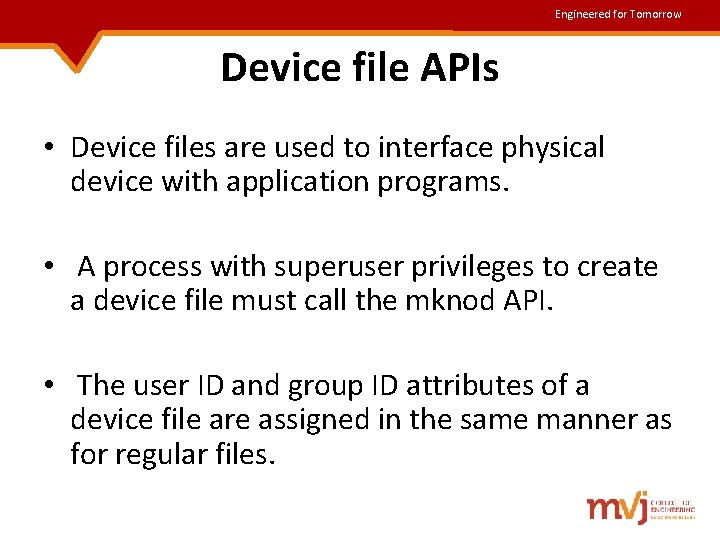
Engineered for Tomorrow Device file APIs • Device files are used to interface physical device with application programs. • A process with superuser privileges to create a device file must call the mknod API. • The user ID and group ID attributes of a device file are assigned in the same manner as for regular files.
Engineered for Tomorrow • When a process reads or writes to a device file, the kernel uses the major and minor device numbers of a file to select a device driver function to carry out the actual data transfer. • Device file support is implementation dependent. UNIX System defines the mknod API to create device files
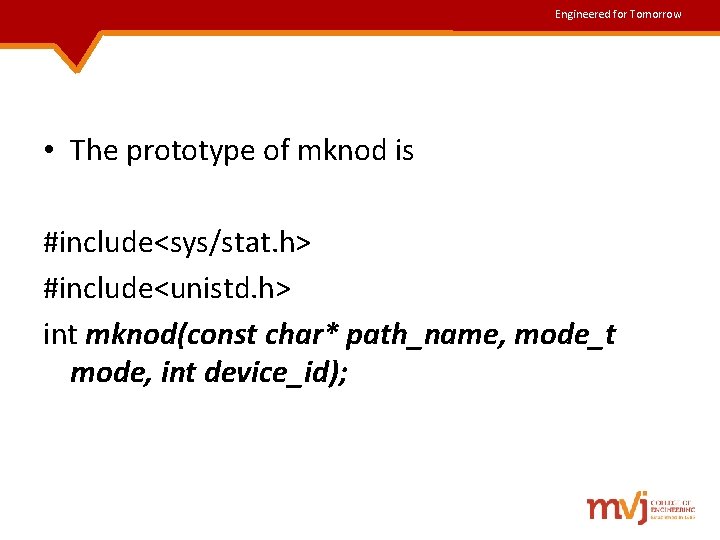
Engineered for Tomorrow • The prototype of mknod is #include<sys/stat. h> #include<unistd. h> int mknod(const char* path_name, mode_t mode, int device_id);
Engineered for Tomorrow • The first argument pathname is the pathname of a device file to be created. • The second argument mode specifies the access permission, for the owner, group and others, also S_IFCHR or S_IBLK flag to be assigned to the file. • The third argument device id contains the major and minor device number.
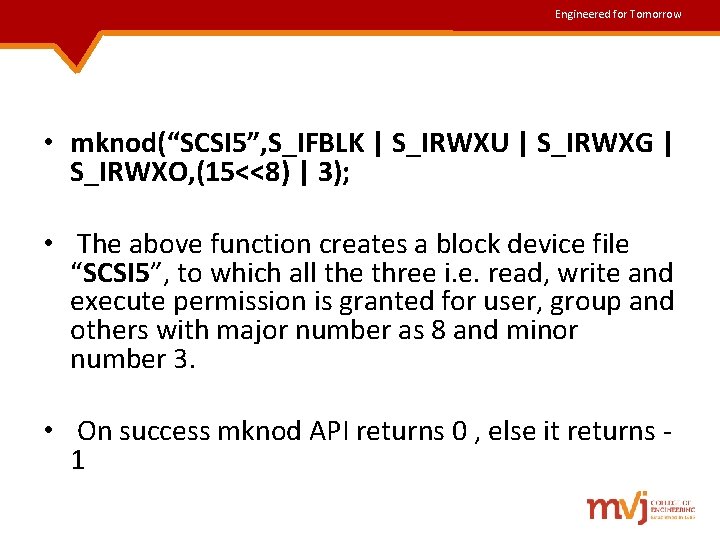
Engineered for Tomorrow • mknod(“SCSI 5”, S_IFBLK | S_IRWXU | S_IRWXG | S_IRWXO, (15<<8) | 3); • The above function creates a block device file “SCSI 5”, to which all the three i. e. read, write and execute permission is granted for user, group and others with major number as 8 and minor number 3. • On success mknod API returns 0 , else it returns 1
Engineered for Tomorrow int main(int argc, char* argv[]) { if(argc!=4) { cout<<"usage: "<<argv[0]<<"<file><major_no>< minor_no>"; return 0; } int major=atoi(argv[2], minor=atoi(argv[3]); (void) mknod(argv[1], S_IFCHR | S_IRWXU | S_IRWXG | S_IRWXO, (major<<8) | minor); int rc=1, fd=open(argv[1], O_RDW | O_NONBLOCK | O_NOCTTY);
Engineered for Tomorrow char buf[256]; while(rc && fd!=-1) if((rc=read(fd, buf, sizeof(buf)))<0) perror("read"); else if(rc) cout<<buf<<endl; close(fd); }
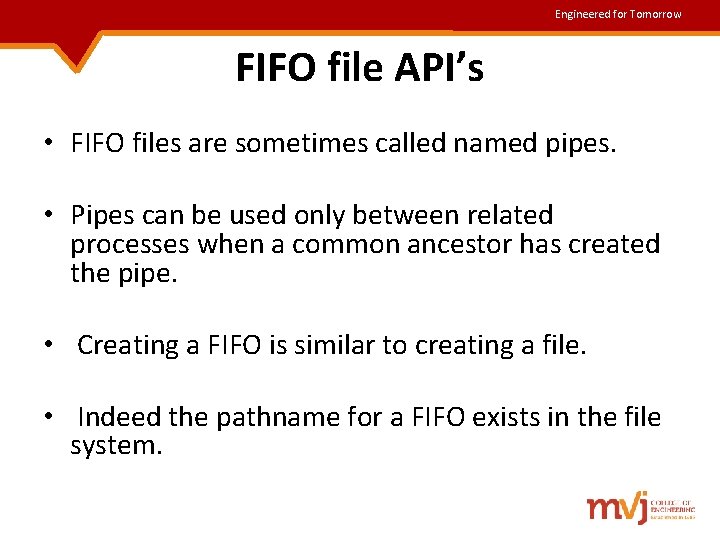
Engineered for Tomorrow FIFO file API’s • FIFO files are sometimes called named pipes. • Pipes can be used only between related processes when a common ancestor has created the pipe. • Creating a FIFO is similar to creating a file. • Indeed the pathname for a FIFO exists in the file system.
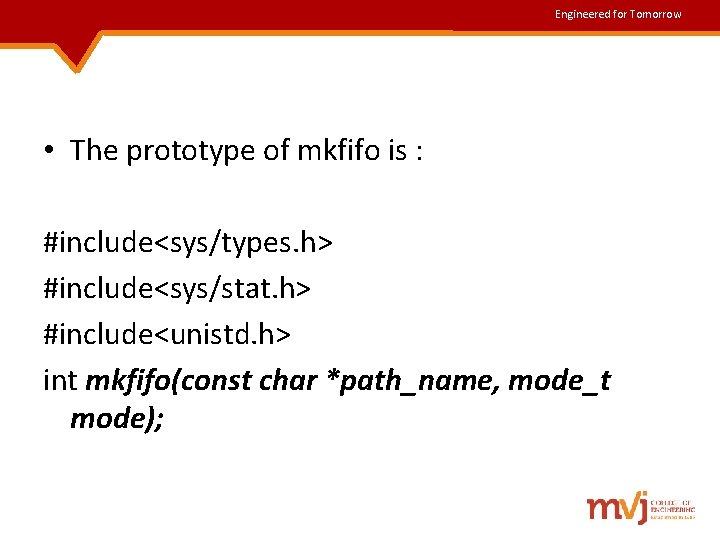
Engineered for Tomorrow • The prototype of mkfifo is : #include<sys/types. h> #include<sys/stat. h> #include<unistd. h> int mkfifo(const char *path_name, mode_t mode);
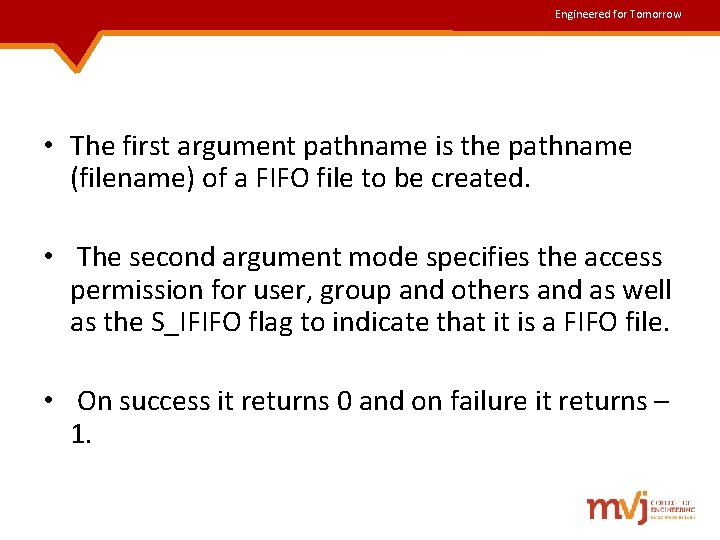
Engineered for Tomorrow • The first argument pathname is the pathname (filename) of a FIFO file to be created. • The second argument mode specifies the access permission for user, group and others and as well as the S_IFIFO flag to indicate that it is a FIFO file. • On success it returns 0 and on failure it returns – 1.
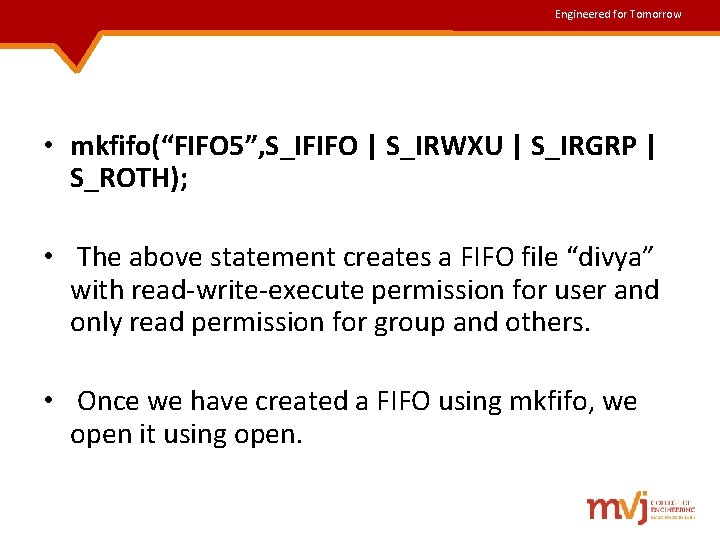
Engineered for Tomorrow • mkfifo(“FIFO 5”, S_IFIFO | S_IRWXU | S_IRGRP | S_ROTH); • The above statement creates a FIFO file “divya” with read-write-execute permission for user and only read permission for group and others. • Once we have created a FIFO using mkfifo, we open it using open.
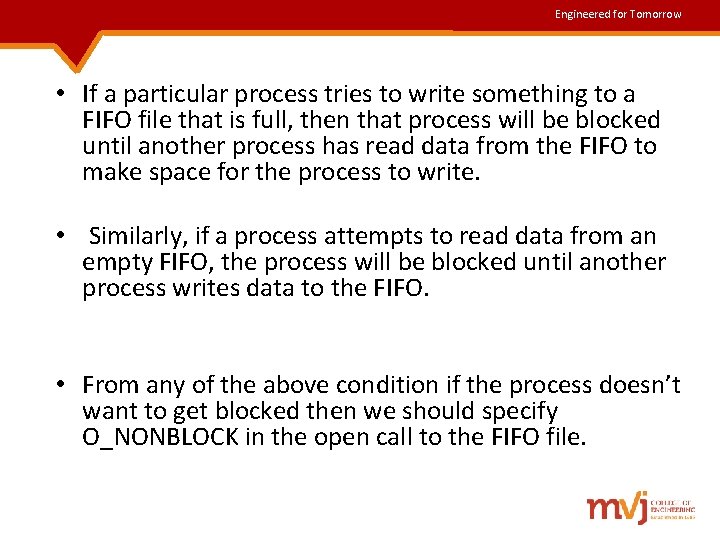
Engineered for Tomorrow • If a particular process tries to write something to a FIFO file that is full, then that process will be blocked until another process has read data from the FIFO to make space for the process to write. • Similarly, if a process attempts to read data from an empty FIFO, the process will be blocked until another process writes data to the FIFO. • From any of the above condition if the process doesn’t want to get blocked then we should specify O_NONBLOCK in the open call to the FIFO file.
Engineered for Tomorrow int main(int argc, char* argv[]) { if(argc!=2 && argc!=3) { cout<<"usage: "<<argv[0]<<"<file> [<arg>]"; return 0; } int fd; char buf[256]; (void) mkfifo(argv[1], S_IFIFO | S_IRWXU | S_IRWXG | S_IRWXO ); if(argc==2) { fd=open(argv[1], O_RDONLY | O_NONBLOCK);
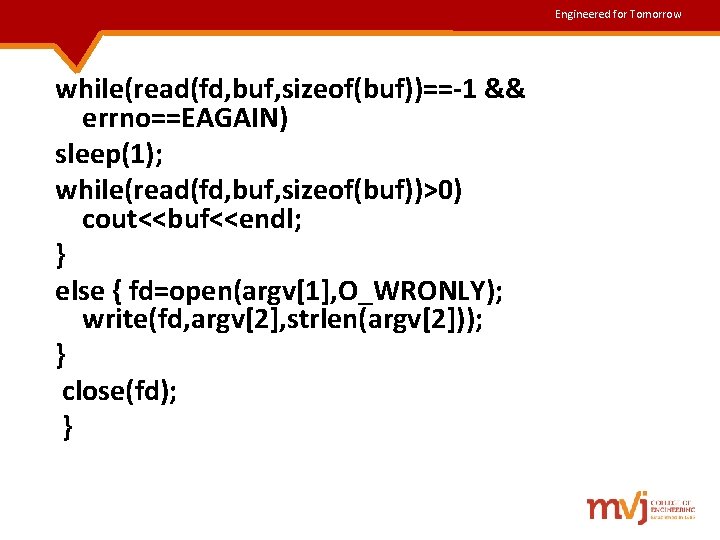
Engineered for Tomorrow while(read(fd, buf, sizeof(buf))==-1 && errno==EAGAIN) sleep(1); while(read(fd, buf, sizeof(buf))>0) cout<<buf<<endl; } else { fd=open(argv[1], O_WRONLY); write(fd, argv[2], strlen(argv[2])); } close(fd); }
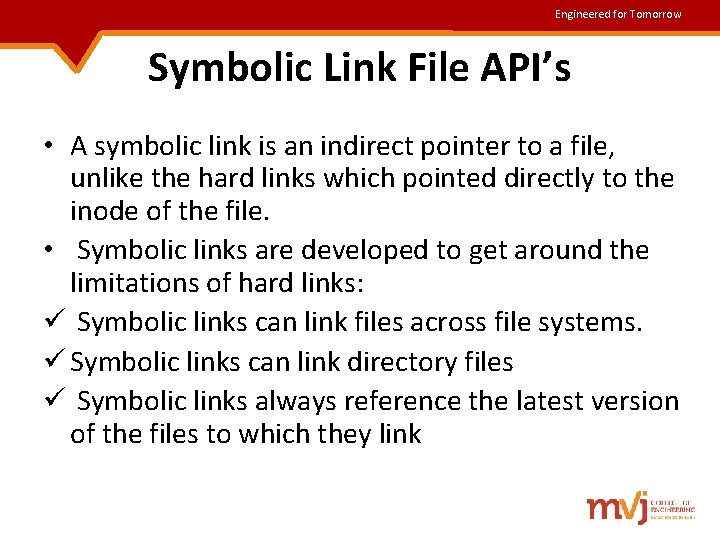
Engineered for Tomorrow Symbolic Link File API’s • A symbolic link is an indirect pointer to a file, unlike the hard links which pointed directly to the inode of the file. • Symbolic links are developed to get around the limitations of hard links: ü Symbolic links can link files across file systems. ü Symbolic links can link directory files ü Symbolic links always reference the latest version of the files to which they link
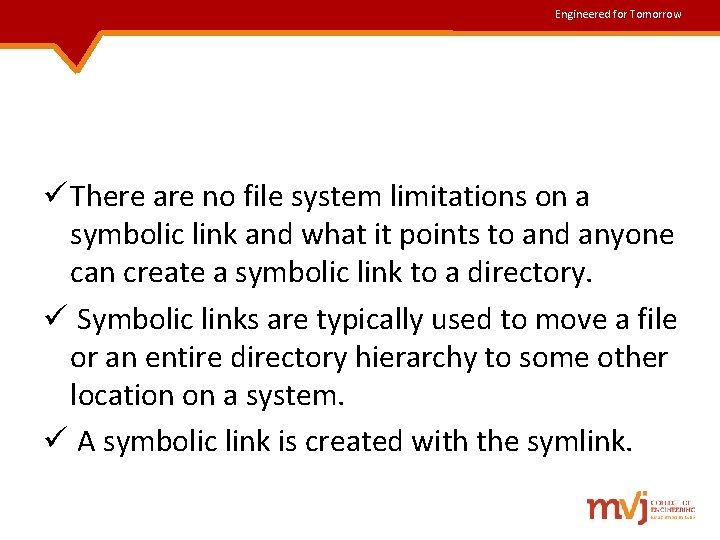
Engineered for Tomorrow ü There are no file system limitations on a symbolic link and what it points to and anyone can create a symbolic link to a directory. ü Symbolic links are typically used to move a file or an entire directory hierarchy to some other location on a system. ü A symbolic link is created with the symlink.
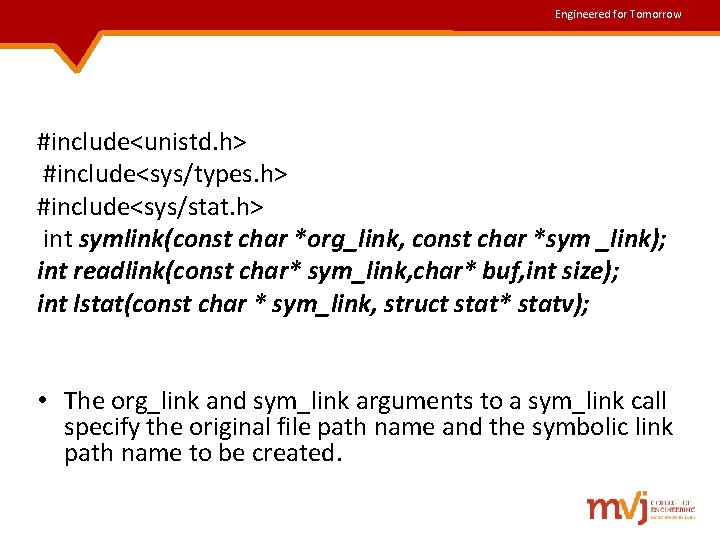
Engineered for Tomorrow #include<unistd. h> #include<sys/types. h> #include<sys/stat. h> int symlink(const char *org_link, const char *sym _link); int readlink(const char* sym_link, char* buf, int size); int lstat(const char * sym_link, struct stat* statv); • The org_link and sym_link arguments to a sym_link call specify the original file path name and the symbolic link path name to be created.
Engineered for Tomorrow #include<unistd. h> #include<sys/types. h> #include<string. h> int main(int argc, char *argv[]) { char *buf [256], tname [256]; if (argc ==4) return symlink(argv[2], argv[3]); /* create a symbolic link */ else return link(argv[1], argv[2]); /* creates a hard link */ }
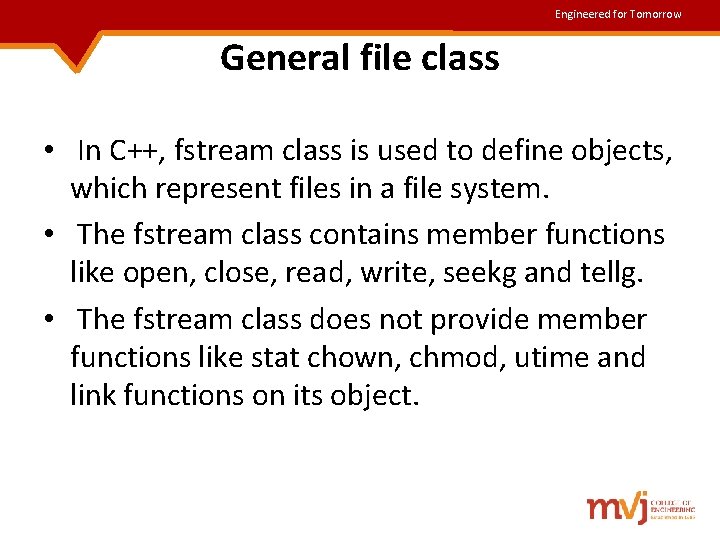
Engineered for Tomorrow General file class • In C++, fstream class is used to define objects, which represent files in a file system. • The fstream class contains member functions like open, close, read, write, seekg and tellg. • The fstream class does not provide member functions like stat chown, chmod, utime and link functions on its object.
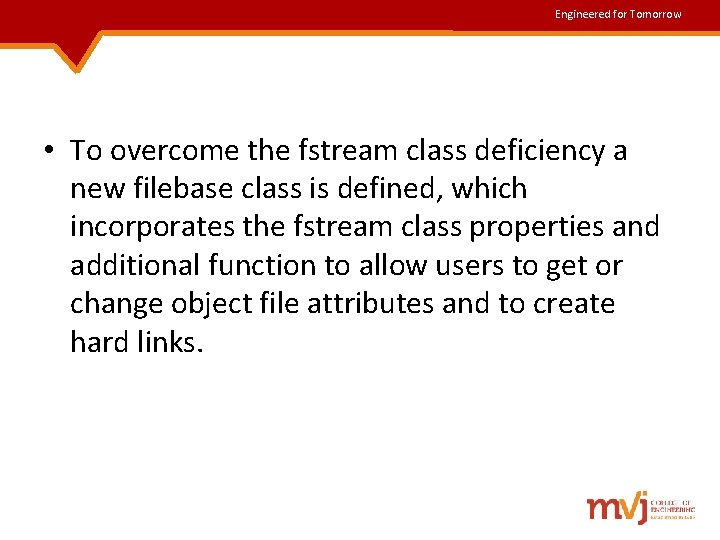
Engineered for Tomorrow • To overcome the fstream class deficiency a new filebase class is defined, which incorporates the fstream class properties and additional function to allow users to get or change object file attributes and to create hard links.
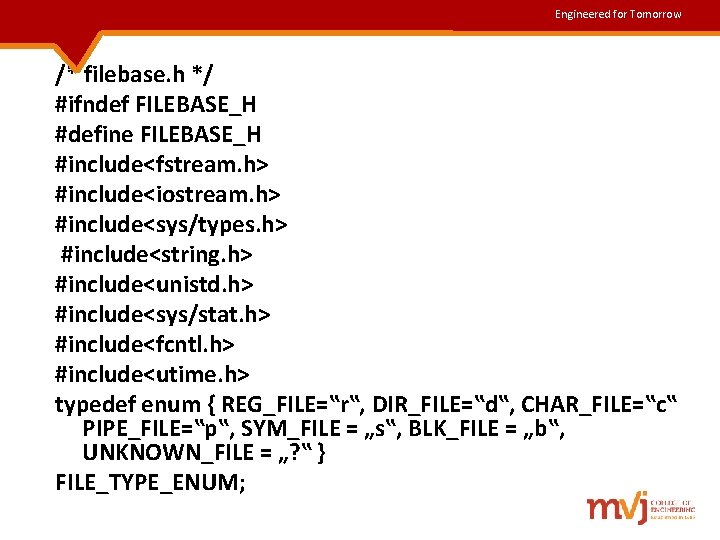
Engineered for Tomorrow /* filebase. h */ #ifndef FILEBASE_H #define FILEBASE_H #include<fstream. h> #include<iostream. h> #include<sys/types. h> #include<string. h> #include<unistd. h> #include<sys/stat. h> #include<fcntl. h> #include<utime. h> typedef enum { REG_FILE=‟r‟, DIR_FILE=‟d‟, CHAR_FILE=‟c‟ PIPE_FILE=‟p‟, SYM_FILE = „s‟, BLK_FILE = „b‟, UNKNOWN_FILE = „? ‟ } FILE_TYPE_ENUM;
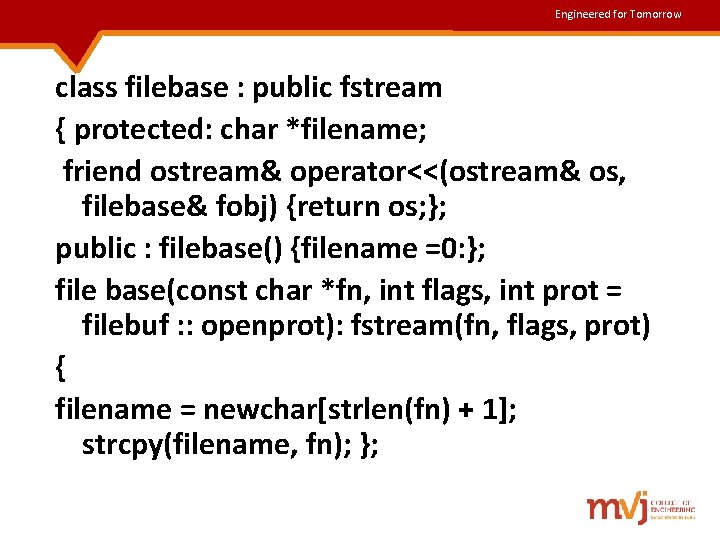
Engineered for Tomorrow class filebase : public fstream { protected: char *filename; friend ostream& operator<<(ostream& os, filebase& fobj) {return os; }; public : filebase() {filename =0: }; file base(const char *fn, int flags, int prot = filebuf : : openprot): fstream(fn, flags, prot) { filename = newchar[strlen(fn) + 1]; strcpy(filename, fn); };
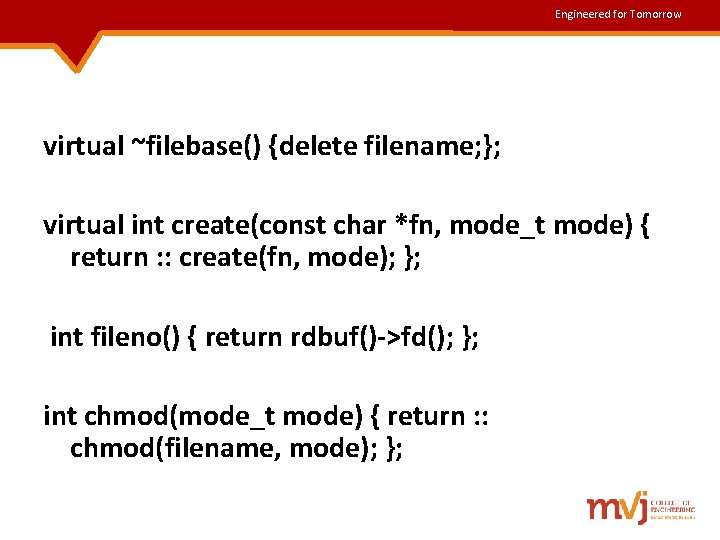
Engineered for Tomorrow virtual ~filebase() {delete filename; }; virtual int create(const char *fn, mode_t mode) { return : : create(fn, mode); }; int fileno() { return rdbuf()->fd(); }; int chmod(mode_t mode) { return : : chmod(filename, mode); };
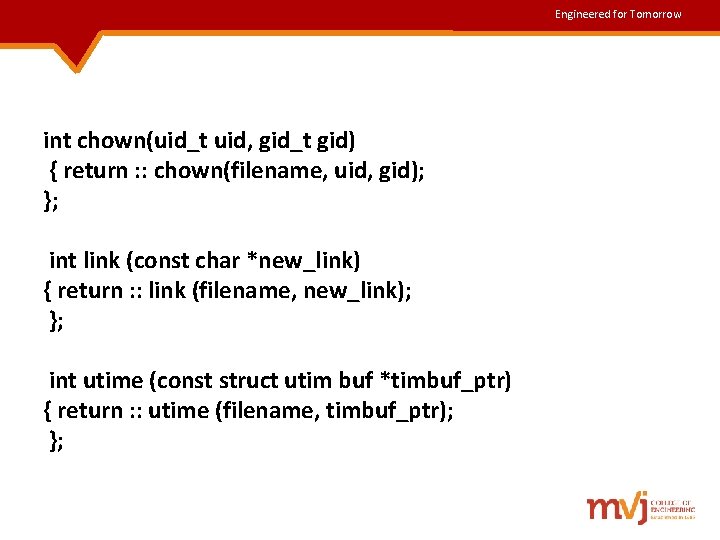
Engineered for Tomorrow int chown(uid_t uid, gid_t gid) { return : : chown(filename, uid, gid); }; int link (const char *new_link) { return : : link (filename, new_link); }; int utime (const struct utim buf *timbuf_ptr) { return : : utime (filename, timbuf_ptr); };
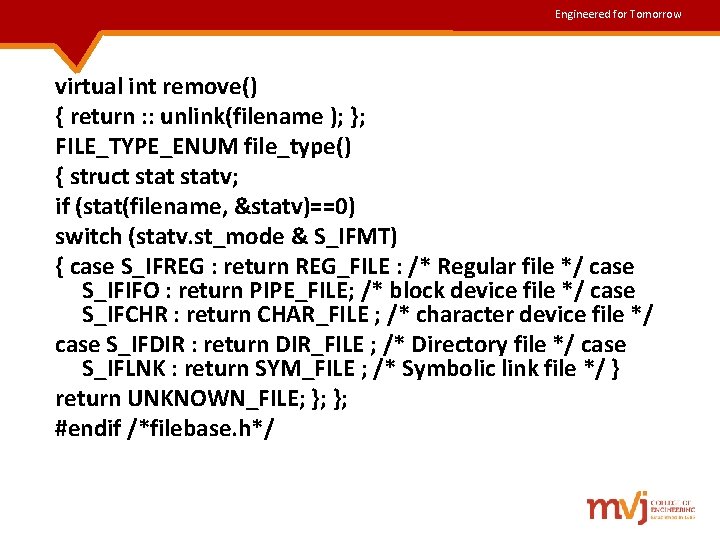
Engineered for Tomorrow virtual int remove() { return : : unlink(filename ); }; FILE_TYPE_ENUM file_type() { struct statv; if (stat(filename, &statv)==0) switch (statv. st_mode & S_IFMT) { case S_IFREG : return REG_FILE : /* Regular file */ case S_IFIFO : return PIPE_FILE; /* block device file */ case S_IFCHR : return CHAR_FILE ; /* character device file */ case S_IFDIR : return DIR_FILE ; /* Directory file */ case S_IFLNK : return SYM_FILE ; /* Symbolic link file */ } return UNKNOWN_FILE; }; }; #endif /*filebase. h*/
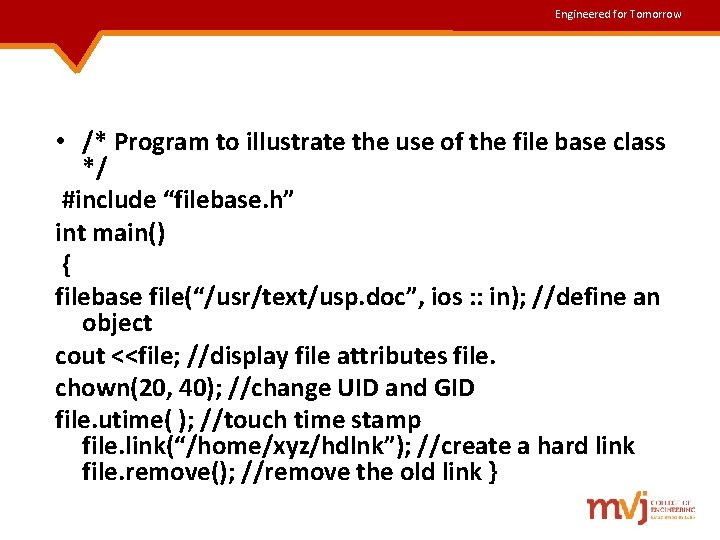
Engineered for Tomorrow • /* Program to illustrate the use of the file base class */ #include “filebase. h” int main() { filebase file(“/usr/text/usp. doc”, ios : : in); //define an object cout <<file; //display file attributes file. chown(20, 40); //change UID and GID file. utime( ); //touch time stamp file. link(“/home/xyz/hdlnk”); //create a hard link file. remove(); //remove the old link }
Engineered for Tomorrow Regfile Class for Regular Files • The regfile class is defined as a subclass of filebase. • The filebase class encapsulates most of the properties and functions needed to represent regular file objects in UNIX systems except file locking. • Thus, objects of regfile class can do all regular file operations permitted in filebase class include file locking functions.
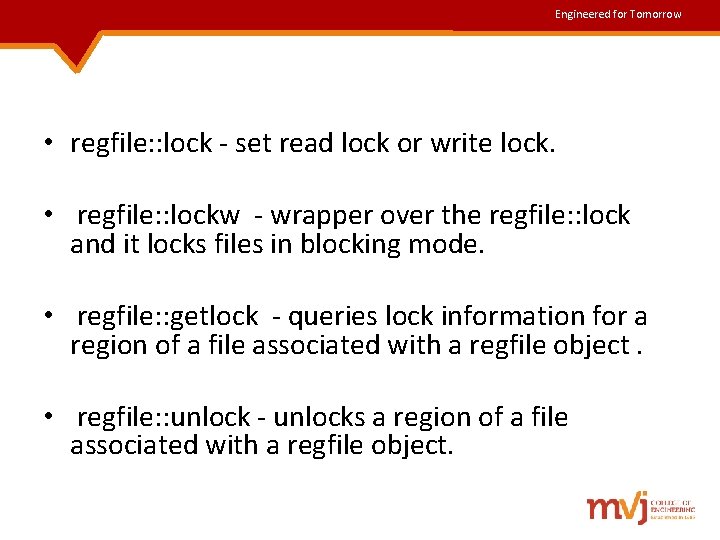
Engineered for Tomorrow • regfile: : lock - set read lock or write lock. • regfile: : lockw - wrapper over the regfile: : lock and it locks files in blocking mode. • regfile: : getlock - queries lock information for a region of a file associated with a regfile object. • regfile: : unlock - unlocks a region of a file associated with a regfile object.
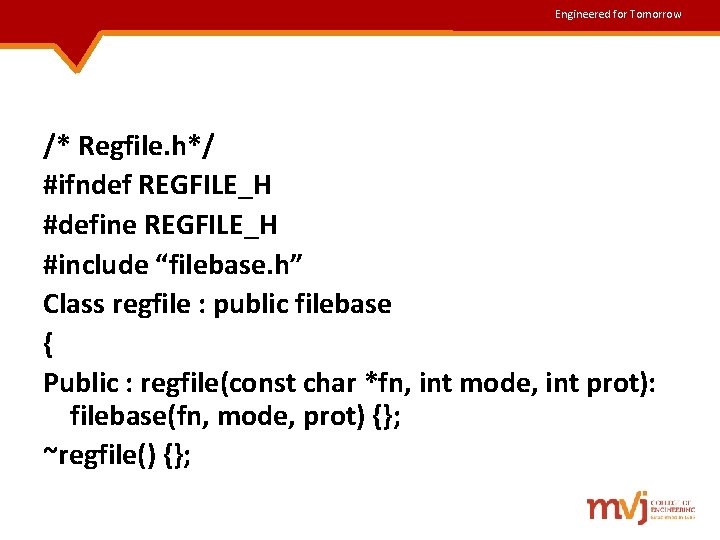
Engineered for Tomorrow /* Regfile. h*/ #ifndef REGFILE_H #define REGFILE_H #include “filebase. h” Class regfile : public filebase { Public : regfile(const char *fn, int mode, int prot): filebase(fn, mode, prot) {}; ~regfile() {};
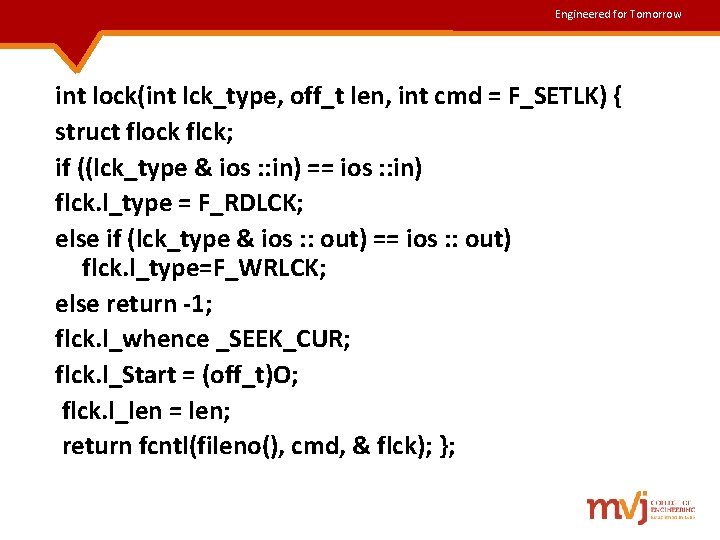
Engineered for Tomorrow int lock(int lck_type, off_t len, int cmd = F_SETLK) { struct flock flck; if ((lck_type & ios : : in) == ios : : in) flck. l_type = F_RDLCK; else if (lck_type & ios : : out) == ios : : out) flck. l_type=F_WRLCK; else return -1; flck. l_whence _SEEK_CUR; flck. l_Start = (off_t)O; flck. l_len = len; return fcntl(fileno(), cmd, & flck); };
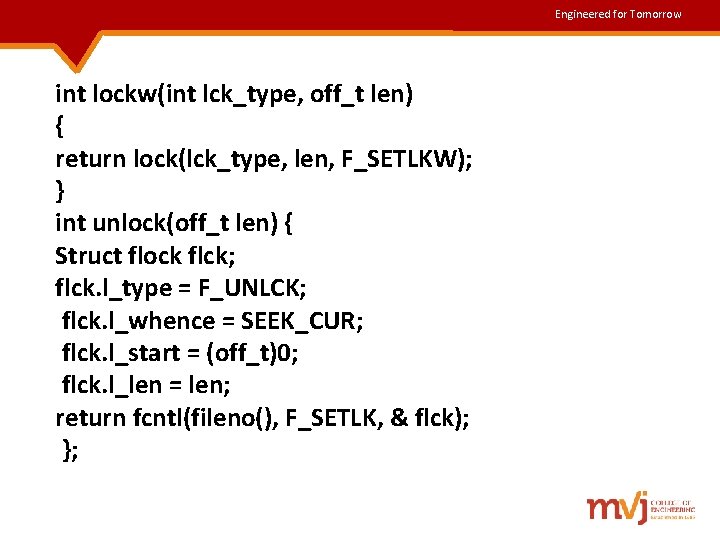
Engineered for Tomorrow int lockw(int lck_type, off_t len) { return lock(lck_type, len, F_SETLKW); } int unlock(off_t len) { Struct flock flck; flck. l_type = F_UNLCK; flck. l_whence = SEEK_CUR; flck. l_start = (off_t)0; flck. l_len = len; return fcntl(fileno(), F_SETLK, & flck); };
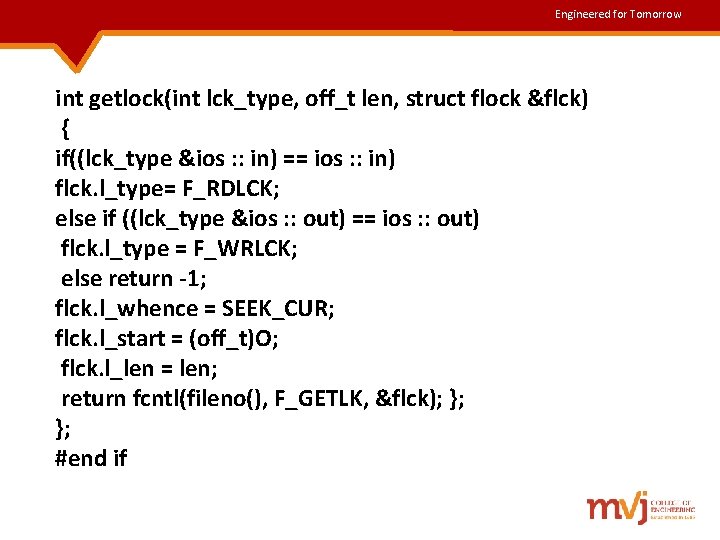
Engineered for Tomorrow int getlock(int lck_type, off_t len, struct flock &flck) { if((lck_type &ios : : in) == ios : : in) flck. l_type= F_RDLCK; else if ((lck_type &ios : : out) == ios : : out) flck. l_type = F_WRLCK; else return -1; flck. l_whence = SEEK_CUR; flck. l_start = (off_t)O; flck. l_len = len; return fcntl(fileno(), F_GETLK, &flck); }; }; #end if
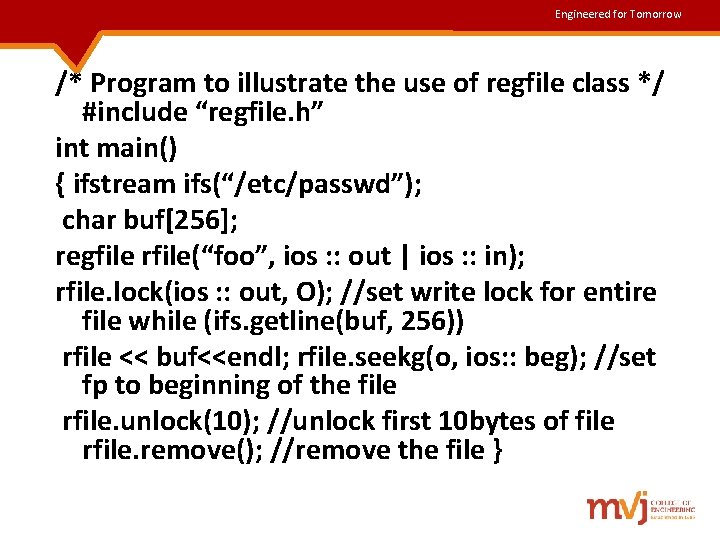
Engineered for Tomorrow /* Program to illustrate the use of regfile class */ #include “regfile. h” int main() { ifstream ifs(“/etc/passwd”); char buf[256]; regfile rfile(“foo”, ios : : out | ios : : in); rfile. lock(ios : : out, O); //set write lock for entire file while (ifs. getline(buf, 256)) rfile << buf<<endl; rfile. seekg(o, ios: : beg); //set fp to beginning of the file rfile. unlock(10); //unlock first 10 bytes of file rfile. remove(); //remove the file }
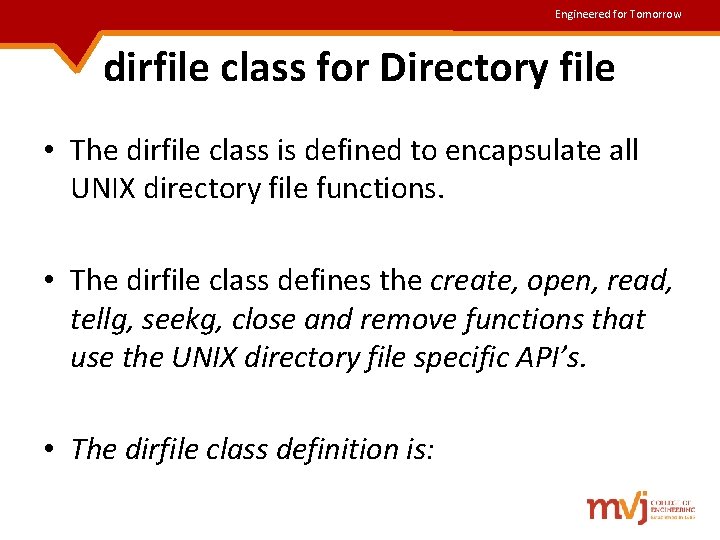
Engineered for Tomorrow dirfile class for Directory file • The dirfile class is defined to encapsulate all UNIX directory file functions. • The dirfile class defines the create, open, read, tellg, seekg, close and remove functions that use the UNIX directory file specific API’s. • The dirfile class definition is:
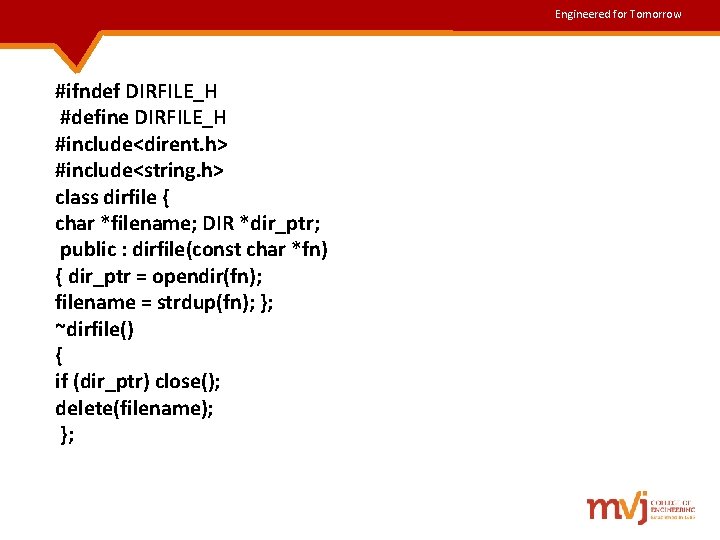
Engineered for Tomorrow #ifndef DIRFILE_H #define DIRFILE_H #include<dirent. h> #include<string. h> class dirfile { char *filename; DIR *dir_ptr; public : dirfile(const char *fn) { dir_ptr = opendir(fn); filename = strdup(fn); }; ~dirfile() { if (dir_ptr) close(); delete(filename); };
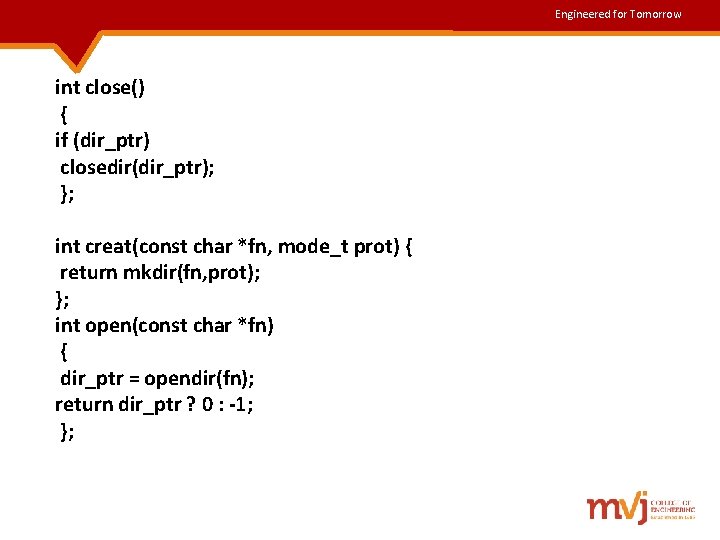
Engineered for Tomorrow int close() { if (dir_ptr) closedir(dir_ptr); }; int creat(const char *fn, mode_t prot) { return mkdir(fn, prot); }; int open(const char *fn) { dir_ptr = opendir(fn); return dir_ptr ? 0 : -1; };
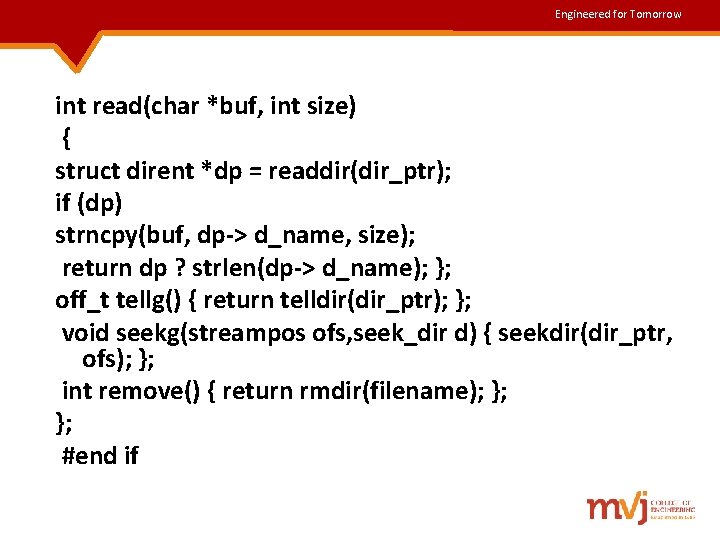
Engineered for Tomorrow int read(char *buf, int size) { struct dirent *dp = readdir(dir_ptr); if (dp) strncpy(buf, dp-> d_name, size); return dp ? strlen(dp-> d_name); }; off_t tellg() { return telldir(dir_ptr); }; void seekg(streampos ofs, seek_dir d) { seekdir(dir_ptr, ofs); }; int remove() { return rmdir(filename); }; }; #end if
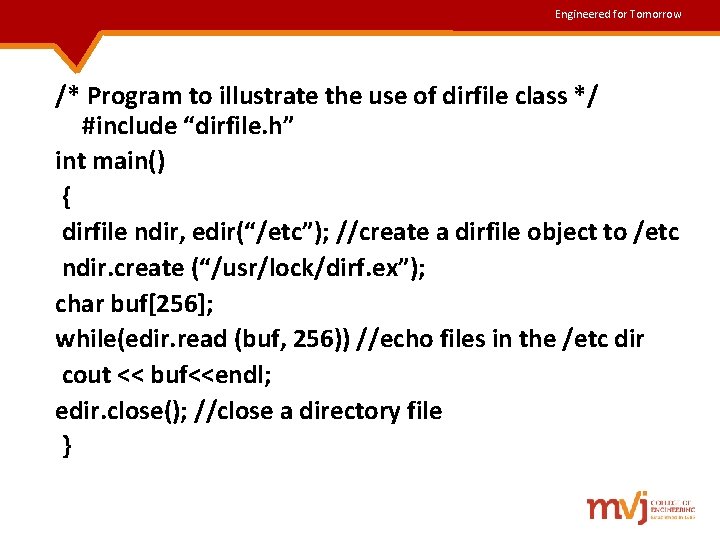
Engineered for Tomorrow /* Program to illustrate the use of dirfile class */ #include “dirfile. h” int main() { dirfile ndir, edir(“/etc”); //create a dirfile object to /etc ndir. create (“/usr/lock/dirf. ex”); char buf[256]; while(edir. read (buf, 256)) //echo files in the /etc dir cout << buf<<endl; edir. close(); //close a directory file }
Engineered for Tomorrow FIFO file Class • A FIFO file object differs from a filebase object in that a FIFO file is created, and the tellg and seekg functions are invalid for FIFO file objects. • The following pipefile class encapsulates all the FIFO file type properties:
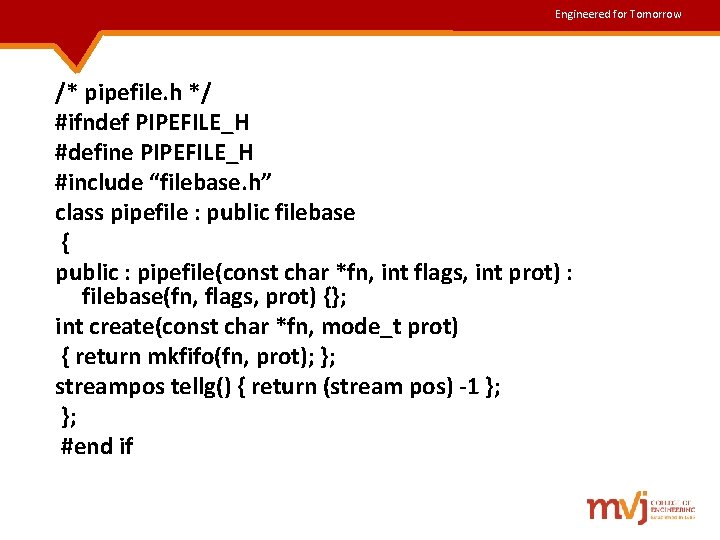
Engineered for Tomorrow /* pipefile. h */ #ifndef PIPEFILE_H #define PIPEFILE_H #include “filebase. h” class pipefile : public filebase { public : pipefile(const char *fn, int flags, int prot) : filebase(fn, flags, prot) {}; int create(const char *fn, mode_t prot) { return mkfifo(fn, prot); }; streampos tellg() { return (stream pos) -1 }; }; #end if
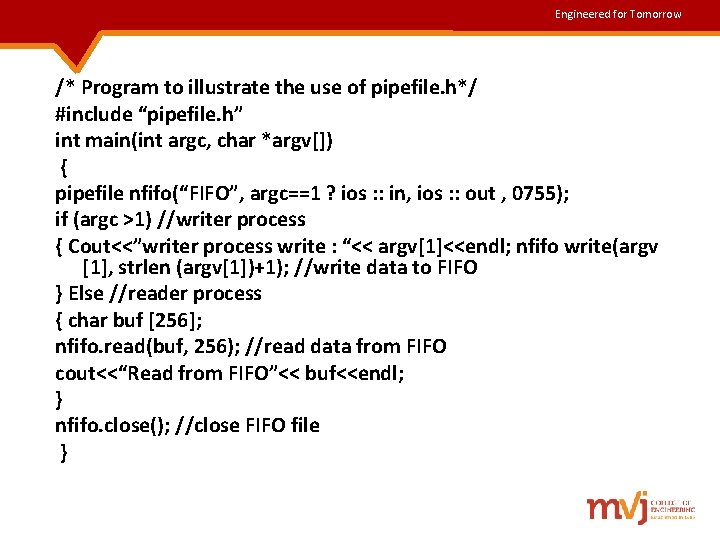
Engineered for Tomorrow /* Program to illustrate the use of pipefile. h*/ #include “pipefile. h” int main(int argc, char *argv[]) { pipefile nfifo(“FIFO”, argc==1 ? ios : : in, ios : : out , 0755); if (argc >1) //writer process { Cout<<”writer process write : “<< argv[1]<<endl; nfifo write(argv [1], strlen (argv[1])+1); //write data to FIFO } Else //reader process { char buf [256]; nfifo. read(buf, 256); //read data from FIFO cout<<“Read from FIFO”<< buf<<endl; } nfifo. close(); //close FIFO file }
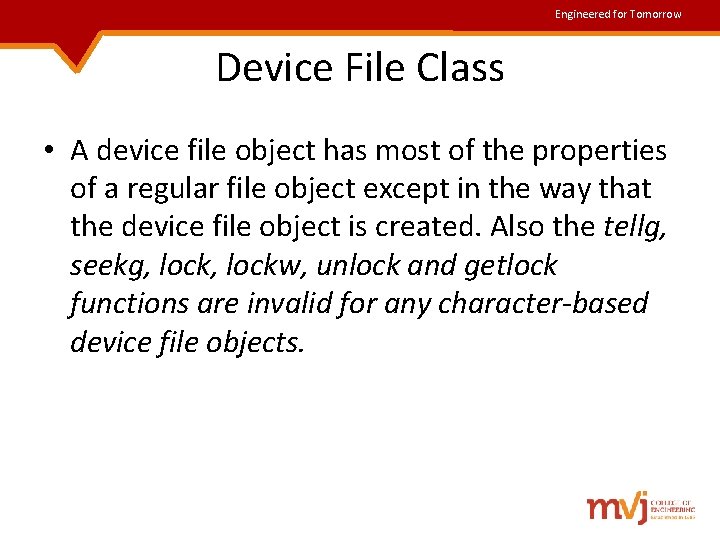
Engineered for Tomorrow Device File Class • A device file object has most of the properties of a regular file object except in the way that the device file object is created. Also the tellg, seekg, lockw, unlock and getlock functions are invalid for any character-based device file objects.
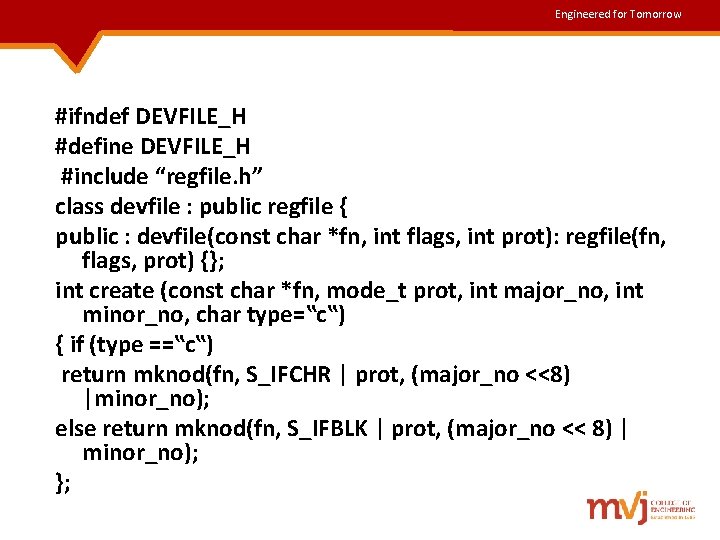
Engineered for Tomorrow #ifndef DEVFILE_H #define DEVFILE_H #include “regfile. h” class devfile : public regfile { public : devfile(const char *fn, int flags, int prot): regfile(fn, flags, prot) {}; int create (const char *fn, mode_t prot, int major_no, int minor_no, char type=‟c‟) { if (type ==‟c‟) return mknod(fn, S_IFCHR | prot, (major_no <<8) |minor_no); else return mknod(fn, S_IFBLK | prot, (major_no << 8) | minor_no); };
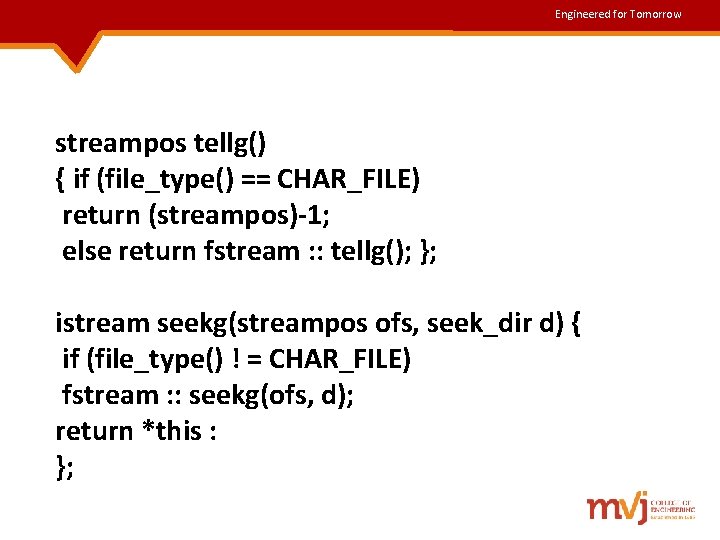
Engineered for Tomorrow streampos tellg() { if (file_type() == CHAR_FILE) return (streampos)-1; else return fstream : : tellg(); }; istream seekg(streampos ofs, seek_dir d) { if (file_type() ! = CHAR_FILE) fstream : : seekg(ofs, d); return *this : };
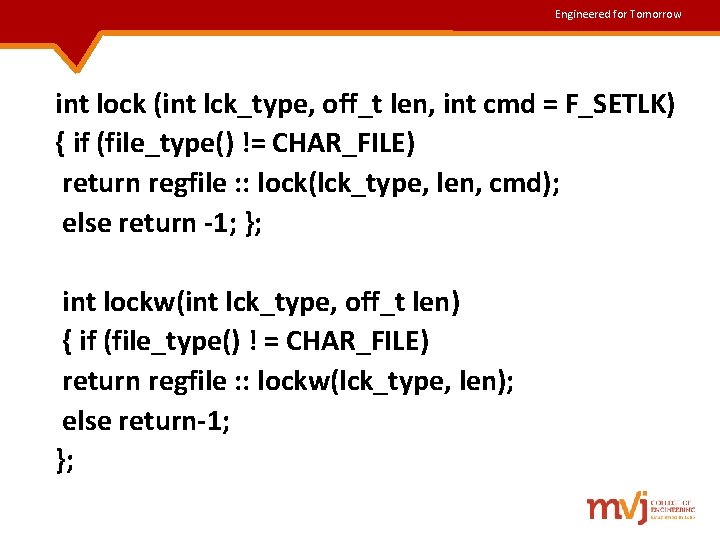
Engineered for Tomorrow int lock (int lck_type, off_t len, int cmd = F_SETLK) { if (file_type() != CHAR_FILE) return regfile : : lock(lck_type, len, cmd); else return -1; }; int lockw(int lck_type, off_t len) { if (file_type() ! = CHAR_FILE) return regfile : : lockw(lck_type, len); else return-1; };
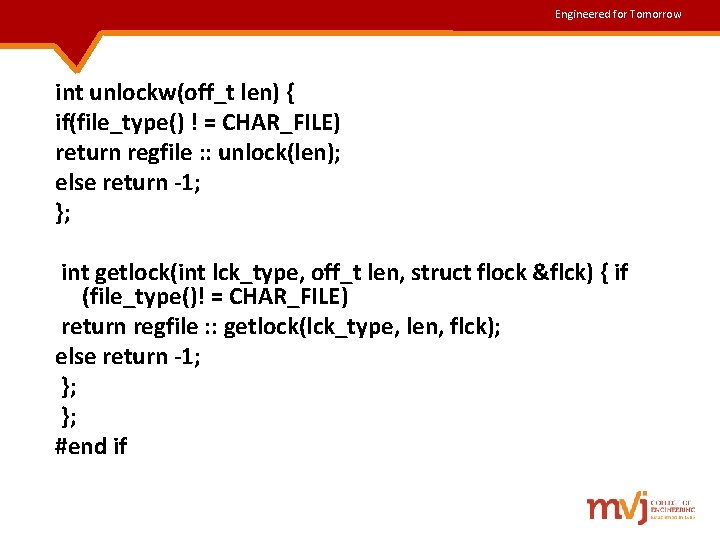
Engineered for Tomorrow int unlockw(off_t len) { if(file_type() ! = CHAR_FILE) return regfile : : unlock(len); else return -1; }; int getlock(int lck_type, off_t len, struct flock &flck) { if (file_type()! = CHAR_FILE) return regfile : : getlock(lck_type, len, flck); else return -1; }; }; #end if
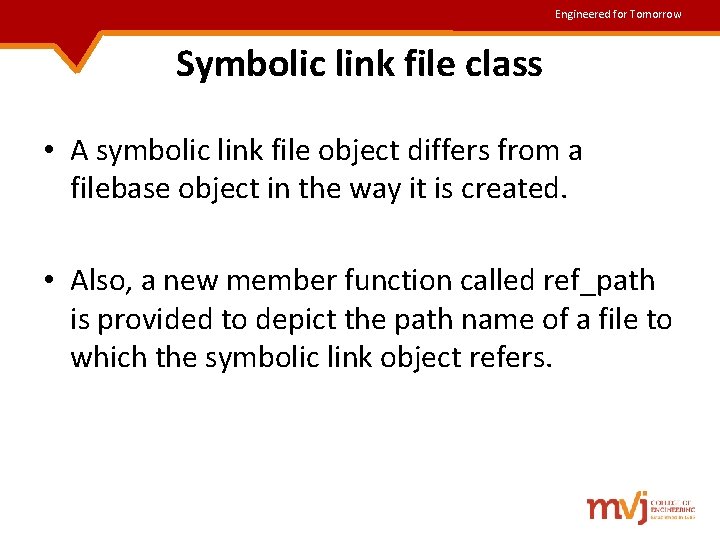
Engineered for Tomorrow Symbolic link file class • A symbolic link file object differs from a filebase object in the way it is created. • Also, a new member function called ref_path is provided to depict the path name of a file to which the symbolic link object refers.
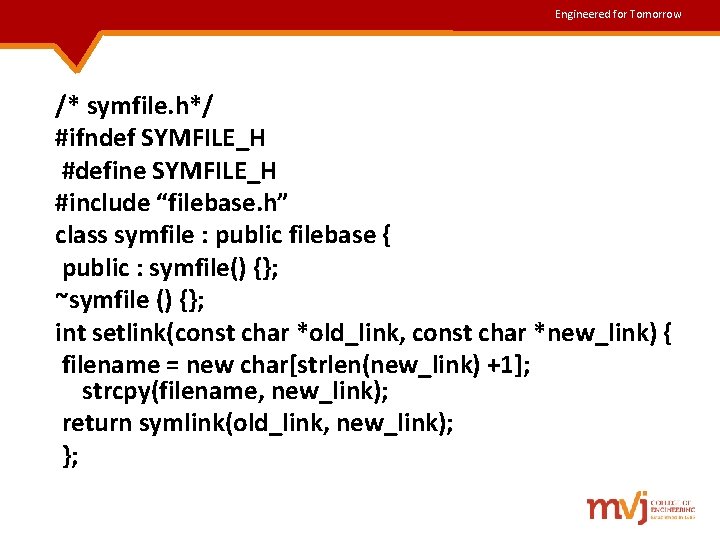
Engineered for Tomorrow /* symfile. h*/ #ifndef SYMFILE_H #define SYMFILE_H #include “filebase. h” class symfile : public filebase { public : symfile() {}; ~symfile () {}; int setlink(const char *old_link, const char *new_link) { filename = new char[strlen(new_link) +1]; strcpy(filename, new_link); return symlink(old_link, new_link); };
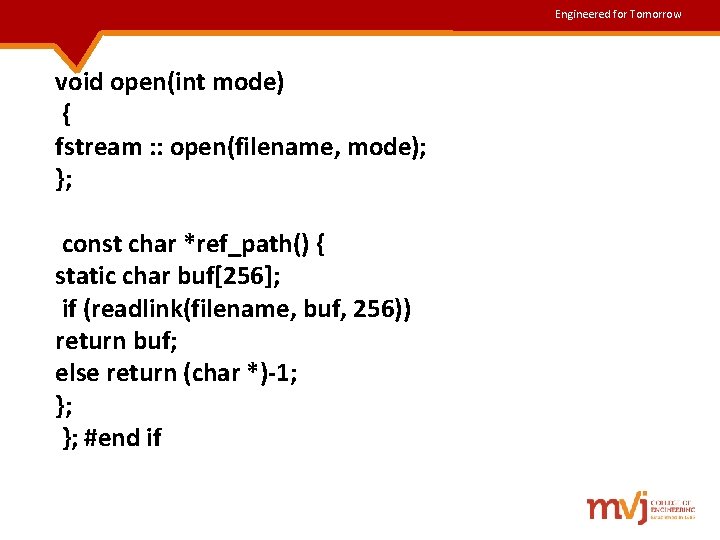
Engineered for Tomorrow void open(int mode) { fstream : : open(filename, mode); }; const char *ref_path() { static char buf[256]; if (readlink(filename, buf, 256)) return buf; else return (char *)-1; }; }; #end if
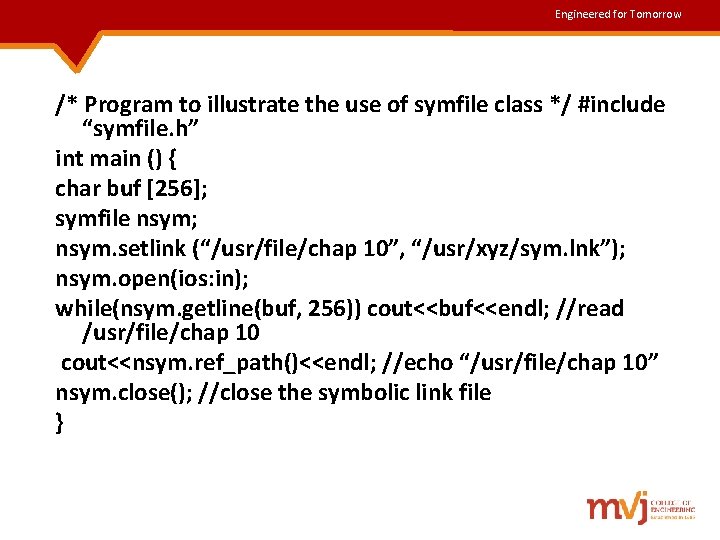
Engineered for Tomorrow /* Program to illustrate the use of symfile class */ #include “symfile. h” int main () { char buf [256]; symfile nsym; nsym. setlink (“/usr/file/chap 10”, “/usr/xyz/sym. lnk”); nsym. open(ios: in); while(nsym. getline(buf, 256)) cout<<buf<<endl; //read /usr/file/chap 10 cout<<nsym. ref_path()<<endl; //echo “/usr/file/chap 10” nsym. close(); //close the symbolic link file }
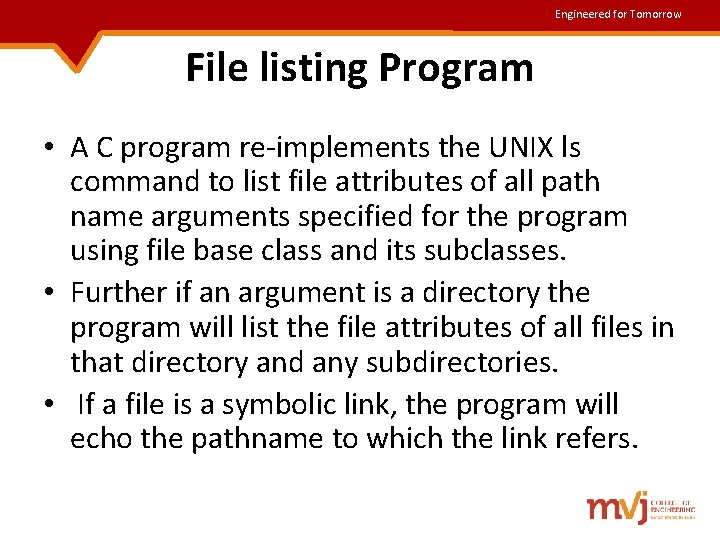
Engineered for Tomorrow File listing Program • A C program re-implements the UNIX ls command to list file attributes of all path name arguments specified for the program using file base class and its subclasses. • Further if an argument is a directory the program will list the file attributes of all files in that directory and any subdirectories. • If a file is a symbolic link, the program will echo the pathname to which the link refers.
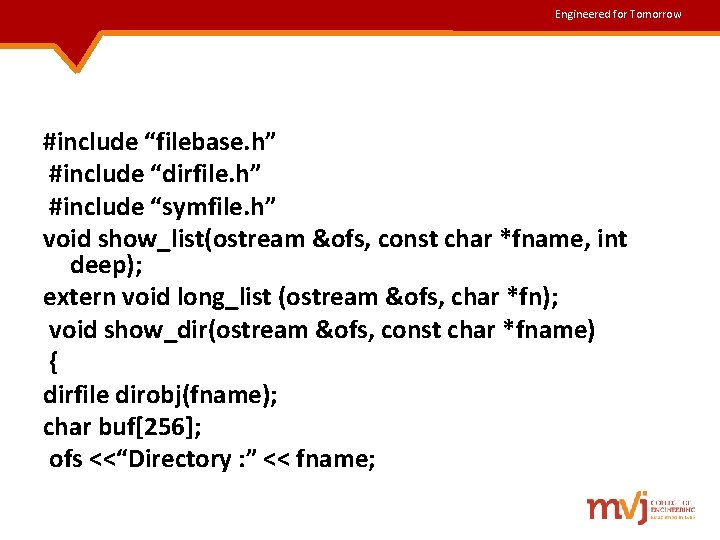
Engineered for Tomorrow #include “filebase. h” #include “dirfile. h” #include “symfile. h” void show_list(ostream &ofs, const char *fname, int deep); extern void long_list (ostream &ofs, char *fn); void show_dir(ostream &ofs, const char *fname) { dirfile dirobj(fname); char buf[256]; ofs <<“Directory : ” << fname;
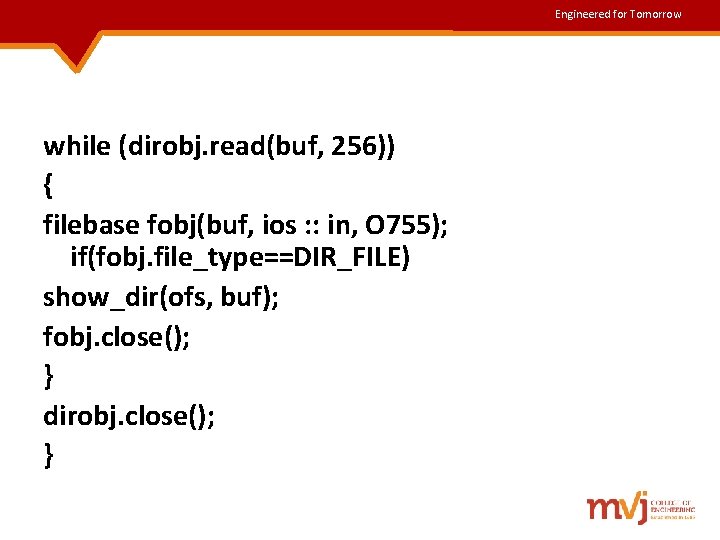
Engineered for Tomorrow while (dirobj. read(buf, 256)) { filebase fobj(buf, ios : : in, O 755); if(fobj. file_type==DIR_FILE) show_dir(ofs, buf); fobj. close(); } dirobj. close(); }
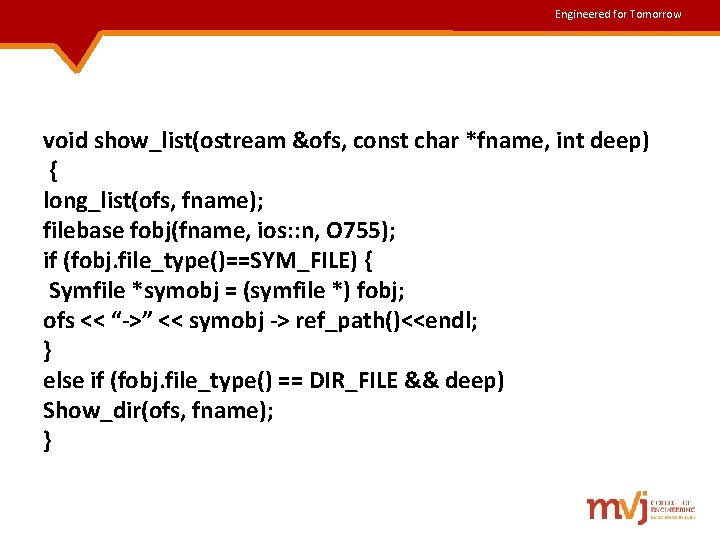
Engineered for Tomorrow void show_list(ostream &ofs, const char *fname, int deep) { long_list(ofs, fname); filebase fobj(fname, ios: : n, O 755); if (fobj. file_type()==SYM_FILE) { Symfile *symobj = (symfile *) fobj; ofs << “->” << symobj -> ref_path()<<endl; } else if (fobj. file_type() == DIR_FILE && deep) Show_dir(ofs, fname); }
Engineered for Tomorrow int main(int argc, char *argv[]) { while (- -argc >0) show_list(cout, *++argv, 1); return 0; }