
Batch Files Weaker form of UNIX shell scripts
Batch Files Weaker form of UNIX shell scripts Copyright © 2003 -2017 by Curt Hill
Introduction • UNIX may use one of several shells • The shell is the command interpreter • It interacts with the user by accepting commands and displaying the results of the program • Very early on they figured out that if the input was not from a person, but from a file, this greatly strengthened what could be done • Thus was born the shell script Copyright © 2003 -2017 by Curt Hill
UNIX Shells • Like any important program, shells were improved by various programmers • We now have: – Bourne shell (sh) – C shell (csh) – BASH (from GNU) – Korn Shell – Among others • This has not been the case in the Windows world Copyright © 2003 -2017 by Curt Hill
What are batch files? • Nearest equivalent to the shell script – Usually weaker than shell scripts • A batch files is a text file with an extension of. BAT • The contents of the batch file are DOS commands and special batch commands • The commands are executed immediately when the batch file name is typed Copyright © 2003 -2017 by Curt Hill
More • The batch files allow programming style commands • Hence the batch file is like a program where we can: – Have variables and parameters – Execute DOS commands, internal or external – Have conditional statements, like an IF – Execute loops Copyright © 2003 -2017 by Curt Hill
Why? • In its simplest case it is usually a replacement for a common sequence of commands • Often we want something slightly more complicated • Sometimes, but rarely, we can prototype a full program with batch files – This is much more common for shell scripts – Batch files are somewhat weaker than shell scripts Copyright © 2003 -2017 by Curt Hill
Example • Program abc is in directory abcfiles – Directory is not on the path • There are files in directory that we need to use when we run the program • The way we would execute this could be: cd abcfiles abc cd original • Create a batch file that is on the path and it would do the three as one Copyright © 2003 -2017 by Curt Hill
Batch contents • What can be in a batch file? • External DOS commands – The only thing to worry about is whether these are on the path – You may always specify a specific directory: C: doscheckdsk a: – Commands can return a numeric value that specifies how well they worked, this can be interrogated, which we will see later • Internal DOS commands can be used without any serious problems Copyright © 2003 -2017 by Curt Hill
Batch Commands • There a number of commands that are for the batch interpreter only • These include: – Comments – Output to the console – Variable usage Copyright © 2003 -2017 by Curt Hill
Comments • Since batch files are a programming language, they need to have a comment • Rem – Short for Remark – Same comment as BASIC • Everything else on the line is ignored • All real batch commands should include the author’s name and purpose Copyright © 2003 -2017 by Curt Hill
Echo • Purpose: to display a message or to enable or disable the echoing of the commands on the screen • Three parameter possibilities – ON – OFF – Message • ON tells DOS to echo all commands to the console • OFF tells DOS to suppress output Copyright © 2003 -2017 by Curt Hill
More on Echo • Echo Off example ECHO OFF COPY *. * A: • The console will not see the copy command, but will see the list of files copied – Use COPY *. * A: >nul: – nul: is a device name like lpt 1: or prn: • Use the message option when you want to display a message in a batch file when echo off is in effect Copyright © 2003 -2017 by Curt Hill
Pause • Allows the batch file to pause, usually to allow the user to read a message • Takes no parameters • It waits until they enter a key • Also used to section a batch file for debugging – Place several pauses in various places – If you want to stop hit ^C to terminate and then answer the prompt Copyright © 2003 -2017 by Curt Hill
Variables • What constitutes variables in this programming language? • Parameters, environment variables and local variables • A parameter is a string that follows the batch name on command line – Doesn’t matter if the command is from the prompt or another batch file • A local variable is a letter preceded by %% • All variables are of type string Copyright © 2003 -2017 by Curt Hill
Parameters • The parameters are not named but numbered, since there is no prototype like in Pascal or C • A parameter is %n where n is a digit between 0 and 9 • %0 is the first word of the command line – This may include a path – Includes the name of the batch file • %1 is the first parameter • A parameter may be a null string Copyright © 2003 -2017 by Curt Hill
Environment variables • An environment variable is a name and value stored in OS memory • Environment variables are used to pass information to programs • We saw how these were set • Any program that is run can ask for the contents of a particular variable • PATH is the environment variable of where to search for a program • COMSPEC is the environment variable that tells where the shell is Copyright © 2003 -2017 by Curt Hill
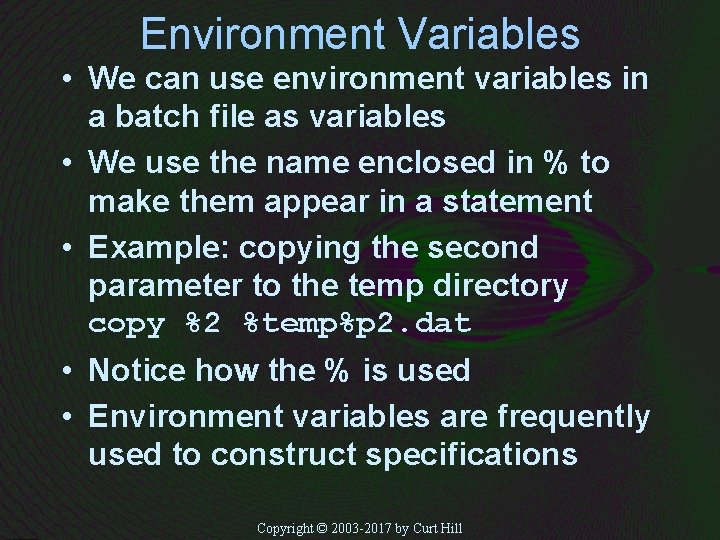
Environment Variables • We can use environment variables in a batch file as variables • We use the name enclosed in % to make them appear in a statement • Example: copying the second parameter to the temp directory copy %2 %temp%p 2. dat • Notice how the % is used • Environment variables are frequently used to construct specifications Copyright © 2003 -2017 by Curt Hill
Flow of Control • Like any good scripting language we must have flow of control • Batch files have – Subroutines – An if statement – Evil GOTO – A for loop – A choice statement Copyright © 2003 -2017 by Curt Hill
Subroutines • One batch program can execute another by using Call • Format: CALL batname parms. . . – The first will be suspended and the new one started – When the second is done, the first is resumed • Notice that CALL is not needed to execute a. exe Copyright © 2003 -2017 by Curt Hill
IF statement • Batch files have a simplified if – Reminiscent of BASIC, which itself is watered down FORTRAN • Example: A format. bat that protects the hard disk – if %1 == c: echo Hey dope, dont do it • Format: IF condition statement • We now ask what the condition and statement must be Copyright © 2003 -2017 by Curt Hill
What is a statement? • Any DOS command • Any Batch command • Just one – This FORTRAN IV and before or original BASIC – Disgusting Copyright © 2003 -2017 by Curt Hill
What is a condition? • • • One of only three/six constructions S 1==S 2 ERRORLEVEL EXIST filespec We may also apply NOT to any of these Copyright © 2003 -2017 by Curt Hill
Equality condition • This condition is usually used to compare a parameter against some constant value, but can be used for other things as well • Uses double = (like C), not a single = • There must be something on the right and left Copyright © 2003 -2017 by Curt Hill
Missing Parameters • A missing parameter expands to null, so we usually use additional characters: IF “%1” == “C: ” • These are not required by syntax but are helpful • Then if there is no parameters this will expand to: IF “” == “C: ” Copyright © 2003 -2017 by Curt Hill
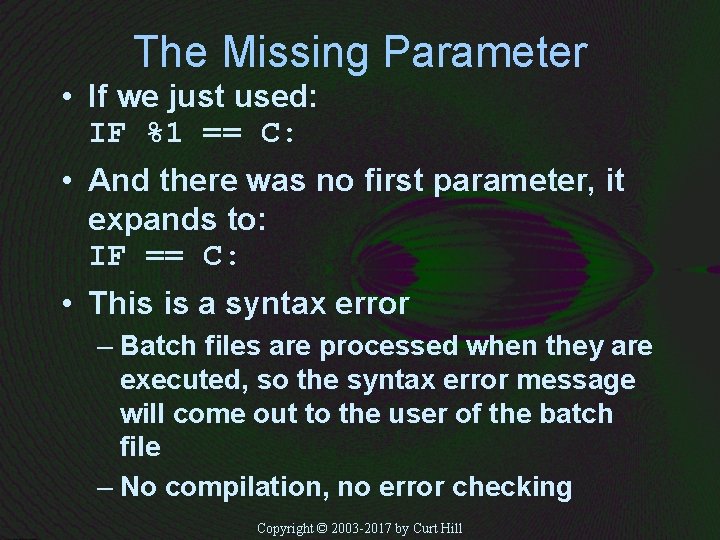
The Missing Parameter • If we just used: IF %1 == C: • And there was no first parameter, it expands to: IF == C: • This is a syntax error – Batch files are processed when they are executed, so the syntax error message will come out to the user of the batch file – No compilation, no error checking Copyright © 2003 -2017 by Curt Hill
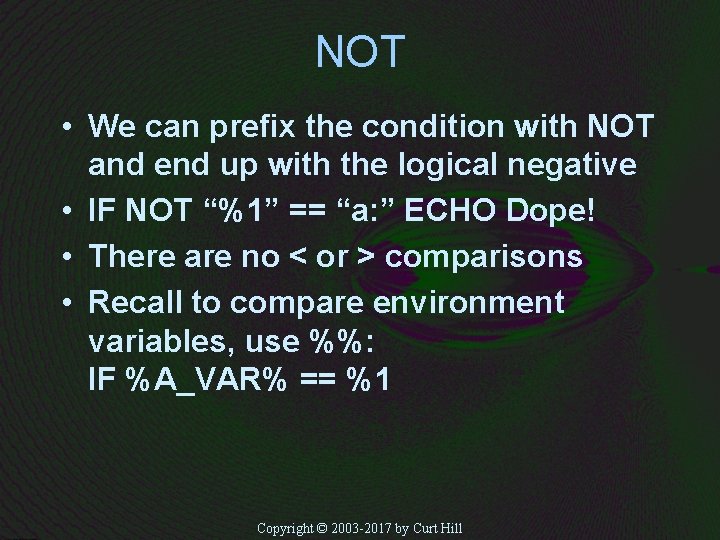
NOT • We can prefix the condition with NOT and end up with the logical negative • IF NOT “%1” == “a: ” ECHO Dope! • There are no < or > comparisons • Recall to compare environment variables, use %%: IF %A_VAR% == %1 Copyright © 2003 -2017 by Curt Hill
Return Codes • Every program or command in DOS/Windows has a return code • This is the int of C the main function • A numeric value that describes what happened • Internal and external • Not all actually use it – The return code may not mean anything • By convention 0 means everything is fine Copyright © 2003 -2017 by Curt Hill
More • The DOS prompt does not show us the return code • A batch file may check the value and then do something depending on that value • ERRORLEVEL is used to look at last return code only – Ony the return code of the last program run Copyright © 2003 -2017 by Curt Hill
ERRORLEVEL • Format is ERRORLEVEL testno – This returns true if the returned number is greater than or equal to testno • ERRORLEVEL 0 will be true for zero or positive return codes • In practice we test the return codes in a descending order fashion – Large ones first • NOT may also precede the condition Copyright © 2003 -2017 by Curt Hill
EXIST condition • This is used to determine if a file exists • The item following the exist is a file specification • The condition is true if the given file does exist • NOT may precede condition Copyright © 2003 -2017 by Curt Hill
GOTO • One statement is not enough • In C/C++ we have a compound statement – Here we do not – Use the infamous GOTO statement • Nobody in their right mind has designed a language that depends on the GOTO since the early 70 s – Curse you Bill Gates! Copyright © 2003 -2017 by Curt Hill
GOTO Again • The format is: GOTO label • Where label is label in the batch program • A label in a batch program starts with a colon (: ) and is alone on the line, but in the GOTO you do not use the colon • Somewhat similar to MS assembly Copyright © 2003 -2017 by Curt Hill
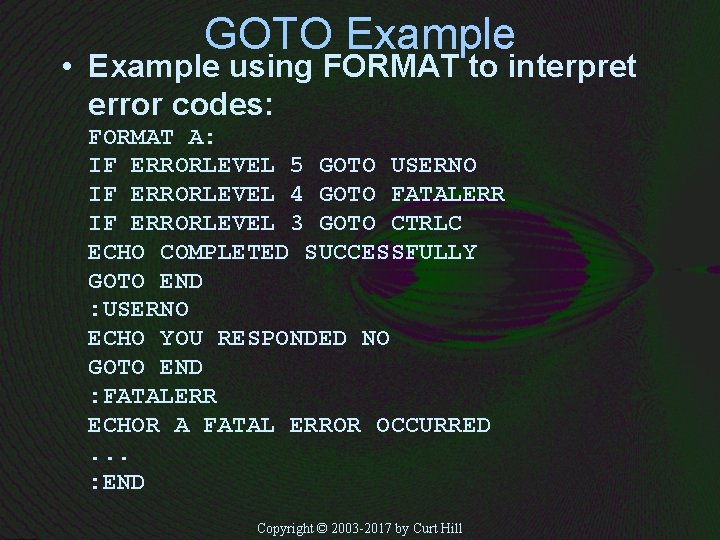
GOTO Example • Example using FORMAT to interpret error codes: FORMAT A: IF ERRORLEVEL 5 GOTO USERNO IF ERRORLEVEL 4 GOTO FATALERR IF ERRORLEVEL 3 GOTO CTRLC ECHO COMPLETED SUCCESSFULLY GOTO END : USERNO ECHO YOU RESPONDED NO GOTO END : FATALERR ECHOR A FATAL ERROR OCCURRED. . . : END Copyright © 2003 -2017 by Curt Hill
Non Batch • The batch language is limited and primitive compared to the UNIX shell • It is a common thing in UNIX to execute the shell from inside a program to access an external command • The Windows Application Programming Interface (API) allows this as well – More common than lots of batch files are GUIs that execute commands – Such as IDEs Copyright © 2003 -2017 by Curt Hill
Finally • Batch files will be maintained for some time, but they are being replaced by Power. Shell scripts • There are other flow of control commands, but these should be learned on the job – Or never Copyright © 2003 -2017 by Curt Hill
- Slides: 35