The Ins and Outs of Revit MEP Programming


![Modify Revit. ini [External. Commands] ECCount=<n> . . . [External. Applications] EACount = 1](https://slidetodoc.com/presentation_image_h/1e07dc484b16a7cc6b0397ed10e3d5a4/image-20.jpg "Modify Revit. ini [External. Commands] ECCount=<n> . . . [External. Applications] EACount = 1")



- Slides: 43
The Ins and Outs of Revit® MEP Programming Jeremy Tammik Consulting Analyst Revit MEP API 1
About the Presenter Jeremy Tammik Developer Technical Services EMEA Autodesk SARL Jeremy is a member of the AEC workgroup of the Dev. Tech team, providing developer support, training, and conferences to the Autodesk Developer Network ADN. He originally joined Autodesk in 1988 as the technology evangelist responsible for European developer support. In this capacity, he wrote articles, consulted, lectured on Auto. CAD application programming techniques, and supported Auto. CAD application developers in Europe, the U. S. , Australia, and Africa. He was a cofounder of ADGE, the Auto. CAD Developer Group Europe, and a prolific author on Auto. CAD application development. He left Autodesk in 1994 to work as an HVAC application developer, and then rejoined the company in 2005. Jeremy graduated with a MA in mathematics and physics in Marburg, Germany, in 1984, and worked first as a teacher and translator of both computer and human languages, then as a C++ programmer on early GUI and multitasking projects. He is fluent in five European languages, vegetarian, has four kids, plays the flute, likes reading, travelling, theatre improvisation and carpentry, loves mountains, oceans, sports and especially climbing. Jeremy writes a blog on the Revit API at http: //thebuildingcoder. typepad. com and can be contacted at jeremy. tammik@eur. autodesk. com. Revit MEP API 2
Agenda Introduction The Revit MEP API § Revit MEP SDK samples § RME API Samples RME HVAC sample § RME Electrical sample § Revit MEP API 3
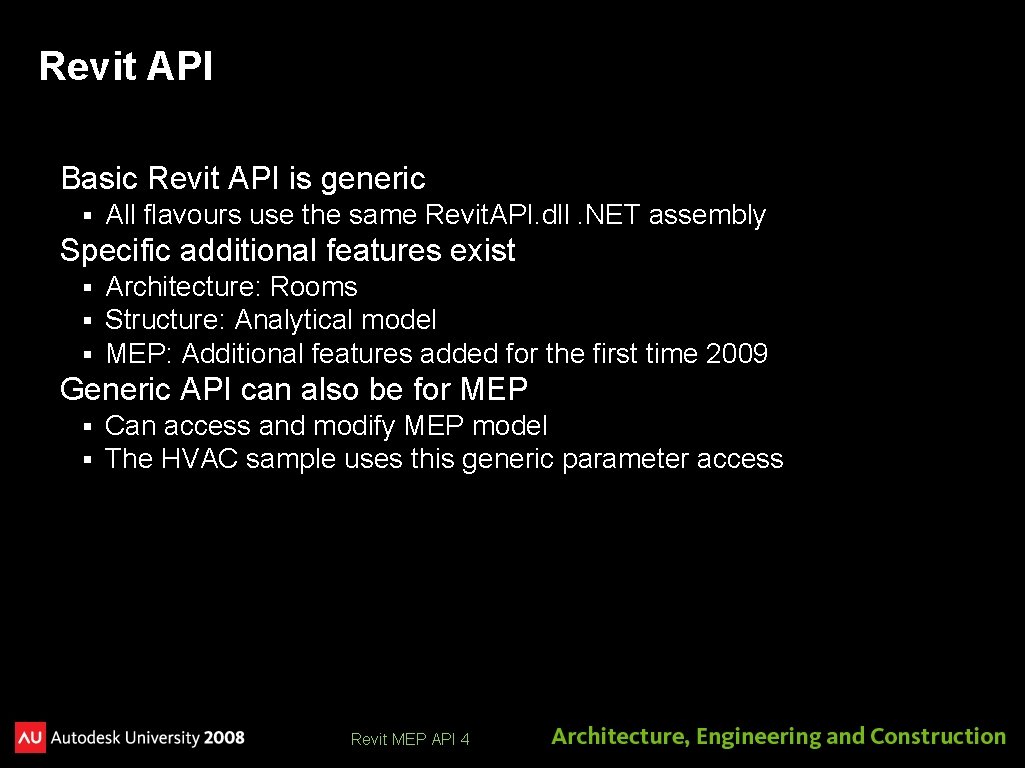
Revit API Basic Revit API is generic § All flavours use the same Revit. API. dll. NET assembly Specific additional features exist § § § Architecture: Rooms Structure: Analytical model MEP: Additional features added for the first time 2009 Generic API can also be for MEP § § Can access and modify MEP model The HVAC sample uses this generic parameter access Revit MEP API 4
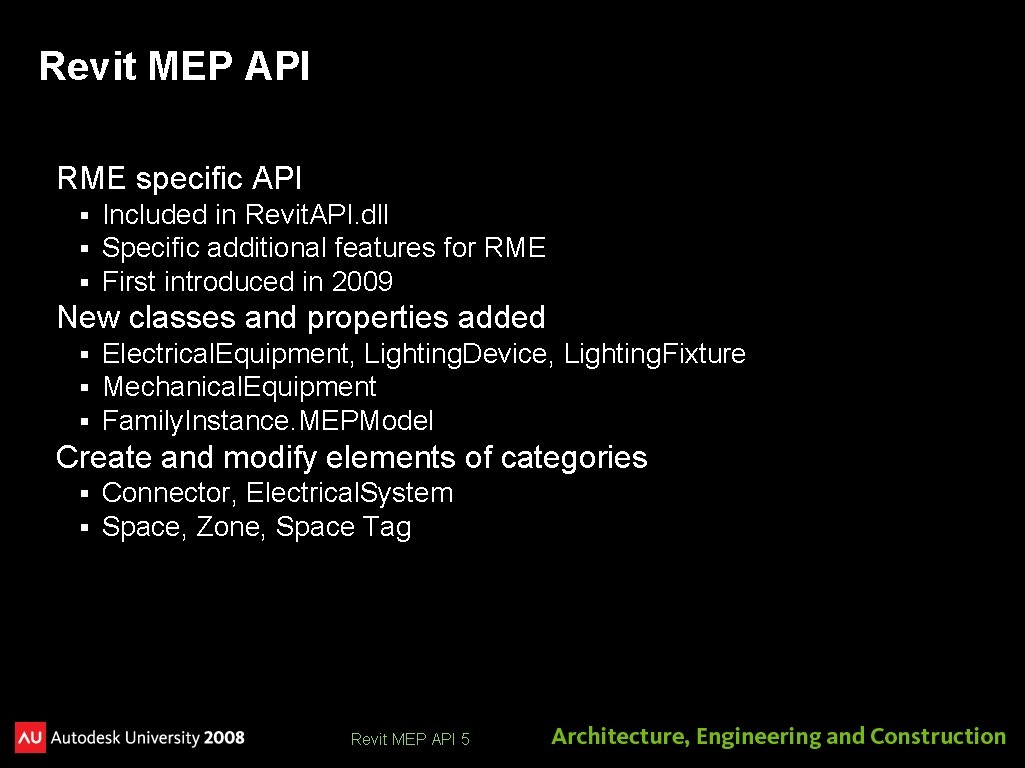
Revit MEP API RME specific API § § § Included in Revit. API. dll Specific additional features for RME First introduced in 2009 New classes and properties added § § § Electrical. Equipment, Lighting. Device, Lighting. Fixture Mechanical. Equipment Family. Instance. MEPModel Create and modify elements of categories § § Connector, Electrical. System Space, Zone, Space Tag Revit MEP API 5
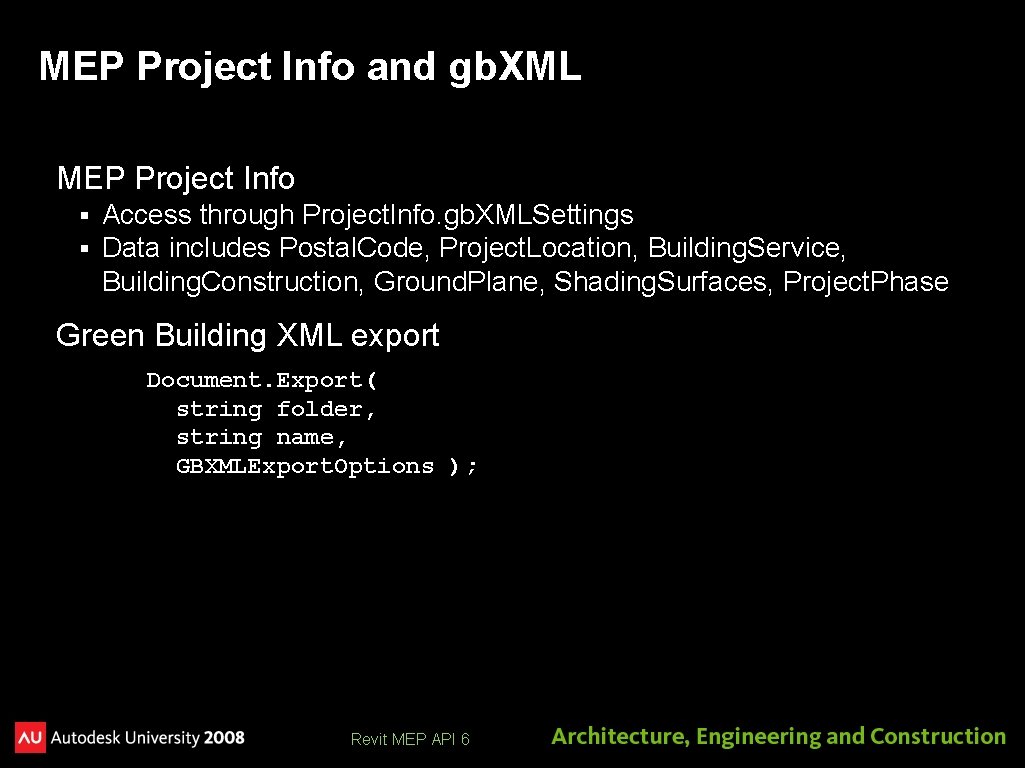
MEP Project Info and gb. XML MEP Project Info § § Access through Project. Info. gb. XMLSettings Data includes Postal. Code, Project. Location, Building. Service, Building. Construction, Ground. Plane, Shading. Surfaces, Project. Phase Green Building XML export Document. Export( string folder, string name, GBXMLExport. Options ); Revit MEP API 6
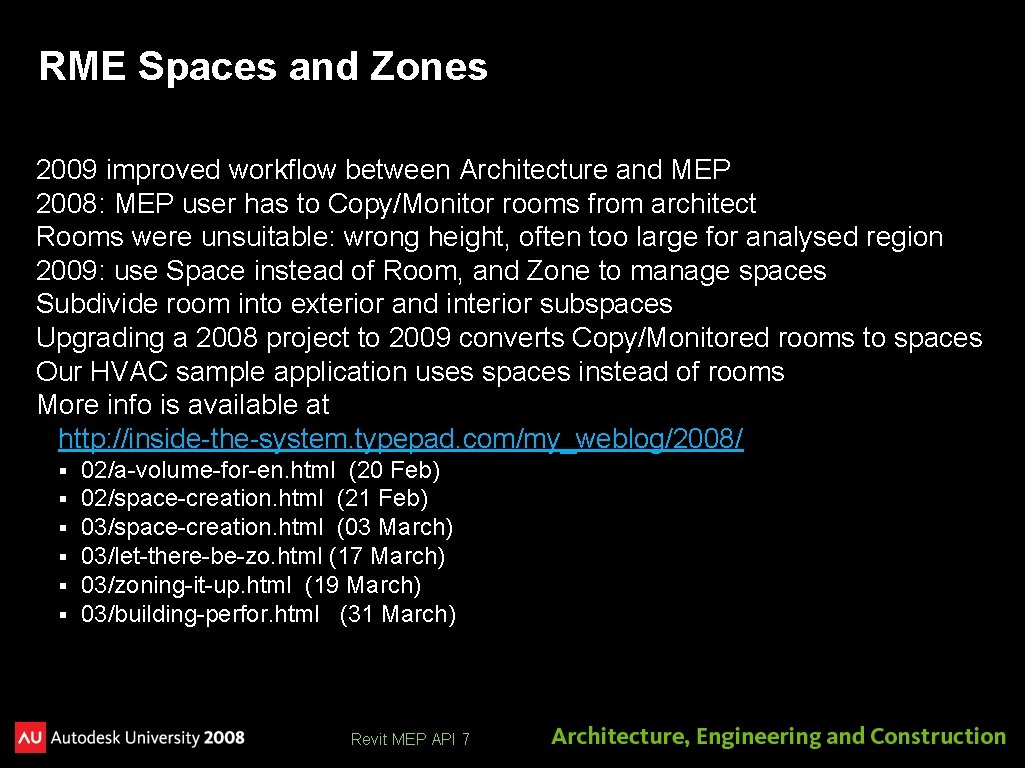
RME Spaces and Zones 2009 improved workflow between Architecture and MEP 2008: MEP user has to Copy/Monitor rooms from architect Rooms were unsuitable: wrong height, often too large for analysed region 2009: use Space instead of Room, and Zone to manage spaces Subdivide room into exterior and interior subspaces Upgrading a 2008 project to 2009 converts Copy/Monitored rooms to spaces Our HVAC sample application uses spaces instead of rooms More info is available at http: //inside-the-system. typepad. com/my_weblog/2008/ § § § 02/a-volume-for-en. html (20 Feb) 02/space-creation. html (21 Feb) 03/space-creation. html (03 March) 03/let-there-be-zo. html (17 March) 03/zoning-it-up. html (19 March) 03/building-perfor. html (31 March) Revit MEP API 7
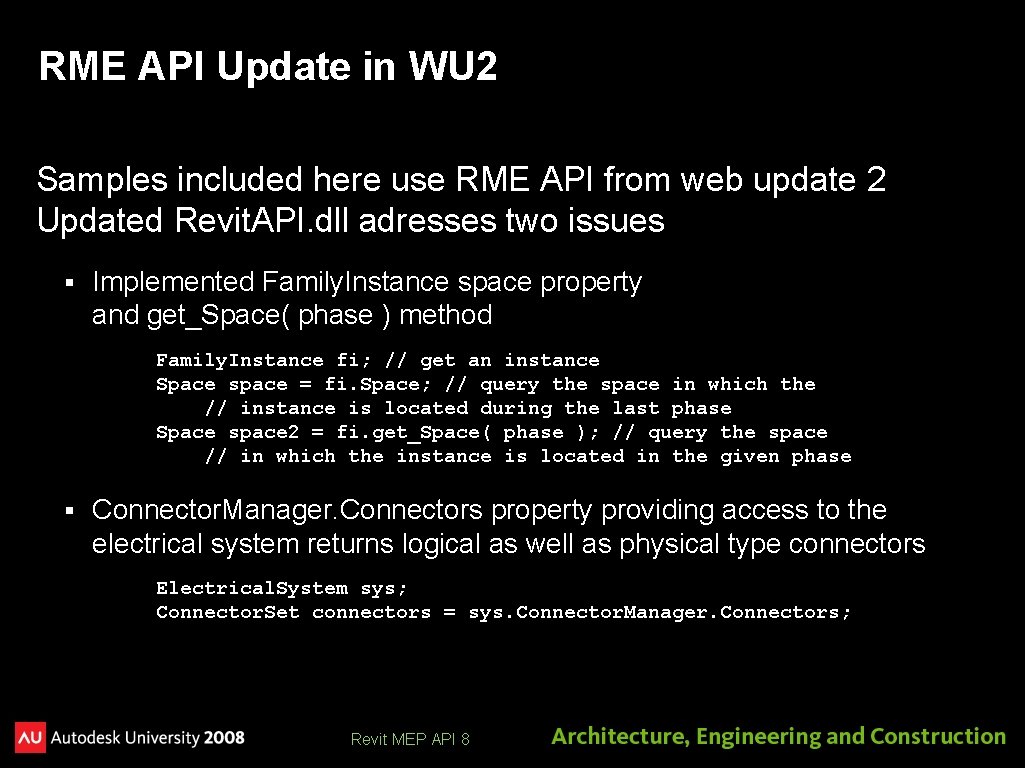
RME API Update in WU 2 Samples included here use RME API from web update 2 Updated Revit. API. dll adresses two issues § Implemented Family. Instance space property and get_Space( phase ) method Family. Instance fi; // get an instance Space space = fi. Space; // query the space in which the // instance is located during the last phase Space space 2 = fi. get_Space( phase ); // query the space // in which the instance is located in the given phase § Connector. Manager. Connectors property providing access to the electrical system returns logical as well as physical type connectors Electrical. System sys; Connector. Set connectors = sys. Connector. Manager. Connectors; Revit MEP API 8
Revit MEP SDK Samples
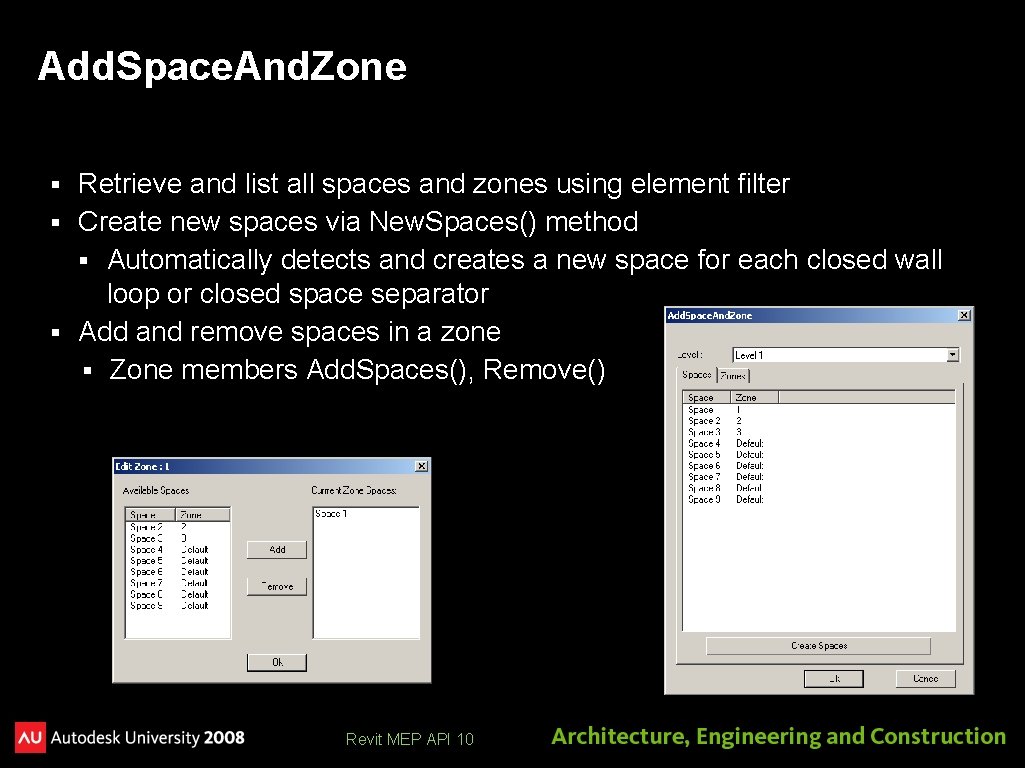
Add. Space. And. Zone Retrieve and list all spaces and zones using element filter § Create new spaces via New. Spaces() method § Automatically detects and creates a new space for each closed wall loop or closed space separator § Add and remove spaces in a zone § Zone members Add. Spaces(), Remove() § Revit MEP API 10
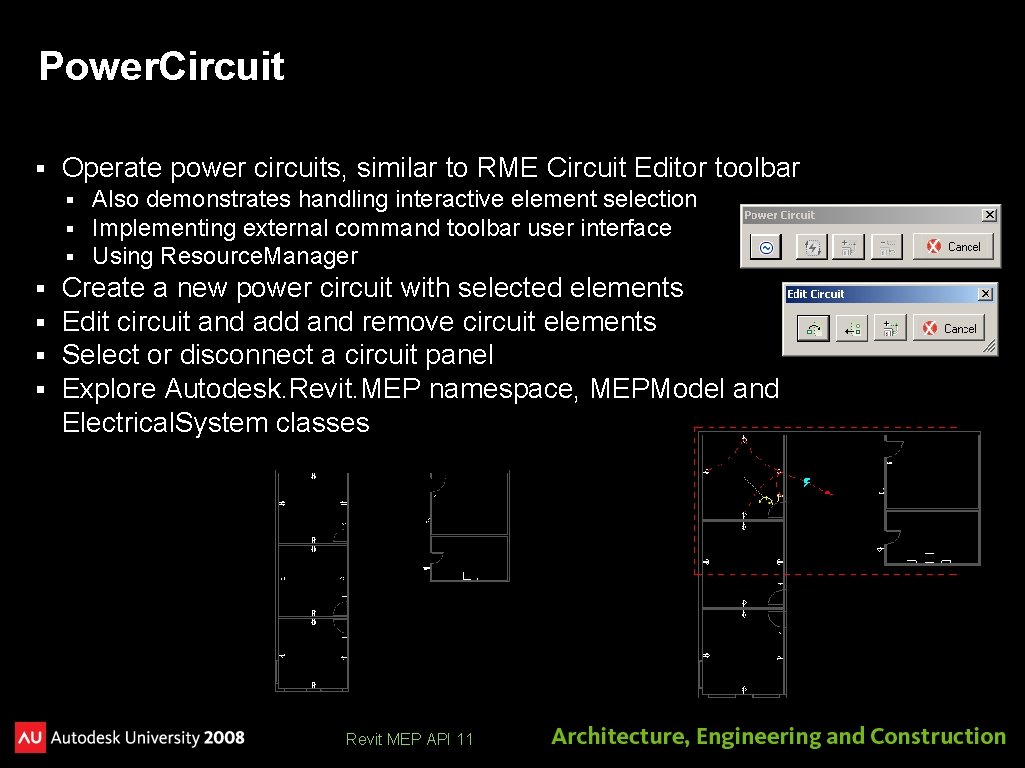
Power. Circuit § Operate power circuits, similar to RME Circuit Editor toolbar § § § § Also demonstrates handling interactive element selection Implementing external command toolbar user interface Using Resource. Manager Create a new power circuit with selected elements Edit circuit and add and remove circuit elements Select or disconnect a circuit panel Explore Autodesk. Revit. MEP namespace, MEPModel and Electrical. System classes Revit MEP API 11
RME HVAC Sample
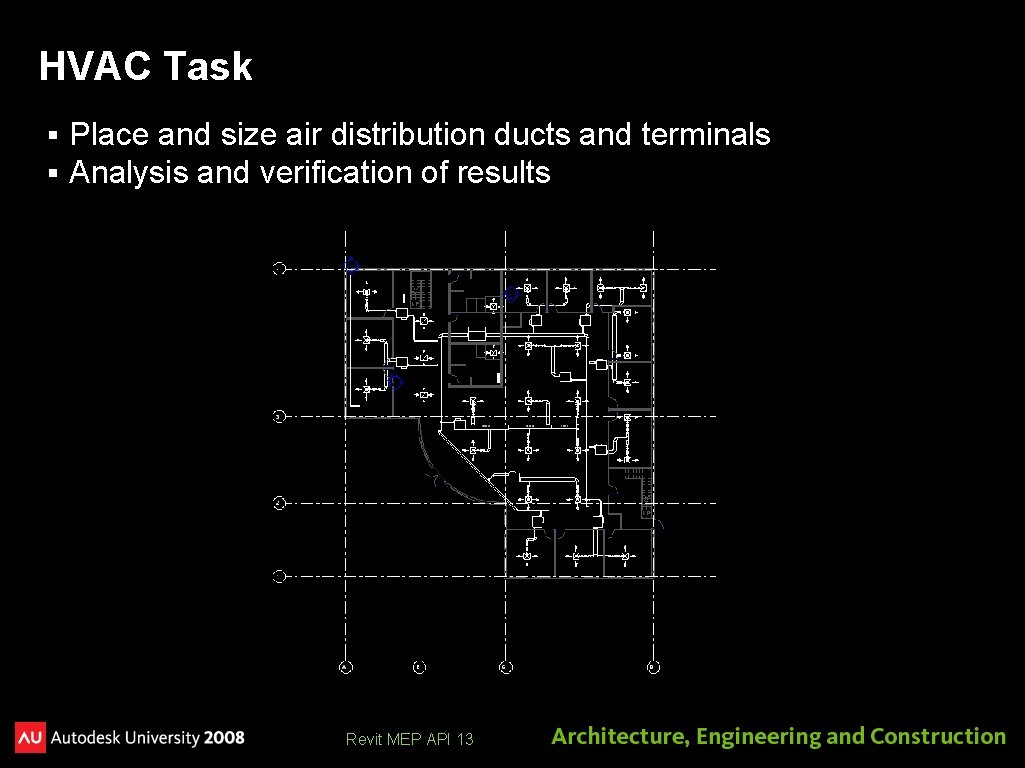
HVAC Task § § Place and size air distribution ducts and terminals Analysis and verification of results Revit MEP API 13
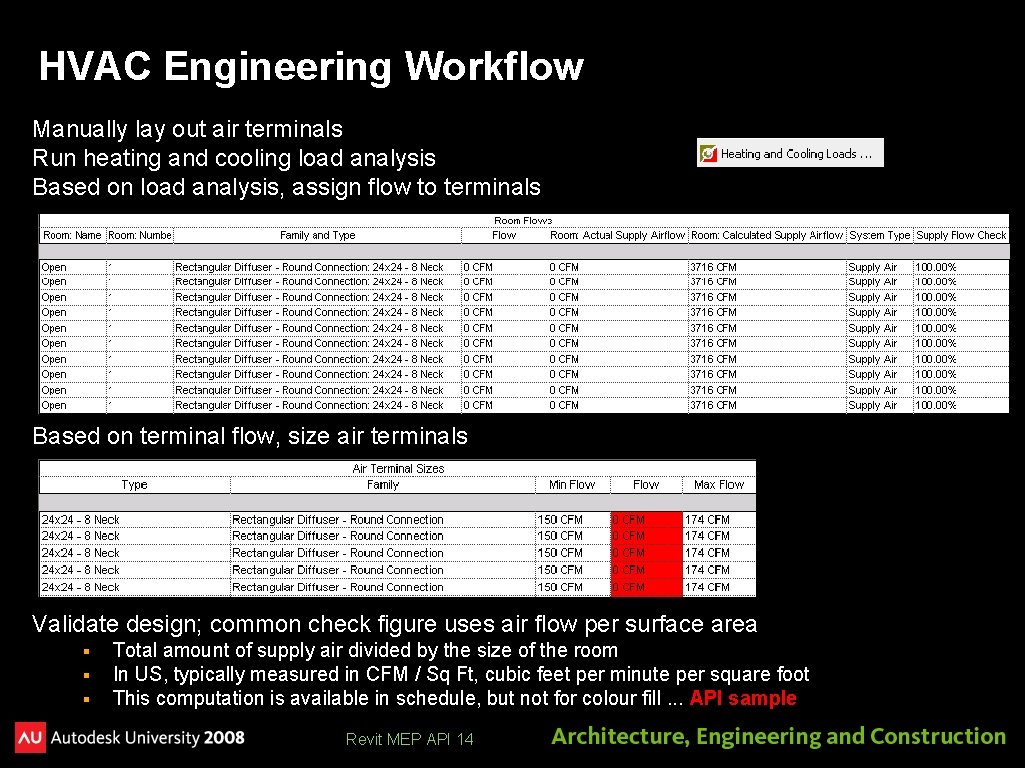
HVAC Engineering Workflow Manually lay out air terminals Run heating and cooling load analysis Based on load analysis, assign flow to terminals Based on terminal flow, size air terminals Validate design; common check figure uses air flow per surface area § § § Total amount of supply air divided by the size of the room In US, typically measured in CFM / Sq Ft, cubic feet per minute per square foot This computation is available in schedule, but not for colour fill. . . API sample Revit MEP API 14
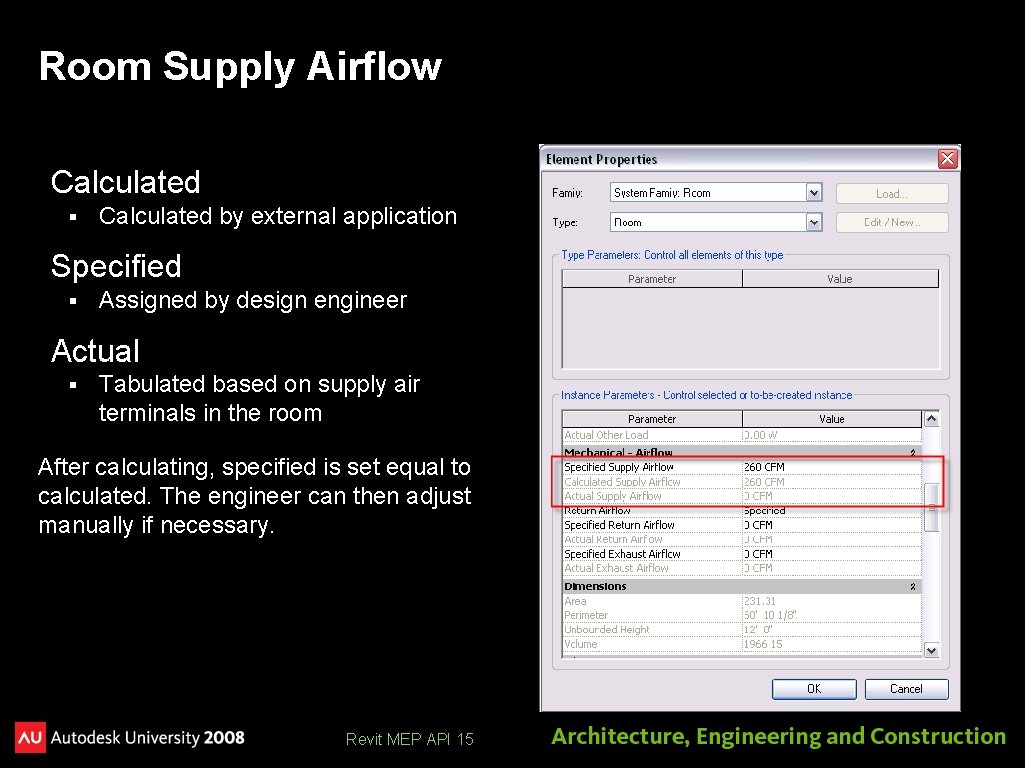
Room Supply Airflow Calculated § Calculated by external application Specified § Assigned by design engineer Actual § Tabulated based on supply air terminals in the room After calculating, specified is set equal to calculated. The engineer can then adjust manually if necessary. Revit MEP API 15
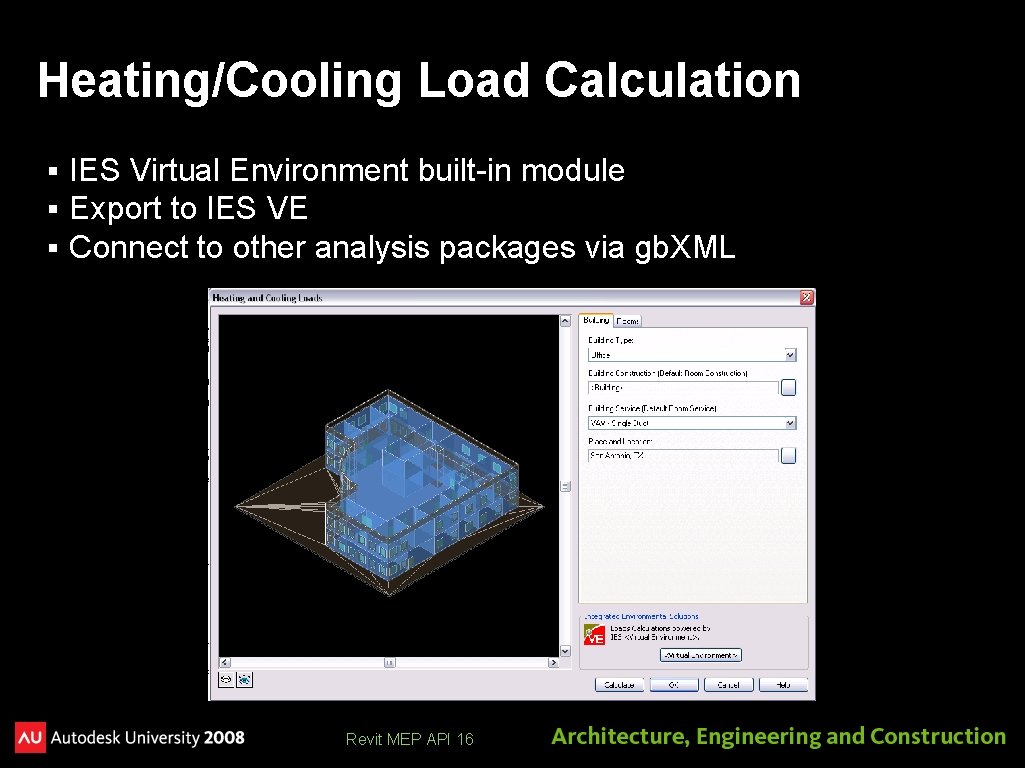
Heating/Cooling Load Calculation § § § IES Virtual Environment built-in module Export to IES VE Connect to other analysis packages via gb. XML Revit MEP API 16
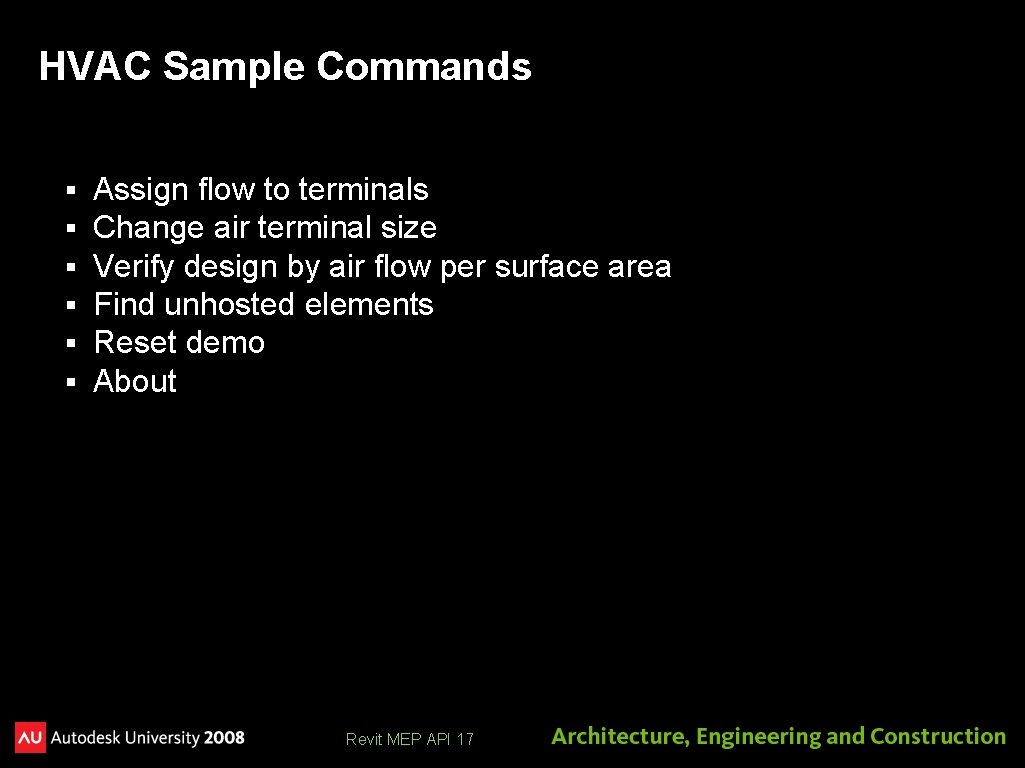
HVAC Sample Commands § § § Assign flow to terminals Change air terminal size Verify design by air flow per surface area Find unhosted elements Reset demo About Revit MEP API 17
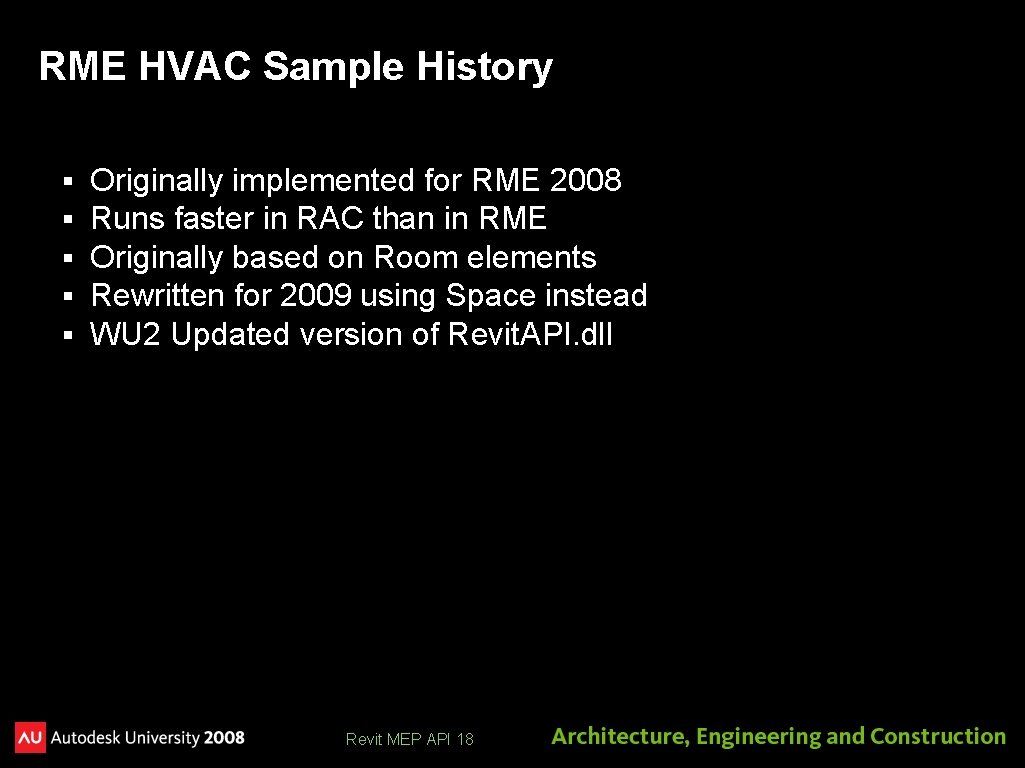
RME HVAC Sample History § § § Originally implemented for RME 2008 Runs faster in RAC than in RME Originally based on Room elements Rewritten for 2009 using Space instead WU 2 Updated version of Revit. API. dll Revit MEP API 18
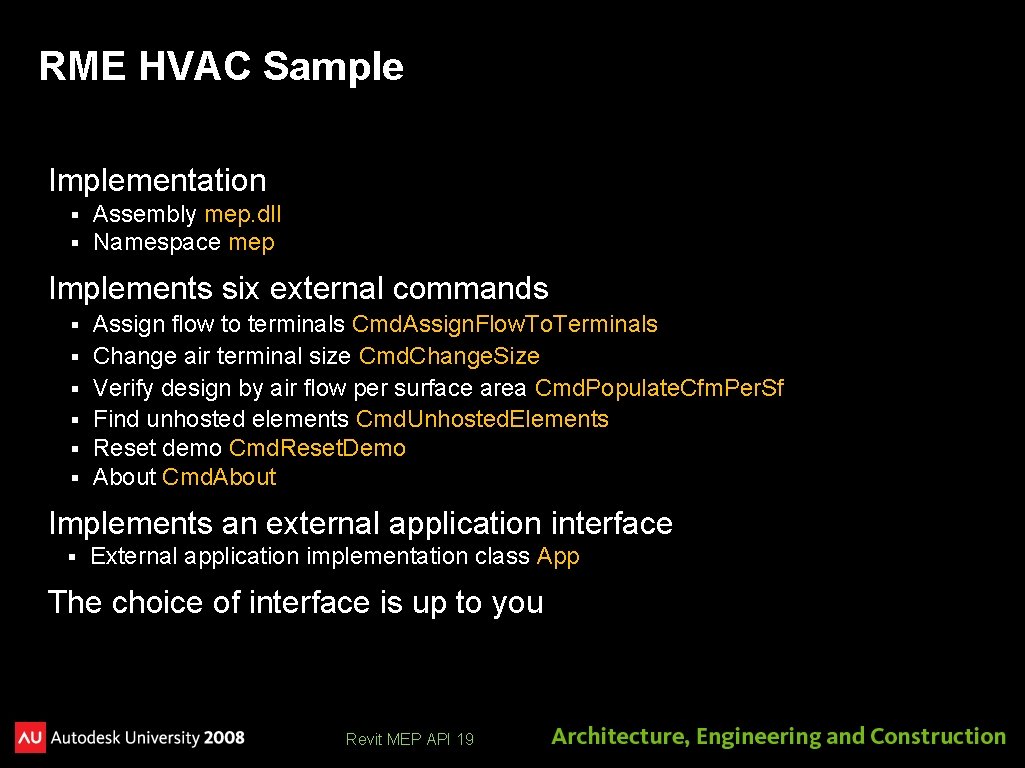
RME HVAC Sample Implementation § § Assembly mep. dll Namespace mep Implements six external commands § § § Assign flow to terminals Cmd. Assign. Flow. To. Terminals Change air terminal size Cmd. Change. Size Verify design by air flow per surface area Cmd. Populate. Cfm. Per. Sf Find unhosted elements Cmd. Unhosted. Elements Reset demo Cmd. Reset. Demo About Cmd. About Implements an external application interface § External application implementation class App The choice of interface is up to you Revit MEP API 19
Modify Revit. ini [External. Commands] ECCount=<n> . . . [External. Applications] EACount = 1 EAClass. Name 1 = mep. App EAAssembly 1 = C: My DocumentsADSKSamplessrcmepbinDebugmep. dll Revit MEP API 20
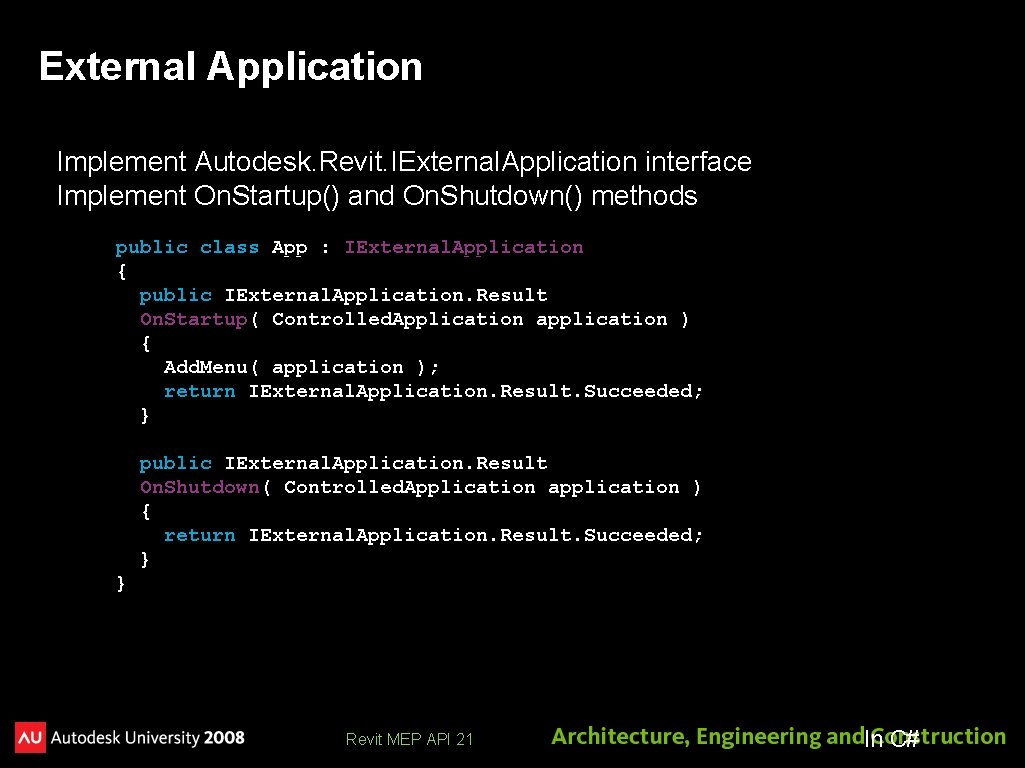
External Application Implement Autodesk. Revit. IExternal. Application interface Implement On. Startup() and On. Shutdown() methods public class App : IExternal. Application { public IExternal. Application. Result On. Startup( Controlled. Application application ) { Add. Menu( application ); return IExternal. Application. Result. Succeeded; } public IExternal. Application. Result On. Shutdown( Controlled. Application application ) { return IExternal. Application. Result. Succeeded; } } Revit MEP API 21 In C#
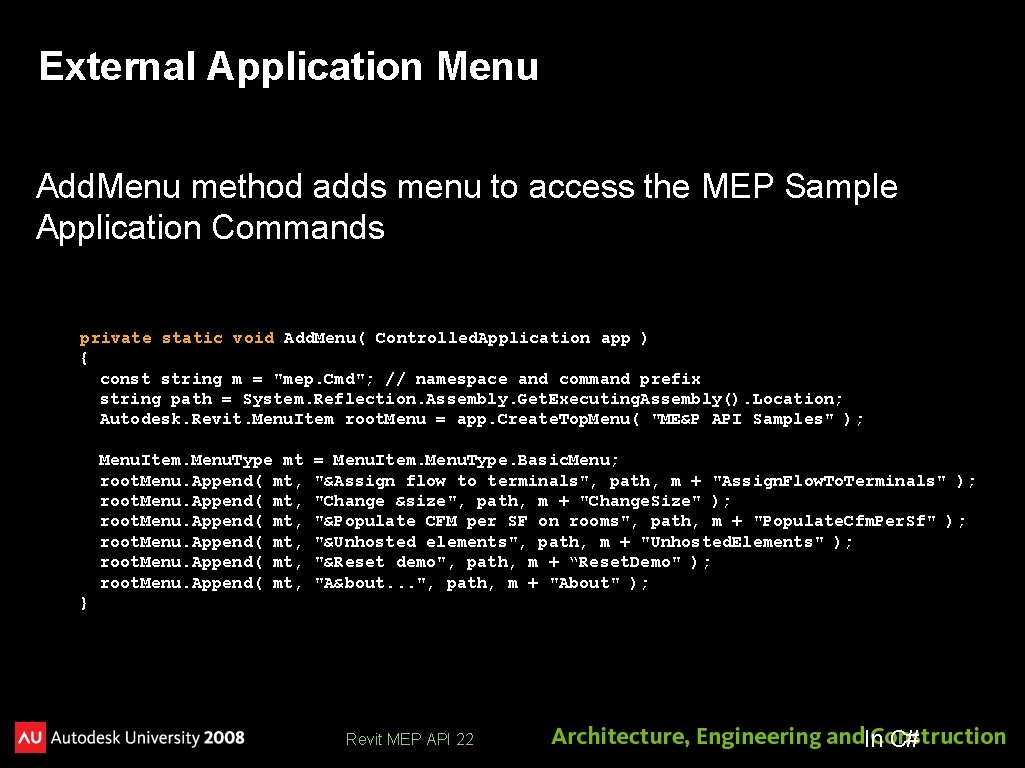
External Application Menu Add. Menu method adds menu to access the MEP Sample Application Commands private static void Add. Menu( Controlled. Application app ) { const string m = "mep. Cmd"; // namespace and command prefix string path = System. Reflection. Assembly. Get. Executing. Assembly(). Location; Autodesk. Revit. Menu. Item root. Menu = app. Create. Top. Menu( "ME&P API Samples" ); Menu. Item. Menu. Type mt root. Menu. Append( mt, = Menu. Item. Menu. Type. Basic. Menu; "&Assign flow to terminals", path, m + "Assign. Flow. To. Terminals" ); "Change &size", path, m + "Change. Size" ); "&Populate CFM per SF on rooms", path, m + "Populate. Cfm. Per. Sf" ); "&Unhosted elements", path, m + "Unhosted. Elements" ); "&Reset demo", path, m + “Reset. Demo" ); "A&bout. . . ", path, m + "About" ); } Revit MEP API 22 In C#
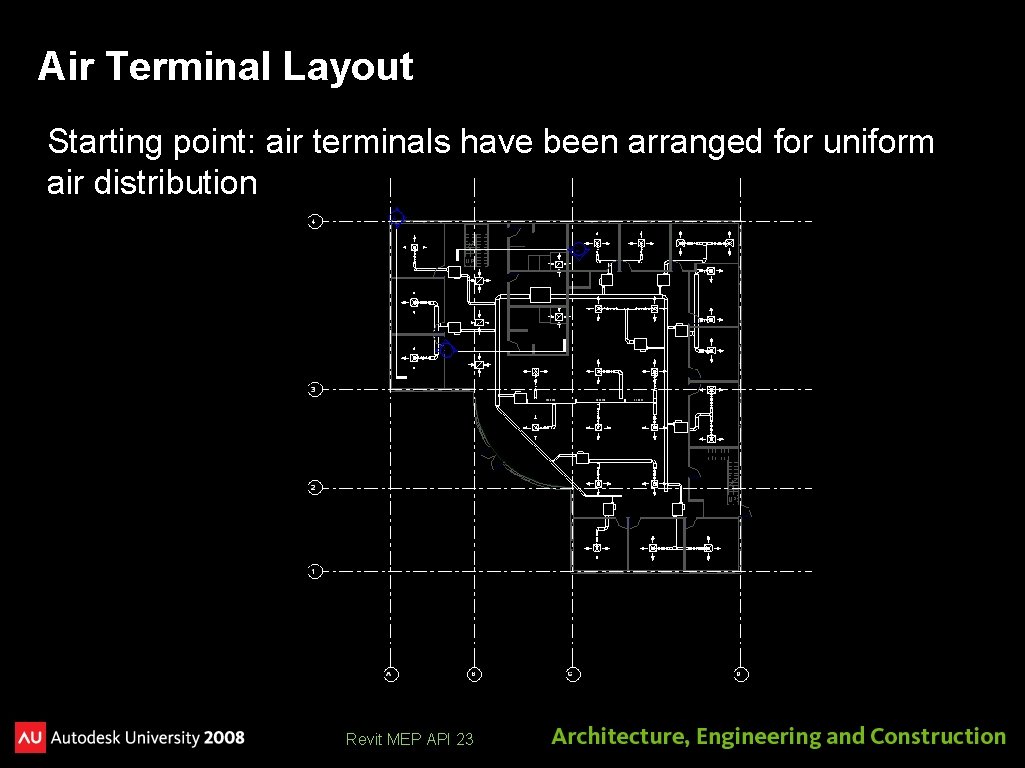
Air Terminal Layout Starting point: air terminals have been arranged for uniform air distribution Revit MEP API 23
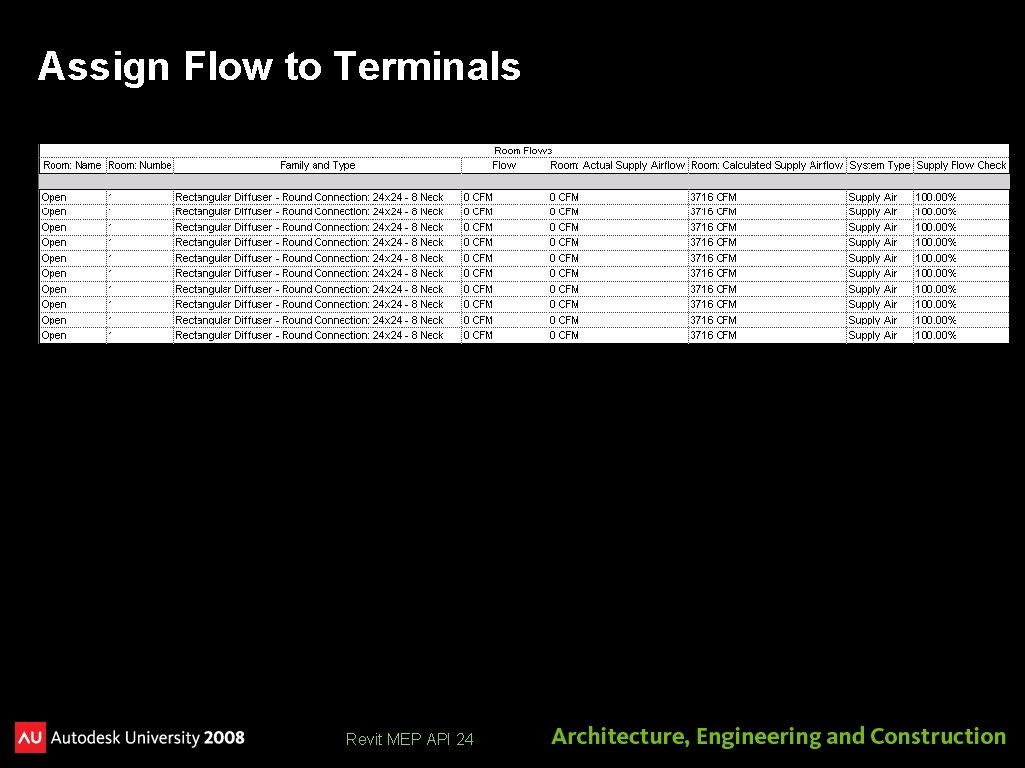
Assign Flow to Terminals Revit MEP API 24
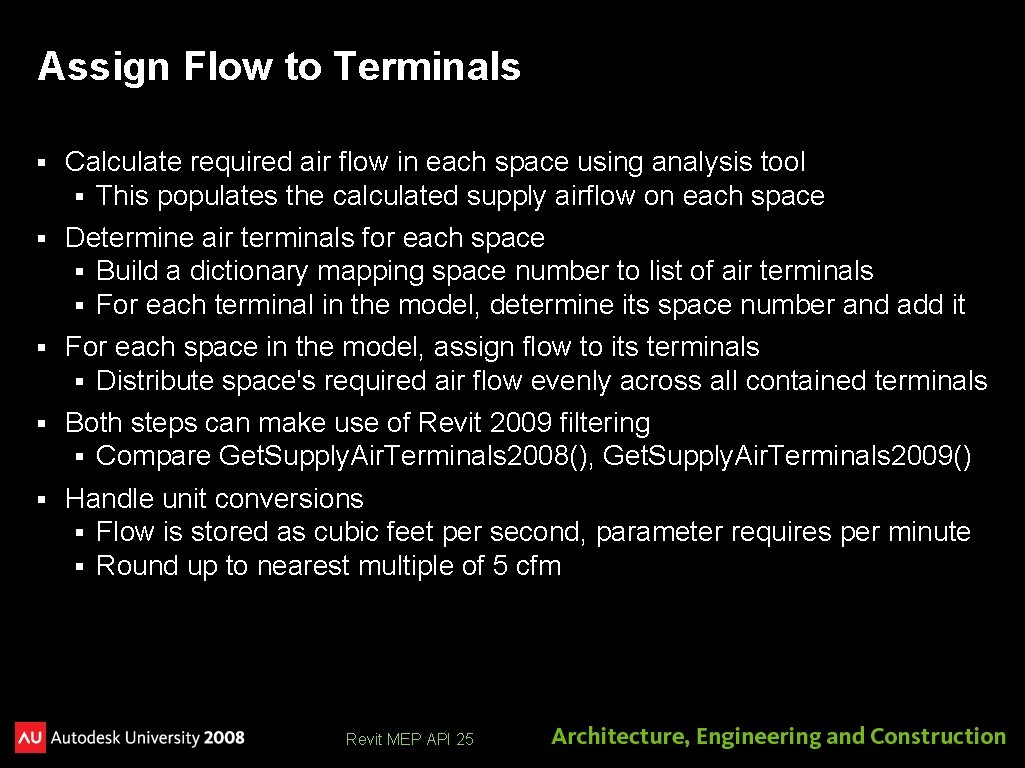
Assign Flow to Terminals § Calculate required air flow in each space using analysis tool § This populates the calculated supply airflow on each space § Determine air terminals for each space § Build a dictionary mapping space number to list of air terminals § For each terminal in the model, determine its space number and add it § For each space in the model, assign flow to its terminals § Distribute space's required air flow evenly across all contained terminals § Both steps can make use of Revit 2009 filtering § Compare Get. Supply. Air. Terminals 2008(), Get. Supply. Air. Terminals 2009() § Handle unit conversions § Flow is stored as cubic feet per second, parameter requires per minute § Round up to nearest multiple of 5 cfm Revit MEP API 25
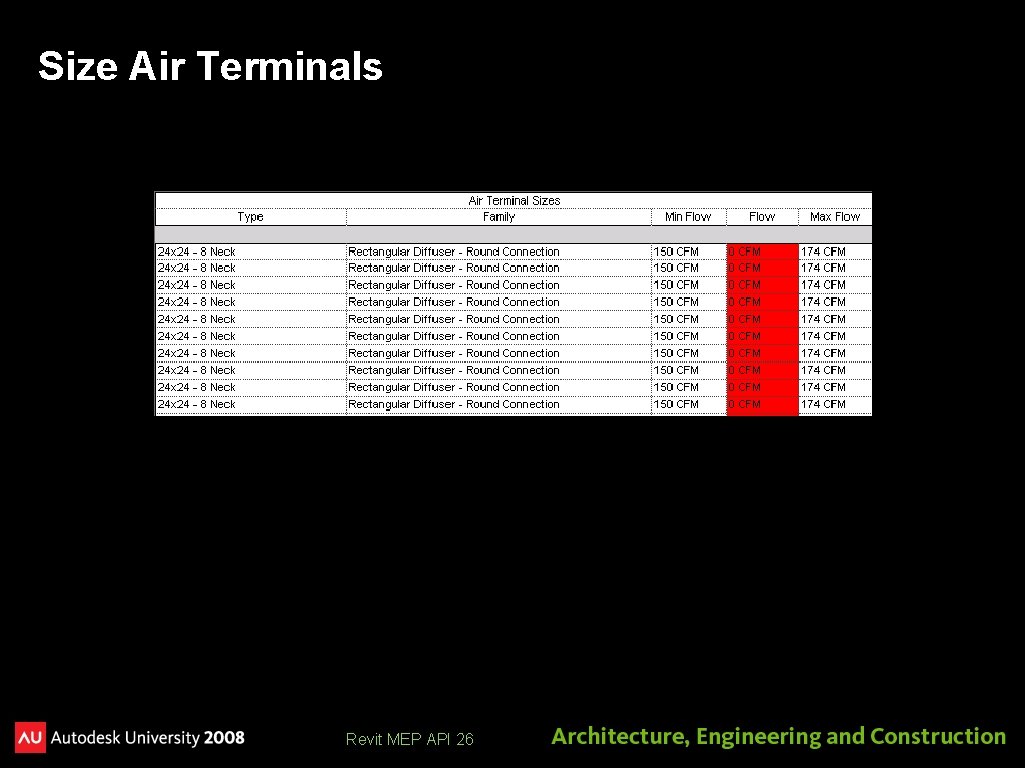
Size Air Terminals Revit MEP API 26
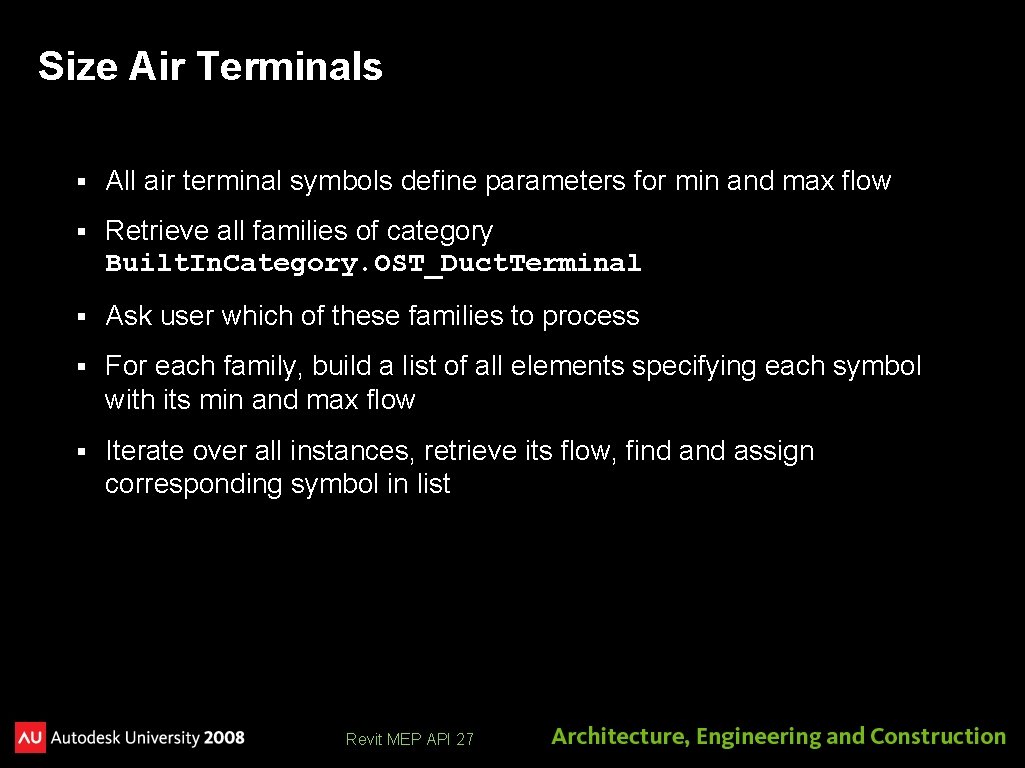
Size Air Terminals § All air terminal symbols define parameters for min and max flow § Retrieve all families of category Built. In. Category. OST_Duct. Terminal § Ask user which of these families to process § For each family, build a list of all elements specifying each symbol with its min and max flow § Iterate over all instances, retrieve its flow, find assign corresponding symbol in list Revit MEP API 27
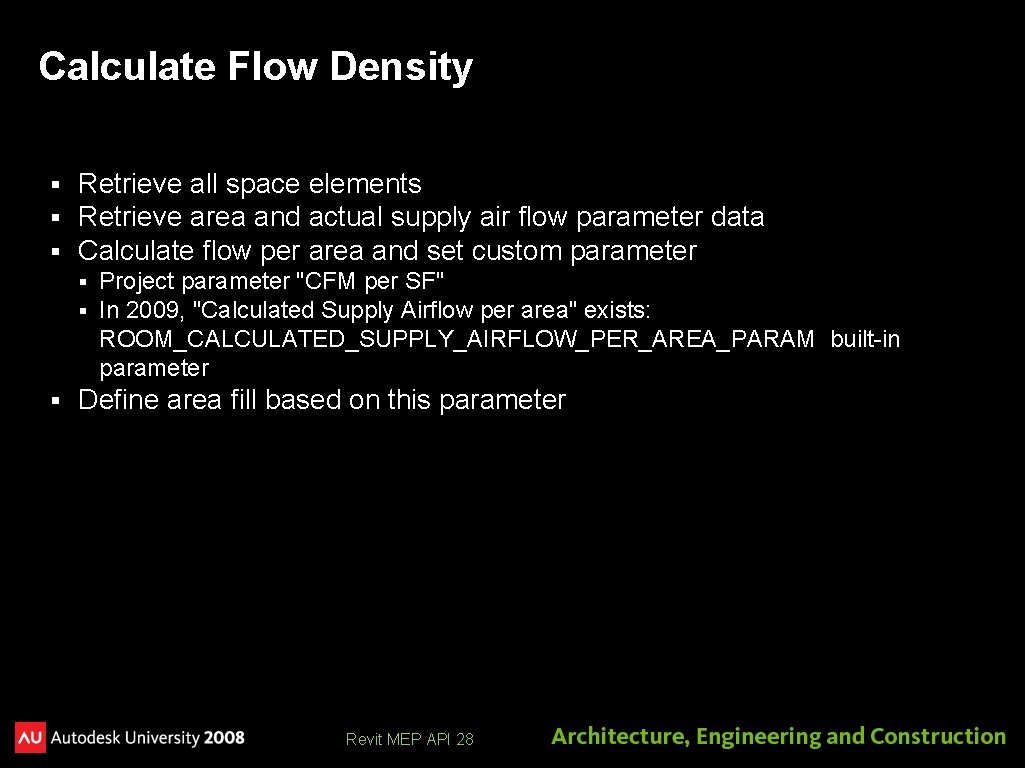
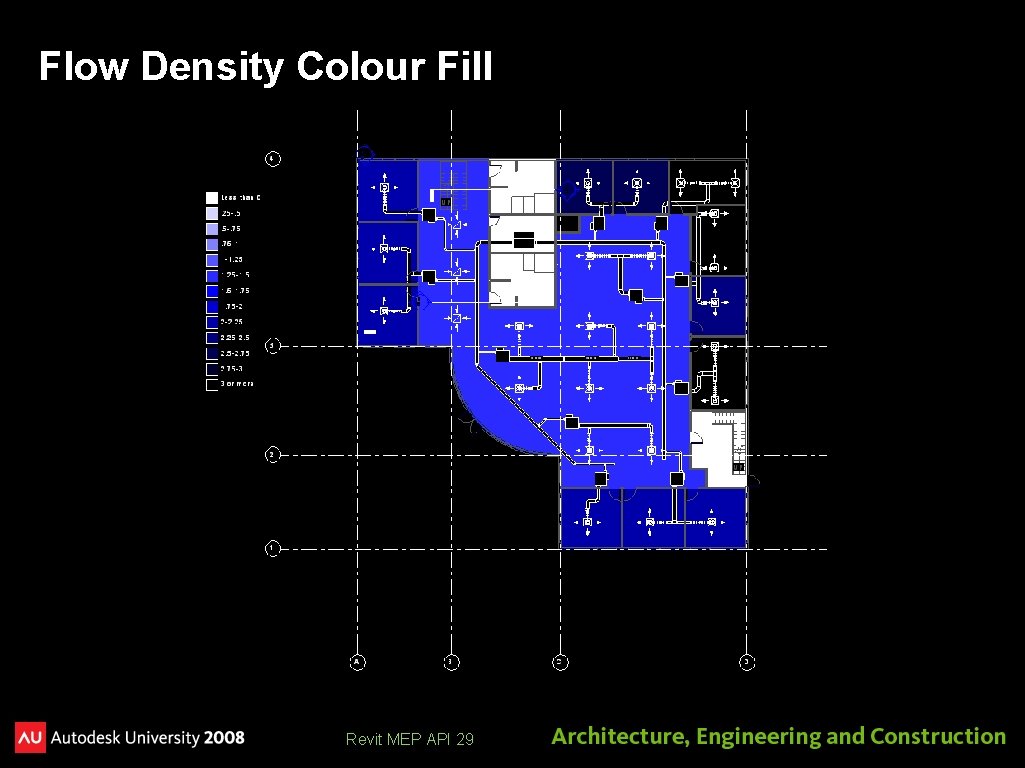
Calculate Flow Density § § § Retrieve all space elements Retrieve area and actual supply air flow parameter data Calculate flow per area and set custom parameter § § § Project parameter "CFM per SF" In 2009, "Calculated Supply Airflow per area" exists: ROOM_CALCULATED_SUPPLY_AIRFLOW_PER_AREA_PARAM built-in parameter Define area fill based on this parameter Revit MEP API 28
Flow Density Colour Fill Revit MEP API 29
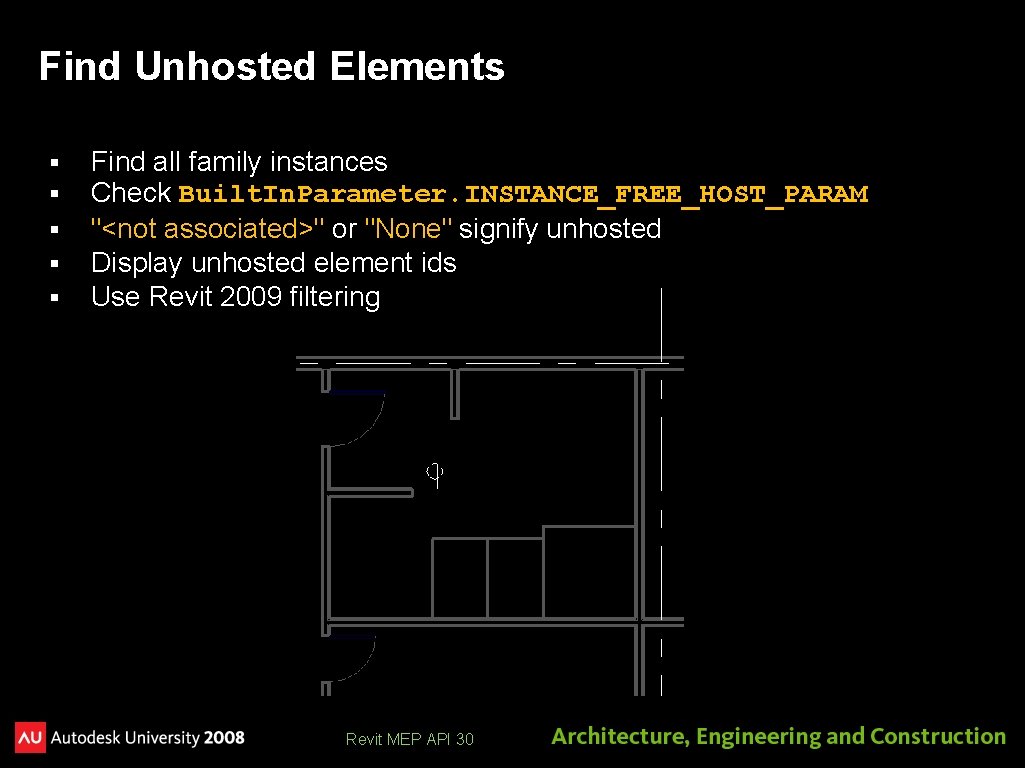
Find Unhosted Elements § § § Find all family instances Check Built. In. Parameter. INSTANCE_FREE_HOST_PARAM "<not associated>" or "None" signify unhosted Display unhosted element ids Use Revit 2009 filtering Revit MEP API 30
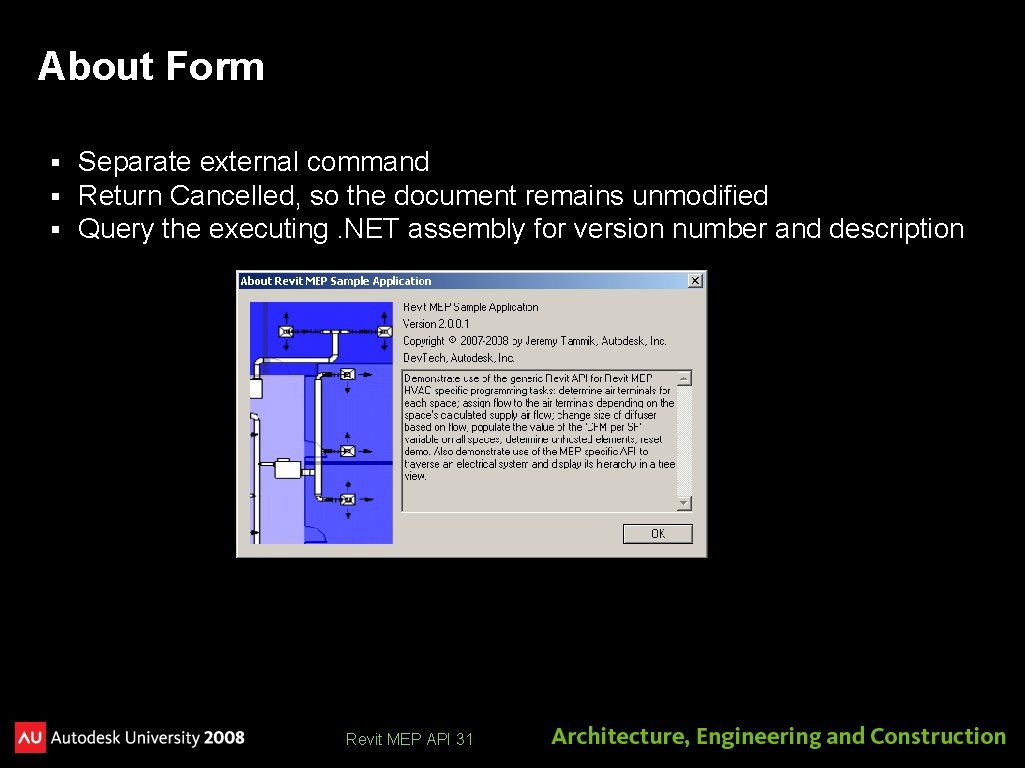
About Form § § § Separate external command Return Cancelled, so the document remains unmodified Query the executing. NET assembly for version number and description Revit MEP API 31
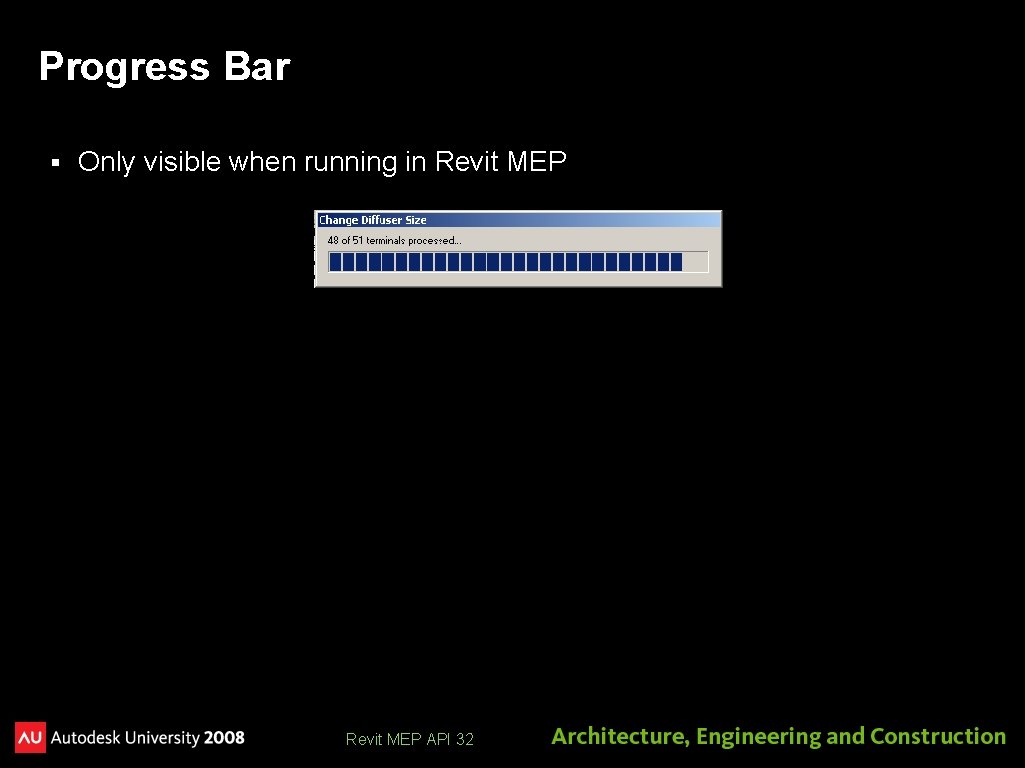
Progress Bar § Only visible when running in Revit MEP API 32
RME Electrical Sample
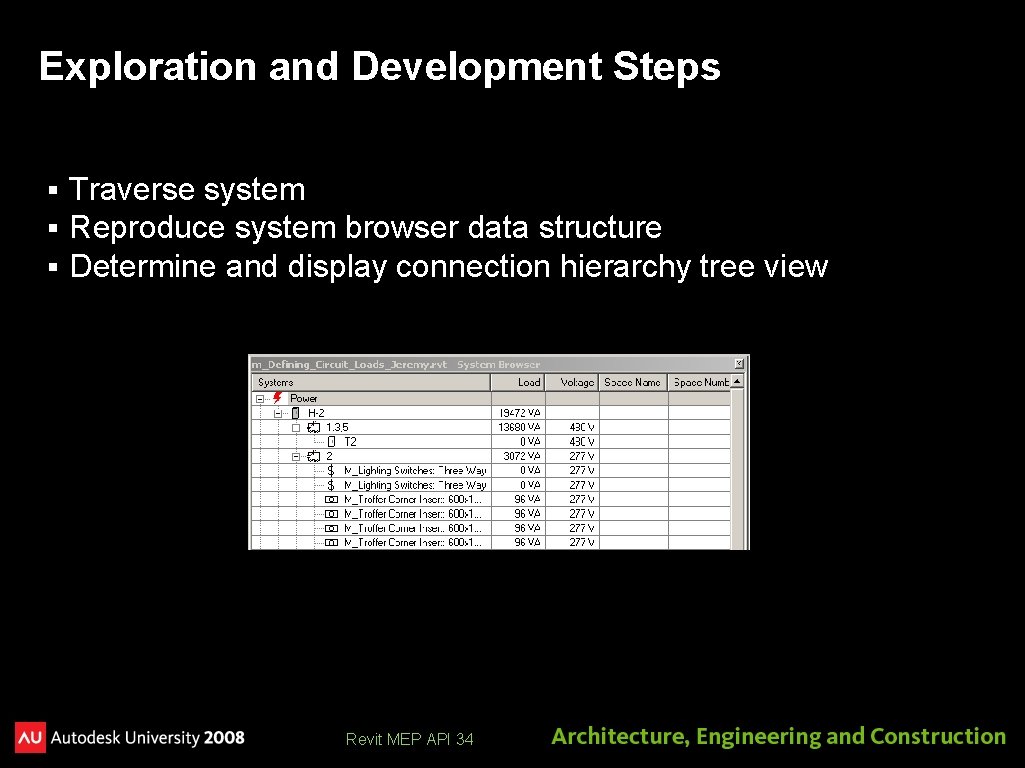
Exploration and Development Steps § § § Traverse system Reproduce system browser data structure Determine and display connection hierarchy tree view Revit MEP API 34
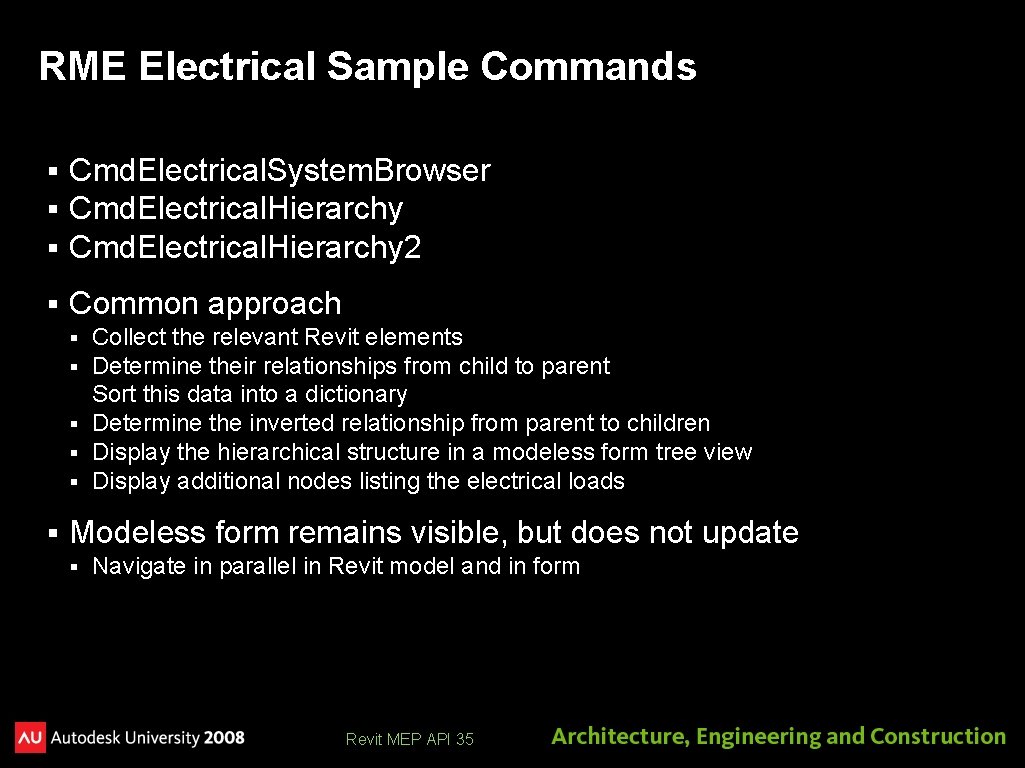
RME Electrical Sample Commands § § § Cmd. Electrical. System. Browser Cmd. Electrical. Hierarchy 2 § Common approach Collect the relevant Revit elements Determine their relationships from child to parent Sort this data into a dictionary § Determine the inverted relationship from parent to children § Display the hierarchical structure in a modeless form tree view § Display additional nodes listing the electrical loads § § § Modeless form remains visible, but does not update § Navigate in parallel in Revit model and in form Revit MEP API 35
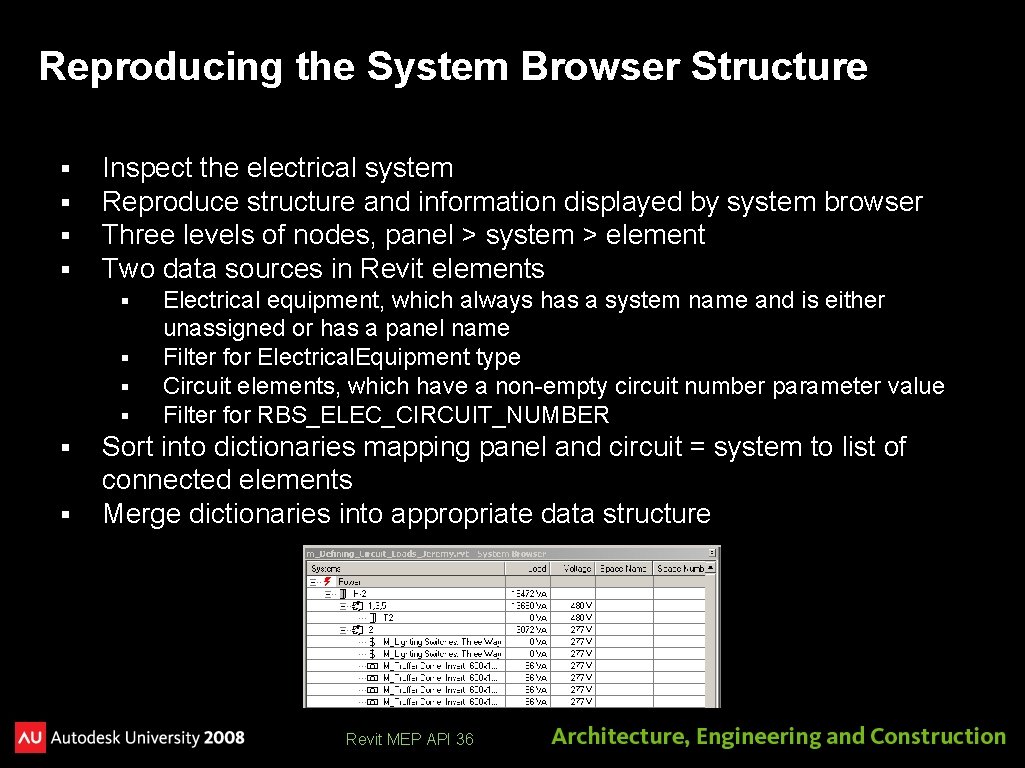
Reproducing the System Browser Structure § § Inspect the electrical system Reproduce structure and information displayed by system browser Three levels of nodes, panel > system > element Two data sources in Revit elements § § § Electrical equipment, which always has a system name and is either unassigned or has a panel name Filter for Electrical. Equipment type Circuit elements, which have a non-empty circuit number parameter value Filter for RBS_ELEC_CIRCUIT_NUMBER Sort into dictionaries mapping panel and circuit = system to list of connected elements Merge dictionaries into appropriate data structure Revit MEP API 36
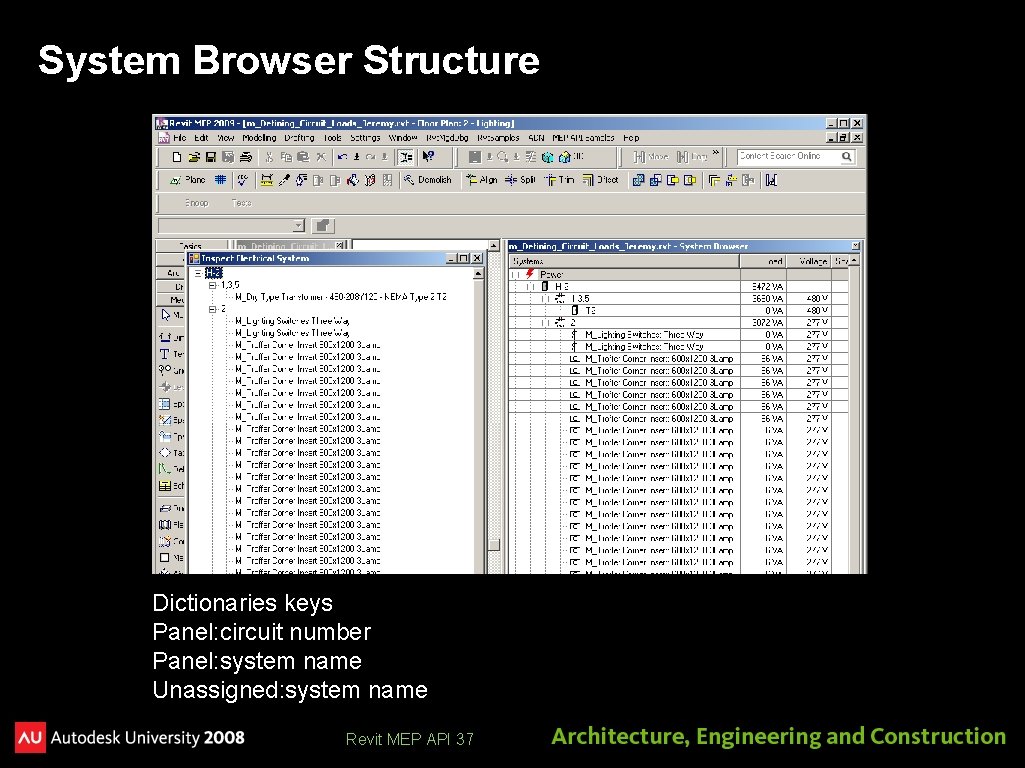
System Browser Structure Dictionaries keys Panel: circuit number Panel: system name Unassigned: system name Revit MEP API 37
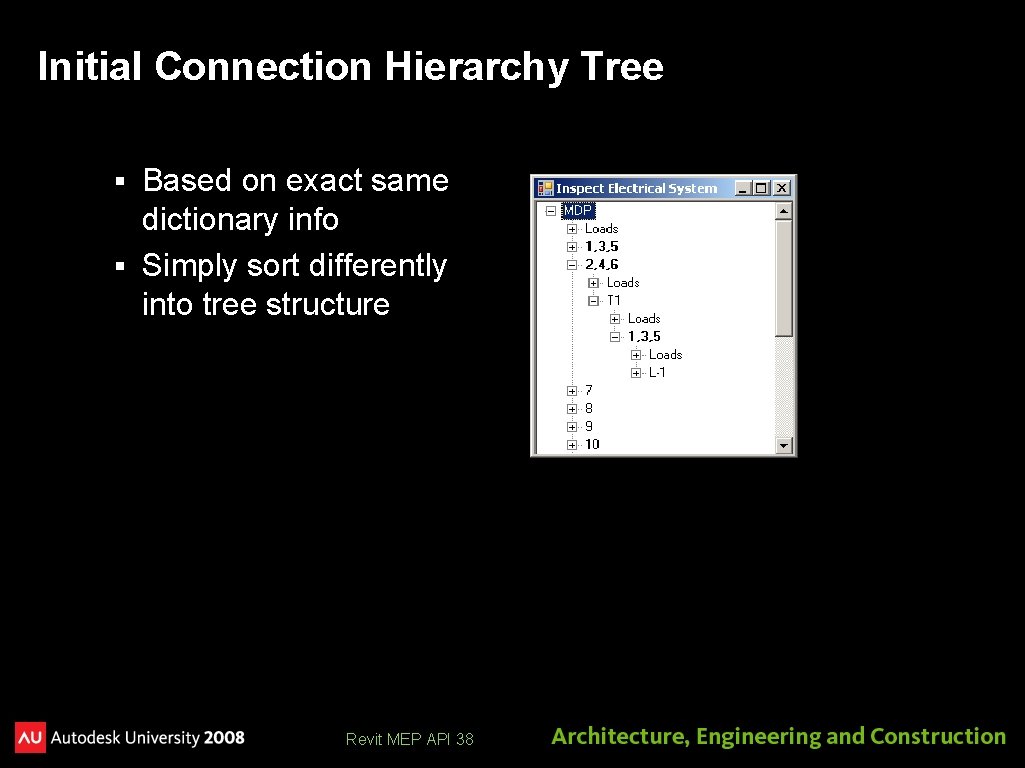
Initial Connection Hierarchy Tree Based on exact same dictionary info § Simply sort differently into tree structure § Revit MEP API 38
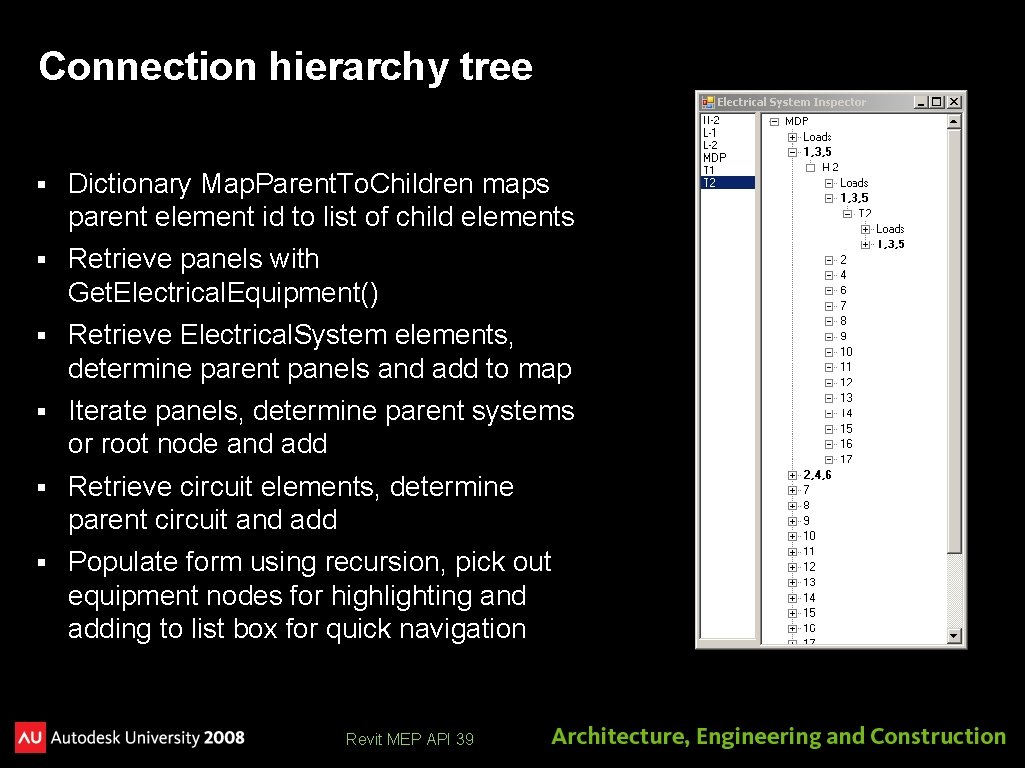
Connection hierarchy tree § Dictionary Map. Parent. To. Children maps parent element id to list of child elements § Retrieve panels with Get. Electrical. Equipment() § Retrieve Electrical. System elements, determine parent panels and add to map § Iterate panels, determine parent systems or root node and add § Retrieve circuit elements, determine parent circuit and add § Populate form using recursion, pick out equipment nodes for highlighting and adding to list box for quick navigation Revit MEP API 39
Learning More § § Online Help and SDK Samples Dev. TV Introduction to Revit 2008 Programming http: //adn. autodesk. com/adn/servlet/item? site. ID=4814862&id=10194238&link. ID=4901650 § Recording of Revit 2009 Programming Introduction Webcast http: //adn. autodesk. com/adn/servlet/index? site. ID=4814862&id=5475217&link. ID=4901650 http: //www. adskconsulting. com/adn/cs/api_course_sched. php § Discussion Groups http: //discussion. autodesk. com > Revit API § API Training Classes – Leave Business Card for Free Training http: //www. autodesk. com/apitraining § ADN, The Autodesk Developer Network http: //www. autodesk. com/joinadn § Dev. Help Online for ADN members http: //adn. autodesk. com § The Building Coder, a Revit API Blog http: //thebuildingcoder. typepad. com Revit MEP API 40
Meet The Experts DE 315 -1 AEC API Talk Thu. 12/4 3: 15 pm - 4: 45 pm Revit MEP API 41
Thank you! Thank you very much for your interest and attention! Much success with the Revit API and your application development! Please complete the session survey Course id is DE 301 -2 Revit MEP API 42
& Revit MEP API 43