Chapter 2 STRUCTURE n The arrangement of information



- Slides: 31
Chapter 2
STRUCTURE n The arrangement of information (organization) and the techniques used to highlight information (page design)
We will learn the basics of organization n ABC format n page design n
Organization
THE ONE CARDINAL RULE FOR TECHNICAL WRITING Write for your reader, not for yourself!
S t r u c t u r e R u l e # 1 Write different parts for different readers n Readers do the following: u Quick scan F Read summaries, conclusions, recommendations, charts u Focused search F Look at headings and subheadings to find what they need u Short follow-ups F Return for important information
S t r u c t u r e R u l e # 2 Emphasize beginnings and endings n n n Place important info where impatient readers want it—at the beginning and end Look at figure 2 -1 on page 25. Where should this classic question be answered? “So what does this document mean to me?
S t r u c t u r e R u l e # 3 Repeat key points n Especially in long documents u For example, key recommendations may be found in several places in a long report F Cover letter F Executive summary F Conclusion
ABC Format n n n Abstract-Beginning Body-Middle Conclusion-Ending
What Is the ABSTRACT? n introduces and summarizes u It may tell F why you are writing F what work you did F what main points are that decisionmakers want to know F what main sections follow
• What Is the BODY? Gives supporting details u It may tell F what led up to the project F how you gathered the information F where you got the information • the field • the lab • the office
In the Body n n use lead-ins at the beginning of sections include listings use graphics separate facts from opinions
What is the CONCLUSION? n It provides a wrap-up u It may tell F conclusions and recommendations F what happens next F what single point you want to leave with the reader F what you can do to build goodwill/enhance your relationship with the reader
Page Design n Make your document easy to read with the following 4 rules
Design Rule #1 n See figure 2 -4 on page 33 Use white space liberally u Frame text with 1” to 1. 5” margins u Experiment with double columns u Skip lines between paragraphs in single-spaced text u Use ragged right margins in short documents u Use slightly more space above headings than below them
Design Rule #2 n Use headings and subheadings often u u u Use your outline to create headings and subheadings Use words in your headings that reflect content F Be careful--if headings are too general, they don’t help F Background of Successful Fund Drive is better than Background Establish a clear visual ranking of headings
Design Rule #3 n Use lists frequently u Keep lists short (3 -9 items) u Use bullets and numbers u Punctuate, space, and capitalize lists properly u Use proper lead-ins and parallel structure
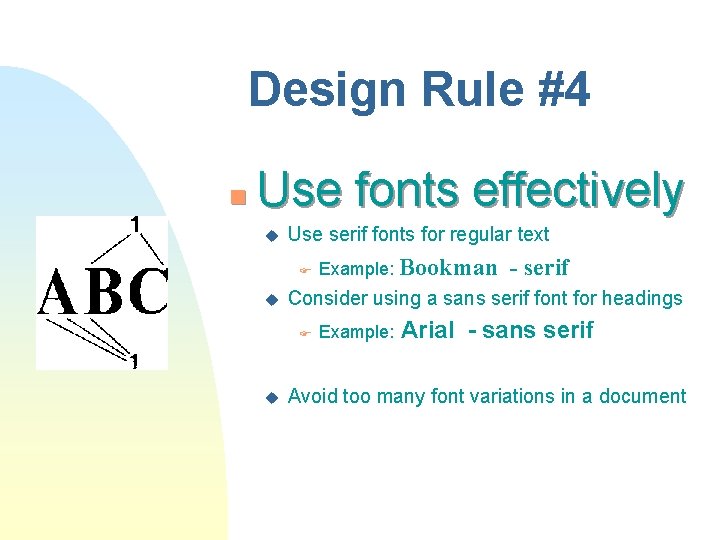
Design Rule #4 n Use fonts effectively u Use serif fonts for regular text F u - serif Consider using a sans serif font for headings F u Example: Bookman Example: Arial - sans serif Avoid too many font variations in a document
Chapter 4 n Graphics
Definition Any nontextual portion of documents or speeches
Graphics can be used 1. to designate a field u He wanted to find a job in the graphics field. u She was talented in graphics. 2. to name graphical items u. I put a graphic on the first page of my report.
Reasons for Using Graphics n n simplify ideas reinforce ideas create interest appeal to universal understanding of visual media
General Guidelines 1. 2. 3. 4. 5. Refer to all graphics in the text Put graphics close to the text where it is mentioned Position graphics vertically if possible. (People don’t like to turn the document. ) Avoid clutter Provide titles, keys and source data
The Term Illustrations n n means the same as graphics, visual aids keep them simple label them accurately be creative
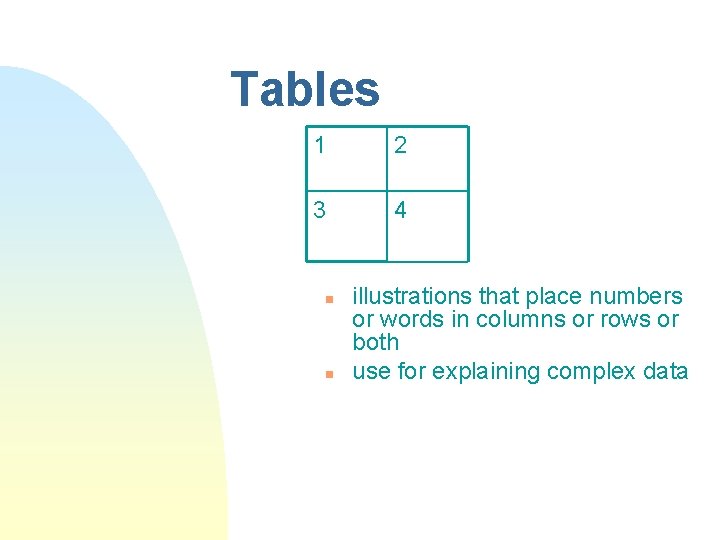
Tables 1 2 3 4 n n illustrations that place numbers or words in columns or rows or both use for explaining complex data
Figures n All graphics other than tables
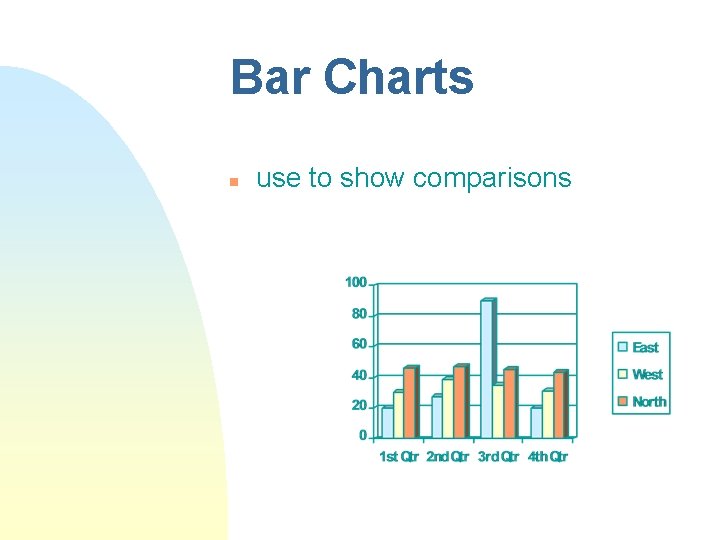
Bar Charts n use to show comparisons
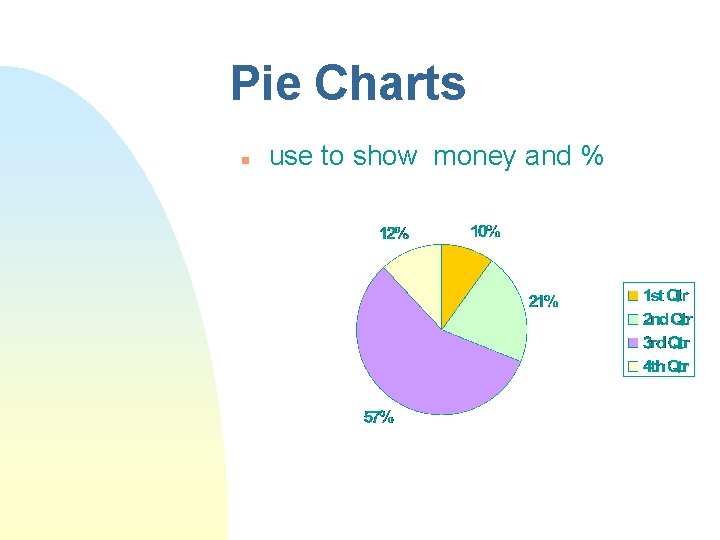
Pie Charts n use to show money and %
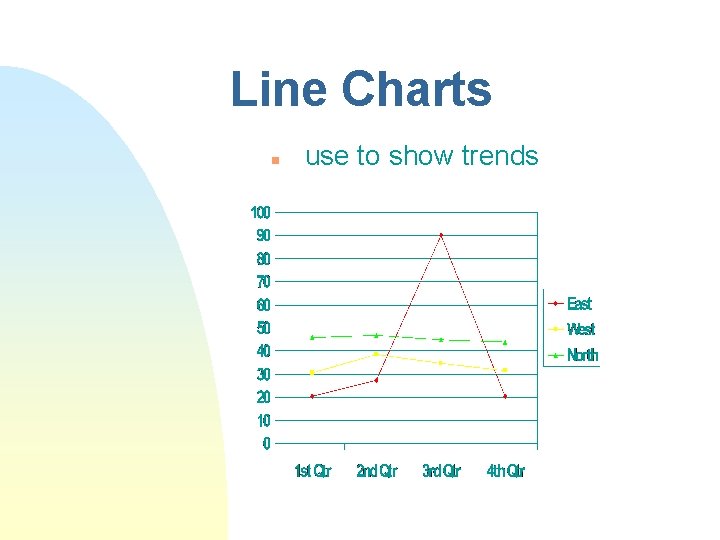
Line Charts n use to show trends
Technical Drawings n use to show detail u Produced F Exterior with CAD programs view (surface) F Cross-section view (slice) F Exploded view (shows relationships between parts by looking deeply inside) F Cutaway view (shows inner workings by removing exterior)
When Is the Test on This? Wednesday, Oct. 1, 2008