TEL 104 MKK Fundamental Programming Lecture 3 1
- Slides: 63
TEL 104 / MKK Fundamental Programming: Lecture 3 1
Assignment 1 Review: • A program is required to read from the screen the lenght and widht of a rectangular house block, and the lenght and width of the rectangular house that has been built on the block. The algorithm should then compute and display the mowing time required to cut the grass around the house, at the rate of two square metres per minute
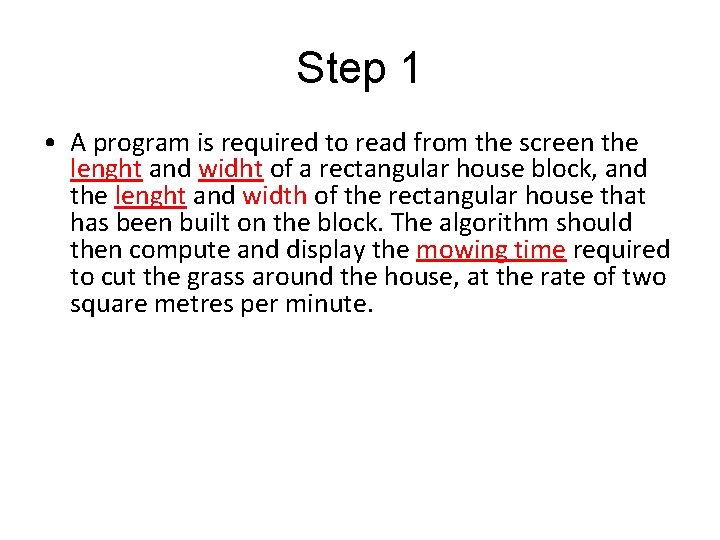
Step 1 • A program is required to read from the screen the lenght and widht of a rectangular house block, and the lenght and width of the rectangular house that has been built on the block. The algorithm should then compute and display the mowing time required to cut the grass around the house, at the rate of two square metres per minute.
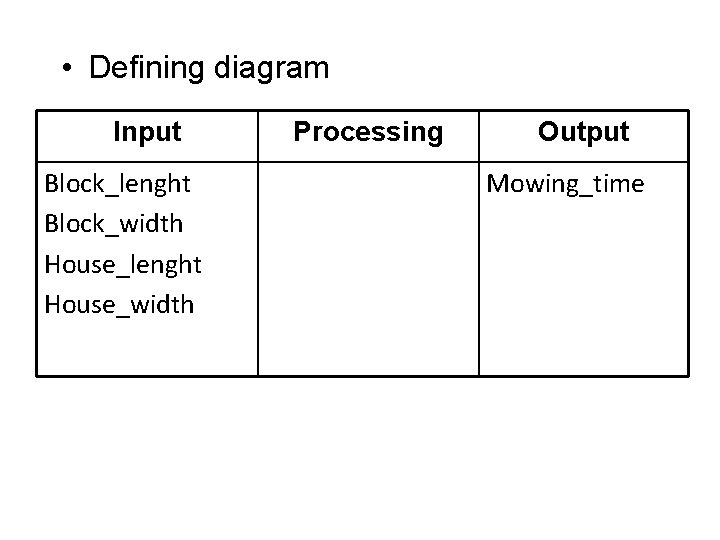
• Defining diagram Input Block_lenght Block_width House_lenght House_width Processing Output Mowing_time
Step 2 • A program is required to read from the screen the lenght and widht of a rectangular house block, and the lenght and width of the rectangular house that has been built on the block. The algorithm should then compute and display the mowing time required to cut the grass around the house, at the rate of two square metres per minute.
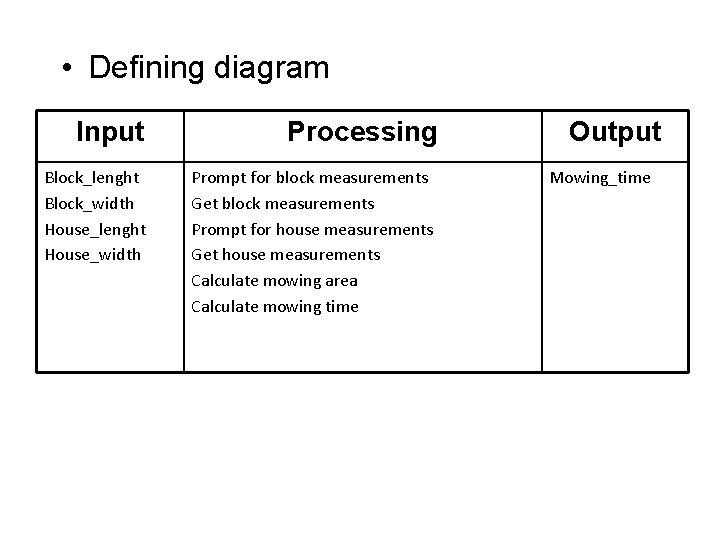
• Defining diagram Input Processing Block_lenght Block_width House_lenght House_width Prompt for block measurements Get block measurements Prompt for house measurements Get house measurements Calculate mowing area Calculate mowing time Output Mowing_time
Introdution to Program Data Three main discussion: – Variables – Constants – Literals
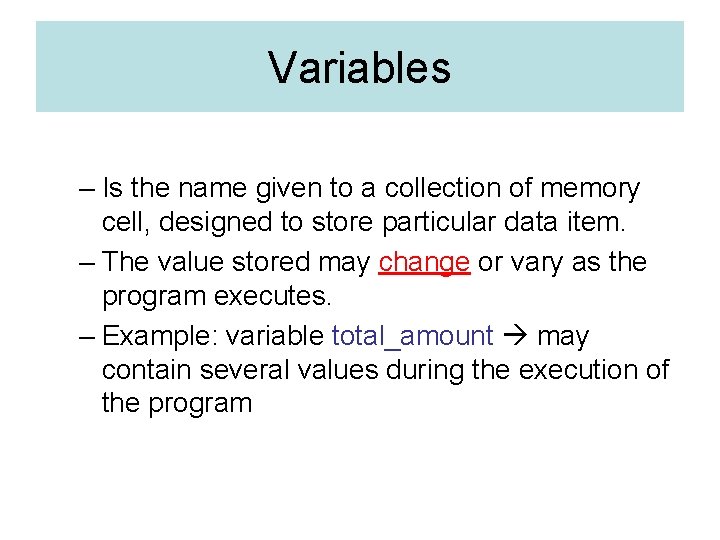
Variables – Is the name given to a collection of memory cell, designed to store particular data item. – The value stored may change or vary as the program executes. – Example: variable total_amount may contain several values during the execution of the program
Constant • Is a data item with a name and a value that remain the same during the execution of the program. • Example : name: ´´Fifty´´ given to a data item that contains the value 50
Literal • Is a constant whose name is the written representation of its value. • Example: the program may contain the literal `50`
Data Types • Should be clearly defined at the beginning of the program. • Can be: • Elementary data items • Data structures
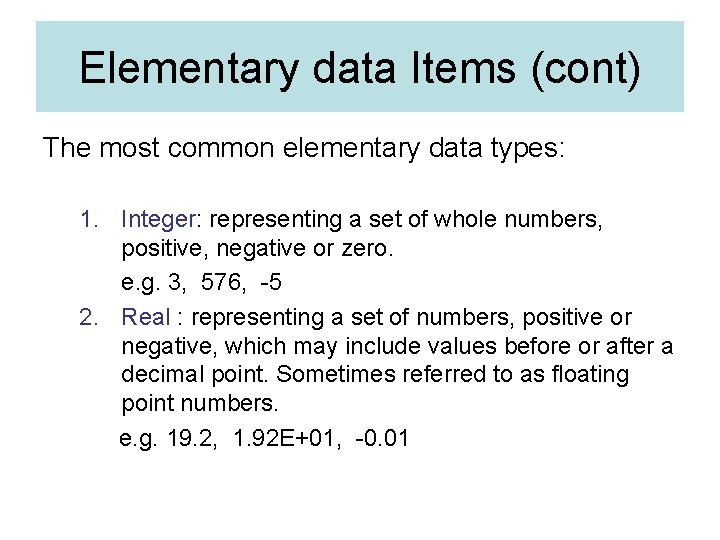
Elementary data items • Contain single variable that is always treated as a unit. • Usually classified into data types. • A data type consists of a set of data values and a set of operation that can be performed on those values.
Elementary data Items (cont) The most common elementary data types: 1. Integer: representing a set of whole numbers, positive, negative or zero. e. g. 3, 576, -5 2. Real : representing a set of numbers, positive or negative, which may include values before or after a decimal point. Sometimes referred to as floating point numbers. e. g. 19. 2, 1. 92 E+01, -0. 01
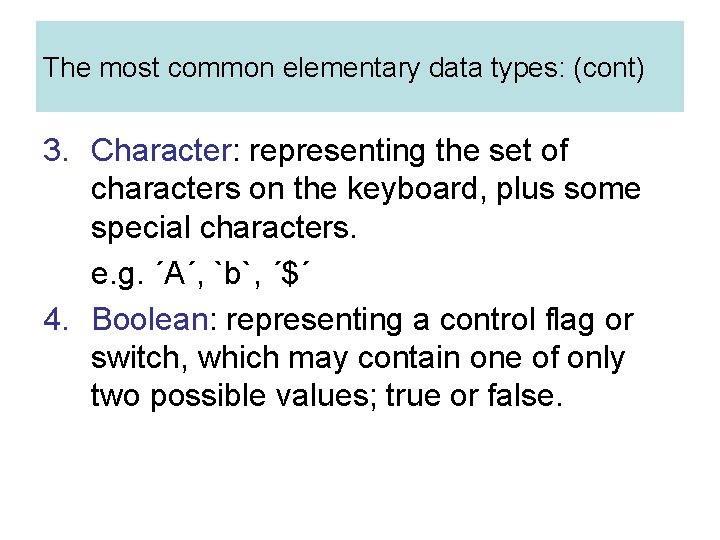
The most common elementary data types: (cont) 3. Character: representing the set of characters on the keyboard, plus some special characters. e. g. ´A´, `b`, ´$´ 4. Boolean: representing a control flag or switch, which may contain one of only two possible values; true or false.
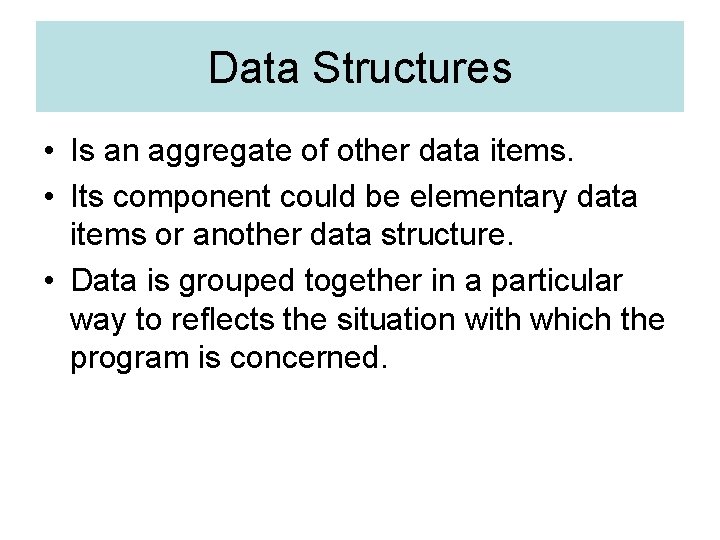
Data Structures • Is an aggregate of other data items. • Its component could be elementary data items or another data structure. • Data is grouped together in a particular way to reflects the situation with which the program is concerned.
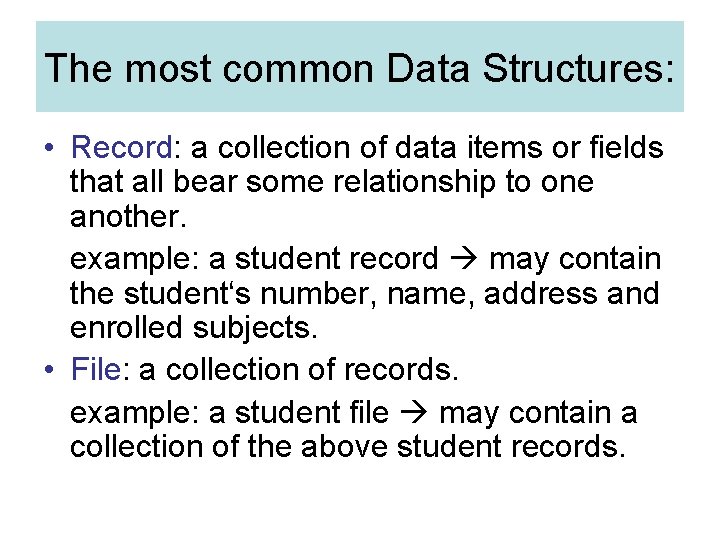
The most common Data Structures: • Record: a collection of data items or fields that all bear some relationship to one another. example: a student record may contain the student‘s number, name, address and enrolled subjects. • File: a collection of records. example: a student file may contain a collection of the above student records.
The most common Data Structures: (cont) • Array: a data structure that is made up of a number of variables or data items that all have the same data type and are accessed by the same name. Example: an array called ´scores´ may contain a collection of students‘ exam scores. Access to the individual items in the array is made by the use of an index or subscript beside the name of the array scores[3]
The most common Data Structures: (cont) • String: a collection of characters that can be fixed or variable. Example: the string ´Basnendar Eko´may represent a student‘s name.
Files • A popular method to enter and store information. • Major advantage of using files are: – Several different program can access the same data – Data can be entered and reused several times. – Data can be easily updated and maintained. – The accuracy of the data is easier to enforce.
Files (cont) • Two different methods of storing data on files: – Sequential or text files, where data is stored and retrieved sequentally may be opened to read or to write, but not both operations on the same file. – Direct or random-access files, where data is stored and retrieved randomly, using a key or index can be opened to read and write on the same file.
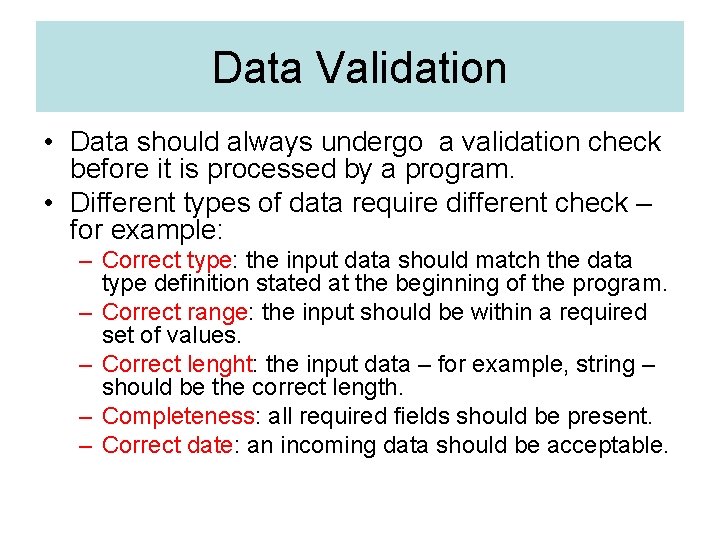
Data Validation • Data should always undergo a validation check before it is processed by a program. • Different types of data require different check – for example: – Correct type: the input data should match the data type definition stated at the beginning of the program. – Correct range: the input should be within a required set of values. – Correct lenght: the input data – for example, string – should be the correct length. – Completeness: all required fields should be present. – Correct date: an incoming data should be acceptable.
Introduction to Pseudocode
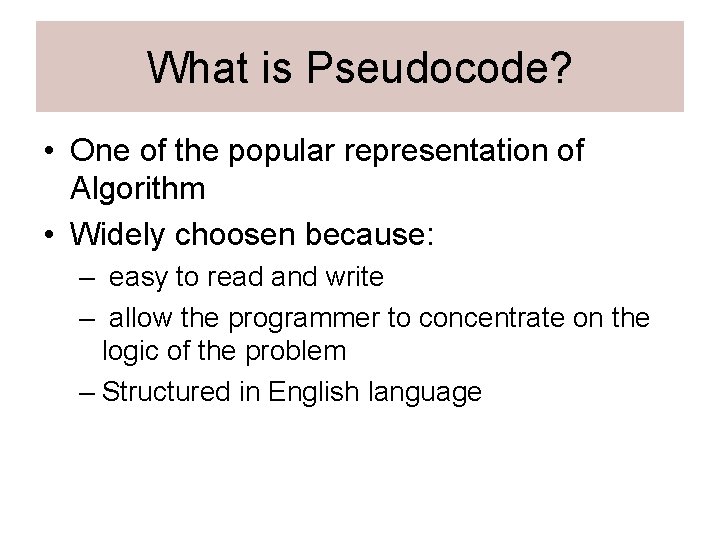
What is Pseudocode? • One of the popular representation of Algorithm • Widely choosen because: – easy to read and write – allow the programmer to concentrate on the logic of the problem – Structured in English language
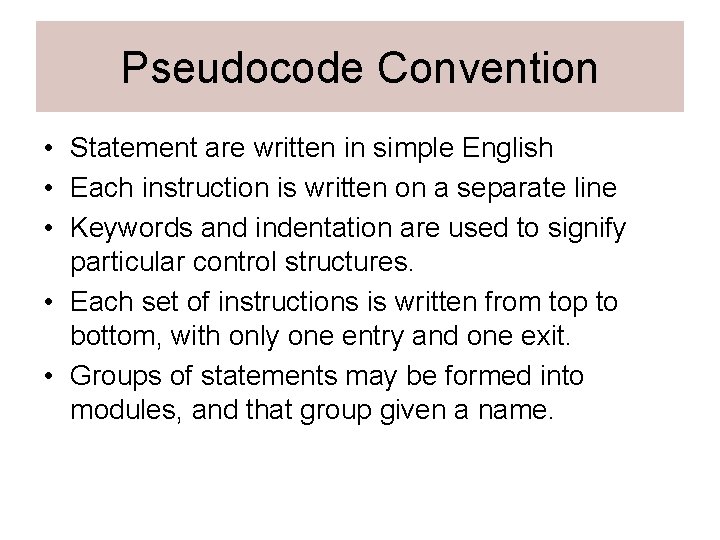
Pseudocode Convention • Statement are written in simple English • Each instruction is written on a separate line • Keywords and indentation are used to signify particular control structures. • Each set of instructions is written from top to bottom, with only one entry and one exit. • Groups of statements may be formed into modules, and that group given a name.
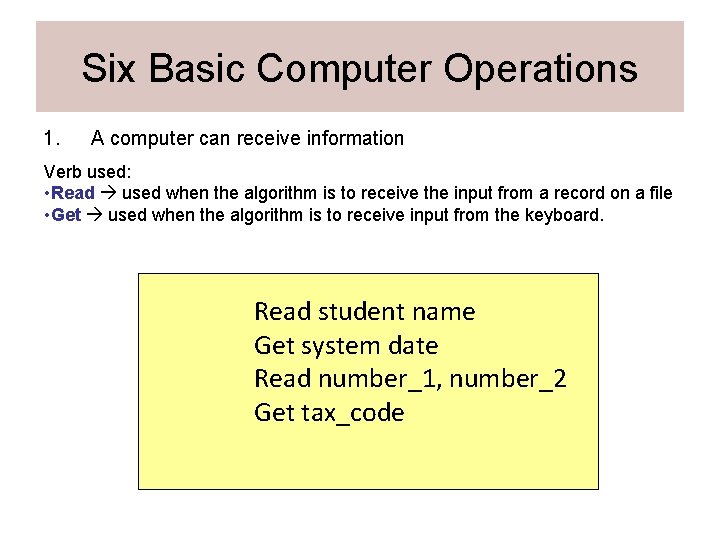
Six Basic Computer Operations 1. A computer can receive information Verb used: • Read used when the algorithm is to receive the input from a record on a file • Get used when the algorithm is to receive input from the keyboard. Read student name Get system date Read number_1, number_2 Get tax_code
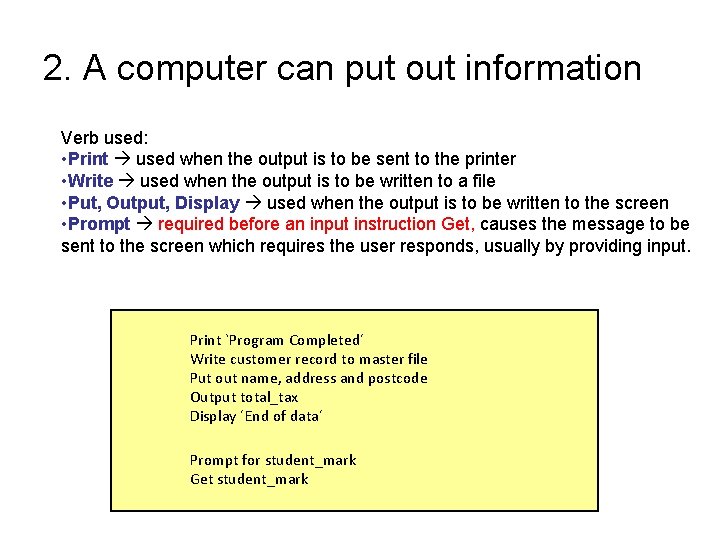
2. A computer can put out information Verb used: • Print used when the output is to be sent to the printer • Write used when the output is to be written to a file • Put, Output, Display used when the output is to be written to the screen • Prompt required before an input instruction Get, causes the message to be sent to the screen which requires the user responds, usually by providing input. Print `Program Completed´ Write customer record to master file Put out name, address and postcode Output total_tax Display ´End of data´ Prompt for student_mark Get student_mark
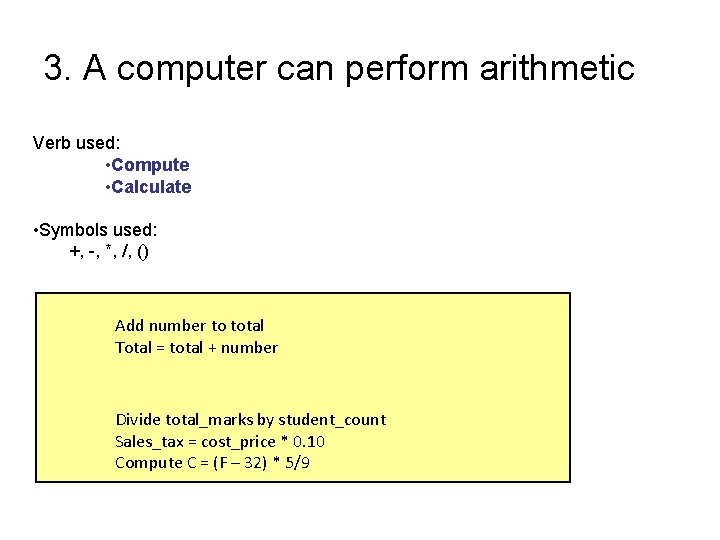
3. A computer can perform arithmetic Verb used: • Compute • Calculate • Symbols used: +, -, *, /, () Add number to total Total = total + number Divide total_marks by student_count Sales_tax = cost_price * 0. 10 Compute C = (F – 32) * 5/9
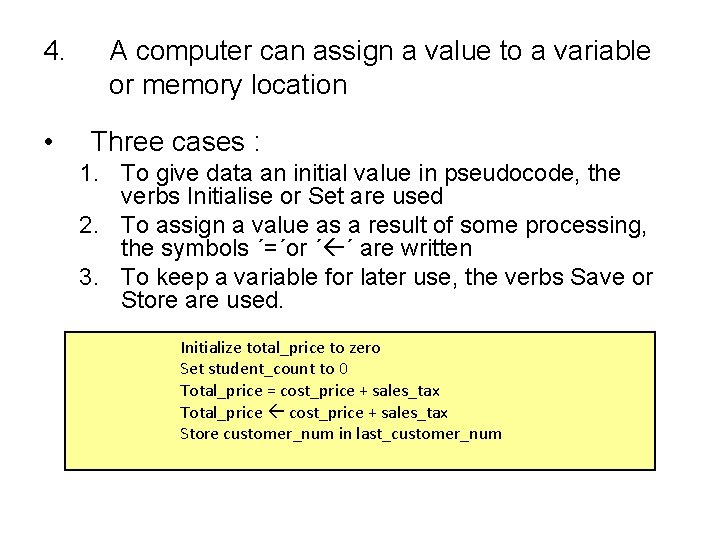
4. • A computer can assign a value to a variable or memory location Three cases : 1. To give data an initial value in pseudocode, the verbs Initialise or Set are used 2. To assign a value as a result of some processing, the symbols ´=´or ´ ´ are written 3. To keep a variable for later use, the verbs Save or Store are used. Initialize total_price to zero Set student_count to 0 Total_price = cost_price + sales_tax Total_price cost_price + sales_tax Store customer_num in last_customer_num
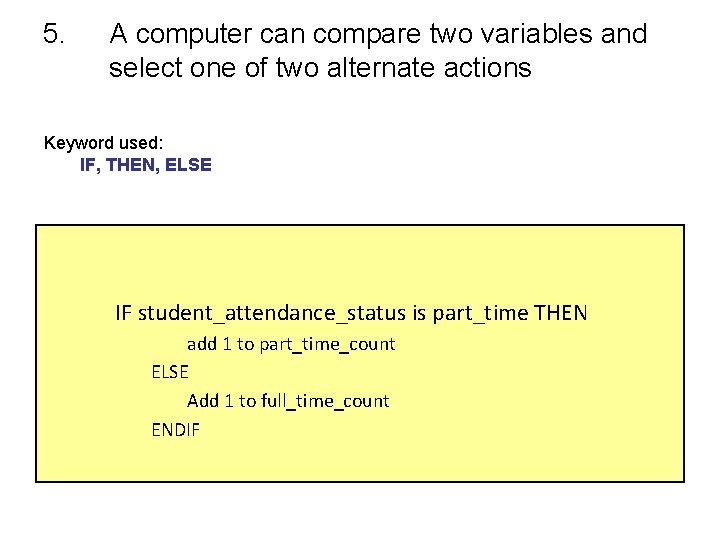
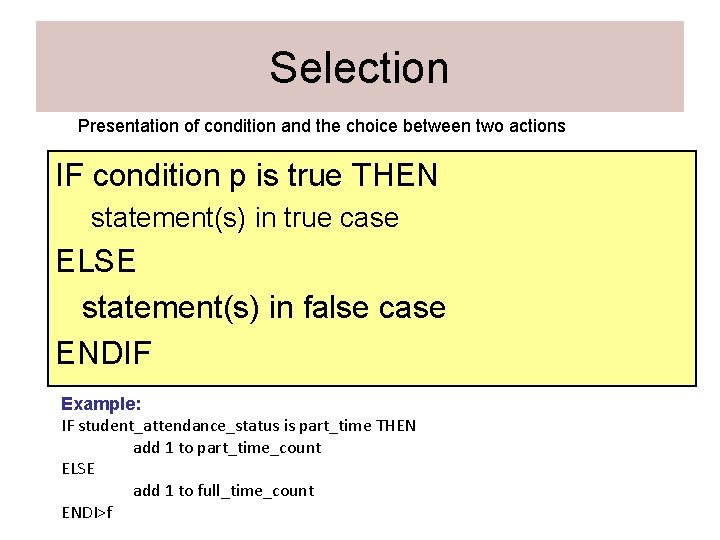
5. A computer can compare two variables and select one of two alternate actions Keyword used: IF, THEN, ELSE IF student_attendance_status is part_time THEN add 1 to part_time_count ELSE Add 1 to full_time_count ENDIF
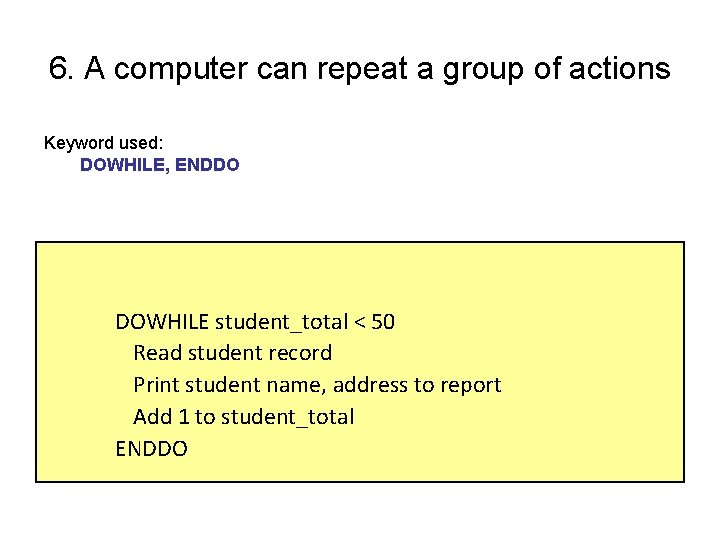
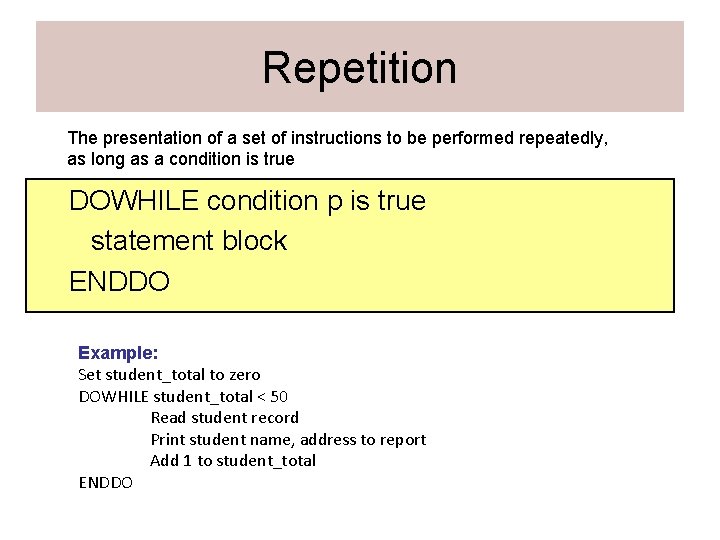
6. A computer can repeat a group of actions Keyword used: DOWHILE, ENDDO DOWHILE student_total < 50 Read student record Print student name, address to report Add 1 to student_total ENDDO
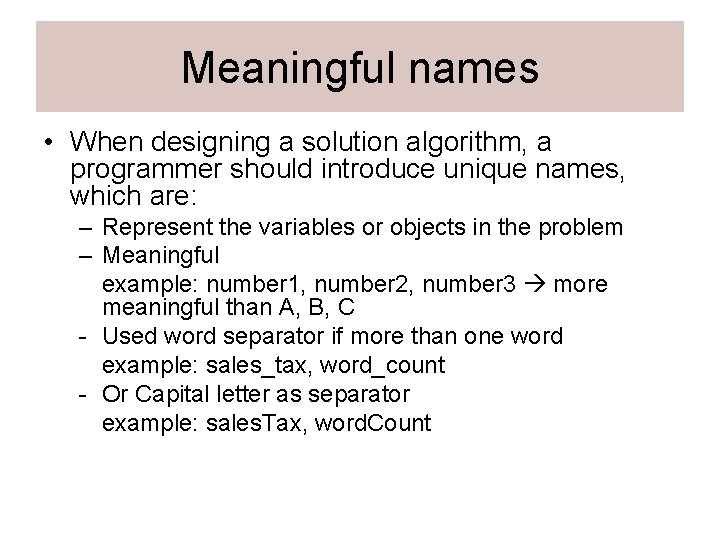
Meaningful names • When designing a solution algorithm, a programmer should introduce unique names, which are: – Represent the variables or objects in the problem – Meaningful example: number 1, number 2, number 3 more meaningful than A, B, C - Used word separator if more than one word example: sales_tax, word_count - Or Capital letter as separator example: sales. Tax, word. Count
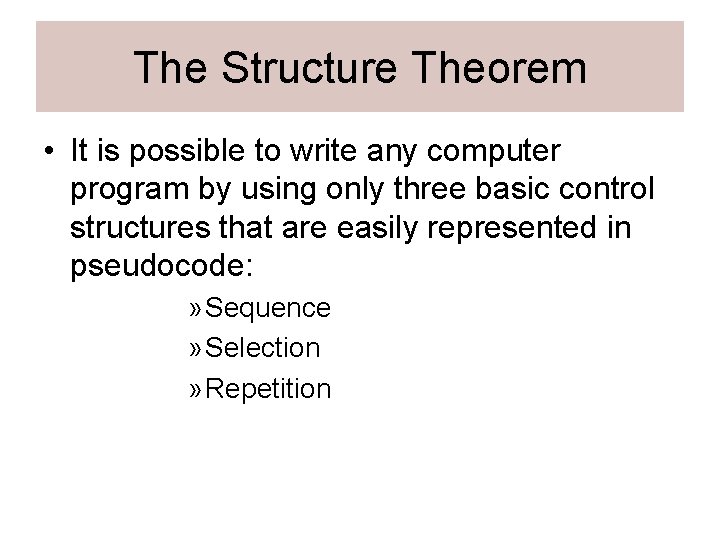
The Structure Theorem • It is possible to write any computer program by using only three basic control structures that are easily represented in pseudocode: » Sequence » Selection » Repetition
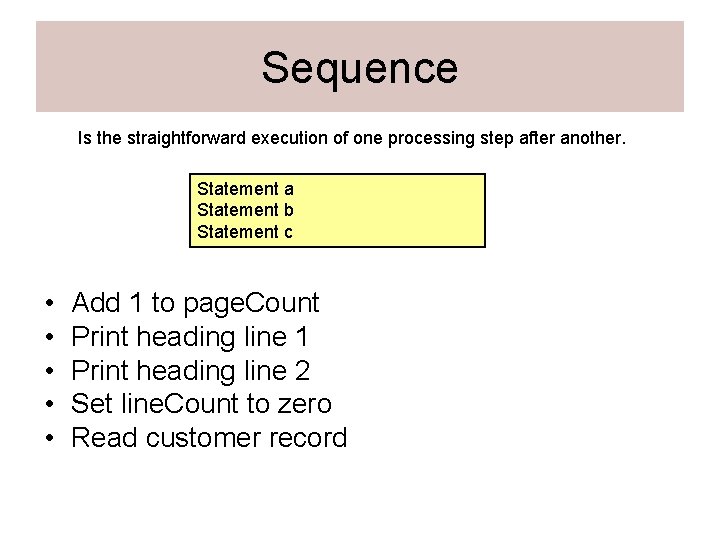
Sequence Is the straightforward execution of one processing step after another. Statement a Statement b Statement c • • • Add 1 to page. Count Print heading line 1 Print heading line 2 Set line. Count to zero Read customer record
Selection Presentation of condition and the choice between two actions IF condition p is true THEN statement(s) in true case ELSE statement(s) in false case ENDIF Example: IF student_attendance_status is part_time THEN add 1 to part_time_count ELSE add 1 to full_time_count ENDI>f
Repetition The presentation of a set of instructions to be performed repeatedly, as long as a condition is true DOWHILE condition p is true statement block ENDDO Example: Set student_total to zero DOWHILE student_total < 50 Read student record Print student name, address to report Add 1 to student_total ENDDO
DESIGNING A SOLUTION ALGORITHM • The most challengin task in the life cycle of a program • First attempt usually doesnt result in a finished product • Keep altering the step and algorithms till satesfied result achieved.
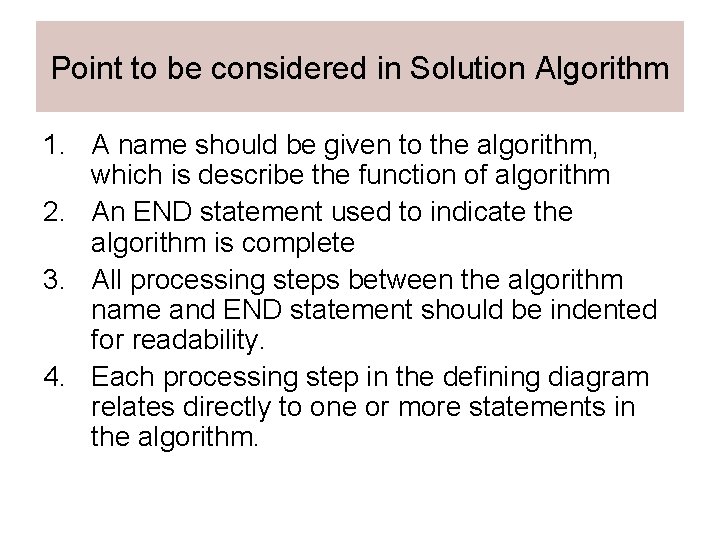
Point to be considered in Solution Algorithm 1. A name should be given to the algorithm, which is describe the function of algorithm 2. An END statement used to indicate the algorithm is complete 3. All processing steps between the algorithm name and END statement should be indented for readability. 4. Each processing step in the defining diagram relates directly to one or more statements in the algorithm.
Example 3. 1. Solution Algorithm for example 2. 1 § A program is required to read three numbers, add them together and print their total.
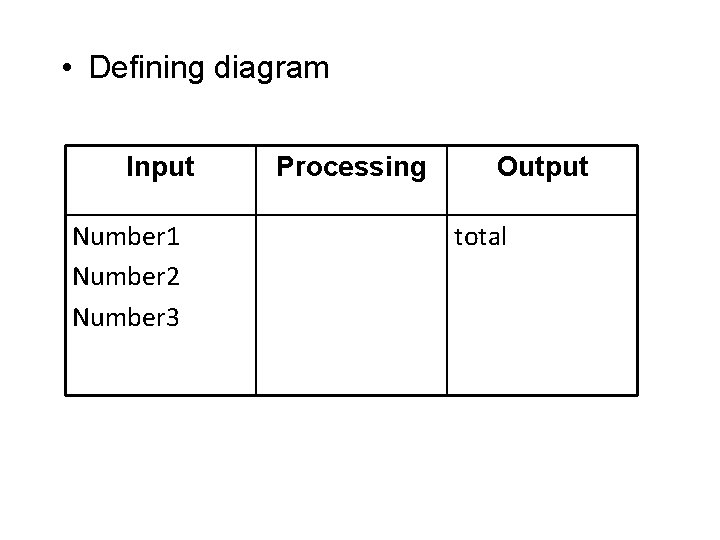
• Defining diagram Input Number 1 Number 2 Number 3 Processing Output total
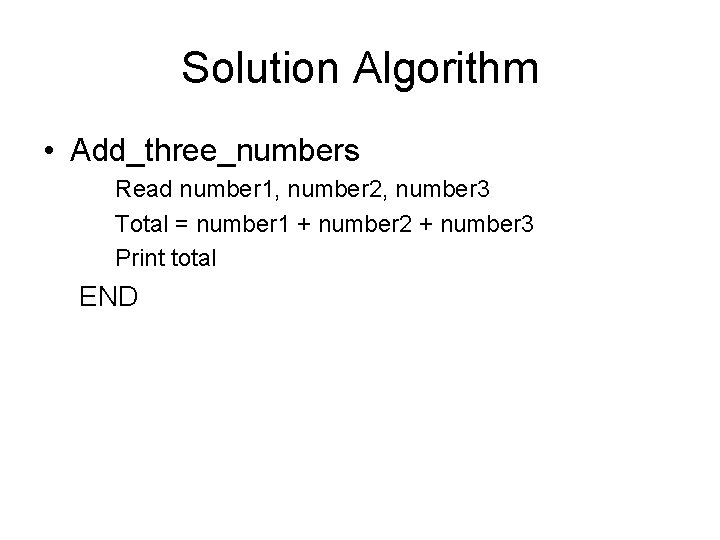
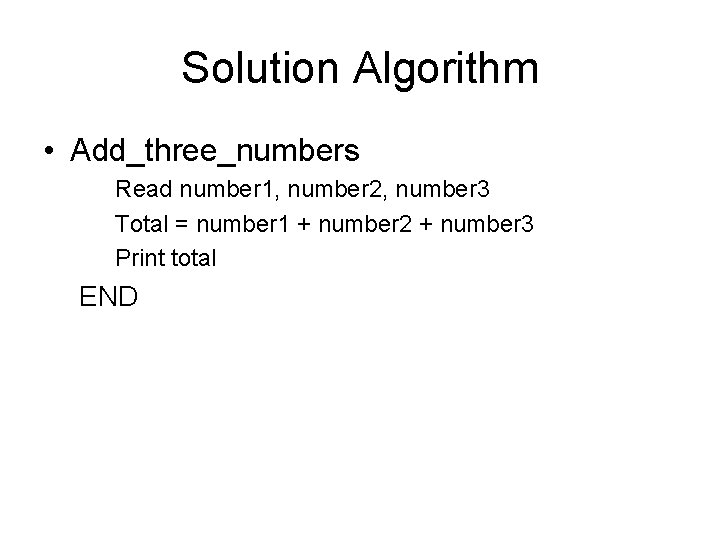
Solution Algorithm • Add_three_numbers Read number 1, number 2, number 3 Total = number 1 + number 2 + number 3 Print total END
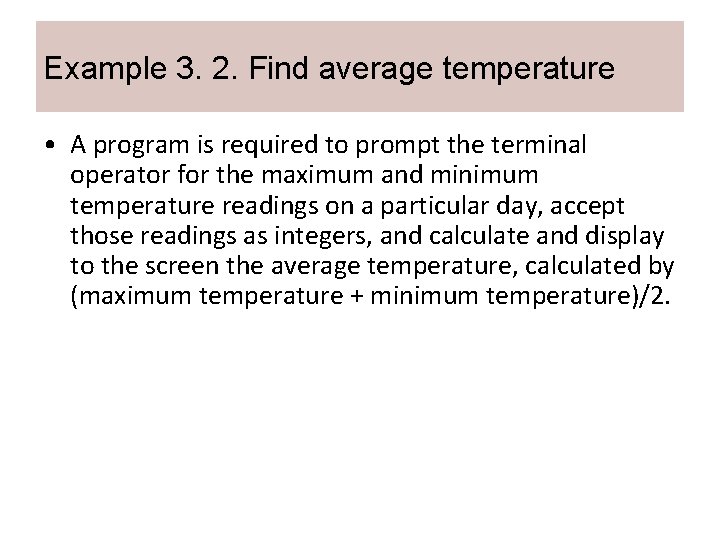
Example 3. 2. Find average temperature • A program is required to prompt the terminal operator for the maximum and minimum temperature readings on a particular day, accept those readings as integers, and calculate and display to the screen the average temperature, calculated by (maximum temperature + minimum temperature)/2.
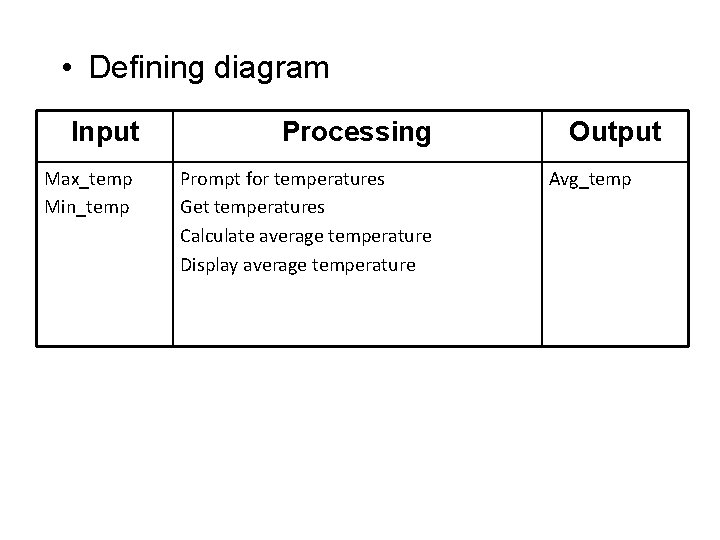
• Defining diagram Input Max_temp Min_temp Processing Prompt for temperatures Get temperatures Calculate average temperature Display average temperature Output Avg_temp
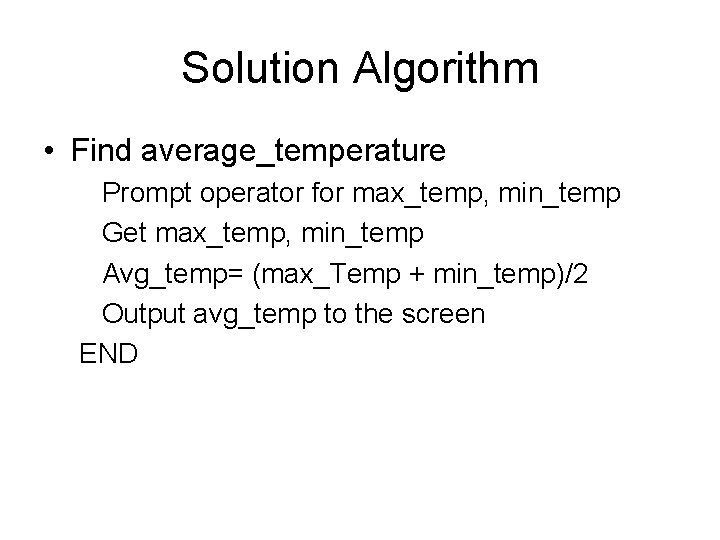
Solution Algorithm • Find average_temperature Prompt operator for max_temp, min_temp Get max_temp, min_temp Avg_temp= (max_Temp + min_temp)/2 Output avg_temp to the screen END
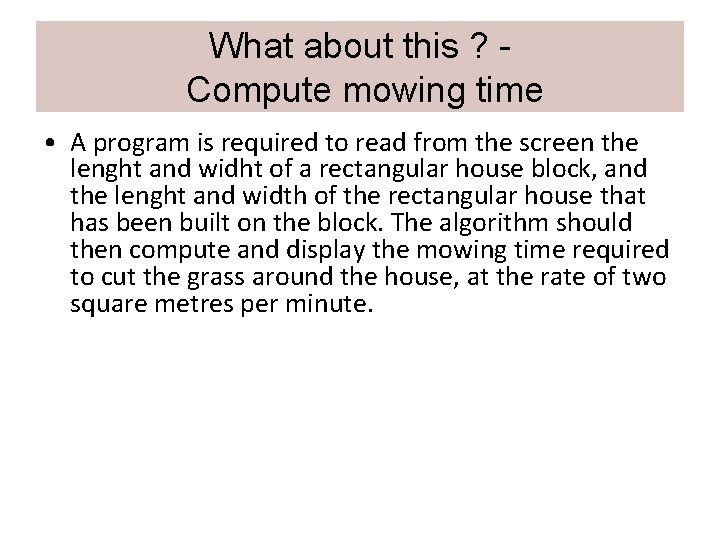
What about this ? Compute mowing time • A program is required to read from the screen the lenght and widht of a rectangular house block, and the lenght and width of the rectangular house that has been built on the block. The algorithm should then compute and display the mowing time required to cut the grass around the house, at the rate of two square metres per minute.
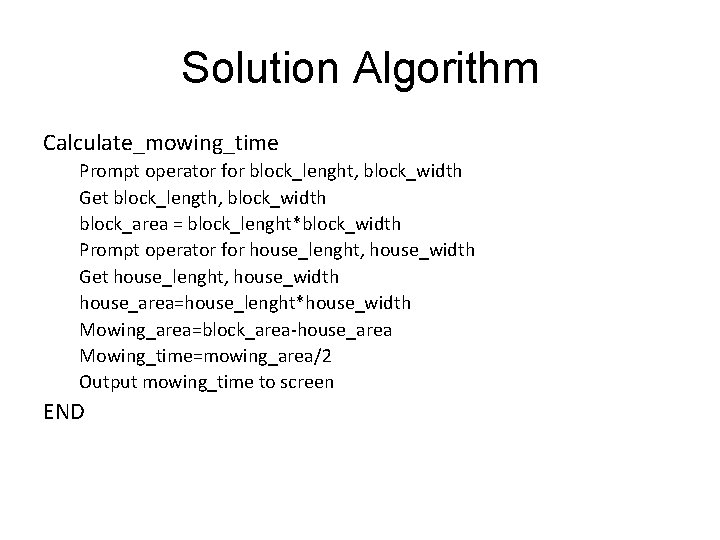
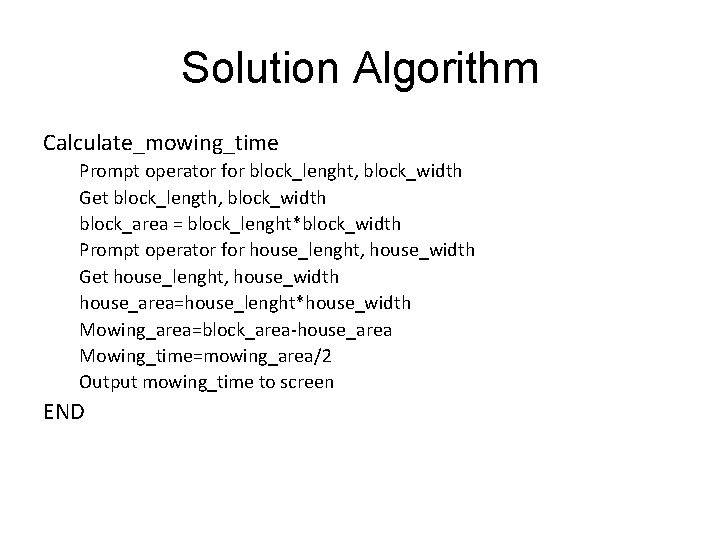
Solution Algorithm Calculate_mowing_time Prompt operator for block_lenght, block_width Get block_length, block_width block_area = block_lenght*block_width Prompt operator for house_lenght, house_width Get house_lenght, house_width house_area=house_lenght*house_width Mowing_area=block_area-house_area Mowing_time=mowing_area/2 Output mowing_time to screen END
Checking the solution algorithm (Desk Checking) • Tracing through the logic of the algorithm with some chosen data. .
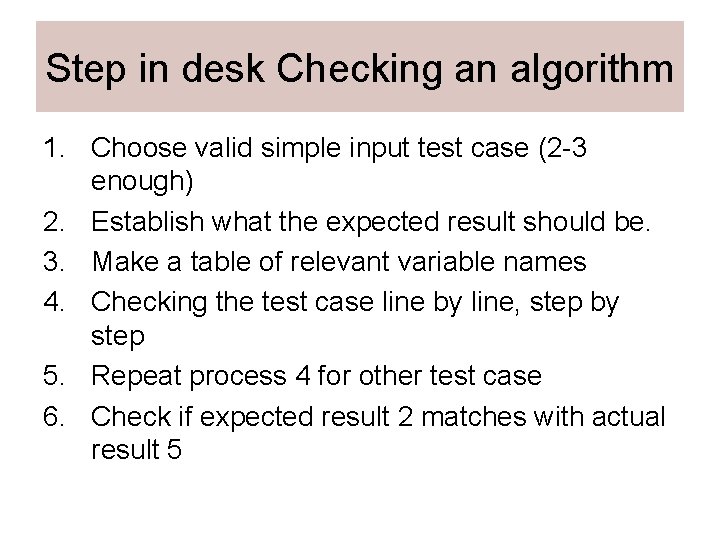
Step in desk Checking an algorithm 1. Choose valid simple input test case (2 -3 enough) 2. Establish what the expected result should be. 3. Make a table of relevant variable names 4. Checking the test case line by line, step by step 5. Repeat process 4 for other test case 6. Check if expected result 2 matches with actual result 5
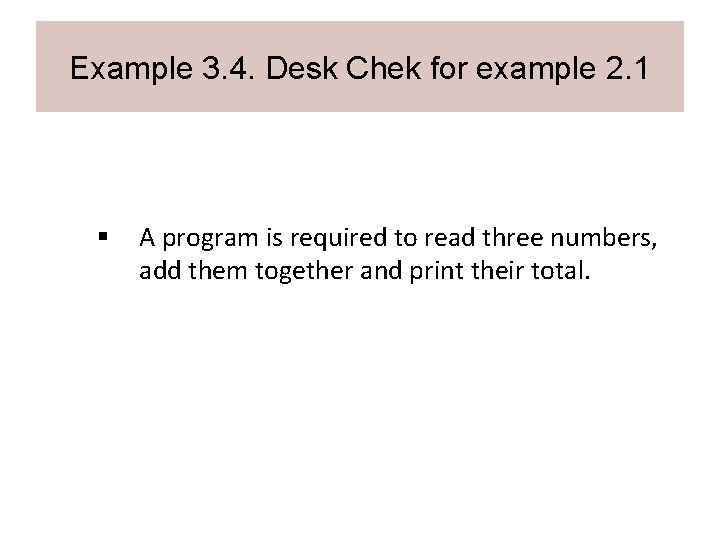
Example 3. 4. Desk Chek for example 2. 1 § A program is required to read three numbers, add them together and print their total.
Solution Algorithm • Add_three_numbers Read number 1, number 2, number 3 Total = number 1 + number 2 + number 3 Print total END
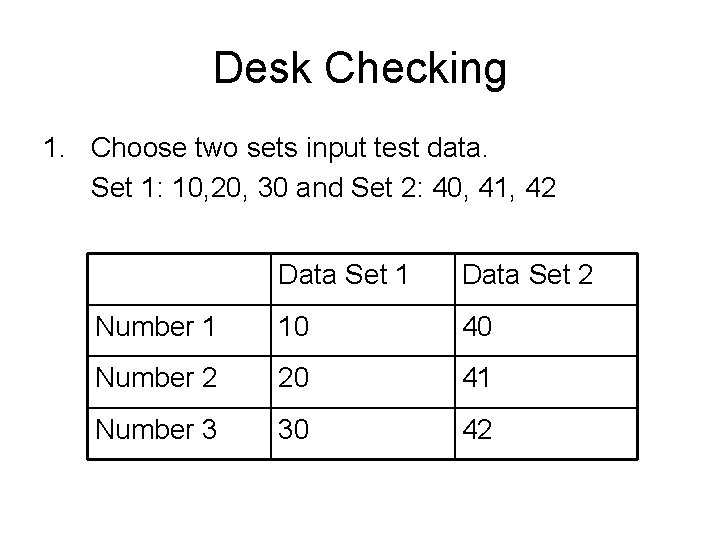
Desk Checking 1. Choose two sets input test data. Set 1: 10, 20, 30 and Set 2: 40, 41, 42 Data Set 1 Data Set 2 Number 1 10 40 Number 2 20 41 Number 3 30 42
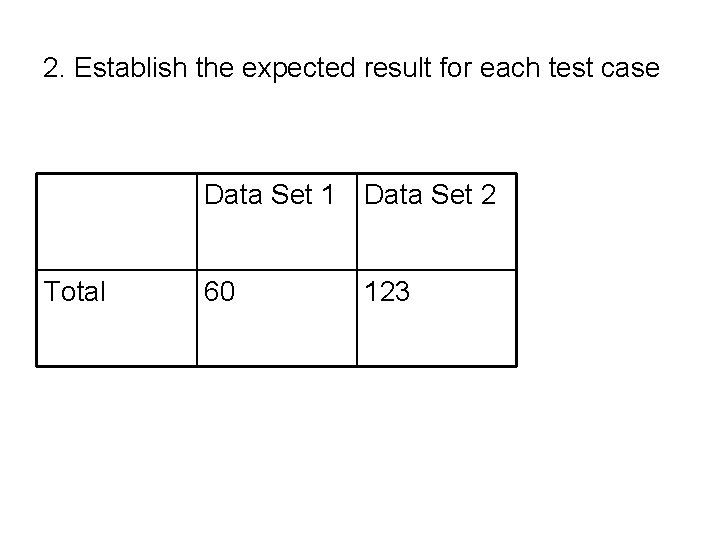
2. Establish the expected result for each test case Data Set 1 Data Set 2 Total 60 123
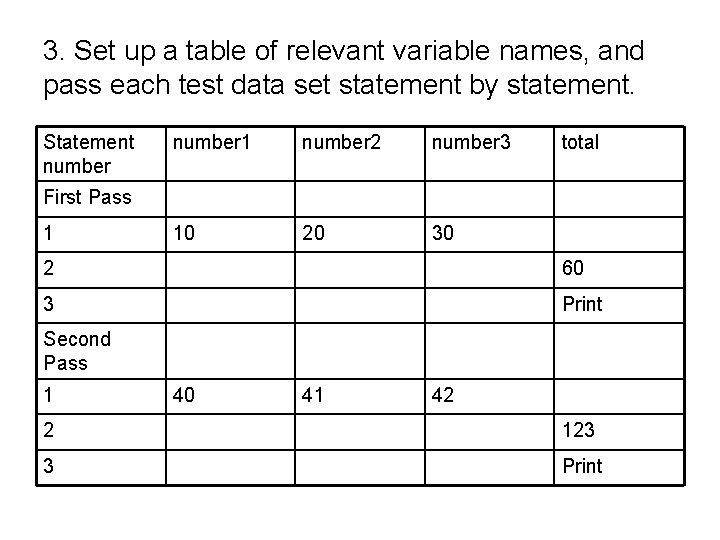
3. Set up a table of relevant variable names, and pass each test data set statement by statement. Statement number 1 number 2 number 3 10 20 30 total First Pass 1 2 60 3 Print Second Pass 1 40 41 42 2 123 3 Print
4. Check the expected results (60 and 123) match the actual results.
Desk Check of Example 3. 2. • A program is required to prompt the terminal operator for the maximum and minimum temperature readings on a particular day, accept those readings as integers, and calculate and display to the screen the average temperature, calculated by (maximum temperature + minimum temperature)/2.
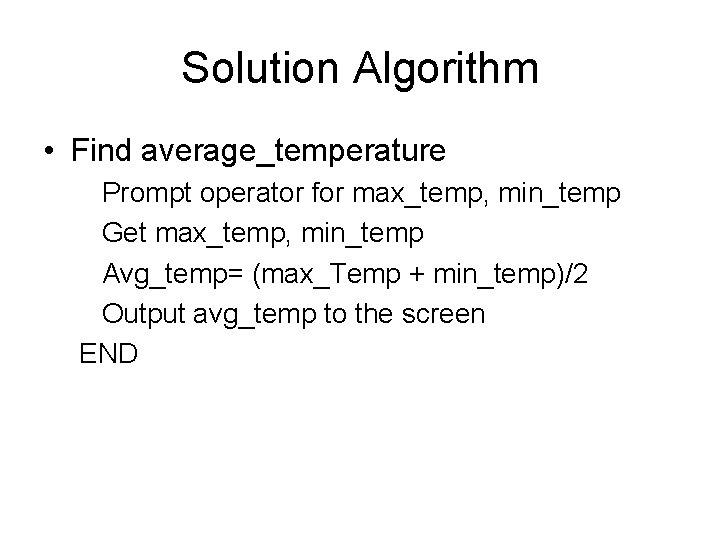
Solution Algorithm • Find average_temperature Prompt operator for max_temp, min_temp Get max_temp, min_temp Avg_temp= (max_Temp + min_temp)/2 Output avg_temp to the screen END
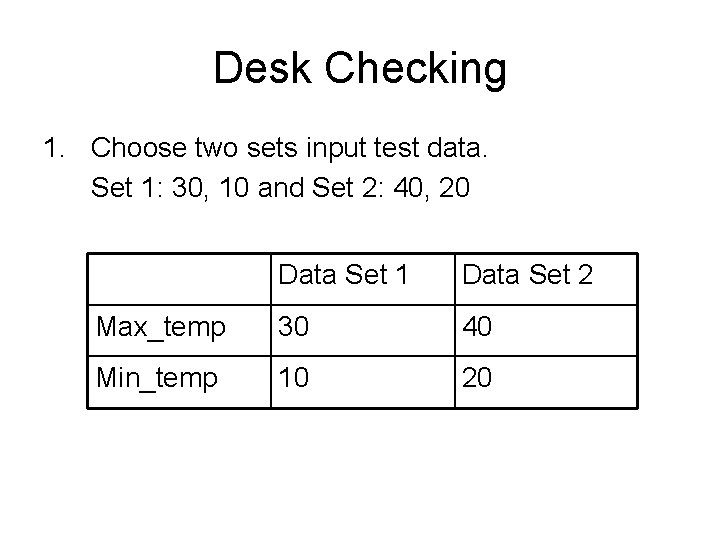
Desk Checking 1. Choose two sets input test data. Set 1: 30, 10 and Set 2: 40, 20 Data Set 1 Data Set 2 Max_temp 30 40 Min_temp 10 20
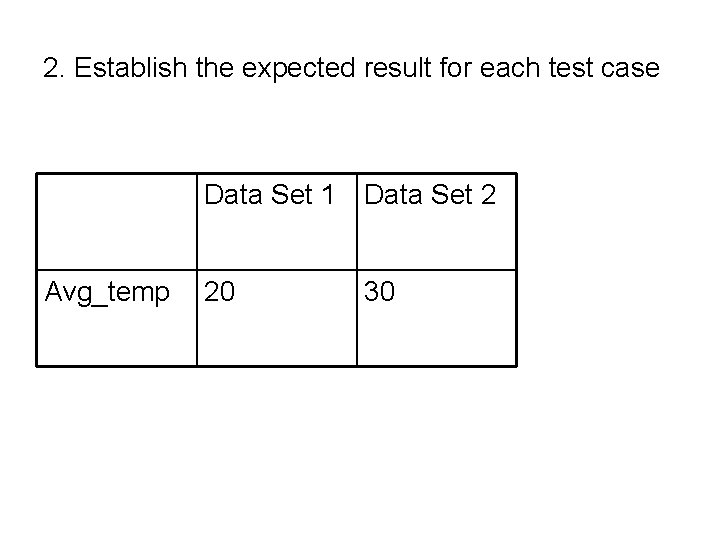
2. Establish the expected result for each test case Data Set 1 Data Set 2 Avg_temp 20 30
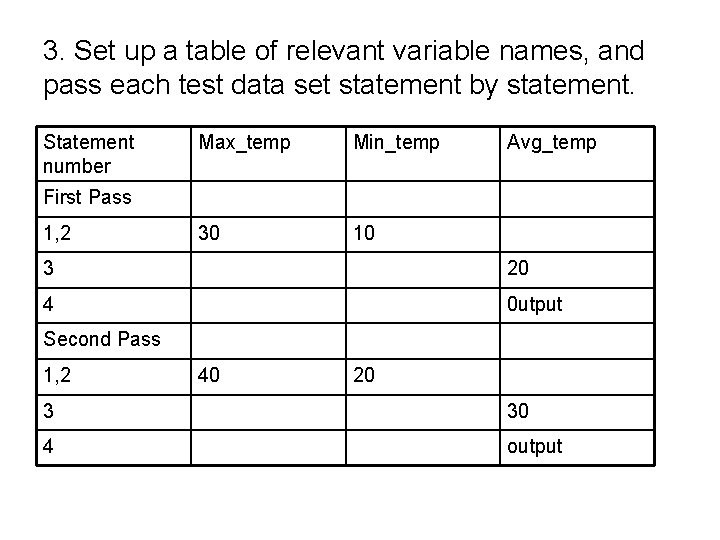
3. Set up a table of relevant variable names, and pass each test data set statement by statement. Statement number Max_temp Min_temp 30 10 Avg_temp First Pass 1, 2 3 20 4 0 utput Second Pass 1, 2 40 20 3 30 4 output
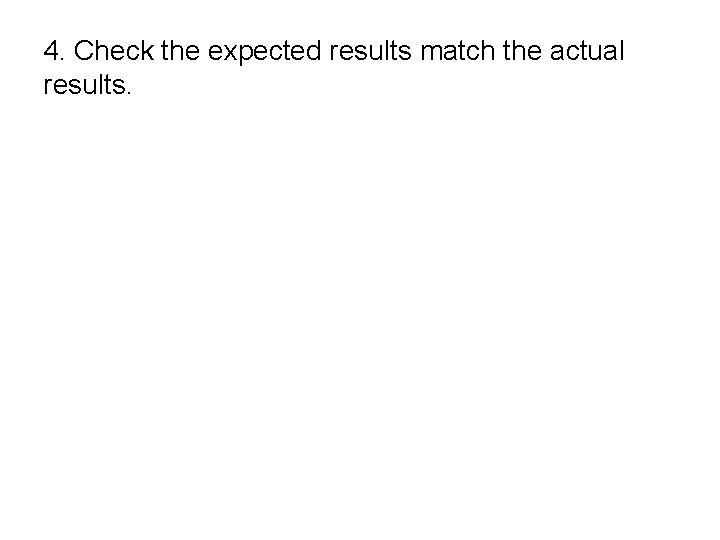
4. Check the expected results match the actual results.
Assignment 2: Desk Checking for Compute mowing time • A program is required to read from the screen the lenght and widht of a rectangular house block, and the lenght and width of the rectangular house that has been built on the block. The algorithm should then compute and display the mowing time required to cut the grass around the house, at the rate of two square metres per minute.
Solution Algorithm Calculate_mowing_time Prompt operator for block_lenght, block_width Get block_length, block_width block_area = block_lenght*block_width Prompt operator for house_lenght, house_width Get house_lenght, house_width house_area=house_lenght*house_width Mowing_area=block_area-house_area Mowing_time=mowing_area/2 Output mowing_time to screen END
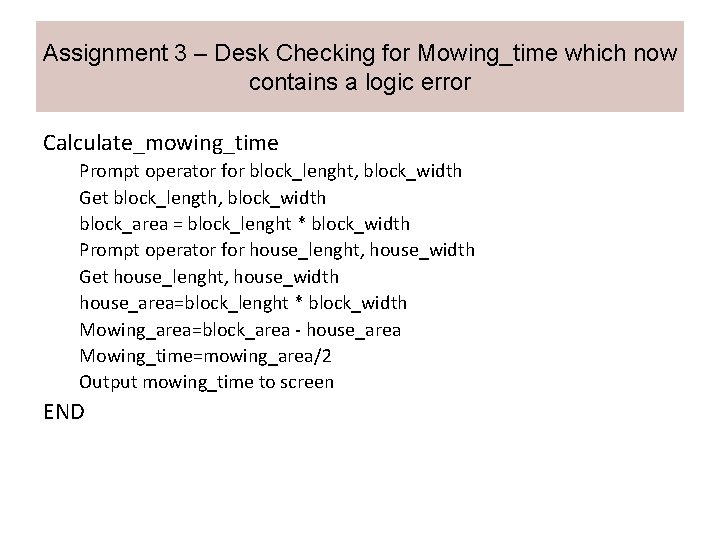
Assignment 3 – Desk Checking for Mowing_time which now contains a logic error Calculate_mowing_time Prompt operator for block_lenght, block_width Get block_length, block_width block_area = block_lenght * block_width Prompt operator for house_lenght, house_width Get house_lenght, house_width house_area=block_lenght * block_width Mowing_area=block_area - house_area Mowing_time=mowing_area/2 Output mowing_time to screen END
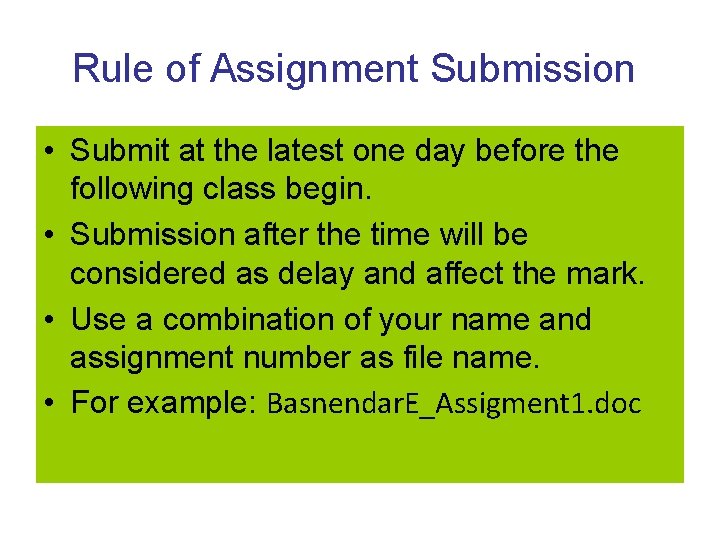
Rule of Assignment Submission • Submit at the latest one day before the following class begin. • Submission after the time will be considered as delay and affect the mark. • Use a combination of your name and assignment number as file name. • For example: Basnendar. E_Assigment 1. doc