
TEL 382 Greene Chapter 6 Outline Introduction First



- Slides: 26
TEL 382 Greene Chapter 6
Outline • • • Introduction First Contact Employee Agreements Training Security Education, Training and Awareness Security Incident Reporting 2
Introduction • • ISO 17799 Section 6 HR Department Responsibilities Training, Legal and Others Make Users Aware of Responsibilities 3
First Contact • Job Posting – Two Versions: External & Internal • Interview – Source of Information For Attackers: Social Engineering • Background Checks and Security Clearances – – Level of Detail Based Upon Information level Worker’s Right to Privacy Get Consent Regulations • • • Family Educational Rights and Privacy Act (FERPA) Motor Vehicle Records – Drivers Privacy Protection Act (DPPA) Fair Credit Reporting Act (FCRA) Bankruptcies Criminal History Worker’s Compensation Records 4
Employee Agreements • Confidentiality Agreements • Information Security Affirmation Agreements – Statement of Authority – Acceptable Use – Internet Use – E-Mail Use – Incidental Use of Information Resources – Password Management – Portable Computers – Commitment Paragraph with Signature Space 5
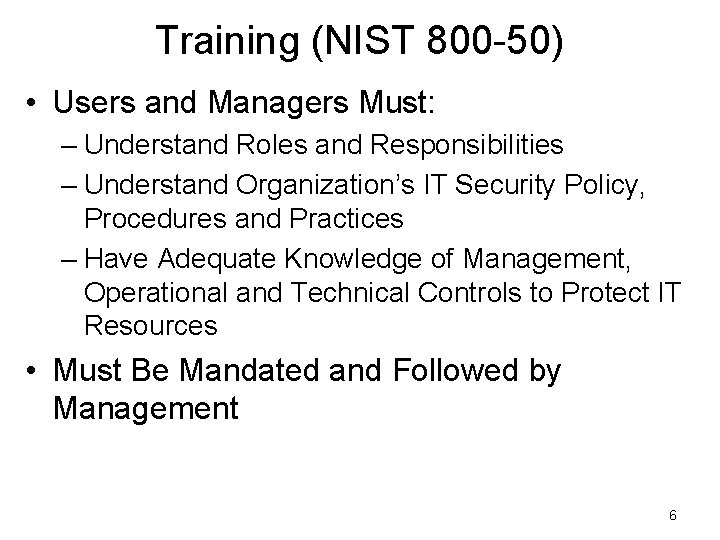
Training (NIST 800 -50) • Users and Managers Must: – Understand Roles and Responsibilities – Understand Organization’s IT Security Policy, Procedures and Practices – Have Adequate Knowledge of Management, Operational and Technical Controls to Protect IT Resources • Must Be Mandated and Followed by Management 6
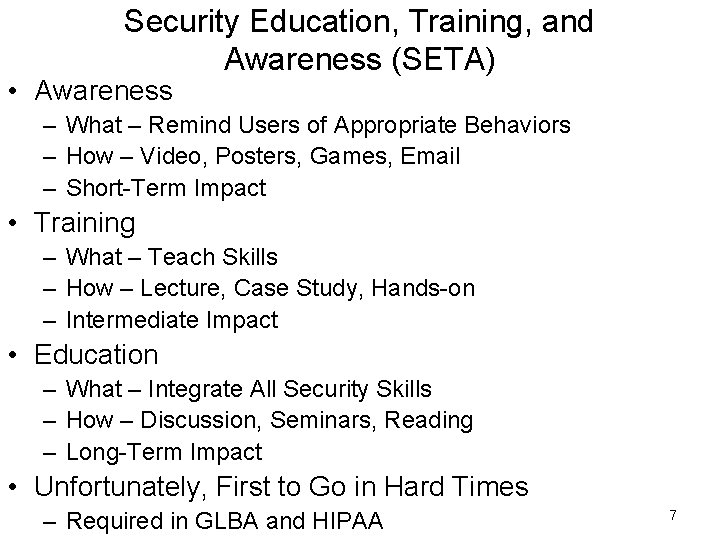
Security Education, Training, and Awareness (SETA) • Awareness – What – Remind Users of Appropriate Behaviors – How – Video, Posters, Games, Email – Short-Term Impact • Training – What – Teach Skills – How – Lecture, Case Study, Hands-on – Intermediate Impact • Education – What – Integrate All Security Skills – How – Discussion, Seminars, Reading – Long-Term Impact • Unfortunately, First to Go in Hard Times – Required in GLBA and HIPAA 7
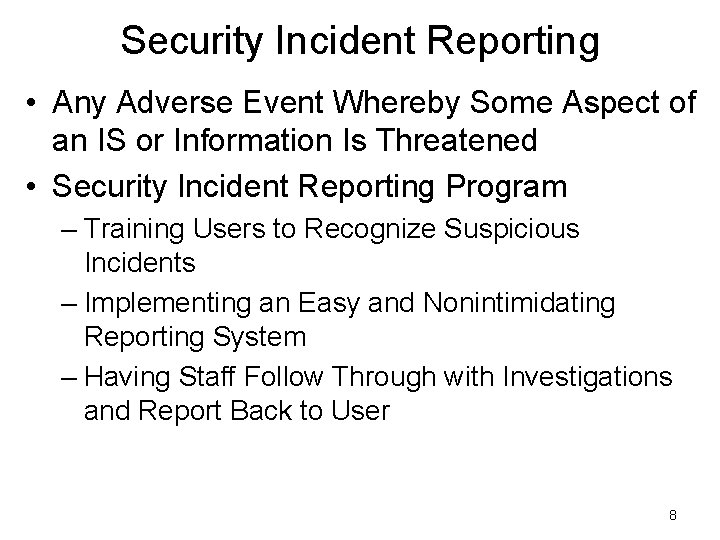
Security Incident Reporting • Any Adverse Event Whereby Some Aspect of an IS or Information Is Threatened • Security Incident Reporting Program – Training Users to Recognize Suspicious Incidents – Implementing an Easy and Nonintimidating Reporting System – Having Staff Follow Through with Investigations and Report Back to User 8
TEL 382 Greene Chapter 7
Outline • • Introduction Designing Secure Areas Securing Equipment General Controls 10
Introduction • ISO 17799 Section 7 • Workplace Environment – Facility Design and Construction – How and Where People Move – Where Equipment is Stored – How Equipment is Secured 11
Designing Secure Areas • Risk Analysis • Example: Secure Area for Critical Servers • Secure Perimeter – – Solid Walls Guards Mantrap Card Readers • Entry Controls – Access – Identification Badges • Rules for Working in Secure Areas – Recording Devices – Communications Devices 12
Securing Equipment • Risk Assessment • Equipment Siting and Protection – Particles – Food, Drinks – Electromagnetic Radiation • Power – Surges – Brownouts – Outages • Secure Disposal and Equipment Reuse 13
General Controls • Clear Desk and Screen • Removing Company Property 14
TEL 382 Greene Chapter 8
Outline • • Introduction Standard Operating Procedures Operational Change Control Incident Response Program Malicious Software Information System Backup Managing Portable Storage Securing Email 16
Introduction • ISO 17799 Section 8 • Daily Use and Protection of Assets and Systems 17
Standard Operating Procedures • What – – – “Rules of the Game” – Official Way to Do Business Provide Direction Improve Communication Reduce Training Time Improve Work Consistency • Documentation – Understandable – Possible Formats • • Simple Steps Hierarchical Graphic Flowchart – Reviewing, Testing and Authorizing – Protecting – Change Management 18
Operational Change Control • Internal Procedure (Software, Hardware, Net Access, Privileges, Business Processes) • Step 1: Assessment • Step 2: Logging Changes • Step 3: Communication 19
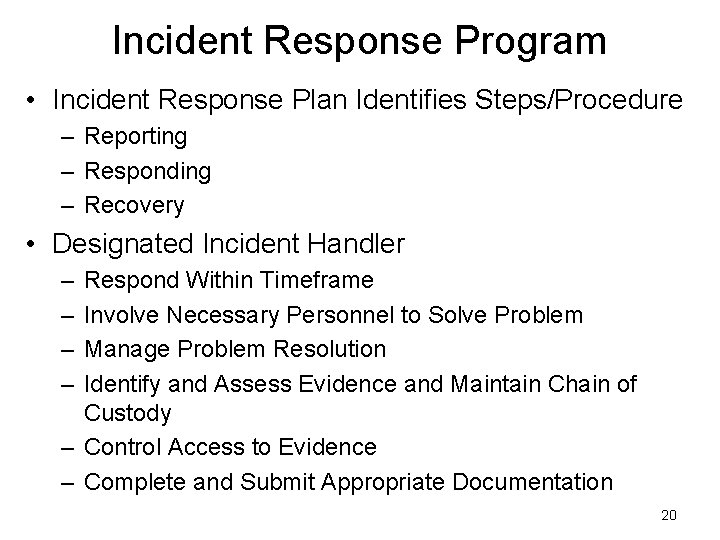
Incident Response Program • Incident Response Plan Identifies Steps/Procedure – Reporting – Responding – Recovery • Designated Incident Handler – – Respond Within Timeframe Involve Necessary Personnel to Solve Problem Manage Problem Resolution Identify and Assess Evidence and Maintain Chain of Custody – Control Access to Evidence – Complete and Submit Appropriate Documentation 20
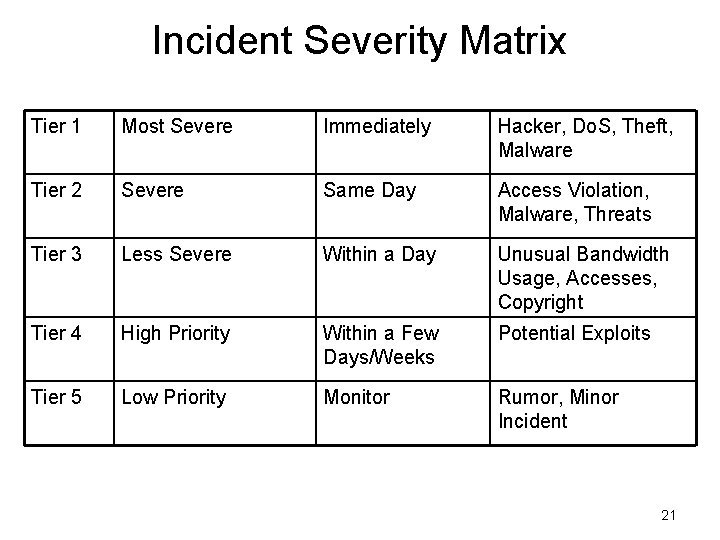
Incident Severity Matrix Tier 1 Most Severe Immediately Hacker, Do. S, Theft, Malware Tier 2 Severe Same Day Access Violation, Malware, Threats Tier 3 Less Severe Within a Day Unusual Bandwidth Usage, Accesses, Copyright Tier 4 High Priority Within a Few Days/Weeks Potential Exploits Tier 5 Low Priority Monitor Rumor, Minor Incident 21
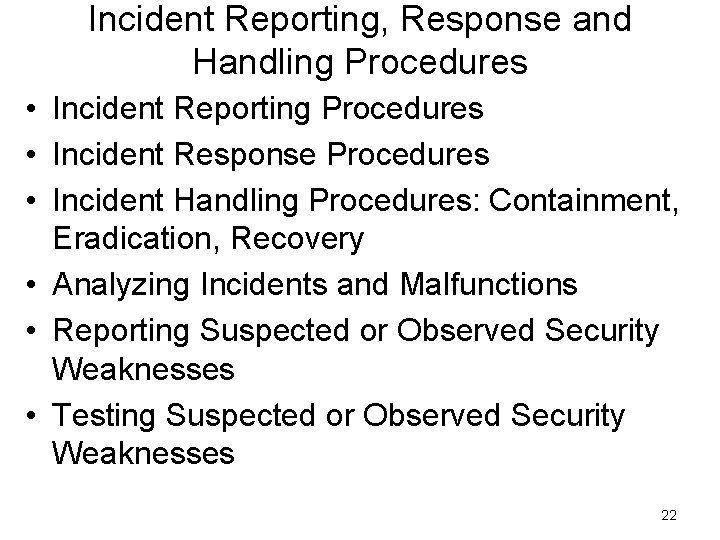
Incident Reporting, Response and Handling Procedures • Incident Reporting Procedures • Incident Response Procedures • Incident Handling Procedures: Containment, Eradication, Recovery • Analyzing Incidents and Malfunctions • Reporting Suspected or Observed Security Weaknesses • Testing Suspected or Observed Security Weaknesses 22
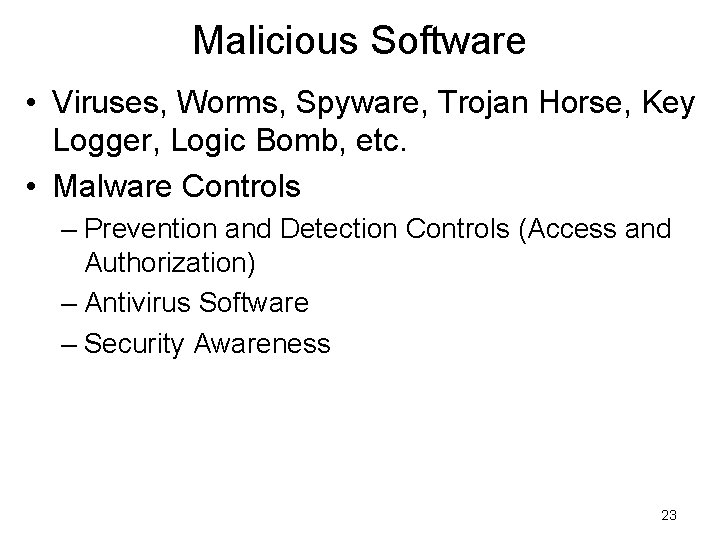
Malicious Software • Viruses, Worms, Spyware, Trojan Horse, Key Logger, Logic Bomb, etc. • Malware Controls – Prevention and Detection Controls (Access and Authorization) – Antivirus Software – Security Awareness 23
Information System Backup • Define Backup Strategy (Daily, Weekly, Monthly, Quarterly) • Testing Restores 24
Managing Portable Storage • CDs, DVDs, USB Drives, MP 3 Players, Cell Phones, etc. • Controlling Non-company-owned Removable Media • Controlling Company-owned Removable Media That Leaves Company Premises • Storing Removable Media • Secure Reuse and Disposal of Media • Outsourcing Media Removal • Logging • Security of Media While in Transit • Authorized Couriers • Penetration Testing 25
Securing Email • How Email is Same as Snail Mail – May Be Intercepted and Read – Legally Binding – Embarrassing, Hurtful • How Email is Different – – • • • Unpredictable, Unregulated Difficult to Clarify Storing and Retrieving is Easy Unable to Tell If It Has Been Compromised Clear Text May Contain Hidden Information Attachments May Contain Dangerous Payloads Carelessness (Reply All, Forward, CC, BCC) Server Compromise (Spammers) 26