Security Chapter 16 1 2 Types of Threats
- Slides: 71
Security Chapter 16 1
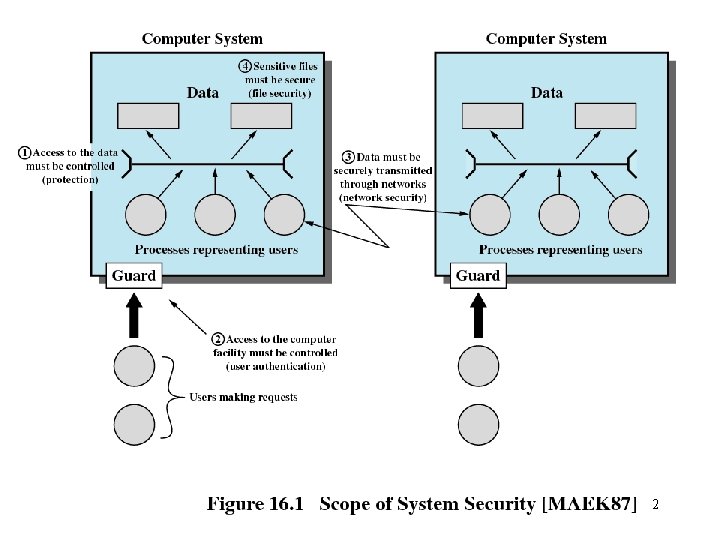
2
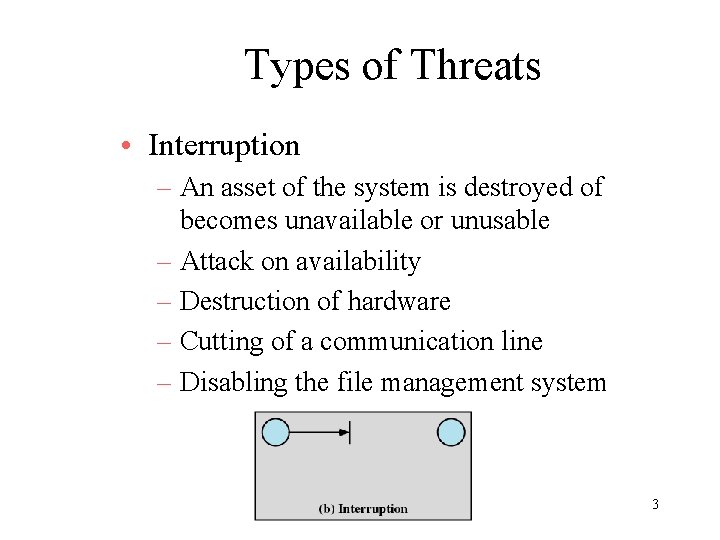
Types of Threats • Interruption – An asset of the system is destroyed of becomes unavailable or unusable – Attack on availability – Destruction of hardware – Cutting of a communication line – Disabling the file management system 3
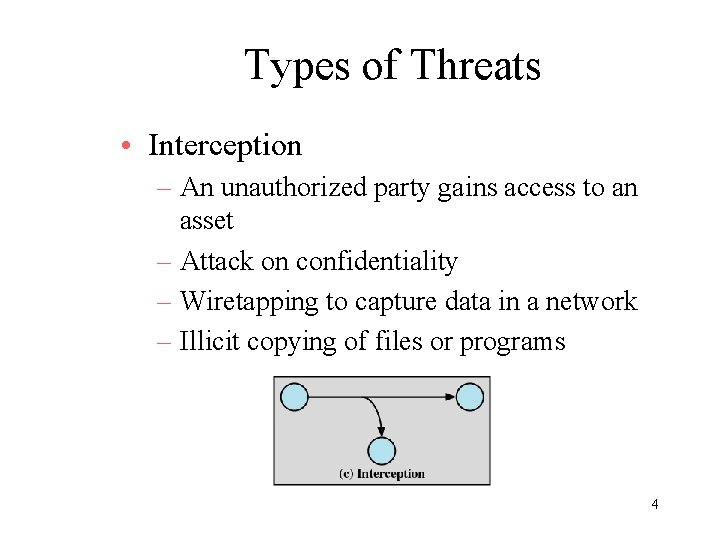
Types of Threats • Interception – An unauthorized party gains access to an asset – Attack on confidentiality – Wiretapping to capture data in a network – Illicit copying of files or programs 4
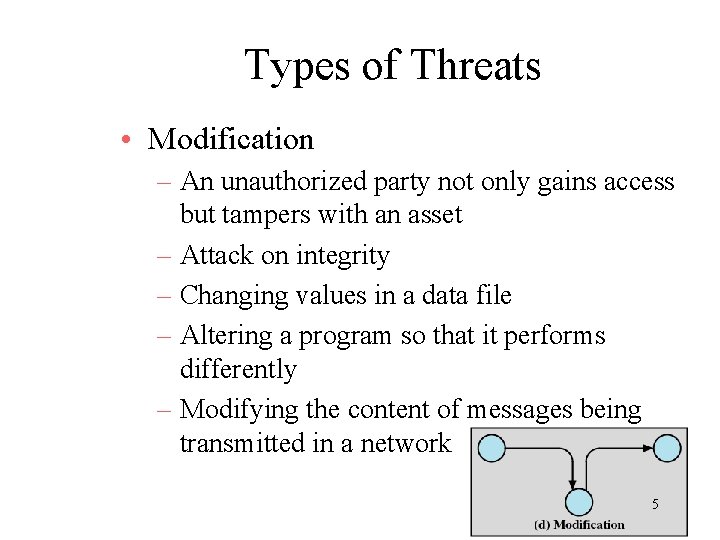
Types of Threats • Modification – An unauthorized party not only gains access but tampers with an asset – Attack on integrity – Changing values in a data file – Altering a program so that it performs differently – Modifying the content of messages being transmitted in a network 5
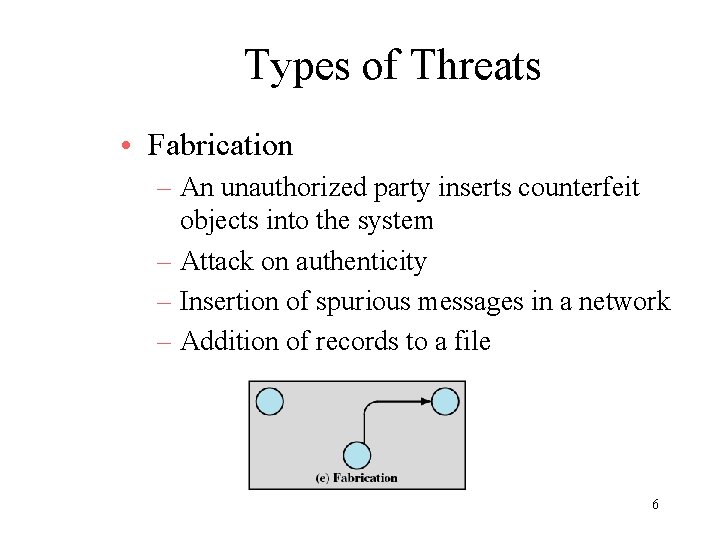
Types of Threats • Fabrication – An unauthorized party inserts counterfeit objects into the system – Attack on authenticity – Insertion of spurious messages in a network – Addition of records to a file 6
Computer System Assets • Hardware – Threats include accidental and deliberate damage • Software – Threats include deletion, alteration, damage – Backups of the most recent versions can maintain high availability 7
Computer System Assets • Data – Involves files – Security concerns fro availability, secrecy, and integrity – Statistical analysis can lead to determination of individual information which threatens privacy 8
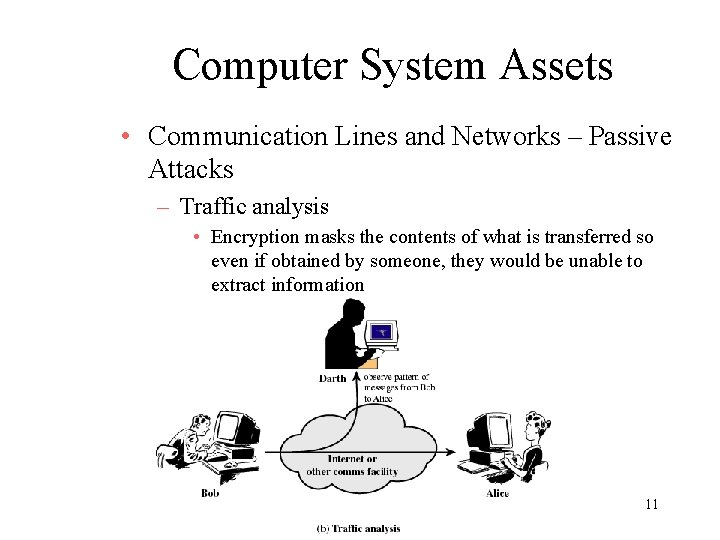
Computer System Assets • Communication Lines and Networks – Passive Attacks – Learn or make use of information from the system but does not affect system resources – Traffic analysis • Encryption masks the contents of what is transferred so even if obtained by someone, they would be unable to extract information 9
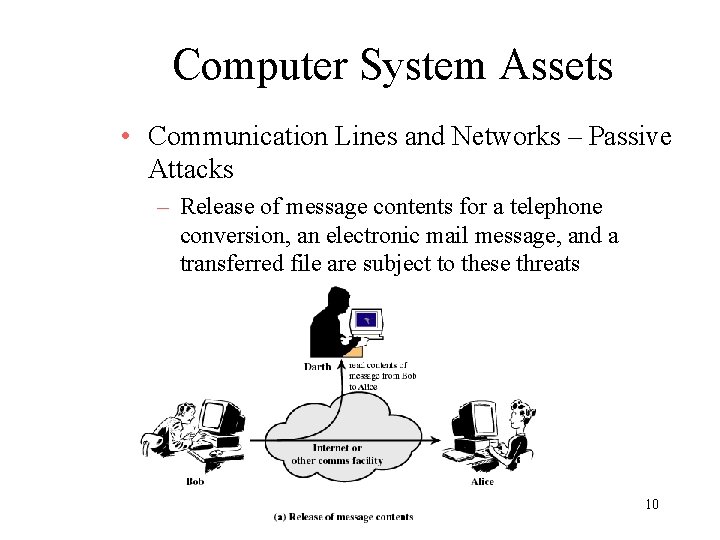
Computer System Assets • Communication Lines and Networks – Passive Attacks – Release of message contents for a telephone conversion, an electronic mail message, and a transferred file are subject to these threats 10
Computer System Assets • Communication Lines and Networks – Passive Attacks – Traffic analysis • Encryption masks the contents of what is transferred so even if obtained by someone, they would be unable to extract information 11
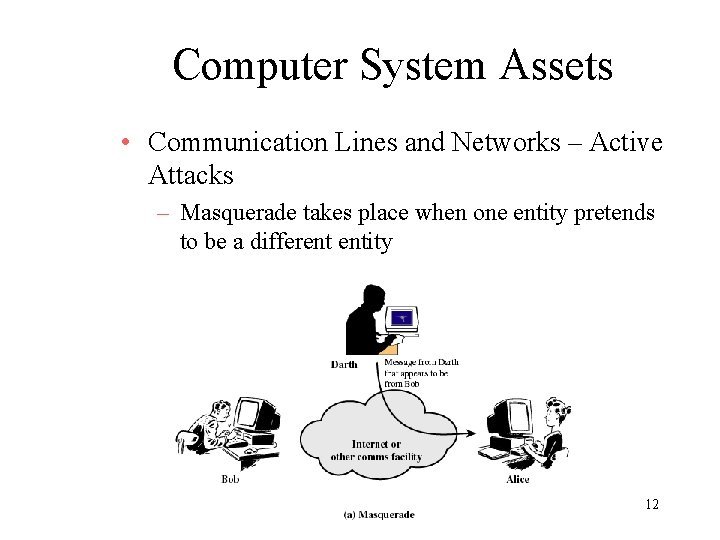
Computer System Assets • Communication Lines and Networks – Active Attacks – Masquerade takes place when one entity pretends to be a different entity 12
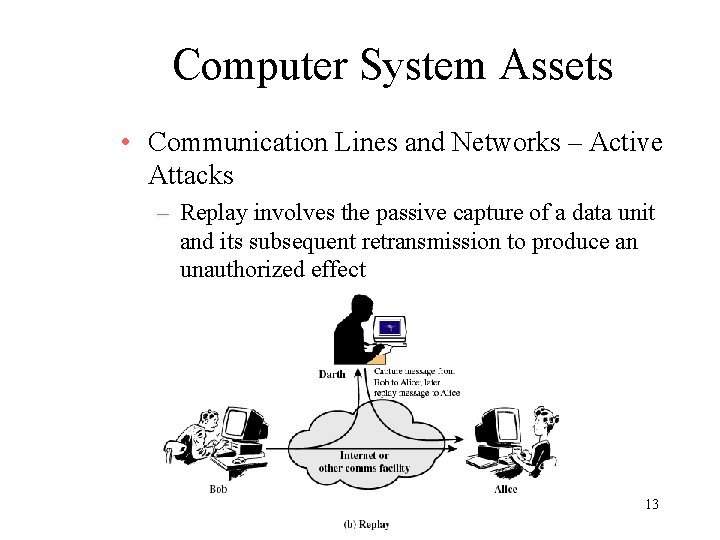
Computer System Assets • Communication Lines and Networks – Active Attacks – Replay involves the passive capture of a data unit and its subsequent retransmission to produce an unauthorized effect 13
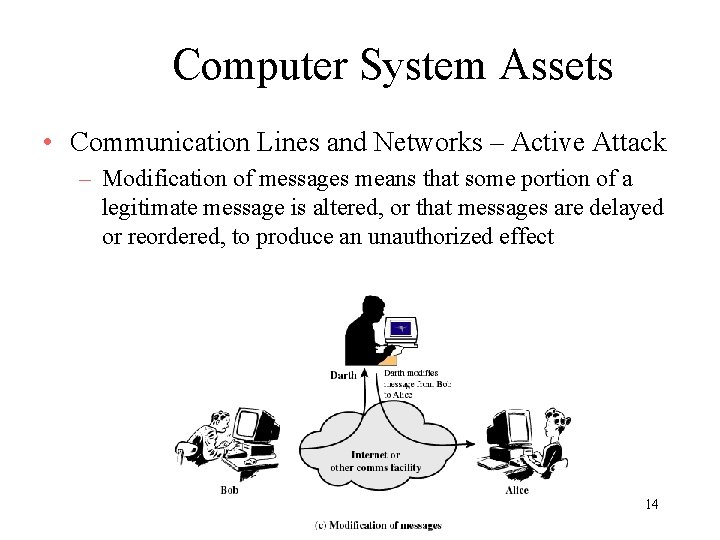
Computer System Assets • Communication Lines and Networks – Active Attack – Modification of messages means that some portion of a legitimate message is altered, or that messages are delayed or reordered, to produce an unauthorized effect 14
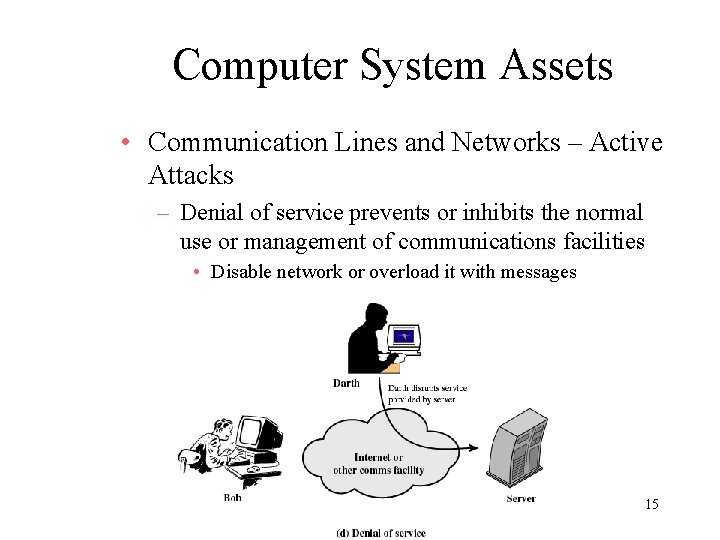
Computer System Assets • Communication Lines and Networks – Active Attacks – Denial of service prevents or inhibits the normal use or management of communications facilities • Disable network or overload it with messages 15
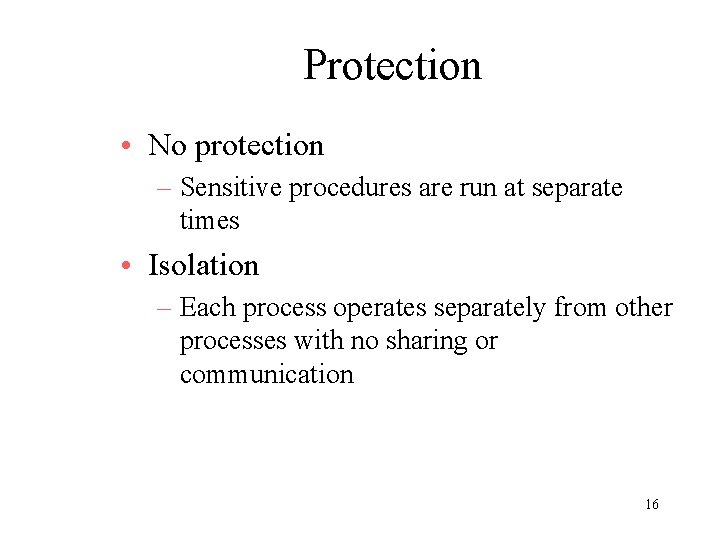
Protection • No protection – Sensitive procedures are run at separate times • Isolation – Each process operates separately from other processes with no sharing or communication 16
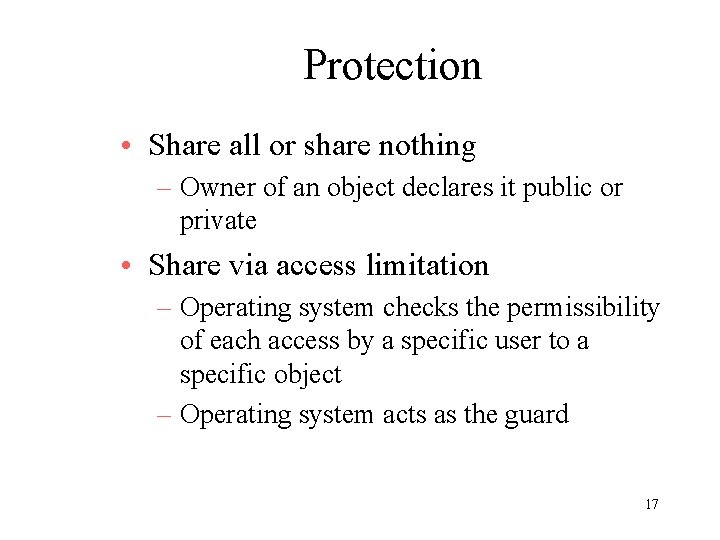
Protection • Share all or share nothing – Owner of an object declares it public or private • Share via access limitation – Operating system checks the permissibility of each access by a specific user to a specific object – Operating system acts as the guard 17
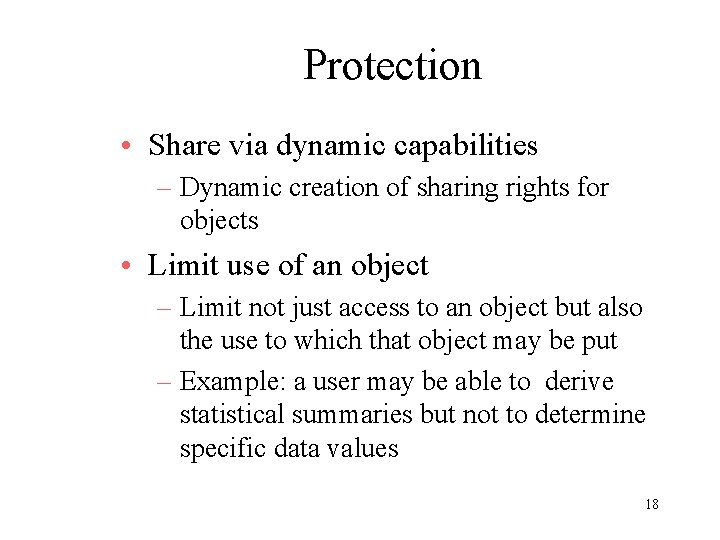
Protection • Share via dynamic capabilities – Dynamic creation of sharing rights for objects • Limit use of an object – Limit not just access to an object but also the use to which that object may be put – Example: a user may be able to derive statistical summaries but not to determine specific data values 18
Protection of Memory • Security • Correct functioning of the various processes that are active 19
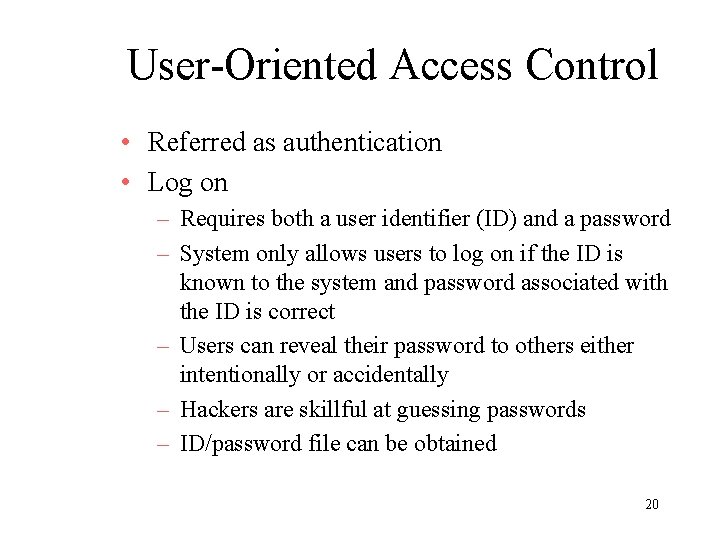
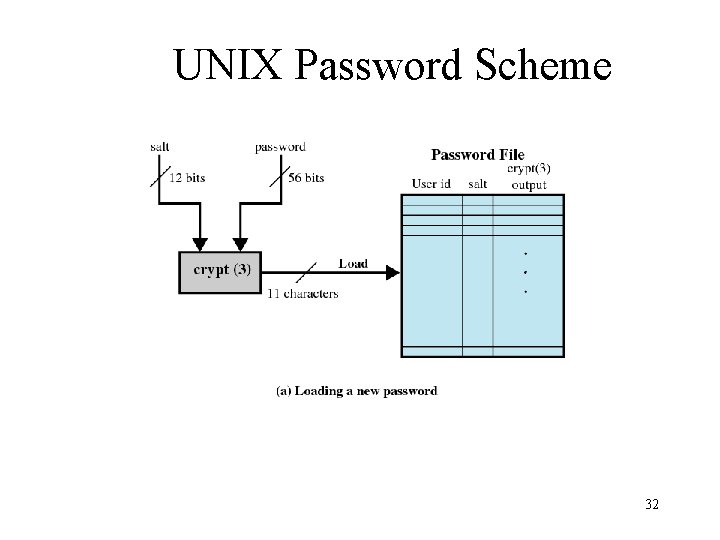
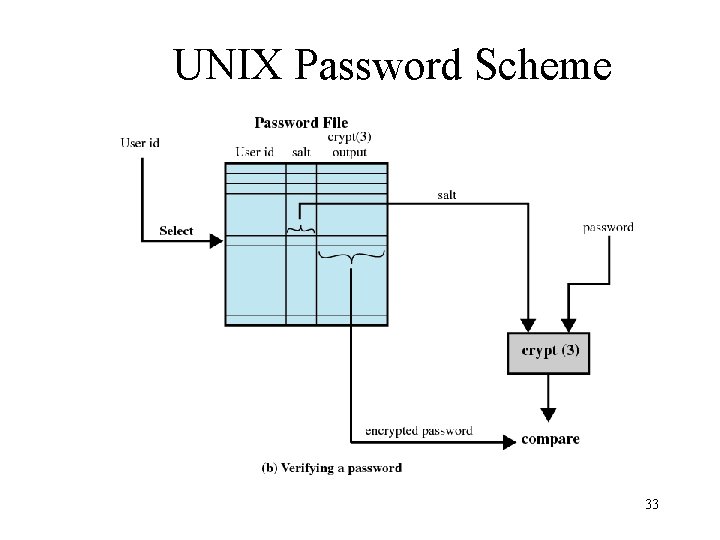
User-Oriented Access Control • Referred as authentication • Log on – Requires both a user identifier (ID) and a password – System only allows users to log on if the ID is known to the system and password associated with the ID is correct – Users can reveal their password to others either intentionally or accidentally – Hackers are skillful at guessing passwords – ID/password file can be obtained 20
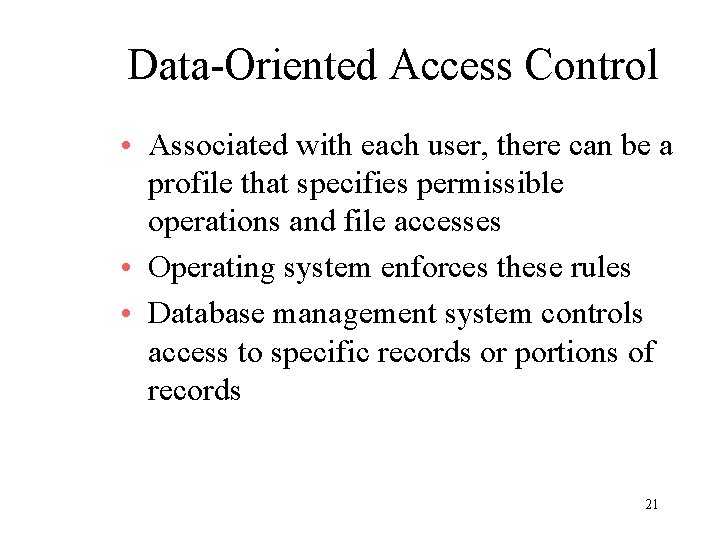
Data-Oriented Access Control • Associated with each user, there can be a profile that specifies permissible operations and file accesses • Operating system enforces these rules • Database management system controls access to specific records or portions of records 21
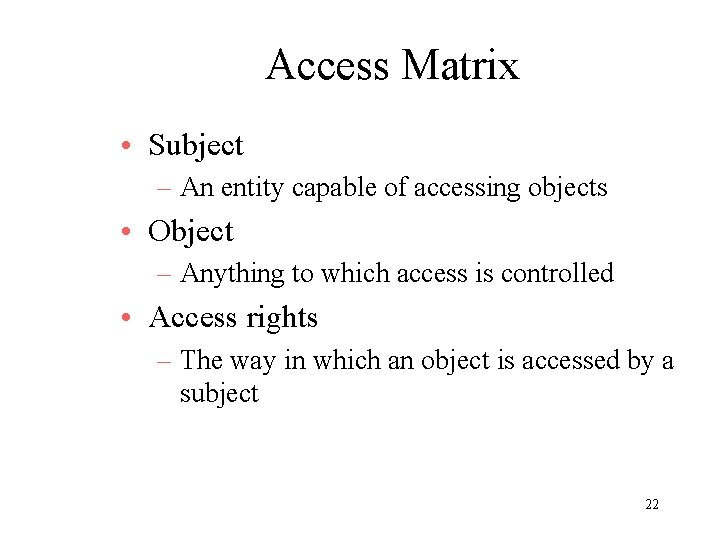
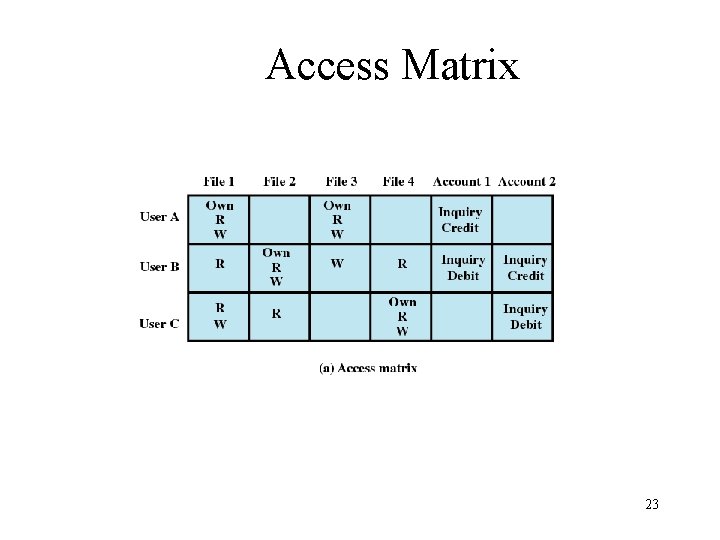
Access Matrix • Subject – An entity capable of accessing objects • Object – Anything to which access is controlled • Access rights – The way in which an object is accessed by a subject 22
Access Matrix 23
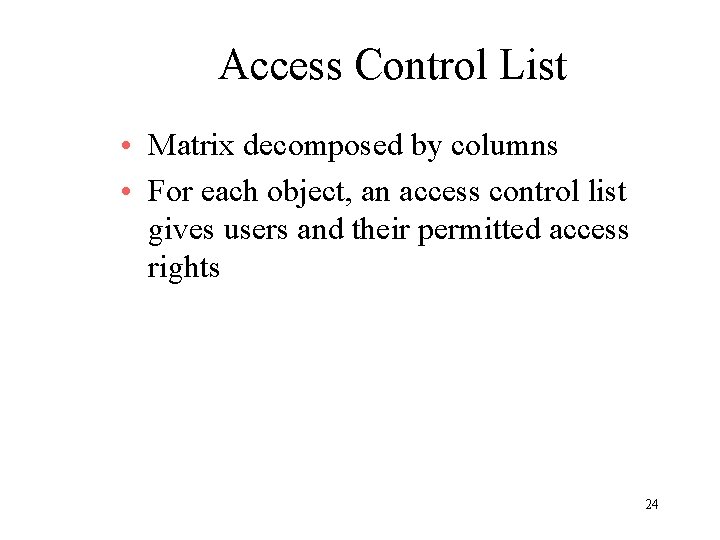
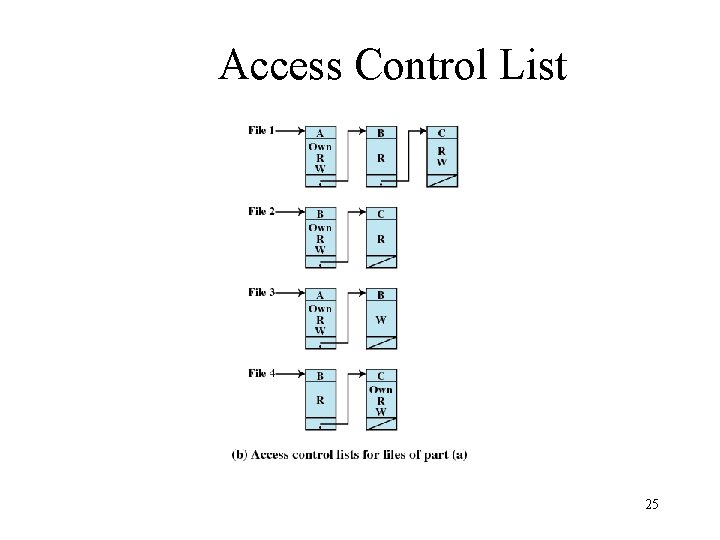
Access Control List • Matrix decomposed by columns • For each object, an access control list gives users and their permitted access rights 24
Access Control List 25
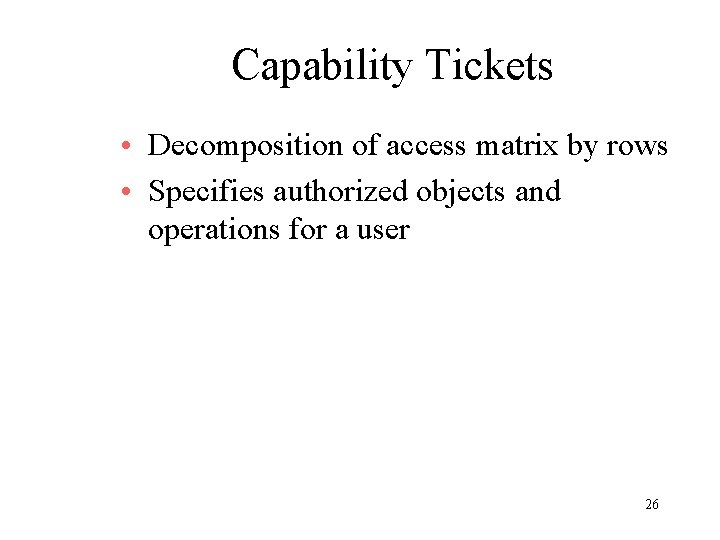
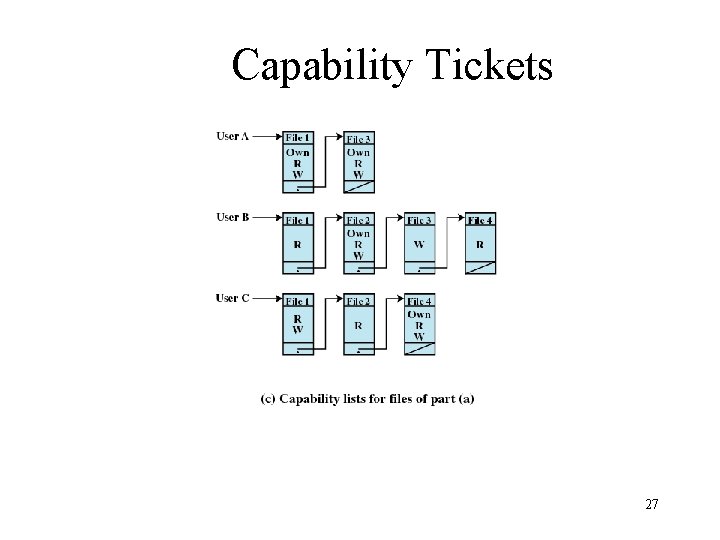
Capability Tickets • Decomposition of access matrix by rows • Specifies authorized objects and operations for a user 26
Capability Tickets 27
Intrusion Techniques • Objective of intruder is the gain access to the system or to increase the range of privileges accessible on a system • Protected information that an intruder acquires is a password 28
Techniques for Learning Passwords • Try default password used with standard accounts shipped with system • Exhaustively try all short passwords • Try words in dictionary or a list of likely passwords • Collect information about users and use these items as passwords 29
Techniques for Learning Passwords • Try users’ phone numbers, social security numbers, and room numbers • Try all legitimate license plate numbers for this state • Use a Trojan horse to bypass restrictions on access • Tap the line between a remote user and the host system 30
ID Provides Security • Determines whether the user is authorized to gain access to a system • Determines the privileges accorded to the user – Superuser enables file access protected by the operating system – Guest or anonymous accounts have more limited privileges than others • ID is used for discretionary access control – A user may grant permission to files to others by ID 31
UNIX Password Scheme 32
UNIX Password Scheme 33
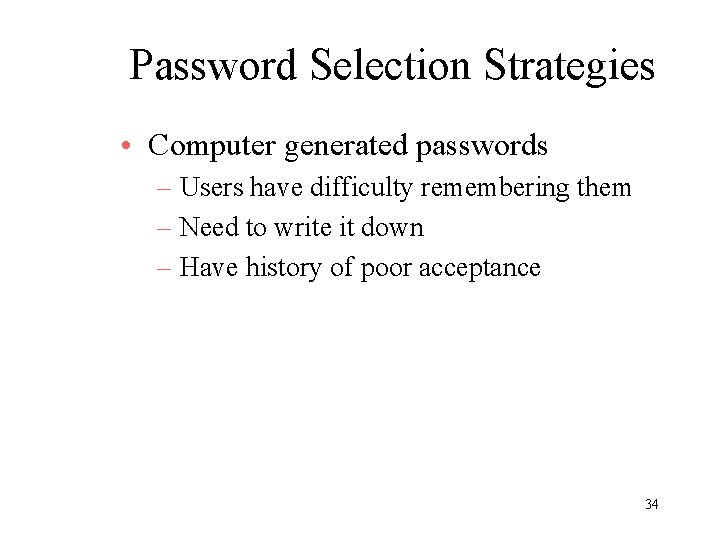
Password Selection Strategies • Computer generated passwords – Users have difficulty remembering them – Need to write it down – Have history of poor acceptance 34
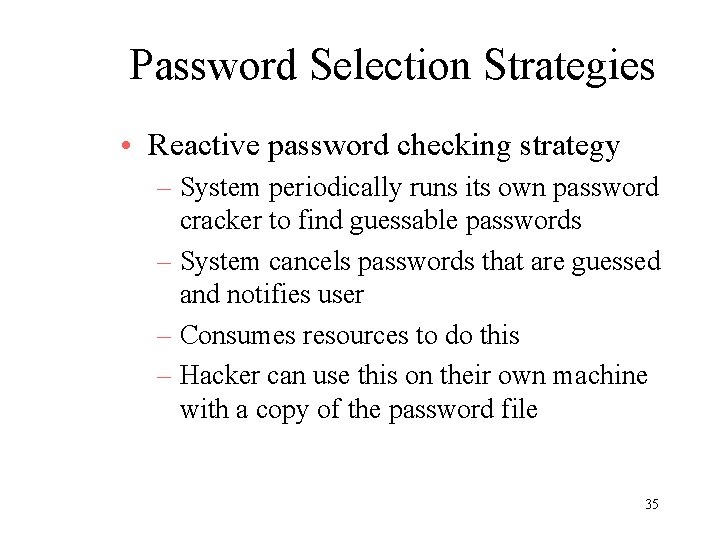
Password Selection Strategies • Reactive password checking strategy – System periodically runs its own password cracker to find guessable passwords – System cancels passwords that are guessed and notifies user – Consumes resources to do this – Hacker can use this on their own machine with a copy of the password file 35
Password Selection Strategies • Proactive password checker – The system checks at the time of selection if the password is allowable – With guidance from the system users can select memorable passwords that are difficult to guess 36
37
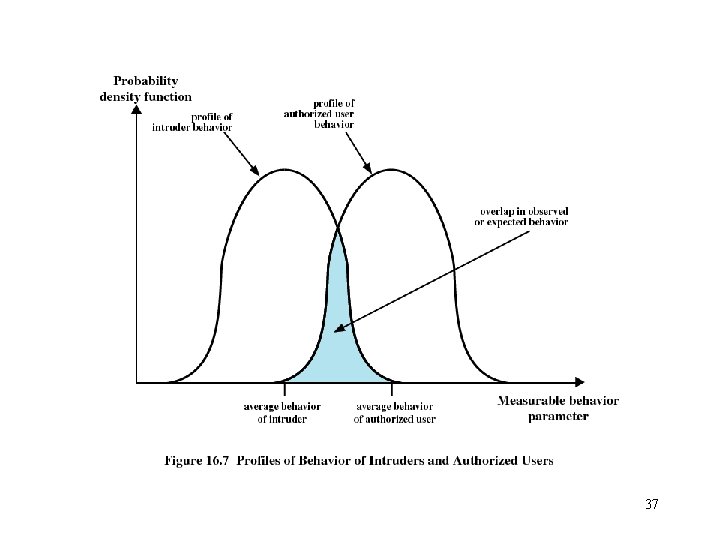
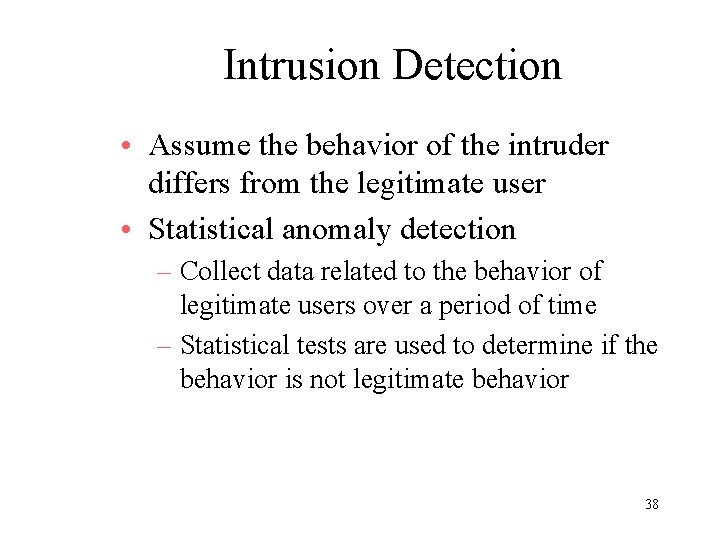
Intrusion Detection • Assume the behavior of the intruder differs from the legitimate user • Statistical anomaly detection – Collect data related to the behavior of legitimate users over a period of time – Statistical tests are used to determine if the behavior is not legitimate behavior 38
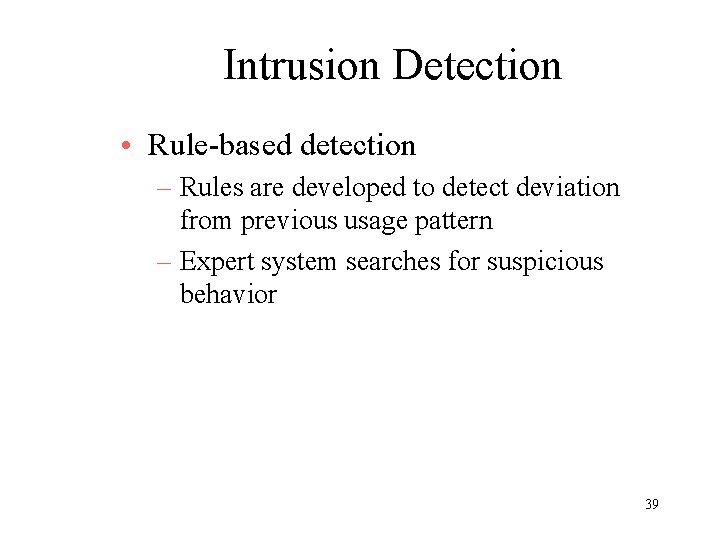
Intrusion Detection • Rule-based detection – Rules are developed to detect deviation from previous usage pattern – Expert system searches for suspicious behavior 39
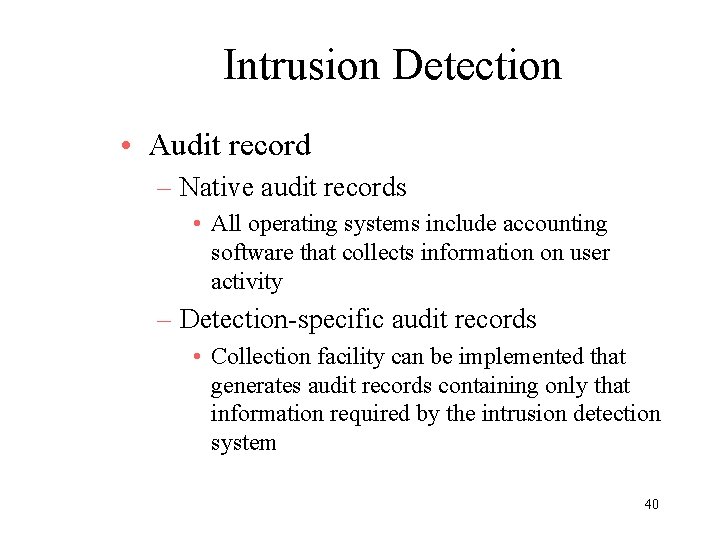
Intrusion Detection • Audit record – Native audit records • All operating systems include accounting software that collects information on user activity – Detection-specific audit records • Collection facility can be implemented that generates audit records containing only that information required by the intrusion detection system 40
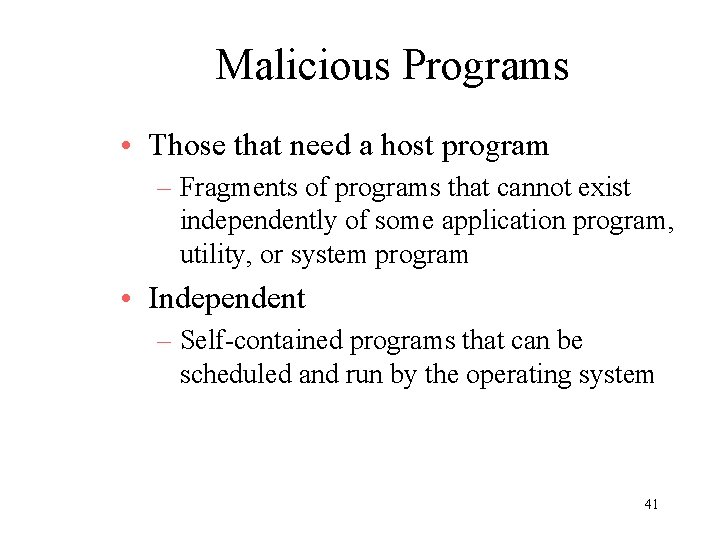
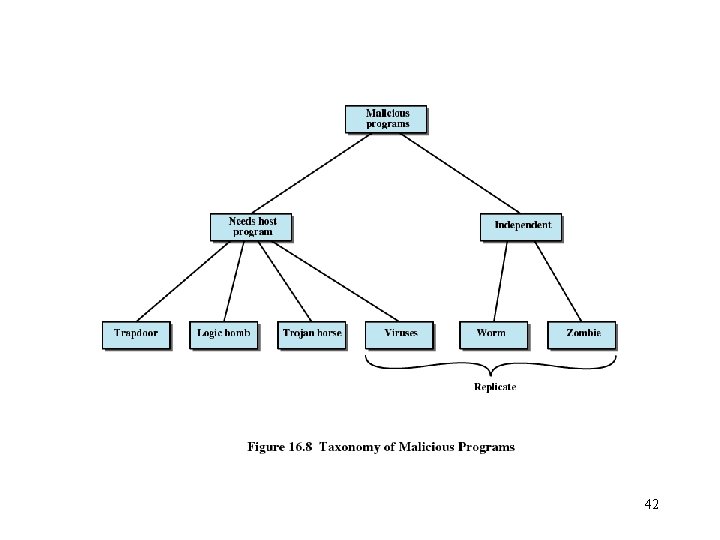
Malicious Programs • Those that need a host program – Fragments of programs that cannot exist independently of some application program, utility, or system program • Independent – Self-contained programs that can be scheduled and run by the operating system 41
42
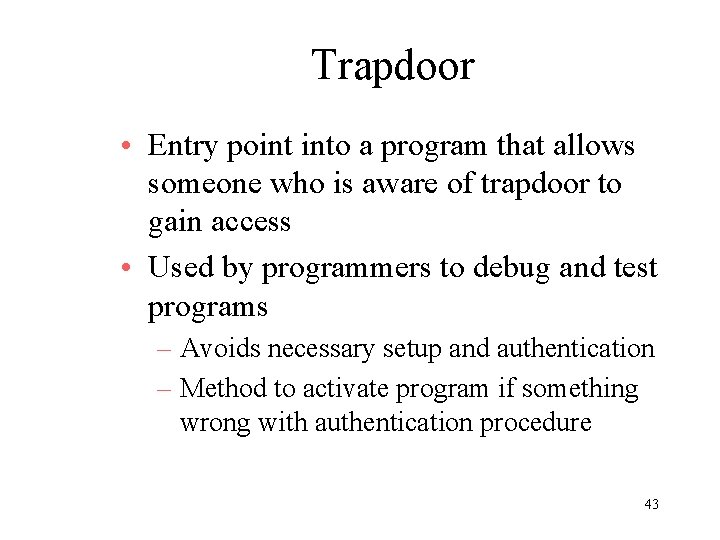
Trapdoor • Entry point into a program that allows someone who is aware of trapdoor to gain access • Used by programmers to debug and test programs – Avoids necessary setup and authentication – Method to activate program if something wrong with authentication procedure 43
Logic Bomb • Code embedded in a legitimate program that is set to “explode” when certain conditions are met – Presence or absence of certain files – Particular day of the week – Particular user running application 44
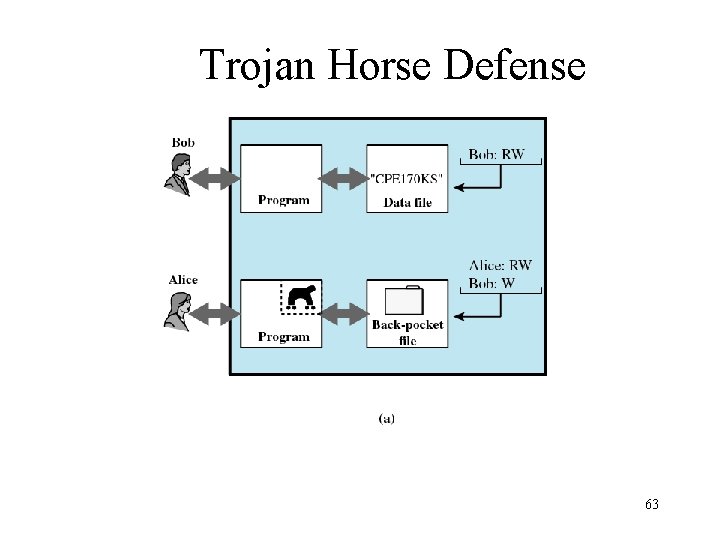
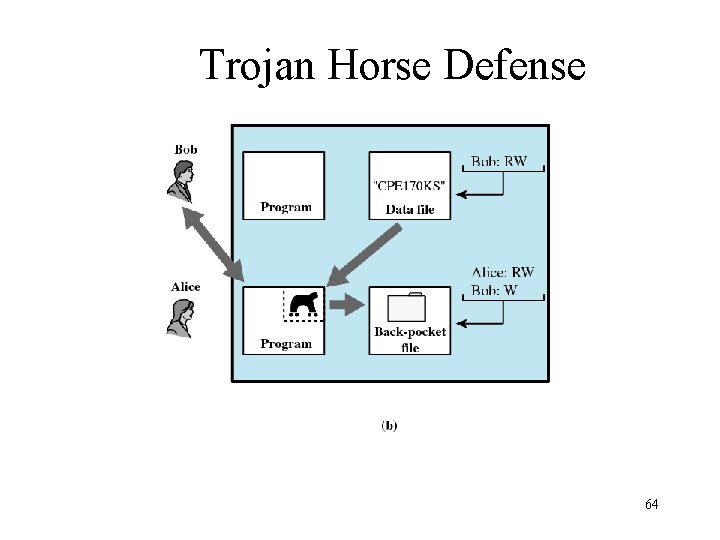
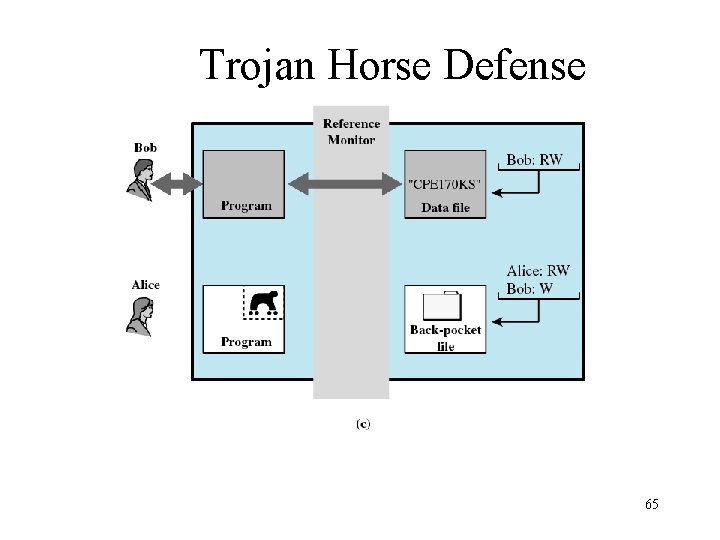
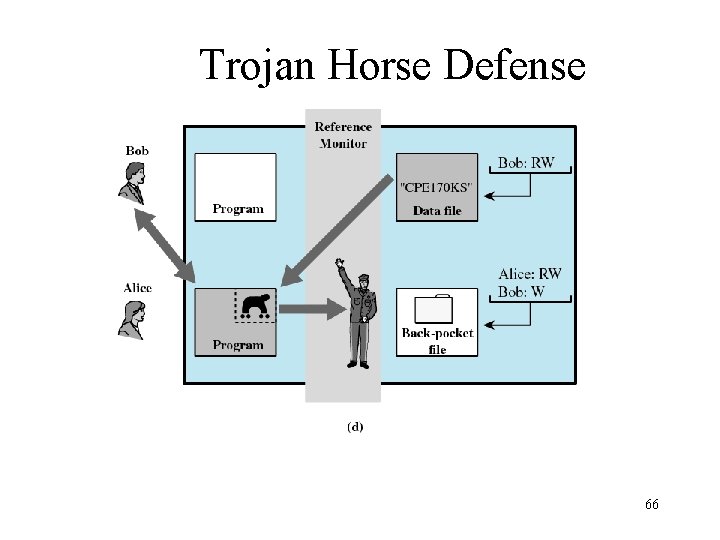
Trojan Horse • Useful program that contains hidden code that when invoked performs some unwanted or harmful function • Can be used to accomplish functions indirectly that an unauthorized user could not accomplish directly – User may set file permission so everyone has access 45
Virus • Program that can “infect” other programs by modifying them – Modification includes copy of virus program – The infected program can infect other programs 46
Worms • Use network connections to spread form system to system • Electronic mail facility – A worm mails a copy of itself to other systems • Remote execution capability – A worm executes a copy of itself on another system • Remote log-in capability – A worm logs on to a remote system as a user and then uses commands to copy itself from one system to the other 47
Zombie • Program that secretly takes over another Internet-attached computer • It uses that computer to launch attacks that are difficult to trace to the zombie’s creator 48
Virus Stages • Dormant phase – Virus is idle • Propagation phase – Virus places an identical copy of itself into other programs or into certain system areas on the disk 49
Virus Stages • Triggering phase – Virus is activated to perform the function for which it was intended – Caused by a variety of system events • Execution phase – Function is performed 50
Types of Viruses • Parasitic – Attaches itself to executable files and replicates – When the infected program is executed, it looks for other executables to infect • Memory-resident – Lodges in main memory as part of a resident system program – Once in memory, it infects every program that executes 51
Types of Viruses • Boot sector – Infects boot record – Spreads when system is booted from the disk containing the virus • Stealth – Designed to hide itself form detection by antivirus software 52
Types of Viruses • Polymorphic – Mutates with every infection, making detection by the “signature” of the virus impossible – Mutation engine creates a random encryption key to encrypt the remainder of the virus • The key is stored with the virus 53
Macro Viruses • Platform independent – Most infect Microsoft Word documents • Infect documents, not executable portions of code • Easily spread 54
Macro Viruses • A macro is an executable program embedded in a word processing document or other type of file • Autoexecuting macros in Word – Autoexecute • Executes when Word is started – Automacro • Executes when defined event occurs such as opening or closing a document – Command macro • Executed when user invokes a command (e. g. , File Save) 55
Antivirus Approaches • Detection • Identification • Removal 56
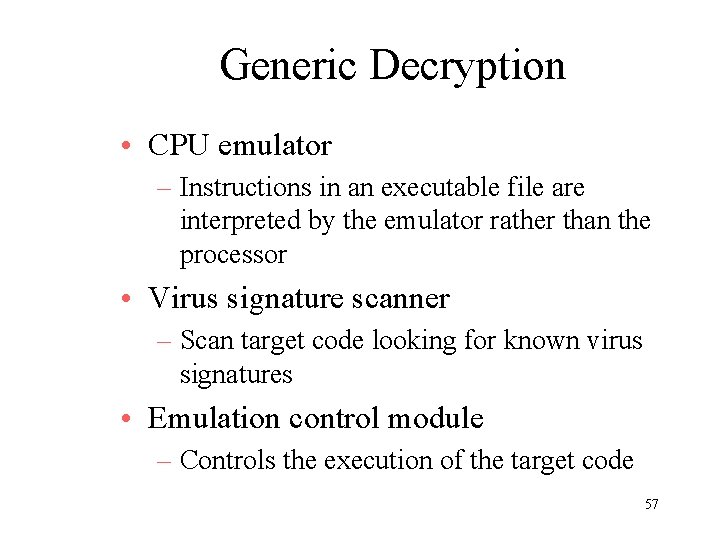
Generic Decryption • CPU emulator – Instructions in an executable file are interpreted by the emulator rather than the processor • Virus signature scanner – Scan target code looking for known virus signatures • Emulation control module – Controls the execution of the target code 57
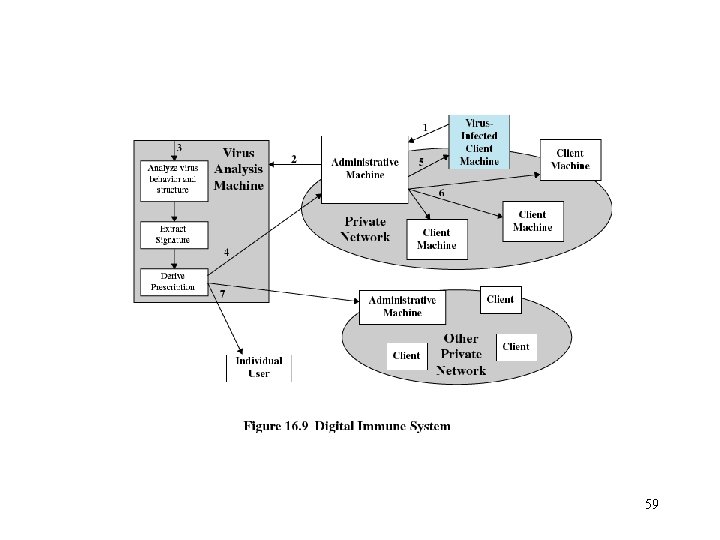
Digital Immune System • Developed by IBM • Motivation has been the rising threat of Internet-based virus propagation – Integrated mail systems – Mobile-program system 58
59
E-mail Virus • Activated when recipient opens the email attachment • Activated by opening an e-mail that contains the virus • Uses Visual Basic scripting language • Propagates itself to all of the e-mail addresses known to the infected host 60
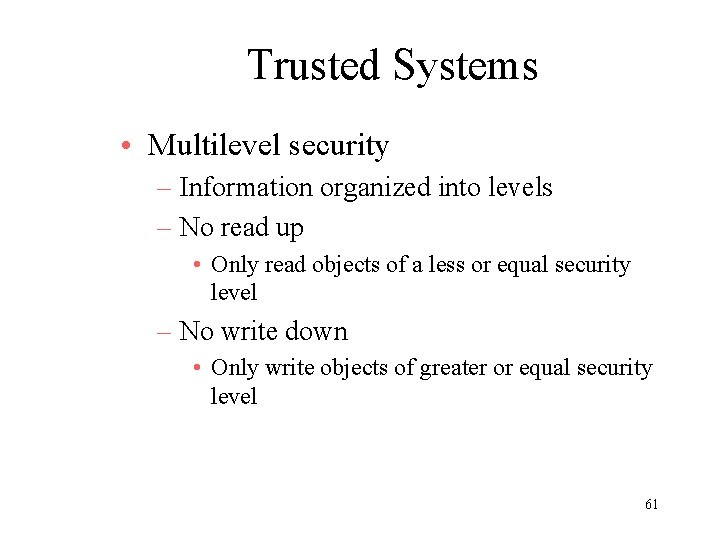
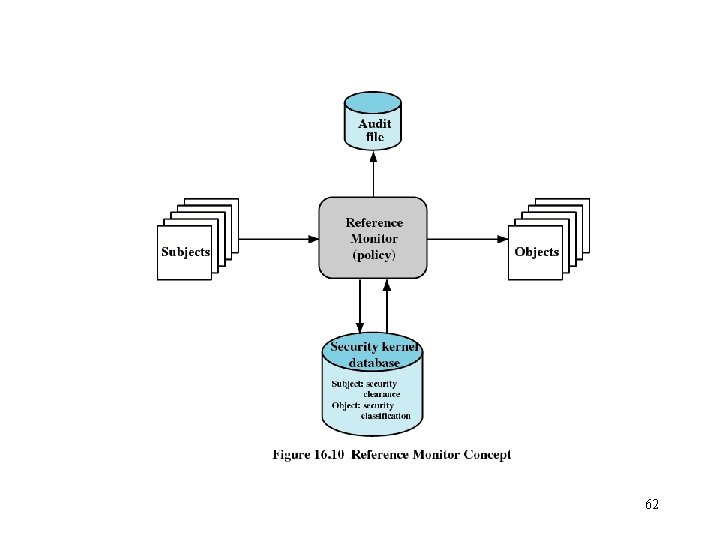
Trusted Systems • Multilevel security – Information organized into levels – No read up • Only read objects of a less or equal security level – No write down • Only write objects of greater or equal security level 61
62
Trojan Horse Defense 63
Trojan Horse Defense 64
Trojan Horse Defense 65
Trojan Horse Defense 66
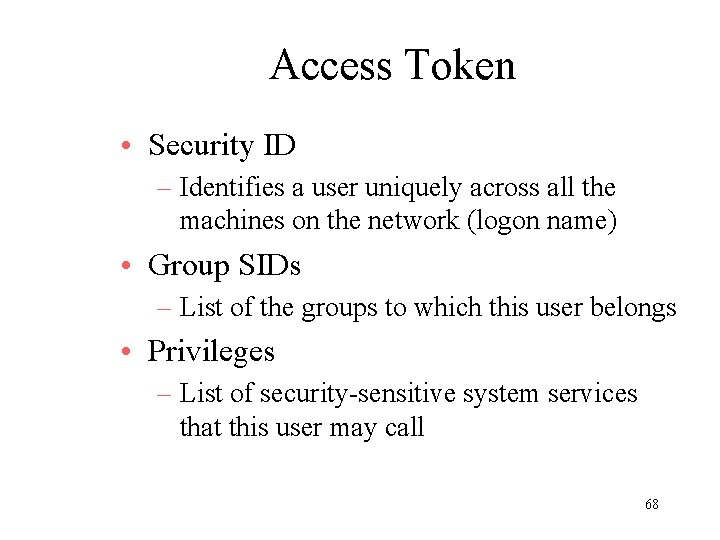
Windows 2000 Security • Access Control Scheme – Name/password – Access token associated with each process object indicating privileges associated with a user 67
Access Token • Security ID – Identifies a user uniquely across all the machines on the network (logon name) • Group SIDs – List of the groups to which this user belongs • Privileges – List of security-sensitive system services that this user may call 68
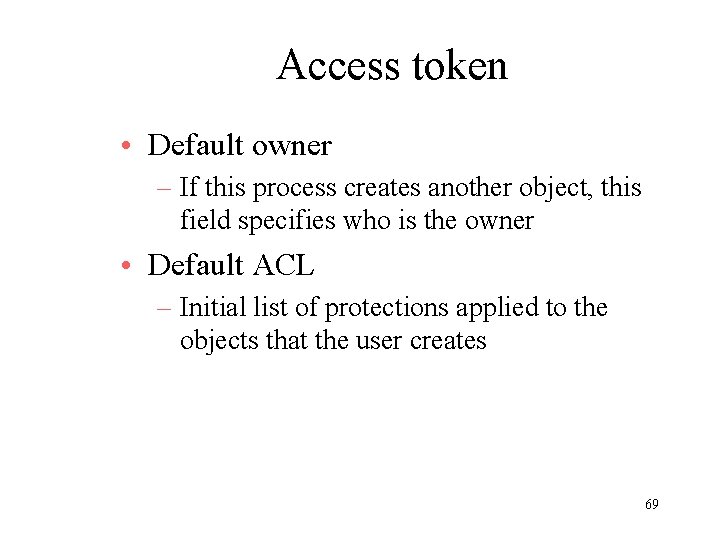
Access token • Default owner – If this process creates another object, this field specifies who is the owner • Default ACL – Initial list of protections applied to the objects that the user creates 69
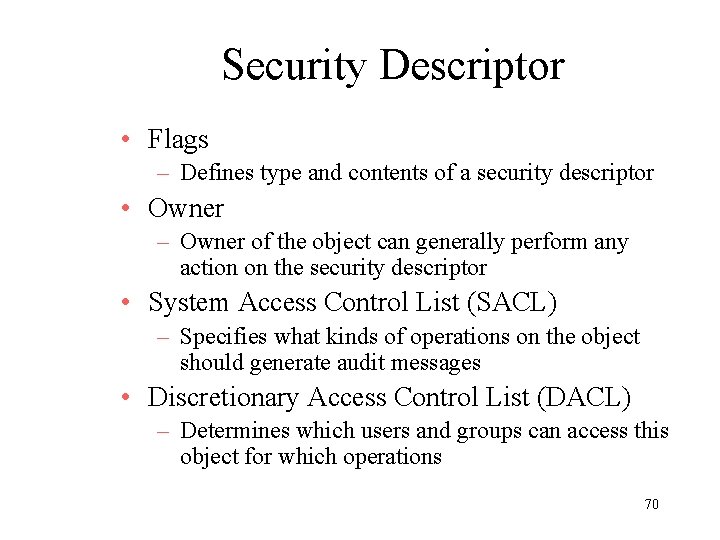
Security Descriptor • Flags – Defines type and contents of a security descriptor • Owner – Owner of the object can generally perform any action on the security descriptor • System Access Control List (SACL) – Specifies what kinds of operations on the object should generate audit messages • Discretionary Access Control List (DACL) – Determines which users and groups can access this object for which operations 70
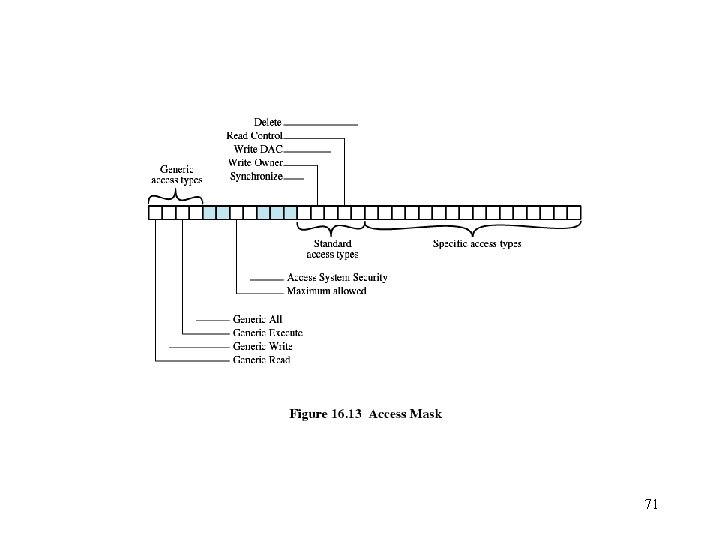
71