
Protecting Computers From Viruses and Similarly Programmed Threats
![Signature-Based Example § Metamorphic viruses redefine themselves to avoid detection § § int[] new.](https://slidetodoc.com/presentation_image/9b243282e68d916cec87f60e15d95516/image-21.jpg "Signature-Based Example § Metamorphic viruses redefine themselves to avoid detection § § int[] new.")
- Slides: 32
Protecting Computers From Viruses and Similarly Programmed Threats Ryan Gray COSC 316
Contents § Early virus protection software § Common malicious software § Notable viruses § Identification and deletion techniques § Pitfalls of each
Virus Protection Software § Used to prevent, detect, and remove malicious software § Began in 1980’s in research fields § BITNET/EARN network led to first open discussion of viruses § Mailing list included John Mc. Afee and Eugene Kaspersky
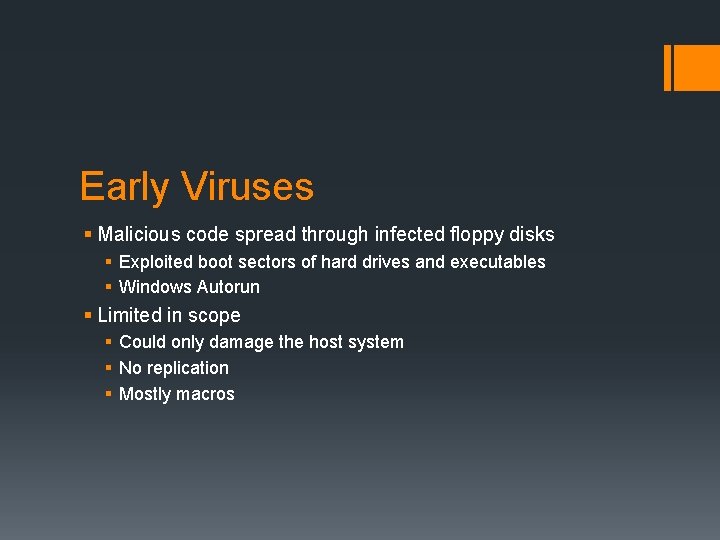
Early Viruses § Malicious code spread through infected floppy disks § Exploited boot sectors of hard drives and executables § Windows Autorun § Limited in scope § Could only damage the host system § No replication § Mostly macros
Internet Age § As the internet became popular, malicious software evolved § Often infected Windows and Microsoft products § Outlook § Word § Malicious software becomes self-replicating and mobile § Infected emails and attachments § Zero-day exploits
Common Malicious Software § Today malicious software has many names based on behavior § Malware, spyware, viruses, trojans, keyloggers, backdoors, rootkits, worms, adware
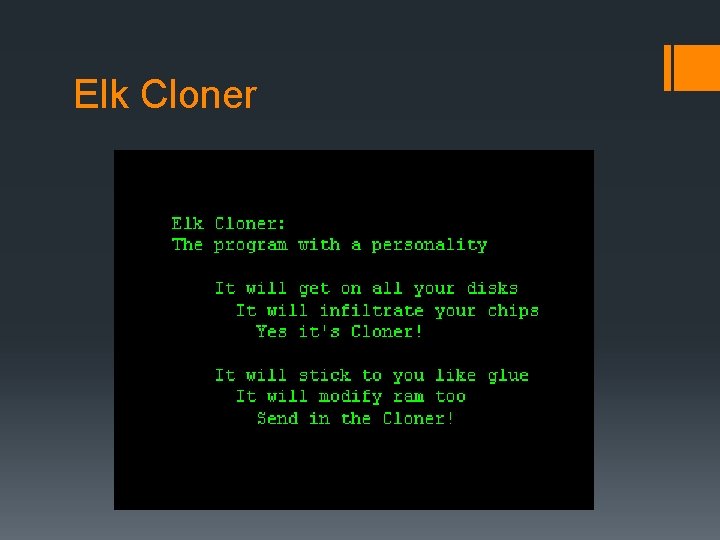
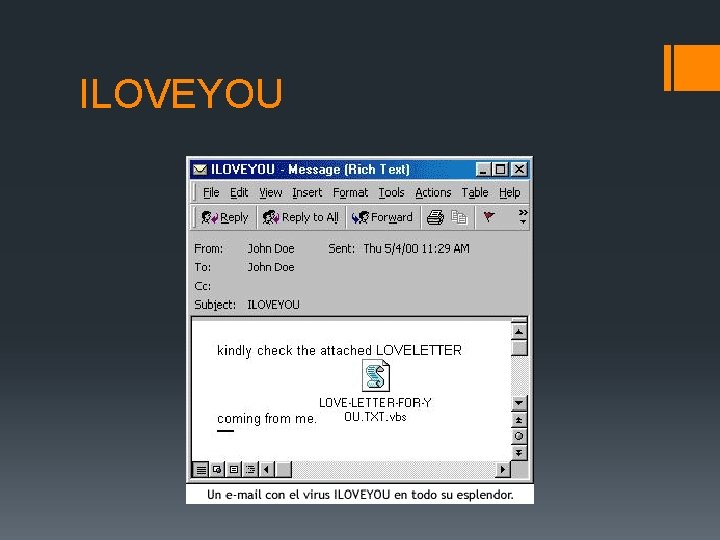
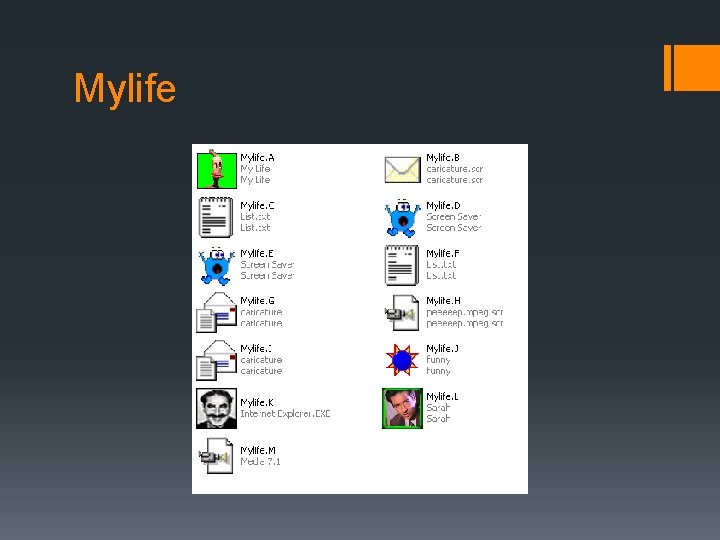
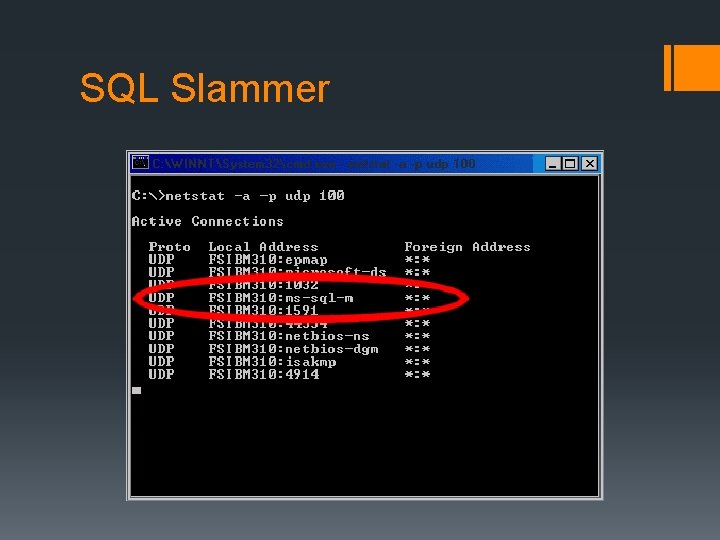
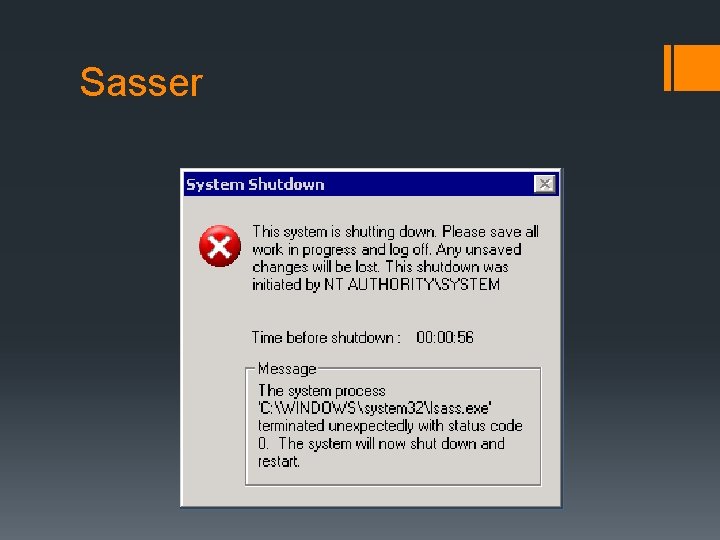
Notable Viruses and Worms § 1982 - Elk Cloner infected Apple II systems § 1990 - ILOVEYOU infects millions of Windows systems Worldwide § 2002 - Mylife first virus to send infected emails to all Outlook contacts § 2003 – SQL Slammer jams internet traffic worldwide by exploiting SQL Server § 2004 – Sasser exploits LSASS Windows service blocking internet traffic to government agencies and private corporations.
Elk Cloner
ILOVEYOU
Mylife
SQL Slammer
Sasser
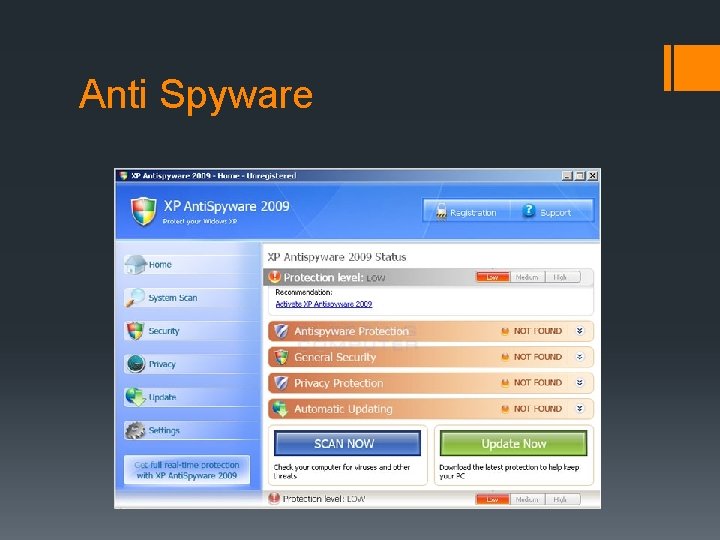
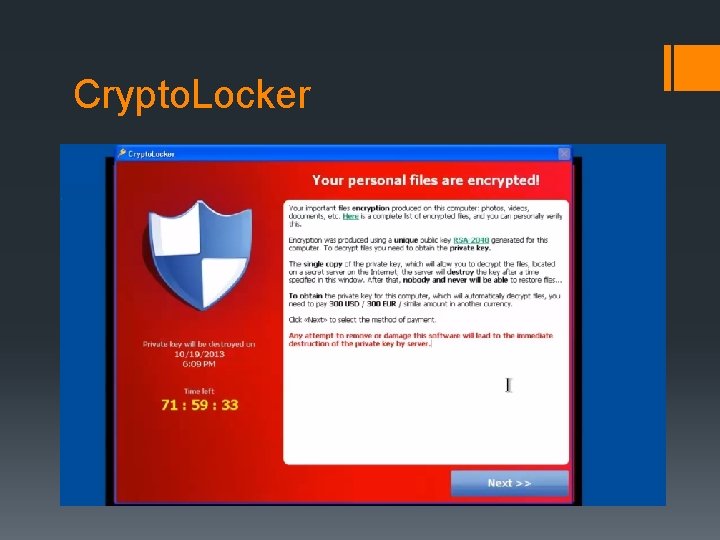
Notable Continued § 2011 - Anti Spyware appears as a legitimate program but forces users to pay for removal § 2013 - Crypto. Locker trojan encrypts an important file on a computer and forces users to pay a ransom
Anti Spyware
Crypto. Locker
Identification and Deletion § Multiple techniques exist to identify and delete malicious software § In 1987, Fredrick Cohen demonstrates no algorithm is perfect to remove all malicious software § Signature-Based detection § Heuristics § Rootkit § Real-time Protection/Shield
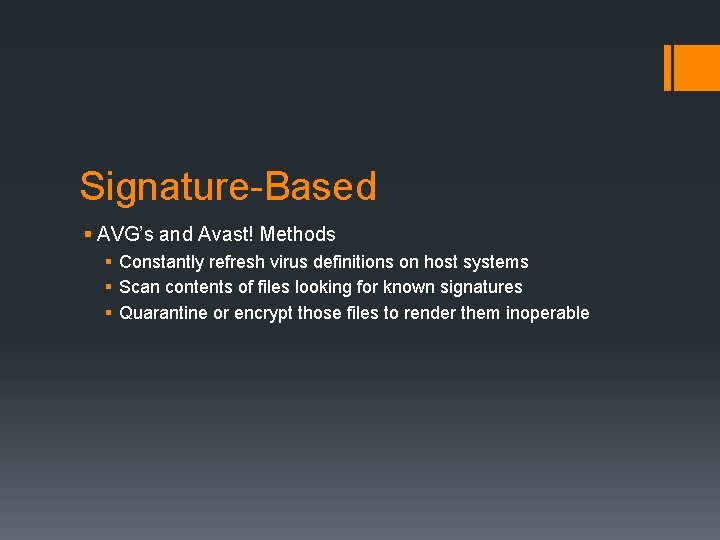
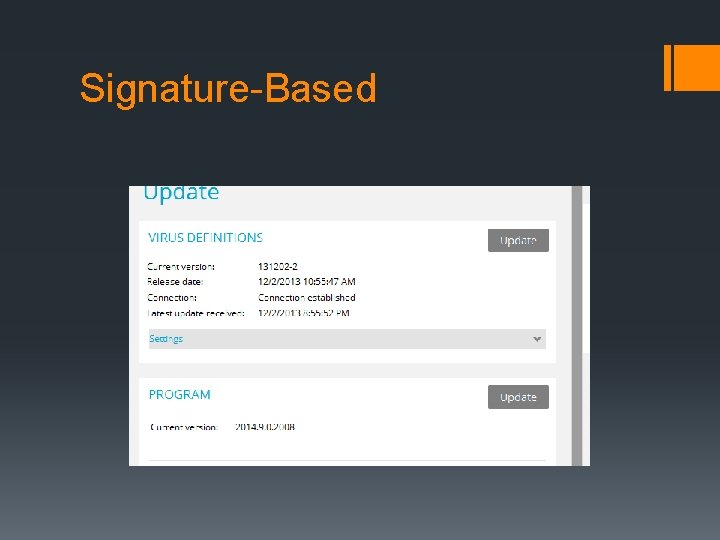
Signature-Based § AVG’s and Avast! Methods § Constantly refresh virus definitions on host systems § Scan contents of files looking for known signatures § Quarantine or encrypt those files to render them inoperable
Signature-Based Example § Signatures are pieces of code stripped from known malicious software and stored for cross-referencing on host systems § AVG and Avast! maintain their own virus definitions
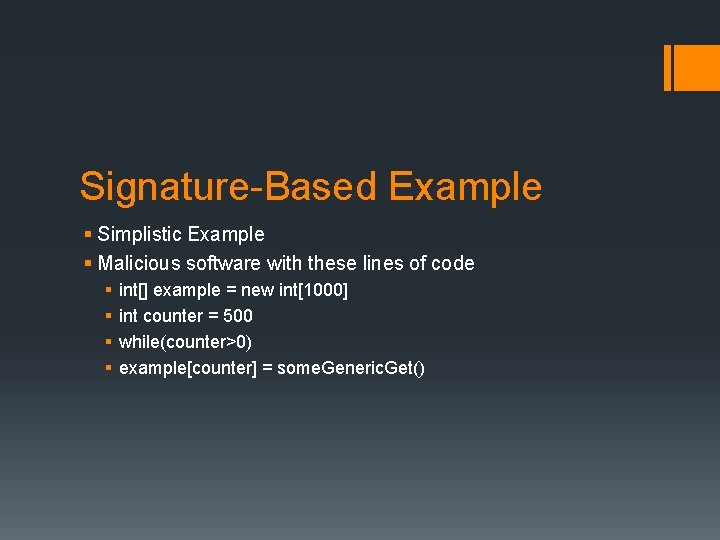
Signature-Based Example § Simplistic Example § Malicious software with these lines of code § § int[] example = new int[1000] int counter = 500 while(counter>0) example[counter] = some. Generic. Get()
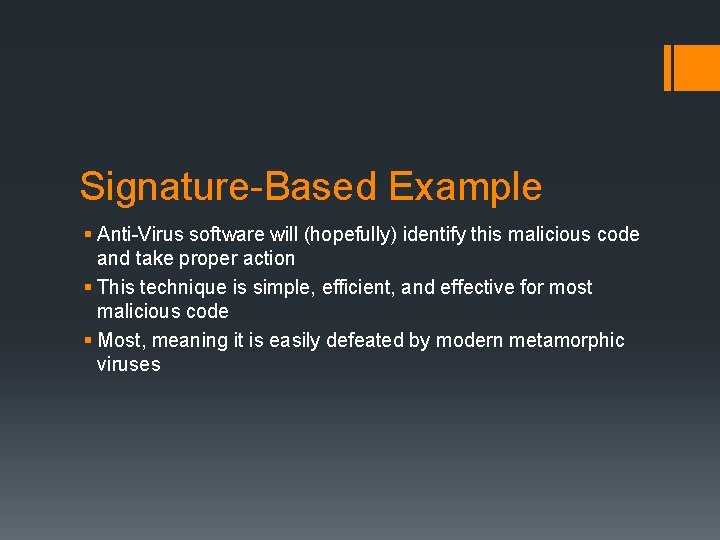
Signature-Based Example § Anti-Virus software will (hopefully) identify this malicious code and take proper action § This technique is simple, efficient, and effective for most malicious code § Most, meaning it is easily defeated by modern metamorphic viruses
Signature-Based Example § Metamorphic viruses redefine themselves to avoid detection § § int[] new. Example = new int[1000] int new. Counter = 500 while(new. Counter>0) new. Example[counter] = even. More. Generic. Get()
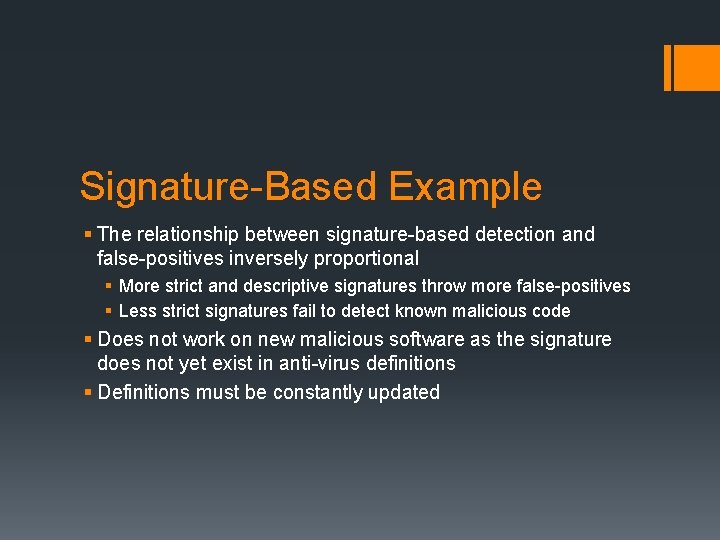
Signature-Based Example § The relationship between signature-based detection and false-positives inversely proportional § More strict and descriptive signatures throw more false-positives § Less strict signatures fail to detect known malicious code § Does not work on new malicious software as the signature does not yet exist in anti-virus definitions § Definitions must be constantly updated
Signature-Based
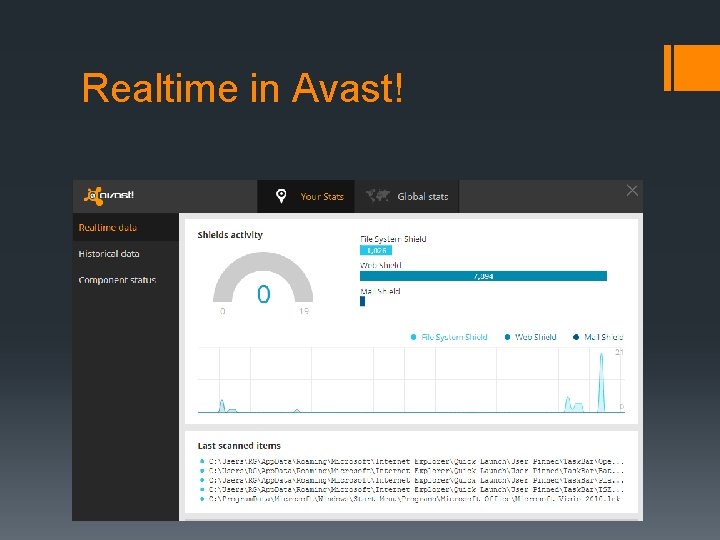
Real-Time Detection § To use Avast! as an example, uses multiple techniques to provide protection while the system is being used § On-access scanner § Real-Time shields and sandboxing § Firewalls
Realtime in Avast!
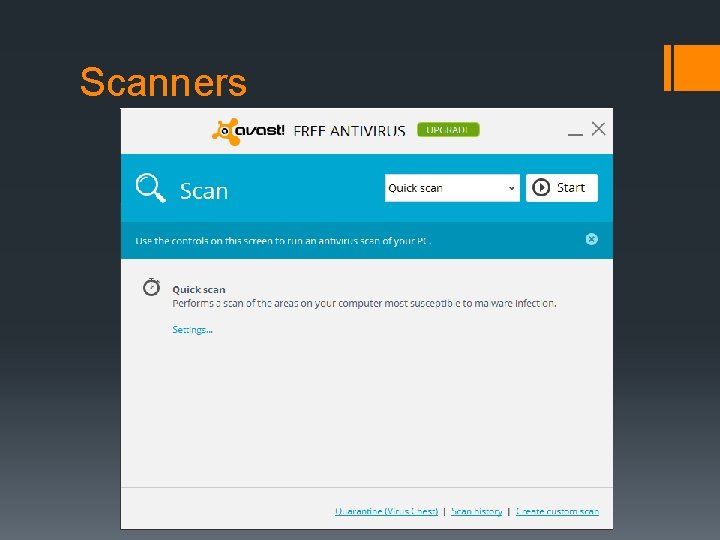
Scanners § Similar detection techniques previously mentioned § Signature-based, assuming a real-time shield failed § Sandboxing an executable § Analyze and/or disassemble program code to search for malicious modification of system files
Common Fallacies of Scanners § Scanning does NOT run every program on your drive and look for malicious intent § Scanners can only detect known viruses from definitions § If detected, viruses are not often deleted § Encrypted or moved § Memory/Flash scans are not reliable
Scanners
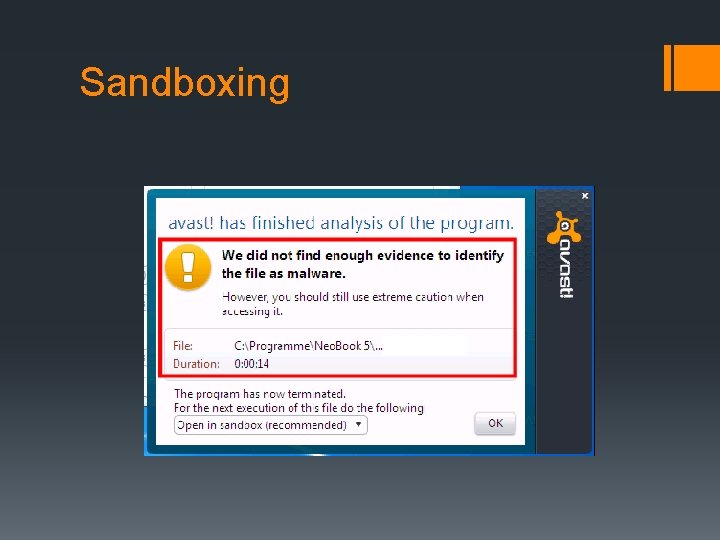
Sandboxing § Sandboxes are common in more fields than just security § For Windows compatible anti-virus programs § Emulate the OS with many of the same components § § Addressable memory OS Kernels Restricted network kernel that points to nowhere or is limited Mock system registry
Sandboxing Pitfalls § As with other methods, sandboxing has downsides § § § Memory heavy CPU heavy False-positives Delayed execution of new programs Installation hang-ups and errors
Sandboxing
Conclusion § Early virus protection software § Common malicious software § Notable viruses § Identification and deletion techniques § Pitfalls of each