CIS 371 Computer Organization and Design Unit 1
- Slides: 50
CIS 371 Computer Organization and Design Unit 1: Introduction Slides developed by Joseph Devietti, Benedict Brown, C. J. Taylor, Milo Martin & Amir Roth at the University of Pennsylvania with sources that included University of Wisconsin slides by Mark Hill, Guri Sohi, Jim Smith, and David Wood. 1
Today’s Agenda • Course overview and administrivia • What is computer organization anyway? • …and the forces that drive it • Lab 1 Demo 2
Course Overview 3
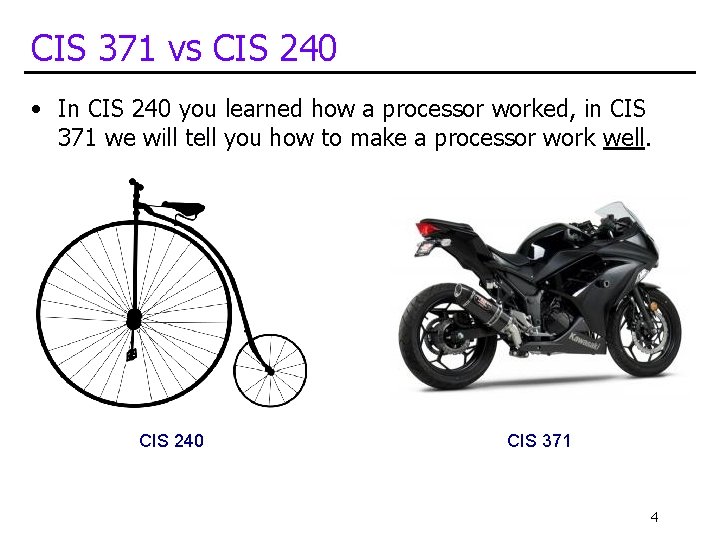
CIS 371 vs CIS 240 • In CIS 240 you learned how a processor worked, in CIS 371 we will tell you how to make a processor work well. CIS 240 CIS 371 4
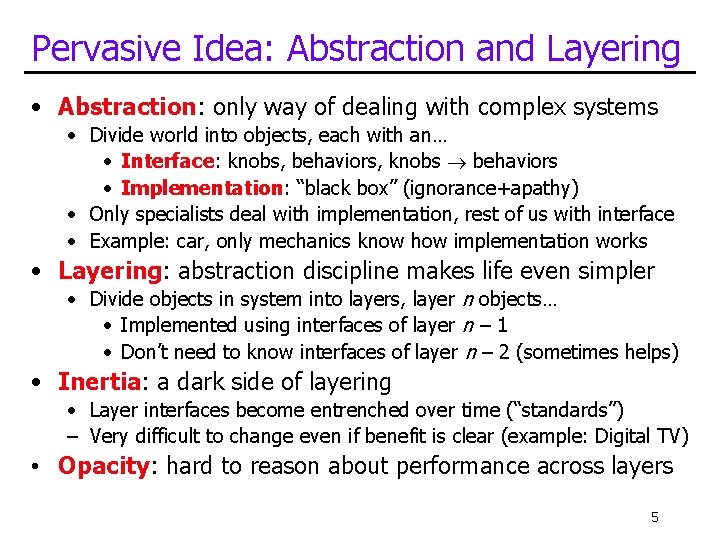
Pervasive Idea: Abstraction and Layering • Abstraction: only way of dealing with complex systems • Divide world into objects, each with an… • Interface: knobs, behaviors, knobs behaviors • Implementation: “black box” (ignorance+apathy) • Only specialists deal with implementation, rest of us with interface • Example: car, only mechanics know how implementation works • Layering: abstraction discipline makes life even simpler • Divide objects in system into layers, layer n objects… • Implemented using interfaces of layer n – 1 • Don’t need to know interfaces of layer n – 2 (sometimes helps) • Inertia: a dark side of layering • Layer interfaces become entrenched over time (“standards”) – Very difficult to change even if benefit is clear (example: Digital TV) • Opacity: hard to reason about performance across layers 5
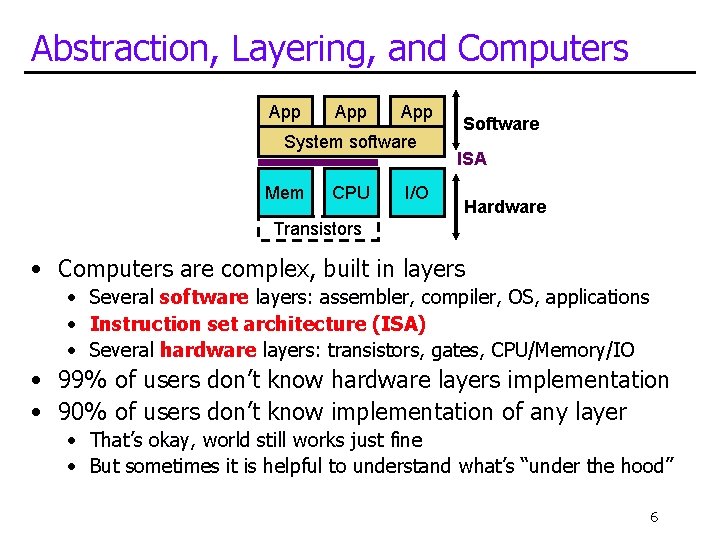
Abstraction, Layering, and Computers App App System software Mem CPU I/O Software ISA Hardware Transistors • Computers are complex, built in layers • Several software layers: assembler, compiler, OS, applications • Instruction set architecture (ISA) • Several hardware layers: transistors, gates, CPU/Memory/IO • 99% of users don’t know hardware layers implementation • 90% of users don’t know implementation of any layer • That’s okay, world still works just fine • But sometimes it is helpful to understand what’s “under the hood” 6
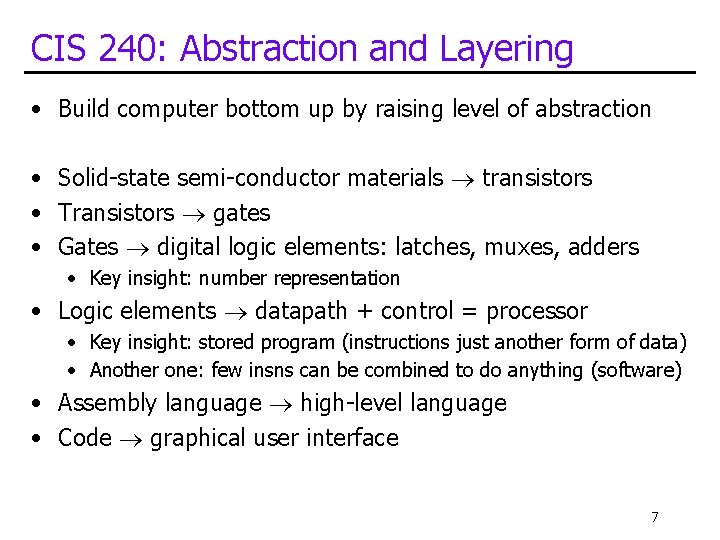
CIS 240: Abstraction and Layering • Build computer bottom up by raising level of abstraction • Solid-state semi-conductor materials transistors • Transistors gates • Gates digital logic elements: latches, muxes, adders • Key insight: number representation • Logic elements datapath + control = processor • Key insight: stored program (instructions just another form of data) • Another one: few insns can be combined to do anything (software) • Assembly language high-level language • Code graphical user interface 7
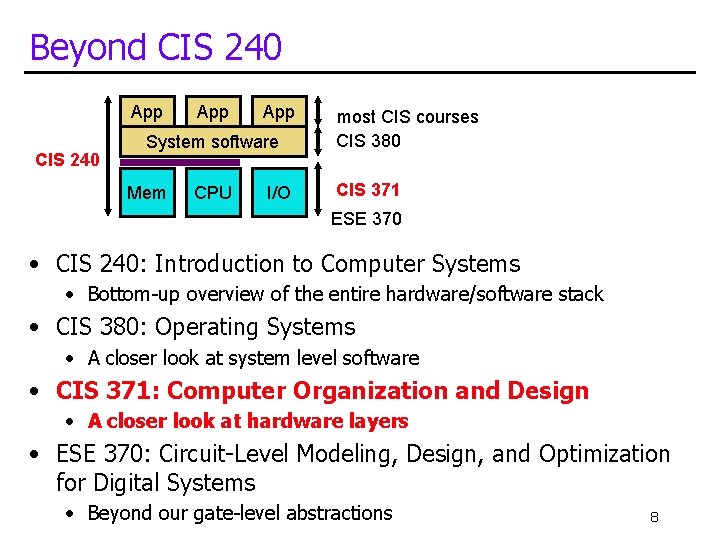
Beyond CIS 240 App App System software Mem CPU I/O most CIS courses CIS 380 CIS 371 ESE 370 • CIS 240: Introduction to Computer Systems • Bottom-up overview of the entire hardware/software stack • CIS 380: Operating Systems • A closer look at system level software • CIS 371: Computer Organization and Design • A closer look at hardware layers • ESE 370: Circuit-Level Modeling, Design, and Optimization for Digital Systems • Beyond our gate-level abstractions 8
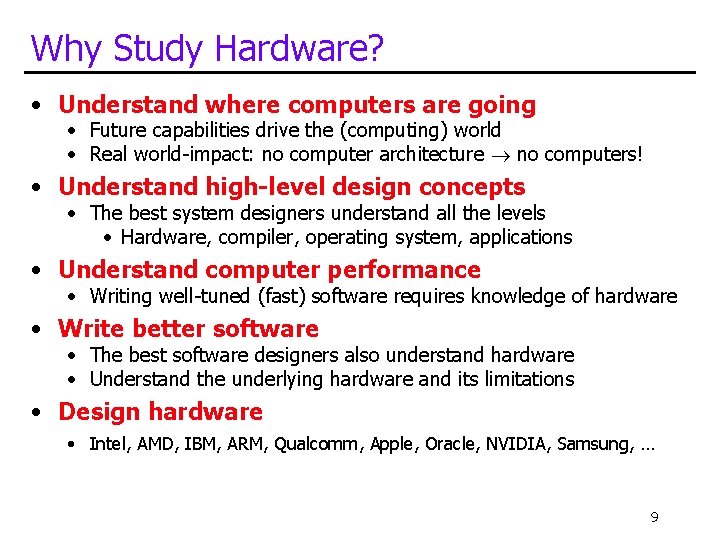
Why Study Hardware? • Understand where computers are going • Future capabilities drive the (computing) world • Real world-impact: no computer architecture no computers! • Understand high-level design concepts • The best system designers understand all the levels • Hardware, compiler, operating system, applications • Understand computer performance • Writing well-tuned (fast) software requires knowledge of hardware • Write better software • The best software designers also understand hardware • Understand the underlying hardware and its limitations • Design hardware • Intel, AMD, IBM, ARM, Qualcomm, Apple, Oracle, NVIDIA, Samsung, … 9
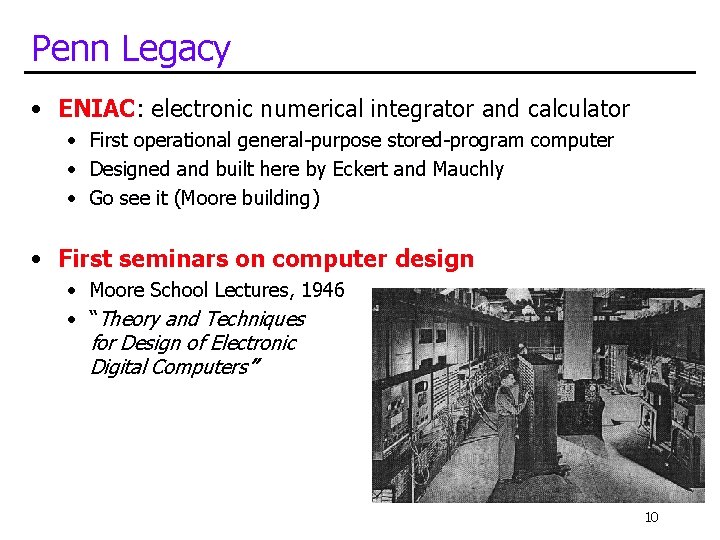
Penn Legacy • ENIAC: electronic numerical integrator and calculator • First operational general-purpose stored-program computer • Designed and built here by Eckert and Mauchly • Go see it (Moore building) • First seminars on computer design • Moore School Lectures, 1946 • “Theory and Techniques for Design of Electronic Digital Computers” 10
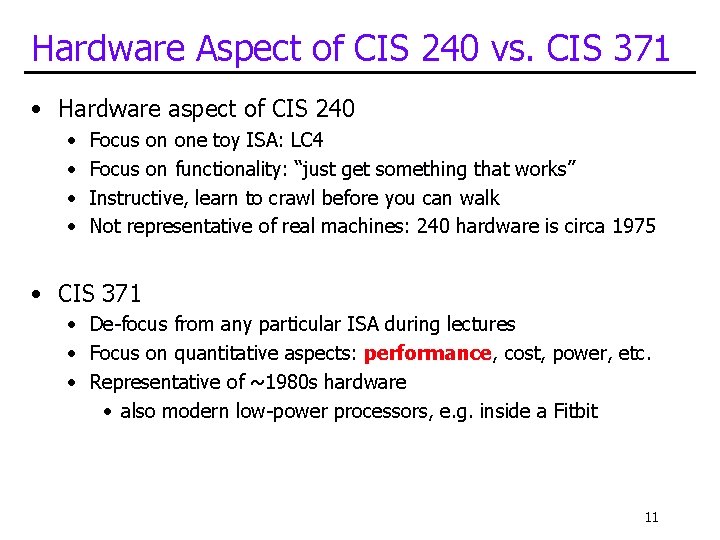
Hardware Aspect of CIS 240 vs. CIS 371 • Hardware aspect of CIS 240 • • Focus on one toy ISA: LC 4 Focus on functionality: “just get something that works” Instructive, learn to crawl before you can walk Not representative of real machines: 240 hardware is circa 1975 • CIS 371 • De-focus from any particular ISA during lectures • Focus on quantitative aspects: performance, cost, power, etc. • Representative of ~1980 s hardware • also modern low-power processors, e. g. inside a Fitbit 11
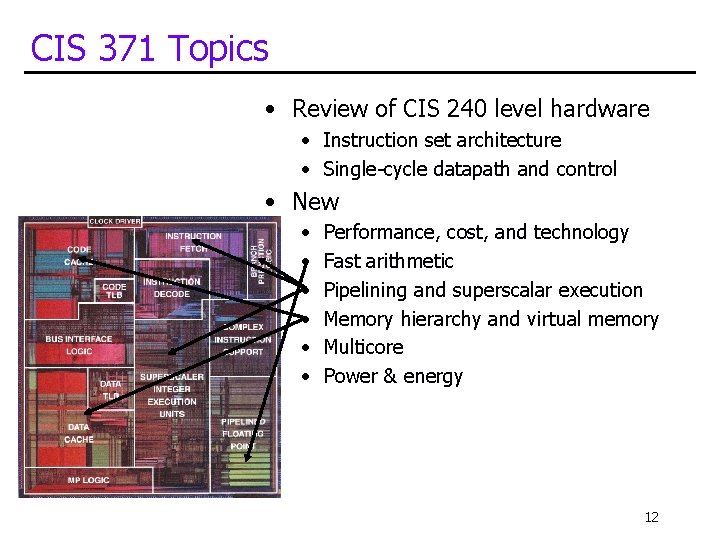
CIS 371 Topics • Review of CIS 240 level hardware • Instruction set architecture • Single-cycle datapath and control • New • • • Performance, cost, and technology Fast arithmetic Pipelining and superscalar execution Memory hierarchy and virtual memory Multicore Power & energy 12
Course Goals • Three primary goals • Understand key hardware concepts • Pipelining, parallelism, caching, locality, abstraction, etc. • Hands-on design lab • A bit of scientific/experimental exposure and analysis • Not found too many other places in the major 13
CIS 371 Administrivia • Instructor • Joe Devietti (devietti@seas), Levine 572 • TAs • • Samantha Caby Matthew Cohen Vivian Ge John Harkins Benjamin Judd Mauricio Mutai Natasha Narang 14
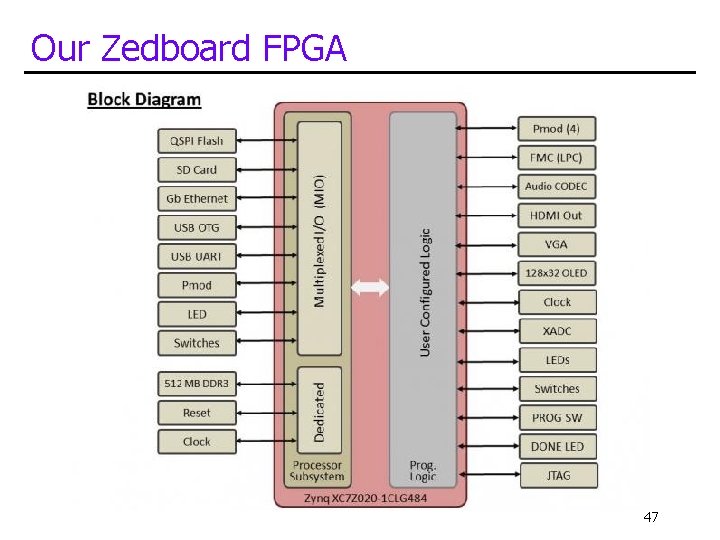
The CIS 371 Lab • Lab project • “Build your own processor” (pipelined 16 -bit CPU for LC 4) • Use Verilog HDL (hardware description language) • Programming language compiles to gates/wires not insns • Implement and test on FPGA (field-programmable gate array) + Instructive: learn by doing + Satisfying: “look, I built my own processor” 15
Lab 1 Demo 16
Lab Logistics • K-Lab: Moore 204 and Moore 207 • Home of the boards, computers, and later in semester … you • Good news/bad news: 24 hour access • “Lab” TA office hours, project demos here, too • Tools • Xilinx Vivado • Logistics • All projects must run on the boards in the lab • Development and simulation can be done before final testing on the board • Boards can be checked out during TA office hours for use in the lab only 17
CIS 371 Resources • Course web site • Everything is at http: //www. cis. upenn. edu/~cis 371 (syllabus, lectures, homework, submission, grades, etc. ) • “Piazza”: announcements, questions & discussion • Sign-up link on the course web site • The way to ask questions/clarifications • Can post to just me & TAs or anonymous to class • As a general rule, don't email me directly • Sign-up required! • Textbook • P+H, Computer Organization and Design, 4 th or 5 th edition (~$80) • Reese & Thornton, Intro to Logic Synthesis using Verilog HDL • Both available free online! See course homepage for links 18
CIS 371 is in many ways a class about debugging 19
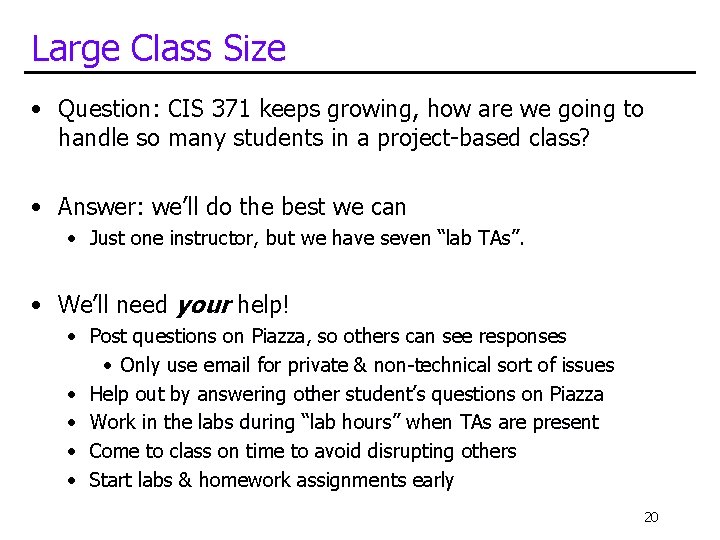
Large Class Size • Question: CIS 371 keeps growing, how are we going to handle so many students in a project-based class? • Answer: we’ll do the best we can • Just one instructor, but we have seven “lab TAs”. • We’ll need your help! • Post questions on Piazza, so others can see responses • Only use email for private & non-technical sort of issues • Help out by answering other student’s questions on Piazza • Work in the labs during “lab hours” when TAs are present • Come to class on time to avoid disrupting others • Start labs & homework assignments early 20
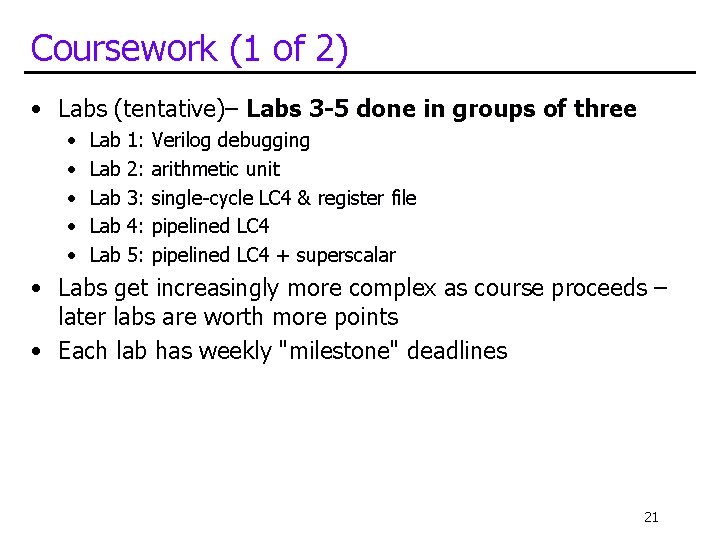
Coursework (1 of 2) • Labs (tentative)– Labs 3 -5 done in groups of three • • • Lab Lab Lab 1: 2: 3: 4: 5: Verilog debugging arithmetic unit single-cycle LC 4 & register file pipelined LC 4 + superscalar • Labs get increasingly more complex as course proceeds – later labs are worth more points • Each lab has weekly "milestone" deadlines 21
Getting stuff to work • This isn’t kindergarten so there is no such thing as an A for effort. • Your goal should be to get your lab assignments to work correctly; • non-working projects are likely to receive non-working grades. 22
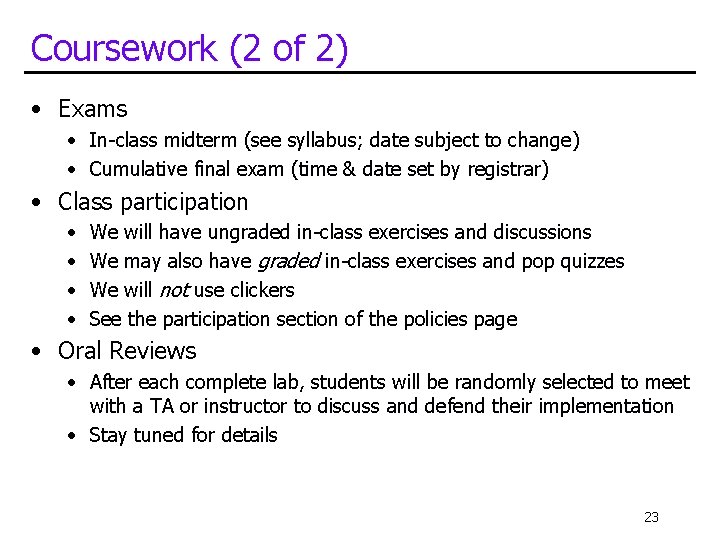
Coursework (2 of 2) • Exams • In-class midterm (see syllabus; date subject to change) • Cumulative final exam (time & date set by registrar) • Class participation • • We will have ungraded in-class exercises and discussions We may also have graded in-class exercises and pop quizzes We will not use clickers See the participation section of the policies page • Oral Reviews • After each complete lab, students will be randomly selected to meet with a TA or instructor to discuss and defend their implementation • Stay tuned for details 23
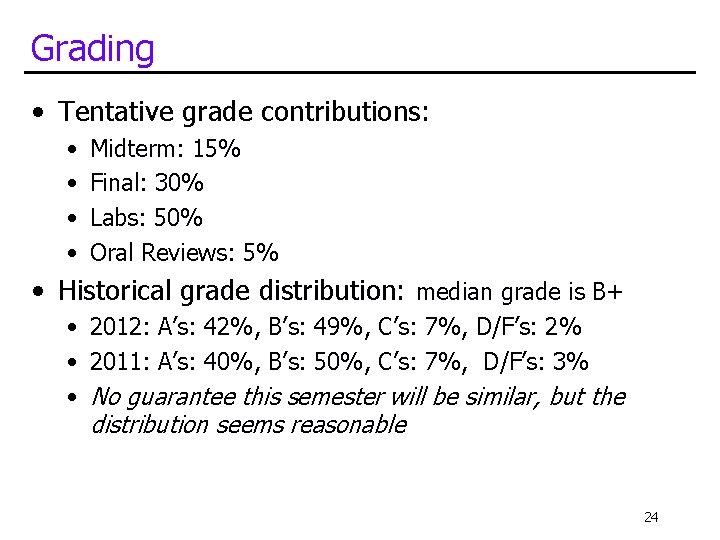
Grading • Tentative grade contributions: • • Midterm: 15% Final: 30% Labs: 50% Oral Reviews: 5% • Historical grade distribution: median grade is B+ • 2012: A’s: 42%, B’s: 49%, C’s: 7%, D/F’s: 2% • 2011: A’s: 40%, B’s: 50%, C’s: 7%, D/F’s: 3% • No guarantee this semester will be similar, but the distribution seems reasonable 24
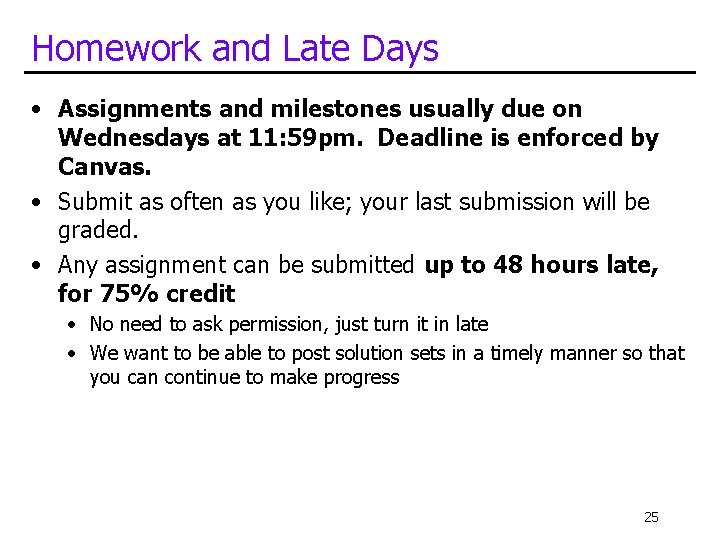
Homework and Late Days • Assignments and milestones usually due on Wednesdays at 11: 59 pm. Deadline is enforced by Canvas. • Submit as often as you like; your last submission will be graded. • Any assignment can be submitted up to 48 hours late, for 75% credit • No need to ask permission, just turn it in late • We want to be able to post solution sets in a timely manner so that you can continue to make progress 25
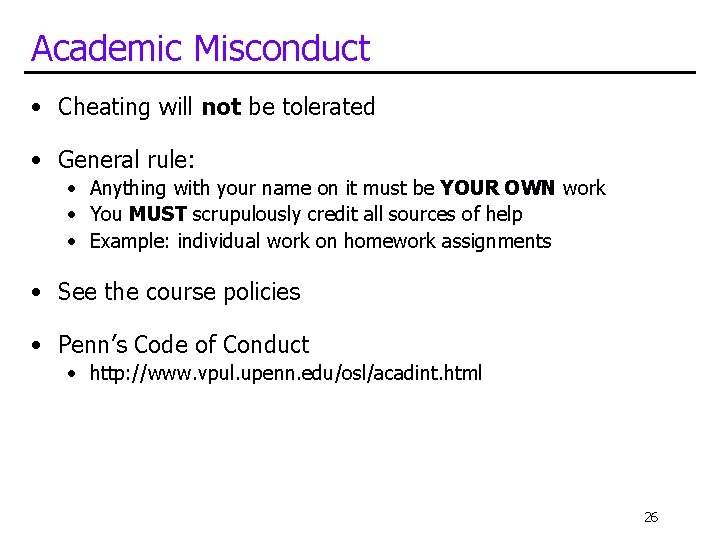
Academic Misconduct • Cheating will not be tolerated • General rule: • Anything with your name on it must be YOUR OWN work • You MUST scrupulously credit all sources of help • Example: individual work on homework assignments • See the course policies • Penn’s Code of Conduct • http: //www. vpul. upenn. edu/osl/acadint. html 26
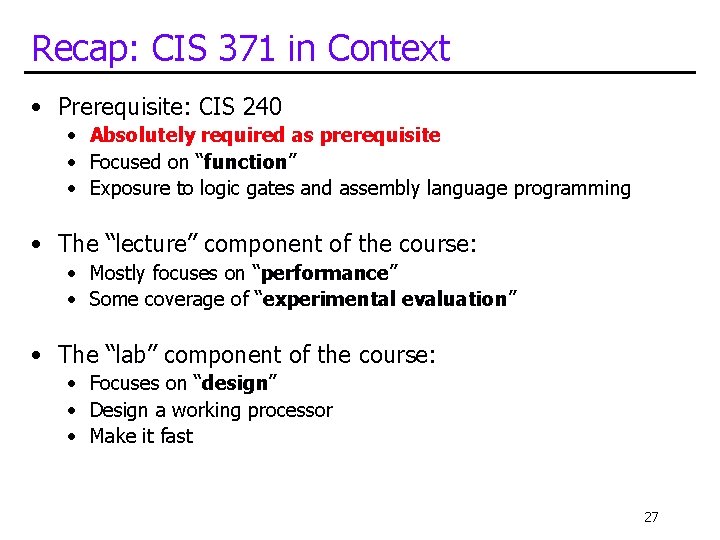
Recap: CIS 371 in Context • Prerequisite: CIS 240 • Absolutely required as prerequisite • Focused on “function” • Exposure to logic gates and assembly language programming • The “lecture” component of the course: • Mostly focuses on “performance” • Some coverage of “experimental evaluation” • The “lab” component of the course: • Focuses on “design” • Design a working processor • Make it fast 27
Any other questions? 28
What is Computer Organization? 29
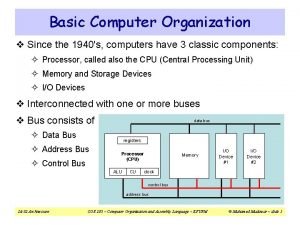
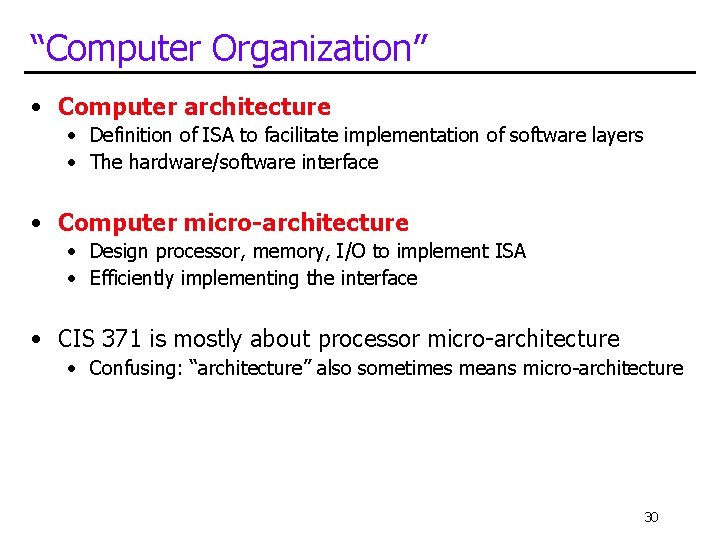
“Computer Organization” • Computer architecture • Definition of ISA to facilitate implementation of software layers • The hardware/software interface • Computer micro-architecture • Design processor, memory, I/O to implement ISA • Efficiently implementing the interface • CIS 371 is mostly about processor micro-architecture • Confusing: “architecture” also sometimes means micro-architecture 30
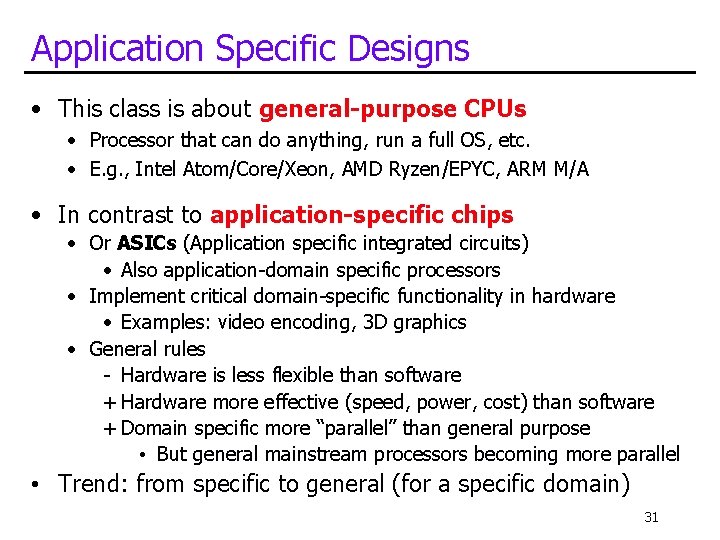
Application Specific Designs • This class is about general-purpose CPUs • Processor that can do anything, run a full OS, etc. • E. g. , Intel Atom/Core/Xeon, AMD Ryzen/EPYC, ARM M/A • In contrast to application-specific chips • Or ASICs (Application specific integrated circuits) • Also application-domain specific processors • Implement critical domain-specific functionality in hardware • Examples: video encoding, 3 D graphics • General rules - Hardware is less flexible than software + Hardware more effective (speed, power, cost) than software + Domain specific more “parallel” than general purpose • But general mainstream processors becoming more parallel • Trend: from specific to general (for a specific domain) 31
Technology Trends 32
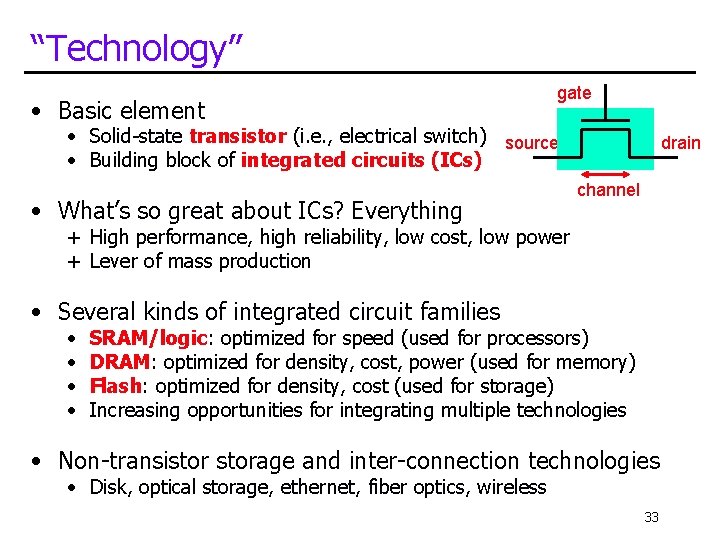
“Technology” • Basic element gate • Solid-state transistor (i. e. , electrical switch) source • Building block of integrated circuits (ICs) • What’s so great about ICs? Everything drain channel + High performance, high reliability, low cost, low power + Lever of mass production • Several kinds of integrated circuit families • • SRAM/logic: optimized for speed (used for processors) DRAM: optimized for density, cost, power (used for memory) Flash: optimized for density, cost (used for storage) Increasing opportunities for integrating multiple technologies • Non-transistorage and inter-connection technologies • Disk, optical storage, ethernet, fiber optics, wireless 33
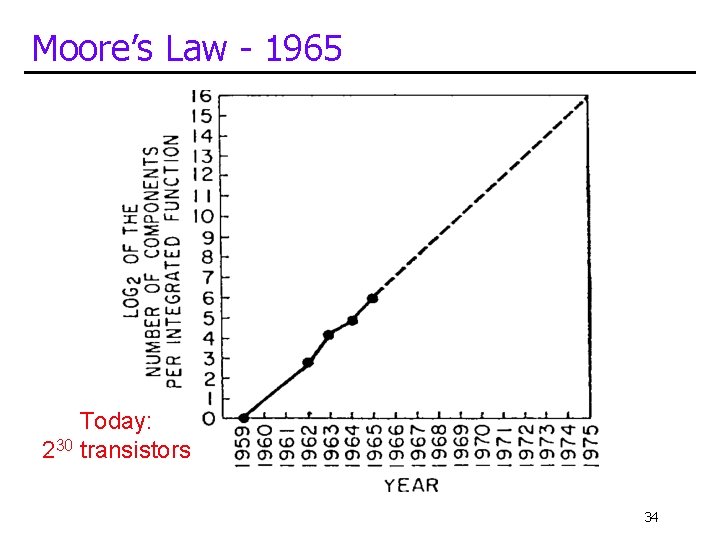
Moore’s Law - 1965 Today: 230 transistors 34
Technology Trends • Moore’s Law • Continued (though slowing!) transistor miniaturization • Some technology-based ramifications • • • Absolute improvements in density, speed, power, costs SRAM/logic: density: ~30% (annual), speed: ~20% DRAM: density: ~60%, speed: ~4% Disk: density: ~60%, speed: ~10% (non-transistor) Big improvements in flash memory and network bandwidth, too • Changing quickly and with respect to each other!! • Example: density increases faster than speed • Trade-offs are constantly changing • Re-evaluate/re-design for each technology generation 35
Technology Change Drives Everything • Computers get 10 x faster, smaller, cheaper every 5 -6 years! • A 10 x quantitative change is qualitative change • Plane is 10 x faster than car, and fundamentally different travel mode • New applications become self-sustaining market segments • Recent examples: mobile phones, digital cameras, mp 3 players, etc. • Low-level improvements appear as discrete high-level jumps • Capabilities cross thresholds, enabling new applications and uses 36
Revolution I: The Microprocessor • Microprocessor revolution • • One significant technology threshold was crossed in 1970 s Enough transistors (~25 K) to put a 16 -bit processor on one chip Huge performance advantages: fewer slow chip-crossings Even bigger cost advantages: one “stamped-out” component • Microprocessors have allowed new market segments • Desktops, CD/DVD players, laptops, game consoles, set-top boxes, mobile phones, digital camera, mp 3 players, GPS, automotive • And replaced incumbents in existing segments • Microprocessor-based system replaced supercomputers, “mainframes”, “minicomputers”, etc. 37
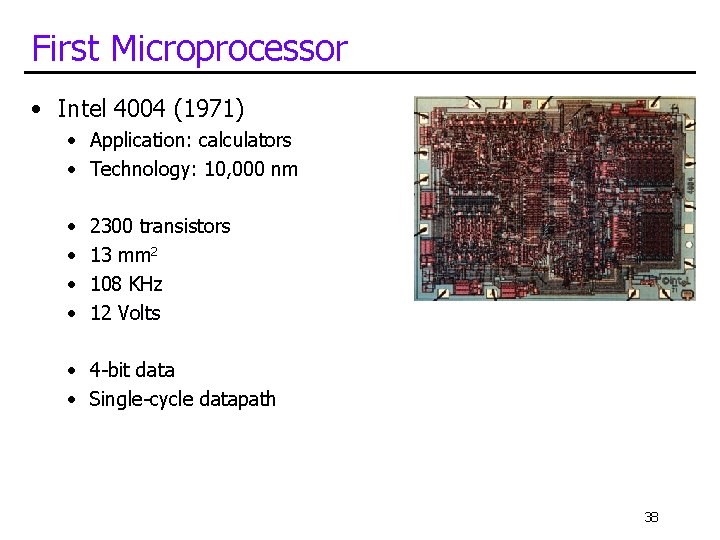
First Microprocessor • Intel 4004 (1971) • Application: calculators • Technology: 10, 000 nm • • 2300 transistors 13 mm 2 108 KHz 12 Volts • 4 -bit data • Single-cycle datapath 38
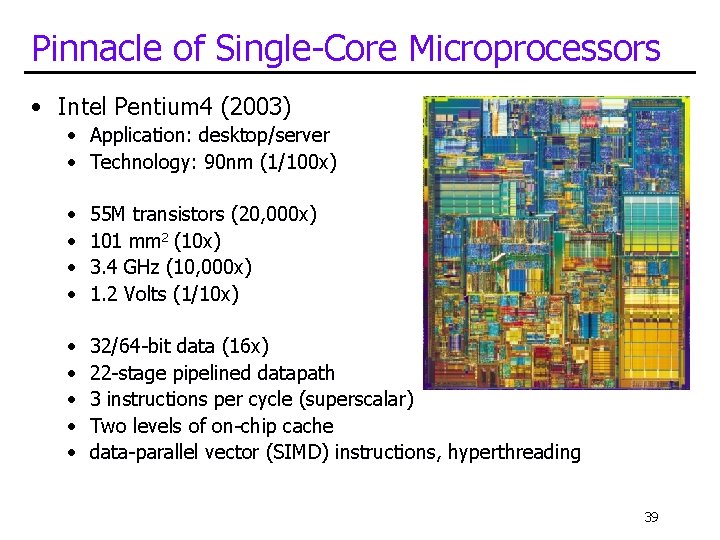
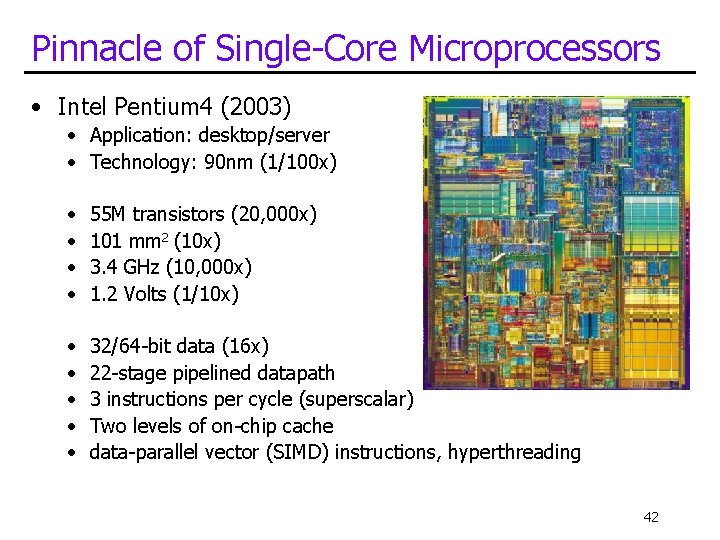
Pinnacle of Single-Core Microprocessors • Intel Pentium 4 (2003) • Application: desktop/server • Technology: 90 nm (1/100 x) • • 55 M transistors (20, 000 x) 101 mm 2 (10 x) 3. 4 GHz (10, 000 x) 1. 2 Volts (1/10 x) • • • 32/64 -bit data (16 x) 22 -stage pipelined datapath 3 instructions per cycle (superscalar) Two levels of on-chip cache data-parallel vector (SIMD) instructions, hyperthreading 39
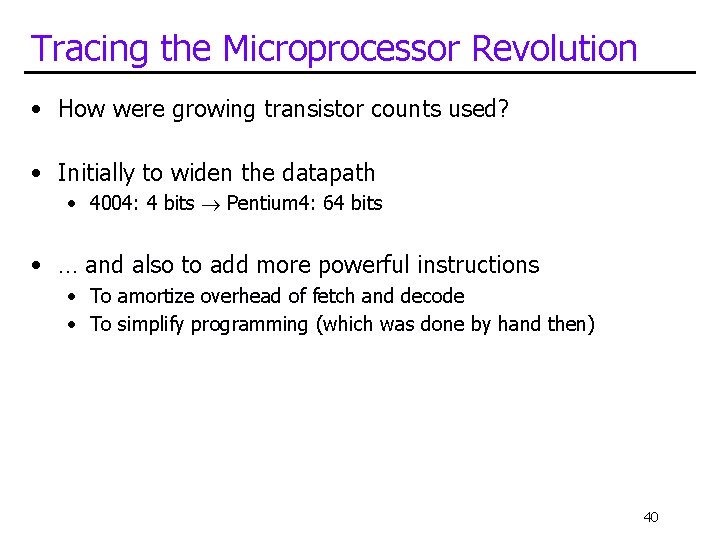
Tracing the Microprocessor Revolution • How were growing transistor counts used? • Initially to widen the datapath • 4004: 4 bits Pentium 4: 64 bits • … and also to add more powerful instructions • To amortize overhead of fetch and decode • To simplify programming (which was done by hand then) 40
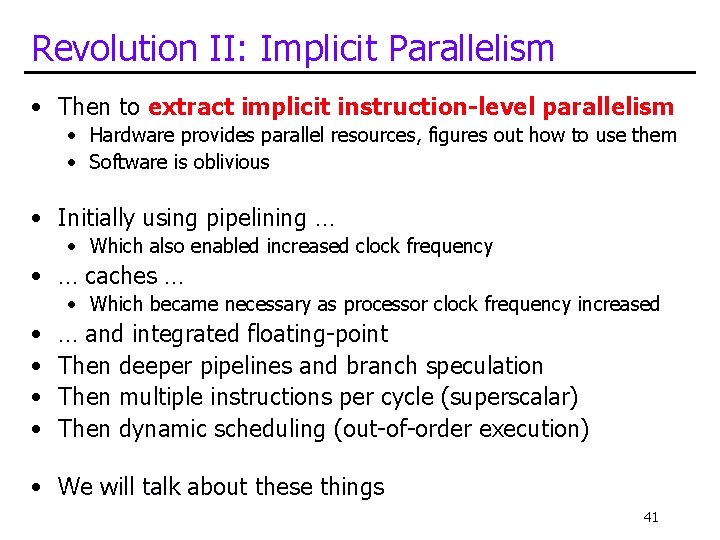
Revolution II: Implicit Parallelism • Then to extract implicit instruction-level parallelism • Hardware provides parallel resources, figures out how to use them • Software is oblivious • Initially using pipelining … • Which also enabled increased clock frequency • … caches … • Which became necessary as processor clock frequency increased • • … and integrated floating-point Then deeper pipelines and branch speculation Then multiple instructions per cycle (superscalar) Then dynamic scheduling (out-of-order execution) • We will talk about these things 41
Pinnacle of Single-Core Microprocessors • Intel Pentium 4 (2003) • Application: desktop/server • Technology: 90 nm (1/100 x) • • 55 M transistors (20, 000 x) 101 mm 2 (10 x) 3. 4 GHz (10, 000 x) 1. 2 Volts (1/10 x) • • • 32/64 -bit data (16 x) 22 -stage pipelined datapath 3 instructions per cycle (superscalar) Two levels of on-chip cache data-parallel vector (SIMD) instructions, hyperthreading 42
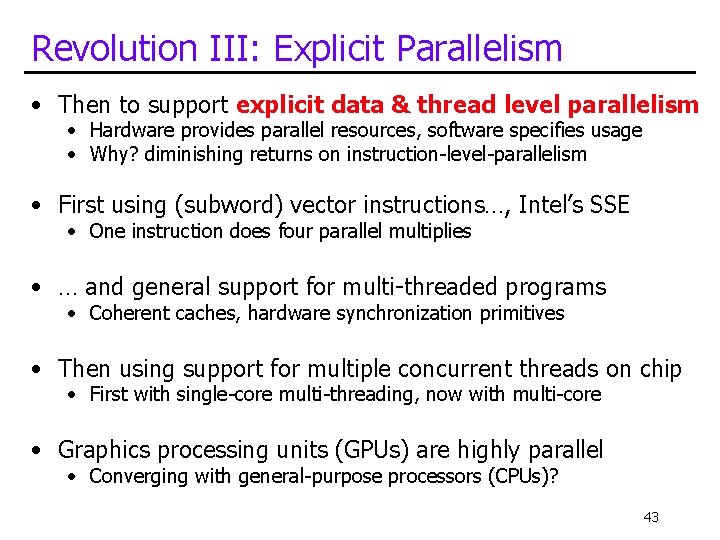
Revolution III: Explicit Parallelism • Then to support explicit data & thread level parallelism • Hardware provides parallel resources, software specifies usage • Why? diminishing returns on instruction-level-parallelism • First using (subword) vector instructions…, Intel’s SSE • One instruction does four parallel multiplies • … and general support for multi-threaded programs • Coherent caches, hardware synchronization primitives • Then using support for multiple concurrent threads on chip • First with single-core multi-threading, now with multi-core • Graphics processing units (GPUs) are highly parallel • Converging with general-purpose processors (CPUs)? 43
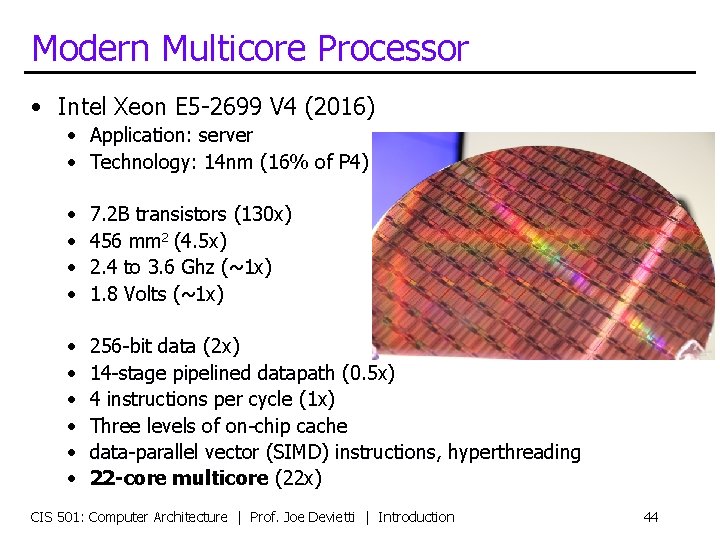
Modern Multicore Processor • Intel Xeon E 5 -2699 V 4 (2016) • Application: server • Technology: 14 nm (16% of P 4) • • 7. 2 B transistors (130 x) 456 mm 2 (4. 5 x) 2. 4 to 3. 6 Ghz (~1 x) 1. 8 Volts (~1 x) • • • 256 -bit data (2 x) 14 -stage pipelined datapath (0. 5 x) 4 instructions per cycle (1 x) Three levels of on-chip cache data-parallel vector (SIMD) instructions, hyperthreading 22 -core multicore (22 x) CIS 501: Computer Architecture | Prof. Joe Devietti | Introduction 44
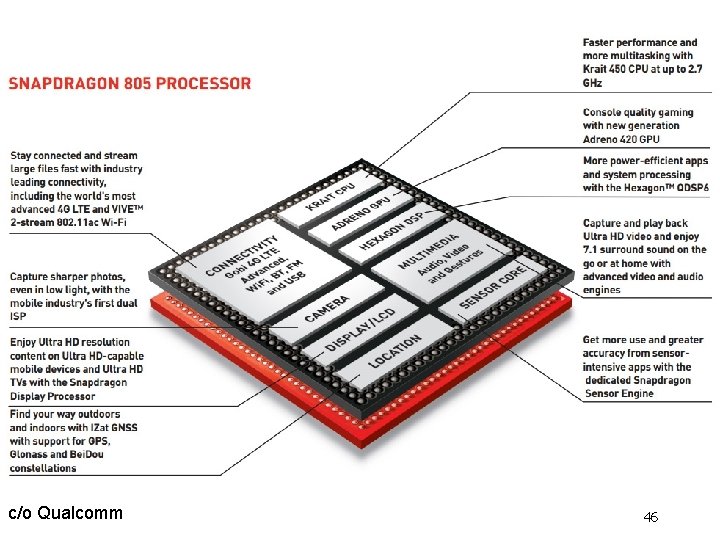
Revolution IV: Heterogeneous Processing • Combining multiple kinds of compute engines in one die • not just homogenous collection of cores • System-on-Chip (So. C) is one common example in mobile space • Lots of stuff on the chip beyond just CPUs • Graphics Processing Units (GPUs) • throughput-oriented specialized multicore processors • good for gaming, machine learning, computer vision, … • Special-purpose logic • media codecs, radios, encryption, compression, machine learning • Excellent energy efficiency and performance • extremely complicated to program! CIS 501: Computer Architecture | Prof. Joe Devietti | Introduction 45
c/o Qualcomm 46
Our Zedboard FPGA 47
Technology Disruptions • Classic examples: • The transistor • Microprocessor • More recent examples: • Multicore processors • Flash-based solid-state storage • Near-term potentially disruptive technologies: • Phase-change memory (non-volatile memory) • Chip stacking (also called 3 D die stacking) • Disruptive “end-of-scaling” • “If something can’t go on forever, it must stop eventually” • Can we continue to shrink transistors for ever? • Even if more transistors, not getting as energy efficient as fast 48
Managing This Mess • Architect must consider all factors • Goals/constraints, applications, implementation technology • Questions • How to deal with all of these inputs? • How to manage changes? • Answers • • Accrued institutional knowledge (stand on each other’s shoulders) Experience, rules of thumb Discipline: clearly defined end state, keep your eyes on the ball Abstraction and layering 49
Themes • Parallelism • How do we enhance system performance by doing multiple things at once. • This happens at multiple levels: Instruction Level Parallelism, multicore, GPU • How do we accelerate access to data • Exploiting locality of reference, building storage hierarchies and caches • Try to provide the illusion of a single large, fast memory 50