
CMPT 371 Data Communications and Networking Fall 2004
- Slides: 40
CMPT 371 Data Communications and Networking Fall 2004
Outline Ø Course information r What is network? r A brief introduction to the Internet’s m past m present r Summary 2
Course Information r Instructor: m Jiangchuan (JC) LIU Room 10826, Applied Science Building m E-mail: jcliu@cs. sfu. ca Tel: 604 -291 -4336 m Office Hours: TBD (Wed afternoon ? ) m E-mail is the best way to communicate with me r TA(s) m Zhengbing Bian ( zbian@cs. sfu. ca ) 3
Course Information r Time & Venue m Wednesday 17: 30 -20: 20 pm m RC Brown 8100 r There will be one or two breaks 4
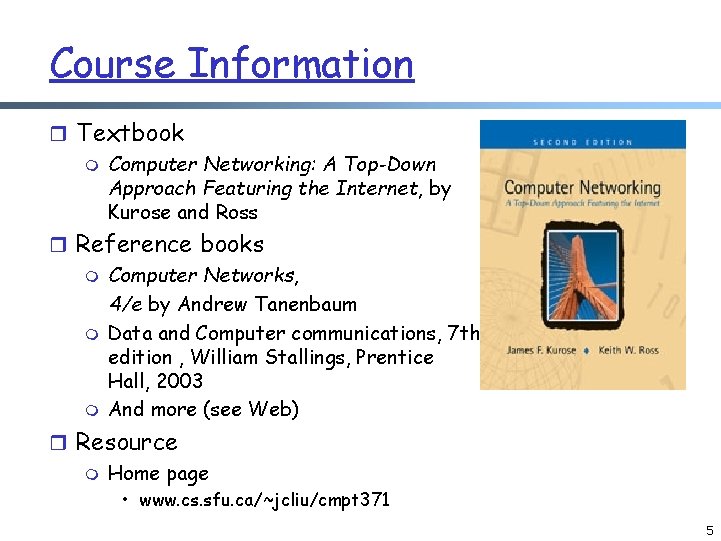
Course Information r Textbook m Computer Networking: A Top-Down Approach Featuring the Internet, by Kurose and Ross r Reference books m Computer Networks, 4/e by Andrew Tanenbaum m Data and Computer communications, 7 th edition , William Stallings, Prentice Hall, 2003 m And more (see Web) r Resource m Home page • www. cs. sfu. ca/~jcliu/cmpt 371 5
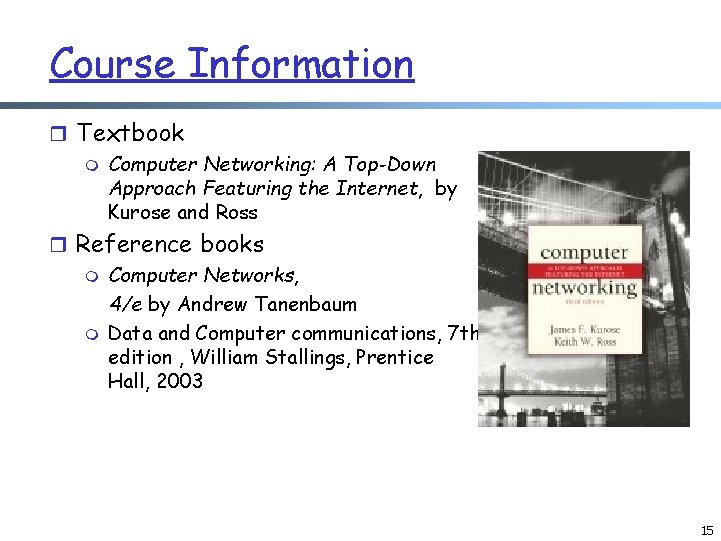
Course Information r Textbook m Computer Networking: A Top-Down Approach Featuring the Internet, by Kurose and Ross r Why using this book ? m New content – this is a fast-changing area m But more important, new structure and target Top-down Featuring the Internet 6
What Are the Goals Of This Course? r Understand how Internet works m Its philosophy m Its protocols and mechanisms r Learn network programming r Have fun! m Are you happy with no Internet access in your life ? 7
What Will We Cover? (Tentative schedule) r Introduction (1. 5 – 2 weeks) m Internet architecture and design philosophy r Applications (2 -3 weeks) m HTTP, Email, DNS r transport services (2 -3 weeks) m reliability; congestion control; transport protocols: TCP/UDP r network services (2 -3 weeks) m routing; network protocols: IP/IPv 6 r link and physical layers (2 -3 weeks) m multiple access; Ethernet, FDDI, hubs and bridges 8
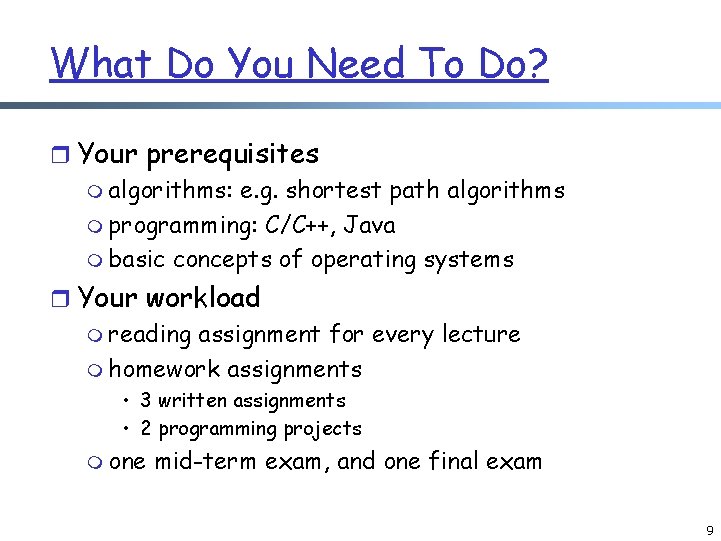
What Do You Need To Do? r Your prerequisites m algorithms: e. g. shortest path algorithms m programming: C/C++, Java m basic concepts of operating systems r Your workload m reading assignment for every lecture m homework assignments • 3 written assignments • 2 programming projects m one mid-term exam, and one final exam 9
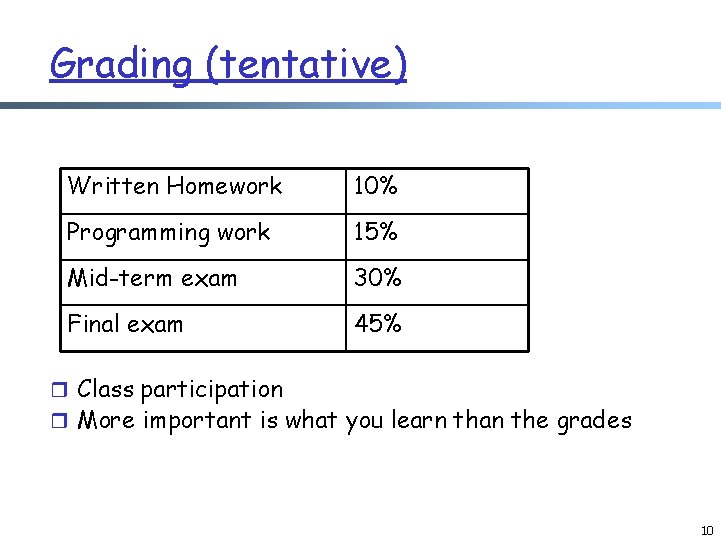
Grading (tentative) Written Homework 10% Programming work 15% Mid-term exam 30% Final exam 45% r Class participation r More important is what you learn than the grades 10
Questions?
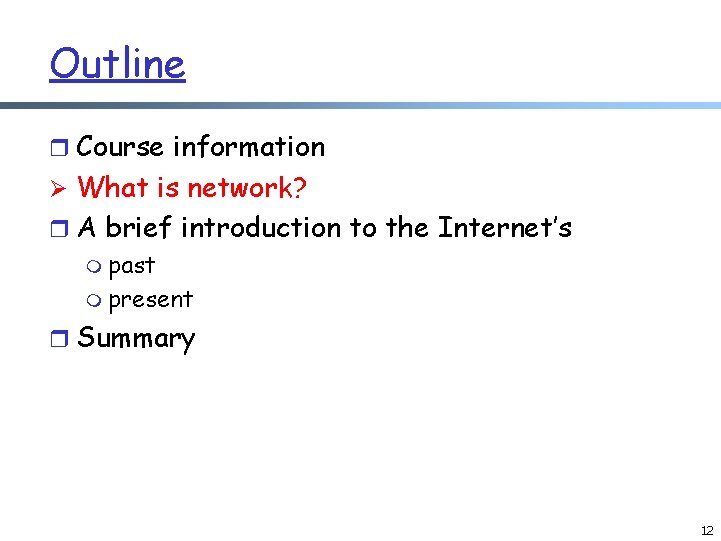
Outline r Course information Ø What is network? r A brief introduction to the Internet’s m past m present r Summary 12
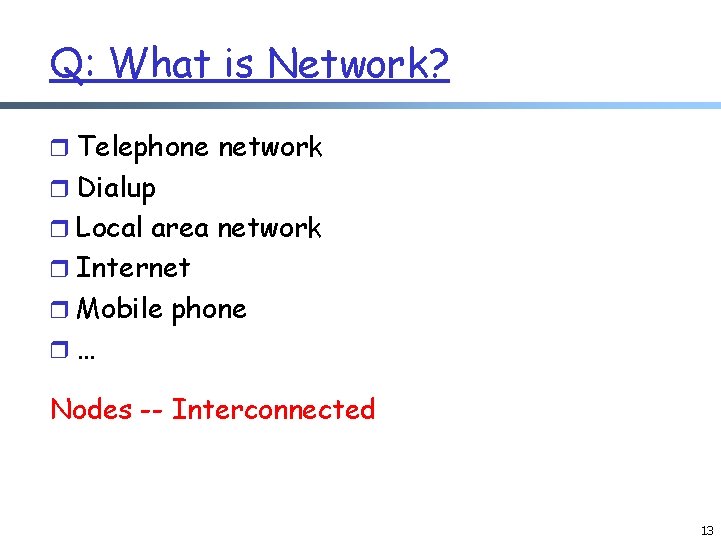
Q: What is Network? r Telephone network r Dialup r Local area network r Internet r Mobile phone r… Nodes -- Interconnected 13
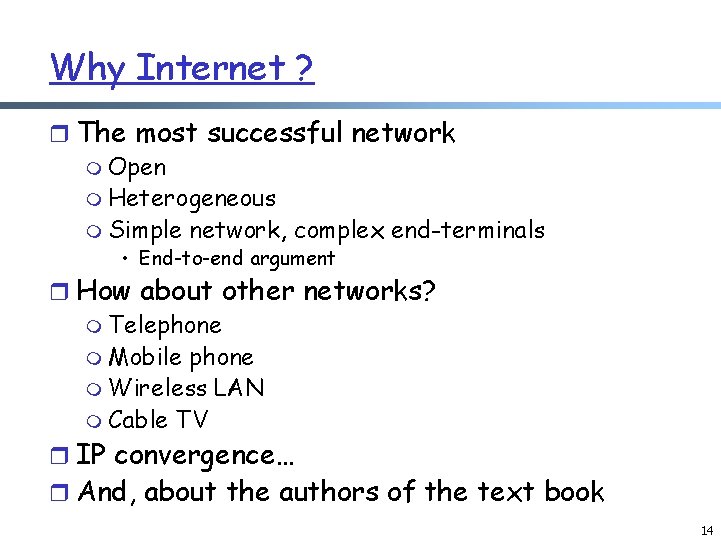
Why Internet ? r The most successful network m Open m Heterogeneous m Simple network, complex end-terminals • End-to-end argument r How about other networks? m Telephone m Mobile phone m Wireless LAN m Cable TV r IP convergence… r And, about the authors of the text book 14
Course Information r Textbook m Computer Networking: A Top-Down Approach Featuring the Internet, by Kurose and Ross r Reference books m Computer Networks, 4/e by Andrew Tanenbaum m Data and Computer communications, 7 th edition , William Stallings, Prentice Hall, 2003 15
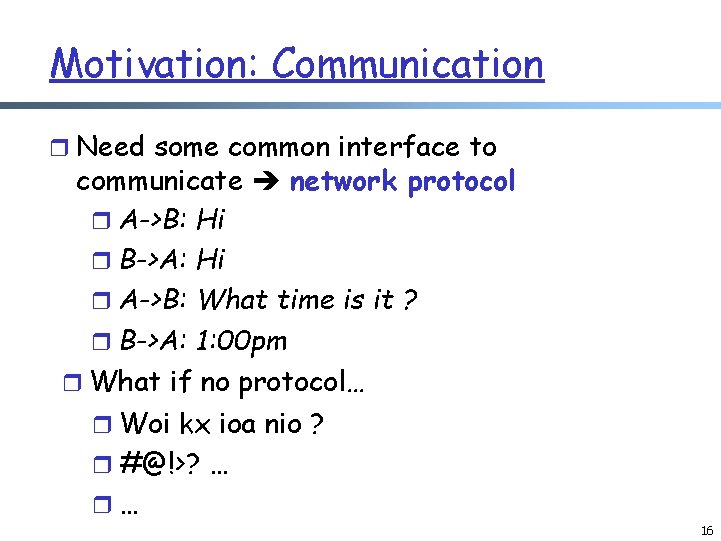
Motivation: Communication r Need some common interface to communicate network protocol r A->B: Hi r B->A: Hi r A->B: What time is it ? r B->A: 1: 00 pm r What if no protocol… r Woi kx ioa nio ? r #@!>? … r… 16
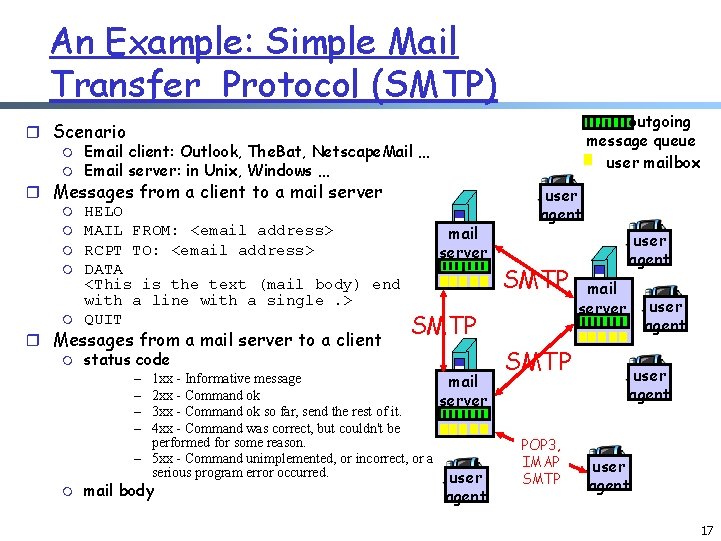
An Example: Simple Mail Transfer Protocol (SMTP) r Scenario m Email client: Outlook, The. Bat, Netscape. Mail … m Email server: in Unix, Windows … r Messages from a client to a mail server m HELO m MAIL FROM: <email address> mail m RCPT TO: <email address> server m DATA <This is the text (mail body) end with a line with a single. > m QUIT SMTP r Messages from a mail server to a client m status code – 1 xx - Informative message mail – 2 xx - Command ok server – 3 xx - Command ok so far, send the rest of it. – 4 xx - Command was correct, but couldn't be performed for some reason. – 5 xx - Command unimplemented, or incorrect, or a serious program error occurred. m mail body user agent outgoing message queue user mailbox user agent SMTP POP 3, IMAP SMTP user agent mail server user agent 17
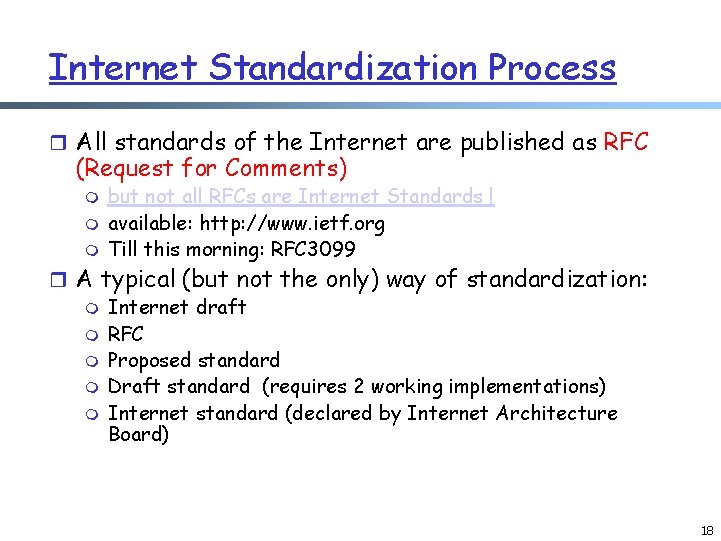
Internet Standardization Process r All standards of the Internet are published as RFC (Request for Comments) m m m but not all RFCs are Internet Standards ! available: http: //www. ietf. org Till this morning: RFC 3099 r A typical (but not the only) way of standardization: m Internet draft m RFC m Proposed standard m Draft standard (requires 2 working implementations) m Internet standard (declared by Internet Architecture Board) 18
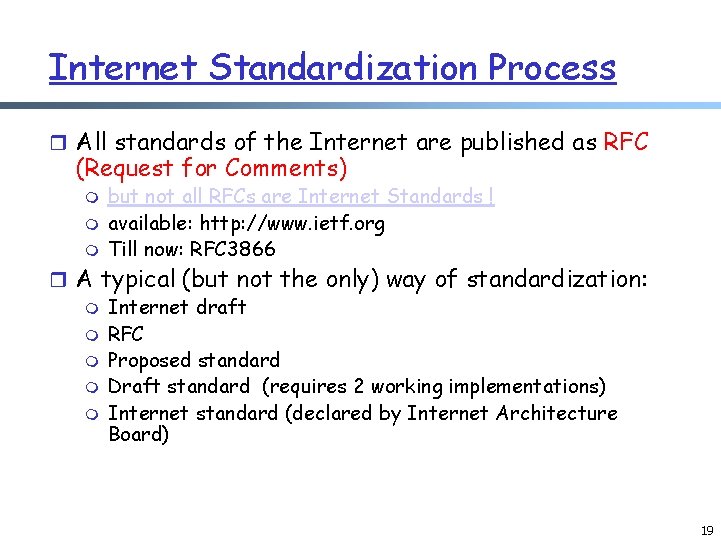
Internet Standardization Process r All standards of the Internet are published as RFC (Request for Comments) m m m but not all RFCs are Internet Standards ! available: http: //www. ietf. org Till now: RFC 3866 r A typical (but not the only) way of standardization: m Internet draft m RFC m Proposed standard m Draft standard (requires 2 working implementations) m Internet standard (declared by Internet Architecture Board) 19
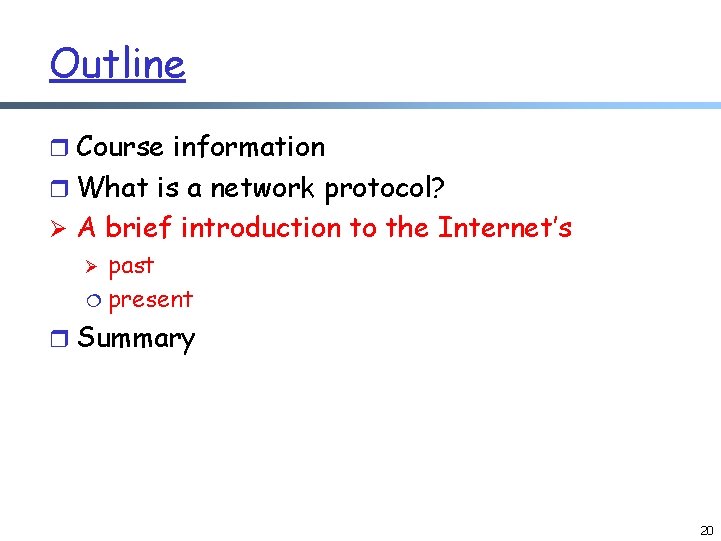
Outline r Course information r What is a network protocol? Ø A brief introduction to the Internet’s Ø past ¦ present r Summary 20
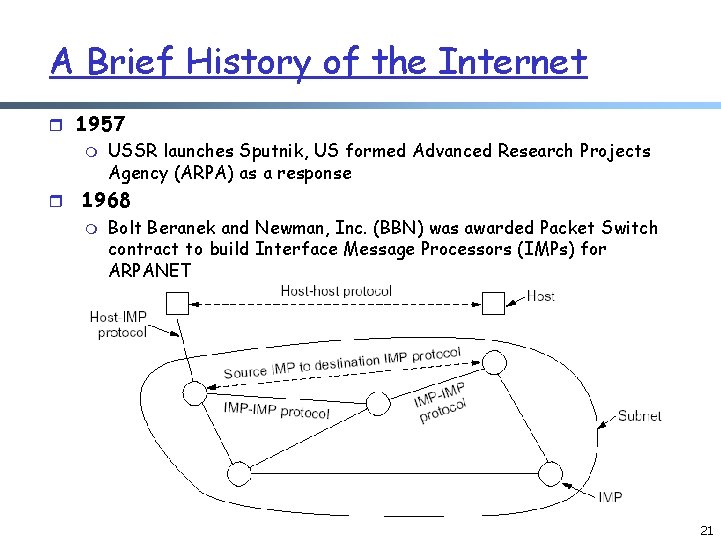
A Brief History of the Internet r 1957 m USSR launches Sputnik, US formed Advanced Research Projects Agency (ARPA) as a response r 1968 m Bolt Beranek and Newman, Inc. (BBN) was awarded Packet Switch contract to build Interface Message Processors (IMPs) for ARPANET 21
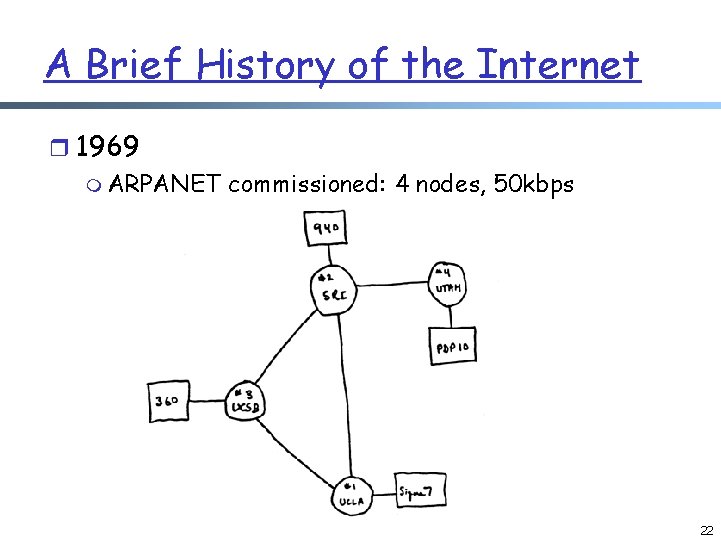
A Brief History of the Internet r 1969 m ARPANET commissioned: 4 nodes, 50 kbps 22
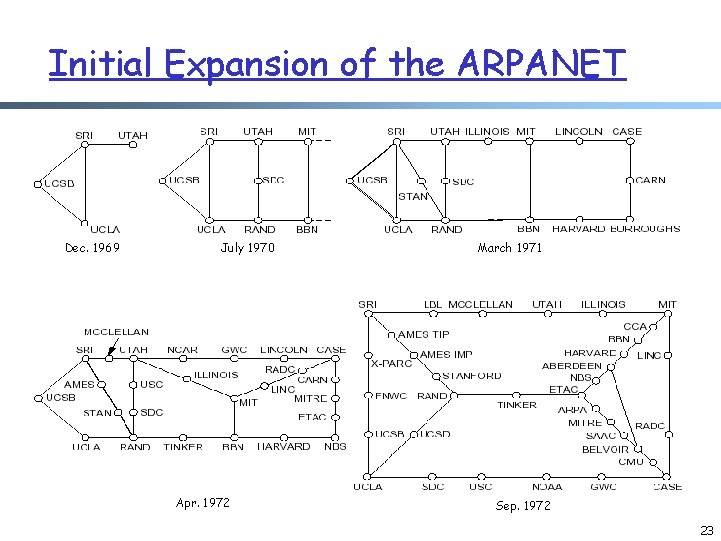
Initial Expansion of the ARPANET Dec. 1969 July 1970 Apr. 1972 March 1971 Sep. 1972 23
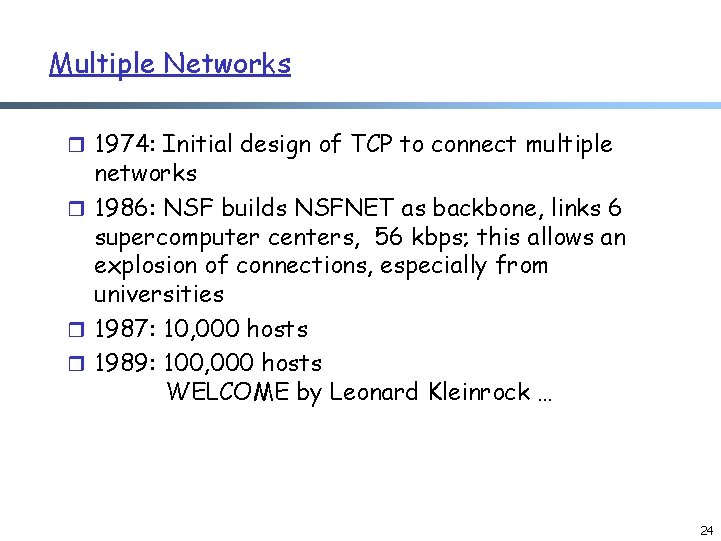
Multiple Networks r 1974: Initial design of TCP to connect multiple networks r 1986: NSF builds NSFNET as backbone, links 6 supercomputer centers, 56 kbps; this allows an explosion of connections, especially from universities r 1987: 10, 000 hosts r 1989: 100, 000 hosts WELCOME by Leonard Kleinrock … 24
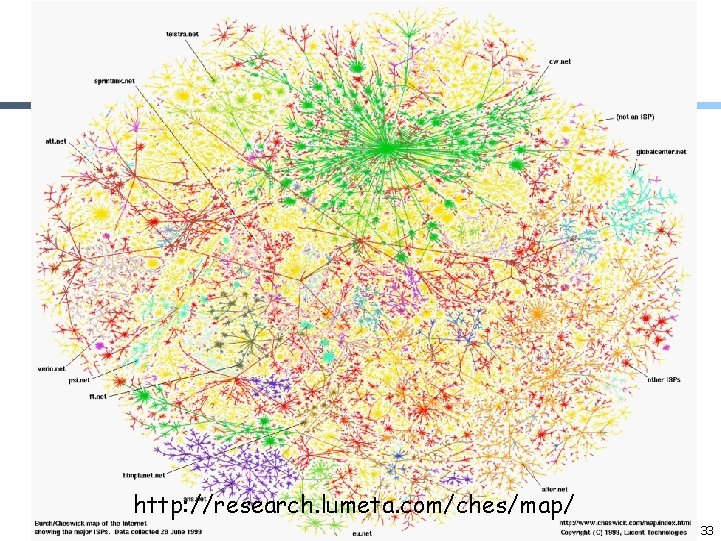
Web and Commercialization of the Internet r 1991: NSF lifts restrictions on the commercial use of the Net; World Wide Web released r 1992: 1 million hosts r Today: backbones run at 10 Gbps, 100 s millions computers in 150 countries r Internet history and Timeline m http: //www. zakon. org/robert/internet/timeline/ 25
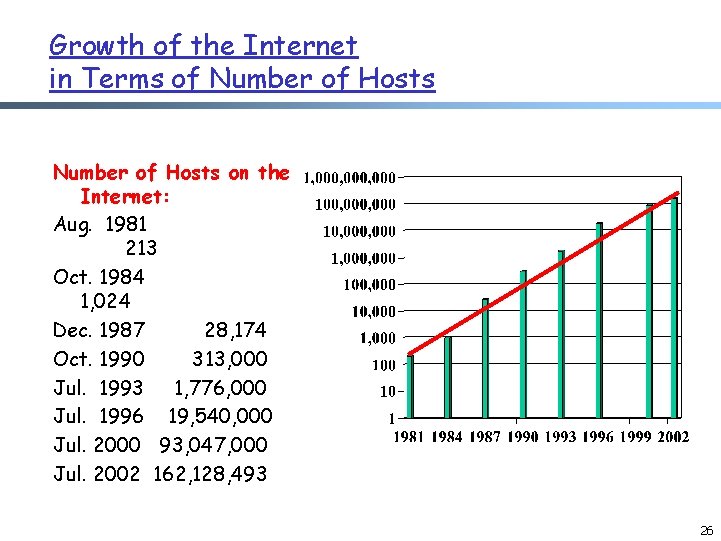
Growth of the Internet in Terms of Number of Hosts on the Internet: Aug. 1981 213 Oct. 1984 1, 024 Dec. 1987 28, 174 Oct. 1990 313, 000 Jul. 1993 1, 776, 000 Jul. 1996 19, 540, 000 Jul. 2000 93, 047, 000 Jul. 2002 162, 128, 493 26
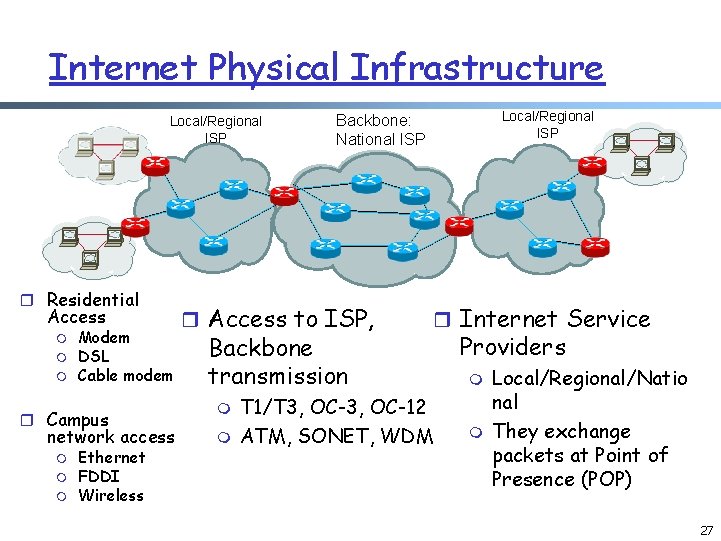
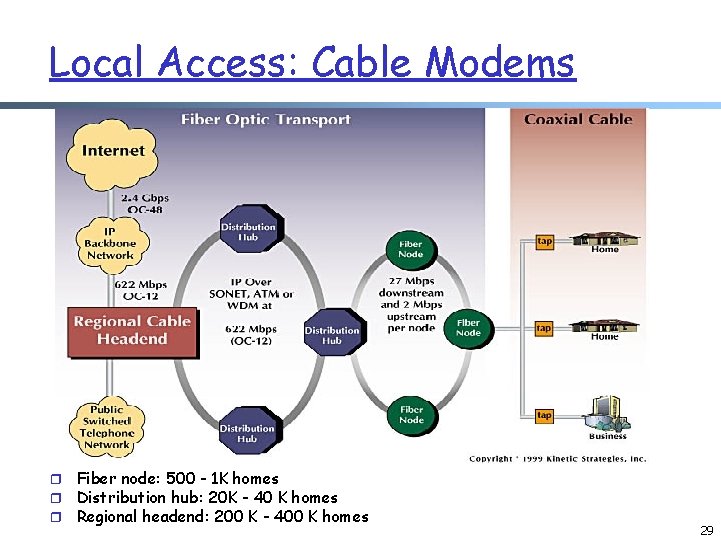
Internet Physical Infrastructure Local/Regional ISP r Residential Access m m m Modem DSL Cable modem r Campus network access m m m Ethernet FDDI Wireless r Access to ISP, Backbone transmission m m Local/Regional ISP Backbone: National ISP r Internet Service T 1/T 3, OC-12 ATM, SONET, WDM Providers m m Local/Regional/Natio nal They exchange packets at Point of Presence (POP) 27
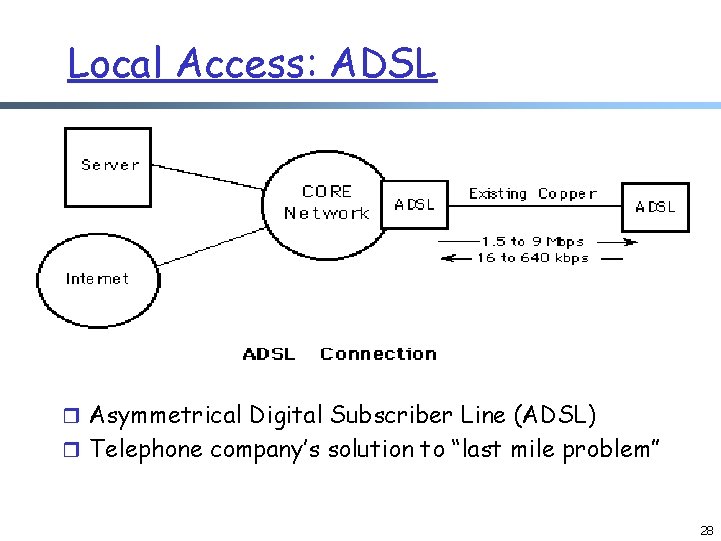
Local Access: ADSL r Asymmetrical Digital Subscriber Line (ADSL) r Telephone company’s solution to “last mile problem” 28
Local Access: Cable Modems r r r Fiber node: 500 - 1 K homes Distribution hub: 20 K - 40 K homes Regional headend: 200 K - 400 K homes 29
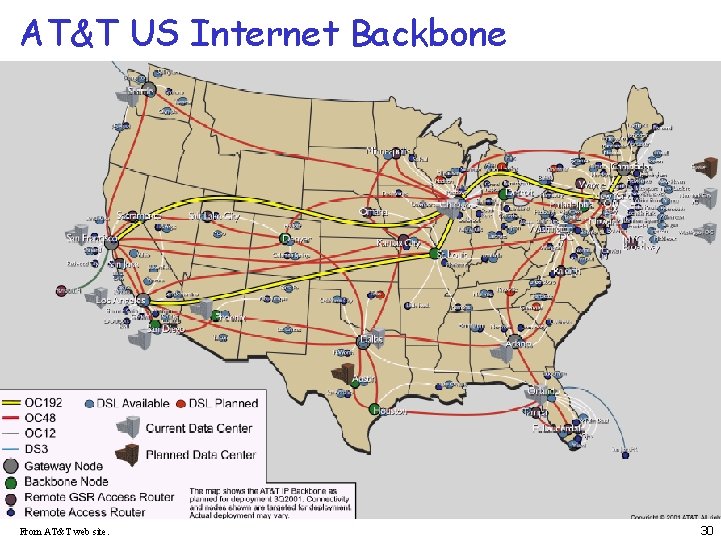
AT&T US Internet Backbone From AT&T web site. 30
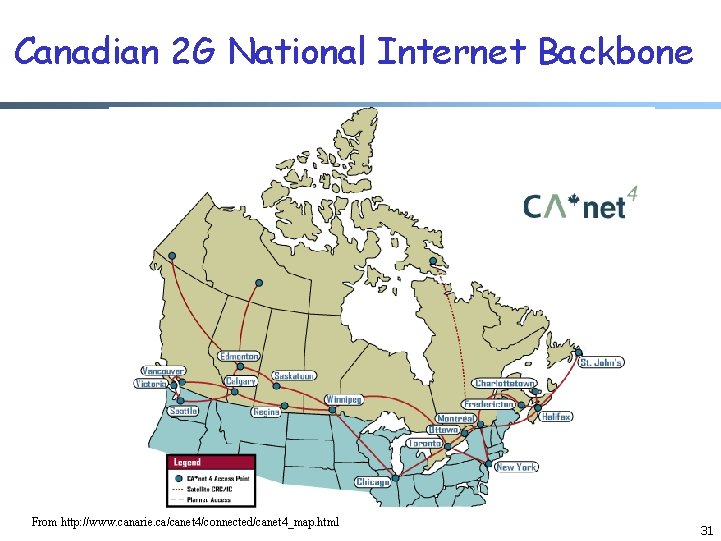
Canadian 2 G National Internet Backbone From http: //www. canarie. ca/canet 4/connected/canet 4_map. html 31
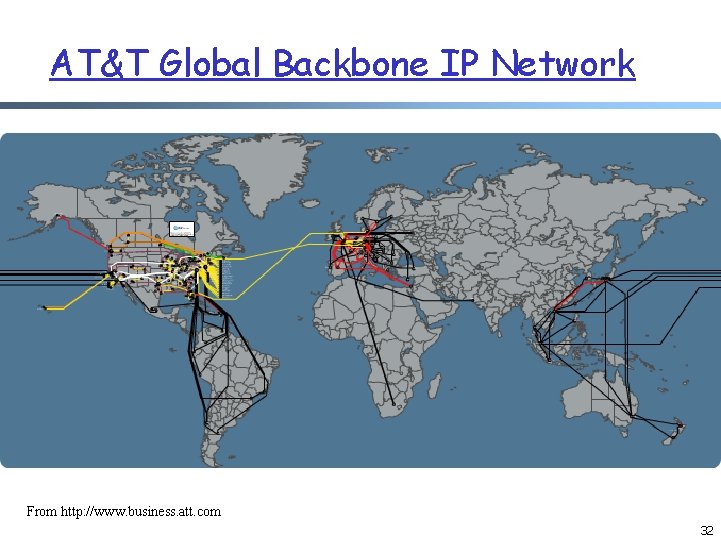
AT&T Global Backbone IP Network From http: //www. business. att. com 32
Web and Commercialization of the Internet http: //research. lumeta. com/ches/map/ 33
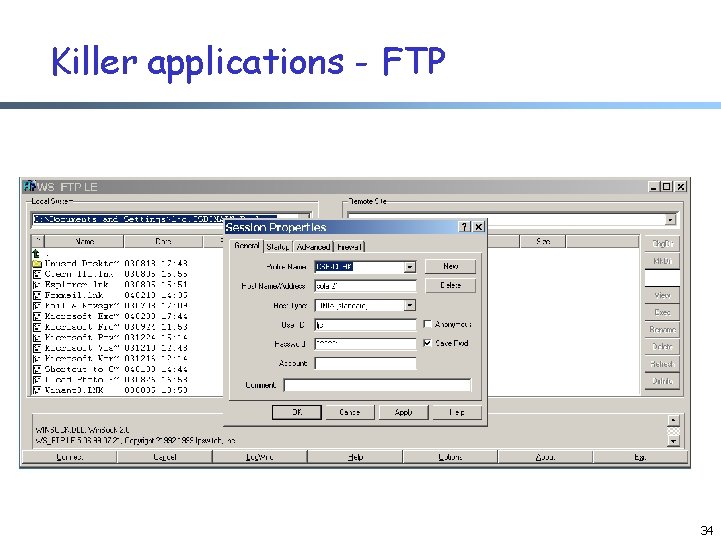
Killer applications - FTP 34
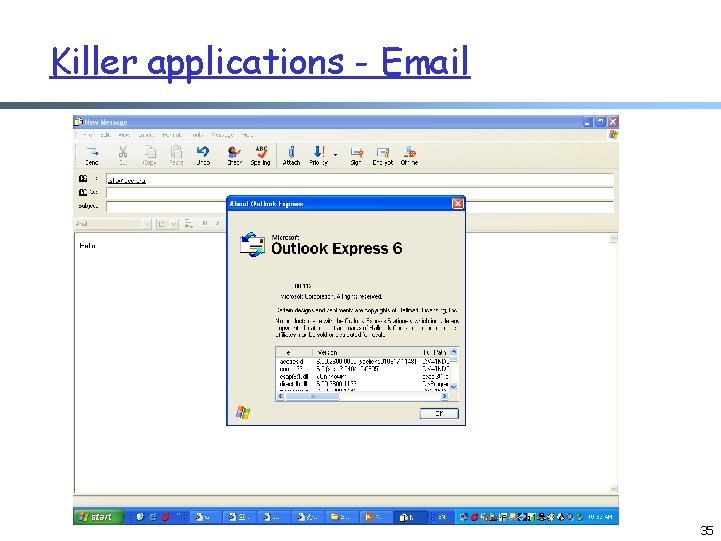
Killer applications - Email 35
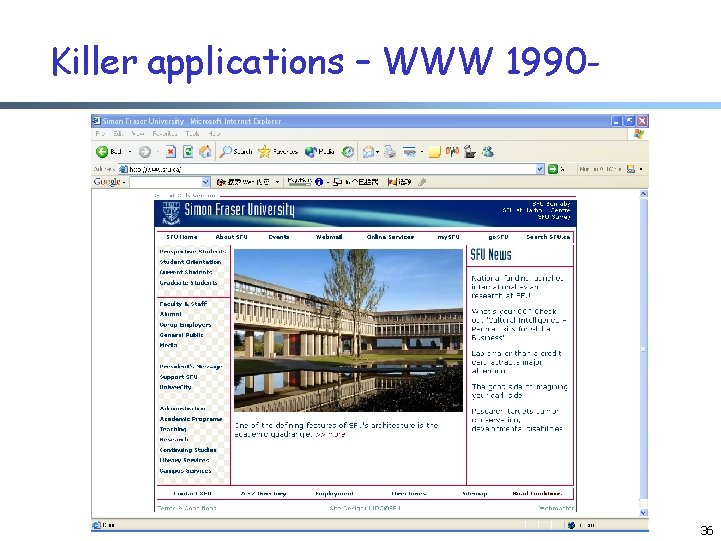
Killer applications – WWW 1990 - 36
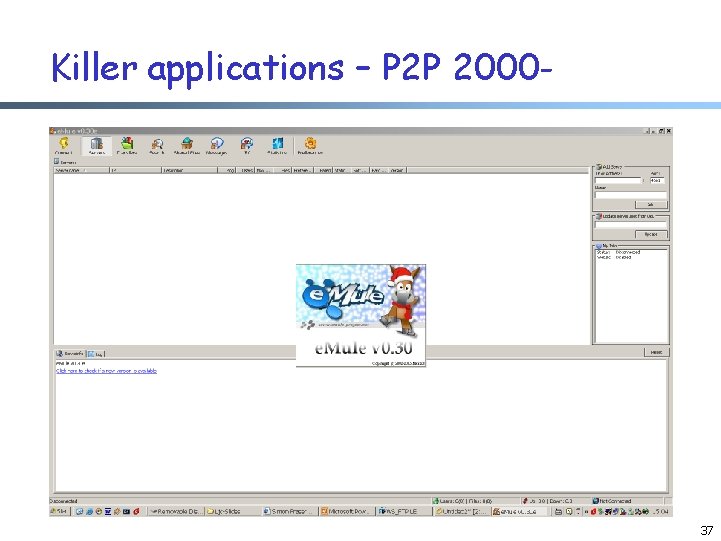
Killer applications – P 2 P 2000 - 37
Killer applications- what’s next ? r Media streaming (Internet TV) r E-commerce r Online game r … 38
Summary r Course information r Network: nodes -> interconnected r Protocol: format and the order of messages exchanged, as well as the actions taken r Internet: The past: m m m started as ARPANET: late 1960 s initial link bandwidth: 50 kbps number of hosts: 4 r Internet: Current: m number of hosts: grows at an exponential speed July 2002 was about 162 millions m backbone speed: 10 Gbps 39
Practices r Log into a Unix machine (or Windows) r Read the manual of ping and traceroute, and try them on a machine 1. 2. % /bin/ping <machine_name> % /usr/sbin/traceroute <machine_name> q Look at the web sites of the routers you see through traceroute 40