Graphics open GL and glut GRAPHICS Adapter n
![Example for writing text to the screen int main(void) { char text[100] ; int](https://slidetodoc.com/presentation_image/2d7684ec29202909b0d865121e661089/image-53.jpg "Example for writing text to the screen int main(void) { char text[100] ; int")
- Slides: 68
Graphics open. GL and glut
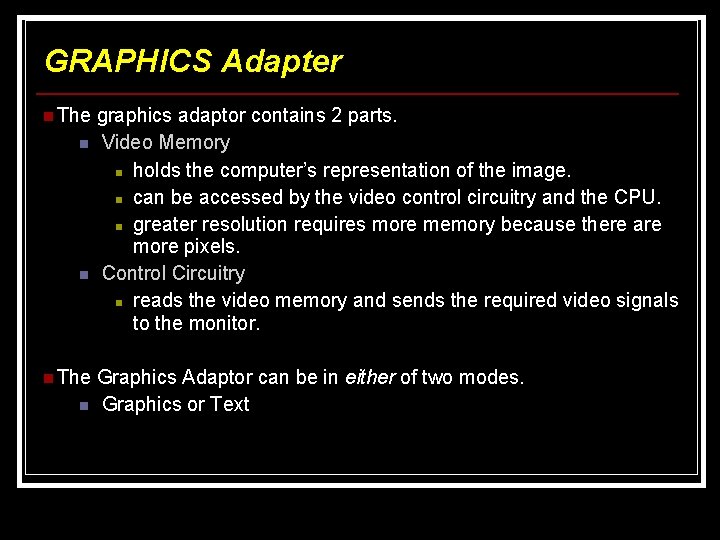
GRAPHICS Adapter n The graphics adaptor contains 2 parts. n n Video Memory n holds the computer’s representation of the image. n can be accessed by the video control circuitry and the CPU. n greater resolution requires more memory because there are more pixels. Control Circuitry n reads the video memory and sends the required video signals to the monitor. n The Graphics Adaptor can be in either of two modes. n Graphics or Text
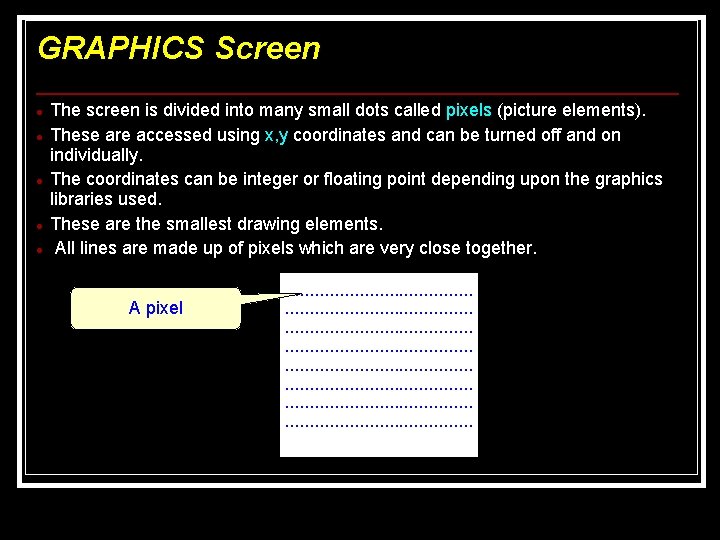
GRAPHICS Screen The screen is divided into many small dots called pixels (picture elements). These are accessed using x, y coordinates and can be turned off and on individually. The coordinates can be integer or floating point depending upon the graphics libraries used. These are the smallest drawing elements. All lines are made up of pixels which are very close together. A pixel . . . . . . . . . . . . . . . . . . .
Screen Resolution The resolution is the number of pixels used in the entire screen. This is usually quoted as the number of pixels in the x direction by number of pixels in the y direction. eg 1280 x 1024. Most screen specifications are now quoted using the resolution, colour and refresh rate eg 1280 x 1024 (32 bit colour) @ 60 Hz When the PC was first brought out the graphics adaptors were fairly primitive. As video technology improved more powerful graphical adapters were created. These compatible modes are still retained
Graphics Screen The size of the graphics screen depends upon the display mode. The graphics screen has a maximum size in the x direction and a maximum size in the y direction which is determined by the display type and mode. Any point on the screen is accessed like a co-ordinate system using x and y co-ordinates. The coordinates can either be integer or floating point values. It depends the graphics system that you use.
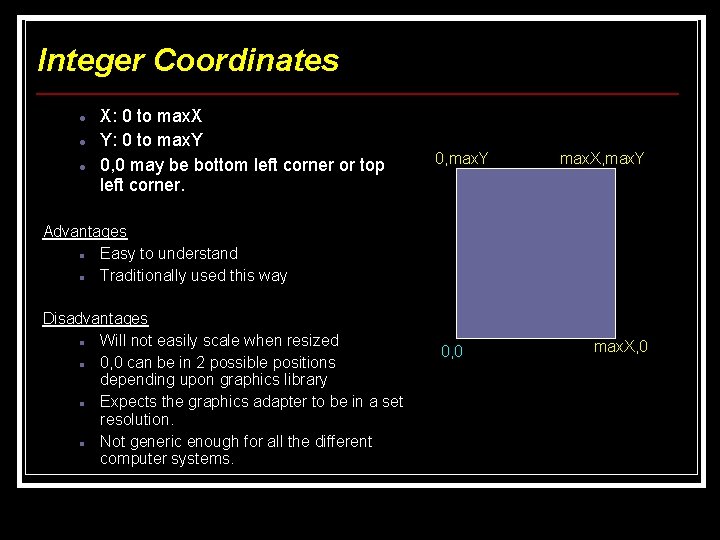
Integer Coordinates X: 0 to max. X Y: 0 to max. Y 0, 0 may be bottom left corner or top left corner. 0, max. Y max. X, max. Y Advantages Easy to understand Traditionally used this way Disadvantages Will not easily scale when resized 0, 0 can be in 2 possible positions depending upon graphics library Expects the graphics adapter to be in a set resolution. Not generic enough for all the different computer systems. 0, 0 max. X, 0
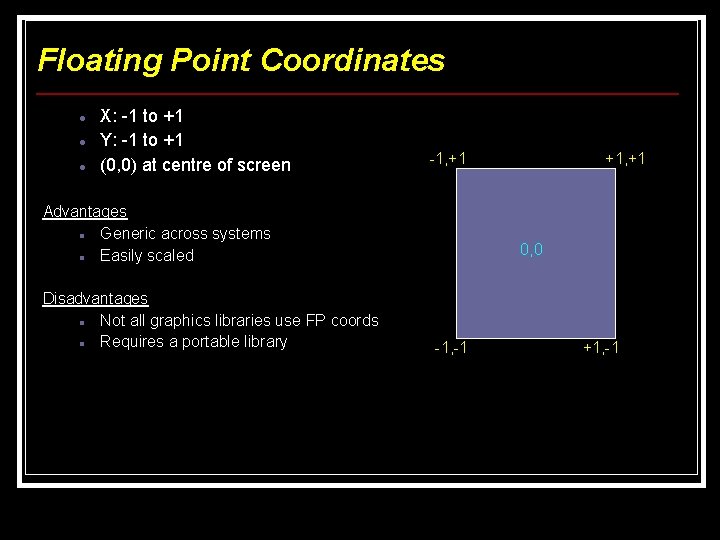
Floating Point Coordinates X: -1 to +1 Y: -1 to +1 (0, 0) at centre of screen -1, +1 Advantages Generic across systems Easily scaled Disadvantages Not all graphics libraries use FP coords Requires a portable library +1, +1 0, 0 -1, -1 +1, -1
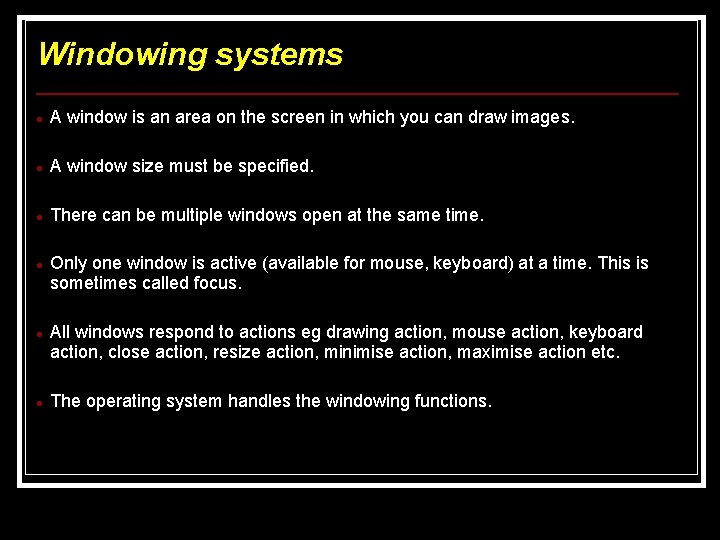
Windowing systems A window is an area on the screen in which you can draw images. A window size must be specified. There can be multiple windows open at the same time. Only one window is active (available for mouse, keyboard) at a time. This is sometimes called focus. All windows respond to actions eg drawing action, mouse action, keyboard action, close action, resize action, minimise action, maximise action etc. The operating system handles the windowing functions.
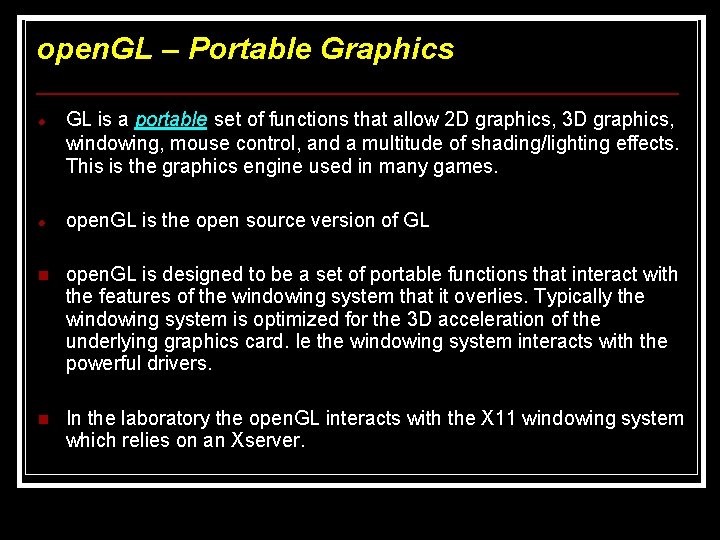
open. GL – Portable Graphics GL is a portable set of functions that allow 2 D graphics, 3 D graphics, windowing, mouse control, and a multitude of shading/lighting effects. This is the graphics engine used in many games. open. GL is the open source version of GL n open. GL is designed to be a set of portable functions that interact with the features of the windowing system that it overlies. Typically the windowing system is optimized for the 3 D acceleration of the underlying graphics card. Ie the windowing system interacts with the powerful drivers. n In the laboratory the open. GL interacts with the X 11 windowing system which relies on an Xserver.
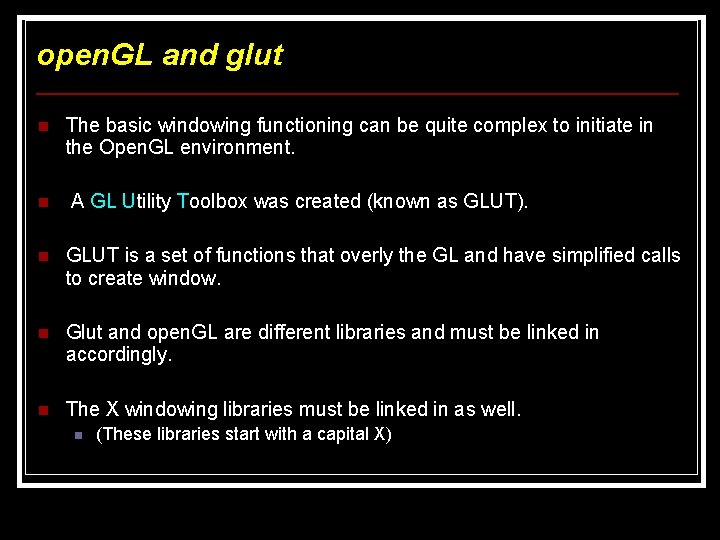
open. GL and glut n The basic windowing functioning can be quite complex to initiate in the Open. GL environment. n A GL Utility Toolbox was created (known as GLUT). n GLUT is a set of functions that overly the GL and have simplified calls to create window. n Glut and open. GL are different libraries and must be linked in accordingly. n The X windowing libraries must be linked in as well. n (These libraries start with a capital X)
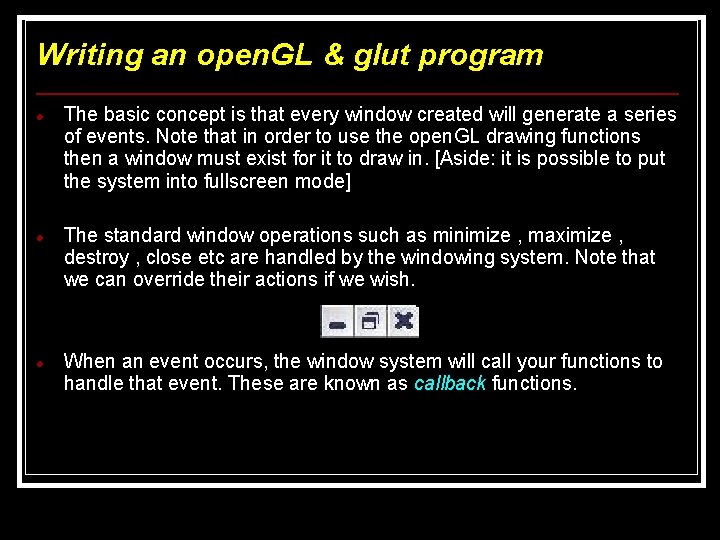
Writing an open. GL & glut program The basic concept is that every window created will generate a series of events. Note that in order to use the open. GL drawing functions then a window must exist for it to draw in. [Aside: it is possible to put the system into fullscreen mode] The standard window operations such as minimize , maximize , destroy , close etc are handled by the windowing system. Note that we can override their actions if we wish. When an event occurs, the window system will call your functions to handle that event. These are known as callback functions.
Writing an open. GL & glut program (cont) The callback functions are functions you write to handle the events generated. Some typical events are: - a key was pressed. (Key event) - a window is created. (Draw event) - a single or double mouse click. (Mouse event) The window needs to know which function to call when an specific event occurs. Therefore the callback function needs to be registered with the event. ie when an event occurs then the handler will call the function you specify. If no callback functions are registered to an event then no action is performed on that event occurring.
Writing an open. GL & glut program (cont) The typical events generated by glut are for drawing the window refreshing the window key press handling mouse handling There are many more In the graphics template and example programs given later, only the draw and key press events are handled with all other events ignored.
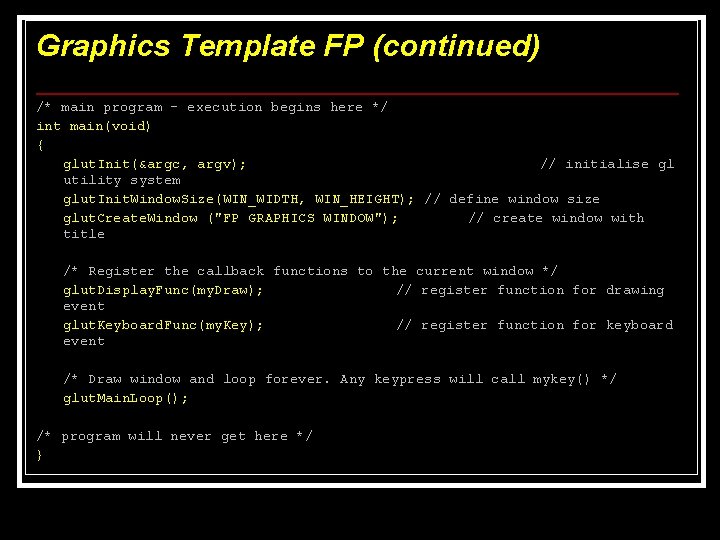
Writing an open. GL & glut program (cont) A typical sequence for programming open. GL using glut is given below: Initiate the glut system Define the window size Define the coordinate system used if required Create the window with the title specified. Register the callback functions for all the events. Call the glut main loop which loops indefinitely waiting for an event to occur.
Drawing in open. GL The window must be cleared initially using : gl. Clear(GL_COLOR_BUFFER_BIT) The colors to be drawn must be defined prior to drawing using : gl. Color 3 f(Red, Green, Blue) The colors are made by varying the intensities of the red, green, blue. (known as rgb values) The colours are floating point values varying between 0 (off) 1 (fully on)
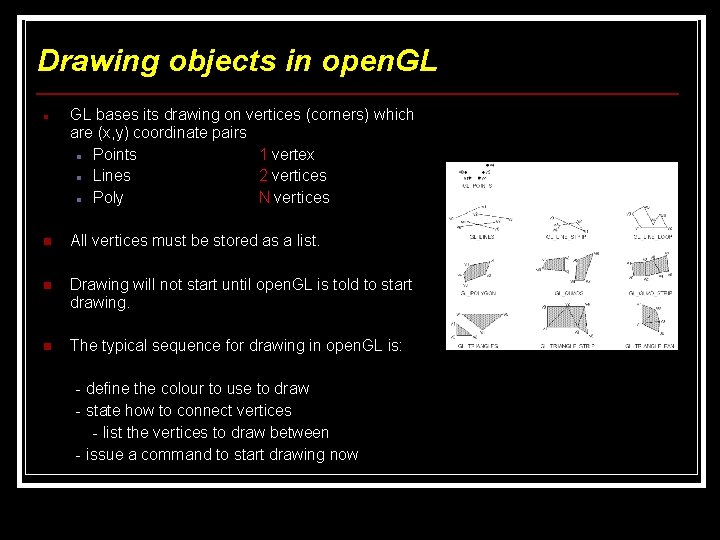
Drawing objects in open. GL bases its drawing on vertices (corners) which are (x, y) coordinate pairs Points 1 vertex Lines 2 vertices Poly N vertices n All vertices must be stored as a list. n Drawing will not start until open. GL is told to start drawing. n The typical sequence for drawing in open. GL is: - define the colour to use to draw - state how to connect vertices - list the vertices to draw between - issue a command to start drawing now
Listing the vertices in open. GL n n The vertices are defined between gl. Begin() and gl. End() functions. The gl. Begin() defines the type of item to draw and therefore the number of vertices to use. GL_POINTS (1 vertex) GL_LINES (2 vertices) The vertices are listed with a gl. Vertex 2 f() function for each (x, y) coordinate pair. Eg gl. Begin(GL_POINTS) ; gl. Vertx 2 f(0. 5, 0. 5) ; point gl. Vertex 2 f(-0. 5, -0. 5) ; gl. End() // list of vertices to draw as
Issuing a draw command in open. GL All the graphics actions are stacked into a buffer to be performed in the order they are placed into the buffer. To immediately force a graphics action then you must flush the buffer. The function to do this is gl. Flush().
Format of open. GL Functions n All the open. GL functions are of the following format: glfunction#i(integer arguments) glfunction#f(floating point arguments) where # means the number of arguments used to represent the action eg 2 or 3 for 2 D or 3 D coordinate systems etc i means that the arguments used are integers. f means that the arguments used are floating point values.
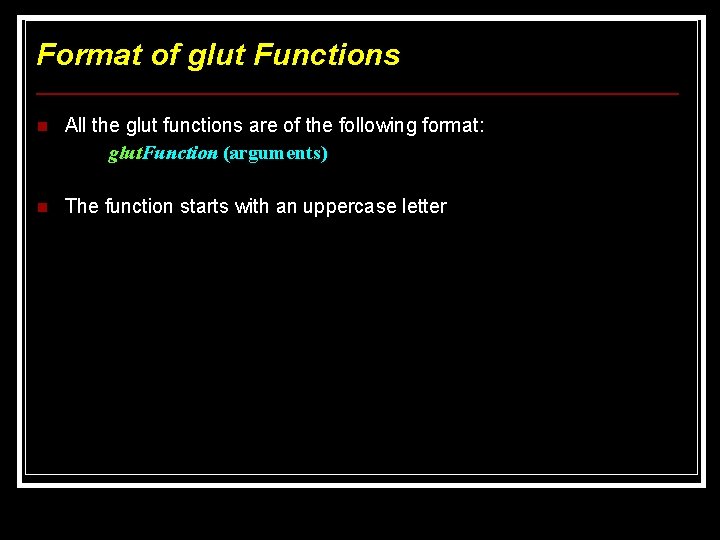
Format of glut Functions n All the glut functions are of the following format: glut. Function (arguments) n The function starts with an uppercase letter
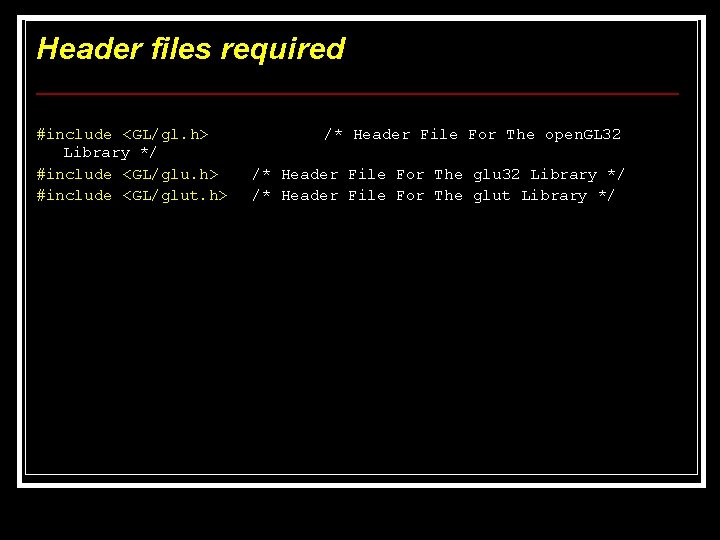
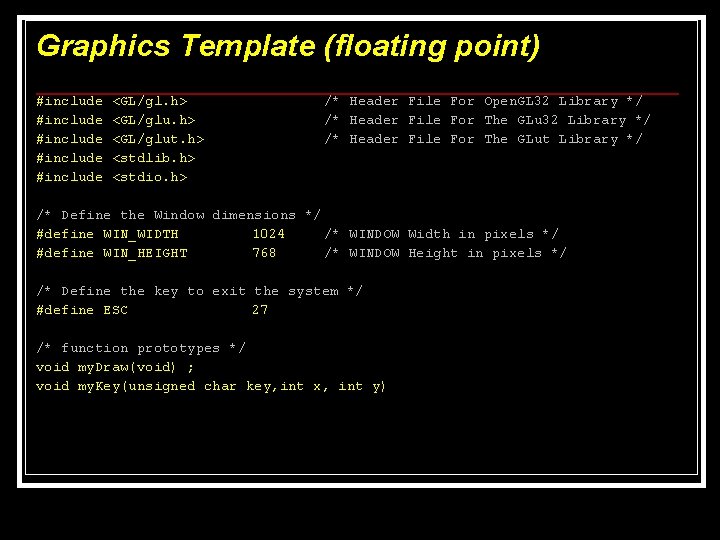
Header files required #include <GL/gl. h> Library */ #include <GL/glu. h> #include <GL/glut. h> /* Header File For The open. GL 32 /* Header File For The glu 32 Library */ /* Header File For The glut Library */
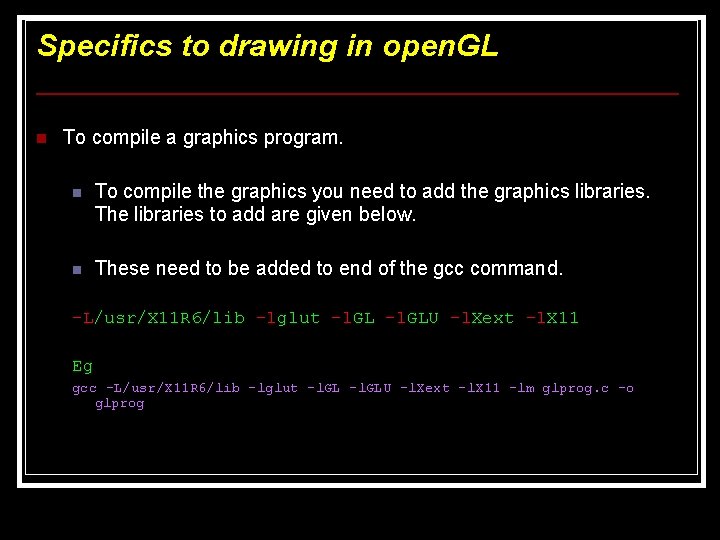
Specifics to drawing in open. GL n To compile a graphics program. n To compile the graphics you need to add the graphics libraries. The libraries to add are given below. n These need to be added to end of the gcc command. -L/usr/X 11 R 6/lib -lglut -l. GL –l. GLU –l. Xext –l. X 11 Eg gcc -L/usr/X 11 R 6/lib -lglut -l. GL –l. GLU –l. Xext –l. X 11 –lm glprog. c –o glprog
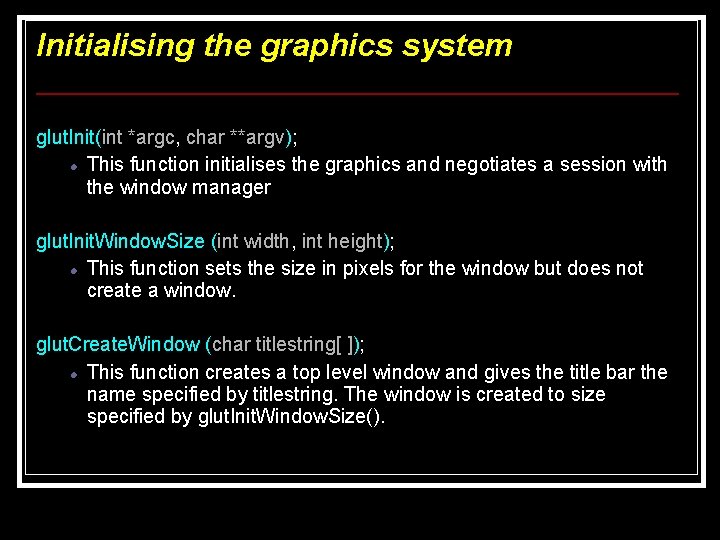
Initialising the graphics system glut. Init(int *argc, char **argv); This function initialises the graphics and negotiates a session with the window manager glut. Init. Window. Size (int width, int height); This function sets the size in pixels for the window but does not create a window. glut. Create. Window (char titlestring[ ]); This function creates a top level window and gives the title bar the name specified by titlestring. The window is created to size specified by glut. Init. Window. Size().
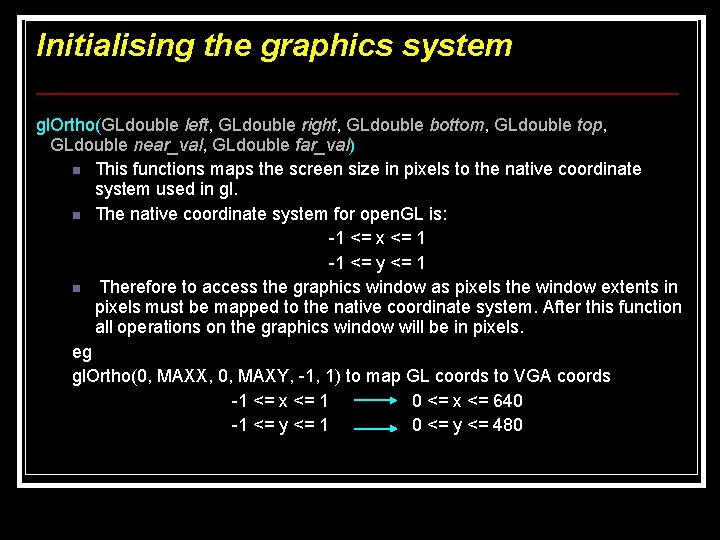
Initialising the graphics system gl. Ortho(GLdouble left, GLdouble right, GLdouble bottom, GLdouble top, GLdouble near_val, GLdouble far_val) n This functions maps the screen size in pixels to the native coordinate system used in gl. n The native coordinate system for open. GL is: -1 <= x <= 1 -1 <= y <= 1 n Therefore to access the graphics window as pixels the window extents in pixels must be mapped to the native coordinate system. After this function all operations on the graphics window will be in pixels. eg gl. Ortho(0, MAXX, 0, MAXY, -1, 1) to map GL coords to VGA coords -1 <= x <= 1 0 <= x <= 640 -1 <= y <= 1 0 <= y <= 480
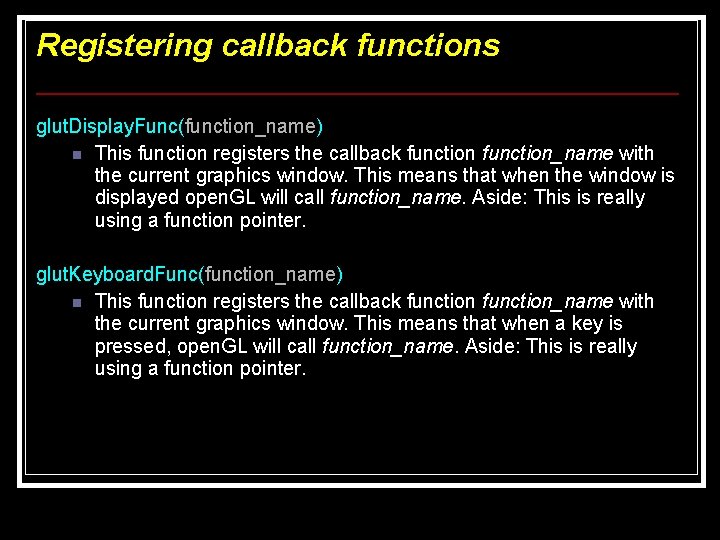
Registering callback functions glut. Display. Func(function_name) n This function registers the callback function_name with the current graphics window. This means that when the window is displayed open. GL will call function_name. Aside: This is really using a function pointer. glut. Keyboard. Func(function_name) n This function registers the callback function_name with the current graphics window. This means that when a key is pressed, open. GL will call function_name. Aside: This is really using a function pointer.
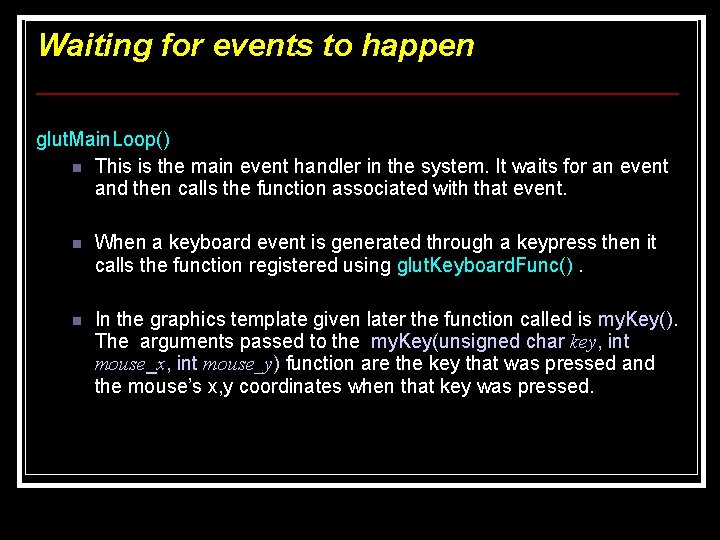
Waiting for events to happen glut. Main. Loop() n This is the main event handler in the system. It waits for an event and then calls the function associated with that event. n When a keyboard event is generated through a keypress then it calls the function registered using glut. Keyboard. Func(). n In the graphics template given later the function called is my. Key(). The arguments passed to the my. Key(unsigned char key, int mouse_x, int mouse_y) function are the key that was pressed and the mouse’s x, y coordinates when that key was pressed.
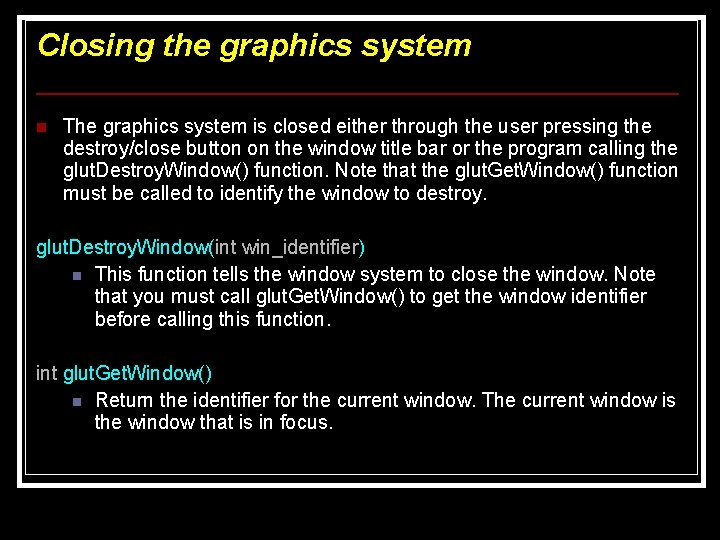
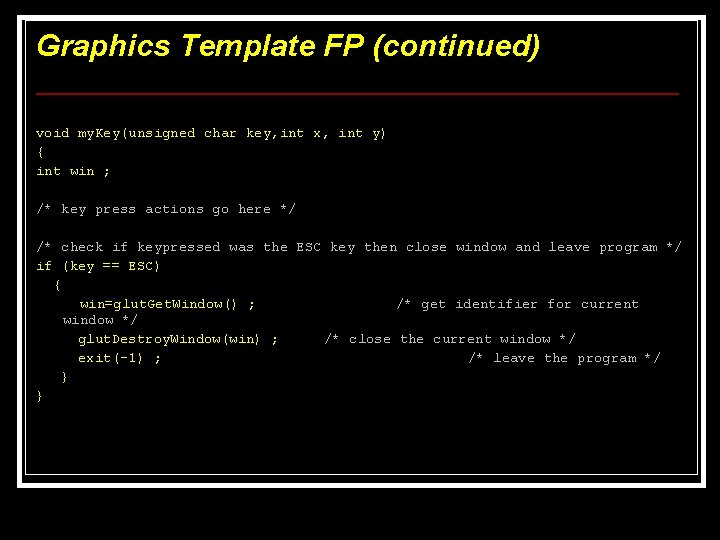
Closing the graphics system n The graphics system is closed either through the user pressing the destroy/close button on the window title bar or the program calling the glut. Destroy. Window() function. Note that the glut. Get. Window() function must be called to identify the window to destroy. glut. Destroy. Window(int win_identifier) n This function tells the window system to close the window. Note that you must call glut. Get. Window() to get the window identifier before calling this function. int glut. Get. Window() n Return the identifier for the current window. The current window is the window that is in focus.
Graphics Template (floating point) #include #include <GL/gl. h> <GL/glut. h> <stdlib. h> <stdio. h> /* Header File For Open. GL 32 Library */ /* Header File For The GLut Library */ /* Define the Window dimensions */ #define WIN_WIDTH 1024 /* WINDOW Width in pixels */ #define WIN_HEIGHT 768 /* WINDOW Height in pixels */ /* Define the key to exit the system */ #define ESC 27 /* function prototypes */ void my. Draw(void) ; void my. Key(unsigned char key, int x, int y)
Graphics Template FP (continued) /* main program – execution begins here */ int main(void) { glut. Init(&argc, argv); // initialise gl utility system glut. Init. Window. Size(WIN_WIDTH, WIN_HEIGHT); // define window size glut. Create. Window ("FP GRAPHICS WINDOW"); // create window with title /* Register the callback functions to the current window */ glut. Display. Func(my. Draw); // register function for drawing event glut. Keyboard. Func(my. Key); // register function for keyboard event /* Draw window and loop forever. Any keypress will call mykey() */ glut. Main. Loop(); /* program will never get here */ }
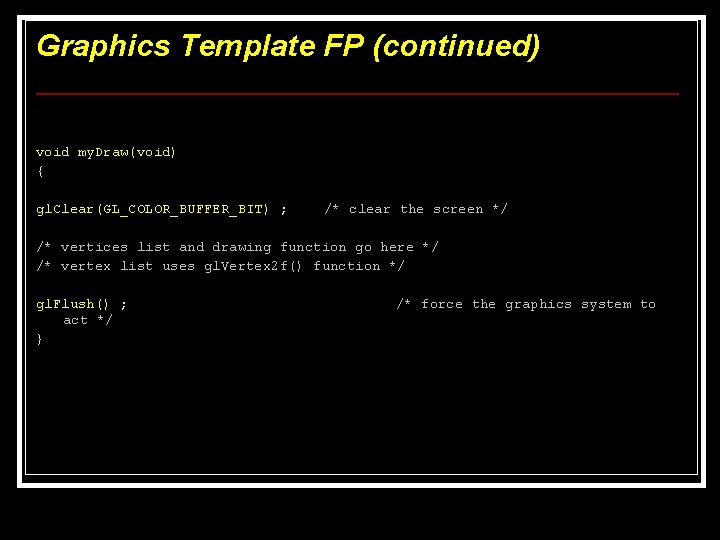
Graphics Template FP (continued) void my. Draw(void) { gl. Clear(GL_COLOR_BUFFER_BIT) ; /* clear the screen */ /* vertices list and drawing function go here */ /* vertex list uses gl. Vertex 2 f() function */ gl. Flush() ; act */ } /* force the graphics system to
Graphics Template FP (continued) void my. Key(unsigned char key, int x, int y) { int win ; /* key press actions go here */ /* check if keypressed was the ESC key then close window and leave program */ if (key == ESC) { win=glut. Get. Window() ; /* get identifier for current window */ glut. Destroy. Window(win) ; /* close the current window */ exit(-1) ; /* leave the program */ } }
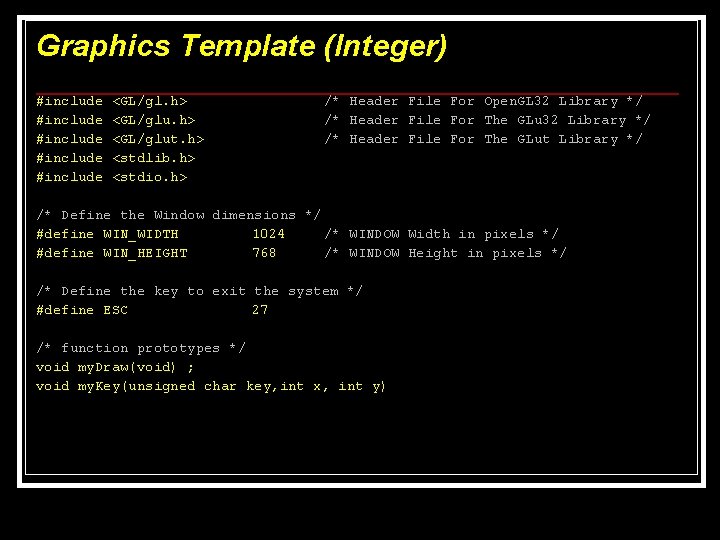
Graphics Template (Integer) #include #include <GL/gl. h> <GL/glut. h> <stdlib. h> <stdio. h> /* Header File For Open. GL 32 Library */ /* Header File For The GLut Library */ /* Define the Window dimensions */ #define WIN_WIDTH 1024 /* WINDOW Width in pixels */ #define WIN_HEIGHT 768 /* WINDOW Height in pixels */ /* Define the key to exit the system */ #define ESC 27 /* function prototypes */ void my. Draw(void) ; void my. Key(unsigned char key, int x, int y)
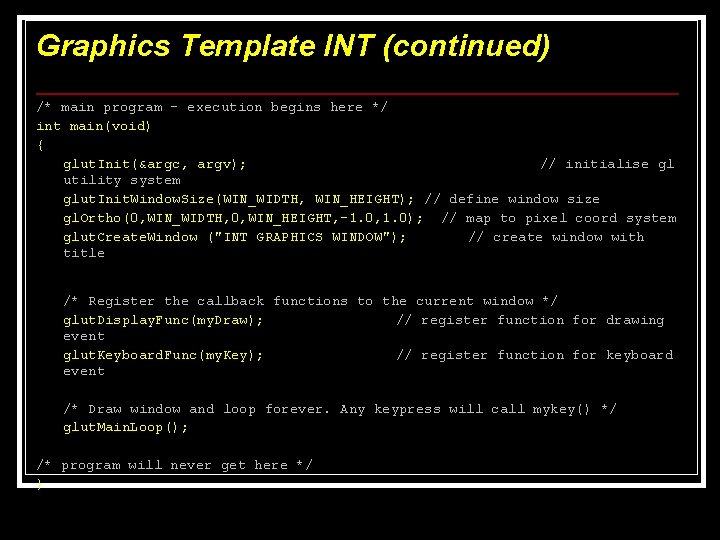
Graphics Template INT (continued) /* main program – execution begins here */ int main(void) { glut. Init(&argc, argv); // initialise gl utility system glut. Init. Window. Size(WIN_WIDTH, WIN_HEIGHT); // define window size gl. Ortho(0, WIN_WIDTH, 0, WIN_HEIGHT, -1. 0, 1. 0); // map to pixel coord system glut. Create. Window ("INT GRAPHICS WINDOW"); // create window with title /* Register the callback functions to the current window */ glut. Display. Func(my. Draw); // register function for drawing event glut. Keyboard. Func(my. Key); // register function for keyboard event /* Draw window and loop forever. Any keypress will call mykey() */ glut. Main. Loop(); /* program will never get here */ }
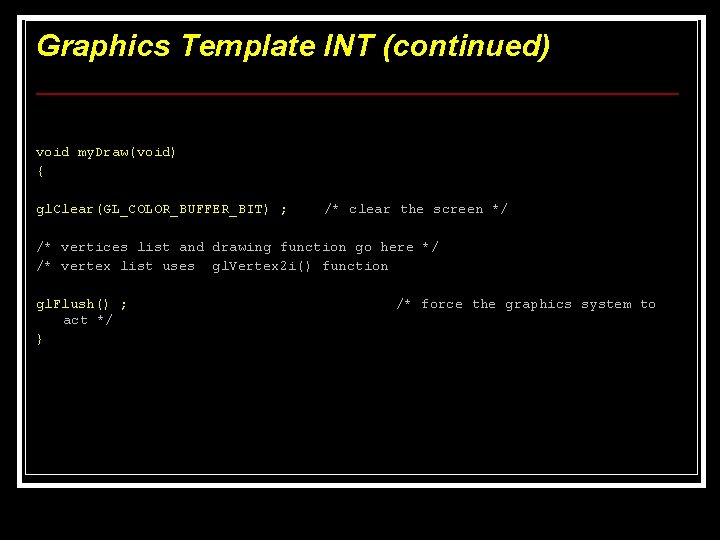
Graphics Template INT (continued) void my. Draw(void) { gl. Clear(GL_COLOR_BUFFER_BIT) ; /* clear the screen */ /* vertices list and drawing function go here */ /* vertex list uses gl. Vertex 2 i() function gl. Flush() ; act */ } /* force the graphics system to
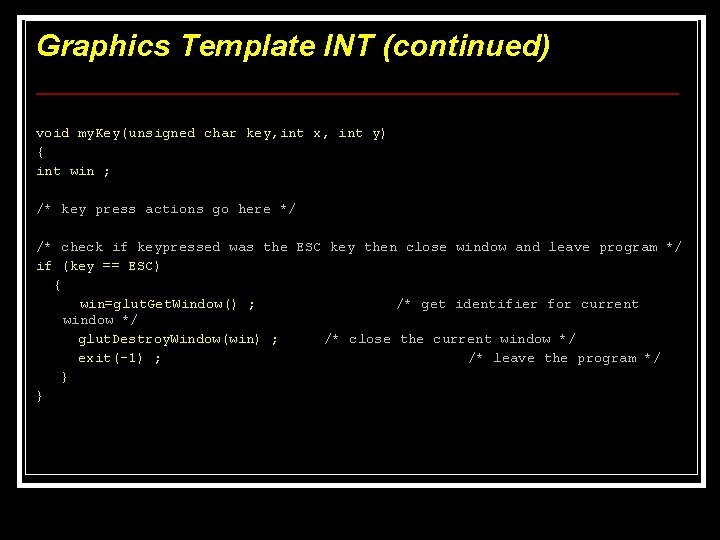
Graphics Template INT (continued) void my. Key(unsigned char key, int x, int y) { int win ; /* key press actions go here */ /* check if keypressed was the ESC key then close window and leave program */ if (key == ESC) { win=glut. Get. Window() ; /* get identifier for current window */ glut. Destroy. Window(win) ; /* close the current window */ exit(-1) ; /* leave the program */ } }
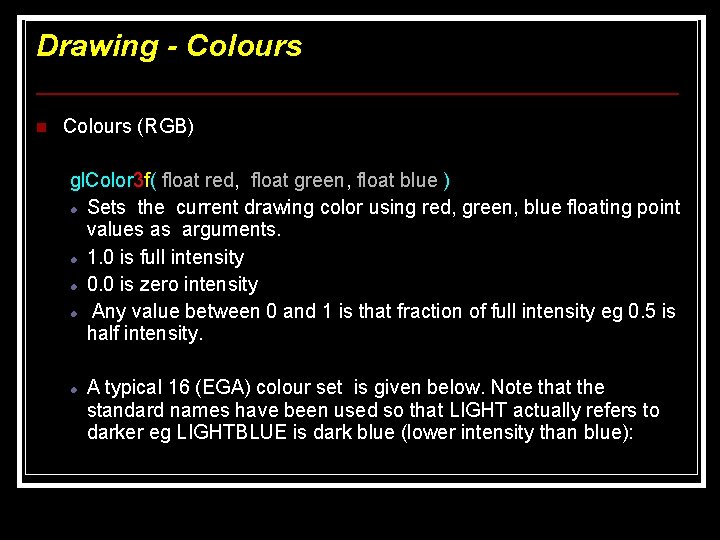
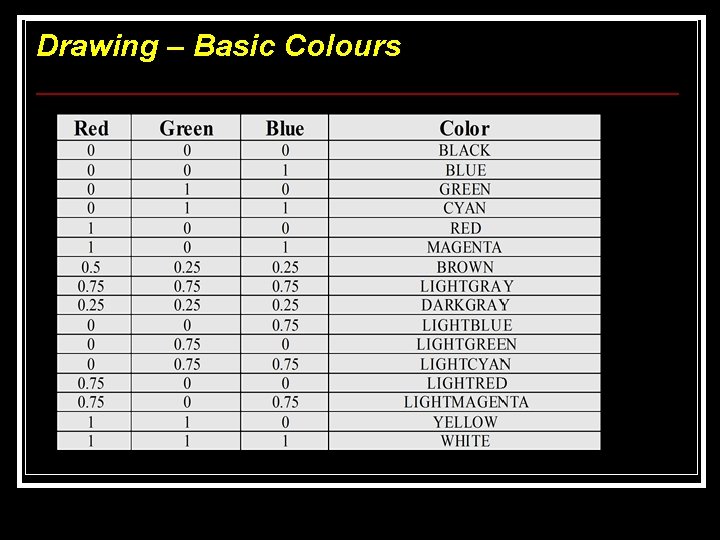
Drawing - Colours n Colours (RGB) gl. Color 3 f( float red, float green, float blue ) Sets the current drawing color using red, green, blue floating point values as arguments. 1. 0 is full intensity 0. 0 is zero intensity Any value between 0 and 1 is that fraction of full intensity eg 0. 5 is half intensity. A typical 16 (EGA) colour set is given below. Note that the standard names have been used so that LIGHT actually refers to darker eg LIGHTBLUE is dark blue (lower intensity than blue):
Drawing – Basic Colours
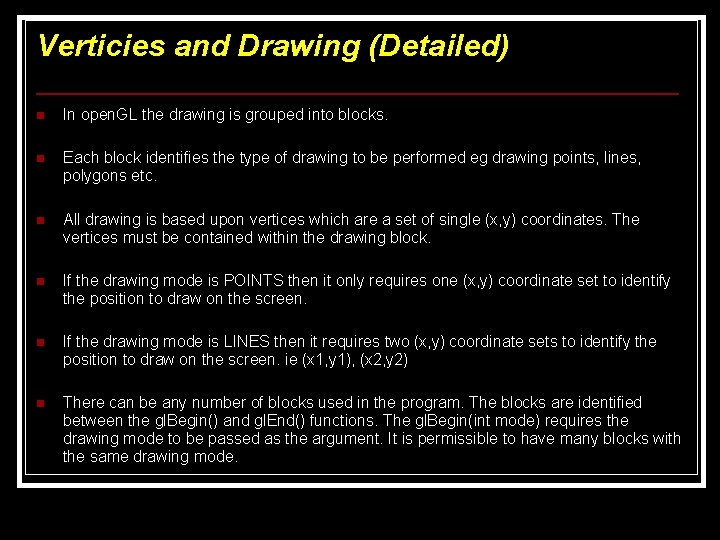
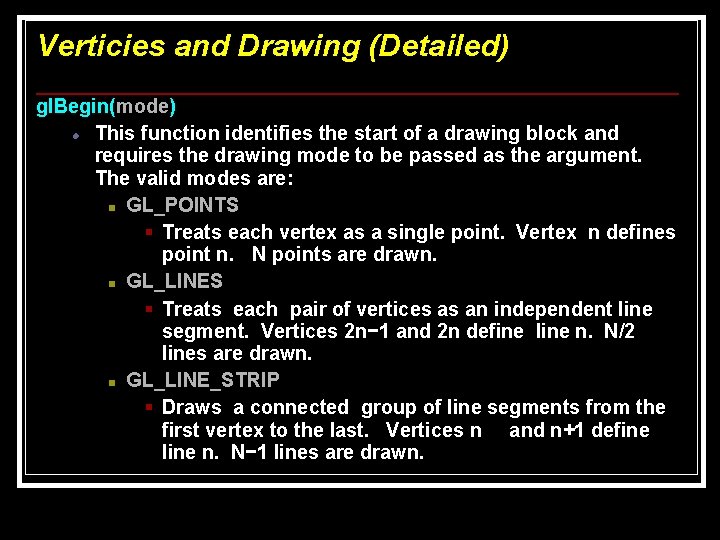
Verticies and Drawing (Detailed) n In open. GL the drawing is grouped into blocks. n Each block identifies the type of drawing to be performed eg drawing points, lines, polygons etc. n All drawing is based upon vertices which are a set of single (x, y) coordinates. The vertices must be contained within the drawing block. n If the drawing mode is POINTS then it only requires one (x, y) coordinate set to identify the position to draw on the screen. n If the drawing mode is LINES then it requires two (x, y) coordinate sets to identify the position to draw on the screen. ie (x 1, y 1), (x 2, y 2) n There can be any number of blocks used in the program. The blocks are identified between the gl. Begin() and gl. End() functions. The gl. Begin(int mode) requires the drawing mode to be passed as the argument. It is permissible to have many blocks with the same drawing mode.
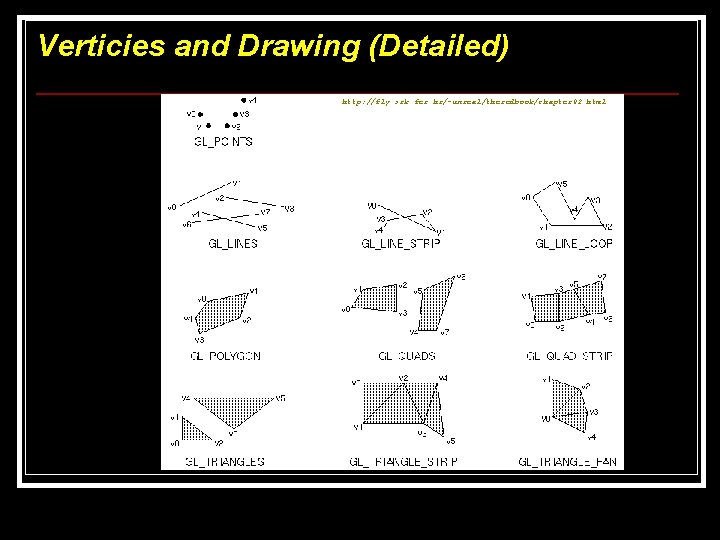
Verticies and Drawing (Detailed) http: //fly. srk. fer. hr/~unreal/theredbook/chapter 02. html
Verticies and Drawing (Detailed) gl. Begin(mode) This function identifies the start of a drawing block and requires the drawing mode to be passed as the argument. The valid modes are: n GL_POINTS § Treats each vertex as a single point. Vertex n defines point n. N points are drawn. n GL_LINES § Treats each pair of vertices as an independent line segment. Vertices 2 n− 1 and 2 n define line n. N/2 lines are drawn. n GL_LINE_STRIP § Draws a connected group of line segments from the first vertex to the last. Vertices n and n+1 define line n. N− 1 lines are drawn.
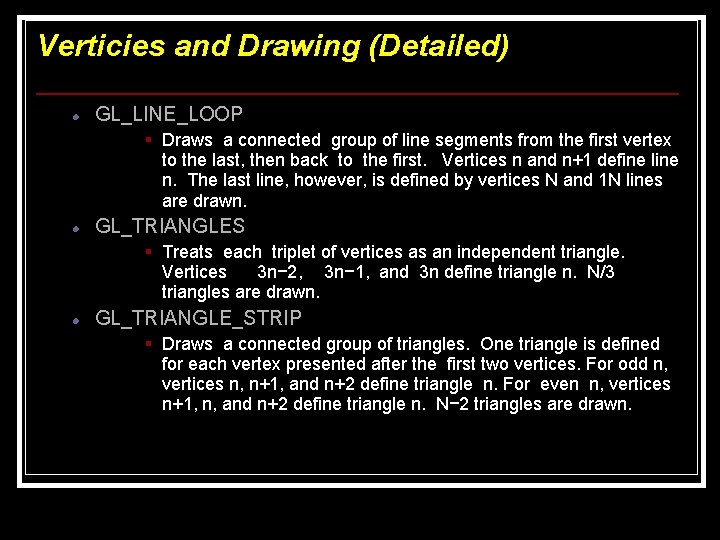
Verticies and Drawing (Detailed) GL_LINE_LOOP § Draws a connected group of line segments from the first vertex to the last, then back to the first. Vertices n and n+1 define line n. The last line, however, is defined by vertices N and 1 N lines are drawn. GL_TRIANGLES § Treats each triplet of vertices as an independent triangle. Vertices 3 n− 2, 3 n− 1, and 3 n define triangle n. N/3 triangles are drawn. GL_TRIANGLE_STRIP § Draws a connected group of triangles. One triangle is defined for each vertex presented after the first two vertices. For odd n, vertices n, n+1, and n+2 define triangle n. For even n, vertices n+1, n, and n+2 define triangle n. N− 2 triangles are drawn.
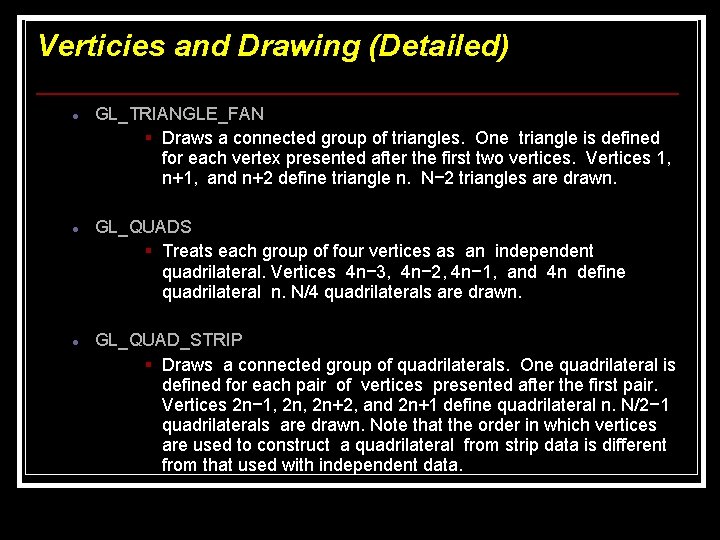
Verticies and Drawing (Detailed) GL_TRIANGLE_FAN § Draws a connected group of triangles. One triangle is defined for each vertex presented after the first two vertices. Vertices 1, n+1, and n+2 define triangle n. N− 2 triangles are drawn. GL_QUADS § Treats each group of four vertices as an independent quadrilateral. Vertices 4 n− 3, 4 n− 2, 4 n− 1, and 4 n define quadrilateral n. N/4 quadrilaterals are drawn. GL_QUAD_STRIP § Draws a connected group of quadrilaterals. One quadrilateral is defined for each pair of vertices presented after the first pair. Vertices 2 n− 1, 2 n+2, and 2 n+1 define quadrilateral n. N/2− 1 quadrilaterals are drawn. Note that the order in which vertices are used to construct a quadrilateral from strip data is different from that used with independent data.
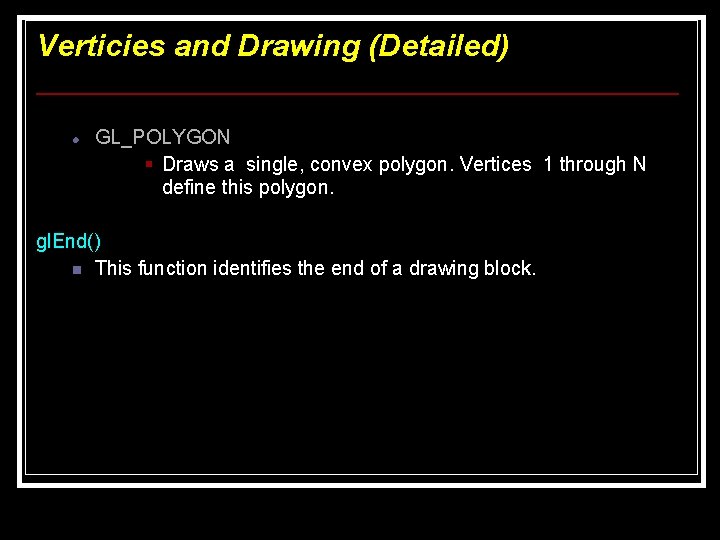
Verticies and Drawing (Detailed) GL_POLYGON § Draws a single, convex polygon. Vertices 1 through N define this polygon. gl. End() n This function identifies the end of a drawing block.
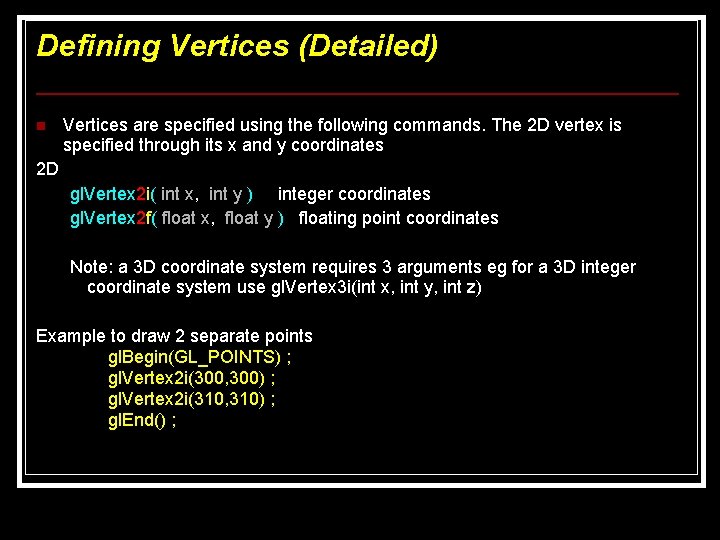
Defining Vertices (Detailed) n Vertices are specified using the following commands. The 2 D vertex is specified through its x and y coordinates 2 D gl. Vertex 2 i( int x, int y ) integer coordinates gl. Vertex 2 f( float x, float y ) floating point coordinates Note: a 3 D coordinate system requires 3 arguments eg for a 3 D integer coordinate system use gl. Vertex 3 i(int x, int y, int z) Example to draw 2 separate points gl. Begin(GL_POINTS) ; gl. Vertex 2 i(300, 300) ; gl. Vertex 2 i(310, 310) ; gl. End() ;
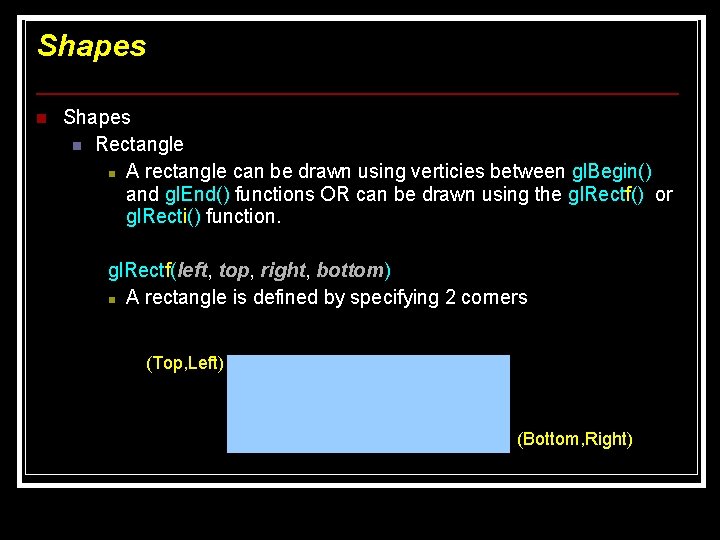
Shapes n Rectangle n A rectangle can be drawn using verticies between gl. Begin() and gl. End() functions OR can be drawn using the gl. Rectf() or gl. Recti() function. gl. Rectf(left, top, right, bottom) n A rectangle is defined by specifying 2 corners (Top, Left) (Bottom, Right)
Shapes n Rectangle (continued) By specifying the top-left corner and the bottom-right corner the other two corners can be deduced. The four corners of a rectangle are (left, top), (left, bottom), (right, top), (right, bottom). These points contain the left, top, right, and bottom co-ordinates. Note that all these co-ordinates are contained in the 2 corners (left, top), (right, bottom), therefore the other two corners can be deduced.
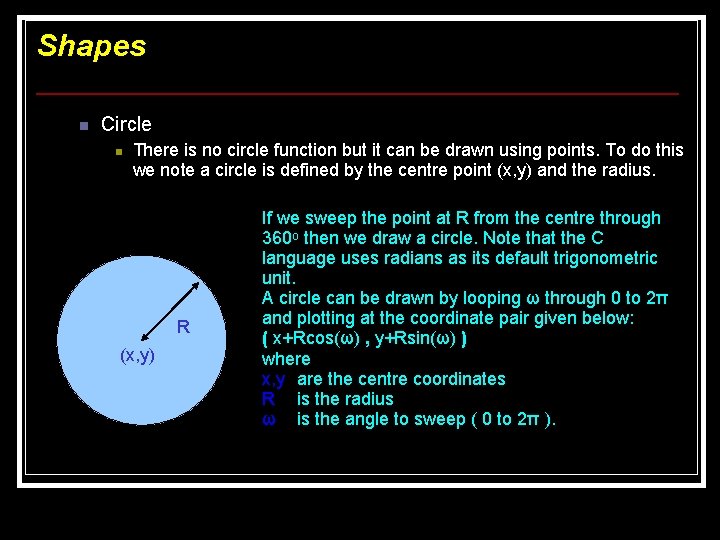
Shapes n Circle n There is no circle function but it can be drawn using points. To do this we note a circle is defined by the centre point (x, y) and the radius. R (x, y) If we sweep the point at R from the centre through 360 o then we draw a circle. Note that the C language uses radians as its default trigonometric unit. A circle can be drawn by looping ω through 0 to 2π and plotting at the coordinate pair given below: ( x+Rcos(ω) , y+Rsin(ω) ) where x, y are the centre coordinates R is the radius ω is the angle to sweep ( 0 to 2π ).
Using Text with Graphics Sometimes you may want to use text on the graphics screen. For example, labelling axes of graphs, labelling parts of a diagram etc. The graphics printing functions allow a character to be drawn at any position on the screen. The graphics functions also allow changing the font style, size, and direction. The font is the style of the letters. For example Greek letters would require a different font to ordinary letters.
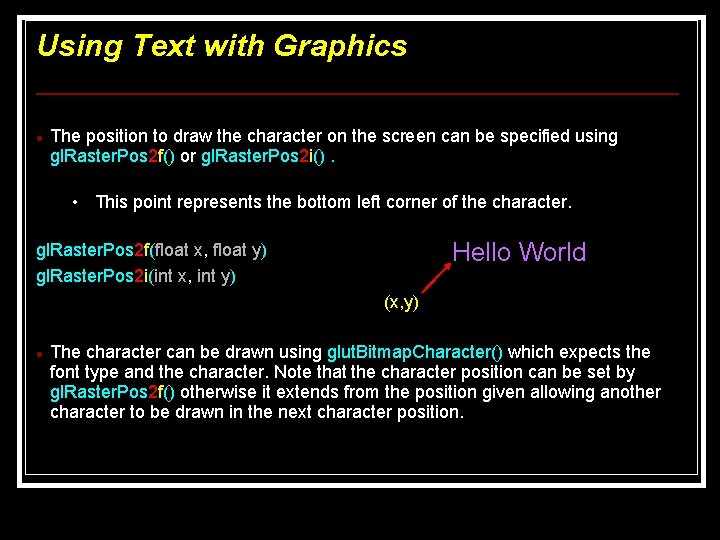
Using Text with Graphics The position to draw the character on the screen can be specified using gl. Raster. Pos 2 f() or gl. Raster. Pos 2 i(). • This point represents the bottom left corner of the character. Hello World gl. Raster. Pos 2 f(float x, float y) gl. Raster. Pos 2 i(int x, int y) (x, y) The character can be drawn using glut. Bitmap. Character() which expects the font type and the character. Note that the character position can be set by gl. Raster. Pos 2 f() otherwise it extends from the position given allowing another character to be drawn in the next character position.
Using Text with Graphics glut. Bitmap. Character(font, character) Draws the character in the specified font on the graphics screen. Note that the character position can be set by gl. Raster. Pos 2 f() otherwise it extends from the position given allowing another character to be drawn in the next character position. The fonts follow the X 11 standard fonts It is possible to use other X 11 The 7 fonts on the next page come from the GLUT system. These are 2 D bitmap fonts.
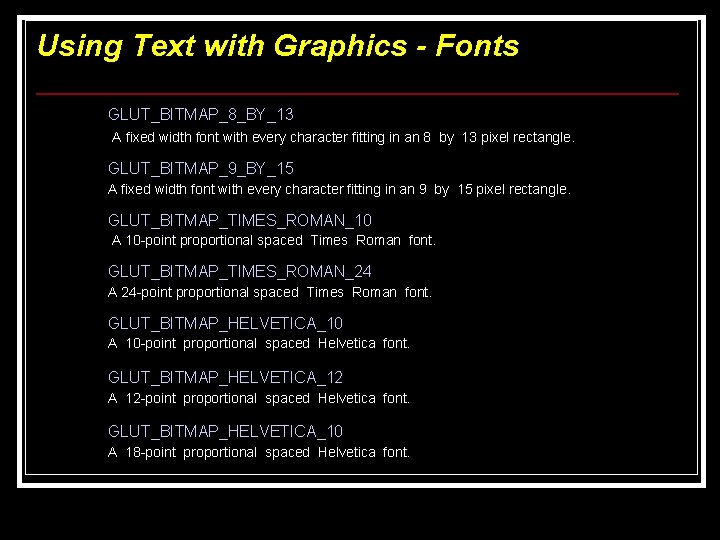
Using Text with Graphics - Fonts GLUT_BITMAP_8_BY_13 A fixed width font with every character fitting in an 8 by 13 pixel rectangle. GLUT_BITMAP_9_BY_15 A fixed width font with every character fitting in an 9 by 15 pixel rectangle. GLUT_BITMAP_TIMES_ROMAN_10 A 10 -point proportional spaced Times Roman font. GLUT_BITMAP_TIMES_ROMAN_24 A 24 -point proportional spaced Times Roman font. GLUT_BITMAP_HELVETICA_10 A 10 -point proportional spaced Helvetica font. GLUT_BITMAP_HELVETICA_12 A 12 -point proportional spaced Helvetica font. GLUT_BITMAP_HELVETICA_10 A 18 -point proportional spaced Helvetica font.
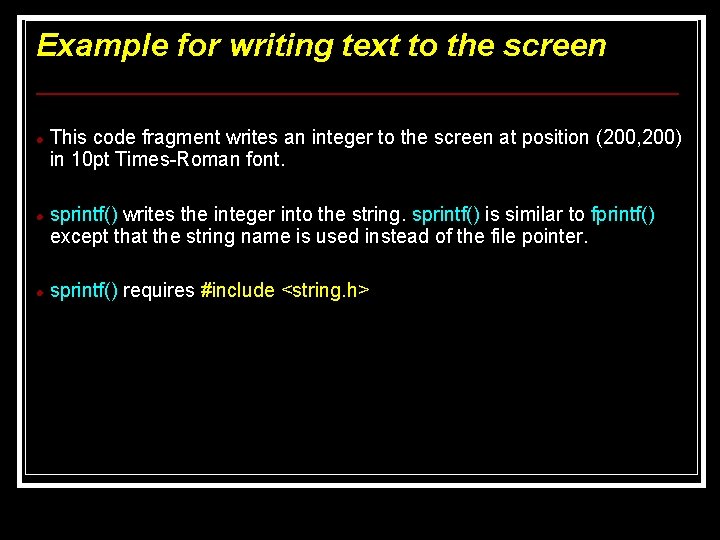
Example for writing text to the screen This code fragment writes an integer to the screen at position (200, 200) in 10 pt Times-Roman font. sprintf() writes the integer into the string. sprintf() is similar to fprintf() except that the string name is used instead of the file pointer. sprintf() requires #include <string. h>
Example for writing text to the screen int main(void) { char text[100] ; int i ; int num=42 ; Adams */ /* holds the text to be displayed */ /* loop counter */ /* the meaning of life (HHGTTG – Douglas /* create the text to be displayed */ sprintf(text, "The Integer value is %i", num) ; /* set the coordinate to start writing */ gl. Raster. Pos 2 i(-0. 2, 0. 2) ; /* write the string one character at a time */ for (i=0; string[i] != ''; i++) glut. Bitmap. Character(GLUT_BITMAP_TIMES_ROMAN_10, string[i]) ; }
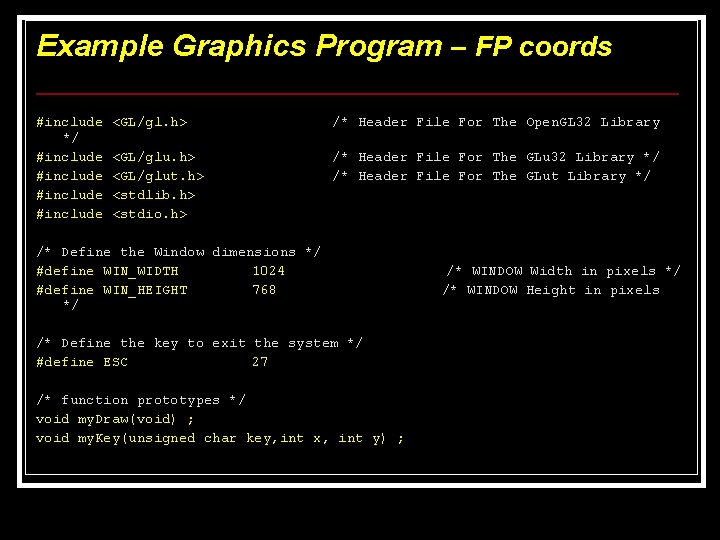
Example Graphics Program – FP coords #include */ #include <GL/gl. h> /* Header File For The Open. GL 32 Library <GL/glu. h> <GL/glut. h> <stdlib. h> <stdio. h> /* Header File For The GLu 32 Library */ /* Header File For The GLut Library */ /* Define the Window dimensions */ #define WIN_WIDTH 1024 #define WIN_HEIGHT 768 */ /* Define the key to exit the system */ #define ESC 27 /* function prototypes */ void my. Draw(void) ; void my. Key(unsigned char key, int x, int y) ; /* WINDOW Width in pixels */ /* WINDOW Height in pixels
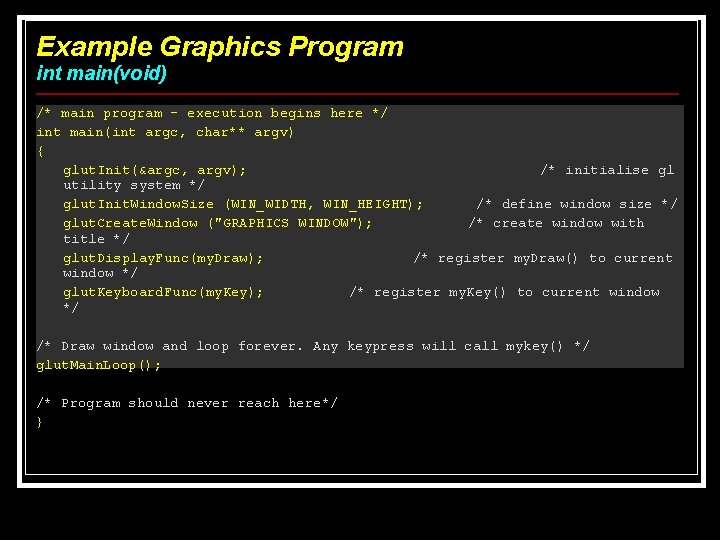
Example Graphics Program int main(void) /* main program – execution begins here */ int main(int argc, char** argv) { glut. Init(&argc, argv); /* initialise gl utility system */ glut. Init. Window. Size (WIN_WIDTH, WIN_HEIGHT); /* define window size */ glut. Create. Window ("GRAPHICS WINDOW"); /* create window with title */ glut. Display. Func(my. Draw); /* register my. Draw() to current window */ glut. Keyboard. Func(my. Key); /* register my. Key() to current window */ /* Draw window and loop forever. Any keypress will call mykey() */ glut. Main. Loop(); /* Program should never reach here*/ }
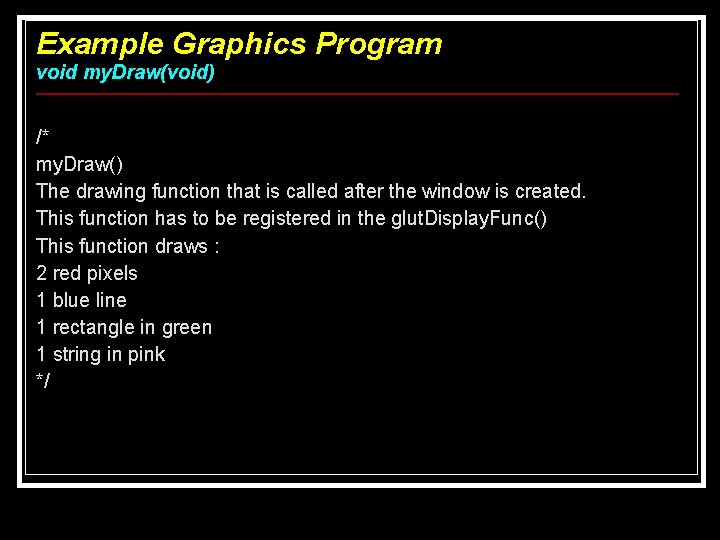
Example Graphics Program void my. Draw(void) /* my. Draw() The drawing function that is called after the window is created. This function has to be registered in the glut. Display. Func() This function draws : 2 red pixels 1 blue line 1 rectangle in green 1 string in pink */
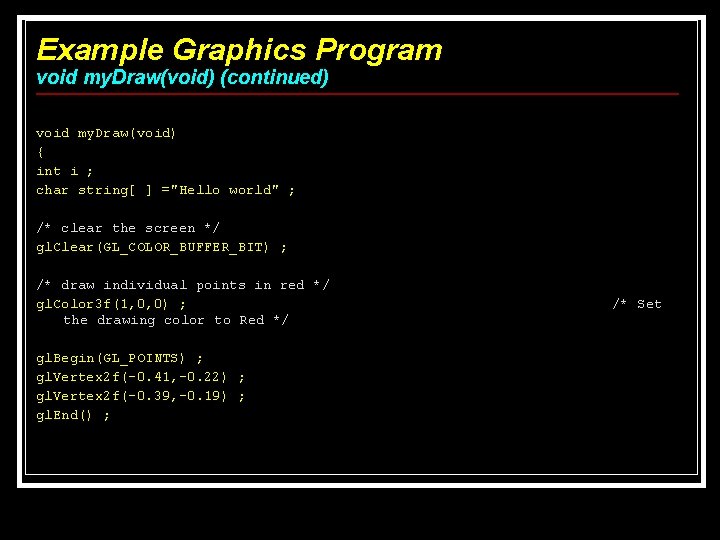
Example Graphics Program void my. Draw(void) (continued) void my. Draw(void) { int i ; char string[ ] ="Hello world" ; /* clear the screen */ gl. Clear(GL_COLOR_BUFFER_BIT) ; /* draw individual points in red */ gl. Color 3 f(1, 0, 0) ; the drawing color to Red */ gl. Begin(GL_POINTS) ; gl. Vertex 2 f(-0. 41, -0. 22) ; gl. Vertex 2 f(-0. 39, -0. 19) ; gl. End() ; /* Set
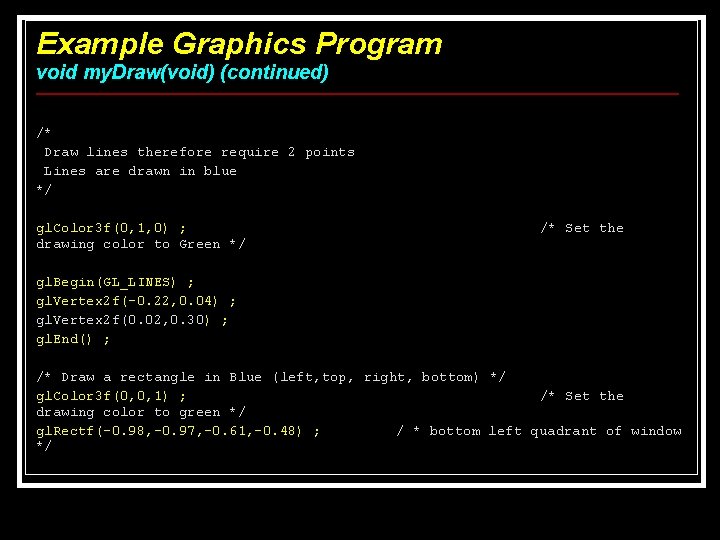
Example Graphics Program void my. Draw(void) (continued) /* Draw lines therefore require 2 points Lines are drawn in blue */ gl. Color 3 f(0, 1, 0) ; drawing color to Green */ /* Set the gl. Begin(GL_LINES) ; gl. Vertex 2 f(-0. 22, 0. 04) ; gl. Vertex 2 f(0. 02, 0. 30) ; gl. End() ; /* Draw a rectangle in Blue (left, top, right, bottom) */ gl. Color 3 f(0, 0, 1) ; /* Set the drawing color to green */ gl. Rectf(-0. 98, -0. 97, -0. 61, -0. 48) ; / * bottom left quadrant of window */
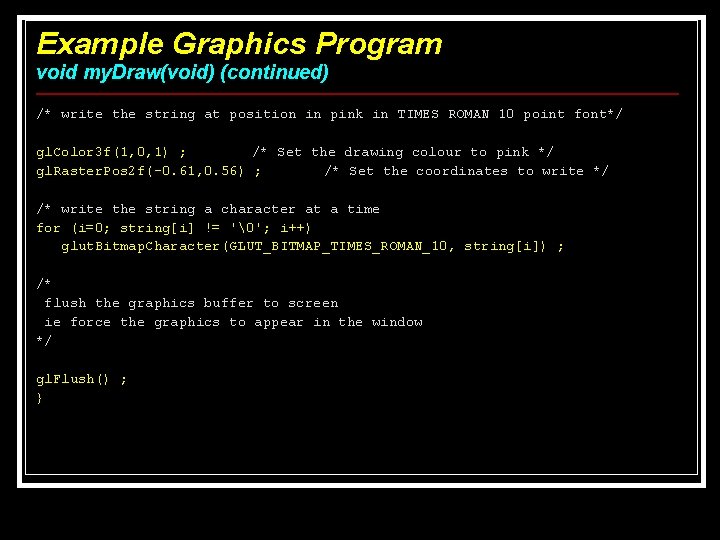
Example Graphics Program void my. Draw(void) (continued) /* write the string at position in pink in TIMES ROMAN 10 point font*/ gl. Color 3 f(1, 0, 1) ; /* Set the drawing colour to pink */ gl. Raster. Pos 2 f(-0. 61, 0. 56) ; /* Set the coordinates to write */ /* write the string a character at a time for (i=0; string[i] != ''; i++) glut. Bitmap. Character(GLUT_BITMAP_TIMES_ROMAN_10, string[i]) ; /* flush the graphics buffer to screen ie force the graphics to appear in the window */ gl. Flush() ; }
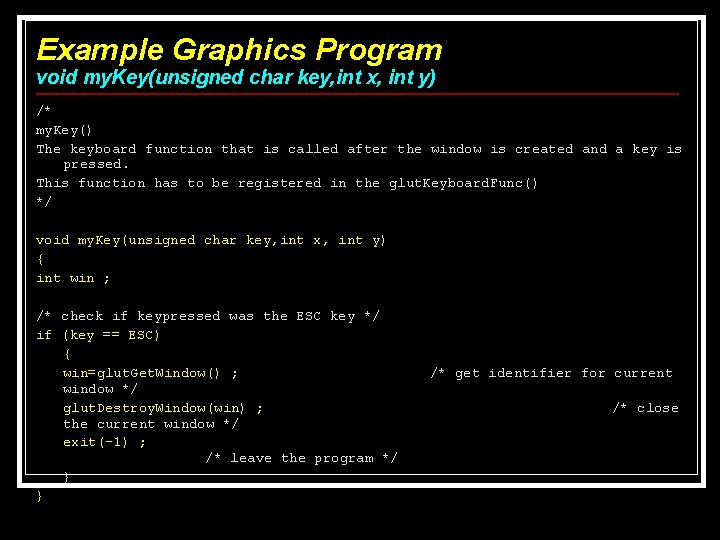
Example Graphics Program void my. Key(unsigned char key, int x, int y) /* my. Key() The keyboard function that is called after the window is created and a key is pressed. This function has to be registered in the glut. Keyboard. Func() */ void my. Key(unsigned char key, int x, int y) { int win ; /* check if keypressed was the ESC key */ if (key == ESC) { win=glut. Get. Window() ; window */ glut. Destroy. Window(win) ; the current window */ exit(-1) ; /* leave the program */ } } /* get identifier for current /* close
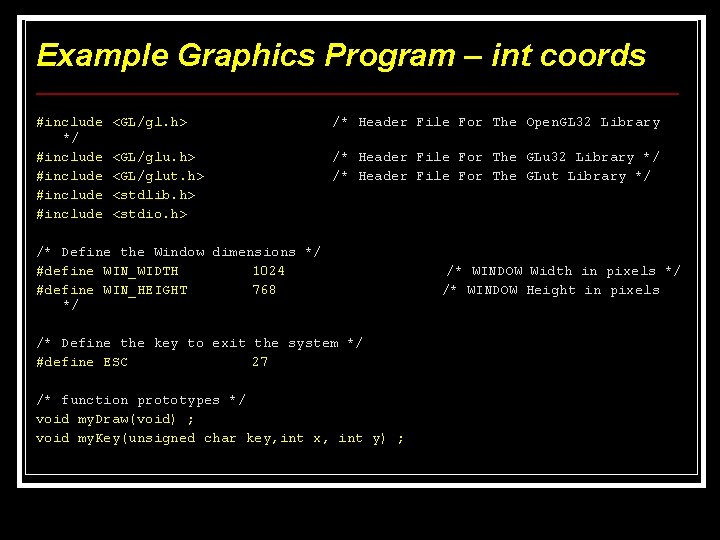
Example Graphics Program – int coords #include */ #include <GL/gl. h> /* Header File For The Open. GL 32 Library <GL/glu. h> <GL/glut. h> <stdlib. h> <stdio. h> /* Header File For The GLu 32 Library */ /* Header File For The GLut Library */ /* Define the Window dimensions */ #define WIN_WIDTH 1024 #define WIN_HEIGHT 768 */ /* Define the key to exit the system */ #define ESC 27 /* function prototypes */ void my. Draw(void) ; void my. Key(unsigned char key, int x, int y) ; /* WINDOW Width in pixels */ /* WINDOW Height in pixels
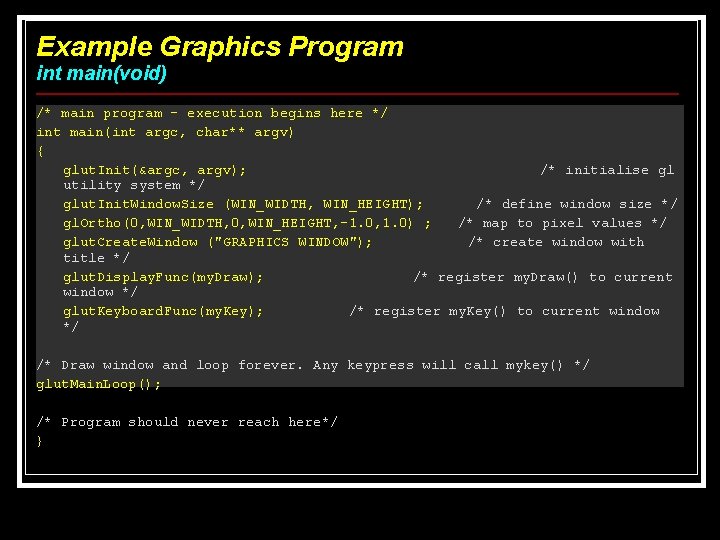
Example Graphics Program int main(void) /* main program – execution begins here */ int main(int argc, char** argv) { glut. Init(&argc, argv); /* initialise gl utility system */ glut. Init. Window. Size (WIN_WIDTH, WIN_HEIGHT); /* define window size */ gl. Ortho(0, WIN_WIDTH, 0, WIN_HEIGHT, -1. 0, 1. 0) ; /* map to pixel values */ glut. Create. Window ("GRAPHICS WINDOW"); /* create window with title */ glut. Display. Func(my. Draw); /* register my. Draw() to current window */ glut. Keyboard. Func(my. Key); /* register my. Key() to current window */ /* Draw window and loop forever. Any keypress will call mykey() */ glut. Main. Loop(); /* Program should never reach here*/ }
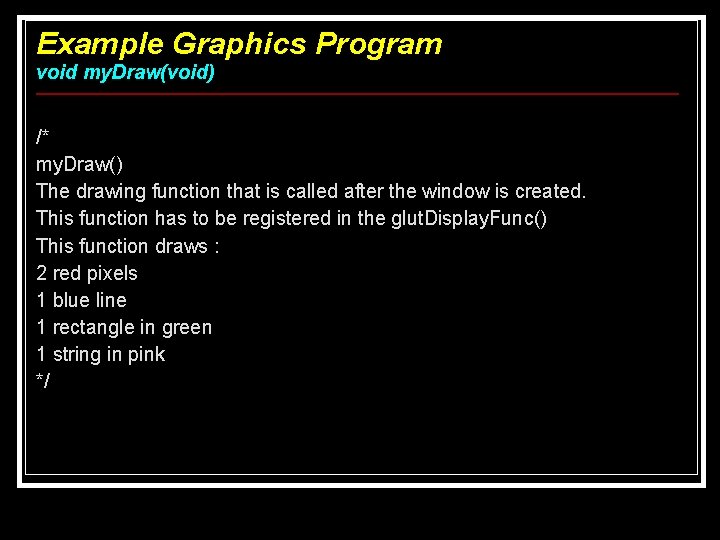
Example Graphics Program void my. Draw(void) /* my. Draw() The drawing function that is called after the window is created. This function has to be registered in the glut. Display. Func() This function draws : 2 red pixels 1 blue line 1 rectangle in green 1 string in pink */
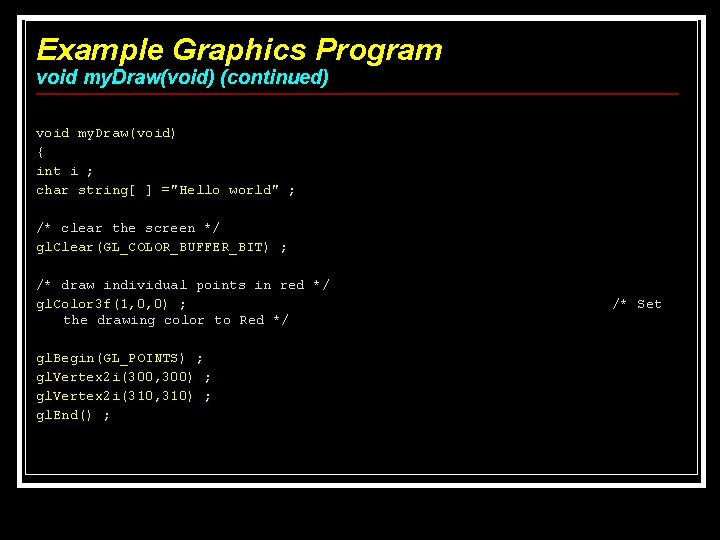
Example Graphics Program void my. Draw(void) (continued) void my. Draw(void) { int i ; char string[ ] ="Hello world" ; /* clear the screen */ gl. Clear(GL_COLOR_BUFFER_BIT) ; /* draw individual points in red */ gl. Color 3 f(1, 0, 0) ; the drawing color to Red */ gl. Begin(GL_POINTS) ; gl. Vertex 2 i(300, 300) ; gl. Vertex 2 i(310, 310) ; gl. End() ; /* Set
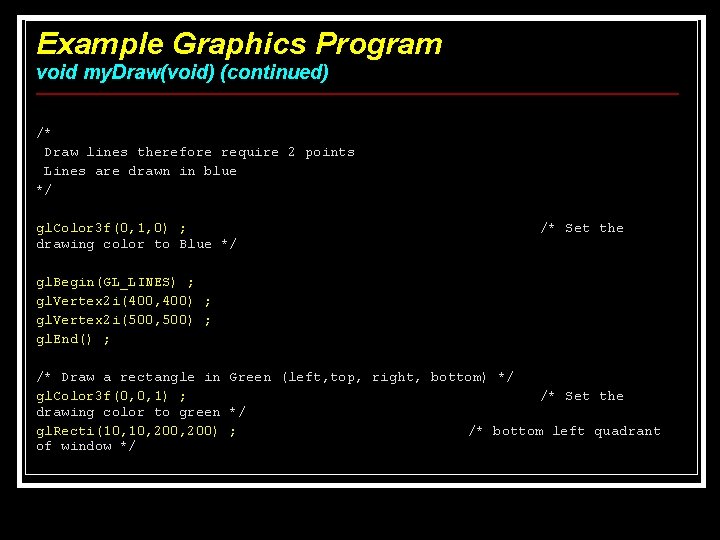
Example Graphics Program void my. Draw(void) (continued) /* Draw lines therefore require 2 points Lines are drawn in blue */ gl. Color 3 f(0, 1, 0) ; drawing color to Blue */ /* Set the gl. Begin(GL_LINES) ; gl. Vertex 2 i(400, 400) ; gl. Vertex 2 i(500, 500) ; gl. End() ; /* Draw a rectangle in Green (left, top, right, bottom) */ gl. Color 3 f(0, 0, 1) ; /* Set the drawing color to green */ gl. Recti(10, 200, 200) ; /* bottom left quadrant of window */
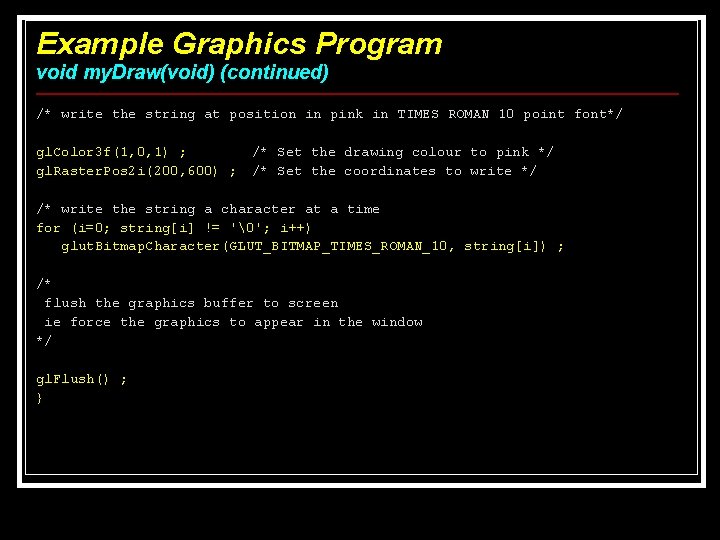
Example Graphics Program void my. Draw(void) (continued) /* write the string at position in pink in TIMES ROMAN 10 point font*/ gl. Color 3 f(1, 0, 1) ; gl. Raster. Pos 2 i(200, 600) ; /* Set the drawing colour to pink */ /* Set the coordinates to write */ /* write the string a character at a time for (i=0; string[i] != ''; i++) glut. Bitmap. Character(GLUT_BITMAP_TIMES_ROMAN_10, string[i]) ; /* flush the graphics buffer to screen ie force the graphics to appear in the window */ gl. Flush() ; }
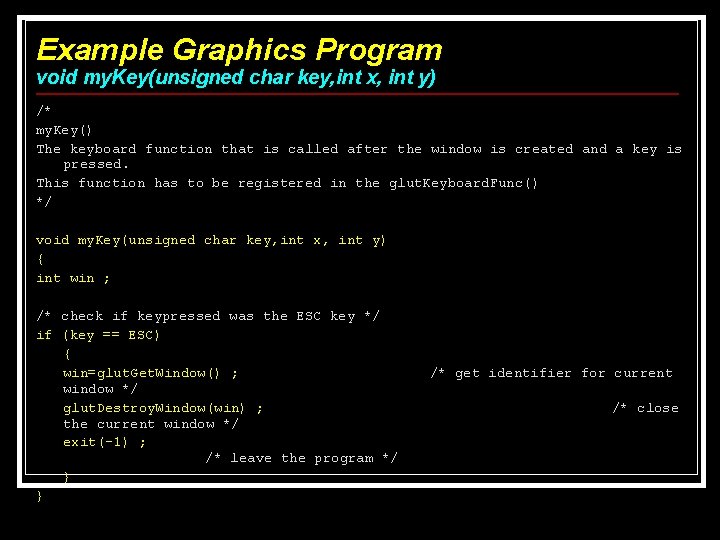
Example Graphics Program void my. Key(unsigned char key, int x, int y) /* my. Key() The keyboard function that is called after the window is created and a key is pressed. This function has to be registered in the glut. Keyboard. Func() */ void my. Key(unsigned char key, int x, int y) { int win ; /* check if keypressed was the ESC key */ if (key == ESC) { win=glut. Get. Window() ; window */ glut. Destroy. Window(win) ; the current window */ exit(-1) ; /* leave the program */ } } /* get identifier for current /* close
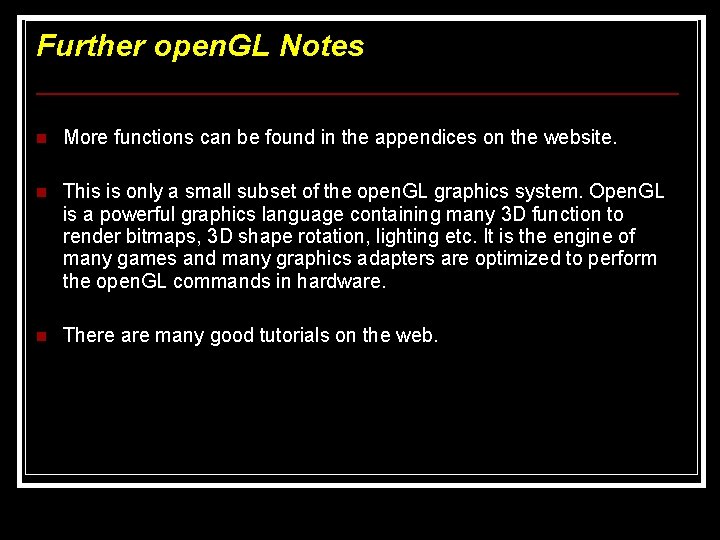
Further open. GL Notes n More functions can be found in the appendices on the website. n This is only a small subset of the open. GL graphics system. Open. GL is a powerful graphics language containing many 3 D function to render bitmaps, 3 D shape rotation, lighting etc. It is the engine of many games and many graphics adapters are optimized to perform the open. GL commands in hardware. n There are many good tutorials on the web.