
Curves and Surfaces in Open GL Ed Angel
![Example bicubic over (0, 1) x (0, 1) point data[4][4]={………}; gl. Map 2 f(GL_MAP_VERTEX_3,](https://slidetodoc.com/presentation_image/036dc8622e088fb7a0d5a25af5ee88fa/image-11.jpg "Example bicubic over (0, 1) x (0, 1) point data[4][4]={………}; gl. Map 2 f(GL_MAP_VERTEX_3,")
- Slides: 21
Curves and Surfaces in Open. GL Ed Angel Professor of Computer Science, Electrical and Computer Engineering, and Media Arts University of New Mexico Angel: Interactive Computer Graphics 4 E © Addison-Wesley 2005
Objectives Introduce Open. GL evaluators • Learn to render polynomial curves and surfaces • Discuss quadrics in Open. GL • GLUT Quadrics GLU Quadrics Angel: Interactive Computer Graphics 4 E © Addison-Wesley 2005 2
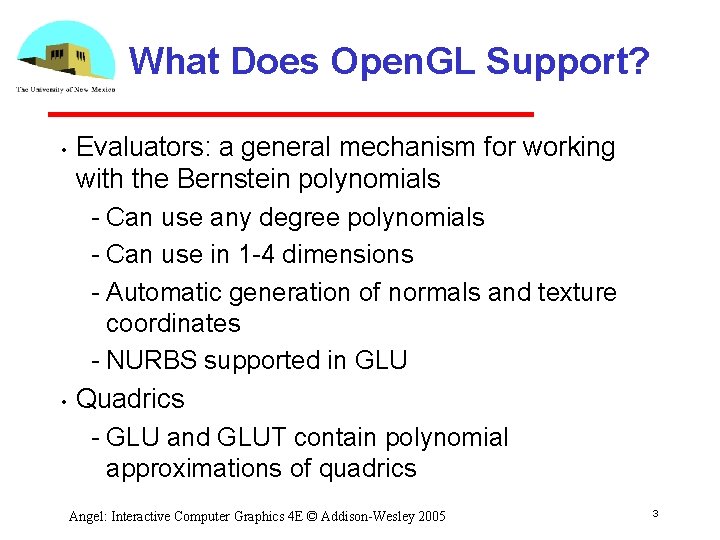
What Does Open. GL Support? • • Evaluators: a general mechanism for working with the Bernstein polynomials Can use any degree polynomials Can use in 1 4 dimensions Automatic generation of normals and texture coordinates NURBS supported in GLU Quadrics GLU and GLUT contain polynomial approximations of quadrics Angel: Interactive Computer Graphics 4 E © Addison-Wesley 2005 3
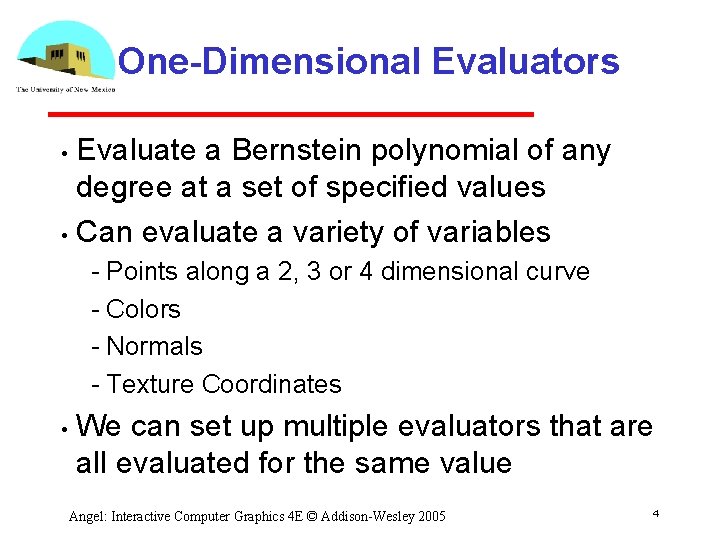
One-Dimensional Evaluators Evaluate a Bernstein polynomial of any degree at a set of specified values • Can evaluate a variety of variables • Points along a 2, 3 or 4 dimensional curve Colors Normals Texture Coordinates • We can set up multiple evaluators that are all evaluated for the same value Angel: Interactive Computer Graphics 4 E © Addison-Wesley 2005 4
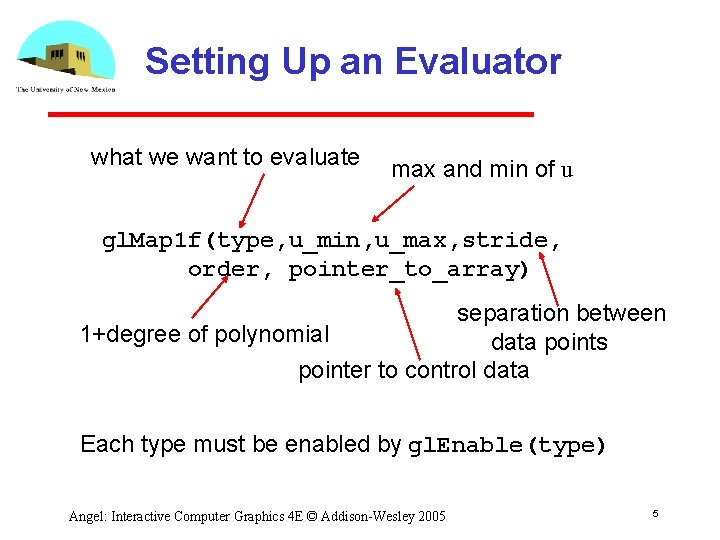
Setting Up an Evaluator what we want to evaluate max and min of u gl. Map 1 f(type, u_min, u_max, stride, order, pointer_to_array) separation between 1+degree of polynomial data points pointer to control data Each type must be enabled by gl. Enable(type) Angel: Interactive Computer Graphics 4 E © Addison-Wesley 2005 5
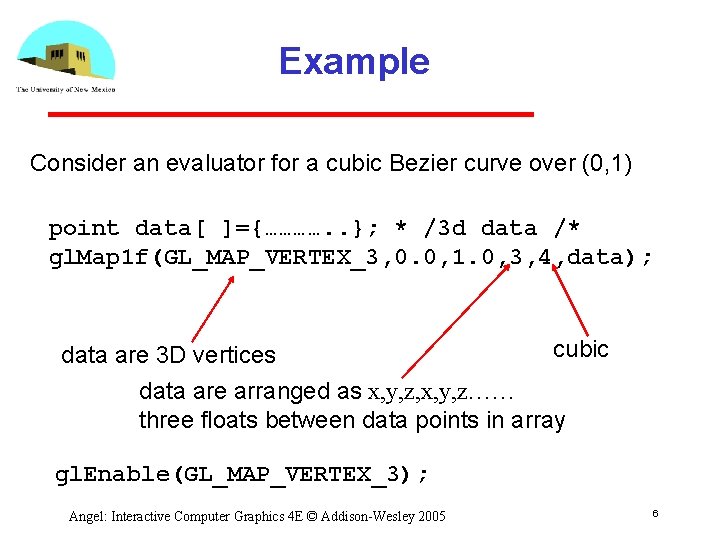
Example Consider an evaluator for a cubic Bezier curve over (0, 1) point data[ ]={…………. . }; * /3 d data /* gl. Map 1 f(GL_MAP_VERTEX_3, 0. 0, 1. 0, 3, 4, data); cubic data are 3 D vertices data are arranged as x, y, z, x, y, z…… three floats between data points in array gl. Enable(GL_MAP_VERTEX_3); Angel: Interactive Computer Graphics 4 E © Addison-Wesley 2005 6
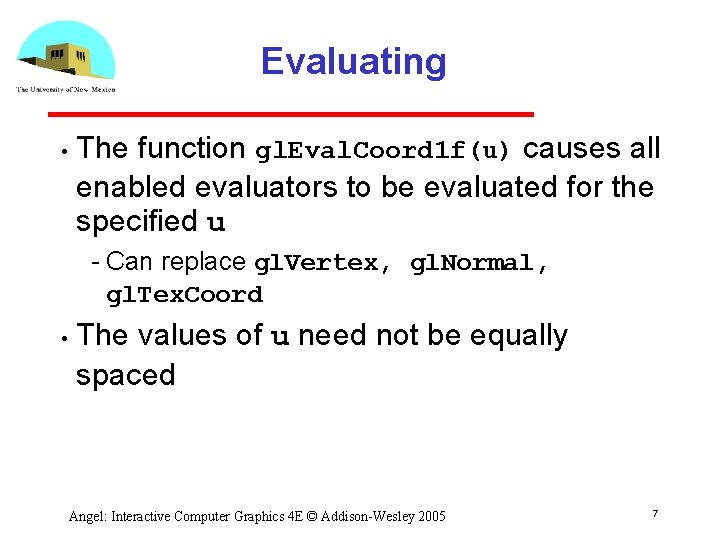
Evaluating • The function gl. Eval. Coord 1 f(u) causes all enabled evaluators to be evaluated for the specified u Can replace gl. Vertex, gl. Normal, gl. Tex. Coord • The values of u need not be equally spaced Angel: Interactive Computer Graphics 4 E © Addison-Wesley 2005 7
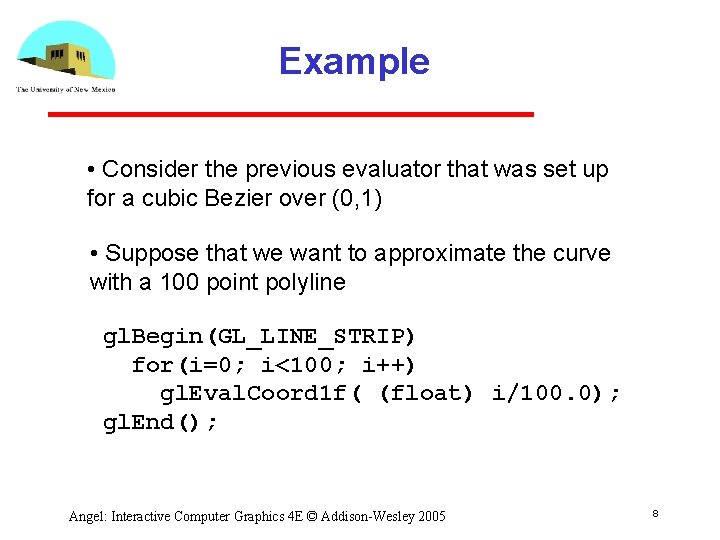
Example • Consider the previous evaluator that was set up for a cubic Bezier over (0, 1) • Suppose that we want to approximate the curve with a 100 point polyline gl. Begin(GL_LINE_STRIP) for(i=0; i<100; i++) gl. Eval. Coord 1 f( (float) i/100. 0); gl. End(); Angel: Interactive Computer Graphics 4 E © Addison-Wesley 2005 8
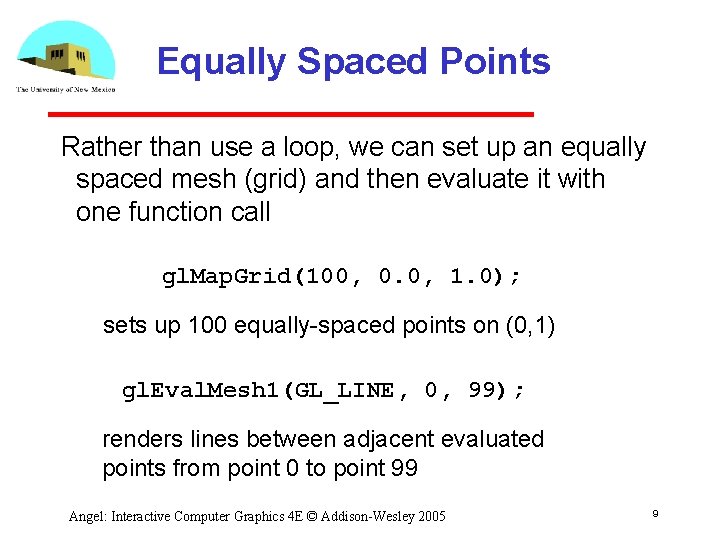
Equally Spaced Points Rather than use a loop, we can set up an equally spaced mesh (grid) and then evaluate it with one function call gl. Map. Grid(100, 0. 0, 1. 0); sets up 100 equally spaced points on (0, 1) gl. Eval. Mesh 1(GL_LINE, 0, 99); renders lines between adjacent evaluated points from point 0 to point 99 Angel: Interactive Computer Graphics 4 E © Addison-Wesley 2005 9
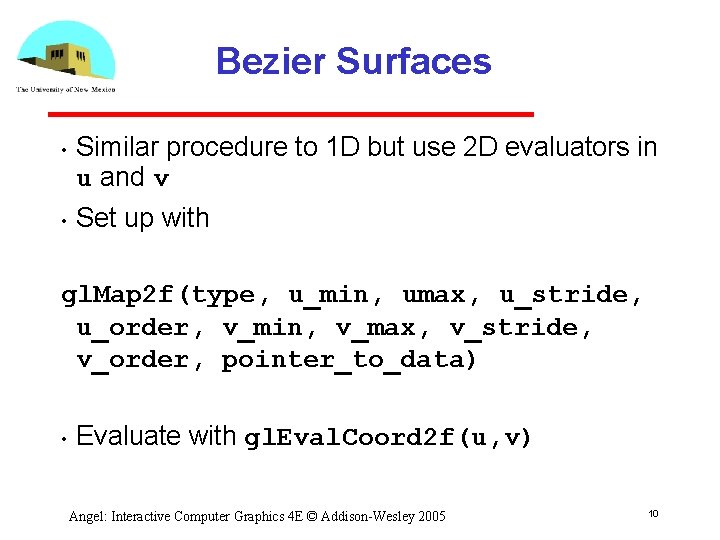
Bezier Surfaces • • Similar procedure to 1 D but use 2 D evaluators in u and v Set up with gl. Map 2 f(type, u_min, umax, u_stride, u_order, v_min, v_max, v_stride, v_order, pointer_to_data) • Evaluate with gl. Eval. Coord 2 f(u, v) Angel: Interactive Computer Graphics 4 E © Addison-Wesley 2005 10
Example bicubic over (0, 1) x (0, 1) point data[4][4]={………}; gl. Map 2 f(GL_MAP_VERTEX_3, 0. 0, 1. 0, 3, 4, 0. 0, 12, 4, data); Note that in v direction data points are separated by 12 floats since array data is stored by rows Angel: Interactive Computer Graphics 4 E © Addison-Wesley 2005 11
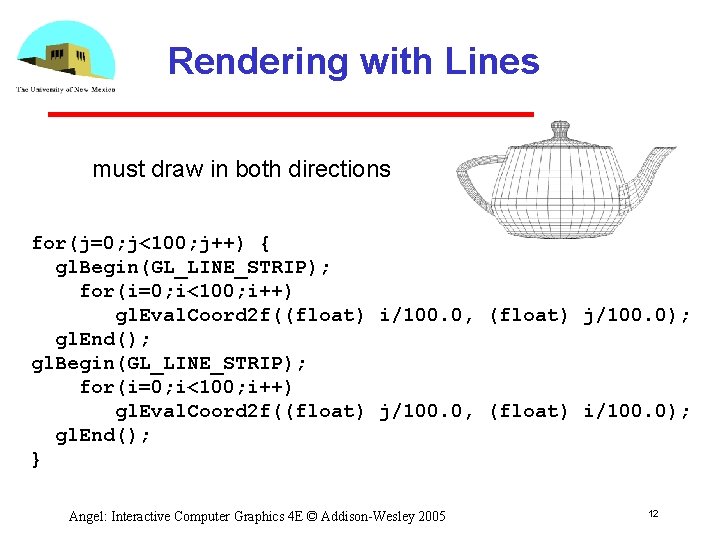
Rendering with Lines must draw in both directions for(j=0; j<100; j++) { gl. Begin(GL_LINE_STRIP); for(i=0; i<100; i++) gl. Eval. Coord 2 f((float) i/100. 0, (float) j/100. 0); gl. End(); gl. Begin(GL_LINE_STRIP); for(i=0; i<100; i++) gl. Eval. Coord 2 f((float) j/100. 0, (float) i/100. 0); gl. End(); } Angel: Interactive Computer Graphics 4 E © Addison-Wesley 2005 12
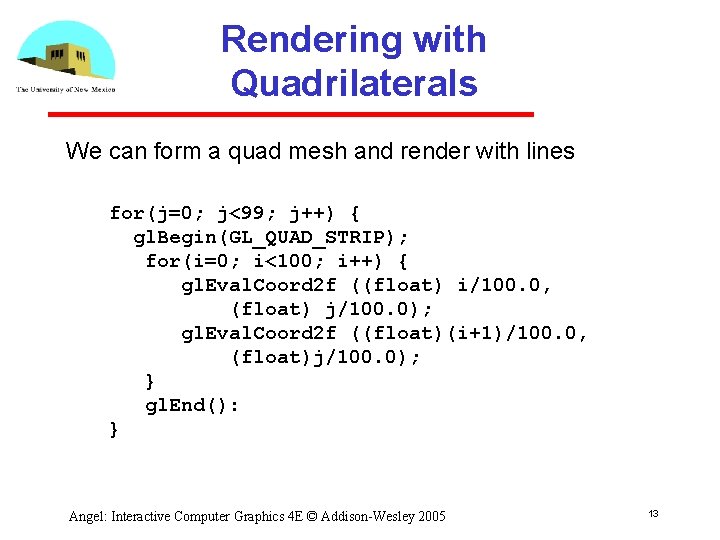
Rendering with Quadrilaterals We can form a quad mesh and render with lines for(j=0; j<99; j++) { gl. Begin(GL_QUAD_STRIP); for(i=0; i<100; i++) { gl. Eval. Coord 2 f ((float) i/100. 0, (float) j/100. 0); gl. Eval. Coord 2 f ((float)(i+1)/100. 0, (float)j/100. 0); } gl. End(): } Angel: Interactive Computer Graphics 4 E © Addison-Wesley 2005 13
Uniform Meshes • We can form a 2 D mesh (grid) in a similar manner to 1 D for uniform spacing gl. Map. Grid 2(u_num, u_min, u_max, v_num, v_min, v_max) • Can evaluate as before with lines or if want filled polygons gl. Eval. Mesh 2( GL_FILL, u_start, u_num, v_start, v_num) Angel: Interactive Computer Graphics 4 E © Addison-Wesley 2005 14
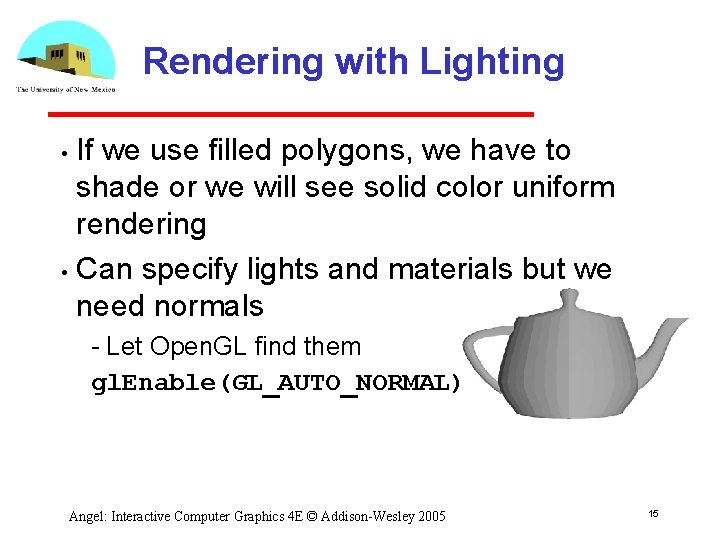
Rendering with Lighting If we use filled polygons, we have to shade or we will see solid color uniform rendering • Can specify lights and materials but we need normals • Let Open. GL find them gl. Enable(GL_AUTO_NORMAL); Angel: Interactive Computer Graphics 4 E © Addison-Wesley 2005 15
NURBS Open. GL supports NURBS surfaces through the GLU library • Why GLU? • Can use evaluators in 4 D with standard Open. GL library However, there are many complexities with NURBS that need a lot of code There are five NURBS surface functions plus functions for trimming curves that can remove pieces of a NURBS surface Angel: Interactive Computer Graphics 4 E © Addison-Wesley 2005 16
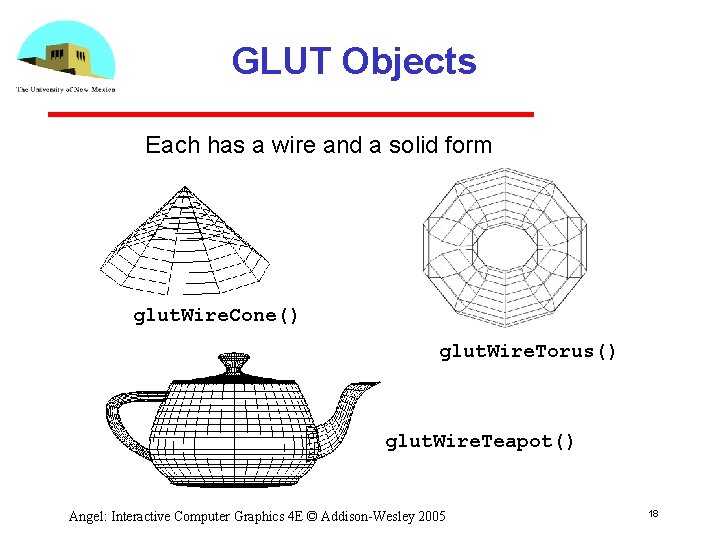
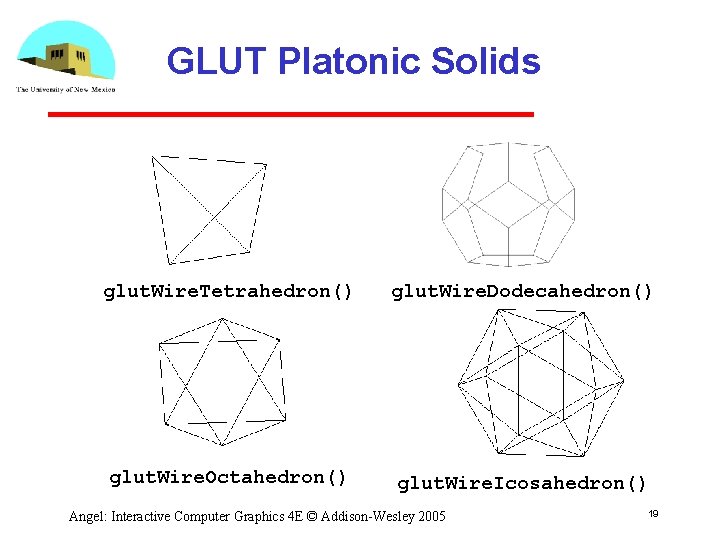
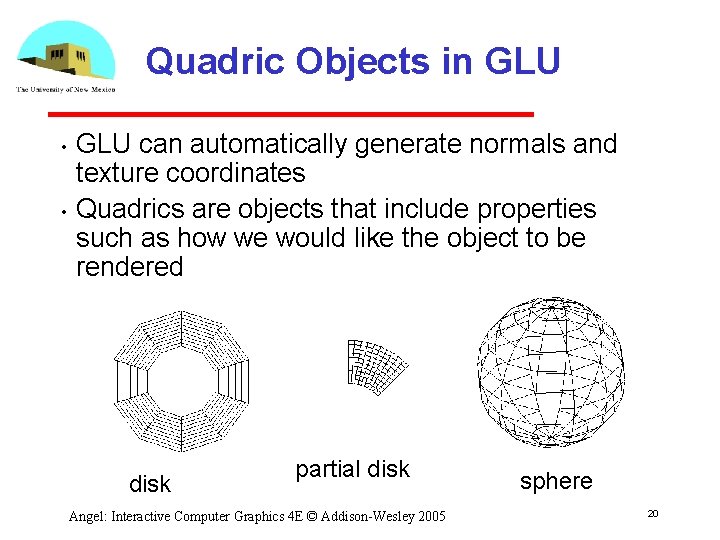
Quadrics • Quadrics are in both the GLU and GLUT libraries Both use polygonal approximations where the application specifies the resolution Sphere: lines of longitude and lattitude • GLU: disks, cylinders, spheres Can apply transformations to scale, orient, and position • GLUT: Platonic solids, torus, Utah teapot, cone Angel: Interactive Computer Graphics 4 E © Addison-Wesley 2005 17
GLUT Objects Each has a wire and a solid form glut. Wire. Cone() glut. Wire. Torus() glut. Wire. Teapot() Angel: Interactive Computer Graphics 4 E © Addison-Wesley 2005 18
GLUT Platonic Solids glut. Wire. Tetrahedron() glut. Wire. Dodecahedron() glut. Wire. Octahedron() glut. Wire. Icosahedron() Angel: Interactive Computer Graphics 4 E © Addison-Wesley 2005 19
Quadric Objects in GLU • • GLU can automatically generate normals and texture coordinates Quadrics are objects that include properties such as how we would like the object to be rendered disk partial disk Angel: Interactive Computer Graphics 4 E © Addison-Wesley 2005 sphere 20
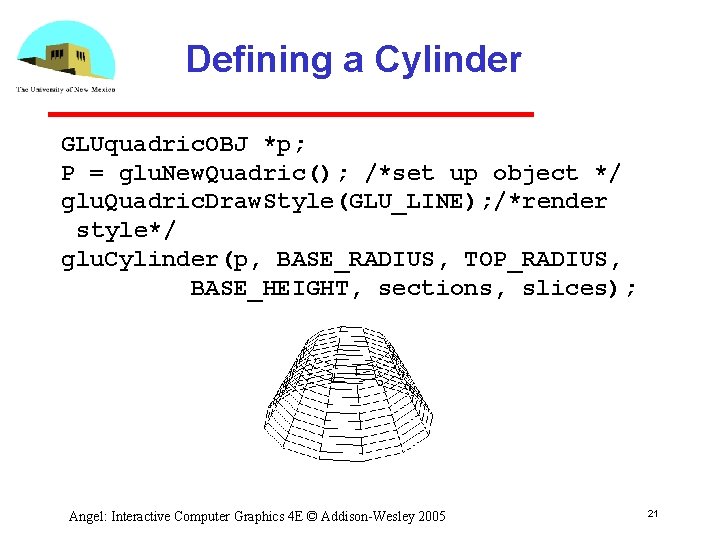
Defining a Cylinder GLUquadric. OBJ *p; P = glu. New. Quadric(); /*set up object */ glu. Quadric. Draw. Style(GLU_LINE); /*render style*/ glu. Cylinder(p, BASE_RADIUS, TOP_RADIUS, BASE_HEIGHT, sections, slices); Angel: Interactive Computer Graphics 4 E © Addison-Wesley 2005 21