CMP 131 Introduction to Computer Programming Violetta CavalliSforza
- Slides: 59
CMP 131 Introduction to Computer Programming Violetta Cavalli-Sforza Week 9
NEXT WEEK • Monday May 14 : Quiz Primarily on: – Ch 2. 5: Standard Functions – Ch 4: Conditional Statements (except Section 4. 6)
THIS WEEK • Repeating statement execution and loops • Thursday: Lab – Working on Assignment #4 • Sunday May 13: Assignment #4 due at midnight (NO LATE HOMEWORK ACCEPTED) • May start looking at the debugger in the Pascal IDE (if not, next week)
Topics • General Loops Ideas & Terminology • Pascal statements for dealing with loops – WHILE loops – FOR loops – REPEAT-UNTIL loops • Types of loops: – – counter-controlled event-driven loops menu-driven loops sentinel-controlled • Loop design • Common programming errors
Repetition • Repeating execution of one or more statements • One or more statements enclosed inside a programming structure that causes them to be executed 0 or more times until some condition is met or no longer met. • The programming structures associated with repetitions are called loops. • Pascal (like many other languages) has 3 kinds of loops – FOR loop: FOR … DO – WHILE loop: WHILE … DO – REPEAT loop: REPEAT … UNTIL
Why Use Repetition? • Examples: – Evaluating the gross & net pay for the employees in a company – Evaluating the grades for all students in a class, . . . etc. • We can write the process for one individual and then ask Pascal to repeat the process for all participants
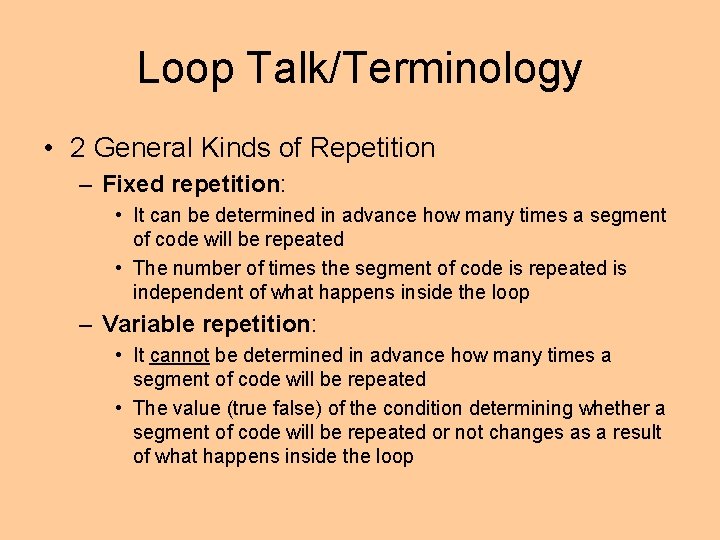
Loop Talk/Terminology • 2 General Kinds of Repetition – Fixed repetition: • It can be determined in advance how many times a segment of code will be repeated • The number of times the segment of code is repeated is independent of what happens inside the loop – Variable repetition: • It cannot be determined in advance how many times a segment of code will be repeated • The value (true false) of the condition determining whether a segment of code will be repeated or not changes as a result of what happens inside the loop
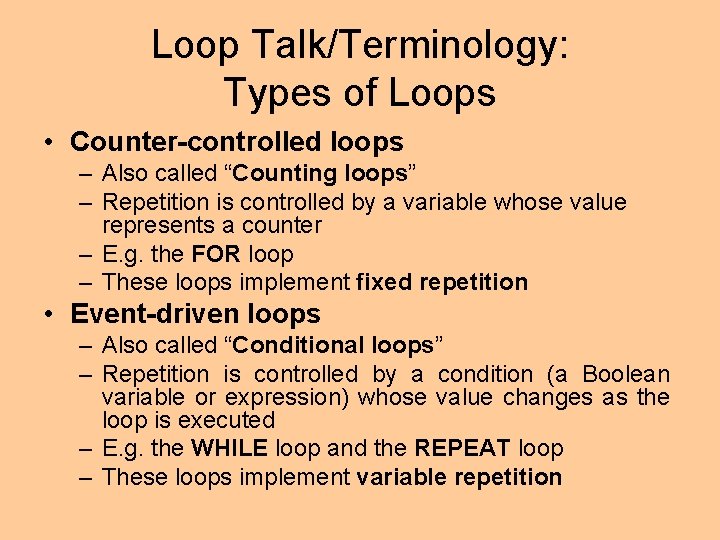
Loop Talk/Terminology: Types of Loops • Counter-controlled loops – Also called “Counting loops” – Repetition is controlled by a variable whose value represents a counter – E. g. the FOR loop – These loops implement fixed repetition • Event-driven loops – Also called “Conditional loops” – Repetition is controlled by a condition (a Boolean variable or expression) whose value changes as the loop is executed – E. g. the WHILE loop and the REPEAT loop – These loops implement variable repetition
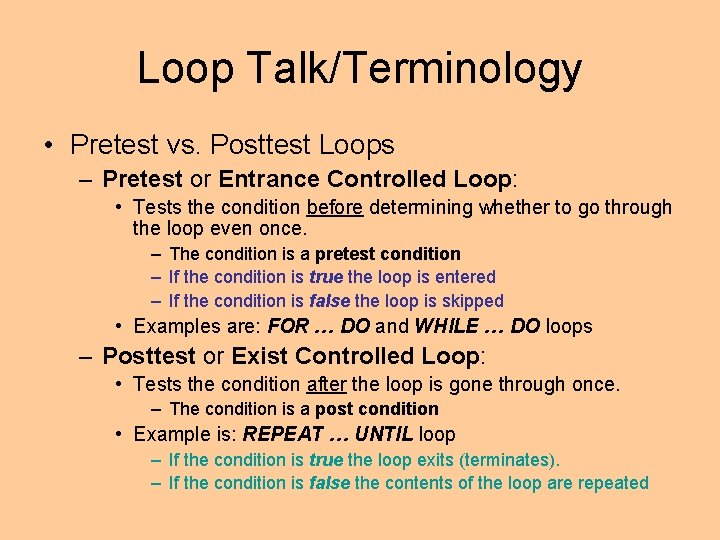
Loop Talk/Terminology • Pretest vs. Posttest Loops – Pretest or Entrance Controlled Loop: • Tests the condition before determining whether to go through the loop even once. – The condition is a pretest condition – If the condition is true the loop is entered – If the condition is false the loop is skipped • Examples are: FOR … DO and WHILE … DO loops – Posttest or Exist Controlled Loop: • Tests the condition after the loop is gone through once. – The condition is a post condition • Example is: REPEAT … UNTIL loop – If the condition is true the loop exits (terminates). – If the condition is false the contents of the loop are repeated
Loop Talk/Terminology • Repetition is sometimes called iteration – Fixed repetition = definite iteration – Variable repetition = indefinite iteration • However the terms repetition and iteration have another importatant meaning: one time through a loop – E. g. On the first iteration, the value 5 is assigned to the variable X, on the second iteration, the value 6 is assigned to the variable X, etc. .
Loop Talk/Terminology • Loop parts: – Loop body • Contains the steps to be repeated. – Loop repetition condition • The condition that controls the loop repetition – Loop-control variable (or expression) • The variable whose value controls loop repetition • Must be initialized, tested, and updated for the loop to execute properly
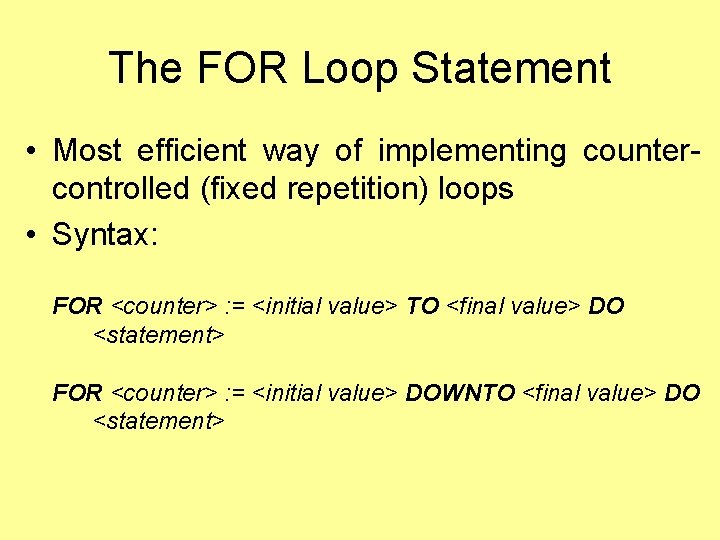
The FOR Loop Statement • Most efficient way of implementing countercontrolled (fixed repetition) loops • Syntax: FOR <counter> : = <initial value> TO <final value> DO <statement> FOR <counter> : = <initial value> DOWNTO <final value> DO <statement>
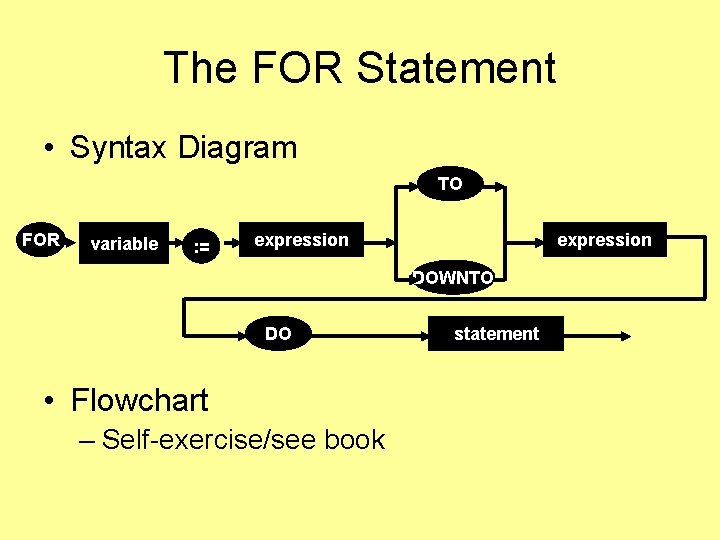
The FOR Statement • Syntax Diagram TO FOR variable : = expression DOWNTO DO • Flowchart – Self-exercise/see book statement
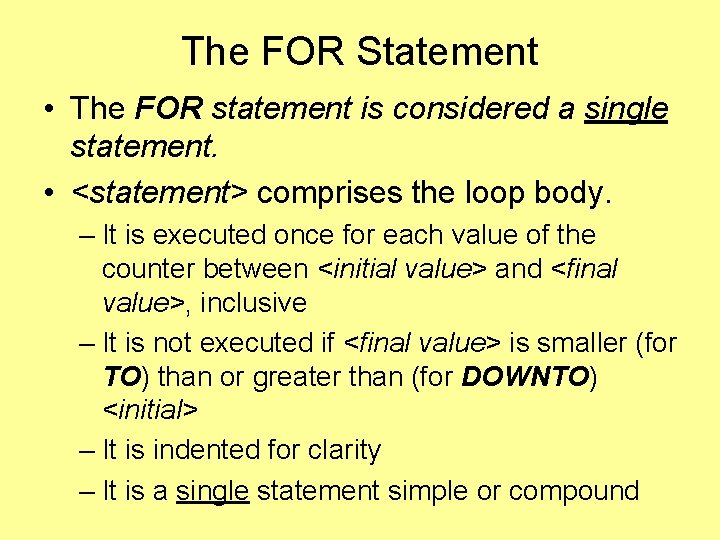
The FOR Statement • The FOR statement is considered a single statement. • <statement> comprises the loop body. – It is executed once for each value of the counter between <initial value> and <final value>, inclusive – It is not executed if <final value> is smaller (for TO) than or greater than (for DOWNTO) <initial> – It is indented for clarity – It is a single statement simple or compound
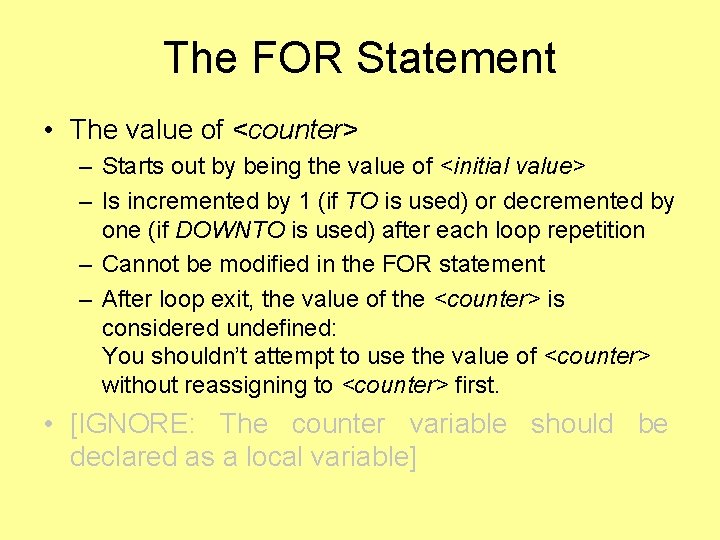
The FOR Statement • The value of <counter> – Starts out by being the value of <initial value> – Is incremented by 1 (if TO is used) or decremented by one (if DOWNTO is used) after each loop repetition – Cannot be modified in the FOR statement – After loop exit, the value of the <counter> is considered undefined: You shouldn’t attempt to use the value of <counter> without reassigning to <counter> first. • [IGNORE: The counter variable should be declared as a local variable]
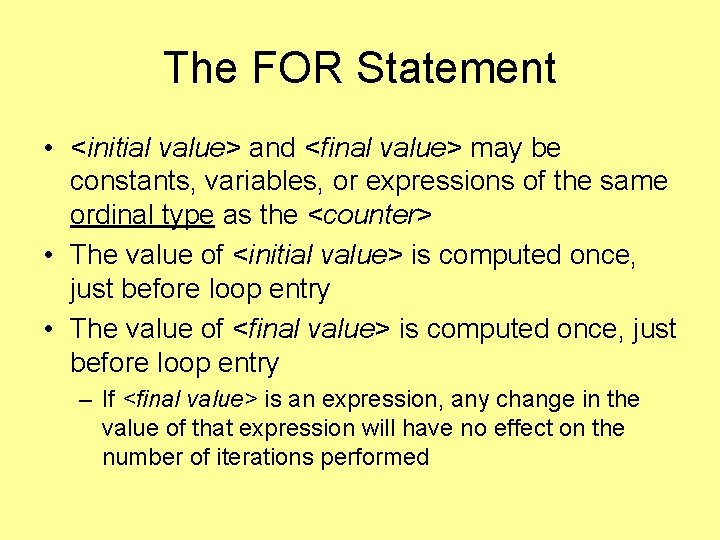
The FOR Statement • <initial value> and <final value> may be constants, variables, or expressions of the same ordinal type as the <counter> • The value of <initial value> is computed once, just before loop entry • The value of <final value> is computed once, just before loop entry – If <final value> is an expression, any change in the value of that expression will have no effect on the number of iterations performed
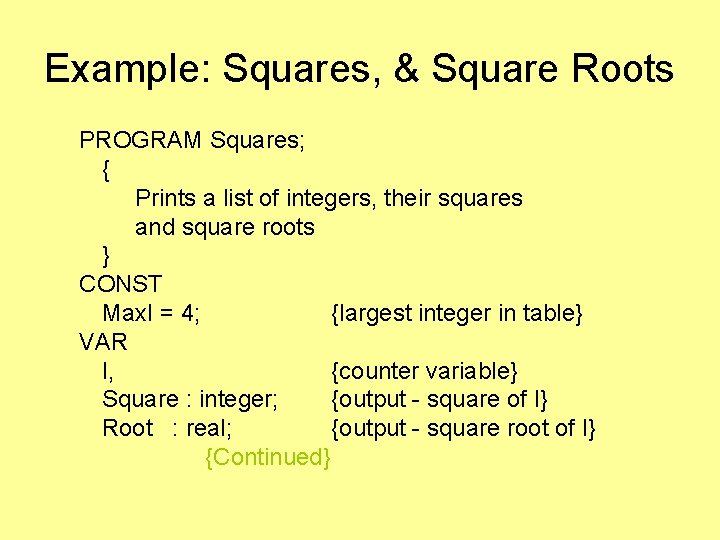
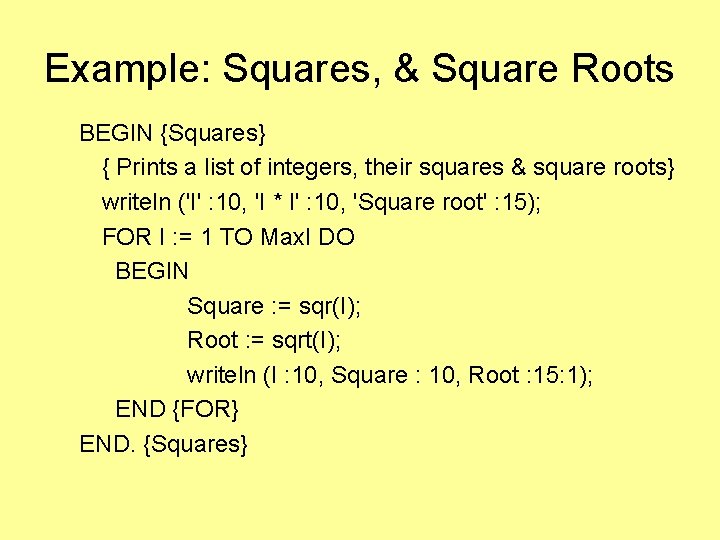
Example: Squares, & Square Roots PROGRAM Squares; { Prints a list of integers, their squares and square roots } CONST Max. I = 4; {largest integer in table} VAR I, {counter variable} Square : integer; {output - square of I} Root : real; {output - square root of I} {Continued}
Example: Squares, & Square Roots BEGIN {Squares} { Prints a list of integers, their squares & square roots} writeln ('I' : 10, 'I * I' : 10, 'Square root' : 15); FOR I : = 1 TO Max. I DO BEGIN Square : = sqr(I); Root : = sqrt(I); writeln (I : 10, Square : 10, Root : 15: 1); END {FOR} END. {Squares}
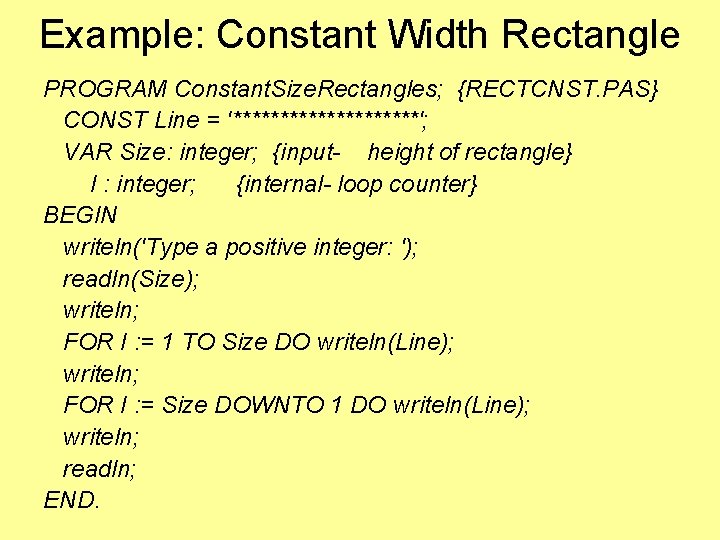
Example: Constant Width Rectangle PROGRAM Constant. Size. Rectangles; {RECTCNST. PAS} CONST Line = '**********'; VAR Size: integer; {input- height of rectangle} I : integer; {internal- loop counter} BEGIN writeln('Type a positive integer: '); readln(Size); writeln; FOR I : = 1 TO Size DO writeln(Line); writeln; FOR I : = Size DOWNTO 1 DO writeln(Line); writeln; readln; END.
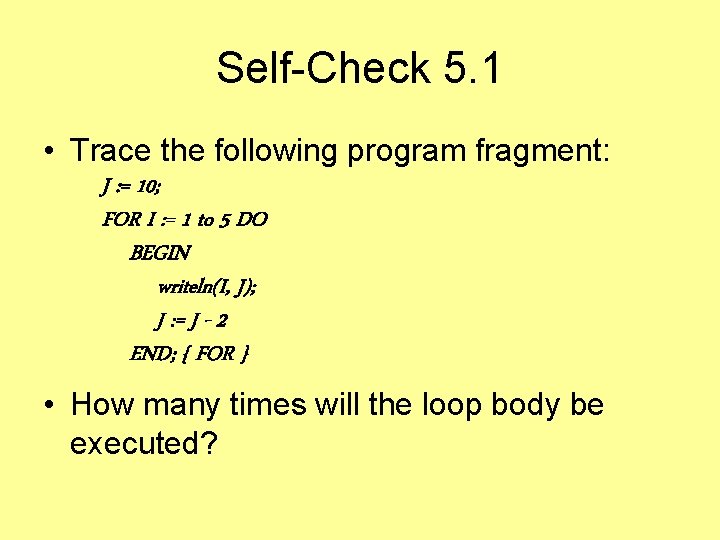
Self-Check 5. 1 • Trace the following program fragment: J : = 10; FOR I : = 1 to 5 DO BEGIN writeln(I, J); J : = J - 2 END; { FOR } • How many times will the loop body be executed?
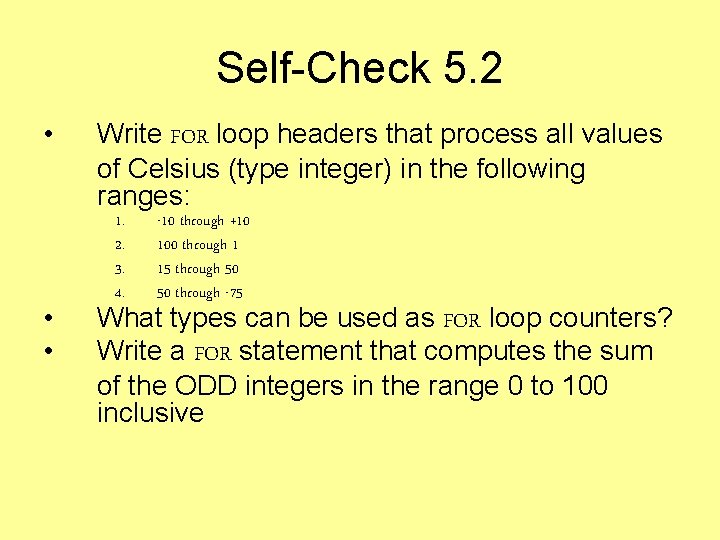
Self-Check 5. 2 • • • Write FOR loop headers that process all values of Celsius (type integer) in the following ranges: 1. 2. 3. 4. -10 through +10 100 through 1 15 through 50 50 through -75 What types can be used as FOR loop counters? Write a FOR statement that computes the sum of the ODD integers in the range 0 to 100 inclusive
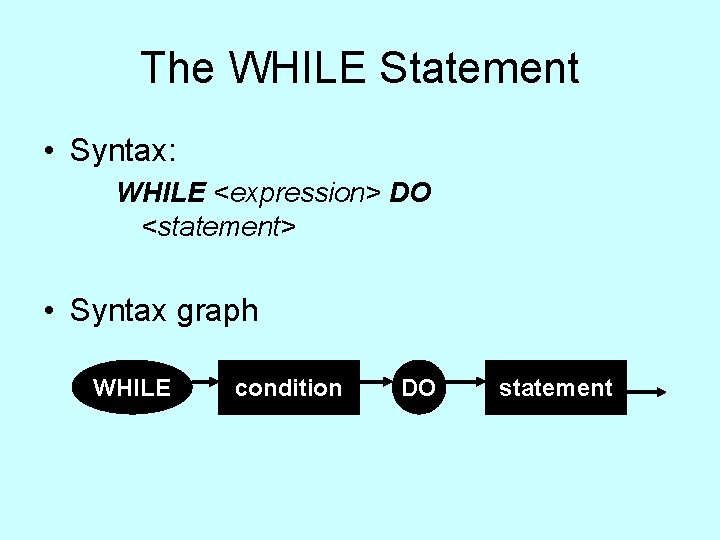
The WHILE Statement • Syntax: WHILE <expression> DO <statement> • Syntax graph WHILE condition DO statement
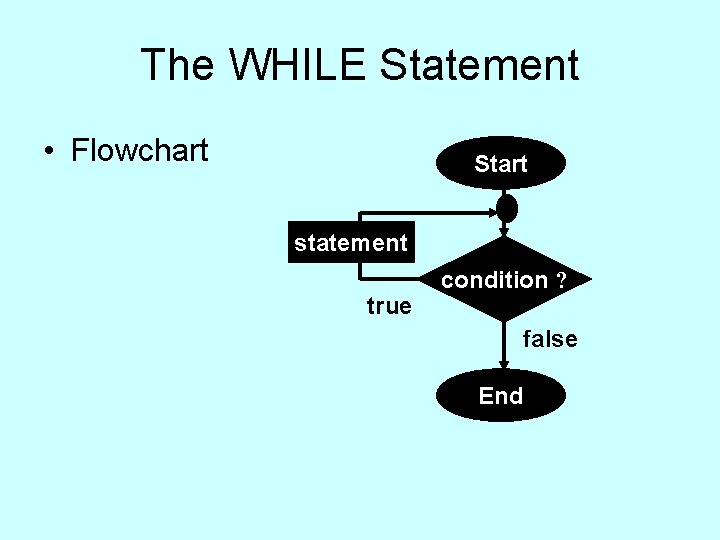
The WHILE Statement • Flowchart Start statement true condition ? false End
The WHILE Statement • The WHILE statement is considered a single statement. • <statement> comprises the loop body – Is executed zero or more times, depending on the value of the condition (and this, in turn, on the loop variable) – It is indented for clarity – Is a single statement (simple or a compound)
The WHILE Statement • <expression> is a condition to control the loop process – It depends on a loop control variable (sometimes more than one variable) – Caution: If the value of the loop control variable is not modified inside the loop, the loop will execute forever • If <expression> evaluates to – true, the statement is executed. – false, the first time it is tested, statement will not be executed – false, after one or more iterations, the WHILE loop is exited and the next program statement is executed
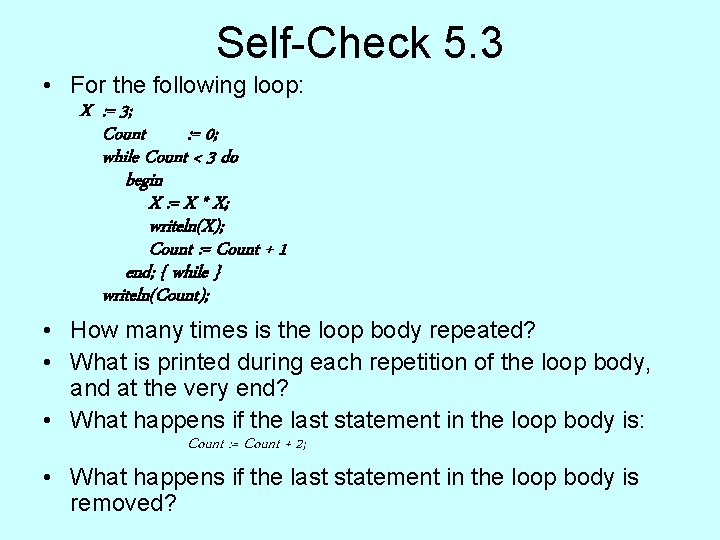
Self-Check 5. 3 • For the following loop: X : = 3; Count : = 0; while Count < 3 do begin X : = X * X; writeln(X); Count : = Count + 1 end; { while } writeln(Count); • How many times is the loop body repeated? • What is printed during each repetition of the loop body, and at the very end? • What happens if the last statement in the loop body is: Count : = Count + 2; • What happens if the last statement in the loop body is removed?
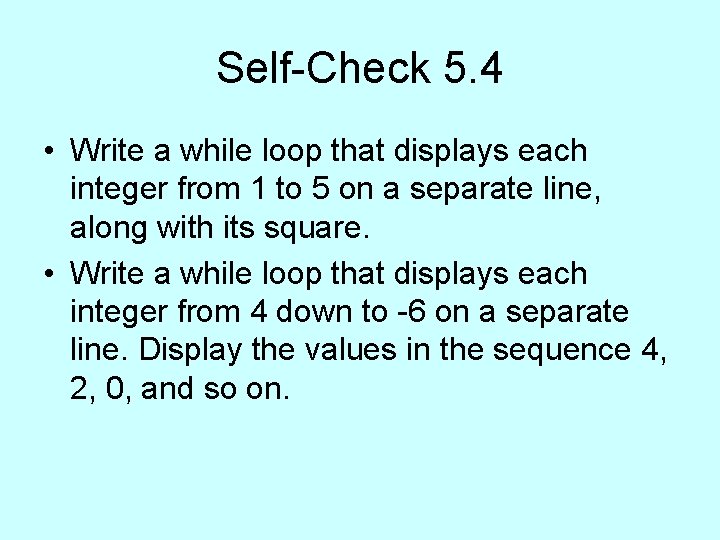
Self-Check 5. 4 • Write a while loop that displays each integer from 1 to 5 on a separate line, along with its square. • Write a while loop that displays each integer from 4 down to -6 on a separate line. Display the values in the sequence 4, 2, 0, and so on.
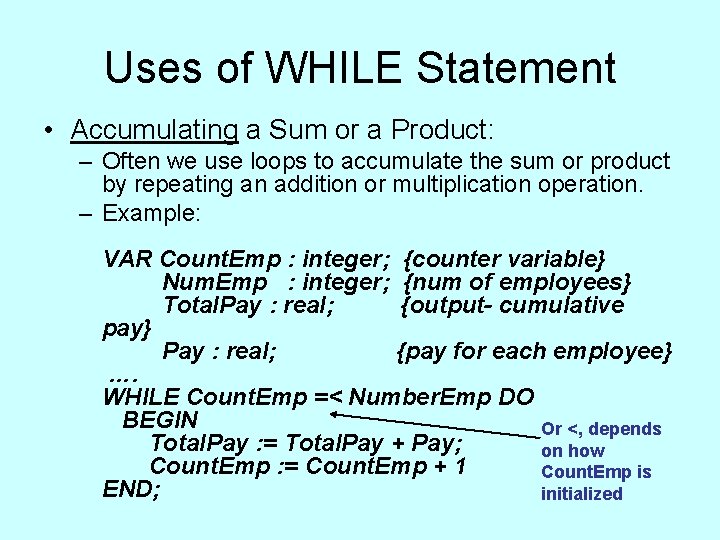
Uses of WHILE Statement • Accumulating a Sum or a Product: – Often we use loops to accumulate the sum or product by repeating an addition or multiplication operation. – Example: VAR Count. Emp : integer; {counter variable} Num. Emp : integer; {num of employees} Total. Pay : real; {output- cumulative pay} Pay : real; {pay for each employee} …. WHILE Count. Emp =< Number. Emp DO BEGIN Or <, depends Total. Pay : = Total. Pay + Pay; on how Count. Emp : = Count. Emp + 1 Count. Emp is END; initialized
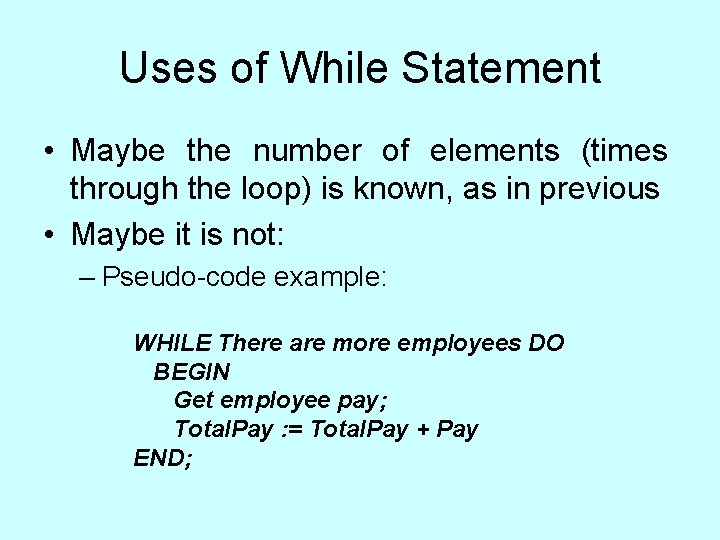
Uses of While Statement • Maybe the number of elements (times through the loop) is known, as in previous • Maybe it is not: – Pseudo-code example: WHILE There are more employees DO BEGIN Get employee pay; Total. Pay : = Total. Pay + Pay END;
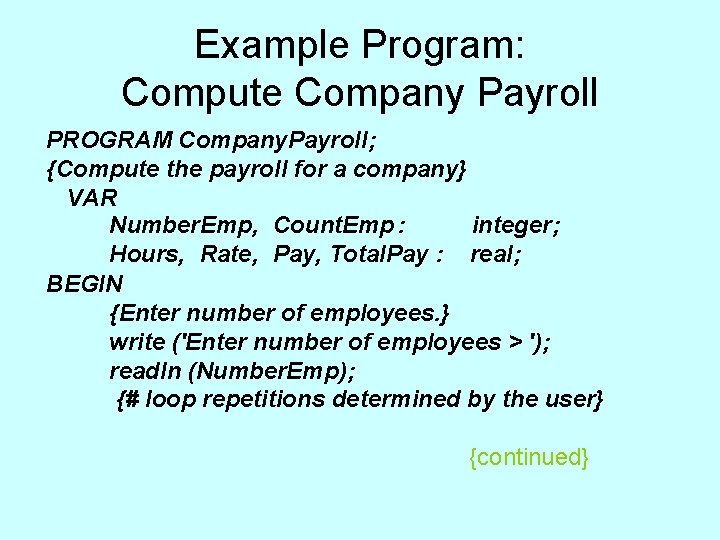
Example Program: Compute Company Payroll PROGRAM Company. Payroll; {Compute the payroll for a company} VAR Number. Emp, Count. Emp : integer; Hours, Rate, Pay, Total. Pay : real; BEGIN {Enter number of employees. } write ('Enter number of employees > '); readln (Number. Emp); {# loop repetitions determined by the user} {continued}
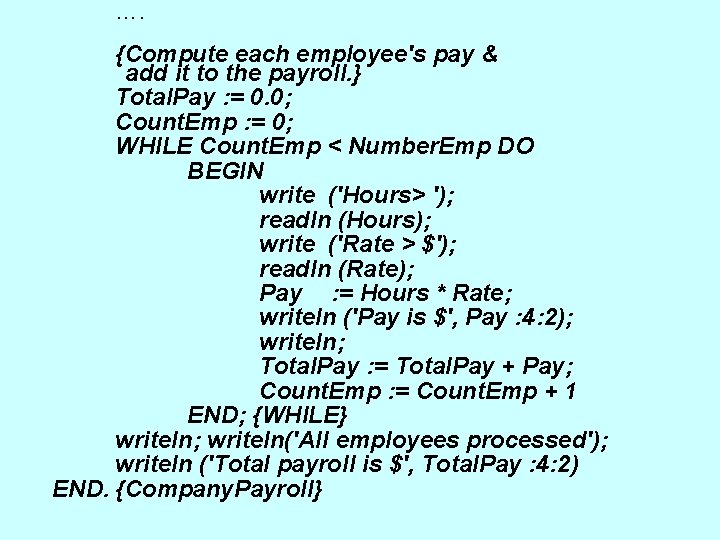
…. {Compute each employee's pay & add it to the payroll. } Total. Pay : = 0. 0; Count. Emp : = 0; WHILE Count. Emp < Number. Emp DO BEGIN write ('Hours> '); readln (Hours); write ('Rate > $'); readln (Rate); Pay : = Hours * Rate; writeln ('Pay is $', Pay : 4: 2); writeln; Total. Pay : = Total. Pay + Pay; Count. Emp : = Count. Emp + 1 END; {WHILE} writeln; writeln('All employees processed'); writeln ('Total payroll is $', Total. Pay : 4: 2) END. {Company. Payroll}
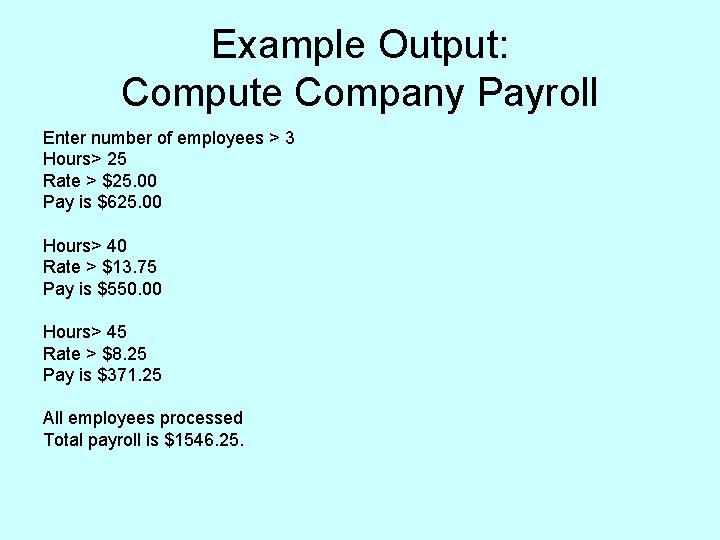
Example Output: Compute Company Payroll Enter number of employees > 3 Hours> 25 Rate > $25. 00 Pay is $625. 00 Hours> 40 Rate > $13. 75 Pay is $550. 00 Hours> 45 Rate > $8. 25 Pay is $371. 25 All employees processed Total payroll is $1546. 25.
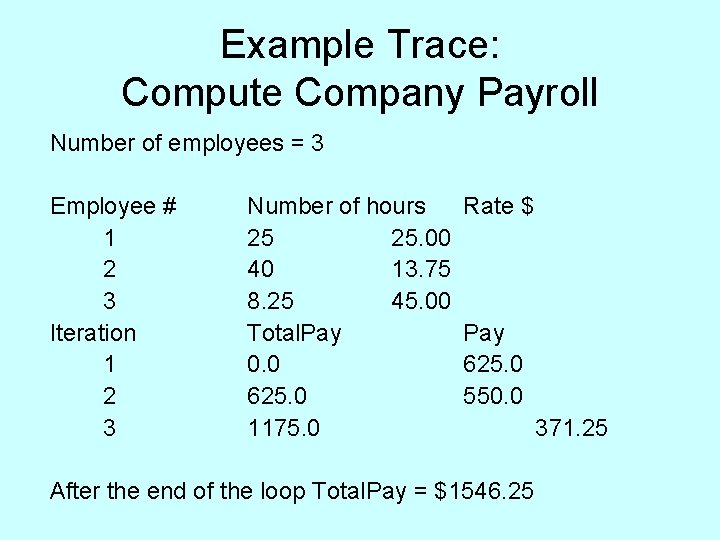
Example Trace: Compute Company Payroll Number of employees = 3 Employee # 1 2 3 Iteration 1 2 3 Number of hours Rate $ 25 25. 00 40 13. 75 8. 25 45. 00 Total. Pay 0. 0 625. 0 550. 0 1175. 0 371. 25 After the end of the loop Total. Pay = $1546. 25
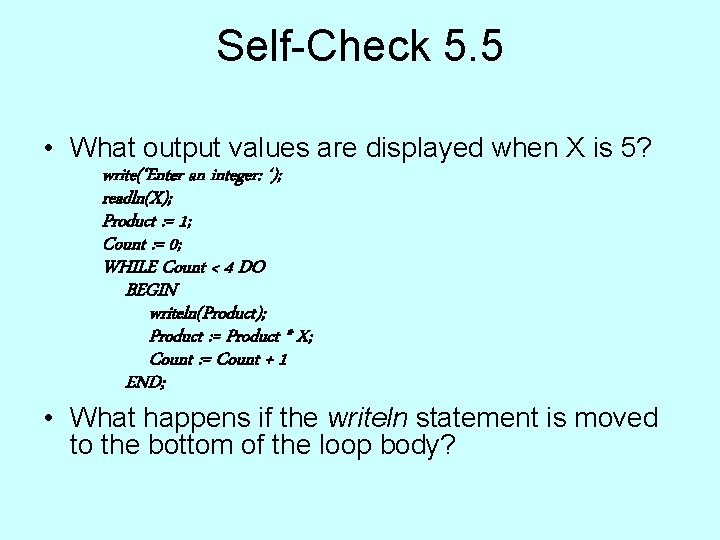
Self-Check 5. 5 • What output values are displayed when X is 5? write(‘Enter an integer: ‘); readln(X); Product : = 1; Count : = 0; WHILE Count < 4 DO BEGIN writeln(Product); Product : = Product * X; Count : = Count + 1 END; • What happens if the writeln statement is moved to the bottom of the loop body?
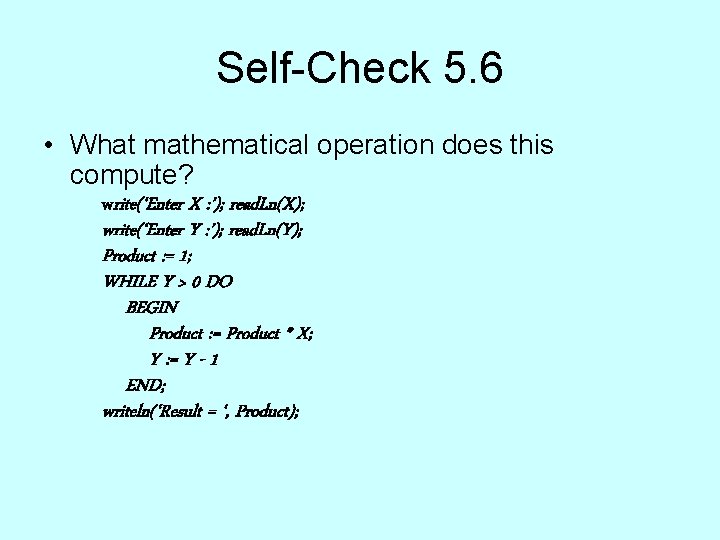
Self-Check 5. 6 • What mathematical operation does this compute? write(‘Enter X : ’); read. Ln(X); write(‘Enter Y : ’); read. Ln(Y); Product : = 1; WHILE Y > 0 DO BEGIN Product : = Product * X; Y : = Y - 1 END; writeln(‘Result = ‘, Product);
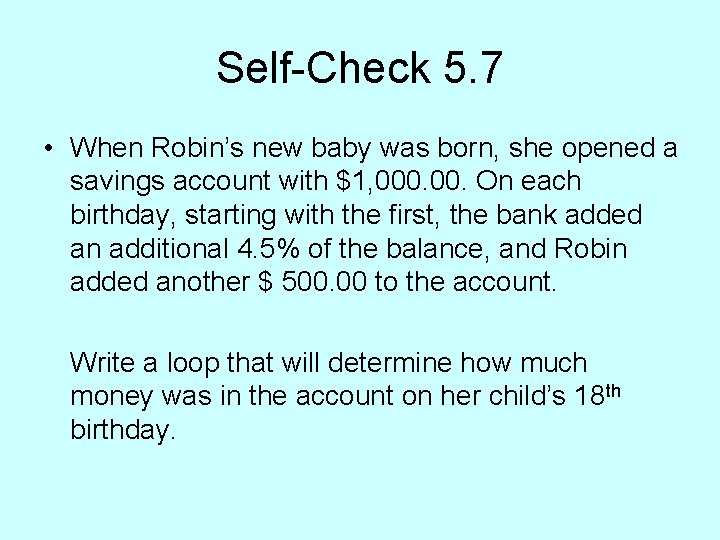
Self-Check 5. 7 • When Robin’s new baby was born, she opened a savings account with $1, 000. On each birthday, starting with the first, the bank added an additional 4. 5% of the balance, and Robin added another $ 500. 00 to the account. Write a loop that will determine how much money was in the account on her child’s 18 th birthday.
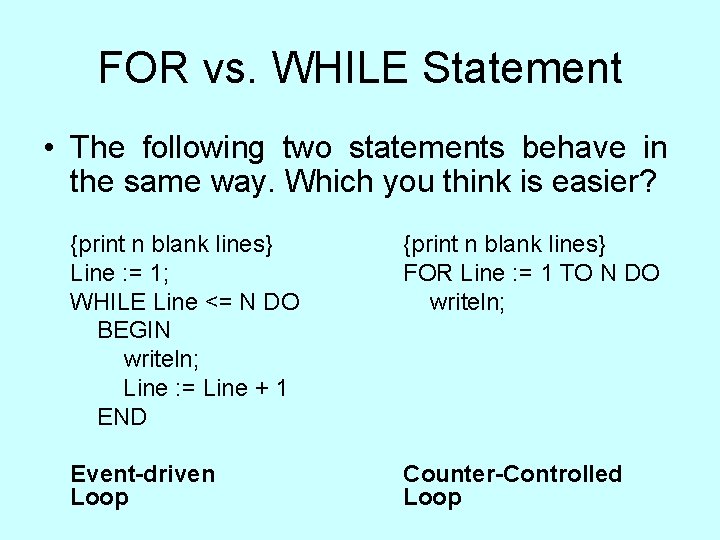
FOR vs. WHILE Statement • The following two statements behave in the same way. Which you think is easier? {print n blank lines} Line : = 1; WHILE Line <= N DO BEGIN writeln; Line : = Line + 1 END {print n blank lines} FOR Line : = 1 TO N DO writeln; Event-driven Loop Counter-Controlled Loop
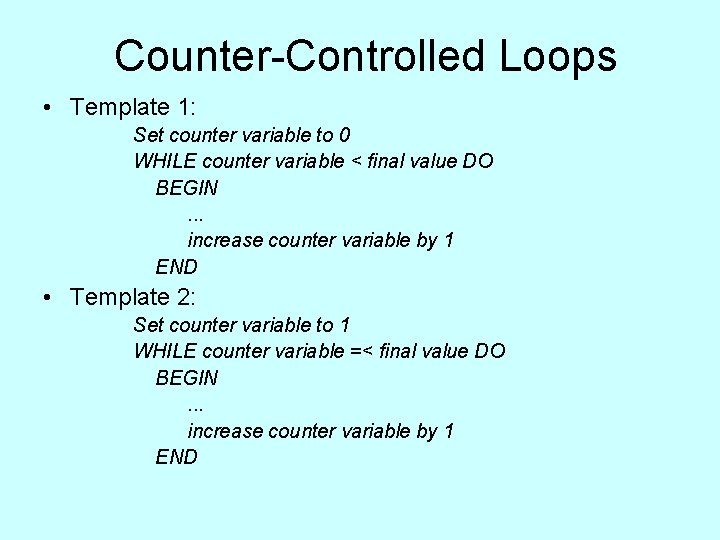
Counter-Controlled Loops • Template 1: Set counter variable to 0 WHILE counter variable < final value DO BEGIN. . . increase counter variable by 1 END • Template 2: Set counter variable to 1 WHILE counter variable =< final value DO BEGIN. . . increase counter variable by 1 END
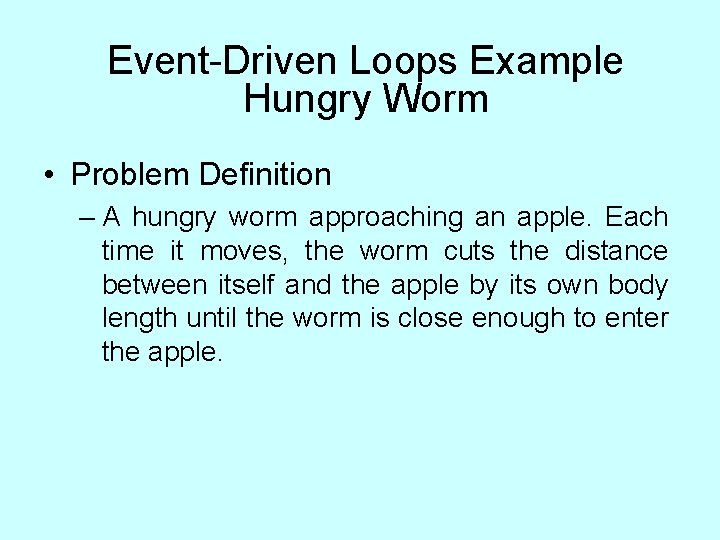
Event-Driven Loops Example Hungry Worm • Problem Definition – A hungry worm approaching an apple. Each time it moves, the worm cuts the distance between itself and the apple by its own body length until the worm is close enough to enter the apple.
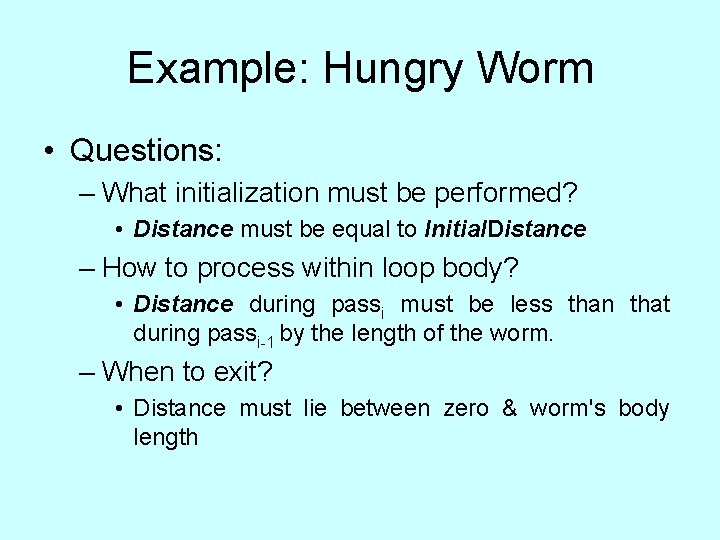
Example: Hungry Worm • Questions: – What initialization must be performed? • Distance must be equal to Initial. Distance – How to process within loop body? • Distance during passi must be less than that during passi-1 by the length of the worm. – When to exit? • Distance must lie between zero & worm's body length
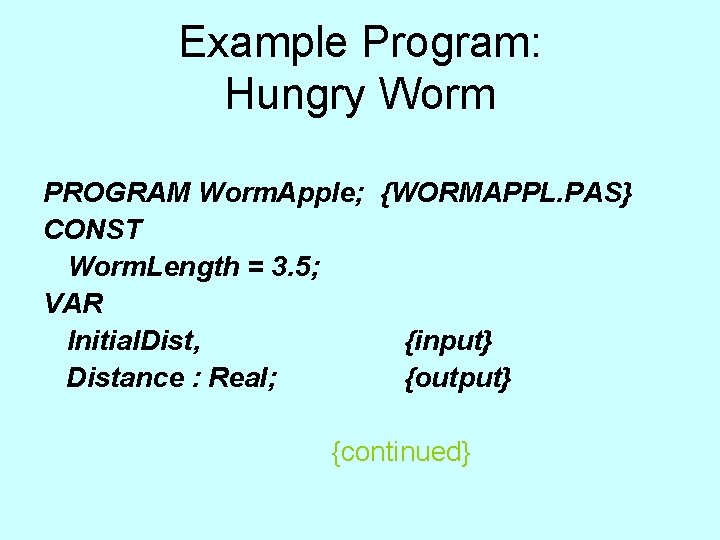
Example Program: Hungry Worm PROGRAM Worm. Apple; {WORMAPPL. PAS} CONST Worm. Length = 3. 5; VAR Initial. Dist, {input} Distance : Real; {output} {continued}
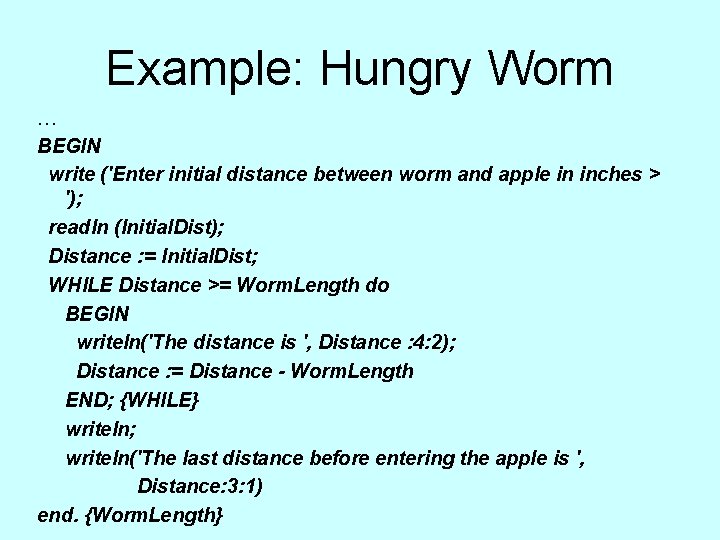
Example: Hungry Worm … BEGIN write ('Enter initial distance between worm and apple in inches > '); readln (Initial. Dist); Distance : = Initial. Dist; WHILE Distance >= Worm. Length do BEGIN writeln('The distance is ', Distance : 4: 2); Distance : = Distance - Worm. Length END; {WHILE} writeln; writeln('The last distance before entering the apple is ', Distance: 3: 1) end. {Worm. Length}
Example: Hungry Worm • Observations : – If the initial distance = 12. 0 the loop will be repeated 3 times – Distance is • Initialized before the loop header is reached • Tested before each iteration • Updated during each iteration
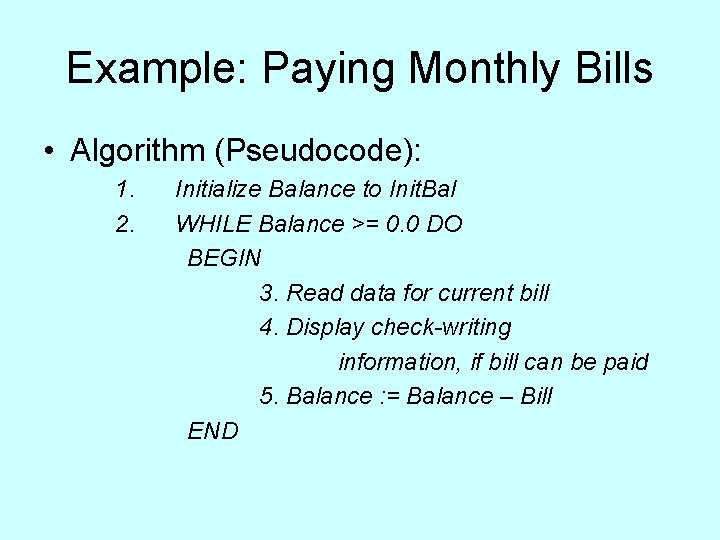
Example: Paying Monthly Bills • Algorithm (Pseudocode): 1. Initialize Balance to Init. Bal 2. WHILE Balance >= 0. 0 DO BEGIN 3. Read data for current bill 4. Display check-writing information, if bill can be paid 5. Balance : = Balance – Bill END
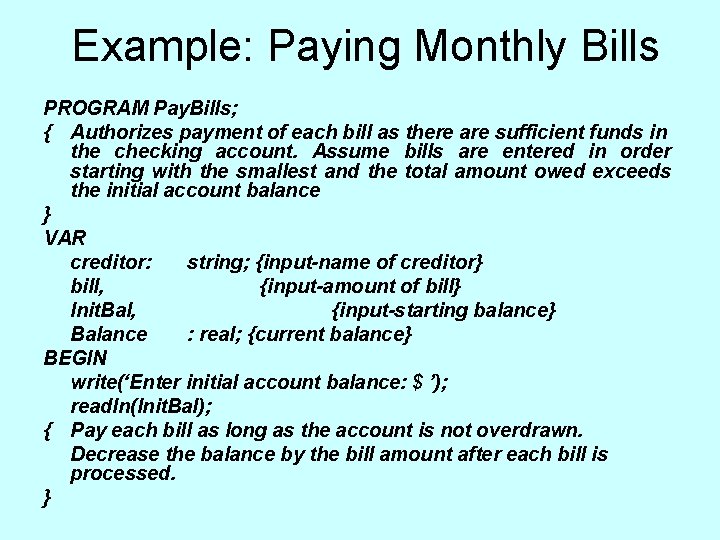
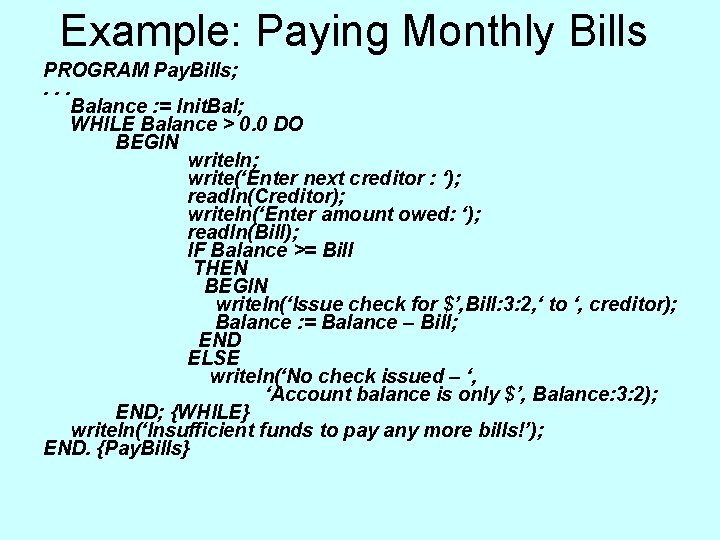
Example: Paying Monthly Bills PROGRAM Pay. Bills; { Authorizes payment of each bill as there are sufficient funds in the checking account. Assume bills are entered in order starting with the smallest and the total amount owed exceeds the initial account balance } VAR creditor: string; {input-name of creditor} bill, {input-amount of bill} Init. Bal, {input-starting balance} Balance : real; {current balance} BEGIN write(‘Enter initial account balance: $ ’); readln(Init. Bal); { Pay each bill as long as the account is not overdrawn. Decrease the balance by the bill amount after each bill is processed. }
Example: Paying Monthly Bills PROGRAM Pay. Bills; . . . Balance : = Init. Bal; WHILE Balance > 0. 0 DO BEGIN writeln; write(‘Enter next creditor : ‘); readln(Creditor); writeln(‘Enter amount owed: ‘); readln(Bill); IF Balance >= Bill THEN BEGIN writeln(‘Issue check for $’, Bill: 3: 2, ‘ to ‘, creditor); Balance : = Balance – Bill; END ELSE writeln(‘No check issued – ‘, ‘Account balance is only $’, Balance: 3: 2); END; {WHILE} writeln(‘Insufficient funds to pay any more bills!’); END. {Pay. Bills}
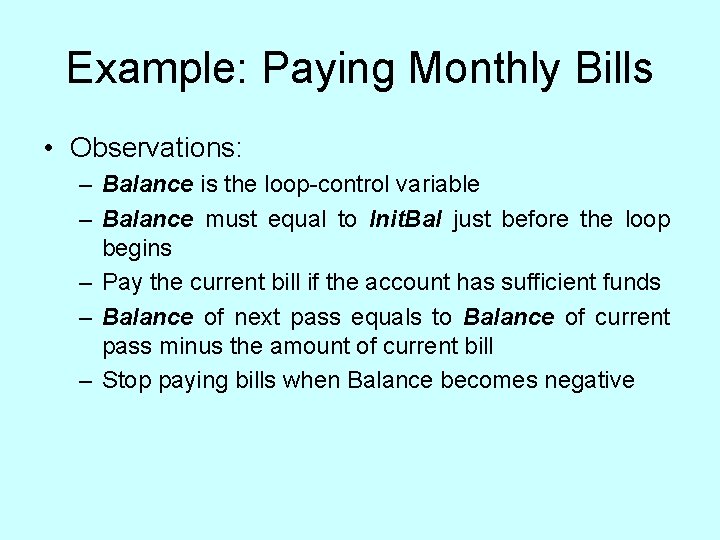
Example: Paying Monthly Bills • Observations: – Balance is the loop-control variable – Balance must equal to Init. Bal just before the loop begins – Pay the current bill if the account has sufficient funds – Balance of next pass equals to Balance of current pass minus the amount of current bill – Stop paying bills when Balance becomes negative
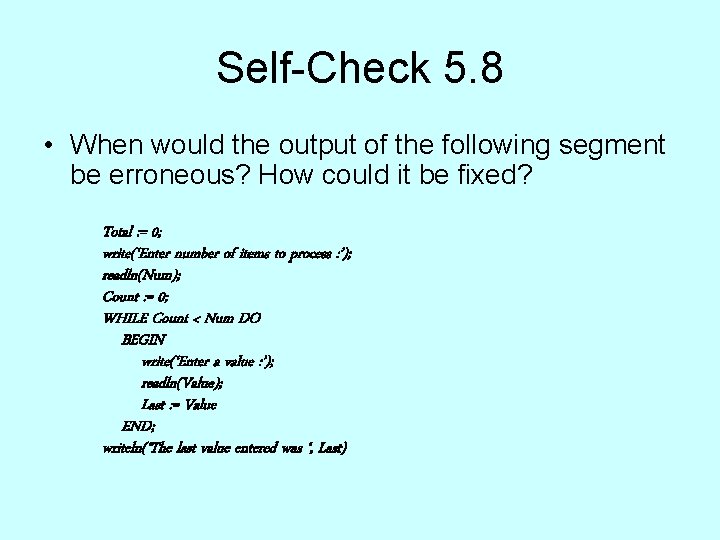
Self-Check 5. 8 • When would the output of the following segment be erroneous? How could it be fixed? Total : = 0; write(‘Enter number of items to process : ’); readln(Num); Count : = 0; WHILE Count < Num DO BEGIN write(‘Enter a value : ’); readln(Value); Last : = Value END; writeln(‘The last value entered was ‘, Last)
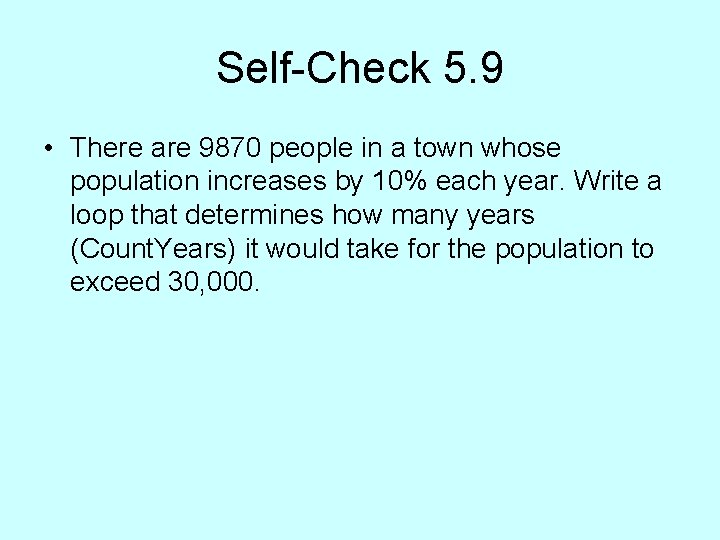
Self-Check 5. 9 • There are 9870 people in a town whose population increases by 10% each year. Write a loop that determines how many years (Count. Years) it would take for the population to exceed 30, 000.
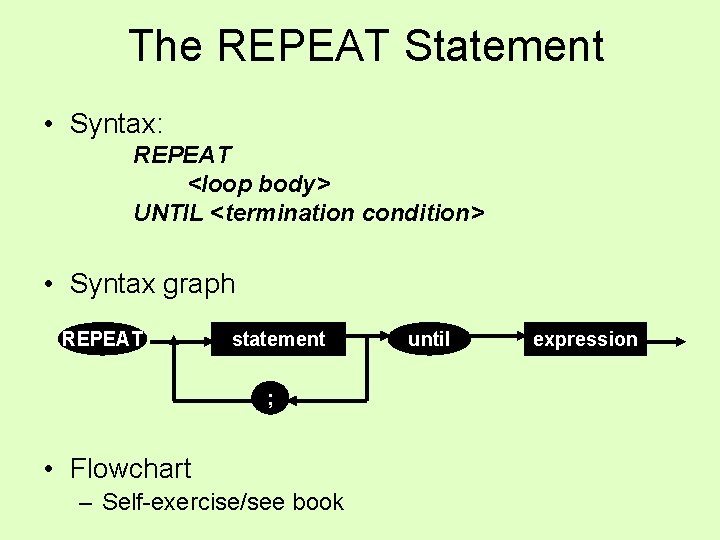
The REPEAT Statement • Syntax: REPEAT <loop body> UNTIL <termination condition> • Syntax graph REPEAT statement ; • Flowchart – Self-exercise/see book until expression
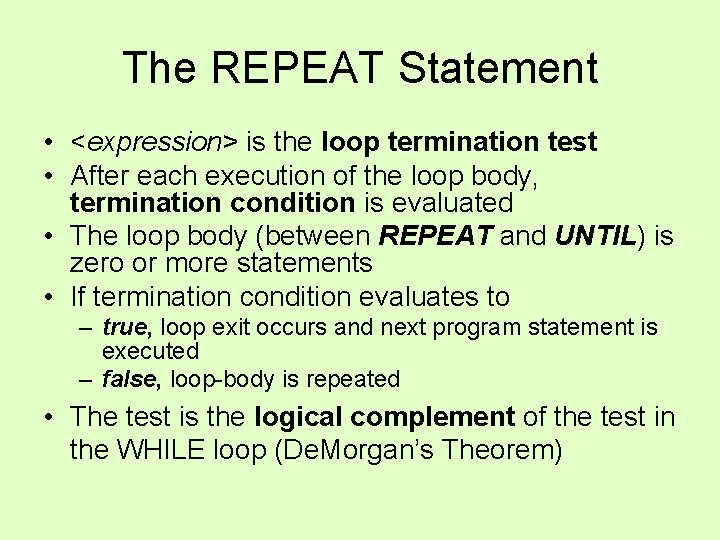
The REPEAT Statement • <expression> is the loop termination test • After each execution of the loop body, termination condition is evaluated • The loop body (between REPEAT and UNTIL) is zero or more statements • If termination condition evaluates to – true, loop exit occurs and next program statement is executed – false, loop-body is repeated • The test is the logical complement of the test in the WHILE loop (De. Morgan’s Theorem)
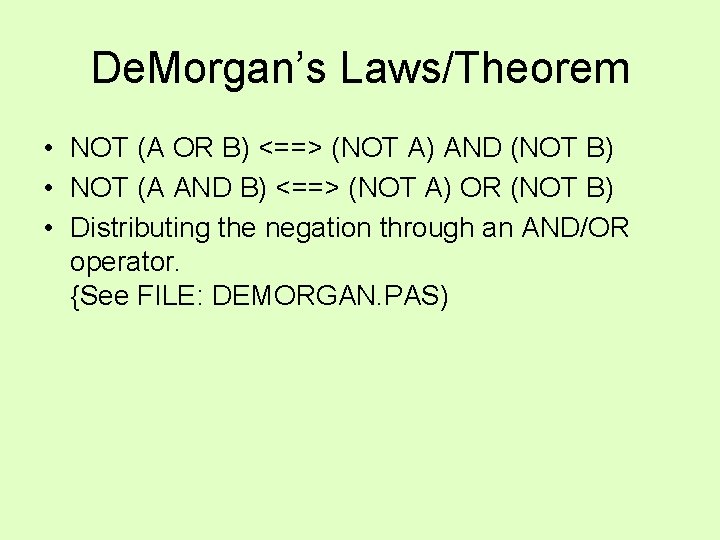
De. Morgan’s Laws/Theorem • NOT (A OR B) <==> (NOT A) AND (NOT B) • NOT (A AND B) <==> (NOT A) OR (NOT B) • Distributing the negation through an AND/OR operator. {See FILE: DEMORGAN. PAS)
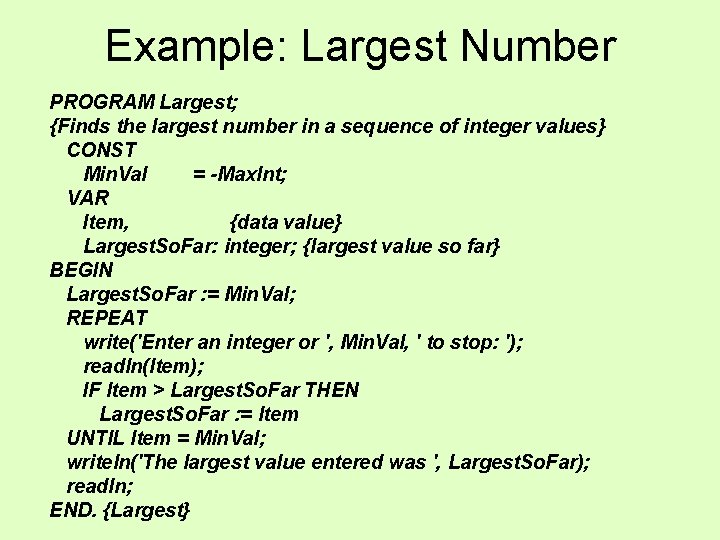
Example: Largest Number PROGRAM Largest; {Finds the largest number in a sequence of integer values} CONST Min. Val = -Max. Int; VAR Item, {data value} Largest. So. Far: integer; {largest value so far} BEGIN Largest. So. Far : = Min. Val; REPEAT write('Enter an integer or ', Min. Val, ' to stop: '); readln(Item); IF Item > Largest. So. Far THEN Largest. So. Far : = Item UNTIL Item = Min. Val; writeln('The largest value entered was ', Largest. So. Far); readln; END. {Largest}
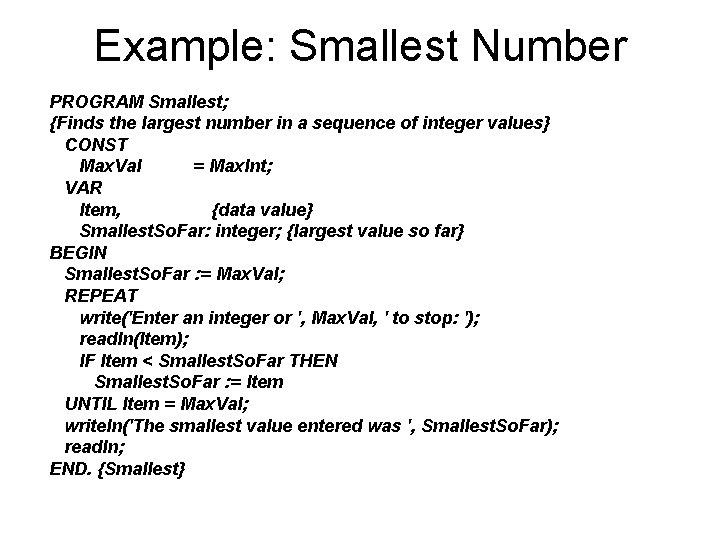
Example: Smallest Number PROGRAM Smallest; {Finds the largest number in a sequence of integer values} CONST Max. Val = Max. Int; VAR Item, {data value} Smallest. So. Far: integer; {largest value so far} BEGIN Smallest. So. Far : = Max. Val; REPEAT write('Enter an integer or ', Max. Val, ' to stop: '); readln(Item); IF Item < Smallest. So. Far THEN Smallest. So. Far : = Item UNTIL Item = Max. Val; writeln('The smallest value entered was ', Smallest. So. Far); readln; END. {Smallest}
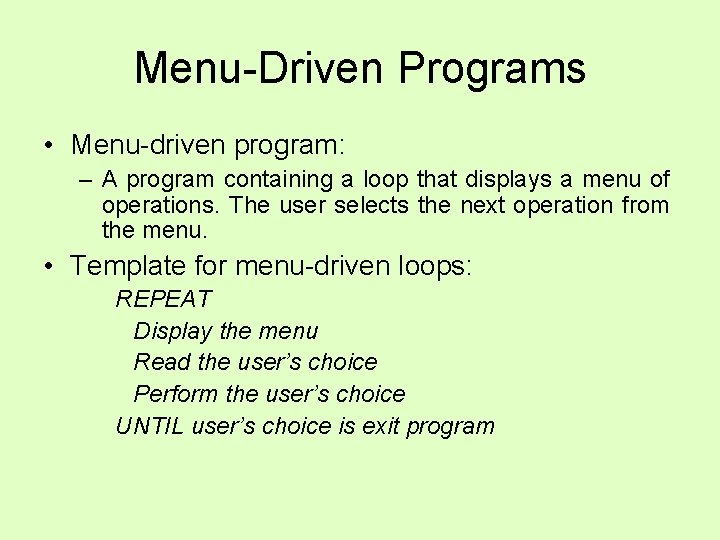
Menu-Driven Programs • Menu-driven program: – A program containing a loop that displays a menu of operations. The user selects the next operation from the menu. • Template for menu-driven loops: REPEAT Display the menu Read the user’s choice Perform the user’s choice UNTIL user’s choice is exit program
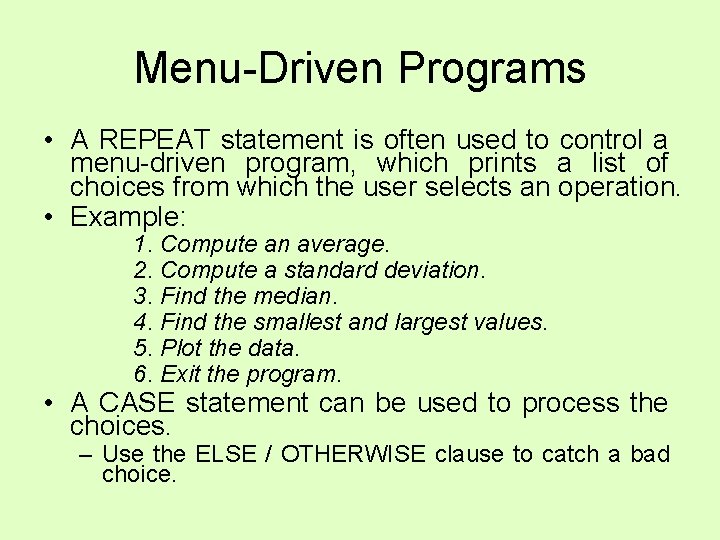
Menu-Driven Programs • A REPEAT statement is often used to control a menu-driven program, which prints a list of choices from which the user selects an operation. • Example: 1. Compute an average. 2. Compute a standard deviation. 3. Find the median. 4. Find the smallest and largest values. 5. Plot the data. 6. Exit the program. • A CASE statement can be used to process the choices. – Use the ELSE / OTHERWISE clause to catch a bad choice.
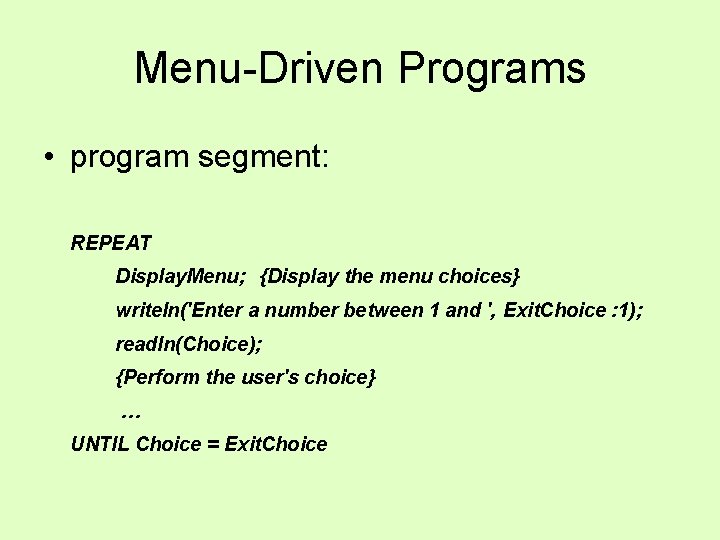
Menu-Driven Programs • program segment: REPEAT Display. Menu; {Display the menu choices} writeln('Enter a number between 1 and ', Exit. Choice : 1); readln(Choice); {Perform the user's choice} … UNTIL Choice = Exit. Choice
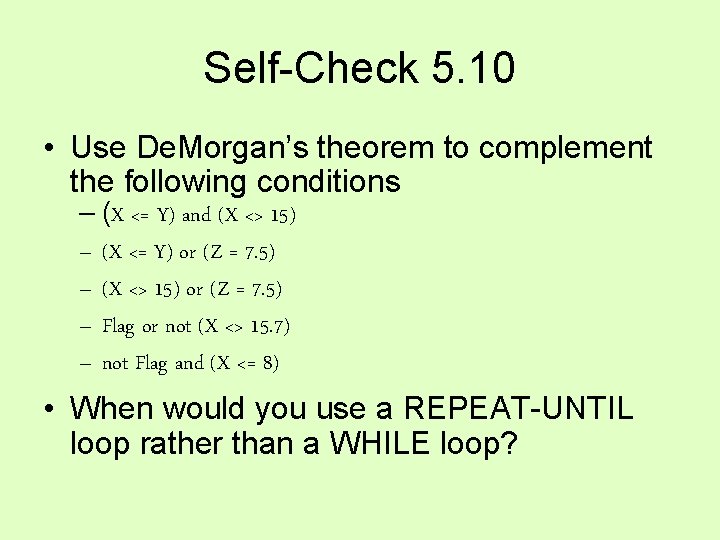
Self-Check 5. 10 • Use De. Morgan’s theorem to complement the following conditions – (X <= Y) and (X <> 15) – (X <= Y) or (Z = 7. 5) – (X <> 15) or (Z = 7. 5) – Flag or not (X <> 15. 7) – not Flag and (X <= 8) • When would you use a REPEAT-UNTIL loop rather than a WHILE loop?
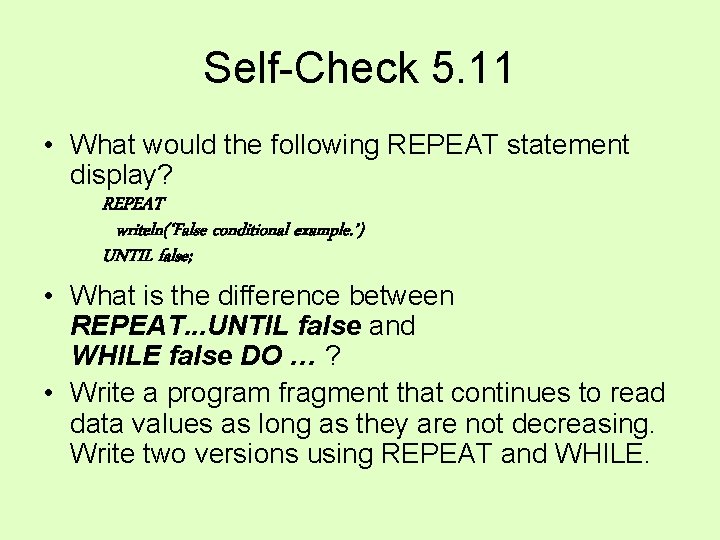
Self-Check 5. 11 • What would the following REPEAT statement display? REPEAT writeln(‘False conditional example. ’) UNTIL false; • What is the difference between REPEAT. . . UNTIL false and WHILE false DO … ? • Write a program fragment that continues to read data values as long as they are not decreasing. Write two versions using REPEAT and WHILE.