CMP 131 Introduction to Computer Programming Violetta CavalliSforza
- Slides: 25
CMP 131 Introduction to Computer Programming Violetta Cavalli-Sforza Week 4, Lecture 2
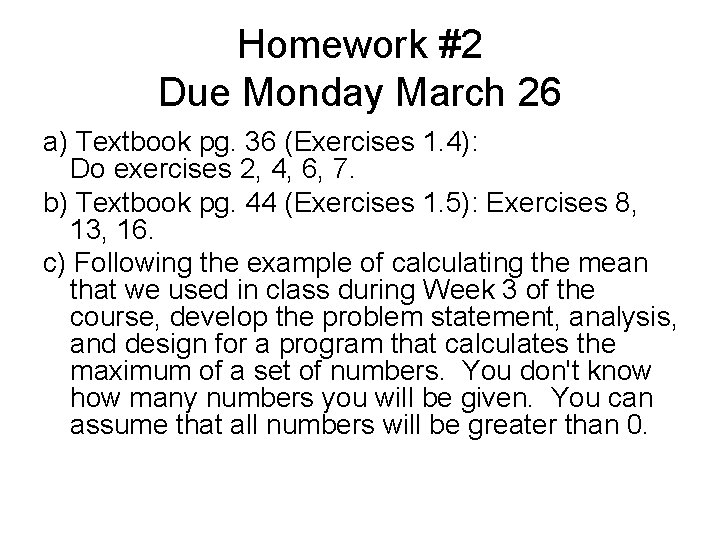
Homework #2 Due Monday March 26 a) Textbook pg. 36 (Exercises 1. 4): Do exercises 2, 4, 6, 7. b) Textbook pg. 44 (Exercises 1. 5): Exercises 8, 13, 16. c) Following the example of calculating the mean that we used in class during Week 3 of the course, develop the problem statement, analysis, and design for a program that calculates the maximum of a set of numbers. You don't know how many numbers you will be given. You can assume that all numbers will be greater than 0.
Last Time • Started looking at some of the details of the Pascal programming language – Syntax graphs for describing legal syntax of various types of constructs • constants & literals • variables – Different kinds of identifiers and conventions for writing them: • reserved identifiers • standard identifiers • user-defined identifiers
Today • Homework #2 assigned • More programming language details • Data types and expressions
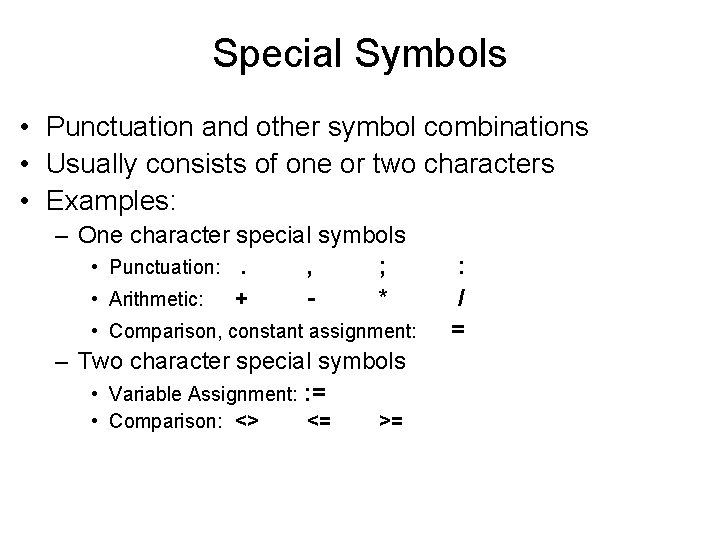
Special Symbols • Punctuation and other symbol combinations • Usually consists of one or two characters • Examples: – One character special symbols • Punctuation: . , ; • Arithmetic: + * • Comparison, constant assignment: – Two character special symbols • Variable Assignment: : = • Comparison: <> <= >= : / =
Statements • Executable Statements – Statements that appear in the program body, following the reserved word begin. – Each executable statement is translated by the compiler into one or more machine language instruction • Non-Executable Statements: – Statements that are not translated into machine language instructions and don't appear in the object file (declarations, begin-end, comments)
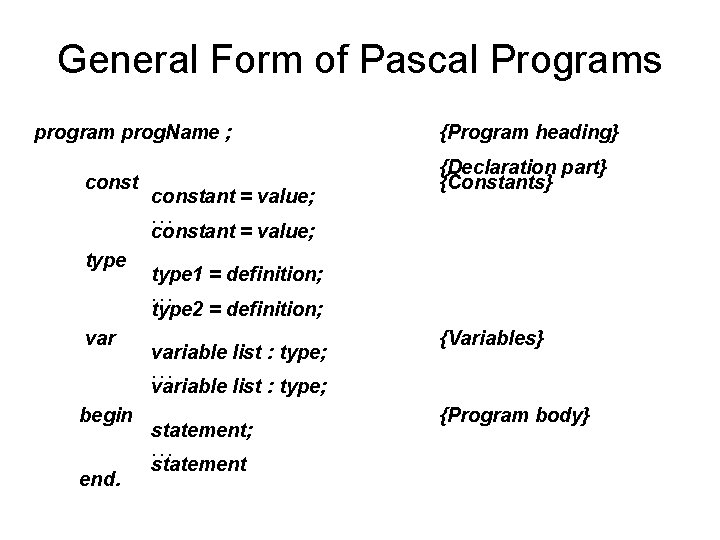
General Form of Pascal Programs program prog. Name ; constant = value; {Program heading} {Declaration part} {Constants} . . . constant = value; type 1 = definition; . . . type 2 = definition; variable list : type; {Variables} . . . variable list : type; begin statement; . . . end. statement {Program body}
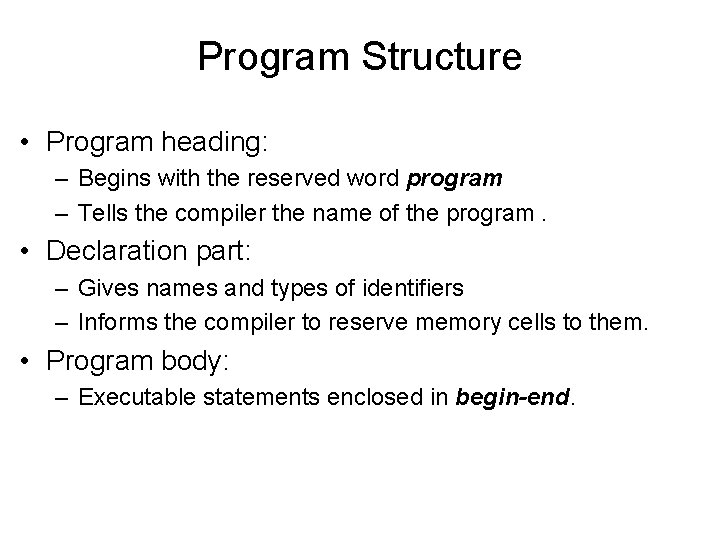
Program Structure • Program heading: – Begins with the reserved word program – Tells the compiler the name of the program. • Declaration part: – Gives names and types of identifiers – Informs the compiler to reserve memory cells to them. • Program body: – Executable statements enclosed in begin-end.
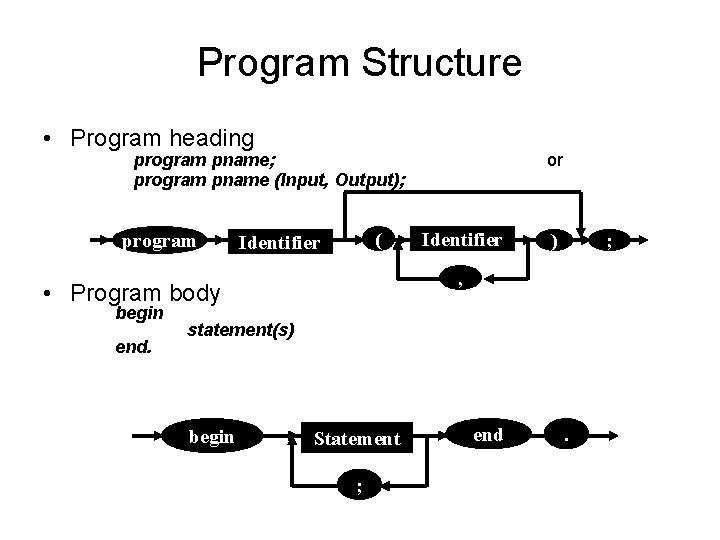
Program Structure • Program heading program pname; program pname (Input, Output); program ( Identifier end. Identifier ) ; , • Program body begin or statement(s) begin Statement ; end .
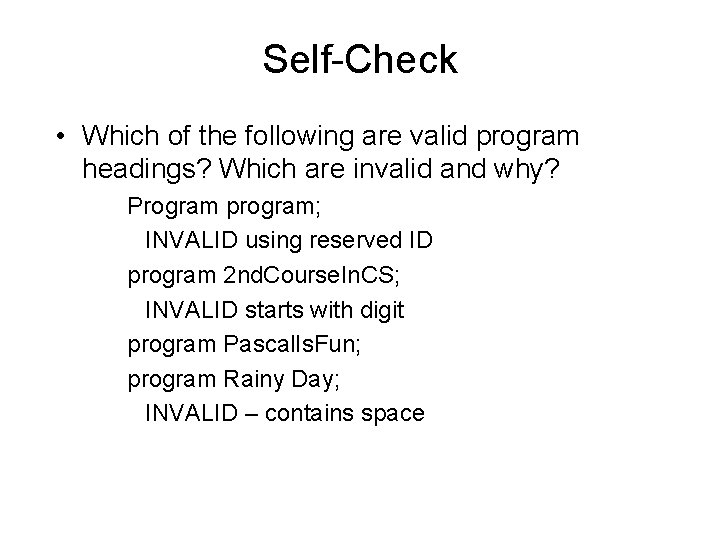
Self-Check • Which of the following are valid program headings? Which are invalid and why? Program program; INVALID using reserved ID program 2 nd. Course. In. CS; INVALID starts with digit program Pascal. Is. Fun; program Rainy Day; INVALID – contains space
General Form of Pascal Programs • begin & end enclose the program body • Semicolons (‘; ’) separate statements • ‘; ’ isn’t needed after begin or before end
Separators vs. Terminators • Separator: something that separates other items BEGIN a ; b ; c ; d ; … ; z END • Terminator: something that terminates another item BEGIN [a ; ] [b ; ] [c ; ] [d ; ] … [z; ] END • In Pascal, the proper use of ‘ ; ‘ is as a separator, but the compiler accepts it as a terminator.
• One Pascal statement can extend over more than one line • More than one statement can be written on one line • Writing one statement per line improves the readability & simplifies program maintenance • Blankspace is mostly cosmetic. Pascal uses reserved words, punctuation, declarations and known statement types to understand your program.
Use of Blank Spaces • One or more blanks are considered as one blank • Tab is also considered as a blank • Blanks may be added to improve appearance of a program • Use blank lines between sections of a program • A blank is required between words in a program line • Leave a blank after comma, before and after operators (*, -, : =, . . . ).
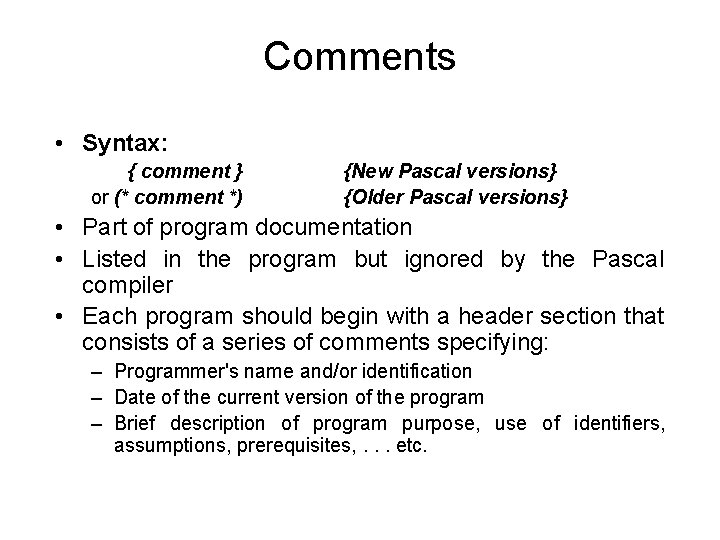
Comments • Syntax: { comment } or (* comment *) {New Pascal versions} {Older Pascal versions} • Part of program documentation • Listed in the program but ignored by the Pascal compiler • Each program should begin with a header section that consists of a series of comments specifying: – Programmer's name and/or identification – Date of the current version of the program – Brief description of program purpose, use of identifiers, assumptions, prerequisites, . . . etc.
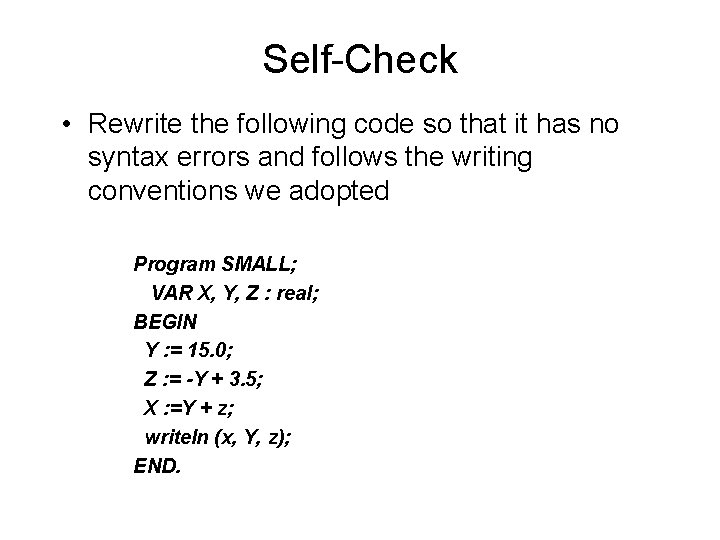
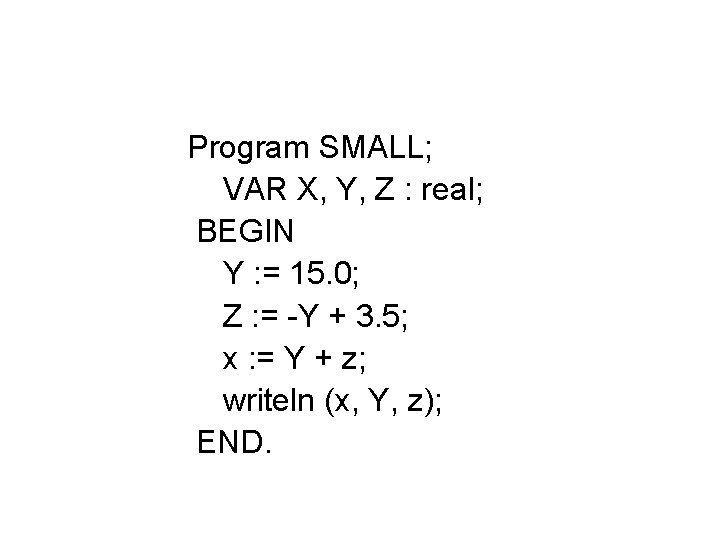
Self-Check • Rewrite the following code so that it has no syntax errors and follows the writing conventions we adopted Program SMALL; VAR X, Y, Z : real; BEGIN Y : = 15. 0; Z : = -Y + 3. 5; X : =Y + z; writeln (x, Y, z); END.
Program SMALL; VAR X, Y, Z : real; BEGIN Y : = 15. 0; Z : = -Y + 3. 5; x : = Y + z; writeln (x, Y, z); END.
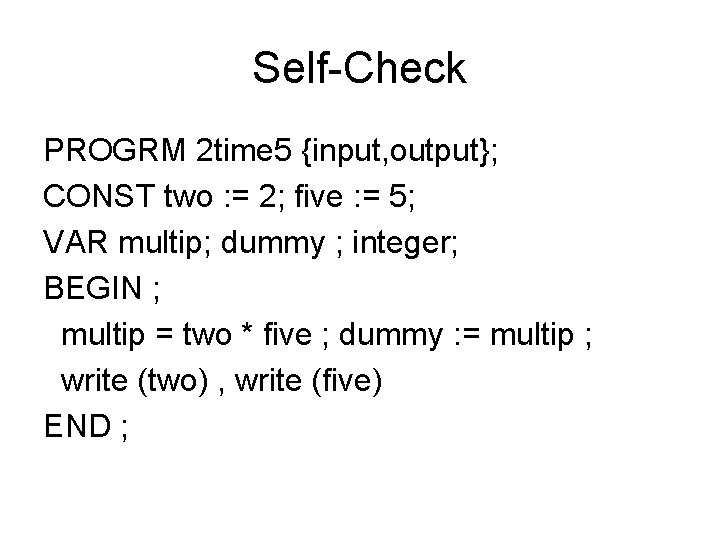
Self-Check PROGRM 2 time 5 {input, output}; CONST two : = 2; five : = 5; VAR multip; dummy ; integer; BEGIN ; multip = two * five ; dummy : = multip ; write (two) , write (five) END ;
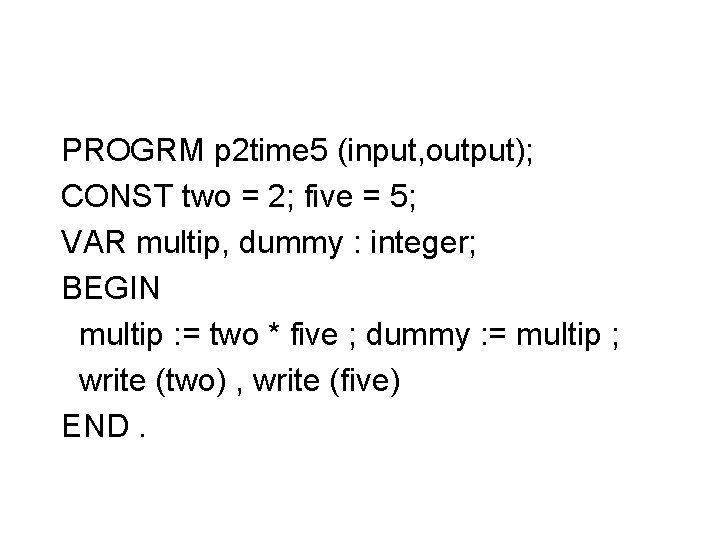
PROGRM p 2 time 5 (input, output); CONST two = 2; five = 5; VAR multip, dummy : integer; BEGIN multip : = two * five ; dummy : = multip ; write (two) , write (five) END.
Pascal Data Types & Expressions
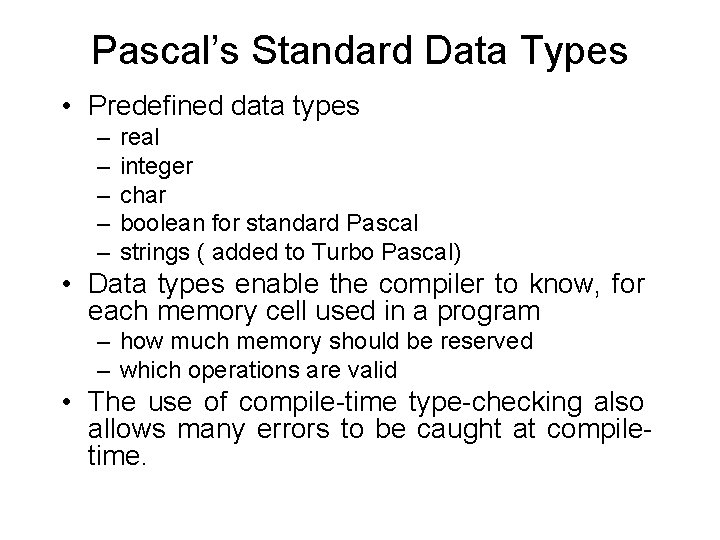
Pascal’s Standard Data Types • Predefined data types – – – real integer char boolean for standard Pascal strings ( added to Turbo Pascal) • Data types enable the compiler to know, for each memory cell used in a program – how much memory should be reserved – which operations are valid • The use of compile-time type-checking also allows many errors to be caught at compiletime.
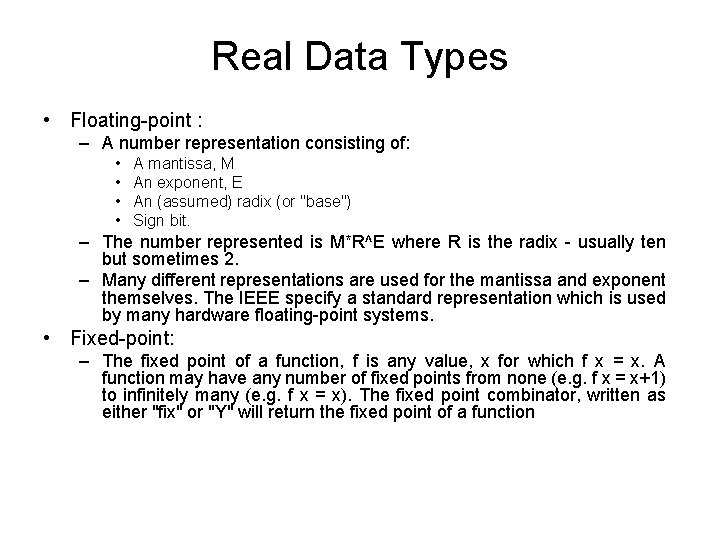
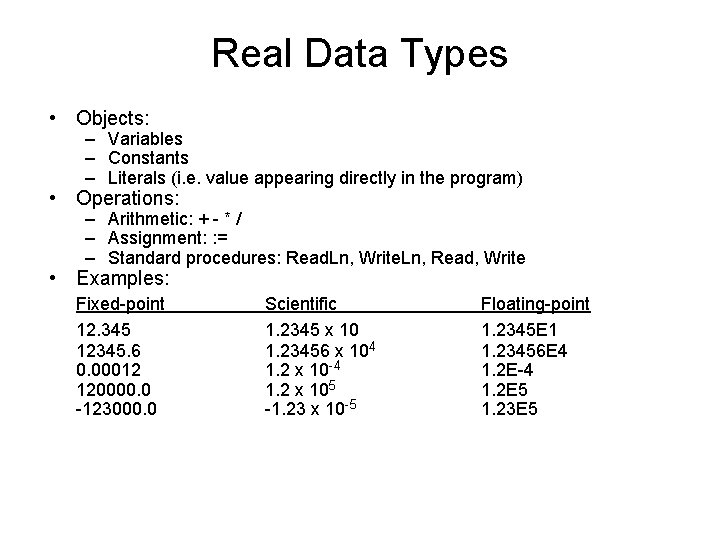
Real Data Types • Floating-point : – A number representation consisting of: • • A mantissa, M An exponent, E An (assumed) radix (or "base") Sign bit. – The number represented is M*R^E where R is the radix - usually ten but sometimes 2. – Many different representations are used for the mantissa and exponent themselves. The IEEE specify a standard representation which is used by many hardware floating-point systems. • Fixed-point: – The fixed point of a function, f is any value, x for which f x = x. A function may have any number of fixed points from none (e. g. f x = x+1) to infinitely many (e. g. f x = x). The fixed point combinator, written as either "fix" or "Y" will return the fixed point of a function
Real Data Types • Objects: – Variables – Constants – Literals (i. e. value appearing directly in the program) • Operations: – Arithmetic: + - * / – Assignment: : = – Standard procedures: Read. Ln, Write. Ln, Read, Write • Examples: Fixed-point 12. 345 12345. 6 0. 00012 120000. 0 -123000. 0 Scientific 1. 2345 x 10 1. 23456 x 104 1. 2 x 10 -4 1. 2 x 10⁵ -1. 23 x 10 -5 Floating-point 1. 2345 E 1 1. 23456 E 4 1. 2 E-4 1. 2 E 5 1. 23 E 5
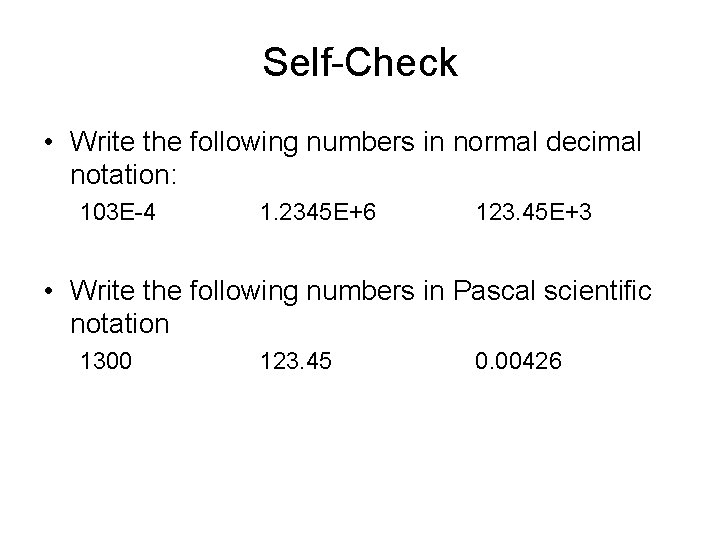
Self-Check • Write the following numbers in normal decimal notation: 103 E-4 1. 2345 E+6 123. 45 E+3 • Write the following numbers in Pascal scientific notation 1300 123. 45 0. 00426
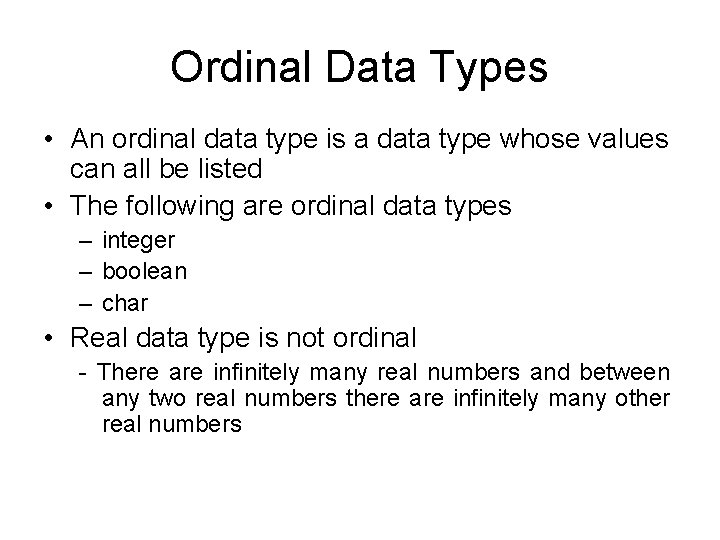
Ordinal Data Types • An ordinal data type is a data type whose values can all be listed • The following are ordinal data types – integer – boolean – char • Real data type is not ordinal - There are infinitely many real numbers and between any two real numbers there are infinitely many other real numbers