Whats new in PDS for OE 11 7

- Slides: 47
What’s new in PDS for OE 11. 7 and a sneak peek into the future of (Cloud) IDEs Nischal Y 5 th June 2017
Agenda § What's new in PDS for OE 11. 7 § A cool new tool for ABL developers (ABL Dojo) § Peek into the future of (cloud) IDEs 2
Agenda § What's new in PDS for OE 11. 7 § A cool new tool for ABL developers (ABL Dojo) § Peek into the future of (cloud) IDEs 3
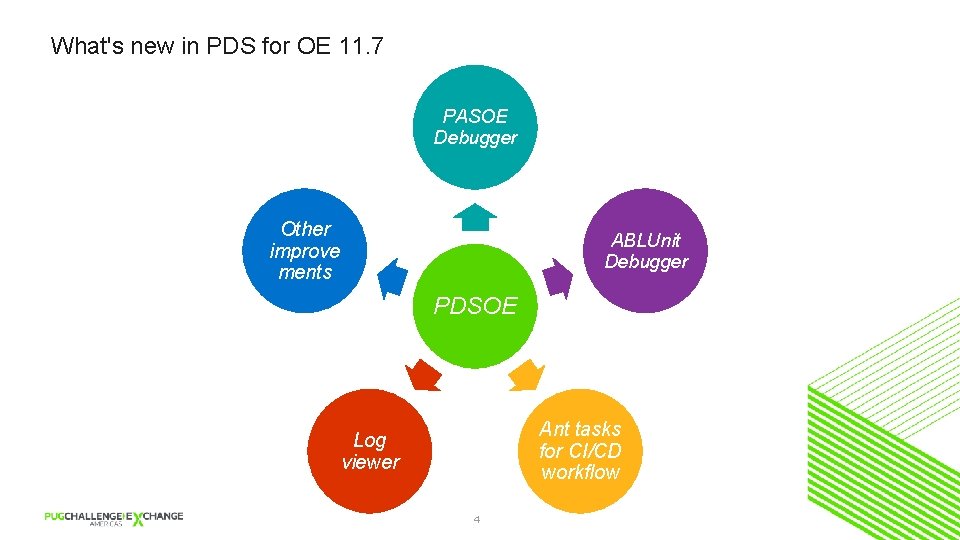
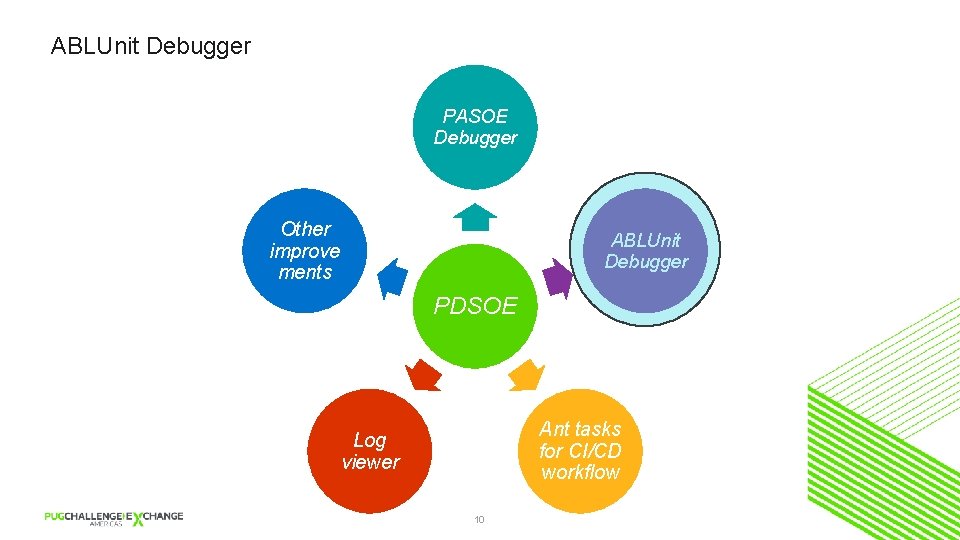
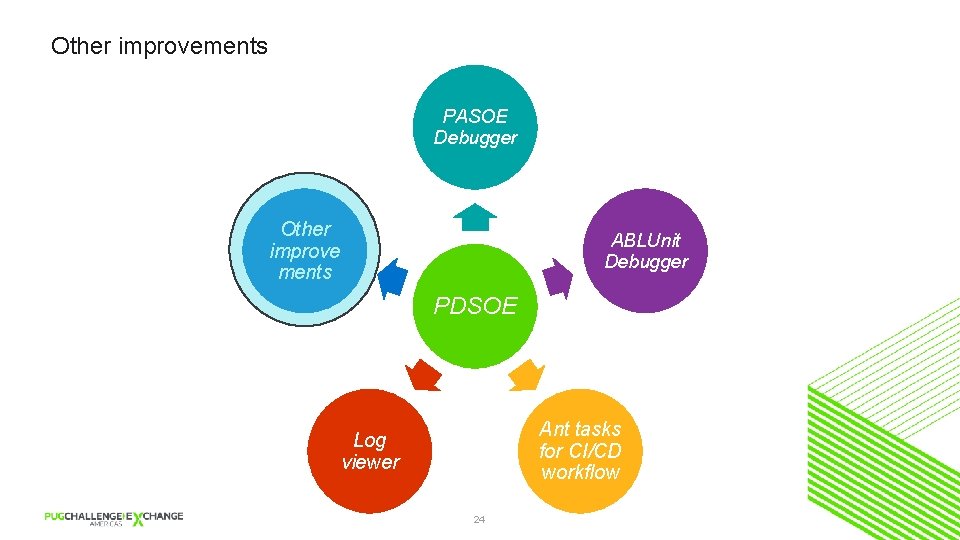
What's new in PDS for OE 11. 7 PASOE Debugger Other improve ments ABLUnit Debugger PDSOE Ant tasks for CI/CD workflow Log viewer 4
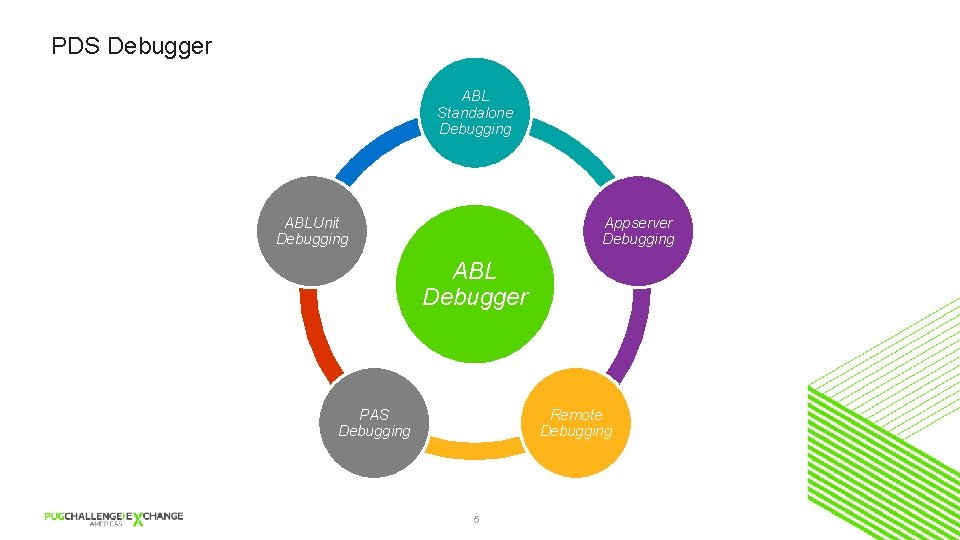
PDS Debugger ABL Standalone Debugging ABLUnit Debugging Appserver Debugging ABL Debugger PAS Debugging Remote Debugging 5
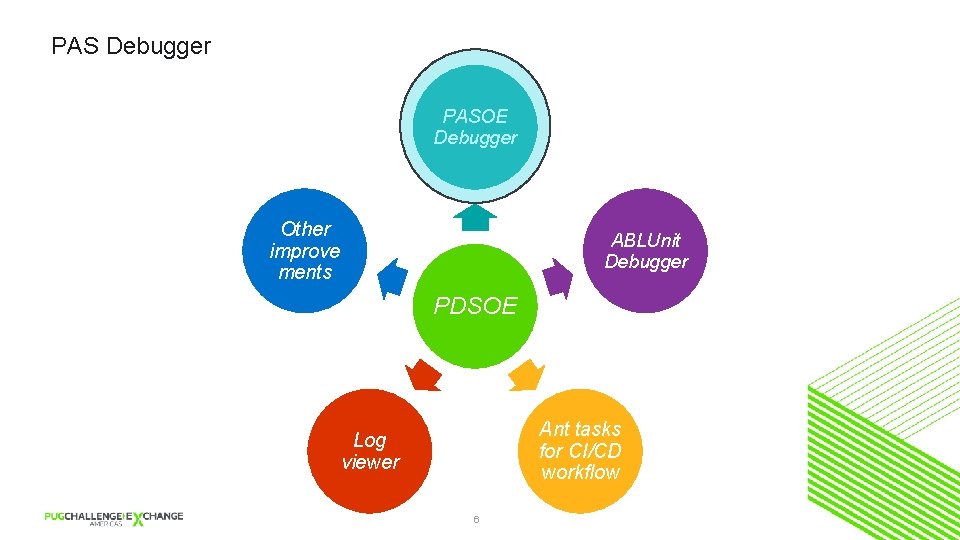
PAS Debugger PASOE Debugger Other improve ments ABLUnit Debugger PDSOE Ant tasks for CI/CD workflow Log viewer 6
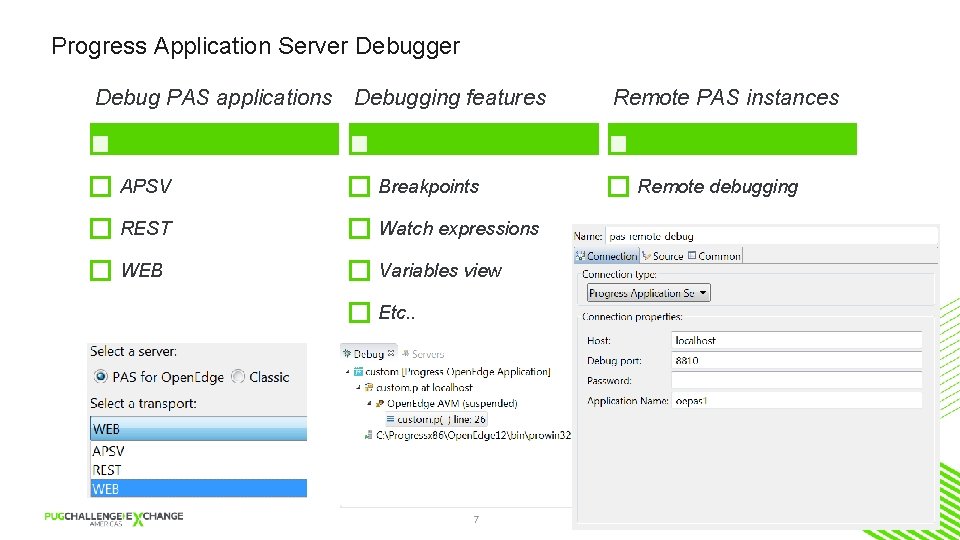
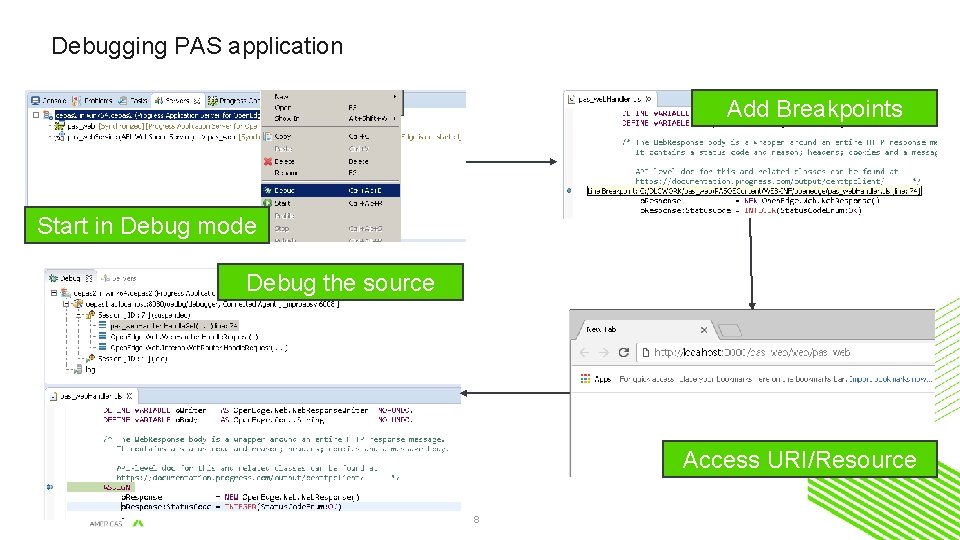
Progress Application Server Debugger Debug PAS applications Debugging features APSV Breakpoints REST Watch expressions WEB Variables view Etc. . 7 Remote PAS instances Remote debugging
Debugging PAS application Add Breakpoints Start in Debug mode Debug the source Access URI/Resource 8
Lets see it in action!
ABLUnit Debugger PASOE Debugger Other improve ments ABLUnit Debugger PDSOE Ant tasks for CI/CD workflow Log viewer 10
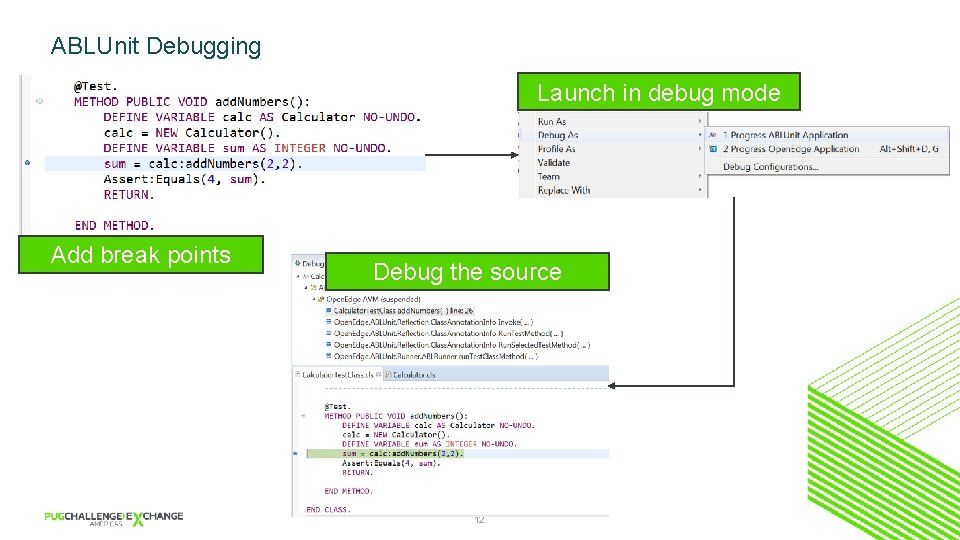
What do you do when your test case fail? You Debug!
ABLUnit Debugging Launch in debug mode Add break points Debug the source 12
Lets see a short demo
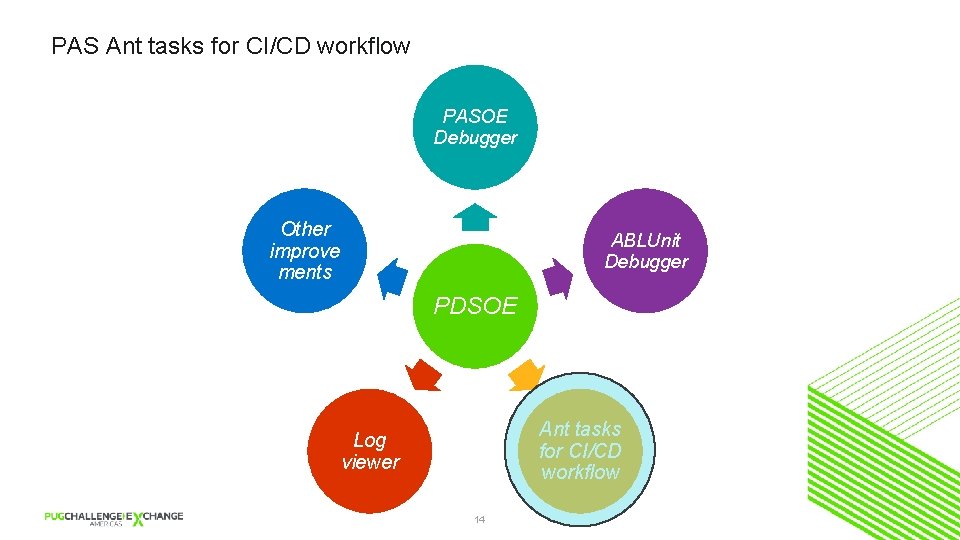
PAS Ant tasks for CI/CD workflow PASOE Debugger Other improve ments ABLUnit Debugger PDSOE Ant tasks for CI/CD workflow Log viewer 14
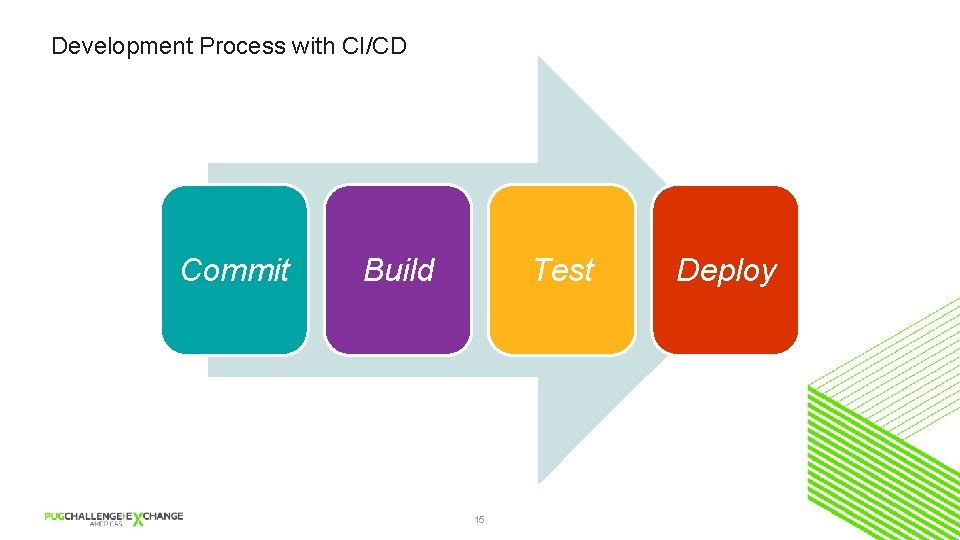
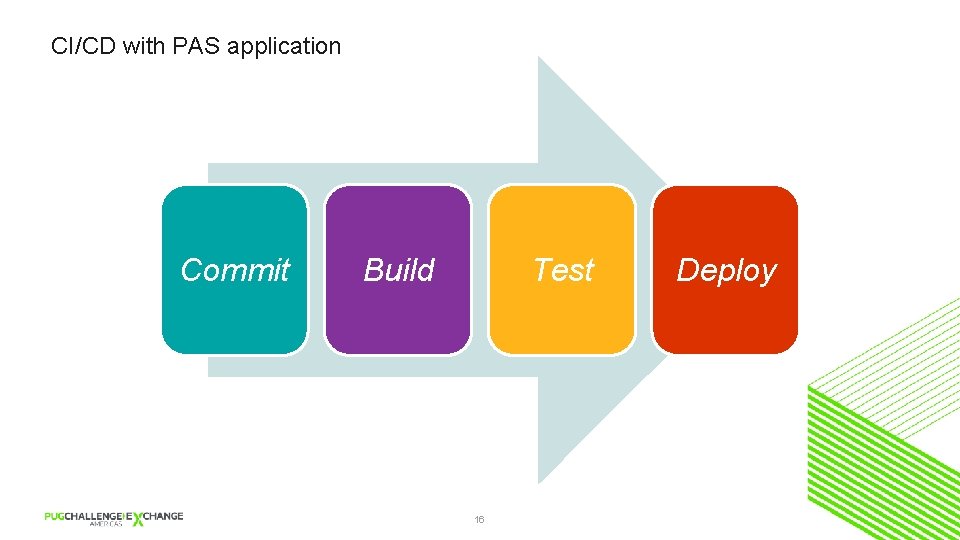
Development Process with CI/CD Commit Build Test 15 Deploy
CI/CD with PAS application Commit Build Test 16 Deploy
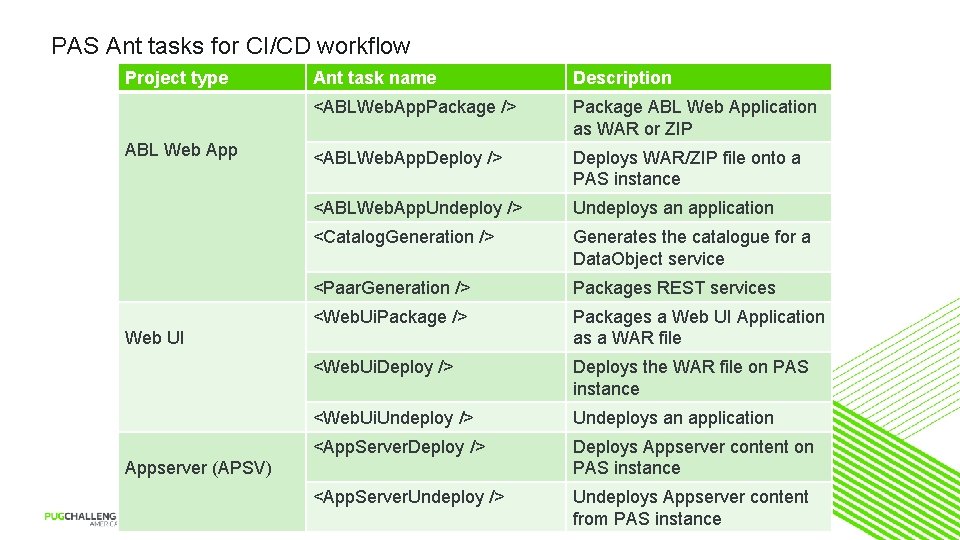
PAS Ant tasks for CI/CD workflow Project type ABL Web App Ant task name Description <ABLWeb. App. Package /> Package ABL Web Application as WAR or ZIP <ABLWeb. App. Deploy /> Deploys WAR/ZIP file onto a PAS instance <ABLWeb. App. Undeploy /> Undeploys an application <Catalog. Generation /> Generates the catalogue for a Data. Object service <Paar. Generation /> Packages REST services <Web. Ui. Package /> Packages a Web UI Application as a WAR file <Web. Ui. Deploy /> Deploys the WAR file on PAS instance <Web. Ui. Undeploy /> Undeploys an application <App. Server. Deploy /> Deploys Appserver content on PAS instance <App. Server. Undeploy /> Undeploys Appserver content from PAS instance Web UI Appserver (APSV) 17
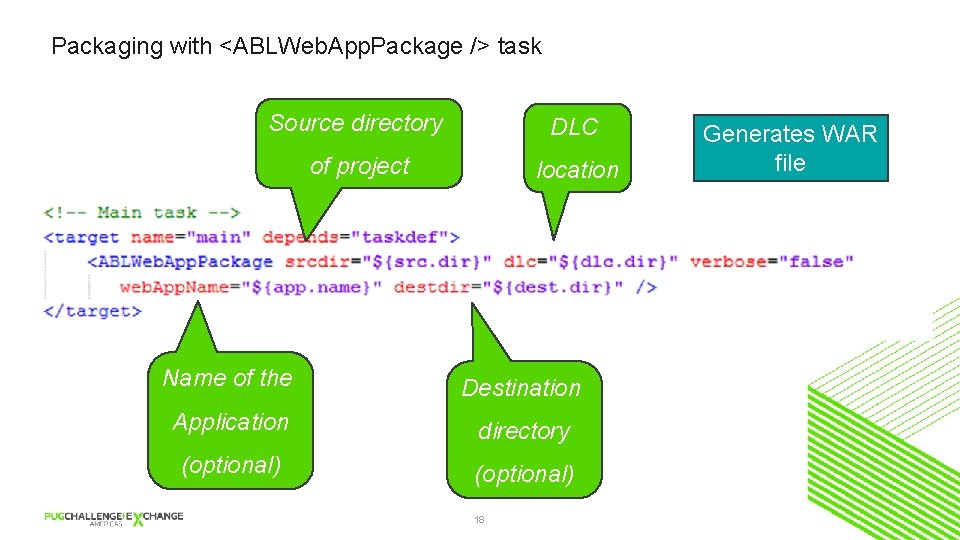
Packaging with <ABLWeb. App. Package /> task Source directory DLC of project location Name of the Destination Application directory (optional) 18 Generates WAR file
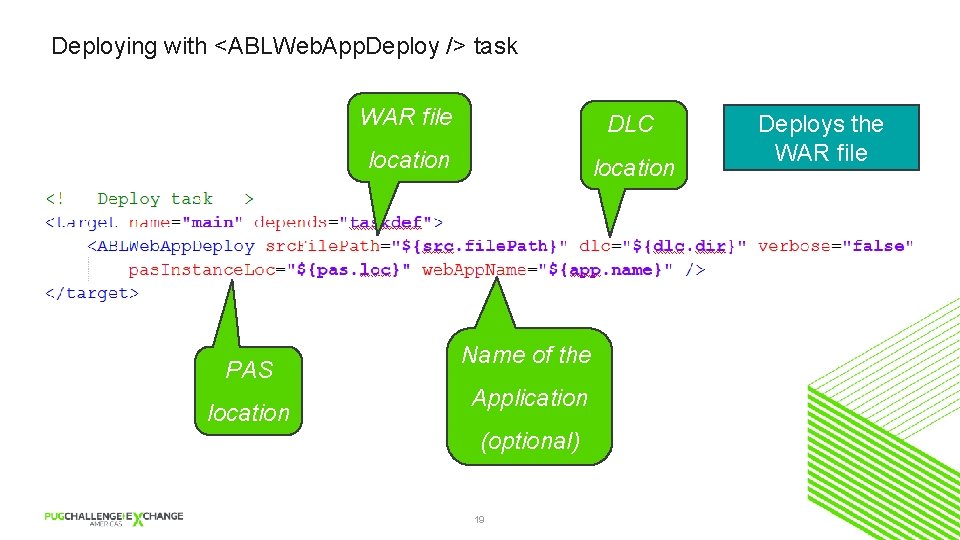
Deploying with <ABLWeb. App. Deploy /> task PAS location WAR file DLC location Name of the Application (optional) 19 Deploys the WAR file
Log viewer PASOE Debugger Other improve ments ABLUnit Debugger PDSOE Ant tasks for CI/CD workflow Log viewer 20
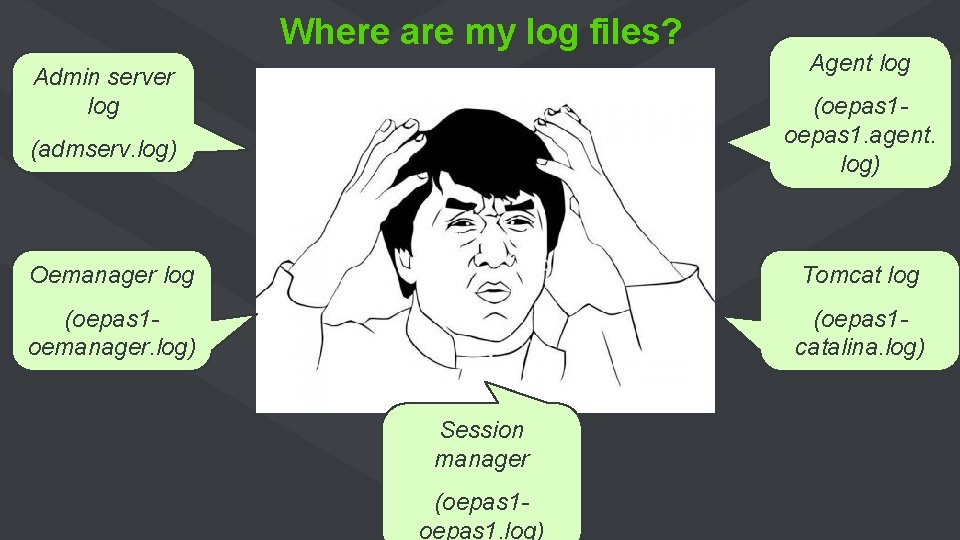
Where are my log files? Admin server log Agent log (oepas 1. agent. log) (admserv. log) Oemanager log Tomcat log (oepas 1 oemanager. log) (oepas 1 catalina. log) Session manager (oepas 1. log)
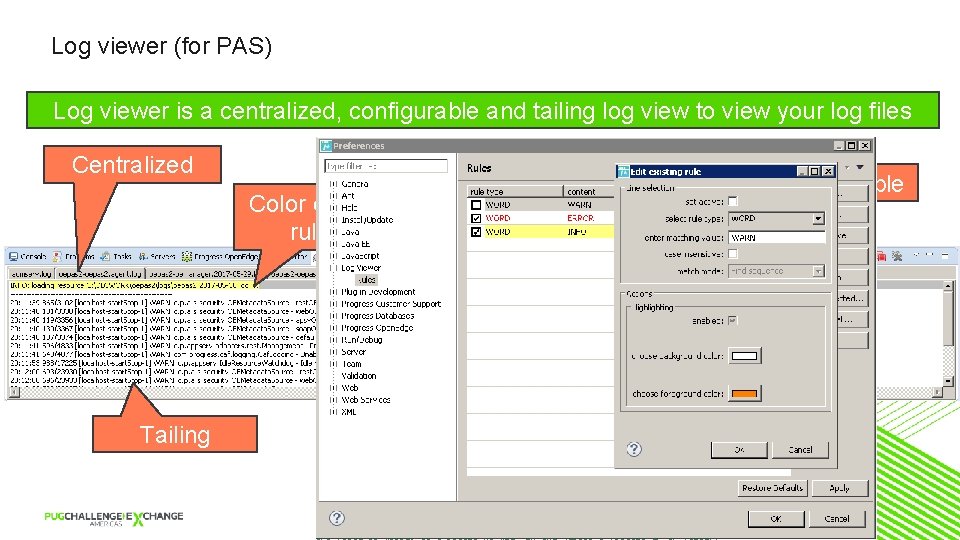
Log viewer (for PAS) Log viewer is a centralized, configurable and tailing log view to view your log files Centralized Configurable Color coding rules Tailing 22
Lets see a short demo
Other improvements PASOE Debugger Other improve ments ABLUnit Debugger PDSOE Ant tasks for CI/CD workflow Log viewer 24
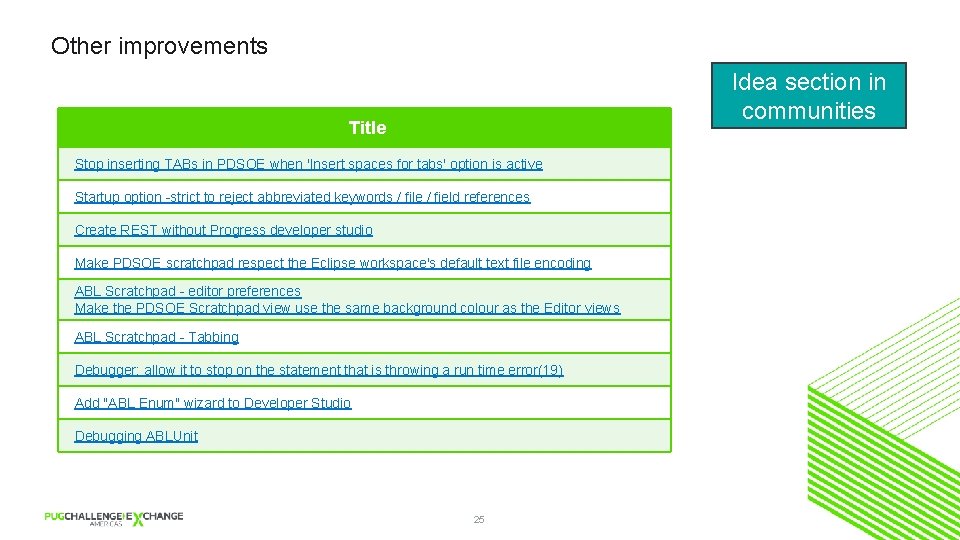
Other improvements Idea section in communities Title Stop inserting TABs in PDSOE when 'Insert spaces for tabs' option is active Startup option -strict to reject abbreviated keywords / file / field references Create REST without Progress developer studio Make PDSOE scratchpad respect the Eclipse workspace's default text file encoding ABL Scratchpad - editor preferences Make the PDSOE Scratchpad view use the same background colour as the Editor views ABL Scratchpad - Tabbing Debugger: allow it to stop on the statement that is throwing a run time error(19) Add "ABL Enum" wizard to Developer Studio Debugging ABLUnit 25
Agenda § What's new in PDS for OE 11. 7 § A cool new tool for ABL developers (ABL Dojo) § Peek into the future of (cloud) IDEs 26
ABL Dojo Write Run and Share from your Browser 27
What is ABL Dojo?
What is ABL Dojo? ABL Dojo is an interactive website and a developer utility that lets you write, run, and share Progress Open. Edge Advanced Business Language (ABL) code from your web browser. 29
Demo
Why ABL Dojo?
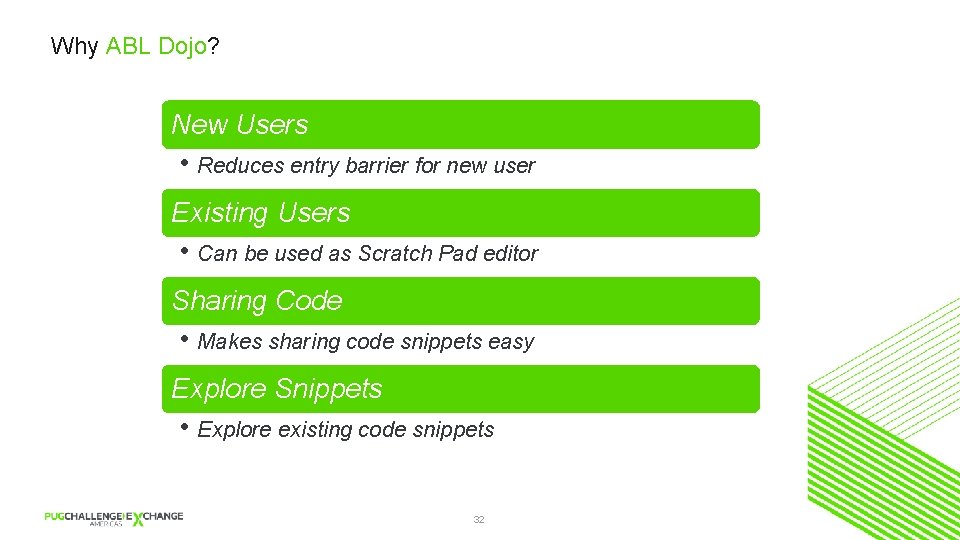
Why ABL Dojo? New Users • Reduces entry barrier for new user Existing Users • Can be used as Scratch Pad editor Sharing Code • Makes sharing code snippets easy Explore Snippets • Explore existing code snippets 32
https: //abldojo. services. progress. com
Agenda § What's new in PDS for OE 11. 7 § A cool new tool for ABL developers (ABL Dojo) § Peek into the future of (cloud) IDEs 34
Peek into the future of (cloud) IDEs 35
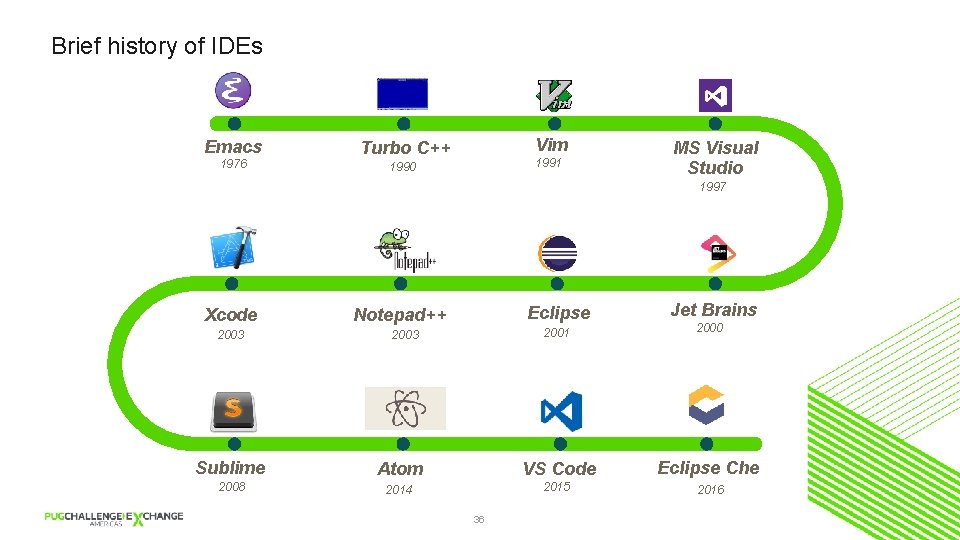
Brief history of IDEs Emacs 1976 Vim Turbo C++ 1991 1990 MS Visual Studio 1997 Xcode 2003 Eclipse Notepad++ 2003 Jet Brains 2001 2000 Sublime Atom VS Code Eclipse Che 2008 2014 2015 2016 36
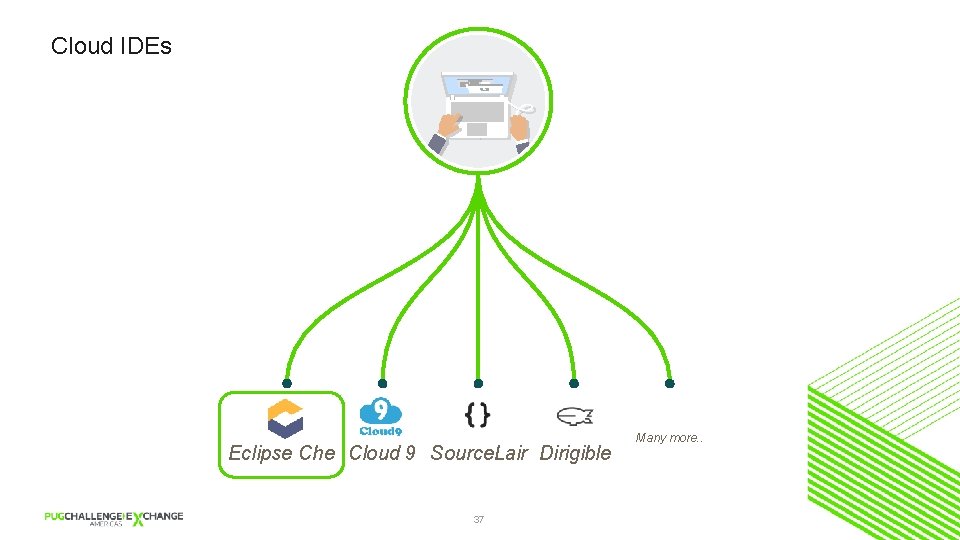
Cloud IDEs Eclipse Che Cloud 9 Source. Lair Dirigible 37 Many more. .
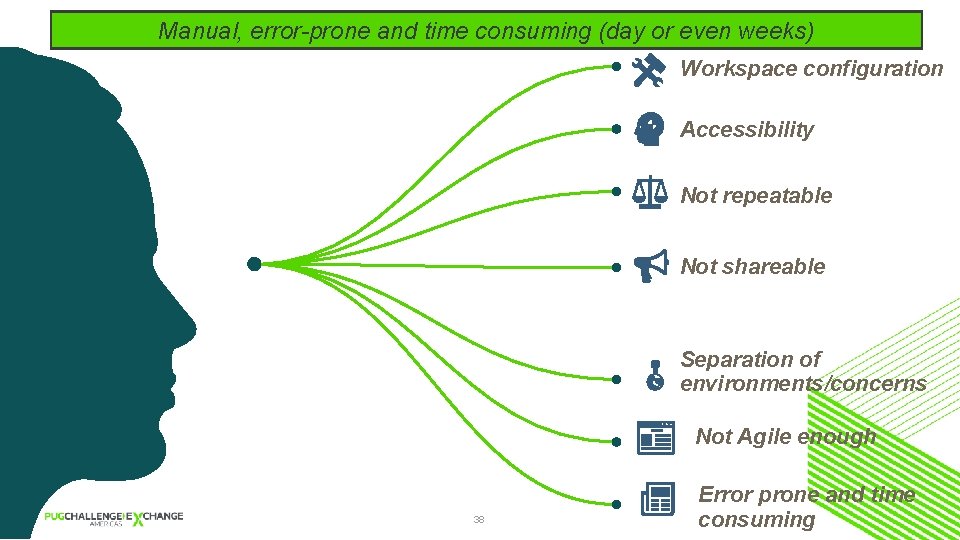
Continuous delivery demands rapid contributions andtime agility Only accessible onthan localhost Setting up environment more once rework Cannot separate environments for different Workspaces are not shareable Manual, error-prone time consuming (dayisoraprojects even weeks) Configuration is constant and pervasive, costing organizations and money. Problems with current IDEs Workspace configuration Accessibility Not repeatable Not shareable Separation of environments/concerns Not Agile enough 38 Error prone and time consuming
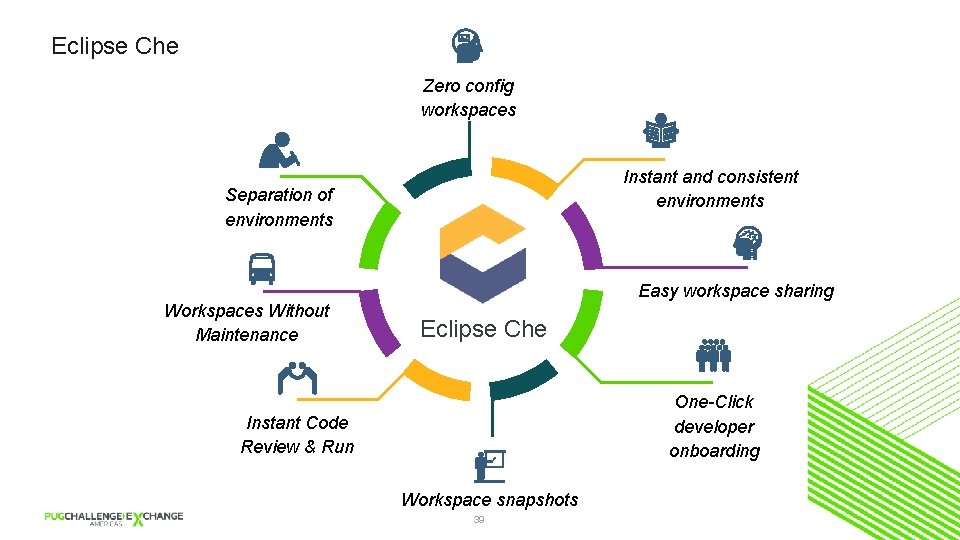
Eclipse Che Zero config workspaces Instant and consistent environments Separation of environments Easy workspace sharing Workspaces Without Maintenance Eclipse Che One-Click developer onboarding Instant Code Review & Run Workspace snapshots 39
Current status § Initial release September 2016 (~8 months ago) § Current stable release April 2017 § Git. Hub § Who’s using 40
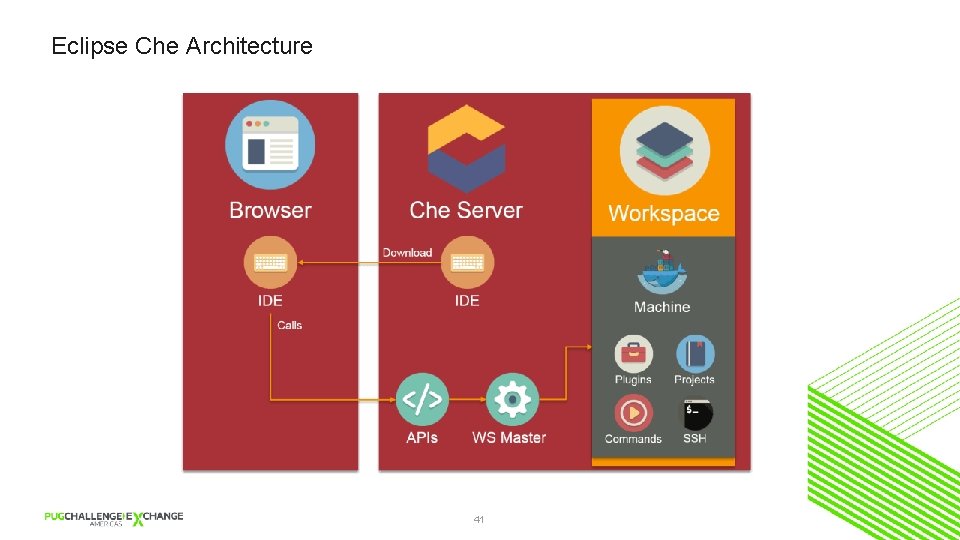
Eclipse Che Architecture 41
Demo
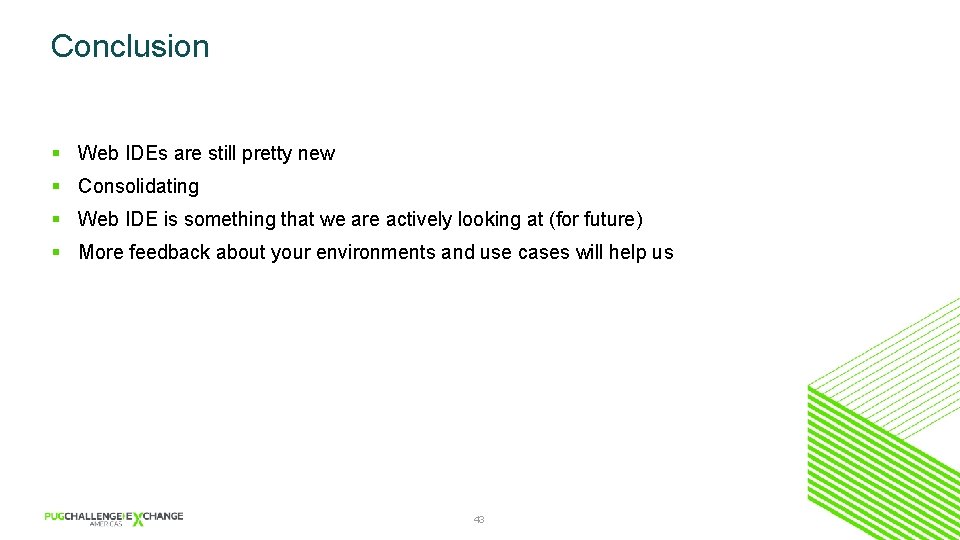
Conclusion § Web IDEs are still pretty new § Consolidating § Web IDE is something that we are actively looking at (for future) § More feedback about your environments and use cases will help us 43
Q&A
ABL Dojo FAQs
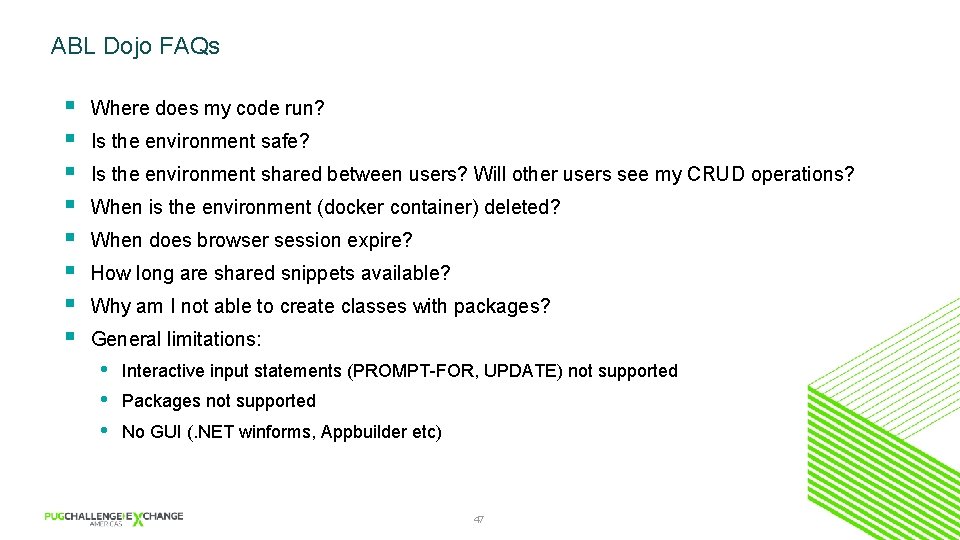
ABL Dojo FAQs § § § § Where does my code run? Is the environment safe? Is the environment shared between users? Will other users see my CRUD operations? When is the environment (docker container) deleted? When does browser session expire? How long are shared snippets available? Why am I not able to create classes with packages? General limitations: • • • Interactive input statements (PROMPT-FOR, UPDATE) not supported Packages not supported No GUI (. NET winforms, Appbuilder etc) 47