Making Your Research Go Faster Advanced HPCC High











![CUDA program (3 of 5) int main() { float our_array[16]; for (int i =](https://slidetodoc.com/presentation_image/3996fcd1f33c393853a1b2085253c023/image-97.jpg "CUDA program (3 of 5) int main() { float our_array[16]; for (int i =")




- Slides: 109
Making Your Research Go Faster: Advanced HPCC High Performance Computing Center Institute for Cyber-Enabled Research © 2014 Michigan State University Board of Trustees.
Agenda • • Overview Advanced System Description Powertools Doing more faster – Pleasantly Parallel – Shared Memory Parallelization – Shared Network Parallelization – Accelerators
How this workshop works • We are going to cover some basics. Lots of hands on examples. • When you get tired of listening to me talk, skip ahead to an exercise and give it a try. • Exercises are denoted by the following icon in your notes:
Red and Green Flags • Use the provided sticky notes to help me help you. – NO Sticky = I am working – Green = I am done and ready to move on – Red = I am stuck and need more time and/or I could use some help
Submission Scripts (qsub) • Design Goals – One script does everything – Easy to read – Easily given to others – Easily moved to different directories – Make sure it can use ( After you submit, it won’t go to Batch. Hold) – Use all possible machines so it can get to running faster. (< 4 hours)
Agenda • • Overview Advanced System Description Powertools Doing more faster – Pleasantly Parallel – Shared Memory Parallelization – Shared Network Parallelization – Accelerators
What problems are we solving? • Boundary Simulations • Data Analysis • Search Image Provided by Dr. Mantha Phanikumar, MSU Image Provided by Dr. Warren F. Beck, MSU Images from, “Understanding the H 2 Emission from the Crab Nebula”, C. T. Richardson, J. A. Baldwin, G. J. Ferland, E. D. Loh, Charles A. Huehn, A. C. Fabian, P. Salomé
Boundary Simulations • • • Fluid dynamics Finite element analysis Molecular dynamics Weather Etc. Formation of a spiral Galaxy ENZO Simulation, Drs. O’Shea and Smith • System of PDE (Partial Differential equations) • Mathematically equivalent to inverse of a matrix
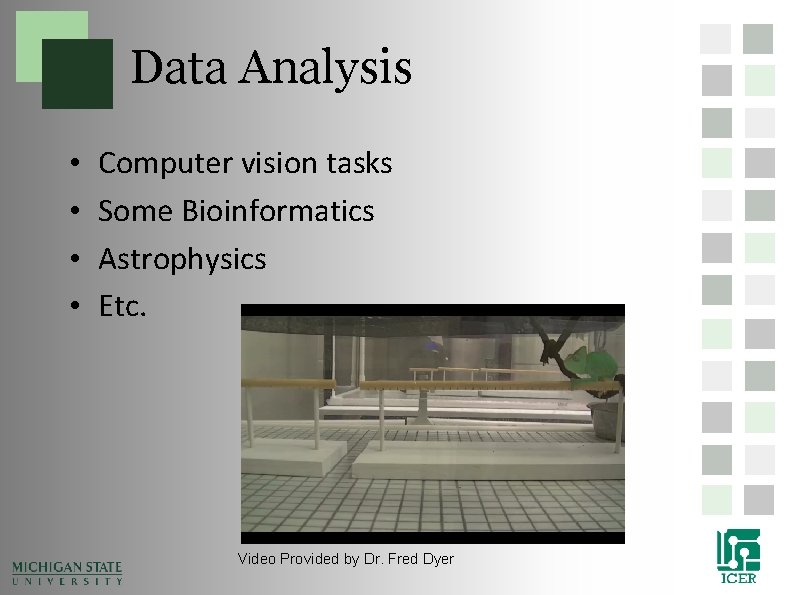
Data Analysis • • Computer vision tasks Some Bioinformatics Astrophysics Etc. Video Provided by Dr. Fred Dyer
Search • Genome sequencing • Analytics • Optimization • Etc. Evolution of an artificial organism that can move and forage for food, Dr. Nicolas Chaumont
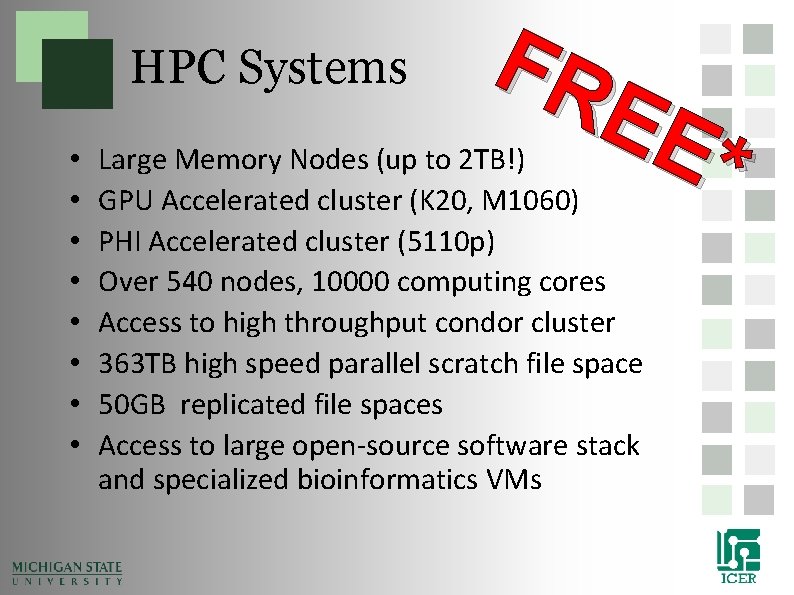
HPC Systems • • FR EE * Large Memory Nodes (up to 2 TB!) GPU Accelerated cluster (K 20, M 1060) PHI Accelerated cluster (5110 p) Over 540 nodes, 10000 computing cores Access to high throughput condor cluster 363 TB high speed parallel scratch file space 50 GB replicated file spaces Access to large open-source software stack and specialized bioinformatics VMs
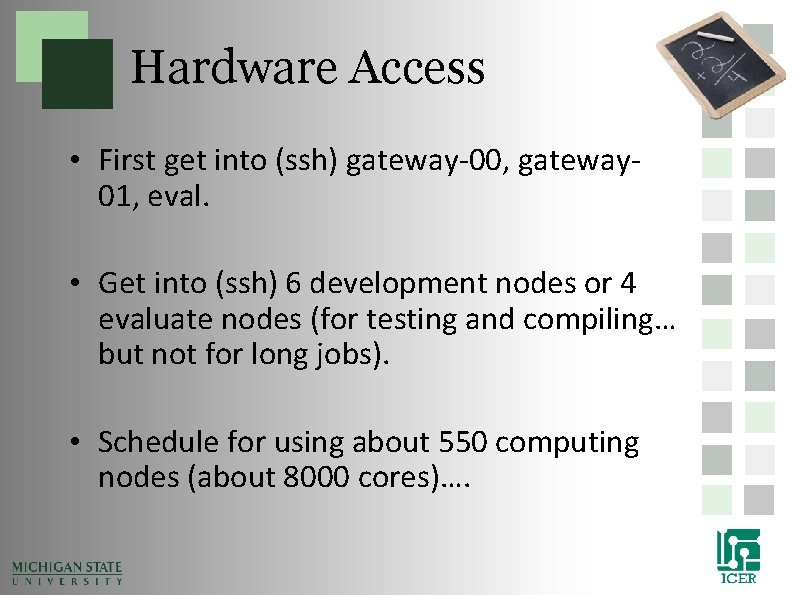
Hardware Access • First get into (ssh) gateway-00, gateway 01, eval. • Get into (ssh) 6 development nodes or 4 evaluate nodes (for testing and compiling… but not for long jobs). • Schedule for using about 550 computing nodes (about 8000 cores)….
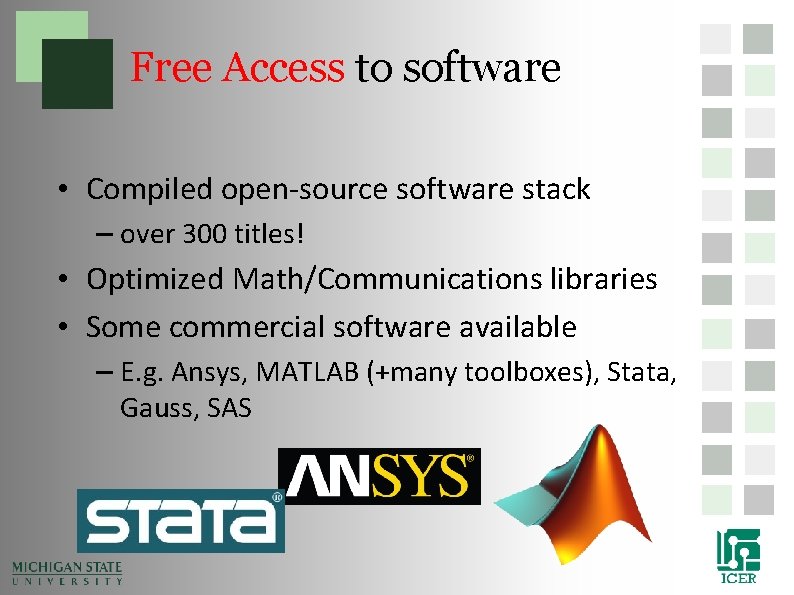
Free Access to software • Compiled open-source software stack – over 300 titles! • Optimized Math/Communications libraries • Some commercial software available – E. g. Ansys, MATLAB (+many toolboxes), Stata, Gauss, SAS
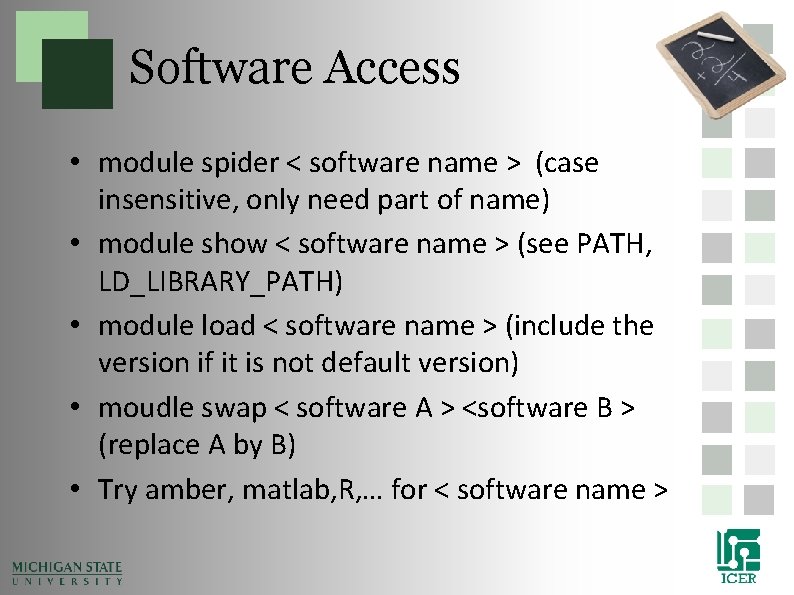
Software Access • module spider < software name > (case insensitive, only need part of name) • module show < software name > (see PATH, LD_LIBRARY_PATH) • module load < software name > (include the version if it is not default version) • moudle swap < software A > <software B > (replace A by B) • Try amber, matlab, R, … for < software name >
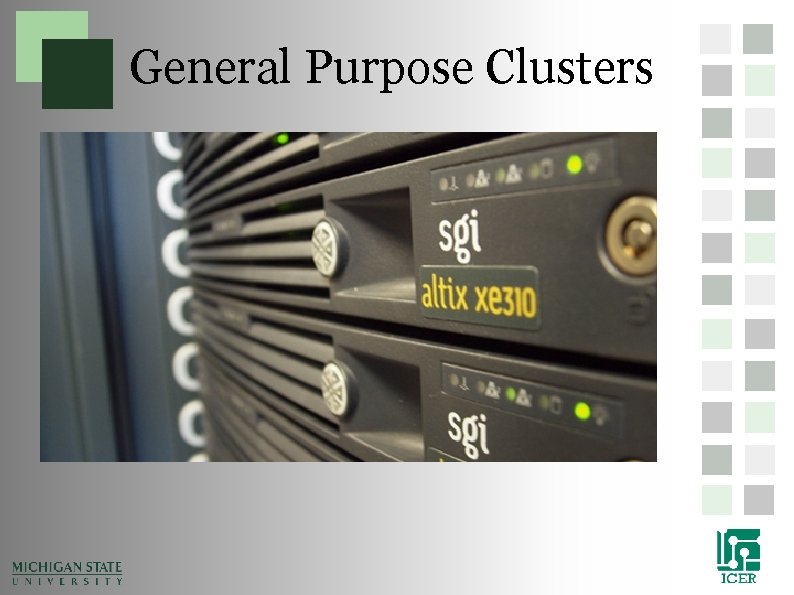
General Purpose Clusters
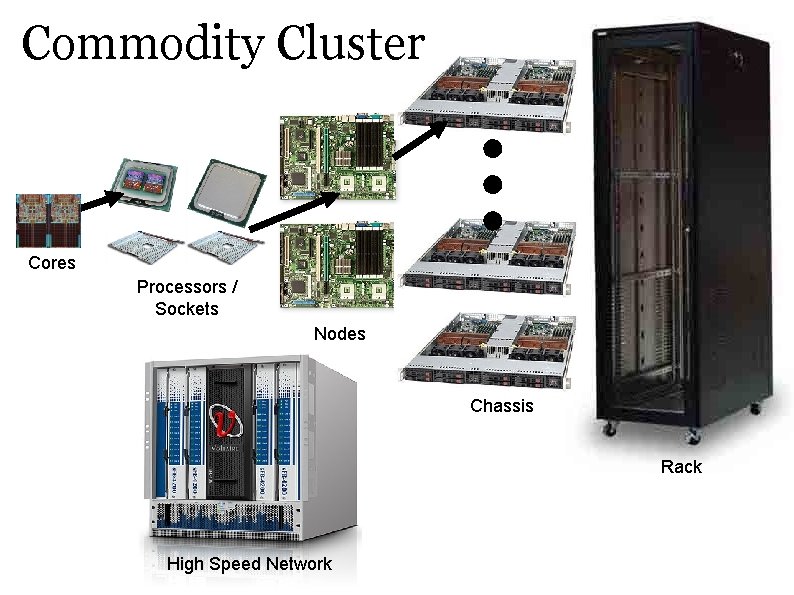
Commodity Cluster Cores Processors / Sockets Nodes Chassis Rack High Speed Network
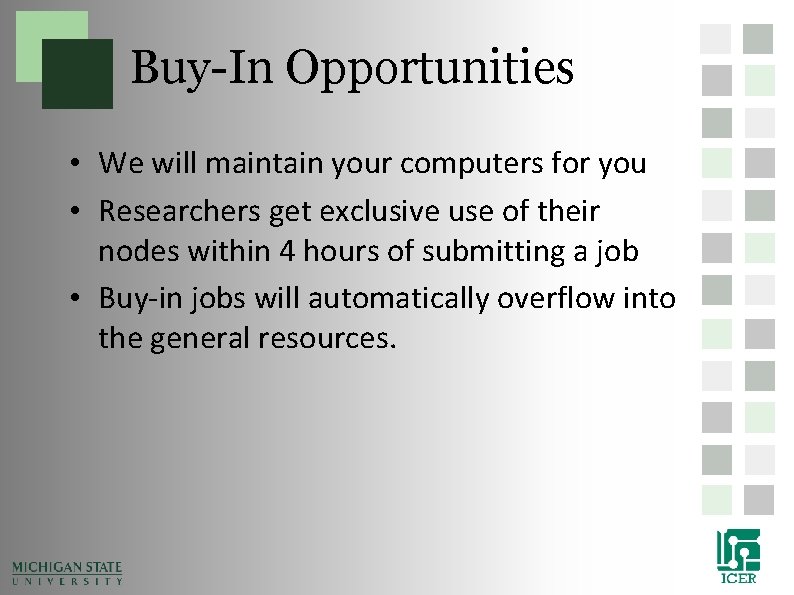
Buy-In Opportunities • We will maintain your computers for you • Researchers get exclusive use of their nodes within 4 hours of submitting a job • Buy-in jobs will automatically overflow into the general resources.
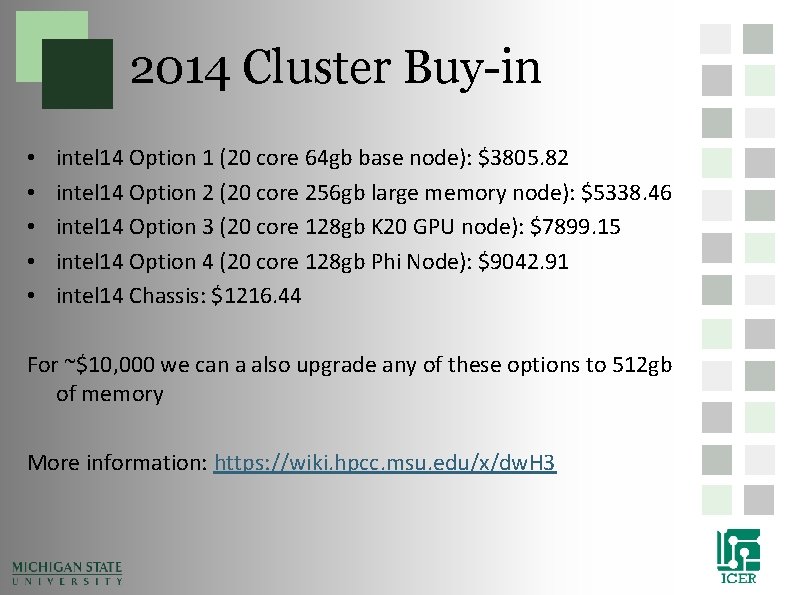
2014 Cluster Buy-in • • • intel 14 Option 1 (20 core 64 gb base node): $3805. 82 intel 14 Option 2 (20 core 256 gb large memory node): $5338. 46 intel 14 Option 3 (20 core 128 gb K 20 GPU node): $7899. 15 intel 14 Option 4 (20 core 128 gb Phi Node): $9042. 91 intel 14 Chassis: $1216. 44 For ~$10, 000 we can a also upgrade any of these options to 512 gb of memory More information: https: //wiki. hpcc. msu. edu/x/dw. H 3
2014 Large Memory Buy-in • • Large Memory Option 1 (1 TB RAM, 48 cores): $29, 979 Large Memory Option 2 (1. 5 TB RAM, 48 cores): $34, 989 Large Memory Option 3 (3 TB RAM, 48 cores): $60, 995 Large Memory Option 4 (6 TB RAM, 96 cores): $142, 772 • Limited time only • https: //wiki. hpcc. msu. edu/x/L 4 E_AQ
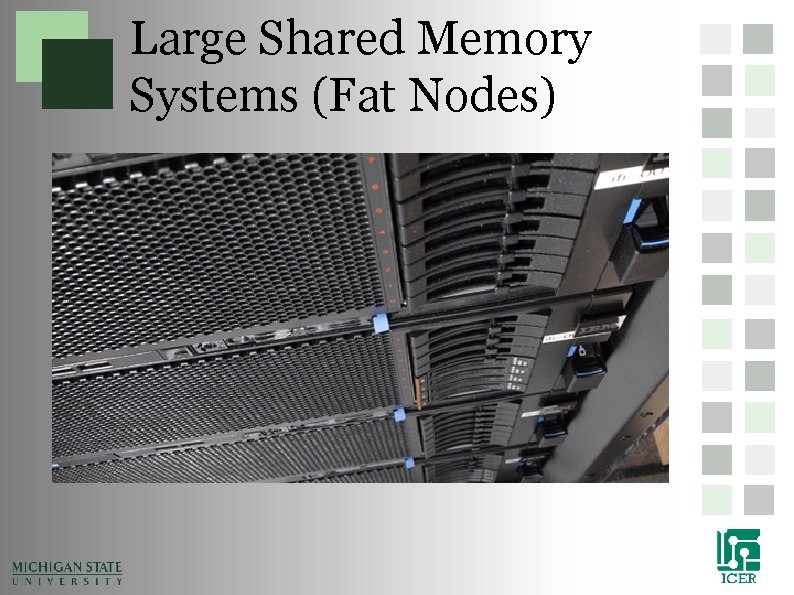
Large Shared Memory Systems (Fat Nodes)
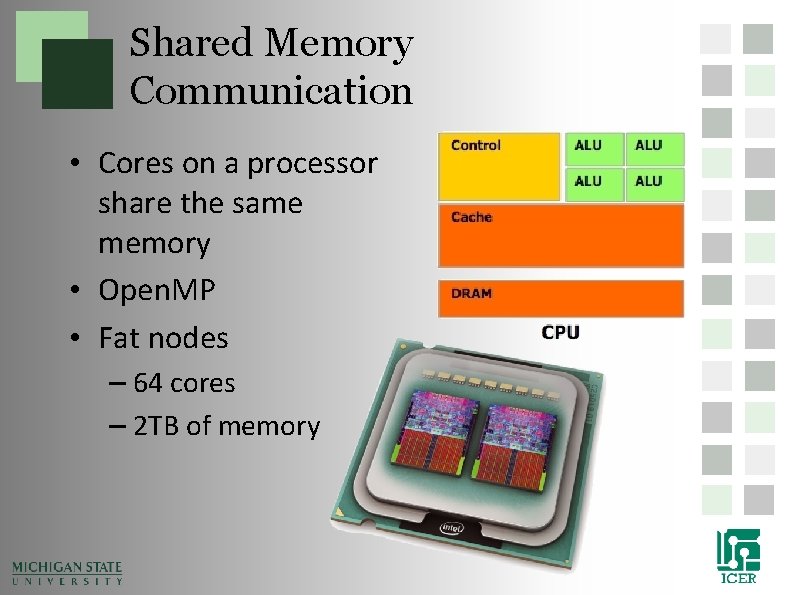
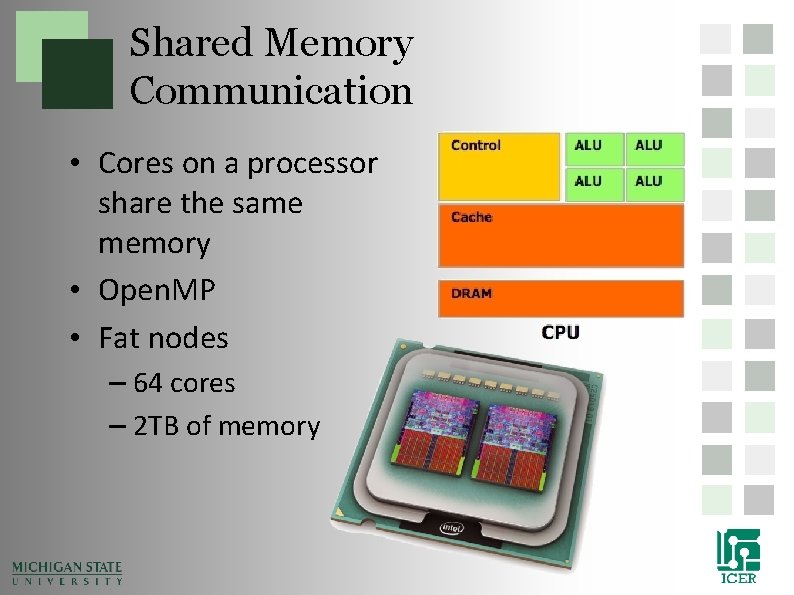
Shared Memory Communication • Cores on a processor share the same memory • Open. MP • Fat nodes – 64 cores – 2 TB of memory
General Purpose GPU Accelerated Systems
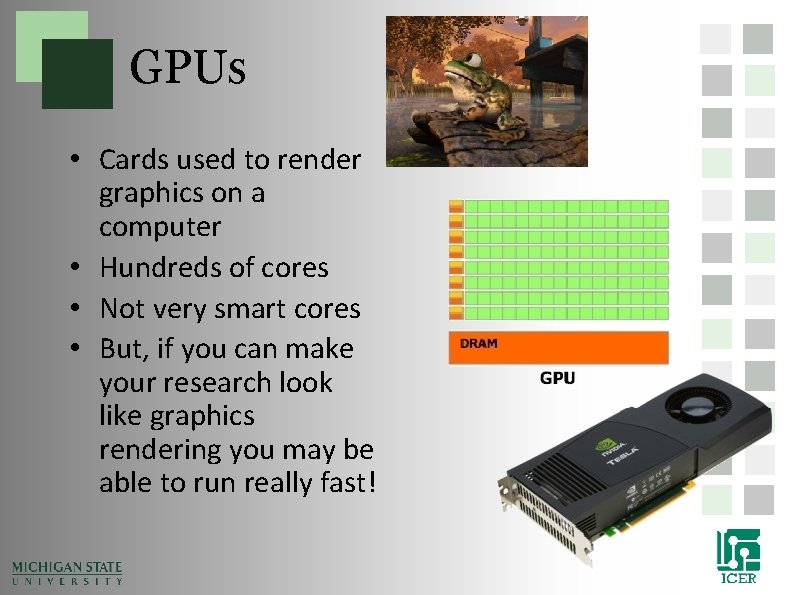
GPUs • Cards used to render graphics on a computer • Hundreds of cores • Not very smart cores • But, if you can make your research look like graphics rendering you may be able to run really fast!
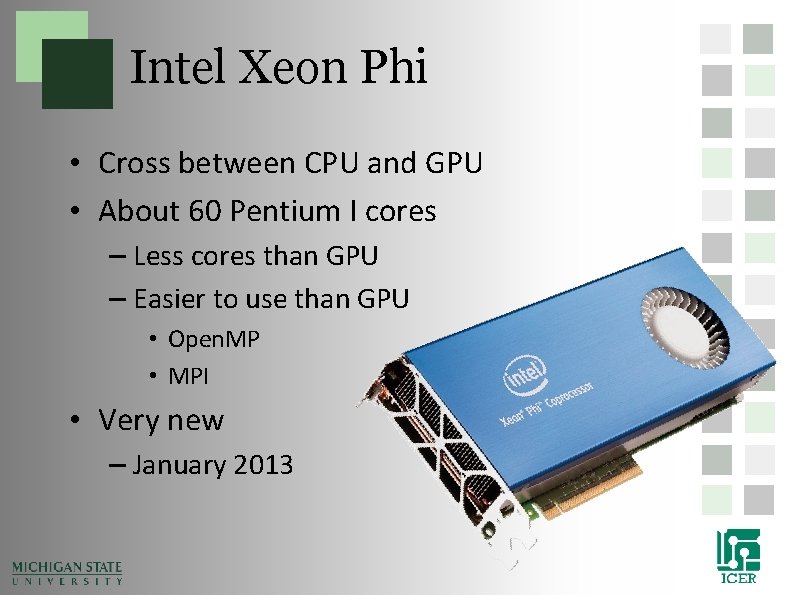
Intel Xeon Phi • Cross between CPU and GPU • About 60 Pentium I cores – Less cores than GPU – Easier to use than GPU • Open. MP • MPI • Very new – January 2013
Evaluation Gateway • Same as regular gateway just a different URL: – eval. hpcc. msu. edu • Also slightly different splash screen. • Great “back door” if there is a problem on the gateway VM.
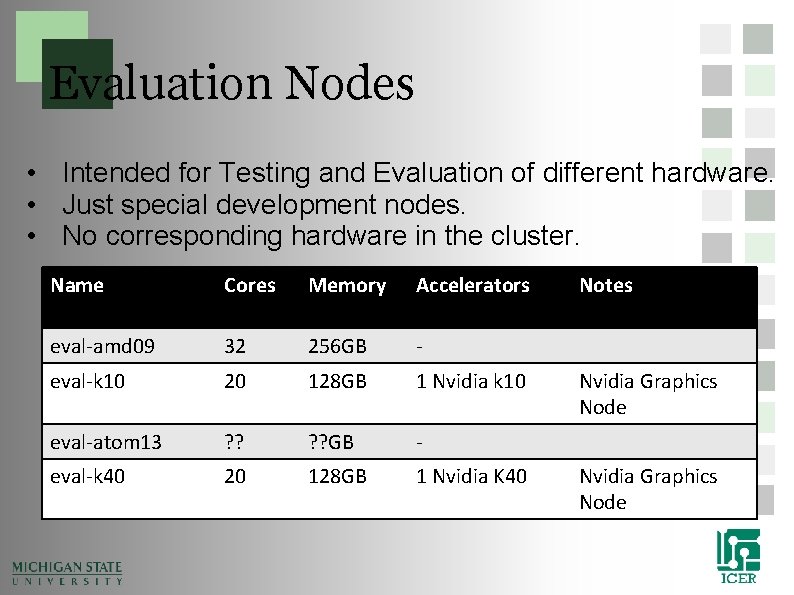
Evaluation Nodes • Intended for Testing and Evaluation of different hardware. • Just special development nodes. • No corresponding hardware in the cluster. Name Cores Memory Accelerators eval-amd 09 32 256 GB - eval-k 10 20 128 GB 1 Nvidia k 10 eval-atom 13 ? ? GB - eval-k 40 20 128 GB 1 Nvidia K 40 Notes Nvidia Graphics Node
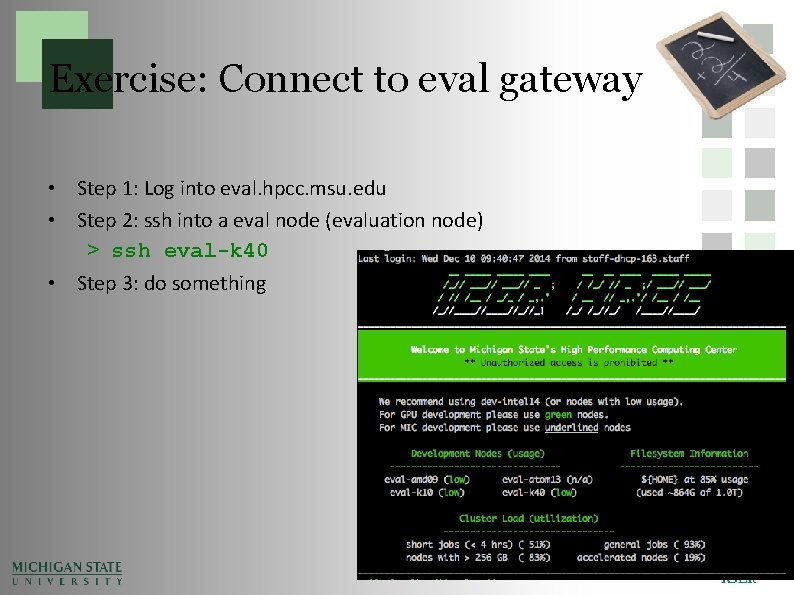
Exercise: Connect to eval gateway • Step 1: Log into eval. hpcc. msu. edu • Step 2: ssh into a eval node (evaluation node) > ssh eval-k 40 • Step 3: do something
High Throughput HTCondor Cluster
MSU HTCondor Cluster • Runs like a screen saver and Scavenges CPU cycles: – Approximately 400+ nodes – Approximately 7000 cores – Windows 7
Agenda • • Overview Advanced System Description Powertools Doing more faster – Pleasantly Parallel – Shared Memory Parallelization – Shared Network Parallelization – Accelerators
What are Powertools • Powertools are scripts and programs to make interfacing with the HPCC simpler • The tools are written mostly by HPCC staff and users.
How to Access Powertools • When you are logged on to gateway or the developer nodes, load the powertools module file: > module load powertools • To list the currently available tools type “powertools” after loading the powertools module > Powertool
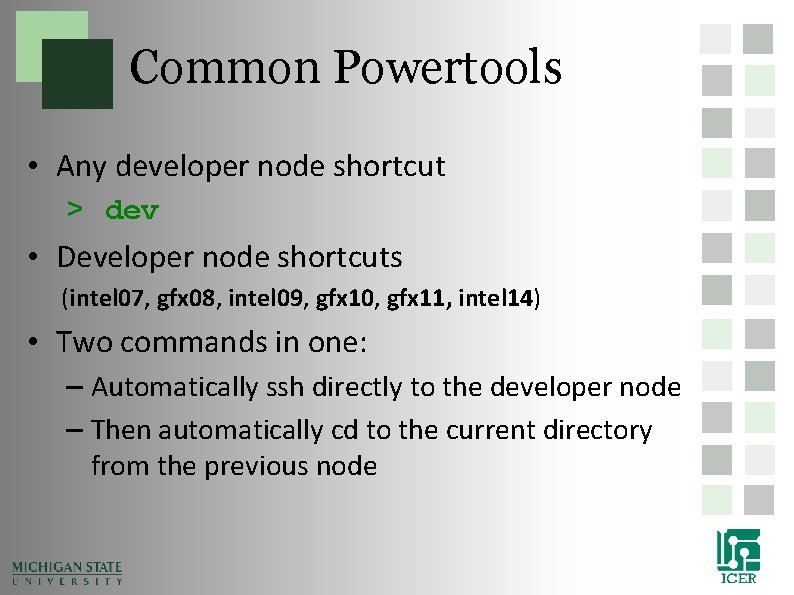
Common Powertools • Any developer node shortcut > dev • Developer node shortcuts (intel 07, gfx 08, intel 09, gfx 10, gfx 11, intel 14) • Two commands in one: – Automatically ssh directly to the developer node – Then automatically cd to the current directory from the previous node
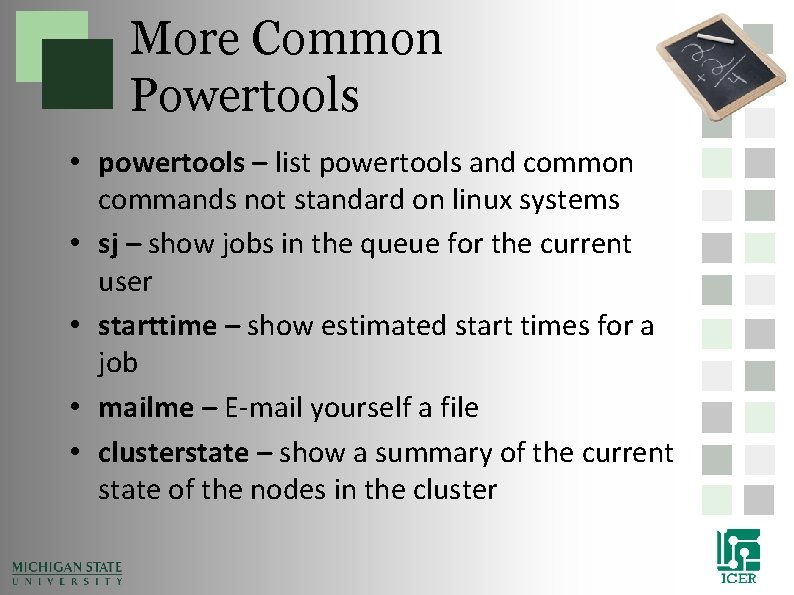
More Common Powertools • powertools – list powertools and common commands not standard on linux systems • sj – show jobs in the queue for the current user • starttime – show estimated start times for a job • mailme – E-mail yourself a file • clusterstate – show a summary of the current state of the nodes in the cluster
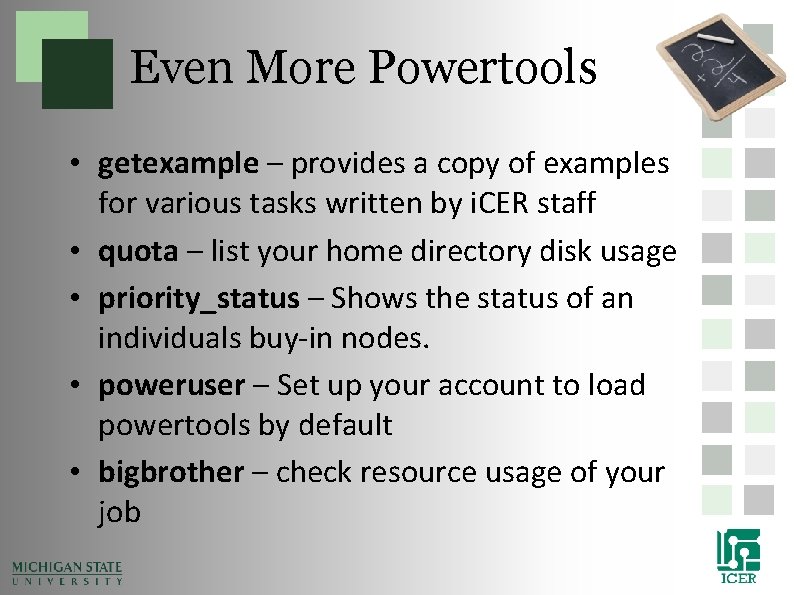
Even More Powertools • getexample – provides a copy of examples for various tasks written by i. CER staff • quota – list your home directory disk usage • priority_status – Shows the status of an individuals buy-in nodes. • poweruser – Set up your account to load powertools by default • bigbrother – check resource usage of your job
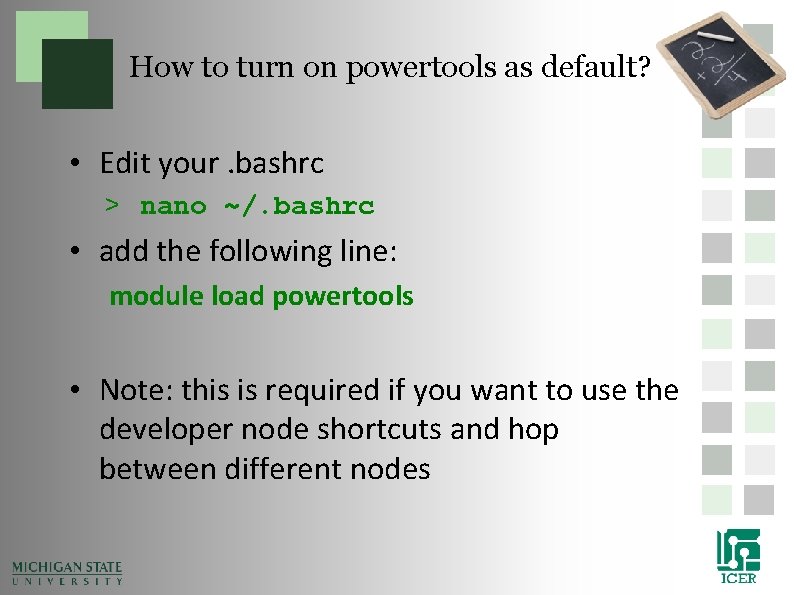
How to turn on powertools as default? • Edit your. bashrc > nano ~/. bashrc • add the following line: module load powertools • Note: this is required if you want to use the developer node shortcuts and hop between different nodes
Agenda • • Overview Advanced System Description Powertools Doing more faster – Pleasantly Parallel – Shared Memory Parallelization – Shared Network Parallelization – Accelerators
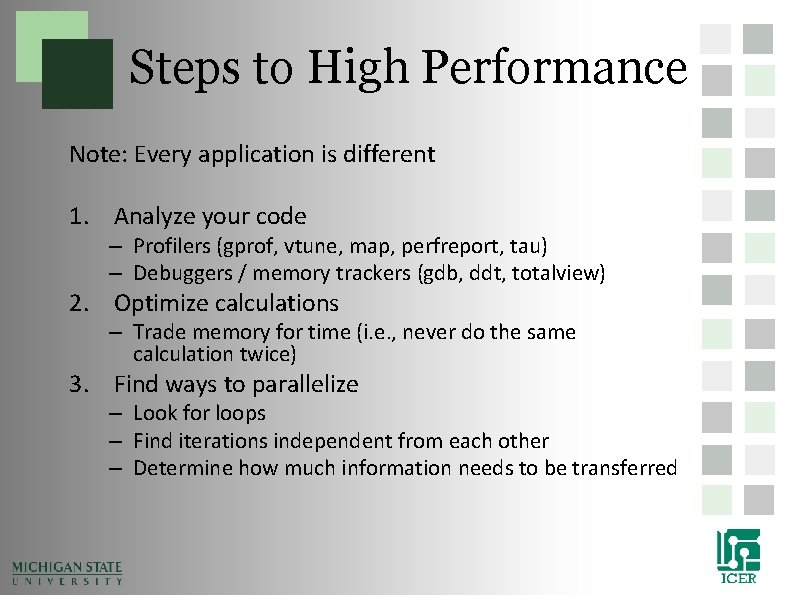
Steps to High Performance Note: Every application is different 1. Analyze your code – Profilers (gprof, vtune, map, perfreport, tau) – Debuggers / memory trackers (gdb, ddt, totalview) 2. Optimize calculations – Trade memory for time (i. e. , never do the same calculation twice) 3. Find ways to parallelize – Look for loops – Find iterations independent from each other – Determine how much information needs to be transferred
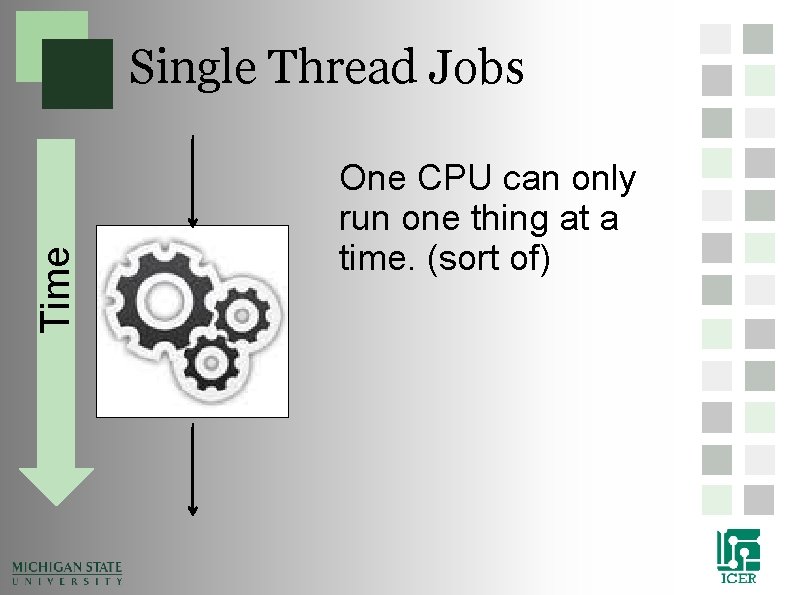
Time Single Thread Jobs One CPU can only run one thing at a time. (sort of)
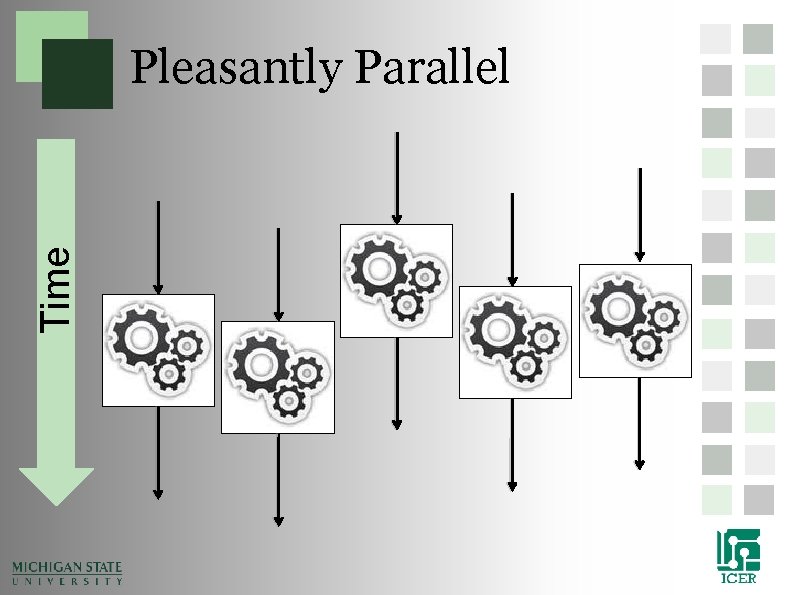
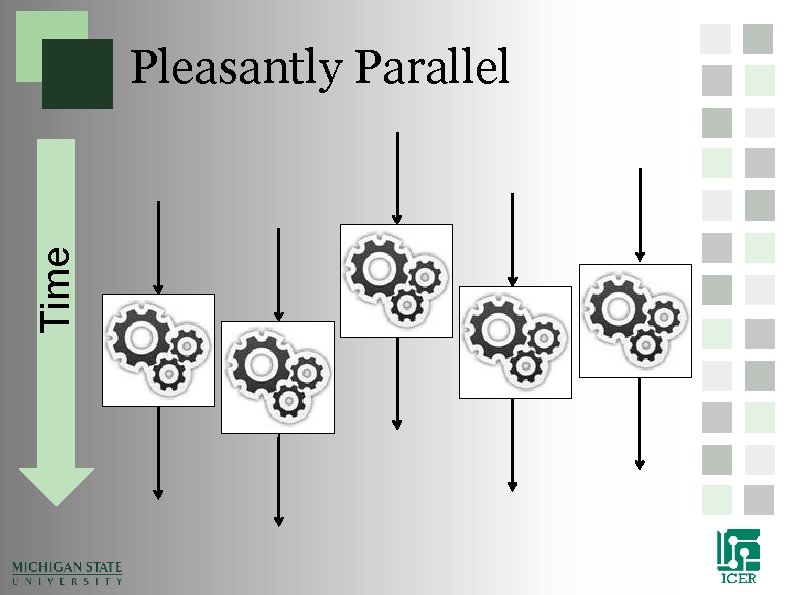
Time Pleasantly Parallel
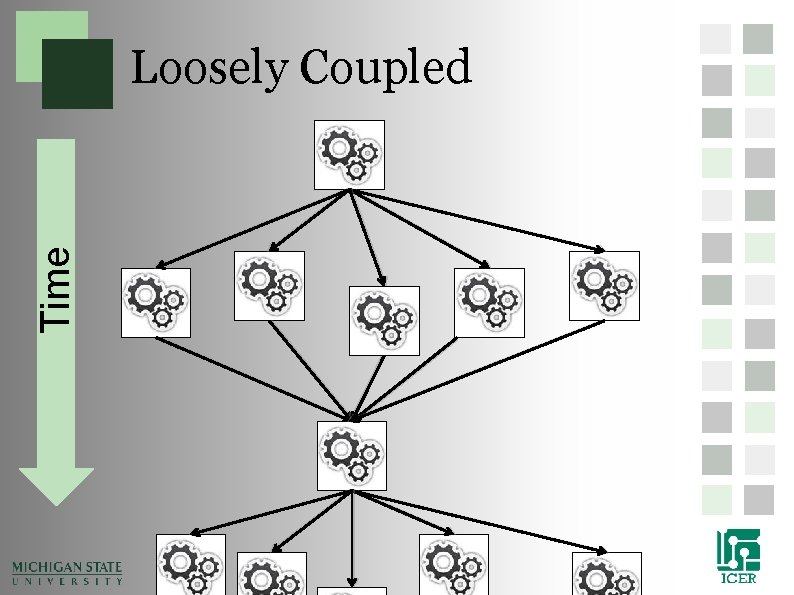
Time Loosely Coupled
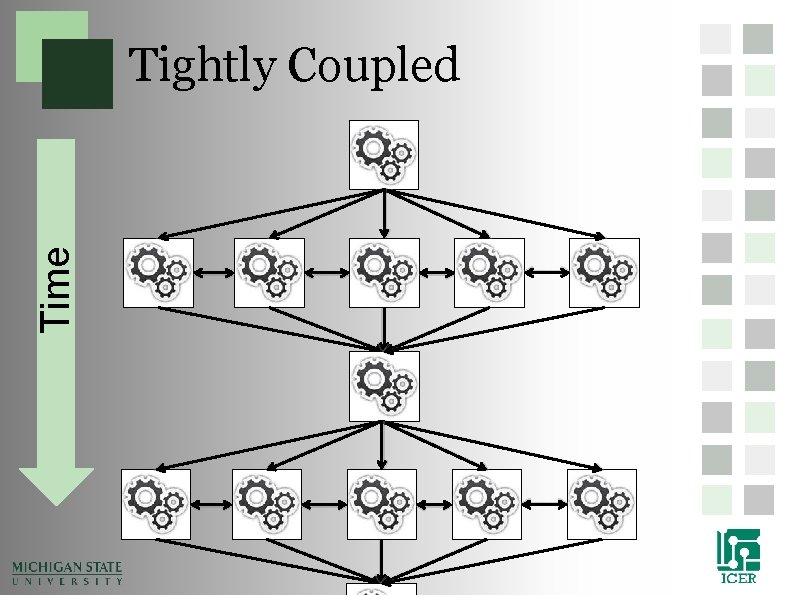
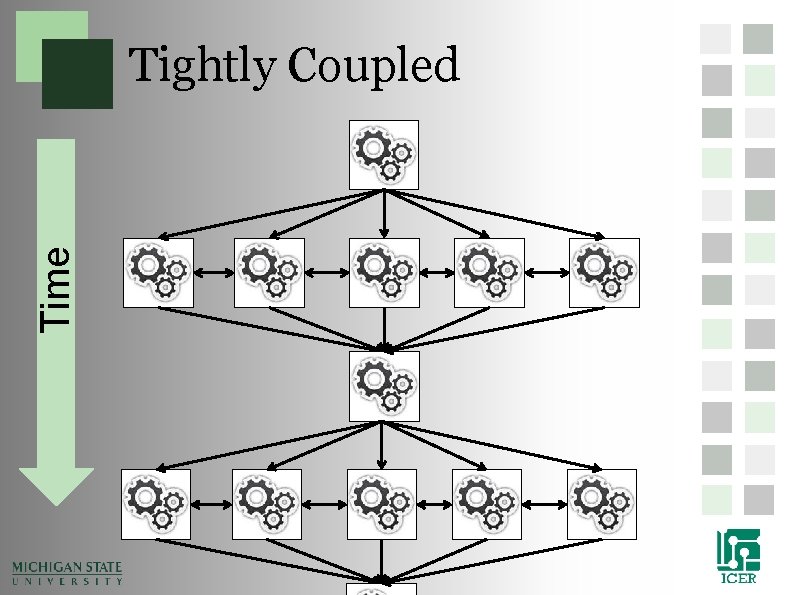
Time Tightly Coupled
Communication • Shared Memory • Shared Network • Distributed Network • Dedicated Accelerators • Hybrid Systems
Pleasantly Parallel
Time Pleasantly Parallel
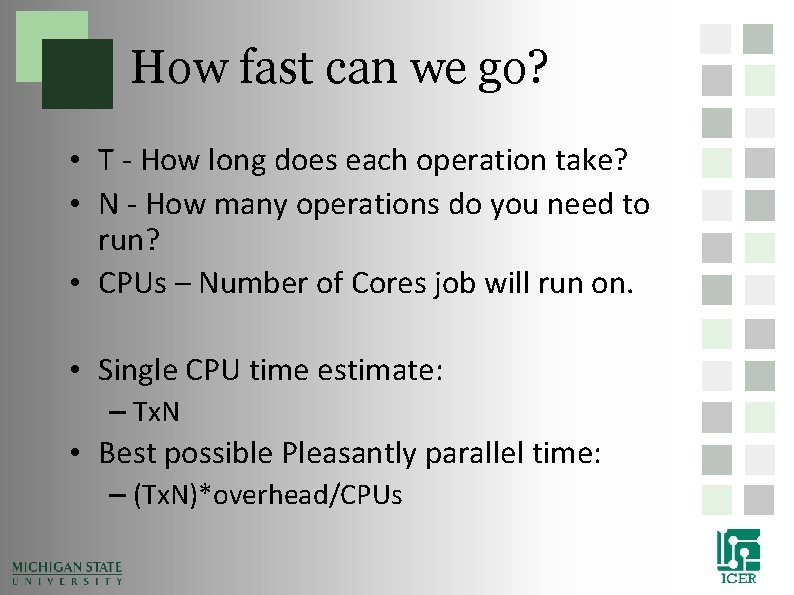
How fast can we go? • T - How long does each operation take? • N - How many operations do you need to run? • CPUs – Number of Cores job will run on. • Single CPU time estimate: – Tx. N • Best possible Pleasantly parallel time: – (Tx. N)*overhead/CPUs
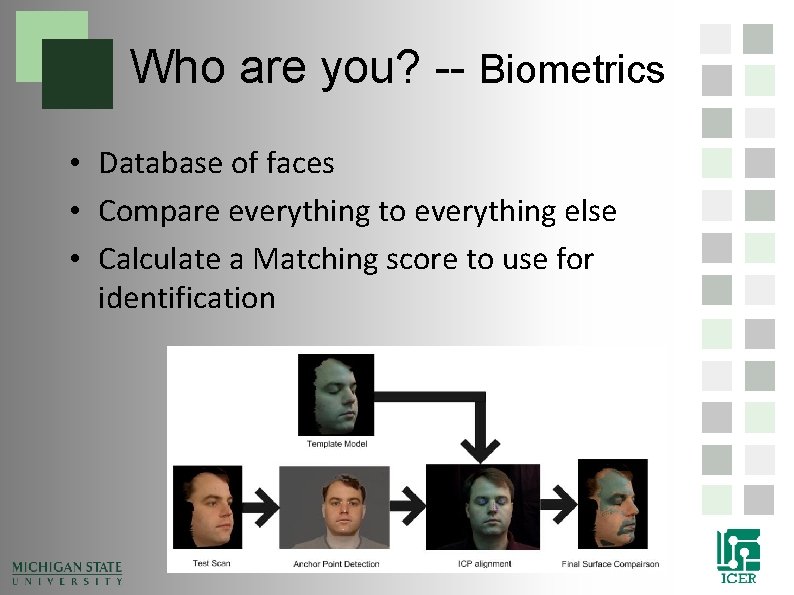
Who are you? -- Biometrics • Database of faces • Compare everything to everything else • Calculate a Matching score to use for identification
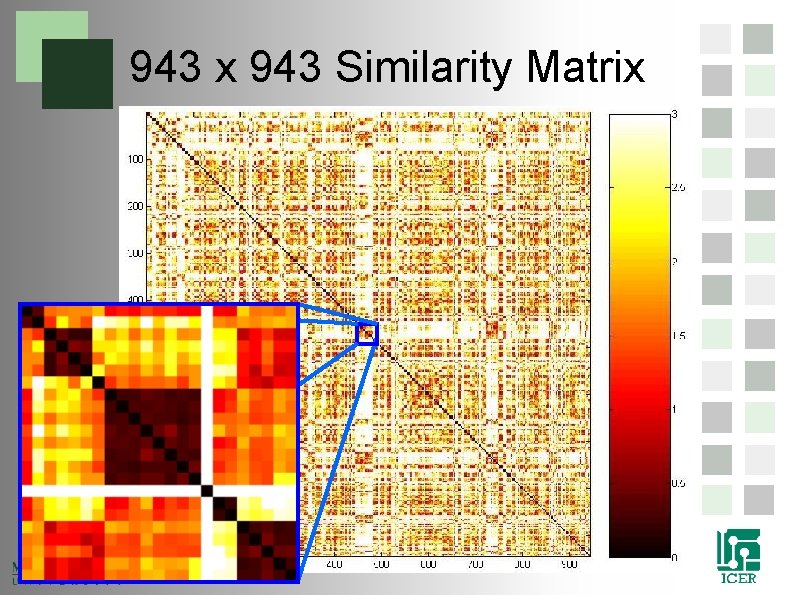
943 x 943 Similarity Matrix
How do we go even bigger? • 5000 scans. – 1. 5 years on a single processor computer – 13 days on our ad-hoc cluster. – 1. 5 days a commodity cluster at MSU 49
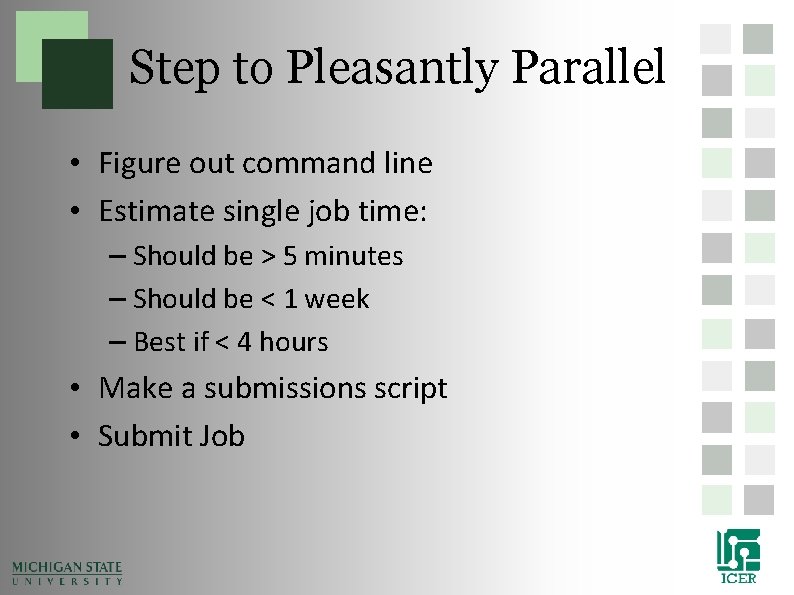
Step to Pleasantly Parallel • Figure out command line • Estimate single job time: – Should be > 5 minutes – Should be < 1 week – Best if < 4 hours • Make a submissions script • Submit Job
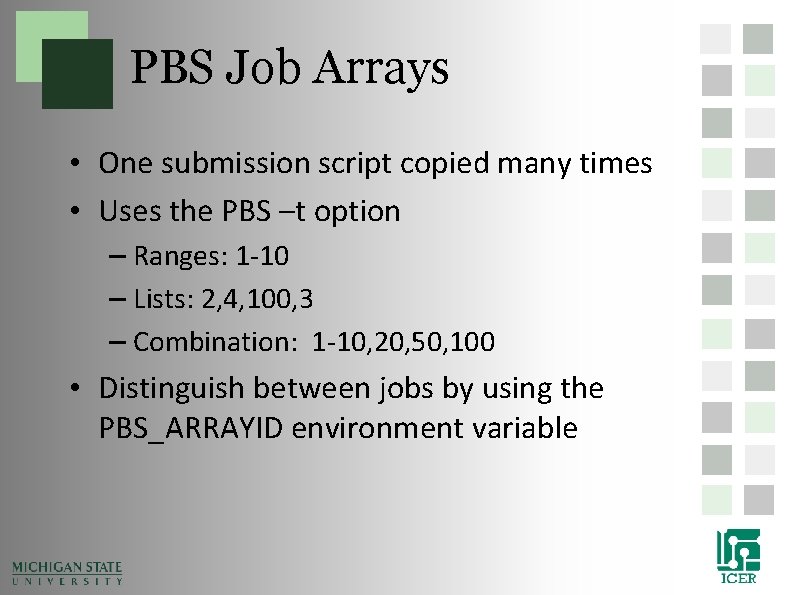
PBS Job Arrays • One submission script copied many times • Uses the PBS –t option – Ranges: 1 -10 – Lists: 2, 4, 100, 3 – Combination: 1 -10, 20, 50, 100 • Distinguish between jobs by using the PBS_ARRAYID environment variable
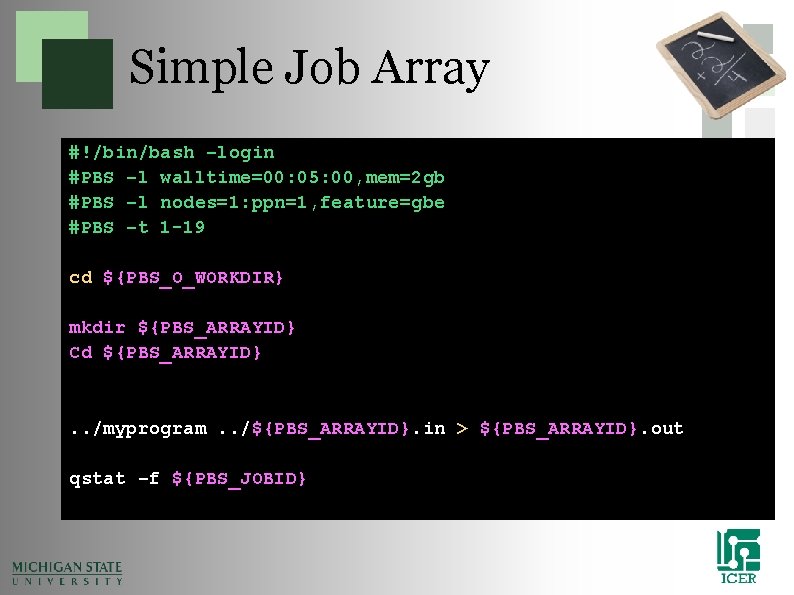
Simple Job Array #!/bin/bash –login #PBS –l walltime=00: 05: 00, mem=2 gb #PBS –l nodes=1: ppn=1, feature=gbe #PBS –t 1 -19 cd ${PBS_O_WORKDIR} mkdir ${PBS_ARRAYID} Cd ${PBS_ARRAYID} . . /myprogram. . /${PBS_ARRAYID}. in > ${PBS_ARRAYID}. out qstat –f ${PBS_JOBID}
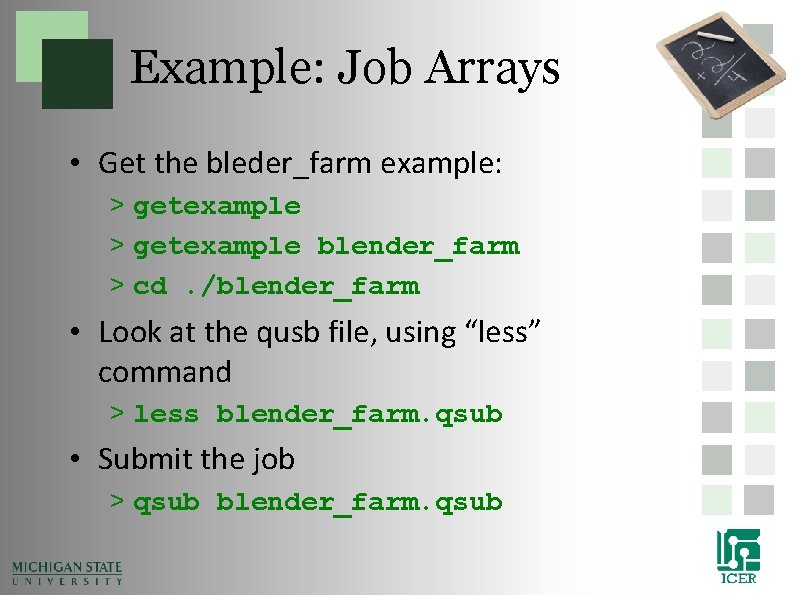
Example: Job Arrays • Get the bleder_farm example: > getexample blender_farm > cd. /blender_farm • Look at the qusb file, using “less” command > less blender_farm. qsub • Submit the job > qsub blender_farm. qsub
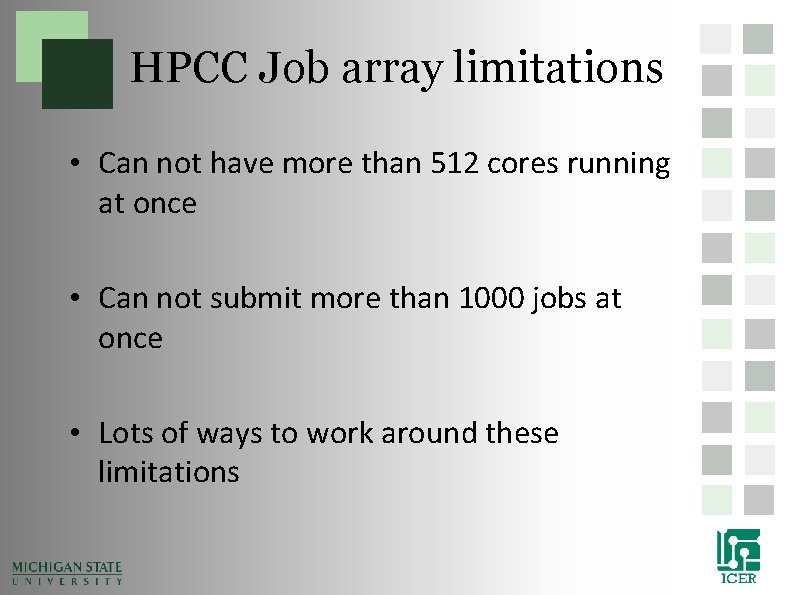
HPCC Job array limitations • Can not have more than 512 cores running at once • Can not submit more than 1000 jobs at once • Lots of ways to work around these limitations
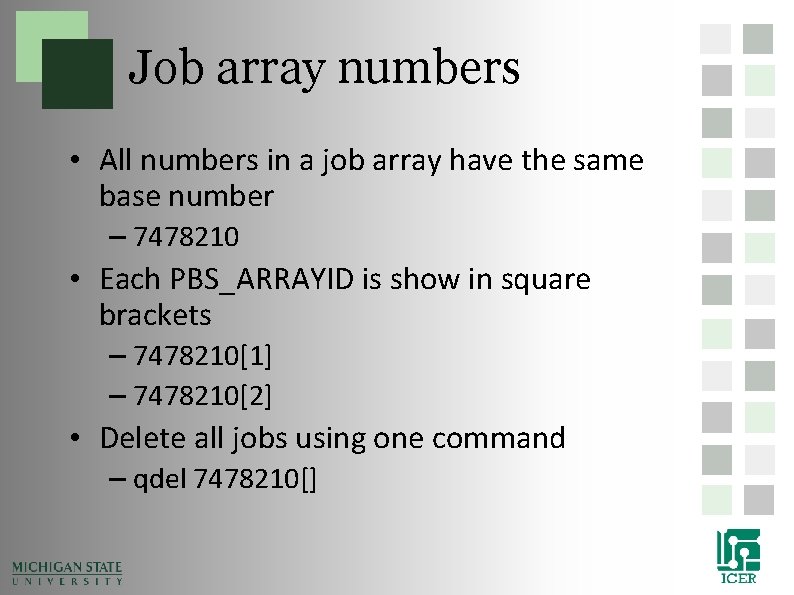
Job array numbers • All numbers in a job array have the same base number – 7478210 • Each PBS_ARRAYID is show in square brackets – 7478210[1] – 7478210[2] • Delete all jobs using one command – qdel 7478210[]
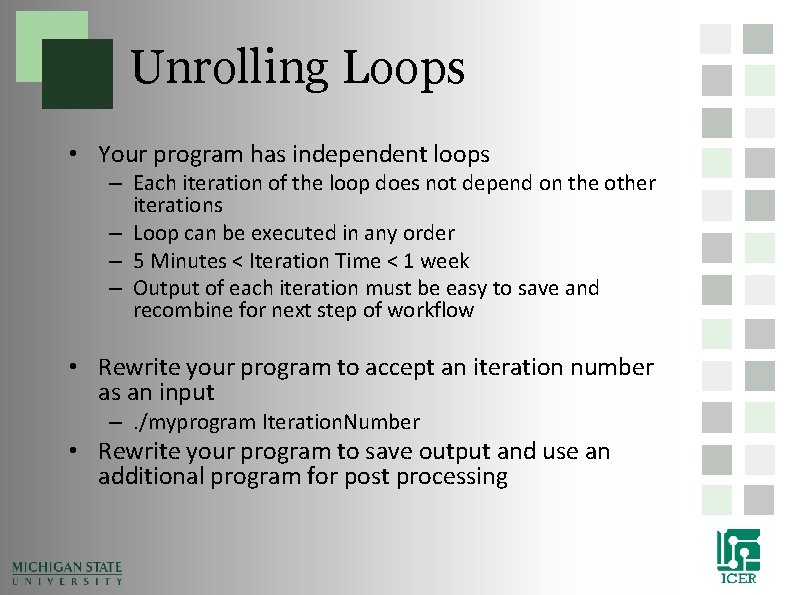
Unrolling Loops • Your program has independent loops – Each iteration of the loop does not depend on the other iterations – Loop can be executed in any order – 5 Minutes < Iteration Time < 1 week – Output of each iteration must be easy to save and recombine for next step of workflow • Rewrite your program to accept an iteration number as an input –. /myprogram Iteration. Number • Rewrite your program to save output and use an additional program for post processing
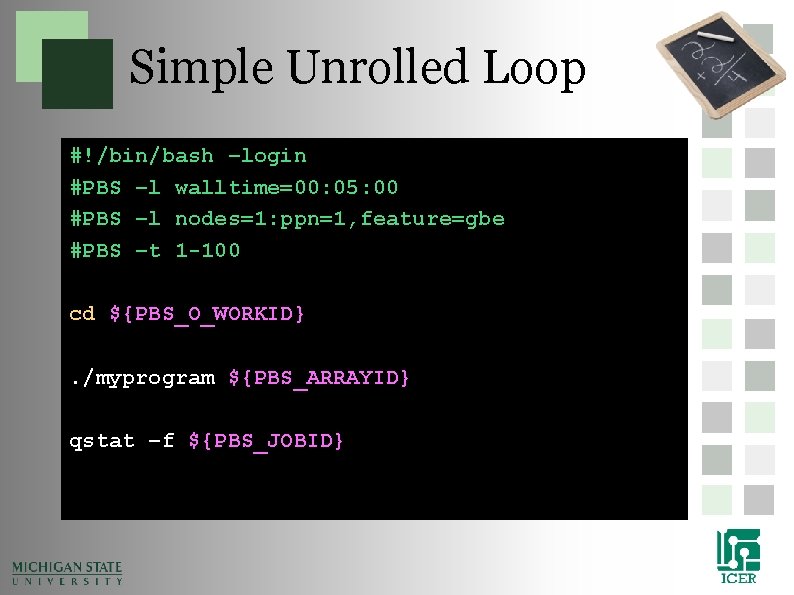
Simple Unrolled Loop #!/bin/bash –login #PBS –l walltime=00: 05: 00 #PBS –l nodes=1: ppn=1, feature=gbe #PBS –t 1 -100 cd ${PBS_O_WORKID}. /myprogram ${PBS_ARRAYID} qstat –f ${PBS_JOBID}
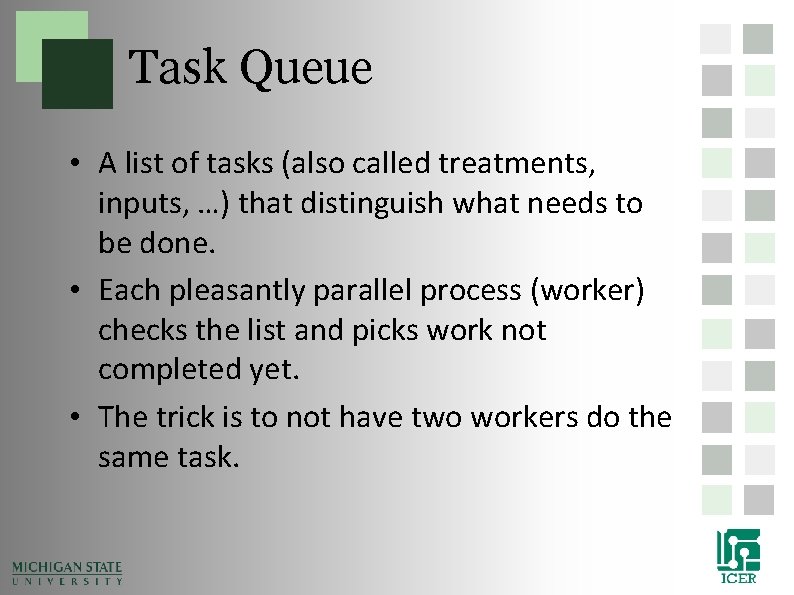
Task Queue • A list of tasks (also called treatments, inputs, …) that distinguish what needs to be done. • Each pleasantly parallel process (worker) checks the list and picks work not completed yet. • The trick is to not have two workers do the same task.
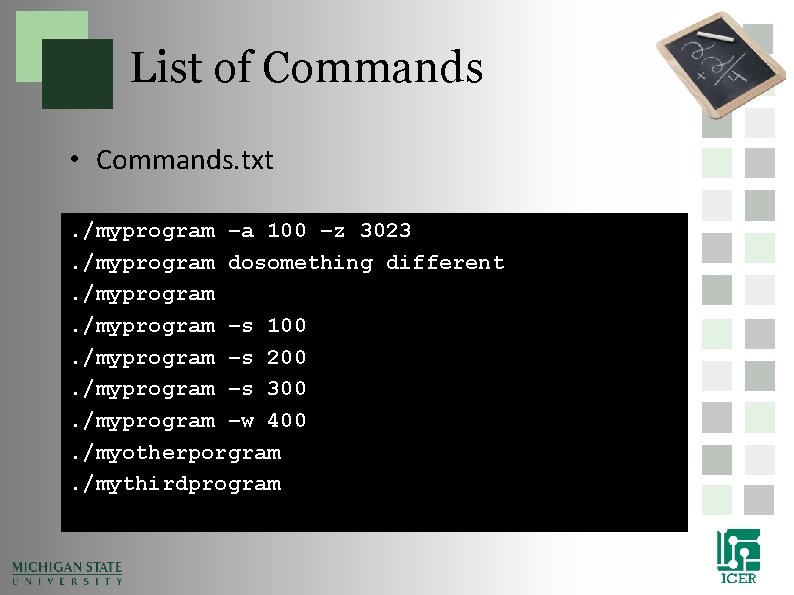
List of Commands • Commands. txt. /myprogram –a 100 –z 3023. /myprogram dosomething different. /myprogram –s 100. /myprogram –s 200. /myprogram –s 300. /myprogram –w 400. /myotherporgram. /mythirdprogram
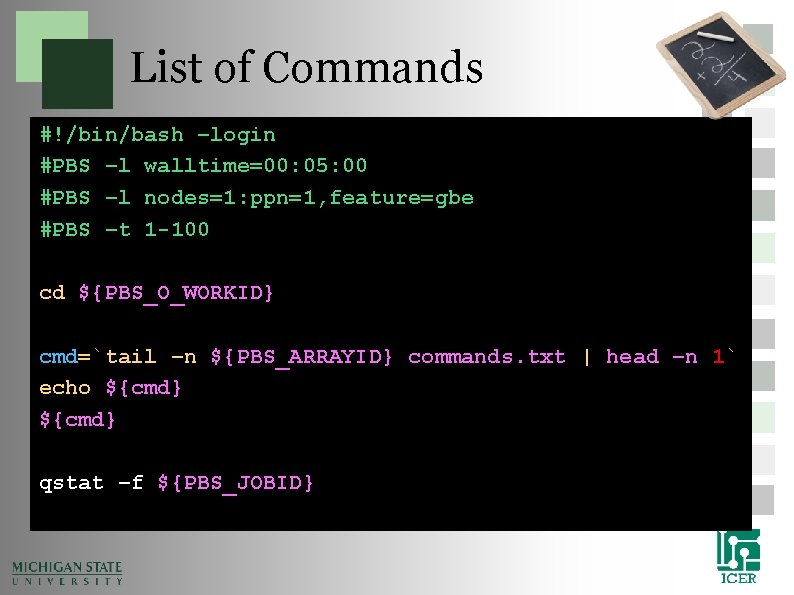
List of Commands #!/bin/bash –login #PBS –l walltime=00: 05: 00 #PBS –l nodes=1: ppn=1, feature=gbe #PBS –t 1 -100 cd ${PBS_O_WORKID} cmd=`tail –n ${PBS_ARRAYID} commands. txt | head –n 1` echo ${cmd} qstat –f ${PBS_JOBID}
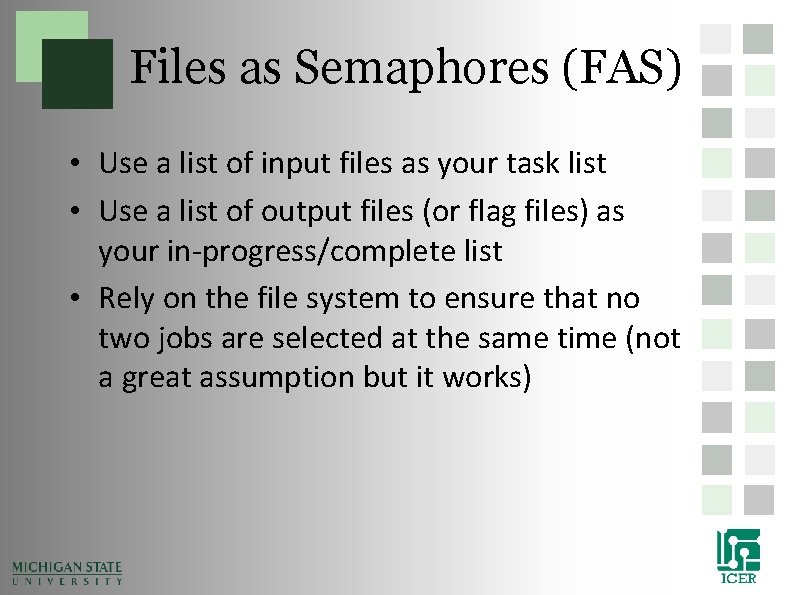
Files as Semaphores (FAS) • Use a list of input files as your task list • Use a list of output files (or flag files) as your in-progress/complete list • Rely on the file system to ensure that no two jobs are selected at the same time (not a great assumption but it works)
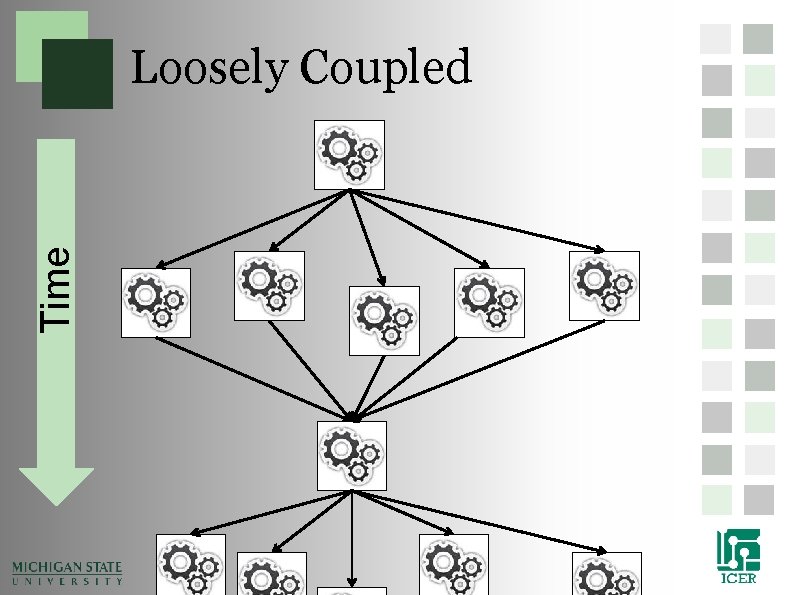
Time Loosely Coupled
Time Tightly Coupled
Shared Memory Parallelization
Shared Memory • Different threads communicate though pointers to the same memory access • Problems can occur if different threads write the same memory at the same time • Flags (also called locks and/or semaphores) are used to allow only one thread to access memory at the same time
Shared Memory Communication • Cores on a processor share the same memory • Open. MP • Fat nodes – 64 cores – 2 TB of memory
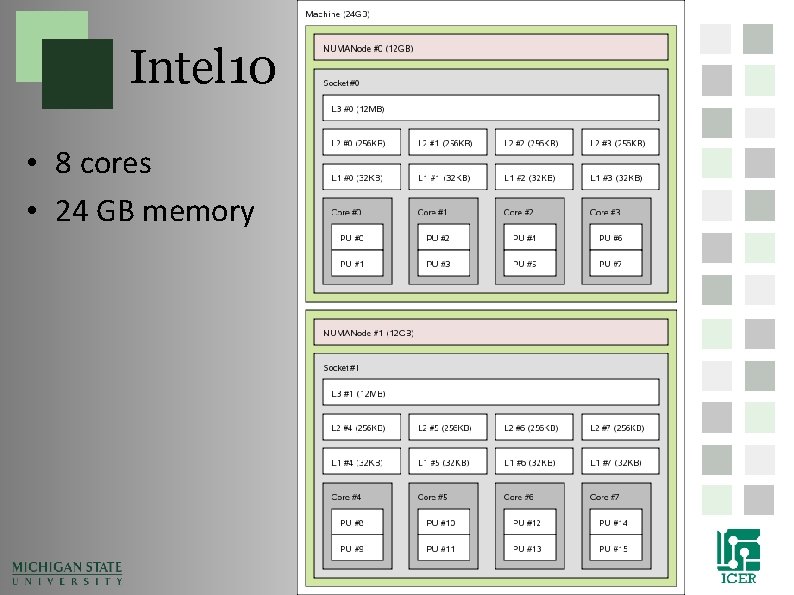
Intel 10 • 8 cores • 24 GB memory
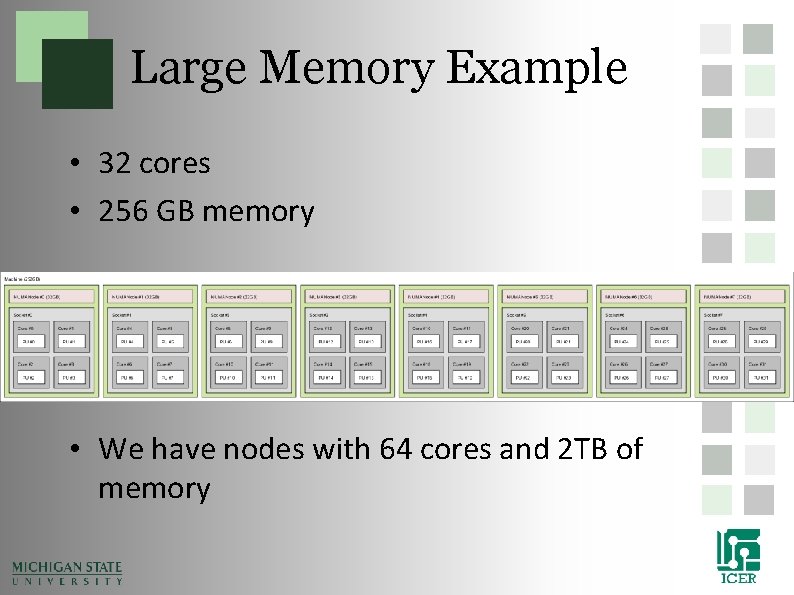
Large Memory Example • 32 cores • 256 GB memory • We have nodes with 64 cores and 2 TB of memory
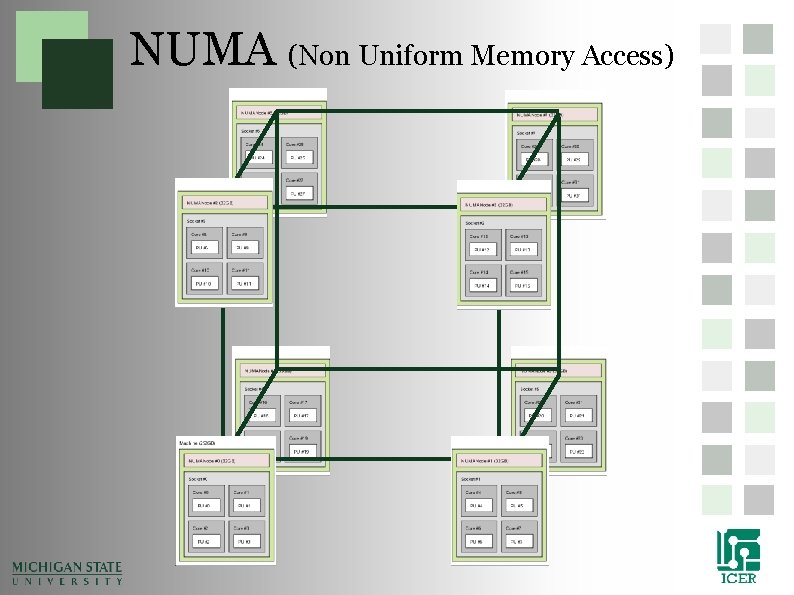
NUMA (Non Uniform Memory Access)
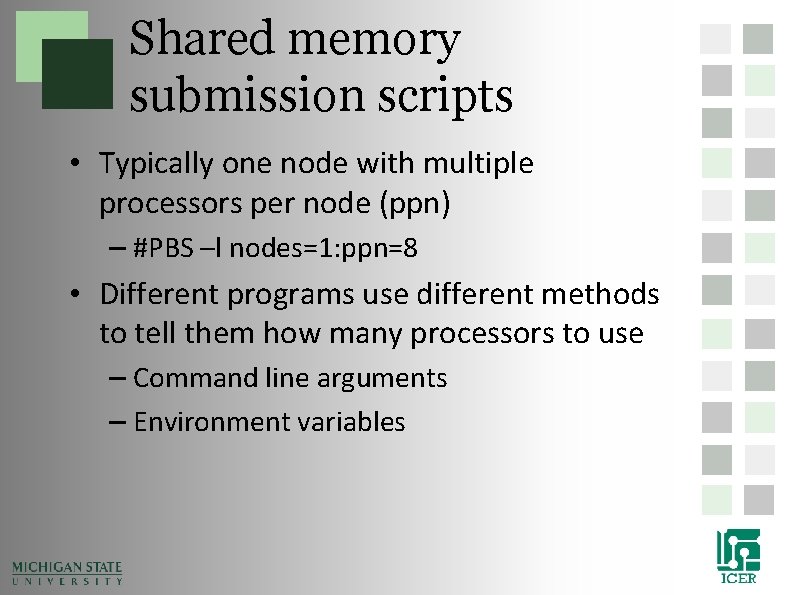
Shared memory submission scripts • Typically one node with multiple processors per node (ppn) – #PBS –l nodes=1: ppn=8 • Different programs use different methods to tell them how many processors to use – Command line arguments – Environment variables
Example: shared memory Script • Bowtie uses shared memory parallelization • Get the bowtie example > getexample bowtie • Change to the bowtie directory > cd. /bowtie • Look at the submission script > less. /bowtie. qsub • Run the job > qsub bowtie. qsub
Open. MP • Common Shared Memory parallelizaiton • Single program runs in many threads • Really easy to pick loops that are parallel and split them into multi threads • Minor modifications to code that can be written not to affect single
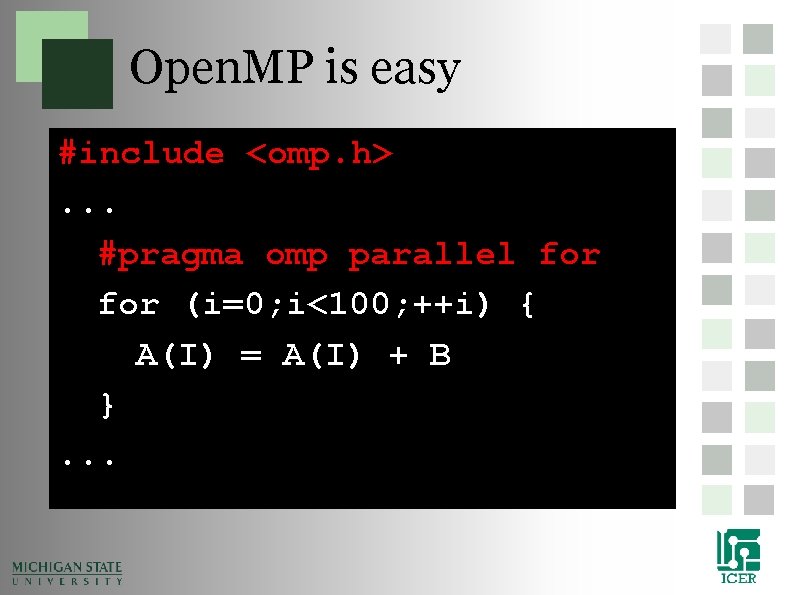
Open. MP is easy #include <omp. h>. . . #pragma omp parallel for (i=0; i<100; ++i) { A(I) = A(I) + B }. . .
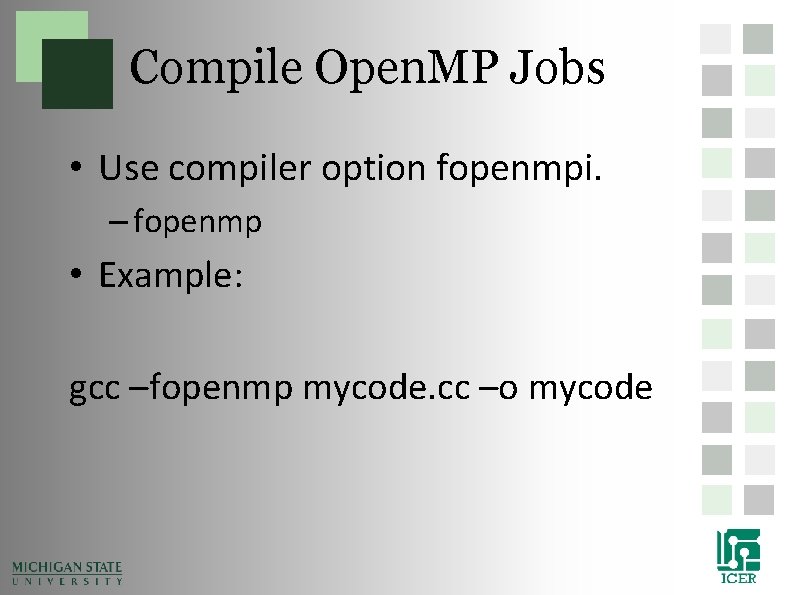
Compile Open. MP Jobs • Use compiler option fopenmpi. – fopenmp • Example: gcc –fopenmp mycode. cc –o mycode
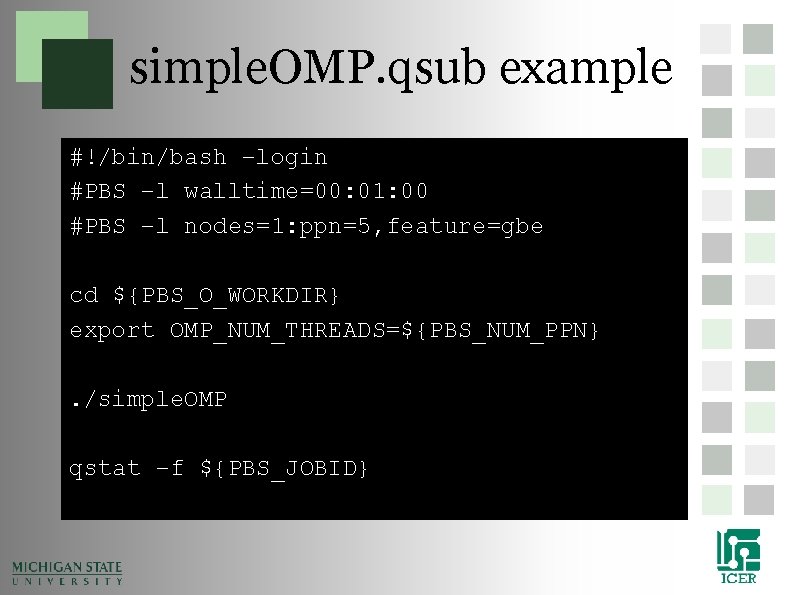
simple. OMP. qsub example #!/bin/bash –login #PBS –l walltime=00: 01: 00 #PBS –l nodes=1: ppn=5, feature=gbe cd ${PBS_O_WORKDIR} export OMP_NUM_THREADS=${PBS_NUM_PPN}. /simple. OMP qstat –f ${PBS_JOBID}
Shared Network Parallelization
MPI on HPCC • • Two Flavors of MPI Switching flavors and compiling Running in a script Running on the developer nodes
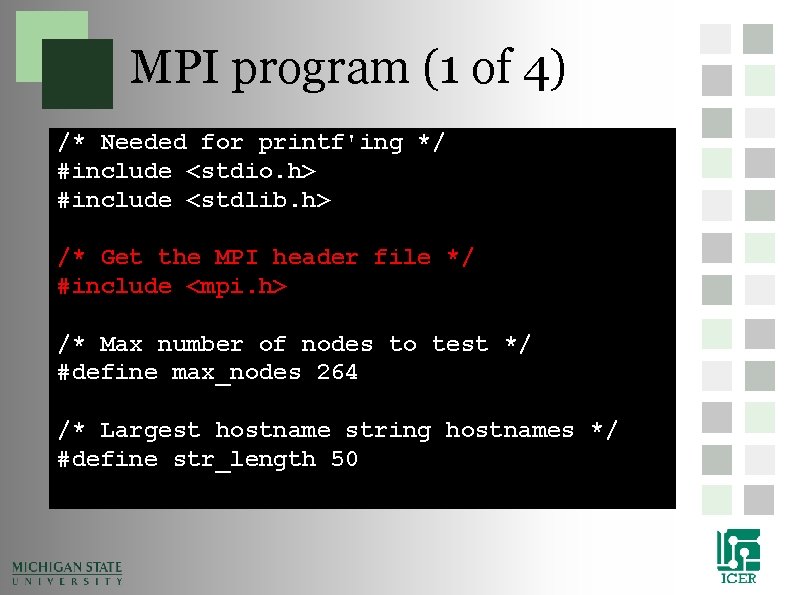
MPI program (1 of 4) /* Needed for printf'ing */ #include <stdio. h> #include <stdlib. h> /* Get the MPI header file */ #include <mpi. h> /* Max number of nodes to test */ #define max_nodes 264 /* Largest hostname string hostnames */ #define str_length 50
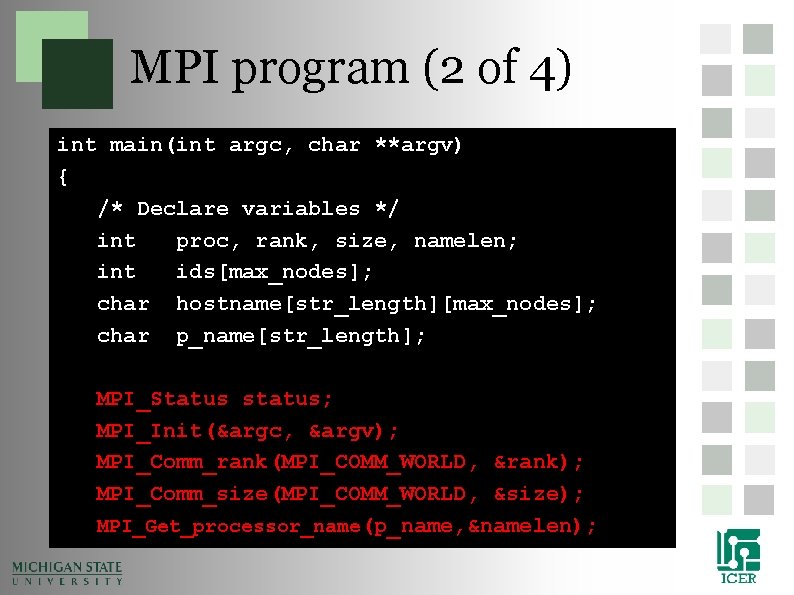
MPI program (2 of 4) int main(int argc, char **argv) { /* Declare variables */ int proc, rank, size, namelen; int ids[max_nodes]; char hostname[str_length][max_nodes]; char p_name[str_length]; MPI_Status status; MPI_Init(&argc, &argv); MPI_Comm_rank(MPI_COMM_WORLD, &rank); MPI_Comm_size(MPI_COMM_WORLD, &size); MPI_Get_processor_name(p_name, &namelen);
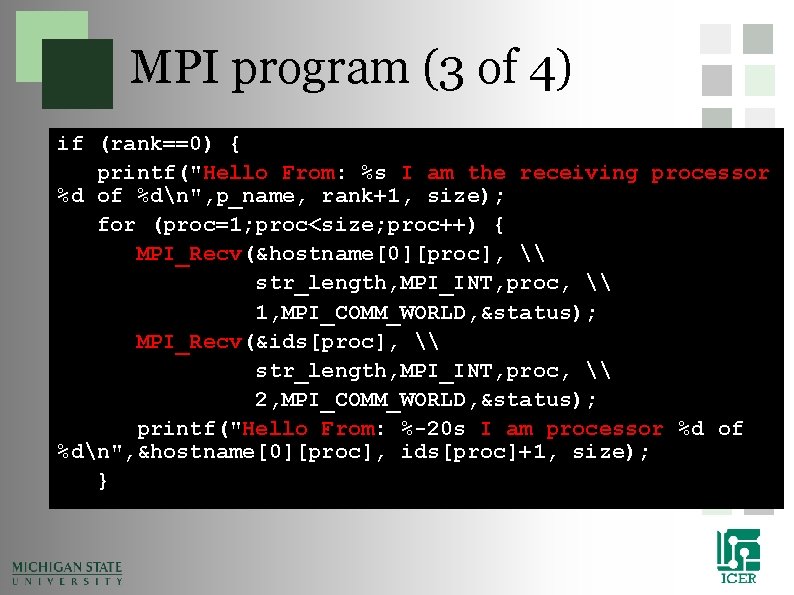
MPI program (3 of 4) if (rank==0) { printf("Hello From: %s I am the receiving processor %d of %dn", p_name, rank+1, size); for (proc=1; proc<size; proc++) { MPI_Recv(&hostname[0][proc], \ str_length, MPI_INT, proc, \ 1, MPI_COMM_WORLD, &status); MPI_Recv(&ids[proc], \ str_length, MPI_INT, proc, \ 2, MPI_COMM_WORLD, &status); printf("Hello From: %-20 s I am processor %d of %dn", &hostname[0][proc], ids[proc]+1, size); }
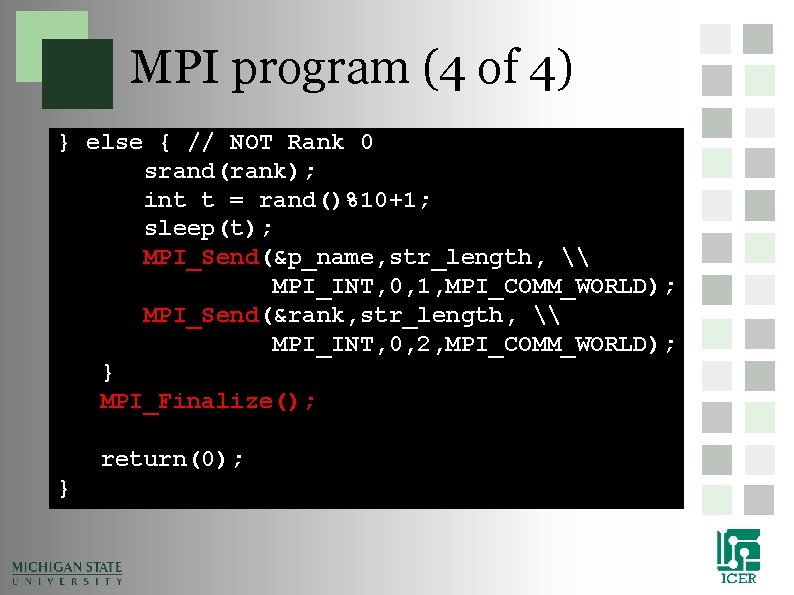
MPI program (4 of 4) } else { // NOT Rank 0 srand(rank); int t = rand()%10+1; sleep(t); MPI_Send(&p_name, str_length, \ MPI_INT, 0, 1, MPI_COMM_WORLD); MPI_Send(&rank, str_length, \ MPI_INT, 0, 2, MPI_COMM_WORLD); } MPI_Finalize(); return(0); }
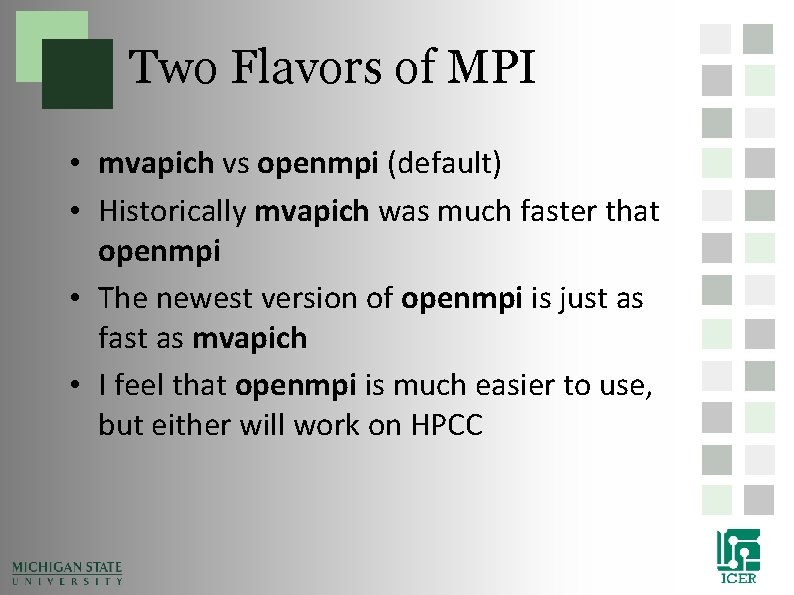
Two Flavors of MPI • mvapich vs openmpi (default) • Historically mvapich was much faster that openmpi • The newest version of openmpi is just as fast as mvapich • I feel that openmpi is much easier to use, but either will work on HPCC
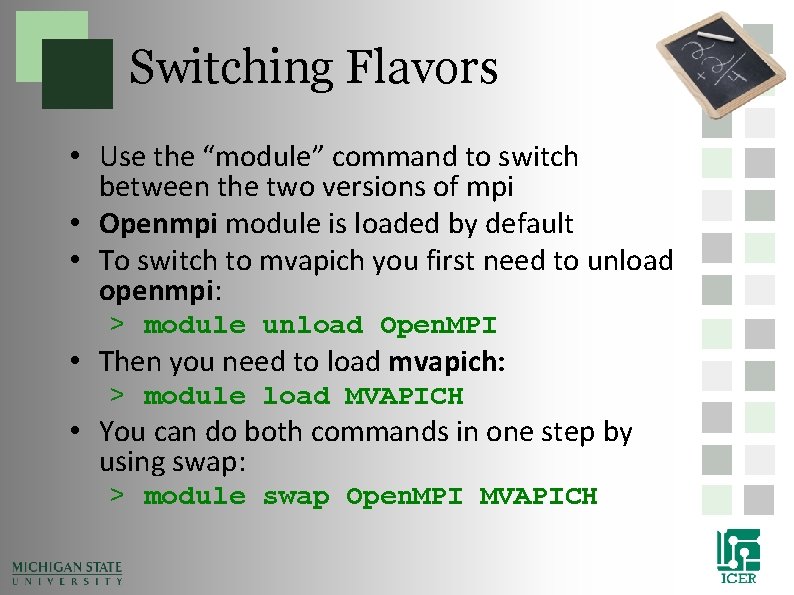
Switching Flavors • Use the “module” command to switch between the two versions of mpi • Openmpi module is loaded by default • To switch to mvapich you first need to unload openmpi: > module unload Open. MPI • Then you need to load mvapich: > module load MVAPICH • You can do both commands in one step by using swap: > module swap Open. MPI MVAPICH
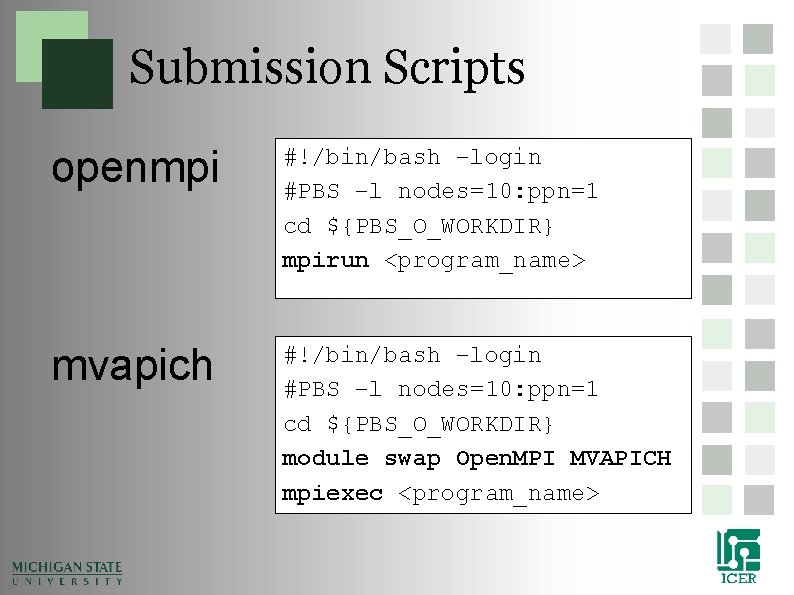
Submission Scripts openmpi #!/bin/bash –login #PBS –l nodes=10: ppn=1 cd ${PBS_O_WORKDIR} mpirun <program_name> mvapich #!/bin/bash –login #PBS –l nodes=10: ppn=1 cd ${PBS_O_WORKDIR} module swap Open. MPI MVAPICH mpiexec <program_name>
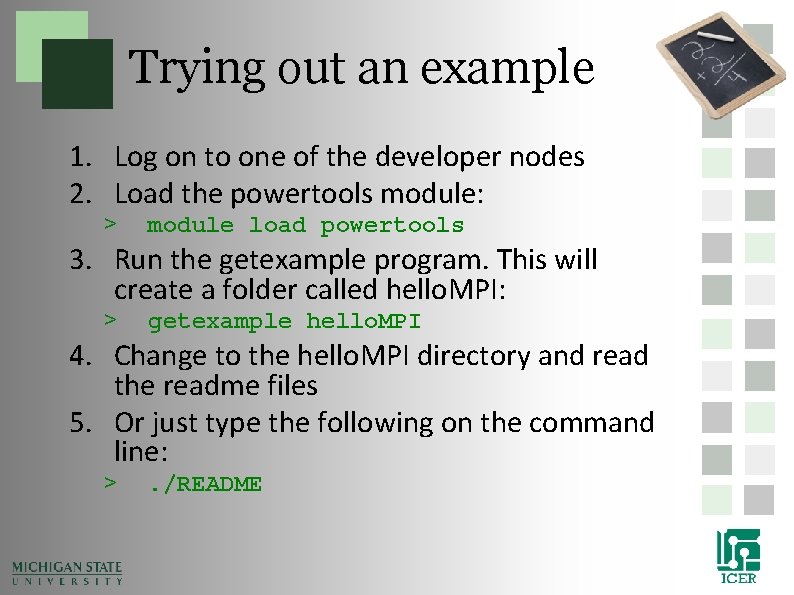
Trying out an example 1. Log on to one of the developer nodes 2. Load the powertools module: > module load powertools 3. Run the getexample program. This will create a folder called hello. MPI: > getexample hello. MPI 4. Change to the hello. MPI directory and read the readme files 5. Or just type the following on the command line: > . /README
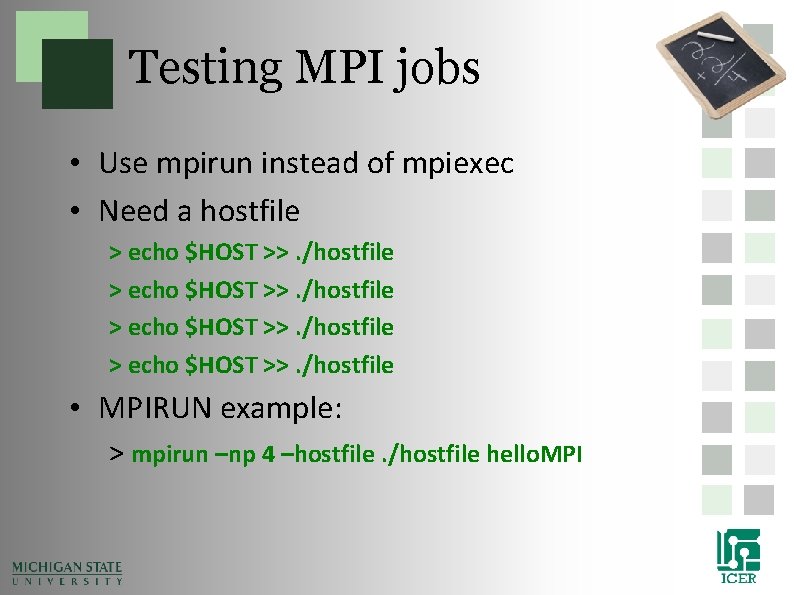
Testing MPI jobs • Use mpirun instead of mpiexec • Need a hostfile > echo $HOST >>. /hostfile • MPIRUN example: > mpirun –np 4 –hostfile. /hostfile hello. MPI
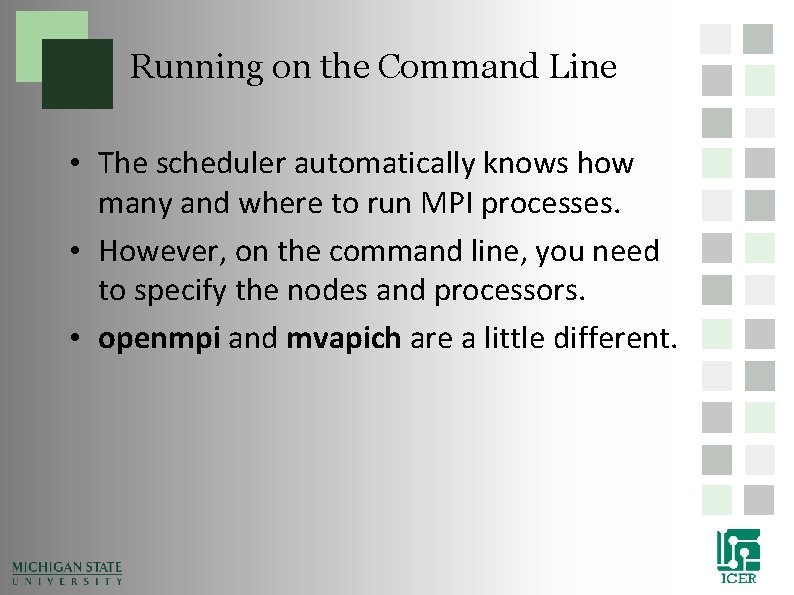
Running on the Command Line • The scheduler automatically knows how many and where to run MPI processes. • However, on the command line, you need to specify the nodes and processors. • openmpi and mvapich are a little different.
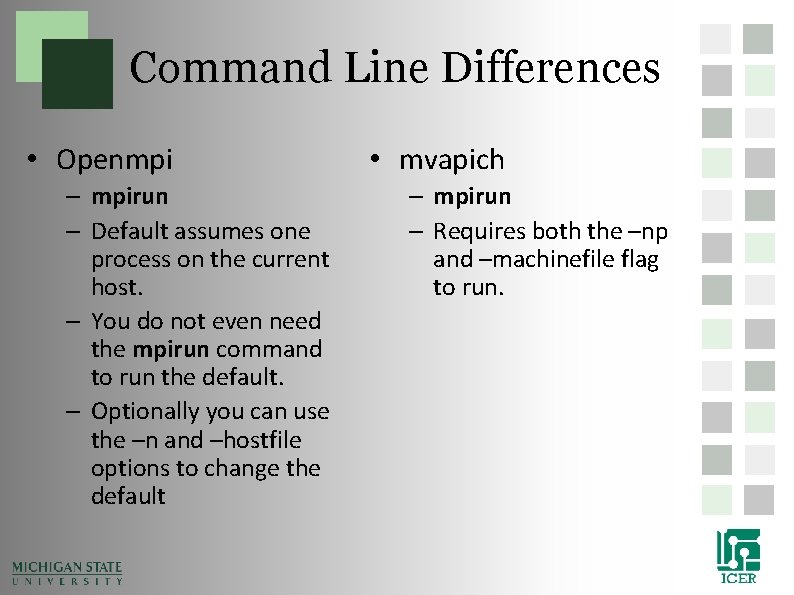
Command Line Differences • Openmpi – mpirun – Default assumes one process on the current host. – You do not even need the mpirun command to run the default. – Optionally you can use the –n and –hostfile options to change the default • mvapich – mpirun – Requires both the –np and –machinefile flag to run.
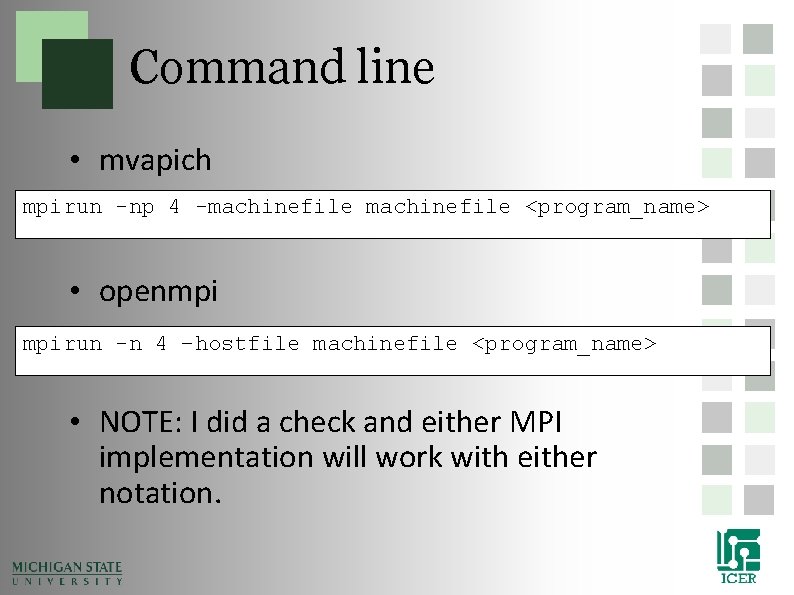
Command line • mvapich mpirun -np 4 -machinefile <program_name> • openmpi mpirun -n 4 –hostfile machinefile <program_name> • NOTE: I did a check and either MPI implementation will work with either notation.
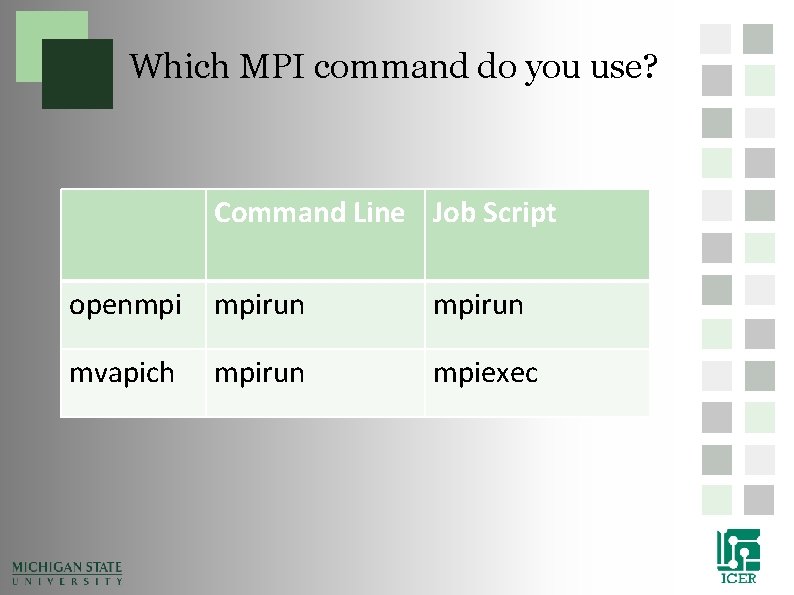
Which MPI command do you use? Command Line Job Script openmpi mpirun mvapich mpirun mpiexec
Accelerator Cards
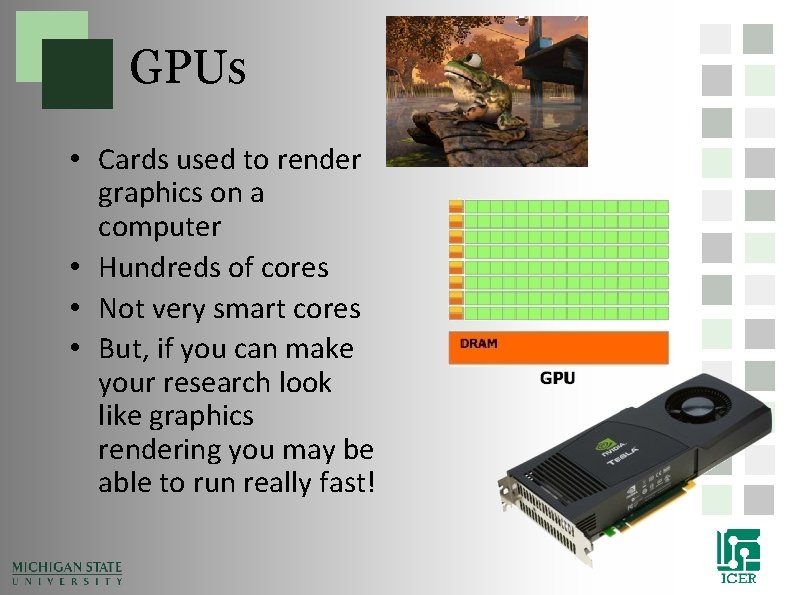
GPUs • Cards used to render graphics on a computer • Hundreds of cores • Not very smart cores • But, if you can make your research look like graphics rendering you may be able to run really fast!
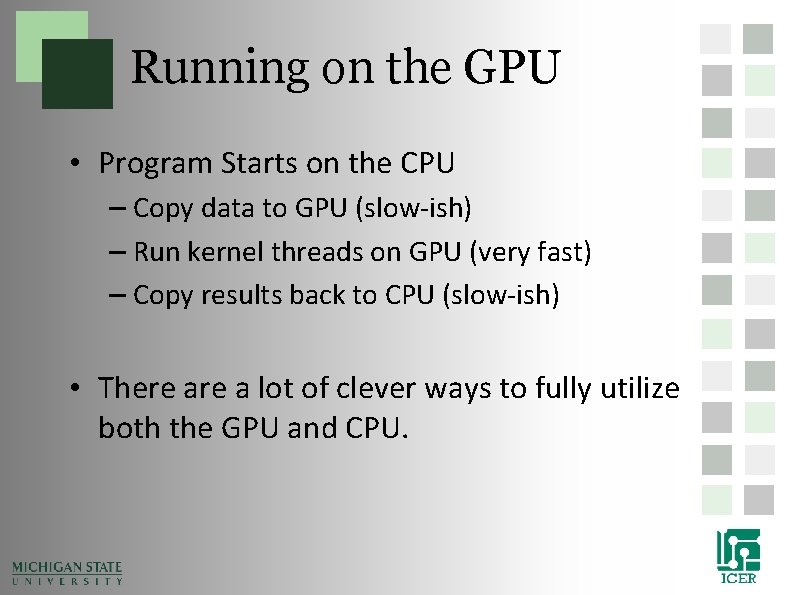
Running on the GPU • Program Starts on the CPU – Copy data to GPU (slow-ish) – Run kernel threads on GPU (very fast) – Copy results back to CPU (slow-ish) • There a lot of clever ways to fully utilize both the GPU and CPU.
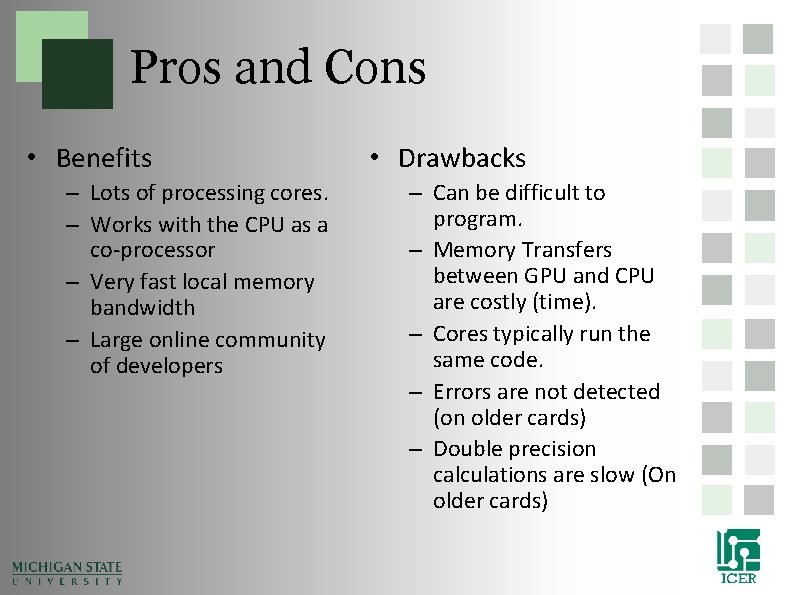
Pros and Cons • Benefits – Lots of processing cores. – Works with the CPU as a co-processor – Very fast local memory bandwidth – Large online community of developers • Drawbacks – Can be difficult to program. – Memory Transfers between GPU and CPU are costly (time). – Cores typically run the same code. – Errors are not detected (on older cards) – Double precision calculations are slow (On older cards)
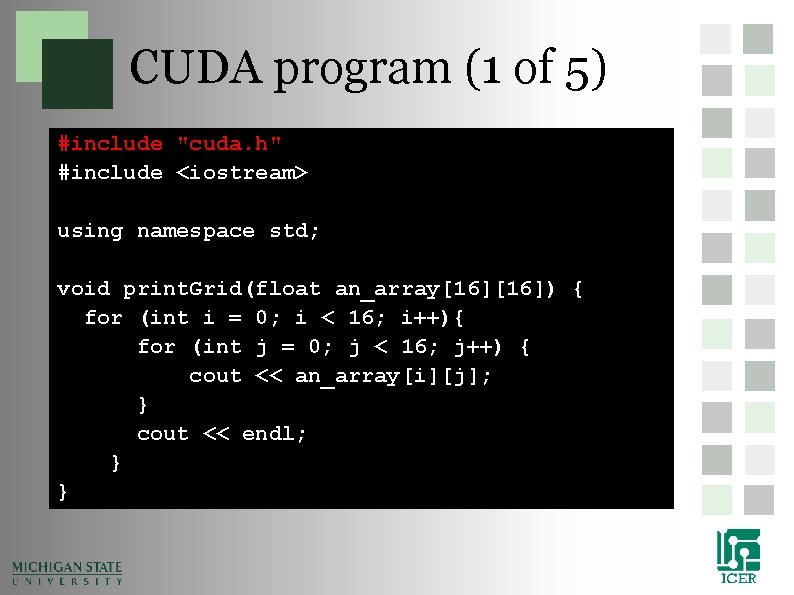
CUDA program (1 of 5) #include "cuda. h" #include <iostream> using namespace std; void print. Grid(float an_array[16]) { for (int i = 0; i < 16; i++){ for (int j = 0; j < 16; j++) { cout << an_array[i][j]; } cout << endl; } }
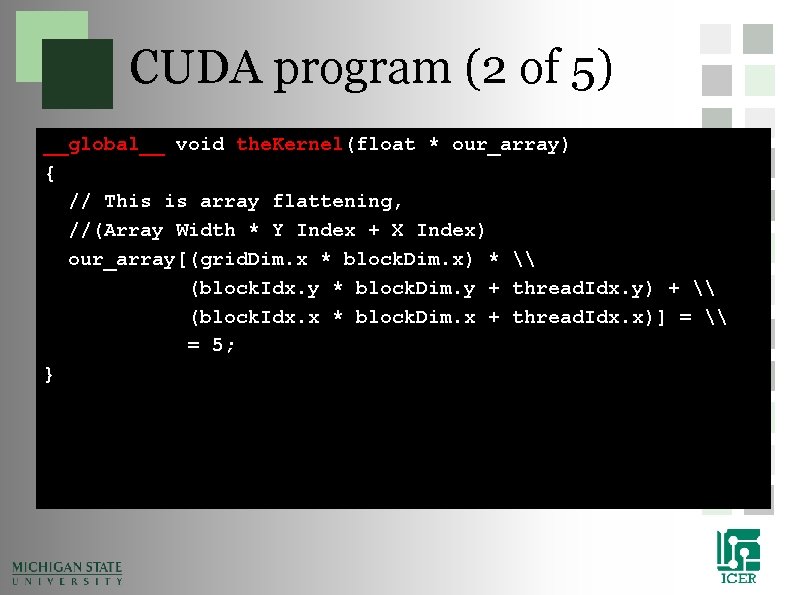
CUDA program (2 of 5) __global__ void the. Kernel(float * our_array) { // This is array flattening, //(Array Width * Y Index + X Index) our_array[(grid. Dim. x * block. Dim. x) * \ (block. Idx. y * block. Dim. y + thread. Idx. y) + \ (block. Idx. x * block. Dim. x + thread. Idx. x)] = \ = 5; }
CUDA program (3 of 5) int main() { float our_array[16]; for (int i = 0; i < 16; i++) { for (int j = 0; j < 16; j++) { our_array[i][j] = 0; } }
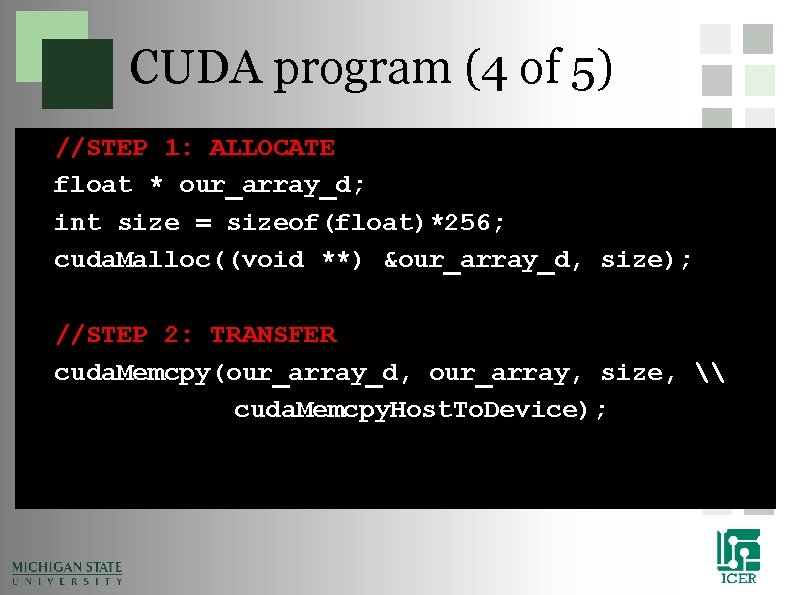
CUDA program (4 of 5) //STEP 1: ALLOCATE float * our_array_d; int size = sizeof(float)*256; cuda. Malloc((void **) &our_array_d, size); //STEP 2: TRANSFER cuda. Memcpy(our_array_d, our_array, size, \ cuda. Memcpy. Host. To. Device);
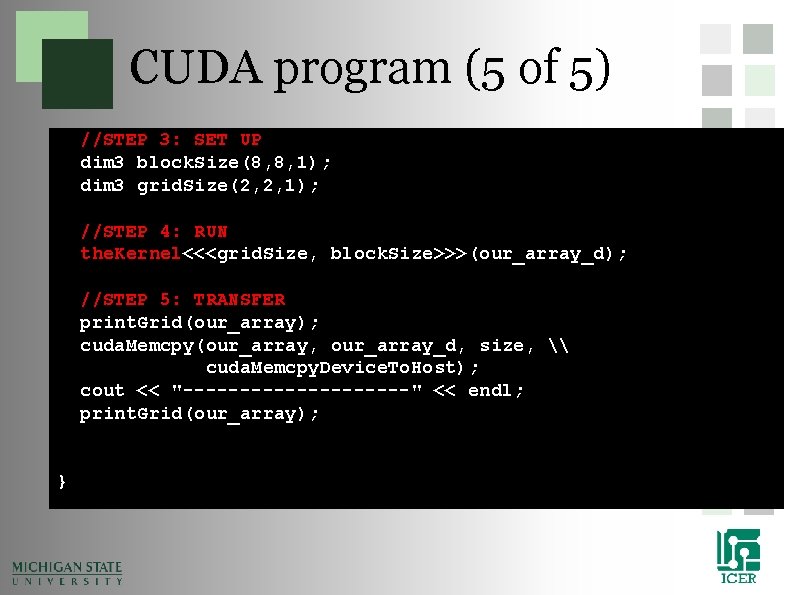
CUDA program (5 of 5) //STEP 3: SET UP dim 3 block. Size(8, 8, 1); dim 3 grid. Size(2, 2, 1); //STEP 4: RUN the. Kernel<<<grid. Size, block. Size>>>(our_array_d); //STEP 5: TRANSFER print. Grid(our_array); cuda. Memcpy(our_array, our_array_d, size, \ cuda. Memcpy. Device. To. Host); cout << "----------" << endl; print. Grid(our_array); }
Compile CUDA Jobs • Just like MPI, to compile an cuda program you need to use the cuda compiler wrappers: – nvcc simple. cu -o simple_cuda Cuda 6
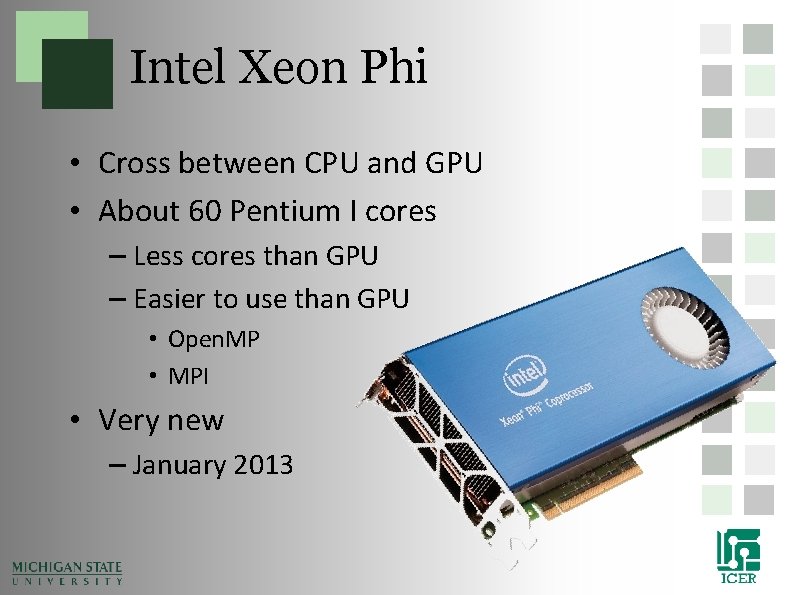
Intel Xeon Phi • Cross between CPU and GPU • About 60 Pentium I cores – Less cores than GPU – Easier to use than GPU • Open. MP • MPI • Very new – January 2013
Which approach is the best? • Depends on what you are doing? • Depends on how much communication you need. • Depends on what hardware you have. • Depends on how much time you have.
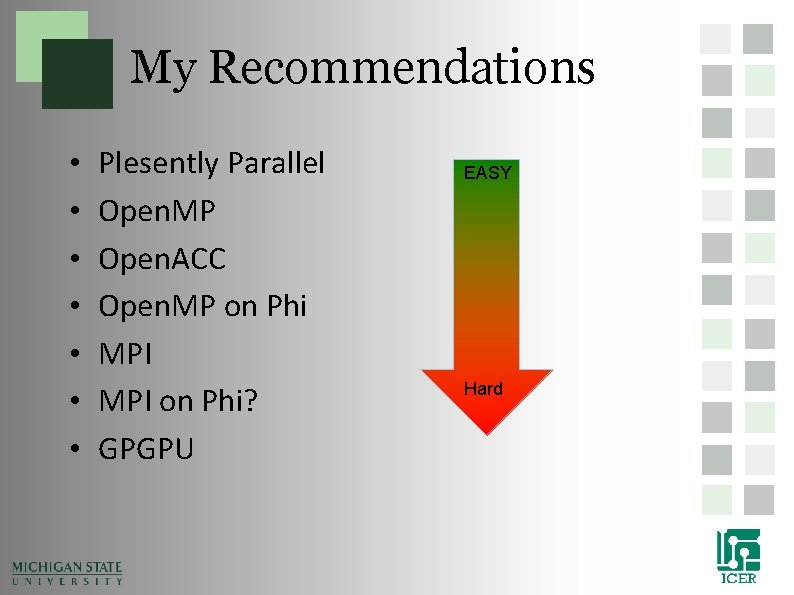
My Recommendations • • Plesently Parallel Open. MP Open. ACC Open. MP on Phi MPI on Phi? GPGPU EASY Hard
Going beyond system Limits
• Going beyond system Limits – More than 512 jobs – Jobs longer than 1 week – Taking advantage of more nodes
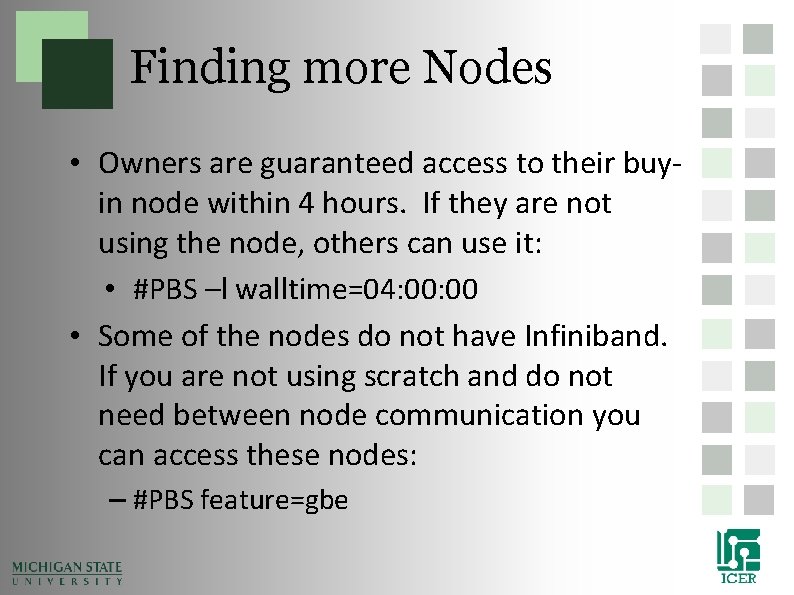
Finding more Nodes • Owners are guaranteed access to their buyin node within 4 hours. If they are not using the node, others can use it: • #PBS –l walltime=04: 00 • Some of the nodes do not have Infiniband. If you are not using scratch and do not need between node communication you can access these nodes: – #PBS feature=gbe
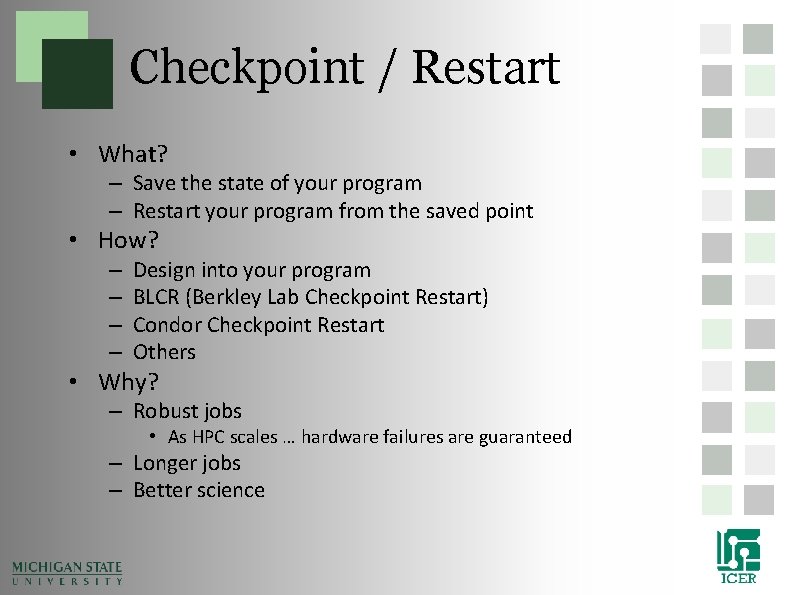
Checkpoint / Restart • What? – Save the state of your program – Restart your program from the saved point • How? – – Design into your program BLCR (Berkley Lab Checkpoint Restart) Condor Checkpoint Restart Others • Why? – Robust jobs • As HPC scales … hardware failures are guaranteed – Longer jobs – Better science
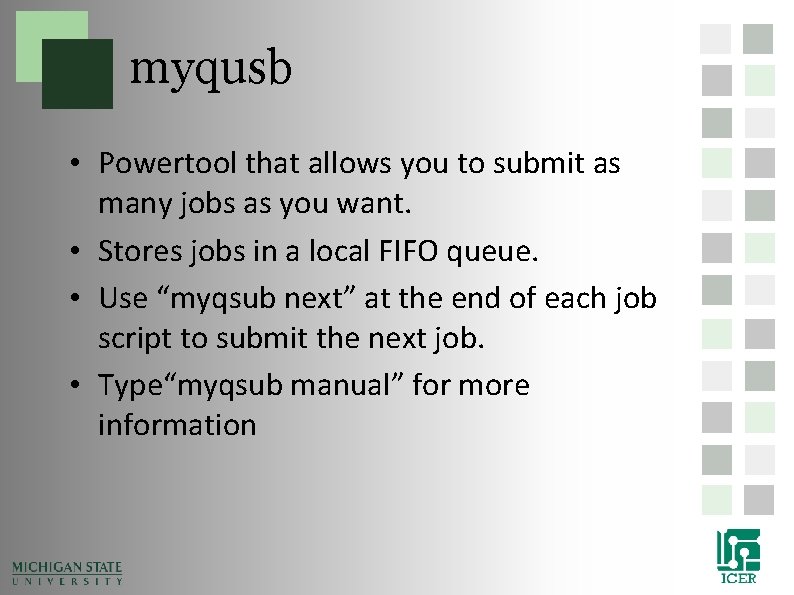
myqusb • Powertool that allows you to submit as many jobs as you want. • Stores jobs in a local FIFO queue. • Use “myqsub next” at the end of each job script to submit the next job. • Type“myqsub manual” for more information
Getting Help • Documentation and User Manual – wiki. hpcc. msu. edu • Contact HPCC and i. CER Staff for: – – – • • • Reporting System Problems HPC Program writing/debugging Consultation Help with HPC grant writing System Requests Other General Questions Primary form of contact - http: //contact. icer. msu. edu/ HPCC Request tracking system – rt. hpcc. msu. edu HPCC Phone – (517) 353 -9309 HPCC Office – 1400 PBS Open Office Hours – 1 pm Monday (BPS 1440)