Introduction to GPS Using the Garmin e Trex

- Slides: 35
Introduction to GPS Using the Garmin e. Trex Legend
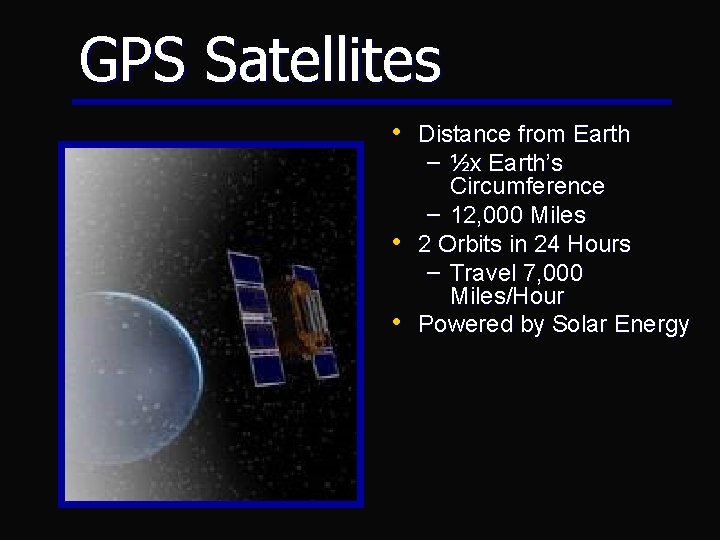
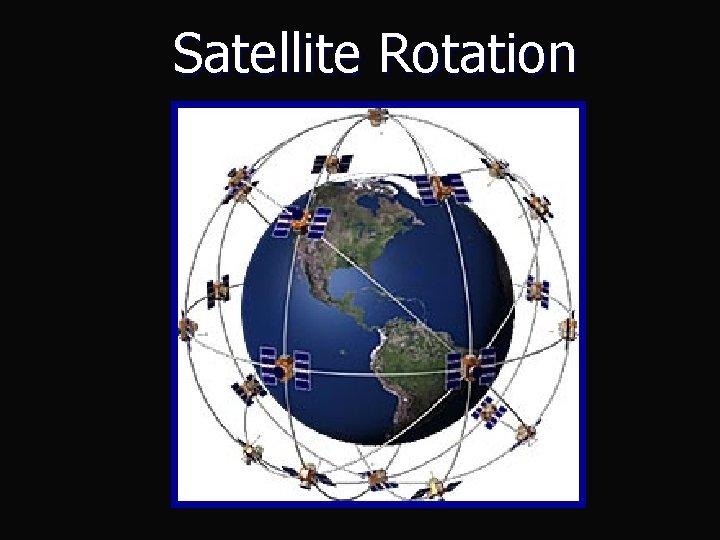
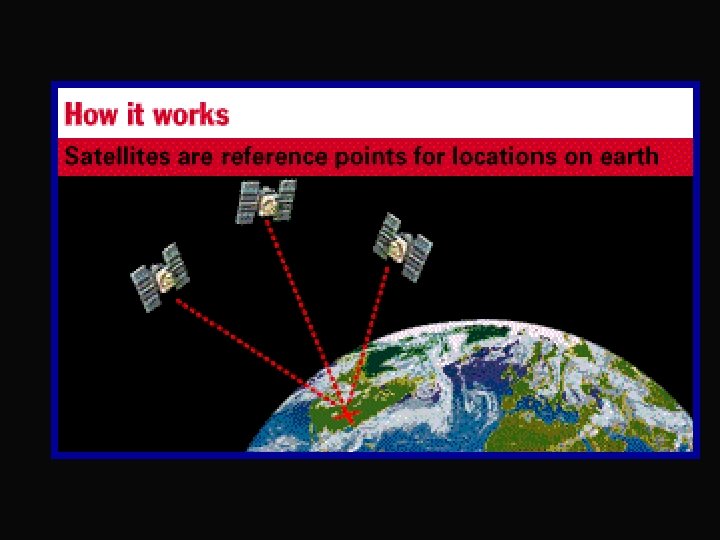
GPS Satellites • Distance from Earth – ½x Earth’s Circumference – 12, 000 Miles • 2 Orbits in 24 Hours – Travel 7, 000 Miles/Hour • Powered by Solar Energy
Satellite Rotation
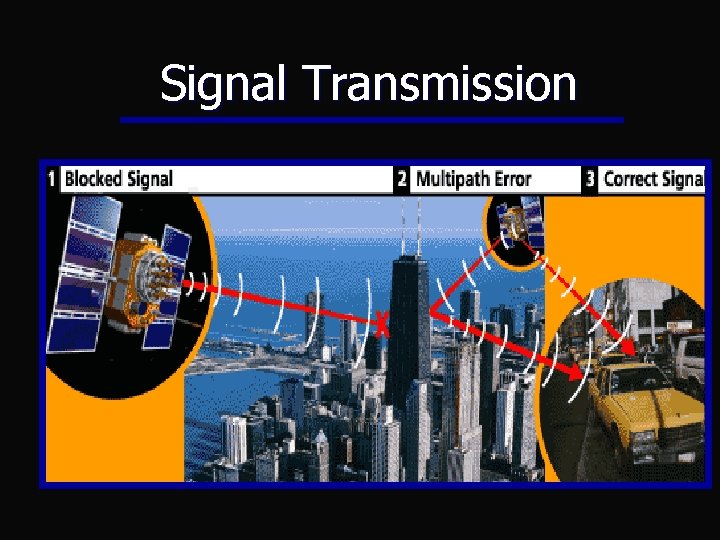
Signal Transmission
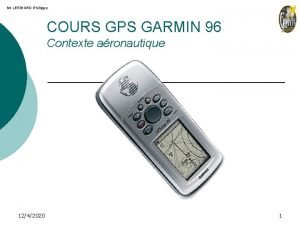
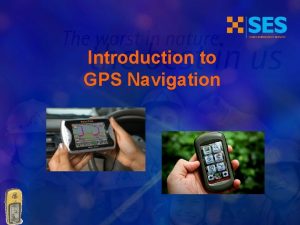
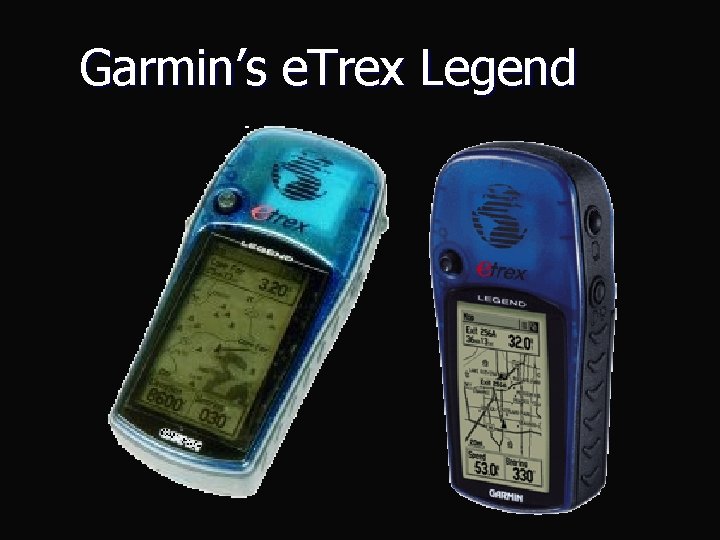
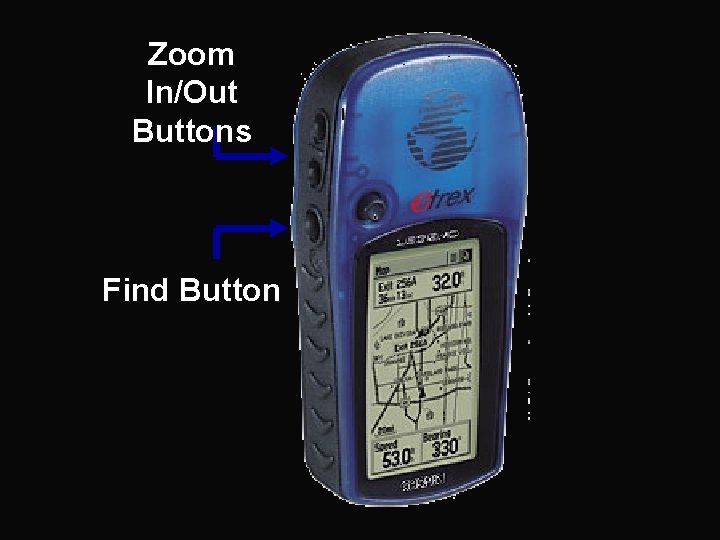
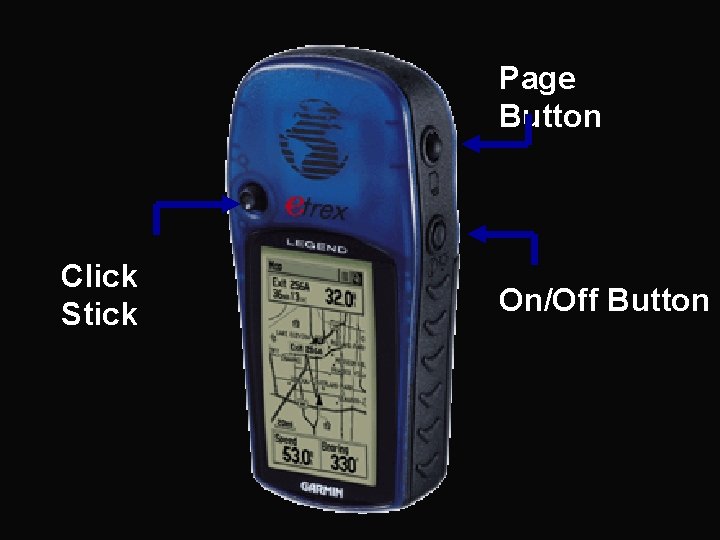
Garmin’s e. Trex Legend
Zoom In/Out Buttons Find Button
Page Button Click Stick On/Off Button
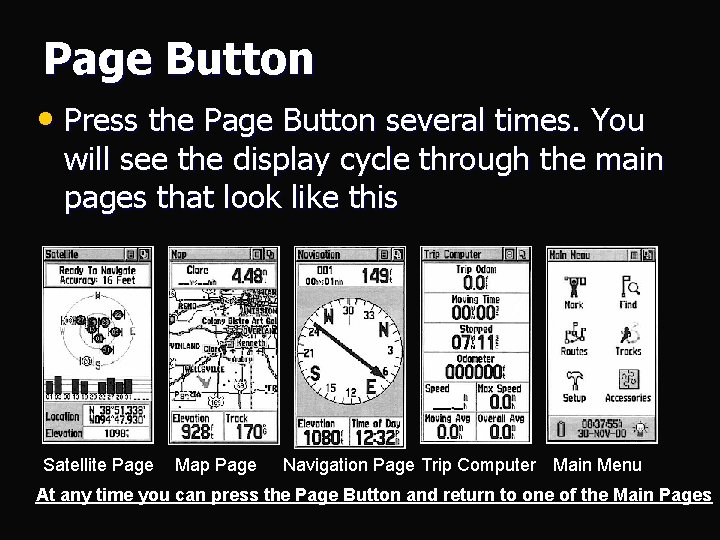
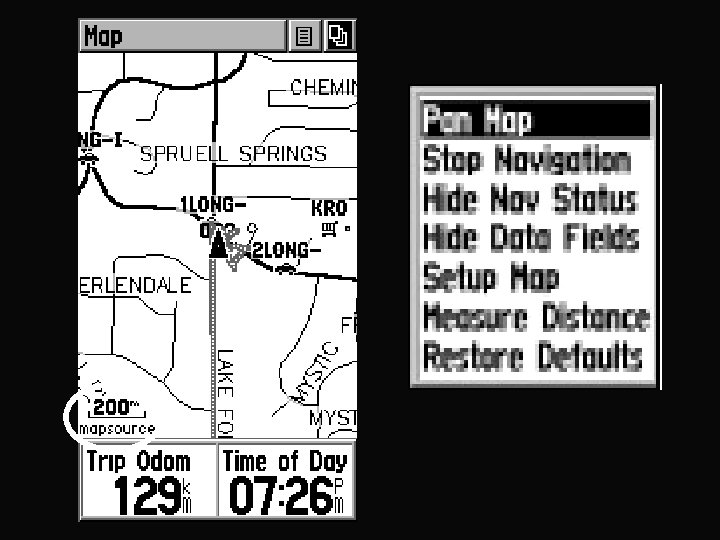
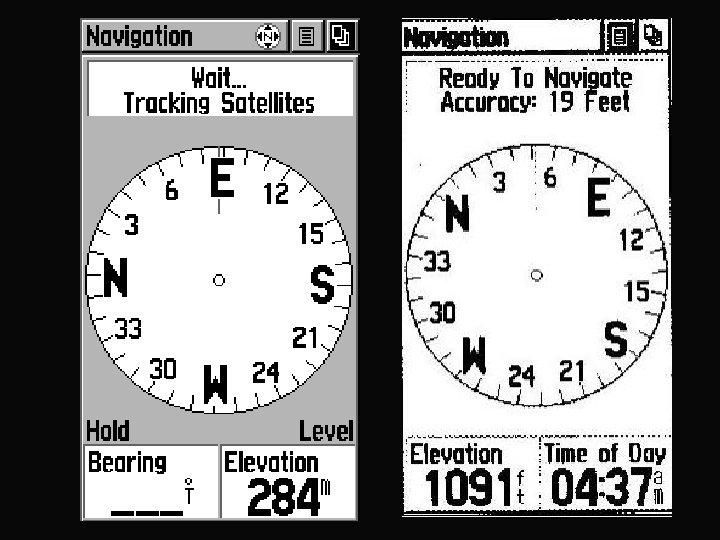
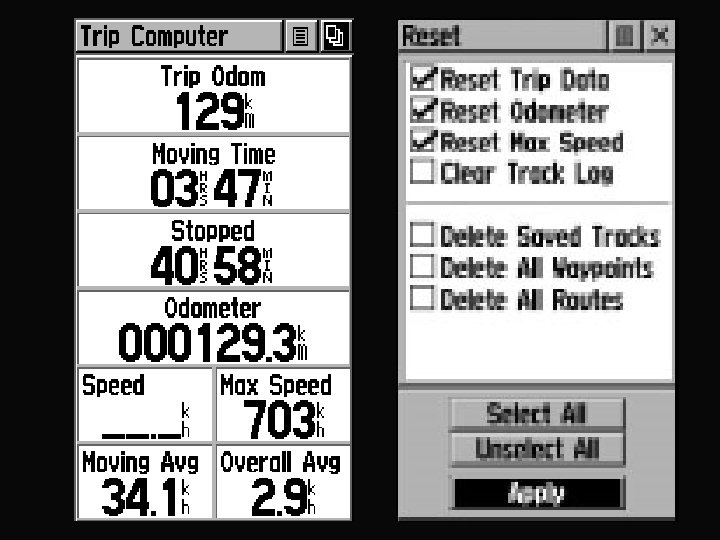
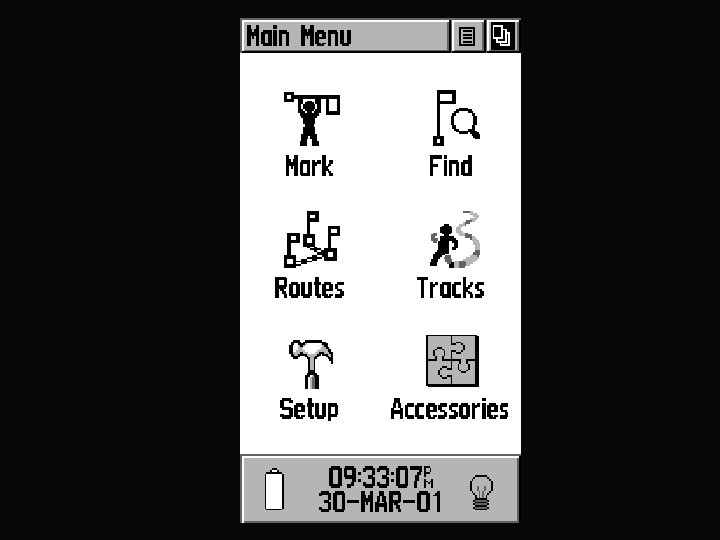
Page Button • Press the Page Button several times. You will see the display cycle through the main pages that look like this Satellite Page Map Page Navigation Page Trip Computer Main Menu At any time you can press the Page Button and return to one of the Main Pages
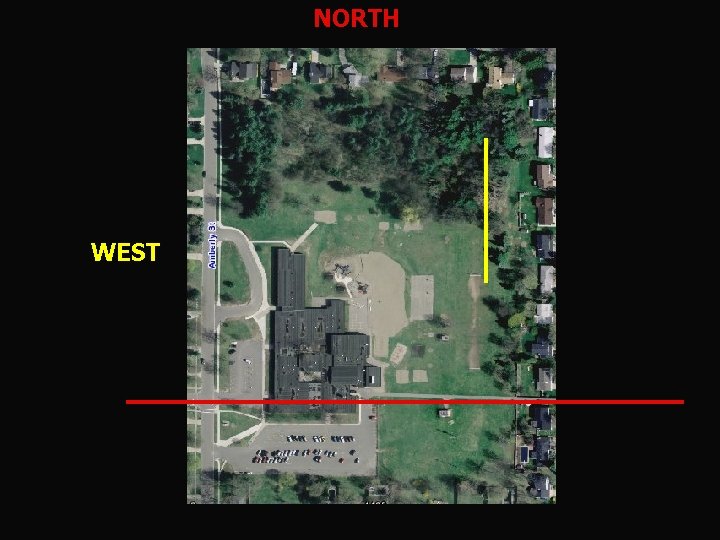
NORTH WEST
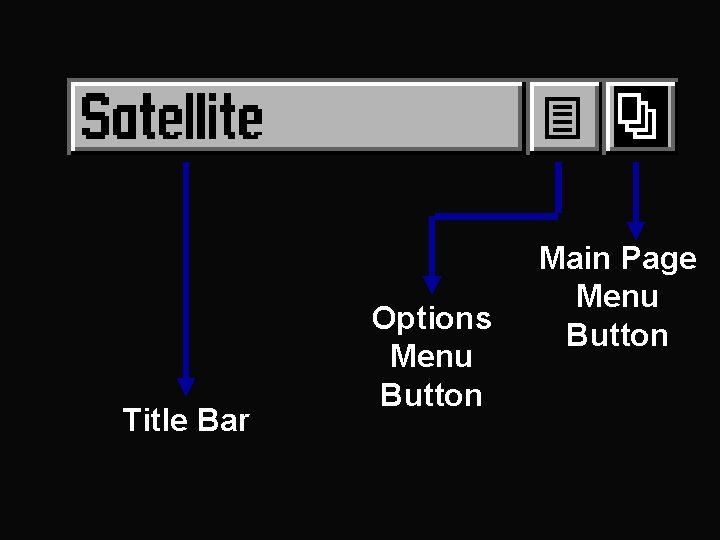
Title Bar Options Menu Button Main Page Menu Button
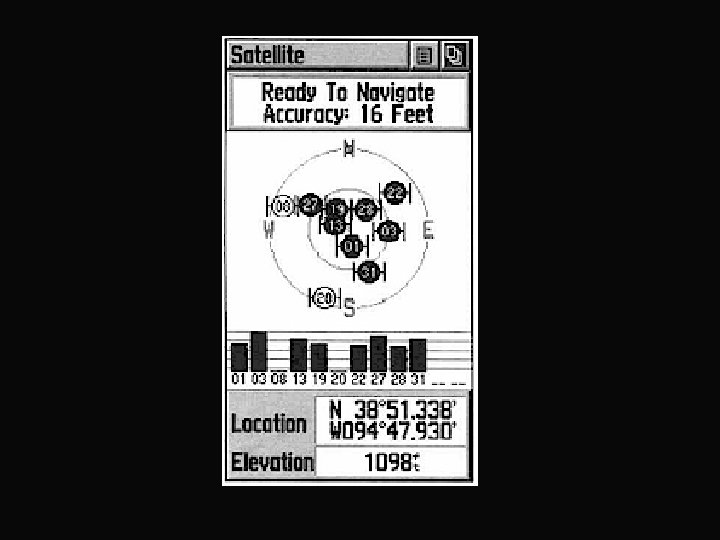
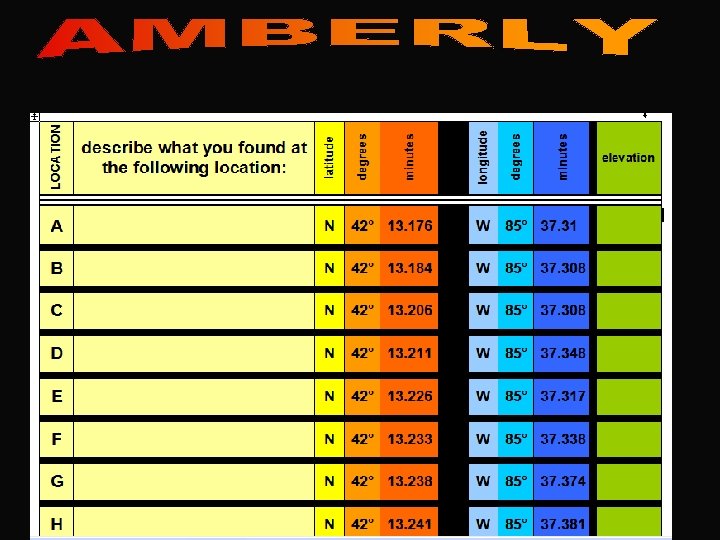
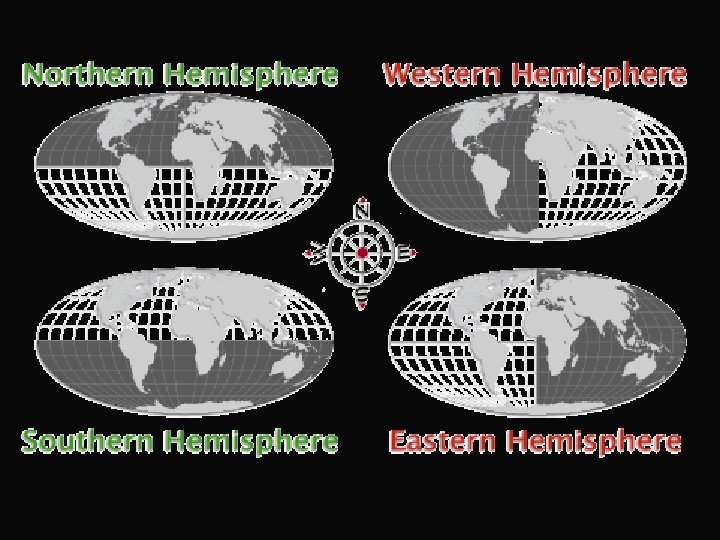
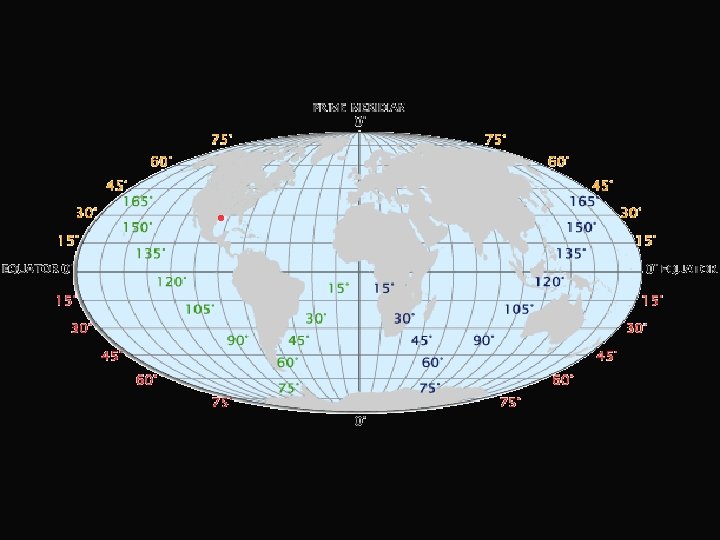
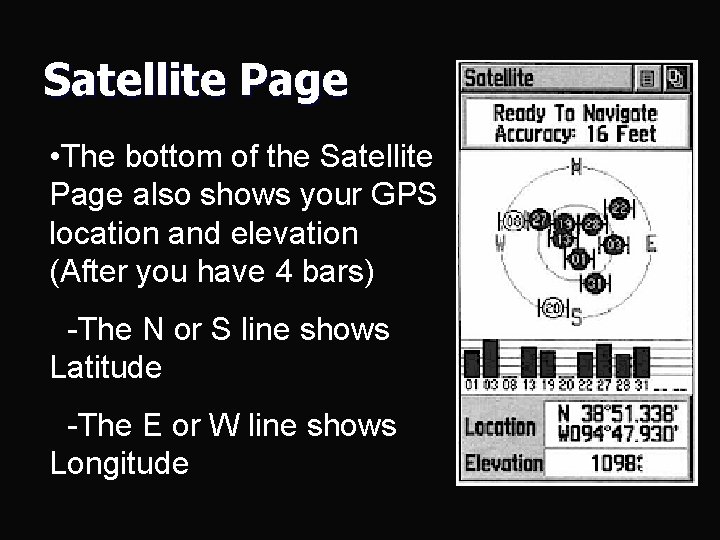
Satellite Page • The bottom of the Satellite Page also shows your GPS location and elevation (After you have 4 bars) -The N or S line shows Latitude -The E or W line shows Longitude
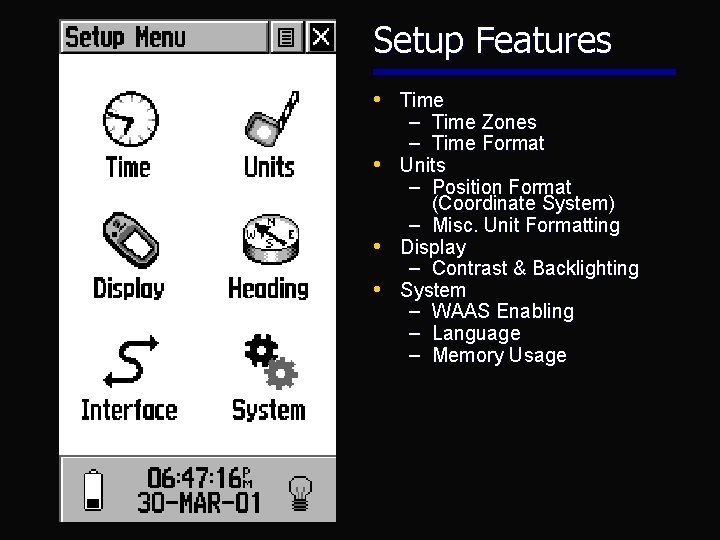
Setup Features • Time – Time Zones – Time Format • Units – Position Format (Coordinate System) – Misc. Unit Formatting • Display – Contrast & Backlighting • System – WAAS Enabling – Language – Memory Usage
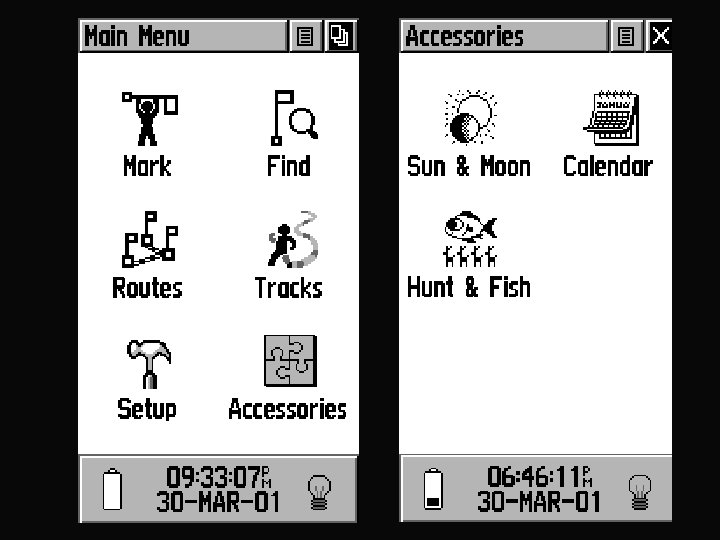
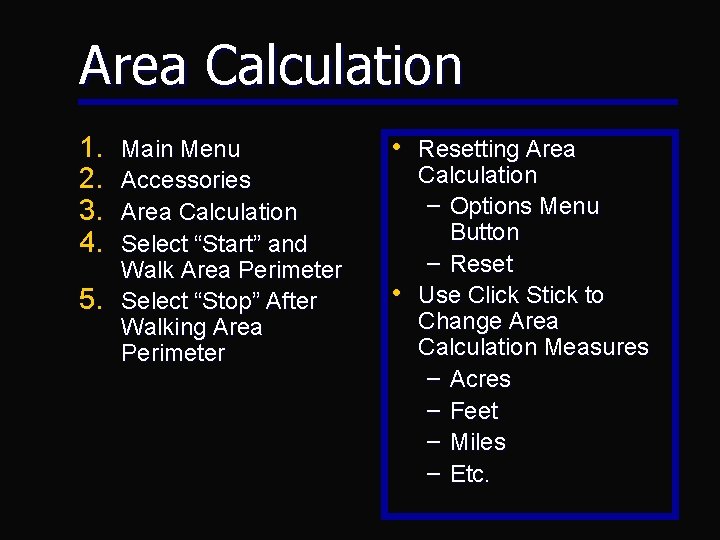
Area Calculation 1. 2. 3. 4. 5. Main Menu Accessories Area Calculation Select “Start” and Walk Area Perimeter Select “Stop” After Walking Area Perimeter • Resetting Area • Calculation – Options Menu Button – Reset Use Click Stick to Change Area Calculation Measures – Acres – Feet – Miles – Etc.
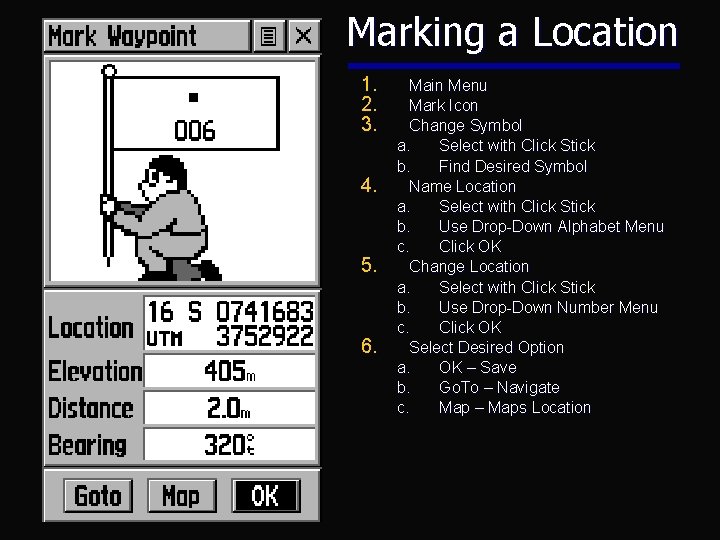
Marking a Location 1. 2. 3. 4. 5. 6. Main Menu Mark Icon Change Symbol a. Select with Click Stick b. Find Desired Symbol Name Location a. Select with Click Stick b. Use Drop-Down Alphabet Menu c. Click OK Change Location a. Select with Click Stick b. Use Drop-Down Number Menu c. Click OK Select Desired Option a. OK – Save b. Go. To – Navigate c. Map – Maps Location
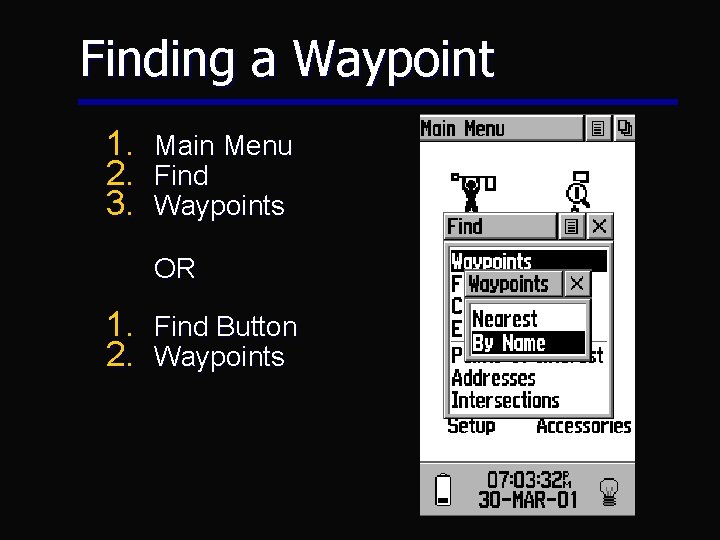
Finding a Waypoint 1. 2. 3. Main Menu Find Waypoints OR 1. Find Button 2. Waypoints
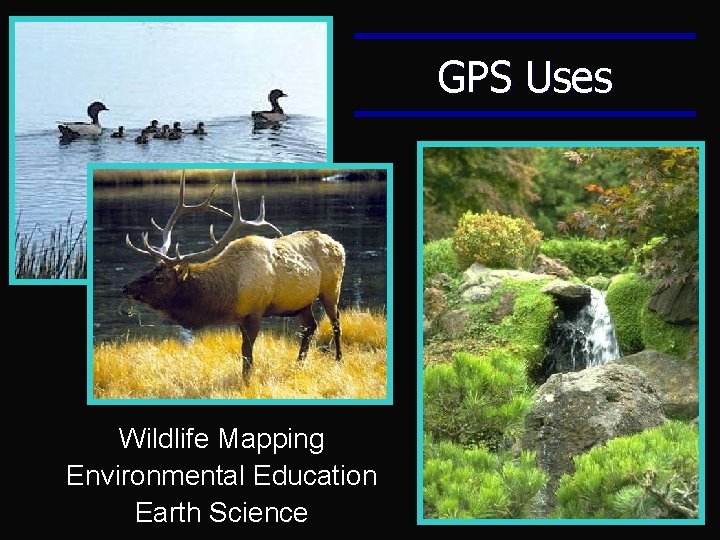
GPS Uses Wildlife Mapping Environmental Education Earth Science
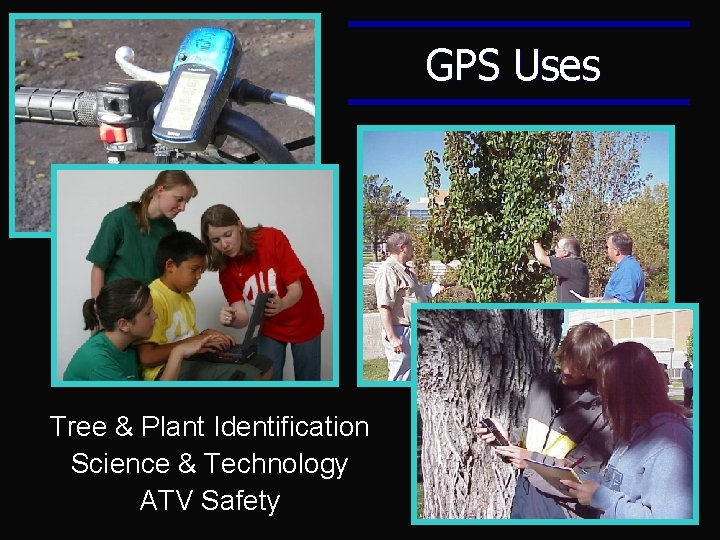
GPS Uses Tree & Plant Identification Science & Technology ATV Safety
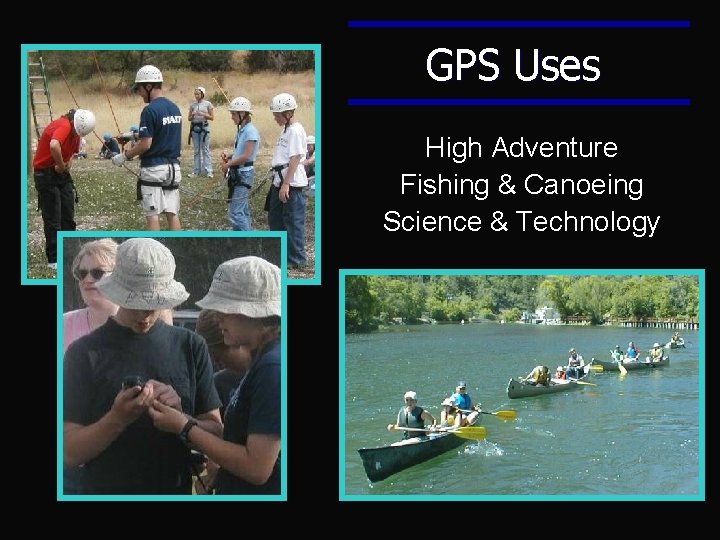
GPS Uses High Adventure Fishing & Canoeing Science & Technology
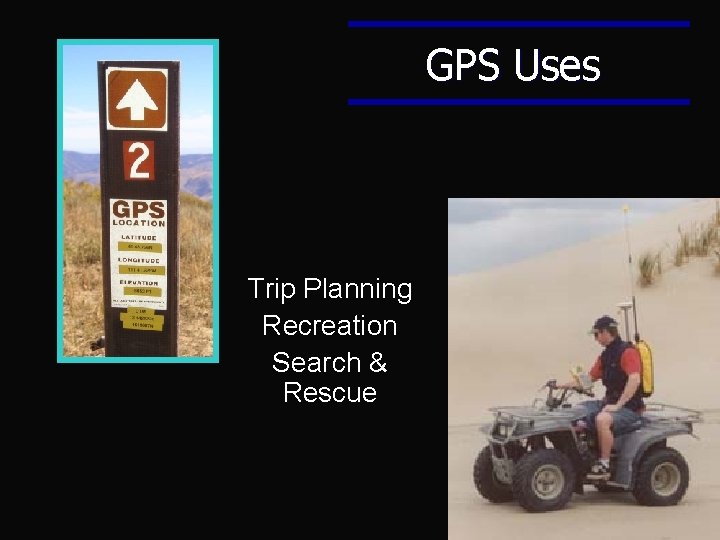
GPS Uses Trip Planning Recreation Search & Rescue
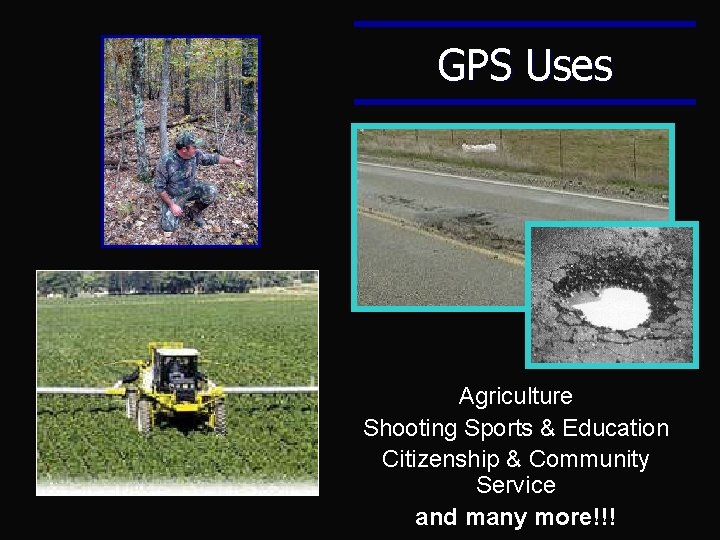
GPS Uses Agriculture Shooting Sports & Education Citizenship & Community Service and many more!!!
Geo. Caching • • Scavenger Hunt Zip Code Adventure Educational Recreation Families and Friends Exciting and Fun! www. geocaching. com
End