Stata Introduction 3 h Hein Stigum Presentation data
![Syntax [prefix: ] command [varlist] [if exp] [in range] [, opts] • Examples –](https://slidetodoc.com/presentation_image_h/dec62f93d62233b2dc725a5d672c54cf/image-9.jpg "Syntax [prefix: ] command [varlist] [if exp] [in range] [, opts] • Examples –")
- Slides: 41
Stata Introduction 3 h Hein Stigum Presentation, data and programs at: http: //folk. uio. no/heins/ courses Dec-20 H. S. 1
Stata introduction • General use – Interface and menu – Do-files and syntax – Data handling Exercises • Analysis – Descriptive – Graphs – Bivariate Dec-20 H. S. 2
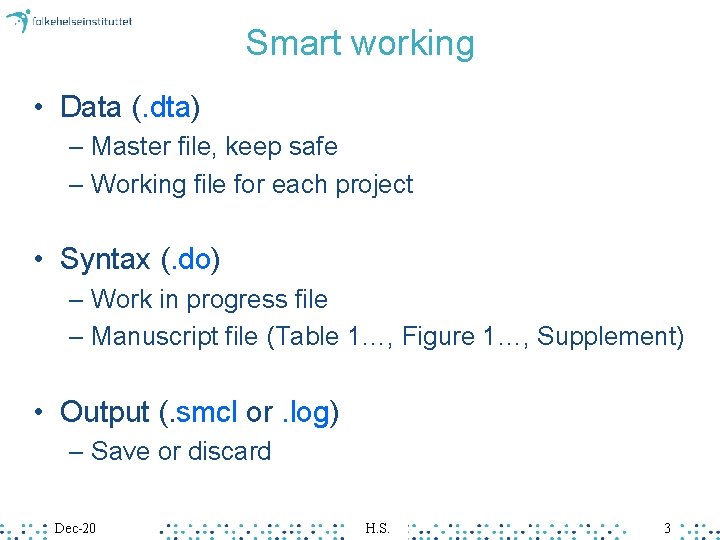
Smart working • Data (. dta) – Master file, keep safe – Working file for each project • Syntax (. do) – Work in progress file – Manuscript file (Table 1…, Figure 1…, Supplement) • Output (. smcl or. log) – Save or discard Dec-20 H. S. 3
Why Stata • Pro – Aimed at epidemiology – Many methods, growing – Graphics – Structured, Programmable – Coming soon to a course near you • Con – Memory>file size Dec-20 H. S. 4
Interface
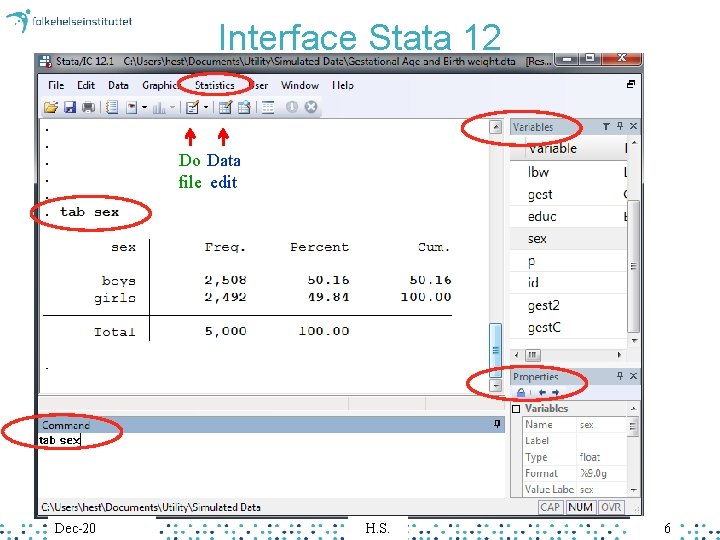
Interface Stata 12 Do Data file edit Dec-20 H. S. 6
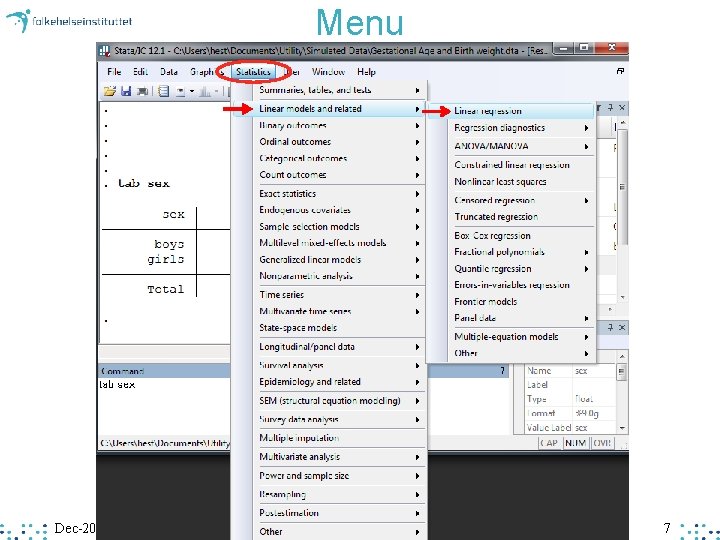
Menu Dec-20 H. S. 7
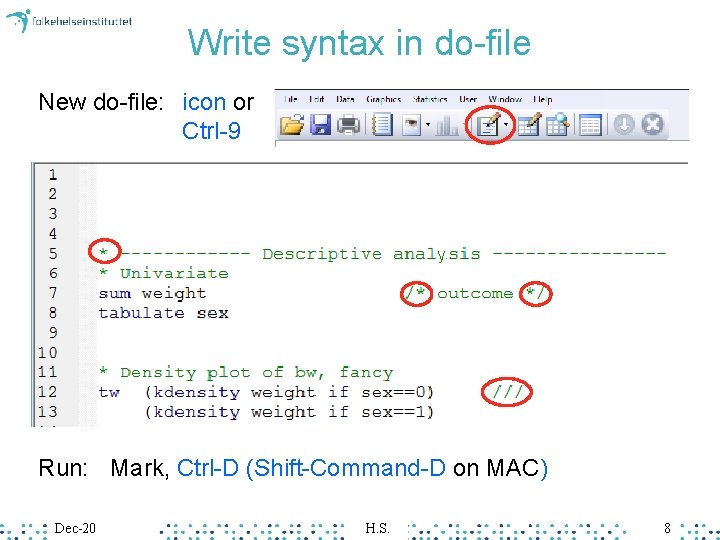
Write syntax in do-file New do-file: icon or Ctrl-9 y Run: Mark, Ctrl-D (Shift-Command-D on MAC) Dec-20 H. S. 8
Syntax [prefix: ] command [varlist] [if exp] [in range] [, opts] • Examples – – mean age if sex==1 bysort sex: summarize age, detail Dec-20 H. S. 9
Data handling
Export data from SPSS • Using SPSS 20. 0– Save as, Stata Version 13 SE • Stat. Transfer – Copy to and from many formats Dec-20 H. S. 11
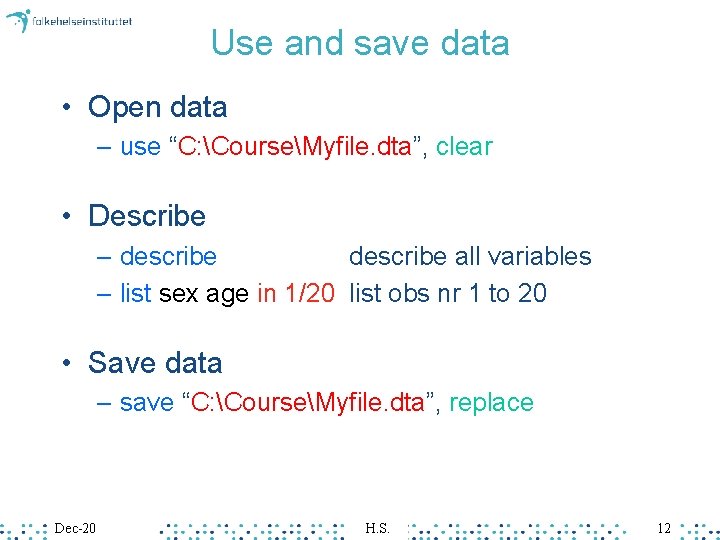
Use and save data • Open data – use “C: CourseMyfile. dta”, clear • Describe – describe all variables – list sex age in 1/20 list obs nr 1 to 20 • Save data – save “C: CourseMyfile. dta”, replace Dec-20 H. S. 12
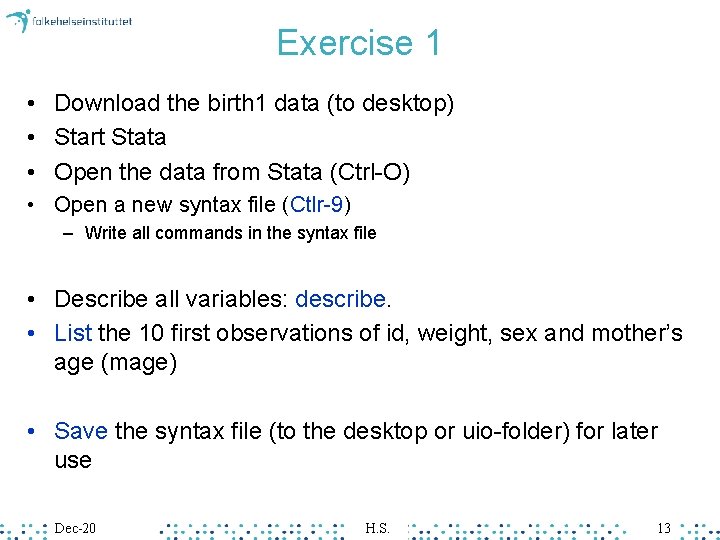
Exercise 1 • Download the birth 1 data (to desktop) • Start Stata • Open the data from Stata (Ctrl-O) • Open a new syntax file (Ctlr-9) – Write all commands in the syntax file • Describe all variables: describe. • List the 10 first observations of id, weight, sex and mother’s age (mage) • Save the syntax file (to the desktop or uio-folder) for later use Dec-20 H. S. 13
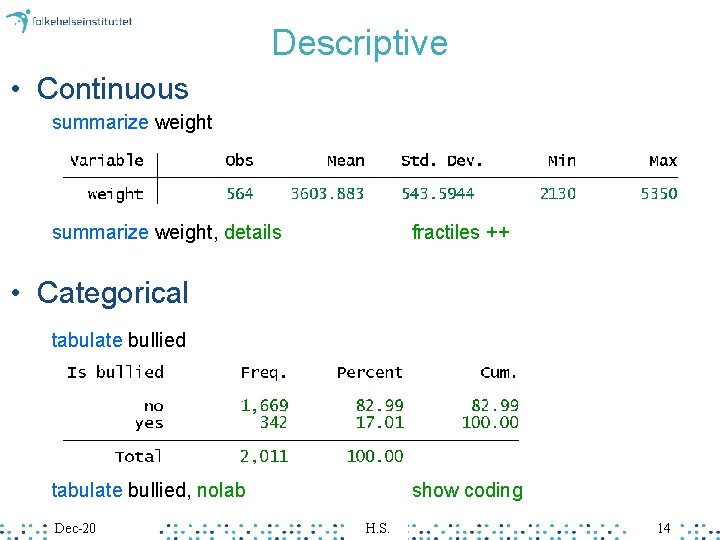
Descriptive • Continuous summarize weight, details fractiles ++ • Categorical tabulate bullied, nolab Dec-20 show coding H. S. 14
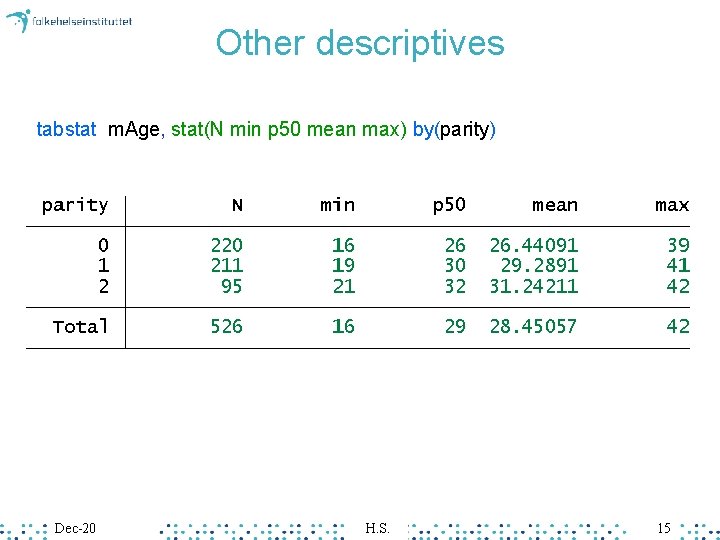
Other descriptives tabstat m. Age, stat(N min p 50 mean max) by(parity) Dec-20 H. S. 15
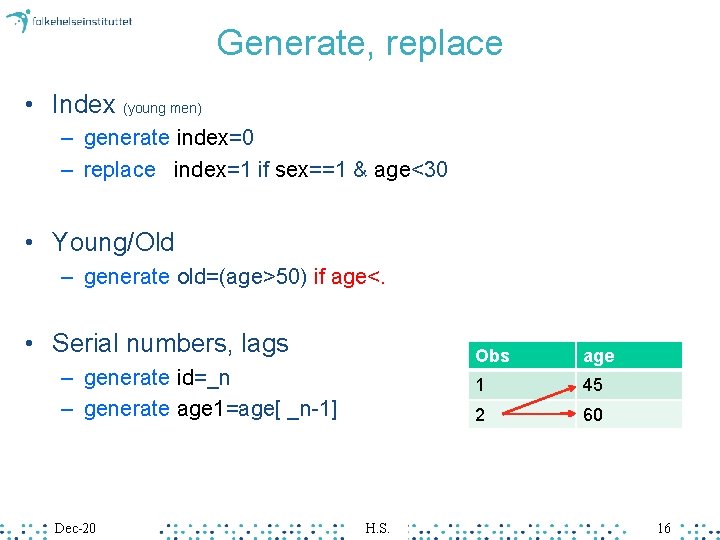
Generate, replace • Index (young men) – generate index=0 – replace index=1 if sex==1 & age<30 • Young/Old – generate old=(age>50) if age<. • Serial numbers, lags – generate id=_n – generate age 1=age[ _n-1] Dec-20 H. S. Obs age 1 45 2 60 16
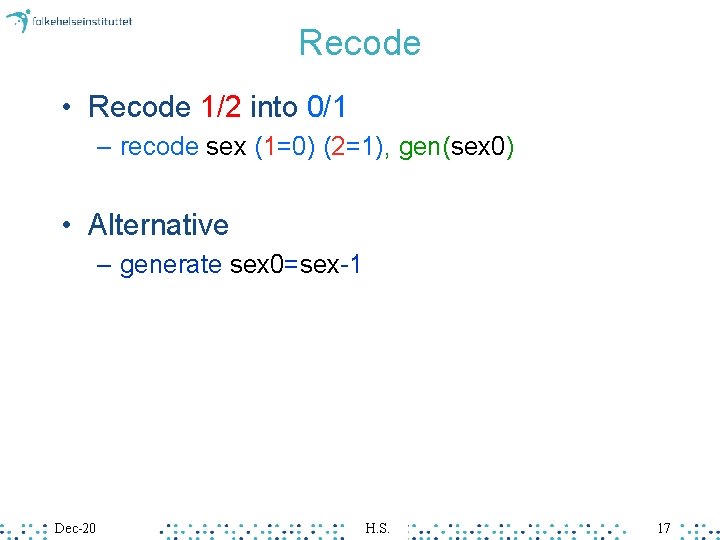
Recode • Recode 1/2 into 0/1 – recode sex (1=0) (2=1), gen(sex 0) • Alternative – generate sex 0=sex-1 Dec-20 H. S. 17
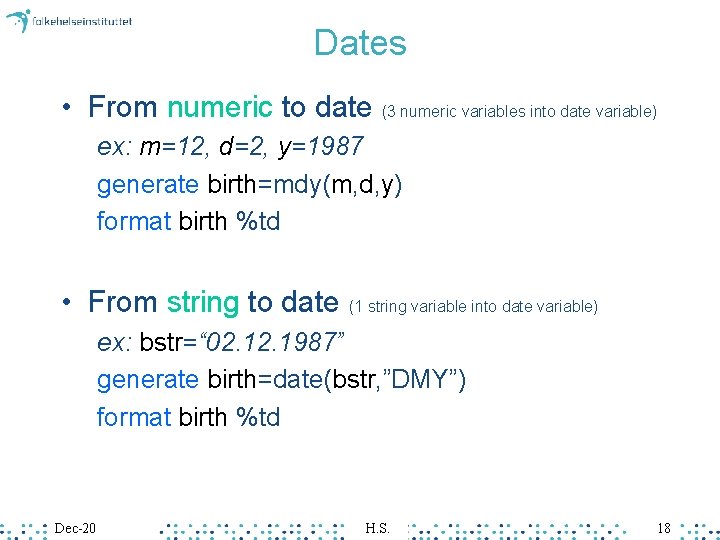
Dates • From numeric to date (3 numeric variables into date variable) ex: m=12, d=2, y=1987 generate birth=mdy(m, d, y) format birth %td • From string to date (1 string variable into date variable) ex: bstr=“ 02. 1987” generate birth=date(bstr, ”DMY”) format birth %td Dec-20 H. S. 18
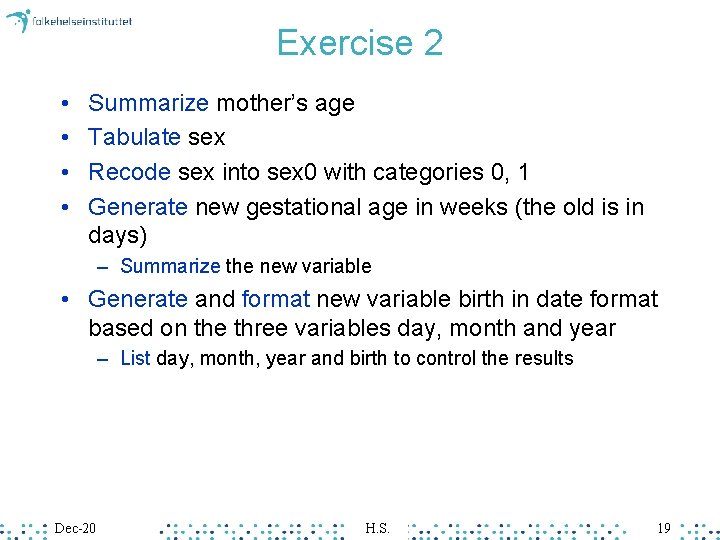
Exercise 2 • • Summarize mother’s age Tabulate sex Recode sex into sex 0 with categories 0, 1 Generate new gestational age in weeks (the old is in days) – Summarize the new variable • Generate and format new variable birth in date format based on the three variables day, month and year – List day, month, year and birth to control the results Dec-20 H. S. 19
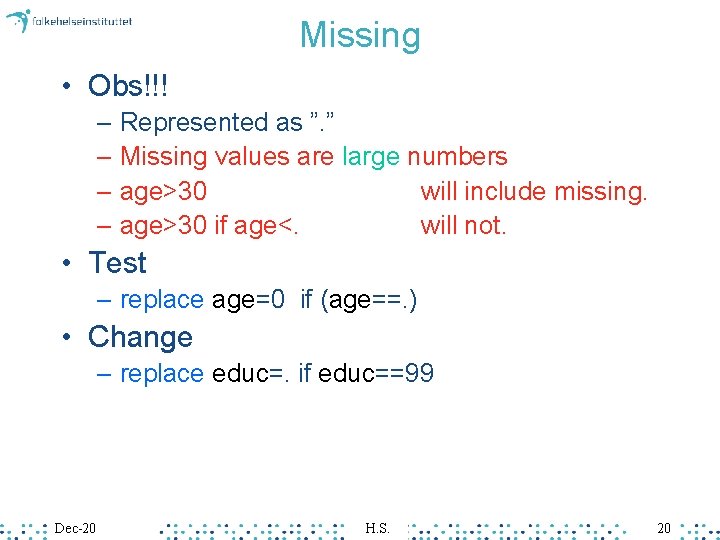
Missing • Obs!!! – Represented as ”. ” – Missing values are large numbers – age>30 will include missing. – age>30 if age<. will not. • Test – replace age=0 if (age==. ) • Change – replace educ=. if educ==99 Dec-20 H. S. 20
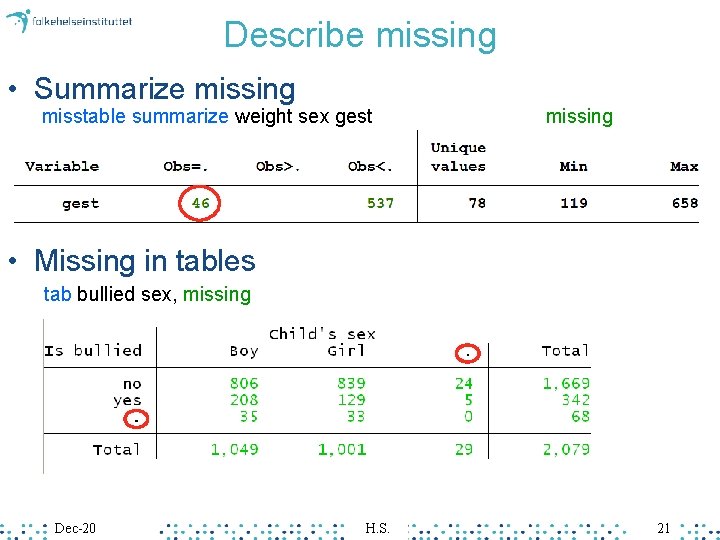
Describe missing • Summarize missing misstable summarize weight sex gest missing • Missing in tables tab bullied sex, missing Dec-20 H. S. 21
Exercise 3 • Tabulate missing in gestational age (gest) with the misstable sum command • Tabulate gest 4 versus sex and show number of missing • Summarize mage if gest is greater than 260 days – Will this include missing in gest? – Summarize mage if gest is greater than 260 days excluding missing in gest Dec-20 H. S. 22
Help • General – help – findit command keyword search Stata+net • Examples – help table – findit aflogit • Web resources – https: //www. stata. com/links/resources-for-learning -stata/ Dec-20 H. S. 23
Summing up • Use do files – Run: Mark, Ctrl-D • Syntax – command [varlist] [if exp] [in range] [, options] • Missing – age>30 if age<. – generate old=(age>50) if age<. • Help – help describe Dec-20 H. S. 24
Graphics Dec-20 H. S. 25
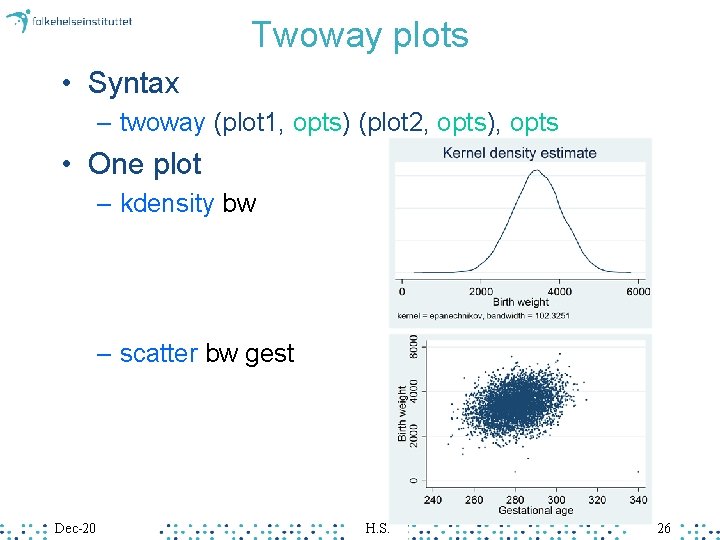
Twoway plots • Syntax – twoway (plot 1, opts) (plot 2, opts), opts • One plot – kdensity bw – scatter bw gest Dec-20 H. S. 26
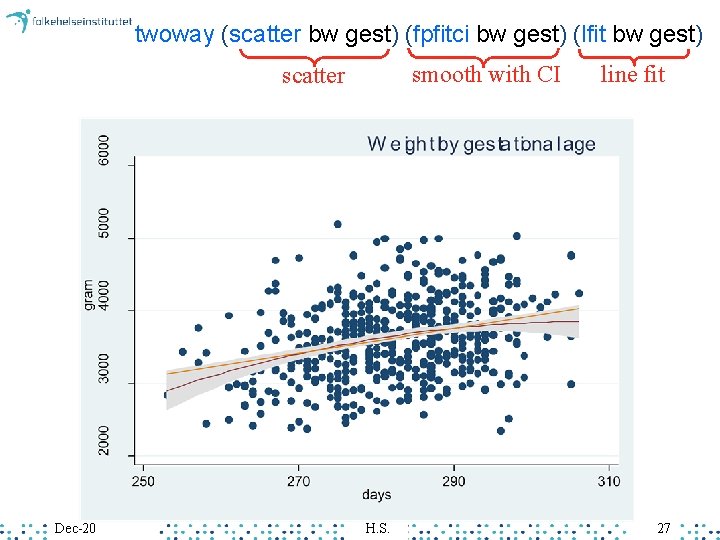
twoway (scatter bw gest) (fpfitci bw gest) (lfit bw gest) smooth with CI scatter Dec-20 H. S. line fit 27
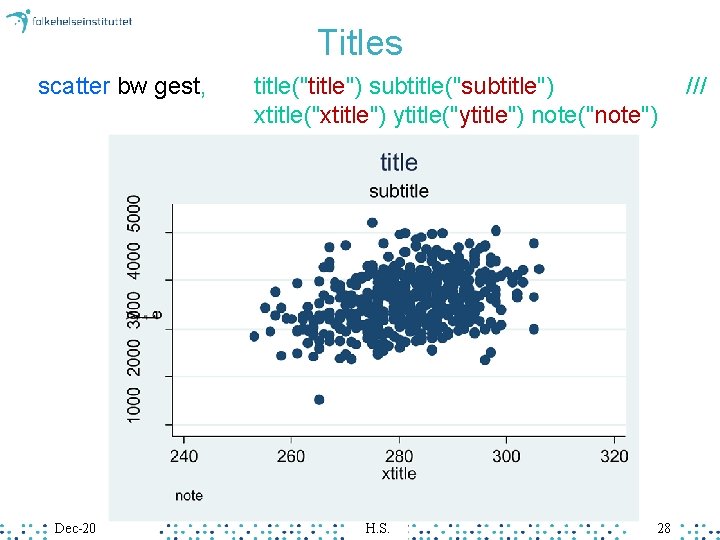
Titles scatter bw gest, Dec-20 title("title") subtitle("subtitle") xtitle("xtitle") ytitle("ytitle") note("note") H. S. 28 ///
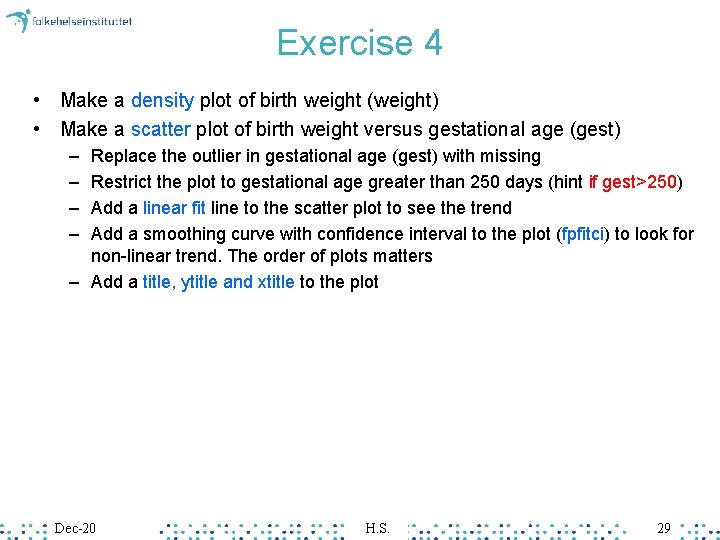
Exercise 4 • Make a density plot of birth weight (weight) • Make a scatter plot of birth weight versus gestational age (gest) – – Replace the outlier in gestational age (gest) with missing Restrict the plot to gestational age greater than 250 days (hint if gest>250) Add a linear fit line to the scatter plot to see the trend Add a smoothing curve with confidence interval to the plot (fpfitci) to look for non-linear trend. The order of plots matters – Add a title, ytitle and xtitle to the plot Dec-20 H. S. 29
Bivariate analysis
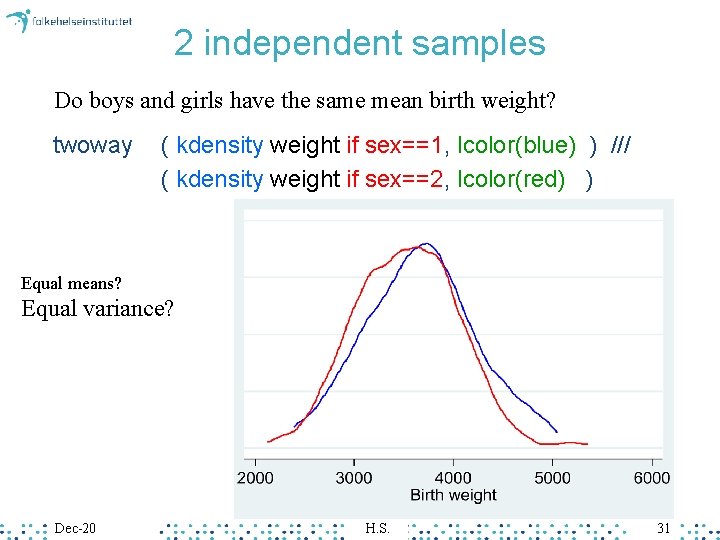
2 independent samples Do boys and girls have the same mean birth weight? twoway ( kdensity weight if sex==1, lcolor(blue) ) /// ( kdensity weight if sex==2, lcolor(red) ) Equal means? Equal variance? Dec-20 H. S. 31
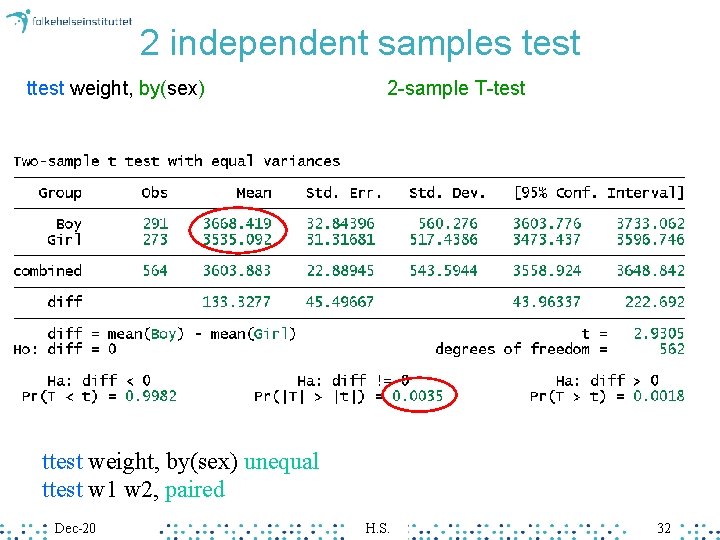
2 independent samples test ttest weight, by(sex) 2 -sample T-test ttest weight, by(sex) unequal ttest w 1 w 2, paired Dec-20 H. S. 32
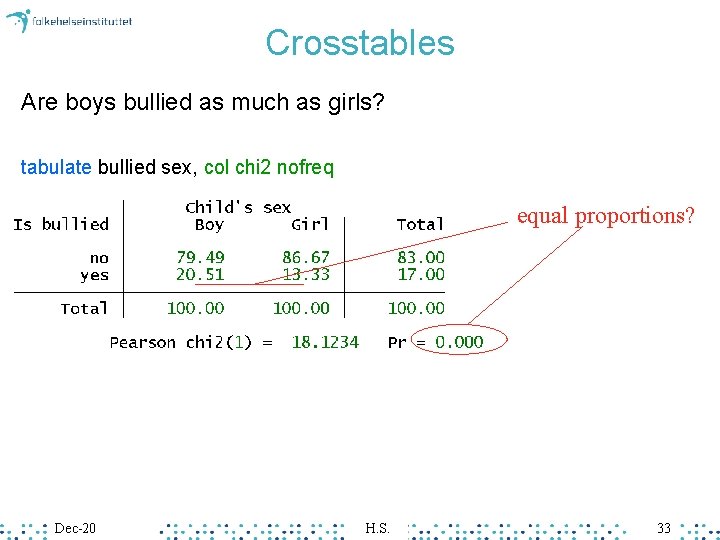
Crosstables Are boys bullied as much as girls? tabulate bullied sex, col chi 2 nofreq equal proportions? Dec-20 H. S. 33
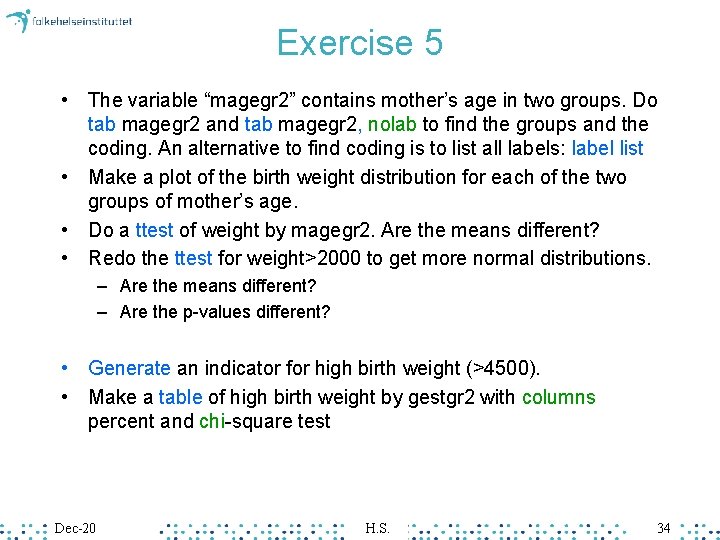
Exercise 5 • The variable “magegr 2” contains mother’s age in two groups. Do tab magegr 2 and tab magegr 2, nolab to find the groups and the coding. An alternative to find coding is to list all labels: label list • Make a plot of the birth weight distribution for each of the two groups of mother’s age. • Do a ttest of weight by magegr 2. Are the means different? • Redo the ttest for weight>2000 to get more normal distributions. – Are the means different? – Are the p-values different? • Generate an indicator for high birth weight (>4500). • Make a table of high birth weight by gestgr 2 with columns percent and chi-square test Dec-20 H. S. 34
Extra (if you have time) • Do a help tabstat and look at the statistics options • Do a tabstat of weight showing N min p 25 p 50 p 75 max, by magegr 2 Dec-20 H. S. 35
Summing up • Descriptive summarize weight tabulate sex • Graphs twoway (plot 1, opts) (plot 2, opts), opts • Bivariate • ttest weight, by(sex) • tabulate bullied sex, chi 2 Dec-20 H. S. 36
EXTRA MATERIAL Dec-20 H. S. 37
Save output (Log results) • Save a portion of the analysis as a. smcl file log using “results. smcl” … log close Dec-20 H. S. 38
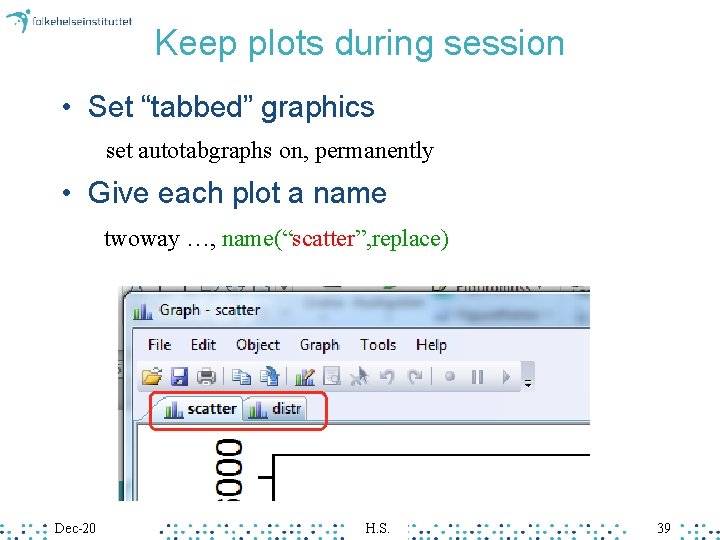
Keep plots during session • Set “tabbed” graphics set autotabgraphs on, permanently • Give each plot a name twoway …, name(“scatter”, replace) Dec-20 H. S. 39
Copy output • Copy graphs to Word or Power. Point – Save graphs in many formats, or – Right-click on a graph to copy • Copy tables to Excel – Mark table, Ctrl-shift-C Dec-20 H. S. 40
Stata via kiosk • Stata – https: //kiosk. uio. no – Analyse>Stata (single click, wait…) – Vmvare horizon • Course files 1. “birth 1. dta” 2. 1 Stata introduction, Answers. do Dec-20 data for exercise 1 answer syntax for exercises H. S. 41