Purchase Options for EOP Domains Mail Flow and





- Slides: 45
Purchase Options for EOP
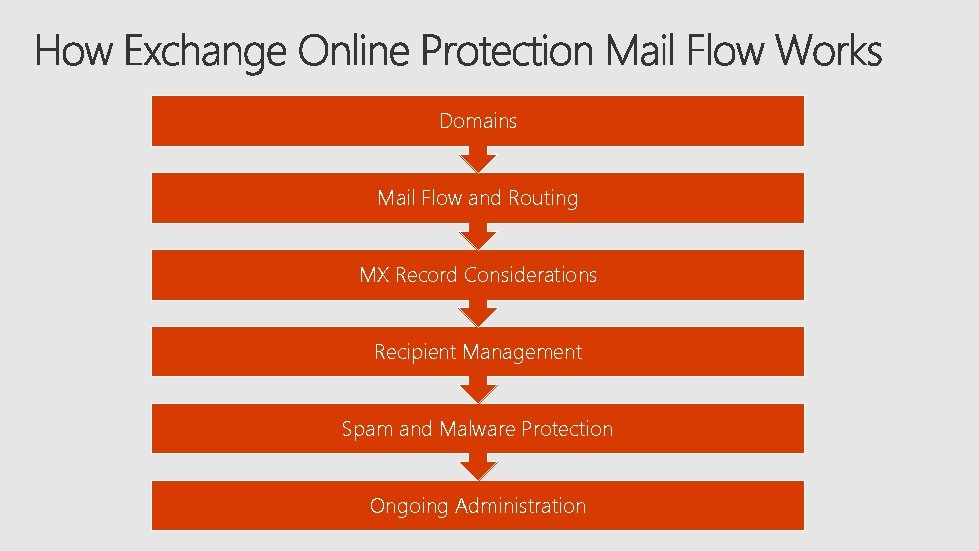
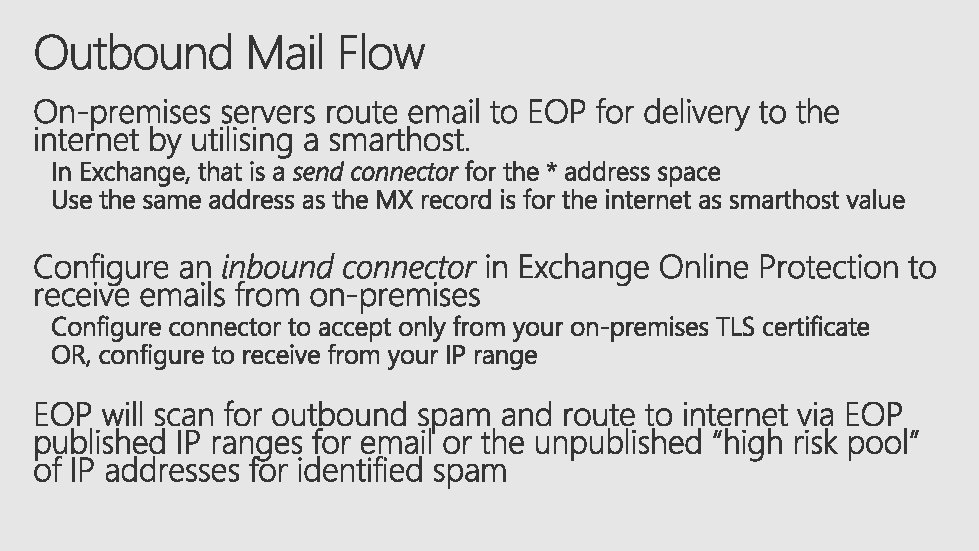
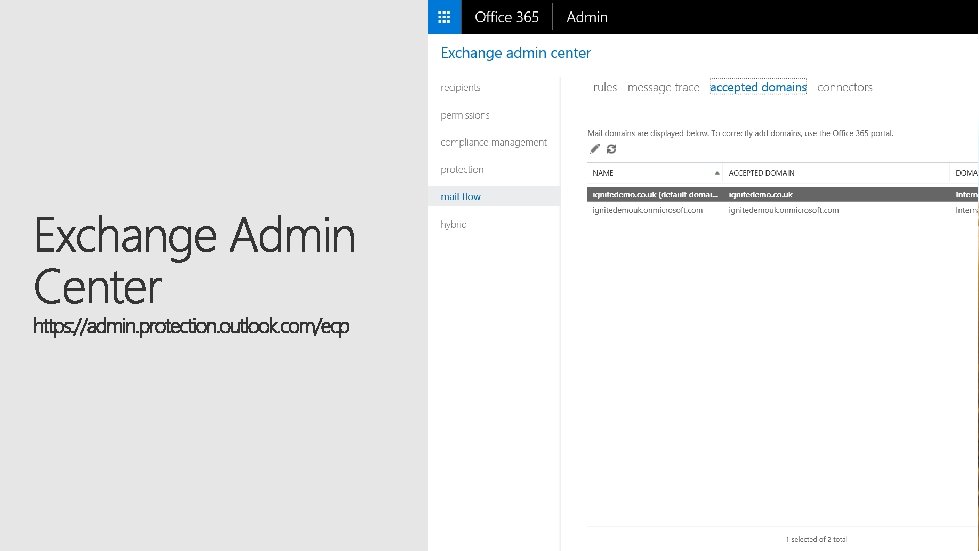
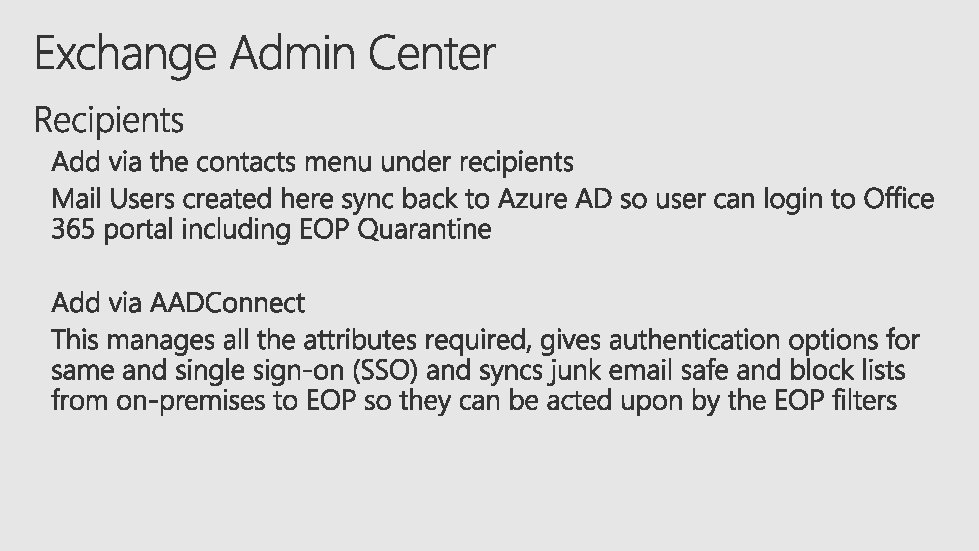
Domains Mail Flow and Routing MX Record Considerations Recipient Management Spam and Malware Protection Ongoing Administration
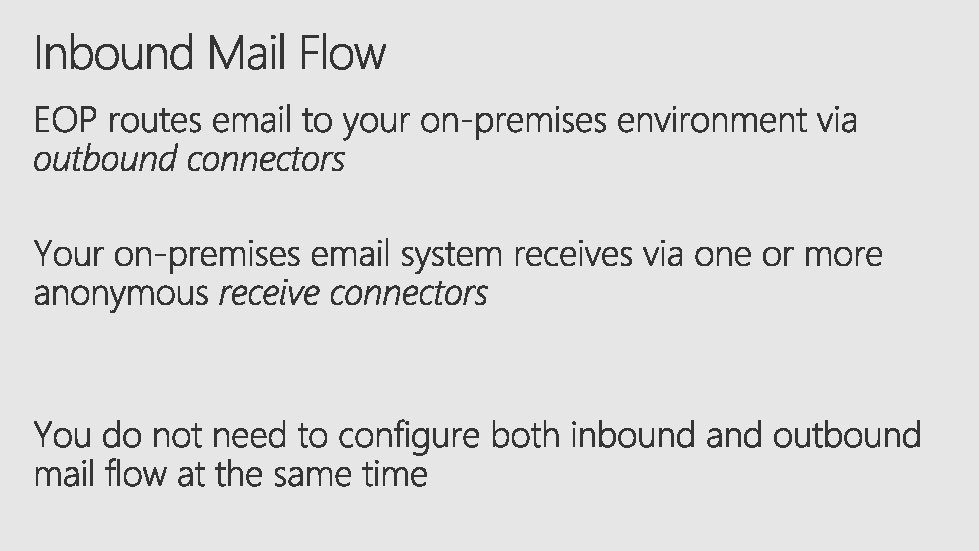
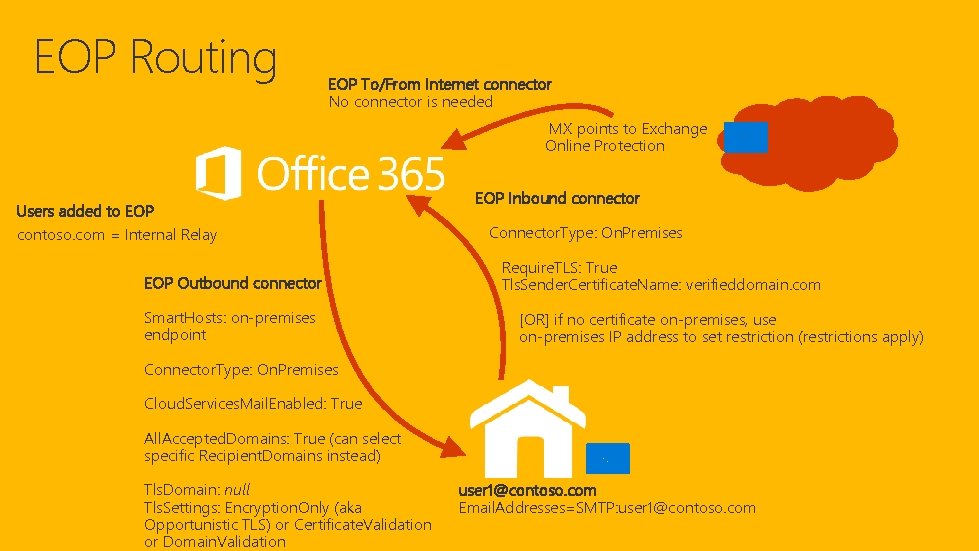
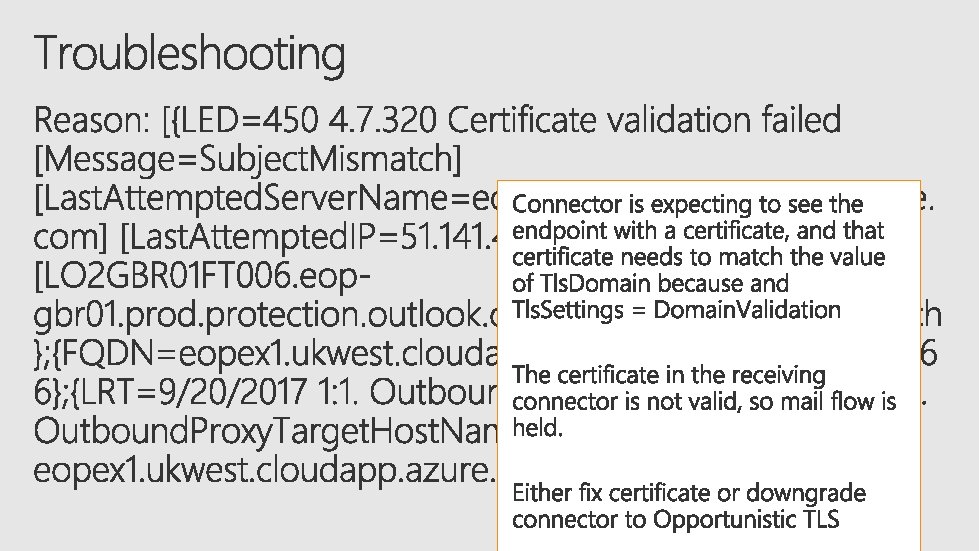
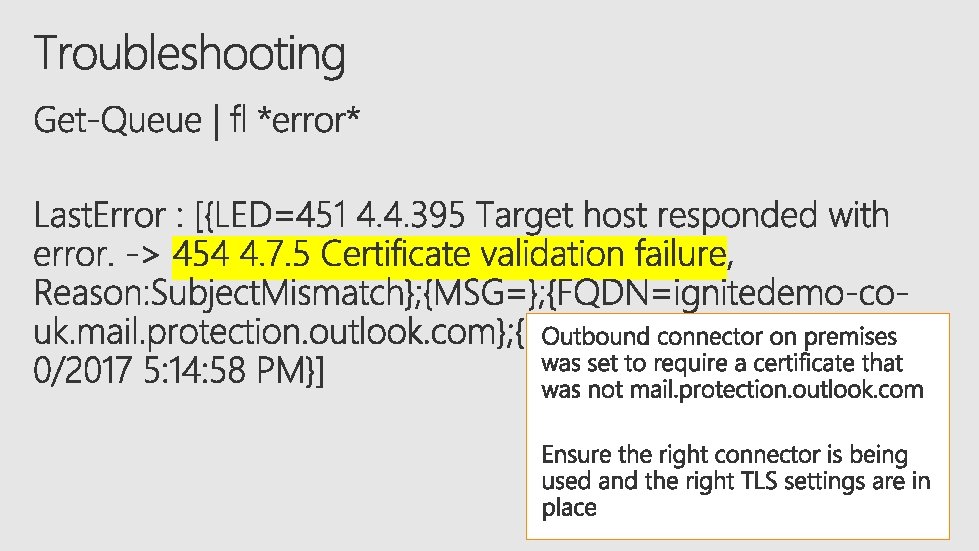
EOP Routing EOP To/From Internet connector No connector is needed MX points to Exchange Online Protection Users added to EOP contoso. com = Internal Relay EOP Outbound connector Smart. Hosts: on-premises endpoint EOP Inbound connector Connector. Type: On. Premises Require. TLS: True Tls. Sender. Certificate. Name: verifieddomain. com [OR] if no certificate on-premises, use on-premises IP address to set restriction (restrictions apply) Connector. Type: On. Premises Cloud. Services. Mail. Enabled: True All. Accepted. Domains: True (can select specific Recipient. Domains instead) Tls. Domain: null Tls. Settings: Encryption. Only (aka Opportunistic TLS) or Certificate. Validation or Domain. Validation user 1@contoso. com Email. Addresses=SMTP: user 1@contoso. com
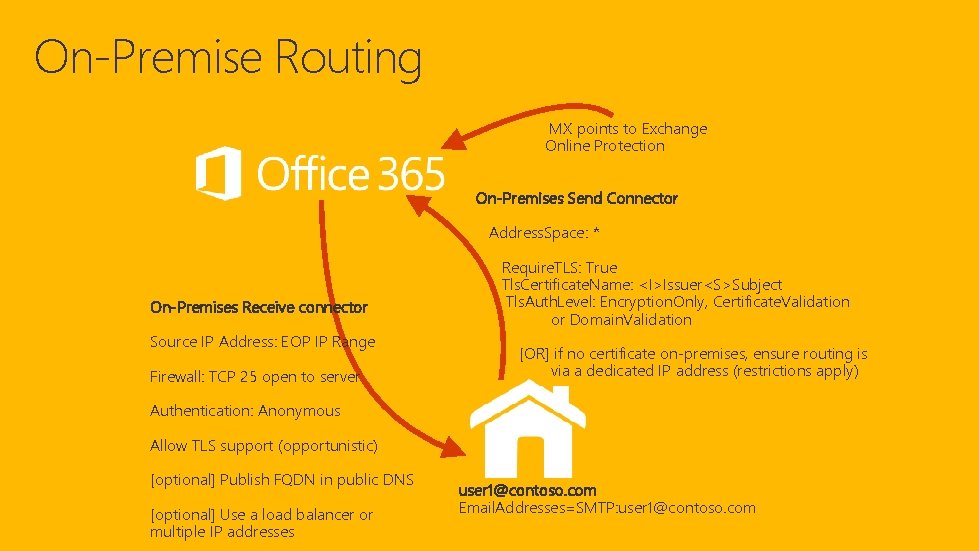
On-Premise Routing MX points to Exchange Online Protection On-Premises Send Connector Address. Space: * On-Premises Receive connector Source IP Address: EOP IP Range Firewall: TCP 25 open to server Require. TLS: True Tls. Certificate. Name: <I>Issuer<S>Subject Tls. Auth. Level: Encryption. Only, Certificate. Validation or Domain. Validation [OR] if no certificate on-premises, ensure routing is via a dedicated IP address (restrictions apply) Authentication: Anonymous Allow TLS support (opportunistic) [optional] Publish FQDN in public DNS [optional] Use a load balancer or multiple IP addresses user 1@contoso. com Email. Addresses=SMTP: user 1@contoso. com
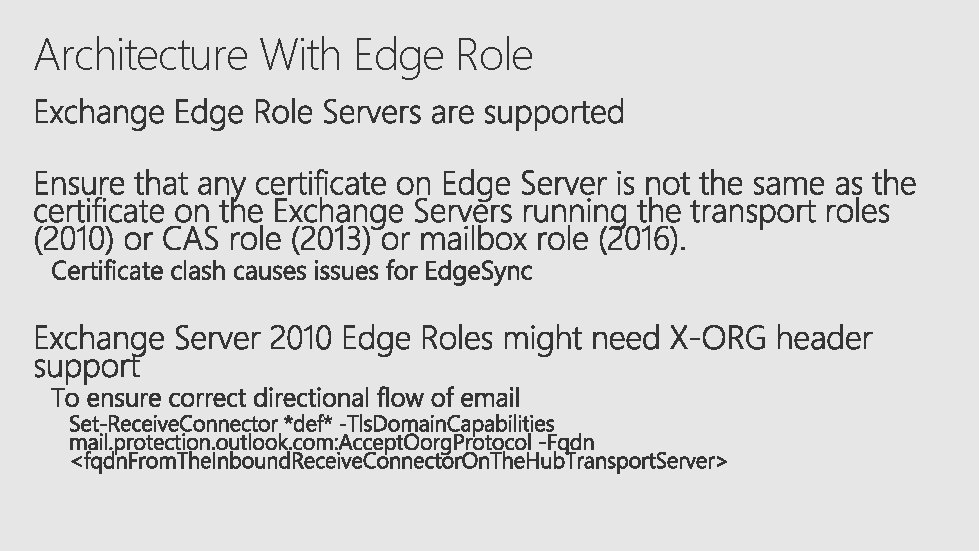
Architecture With Edge Role
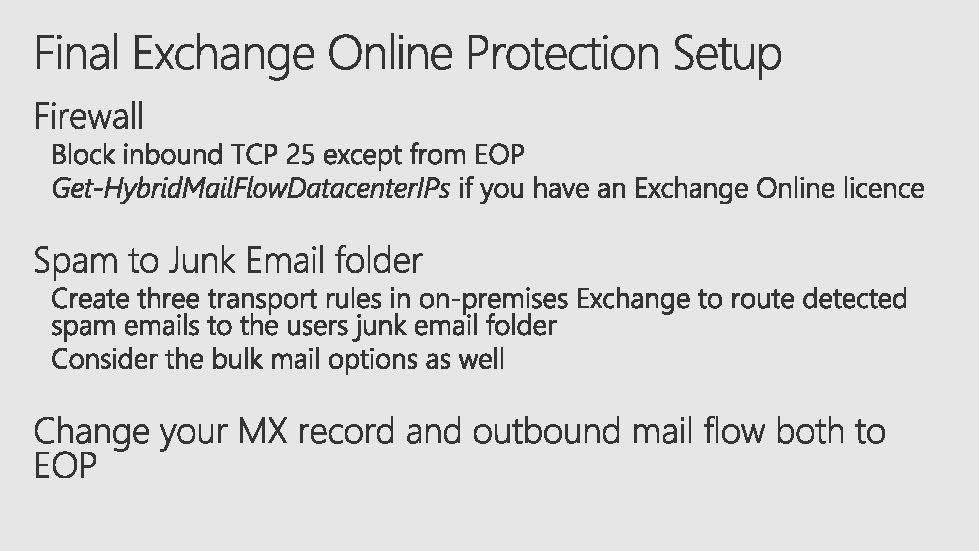
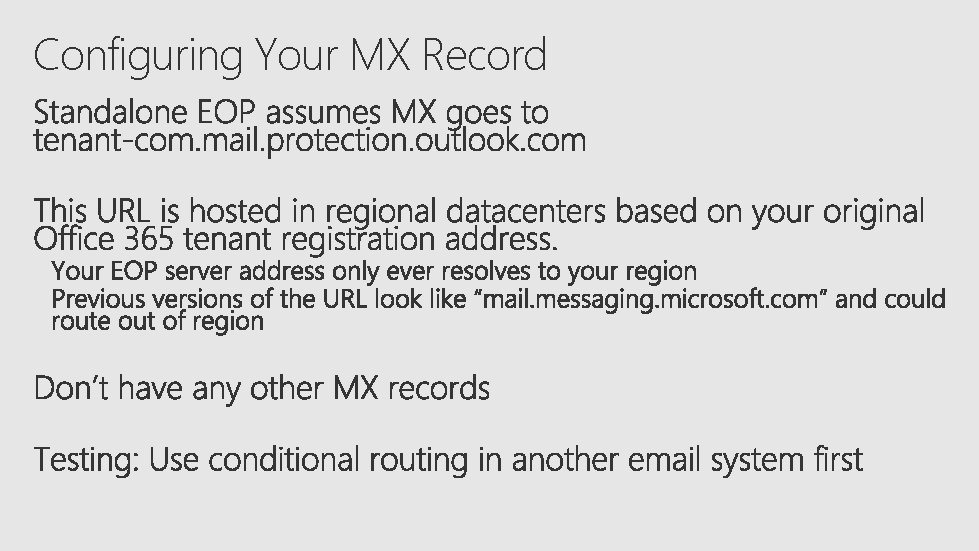
Configuring Your MX Record
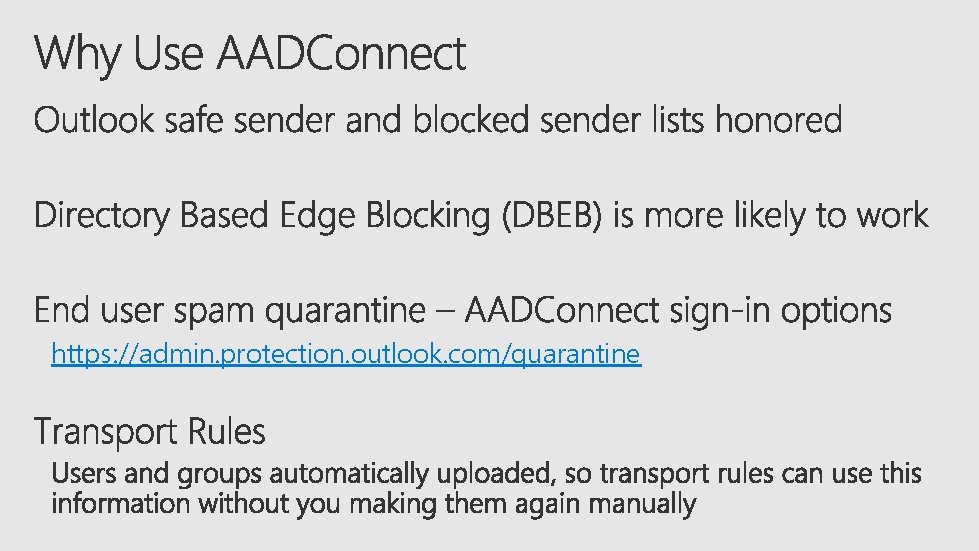
https: //admin. protection. outlook. com/quarantine
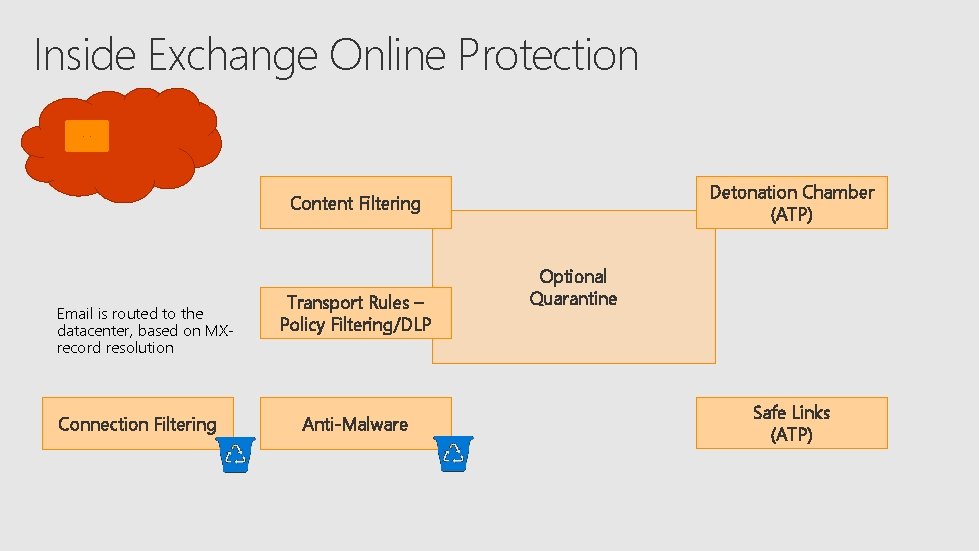
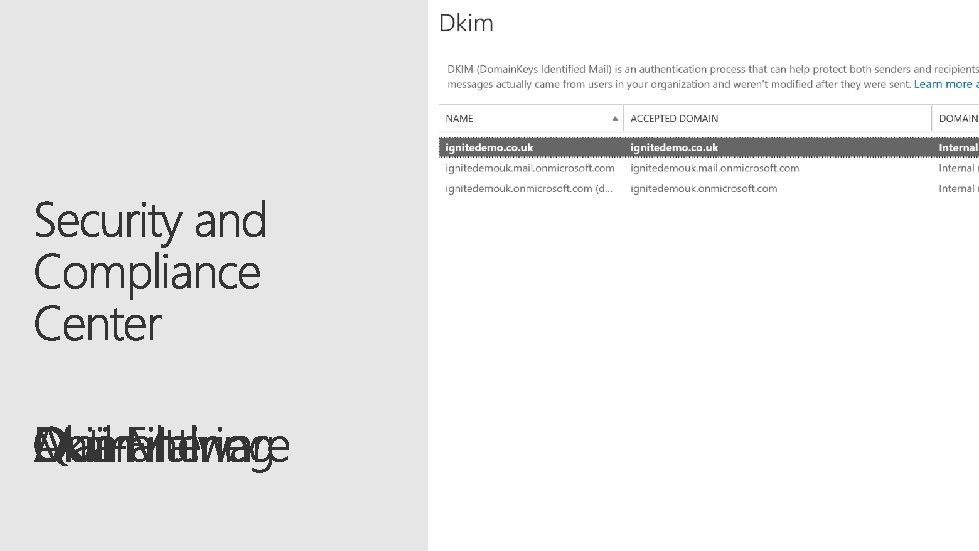
Inside Exchange Online Protection Detonation Chamber (ATP) Content Filtering Email is routed to the datacenter, based on MXrecord resolution Connection Filtering Transport Rules – Policy Filtering/DLP Anti-Malware Optional Quarantine Safe Links (ATP)
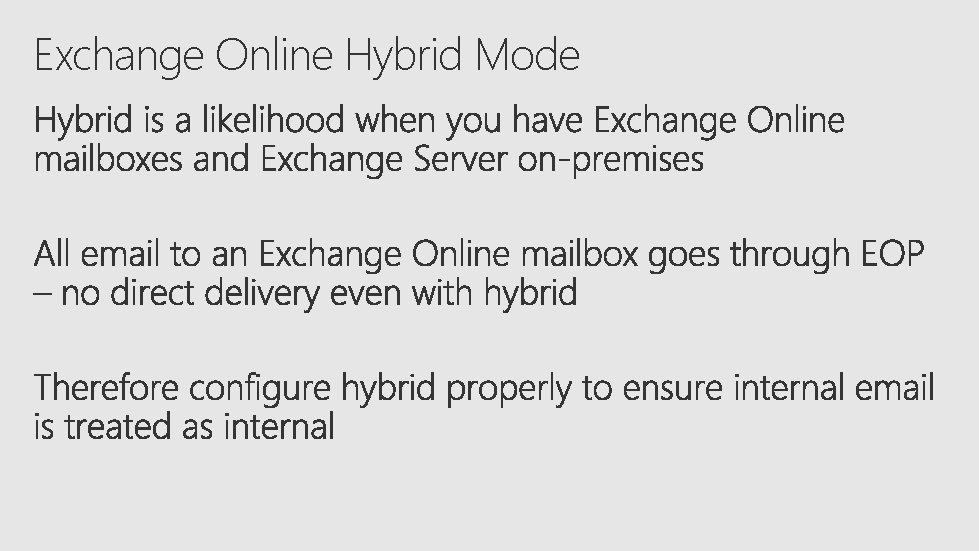
Exchange Online Hybrid Mode
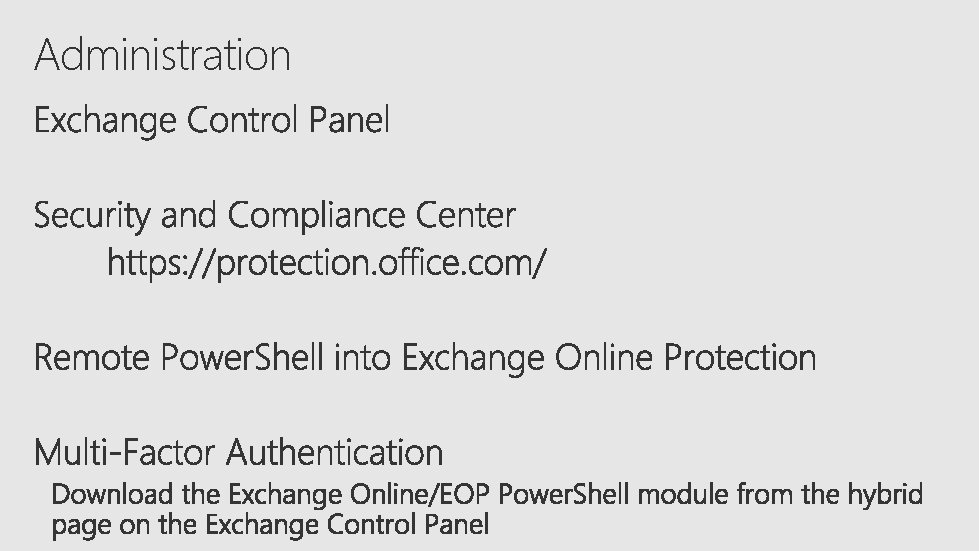
Administration
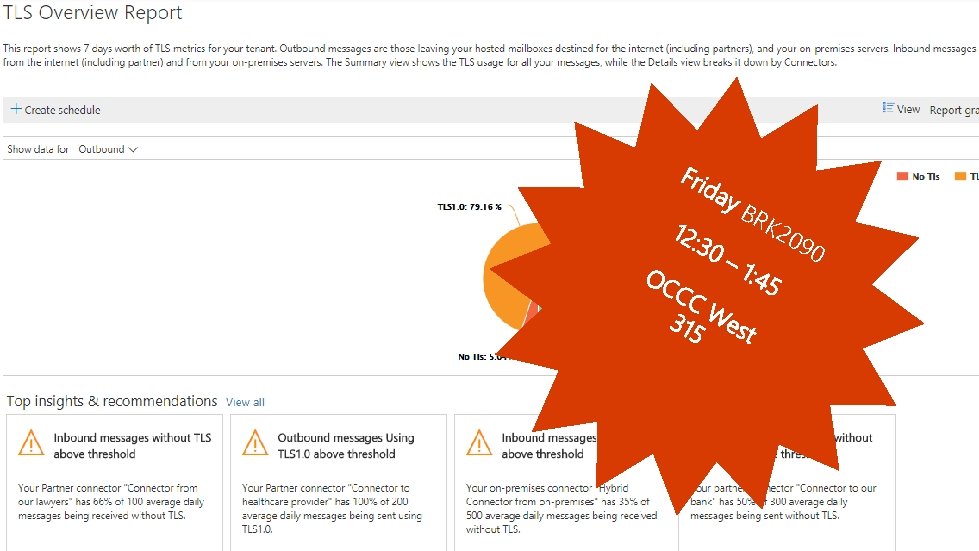
BR K 2 09 0
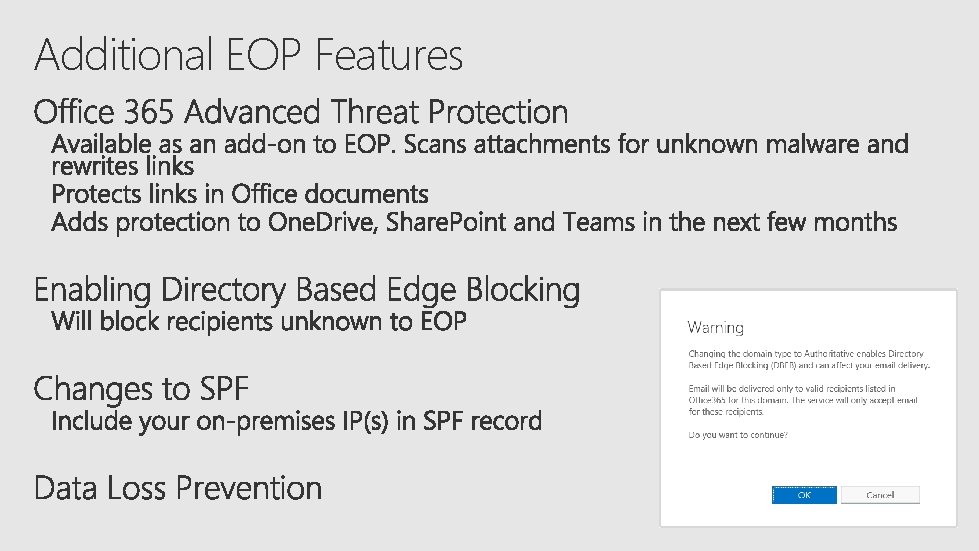
Additional EOP Features
Mail Security Settings TH R 2 06 3
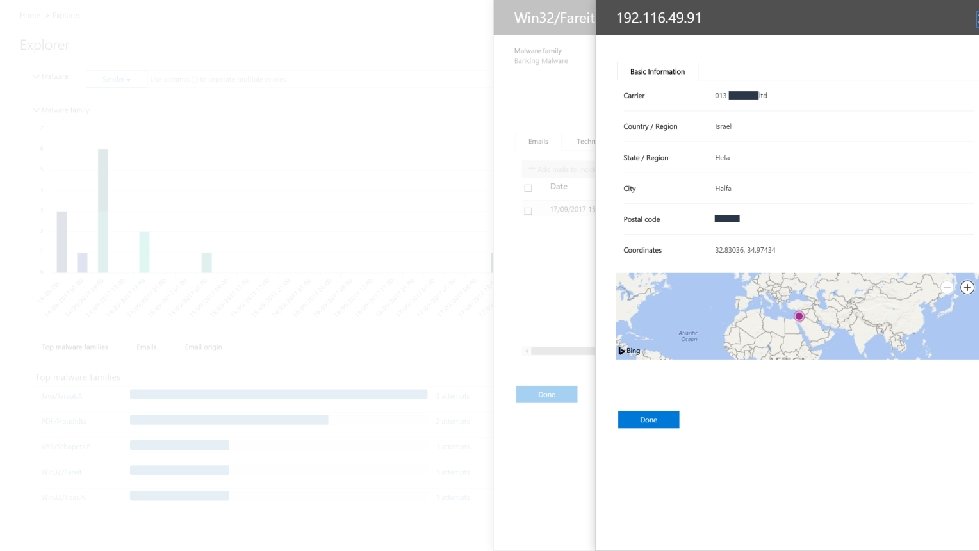
Threat management
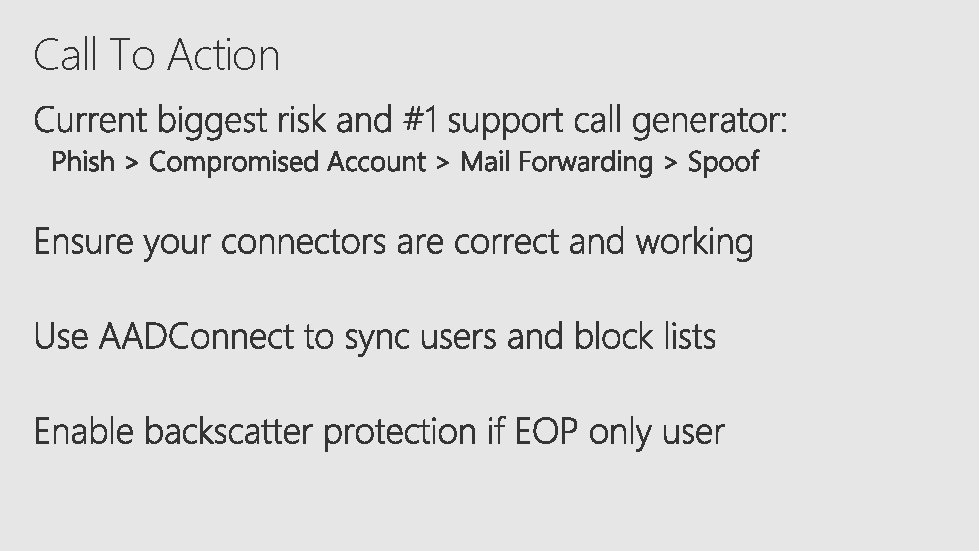
Call To Action
https: //myignite. microsoft. com/evaluations https: //aka. ms/ignite. mobileapp