PSPICE 2 Simulation 1 Schematic 1 Draw 2

- Slides: 48
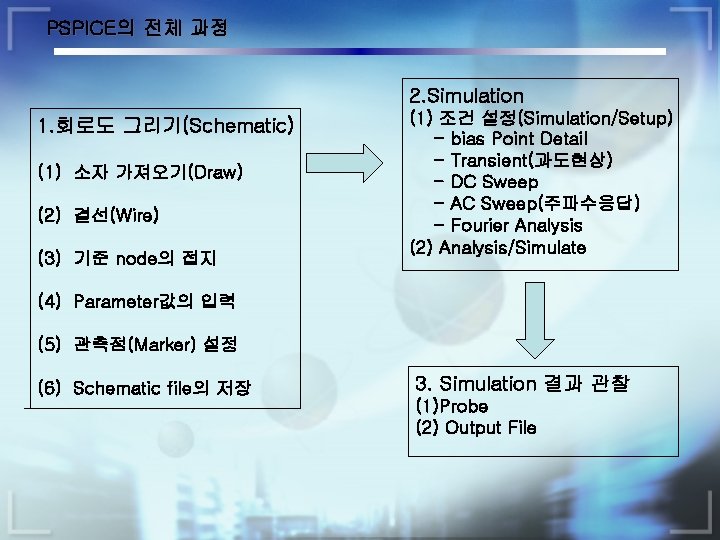
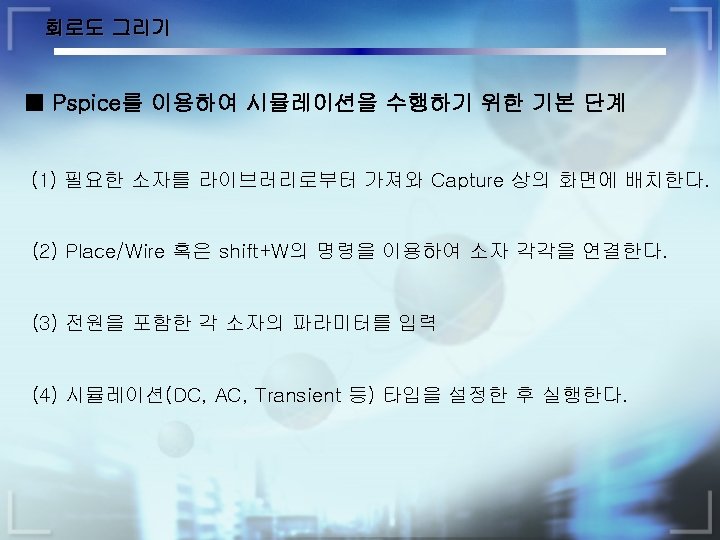
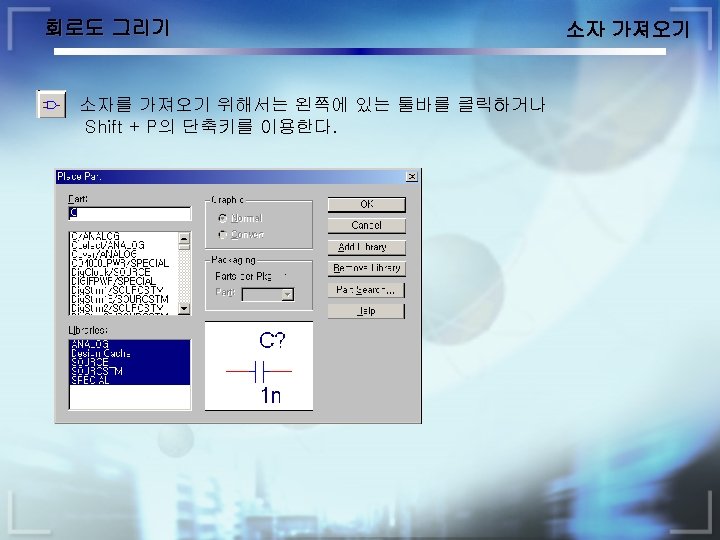
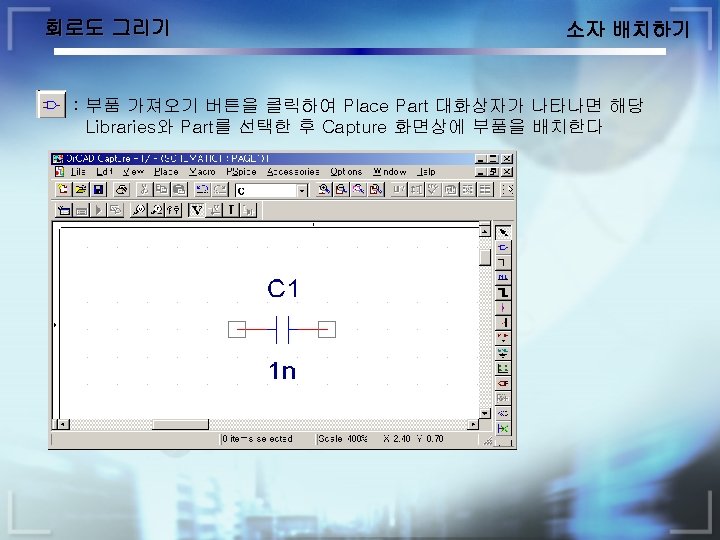
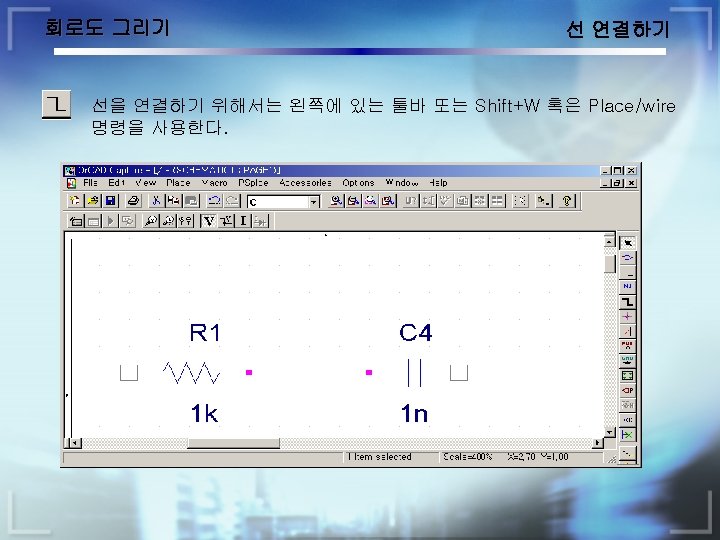
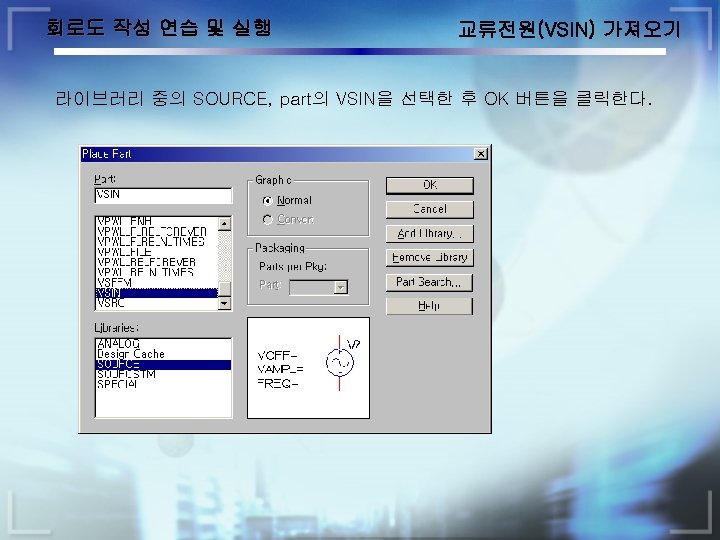
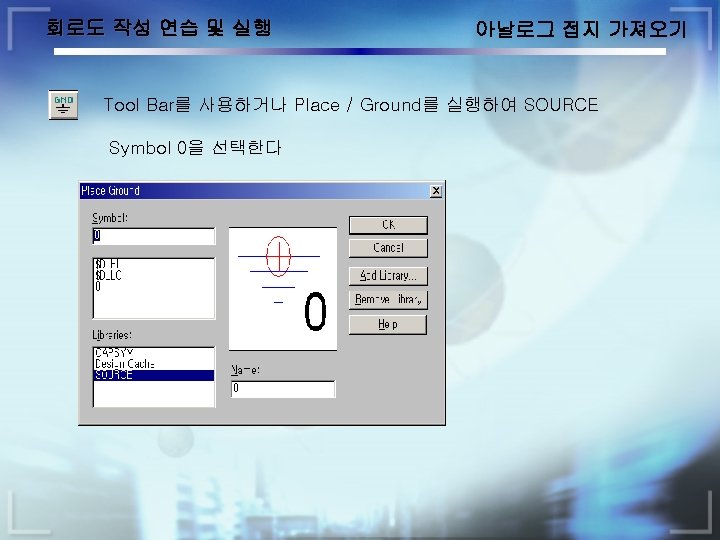
PSPICE의 전체 과정 2. Simulation 1. 회로도 그리기(Schematic) (1) 소자 가져오기(Draw) (2) 결선(Wire) (3) 기준 node의 접지 (1) 조건 설정(Simulation/Setup) - bias Point Detail - Transient(과도현상) - DC Sweep - AC Sweep(주파수응답) - Fourier Analysis (2) Analysis/Simulate (4) Parameter값의 입력 (5) 관측점(Marker) 설정 (6) Schematic file의 저장 3. Simulation 결과 관찰 (1)Probe (2) Output File
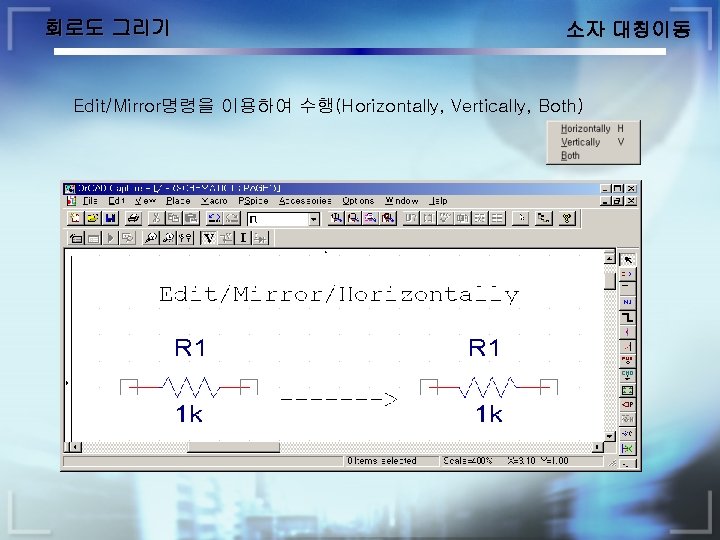
회로도 그리기 소자 대칭이동 Edit/Mirror명령을 이용하여 수행(Horizontally, Vertically, Both)
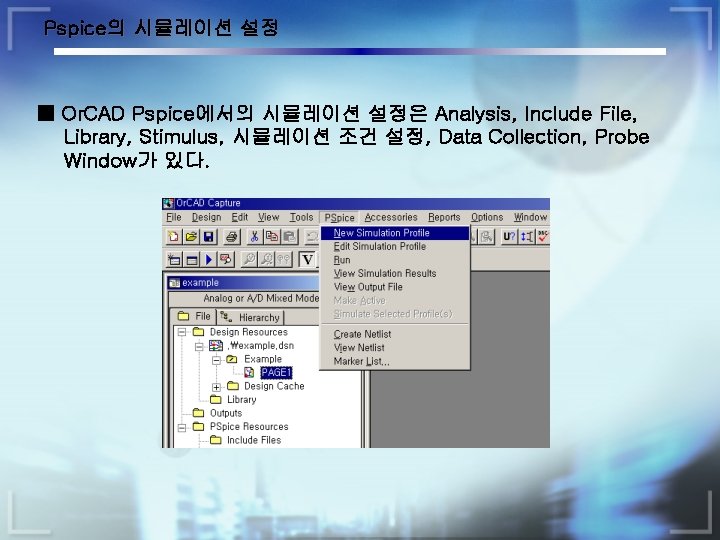
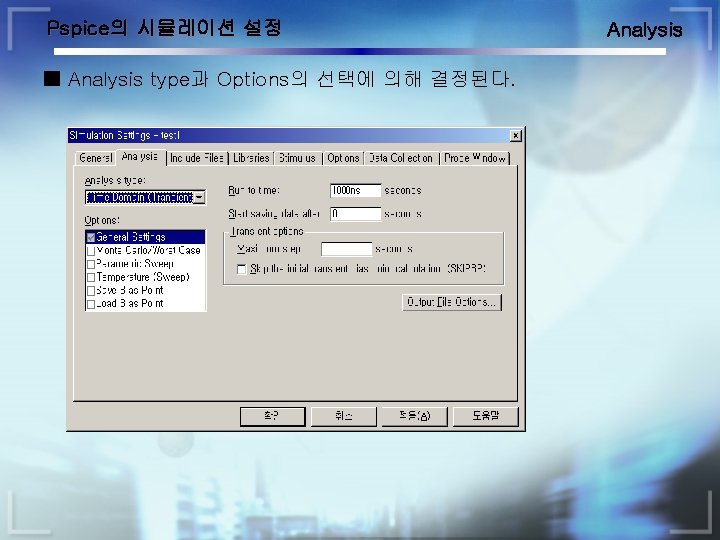
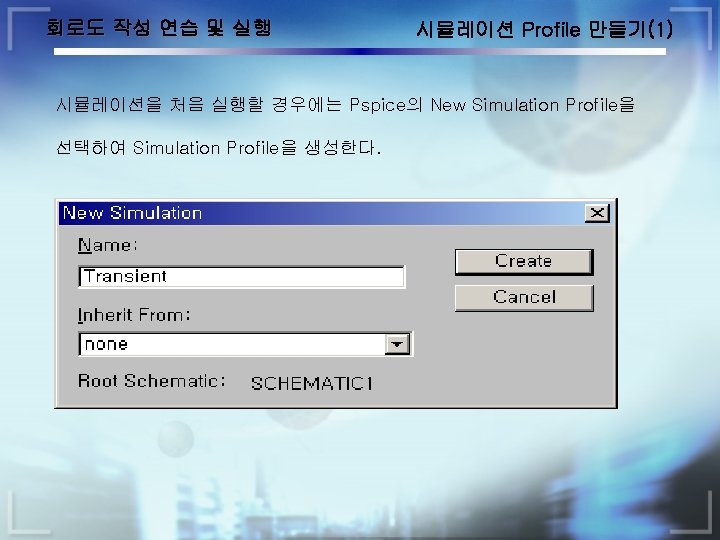
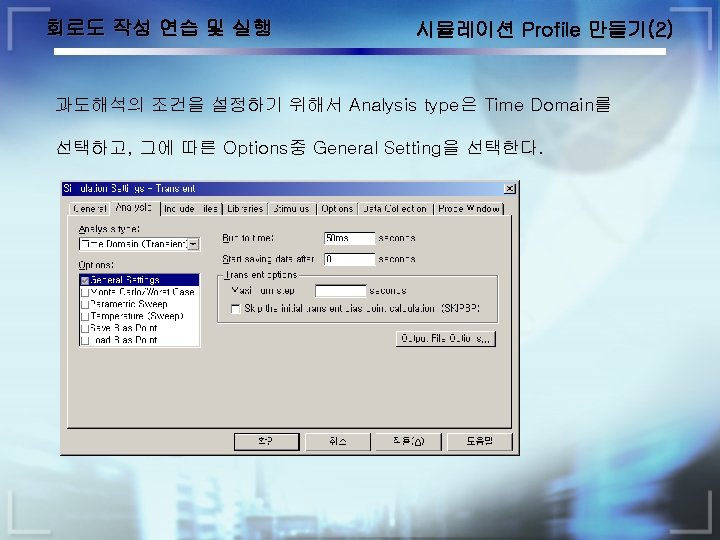
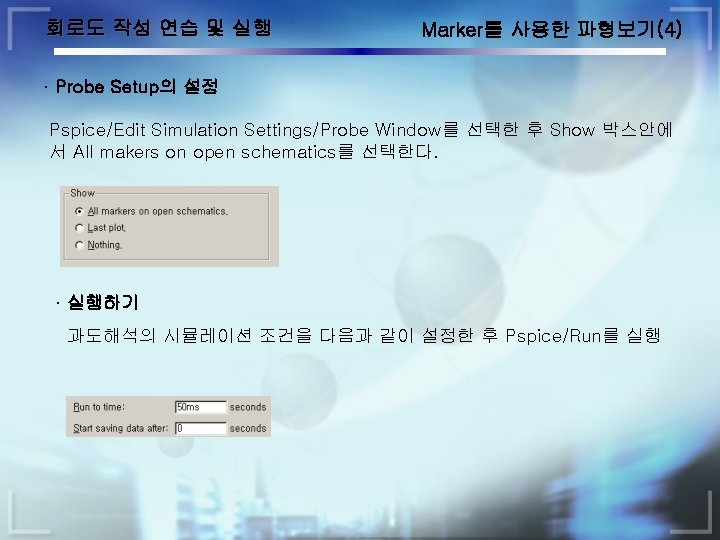
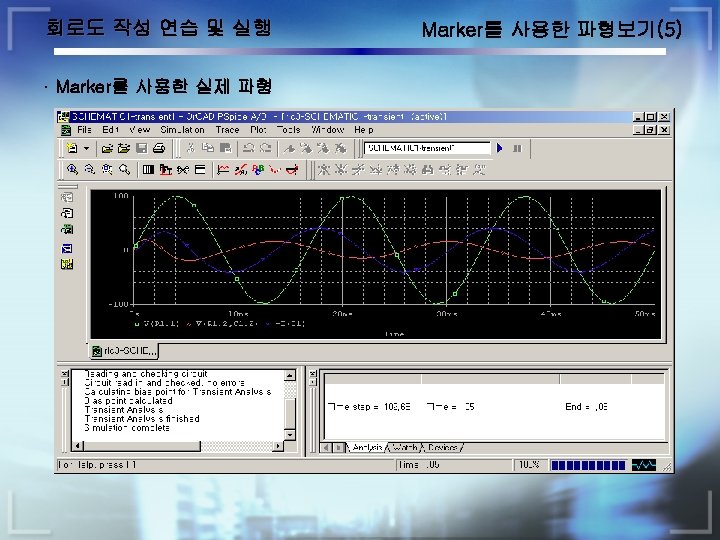
Pspice의 시뮬레이션 설정 ■ Or. CAD Pspice에서의 시뮬레이션 설정은 Analysis, Include File, Library, Stimulus, 시뮬레이션 조건 설정, Data Collection, Probe Window가 있다.
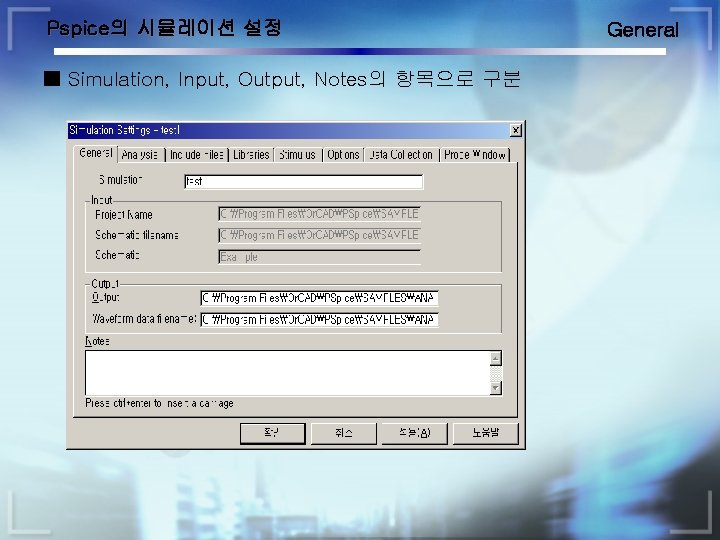
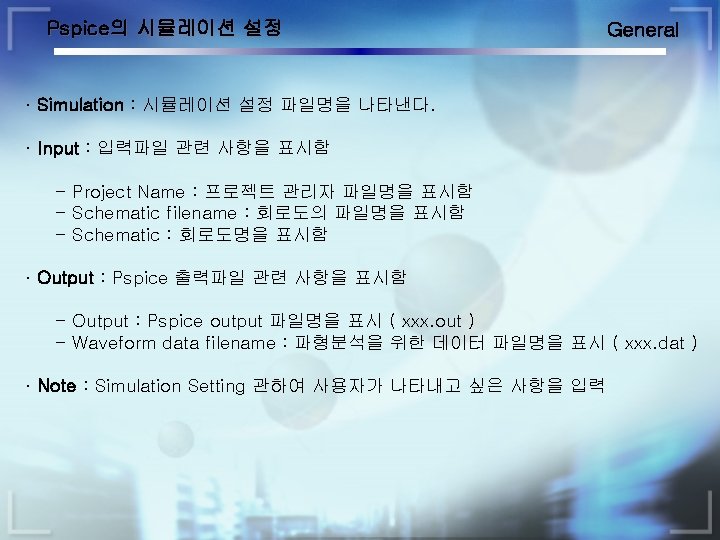
Pspice의 시뮬레이션 설정 ■ Simulation, Input, Output, Notes의 항목으로 구분 General
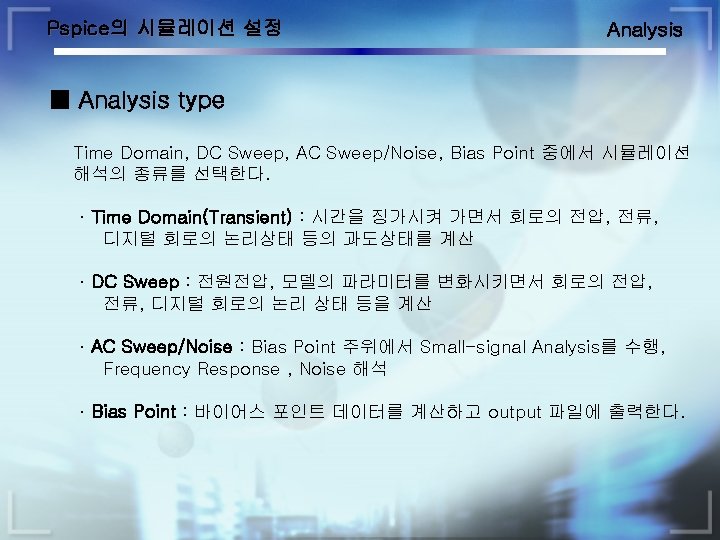
Pspice의 시뮬레이션 설정 ■ Analysis type과 Options의 선택에 의해 결정된다. Analysis
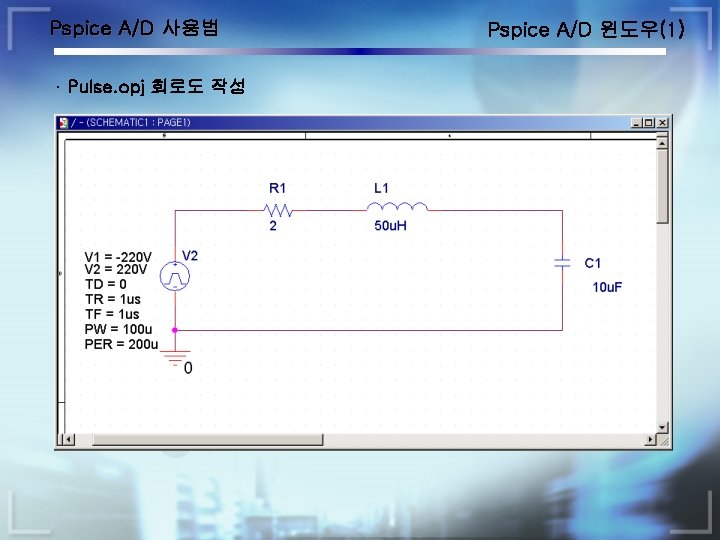
Pspice A/D 사용법 · Pulse. opj 회로도 작성 Pspice A/D 윈도우(1)
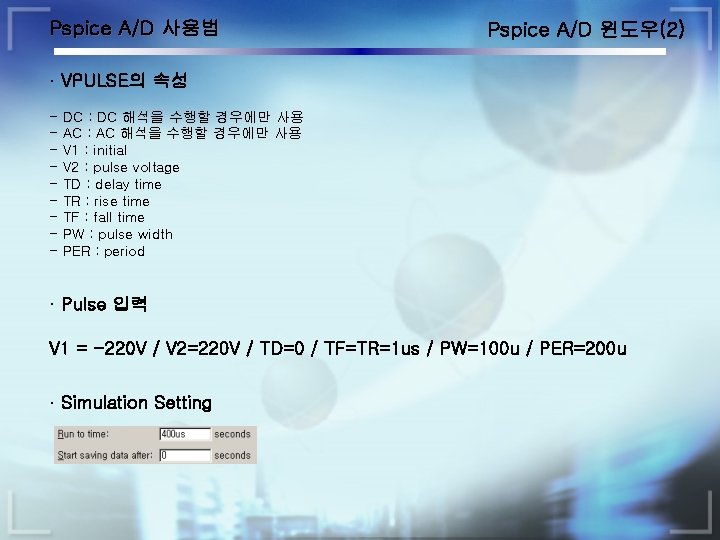
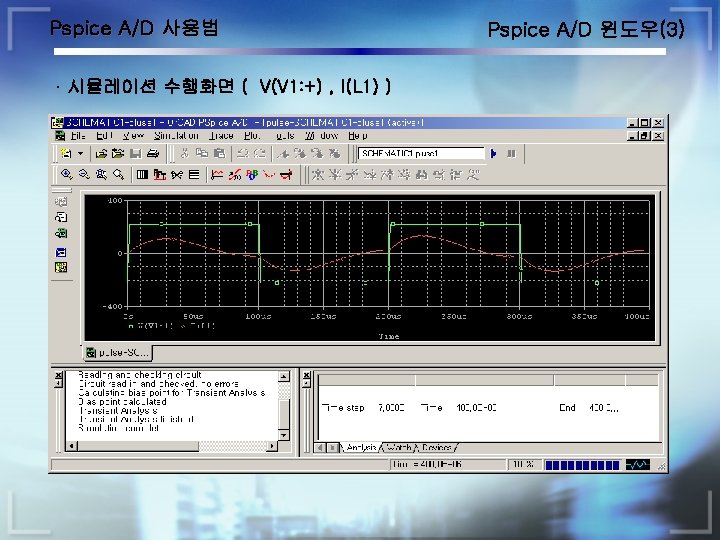
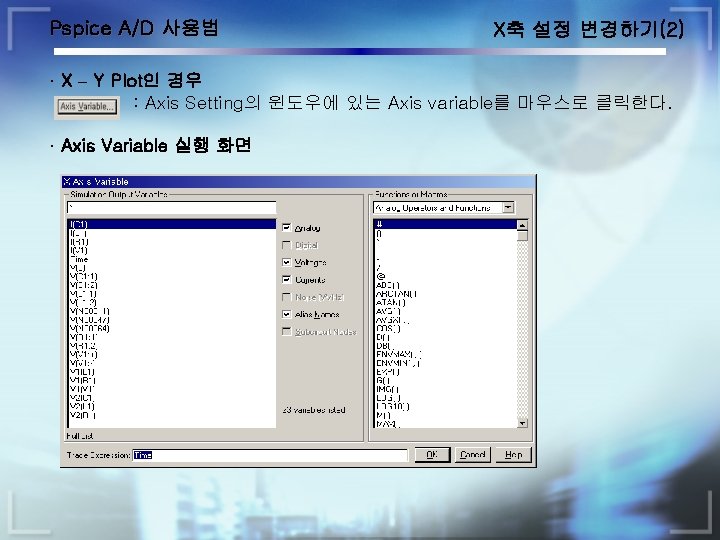
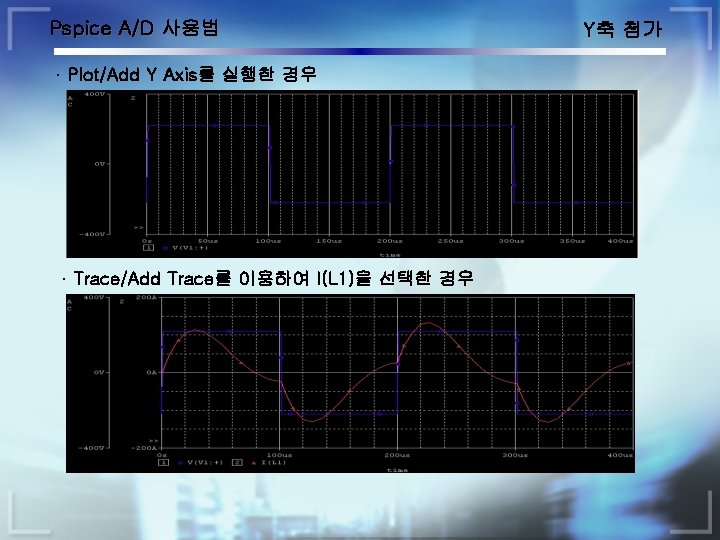
Pspice A/D 사용법 Pspice A/D 윈도우(2) · VPULSE의 속성 - DC : DC 해석을 수행할 경우에만 사용 AC : AC 해석을 수행할 경우에만 사용 V 1 : initial V 2 : pulse voltage TD : delay time TR : rise time TF : fall time PW : pulse width PER : period · Pulse 입력 V 1 = -220 V / V 2=220 V / TD=0 / TF=TR=1 us / PW=100 u / PER=200 u · Simulation Setting
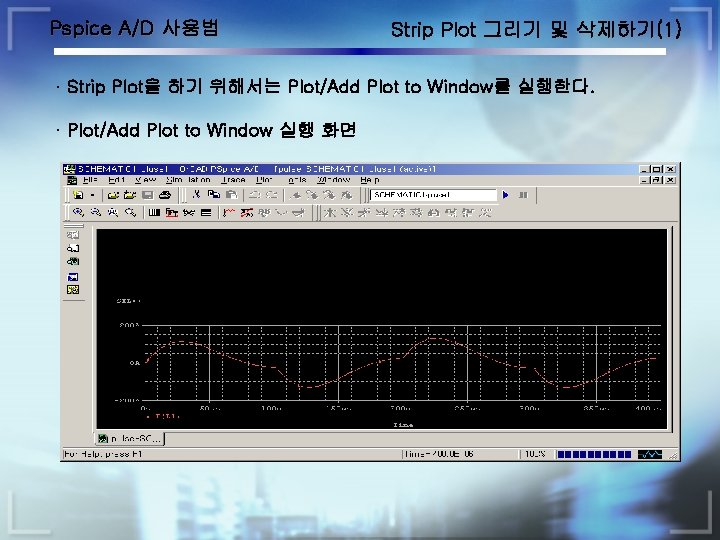
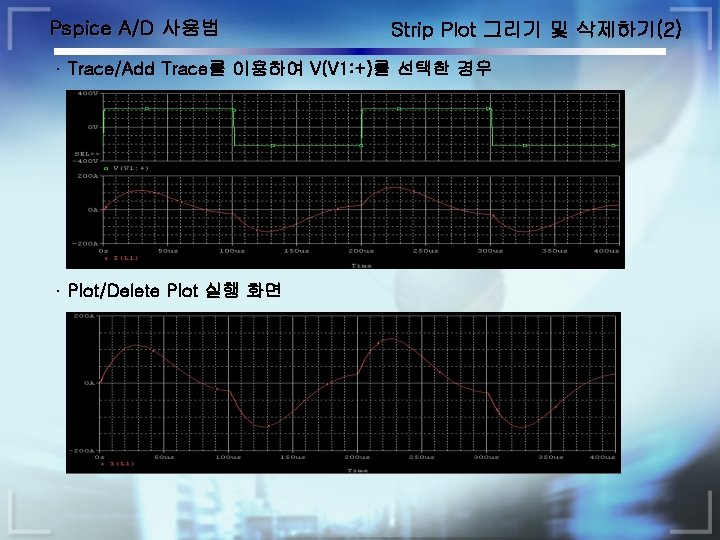
Pspice A/D 사용법 Strip Plot 그리기 및 삭제하기(1) · Strip Plot을 하기 위해서는 Plot/Add Plot to Window를 실행한다. · Plot/Add Plot to Window 실행 화면