Hello and welcome For students in 3 rd
- Slides: 50
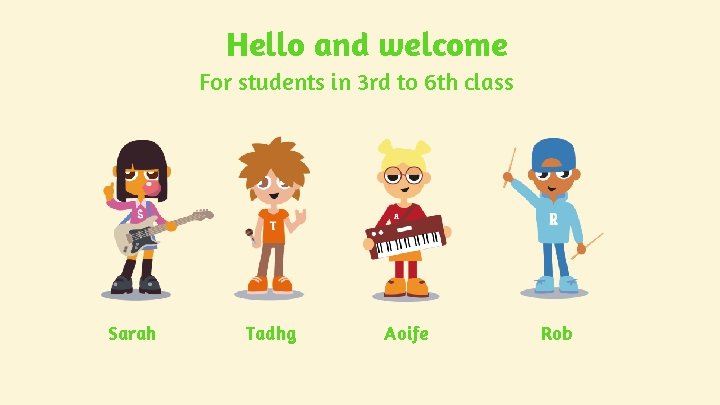
Hello and welcome For students in 3 rd to 6 th class Sarah Tadhg Aoife Rob
What do you use the internet for?
To create?
For fun?
To learn new things?
To talk to others?
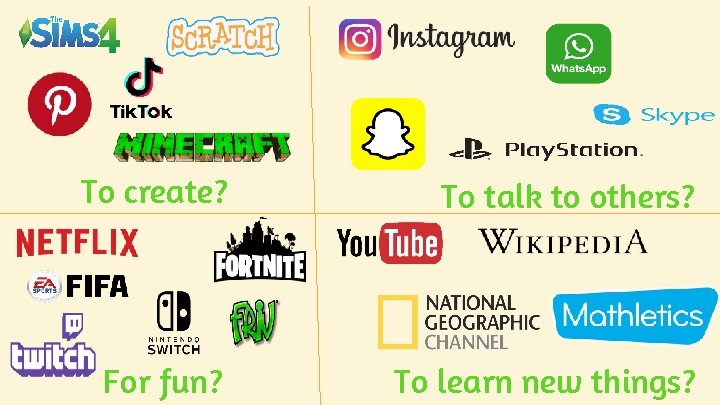
To create? To talk to others? For fun? To learn new things?
Do activity 1 on your worksheet
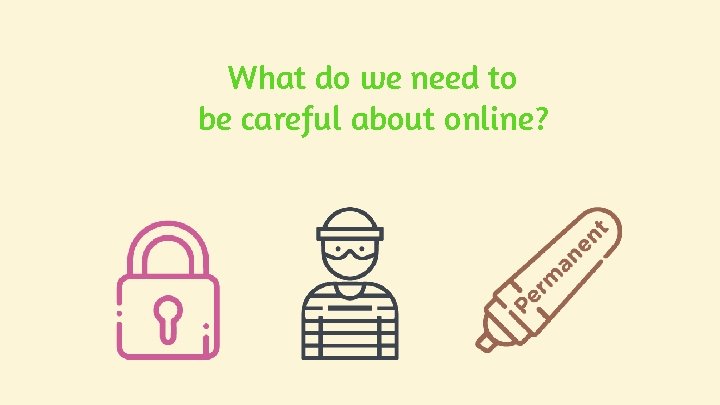
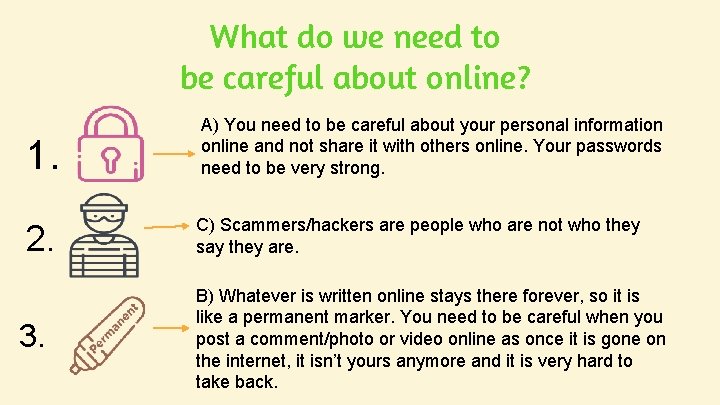
What do we need to be careful about online?
Do activity 2 on your worksheet
What do we need to be careful about online? 1. A) You need to be careful about your personal information online and not share it with others online. Your passwords need to be very strong. 2. C) Scammers/hackers are people who are not who they say they are. 3. B) Whatever is written online stays there forever, so it is like a permanent marker. You need to be careful when you post a comment/photo or video online as once it is gone on the internet, it isn’t yours anymore and it is very hard to take back.
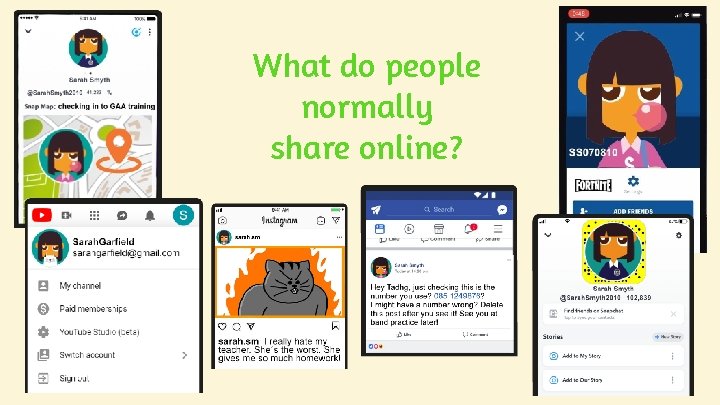
What do people normally share online?
What information should we not share online?
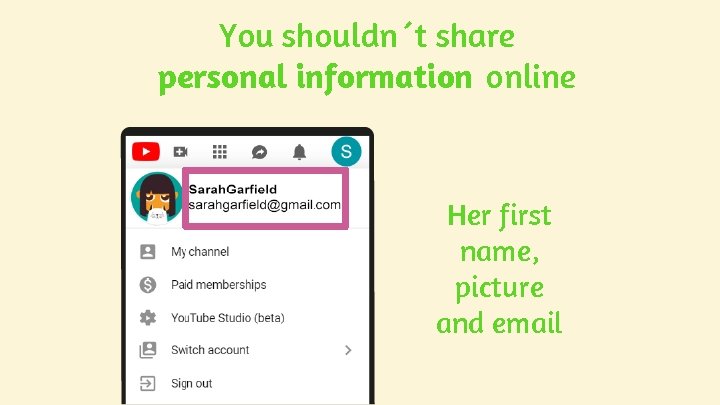
You shouldn´t share personal information online Her first name, picture and email
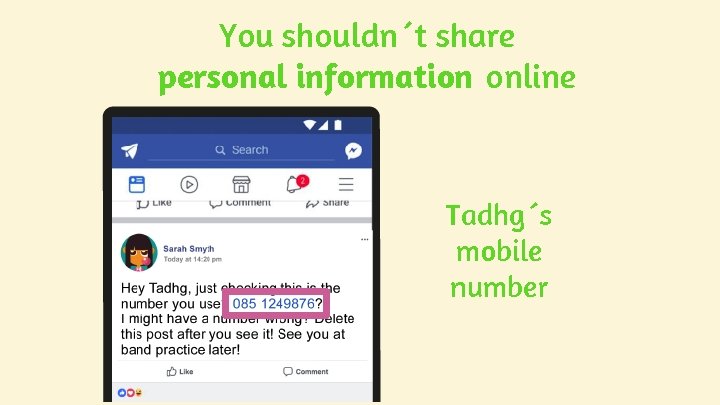
You shouldn´t share personal information online Tadhg´s mobile number
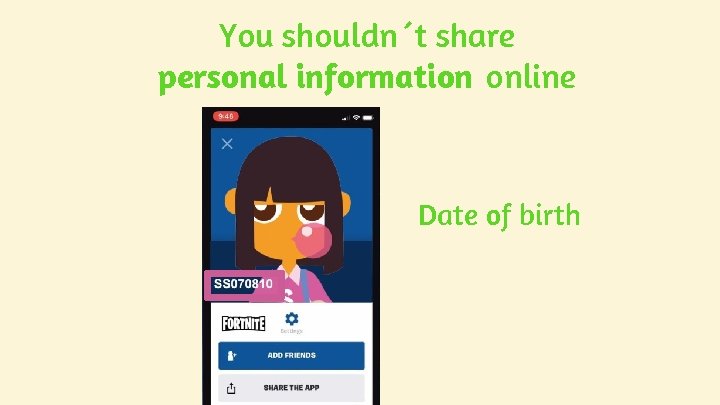
You shouldn´t share personal information online Date of birth
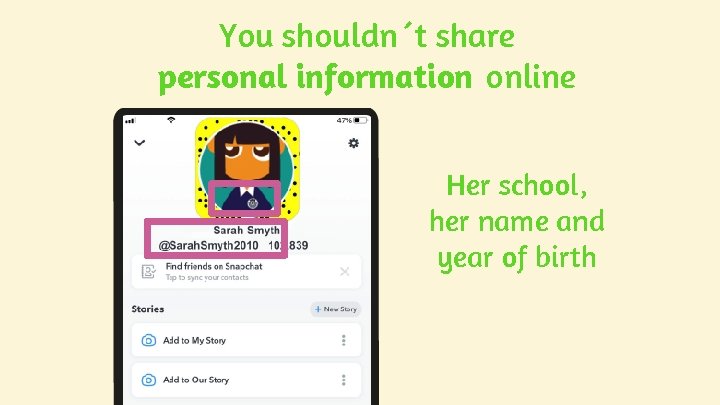
You shouldn´t share personal information online Her school, her name and year of birth
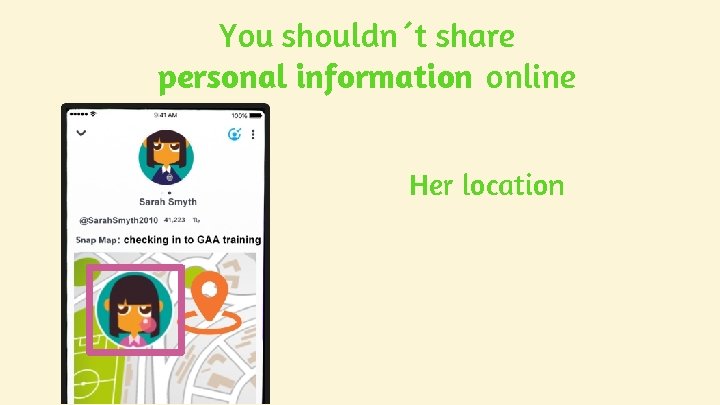
You shouldn´t share personal information online Her location
Let’s learn more about personal information
Do activity 3 on your worksheet
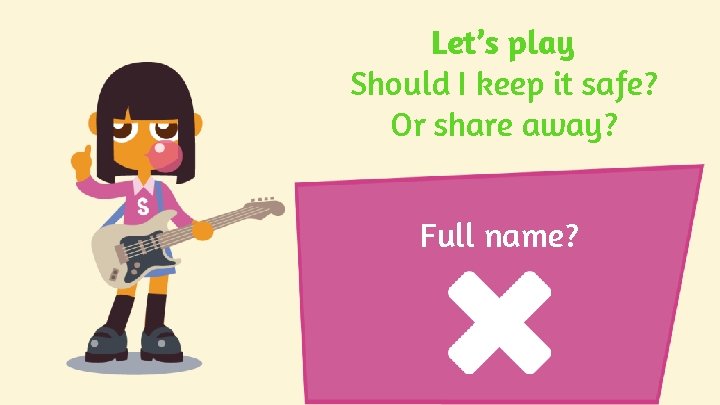
Let’s play Should I keep it safe? Or share away? Full name?
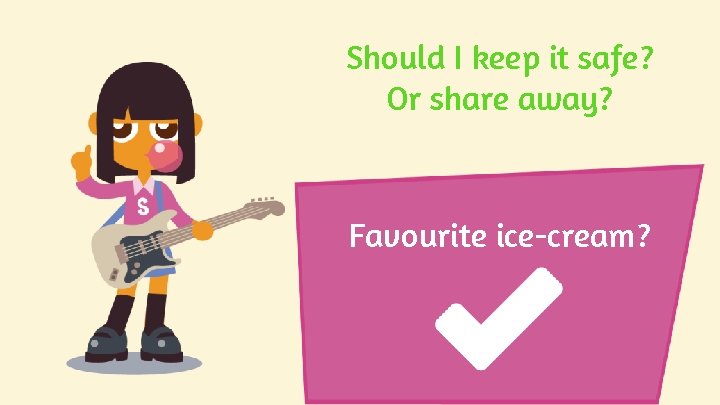
Should I keep it safe? Or share away? Favourite ice-cream?
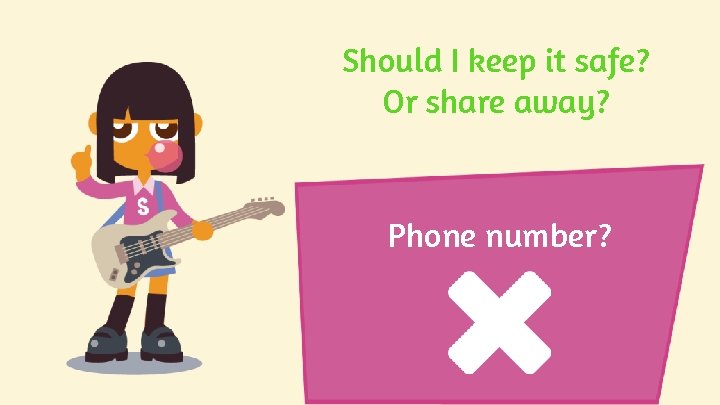
Should I keep it safe? Or share away? Phone number?
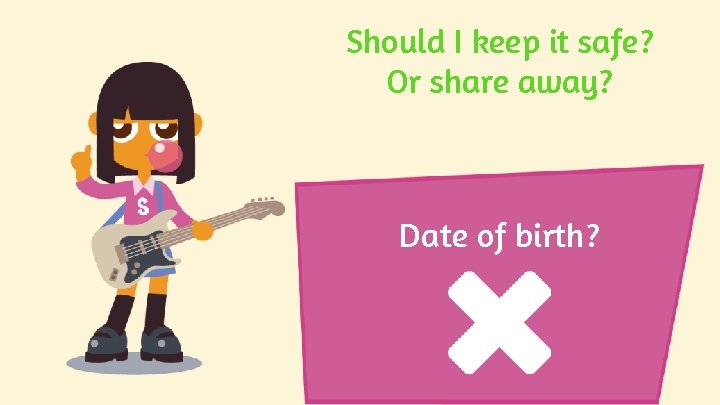
Should I keep it safe? Or share away? Date of birth?
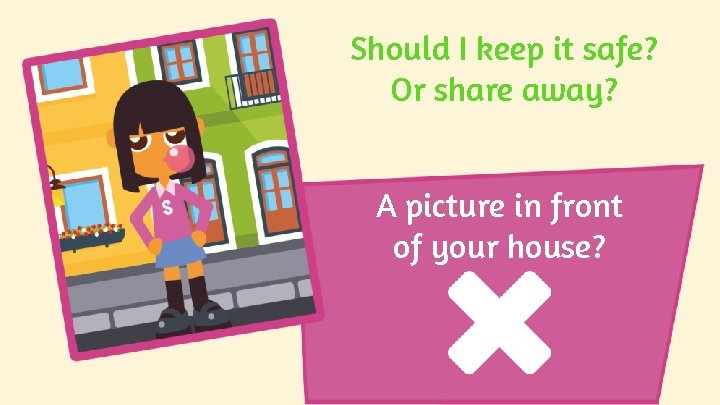
Should I keep it safe? Or share away? A picture in front of your house?
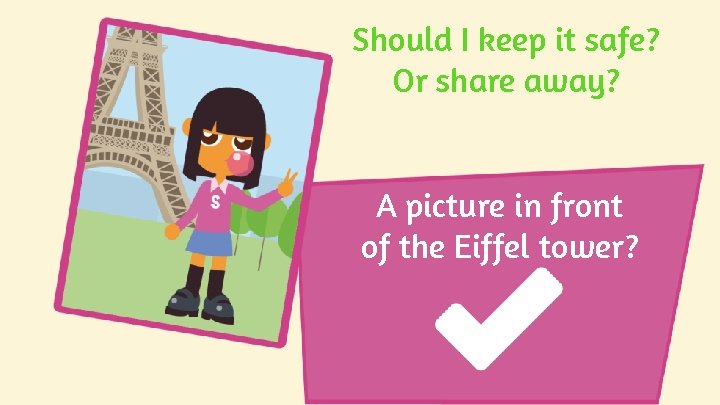
Should I keep it safe? Or share away? A picture in front of the Eiffel tower?
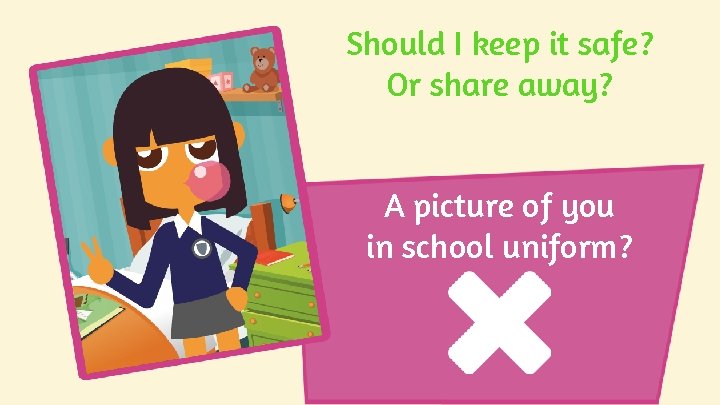
Should I keep it safe? Or share away? A picture of you in school uniform?
Do activity 3 on your worksheet
Remember, in online gaming, talk only about the game, not about your personal information
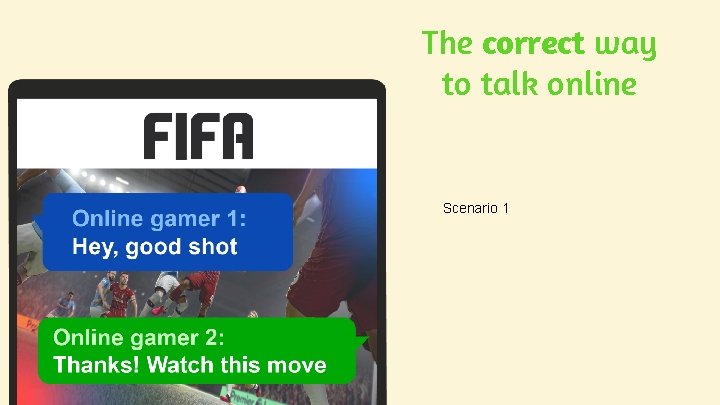
The correct way to talk online Scenario 1
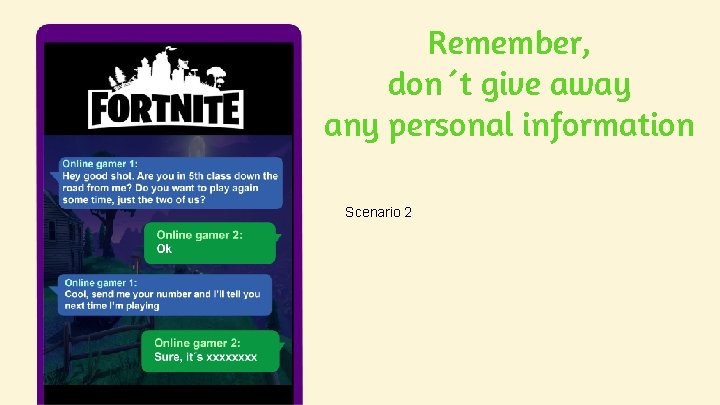
Remember, don´t give away any personal information Scenario 2
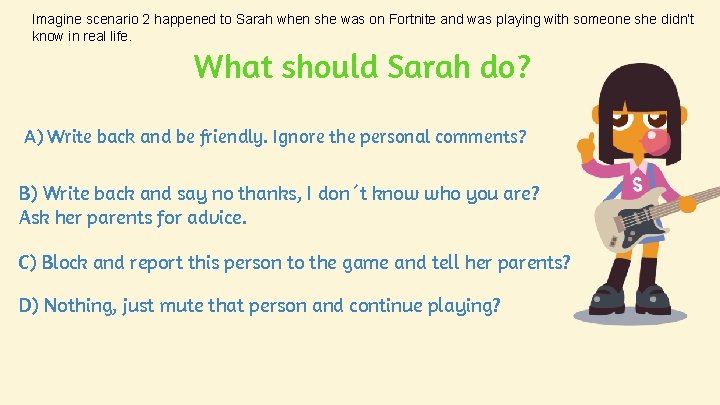
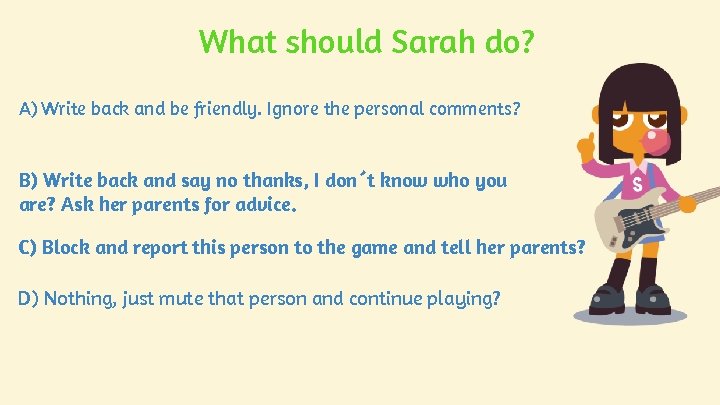
Imagine scenario 2 happened to Sarah when she was on Fortnite and was playing with someone she didn’t know in real life. What should Sarah do? A) Write back and be friendly. Ignore the personal comments? B) Write back and say no thanks, I don´t know who you are? Ask her parents for advice. C) Block and report this person to the game and tell her parents? D) Nothing, just mute that person and continue playing?
Do activity 4 on your worksheet
What should Sarah do? A) Write back and be friendly. Ignore the personal comments? B) Write back and say no thanks, I don´t know who you are? Ask her parents for advice. C) Block and report this person to the game and tell her parents? D) Nothing, just mute that person and continue playing?
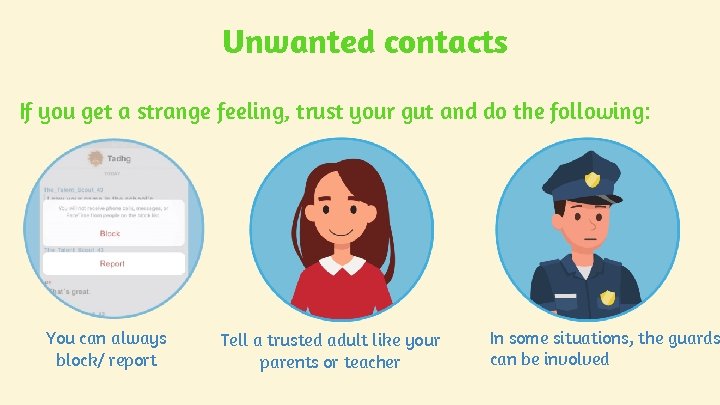
Unwanted contacts If you get a strange feeling, trust your gut and do the following: You can always block/ report Tell a trusted adult like your parents or teacher In some situations, the guards can be involved
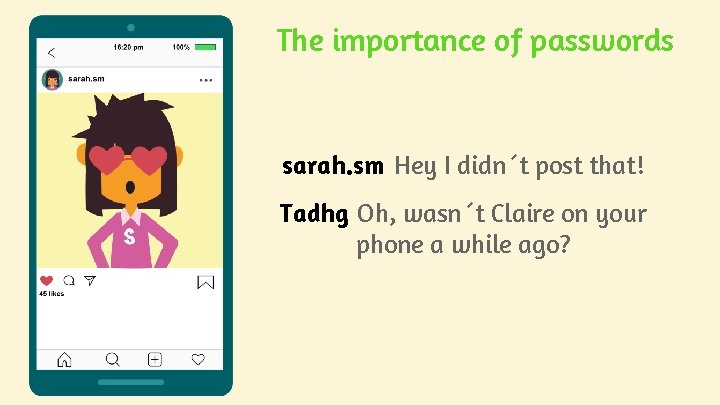
The importance of passwords sarah. sm Hey I didn´t post that! Tadhg Oh, wasn´t Claire on your phone a while ago?
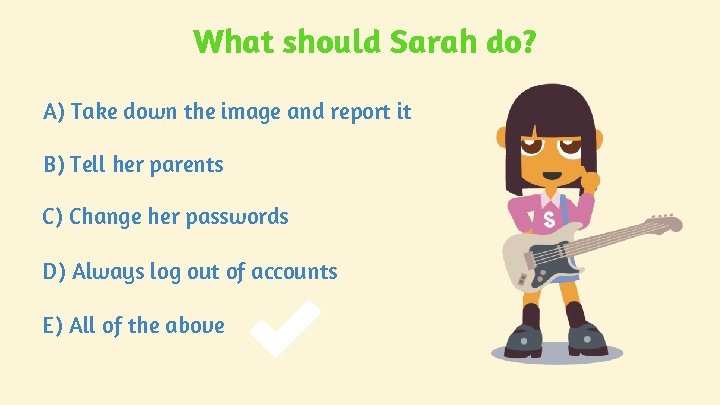
What should Sarah do? A) Take down the image and report it B) Tell her parents C) Change her passwords D) Always log out of accounts E) All of the above
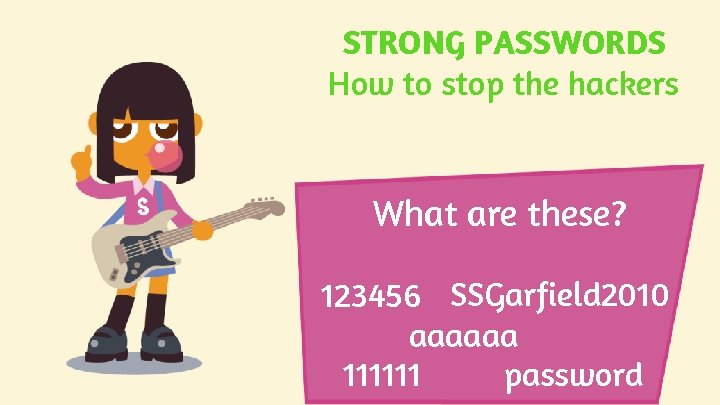
STRONG PASSWORDS How to stop the hackers What are these? 123456 SSGarfield 2010 aaaaaa 111111 password
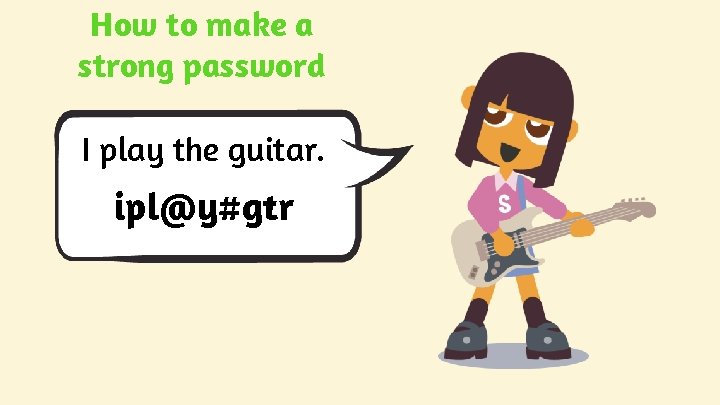
How to make a strong password I play the guitar. ipl@y#gtr
Practice making up passwords See if you can make up a password?
Do activity 5 on your worksheet
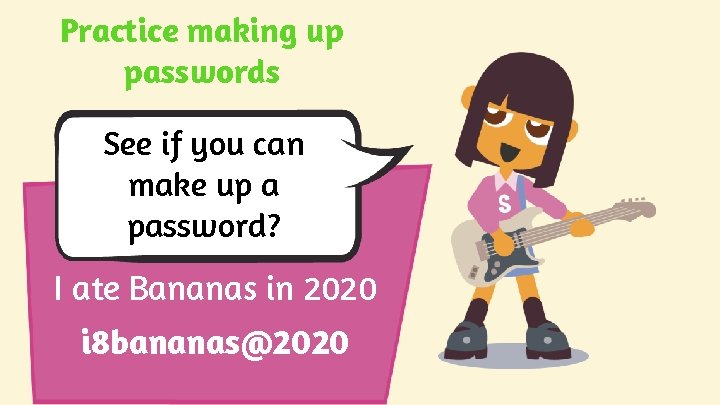
Practice making up passwords See if you can make up a password? I ate Bananas in 2020 i 8 bananas@2020
Do activity 6 on your worksheet
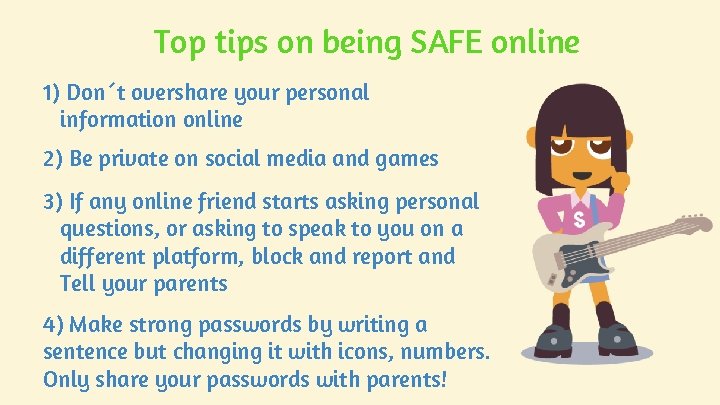
Top tips on being SAFE online 1) Don´t overshare your personal information online 2) Be private on social media and games 3) If any online friend starts asking personal questions, or asking to speak to you on a different platform, block and report and Tell your parents 4) Make strong passwords by writing a sentence but changing it with icons, numbers. Only share your passwords with parents!
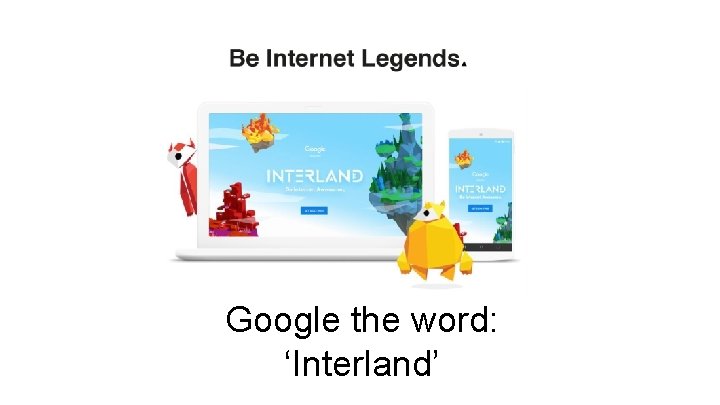
Google the word: ‘Interland’