ECE 355 Software Engineering Instructor Kostas Kontogiannis 1
- Slides: 58
ECE 355: Software Engineering Instructor: Kostas Kontogiannis 1
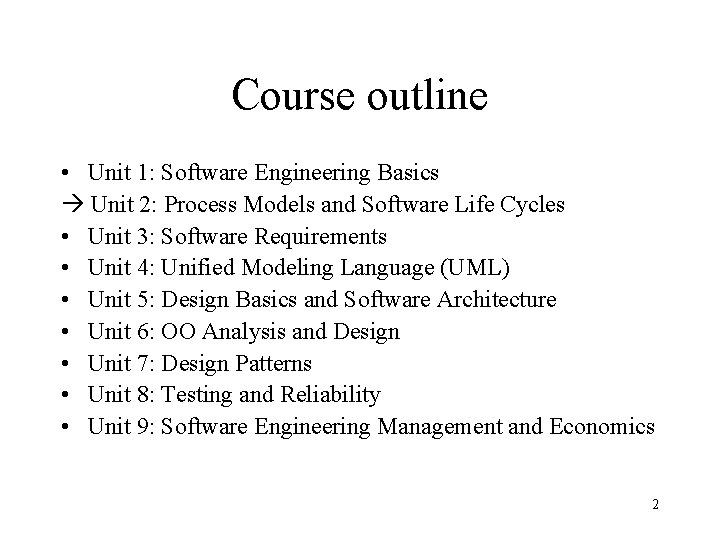
Course outline • Unit 1: Software Engineering Basics Unit 2: Process Models and Software Life Cycles • Unit 3: Software Requirements • Unit 4: Unified Modeling Language (UML) • Unit 5: Design Basics and Software Architecture • Unit 6: OO Analysis and Design • Unit 7: Design Patterns • Unit 8: Testing and Reliability • Unit 9: Software Engineering Management and Economics 2
Reference • These slides are based on: – Lecture slides by Ian Summerville, see http: //www. comp. lancs. ac. uk/computing/resources/ser/ 3
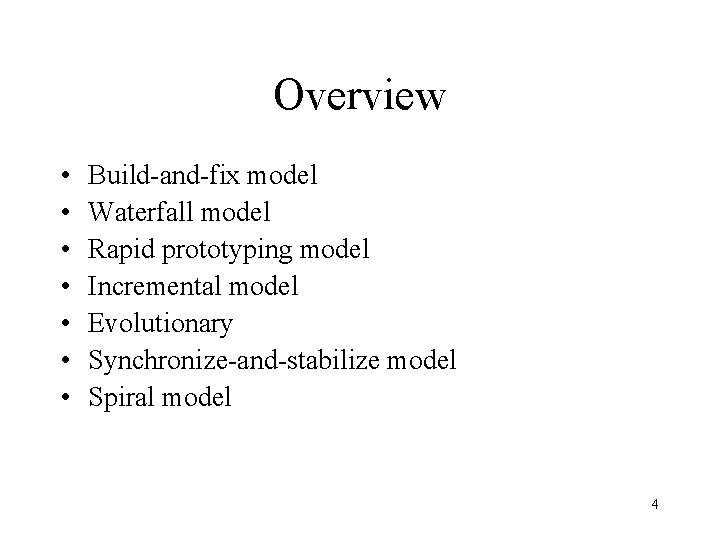
Overview • • Build-and-fix model Waterfall model Rapid prototyping model Incremental model Evolutionary Synchronize-and-stabilize model Spiral model 4
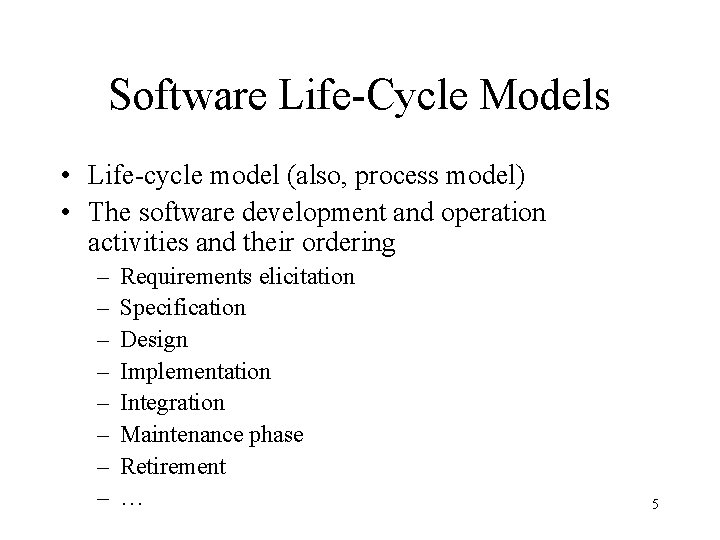
Software Life-Cycle Models • Life-cycle model (also, process model) • The software development and operation activities and their ordering – – – – Requirements elicitation Specification Design Implementation Integration Maintenance phase Retirement … 5
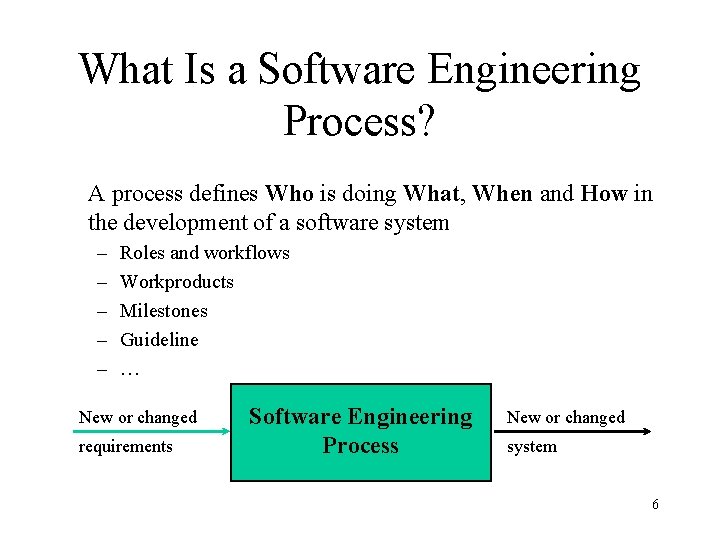
What Is a Software Engineering Process? A process defines Who is doing What, When and How in the development of a software system – – – Roles and workflows Workproducts Milestones Guideline … New or changed requirements Software Engineering Process New or changed system 6
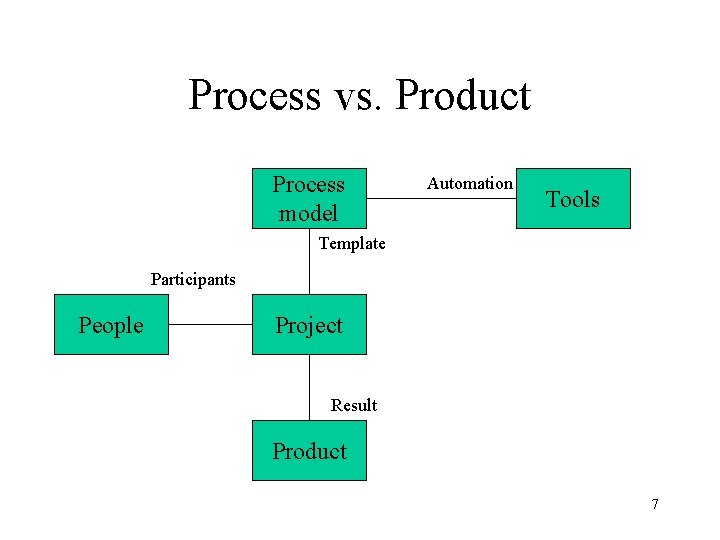
Process vs. Product Process model Automation Tools Template Participants People Project Result Product 7
An Effective Process. . . • Provides guidelines for efficient development of quality software • Reduces risk and increases predictability • Captures and presents best practices – Learn from other’s experiences – Mentor on your desktop – Extension of training material • Promotes common vision and culture • Provides roadmap for applying tools • Delivers information on-line, at your finger tips 8
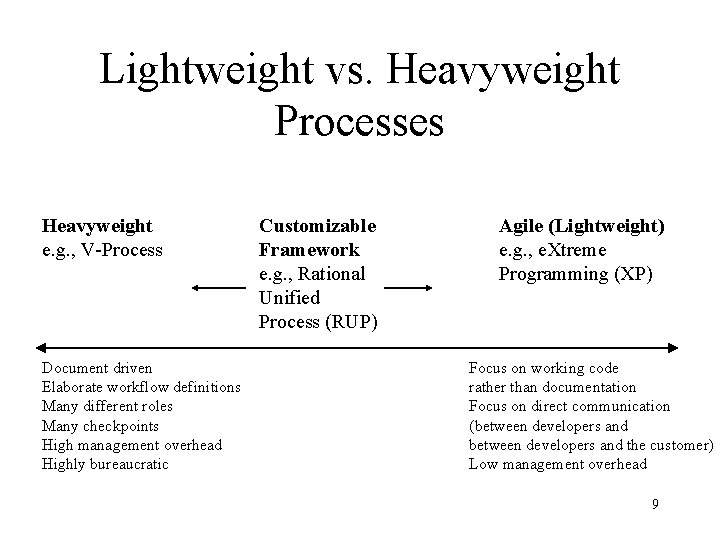
Lightweight vs. Heavyweight Processes Heavyweight e. g. , V-Process Document driven Elaborate workflow definitions Many different roles Many checkpoints High management overhead Highly bureaucratic Customizable Framework e. g. , Rational Unified Process (RUP) Agile (Lightweight) e. g. , e. Xtreme Programming (XP) Focus on working code rather than documentation Focus on direct communication (between developers and the customer) Low management overhead 9
Process choice • Process used should depend on type of product which is being developed – For large systems, management is usually the principal problem so you need a strictly managed process. For smaller systems, more informality is possible. • High costs may be incurred if you force an inappropriate process on a development team 10 ©Ian Sommerville 1995 [modified]
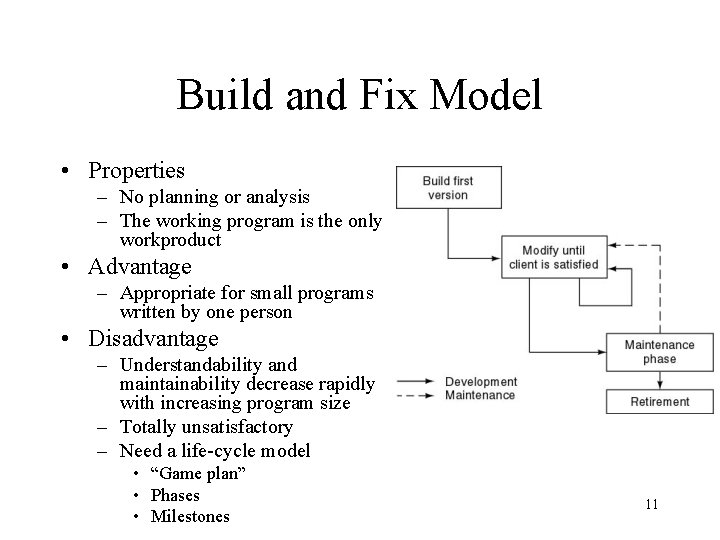
Build and Fix Model • Properties – No planning or analysis – The working program is the only workproduct • Advantage – Appropriate for small programs written by one person • Disadvantage – Understandability and maintainability decrease rapidly with increasing program size – Totally unsatisfactory – Need a life-cycle model • “Game plan” • Phases • Milestones 11
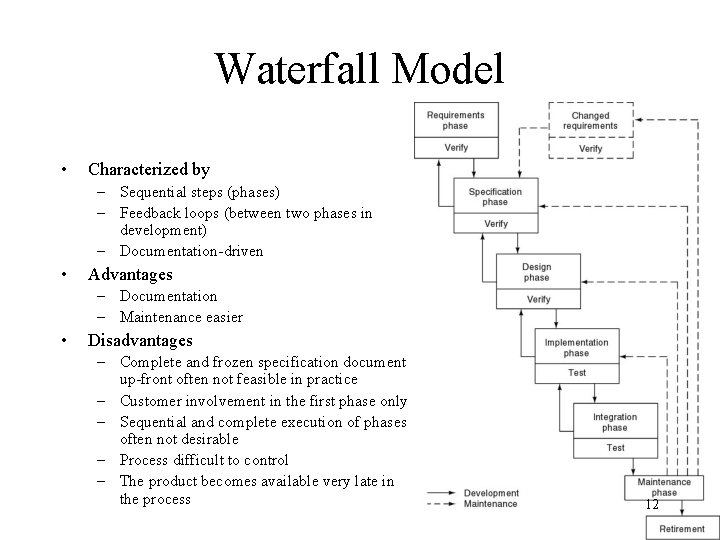
Waterfall Model • Characterized by – Sequential steps (phases) – Feedback loops (between two phases in development) – Documentation-driven • Advantages – Documentation – Maintenance easier • Disadvantages – Complete and frozen specification document up-front often not feasible in practice – Customer involvement in the first phase only – Sequential and complete execution of phases often not desirable – Process difficult to control – The product becomes available very late in the process 12
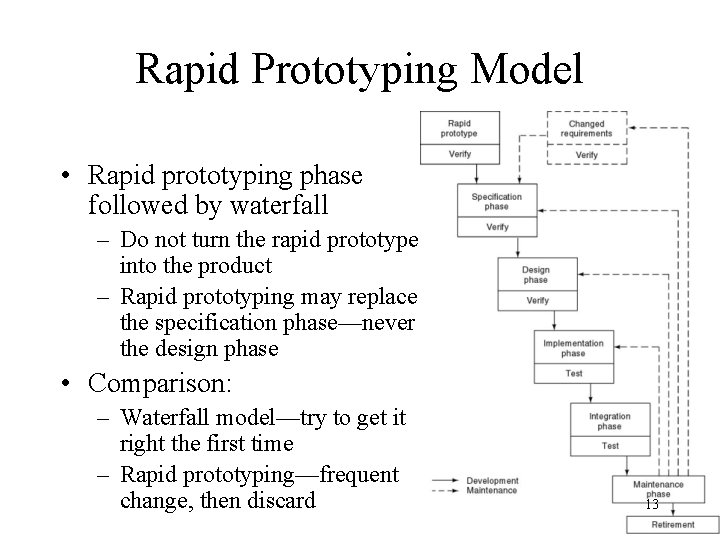
Rapid Prototyping Model • Rapid prototyping phase followed by waterfall – Do not turn the rapid prototype into the product – Rapid prototyping may replace the specification phase—never the design phase • Comparison: – Waterfall model—try to get it right the first time – Rapid prototyping—frequent change, then discard 13
Advantages and Disadvantages • Advantages – Requirements better specified and validated – Early feasibility analysis – Strong involvement of the customer in the prototyping phase • Disadvantage – Higher development effort – Danger that due to schedule slip, the prototype becomes part of the product 14
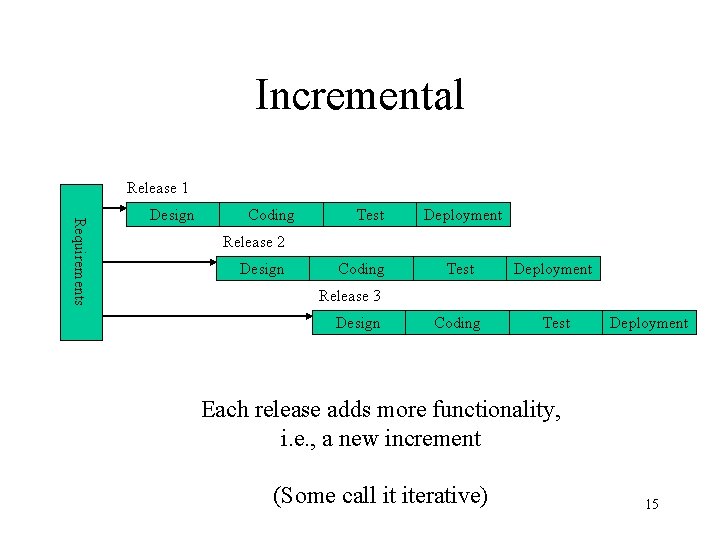
Incremental Release 1 Requirements Design Coding Test Deployment Release 2 Design Coding Test Deployment Coding Test Release 3 Design Deployment Each release adds more functionality, i. e. , a new increment (Some call it iterative) 15
Incremental Model (contd) • Waterfall, rapid prototyping models – Operational quality complete product at end • Incremental model – Operational quality portion of product within weeks • Less traumatic • Smaller capital outlay, rapid return on investment 16
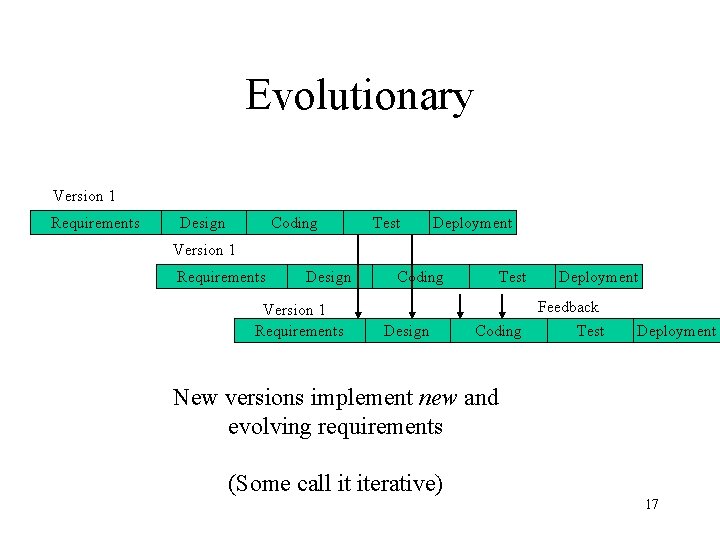
Evolutionary Version 1 Requirements Design Coding Test Deployment Version 1 Requirements Design Version 1 Requirements Coding Design Test Deployment Feedback Coding Test Deployment New versions implement new and evolving requirements (Some call it iterative) 17
Evolutionary Model (contd) • Advantages – Constant customer involvement and validation – Allows for good risk management • Disadvantages – Build-and-fix danger – Contradiction in terms 18
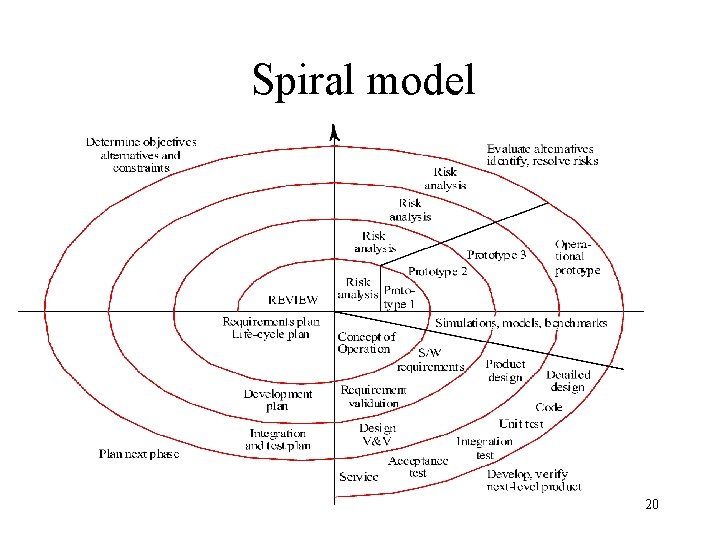
Spiral model • Waterfall model plus risk analysis preceding each phase and evaluation following each phase • Prototyping for high-risk specifications • Radial dimension: cumulative cost to date • Angular dimension: progress through the spiral • If all risks cannot be resolved, the project is immediately terminated • Appropriate only for big projects (high management overhead) 19
Spiral model 20
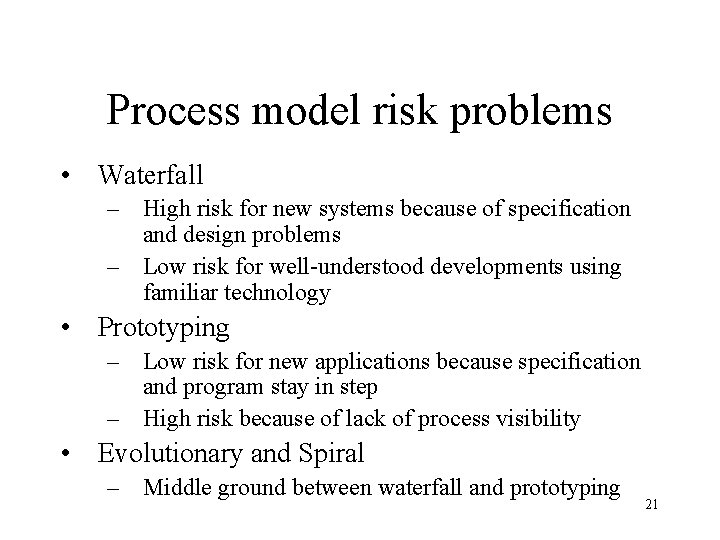
Process model risk problems • Waterfall – High risk for new systems because of specification and design problems – Low risk for well-understood developments using familiar technology • Prototyping – Low risk for new applications because specification and program stay in step – High risk because of lack of process visibility • Evolutionary and Spiral – Middle ground between waterfall and prototyping 21
Hybrid process models • Large systems are usually made up of several sub-systems • The same process model need not be used for all subsystems • Prototyping for high-risk specifications • Waterfall model for well-understood developments • Taylor the process to a problem 22
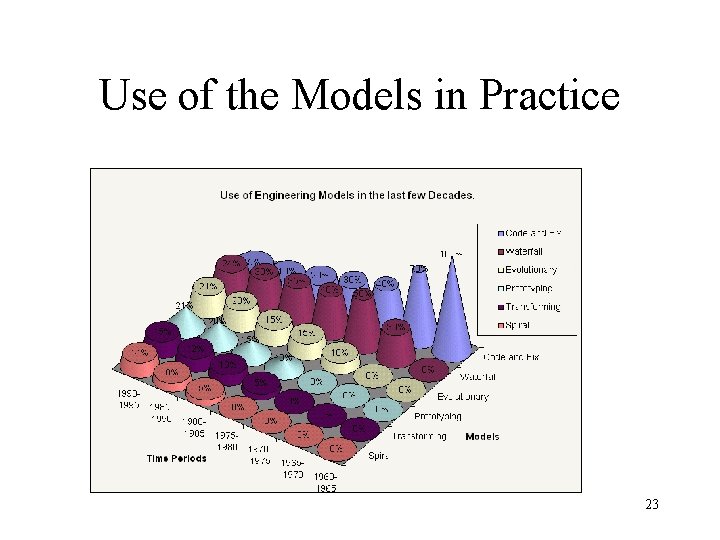
Use of the Models in Practice 23
Process improvement • The fundamental problem with software – The software process is badly managed • Understanding existing processes • Introducing process changes to achieve organisational objectives which are usually focused on quality improvement, cost reduction and schedule acceleration 24 ©Ian Sommerville 1995 [modified]
Reference • These slides are based on: – Lecture slides by Ian Summerville, see http: //www. comp. lancs. ac. uk/computing/resources/ser/ 25
Rational Unified Process – Main Characteristics • • • Iterative and incremental Use-case-driven Architecture-centric Uses UML as its modeling notation Process framework – Comprehensive set of document templates, process workflow templates, and process guidelines – Distributed by IBM/Rational on a CD 26
Rational Unified Process Is Use. Case-Driven • Use cases are concise, simple, and understandable by a wide range of stakeholders – End users, developers and acquirers understand functional requirements of the system • Use cases drive numerous activities in the process: – – – Creation and validation of the design model Definition of test cases and procedures of the test model Planning of iterations Creation of user documentation System deployment • Use cases help synchronize the content of different models 27
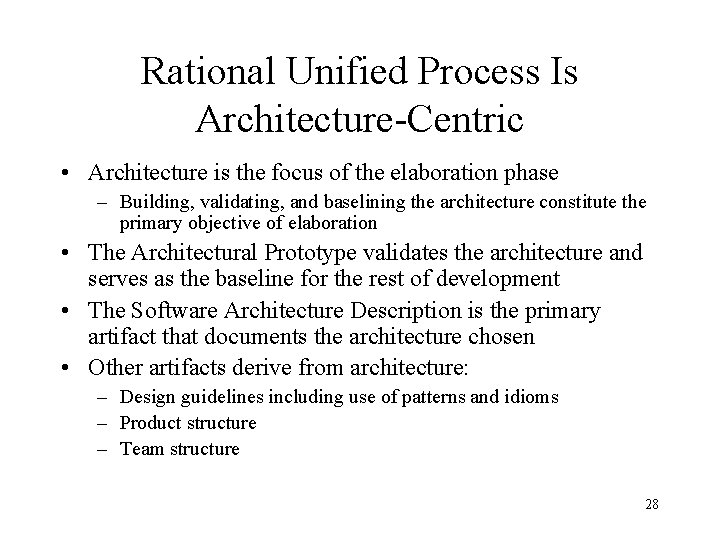
Rational Unified Process Is Architecture-Centric • Architecture is the focus of the elaboration phase – Building, validating, and baselining the architecture constitute the primary objective of elaboration • The Architectural Prototype validates the architecture and serves as the baseline for the rest of development • The Software Architecture Description is the primary artifact that documents the architecture chosen • Other artifacts derive from architecture: – Design guidelines including use of patterns and idioms – Product structure – Team structure 28
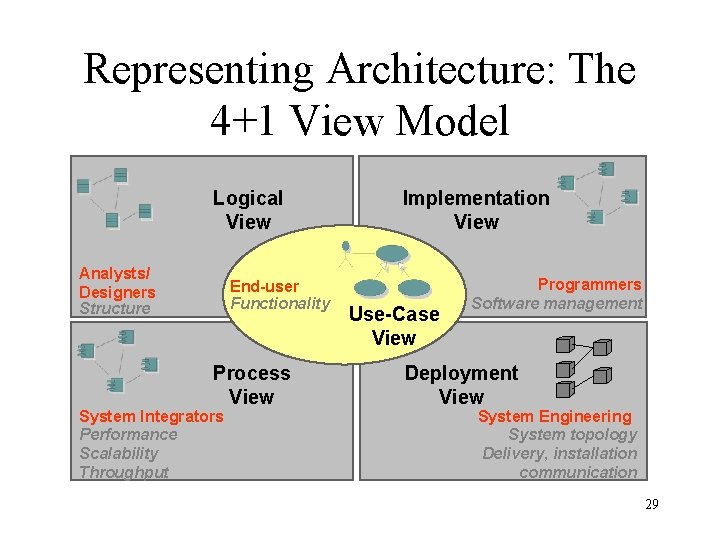
Representing Architecture: The 4+1 View Model Logical View Analysts/ Designers Structure End-user Functionality Process View System Integrators Performance Scalability Throughput Implementation View Use-Case View Programmers Software management Deployment View System Engineering System topology Delivery, installation communication 29
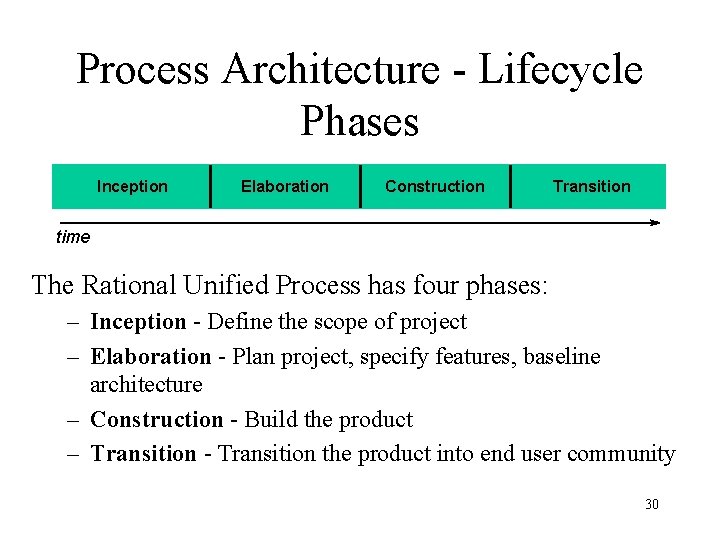
Process Architecture - Lifecycle Phases Inception Elaboration Construction Transition time The Rational Unified Process has four phases: – Inception - Define the scope of project – Elaboration - Plan project, specify features, baseline architecture – Construction - Build the product – Transition - Transition the product into end user community 30
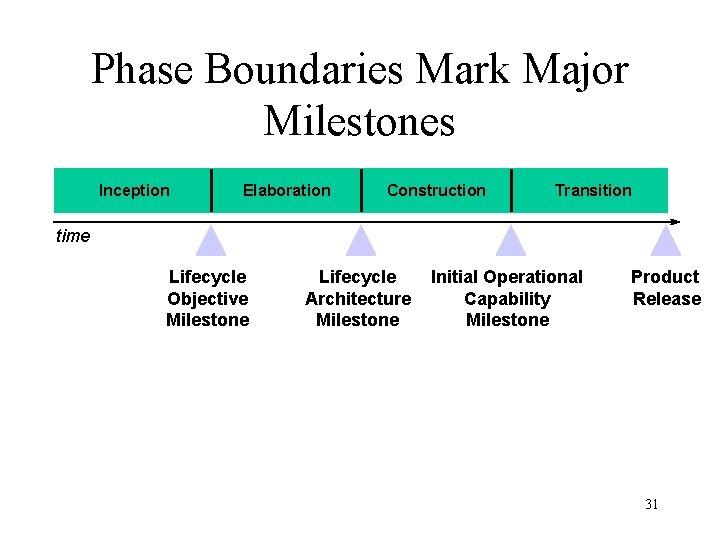
Phase Boundaries Mark Major Milestones Inception Elaboration Construction Transition time Lifecycle Objective Milestone Lifecycle Architecture Milestone Initial Operational Capability Milestone Product Release 31
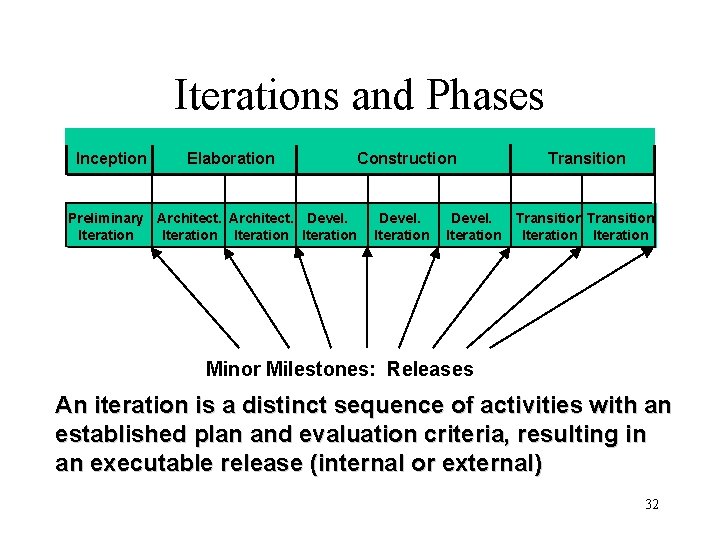
Iterations and Phases Inception Elaboration Construction Preliminary Architect. Devel. Iteration Devel. Iteration Transition Devel. Transition Iteration Minor Milestones: Releases An iteration is a distinct sequence of activities with an established plan and evaluation criteria, resulting in an executable release (internal or external) 32
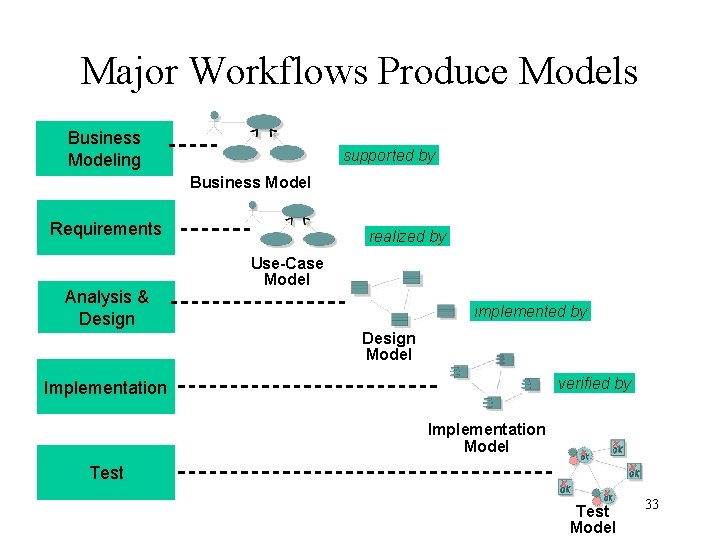
Major Workflows Produce Models Business Modeling supported by Business Model Requirements Analysis & Design realized by Use-Case Model implemented by Design Model verified by Implementation Model Test Model 33
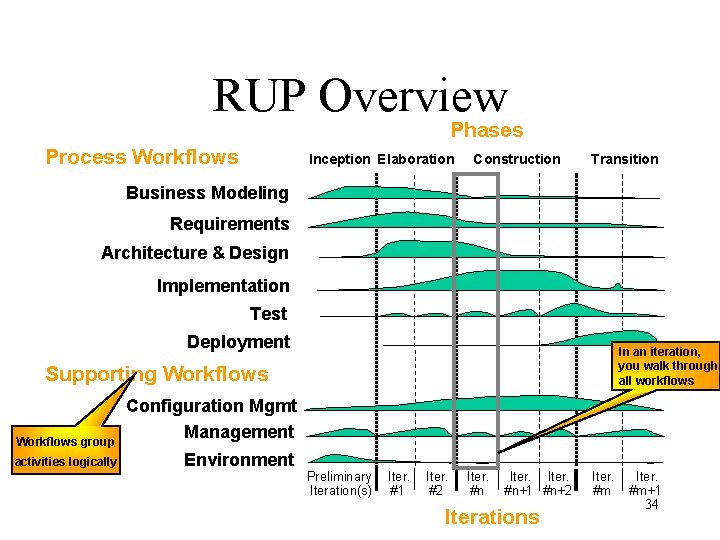
RUP Overview Phases Process Workflows Inception Elaboration Construction Transition Business Modeling Requirements Architecture & Design Implementation Test Deployment In an iteration, you walk through all workflows Supporting Workflows group activities logically Configuration Mgmt Management Environment Preliminary Iteration(s) Iter. #1 Iter. #2 Iter. #n+1 #n+2 Iterations Iter. #m+1 34
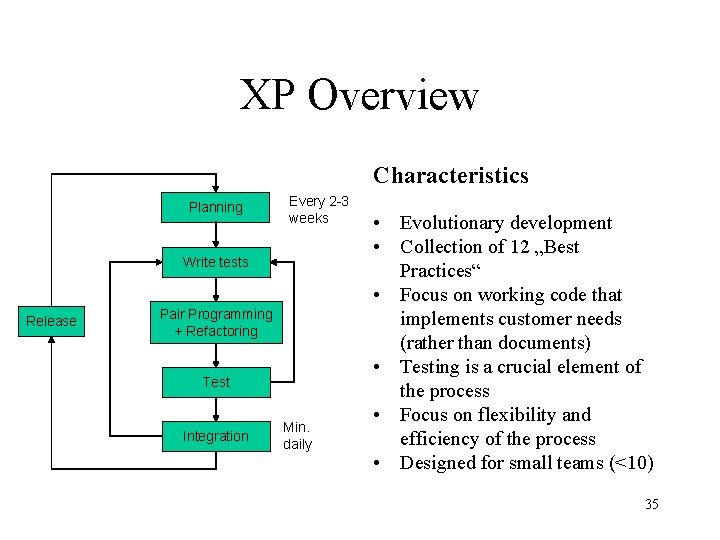
XP Overview Characteristics Planning Every 2 -3 weeks Write tests Release Pair Programming + Refactoring Test Integration Min. daily • Evolutionary development • Collection of 12 „Best Practices“ • Focus on working code that implements customer needs (rather than documents) • Testing is a crucial element of the process • Focus on flexibility and efficiency of the process • Designed for small teams (<10) 35
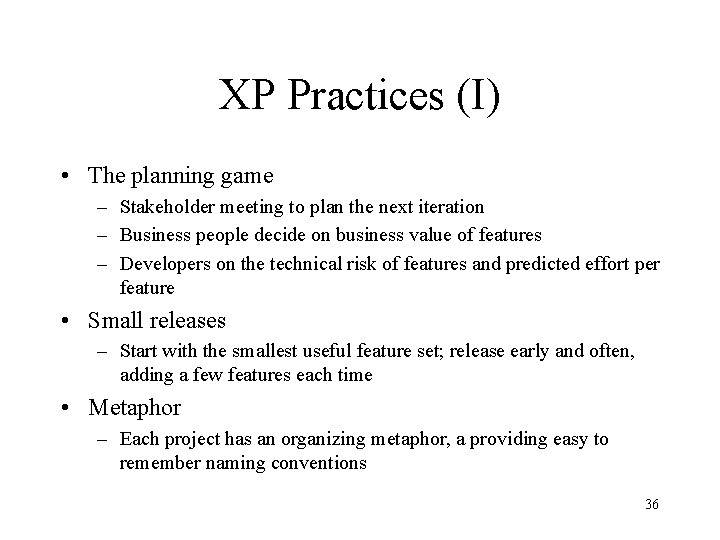
XP Practices (I) • The planning game – Stakeholder meeting to plan the next iteration – Business people decide on business value of features – Developers on the technical risk of features and predicted effort per feature • Small releases – Start with the smallest useful feature set; release early and often, adding a few features each time • Metaphor – Each project has an organizing metaphor, a providing easy to remember naming conventions 36
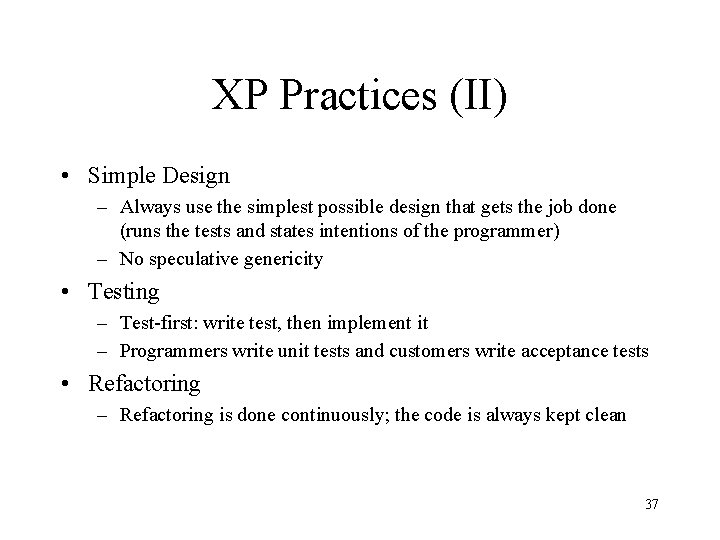
XP Practices (II) • Simple Design – Always use the simplest possible design that gets the job done (runs the tests and states intentions of the programmer) – No speculative genericity • Testing – Test-first: write test, then implement it – Programmers write unit tests and customers write acceptance tests • Refactoring – Refactoring is done continuously; the code is always kept clean 37
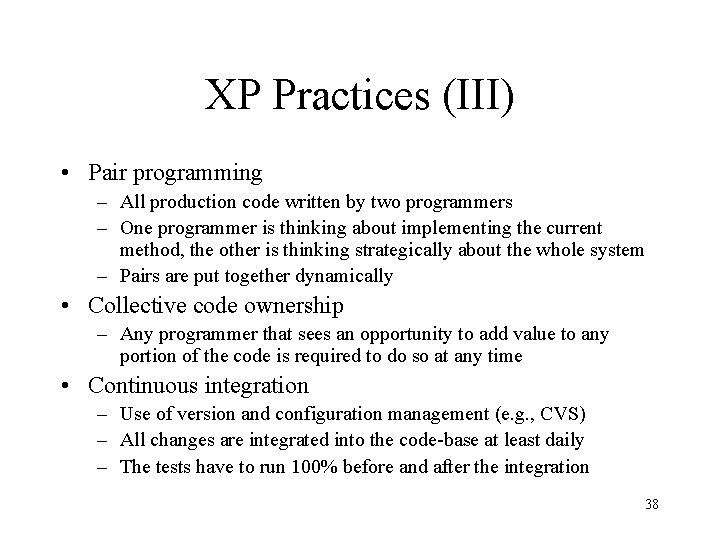
XP Practices (III) • Pair programming – All production code written by two programmers – One programmer is thinking about implementing the current method, the other is thinking strategically about the whole system – Pairs are put together dynamically • Collective code ownership – Any programmer that sees an opportunity to add value to any portion of the code is required to do so at any time • Continuous integration – Use of version and configuration management (e. g. , CVS) – All changes are integrated into the code-base at least daily – The tests have to run 100% before and after the integration 38
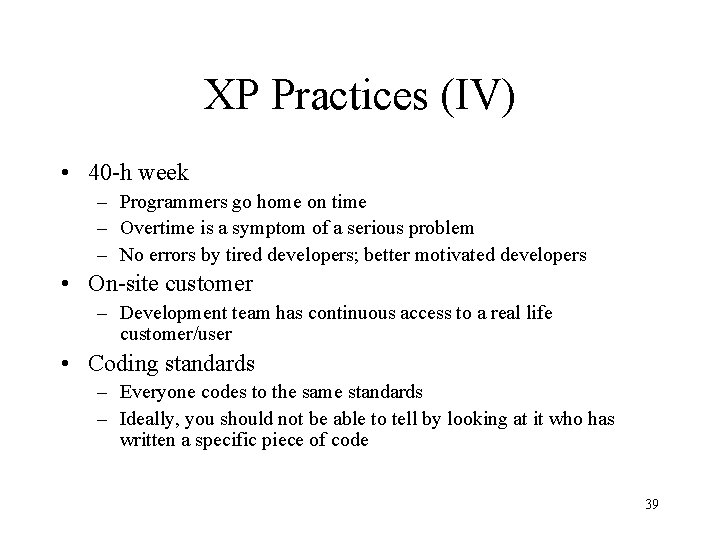
XP Practices (IV) • 40 -h week – Programmers go home on time – Overtime is a symptom of a serious problem – No errors by tired developers; better motivated developers • On-site customer – Development team has continuous access to a real life customer/user • Coding standards – Everyone codes to the same standards – Ideally, you should not be able to tell by looking at it who has written a specific piece of code 39
XP Advantages • Integrated, simple concept • Low management overhead (no complicated procedures to follow, no documentation to maintain, direct communication, pair programming) • Continuous risk management (early feedback from the customer) • Continuous effort estimation • Emphasis on testing; tests help in evolution and maintenance 40
XP Disadvantages • Appropriate for small teams (up to 10 developers) only (does not scale) • Large development groups may require more structures and documents • If maintainers are not the people that developed the code, good documentation is necessary • Generic design may be necessary to enable expected future development 41
Reading • RUP – Craig Larman, Applying UML and Patterns: An Introduction to Object. Oriented Analysis and Design and the Unified Process, Prentice-Hall, 2002 (2 nd edition) – Kendall Scott. The Unified Process Explained. Addison Wesley, 2001 • Agile development – Kent Beck, Extreme Programming: Explained, Addison-Wesley, 1999 – R. Jeffries, C. Hendrikson, A. Anderson, Extreme Programming Installed, Addison-Wesley, 2001 • http: //member. netease. com/~wooce/tip/se/ – Alistair Cockburn, Agile Software Development, Addison-Wesley 2002 • Online-Ressourcen – – http: //www. xprogramming. com http: //www. xprogramming. org http: //groups. yahoo. com/group/extremeprogramming http: //c 2. com 42
Process improvement stages • Process analysis – Model and analyse (quantitatively if possible) existing processes • Improvement identification – Identify quality, cost or schedule bottlenecks • Process change introduction – Modify the process to remove identified bottlenecks • Process change training – Train staff involved in new process proposals • Change tuning – Evolve and improve process improvements ©Ian Sommerville 1995 43
Software process improvement initiatives • Capability maturity model (CMM) – http: //www. sei. cmu. edu/cmms/cmms. html • ISO 9000 -series • ISO/IEC 15504 – Standard for Software Process Assessment (SPICE) – http: //www-sqi. cit. gu. edu. au/spice/ 44 ©Steven Schach 2002 [modified]
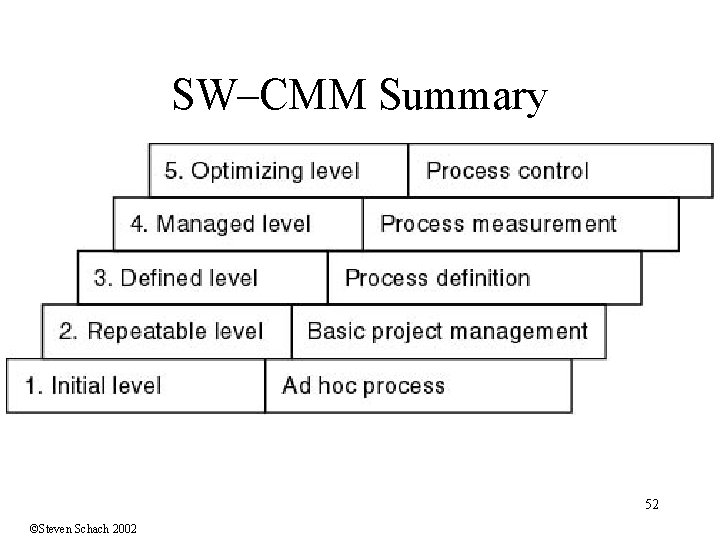
Capability Maturity Model • A set of strategies for improving the software process – – – SW–CMM for software P–CMM for human resources (“people”) SE–CMM for systems engineering IPD–CMM for integrated product development SA–CMM for software acquisition • These strategies are being unified into CMMI (capability maturity model integration) • Developed by Software Engineering Institute (SEI) ©Steven Schach 2002 [modified] 45
SW–CMM • A strategy for improving the software process • Put forward in 1986 by the SEI • Fundamental ideas: – Improving the software process leads to • Improved software quality • Delivery on time, within budget – Improved management leads to • Improved techniques • Five levels of “maturity” are defined • Organization advances stepwise from level to level 46 ©Steven Schach 2002
Level 1. Initial Level • Ad hoc approach – Entire process is unpredictable – Management consists of responses to crises • Most organizations world-wide are at level 1 47 ©Steven Schach 2002
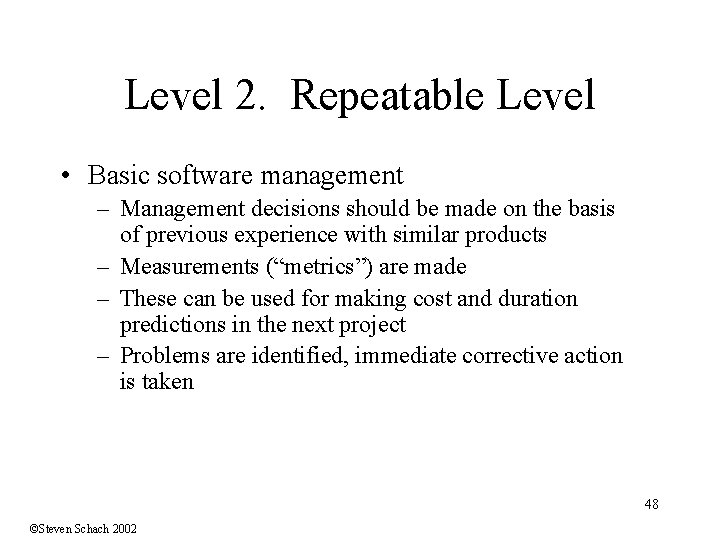
Level 2. Repeatable Level • Basic software management – Management decisions should be made on the basis of previous experience with similar products – Measurements (“metrics”) are made – These can be used for making cost and duration predictions in the next project – Problems are identified, immediate corrective action is taken 48 ©Steven Schach 2002
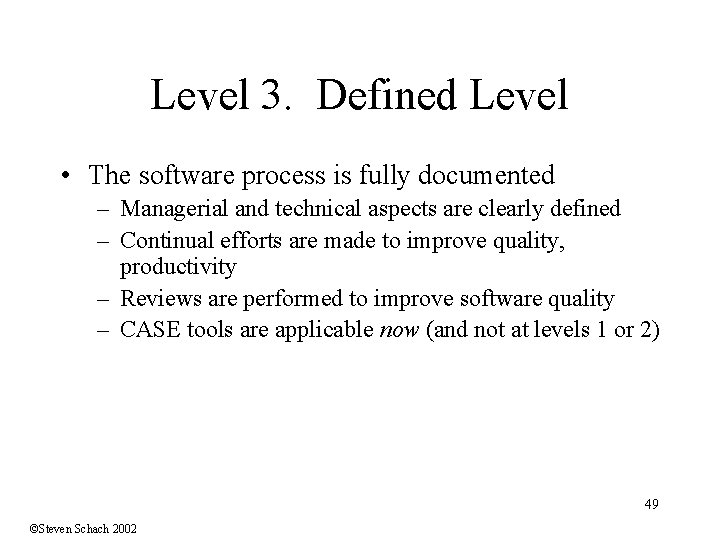
Level 3. Defined Level • The software process is fully documented – Managerial and technical aspects are clearly defined – Continual efforts are made to improve quality, productivity – Reviews are performed to improve software quality – CASE tools are applicable now (and not at levels 1 or 2) 49 ©Steven Schach 2002
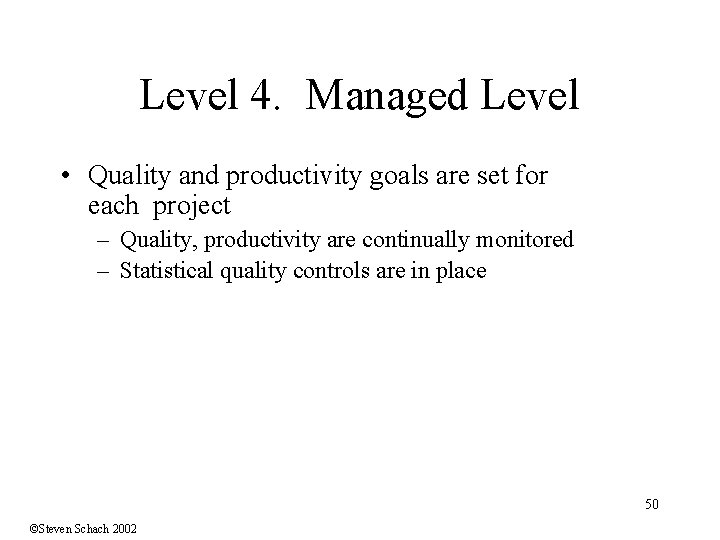
Level 4. Managed Level • Quality and productivity goals are set for each project – Quality, productivity are continually monitored – Statistical quality controls are in place 50 ©Steven Schach 2002
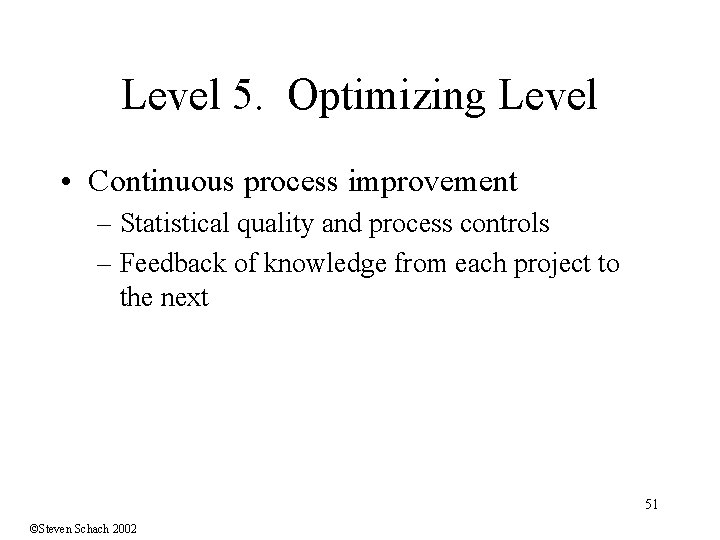
Level 5. Optimizing Level • Continuous process improvement – Statistical quality and process controls – Feedback of knowledge from each project to the next 51 ©Steven Schach 2002
SW–CMM Summary 52 ©Steven Schach 2002
Software metrics • Any type of measurement which relates to a software system, process or related documentation – Lines of code in a program, number of person-days required to develop a component • Allow the software and the software process to be quantified • Should be captured automatically and monitored if possible 53 ©Ian Sommerville 1995 [modified]
Product quality metrics • A quality metric should be a predictor of product quality • Most quality metrics are design quality metrics and are concerned with measuring the coupling or the complexity of a design • The relationship between these metrics and quality has to be judged by a human (no automatic connection to quality possible) • Outliers may point to problems • There are no “magic thresholds, ” rather the trend 54 of metrics over time needs to be monitored ©Ian Sommerville 1995 [modified]
Traditional Software Metics • Coupling metrics (associated with a structure chart in Yourdon's Structured Design) – High number of calling functions or called functions suggests high coupling • Cyclomatic complexity is a measure of control structure complexity – Metric has two drawbacks • It is inaccurate for data-driven programs as it is only concerned with control constructs. • It places the same weight on nested and non-nested loops. Deeply nested structures, however, are usually harder to understand. • Oviedo's metric modifies this to take data references into account – C = a. E +b. N (with N external data entities, E edges to the data entities and constants a, b) 55 ©Ian Sommerville 1995 [modified]
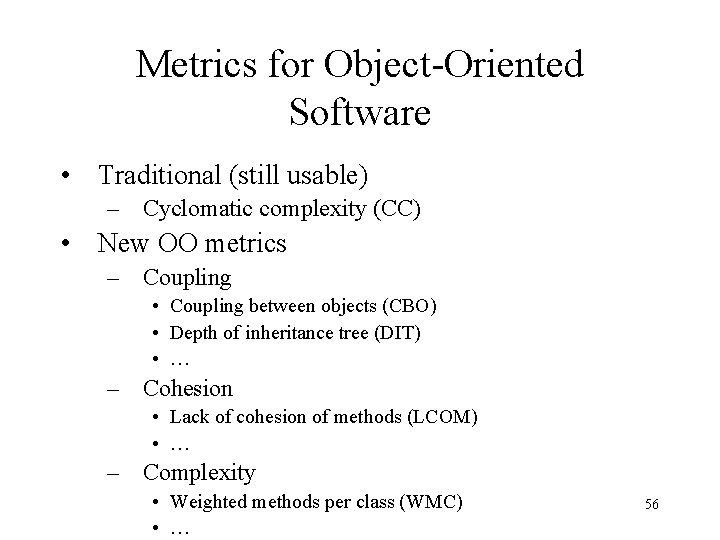
Metrics for Object-Oriented Software • Traditional (still usable) – Cyclomatic complexity (CC) • New OO metrics – Coupling • Coupling between objects (CBO) • Depth of inheritance tree (DIT) • … – Cohesion • Lack of cohesion of methods (LCOM) • … – Complexity • Weighted methods per class (WMC) • … 56
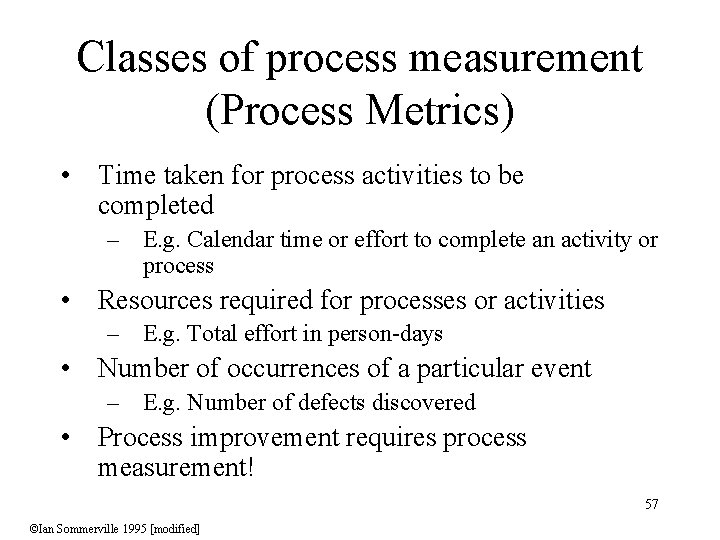
Classes of process measurement (Process Metrics) • Time taken for process activities to be completed – E. g. Calendar time or effort to complete an activity or process • Resources required for processes or activities – E. g. Total effort in person-days • Number of occurrences of a particular event – E. g. Number of defects discovered • Process improvement requires process measurement! 57 ©Ian Sommerville 1995 [modified]
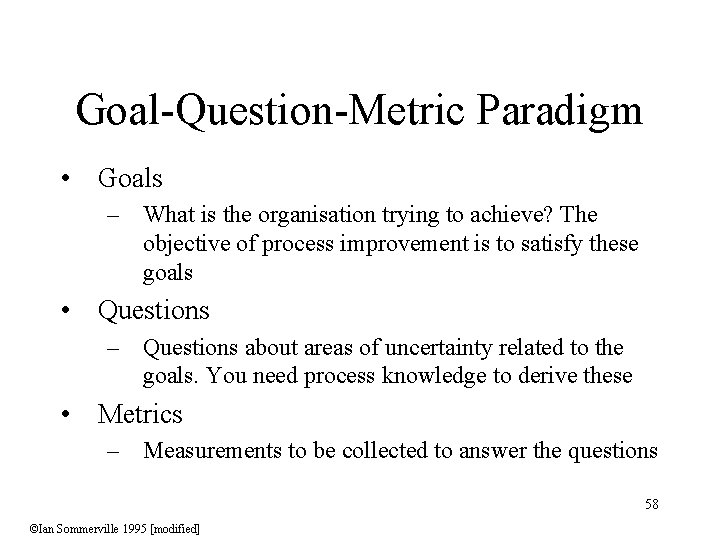
Goal-Question-Metric Paradigm • Goals – What is the organisation trying to achieve? The objective of process improvement is to satisfy these goals • Questions – Questions about areas of uncertainty related to the goals. You need process knowledge to derive these • Metrics – Measurements to be collected to answer the questions 58 ©Ian Sommerville 1995 [modified]