CS 422 UI Design and Programming Heuristic Evaluation



- Slides: 55
CS 422: UI Design and Programming Heuristic Evaluation
Welcome Back! Welcome back!
Grades • All grades, except PS 2, are out. – For undergraduates, that constitute 40% of the course grade. – For graduates, that constitute 35% of course grade. • Questions about GR 3 and mid term presentations? – Talk to TA Ja Eun. • Questions about midterm exam? – Talk to TA Nina. • If your concerns don’t get resolved with your TAs, talk to me. – Note that your TAs are more generous in grading than I am. – I will consider regrading your complete exam or deliverable if it comes to me. • Exam regrading requests will not be considered after 2 weeks of grade release
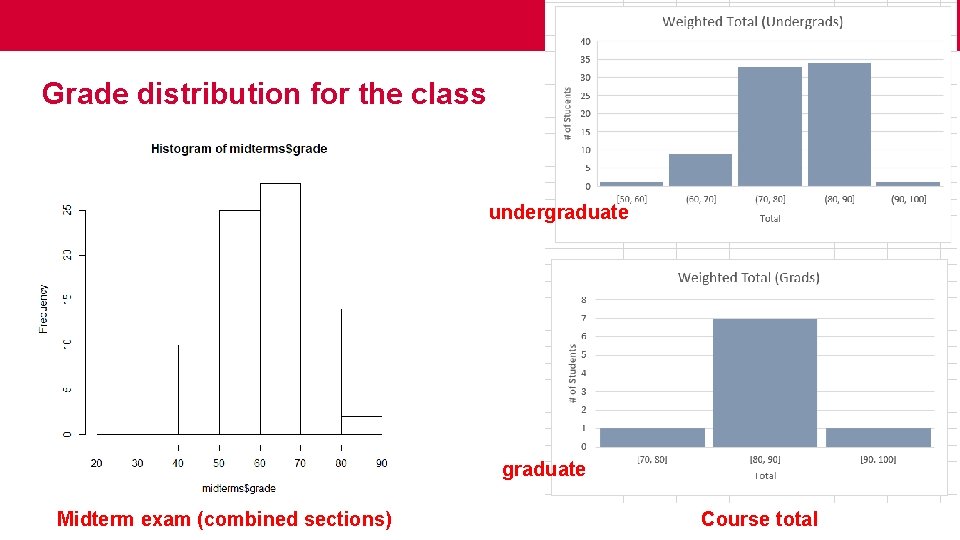
Grade distribution for the class undergraduate Midterm exam (combined sections) Course total
Some notes about your presentations and class participation • Most group presentations were good. But… – – Please refrain from reading the slides. Make eye contact with your audience. Project your voice during delivery. Make your font sizes larger. When it comes to text, less is more! Use annotations and animations to bring home your point, like problems with prototypes and usability issues. – Proofread your slides! • Class participation is 10% of your grade. – Students who are not using clickers should participate in discussions. – Even if you are using clickers, consider participating in class discussions.
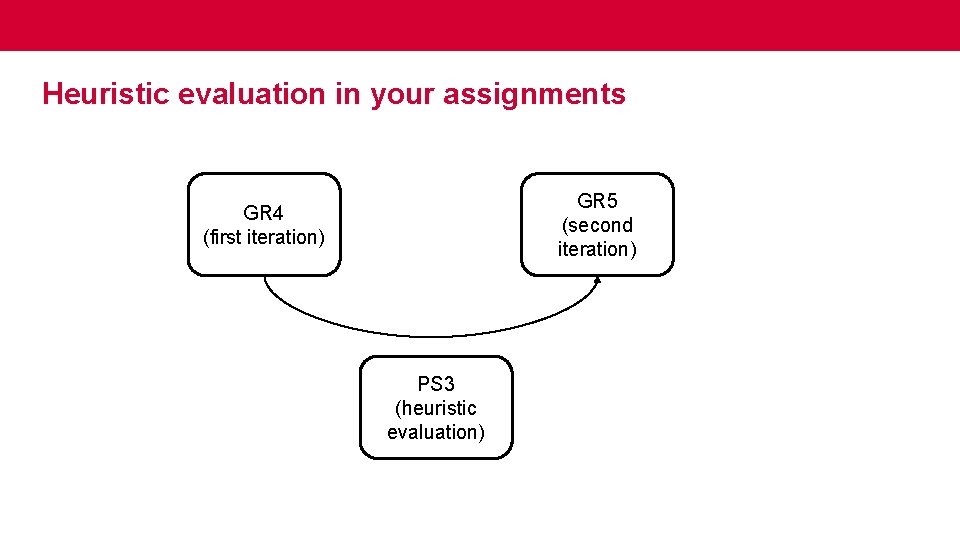
Upcoming • Graduate students: AS 1/RS 1 is due today. • GR 4 is due Thursday, April 4. – If a web-based application, submit the link to your prototype. – Else, submit a zip of/ link to your code base and a short video demonstrating the implemented features for GR 4. • PS 3 and GR 5 are complementary, where you will participate in controlled experiments and conduct heuristic evaluations. We will talk about this more next week.
Heuristic Evaluation
What is heuristic evaluation? • Heuristic evaluation is an inspection technique for finding usability problems in user interfaces, not unlike doing a code review to find bugs in software.
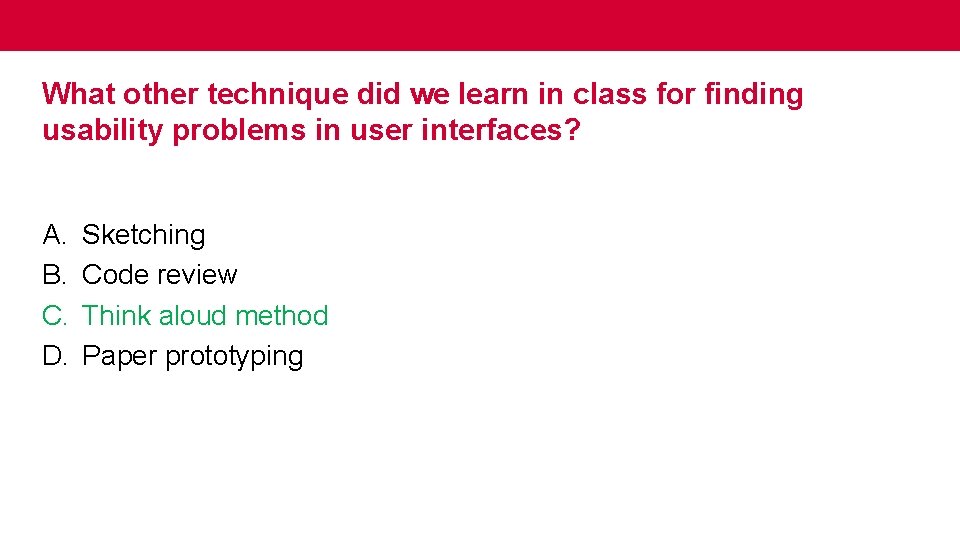
What other technique did we learn in class for finding usability problems in user interfaces? A. B. C. D. Sketching Code review Think aloud method Paper prototyping
What other technique did we learn in class for finding usability problems in user interfaces? A. B. C. D. Sketching Code review Think aloud method Paper prototyping
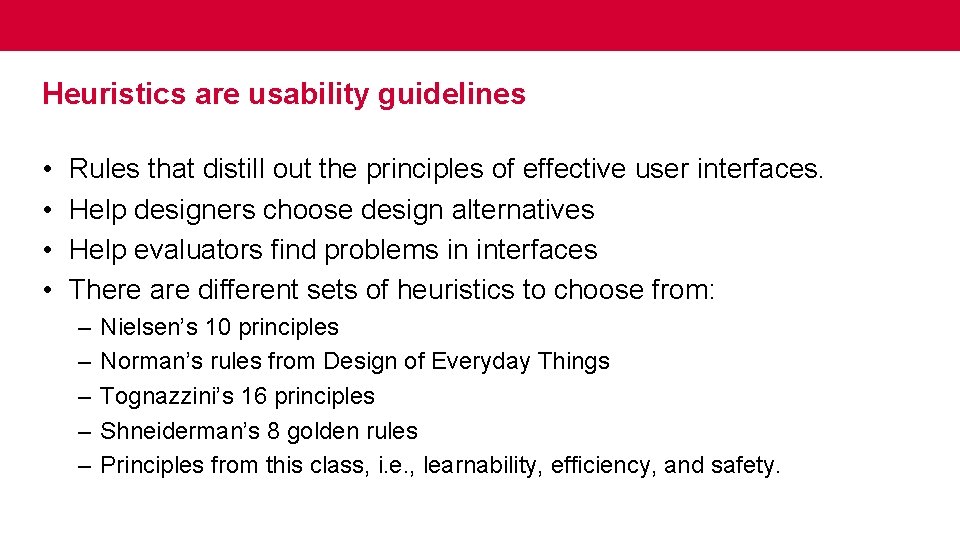
Heuristics are usability guidelines • • Rules that distill out the principles of effective user interfaces. Help designers choose design alternatives Help evaluators find problems in interfaces There are different sets of heuristics to choose from: – – – Nielsen’s 10 principles Norman’s rules from Design of Everyday Things Tognazzini’s 16 principles Shneiderman’s 8 golden rules Principles from this class, i. e. , learnability, efficiency, and safety.
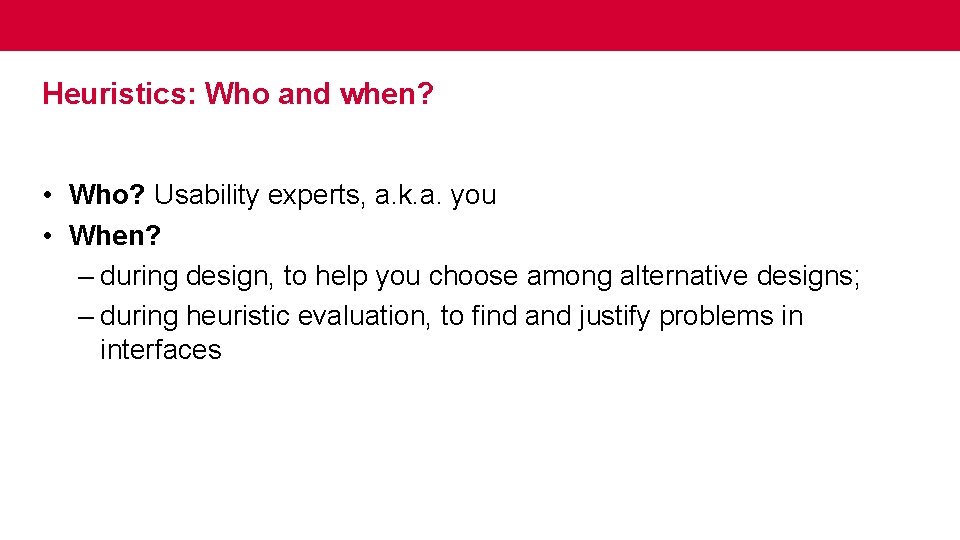
Heuristics: Who and when? • Who? Usability experts, a. k. a. you • When? – during design, to help you choose among alternative designs; – during heuristic evaluation, to find and justify problems in interfaces
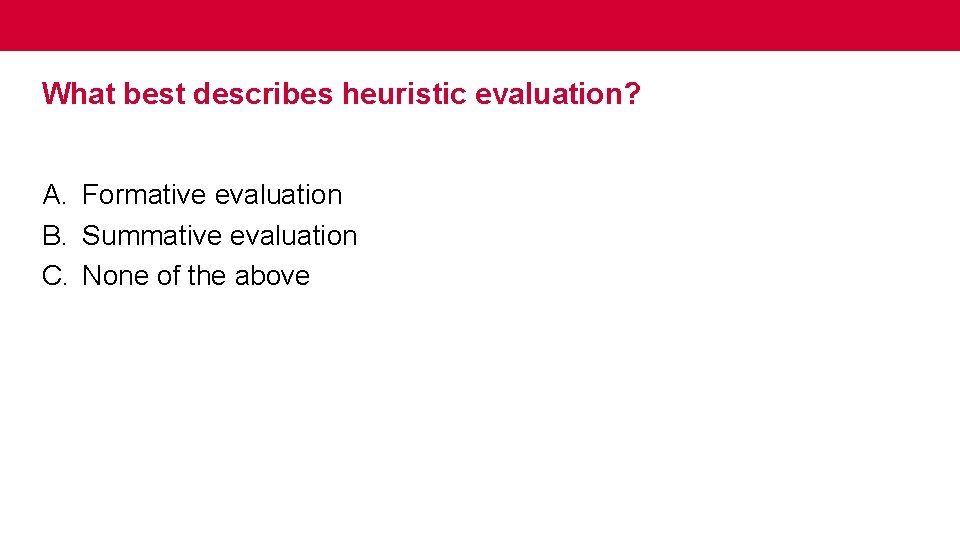
What best describes heuristic evaluation? A. Formative evaluation B. Summative evaluation C. None of the above
What best describes heuristic evaluation? A. Formative evaluation B. Summative evaluation C. None of the above
Heuristic evaluations are mostly used as a formative evaluation • Heuristic evaluations should be done during the design and development, to quickly find usability issues and address them. • The most suitable kind of summative evaluation is user testing with real users, preferably in real use contexts.
Let’s review the most common heuristics used in the field • • Nielsen’s 10 principles Norman’s rules from Design of Everyday Things Tognazzini’s 16 principles Shneiderman’s 8 golden rules
Nielsen Heuristics • This is what I’d like you to use in PS 3 along with Learnability, Efficiency, and Safety.
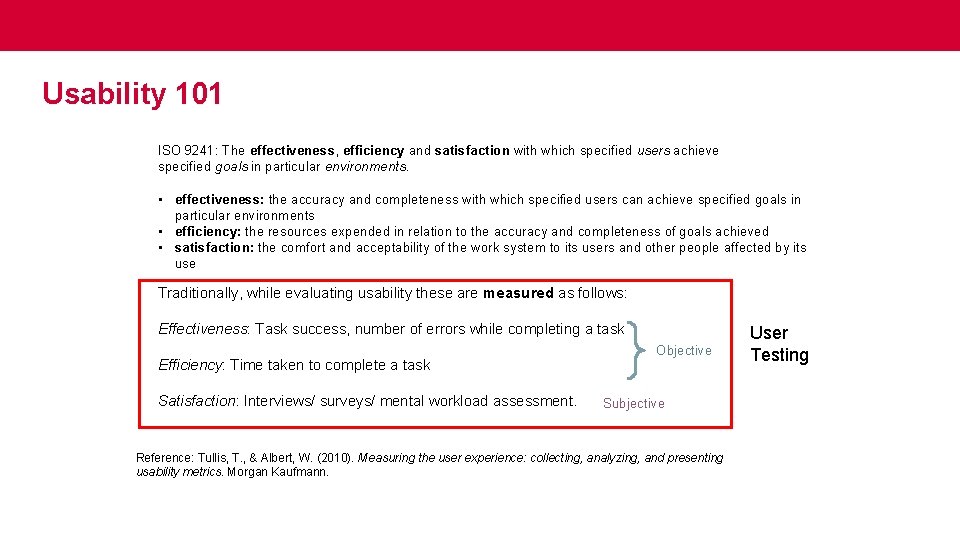
Usability 101 ISO 9241: The effectiveness, efficiency and satisfaction with which specified users achieve specified goals in particular environments. • effectiveness: the accuracy and completeness with which specified users can achieve specified goals in particular environments • efficiency: the resources expended in relation to the accuracy and completeness of goals achieved • satisfaction: the comfort and acceptability of the work system to its users and other people affected by its use Traditionally, while evaluating usability these are measured as follows: Effectiveness: Task success, number of errors while completing a task Efficiency: Time taken to complete a task Satisfaction: Interviews/ surveys/ mental workload assessment. Objective Subjective Reference: Tullis, T. , & Albert, W. (2010). Measuring the user experience: collecting, analyzing, and presenting usability metrics. Morgan Kaufmann. User Testing
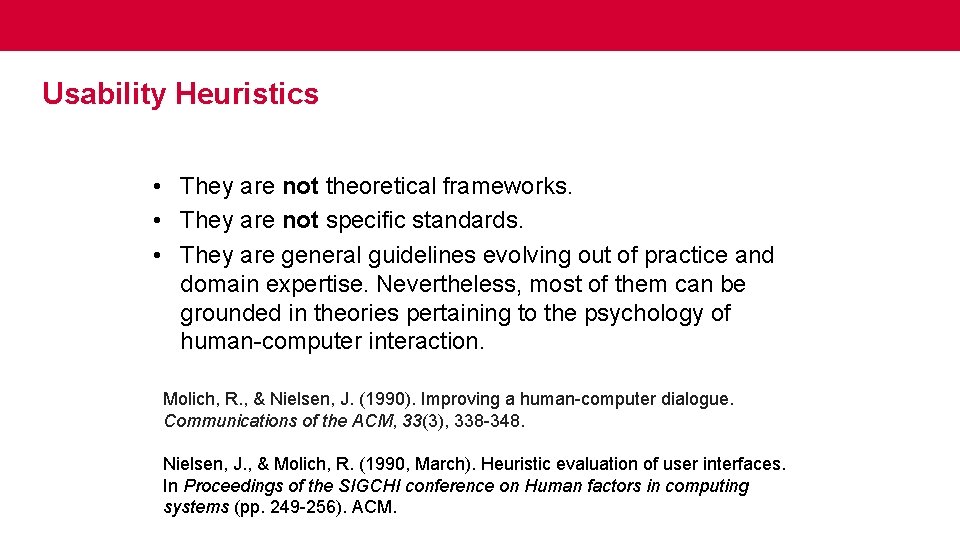
Usability Heuristics • They are not theoretical frameworks. • They are not specific standards. • They are general guidelines evolving out of practice and domain expertise. Nevertheless, most of them can be grounded in theories pertaining to the psychology of human-computer interaction. Molich, R. , & Nielsen, J. (1990). Improving a human-computer dialogue. Communications of the ACM, 33(3), 338 -348. Nielsen, J. , & Molich, R. (1990, March). Heuristic evaluation of user interfaces. In Proceedings of the SIGCHI conference on Human factors in computing systems (pp. 249 -256). ACM.
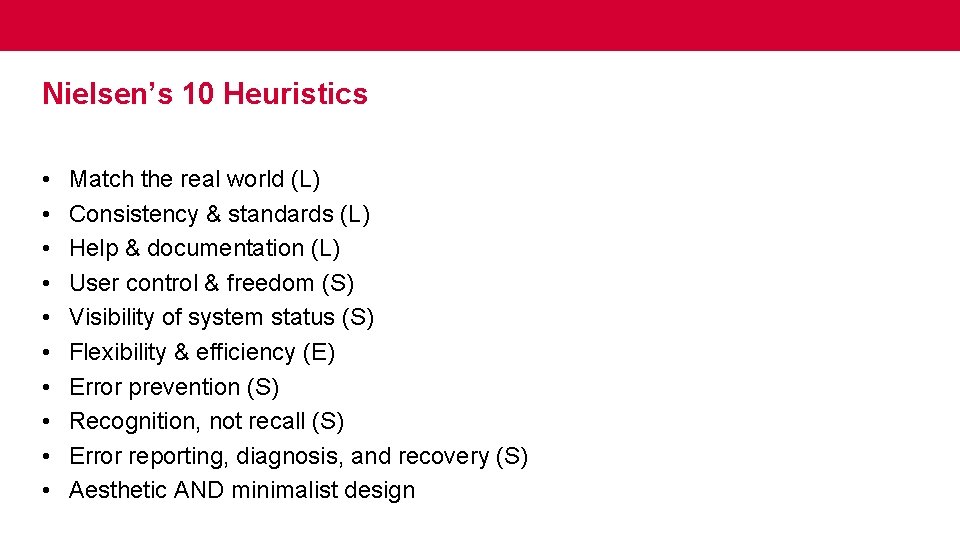
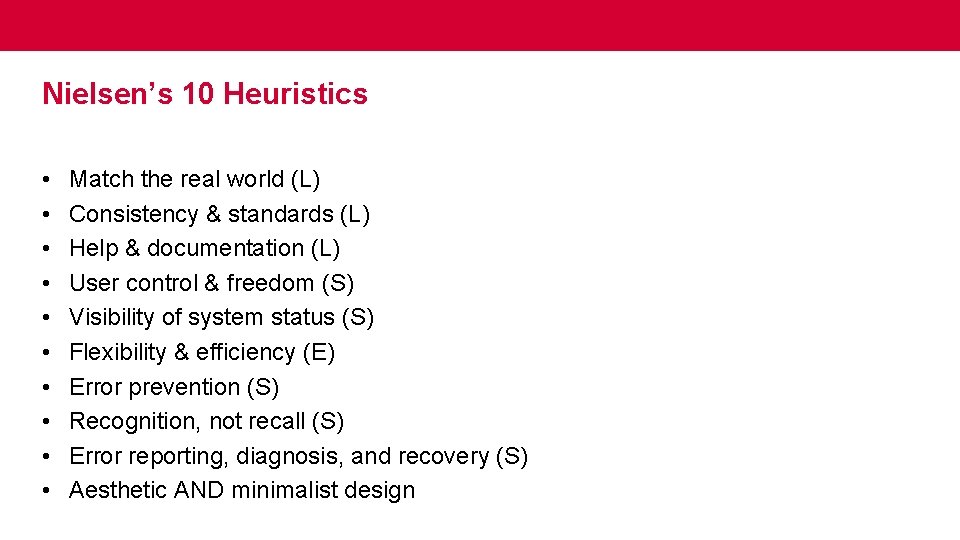
Nielsen’s 10 Heuristics • • • Match the real world (L) Consistency & standards (L) Help & documentation (L) User control & freedom (S) Visibility of system status (S) Flexibility & efficiency (E) Error prevention (S) Recognition, not recall (S) Error reporting, diagnosis, and recovery (S) Aesthetic AND minimalist design
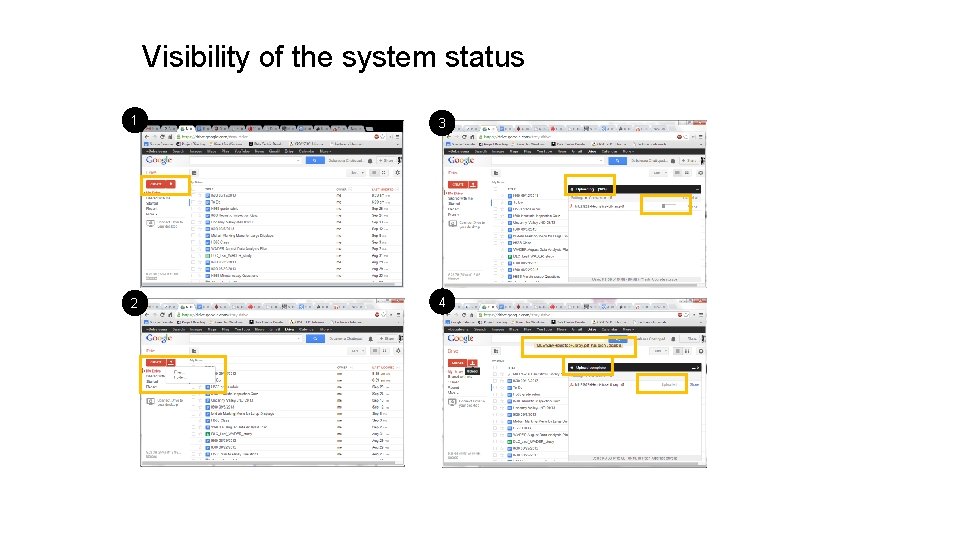
Visibility of the system status 1 3 2 4
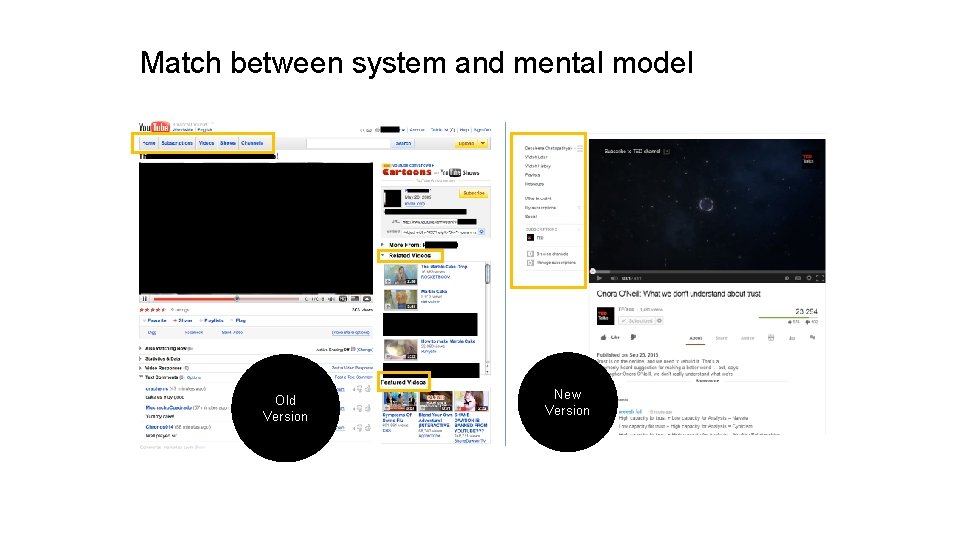
Match between system and mental model Old Version New Version
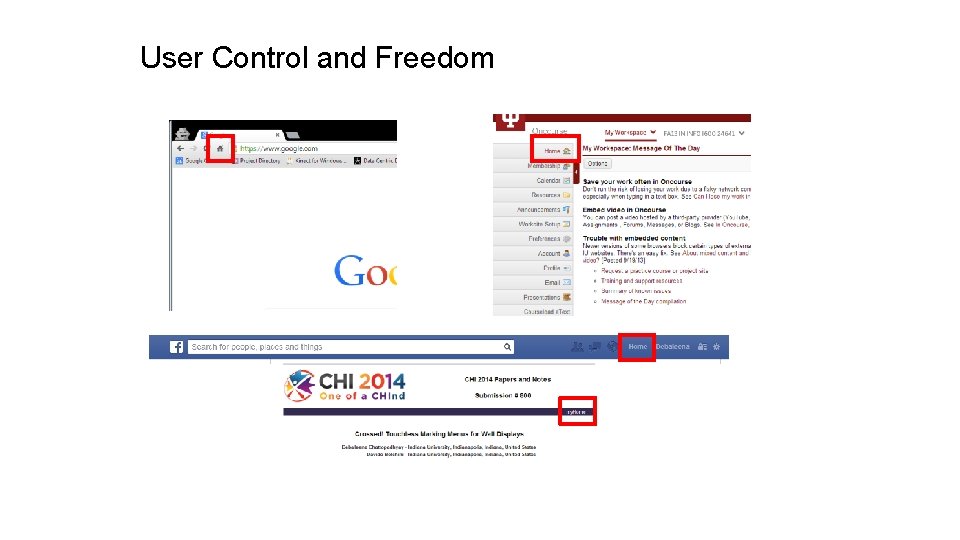
User Control and Freedom
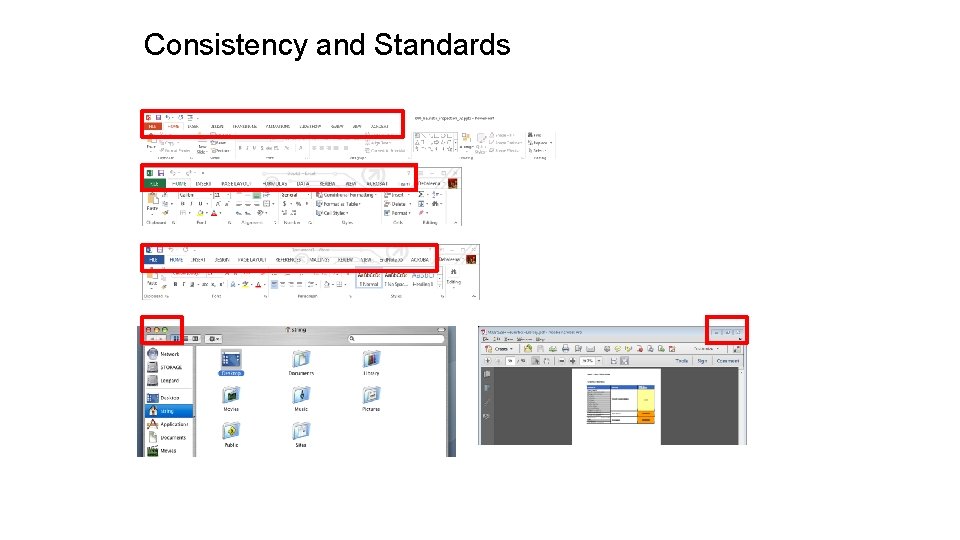
Consistency and Standards
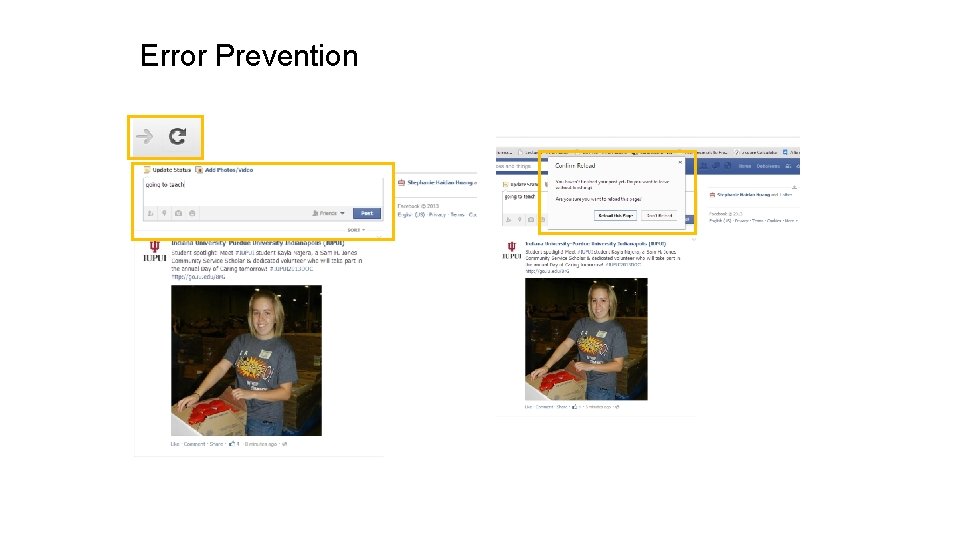
Error Prevention
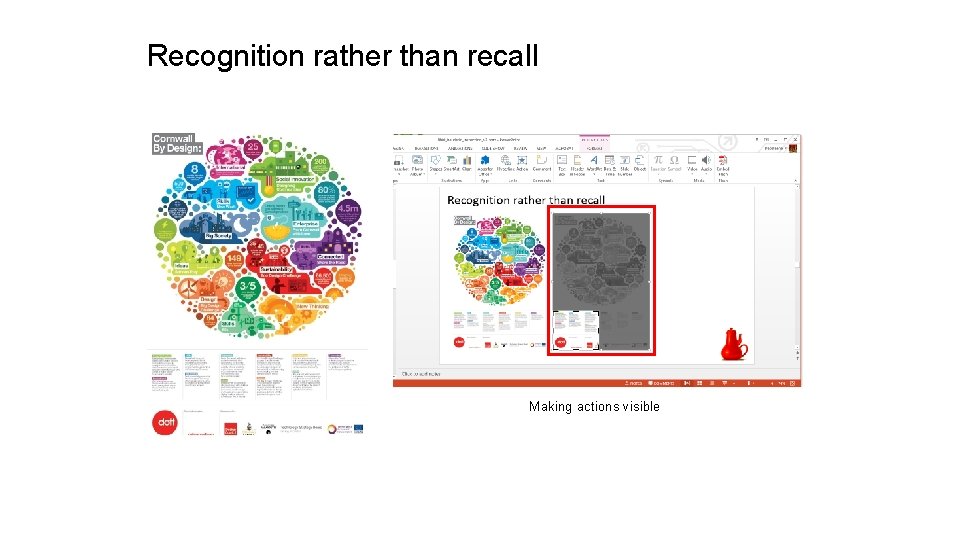
Recognition rather than recall Making actions visible
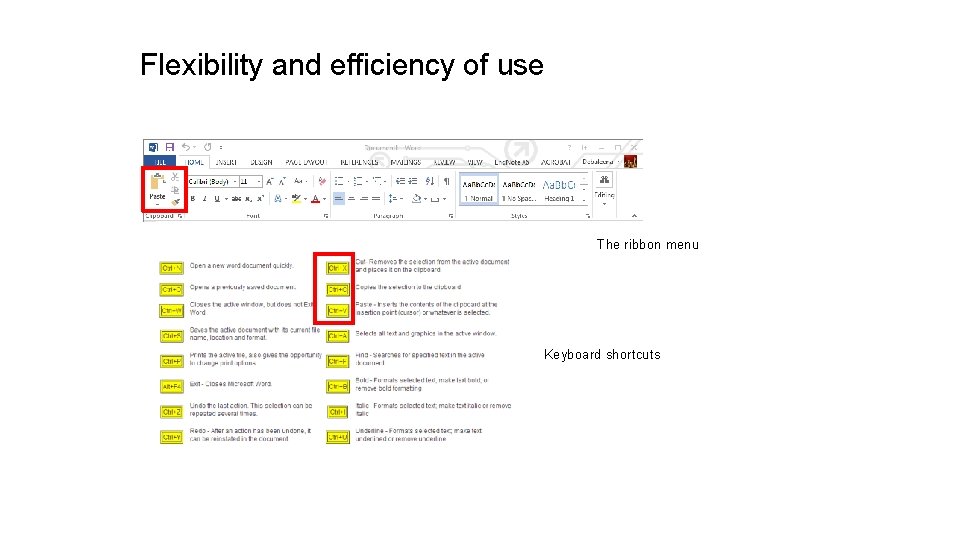
Flexibility and efficiency of use The ribbon menu Keyboard shortcuts
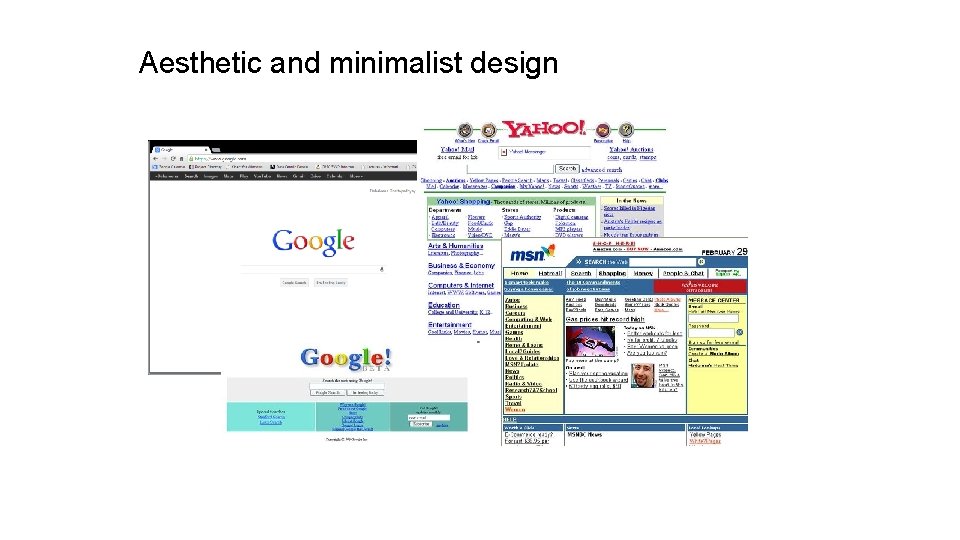
Aesthetic and minimalist design
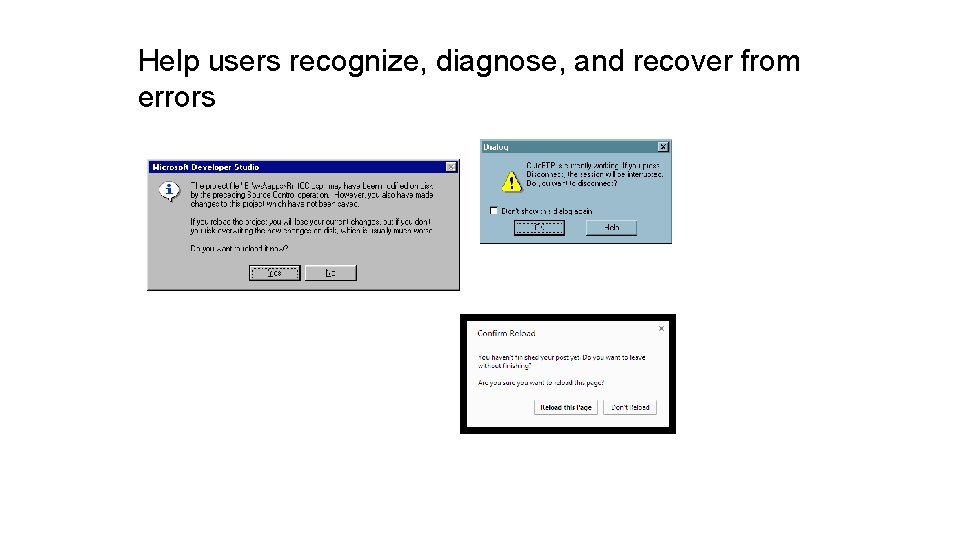
Help users recognize, diagnose, and recover from errors
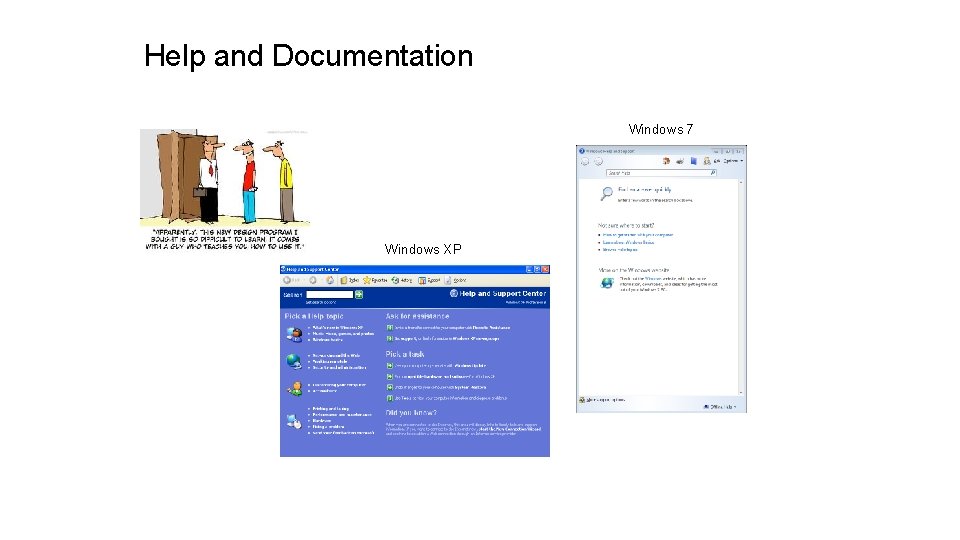
Help and Documentation Windows 7 Windows XP
Nielsen’s 10 Heuristics • • • Match the real world (L) Consistency & standards (L) Help & documentation (L) User control & freedom (S) Visibility of system status (S) Flexibility & efficiency (E) Error prevention (S) Recognition, not recall (S) Error reporting, diagnosis, and recovery (S) Aesthetic AND minimalist design
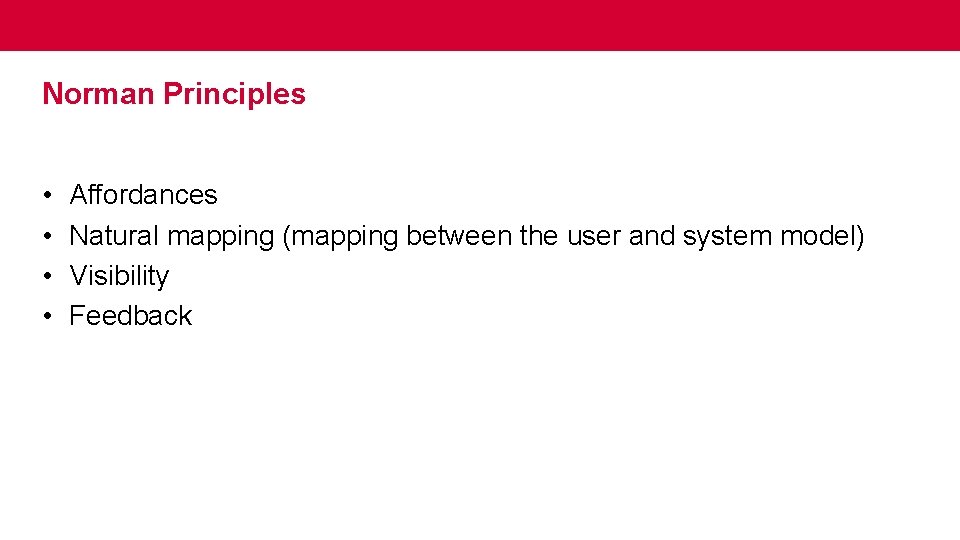
Norman Principles • • Affordances Natural mapping (mapping between the user and system model) Visibility Feedback
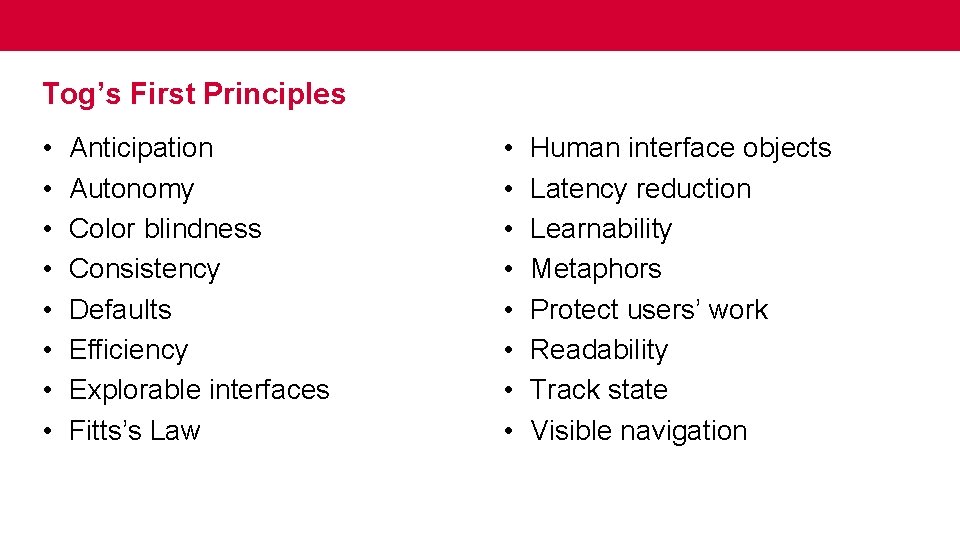
Tog’s First Principles • • Anticipation Autonomy Color blindness Consistency Defaults Efficiency Explorable interfaces Fitts’s Law • • Human interface objects Latency reduction Learnability Metaphors Protect users’ work Readability Track state Visible navigation
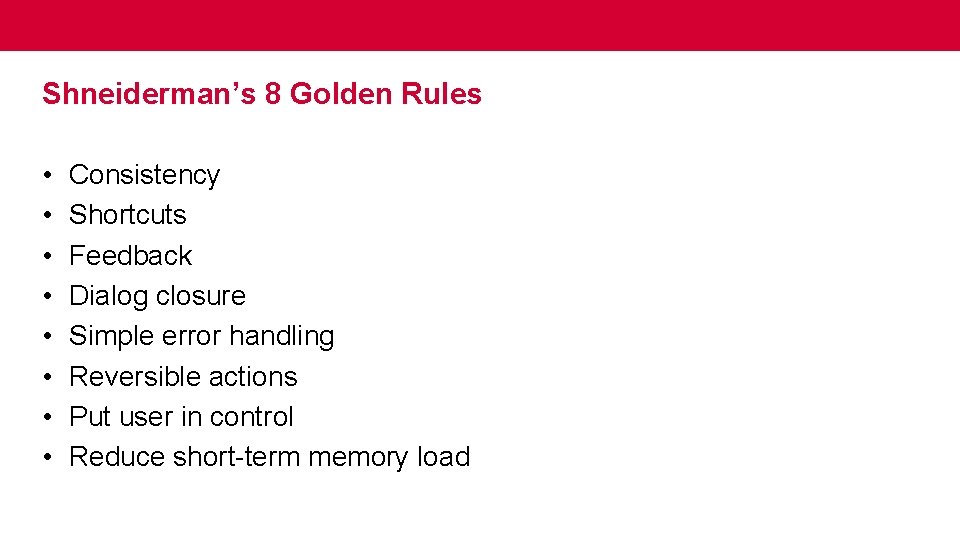
Shneiderman’s 8 Golden Rules • • Consistency Shortcuts Feedback Dialog closure Simple error handling Reversible actions Put user in control Reduce short-term memory load
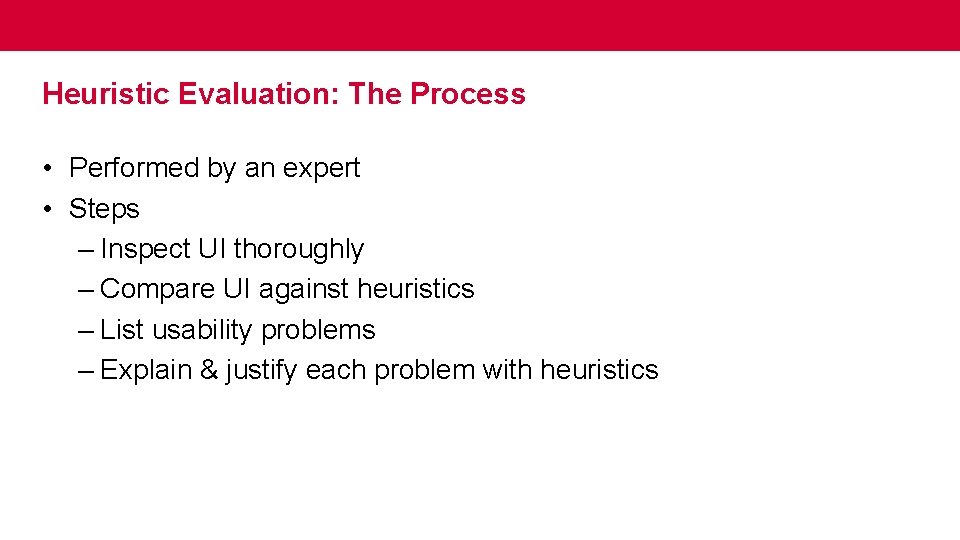
Heuristic Evaluation: The Process • Performed by an expert • Steps – Inspect UI thoroughly – Compare UI against heuristics – List usability problems – Explain & justify each problem with heuristics
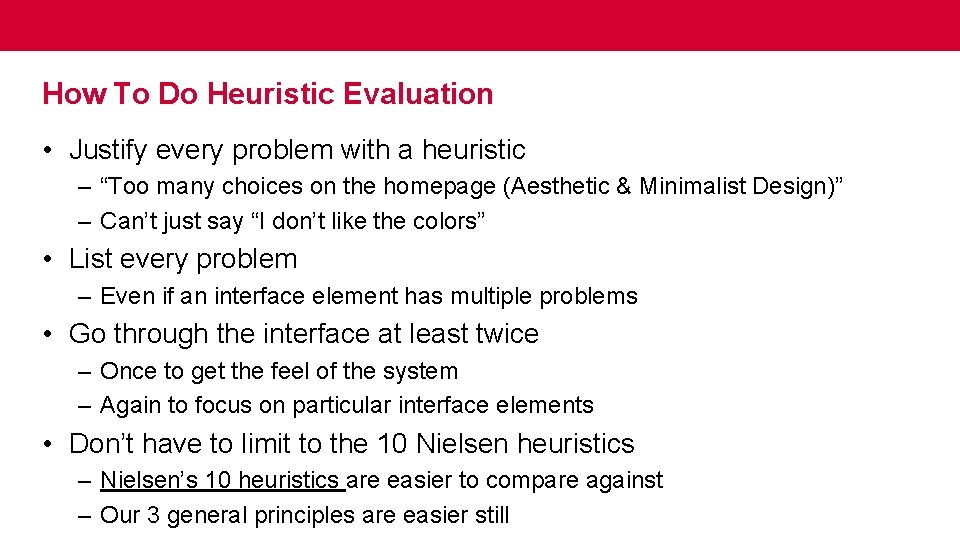
How To Do Heuristic Evaluation • Justify every problem with a heuristic – “Too many choices on the homepage (Aesthetic & Minimalist Design)” – Can’t just say “I don’t like the colors” • List every problem – Even if an interface element has multiple problems • Go through the interface at least twice – Once to get the feel of the system – Again to focus on particular interface elements • Don’t have to limit to the 10 Nielsen heuristics – Nielsen’s 10 heuristics are easier to compare against – Our 3 general principles are easier still
Example
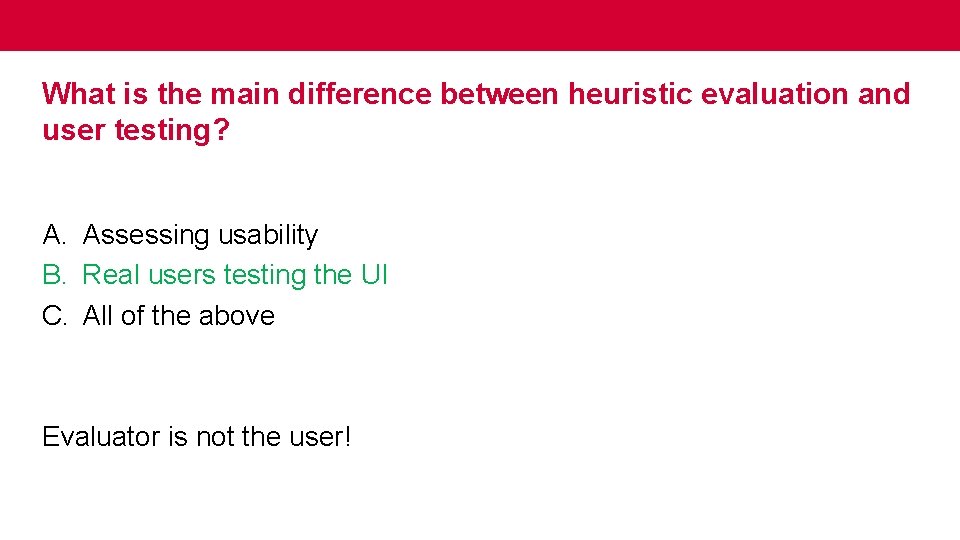
What is the main difference between heuristic evaluation and user testing? A. Assessing usability B. Real users testing the UI C. All of the above
What is the main difference between heuristic evaluation and user testing? A. Assessing usability B. Real users testing the UI C. All of the above Evaluator is not the user!
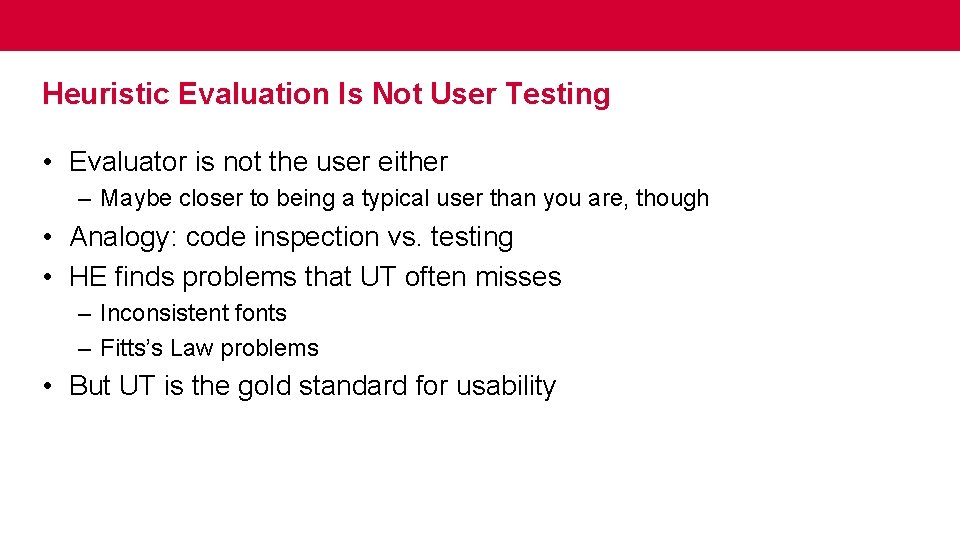
Heuristic Evaluation Is Not User Testing • Evaluator is not the user either – Maybe closer to being a typical user than you are, though • Analogy: code inspection vs. testing • HE finds problems that UT often misses – Inconsistent fonts – Fitts’s Law problems • But UT is the gold standard for usability
Heuristic evaluation in your assignments GR 5 (second iteration) GR 4 (first iteration) PS 3 (heuristic evaluation)
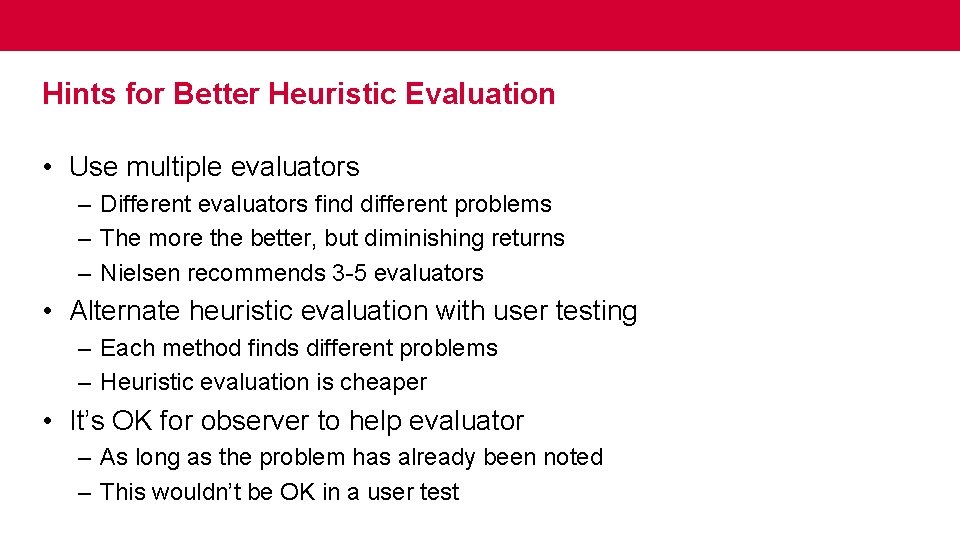
Hints for Better Heuristic Evaluation • Use multiple evaluators – Different evaluators find different problems – The more the better, but diminishing returns – Nielsen recommends 3 -5 evaluators • Alternate heuristic evaluation with user testing – Each method finds different problems – Heuristic evaluation is cheaper • It’s OK for observer to help evaluator – As long as the problem has already been noted – This wouldn’t be OK in a user test
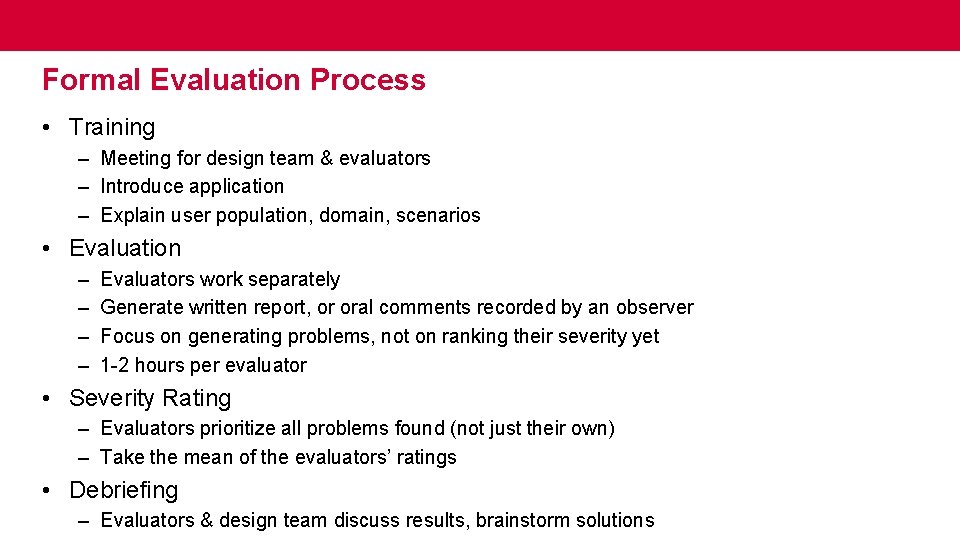
Formal Evaluation Process • Training – Meeting for design team & evaluators – Introduce application – Explain user population, domain, scenarios • Evaluation – – Evaluators work separately Generate written report, or oral comments recorded by an observer Focus on generating problems, not on ranking their severity yet 1 -2 hours per evaluator • Severity Rating – Evaluators prioritize all problems found (not just their own) – Take the mean of the evaluators’ ratings • Debriefing – Evaluators & design team discuss results, brainstorm solutions
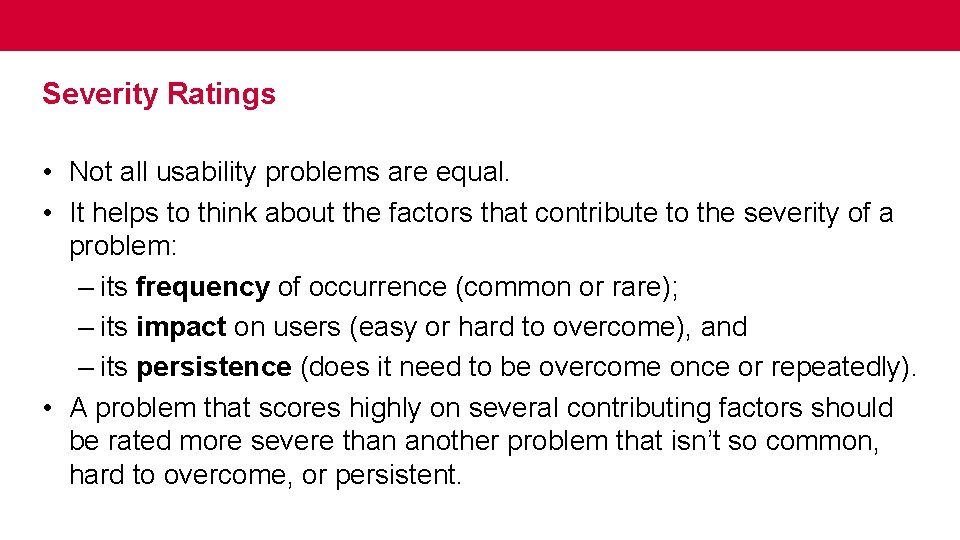
Severity Ratings • Not all usability problems are equal. • It helps to think about the factors that contribute to the severity of a problem: – its frequency of occurrence (common or rare); – its impact on users (easy or hard to overcome), and – its persistence (does it need to be overcome once or repeatedly). • A problem that scores highly on several contributing factors should be rated more severe than another problem that isn’t so common, hard to overcome, or persistent.
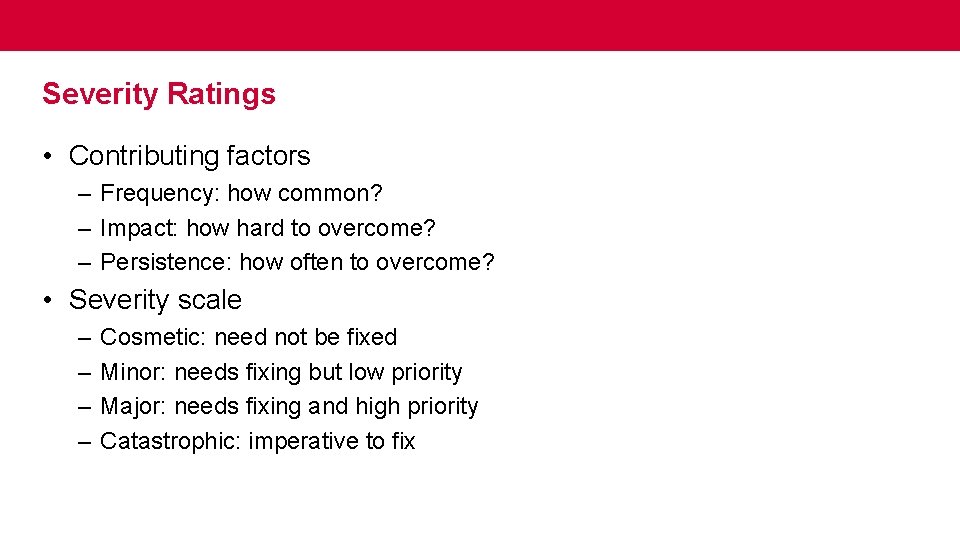
Severity Ratings • Contributing factors – Frequency: how common? – Impact: how hard to overcome? – Persistence: how often to overcome? • Severity scale – – Cosmetic: need not be fixed Minor: needs fixing but low priority Major: needs fixing and high priority Catastrophic: imperative to fix
Could you have used heuristics to evaluate your prototypes? A. Yes B. No
Could you have used heuristics to evaluate your prototypes? A. Yes B. No
Evaluating Prototypes • Heuristic evaluation works on: – Sketches – Paper prototypes – Buggy implementations • “Missing-element” problems are harder to find on sketches – Because you’re not actually using the interface, you aren’t blocked by feature’s absence – Look harder for them
Writing Good Heuristic Evaluations • Heuristic evaluations must communicate well to developers and managers • Include positive comments as well as criticisms – “Good: Toolbar icons are simple, with good contrast and few colors (minimalist design)” • Be tactful – Not: “the menu organization is a complete mess” – Better: “menus are not organized by function” • Be specific – Not: “text is unreadable” – Better: “text is too small, and has poor contrast (black text on dark green background)”
Suggested Report Format • Include the following: – – – Problem Heuristic Description Severity Recommendation (if any) Screenshot (if helpful)
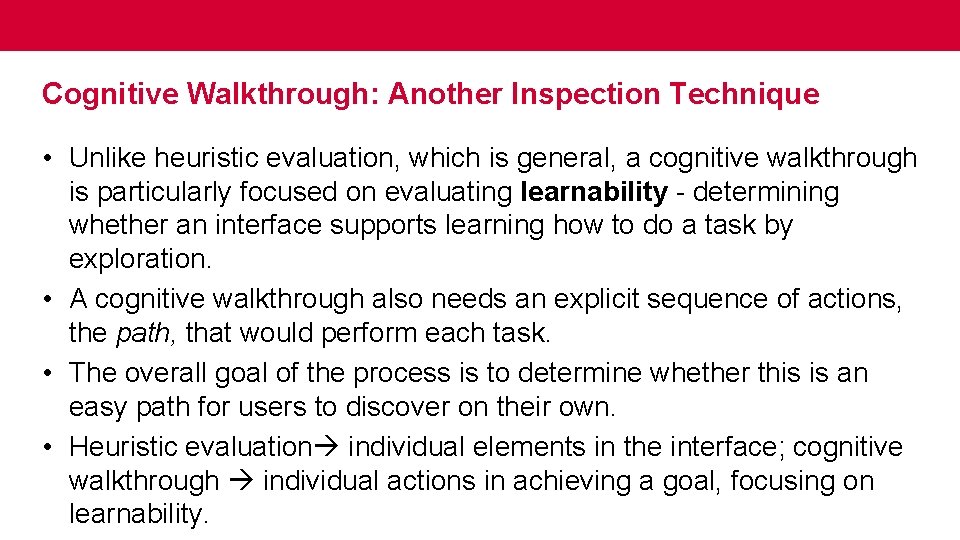
Cognitive Walkthrough: Another Inspection Technique • Unlike heuristic evaluation, which is general, a cognitive walkthrough is particularly focused on evaluating learnability - determining whether an interface supports learning how to do a task by exploration. • A cognitive walkthrough also needs an explicit sequence of actions, the path, that would perform each task. • The overall goal of the process is to determine whether this is an easy path for users to discover on their own. • Heuristic evaluation individual elements in the interface; cognitive walkthrough individual actions in achieving a goal, focusing on learnability.
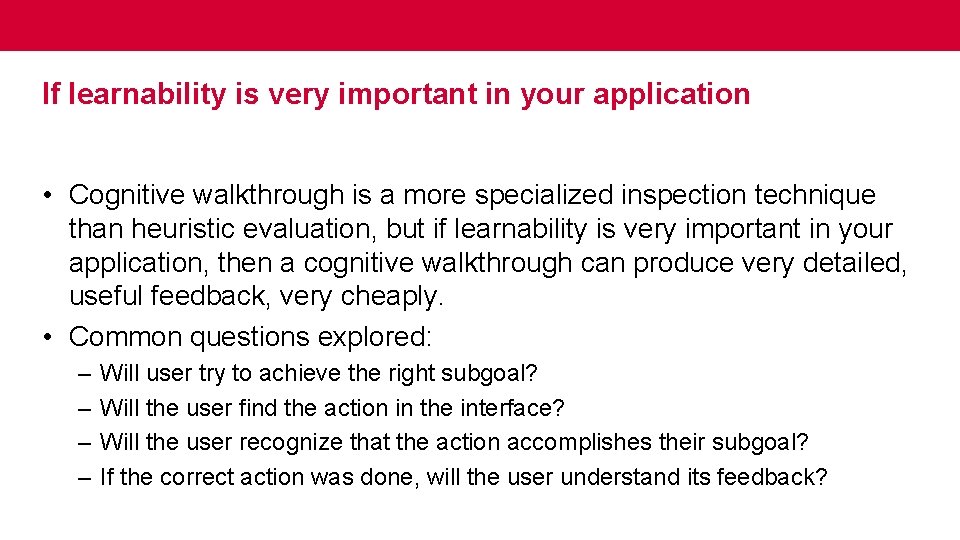
If learnability is very important in your application • Cognitive walkthrough is a more specialized inspection technique than heuristic evaluation, but if learnability is very important in your application, then a cognitive walkthrough can produce very detailed, useful feedback, very cheaply. • Common questions explored: – – Will user try to achieve the right subgoal? Will the user find the action in the interface? Will the user recognize that the action accomplishes their subgoal? If the correct action was done, will the user understand its feedback?
Who conducts cognitive walkthrough? A. Users B. Usability Experts C. All of the above
Who conducts cognitive walkthrough? A. Users B. Usability Experts C. All of the above
Next class More on Efficiency