
Heuristic evaluation of user interface Duanka Bokovi Computing

Heuristic evaluation of user interface Dušanka Bošković Computing and Informatics, Master Programme Faculty of Electrical Engineering Sarajevo, 2011/12
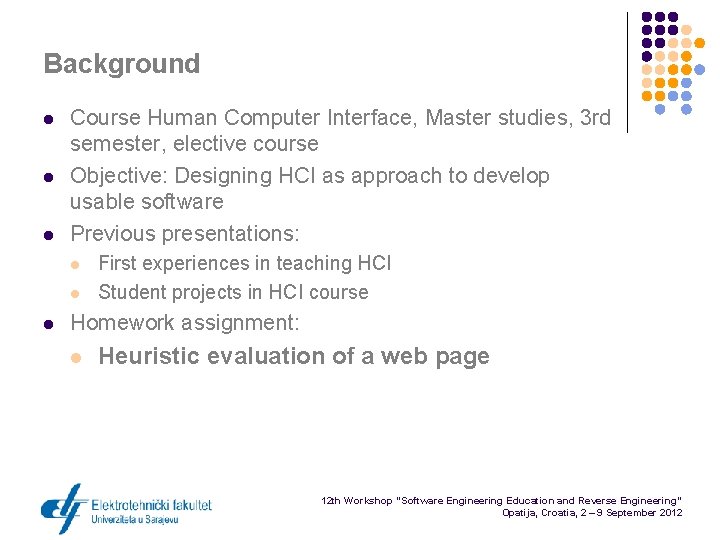
Background l l l Course Human Computer Interface, Master studies, 3 rd semester, elective course Objective: Designing HCI as approach to develop usable software Previous presentations: l l l First experiences in teaching HCI Student projects in HCI course Homework assignment: l Heuristic evaluation of a web page 12 th Workshop “Software Engineering Education and Reverse Engineering” Opatija, Croatia, 2 – 9 September 2012
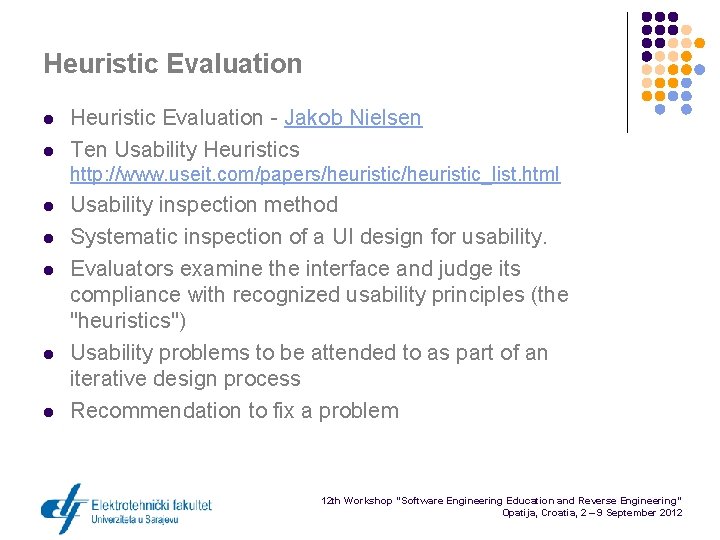
Heuristic Evaluation l l Heuristic Evaluation - Jakob Nielsen Ten Usability Heuristics http: //www. useit. com/papers/heuristic_list. html l l Usability inspection method Systematic inspection of a UI design for usability. Evaluators examine the interface and judge its compliance with recognized usability principles (the "heuristics") Usability problems to be attended to as part of an iterative design process Recommendation to fix a problem 12 th Workshop “Software Engineering Education and Reverse Engineering” Opatija, Croatia, 2 – 9 September 2012
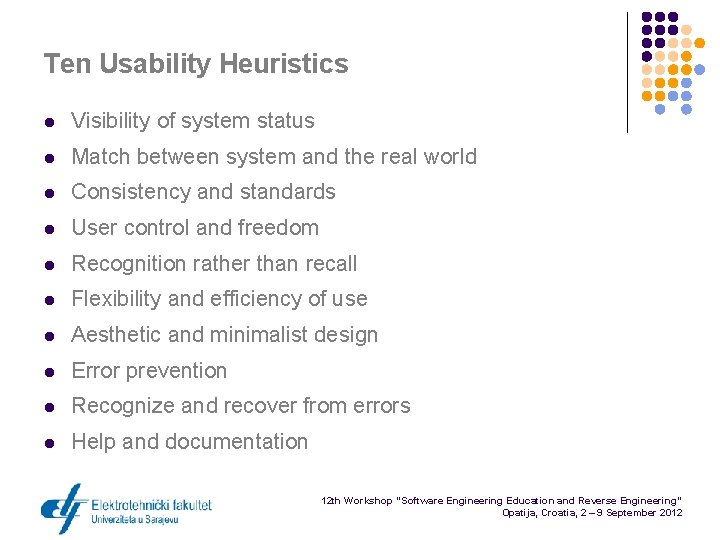
Ten Usability Heuristics l Visibility of system status l Match between system and the real world l Consistency and standards l User control and freedom l Recognition rather than recall l Flexibility and efficiency of use l Aesthetic and minimalist design l Error prevention l Recognize and recover from errors l Help and documentation 12 th Workshop “Software Engineering Education and Reverse Engineering” Opatija, Croatia, 2 – 9 September 2012
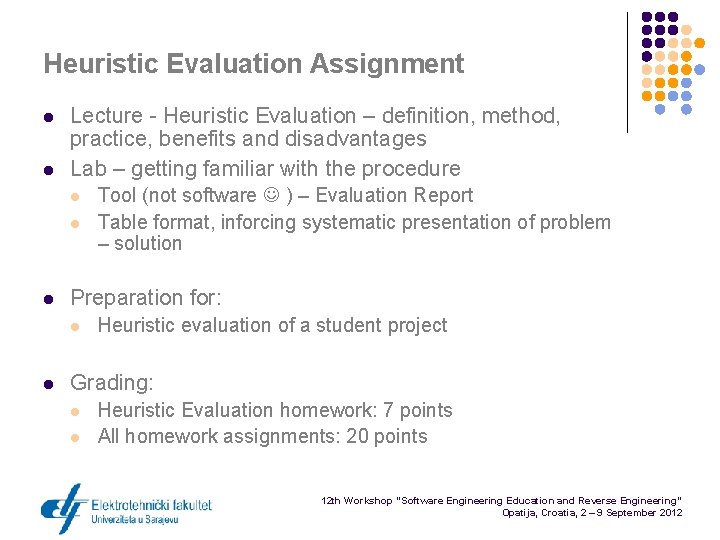
Heuristic Evaluation Assignment l l Lecture - Heuristic Evaluation – definition, method, practice, benefits and disadvantages Lab – getting familiar with the procedure l l l Preparation for: l l Tool (not software ) – Evaluation Report Table format, inforcing systematic presentation of problem – solution Heuristic evaluation of a student project Grading: l l Heuristic Evaluation homework: 7 points All homework assignments: 20 points 12 th Workshop “Software Engineering Education and Reverse Engineering” Opatija, Croatia, 2 – 9 September 2012
![Evaluation Report l Table for each Design principle: [DESIGN PRINCIPLE] Visibility of system status](http://slidetodoc.com/presentation_image/2fcf8149b9415aa37e2c9588100b6d31/image-6.jpg "Evaluation Report l Table for each Design principle: [DESIGN PRINCIPLE] Visibility of system status")
Evaluation Report l Table for each Design principle: [DESIGN PRINCIPLE] Visibility of system status [DESIGN PRINCIPLE OBJECTIVE] Potrebno je analizirati da li korisnik u svakom momentu raspolaže adekvatnim informacijama o trenutnom statusu. [QUESTIONS TO HELP ANALISYS] Pitanja za analizu: - da li je jasno čemu služi stranica na kojoj se korisnik nalazi? - da li su povratne informacije za svaku korisničku akciju jasne i očekivane? Usability problem Problem location Level Recommendations for improvement 12 th Workshop “Software Engineering Education and Reverse Engineering” Opatija, Croatia, 2 – 9 September 2012
Challenges for students l Requires non-trivial web-page l l l Requires matching: usability problems vs. usability principles l l Time for finding appropriate web page Common mistake: Web design that hurt your eyes, 20 examples of a bad design pages, . . Demonstrate acquired knowledge of a good design principles Requires recommendations for improvement l Demonstrate acquired knowledge of UI design patterns 12 th Workshop “Software Engineering Education and Reverse Engineering” Opatija, Croatia, 2 – 9 September 2012
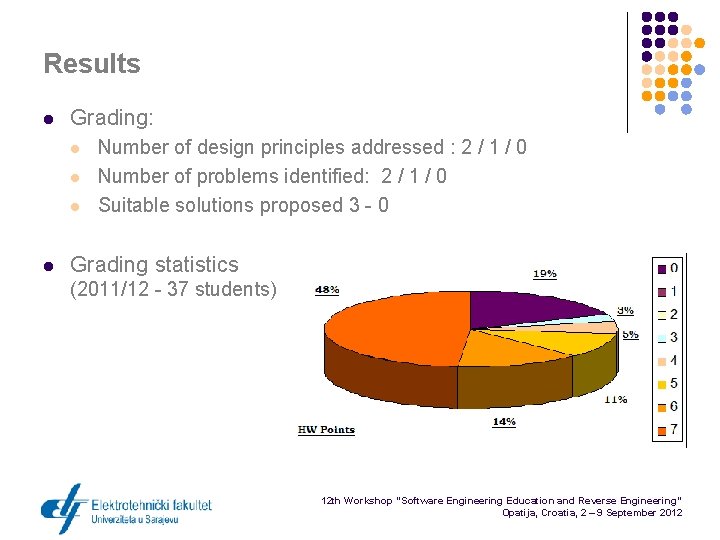
Results l Grading: l l Number of design principles addressed : 2 / 1 / 0 Number of problems identified: 2 / 1 / 0 Suitable solutions proposed 3 - 0 Grading statistics (2011/12 - 37 students) 12 th Workshop “Software Engineering Education and Reverse Engineering” Opatija, Croatia, 2 – 9 September 2012

Results l Good examples : l l l Putting a lot of effort in finding a good page Having experienced problems as users before (e. g. Faculty page, Bus schedule etc. ) Bad examples l l Choosing a page from the list: 10 worst pages ever Failing to recognise compromises and priorities 12 th Workshop “Software Engineering Education and Reverse Engineering” Opatija, Croatia, 2 – 9 September 2012
Conclusions - Grading l l Student not willing to put enough effort discouraged less possibilities for cheating (points 0, 1 or 2 not awarded for submitted report) Easy screening to separate bad and moderate from good reports A lot of work in grading good reports - asks for evaluation of web pages by teaching staff as well (75% Reports graded 5, 6 or 7 points) Rewarding: good ideas and examples of good and bad UI design practice 12 th Workshop “Software Engineering Education and Reverse Engineering” Opatija, Croatia, 2 – 9 September 2012
Conclusion - Competences l l l Demonstrate acquired knowledge of a good design principles when matching: usability problems vs. usability principles Demonstrate understanding of UI design patterns when recommending solutions for improvement UI analysis and evaluation: with recommendation to fix a problem – l l l sometimes solution is obvious after recognizing a problem, sometimes solution is much more complex, sometimes – no solution - need to make trade offs and understanding prioritizing 12 th Workshop “Software Engineering Education and Reverse Engineering” Opatija, Croatia, 2 – 9 September 2012
l l Thank you for your attention! Questions are welcomed! 12 th Workshop “Software Engineering Education and Reverse Engineering” Opatija, Croatia, 2 – 9 September 2012
- Slides: 12