Copyright Cindy Salyers Amy Winkel 2005 This work


- Slides: 50
Copyright Cindy Salyers, Amy Winkel 2005. This work is the intellectual property of the authors. Permission is granted for this material to be shared for non-commercial, educational purposes, provided that this copyright statement appears on the reproduced materials and notice is given that the copying is by permission of the authors. To disseminate otherwise or to republish requires written permission from the authors.
My Advisees: Helping Faculty and Professional Advisors Access and Manage Student Information Track 2: Enterprise Computing and Information Systems presenters: Amy Winkel, Cindy Salyers
Urban Campus
University of Minnesota • 4 campuses—Twin Cities, Duluth, Morris, and Crookston and a collaborative center in Rochester • more than 370 fields of study • 65, 247 undergraduate, professional and non-degree students (FY 2005)
Information Management Systems Mission: to provide information solutions to support improved decision-making IMS supports two environments: • Data Warehouse allows users to extract data for their specific needs • UM Reports contains pre-built reports to serve faculty and staff
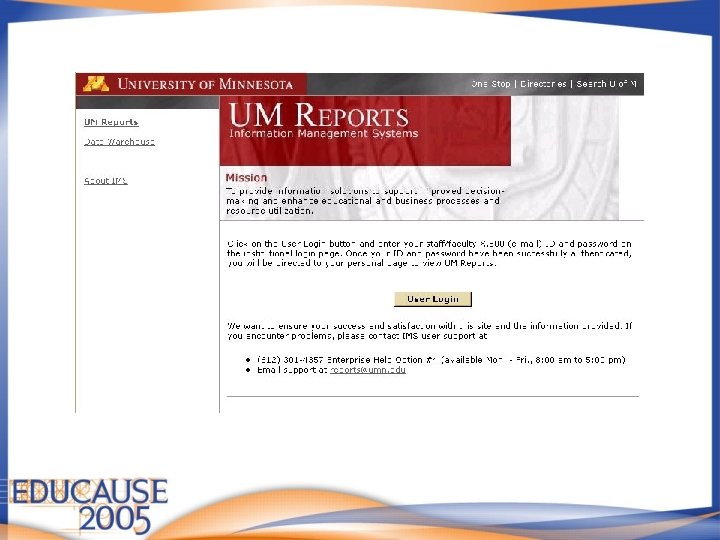
Secure Log-On
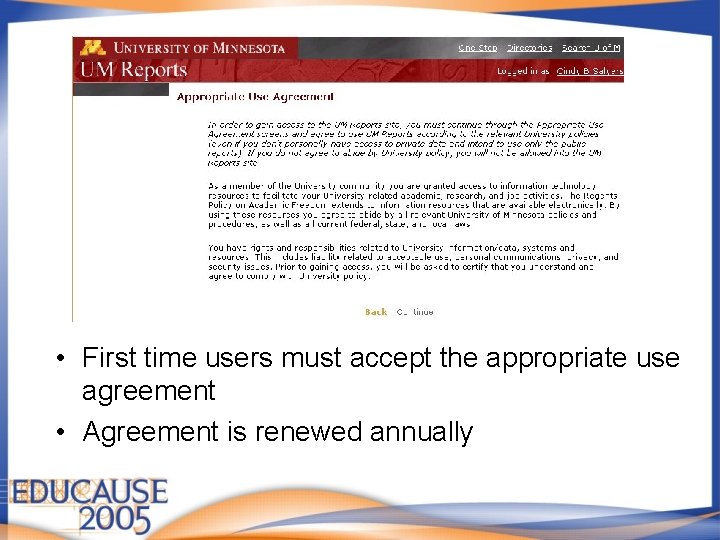
Appropriate Use • First time users must accept the appropriate use agreement • Agreement is renewed annually
UM Reports Inventory • Finances - 53 reports • Human Resources and Payroll - 66 reports • Student and Instruction - 136 reports Many of these reports also include “drillthrough” reports, so the actual number is much higher.
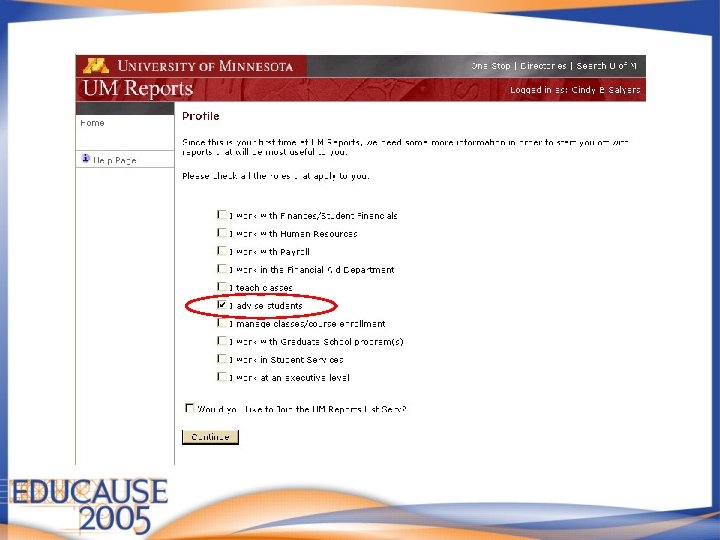
New User Profile
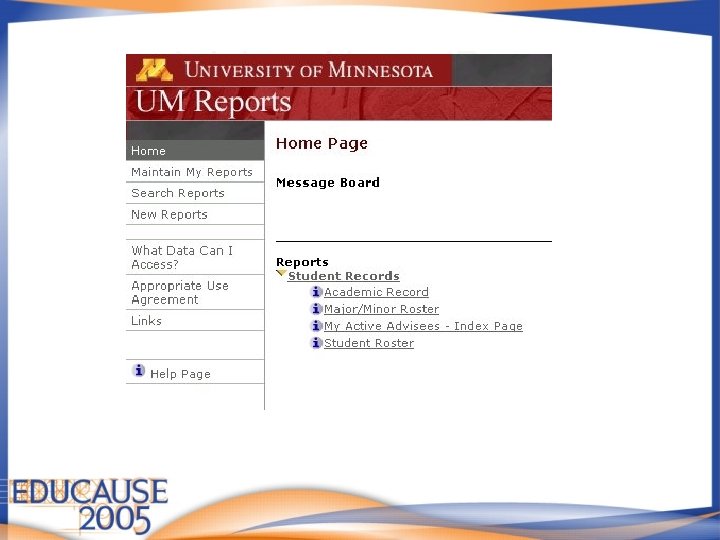
Advisor Home Page
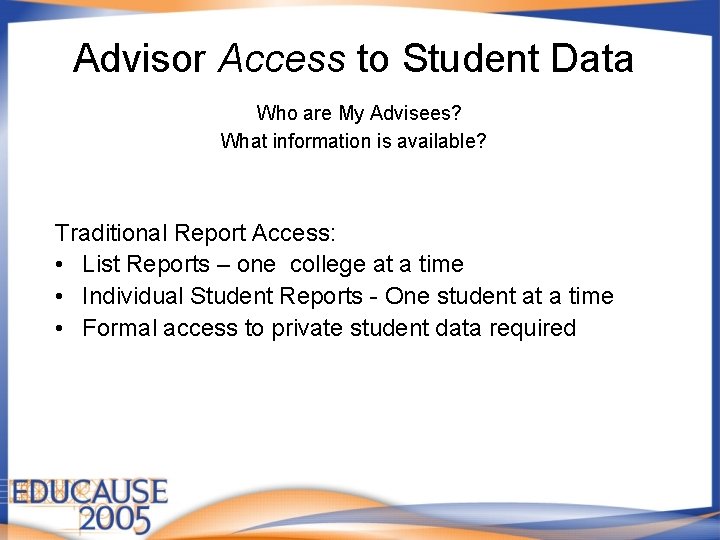
Advisor Access to Student Data Who are My Advisees? What information is available? Traditional Report Access: • List Reports – one college at a time • Individual Student Reports - One student at a time • Formal access to private student data required
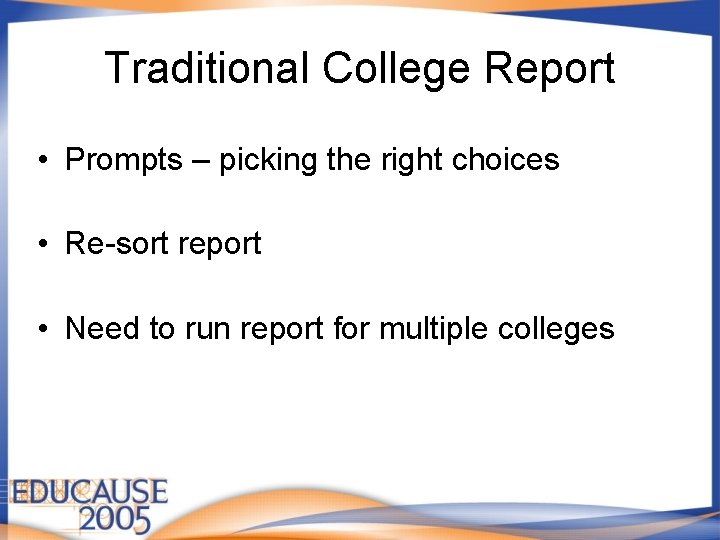
Traditional College Report • Prompts – picking the right choices • Re-sort report • Need to run report for multiple colleges
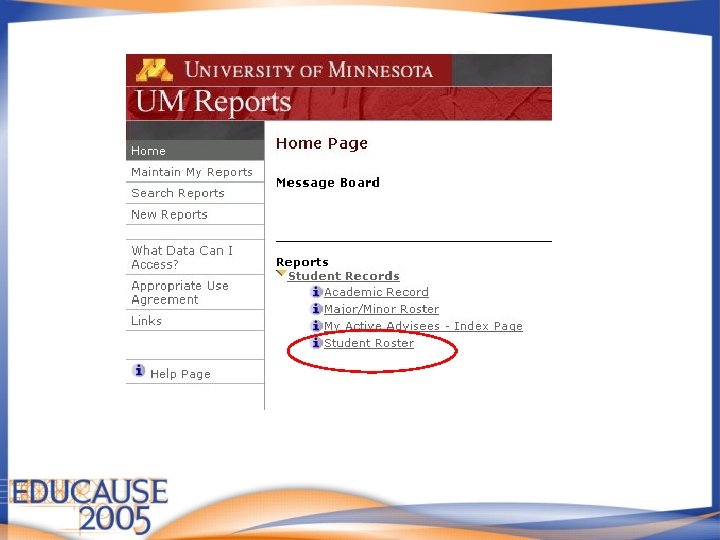
Advisor Home Page
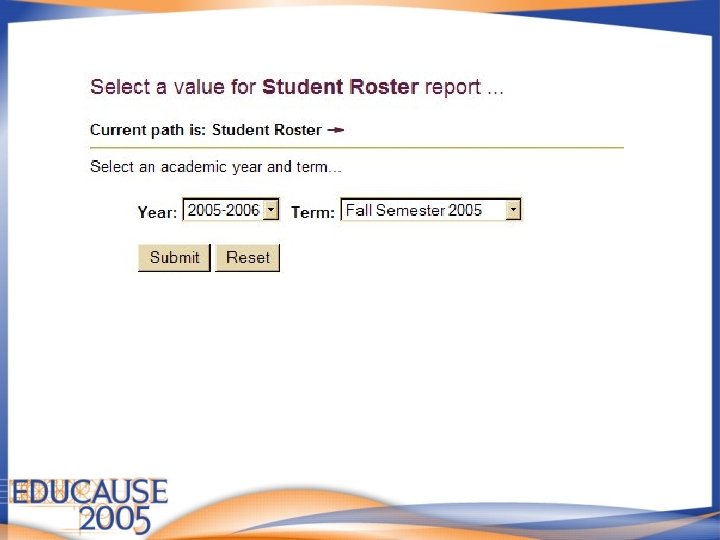
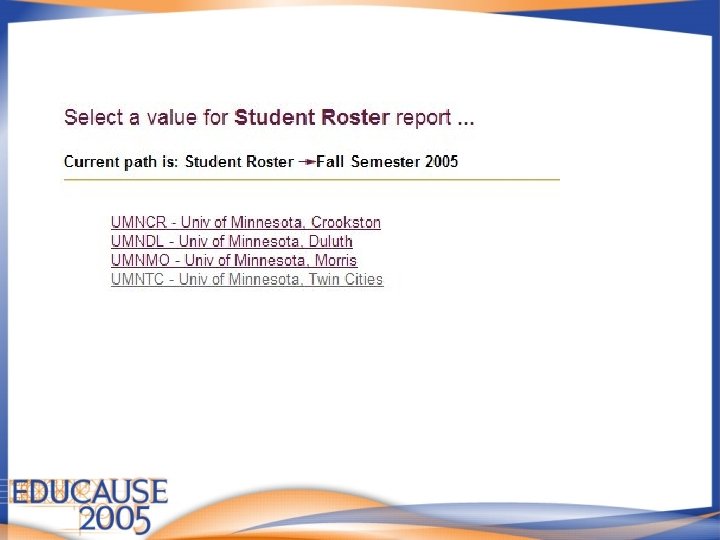
Student Roster prompt 1
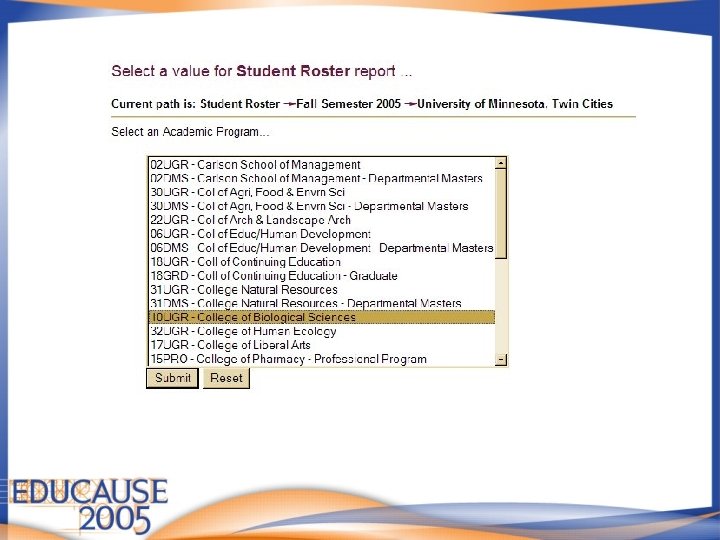
Student Roster prompt 2
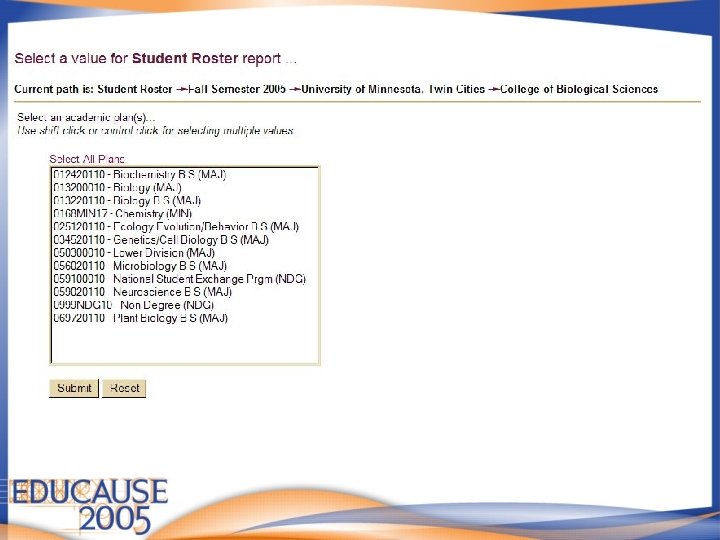
Student Roster Prompt 3
Student Roster prompt 4
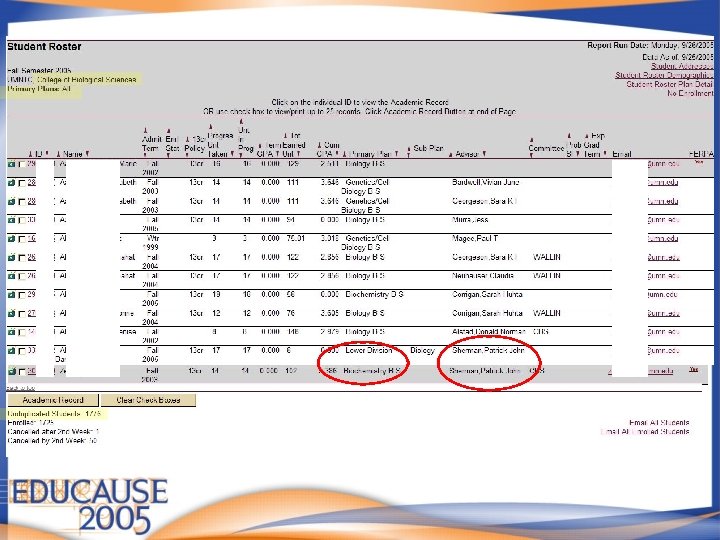
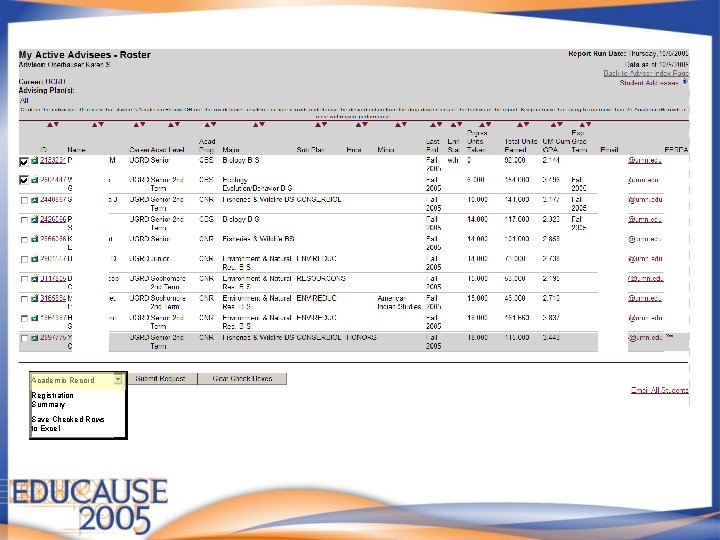
Student Roster
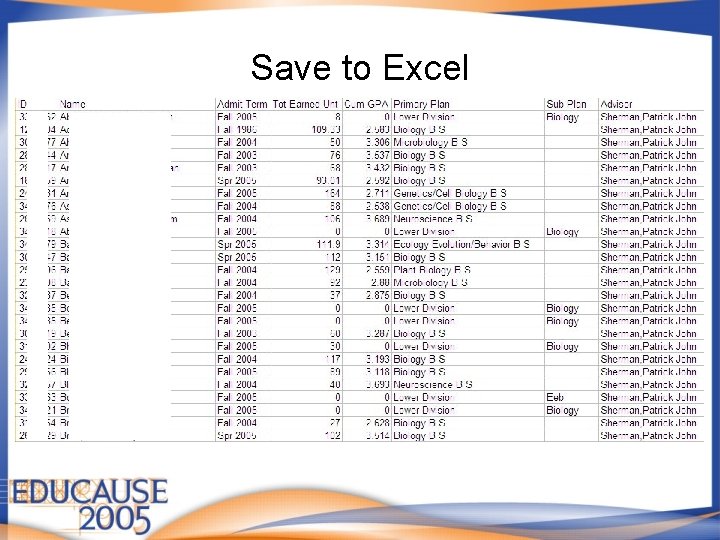
Save to Excel
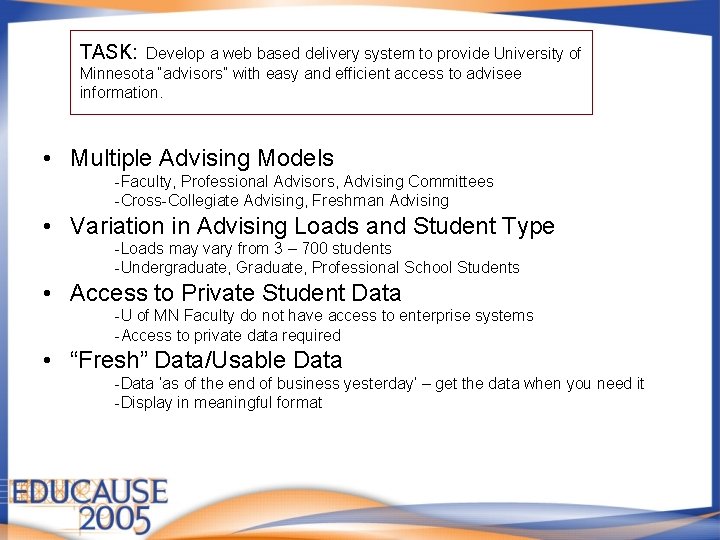
TASK: Develop a web based delivery system to provide University of Minnesota “advisors” with easy and efficient access to advisee information. • Multiple Advising Models -Faculty, Professional Advisors, Advising Committees -Cross-Collegiate Advising, Freshman Advising • Variation in Advising Loads and Student Type -Loads may vary from 3 – 700 students -Undergraduate, Graduate, Professional School Students • Access to Private Student Data -U of MN Faculty do not have access to enterprise systems -Access to private data required • “Fresh” Data/Usable Data -Data ‘as of the end of business yesterday’ – get the data when you need it -Display in meaningful format
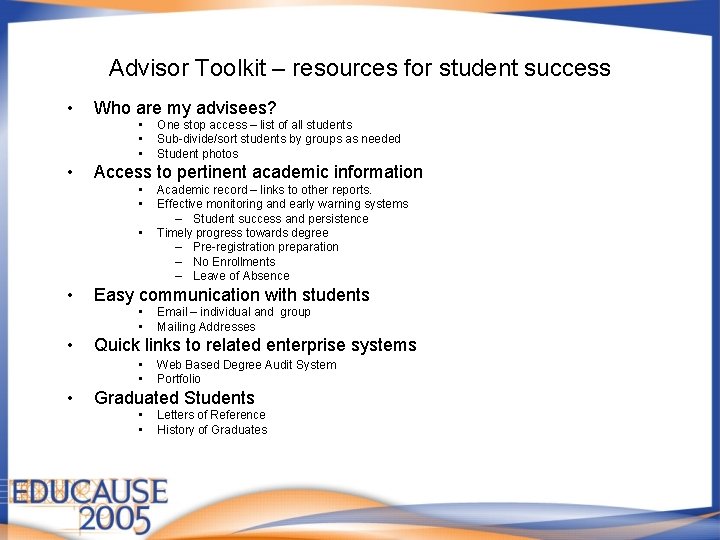
Advisor Toolkit – resources for student success • Who are my advisees? • • Access to pertinent academic information • • Email – individual and group Mailing Addresses Quick links to related enterprise systems • • • Academic record – links to other reports. Effective monitoring and early warning systems – Student success and persistence Timely progress towards degree – Pre-registration preparation – No Enrollments – Leave of Absence Easy communication with students • • • One stop access – list of all students Sub-divide/sort students by groups as needed Student photos Web Based Degree Audit System Portfolio Graduated Students • • Letters of Reference History of Graduates
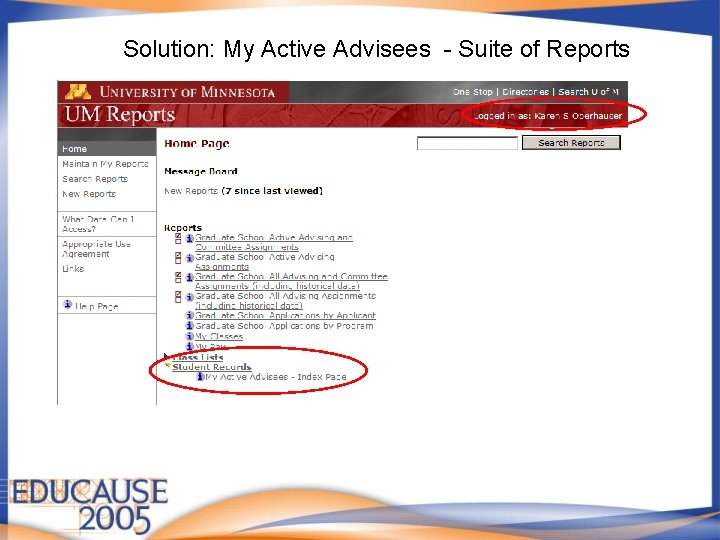
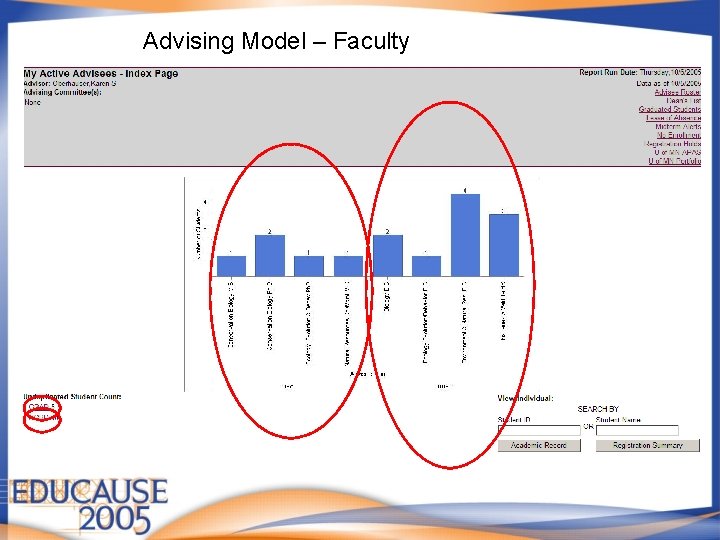
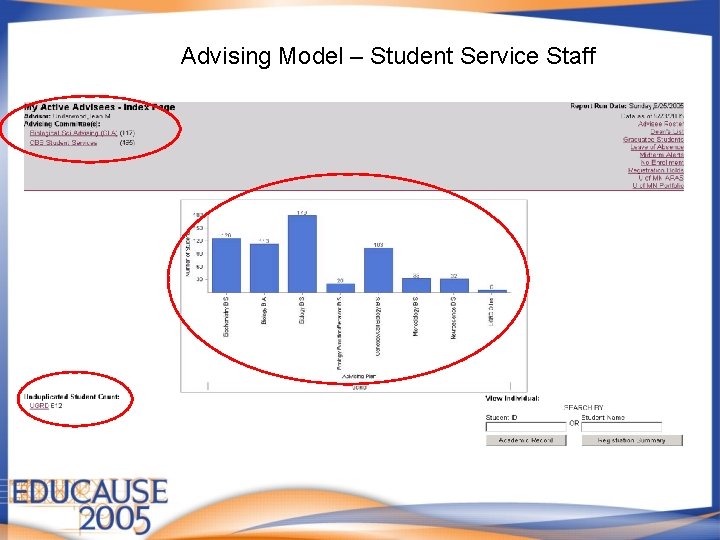
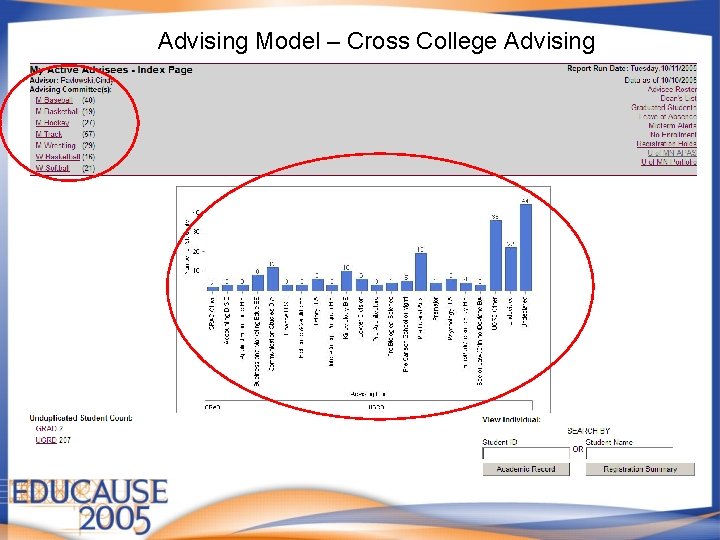
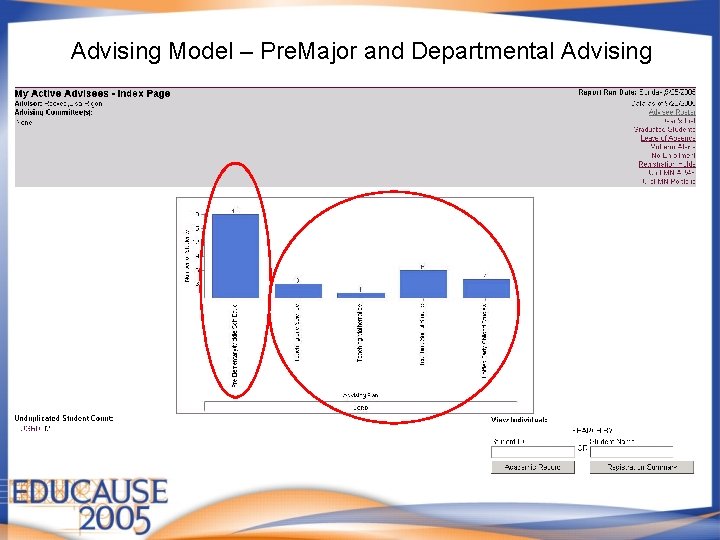
Solution: My Active Advisees - Suite of Reports
Advising Model – Faculty
Advising Model – Student Service Staff
Advising Model – Cross College Advising
Advising Model – Pre. Major and Departmental Advising
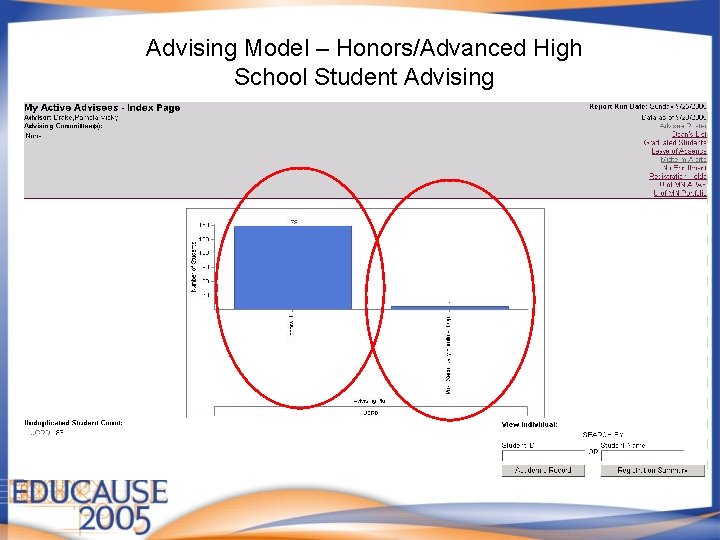
Advising Model – Honors/Advanced High School Student Advising
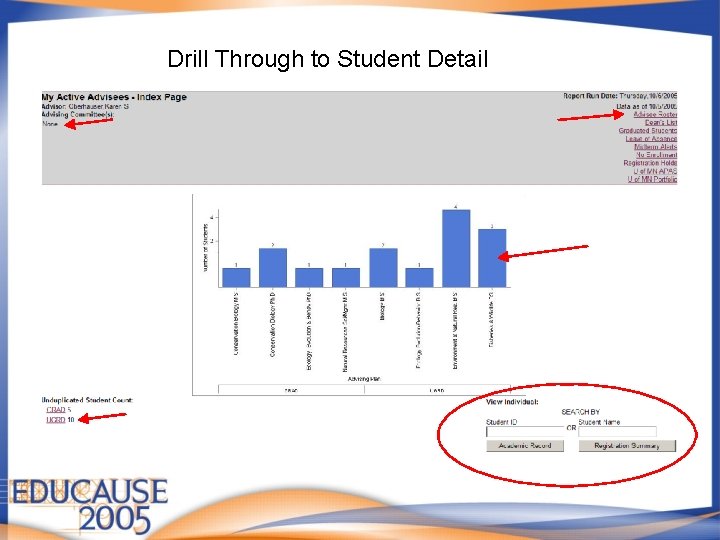
Drill Through to Student Detail
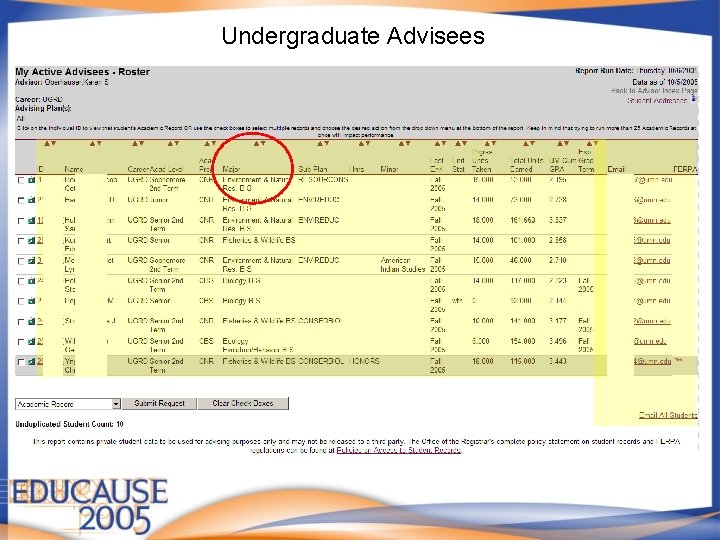
Undergraduate Advisees
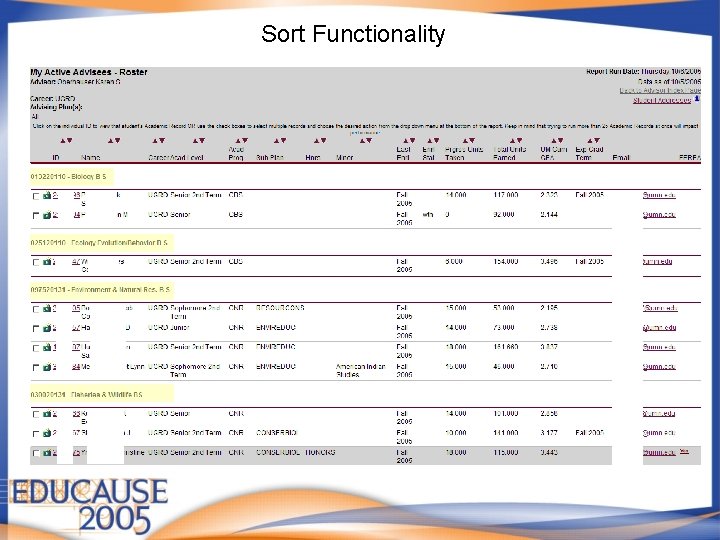
Sort Functionality
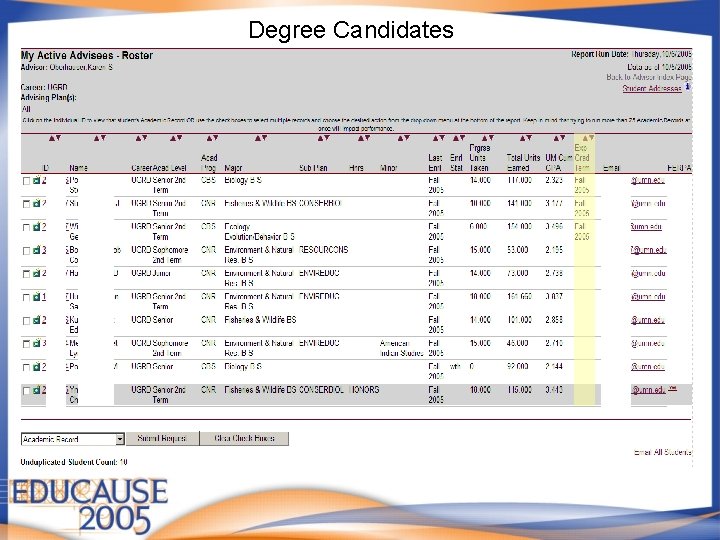
Degree Candidates
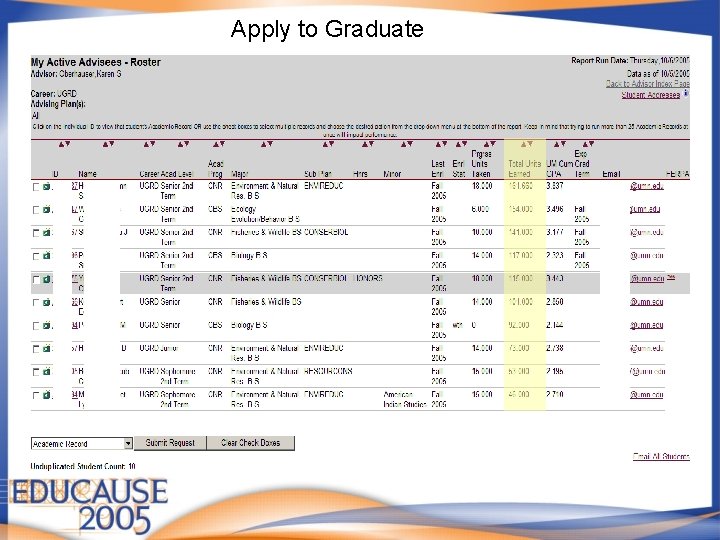
Apply to Graduate
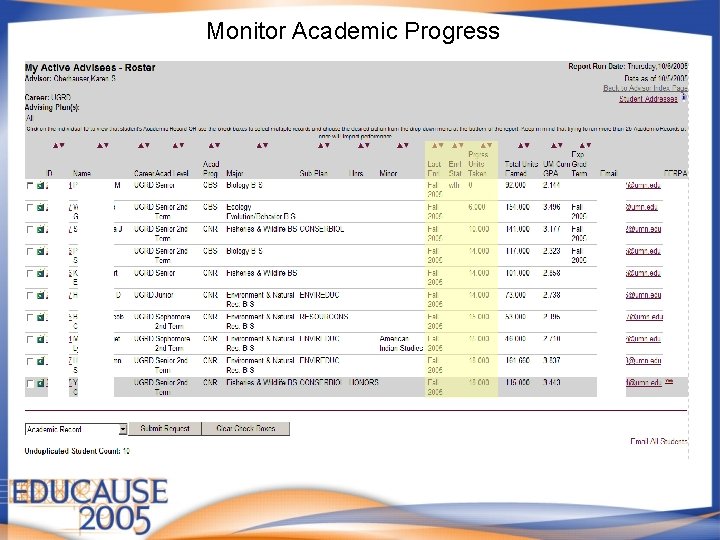
Monitor Academic Progress
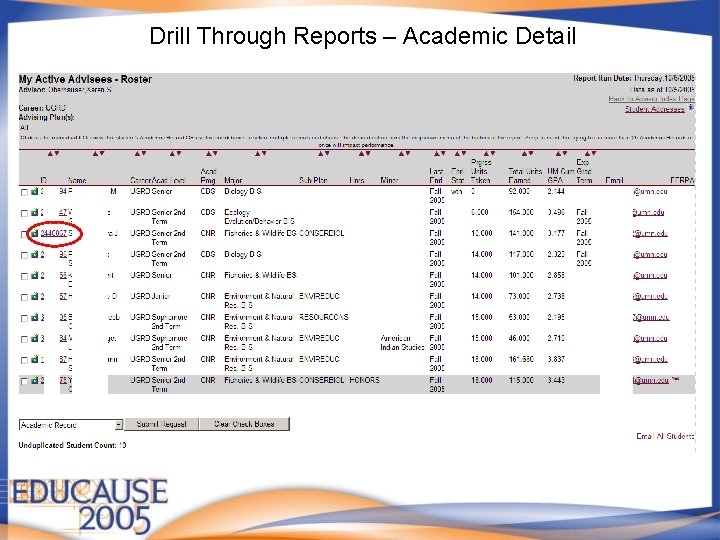
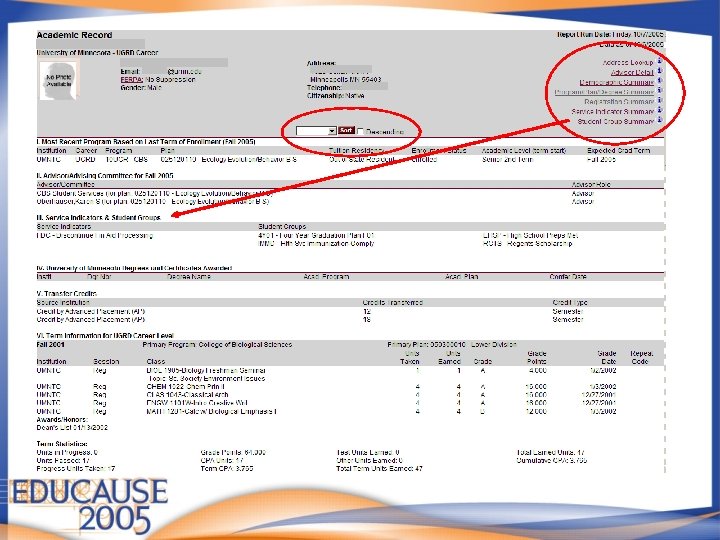
Drill Through Reports – Academic Detail
Academic Record Registration Summary Save Checked Rows to Excel
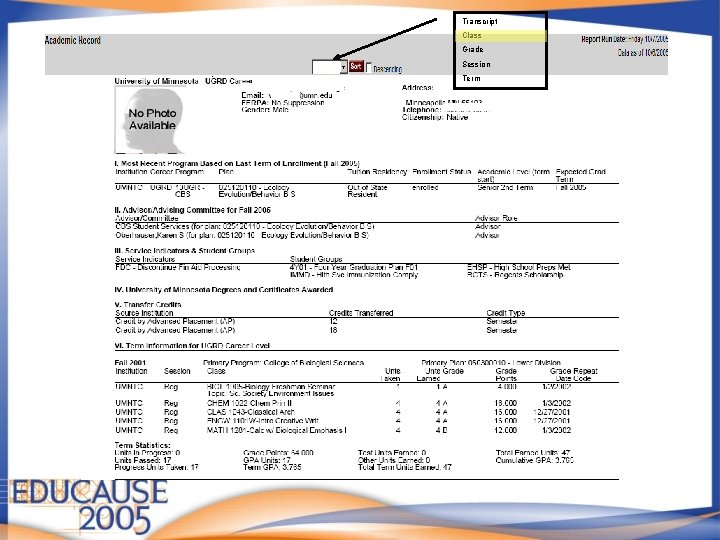
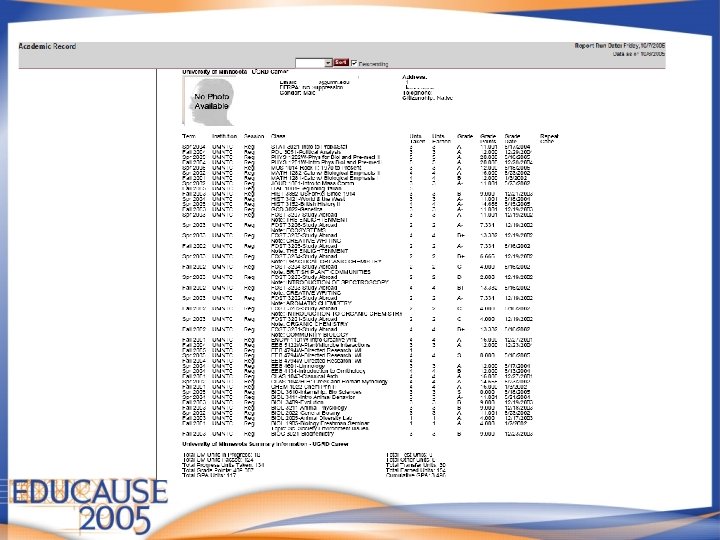
Transcript Class Grade Session Term
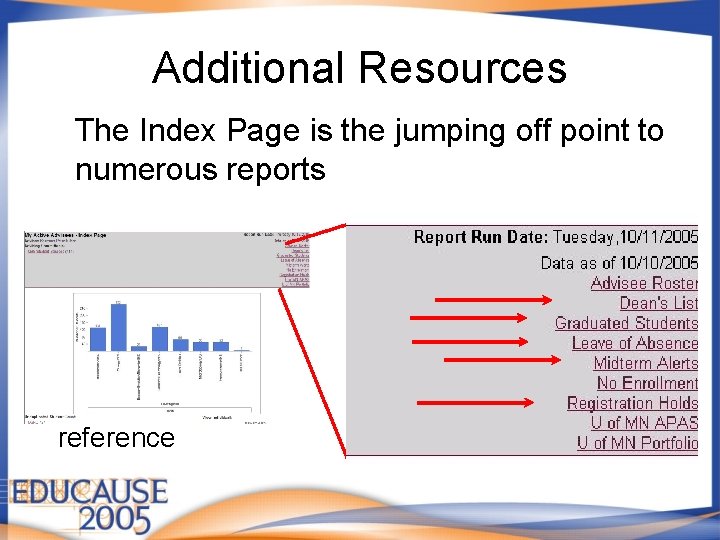
Additional Resources The Index Page is the jumping off point to numerous reports Allowing for: • timely intervention • registration planning • monitoring leaves • preparing letters of reference
Midterm Alert Policy • Instructors in all 1000 level classes shall provide a midterm alert for students who appear to be in danger of receiving a grade of D, F, or N. • Students receive an email notification for each alert • Advisors get a copy of the email
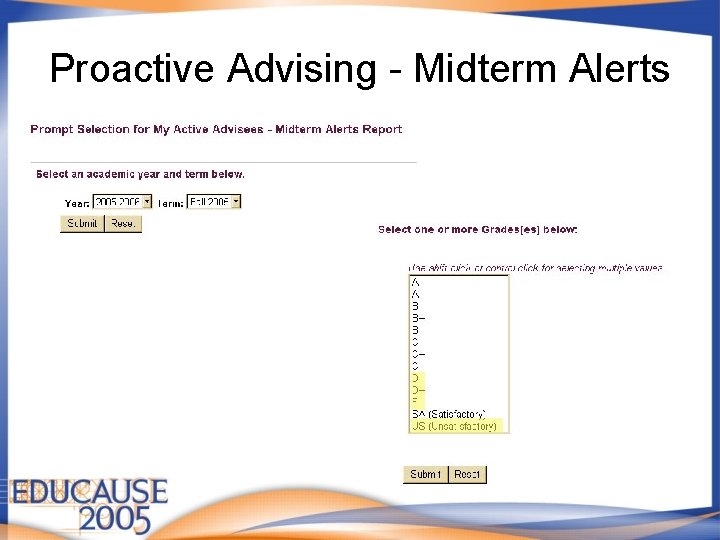
Proactive Advising - Midterm Alerts
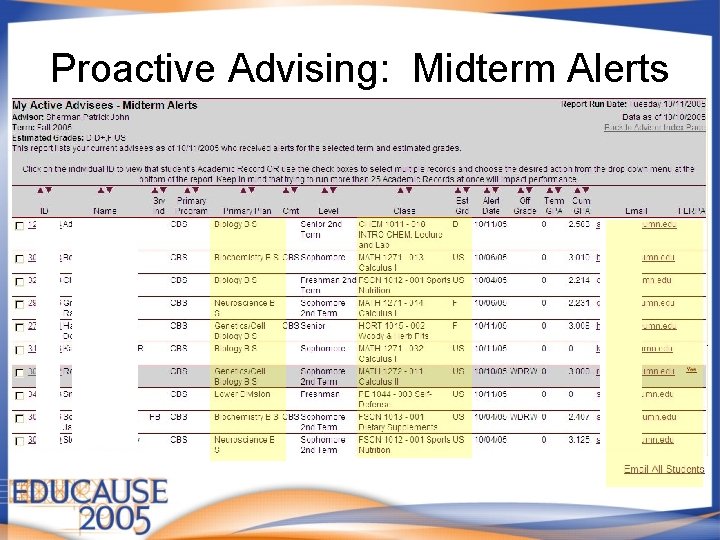
Proactive Advising: Midterm Alerts
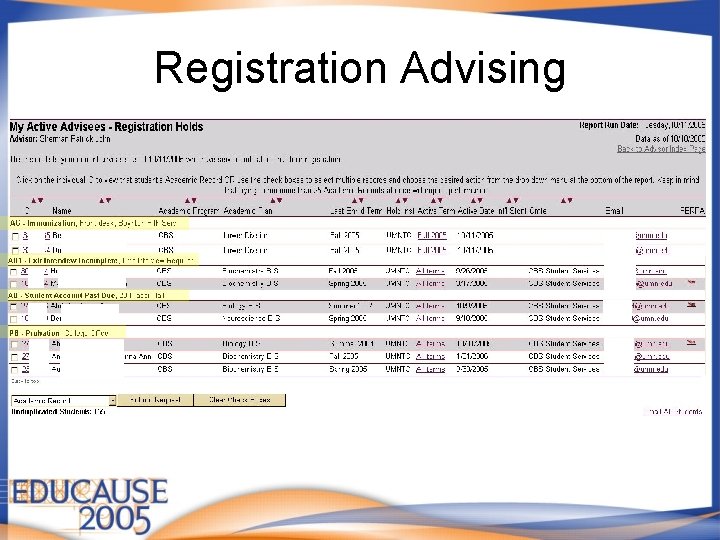
Registration Advising
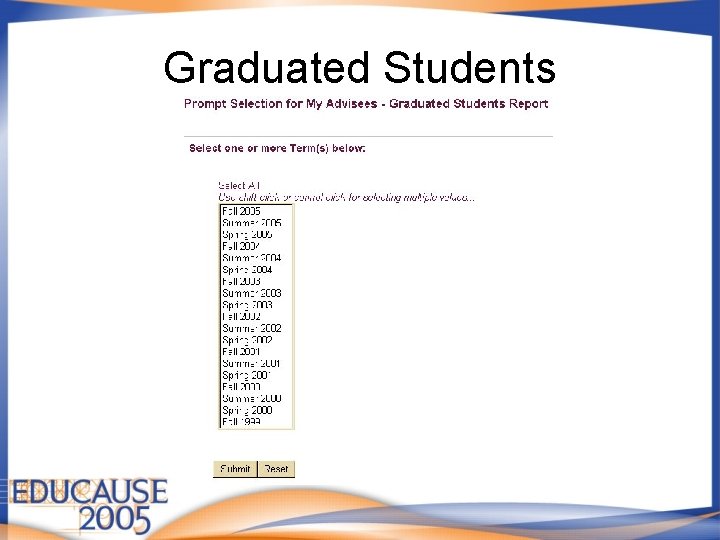
Graduated Students
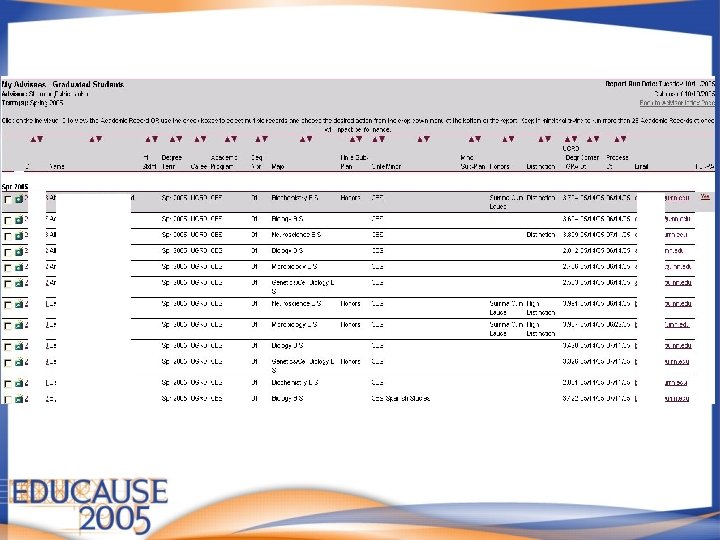
Graduated Students Report
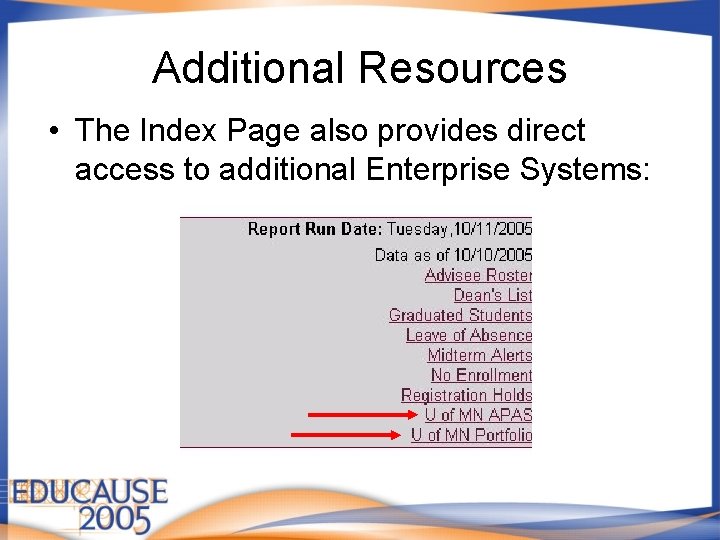
Additional Resources • The Index Page also provides direct access to additional Enterprise Systems:
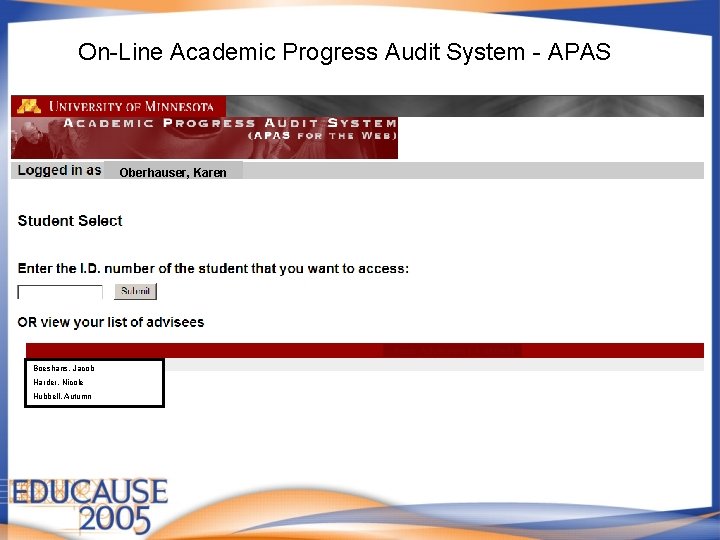
On-Line Academic Progress Audit System - APAS Oberhauser, Karen Boeshans, Jacob Harder, Nicole Hubbell, Autumn
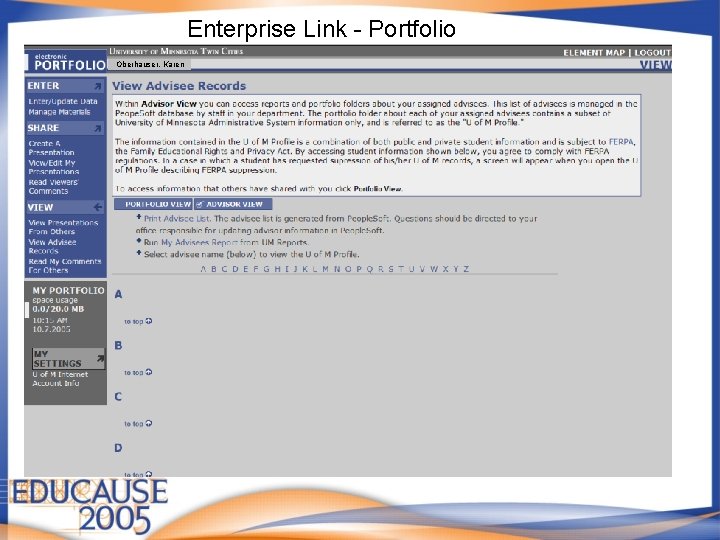
Enterprise Link - Portfolio Oberhauser, Karen
Look to the Future • Advising Units – Administrative Oversight • Additional Reports – Study Abroad – Grade Roster – Yearbook view of pictures by selected parameters • Operational Analysis – Monitor advising loads – Student success
Questions? University of Minnesota Information Management Systems Business Systems Analysts: Amy Winkel a-wink@umn. edu Cindy Salyers csalyers@umn. edu