Programme Management Unit to support the implementation of
- Slides: 40
Programme Management Unit to support the implementation of grant schemes for the Turkish Cypriot community EU GRANT SUPPORT TEAM Private Sector Development Programme Competitive Enterprises, Clusters and Business Support Organisations PADOR & PROSPECT This project is funded by the EU Aid Programme for the Turkish Cypriot community and is implemented by WYG Türkiye, WYG International Ltd. , Project Group and LDK Consultants Consortium. 1
PADOR (Potential Applicant Data Online Registration) To ease administration, PADOR is an EU online database where all potential applicants have to register. Required data includes administrative and financial data. 2
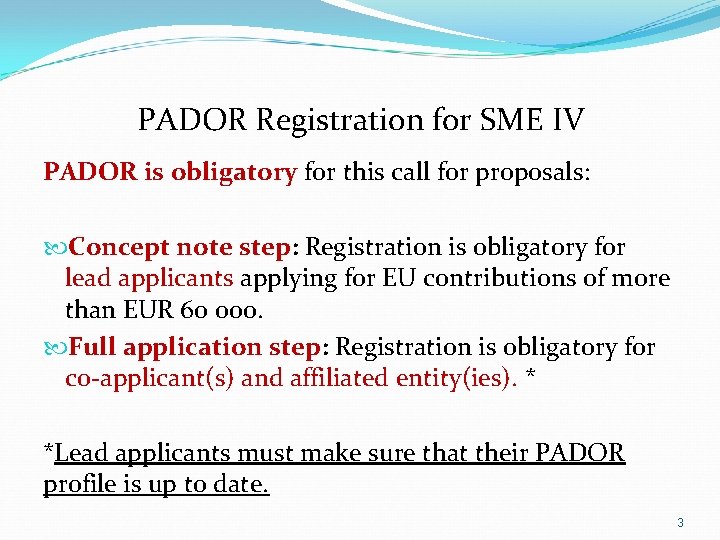
PADOR Registration for SME IV PADOR is obligatory for this call for proposals: Concept note step: Registration is obligatory for lead applicants applying for EU contributions of more than EUR 60 000. Full application step: Registration is obligatory for co-applicant(s) and affiliated entity(ies). * *Lead applicants must make sure that their PADOR profile is up to date. 3
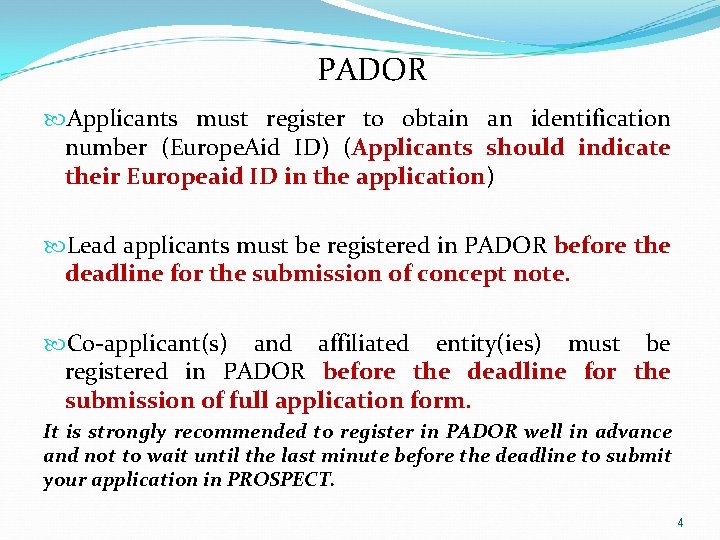
PADOR Applicants must register to obtain an identification number (Europe. Aid ID) (Applicants should indicate their Europeaid ID in the application) Lead applicants must be registered in PADOR before the deadline for the submission of concept note. Co-applicant(s) and affiliated entity(ies) must be registered in PADOR before the deadline for the submission of full application form. It is strongly recommended to register in PADOR well in advance and not to wait until the last minute before the deadline to submit your application in PROSPECT. 4
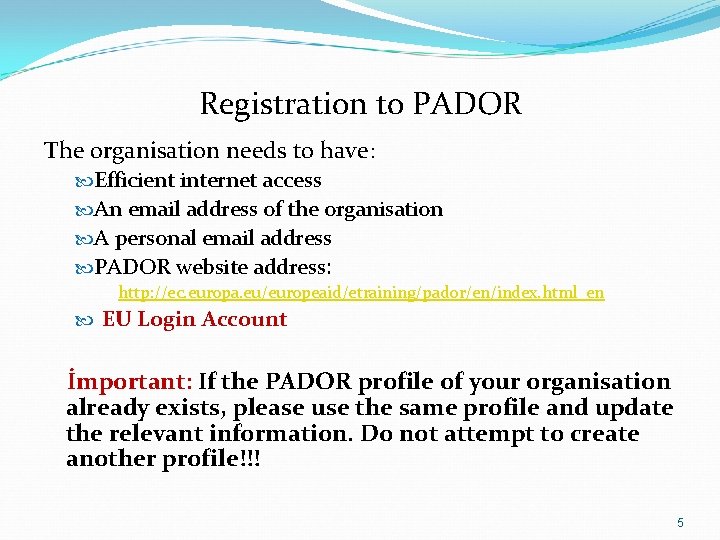
Registration to PADOR The organisation needs to have: Efficient internet access An email address of the organisation A personal email address PADOR website address: http: //ec. europa. eu/europeaid/etraining/pador/en/index. html_en EU Login Account İmportant: If the PADOR profile of your organisation already exists, please use the same profile and update the relevant information. Do not attempt to create another profile!!! 5
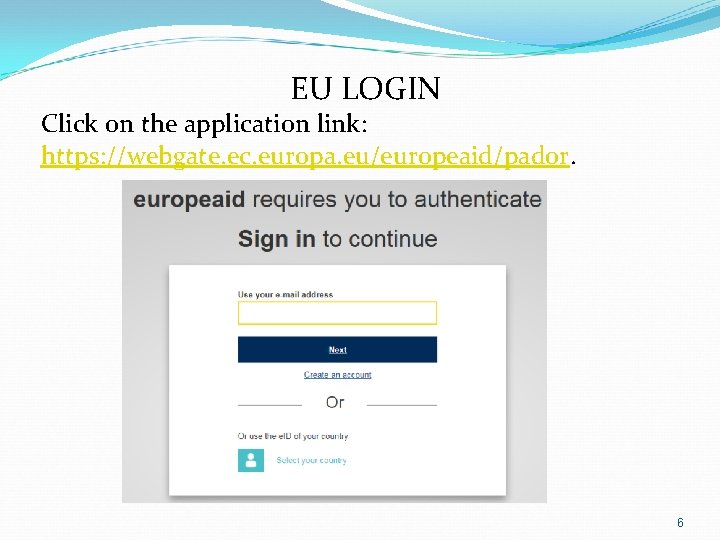
EU LOGIN Click on the application link: https: //webgate. ec. europa. eu/europeaid/pador. 6
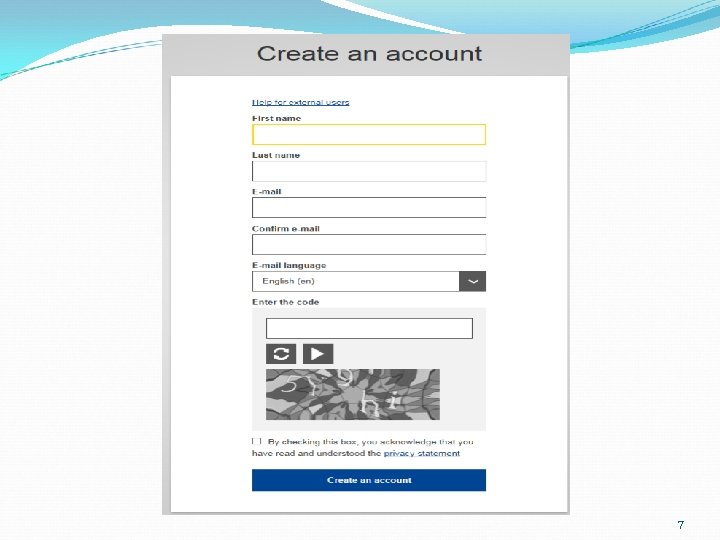
7
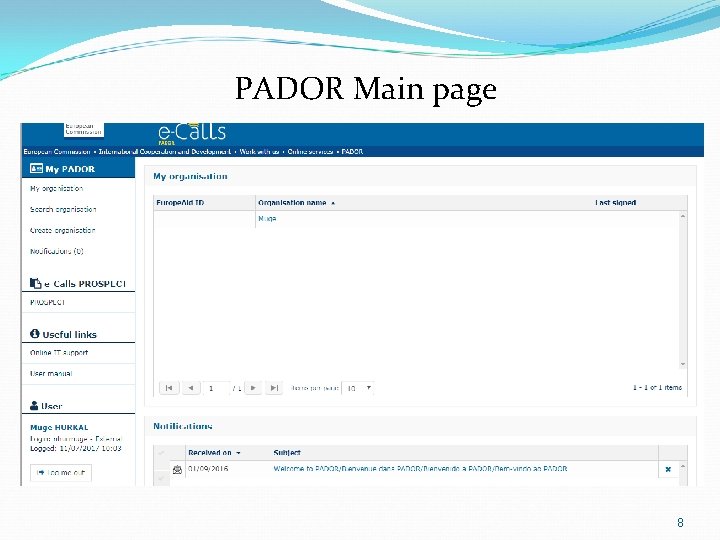
PADOR Main page 8
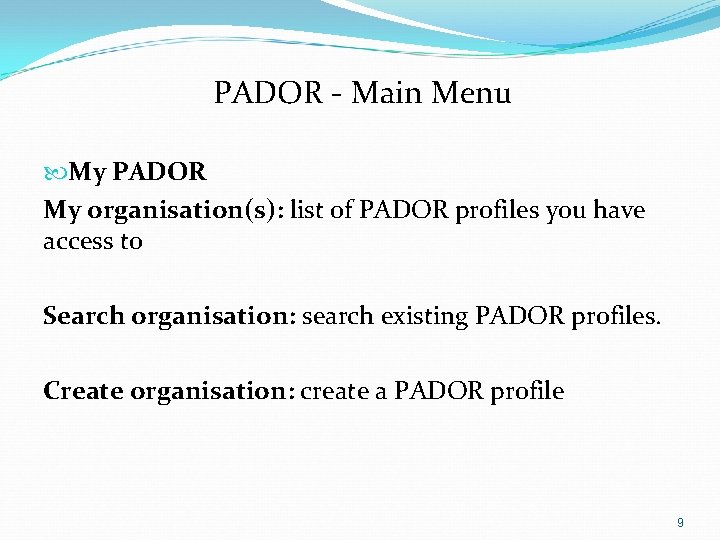
PADOR - Main Menu My PADOR My organisation(s): list of PADOR profiles you have access to Search organisation: search existing PADOR profiles. Create organisation: create a PADOR profile 9
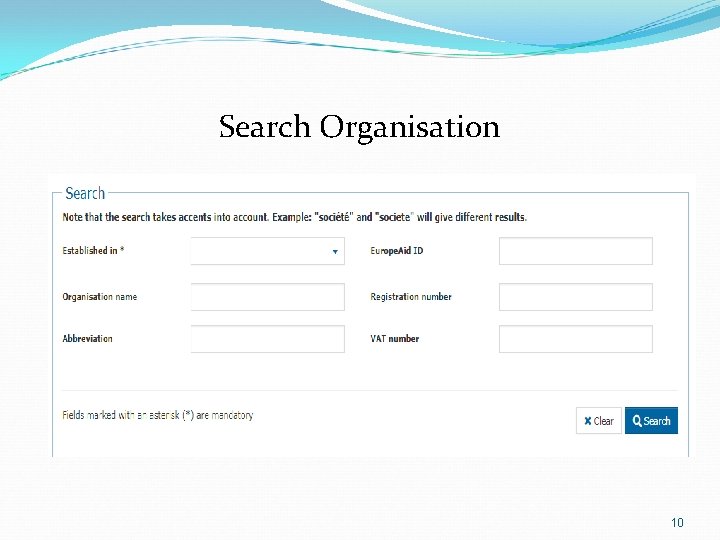
Search Organisation 10
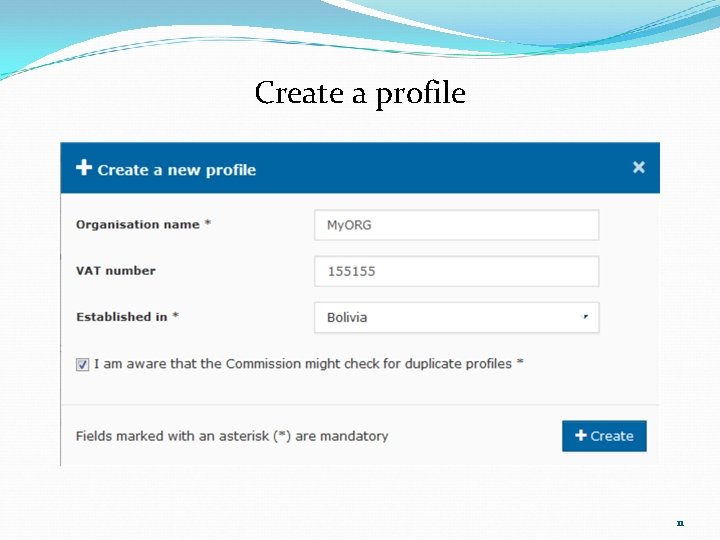
Create a profile 11
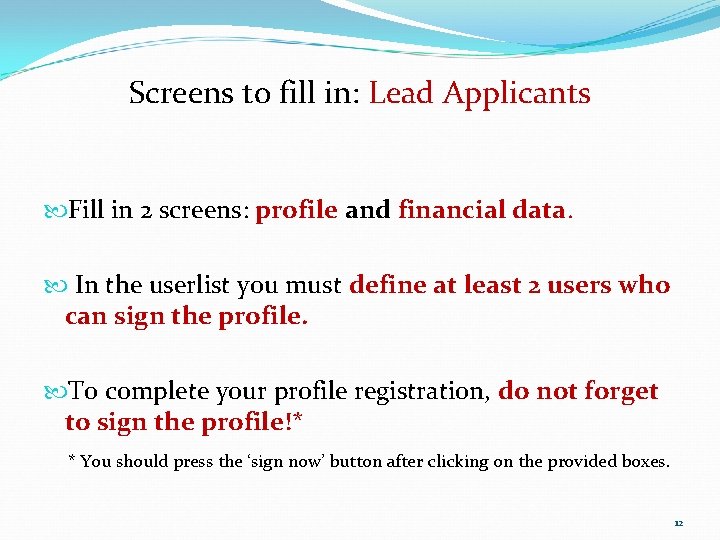
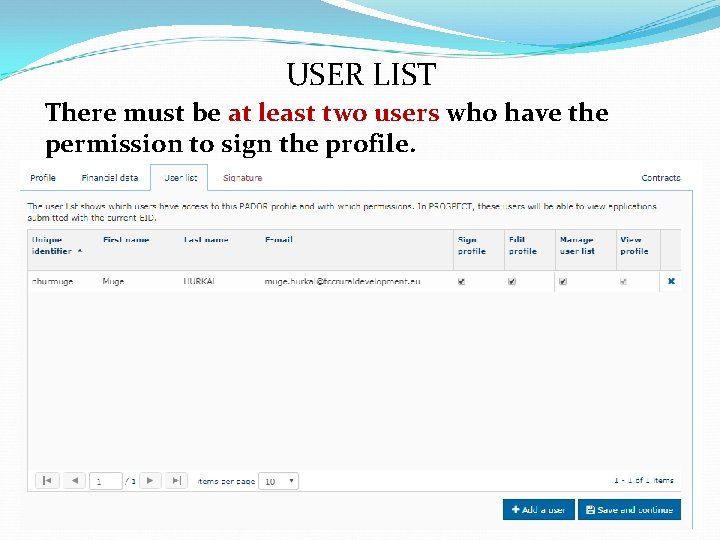
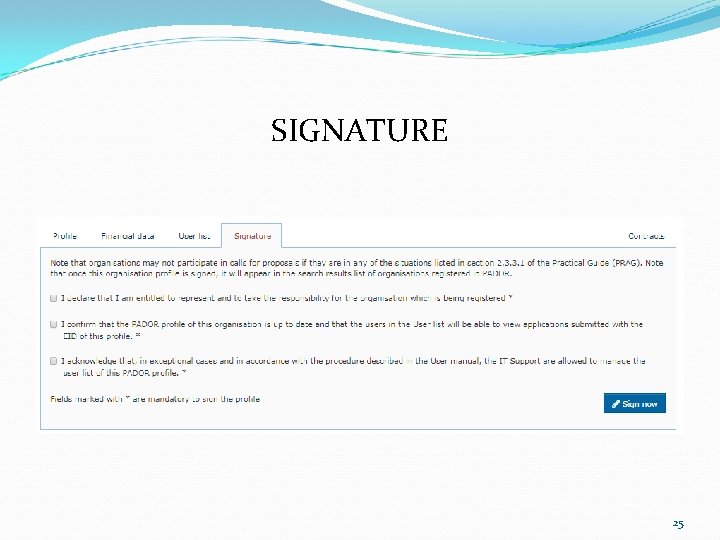
Screens to fill in: Lead Applicants Fill in 2 screens: profile and financial data. In the userlist you must define at least 2 users who can sign the profile. To complete your profile registration, do not forget to sign the profile!* * You should press the ‘sign now’ button after clicking on the provided boxes. 12
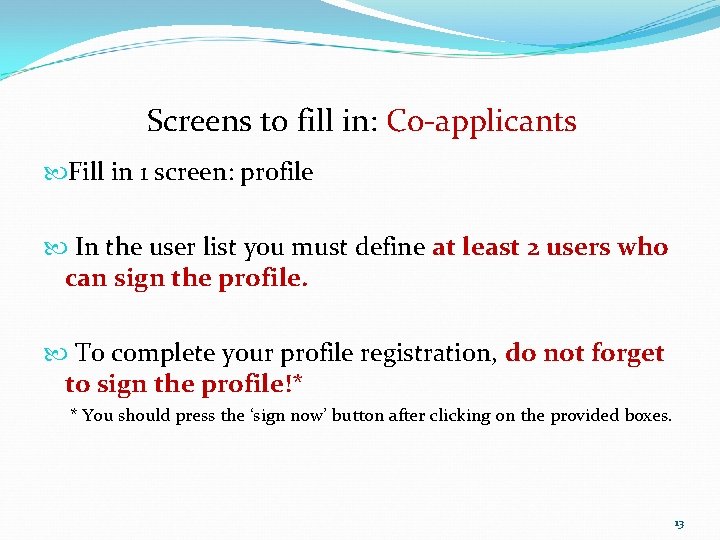
Screens to fill in: Co-applicants Fill in 1 screen: profile In the user list you must define at least 2 users who can sign the profile. To complete your profile registration, do not forget to sign the profile!* * You should press the ‘sign now’ button after clicking on the provided boxes. 13
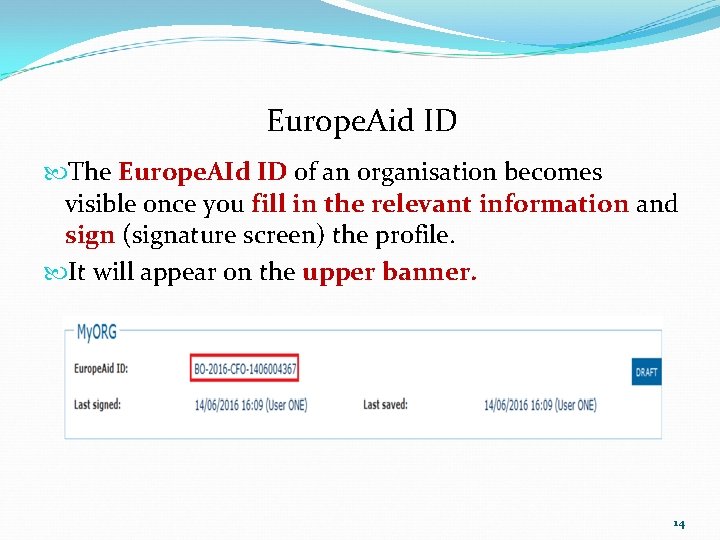
Europe. Aid ID The Europe. AId ID of an organisation becomes visible once you fill in the relevant information and sign (signature screen) the profile. It will appear on the upper banner. 14
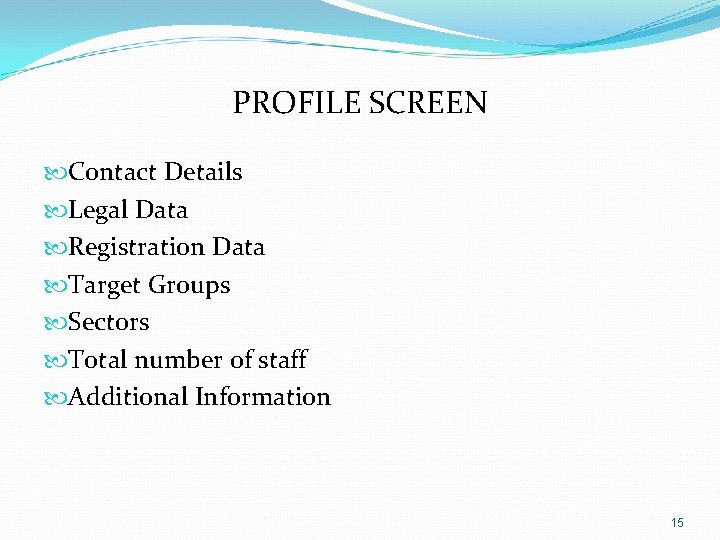
PROFILE SCREEN Contact Details Legal Data Registration Data Target Groups Sectors Total number of staff Additional Information 15
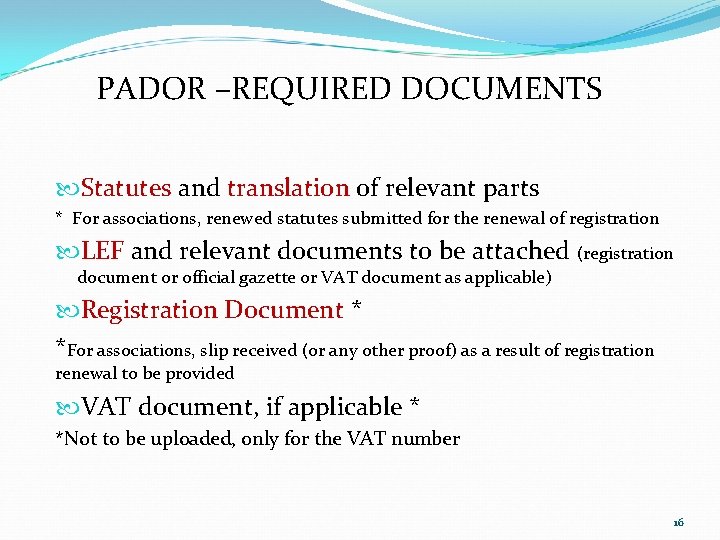
PADOR –REQUIRED DOCUMENTS Statutes and translation of relevant parts * For associations, renewed statutes submitted for the renewal of registration LEF and relevant documents to be attached (registration document or official gazette or VAT document as applicable) Registration Document * *For associations, slip received (or any other proof) as a result of registration renewal to be provided VAT document, if applicable * *Not to be uploaded, only for the VAT number 16
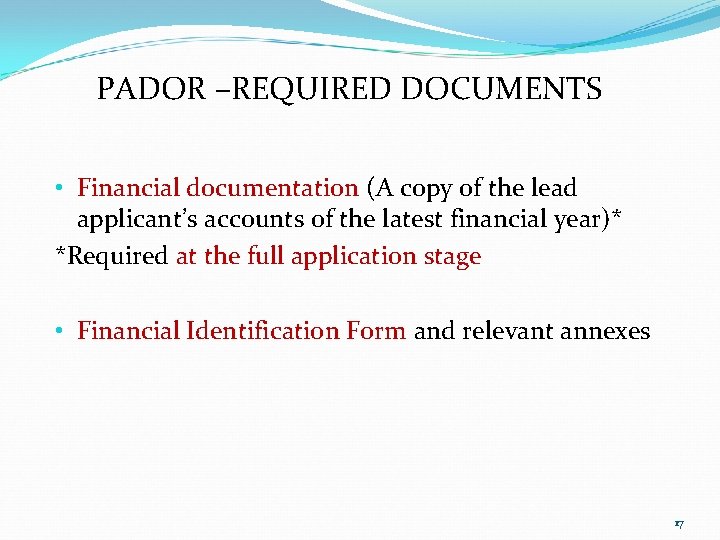
PADOR –REQUIRED DOCUMENTS • Financial documentation (A copy of the lead applicant’s accounts of the latest financial year)* *Required at the full application stage • Financial Identification Form and relevant annexes 17
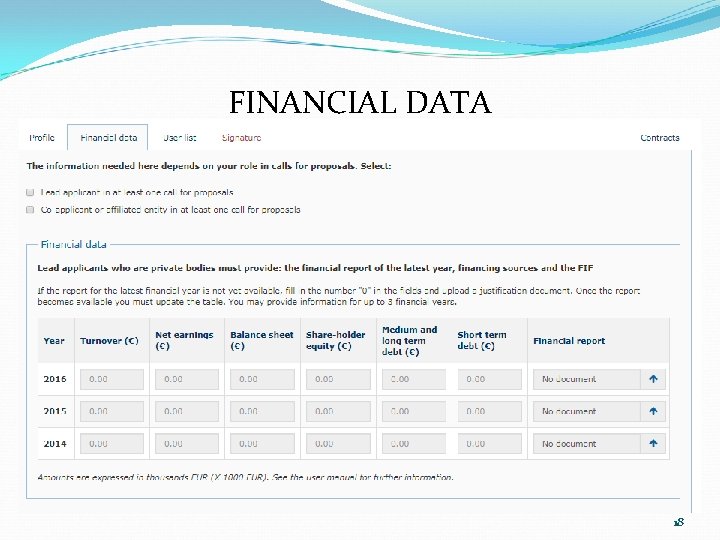
FINANCIAL DATA 18
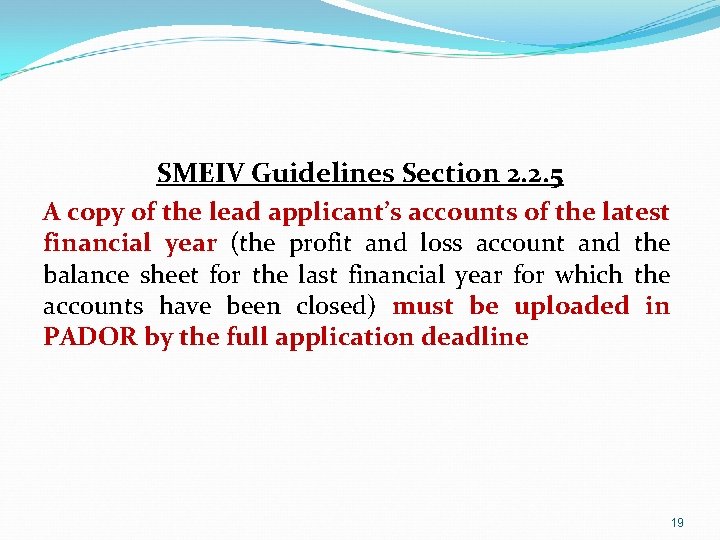
SMEIV Guidelines Section 2. 2. 5 A copy of the lead applicant’s accounts of the latest financial year (the profit and loss account and the balance sheet for the last financial year for which the accounts have been closed) must be uploaded in PADOR by the full application deadline 19
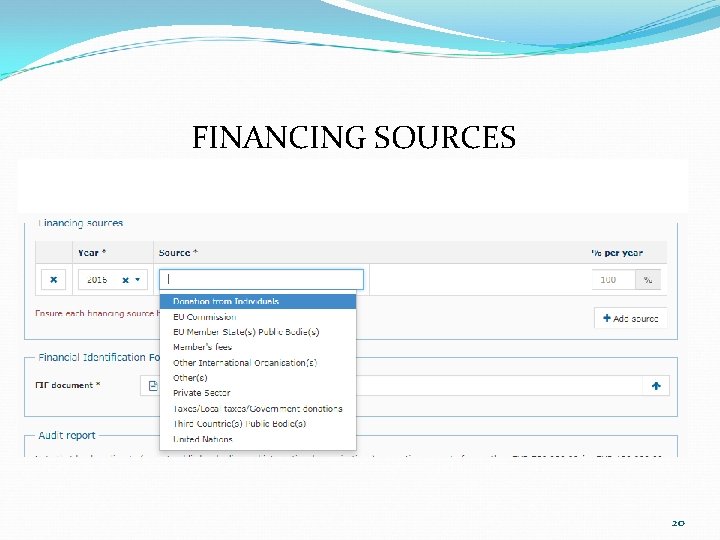
FINANCING SOURCES 20
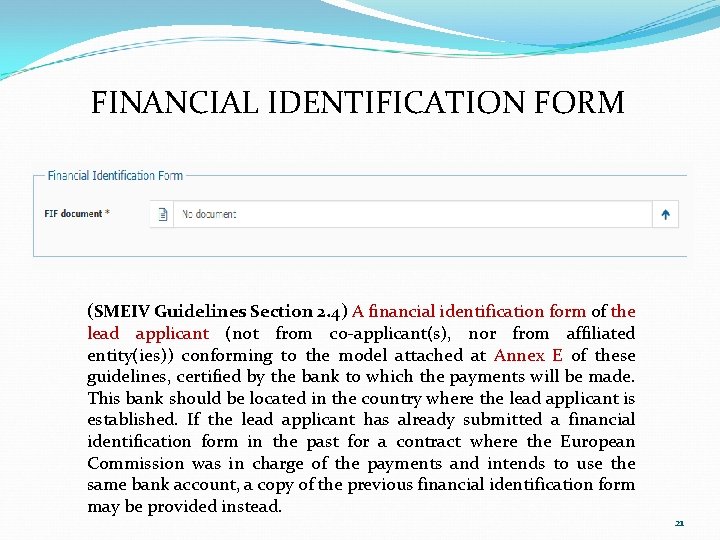
FINANCIAL IDENTIFICATION FORM (SMEIV Guidelines Section 2. 4) A financial identification form of the lead applicant (not from co-applicant(s), nor from affiliated entity(ies)) conforming to the model attached at Annex E of these guidelines, certified by the bank to which the payments will be made. This bank should be located in the country where the lead applicant is established. If the lead applicant has already submitted a financial identification form in the past for a contract where the European Commission was in charge of the payments and intends to use the same bank account, a copy of the previous financial identification form may be provided instead. 21
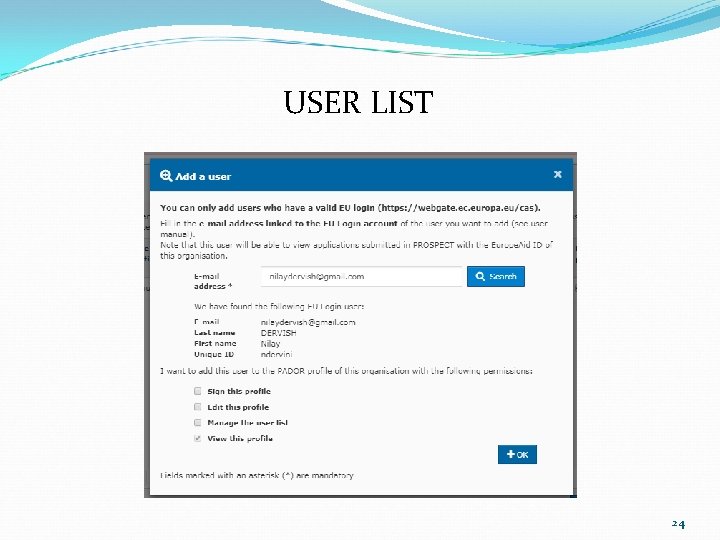
USER LIST There must be at least two users who have the permission to sign the profile. 22
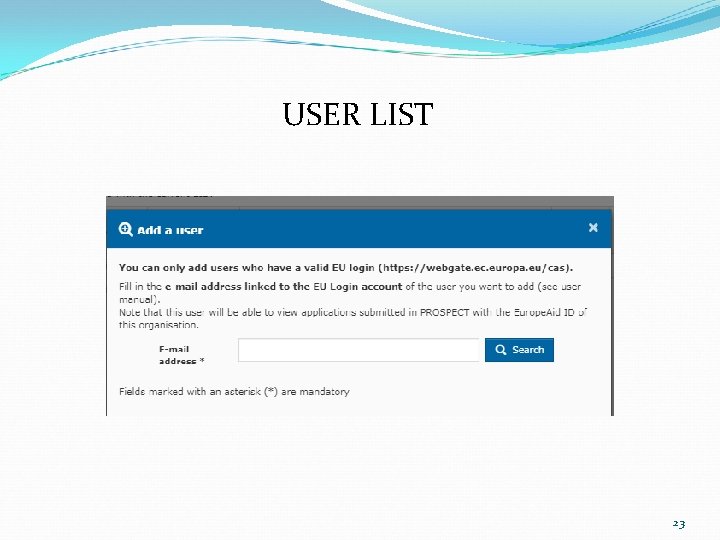
USER LIST 23
USER LIST 24
SIGNATURE 25
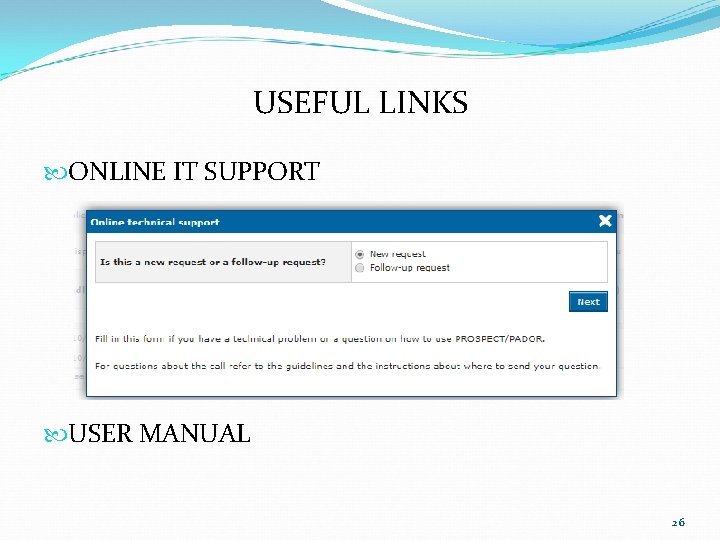
USEFUL LINKS ONLINE IT SUPPORT USER MANUAL 26
OR contact the EU Grant Support Team (PMU): E-mail: info@tcceugrantsupport. eu Telephone: +90 392 228 32 60 -65 Please call us for an appointment! 27
PROSPECT Easy access from PADOR Main Menu Bar OR Access from the link: https: //ec. europa. eu/europeaid/prospect_en Requires EU Login Account 28
PROSPECT – Before starting System and browser requirements: Make sure that Java Script is enabled on your computer. Browsers which can be used: Internet Explorer (from version 9) Current and previous version of Firefox and Chrome 29
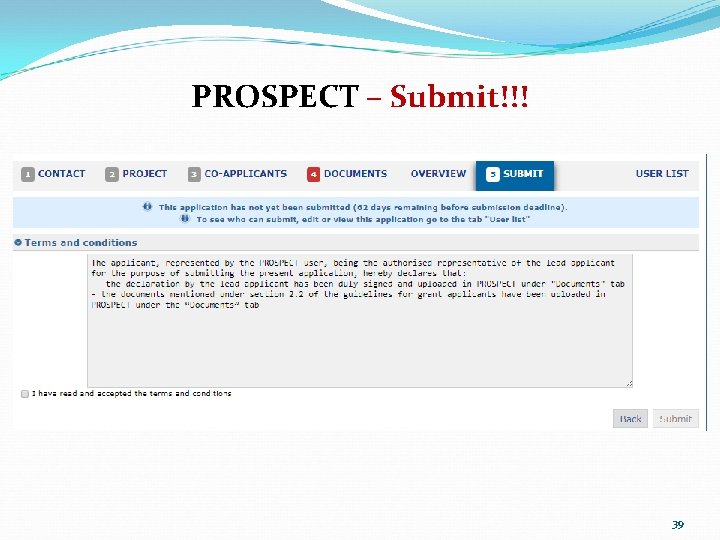
PROSPECT – Before starting Online Submission Do not forget to submit your application before the deadline. Once you have submitted your application, you will not be able to make any changes. Your application status can be ‘Draft’ or ‘Submitted’ Once you click on ‘Submit’, a notification message will appear in your PROSPECT profile. Ensure that the e-mail address you wish to link your application to is valid and accessible. Fill in all mandatory fields marked with (*). 30
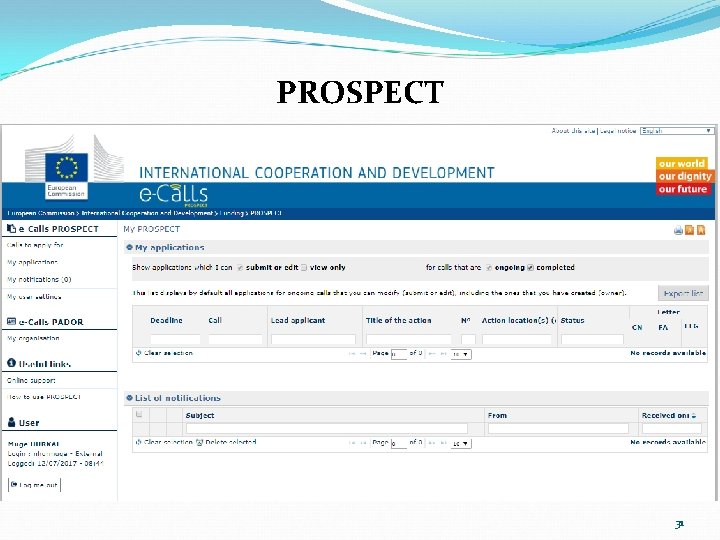
PROSPECT 31
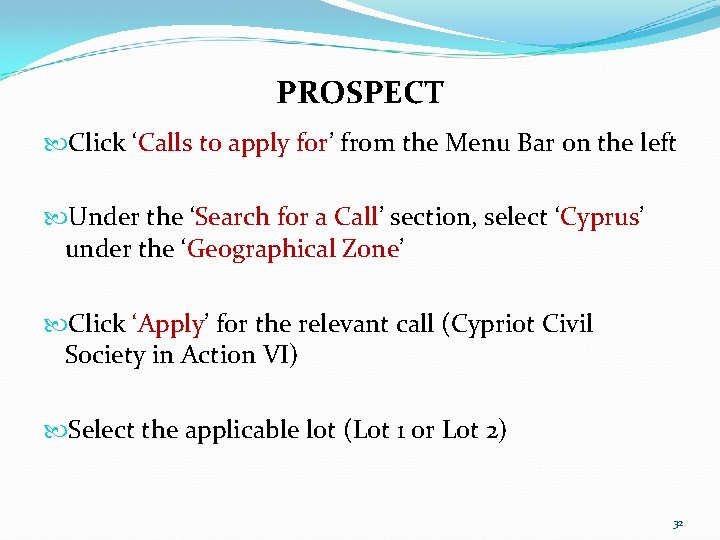
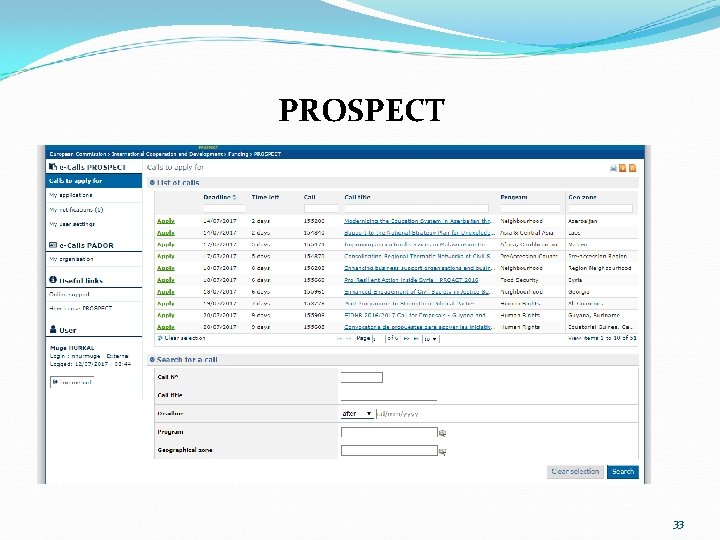
PROSPECT Click ‘Calls to apply for’ from the Menu Bar on the left Under the ‘Search for a Call’ section, select ‘Cyprus’ under the ‘Geographical Zone’ Click ‘Apply’ for the relevant call (Cypriot Civil Society in Action VI) Select the applicable lot (Lot 1 or Lot 2) 32
PROSPECT 33
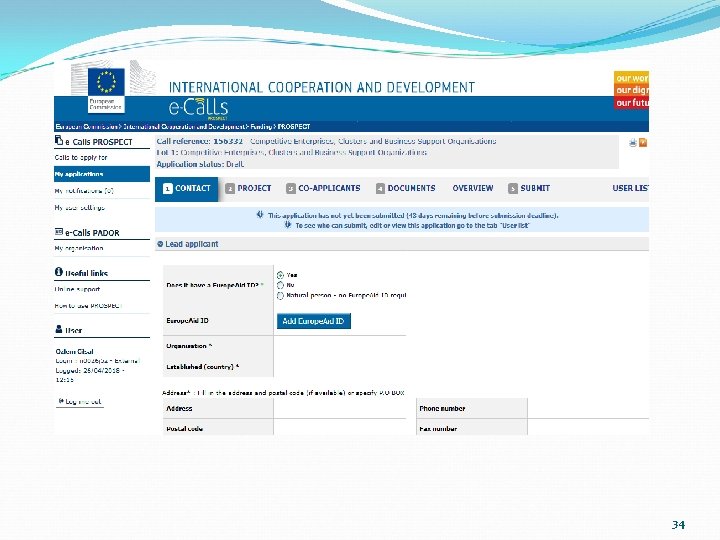
34
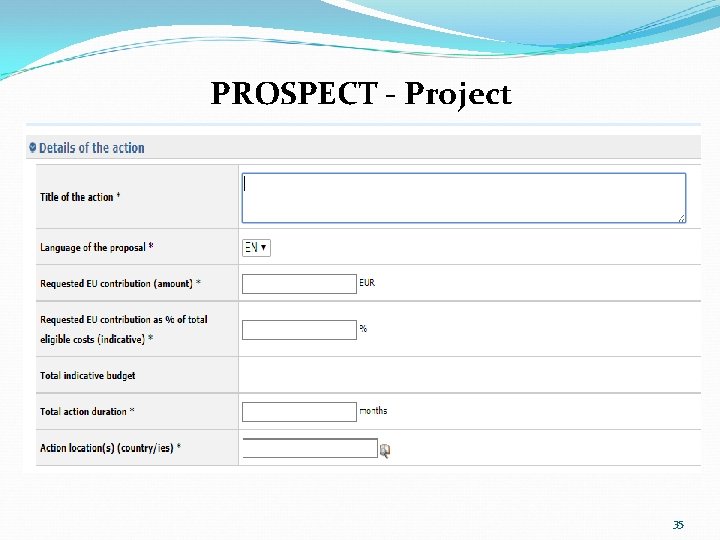
PROSPECT - Project 35
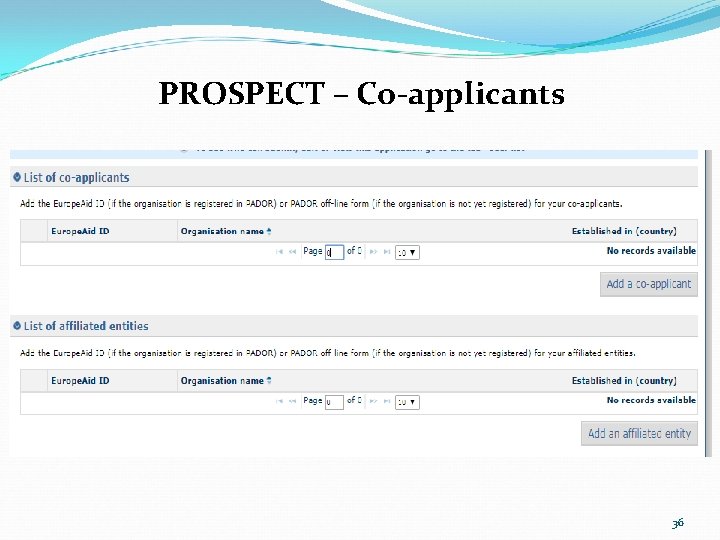
PROSPECT – Co-applicants 36
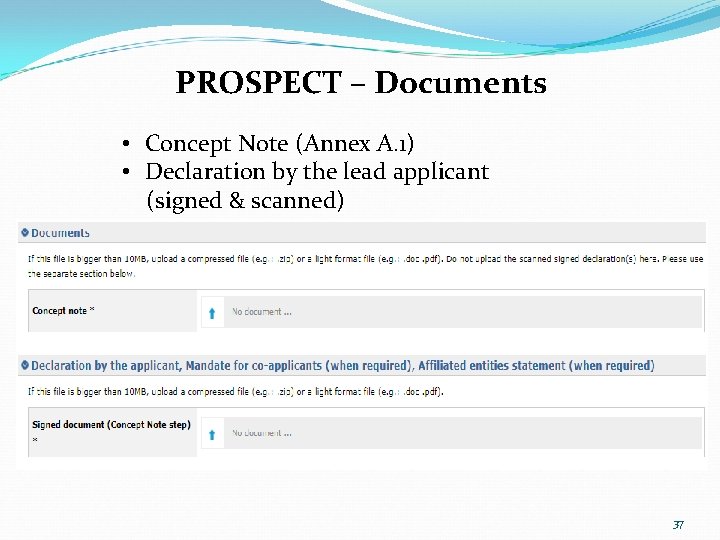
PROSPECT – Documents • Concept Note (Annex A. 1) • Declaration by the lead applicant (signed & scanned) 37
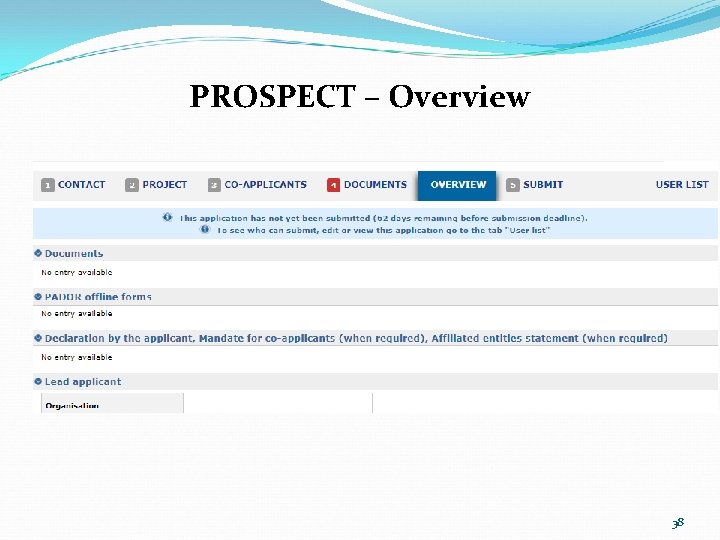
PROSPECT – Overview 38
PROSPECT – Submit!!! 39
Thank You!!! EU Grant Support Team Hacıbulgur Apt. 16/2 Yusuf Ecvet Avenue, Yenişehir Nicosia, Cyprus Tel: +90 392 228 32 60 E-mail: info@tcceugrantsupport. eu 40