Human Computer Interaction Implementation Support Implementation support programming
![Programming the application - 1 notification-based void main(String[] args) { Menu menu = new](https://slidetodoc.com/presentation_image_h2/75046e46e97aaef703f5147ed134acdf/image-11.jpg "Programming the application - 1 notification-based void main(String[] args) { Menu menu = new")
- Slides: 17
Human Computer Interaction Implementation Support
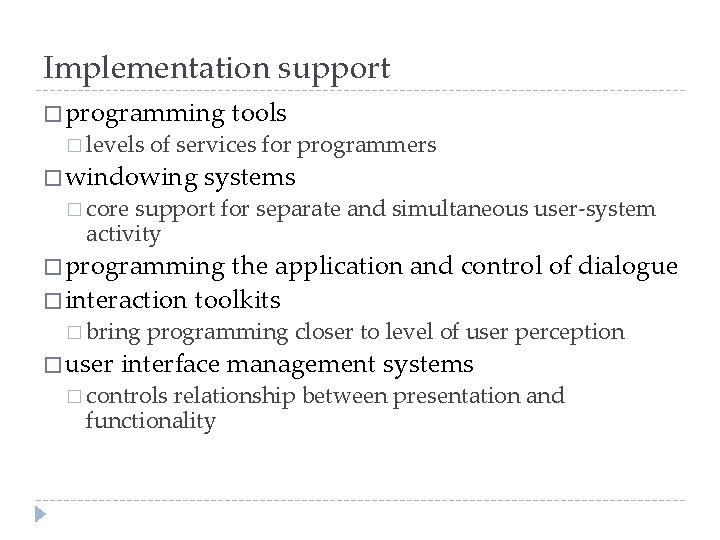
Implementation support � programming � levels tools of services for programmers � windowing � core systems support for separate and simultaneous user-system activity � programming the application and control of dialogue � interaction toolkits � bring � user programming closer to level of user perception interface management systems � controls relationship between presentation and functionality
Introduction � How does HCI affect of the programmer? � Advances in coding have elevated programming � hardware � Layers specific interaction-technique specific of development tools � windowing systems � interaction toolkits � user interface management systems
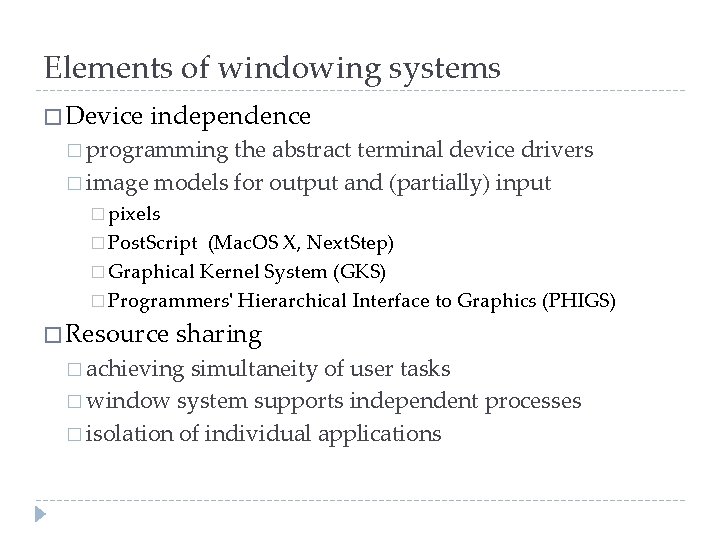
Elements of windowing systems � Device independence � programming the abstract terminal device drivers � image models for output and (partially) input � pixels � Post. Script (Mac. OS X, Next. Step) � Graphical Kernel System (GKS) � Programmers' Hierarchical Interface to Graphics (PHIGS) � Resource sharing � achieving simultaneity of user tasks � window system supports independent processes � isolation of individual applications
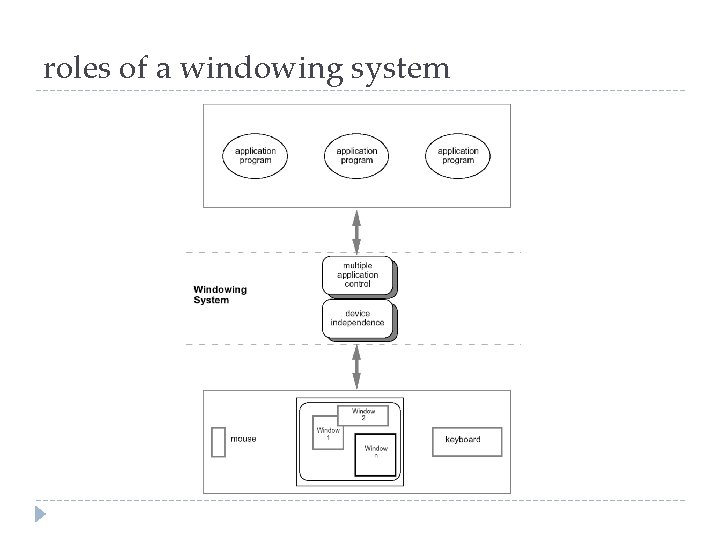
roles of a windowing system
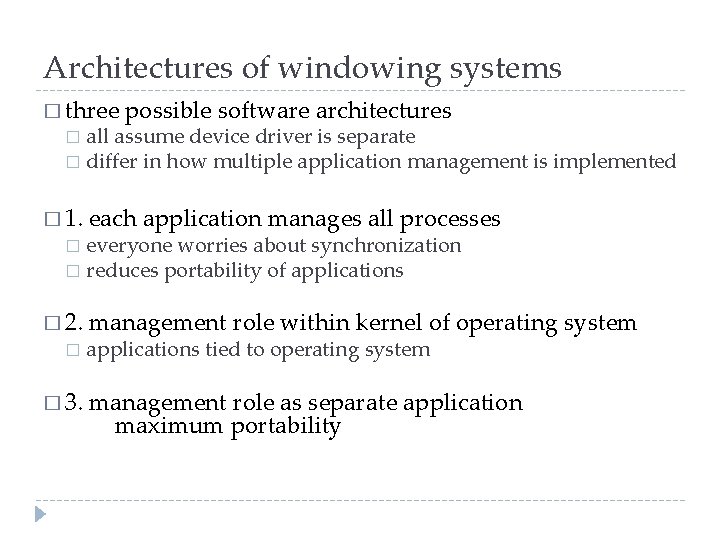
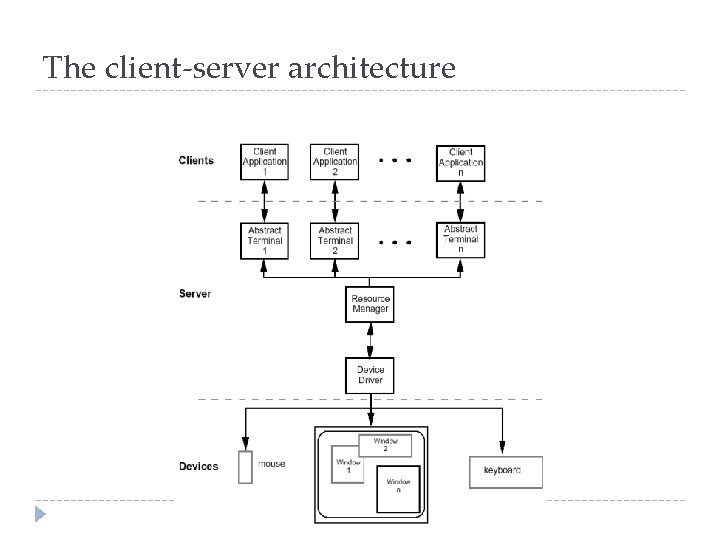
Architectures of windowing systems � three possible software architectures all assume device driver is separate � differ in how multiple application management is implemented � � 1. each application manages all processes everyone worries about synchronization � reduces portability of applications � � 2. � � 3. management role within kernel of operating system applications tied to operating system management role as separate application maximum portability
The client-server architecture
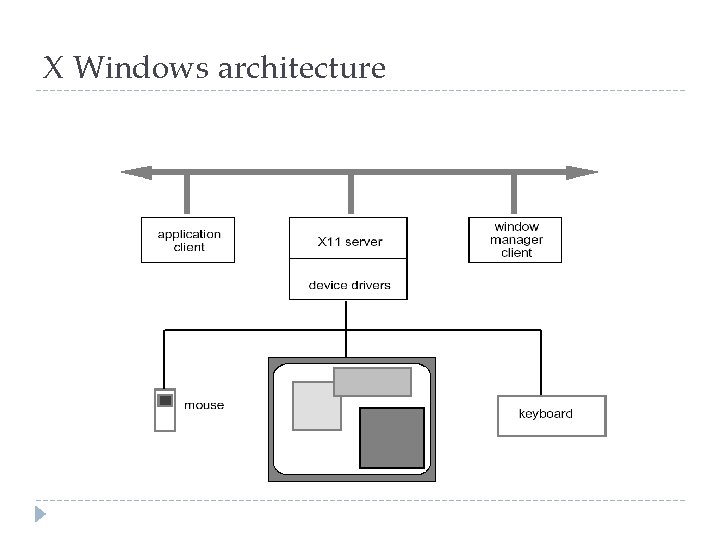
X Windows architecture
X Windows architecture (ctd) � pixel imaging model with some pointing mechanism � X protocol defines server-client communication � separate window manager client enforces policies for input/output: � how to change input focus � tiled vs. overlapping windows � inter-client data transfer
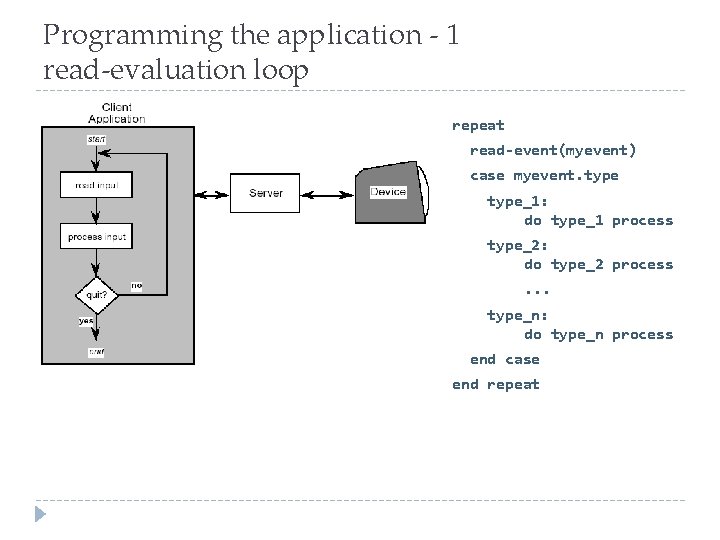
Programming the application - 1 read-evaluation loop repeat read-event(myevent) case myevent. type_1: do type_1 process type_2: do type_2 process. . . type_n: do type_n process end case end repeat
Programming the application - 1 notification-based void main(String[] args) { Menu menu = new Menu(); menu. set. Option(“Save”); menu. set. Option(“Quit”); menu. set. Action(“Save”, my. Save) menu. set. Action(“Quit”, my. Quit). . . } int my. Save(Event e) { // save the current file } int my. Quit(Event e) { // close down }
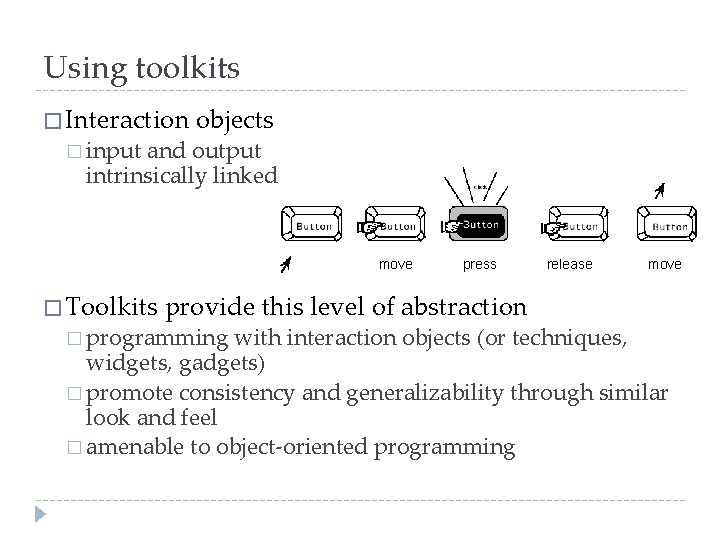
Using toolkits � Interaction � input objects and output intrinsically linked move � Toolkits press provide this level of abstraction � programming release move with interaction objects (or techniques, widgets, gadgets) � promote consistency and generalizability through similar look and feel � amenable to object-oriented programming
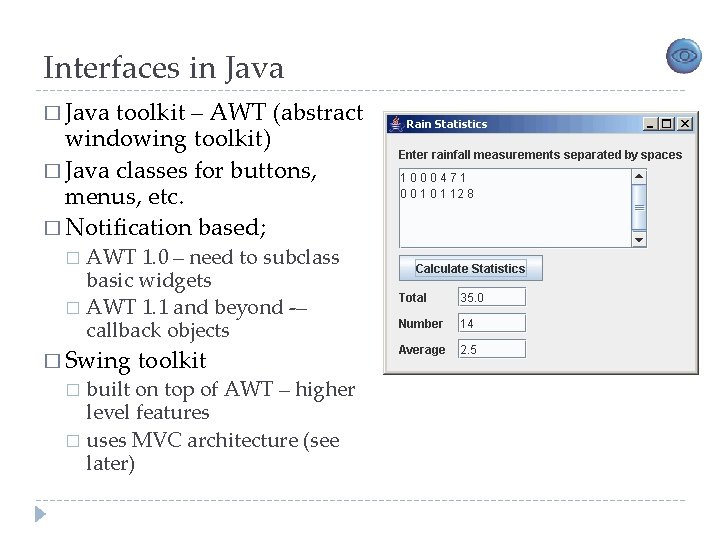
Interfaces in Java � Java toolkit – AWT (abstract windowing toolkit) � Java classes for buttons, menus, etc. � Notification based; AWT 1. 0 – need to subclass basic widgets � AWT 1. 1 and beyond -– callback objects � � Swing toolkit built on top of AWT – higher level features � uses MVC architecture (see later) �
User Interface Management System �A UIMS (User Interface Management System) should be thought of as a software architecture "in which the implementation of an application's user interface is clearly separated from that of the application's underlying functionality" (Rosenberg 1988: p. 42) � Examples: � Model-View-Controller � The linguistic model (Foley 1990), � the Seeheim model (first introduced in Green 1985), � the Higgins UIMS (described in Hudson and King 1988), � and the Arch model (a specialisation of the Seeheim model; see Coutaz et al. 1995, Coutaz 1987, and Coutaz 1997).
User Interface Management Systems (UIMS) � UIMS add another level above toolkits � concerns too difficult for non-programmers of UIMS � conceptual architecture � implementation techniques � support infrastructure � non-UIMS � UI terms: development system (UIDS) � UI development environment (UIDE) � e. g. Visual Basic
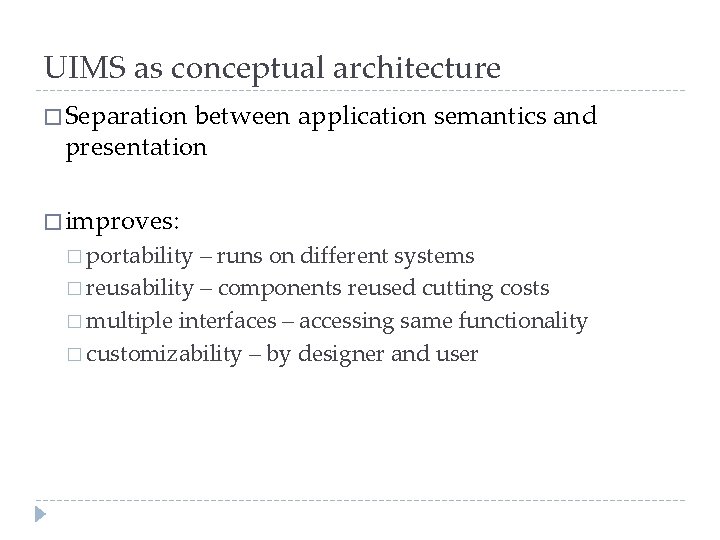
UIMS as conceptual architecture � Separation between application semantics and presentation � improves: � portability – runs on different systems � reusability – components reused cutting costs � multiple interfaces – accessing same functionality � customizability – by designer and user
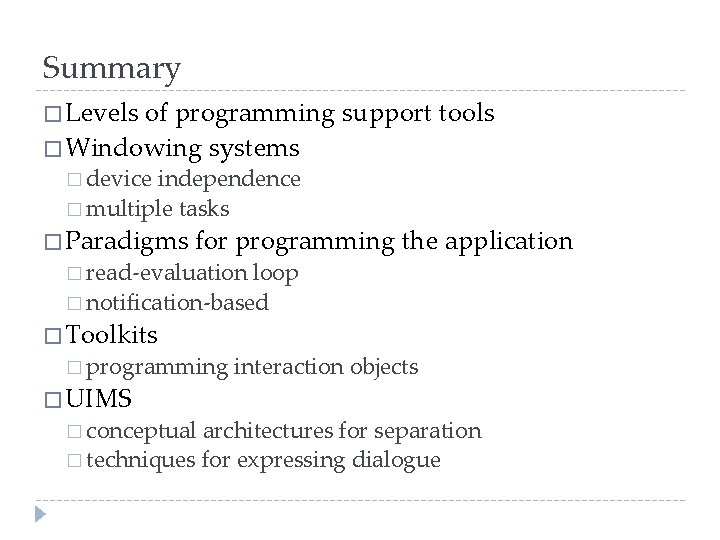
Summary � Levels of programming support tools � Windowing systems � device independence � multiple tasks � Paradigms for programming the application � read-evaluation loop � notification-based � Toolkits � programming � UIMS � conceptual interaction objects architectures for separation � techniques for expressing dialogue