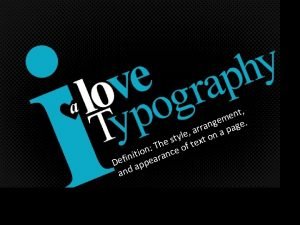
Principles of Typography Photoshopyay Fonts Different fonts send
- Slides: 42
Principles of Typography Photoshop…yay!
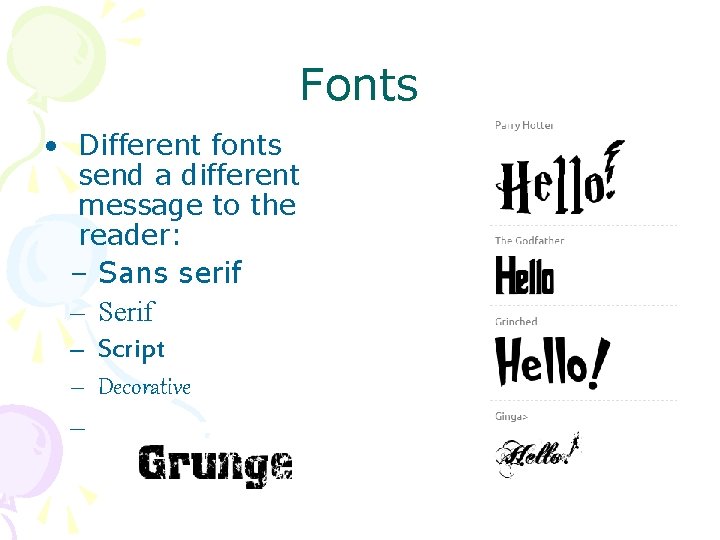
Fonts • Different fonts send a different message to the reader: – Sans serif – Script – Decorative –
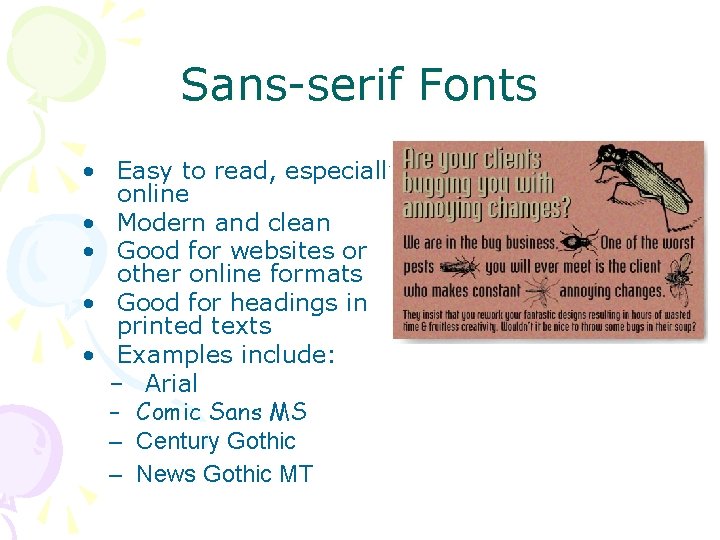
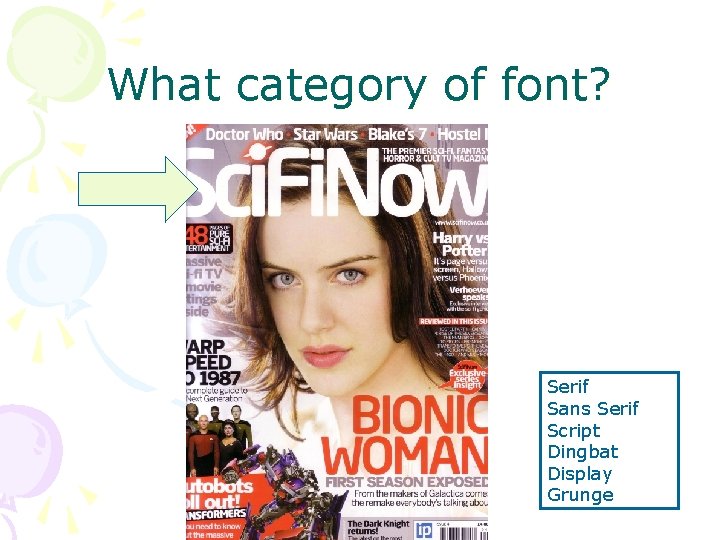
Sans-serif Fonts • Easy to read, especially online • Modern and clean • Good for websites or other online formats • Good for headings in printed texts • Examples include: – Arial – Comic Sans MS – Century Gothic – News Gothic MT
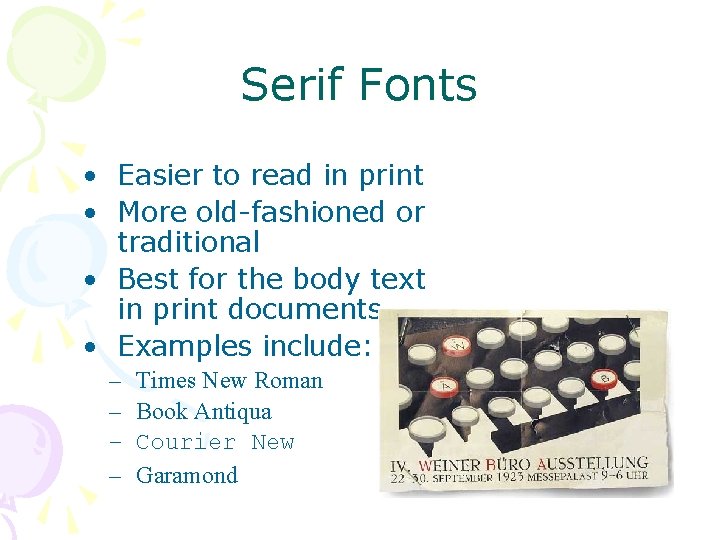
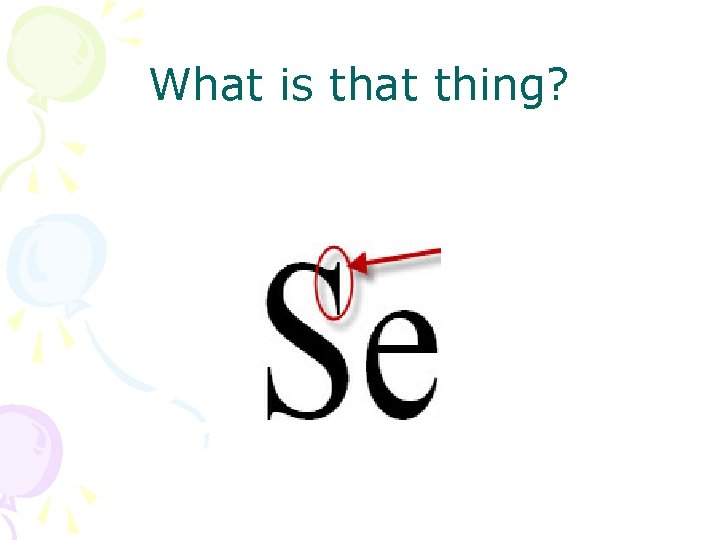
Serif Fonts • Easier to read in print • More old-fashioned or traditional • Best for the body text in print documents • Examples include: – – Times New Roman Book Antiqua Courier New Garamond
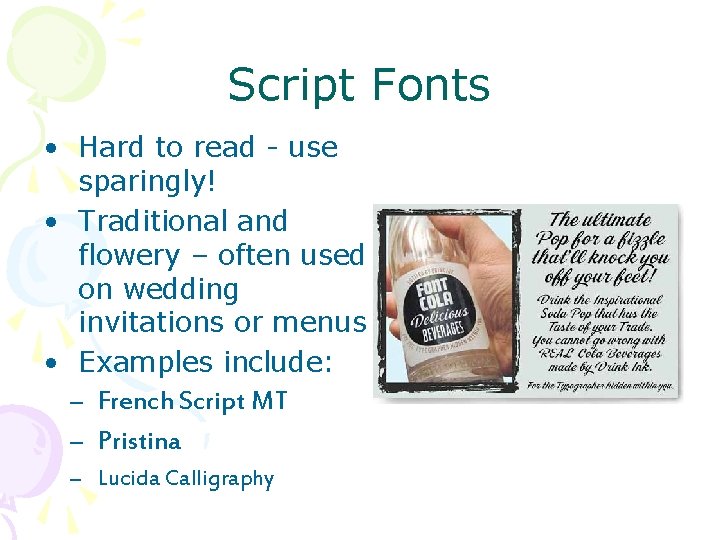
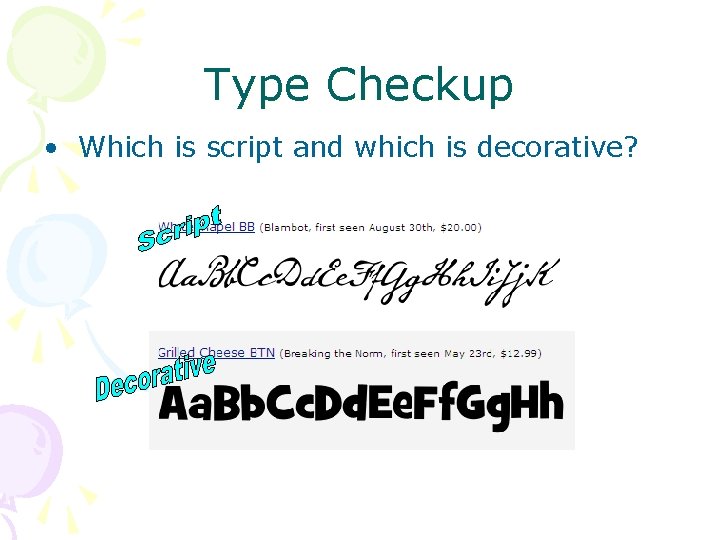
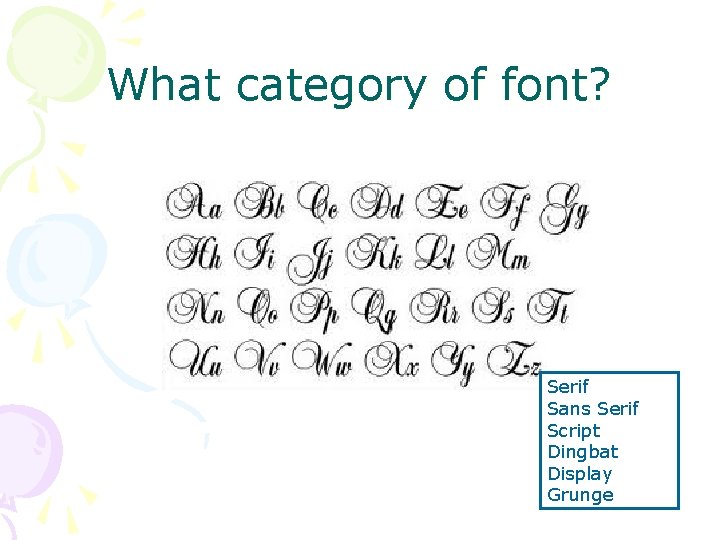
Script Fonts • Hard to read - use sparingly! • Traditional and flowery – often used on wedding invitations or menus • Examples include: – French Script MT – Pristina – Lucida Calligraphy
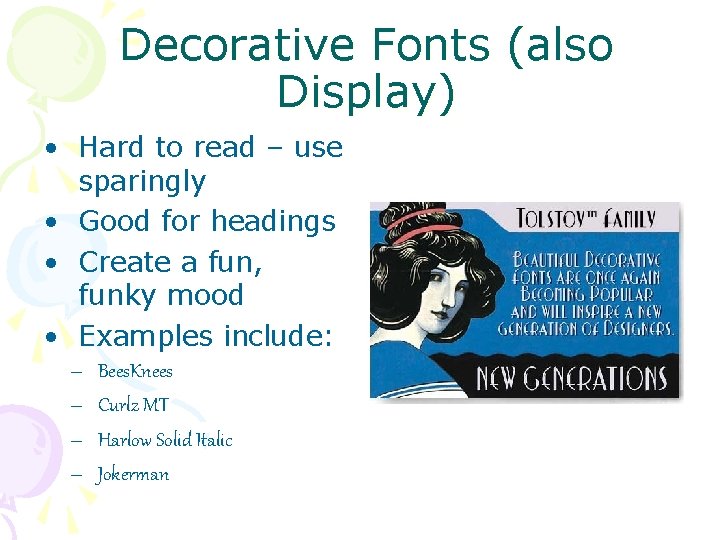
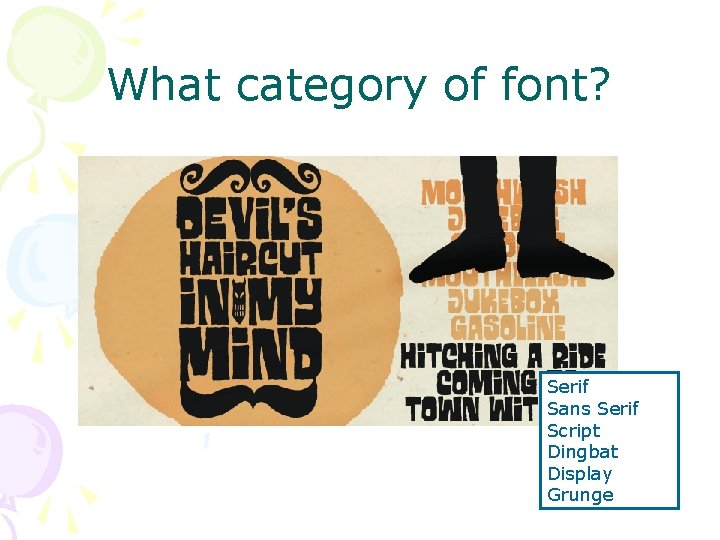
Decorative Fonts (also Display) • Hard to read – use sparingly • Good for headings • Create a fun, funky mood • Examples include: – – Bees. Knees Curlz MT Harlow Solid Italic Jokerman
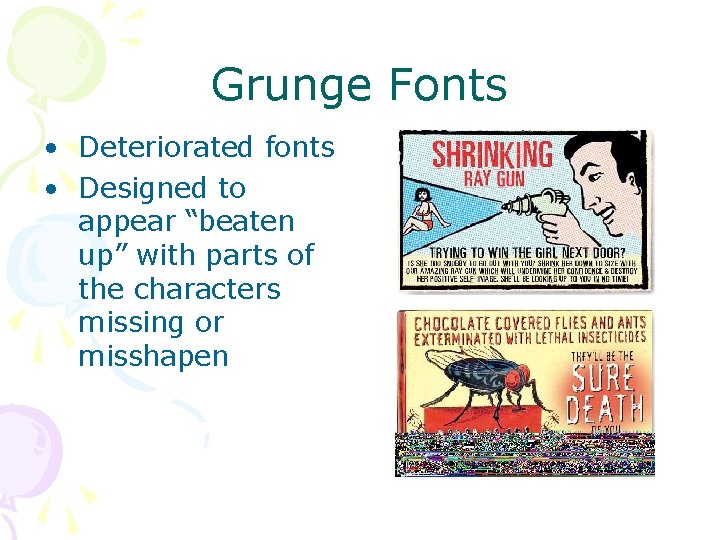
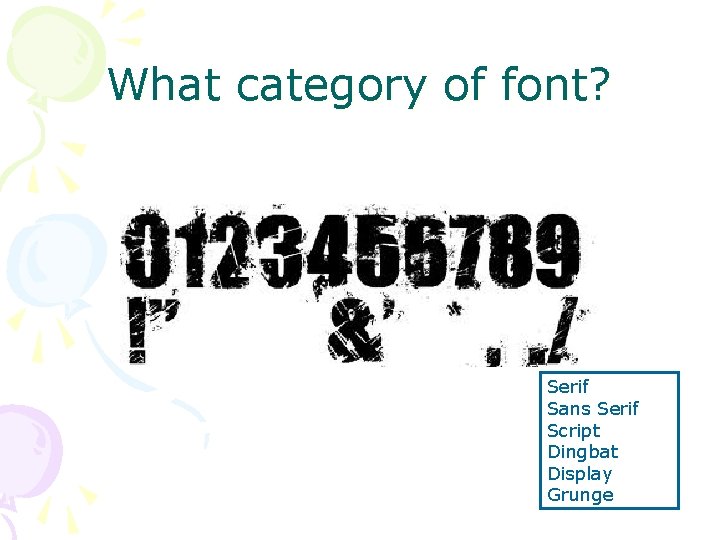
Grunge Fonts • Deteriorated fonts • Designed to appear “beaten up” with parts of the characters missing or misshapen
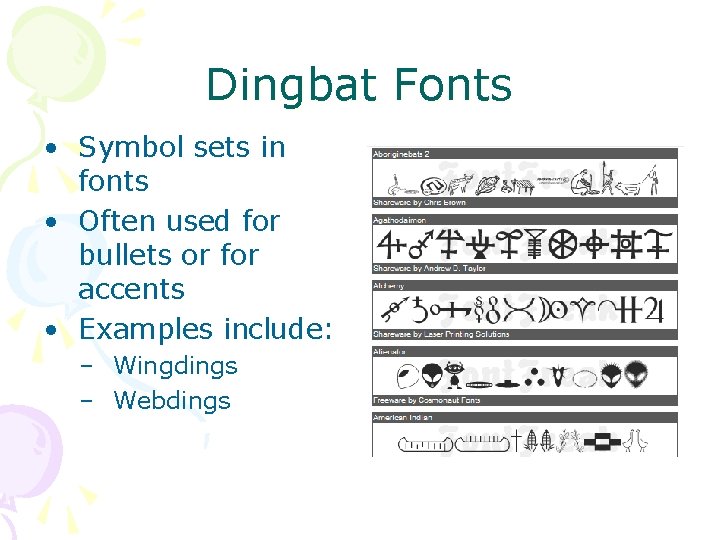
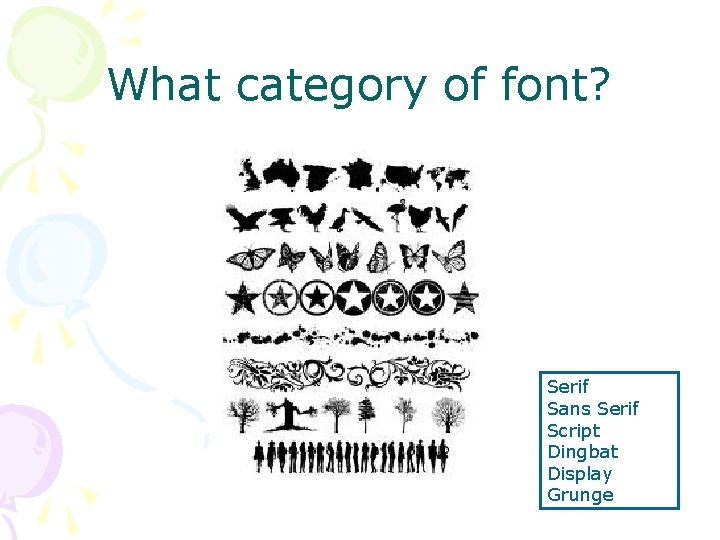
Dingbat Fonts • Symbol sets in fonts • Often used for bullets or for accents • Examples include: – Wingdings – Webdings
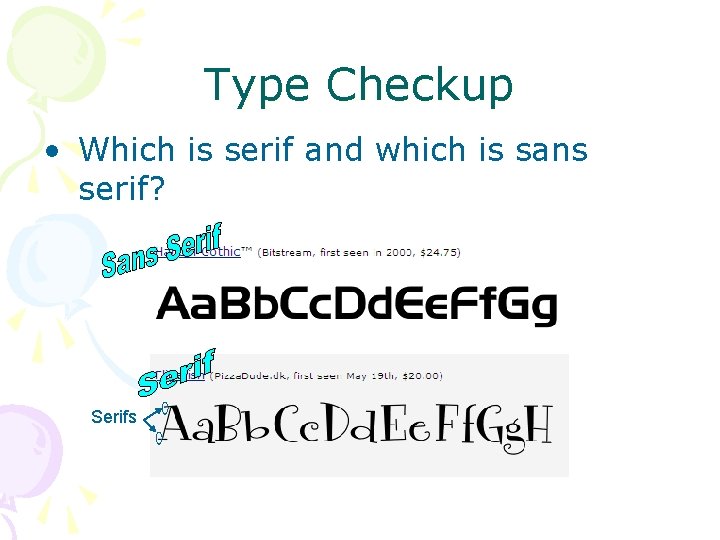
Type Checkup • Which is serif and which is sans serif? Serifs
Type Checkup • Which is script and which is decorative?
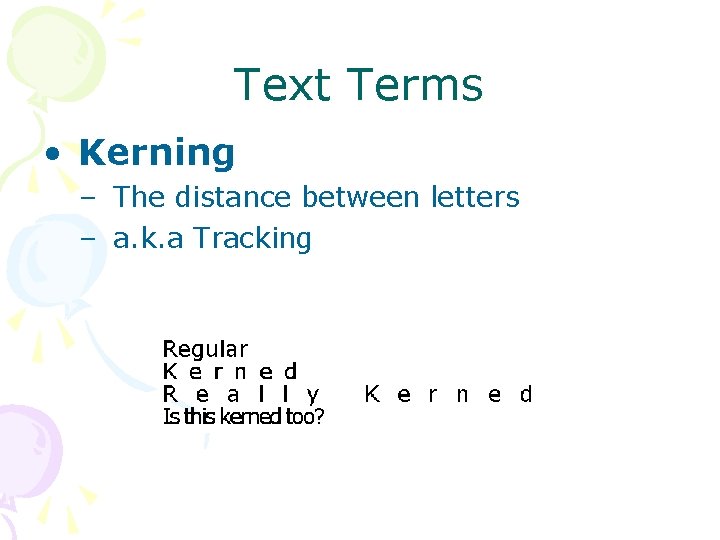
Text Terms • Kerning – The distance between letters – a. k. a Tracking
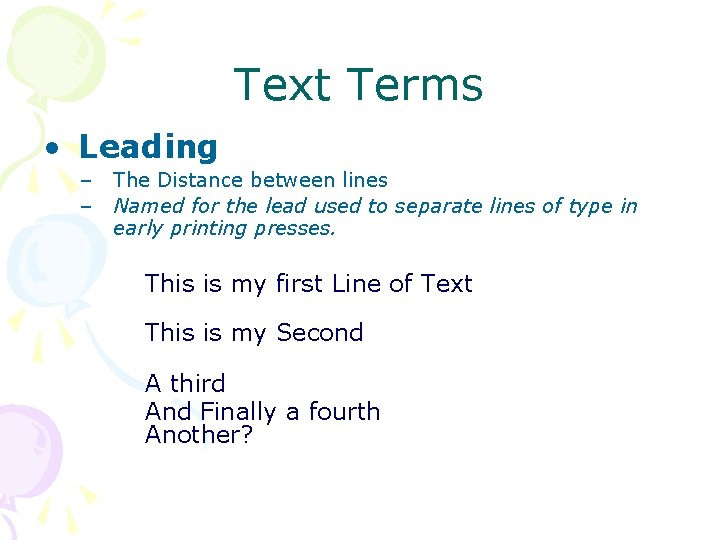
Text Terms • Leading – – The Distance between lines Named for the lead used to separate lines of type in early printing presses. This is my first Line of Text This is my Second A third And Finally a fourth Another?
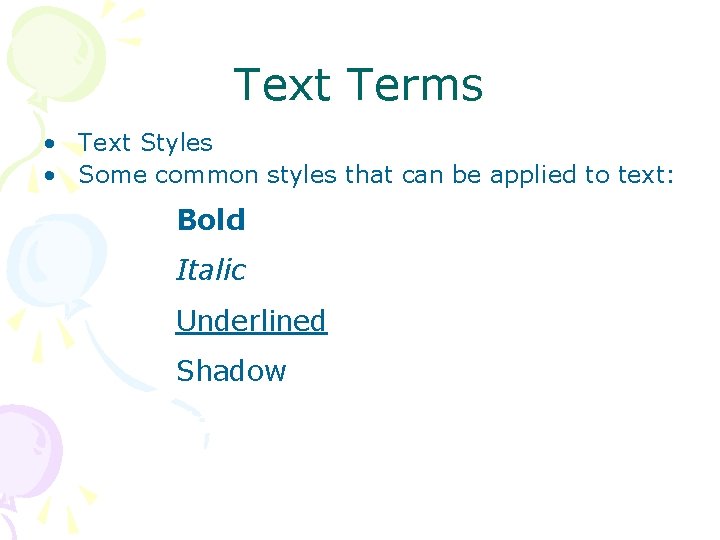
Text Terms • Text Styles • Some common styles that can be applied to text: Bold Italic Underlined Shadow Embossed
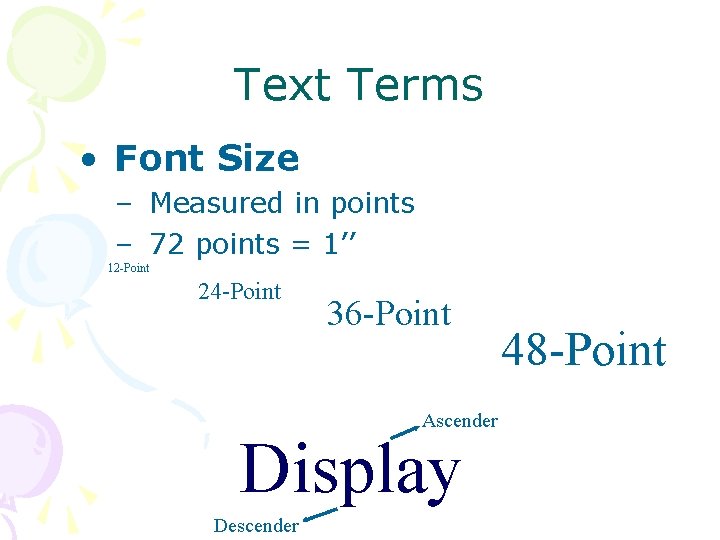
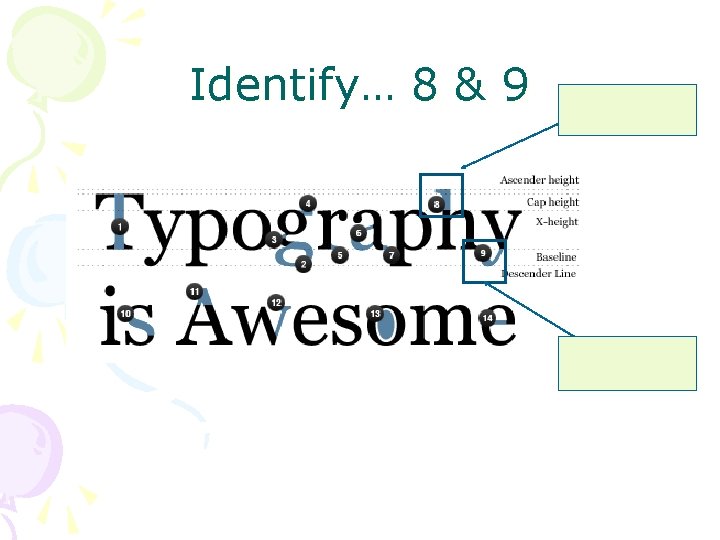
Text Terms • Font Size – Measured in points – 72 points = 1’’ 12 -Point 24 -Point 36 -Point Ascender Display Descender 48 -Point
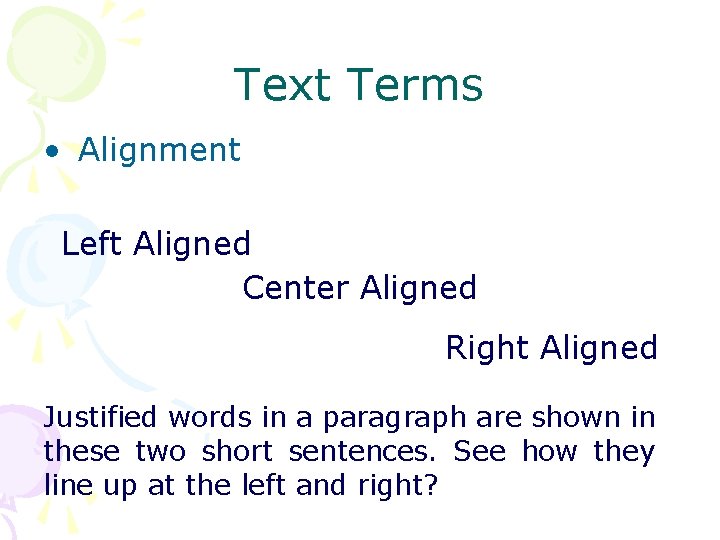
Text Terms • Alignment Left Aligned Center Aligned Right Aligned Justified words in a paragraph are shown in these two short sentences. See how they line up at the left and right?
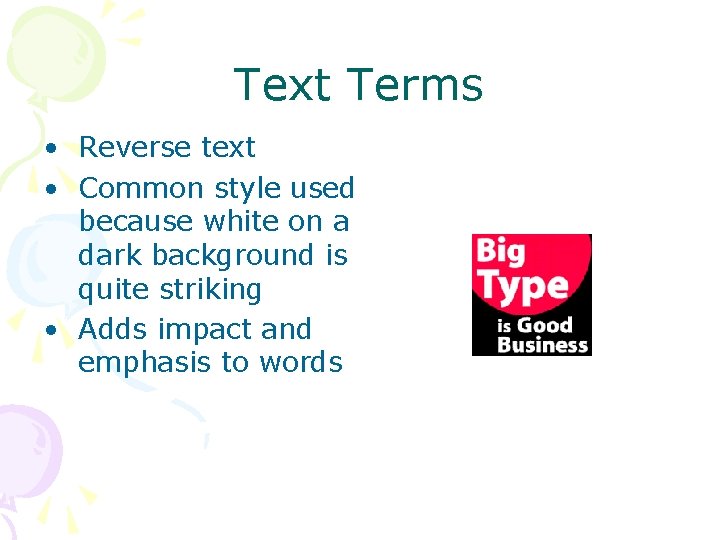
Text Terms • Reverse text • Common style used because white on a dark background is quite striking • Adds impact and emphasis to words
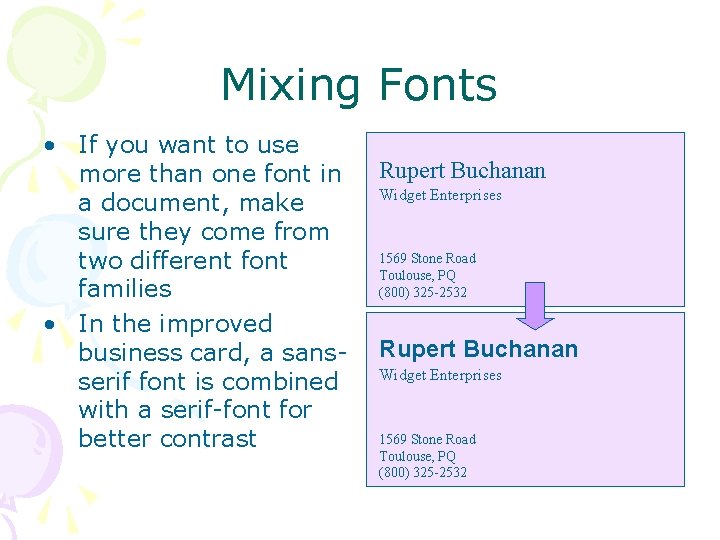
Mixing Fonts • If you want to use more than one font in a document, make sure they come from two different font families • In the improved business card, a sansserif font is combined with a serif-font for better contrast Rupert Buchanan Widget Enterprises 1569 Stone Road Toulouse, PQ (800) 325 -2532
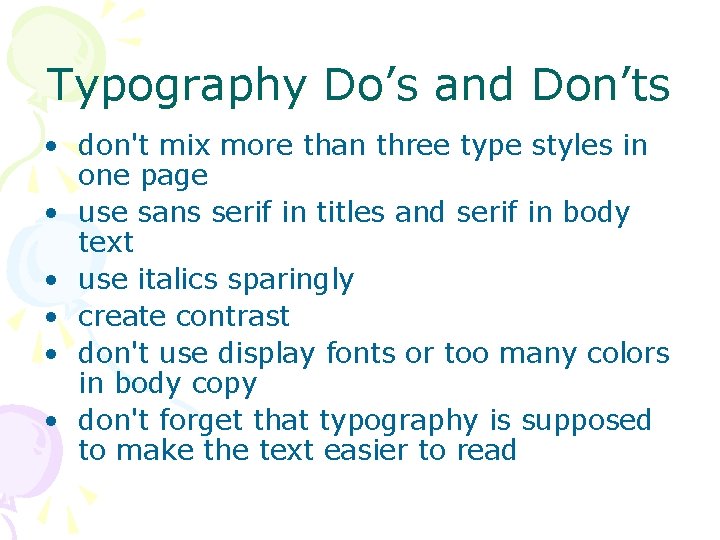
Typography Do’s and Don’ts • don't mix more than three type styles in one page • use sans serif in titles and serif in body text • use italics sparingly • create contrast • don't use display fonts or too many colors in body copy • don't forget that typography is supposed to make the text easier to read
Combining contrasts • Most effective layouts take advantage of more than one type of contrast. • Look through magazines for examples and ideas. • Try to verbalize what you see in a good or bad example. You should also be able to provide a rationale for any design decision you make (not just “it looked better”).
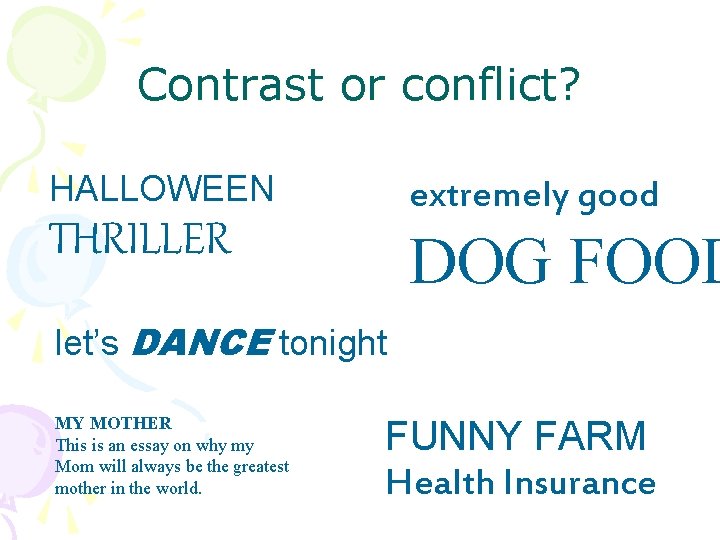
Critiquing designs • Try do identify the problem. How effective is the contrast in weight? Size? Structure? • Try to name the differences, not similarities. Are two font faces competing with each other because they are both all caps? Because they are both sans serif? • Focus on conflicts. Is the larger type a light weight, and the smaller one a bold weight, so that they fight with each other for emphasis?
Contrast or conflict? HALLOWEEN extremely good THRILLER DOG FOOD let’s DANCE tonight MY MOTHER This is an essay on why my Mom will always be the greatest mother in the world. FUNNY FARM Health Insurance
What is that thing?
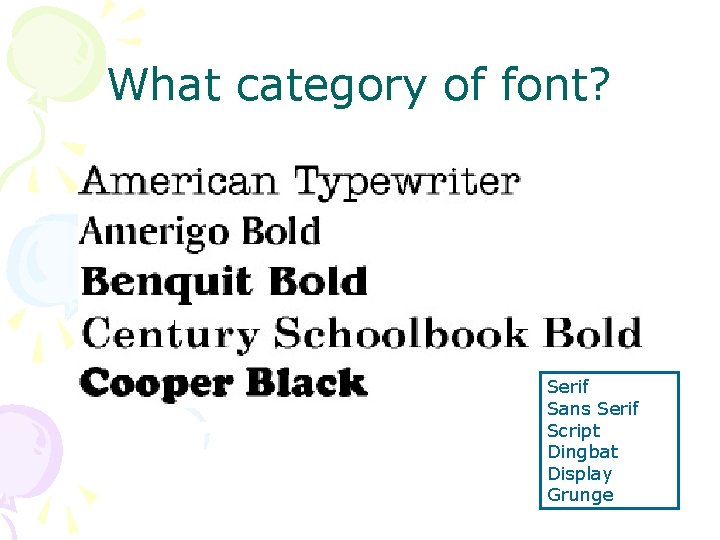
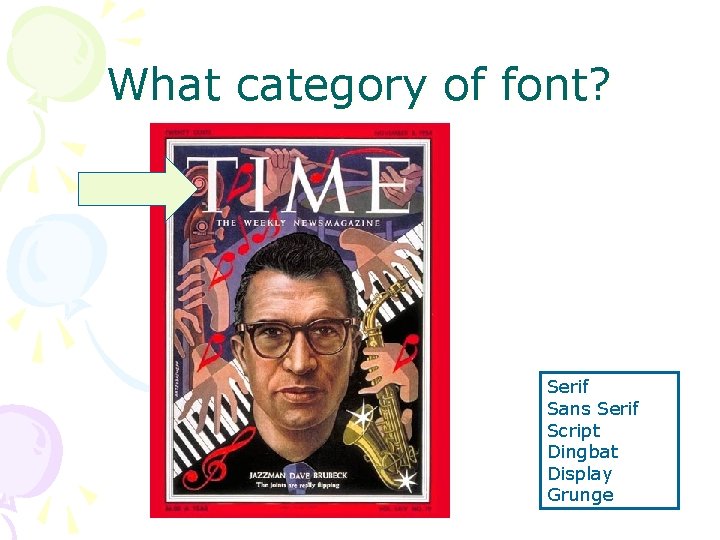
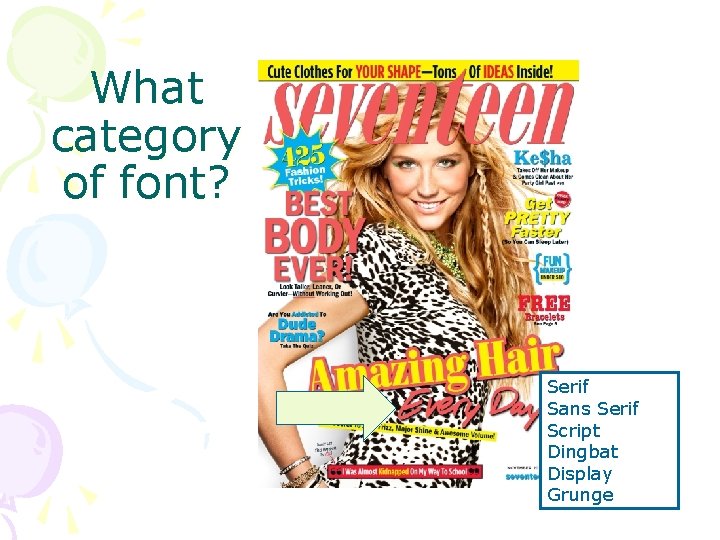
What category of font? Serif Sans Serif Script Dingbat Display Grunge
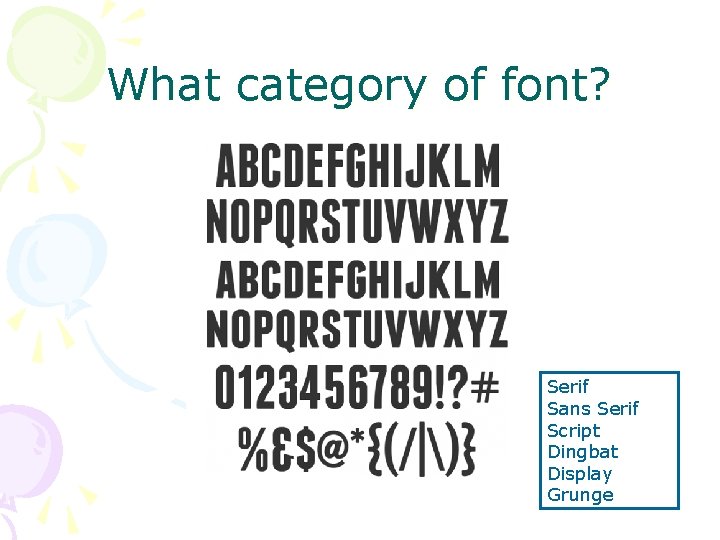
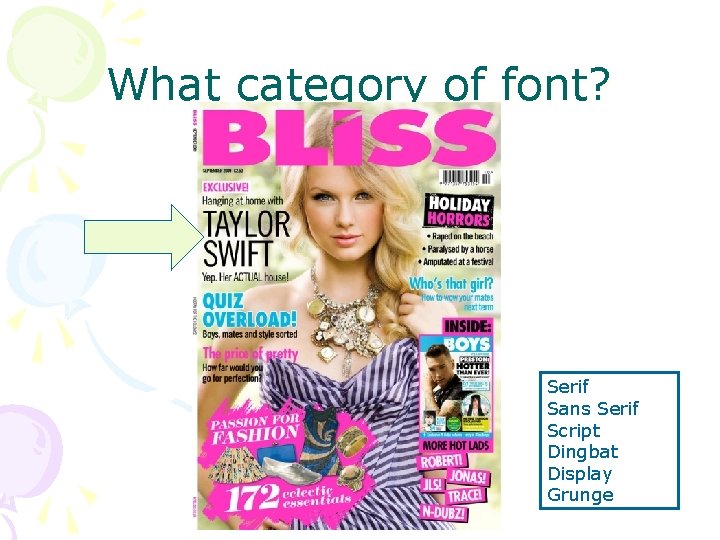
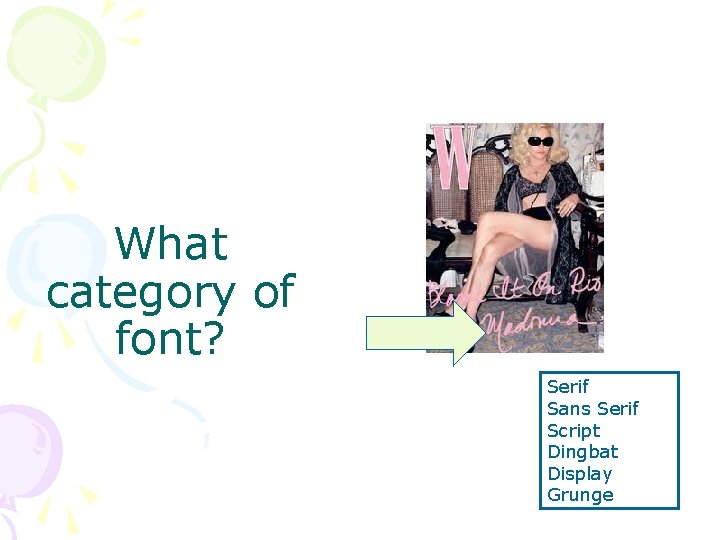
What category of font? Serif Sans Serif Script Dingbat Display Grunge
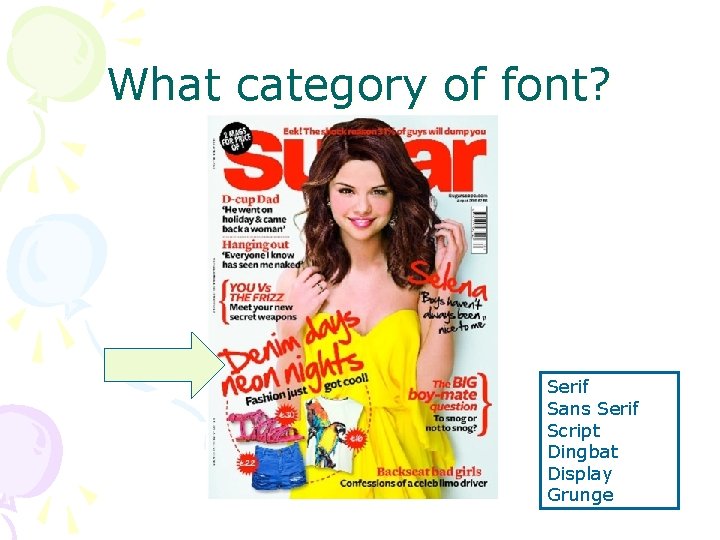
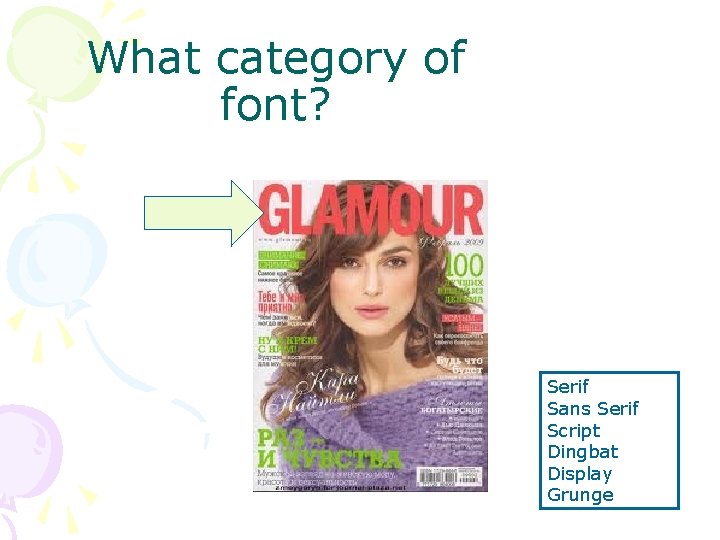
What category of font? Serif Sans Serif Script Dingbat Display Grunge
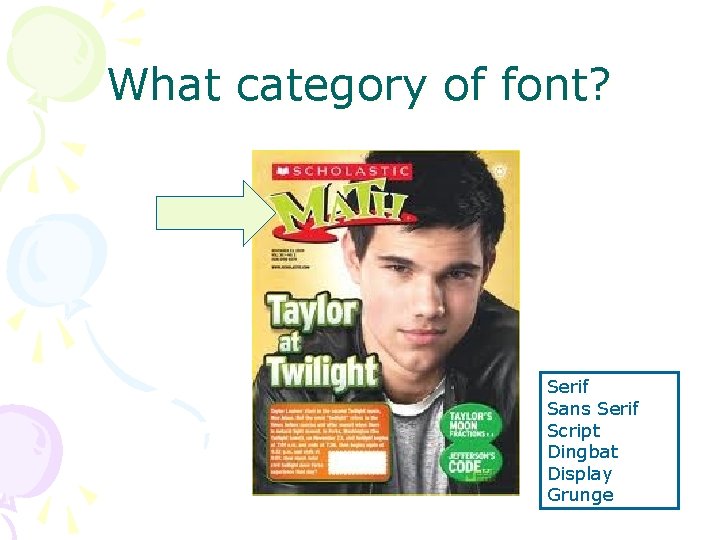
What category of font? Serif Sans Serif Script Dingbat Display Grunge
What category of font? Serif Sans Serif Script Dingbat Display Grunge
What category of font? Serif Sans Serif Script Dingbat Display Grunge
What category of font? Serif Sans Serif Script Dingbat Display Grunge
What category of font? Serif Sans Serif Script Dingbat Display Grunge
What category of font? Serif Sans Serif Script Dingbat Display Grunge
What category of font? Serif Sans Serif Script Dingbat Display Grunge
What category of font? Serif Sans Serif Script Dingbat Display Grunge
What category of font? Serif Sans Serif Script Dingbat Display Grunge
What category of font? Serif Sans Serif Script Dingbat Display Grunge
What category of font? Serif Sans Serif Script Dingbat Display Grunge
Identify… 8 & 9
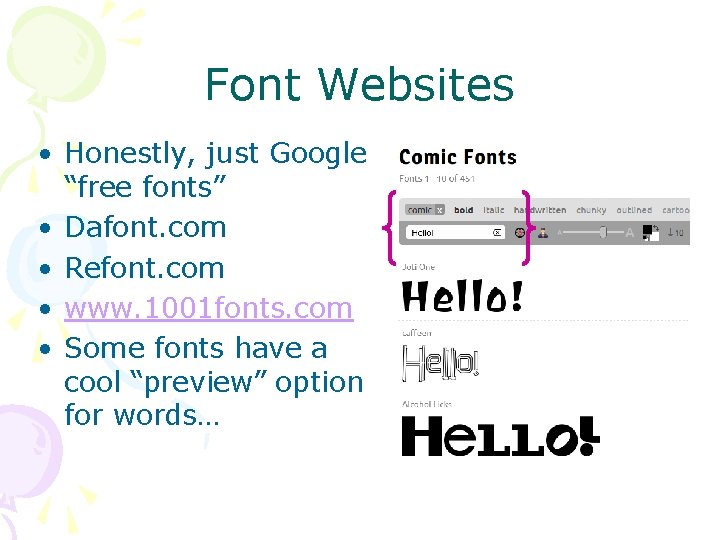
Font Websites • Honestly, just Google “free fonts” • Dafont. com • Refont. com • www. 1001 fonts. com • Some fonts have a cool “preview” option for words…
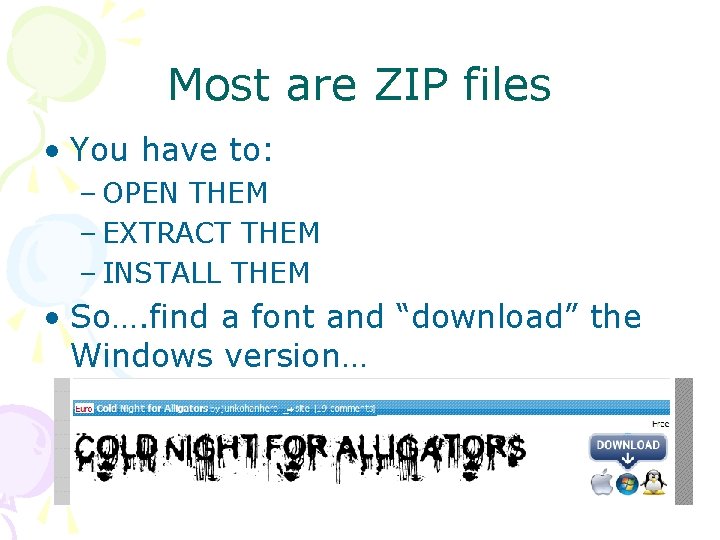
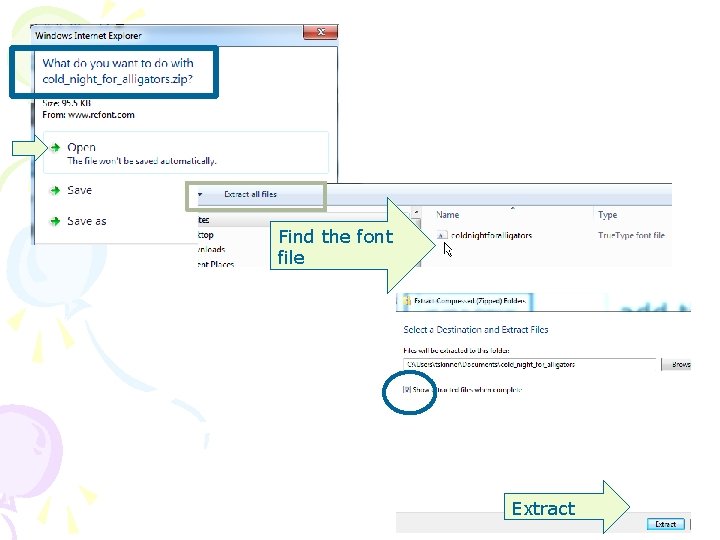
Most are ZIP files • You have to: – OPEN THEM – EXTRACT THEM – INSTALL THEM • So…. find a font and “download” the Windows version…
Find the font file Extract
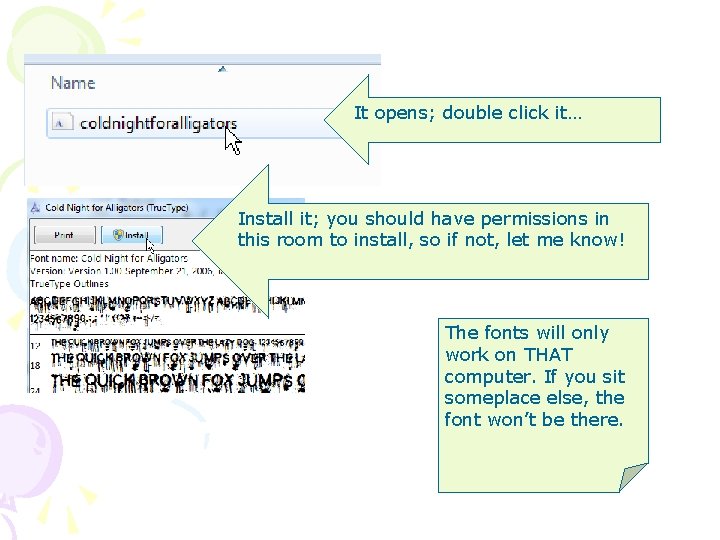
It opens; double click it… Install it; you should have permissions in this room to install, so if not, let me know! The fonts will only work on THAT computer. If you sit someplace else, the font won’t be there.
Coming Up… • Announcement Project – You will create an “announcement” or invitation of sorts that meets requirements – Like your ‘birth’ announcement or a graduation party invitation – Please bring in a legit photo of you OR you can make one for someone else • Magazine Cover (copycat) Project