
UIUX insights 5 Rules For Better Typography These

UI/UX insights 5 Rules For Better Typography These rules can improve nearly everything you create that contains a headline or major typographic element.
UI/UX insights 1. Choose the Right Font In my experience. A font can easily be the most subtle. And yet powerful differentiator for the next UI we are building. When it comes to successful UX design. There is no room for a poor font.
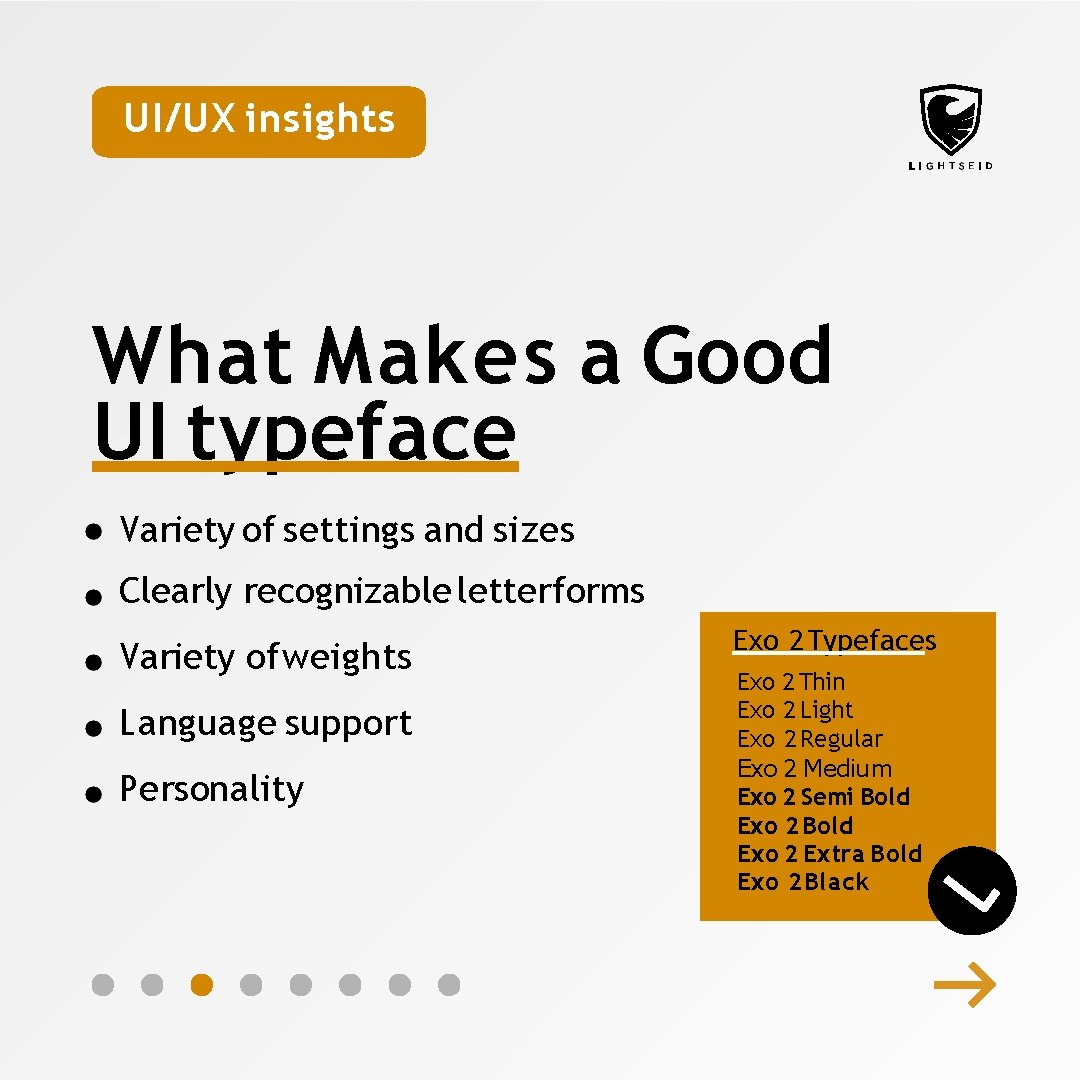
UI/UX insights What Makes a Good UI typeface Variety of settings and sizes Clearly recognizable letterforms Variety of weights Language support Personality Exo 2 Typefaces Exo 2 Thin Exo 2 Light Exo 2 Regular Exo 2 Medium Exo 2 Semi Bold Exo 2 Extra Bold Exo 2 Black
UI/UX insights 2. Consider Scenarios Keep in mind that UI text layers can be used to present live data. For instance. username might have from 3 to 15 letters. It's your job to think of these constraints. The mark of great UI design is when it stands up to any given event.

UI/UX insights 3. Limit Line Length Having right amount of characters on each line is key to the legibility of your text. The optimal line length for you body text is considered to be 50 -75 Characters per line. Including spaces. O Too Short 50 Ideal 75 Lorem ipsum dolor sit amet, consectetuer ad ipiscing elit, sed diam nonu mmy Lorem ipsum dolor sit amet, consectetuer ad ipiscing elit. 84
UI/UX insights 4. Set Line Height In Typography. We have a special term for the spacing between two lines of text-leading(or line height). As a rule. Leading should be about 2. 5”Font size for good readability. Size 16 px 16*1. 5=24
UI/UX insights 5. Adjust Tracking Effective tracking makes the text more readable. Usually. Font usage can adjust tracking appropriately. So you don’t need to adjust tracking often. Larger text block requires less tracking. And the smaller one requires more tracking.

UI/UX insights Check out for more insights on www. lightseid. com
- Slides: 8