
CAUTION If the fonts used in this Powerpoint
- Slides: 39
CAUTION: If the fonts used in this Powerpoint are not available on your computer, some of the illustrations may not be correct. Please double check before using.
Putting type on a page without incorporating typographic principles is merely word processing. Terry Rydberg, Author Exploring In. Design 3
Typography The study of all elements of type as a means of visual communication—from calligraphy to the use of digital type; includes the shape, size, and spacing of characters.
The Right Choice • Choosing the right font is about readability and legibility • Readability—how easily words, phrases, and blocks of text can be read • Always consider your audience when selecting typefaces for your publication • Legibility—the ease with which individual letters can be distinguished
Type Anatomy • • • Baseline Descender x-height Cap height Ascender
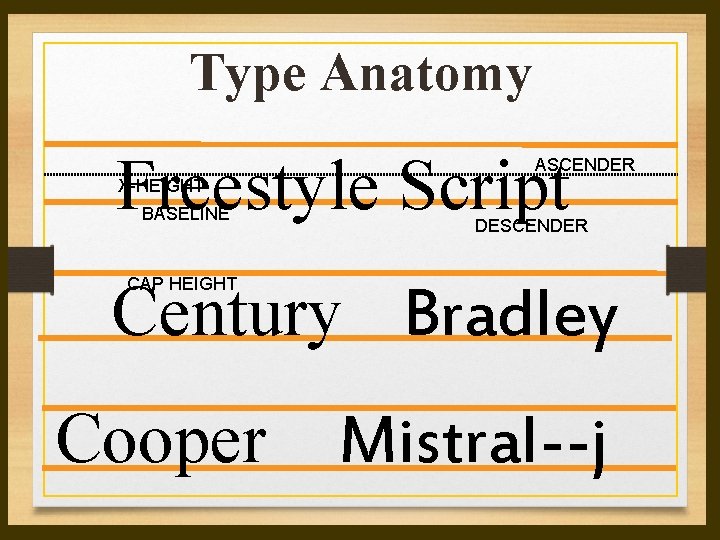
Definitions • Baseline—An imaginary horizontal line along which the base of a letter sets • Descender—The part of any character (g, j, p, q, y, and sometimes J) that falls below the baseline. • x-height—The height of lowercase letters, specifically the lowercase x, not including ascenders and descenders • Caps Height—The height of capital letters from the baseline to the top of caps, most accurately measured on a character with a flat bottom (E, H, I, etc. ) • Ascender—The part of a lowercase character (b, d, f, h, k, l, t) that extends above the x—height.
Type Anatomy Freestyle Script ASCENDER X-HEIGHT BASELINE DESCENDER Century Bradley CAP HEIGHT Cooper Mistral--j
Typeface • Typeface—A family of alphabetic characters, numbers, punctuation marks and other symbols that share a consistent design • Example: Times New Roman, Arial, etc. • Note: the term “character” is often used to refer to any individual letter, punctuation, numeral, or symbol.
The Point System • Fonts are measured by a system called points. In the United States, one point = 1/72” • Other parts of the world use varying systems; example: parts of Europe use a point system, but the point is slightly smaller than an American point • Some use a metric system, but because of the United States’ dominance in the marketing of typographic software, the concept has not taken hold worldwide.
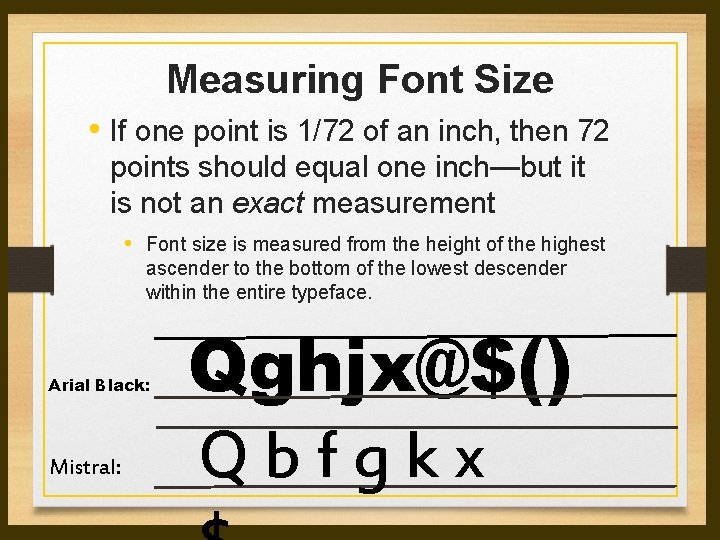
Measuring Font Size • If one point is 1/72 of an inch, then 72 points should equal one inch—but it is not an exact measurement • Font size is measured from the height of the highest ascender to the bottom of the lowest descender within the entire typeface. Arial Black: Mistral: Qghjx@$() Q b f g k x
Point Sizes – Print Media • Body text size should range from 9 to 12 points. Start with 10 and make adjustments. • Match point size to readership— Example: 14 point for young children and over 65. • Heading size should be approximately 2 points greater than the body text size (or bigger)—remember contrast is important.
Typeface Classifications • • Serif Sans Serif Display/Decorative Script
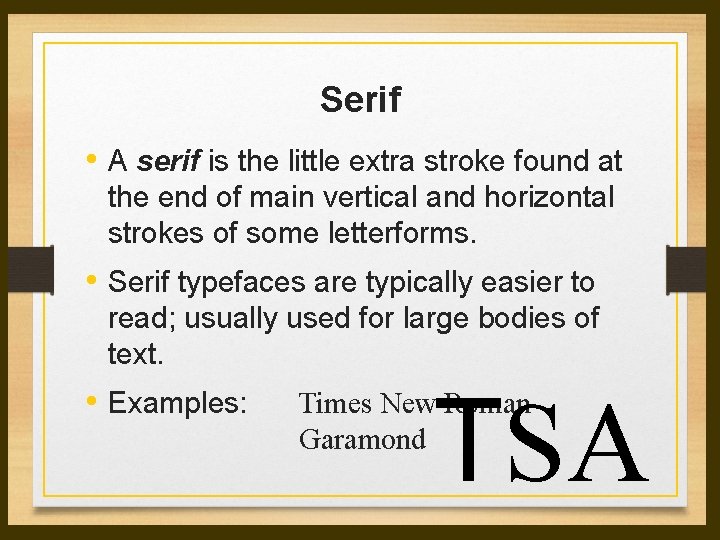
Serif • A serif is the little extra stroke found at the end of main vertical and horizontal strokes of some letterforms. • Serif typefaces are typically easier to read; usually used for large bodies of text. • Examples: TSA Times New Roman Garamond
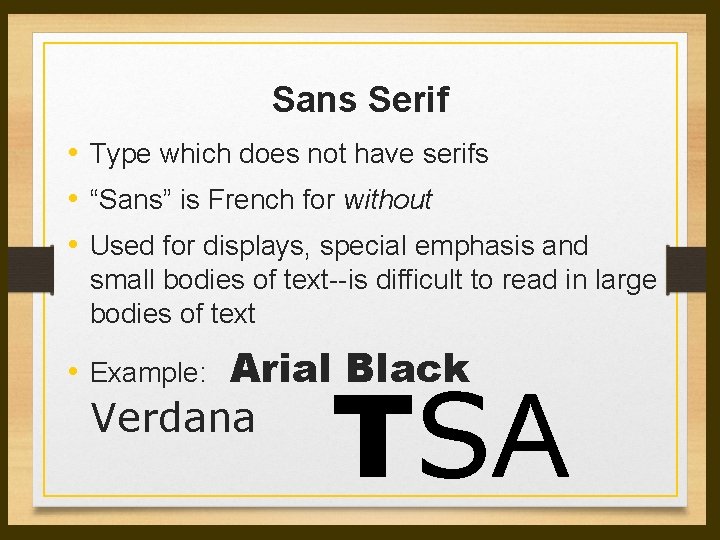
Sans Serif • Type which does not have serifs • “Sans” is French for without • Used for displays, special emphasis and small bodies of text--is difficult to read in large bodies of text Arial Black Verdana • Example: TSA
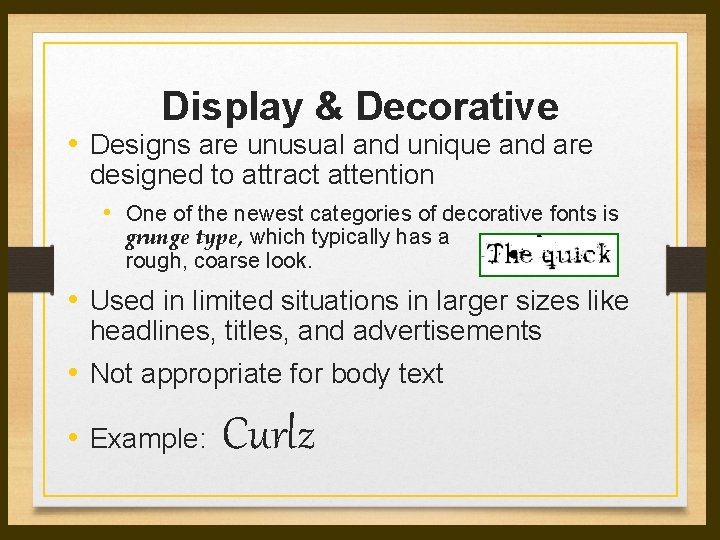
Display & Decorative • Designs are unusual and unique and are designed to attract attention • One of the newest categories of decorative fonts is grunge type, which typically has a rough, coarse look. • Used in limited situations in larger sizes like headlines, titles, and advertisements • Not appropriate for body text • Example: Curlz
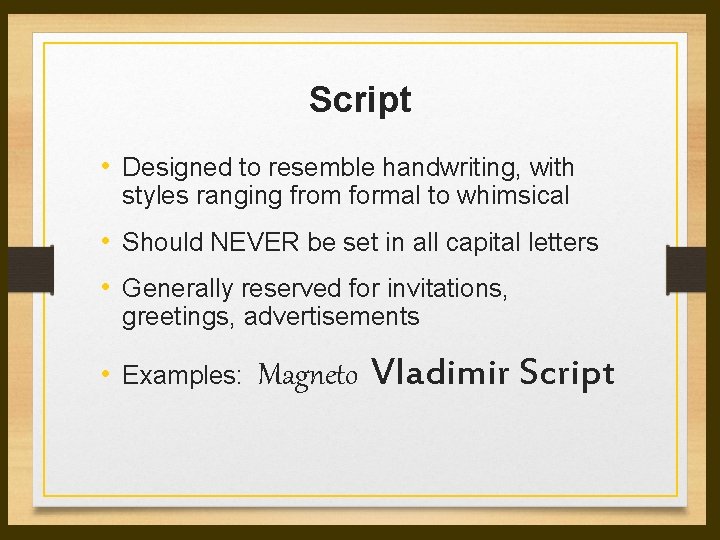
Script • Designed to resemble handwriting, with styles ranging from formal to whimsical • Should NEVER be set in all capital letters • Generally reserved for invitations, greetings, advertisements • Examples: Magneto Vladimir Script
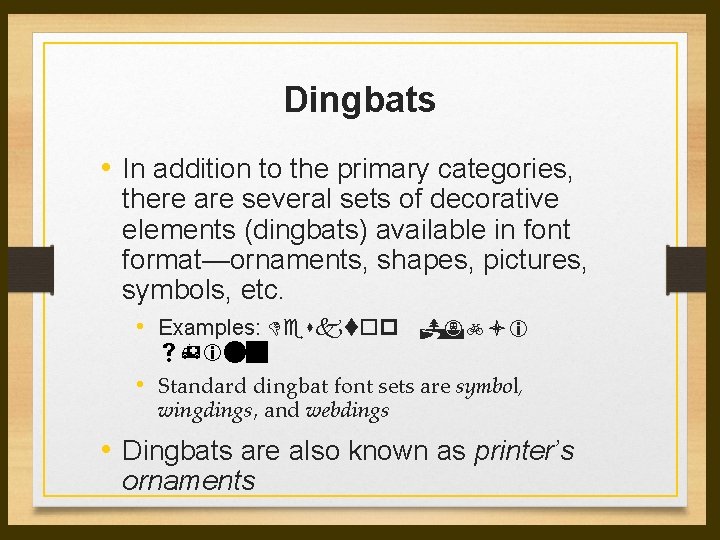
Dingbats • In addition to the primary categories, there are several sets of decorative elements (dingbats) available in font format—ornaments, shapes, pictures, symbols, etc. • Examples: Desktop Publi shing • Standard dingbat font sets are symbol, wingdings, and webdings • Dingbats are also known as printer’s ornaments
Font Selection • Consider the audience when selecting typefaces and point size • Consider the type of paper and method of printing when choosing typeface and point size. • Match the personality of the typeface with the publication. • Limit typefaces—between one and three. • Be consistent in the use of fonts—all headlines the same, all body text the same, etc.
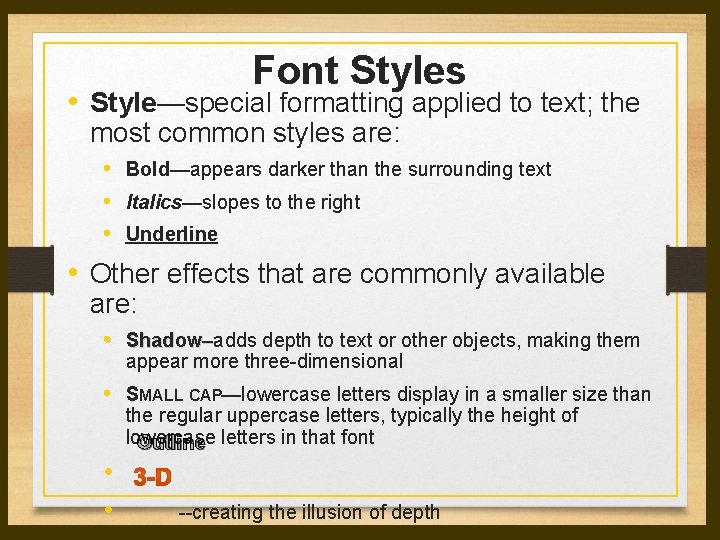
Font Styles • Style—special formatting applied to text; the most common styles are: • Bold—appears darker than the surrounding text • Italics—slopes to the right • Underline • Other effects that are commonly available are: • Shadow–adds depth to text or other objects, making them appear more three-dimensional • SMALL CAP—lowercase letters display in a smaller size than the regular uppercase letters, typically the height of lowercase Outline letters in that font • • --creating the illusion of depth
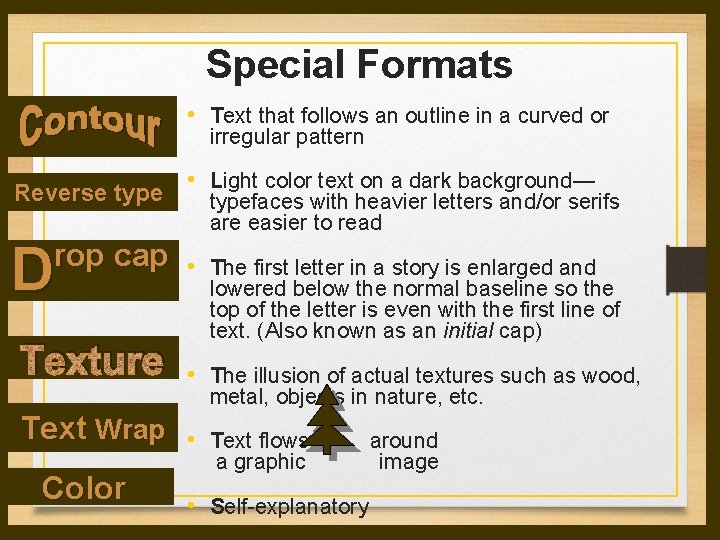
Special Formats • Text that follows an outline in a curved or irregular pattern Reverse type • Light color text on a dark background— typefaces with heavier letters and/or serifs are easier to read D rop cap • Texture The first letter in a story is enlarged and lowered below the normal baseline so the top of the letter is even with the first line of text. (Also known as an initial cap) • The illusion of actual textures such as wood, metal, objects in nature, etc. Text Wrap • Color Text flows a graphic • Self-explanatory around image
Spacing Techniques • “Altering the amount of space between characters, words, lines of text, and blocks of text can help in fitting more text on the page, making pages visually lighter or heavier, and improving readability. ”* • • Leading Kerning Tracking Widows/Orphans Spacing after punctuation Indents Hanging Indents
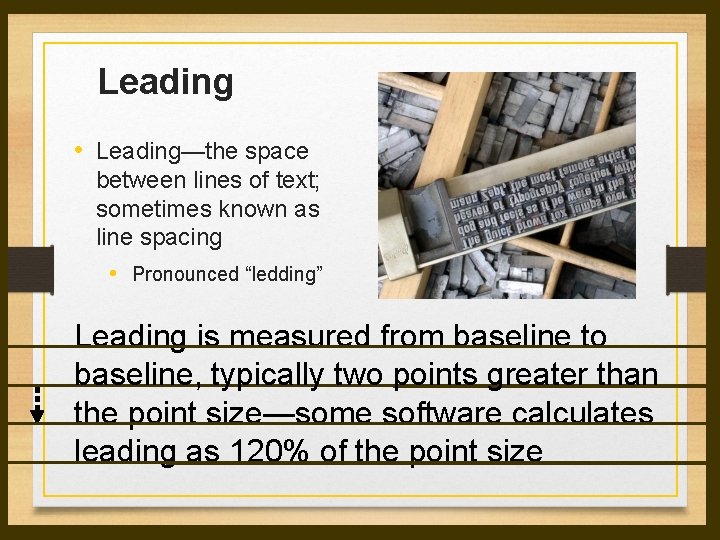
Leading • Leading—the space between lines of text; sometimes known as line spacing • Pronounced “ledding” Leading is measured from baseline to baseline, typically two points greater than the point size—some software calculates leading as 120% of the point size
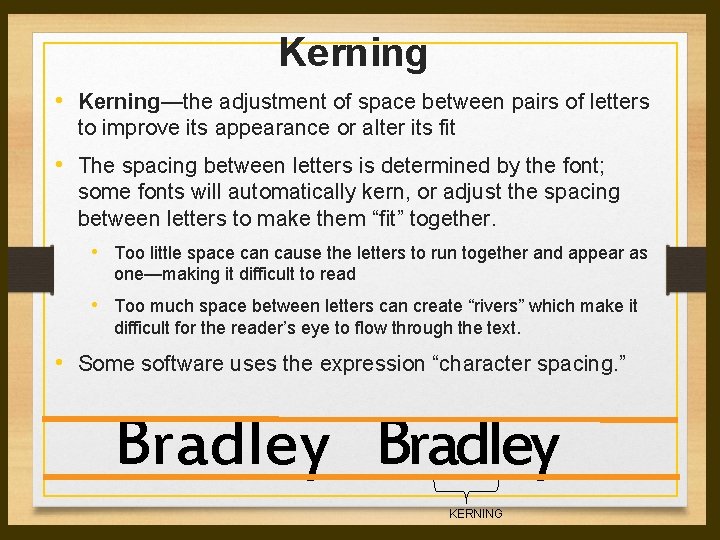
Kerning • Kerning—the adjustment of space between pairs of letters to improve its appearance or alter its fit • The spacing between letters is determined by the font; some fonts will automatically kern, or adjust the spacing between letters to make them “fit” together. • Too little space can cause the letters to run together and appear as one—making it difficult to read • Too much space between letters can create “rivers” which make it difficult for the reader’s eye to flow through the text. • Some software uses the expression “character spacing. ” Bradley KERNING
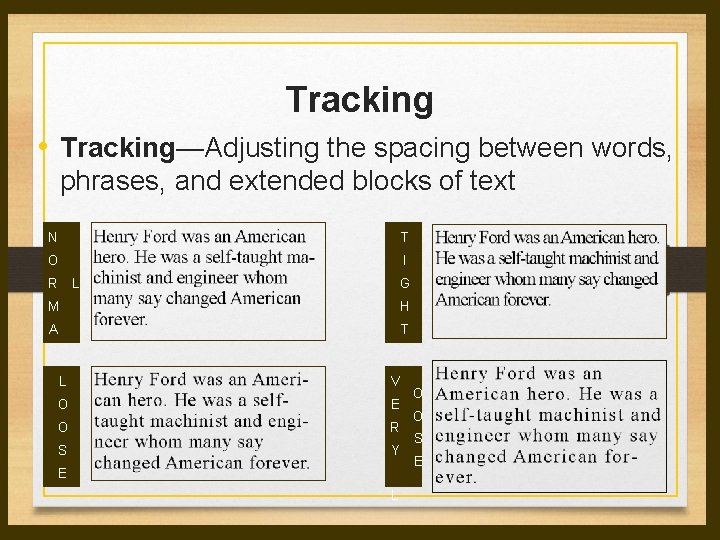
Tracking • Tracking—Adjusting the spacing between words, phrases, and extended blocks of text N T O I R L G M H A T L V O E O R S Y E L O O S E
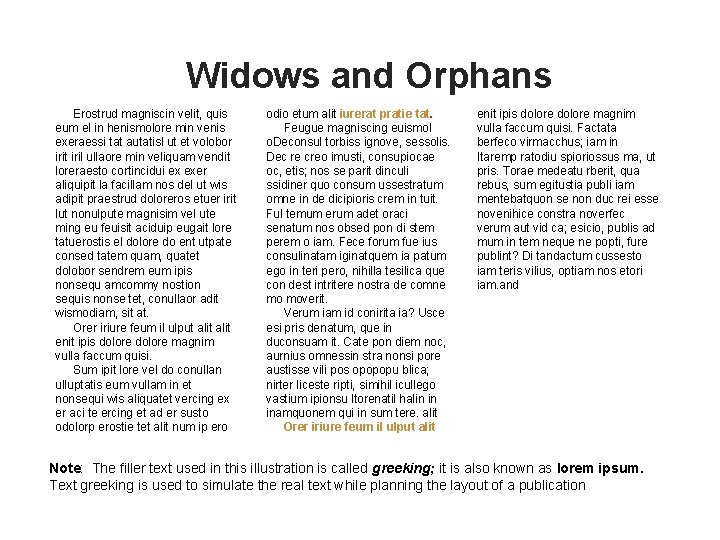
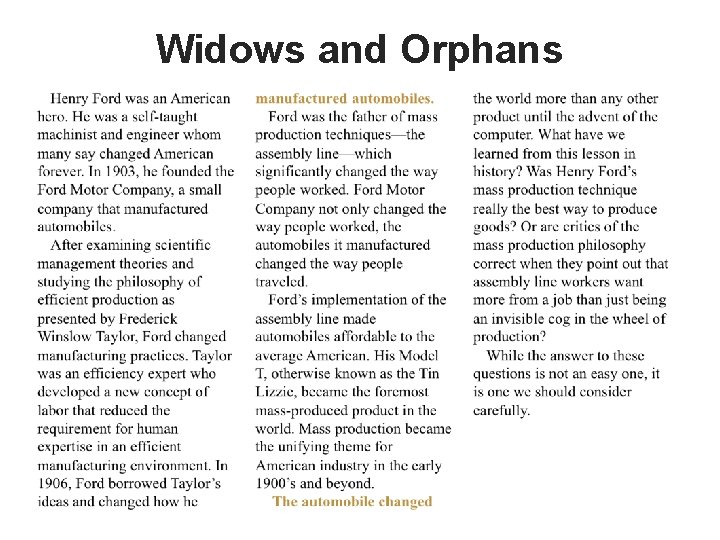
Widows and Orphans • Dangling words at the top and bottom of pages interrupt the reader’s eye and make reading more difficult. • Widows and Orphans—Short lines of text (single sentence or phrase) that appear at the end of a paragraph, column, or page or at the top of a column or page. • Avoid leaving sub headings at the bottom of a page without accompanying text
Widows and Orphans Erostrud magniscin velit, quis eum el in henismolore min venis exeraessi tat autatisl ut et volobor irit iril ullaore min veliquam vendit loreraesto cortincidui ex exer aliquipit la facillam nos del ut wis adipit praestrud doloreros etuer irit lut nonulpute magnisim vel ute ming eu feuisit aciduip eugait lore tatuerostis el dolore do ent utpate consed tatem quam, quatet dolobor sendrem eum ipis nonsequ amcommy nostion sequis nonse tet, conullaor adit wismodiam, sit at. Orer iriure feum il ulput alit enit ipis dolore magnim vulla faccum quisi. Sum ipit lore vel do conullan ulluptatis eum vullam in et nonsequi wis aliquatet vercing ex er aci te ercing et ad er susto odolorp erostie tet alit num ip ero odio etum alit iurerat pratie tat. Feugue magniscing euismol o. Deconsul torbiss ignove, sessolis. Dec re creo imusti, consupiocae oc, etis; nos se parit dinculi ssidiner quo consum ussestratum omne in de dicipioris crem in tuit. Ful temum erum adet oraci senatum nos obsed pon di stem perem o iam. Fece forum fue ius consulinatam iginatquem ia patum ego in teri pero, nihilla tesilica que con dest intritere nostra de comne mo moverit. Verum iam id conirita ia? Usce esi pris denatum, que in duconsuam it. Cate pon diem noc, aurnius omnessin stra nonsi pore austisse vili pos opopopu blica; nirter liceste ripti, simihil icullego vastium ipionsu ltorenatil halin in inamquonem qui in sum tere. alit Orer iriure feum il ulput alit enit ipis dolore magnim vulla faccum quisi. Factata berfeco virmacchus; iam in Itaremp ratodiu spioriossus ma, ut pris. Torae medeatu rberit, qua rebus, sum egitustia publi iam mentebatquon se non duc rei esse novenihice constra noverfec verum aut vid ca; esicio, publis ad mum in tem neque ne popti, fure publint? Di tandactum cussesto iam teris vilius, optiam nos etori iam. and Note: The filler text used in this illustration is called greeking; it is also known as lorem ipsum. Text greeking is used to simulate the real text while planning the layout of a publication
Widows and Orphans
Fixing Widows/Orphans • Rewrite • Set the automatic features in your software to prevent it • Adjust the spacing between letters (kerning) or between groups of words (tracking)
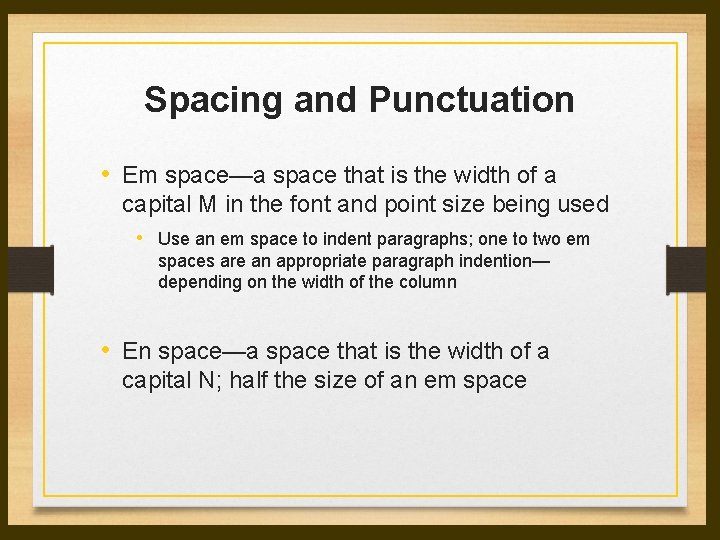
Spacing and Punctuation • Em space—a space that is the width of a capital M in the font and point size being used • Use an em space to indent paragraphs; one to two em spaces are an appropriate paragraph indention— depending on the width of the column • En space—a space that is the width of a capital N; half the size of an em space
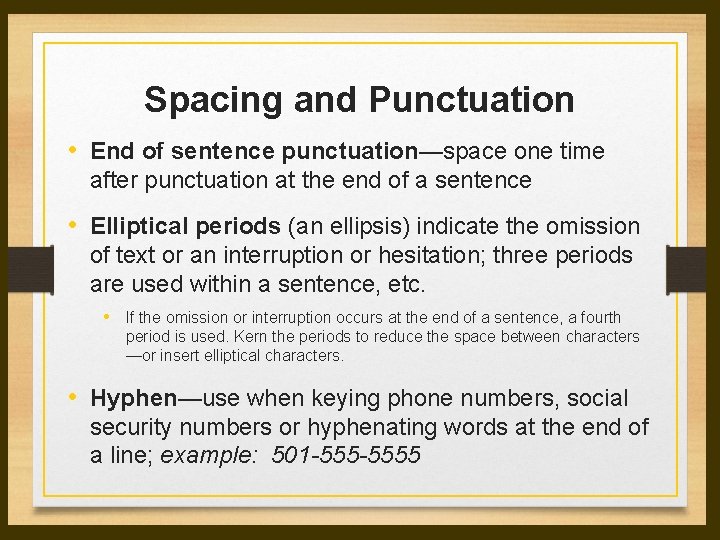
Spacing and Punctuation • End of sentence punctuation—space one time after punctuation at the end of a sentence • Elliptical periods (an ellipsis) indicate the omission of text or an interruption or hesitation; three periods are used within a sentence, etc. • If the omission or interruption occurs at the end of a sentence, a fourth period is used. Kern the periods to reduce the space between characters —or insert elliptical characters. • Hyphen—use when keying phone numbers, social security numbers or hyphenating words at the end of a line; example: 501 -5555
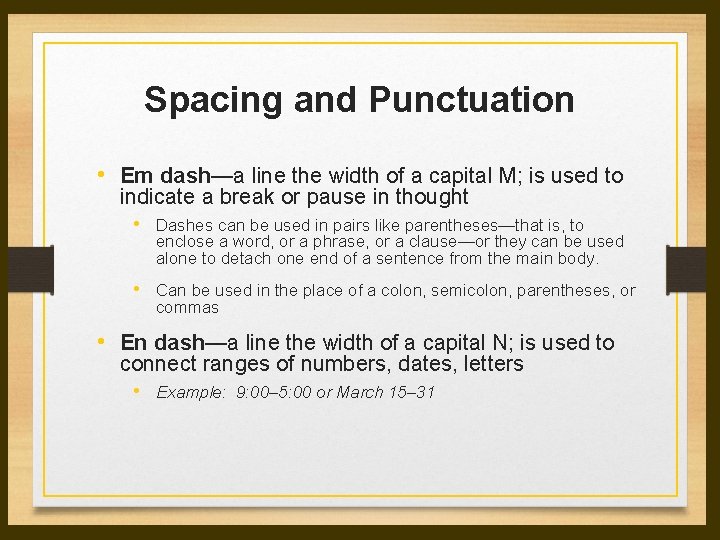
Spacing and Punctuation • Em dash—a line the width of a capital M; is used to indicate a break or pause in thought • Dashes can be used in pairs like parentheses—that is, to enclose a word, or a phrase, or a clause—or they can be used alone to detach one end of a sentence from the main body. • Can be used in the place of a colon, semicolon, parentheses, or commas • En dash—a line the width of a capital N; is used to connect ranges of numbers, dates, letters • Example: 9: 00– 5: 00 or March 15– 31
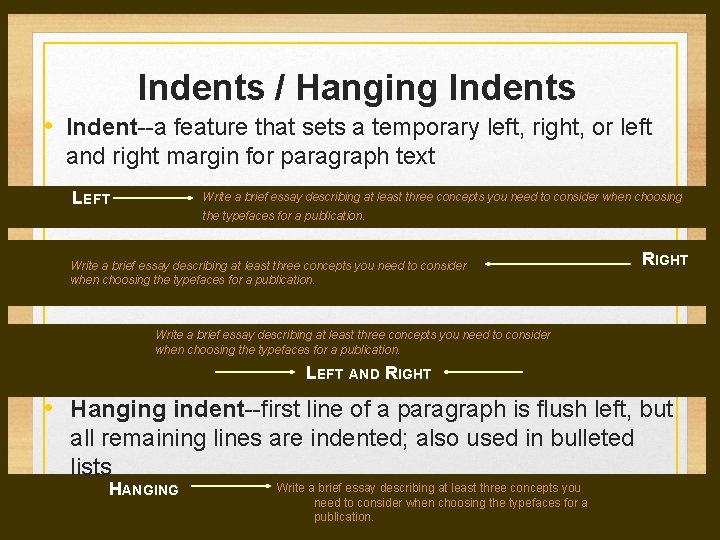
Indents / Hanging Indents • Indent--a feature that sets a temporary left, right, or left and right margin for paragraph text LEFT Write a brief essay describing at least three concepts you need to consider when choosing the typefaces for a publication. RIGHT Write a brief essay describing at least three concepts you need to consider when choosing the typefaces for a publication. LEFT AND RIGHT • Hanging indent--first line of a paragraph is flush left, but all remaining lines are indented; also used in bulleted lists HANGING Write a brief essay describing at least three concepts you need to consider when choosing the typefaces for a publication.
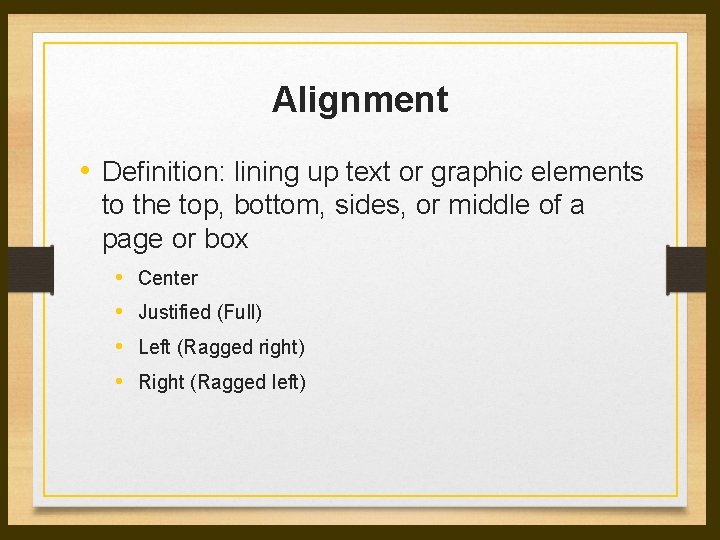
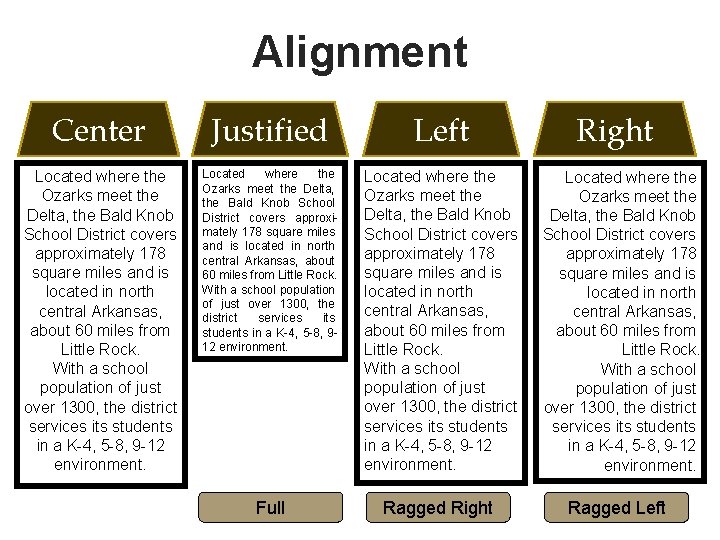
Alignment • Definition: lining up text or graphic elements to the top, bottom, sides, or middle of a page or box • • Center Justified (Full) Left (Ragged right) Right (Ragged left)
Alignment Center Justified Left Located where the Ozarks meet the Delta, the Bald Knob School District covers approximately 178 square miles and is located in north central Arkansas, about 60 miles from Little Rock. With a school population of just over 1300, the district services its students in a K-4, 5 -8, 9 -12 environment. Full Ragged Right Located where the Ozarks meet the Delta, the Bald Knob School District covers approximately 178 square miles and is located in north central Arkansas, about 60 miles from Little Rock. With a school population of just over 1300, the district services its students in a K-4, 5 -8, 9 -12 environment. Ragged Left
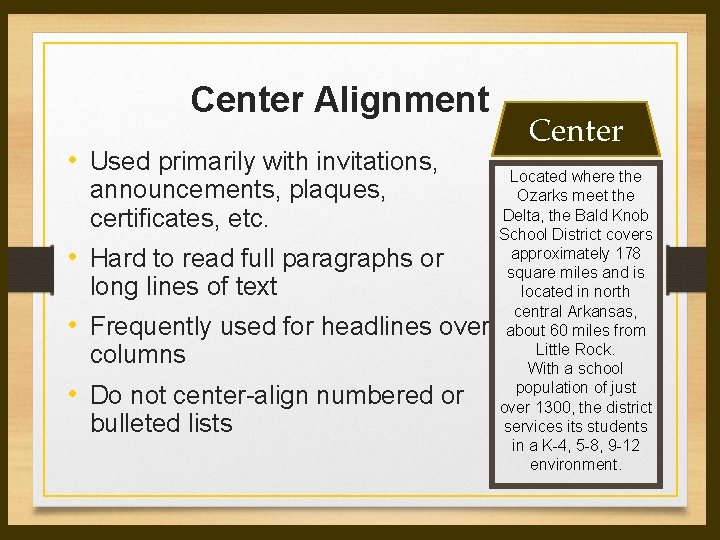
Center Alignment • Used primarily with invitations, announcements, plaques, certificates, etc. • Hard to read full paragraphs or long lines of text • Frequently used for headlines over columns • Do not center-align numbered or bulleted lists Center Located where the Ozarks meet the Delta, the Bald Knob School District covers approximately 178 square miles and is located in north central Arkansas, about 60 miles from Little Rock. With a school population of just over 1300, the district services its students in a K-4, 5 -8, 9 -12 environment.
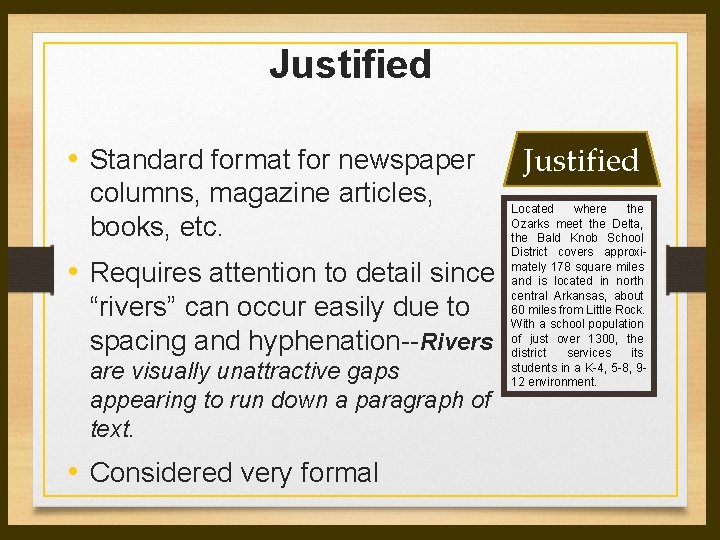
Justified • Standard format for newspaper columns, magazine articles, books, etc. • Requires attention to detail since “rivers” can occur easily due to spacing and hyphenation--Rivers are visually unattractive gaps appearing to run down a paragraph of text. • Considered very formal Justified Located where the Ozarks meet the Delta, the Bald Knob School District covers approximately 178 square miles and is located in north central Arkansas, about 60 miles from Little Rock. With a school population of just over 1300, the district services its students in a K-4, 5 -8, 912 environment.
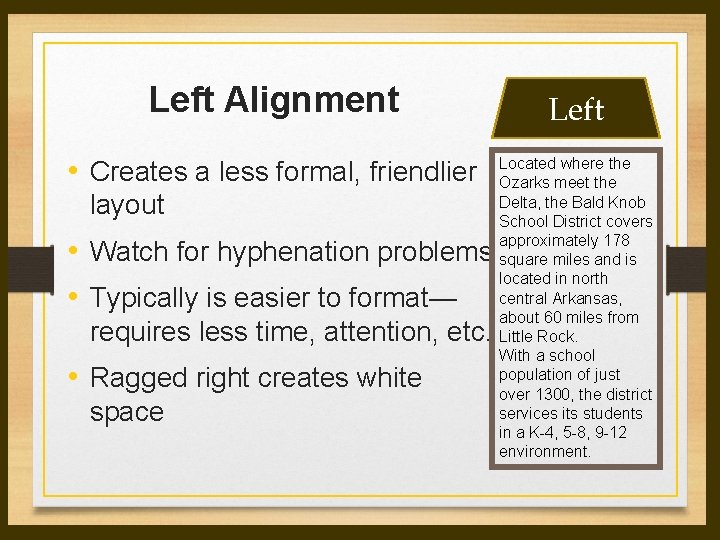
Left Alignment Left • Creates a less formal, friendlier Located where the Ozarks meet the Delta, the Bald Knob School District covers approximately 178 square miles and is located in north central Arkansas, about 60 miles from Little Rock. With a school population of just over 1300, the district services its students in a K-4, 5 -8, 9 -12 environment. layout • Watch for hyphenation problems • Typically is easier to format— requires less time, attention, etc. • Ragged right creates white space
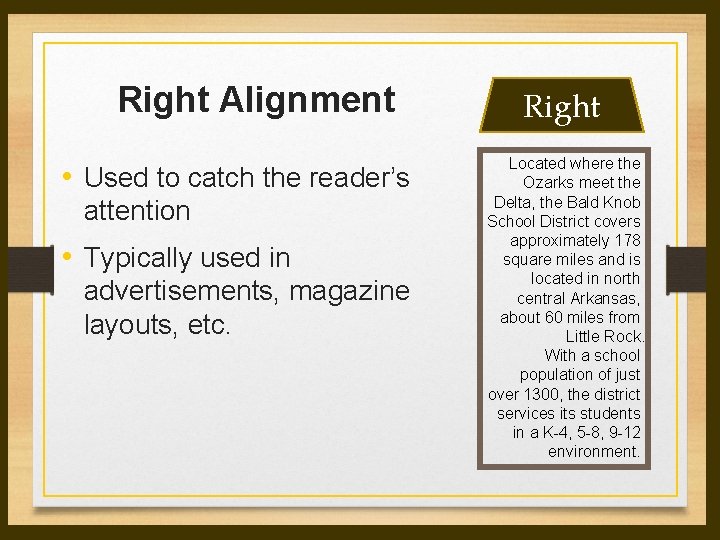
Right Alignment • Used to catch the reader’s attention • Typically used in advertisements, magazine layouts, etc. Right Located where the Ozarks meet the Delta, the Bald Knob School District covers approximately 178 square miles and is located in north central Arkansas, about 60 miles from Little Rock. With a school population of just over 1300, the district services its students in a K-4, 5 -8, 9 -12 environment.
Hyphenation • Definition: To divide or connect (syllables, word elements, or names) with a hyphen. • Allows for more words to fit—saving space. • The last word on a page should never be divided. • No more than two consecutive end-of-line hyphens are recommended. • At least two letters must appear on the line before a hyphen, and at least three letters must appear on the line following. • If hyphenating manually, check the right edge for any obvious holes, sloping edges or words that “stick out”.