
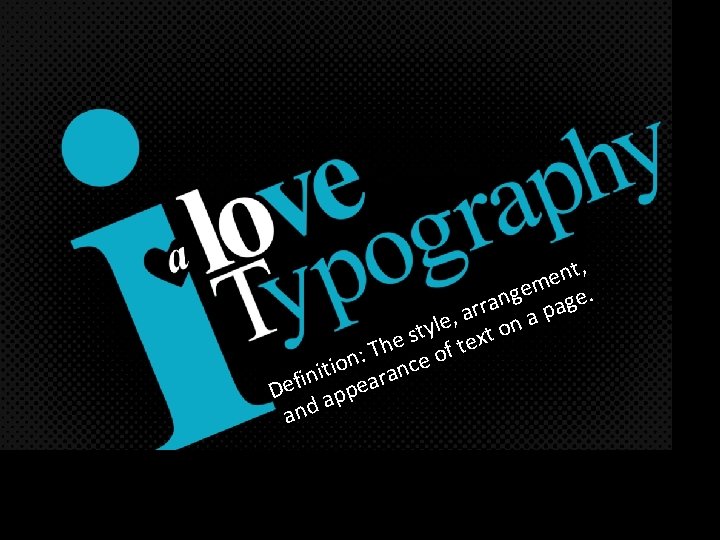
t n e m e g e n
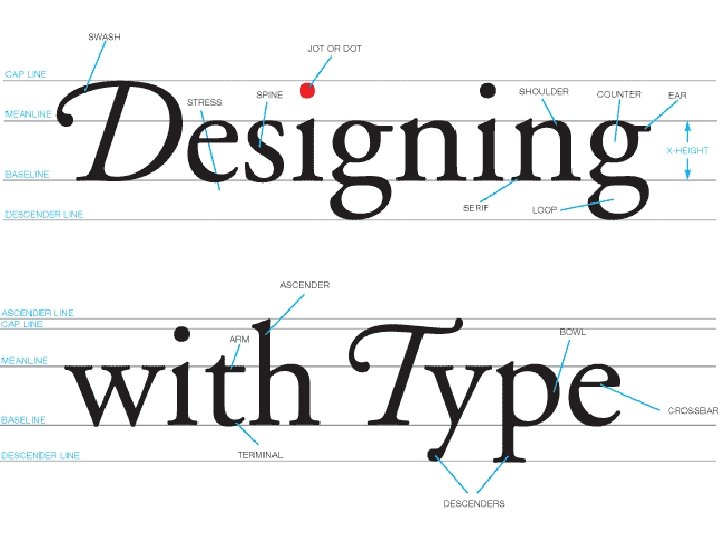



- Slides: 80
, t n e m e g. e n g a r a ar n a p , e l ty ext o s e Th e of t : n io ranc t i n i Def appea and
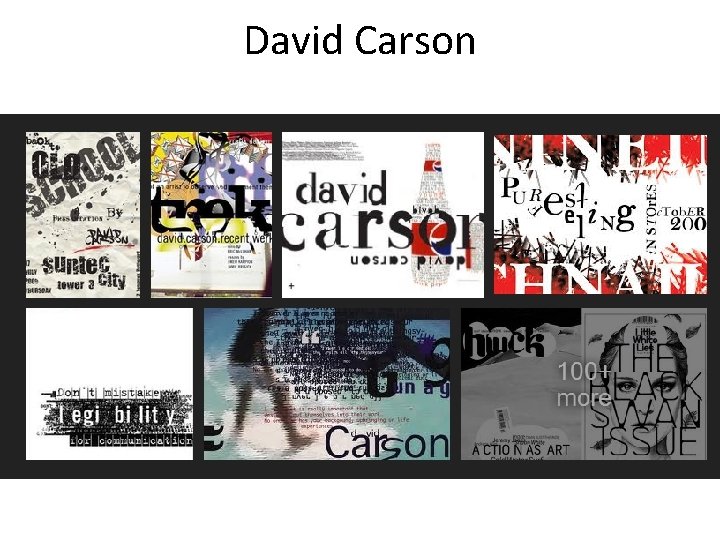
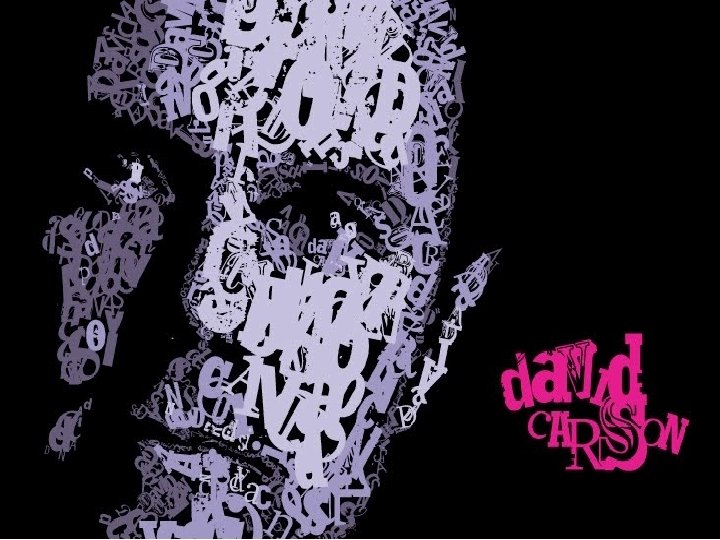
David Carson
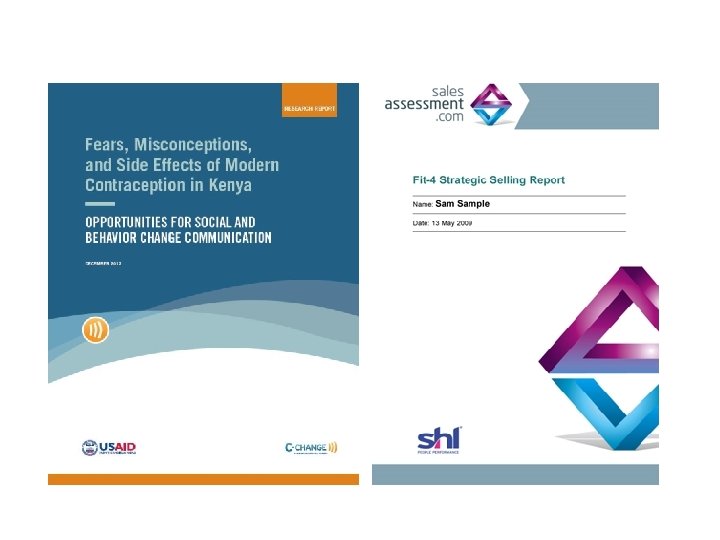
TYPE LAYOUT OF DOCUMENTS (Campaign Books, White Papers, Newsletters, PDF Downloads)
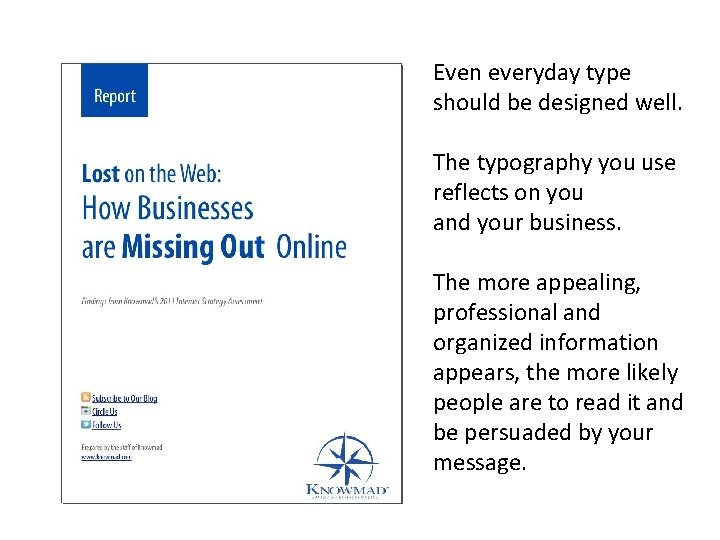
Even everyday type should be designed well. The typography you use reflects on you and your business. The more appealing, professional and organized information appears, the more likely people are to read it and be persuaded by your message.
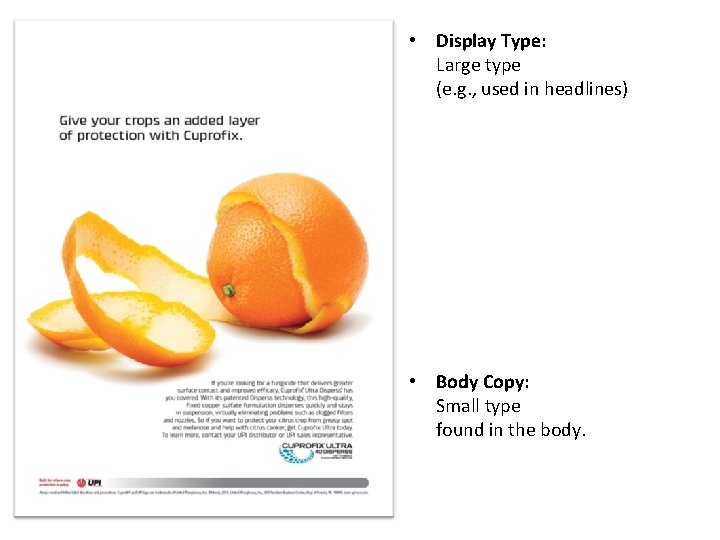
• Display Type: Large type (e. g. , used in headlines) • Body Copy: Small type found in the body.
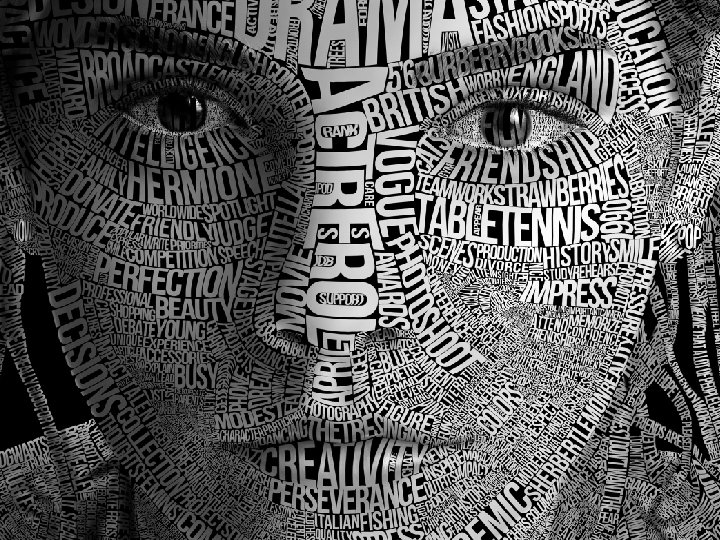
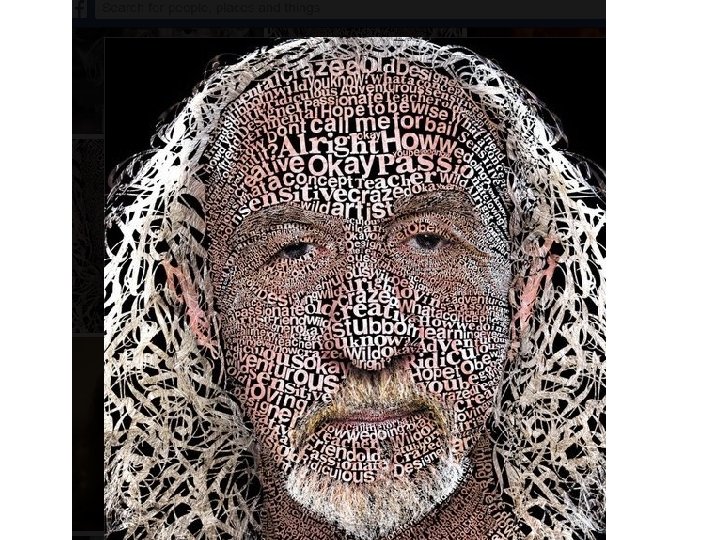
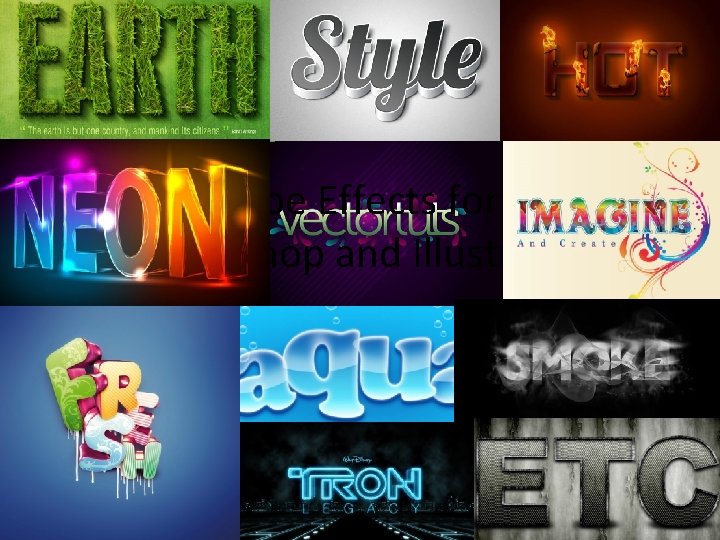
Why can’t we use Photoshop for type layout? • Answer: Photoshop uses pixels, which makes type fuzzy. So, we use In. Design or Illustrator. • However, if you want to make artistic type effects, Photoshop can be used. • See examples on the next page of artistic type effects in both Photoshop and Illustrator.
TYPE EFFECTS FOR PHOTOSHOP AND ILLUSTRATOR 80 Best Type Effects in Photoshop 50 Excellent Type Effect Tutorials in Illustrator
Type Effects for Photoshop and Illustrator
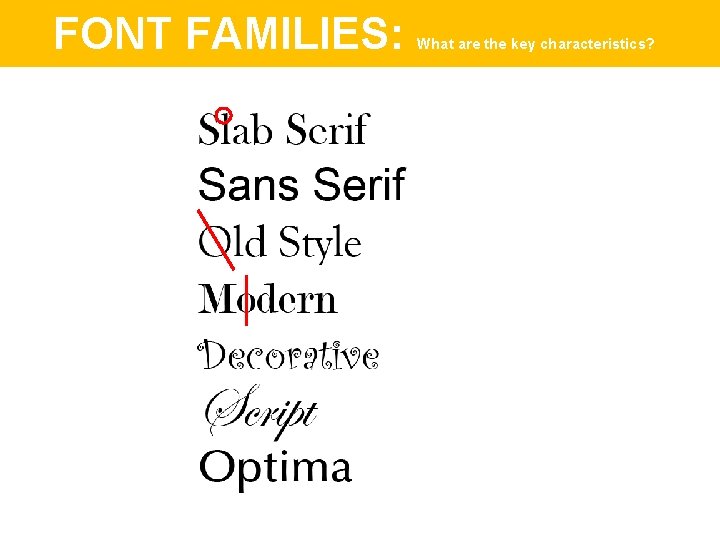
FONT FAMILIES
FONT FAMILIES: What are the key characteristics?
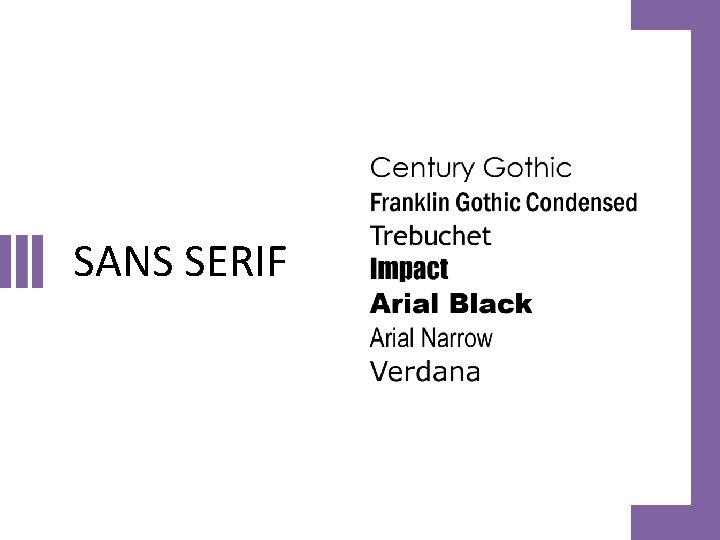
SANS SERIF
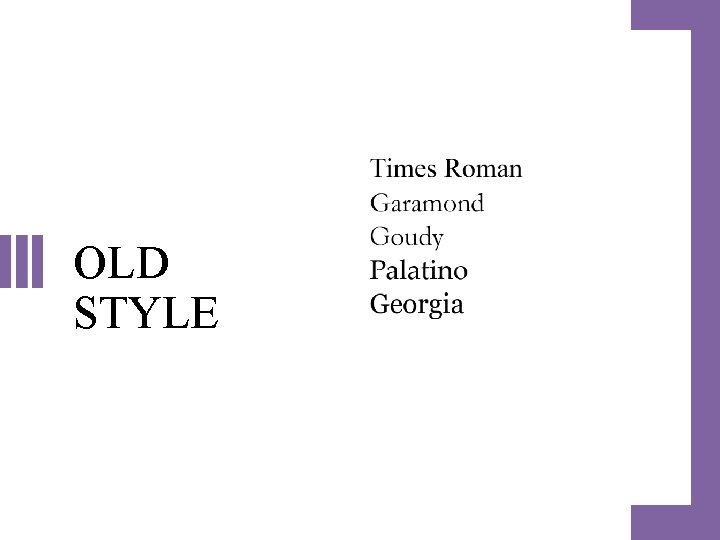
OLD STYLE
CASE STUDIES
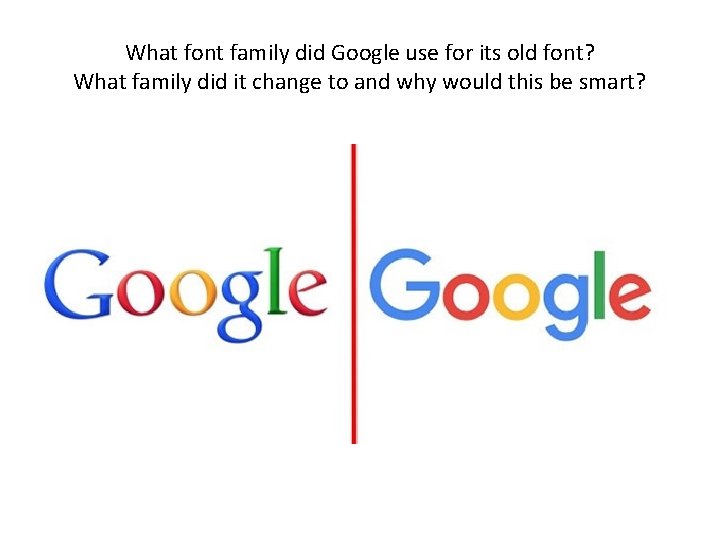
What font family did Google use for its old font? What family did it change to and why would this be smart?
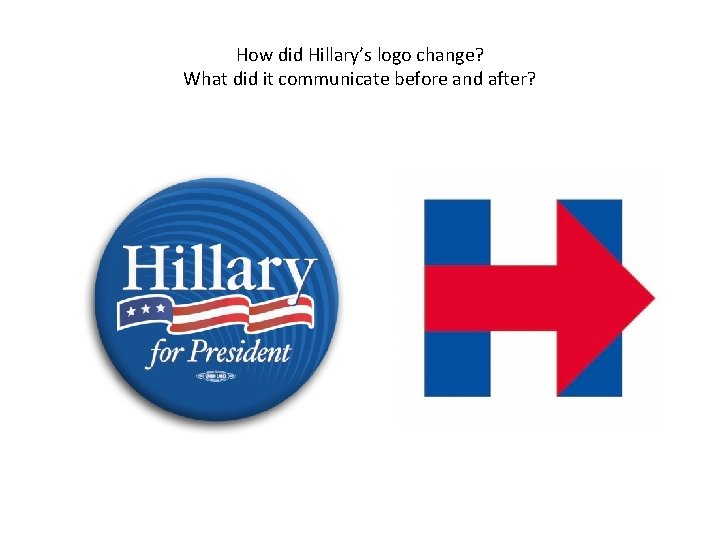
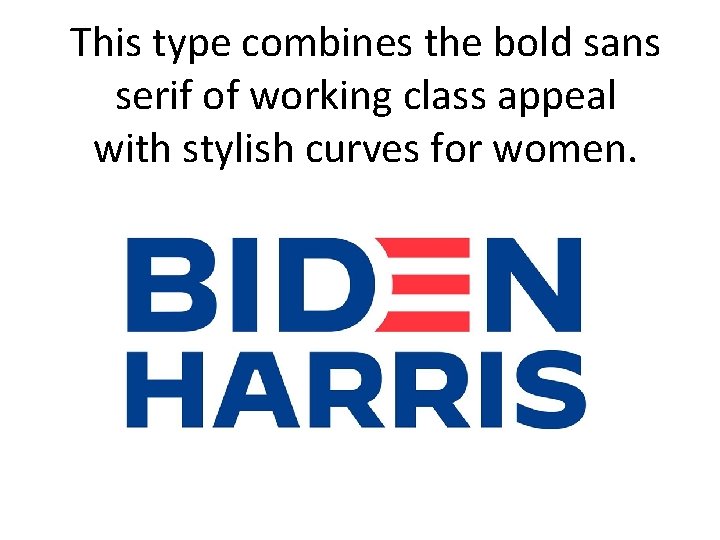
How did Hillary’s logo change? What did it communicate before and after?
This type combines the bold sans serif of working class appeal with stylish curves for women.
PRINCIPLES TO REMEMBER
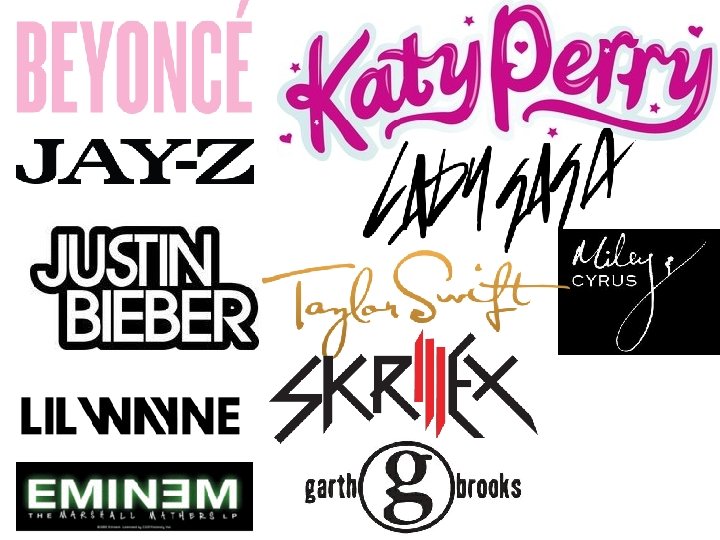
Principles Designers Know • Words carry emotional impact. • Letter forms carry emotional impact. • The shape and design of a font impacts how we use the typeface. • Social connotations are connected to letter forms and typography. • Social contexts affect the way type is used and understood.
CONTRASTING & CONFLICTING TYPE
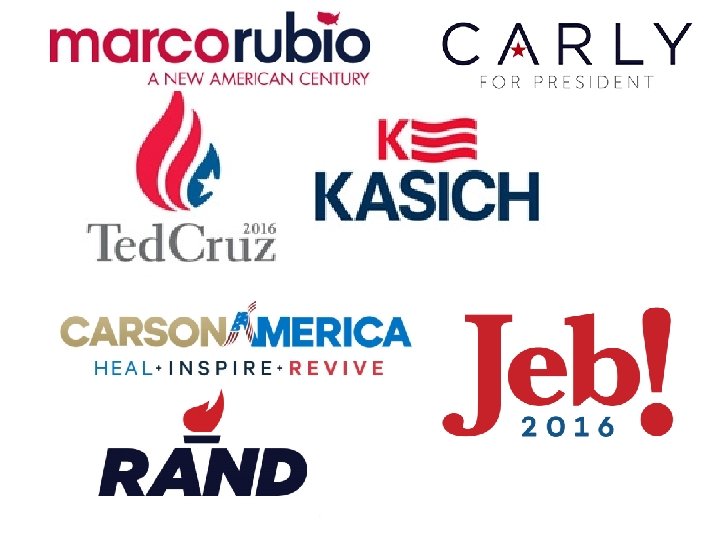
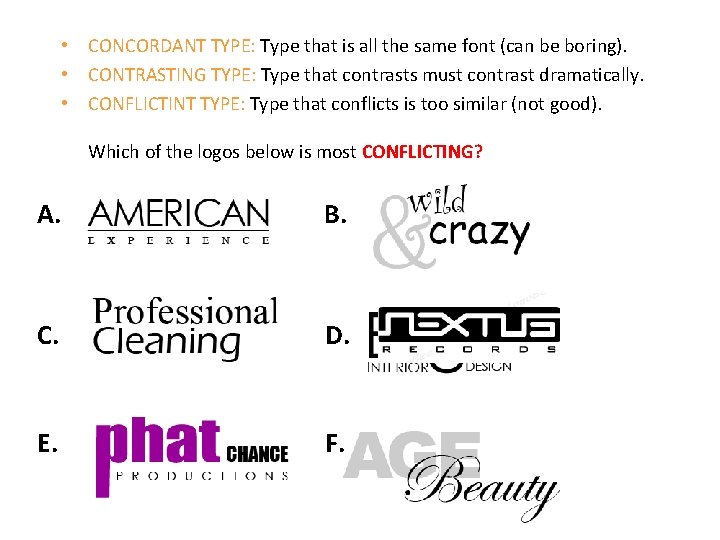
• CONCORDANT TYPE: Type that is all the same font (can be boring). • CONTRASTING TYPE: Type that contrasts must contrast dramatically. • CONFLICTINT TYPE: Type that conflicts is too similar (not good). Which of the logos below is most CONFLICTING? A. B. C. D. E. F.
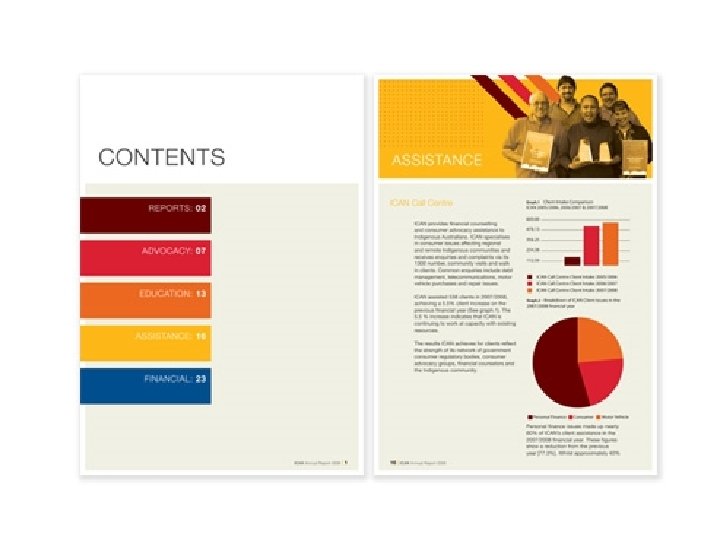
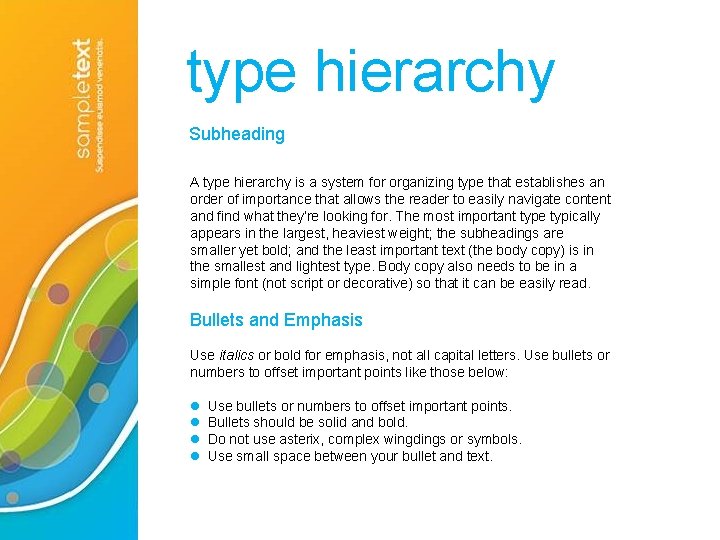
type hierarchy Subheading A type hierarchy is a system for organizing type that establishes an order of importance that allows the reader to easily navigate content and find what they’re looking for. The most important type typically appears in the largest, heaviest weight; the subheadings are smaller yet bold; and the least important text (the body copy) is in the smallest and lightest type. Body copy also needs to be in a simple font (not script or decorative) so that it can be easily read. Bullets and Emphasis Use italics or bold for emphasis, not all capital letters. Use bullets or numbers to offset important points like those below: l l Use bullets or numbers to offset important points. Bullets should be solid and bold. Do not use asterix, complex wingdings or symbols. Use small space between your bullet and text.
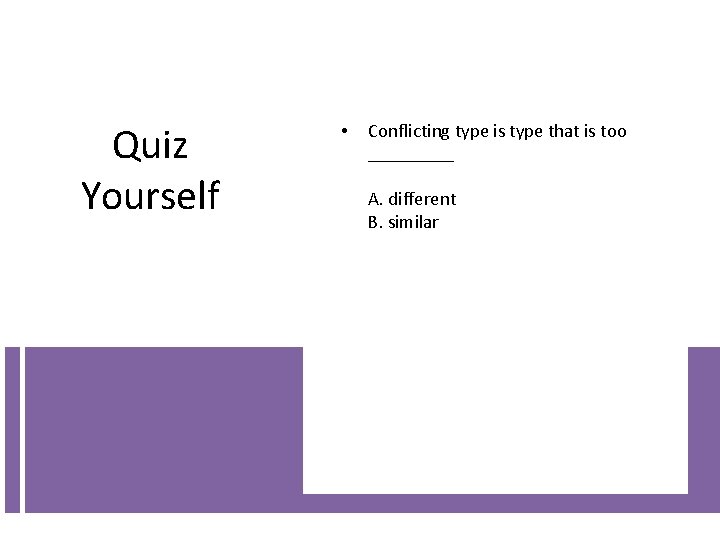
Quiz Yourself • Conflicting type is type that is too _____ A. different B. similar
ALWAYS OUT OF STYLE
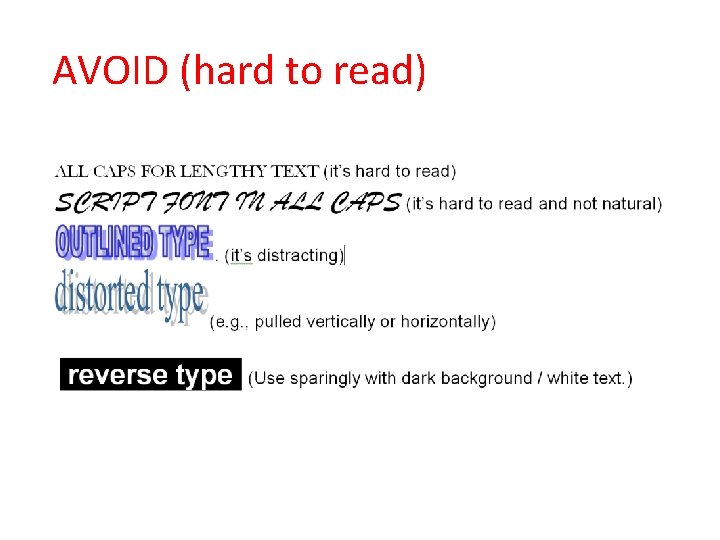
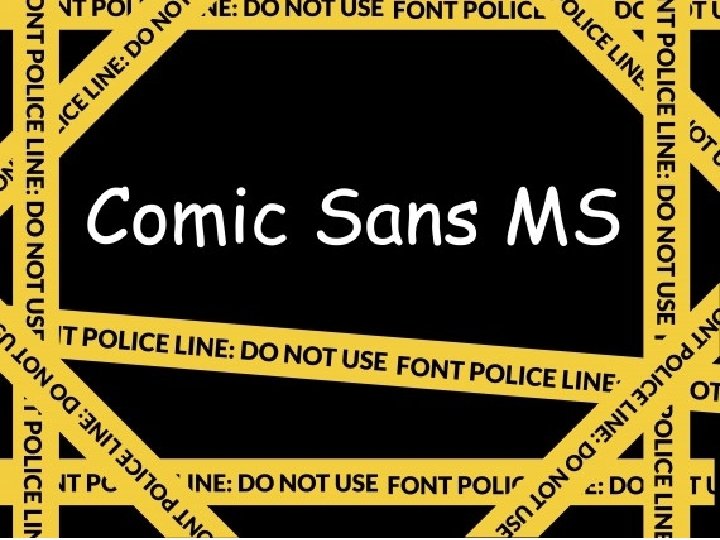
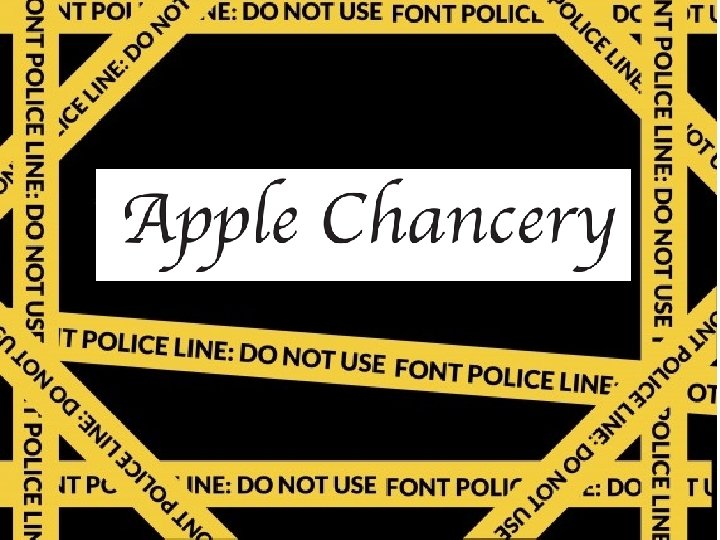
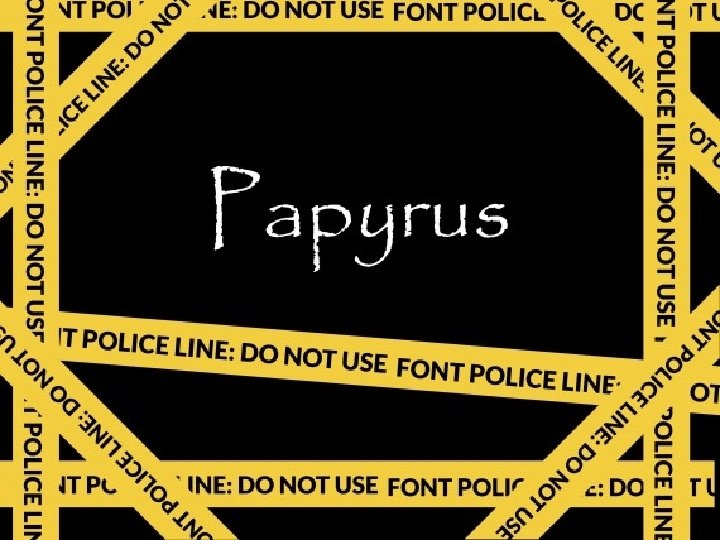
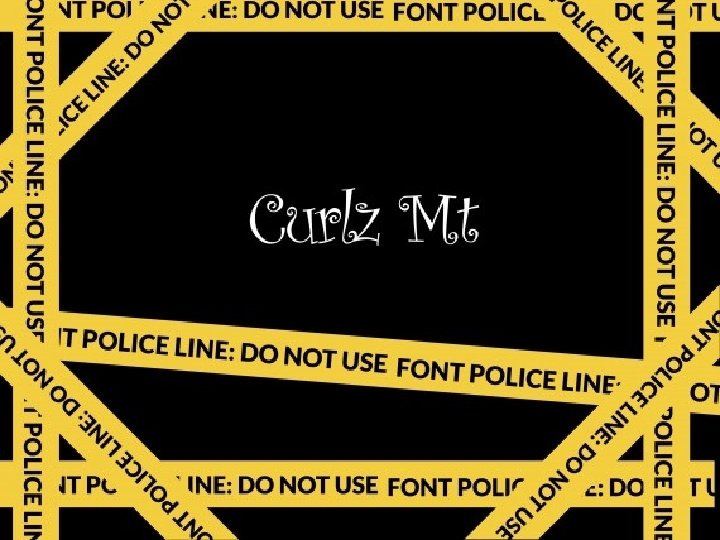
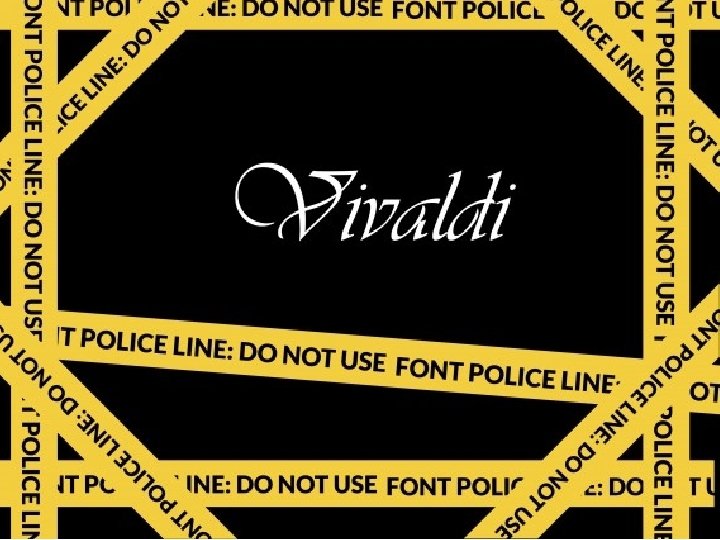
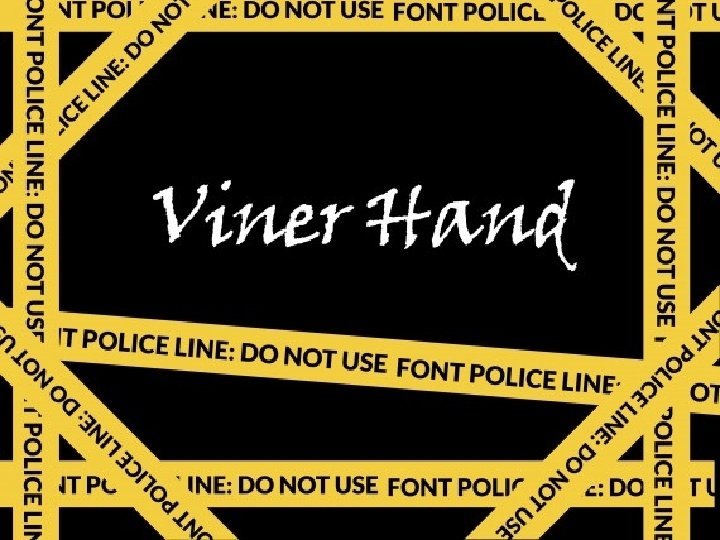
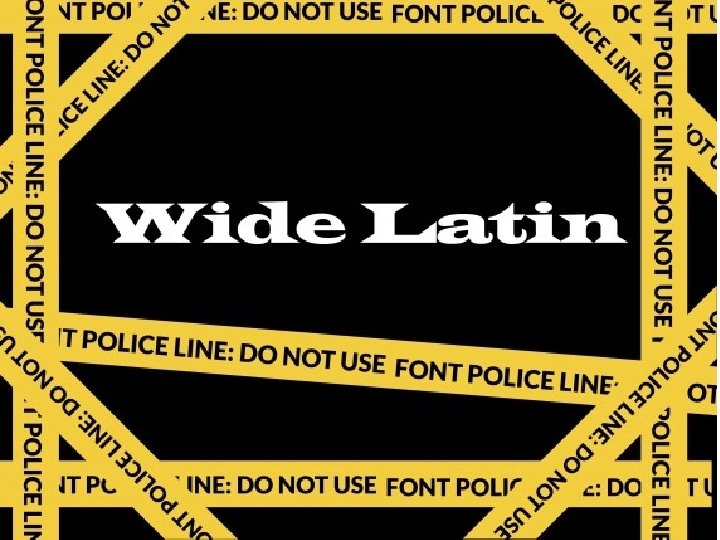
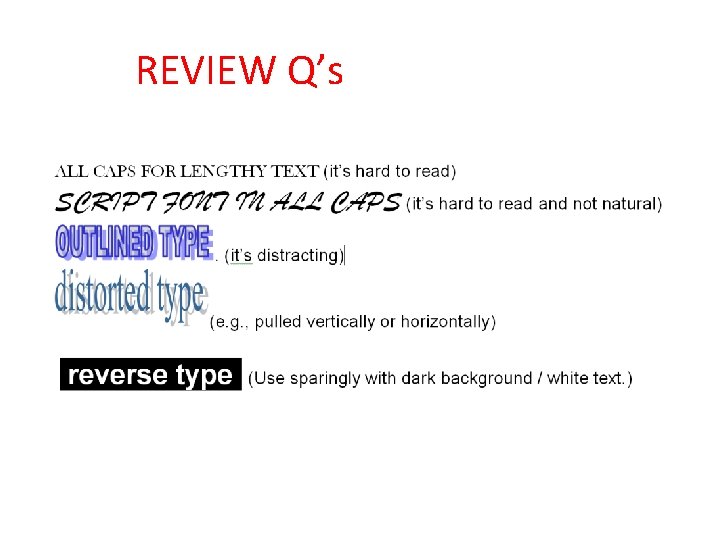
AVOID (hard to read)
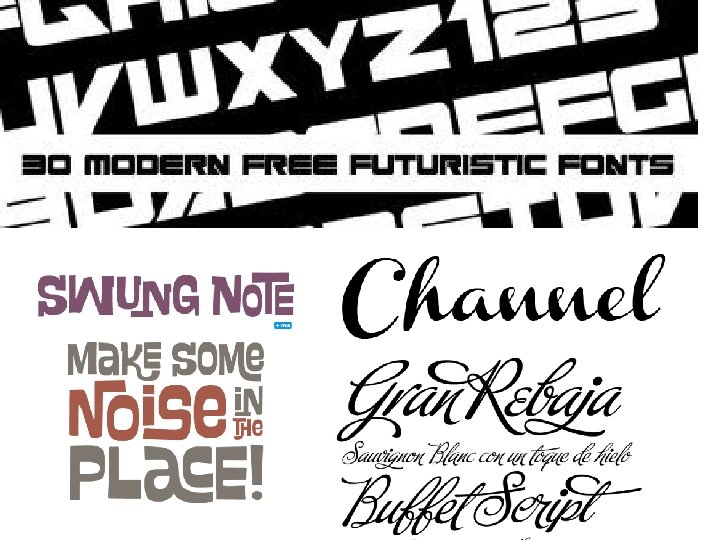
FAST FASHION FONTS
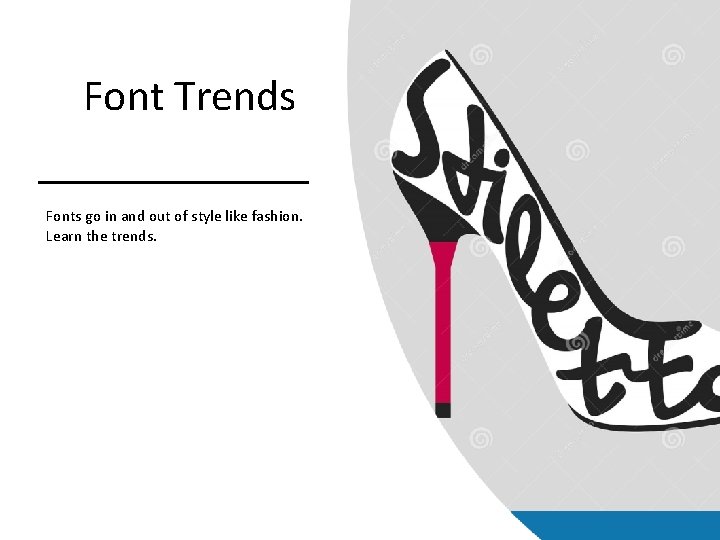
Font Trends Fonts go in and out of style like fashion. Learn the trends.
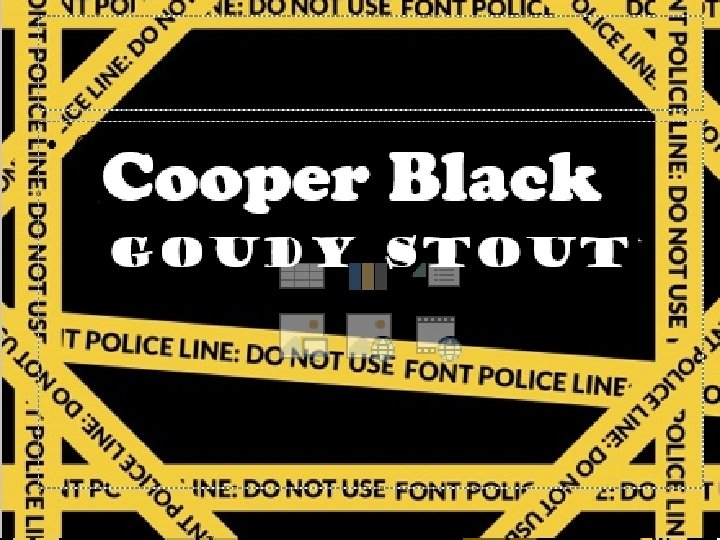
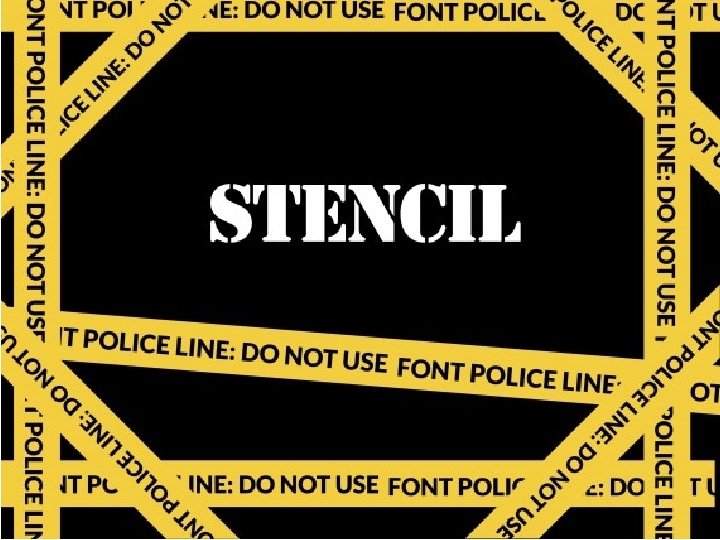
BEWARE
Cooper Black Goudy Stout
Cooper Black Goudy Stout
AVOID Any Poorly Designed Fonts • • Anyone can create a font, but few people know how to create them professionally, with consistent letter forms, kerning, metrics. Use Adobe Type. Kit or Google Fonts when possible.
REVIEW Q’s
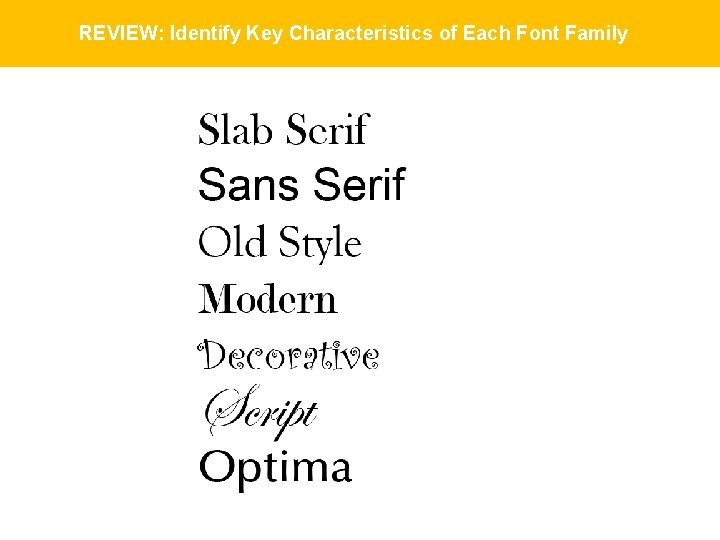
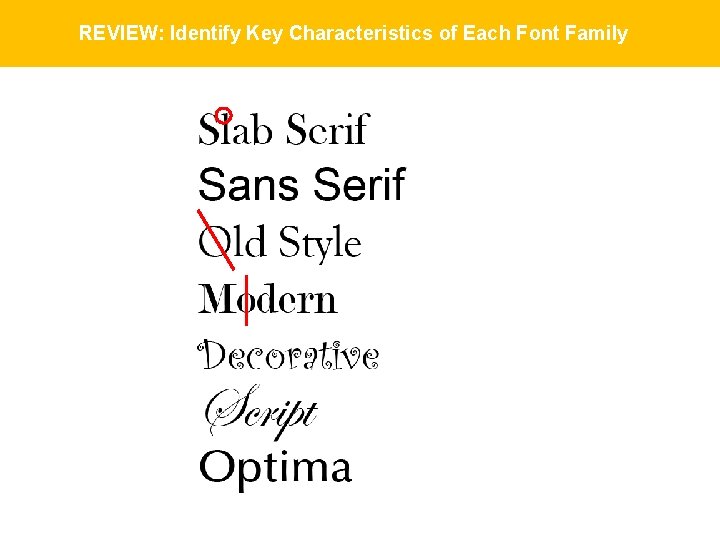
REVIEW: Identify Key Characteristics of Each Font Family
REVIEW: Identify Key Characteristics of Each Font Family
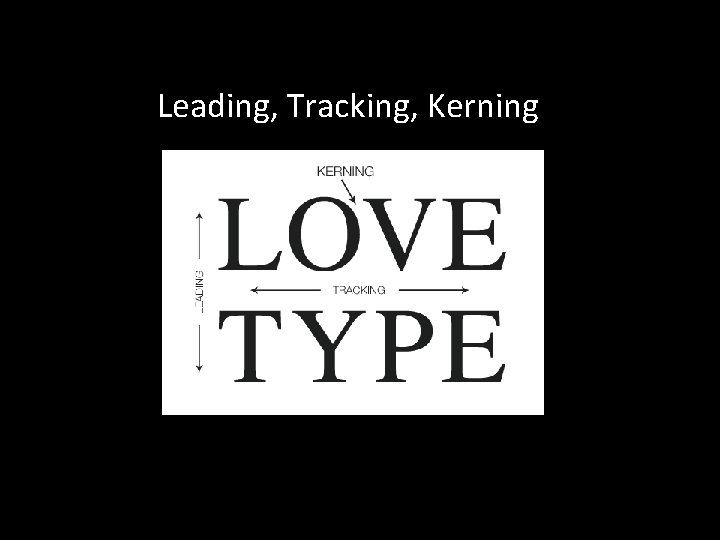
Leading, Tracking, Kerning
Q: Leading is the space between. . . • A. baselines (vertically) B. letters and words (horizontally) C. letter pairs (individually)
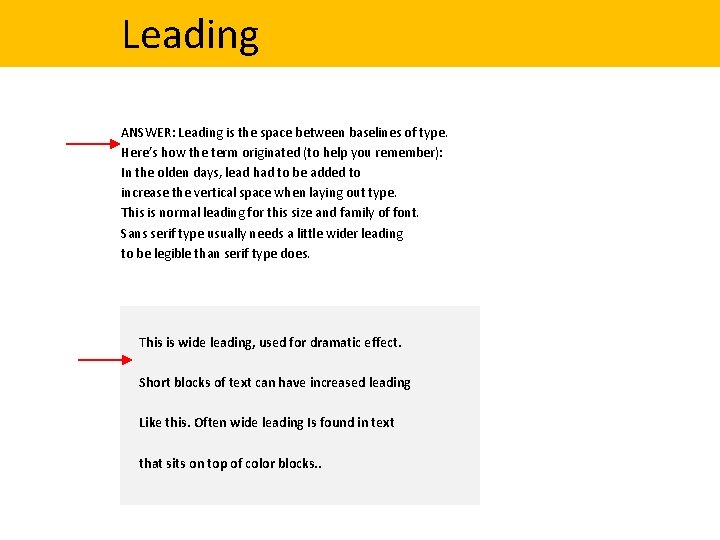
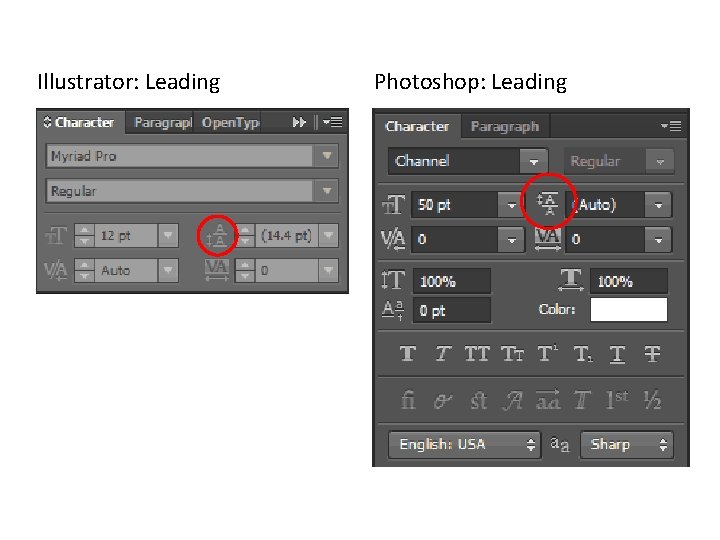
Leading ANSWER: Leading is the space between baselines of type. Here’s how the term originated (to help you remember): In the olden days, lead had to be added to increase the vertical space when laying out type. This is normal leading for this size and family of font. Sans serif type usually needs a little wider leading to be legible than serif type does. This is wide leading, used for dramatic effect. Short blocks of text can have increased leading Like this. Often wide leading Is found in text that sits on top of color blocks. .
Illustrator: Leading Photoshop: Leading
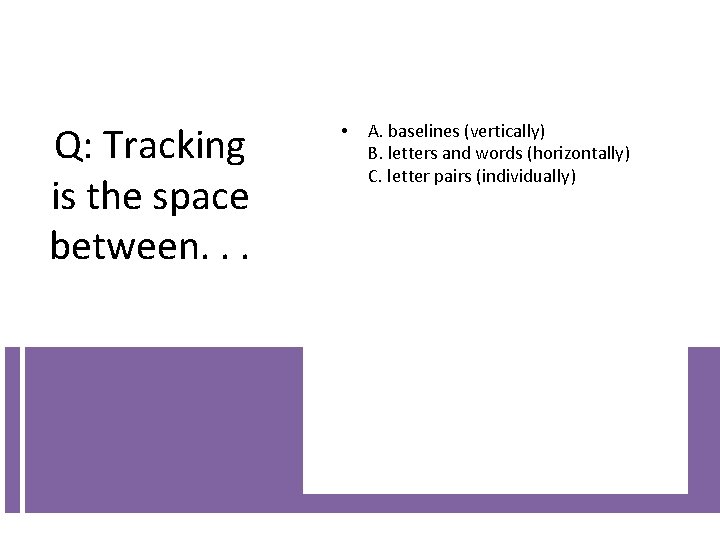
Q: Tracking is the space between. . . • A. baselines (vertically) B. letters and words (horizontally) C. letter pairs (individually)
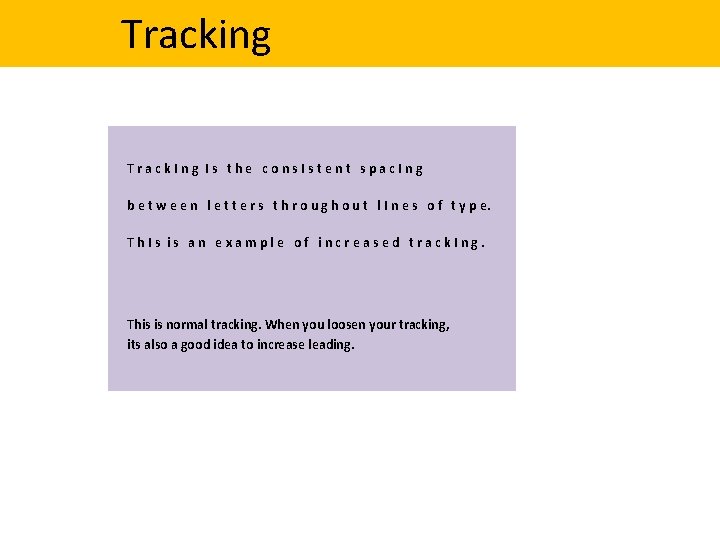
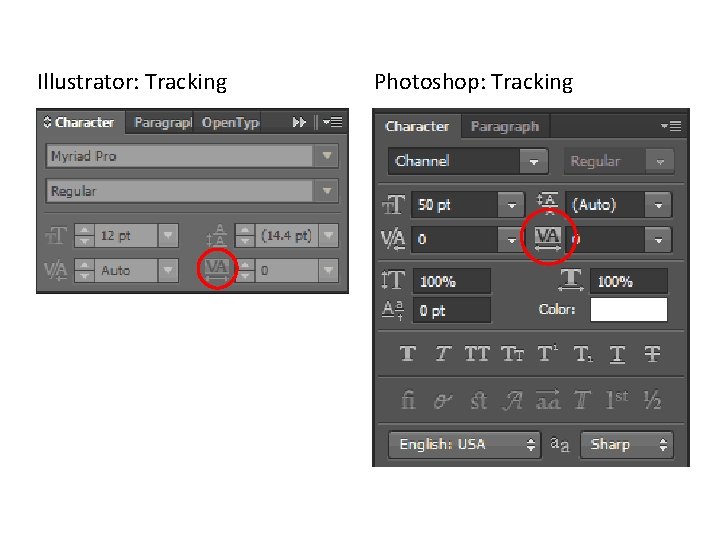
Tracking Track. Ing Is the cons. Istent spac. Ing b e t w e e n l e t t e r s t h r o u g h o u t l I n e s o f t y p e. Th. Is is an example of increased track. Ing. This is normal tracking. When you loosen your tracking, its also a good idea to increase leading.
Illustrator: Tracking Photoshop: Tracking
Q: Kerning is the space between. . . • A. baselines (vertically) B. letters and words (horizontally) C. letter pairs (individually)
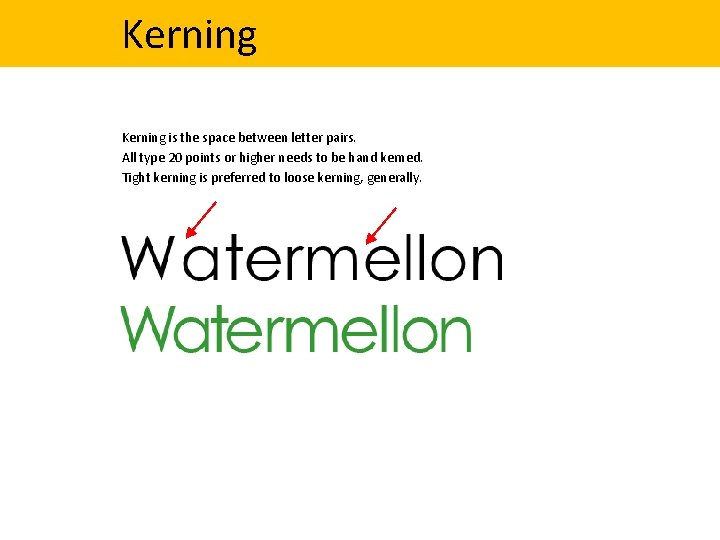
Kerning is the space between letter pairs. All type 20 points or higher needs to be hand kerned. Tight kerning is preferred to loose kerning, generally.
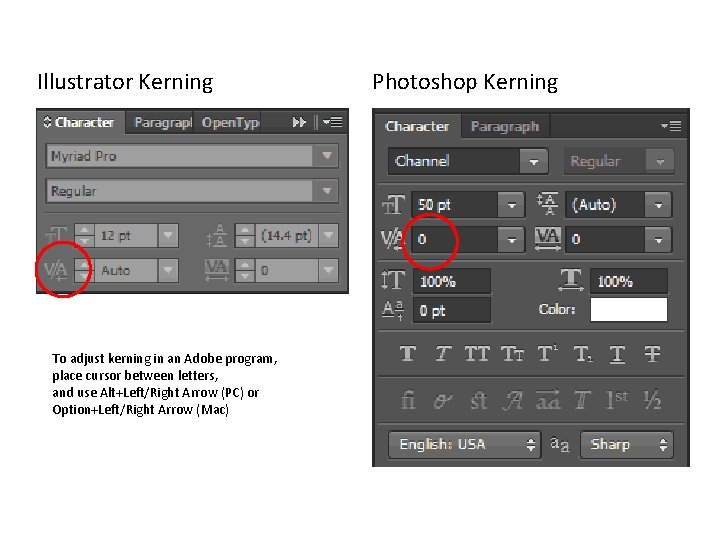
Illustrator Kerning Photoshop Kerning To adjust kerning in an Adobe program, place cursor between letters, and use Alt+Left/Right Arrow (PC) or Option+Left/Right Arrow (Mac)
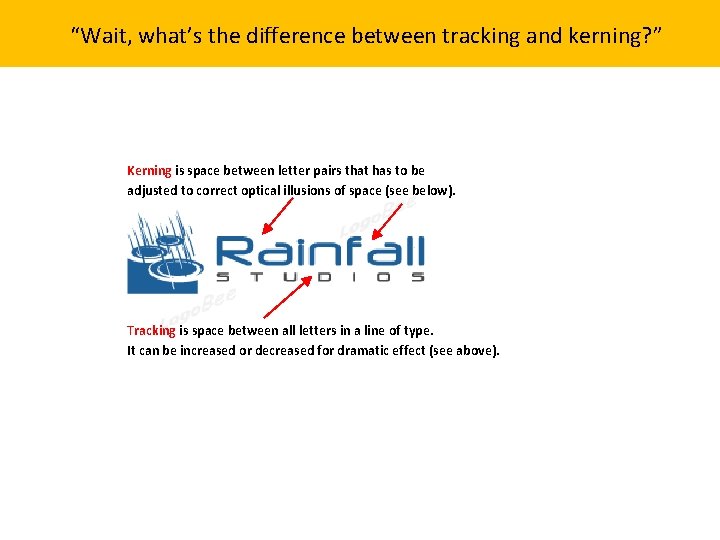
“Wait, what’s the difference between tracking and kerning? ” Kerning is space between letter pairs that has to be adjusted to correct optical illusions of space (see below). Tracking is space between all letters in a line of type. It can be increased or decreased for dramatic effect (see above).
Quiz Yourself • The space between baselines is: A. Leading, B. Tracking, C. Kerning
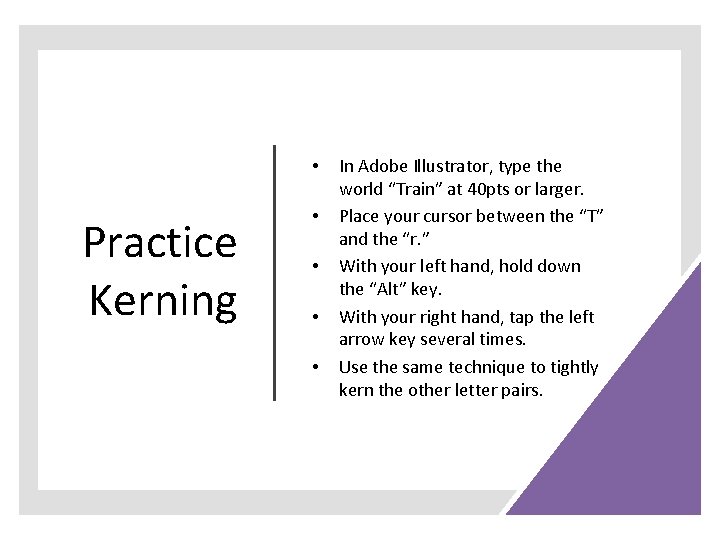
• Practice Kerning • • In Adobe Illustrator, type the world “Train” at 40 pts or larger. Place your cursor between the “T” and the “r. ” With your left hand, hold down the “Alt” key. With your right hand, tap the left arrow key several times. Use the same technique to tightly kern the other letter pairs.
Quiz Yourself • The consistent spacing between letters throughout lines of type is referred to as: A. Leading, B. Tracking, C. Kerning
Questions Designers Always Ask • • What font and why? What point size and why? What color and why? What size leading, tracking, kerning and why?
Quiz Yourself • Identify 3 things to avoid with type.
Quiz Yourself • Identify the true statement: A. A type hierarchy is a system for organizing type that establishes an order of importance B. The most important type typically appears in the largest, heaviest weight; C. the least important text (the body copy) is in the smallest and lightest type. D. All of the above.
Quiz Yourself • True or False: Letter forms carry emotional impact.
EXERCISE Using Google Fonts or Adobe Type. Kit GROUP 1 and 2 • Find a contemporary script font you love. Write a large word with it and kern it. What mood does this font communicate? • Find an old style font you love (not arial or myriad pro or verdana or Helvetica). Write a paragraph with it, with wide leading. What mood does this font communicate? Group 3 and 4 • Find a decorative font you love. Write a large word with it and kern it. What mood does it communicat? • Find a sans serif font you love (not Times). Write a paragraph with it and apply wide leading. What mood does this font communicate?
Questions?