
Power Point Fonts The preferred minimum font size

- Slides: 12
Power. Point
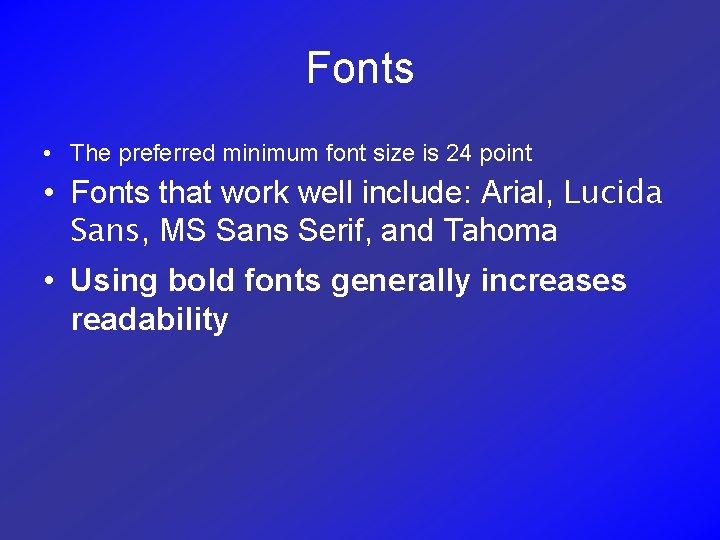
Fonts • The preferred minimum font size is 24 point • Fonts that work well include: Arial, Lucida Sans, MS Sans Serif, and Tahoma • Using bold fonts generally increases readability
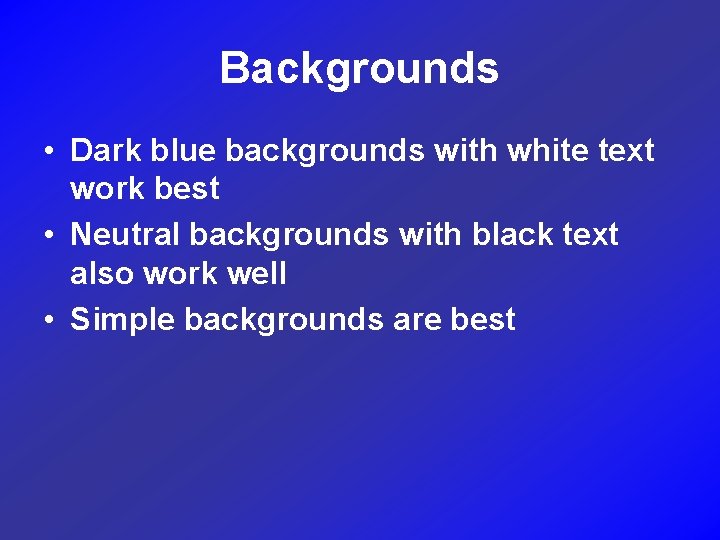
Backgrounds • Dark blue backgrounds with white text work best • Neutral backgrounds with black text also work well • Simple backgrounds are best
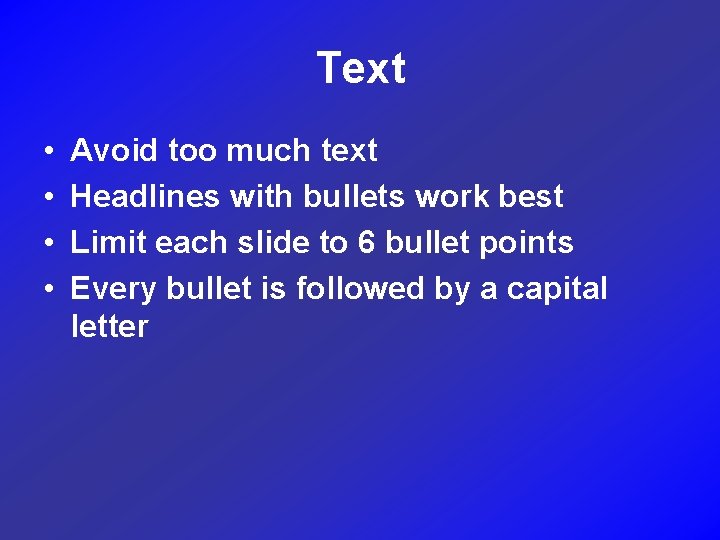
Text • • Avoid too much text Headlines with bullets work best Limit each slide to 6 bullet points Every bullet is followed by a capital letter
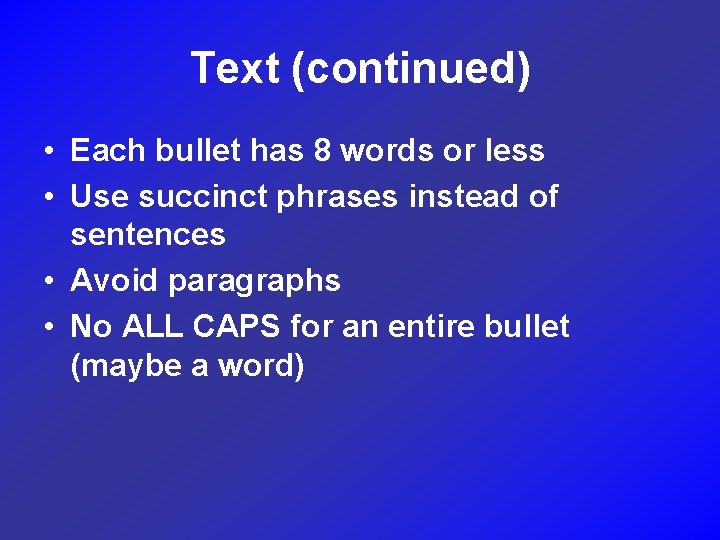
Text (continued) • Each bullet has 8 words or less • Use succinct phrases instead of sentences • Avoid paragraphs • No ALL CAPS for an entire bullet (maybe a word)
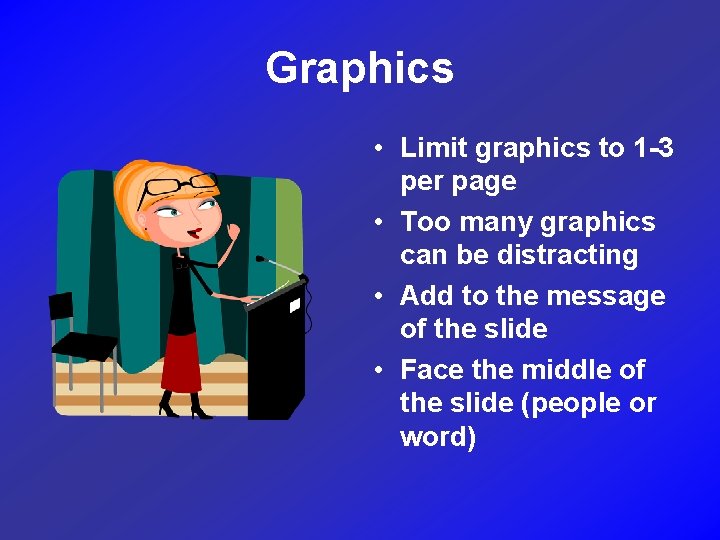
Graphics • Limit graphics to 1 -3 per page • Too many graphics can be distracting • Add to the message of the slide • Face the middle of the slide (people or word)
Transition Use one transition for all slides
Effects and Animations • Bells and whistles are fun to put in • They tend to be distracting for the viewer • Make sure that special effects have a purpose • Use up to three different effects on bulleted text
Effects and Animation (cont. ) • Avoid animation effects on graphics copies from Internet • No more than three clicks to complete a slide
Proofreading • Check for spelling errors • Check for grammar errors
Presentation • Don’t read your presentation word for word • Slides are designed to supplement your presentation • Use slides to zero in on important topics • Add more material orally
References • Do not plagiarize • Cite the source for quotes and graphics • Cite the source if you summarize someone’s work